
For the last month or so, I have known that this would be a very hard review to write. Not because of the subject matter, but because once the review is finished I’ll no longer have an excuse to keep “my” Toshiba Tecra M8 loaner. Ah well, the deadline has come and gone (eep!) and I can’t procrastinate any longer…so let’s jump right in. 
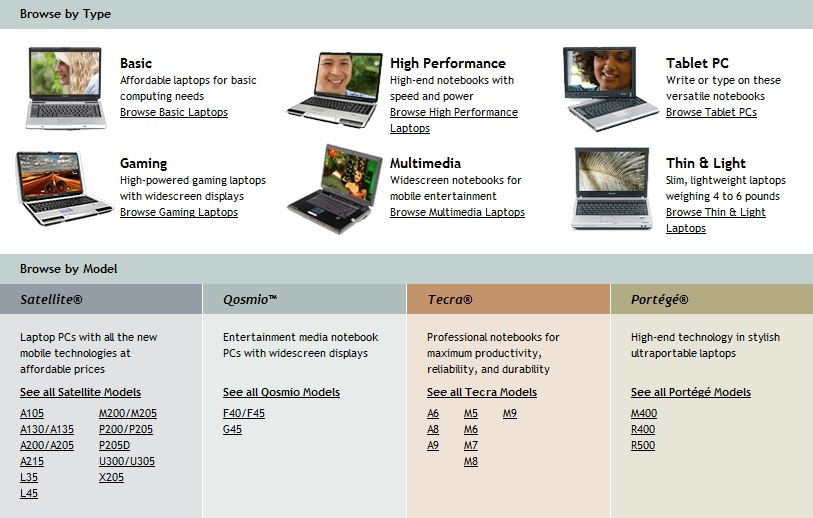
Toshiba has different lines of laptops designed to meet different people’s needs: Satellite, Qosimo, Tecra, and Portégé. Satellite are listed as “Laptop PCs with all the new mobile technologies at affordable prices;” Qosimos as “Entertainment media notebook PCs with widescreen displays;” Portégés as “High-end technology in stylish ultraportable laptops;” and Tecras, which I will be reviewing today, are “Professional notebooks for maximum productivity, reliability, and durability.”
To dig in even deeper: there are different models available under each line, and obviously some are more loaded-out than others. The Tecra line includes seven different types of laptops and one Tablet PC; the M8 is second to the top of the line.
all review pictures are thumbnails – click and they will enlarge
From the Toshiba website:
Optimized for Windows Vista™ and powered by proven Intel® Centrino® Duo processor* technology, including Core™2 Duo processors* , Tecra® M8 balances exceptional portability with overall size, enabling users to effortlessly handle demanding tasks and applications. Offering a 20% larger viewing area than most 12.1? screens, Tecra® M8’s brilliant 13.3? diagonal widescreen TruBrite® display* delivers the optimal combination of viewing experience and carrying comfort, while retaining a system weight starting at a mere 4.5 pounds* including an integrated DVD SuperMulti optical drive.
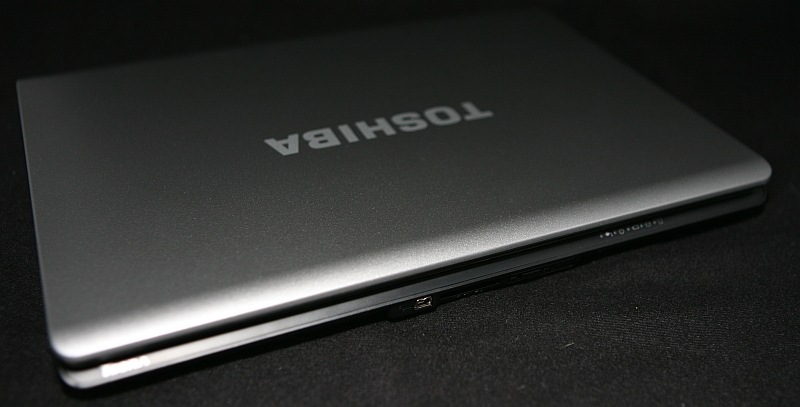
The Tecra M8 measures approximately 12.1? wide x 9.25? deep x 1.25? thick, and it weighs 4 pounds 9 ounces. The exterior is composed of black plastic, and the lid and interior are clad in a slightly glittery silver magnesium. The amazing thing about this laptop is that although it is certainly sized to be very portable, I never got the sense that it was too small to be truly usable, and I never found it to be lacking any important features – heck, I soon found that it had features I wish my top of the line Fujitsu T4215 had! I’ll explain further as we go along…
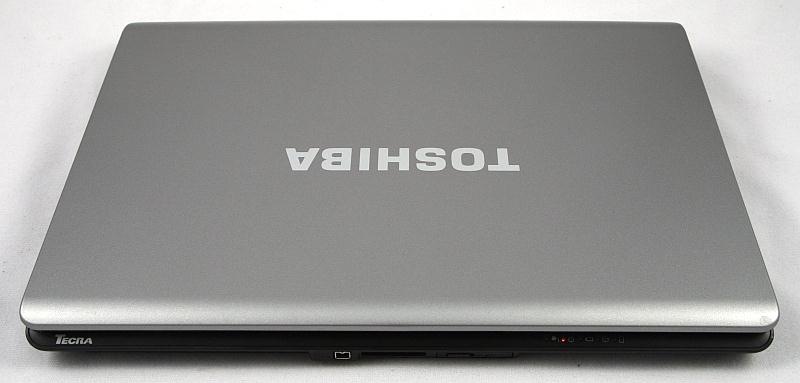
There is no clasp or latch on the front of the laptop, which I like. To open, you simply slip a finger under the lid and lift it up…but we aren’t going to do that just yet. Instead, we are going to play ring-around-the-gadget first.
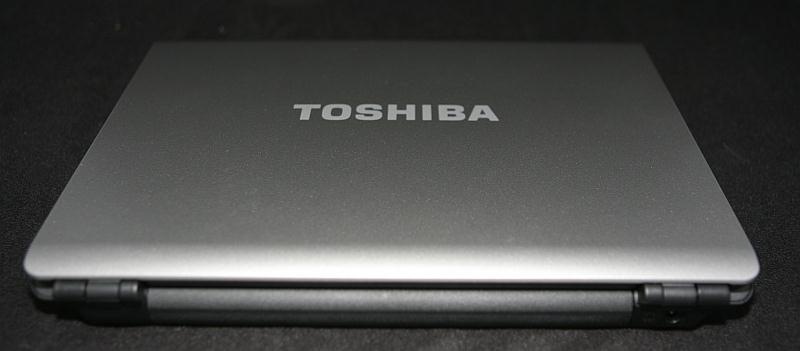
The back of the laptop has two 1.3? hinges; bearing in mind that I’ve only been using the M8 for a little over a month, I can say that the hinges feel quite solid; even though there is no clasp, the laptop lid stays shut – even when the laptop is held upside down.
The power port on the right side is the only connection on the rear of the computer…
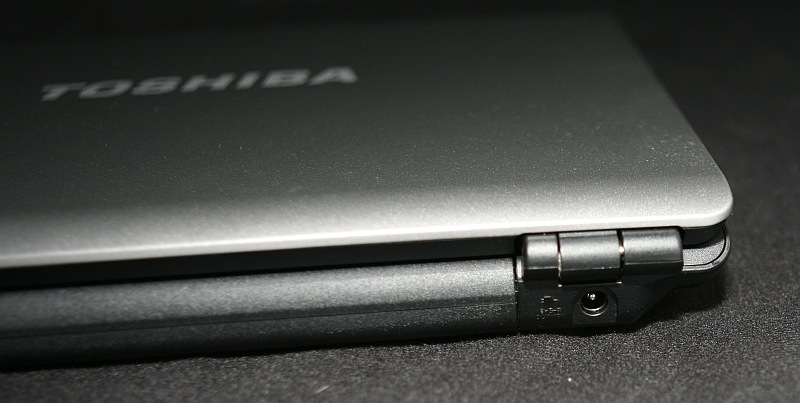
…here is a closeup of the left rear.
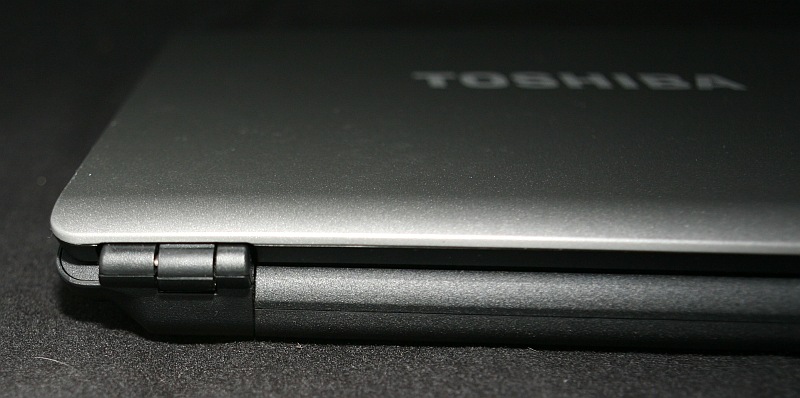
Flipping the Tecra M8 over for just a moment shows (from the top of the picture to the bottom): the removable battery bay and its release latch and lock; randomly placed air vents; the memory module cover and the hard drive cover.
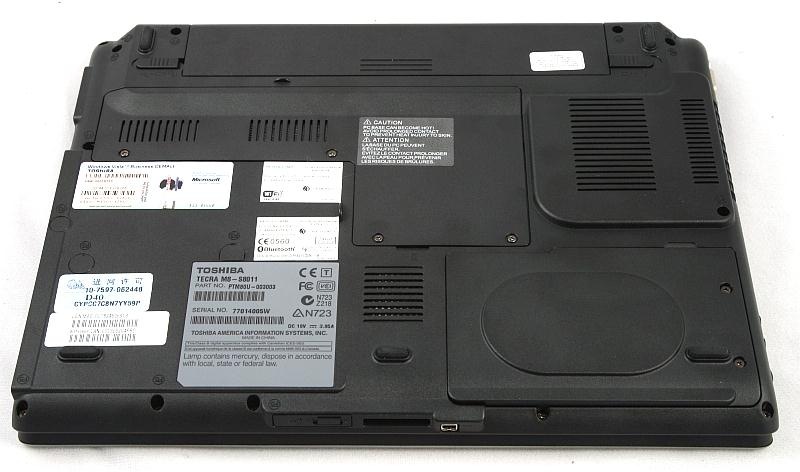
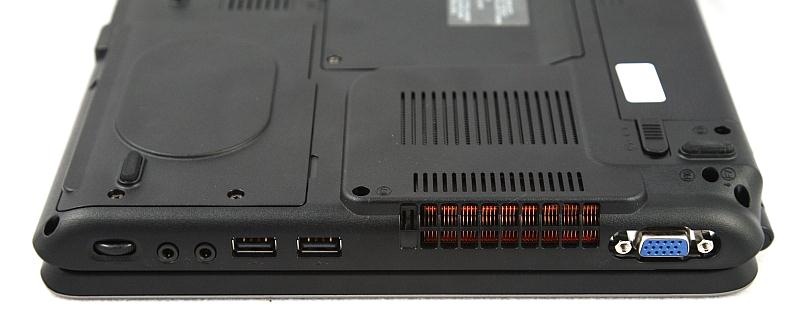
The computer’s right side has, from left to right: an external RGB monitor connector, the vent,two USB 2.0 ports, a microphone and headphone jack, and the volume dial.
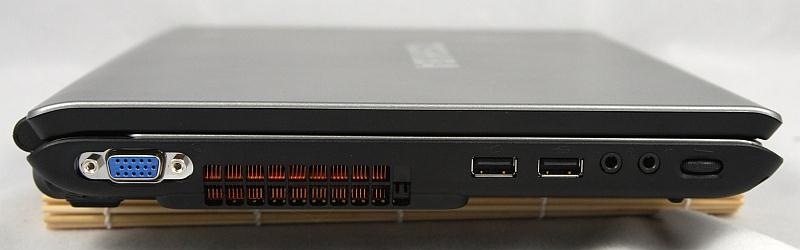
Here are the same side seen from another view.
The laptop’s left side has a full PCMCIA slot above the DVD “Super MultiDrive” tray, another USB port, ethernet and V.92 modem ports, and a security lock slot.
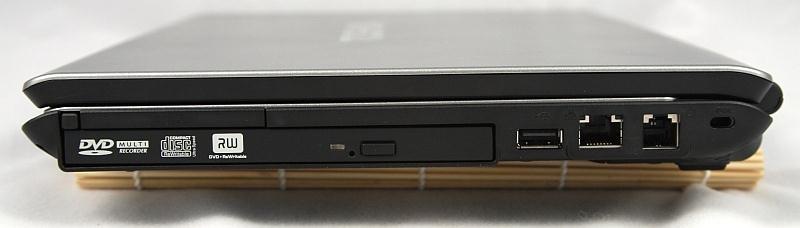
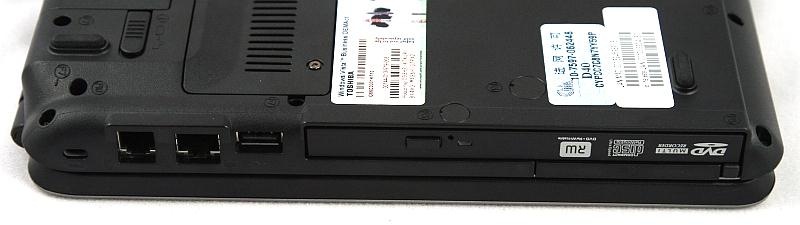
Once again, the same side from the another view…
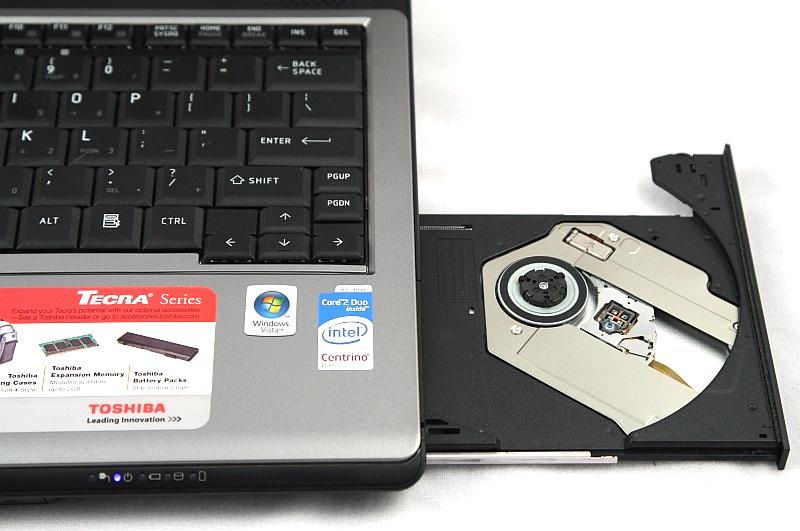
…and a shot of the DVD tray opened.
The front edge of the Tecra has an iLink port; a slot which accepts SD, SDHC, MMC, xD, and Memory Stick/pro cards (with no adapter needed); and a Wireless On/Off switch.
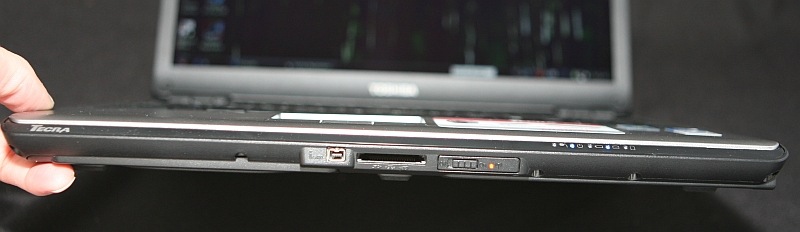
Directly to the upper right of the wireless switch are the system indicator lights. From left to right they are: AC Power, On/Off, Battery, Hard Disk Drive, and Bridge Media Adapter.
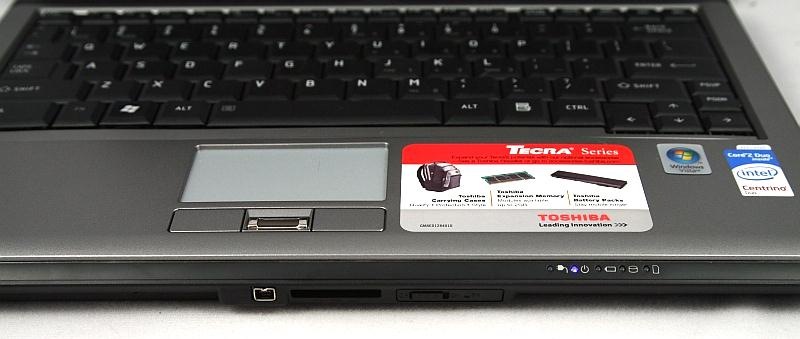
Immediately apparent when flipping open the lid is the biometrics reader in the center of the touch pad’s right and left buttons. And no, I don’t usually keep the cheesy stickers on my laptop’s wrist rest! It’s a loaner, remember? I didn’t think Toshiba (or the next reviewer) would appreciate me stripping off all the stickers. 
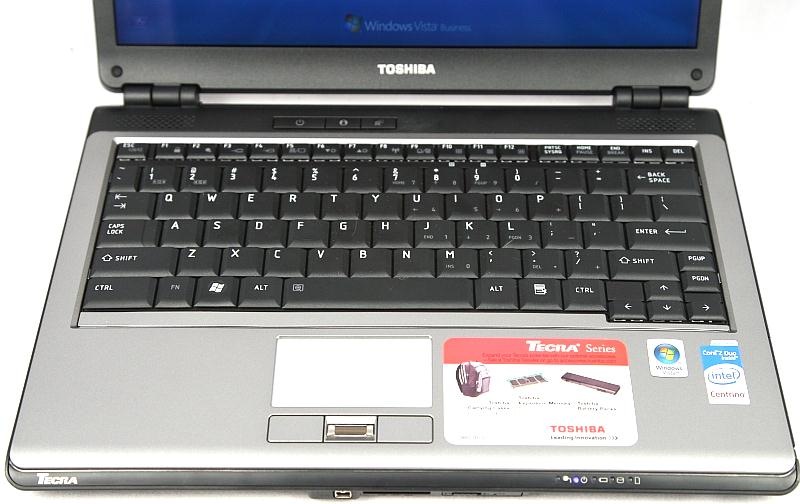
Let’s talk about the keyboard for a moment, since I just showed it in all its glory. In a word? The keyboard is lovely. Measuring basically 10.75? wide x 4? tall, the keys are nicely space, not cramped in the least, and although I am not a touch typist – I doubt that those of you who are would have any complaints. The keys have good tactile feedback, they don’t clack – instead they have a nice muted sound when struck, and they also have a satisfying amount of travel, going down perhaps 2mm when struck.
Now for the only thing that I see which might be a con – at least for people who tend to hammer keyboards as I do: The key’s characters are definitely stickers, not engraved or silk-screened; as such, I bet I could wear them off within 6 months of regular usage. 
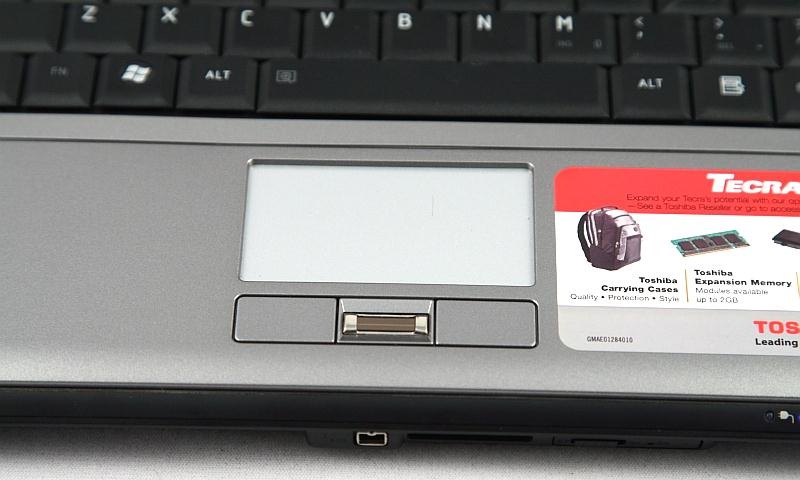
The fingerprint reader is the type which requires a nice solid finger swipe to correctly register. It’s fatter than the one on my Fujitsu, and it worked just as easily. It did take me a little while to get used to the placement, but that was just from personal experience with other locations.
In front of each hinge is a 0.75? x 0.5? speaker, and in the center of this area are three buttons; the one on the left is Power, then a one-touch Toshiba Assist, and one-touch Windows Mobility Center.
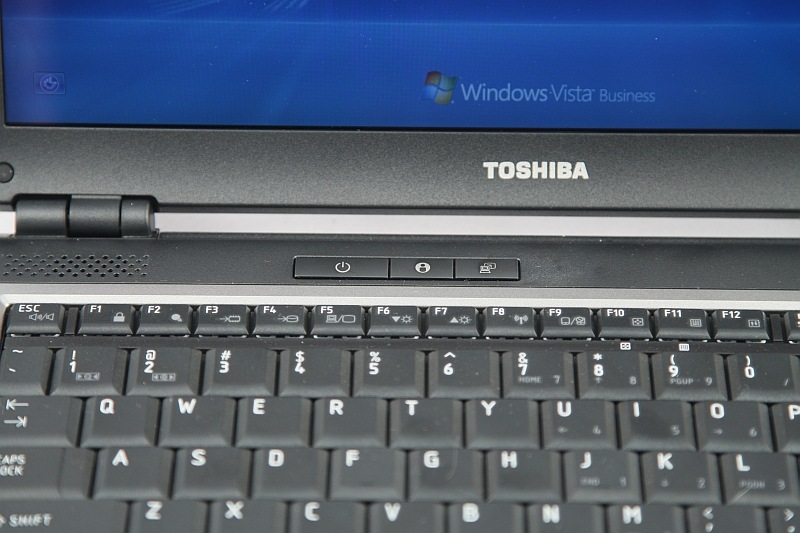
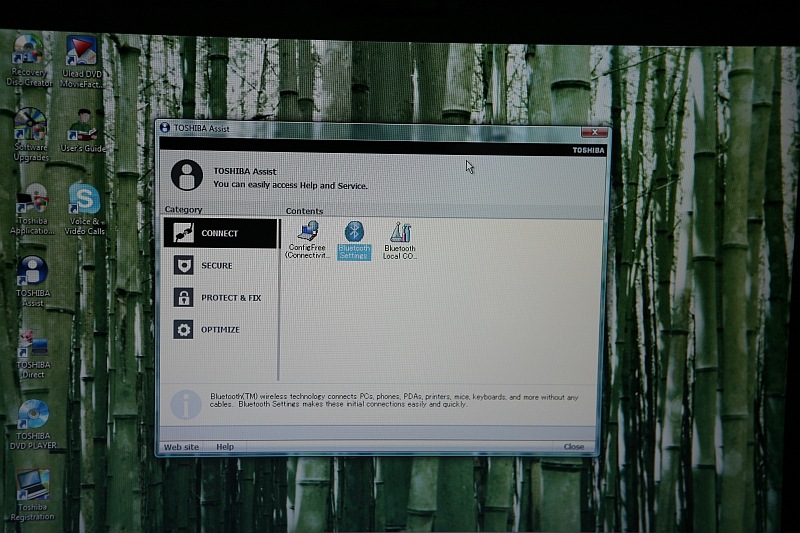
FYI: To jump way ahead for a moment, here is what Toshiba Assist looks like…
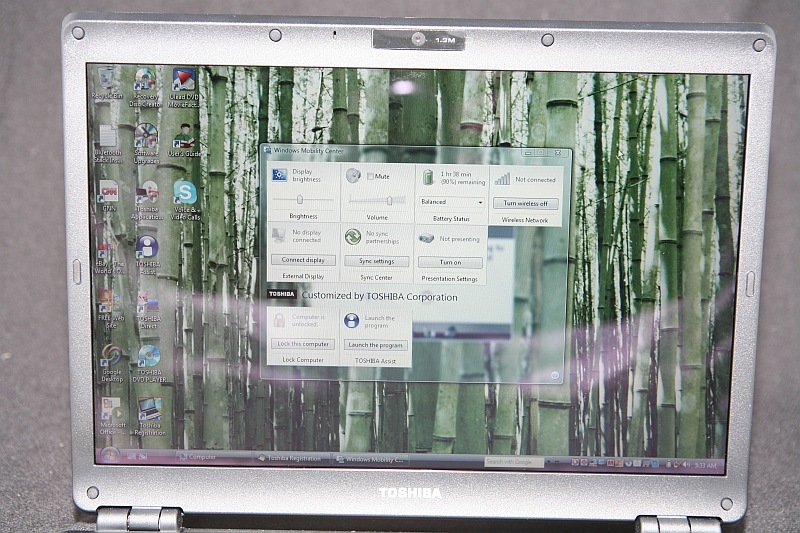
…as well as Windows Mobility Center.
From the Toshiba website:
To help safeguard your hard drive and assist in protecting your critical data, Tecra® M8 integrates a 3D accelerometer. Standard security features, such as multi-level passwords and an on-board fingerprint reader protect user privacy and prevent unauthorized access. The 1.3 megapixel Webcam facilitates videoconferencing, while on-board connectivity options reliably meet a broad range of user networking requirements. Available Intel® Wireless* Wi-Fi® Link 4965AGN allows users to enjoy up to 5X the performance and up to 2X the range with draft 802.11n* wireless.
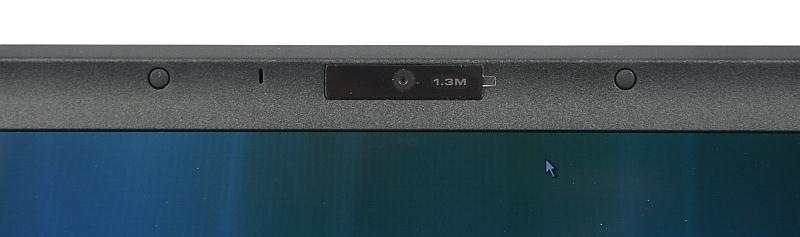
Here’s a feature I truly wish that my Fujitsu T4215 had…a built-in webcam! I’m crying foul, because for a little less than half the price of my tablet, the Toshiba has some features Fujitsu didn’t bother to include. Grrrr! 
The webcam is 1.3 mega pixels, and it performs extremely well in messenger and Skype. Now I really wish I had a laptop with a built-in cam. I don’t even think I would use it that often, but I would have it! 
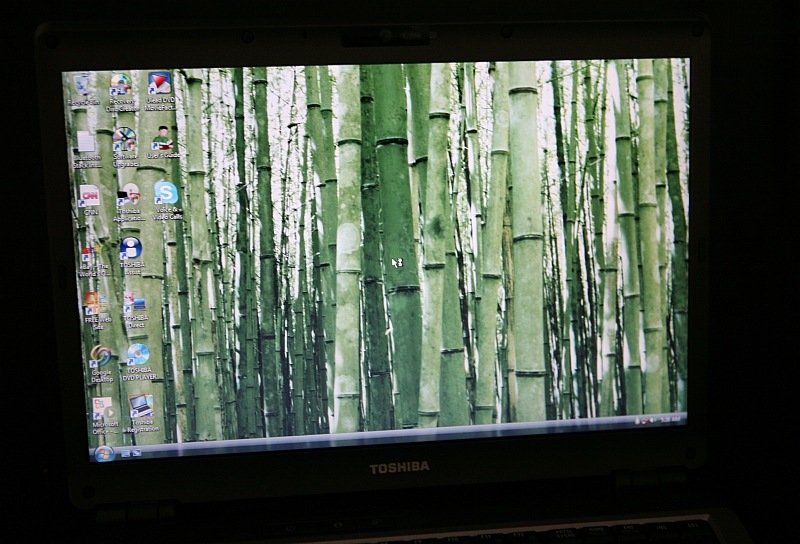
Okay, we’ve covered the hardware…now it’s time to take a look under the Tecra M8’s hood! The first thing evident after booting the computer is that the 13.25? diagonal screen is gorgeous! It measures 11.25? wide x 7? tall, and by default is set at 1280 x 800 pixels. Also available are 1024 x 768 and 800 x 600.
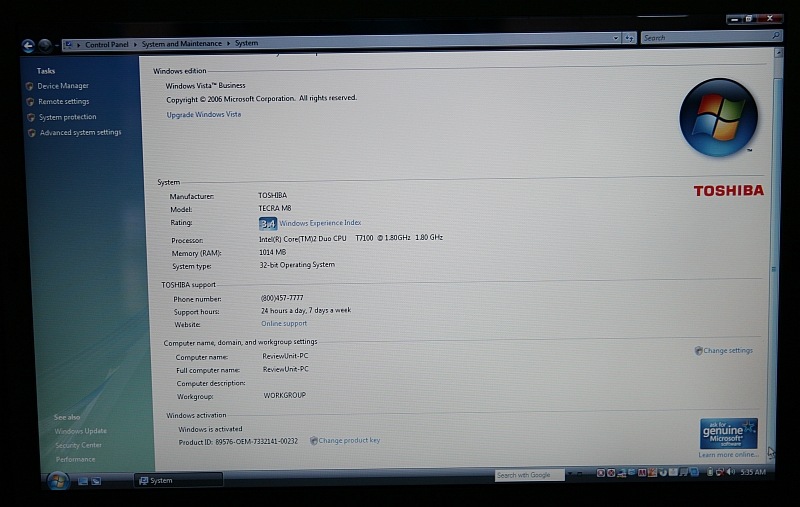
Would you look at this? My Fujitsu only scores a 3.1 (due to a weaker video card), and the much less expensive Toshiba gets a 3.4. Grrr!
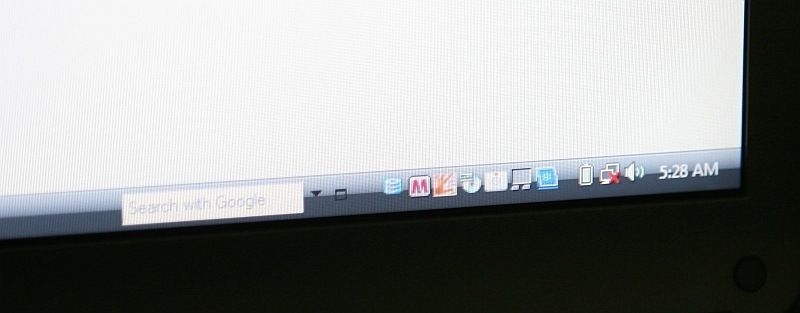
Here is one of my few true complaints about the Toshiba, and it could be said just as easily about so many other brands…there are too many unnecessary extra programs included in the original install! Just look at the system tray – it’s outrageous!
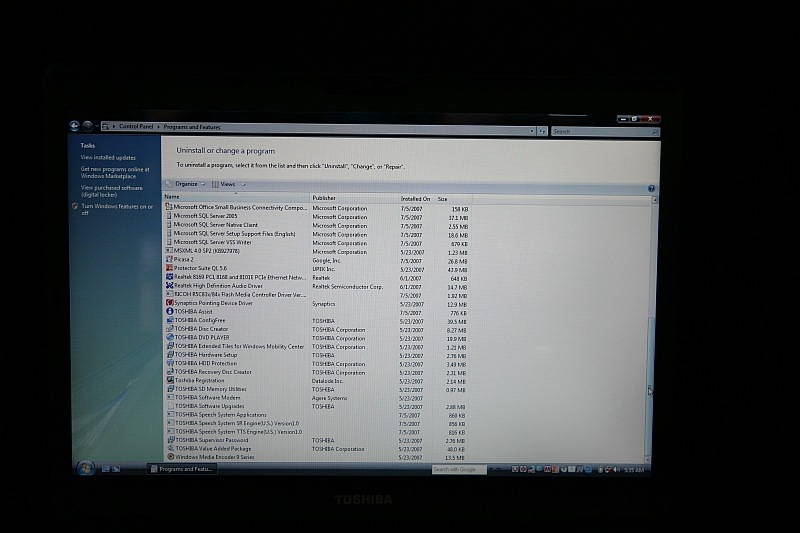
Just to drive home my point, take a look at all of the installed software in the Uninstall / Change list…
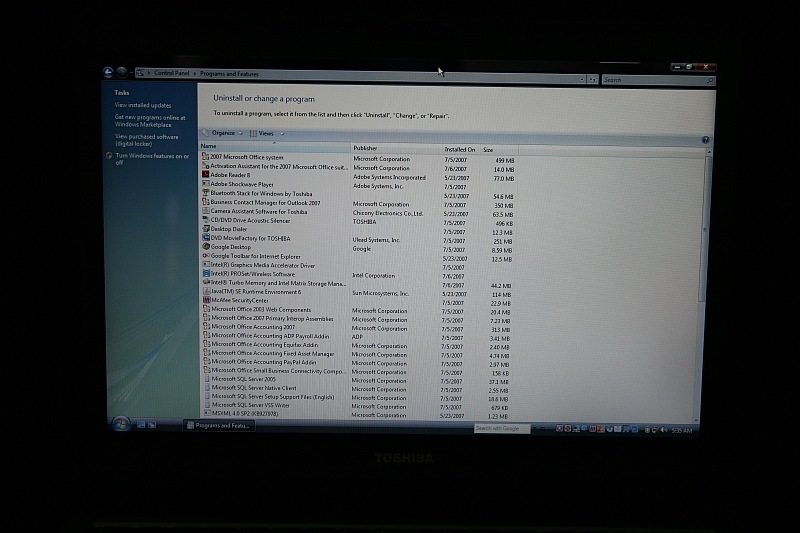
…nope we’re not done, yet! Now obviously a good bit of these programs may be helpful or even necessary, but some are most certainly not. Okay…change of subject.
The Toshiba is easily able to run quite a few programs at once, with no major lag – even with only the 1GB RAM installed; it would truly fly with 2GB RAM (add $200).
Let’s not fool ourselves, the M8 isn’t really set up to be a desktop replacement per se, but it could be if you mainly use yours to surf the web, IM, blog, and run a few programs that aren’t too graphics intensive. The coolest part is that if using the M8 as your main brain, you could bring it along when traveling or commuting without too much trouble at all. The built in biometrics would help protect the laptop’s contents should it ever be lost or stolen.
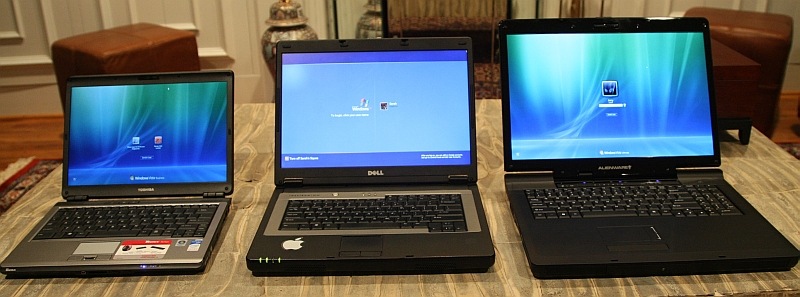
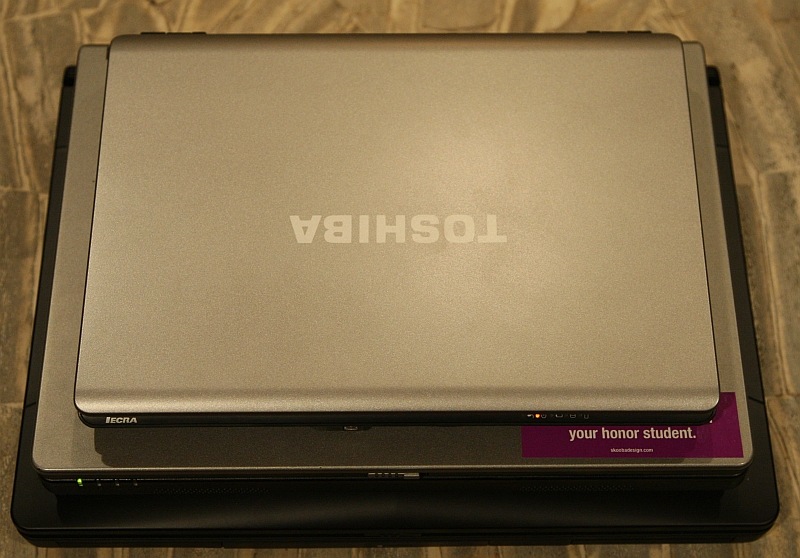
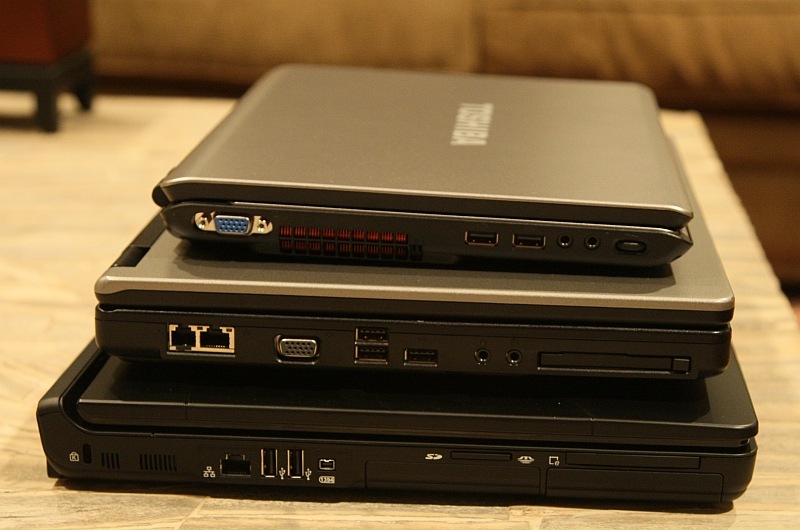
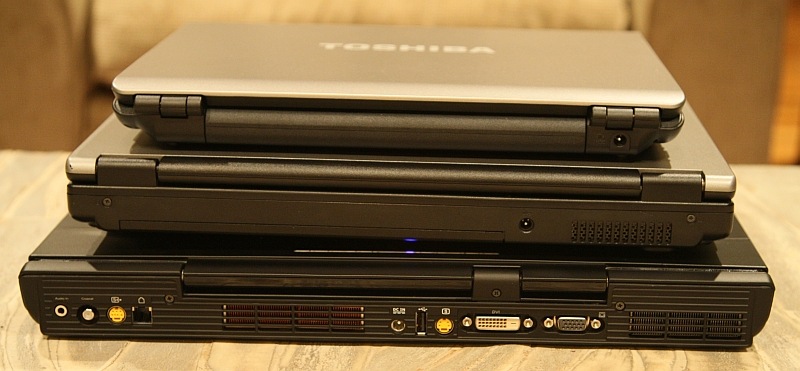
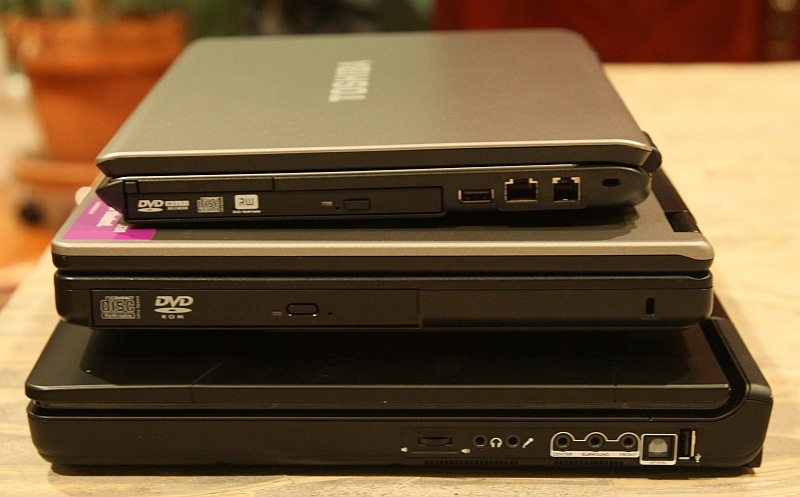
How portable is it really? Well here are some comparison shots of it next to Sarah’s 15.4? Dell, and Jerry’s 17? Alienware.
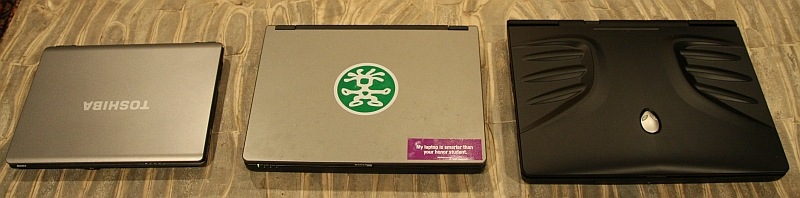
It’s amazing how small it appears next to the other two!
Stacked…
…on the side…
…from the back…
…and on the other side.
How about the battery life? Well, it seems pretty darn good! I have had the Toshiba on standby for days, opened it and found the laptop ready to go. On a full charge, I get a little better than four hours. I think that’s completely acceptable for a laptop this size. 
Tomorrow the Toshiba will ship back, and I will miss its compact size, brilliant screen, and zippy performance. The Tecra M8 is an excellent computer for anyone who needs a workhorse laptop that they can use for travel or commuting.
The Toshiba Tecra M8 is available directly from Toshiba.
MSRP: Starts nicely loaded at $1249
What I Like: Compact and speedy – a perfect commuter or student laptop; excellent keyboard; built-in webcam; biometrics; widescreen; great price
What Needs Improvement: The keyboard stickers worry me – I know they will eventually wear off; it would be nice if so many after-market programs weren’t pre-loaded, but this is almost a moot point – almost all computer companies do this 
7 Original Responses to “The Toshiba Tecra M8 Laptop Computer Review”
 1 Elodie Oct 1st, 2007 at 2:15 am I started wearing my toshiba’s letters off after less than half a year :/ I type without looking at letters, so that’s okay, but still, doesn’t look as pretty Unrelated: could whoever runs the site make it so we can unsubscribe from email notifications? I made the very dumb mistake of leaving the “notify me of followup comments” box checked on the contest post, and I’d rather not be receiving 20 useless messages every like, 4 hours
  2 Judie Lipsett Oct 1st, 2007 at 2:20 am Awww Elodie, I feel for you!I just unsubscribed you – let me know if it doesn’t work.
 - 3 Elodie Oct 1st, 2007 at 3:11 am :D! Thanks! I haven’t received anymore yet, so it’s probably working contests around here are quite popular
 4 TrvlngDrew Oct 1st, 2007 at 8:53 am Very nice machine.. Fits my Windows needs perfectly. So many of the machines have the sticker keyboards now.. Too bad..Too bad its Vista though..
  5 skullan Oct 1st, 2007 at 10:53 am I love my Toshiba laptops (right now, sitting on an M2).This one is slated to get replaced sometime in the next 4 months with an M9…
I’m sooooo looking forward to that.
Great Article.
 6 Chris Magnusson Oct 1st, 2007 at 9:23 pm Sarah has a Crumpler sticker on her computer! She’s so cool.
  Anyways, it’s too late to point this out, but when I had my Toshiba, I had over 80 processes running (on XP) at any given point in time. Compare that to the 30 or so I saw on any other XP machine. And when I started shutting down those extraneous processes, the hardware starting misbehaving. Btw, have you ever seen a fresh install of XP on Toshiba hardware? NOT ONE PIECE OF HARDWARE RECOGNIZED BY THE OPERATING SYSTEM.
But aside from the non-standardiveness of the way they do things, Toshiba’s rock.
- 1 Reviews On Toshiba Tecra M8 Notebooks – Dogpile Web Search Pingback on Jan 22nd, 2008 at 12:32 am
