
[Sorry about the delay on this, I’ve been a bit swamped recently]
As you all know I really liked the MacBook Air, because it had a gorgeous screen, top-notch keyboard and fantastic build quality all in an incredibly thin case.

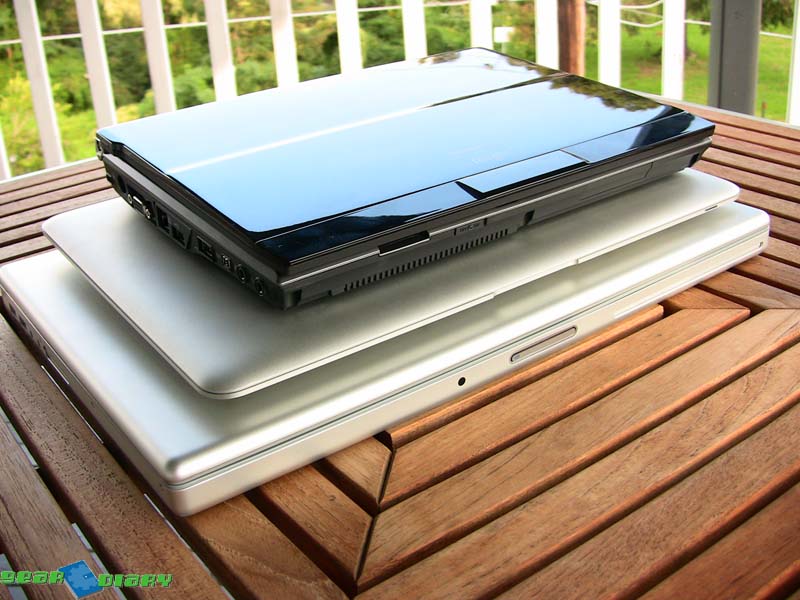
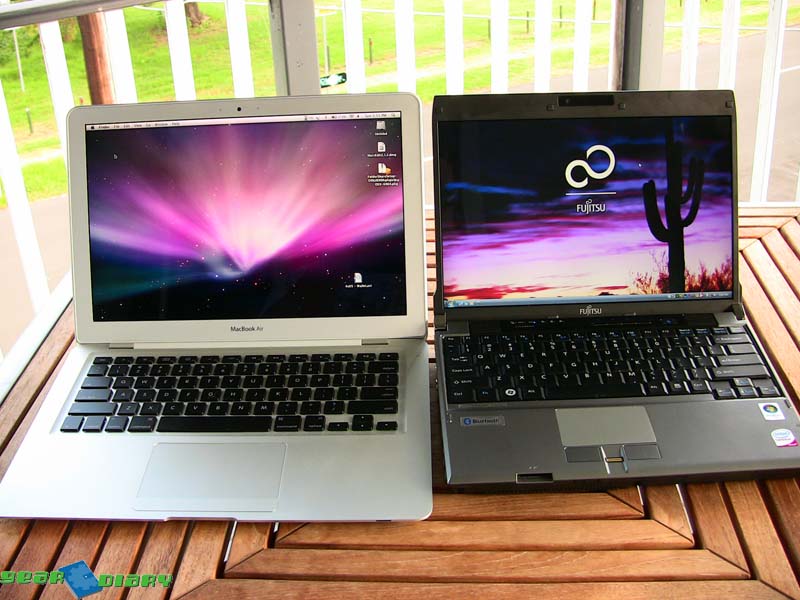
Unfortunately those are the four things that bugged me during my testing on the Fujitsu P8010. The screen had pathetic viewing angles, look at it from any angle but dead on and it looked terrible. The keyboard wasn’t full sized, and took a bit of getting used to. The machine was thick, but it was so small that it wasn’t that great of an issue.
But the worst thing was the build quality of the screen. It was so flimsy, opening it up caused the screen to bend quite an alarming amount. I mean look!

The amount of bright, flashing blue LEDs is ridiculous too, very very distracting.
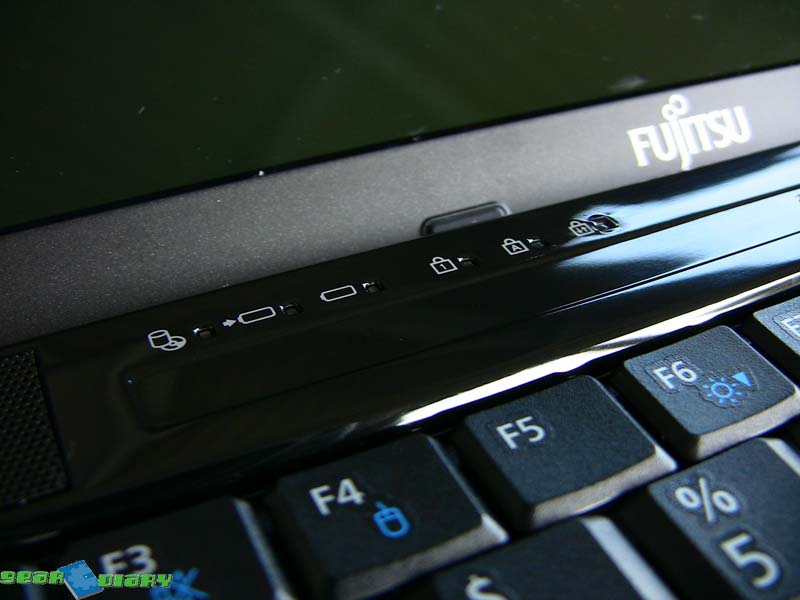
Like many PC manufacturers Fujitsu stuff their machines full of, well, “crap”. There were so many icons in the system tray when I first turned it on, and warnings being displayed, it’s was silly. I mean one of them was warning me I hadn’t yet registered with Fujitsu, OH NO!!!
Phew, now I’ve got those things out of the way. I don’t want you to think the P8010 is a BAD laptop, because it isn’t. I used it as my portable machine for about two weeks, and it really got me hooked on the small and light form factor. It weight about the same as the MacBook Air at 1.3kg, yet it includes a 2.5″ HDD, plenty of ports and even a DVD burner!
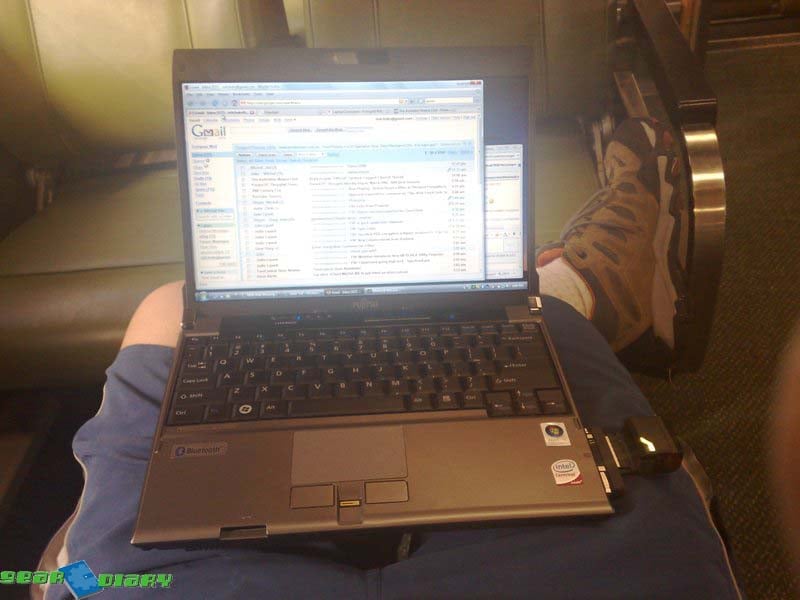
In the photos in the press release I was sent I thought the P8010 looked ugly, but it doesn’t in the flesh. While the glossy black lid does look a little tacky and does pickup prints, it does look like pretty good. The bottom of the machine is pretty much smooth, which is great if you use it on your lap. While this may sound like a strange consideration for some, it’s something I look at since buying the flat-bottomed MacBook Pro.
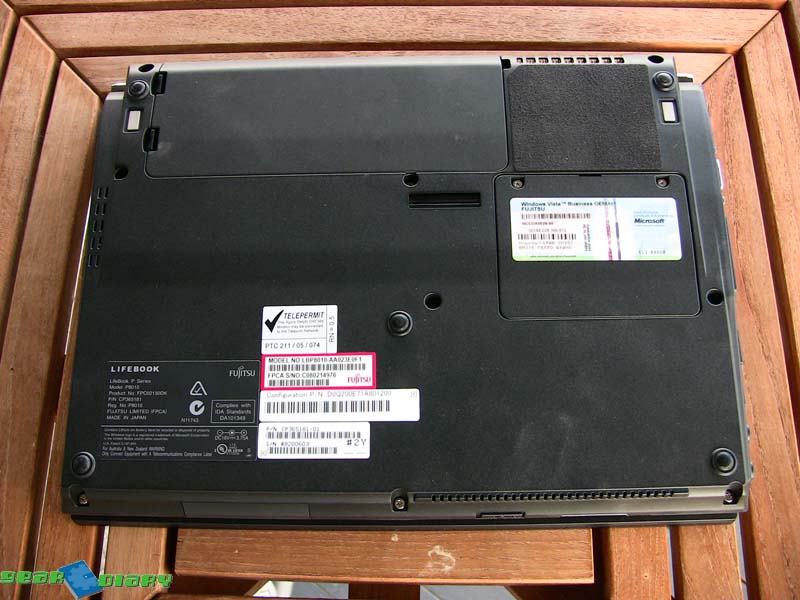
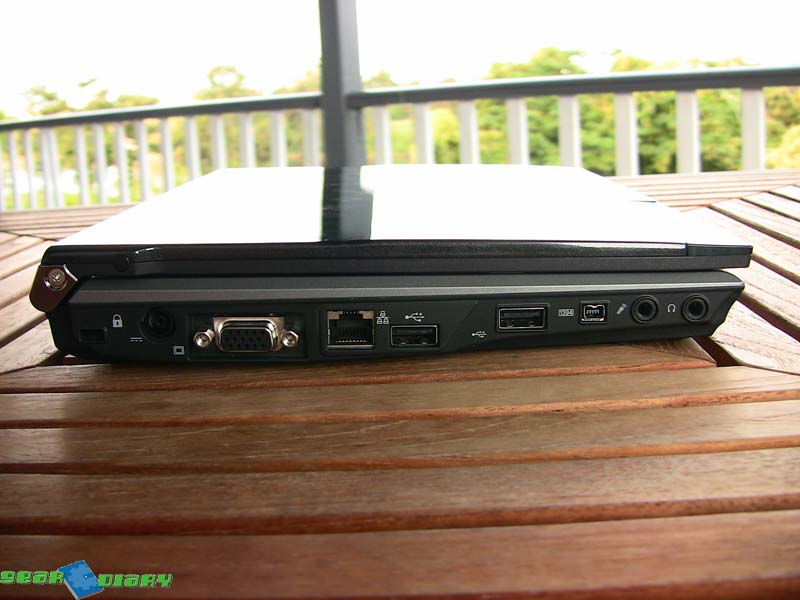
While it may be thick, you just don’t notice it that much because it is very small, and VERY light. And it’s not like Fujitsu crossed off items you need either, this thing has everything that a full-sized desktop replacement would have. Plenty of USB ports, a Firewire port, proper dongle-less VGA connector, Ethernet, SD reader and headphone and microphone jacks, and you can’t forget the DVD Burner!
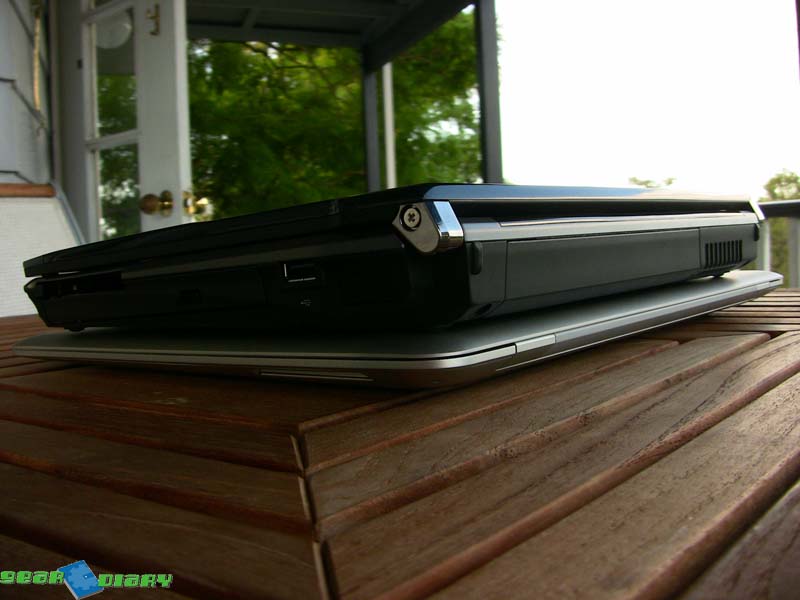
What really made me happy with the PC Card slot. Since getting the ExpressCard slot on my MacBook Pro fixed, I have regularly used my Novatel HSDPA Data Card to get online when on the train, at uni or in the coffee shop. It’s so much faster than tethering my phone, and doesn’t wear the phone battery flat. I’m sure there are plenty of business users out there who use data cards, and this will happily take them in and give them a good home.
Still going with the good stuff, Fujitsu shoehorned a standard 2.5” notebook drive into the P8010, for a massive 250GB of HDD space. That’s what I have in my MacBook Pro! No sacrificing what you can take with you with this baby.
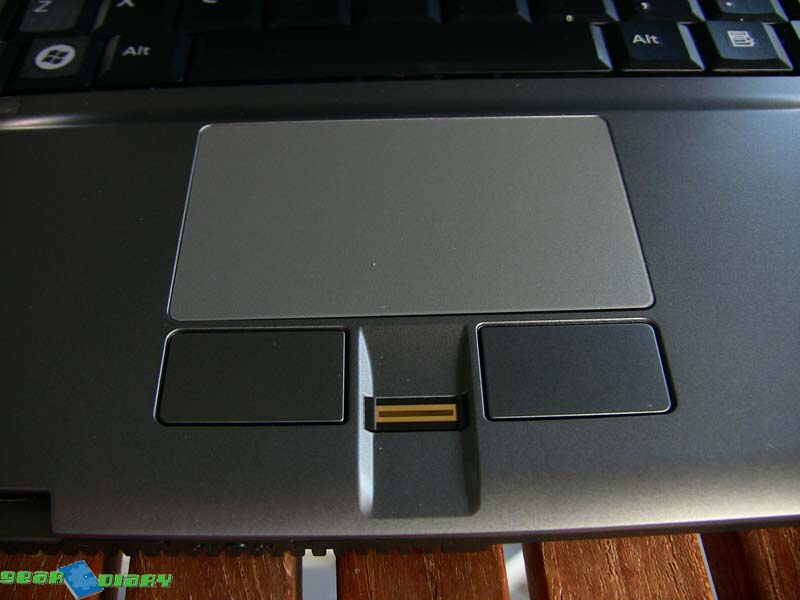
Also good for business users is the fingerprint reader between the mouse buttons. It makes logging into Windows a breeze (especially if you use a long complicated password), and similarly easy for secured websites.

I was very surprised at the performance, because reading the spec sheet I saw two somewhat incompatible items: Intel Core 2 Duo 1.2Ghz (yep, 1.2Ghz) and Windows Vista. A sure thing for disaster you might think, but actually I found the performance to be rather good. The system never lagged with multiple Firefox and Office windows open, nor did it crash out with some bizarre Error 1093049032 in Segment A51, it just got on with the job at hand. Keeping in mind my review unit was loaded with 2GB of RAM, generally considered a must for Vista. 2GB sticks are cheap these days, so if you buy a P8010, purchase one.
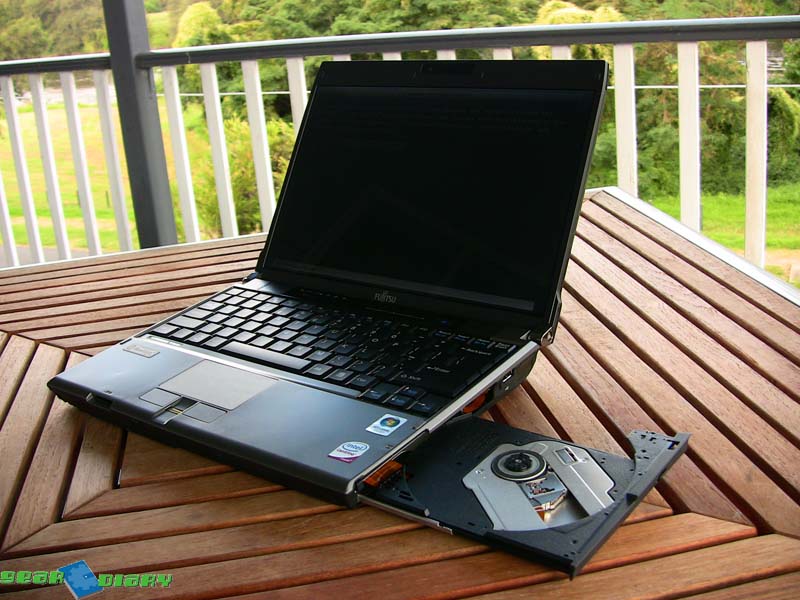
So did I miss it when I sent it back? Yes I did. Despite the build quality and the thickness, it was so small and light, and didn’t feel it was missing anything at any time. While it may be a little more expensive, not as well made, and not as good looking as the MacBook Air, it doesn’t skimp on anything else. If you can live with the screen’s viewing angle, I would recommend one
MSRP: US$2009 as configured (AU$2899)
What I Like: Size, weight, performance, no missing ports/DVD drive
What Needs Improvement: Screen, rigidity of the screen

Maybe it’s one of those “security” screens. “It’s not a flaw, it’s a feature!” 😉
I actually don’t mind blinkin lights. I thought the blue flashing LED on my BT headphones would bother me, but it doesn’t. I see it reflecting off of things in my bedroom when I go to sleep, but it doesn’t bother me. Then again,it might if I see it directly at night.
Souunds pretty good,, just wish we could get a machine without all the extra junk on it! Spend half a day getting rid of it and doing a proper back up to restore to. 🙁
Would love to get my hands on the new Lenovo X300 and give it a spin! That might be an interesting comparison to the Macbook Aire! 🙂