
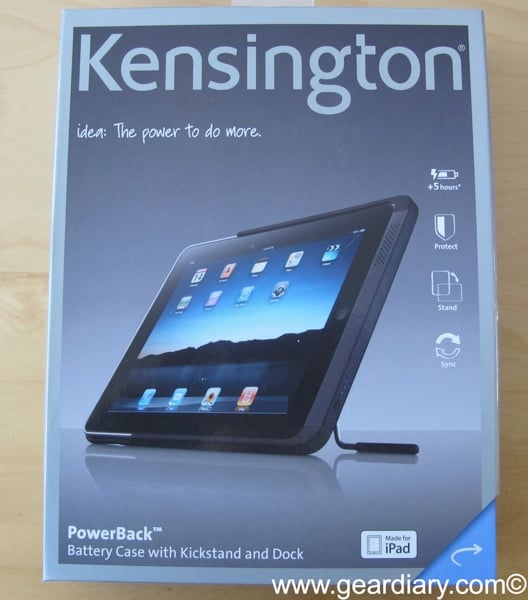
One of the more unusual iPad accessories that we saw one meeting with Kensington representatives at CES was the Kensington PowerBack. The PowerBack is described as a “battery case with kickstand and dock”. Effectively, the power back serves as a case with a built-in stand for hands-free viewing when the iPad is in landscape and it contains a battery that adds an additional 50% runtime to the iPad. That translates to being able to use the iPad for about 15 hours without ever having to worry about charging the device.
I have been using for about two weeks so let’s take a look.
From Kensington-
idea: The power to do more.
The Kensington PowerBack™ Battery Case with Kickstand and Dock slips over the back of your iPad to provide power, protection and a convenient prop. With up to 5 extra hours of power, you”ll have plenty of juice for app use, web surfing, and movie watching. The 3-position kickstand even holds your iPad hands-free in typing, portrait or landscape modes.
Features-
Built-in 4400mAh battery provides up to 5 extra hours of power for app use, web surfing, movie watching and more
3-position steel kickstand holds your iPad handsfree in typing, portrait or landscape modes
Soft touch finish case protects your iPad from bumps and bruises
Battery fuel gauge LED
Micro USB charge and sync port lets you charge and sync without removing the PowerBack™
Built-in speaker deflectors for clear, crisp sound
Capacity: 4400 mAh
Weight: 12oz
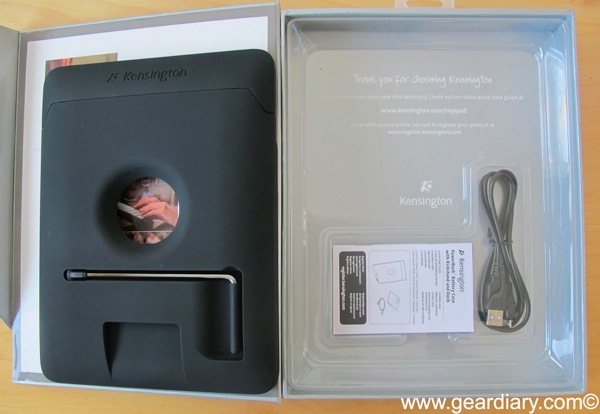
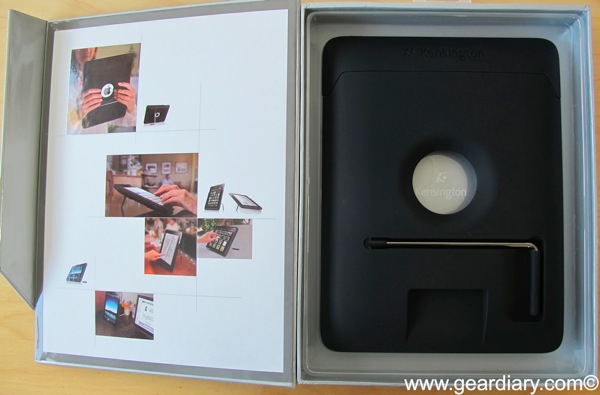
The first thing that you’ll notice about the PowerBack is the packaging. The accessory comes in a heavy box with a flip open lid that is held shut by a magnet built into the box itself. It makes a statement. Inside you’ll find the PowerBack and a USB charging cable. That’s all that comes with it and that’s a good thing since it keeps this accessory quite simple.
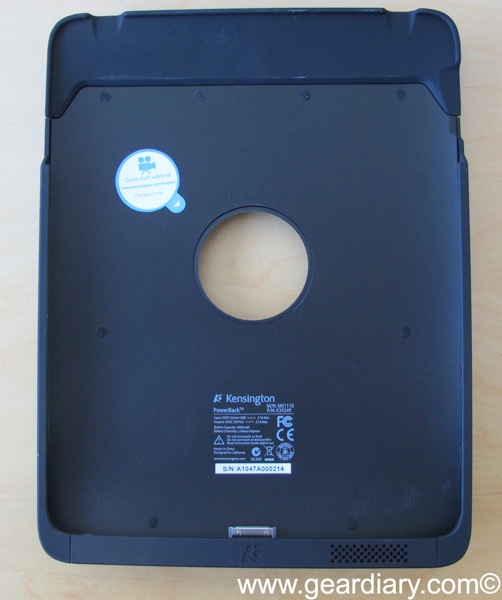
The PowerBack is, for the most part, made from a soft touch material that feels good in the hand, is soft enough to protect your tablet, and makes it easy to keep a good grip.
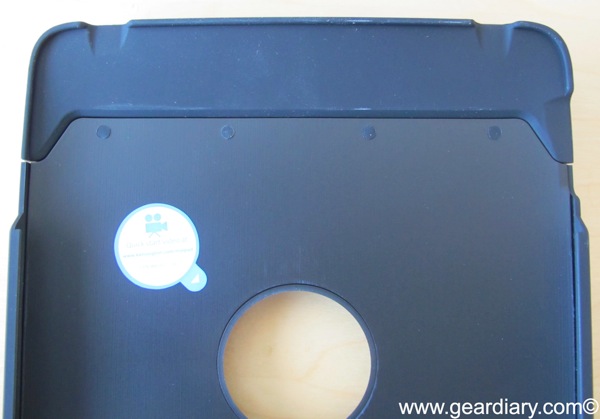
At the top of the accessory the company used a different material that is soft and flexible. This makes it easy to get the iPad into the battery case.
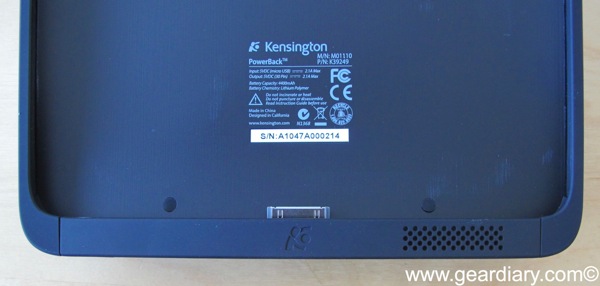
At the bottom of the PowerBack is a dock connector. Obviously this is necessary because this is a battery accessory. There is also a pass-through for the speaker. It is a simple design and it works.
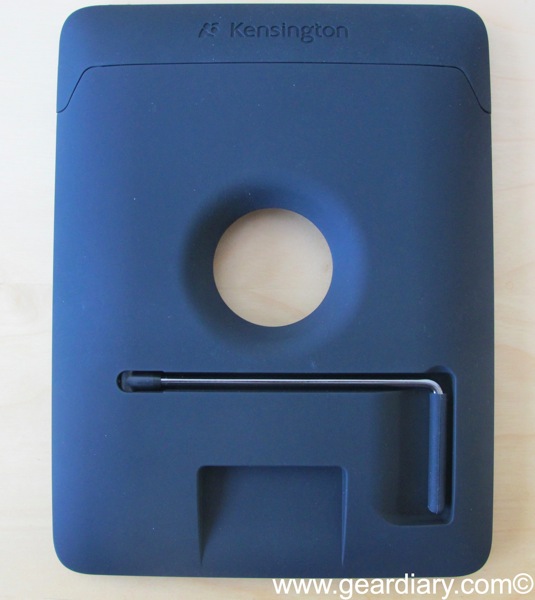
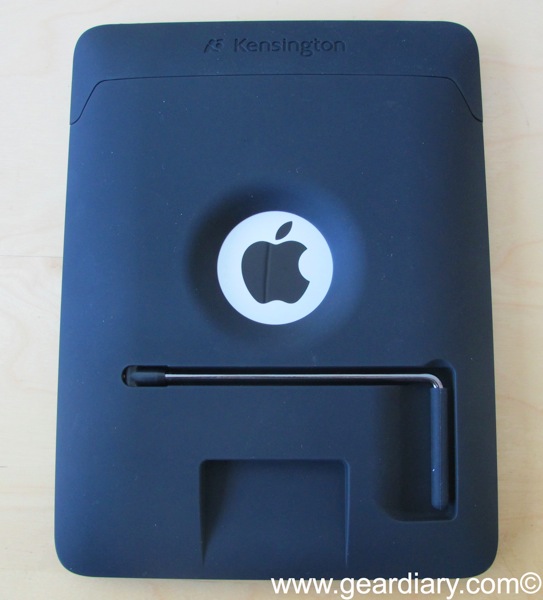
On the back you’ll find the Kensington name and logo embossed at the top, a cutout for the Apple symbol (this serves a secondary purpose as well that we will address momentarily), the heavy-duty kickstand, and a cutout at the bottom.
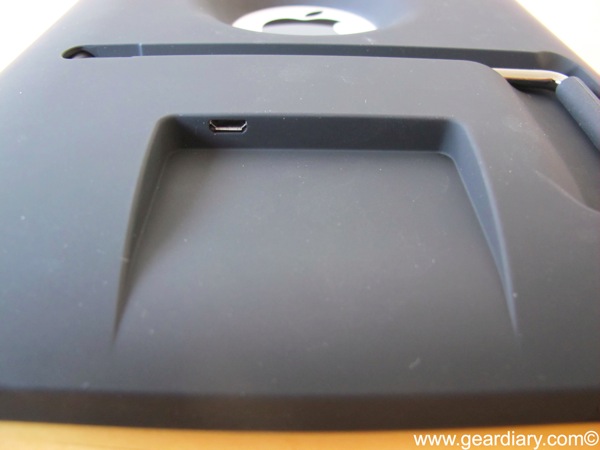
The bottom cut out makes it easy to connect the USB cord for charging. In addition, the company has made sure that when the iPad is in the PowerBack you can also sync it. (Note to Apple: would you please give us wireless sync so companies don’t have to worry about this anymore!?)
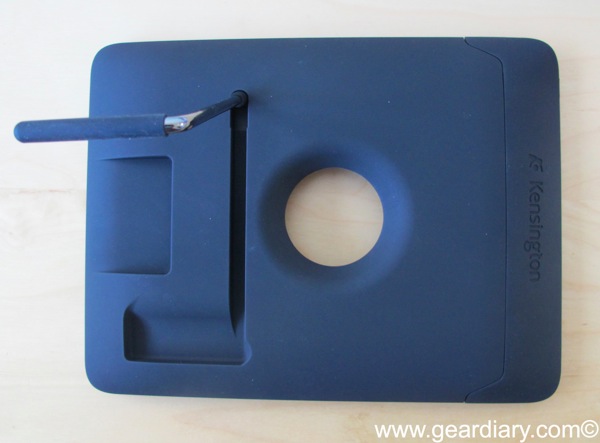
I’ve used numerous iPad stands and I really like the design at Kensington went with here. They took a minimalist approach but used a heavy-duty metal rod so that, once the iPad is leaning on itself, it ain’t going anywhere! 🙂
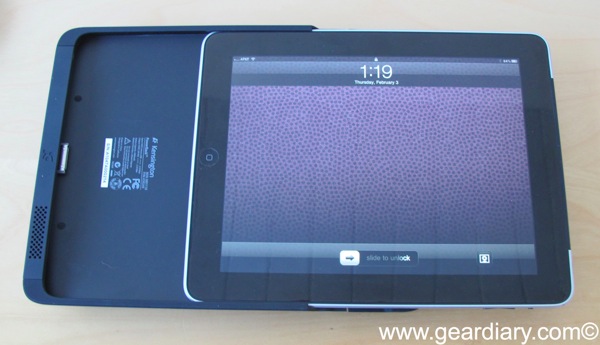
To get the iPad into the battery is simple, you push back the soft material at the top and slip the iPad inside. Note: this means that you are best off not having any sort of protective film on the back of your iPad. I suspect that even the tiniest additional depth will make cleaning the iPad in and removing it more difficult than you want.
Getting the iPad out is less simple and takes some work.

Once the iPad is inside the accessory the top rubber piece is barely noticeable. You don’t have to worry however since the iPad isn’t going anywhere once inside. It is a tight fit and that’s a good thing.

Here’s a view of the iPad went in the PowerBack. As you can see it as a little bit of length to the tablet but not more than a tiny bit to the width.

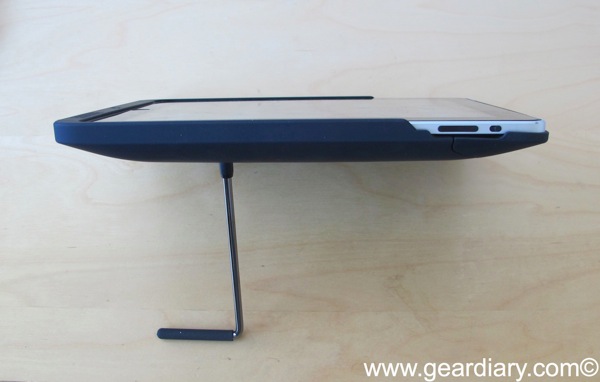
Once in the case the iPad can easily be leaned at the perfect angle for viewing content on it. No, this isn’t the type of standard that gives you numerous different angle adjustments. There are just three and, I believe, the company went with what they believe to be the optimal viewing angles. It works for me. (updated)
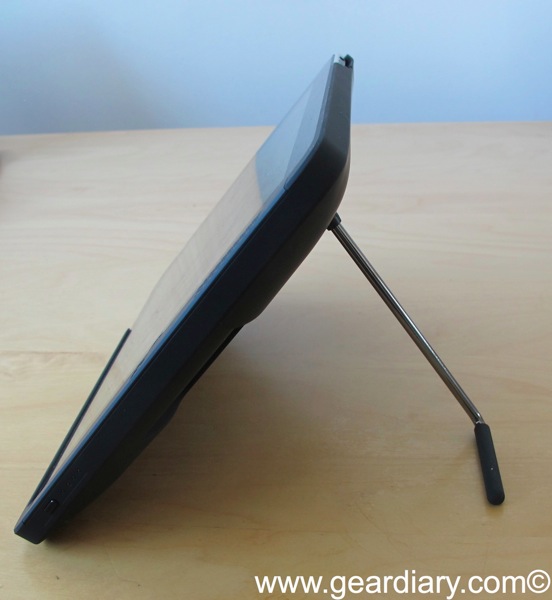
Here’s a side view. As you can see it is incredibly stable.
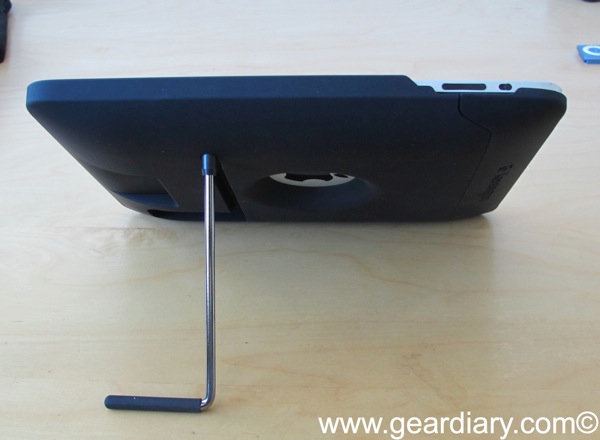
The PowerBack is designed so that the Apple logo shows through. After all, if you’re doing something and someone walks by when you’re in the library you don’t want them thinking you got any tablet other than the iPad do you? My problem with this design is that it leaves the Apple logo and the silver metal of the back surrounding it exposed to damage. I personally would much prefer to have the entire back of the iPad protected when using a case such as this.
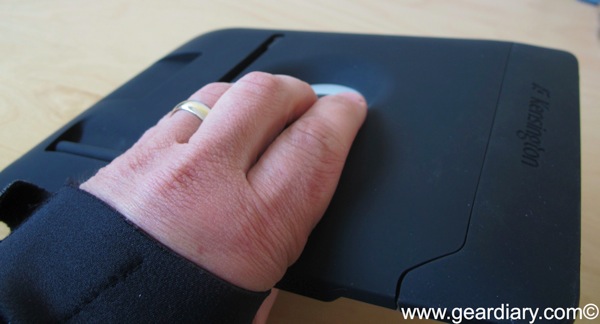
There is, however, a reason for Kensington’s decision to leave that area exposed. Because the area around the Apple is a little bit thicker than the rest of the accessory it makes a perfect grip when you want to carry the iPad with you. This is particularly important because the PowerBack adds a fair bit of bulk and weight to the iPad. It is not unpleasant but it is noticeable and being able to get a better grip than usual on the iPad is a good thing.
As I began, this is one of the more unusual accessories I have checked out for the iPad. I like it a lot. I do, however, think this is a limited use accessory. If you use your iPad on a table most of the time, if you do a lot of video or reading consumption, if you find that the stellar battery life of the iPad is not stellar enough for you then this is a perfect accessory. If you don’t need the added battery life and you already feel that the iPad is a bit too big and heavy you may want to think twice about this accessory.
As for me, I’ll be keeping it and using it quite a bit–especially once the iPad to comes out. Normally I sell my old equipment when new generations come out but I’ll be keeping my iPad one on the coffee table in the den. This accessory will be perfect for it when it is used in that way.
Available directly from the Kensington website.
MSRP: $129.99
What I Like: Excellent soft touch material feels good to hold and makes it easy to get and maintain a grip; adds a full 50% to the iPad battery; Heavy-duty stand holds the device at a great angle
What Needs Improvement: It can be difficult to remove the iPad from it; Adds to the weight of the device; not inexpensive and useful only in certain situations

RT @geardiarysite: iPad Accessory Review: Kensington PowerBack Battery Case with Kickstand and Dock http://bit.ly/f2ZvHV
” No, this isn’t the type of standard that gives you numerous different angle adjustments. Rather, the company went with what they believe to be the optimal viewing angle. It works for me.”
You do realize there are three viewing angles with this accesory right? Not just the one.
I take that back, there are at least four, i just figured out another one, see the bar in the back is twistable which allows for different angles, look at the pictures on the packaging box, there are some of them.