
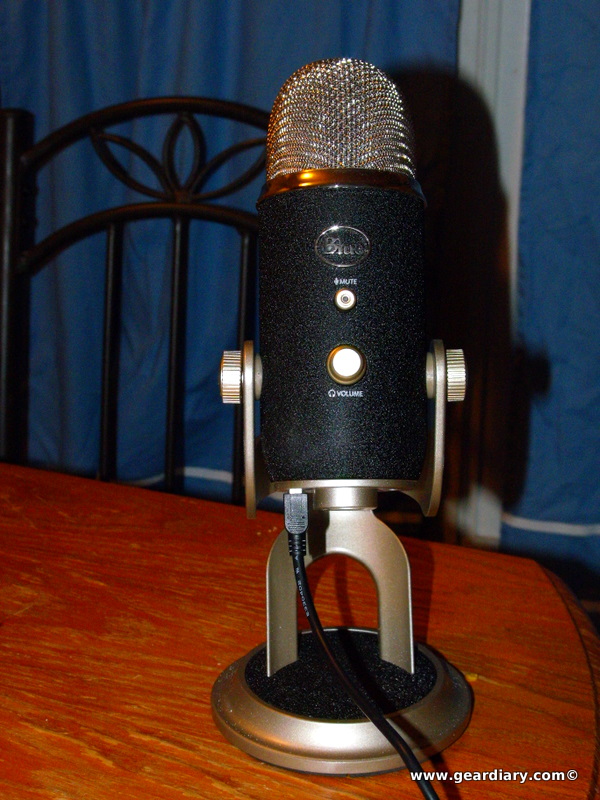
Blue Microphone has consistently impressed me with their line up of microphones. From consumer USB microphones to professional units that plug into existing sound systems, the company puts out quality devices. This time, Blue Microphone took my favorite USB offering, the Yeti, and added a professional twist thanks to an option that now lets you plug it into professional audio equipment.
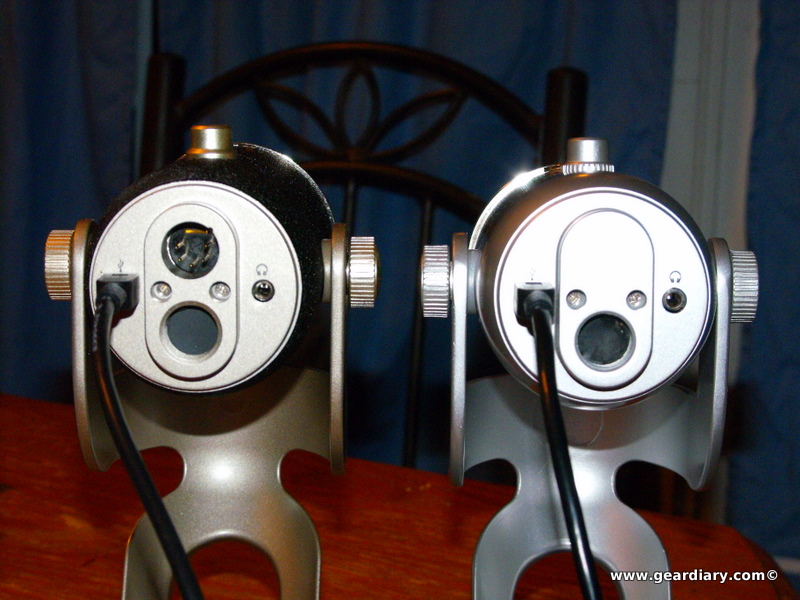
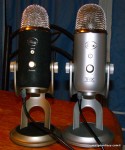
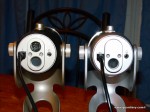
Yeti Pro on Left, Yeti on Right
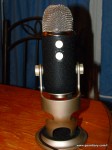
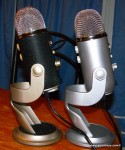
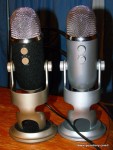
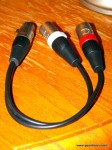
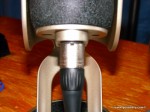
As you can see, the new Yeti Pro looks almost the same as the original with two exceptions. The first is a very obvious color and texture change that yields a textured black body. It feels a little retro like the microphones my grandfather used with his Amateur Radio. The second change is the additional connector that allows you to plug the included cable into the Yeti and break out the left and right channels into 2 XLR outputs that plug into an audio mixing board. The rest of the mike is identical to the original Yeti.
Just like the original Yeti the Yeti Pro comes with a long USB cable. To connect it to your computer you just plug one end into the bottom of the microphone and the other into an available USB port. Since it is powered by the USB port no power cable is needed. The Yeti Pro supports Windows and Mac out of the box. I’ve also tested this with several distributions of Linux. Distributions I tested were Ubuntu 11.04, LinuxMint 11 and Fedora 15. Only Fedora 15 had an issue with the mike with both Ubuntu and LinuxMint working just fine. Click on the link below to hear how the Yeti Pro sounds when recording from the USB interface.
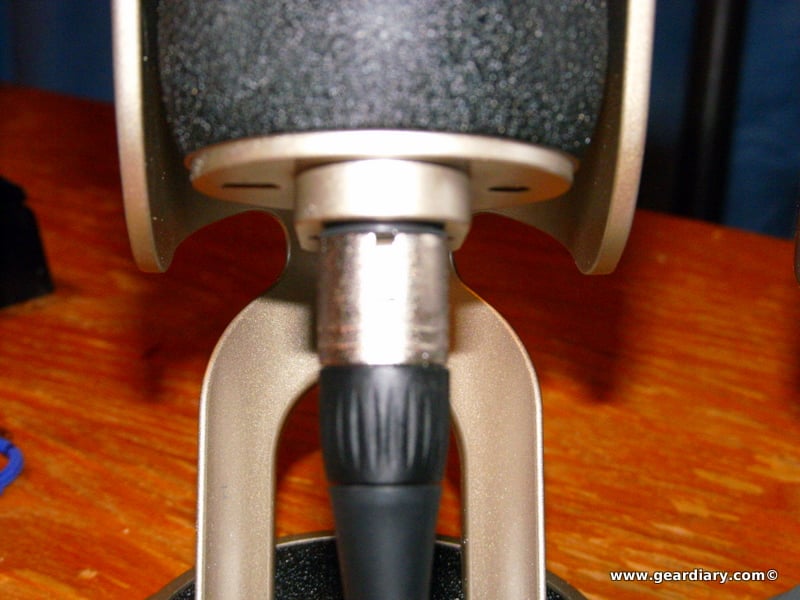
When using the XLR cables to connect the microphone it’s important to note that your mixing board will need to support phantom power. Fortunately mine does so I just plugged both left and right cables into the XLR inputs on my board and tweaked the board so that it sounded the way i wanted it to sound. All controls on the Yeti Pro itself are bypassed in XLR mode except for the dial that allows you to change the sound pattern. In this mode the company suggests you set the gain down to zero and rely on the controls on your mixing board. Also, you only need both left and right channels if the pattern dial is set to stereo mode. With any other position on the dial you only need the left input plugged in.
Click below to hear a sample recording that was done in Stereo Mode using a Behringer Xenyx 802 Mixing Board and the outputs of the board plugged into a Behringer UCA-202 USB Sound Interface.
I was impressed with both inputs. The USB input worked well when recording with Audacity. It also worked well with Skype and Facetime. In addition, it was fine with Ekiga on Linux. The XLR interface worked very well and provided the added flexibility I needed for more professional recordings.
At about $250 MSRP the Yeti Pro sounds like an expensive microphone. With the option to use a USB or XLR input however it is totally worth the extra cost. I highly recommend the Yeti Pro if you are into podcasting. It has everything you need if you are just starting and allows room to grow when you decide to add a mixing board and other audio equipment.
You can get the Yeti Pro for about $236.63 if you check out Amazon.com. It is also available at the Apple Store and Best Buy.
What I liked: Choice of inputs as well as patterns in USB or XLR mode. It’s also very solidly built.
What needs improvement: Would like it if I could use both outputs simultaneously.

Hi Joel.
I`ve just read your article from 2011 about Yeti Pro and the Behringer Mixer. What I don’t understand is 1) though the Yeti has a Dual Pin, how do you connect it to the mixer, each pin into a different channel? Or do I need an adaptor to plug it into one channel. I thinking in buying a Behringer X1222USB Premium 12-Input 2/2-Bus Mixer, 24-Bit Multi-FX Processor.
2) Why you use a Behringer UCA-202 USB Sound Interface, is not possible to plug it direct into my MacBook Pro? Thank you.