
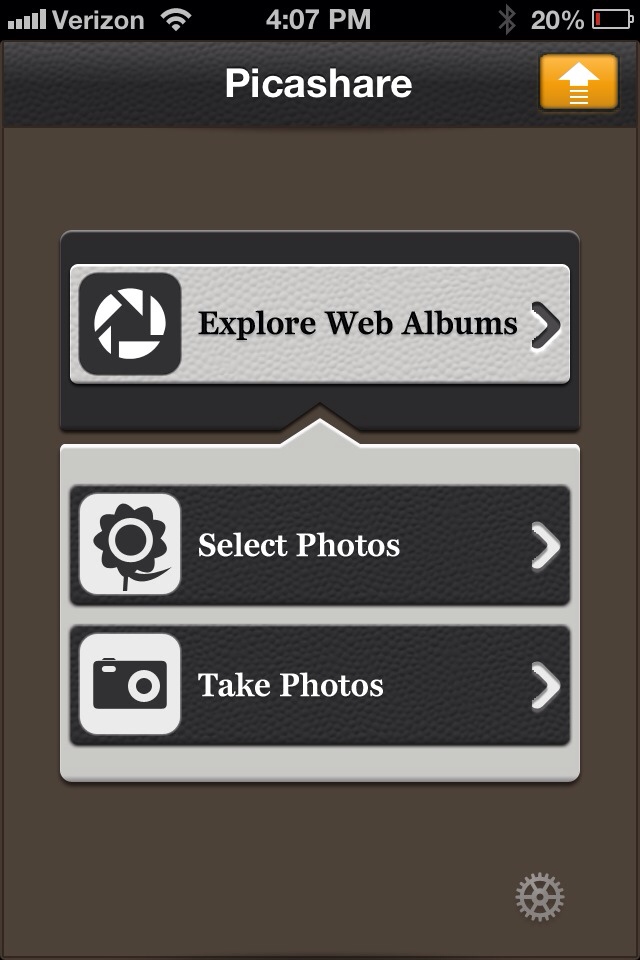
I hate synching my devices to computers. It’s much simpler to use iCloud and Photostream than it is to fire up the beast that is iTunes these days. In an all-iOS environment, this works great. But if I have a number of photos that need to be edited in Picasa, it’s a pain to download what I need from Photostream or email them back and forth to myself. Picashare for iOS can upload photos to Picasa and Google+, but does it really make life that much easier? Read on for the full review!
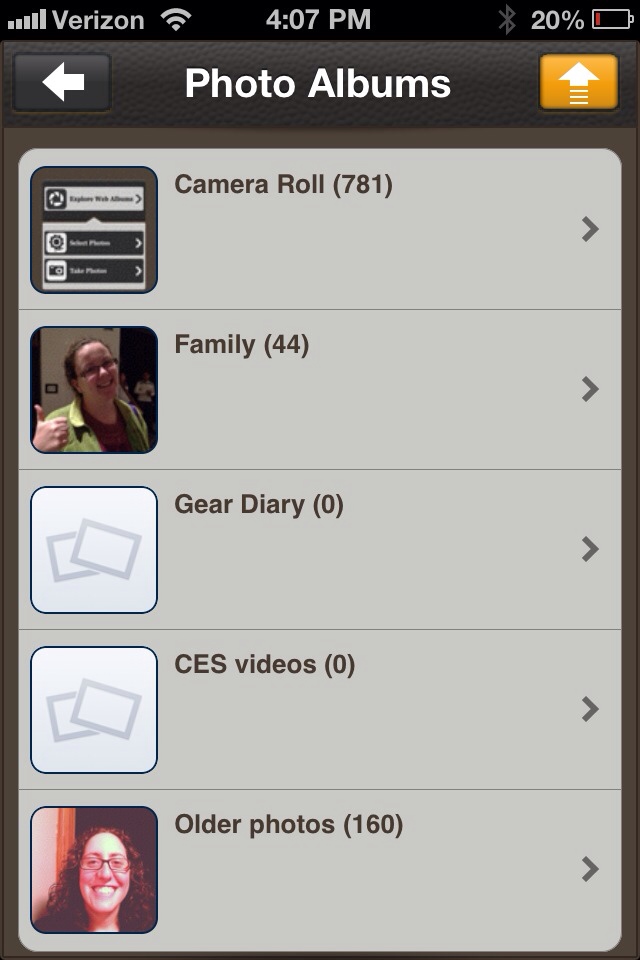
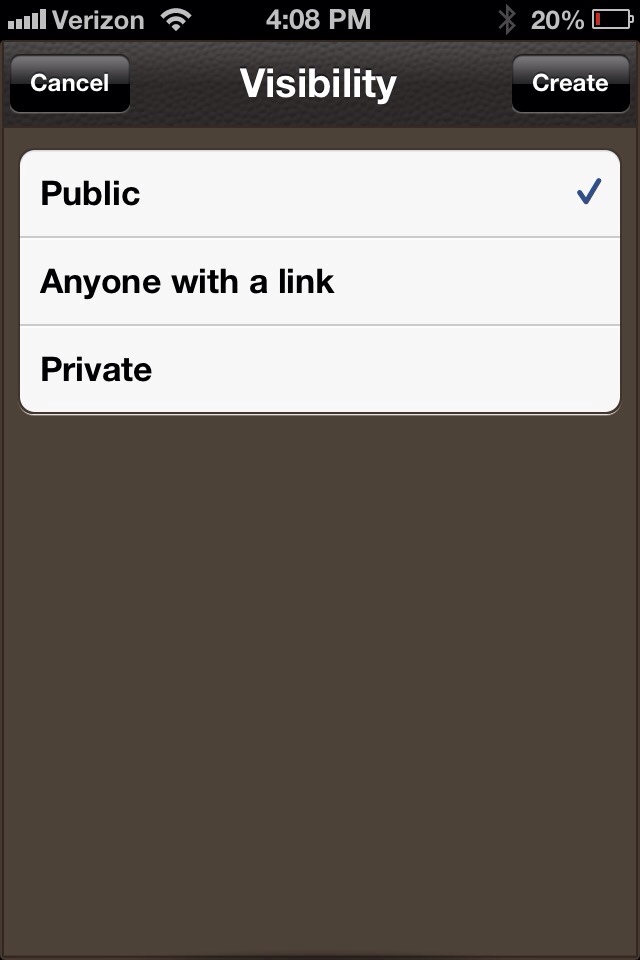
Picashare is pretty simple. Log in with a Picasa or Google+ account, and you can access your web albums or select photos to upload. The web albums interface is quite simple, and it is much faster than using Google+ just to find Picasa photos. Even better, you can adjust your privacy settings for albums within the app as well, so, again, you don’t need to dig through G+ settings to make sure that photo album from vacation is properly protected!

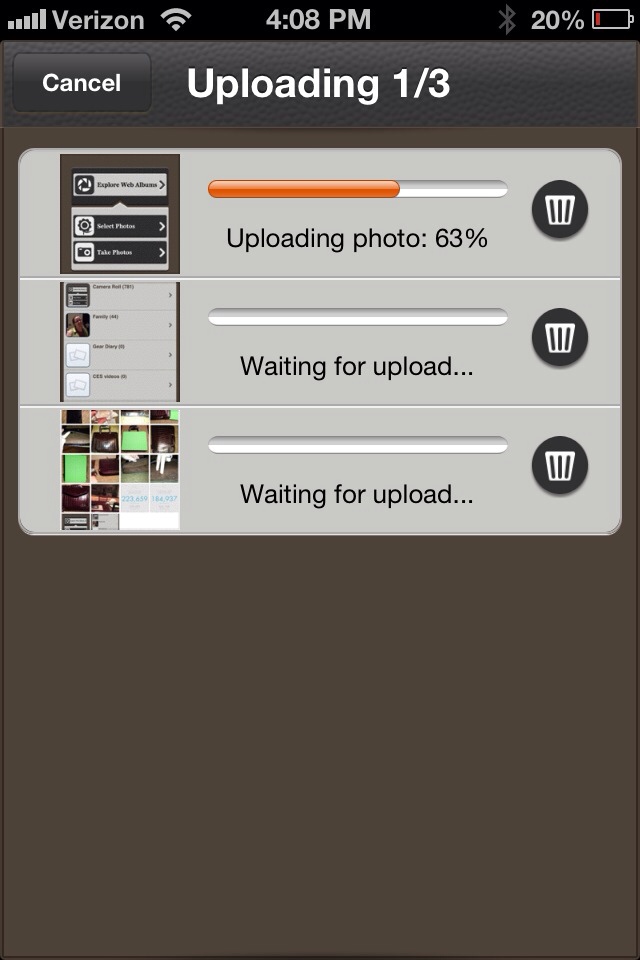
The upload and album creation feature is where Picashare really rocks. You can select photos from your photos in iOS, or snap new ones on the go. From there, photos can be uploaded to existing albums, or you can create new ones. Since I often use Picasa for photo editing for Gear Diary reviews and articles, being able to create a new folder, complete with captions and review-specific title, on the fly from my phone is a minor time-saver that makes my photo management workflow that much simpler.
Once I am back at a computer, it is incredibly easy to pull photos into Picasa for editing. All you do is select “Import Google+ album” from the file menu, select the album you want, and there it is in Picasa. From there I can edit, watermark, and export for WordPress upload.
Picashare is one of those simple apps that you might not necessarily need, but once you start using it the shortcuts and simplicity it brings to your workflow makes you wonder how you lived without it. If you use Picasa for photo management, this makes managing your photos between iOS and Picasa an absolute breeze!
MSRP: $0.99 in the App Store
What I like: Simple interface; fast uploading; privacy options easily accessible
What Needs improvement: iPhone-only, so it looks stretched out on the iPad
Source: Personal Purchase
