


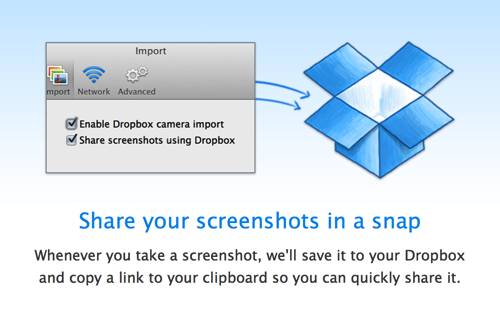
I take a lot of screenshots when writing Gear Diary posts. Historically they have ben a disorganized mess that increasingly cluttered my desktop. Thankfully, Dropbox 2.4 offers a new feature that automatically saves screenshots to one’s Dropbox folder. That neatly puts all my screenshots in a single place and makes sharing them easier than ever. Get Dropbox 2.4.
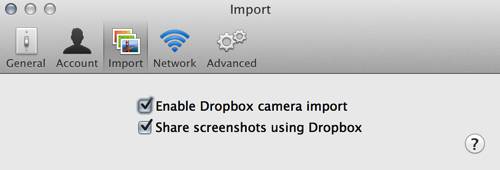
To activate this new feature, download Dropbox 2.4, launch it, got the preferences, and then select “Share screenshots using Dropbox.” It is that simple. But there is more. Dropbox 2.4 also introduces:
- Move to Dropbox: A context menu item that will show up for most files or folders outside of your Dropbox.
- Import from iPhoto: Once activated, on Mac’s with iPhoto 7.0 or higher your photos events are imported into a folder called “Photos from iPhoto” with subfolders folders by event.
I love Dropbox, and these new features make it more powerful and convenient than ever.