


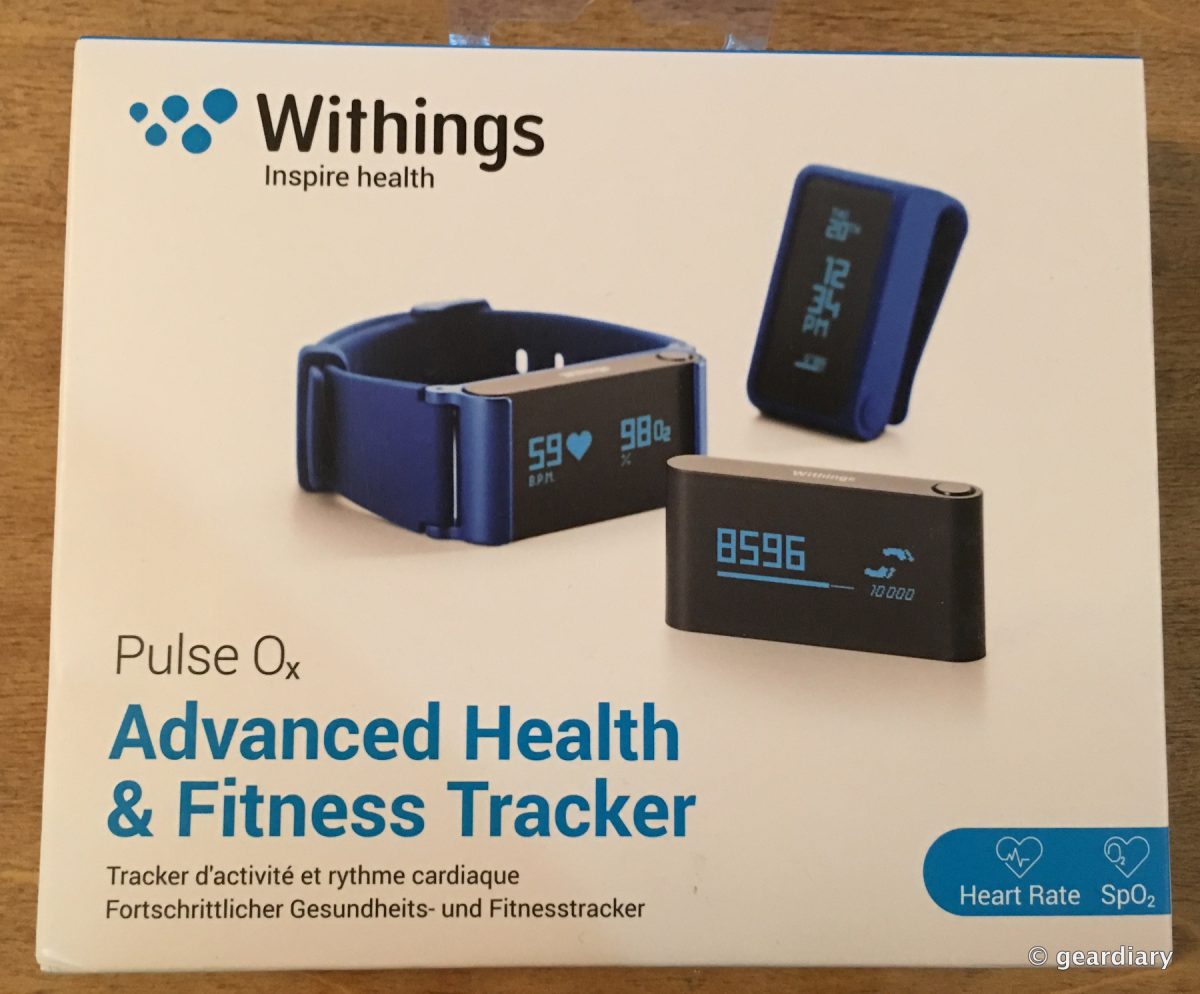
The Withings Pulse Ox caught my eye because it not only measures and monitors steps, distance walked, sleep, elevation climbed, and calories, but it also measures your heart rate and blood oxygen level.
Why would you need (or want) to know your blood oxygen level?
Good blood oxygenation is necessary to supply the energy your muscles need in order to function, which increases during a sports activity. If your SpO2 value is below 95%, that could be a sign of poor blood oxygenation, also called hypoxia. (read more about it here)
Interesting, right? Yet another measurement for us to keep up with! 😉
So, let me preface this review by saying that I recently read an article about how health trackers might actually undermine diet and fitness efforts rather than help people lose weight. My experience has been the opposite, though: if I don’t have a health tracker on my wrist, I simply will not move enough throughout the day.
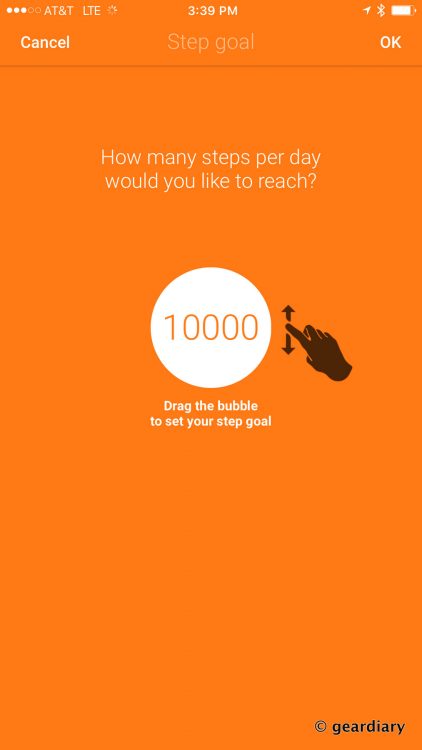
In conjunction with healthy eating habits, diligent diary entries in MyFitnessPal, and daily weighing, a fitness tracker serves to motivate and keep me on track. Now, does seeing all of the extra calories I’ve burned give me license to eat as much as I want since I’ve been so “active”? Of course not. But for me, trying to clock 10,000 steps a day (I don’t always make it unless I’m traveling) and keeping up with my progress in an app is a great motivation for staying on track, and that’s where a product like the Withings Pulse Ox comes in.
You can wear the Pulse Ox clipped to your clothing, on your wrist, or dropped in your pocket or bag (assuming you always carry your bag). The Pulse Ox is very small, yet it packs in a lot of features, and it is versatile. Let’s start with what’s in the box …
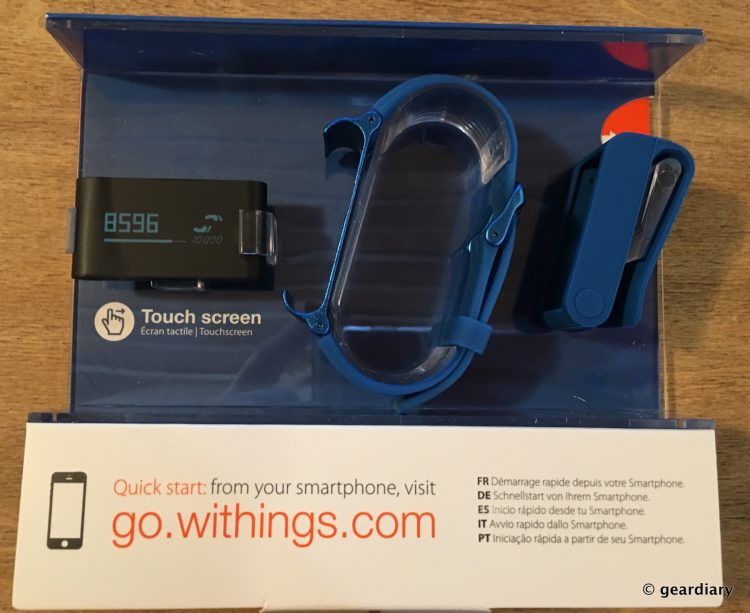
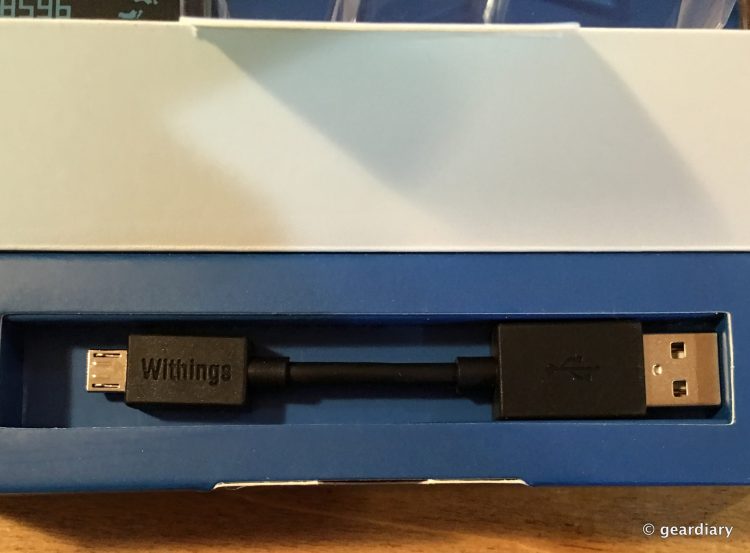
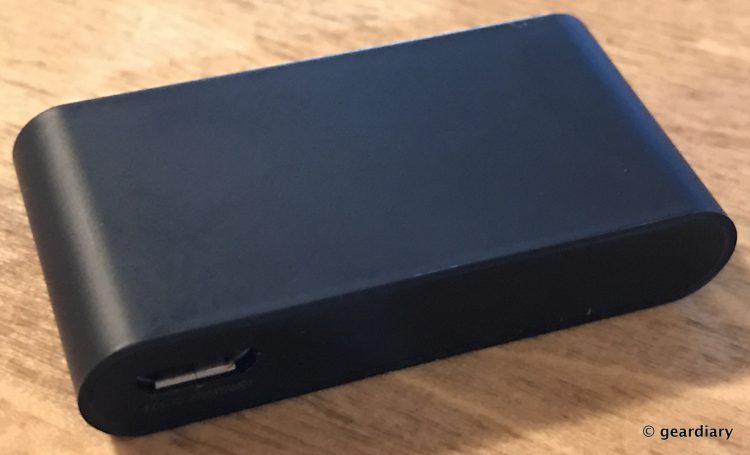
Included with the 1.7″ long by 1″ wide by 0.35″ thick Pulse Ox, you’ll find a snap-in silicone wrist strap, a rubbery clip, and a short microUSB to USB charger.
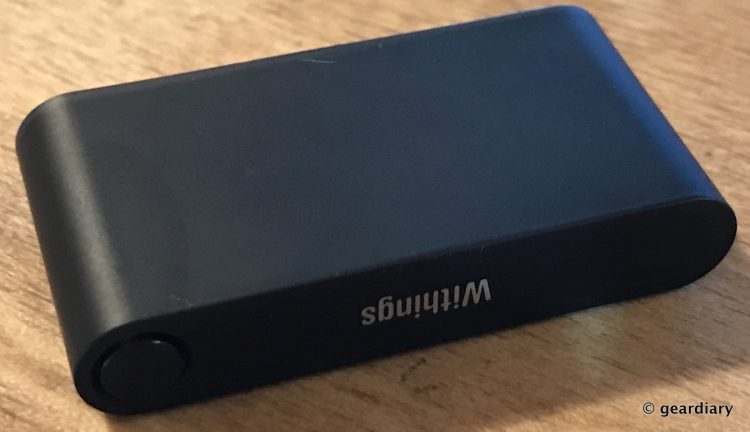
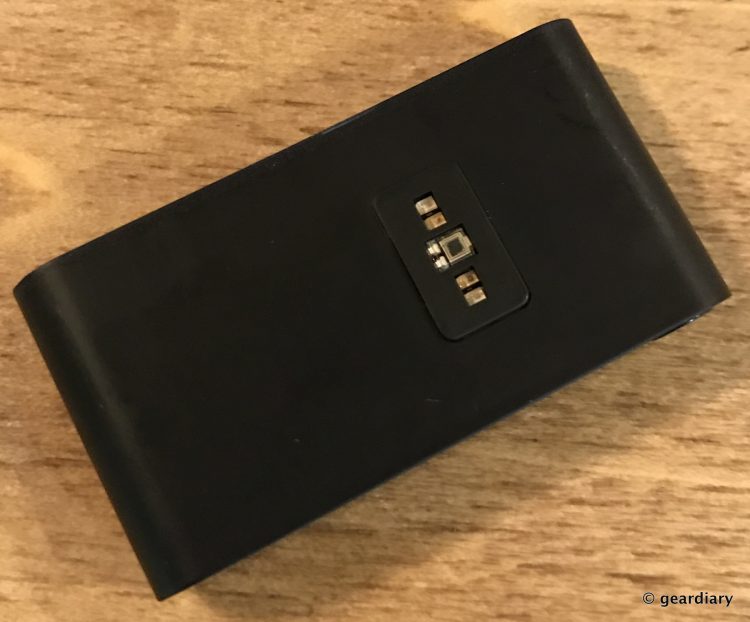
The Pulse Ox has a single button on the top side, a microUSB on the bottom, and a light sensor on the back; the light sensor is used to measure your heart rate and blood oxygen level.
Before using the Pulse Ox, you’ll need to download the Withings Health app available in the Google Play and Apple App Stores; follow the on-screen instructions when you first run the app, pick the Withings account user who will be tied to the Pulse Ox, choose your daily step goal, and then you’ll be set.
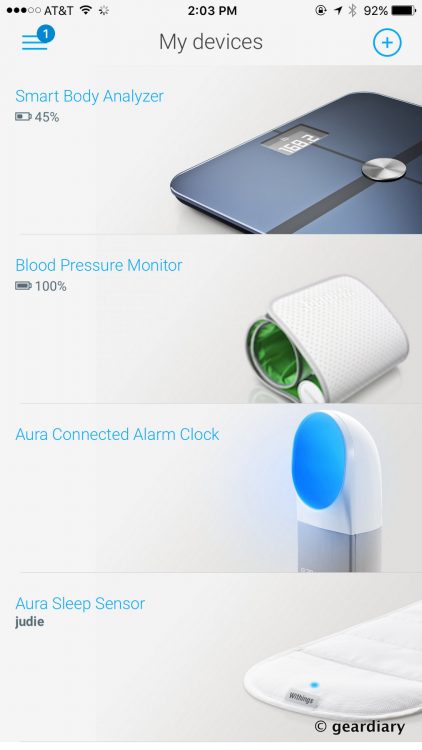
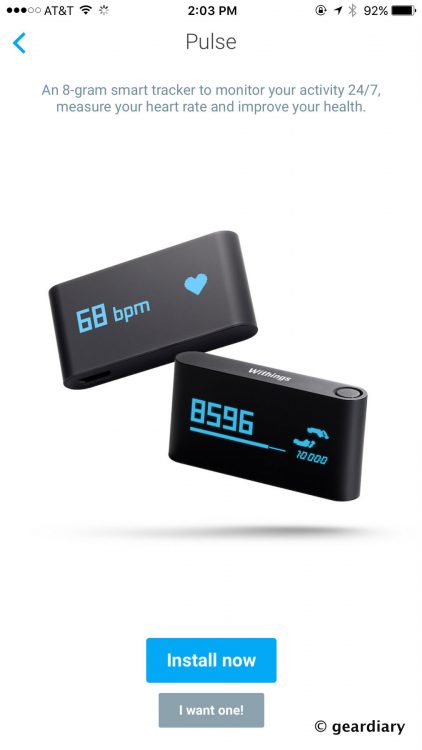
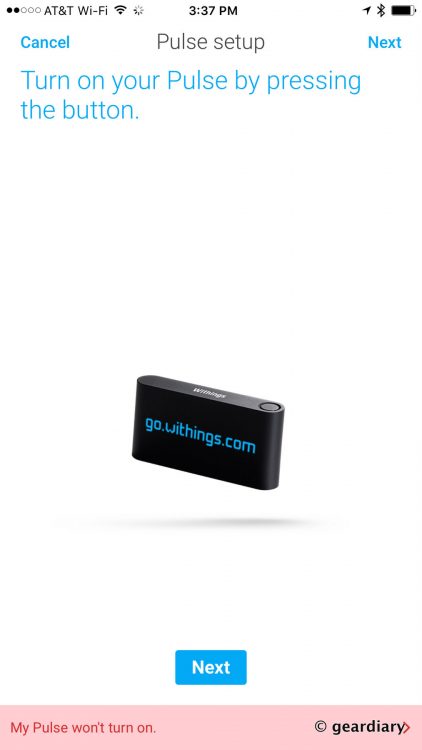
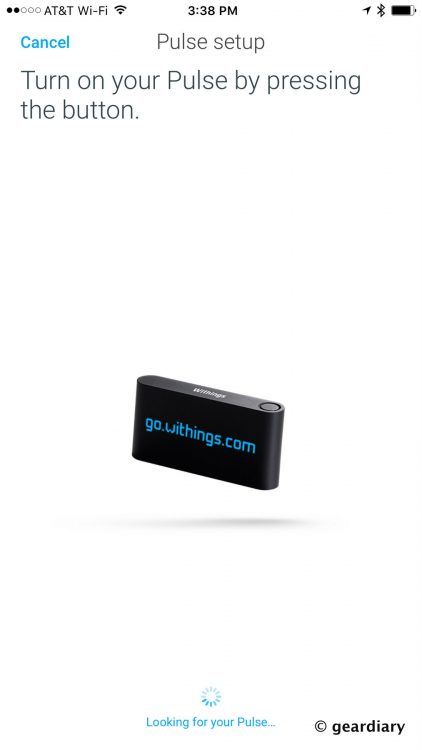
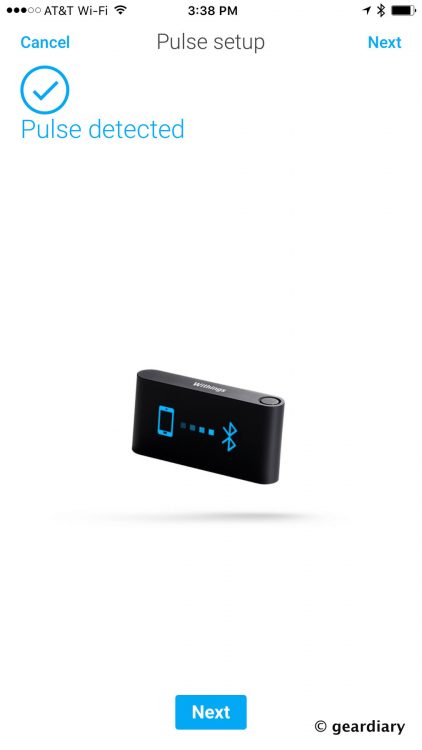
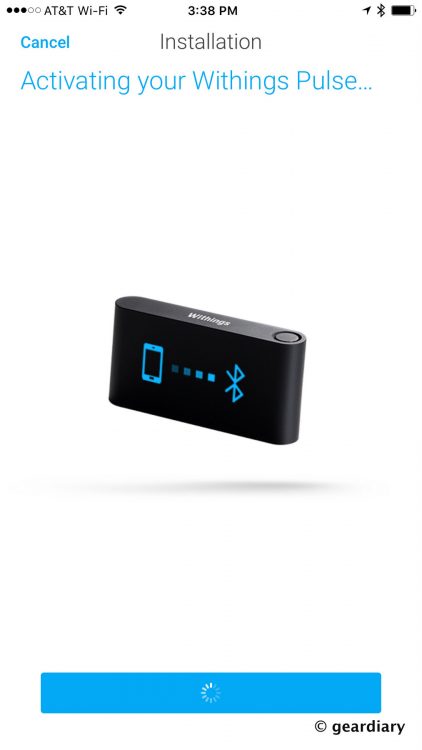
From within the My Devices part of the Withings app, you can change the Pulse Ox’s display language, customize the screens to show all (or only a few) of the following in your preferred order: Vertical Time Right, Steps, Elevation, Distance, Active Calories, Heart & Sleep, Total Calories, Horizontal Watch or Vertical Time Left. The time display is handy if you want to wear the Pulse Ox as a replacement watch.
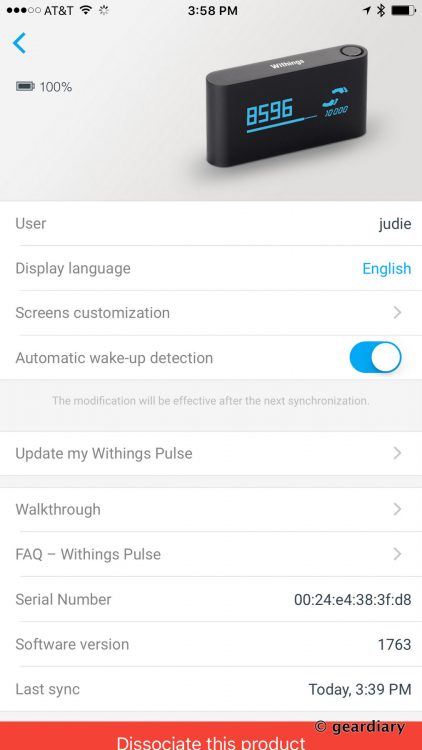
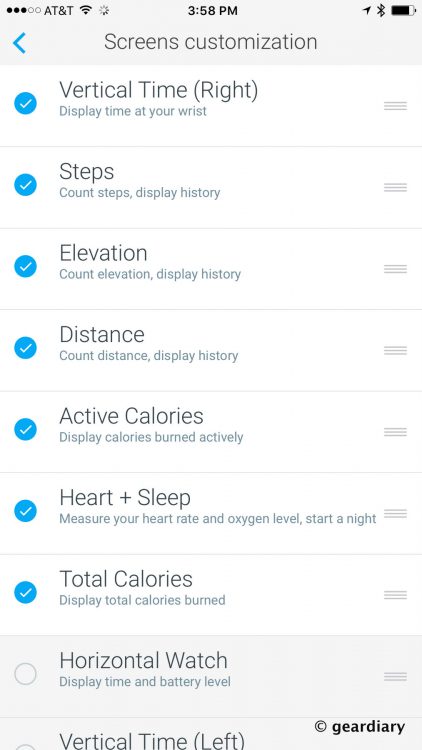
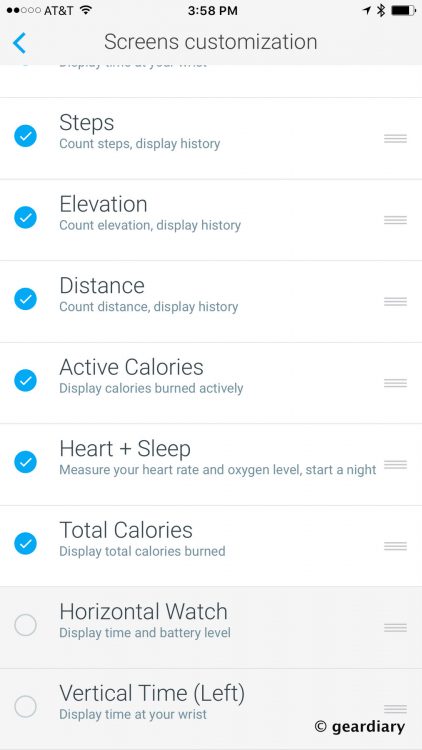
The Pulse Ox’s OLED 128×32 pixel screen will display the statuses that you’ve chosen in the order they appear in the app. Let’s run through them.
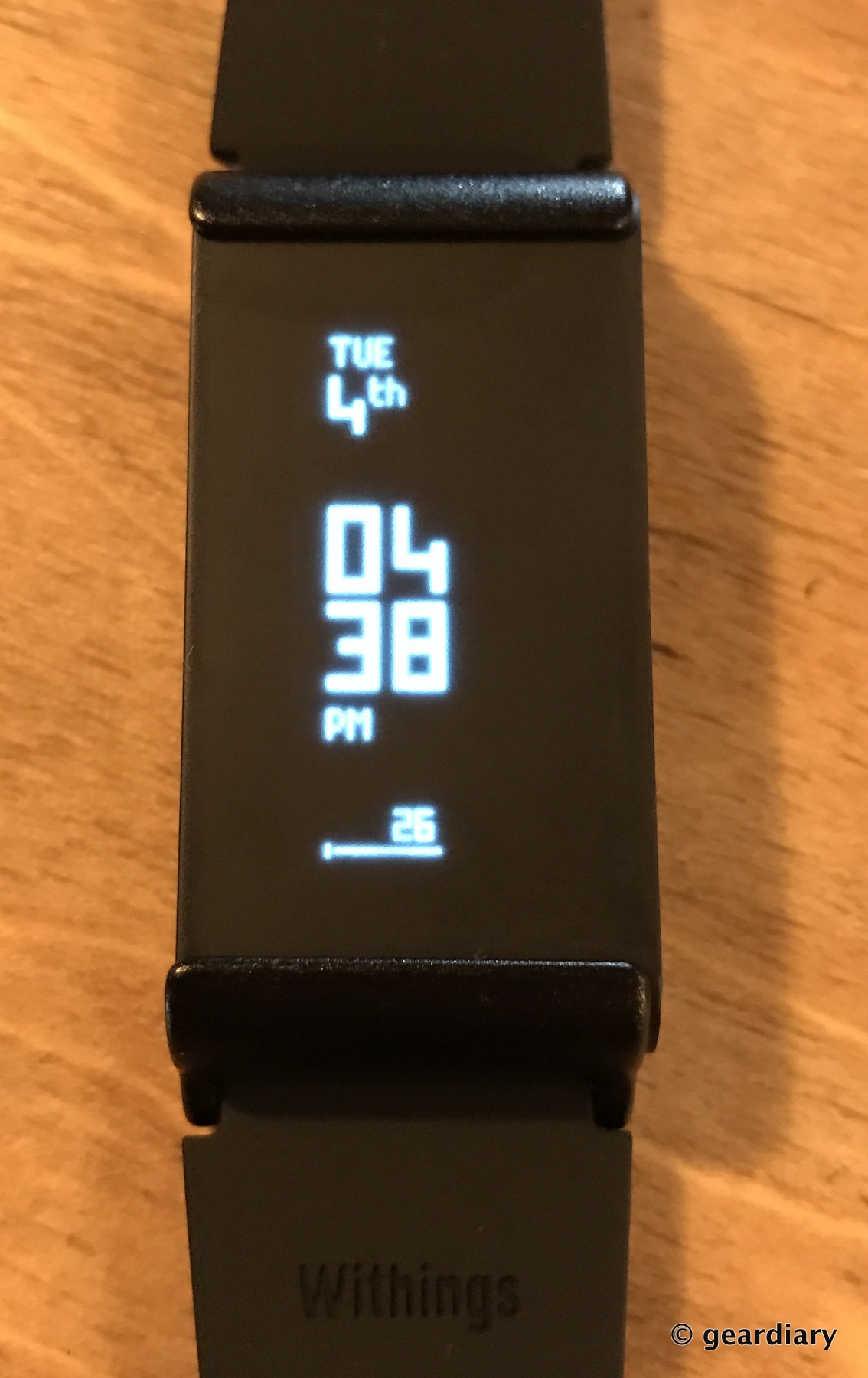
One click of the small button on the top brings up the watch face which displays the time, the date. Bear in mind that after your setup, these screens may be in a different order. [I’ll apologize in advance that the numbers aren’t as sharp as I’d like in these pics.]
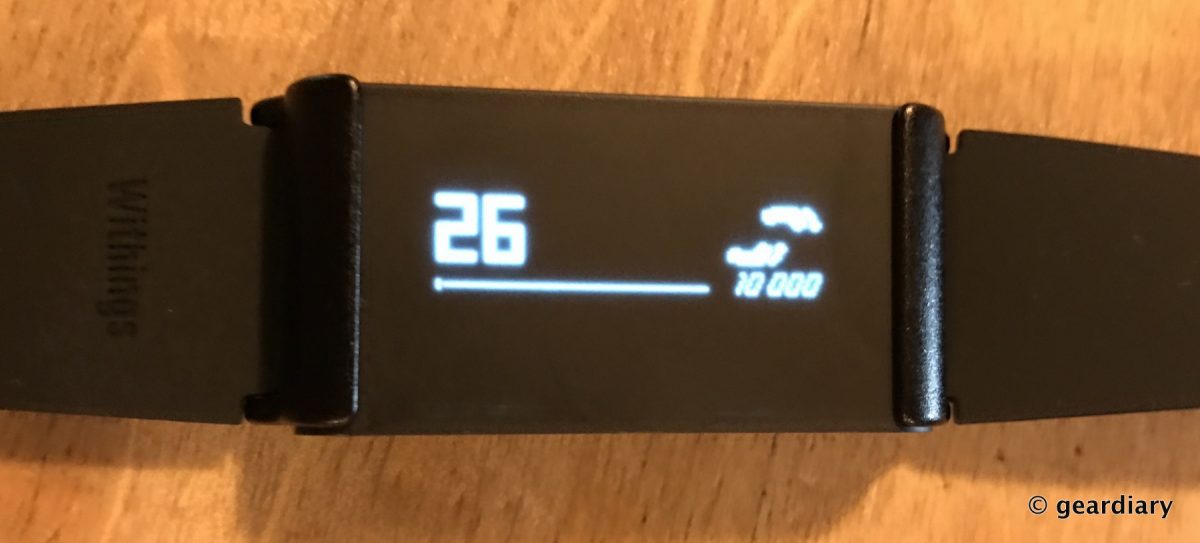
Another press of the button, and the number of steps shows. If you swipe the screen to the right (while the Pulse Ox is in this orientation), you’ll see saved measurements for up to 10 days.
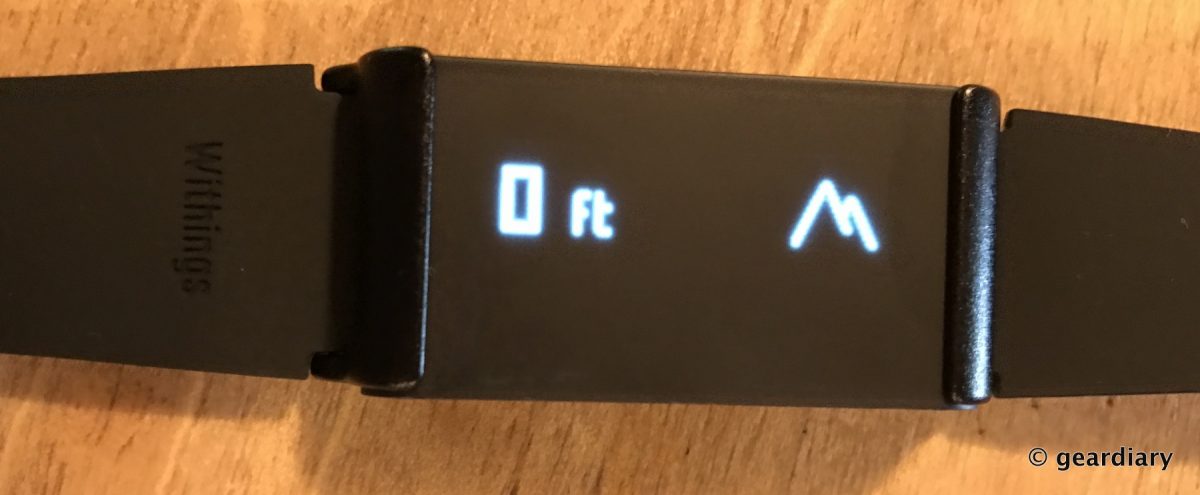
Another press and elevation shows; again, swiping to the right will display the last 10 days measurements.
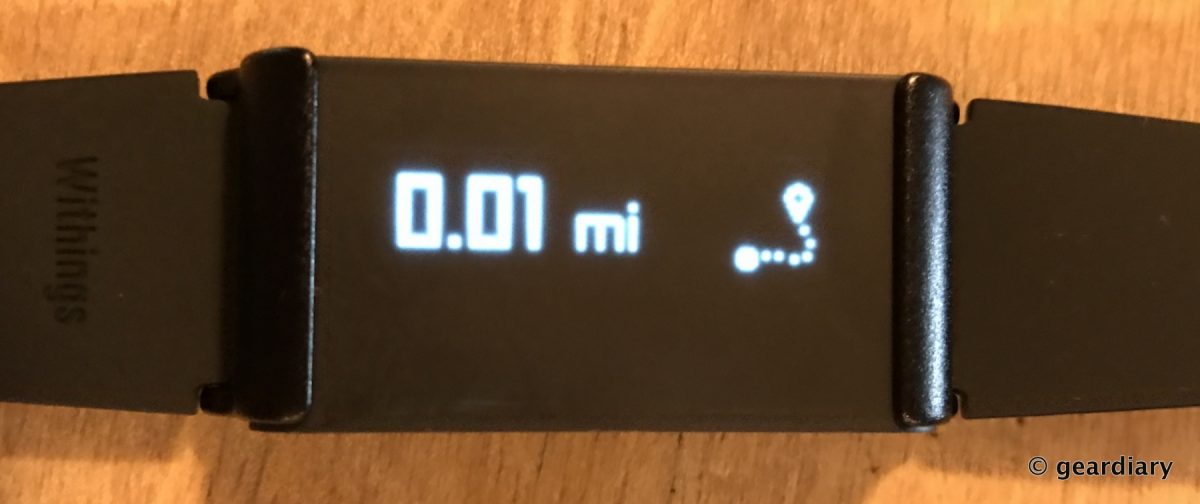
Next is the number of miles walked; the last 10 days of distances are stored, as well.
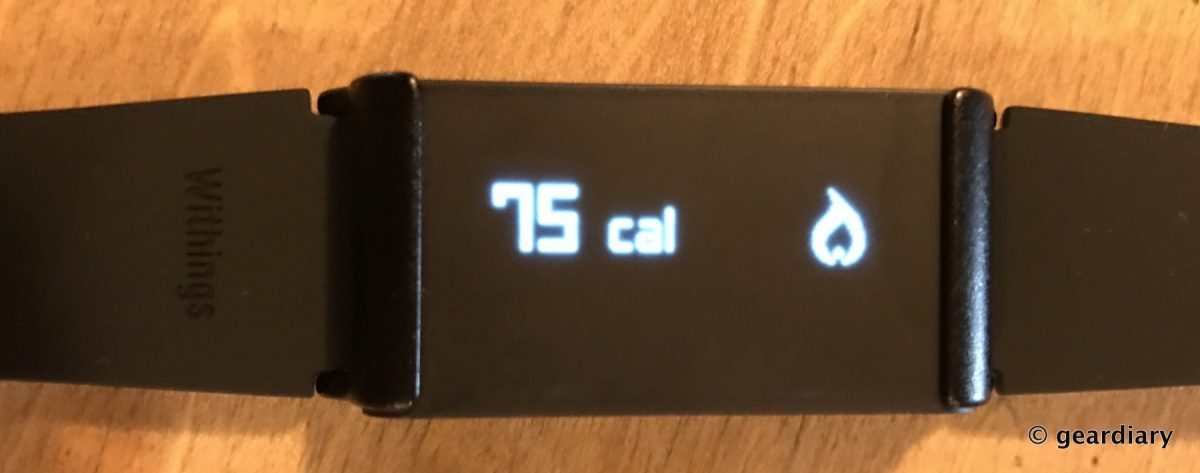
Another press shows the number of calories burned, and yes — the last 10 days will also display with right swiping.
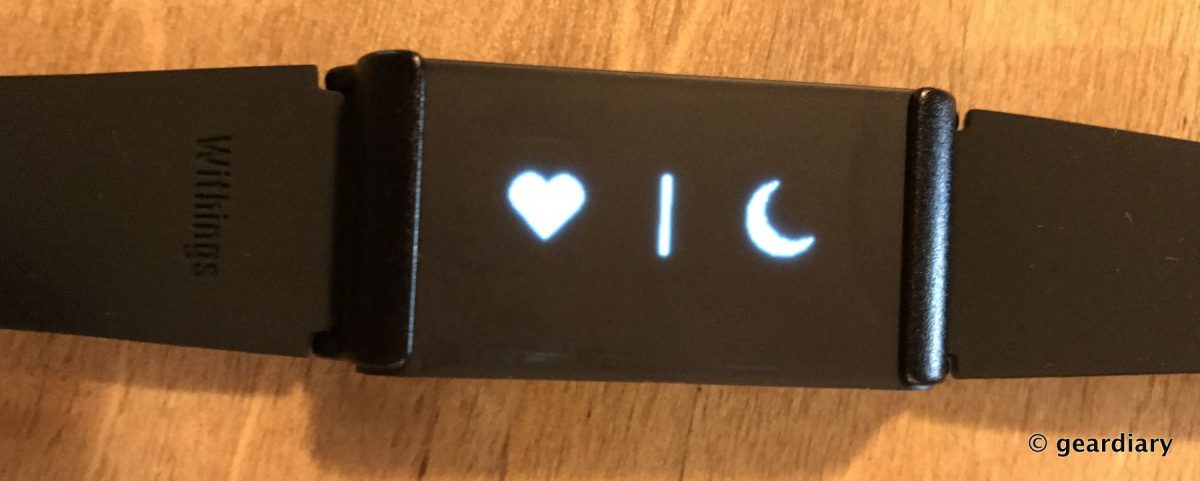
This screen is where you go to measure your heart rate and blood oxygen level. One you have reached this screen, you put your finger on the heart icon, and it will tell you to place your finger. At that point, you lay your finger across the optoelectronics sensor with Green / Red LEDs on the back of the Pulse Ox, and it will take your measurement. If you swipe the screen to the right, you’ll see the last 14 measurements.
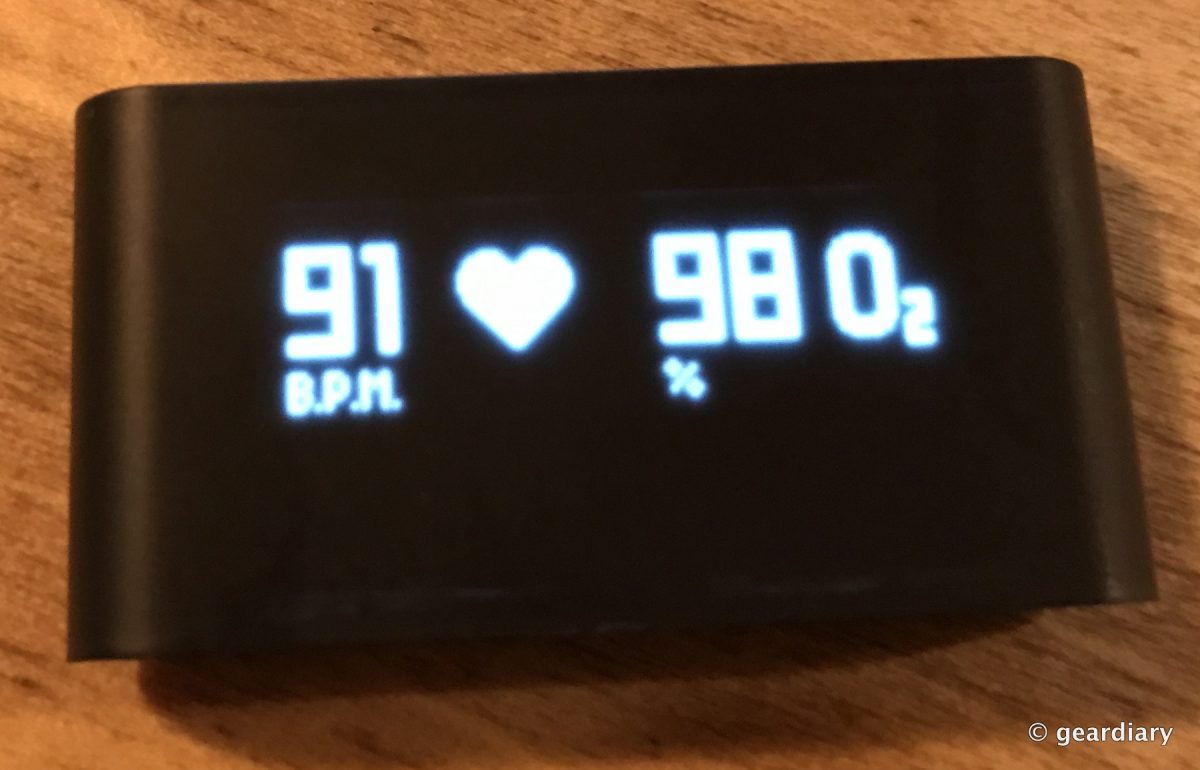
On this particular reading, my heart rate was 91 beats per minute, and my oxygen saturation was 98%. As Withings explains, that means that “each red blood cell is made up of 98% oxygenated and 2% non-oxygenated hemoglobin. Normal SpO2 values vary between 95 and 100%.” So I am well within the normal range.
The moon icon is for analyzing your sleep to “improve its quality”. When you press and hold the moon icon, a “Goodnight” message will pop up, and then the Pulse Ox will begin to track your sleep. When you wake up, you’ll get a Good Morning message, and sleep tracking will stop. It should be noted that you do not have to do this to track sleep, but it is one way to get a more accurate measurement. When you lie down at night, the Ox will make note of your stillness, and it track it as sleep, but this feature comes in handy for tracking daytime naps.
On the Withings app, depending upon the Withings products you own, you can see a full picture of your sleep habits, weight, and steps. If you use a Withings Aura to track your sleep, the Aura’s measurements will take precedence over the sleep tracking done by the Pulse Ox. Inside the Withings app, you can get a great idea of your sleep and steps along with other things you might measure such as your weight, blood pressure, and food — pressing that option takes me directly to the MyFitnessPal app, but unfortunately the calories for the food I enter doesn’t carry back over to display in the Withings app. I do like how little tips and encouragements will pop up periodically in the Withings app, too.


I mainly find myself wearing the Withings Pulse Ox as a watch; I’ll lose it if I drop it in my bag, and I found out the hard way that if I clip it to my PJs while sleeping it will go through the wash and die.

The Pulse Ox looks cute when you are dressed up or down. It’s available in black or blue.
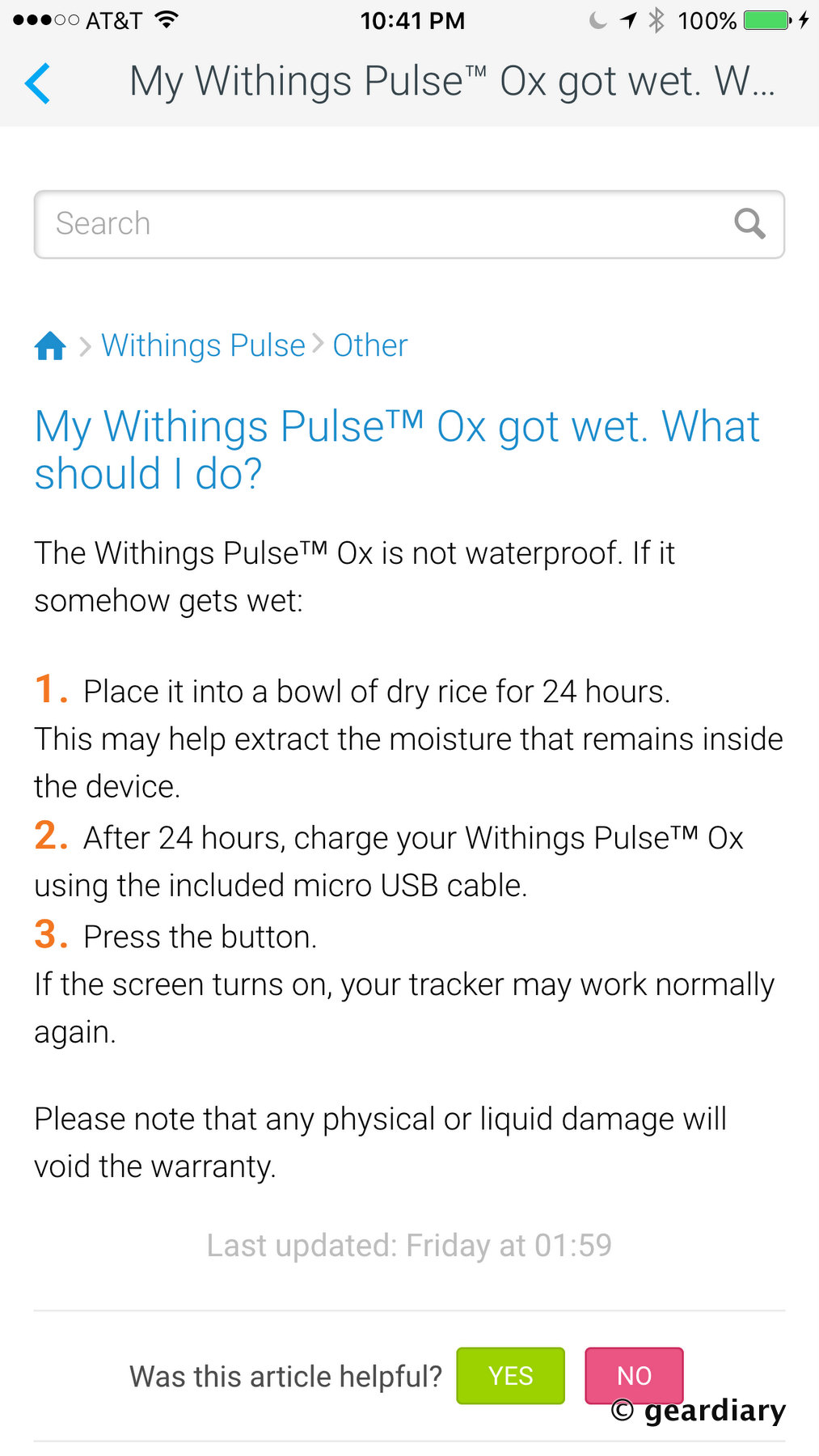
And that brings me to the one real caveat I found while using the Pulse Ox: it’s not waterproof, so if you get it wet (beyond maybe a splash while washing your hands), it will fail. Obviously, this means that the Pulse can not be worn to track strokes while swimming or movement while bouncing around in the pool.
The Withings Pulse Ox is a handy tool for keeping track of your sleep and steps. It is comfortable to wear, and I like that it displays so much information without ever having to open the app. The lack of water-resistance is a bit of a buzz-kill for me, but then, I have been known to be very hard on my fitness tracking devices and others may have better luck.
The Withings Pulse Ox retails for $99.95, and it is available directly from the manufacturer and from other retailers including Amazon [affiliate link] for $79.98.
Source: Manufacturer supplied review sample
What I Like: Comfortable to wear with a variety of ways to wear or carry it; A screen that displays all of your tracked info without the need to open the Withings app; The Withings app is a great fitness tracking app that ties in with the Pulse Ox and most other Withings health tracking devices; Used in conjunction with exercise, a good diet, and self-control, the Pulse Ox can help you keep track of your fitness and hopefully help you live a healthier life
What Needs Improvement: Not waterproof at all — don’t swim, shower, or send it through the wash accidentally