


The Lowdown
The Sainlogic SA7 and SA3 Smart Weather Stations offer practical, budget-friendly solutions for home weather monitoring. The SA7 combines temperature, humidity, wind, and rainfall sensors in a single outdoor unit that transmits data to the Weatherseed app, delivering comprehensive local insights. The compact SA3 is a portable thermometer-hygrometer that connects directly to the app for quick setup and simple monitoring anywhere indoors or out. Both devices perform reliably, integrate well with the app, and provide excellent value for their prices.
Overall
Pros
- Ease of use
- Solid app
- Two Years of Historical Data
Cons
- Setup and user guides could be improved
- Sainlogic should sell their own extended mounting kits for the SA7
Sainlogic offers a range of home weather stations, displays, and transmitters, but their naming conventions might leave you feeling like you’re memorizing license plates. Recently, we reviewed their SA1 Wi-Fi Smart Weather Station, which performed solidly. In this review, we’ll focus on two products, the Sainlogic SA3 Smart Portable Weather Station and the Sainlogic SA7 Smart Weather Station, while briefly referencing the previously reviewed SA1 for context.
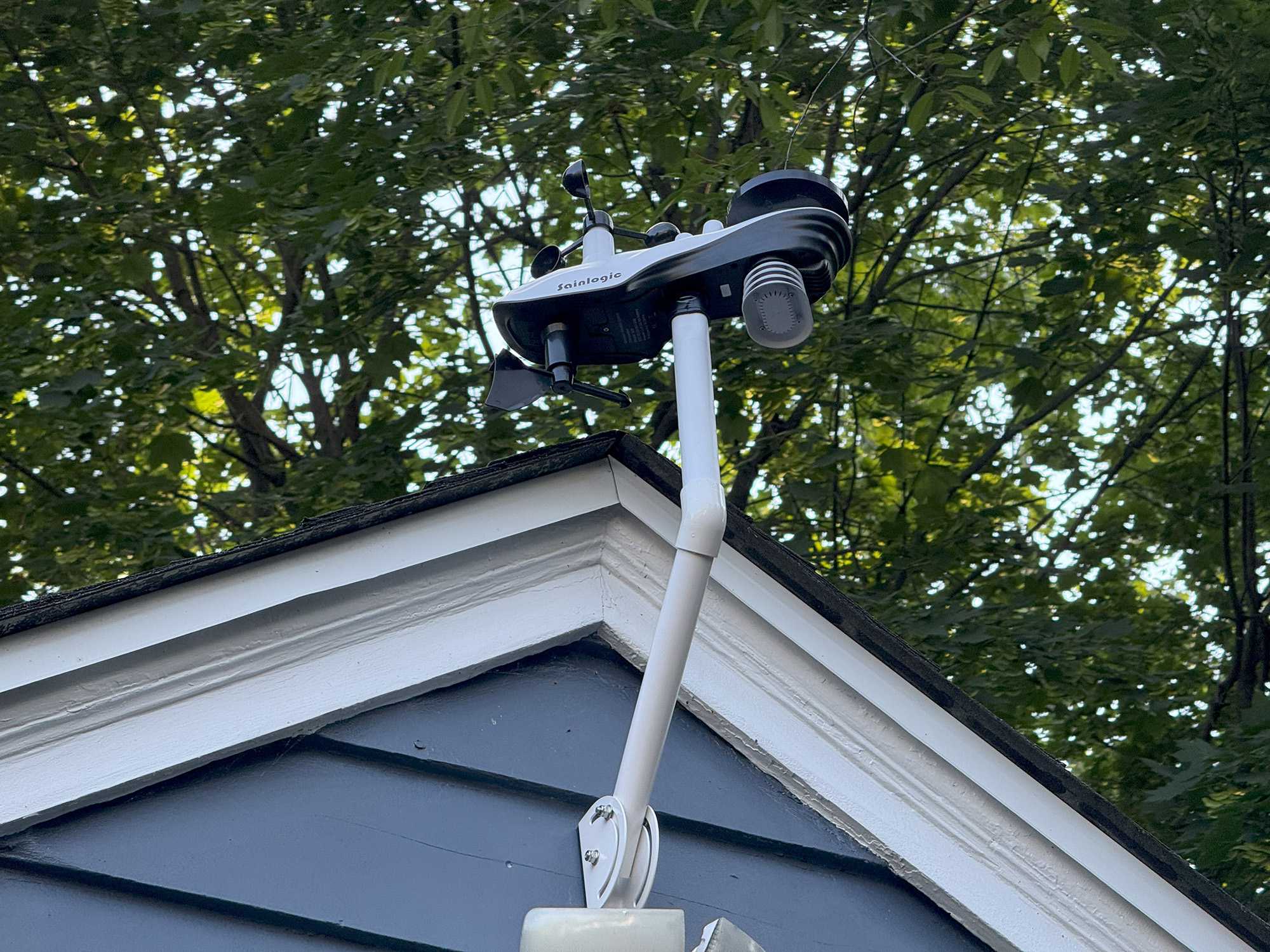
The product names can be confusingly similar despite referring to distinctly different devices. The SA1 is a flat panel display unit equipped with its own interior sensors, as well as an external sensor. The SA7, in contrast, is a fully integrated set of weather sensors mounted outdoors and connected via a gateway inside your home. The SA3, meanwhile, is essentially the same external sensor used with the SA1, sold separately as a stand-alone portable weather sensor.
If that left you scratching your head, don’t worry. Let’s untangle them one by one.
Sainlogic SA1 Smart Weather Station
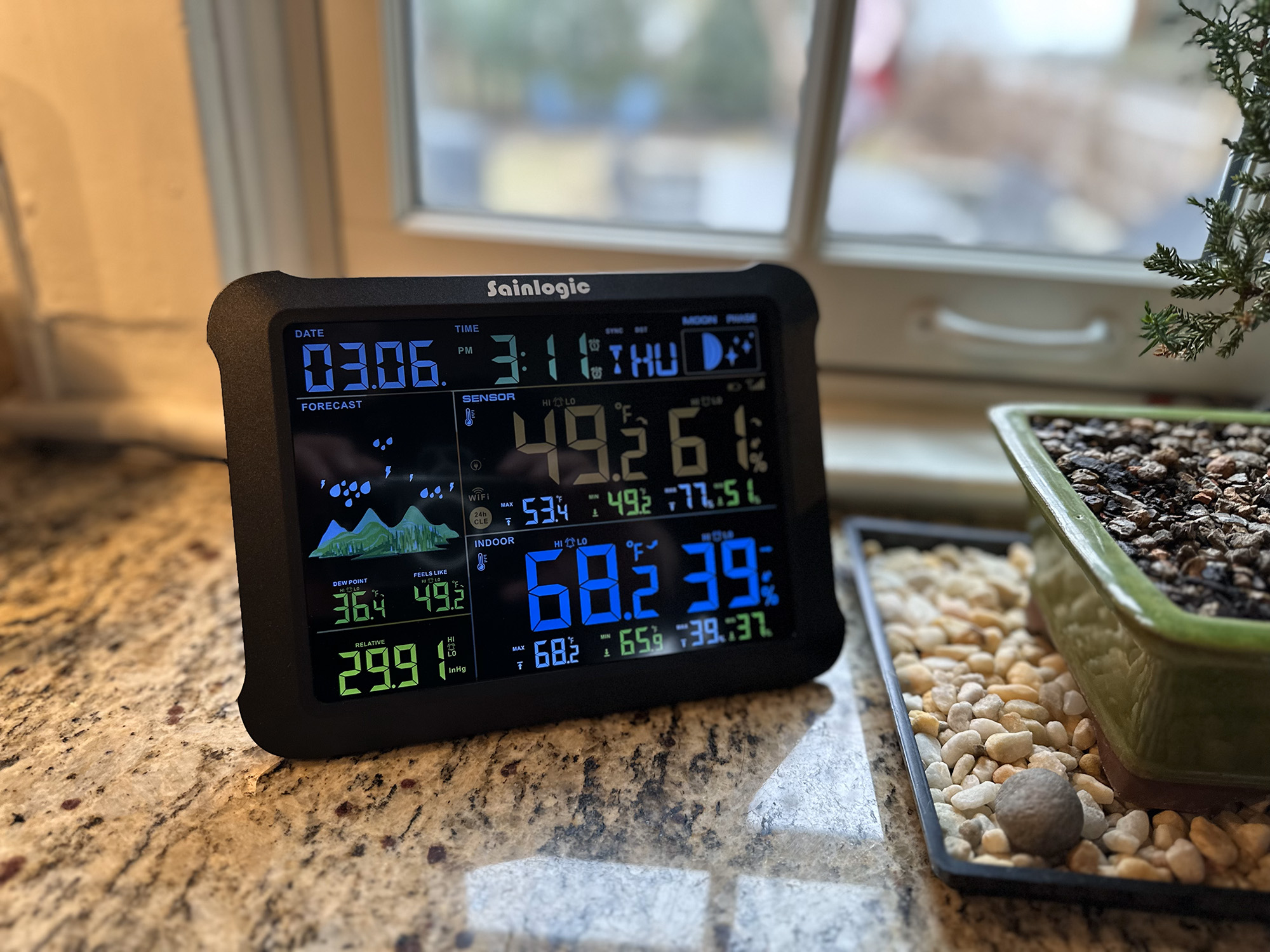
Sainlogic SA1 Smart Weather Station
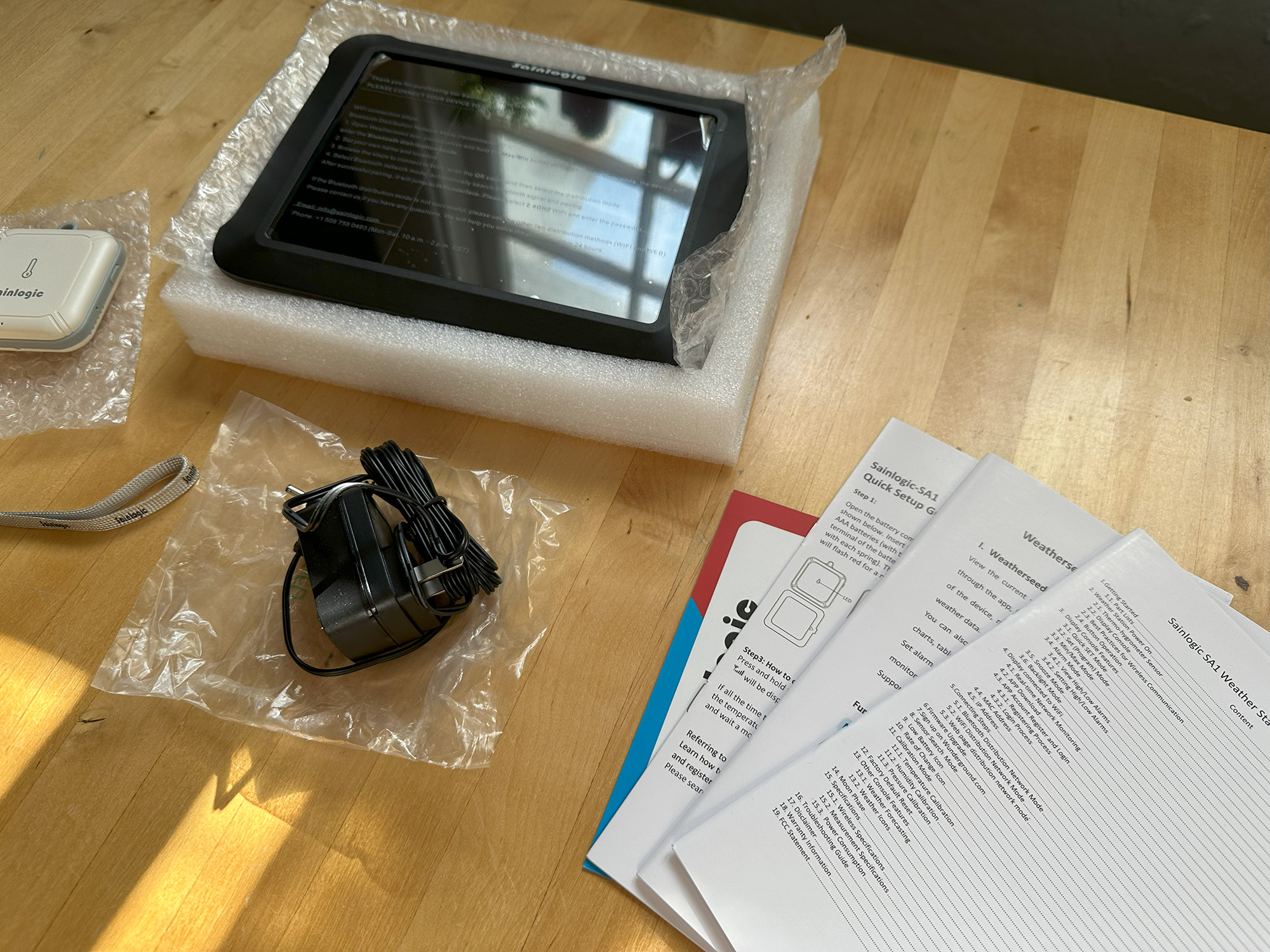
We previously reviewed SA1, but here’s a quick refresher. The SA1 consists of a flat panel display for your home, featuring built-in temperature, humidity, pressure, and dew point sensors, as well as an external sensor for monitoring outdoor conditions. It also displays moon phases, time, date, and a weather forecast.
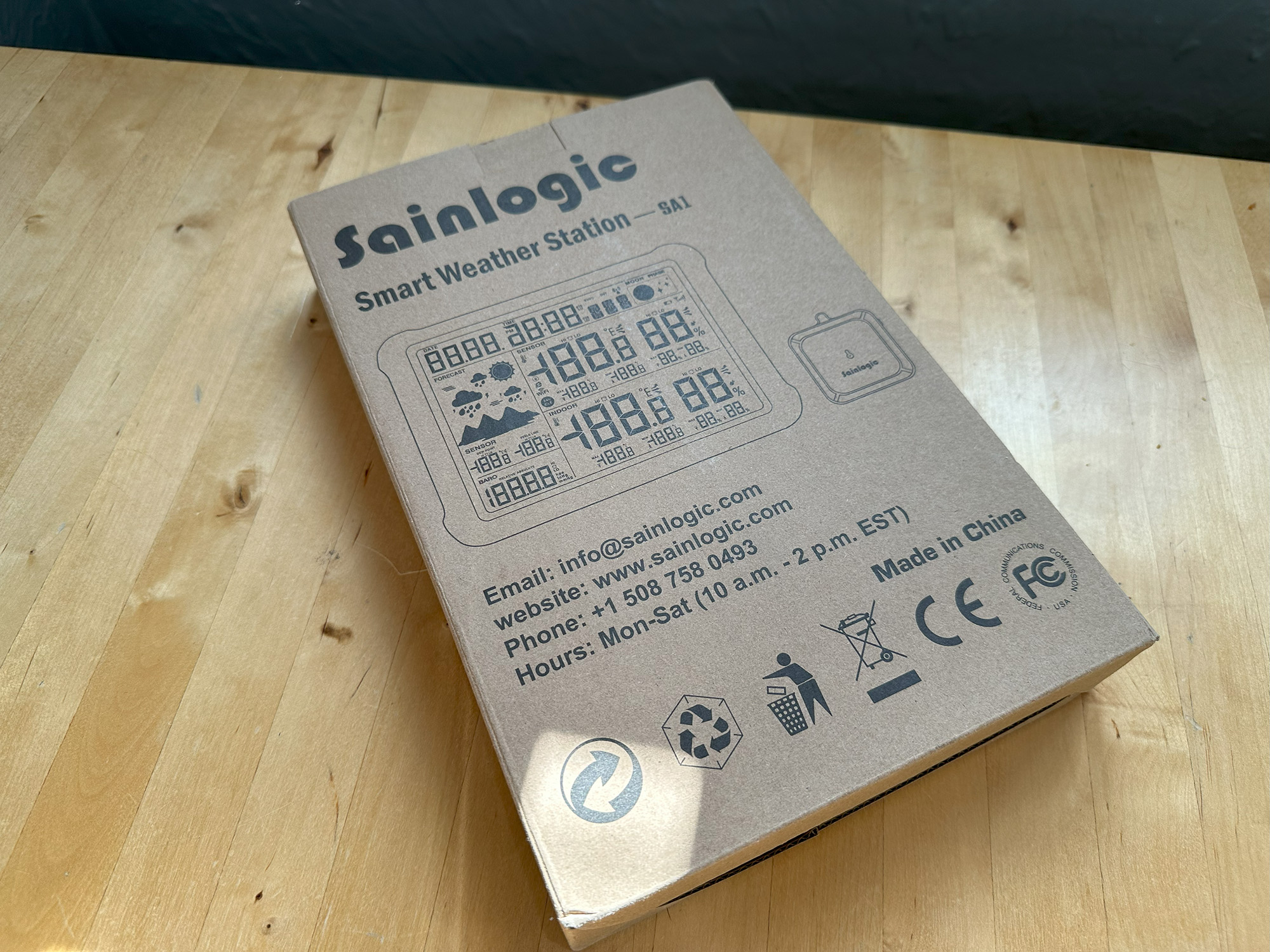
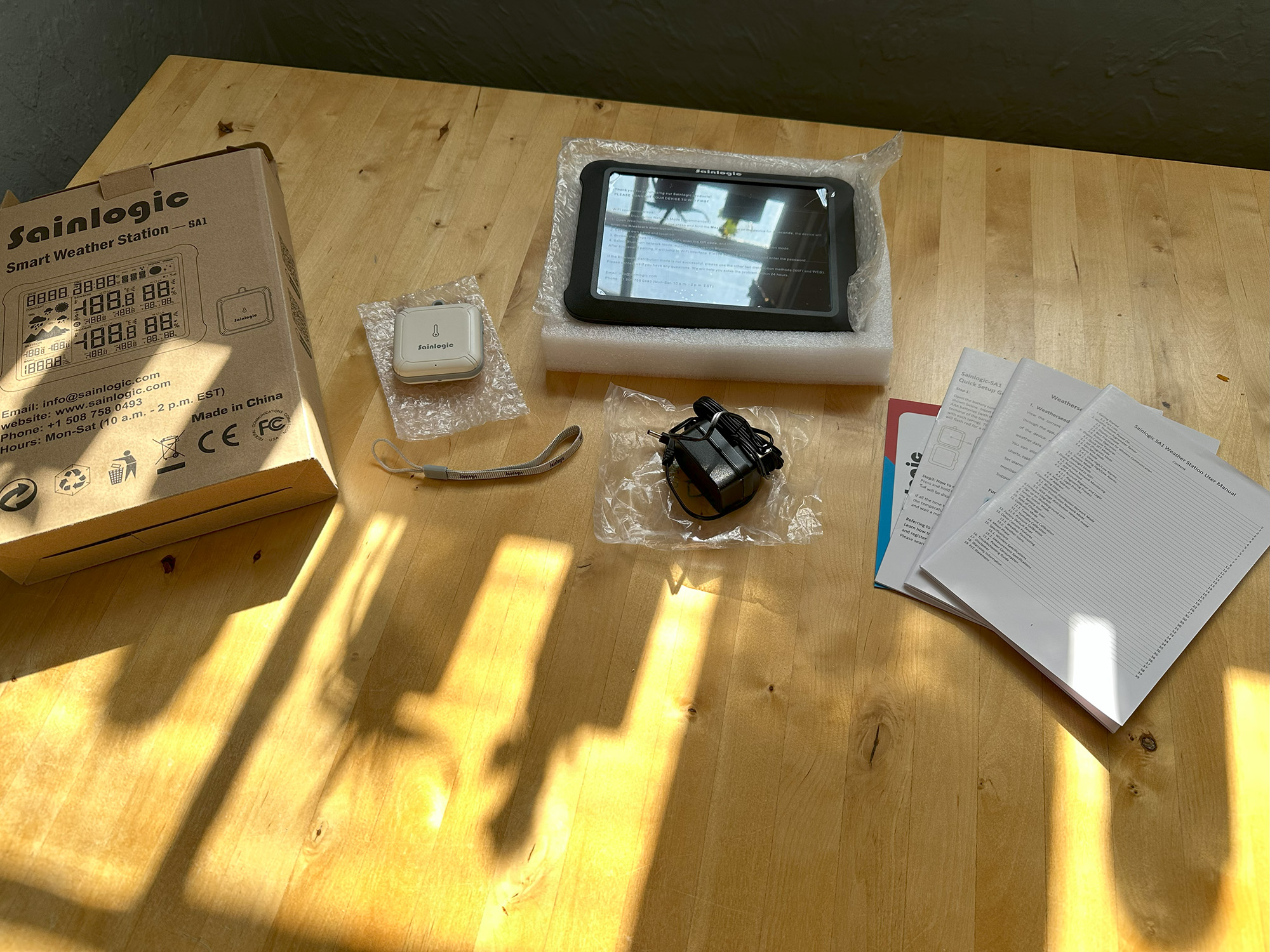
The box includes the SA1 display console, outdoor sensor, power adapter, user guide, quick setup guide, and instructions for the Weatherseed app.
Sainlogic SA3 Smart Portable Weather Station
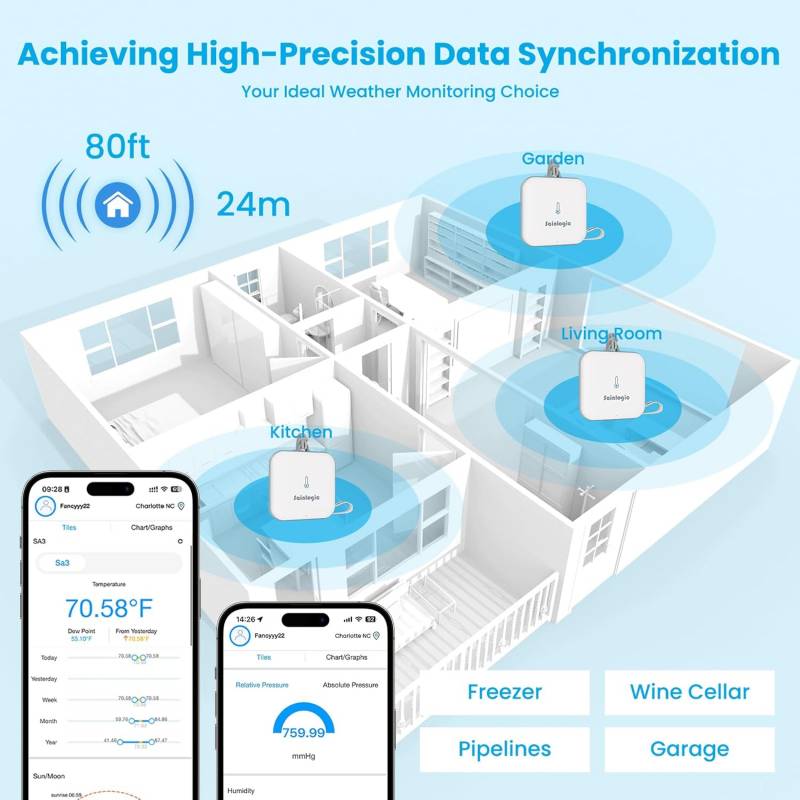
Think of the SA3 as the SA1’s external sensor gone rogue. It’s effectively the same temperature and humidity sensor, but sold as a stand-alone portable unit. Unlike the SA1’s sensor, which only talks to its paired display, the SA3 connects directly to the Weatherseed app via Wi-Fi or Bluetooth.
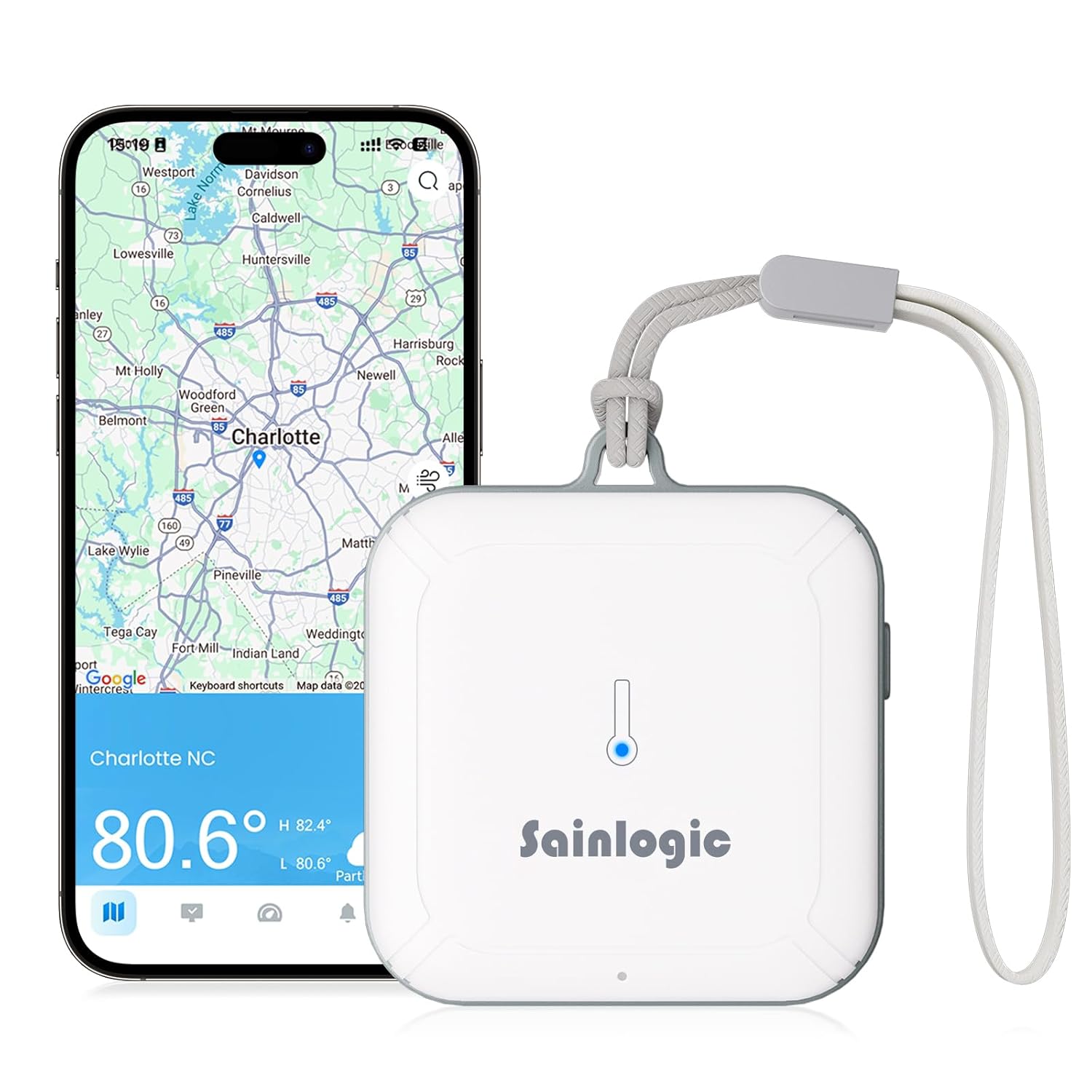
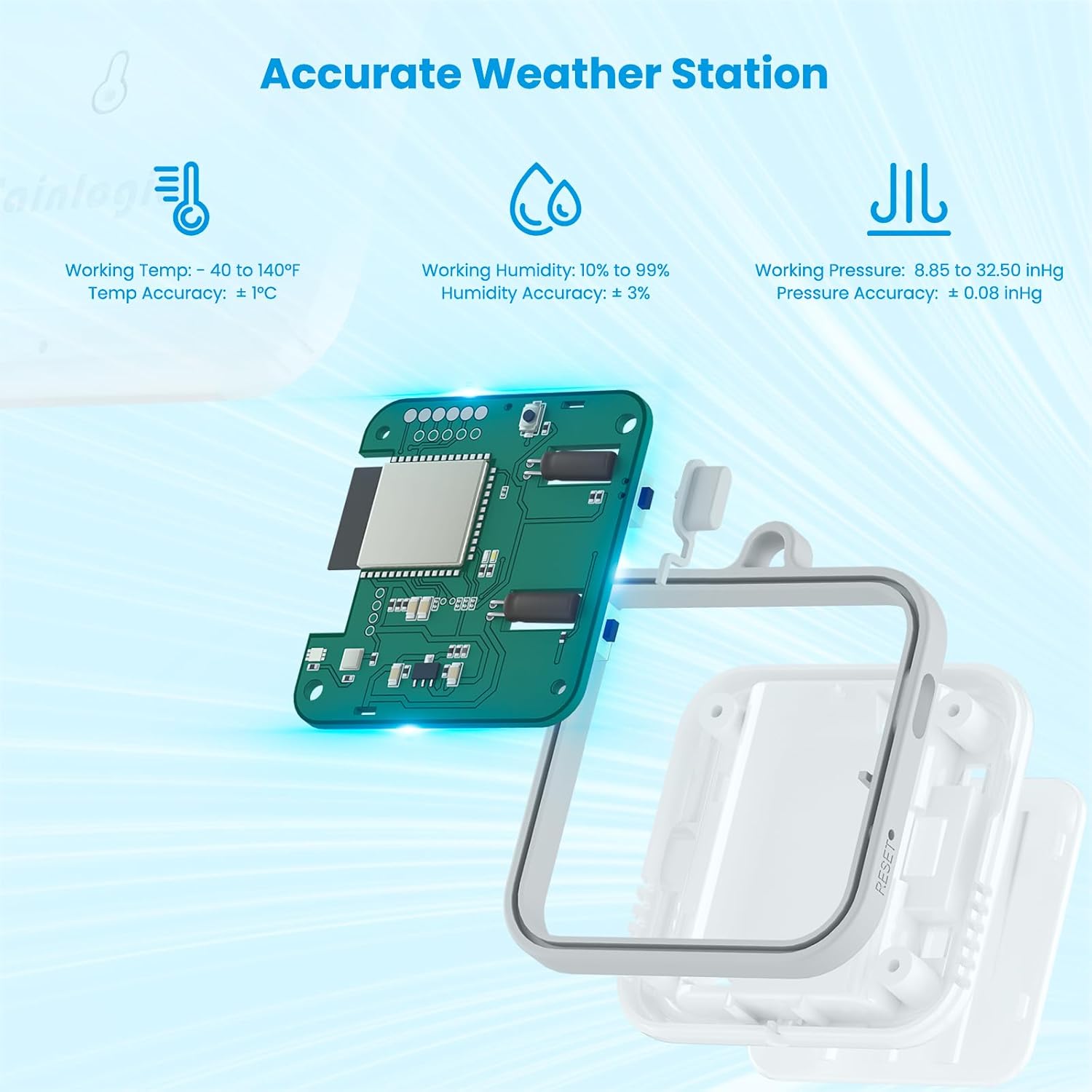
Setup is refreshingly simple: push the pairing button and follow the app’s directions. The SA3 measures 2.56” wide by 2.87” high by .79” deep, weighs just over two ounces, and runs on three AAA batteries (not included).
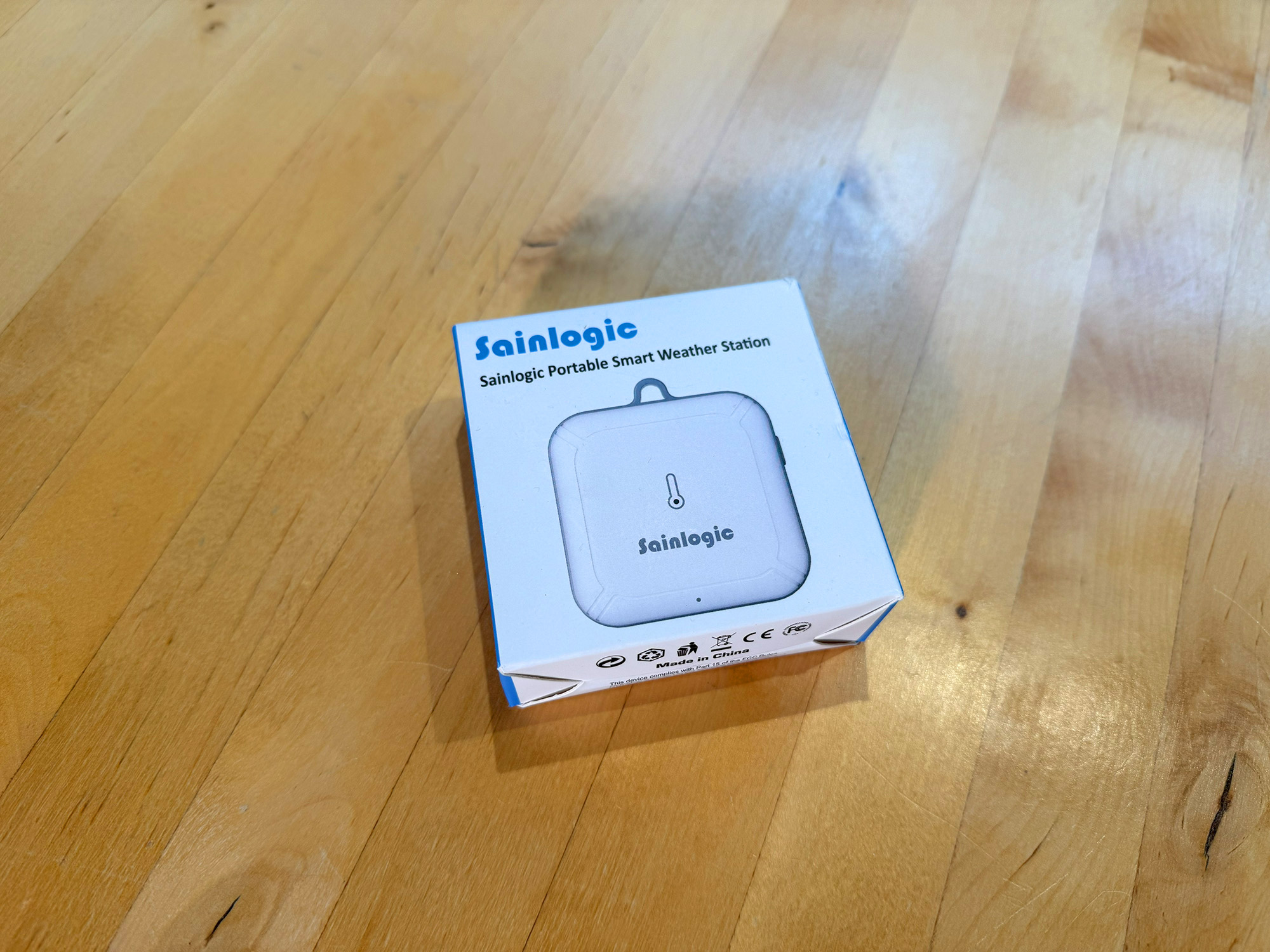
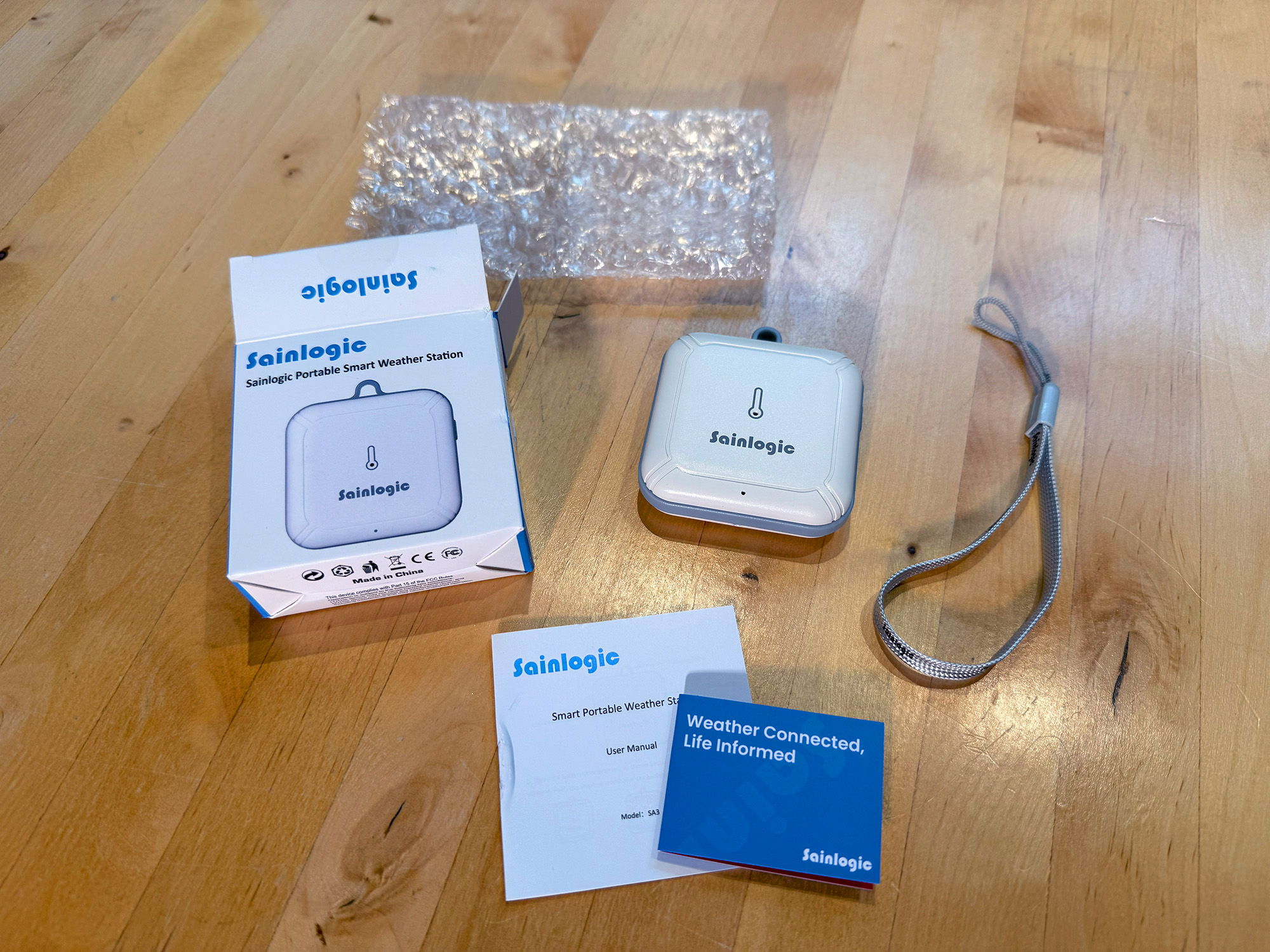
In the box, you’ll find the SA3 sensor, a strap, and an instruction manual. You can place it anywhere you want to monitor temperature and humidity.
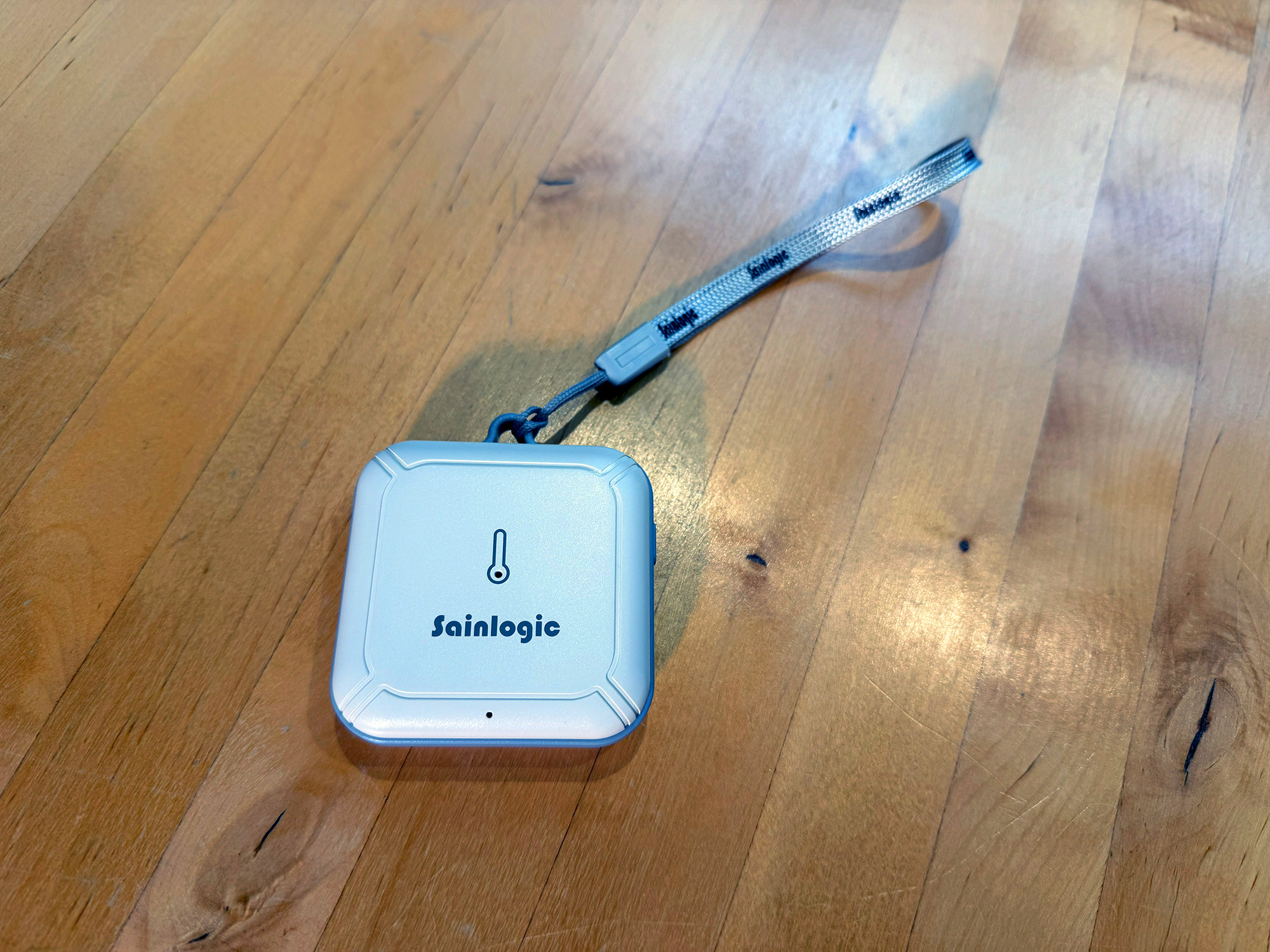
I’m currently using it in my unconditioned attic, which becomes a convection oven in the summer, but it would work just as well in a damp basement, garage, or even a humidor if you’re a cigar aficionado.

Overall, the SA3 is clever, compact, and easy to install, set up, and use.
The Sainlogic Smart Portable Weather Station SA3 retails for $49.99 (currently on sale for $20) and is available directly from the manufacturer and other retailers, including Amazon.
Source: Manufacturer-supplied review sample
What I Like: Ease of Installation, Setup, and Use; Solid App; 2 Years of Historical Data
What Needs Improvement: Nothing
Sainlogic SA7 Smart Weather Station
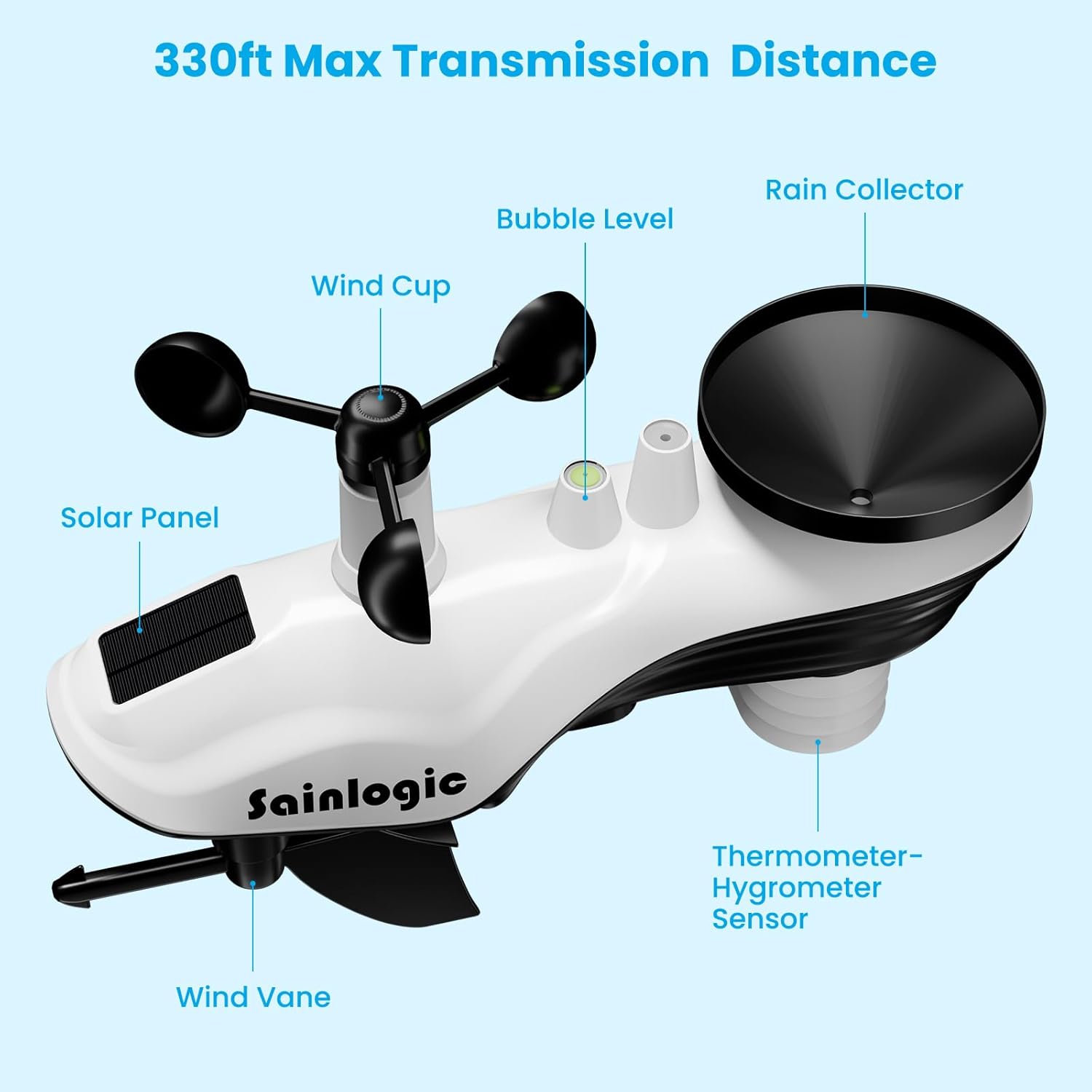
Now, on to the Sainlogic SA7, which most people would intuitively recognize as a “weather station.” It combines a wind cup, wind vane, rain collector, and thermometer-hygrometer sensor in a single unit. This means it can measure temperature, humidity, wind direction and speed, and rainfall, then transmit this data to its indoor gateway (up to 330 feet away), which connects to your Wi-Fi network.
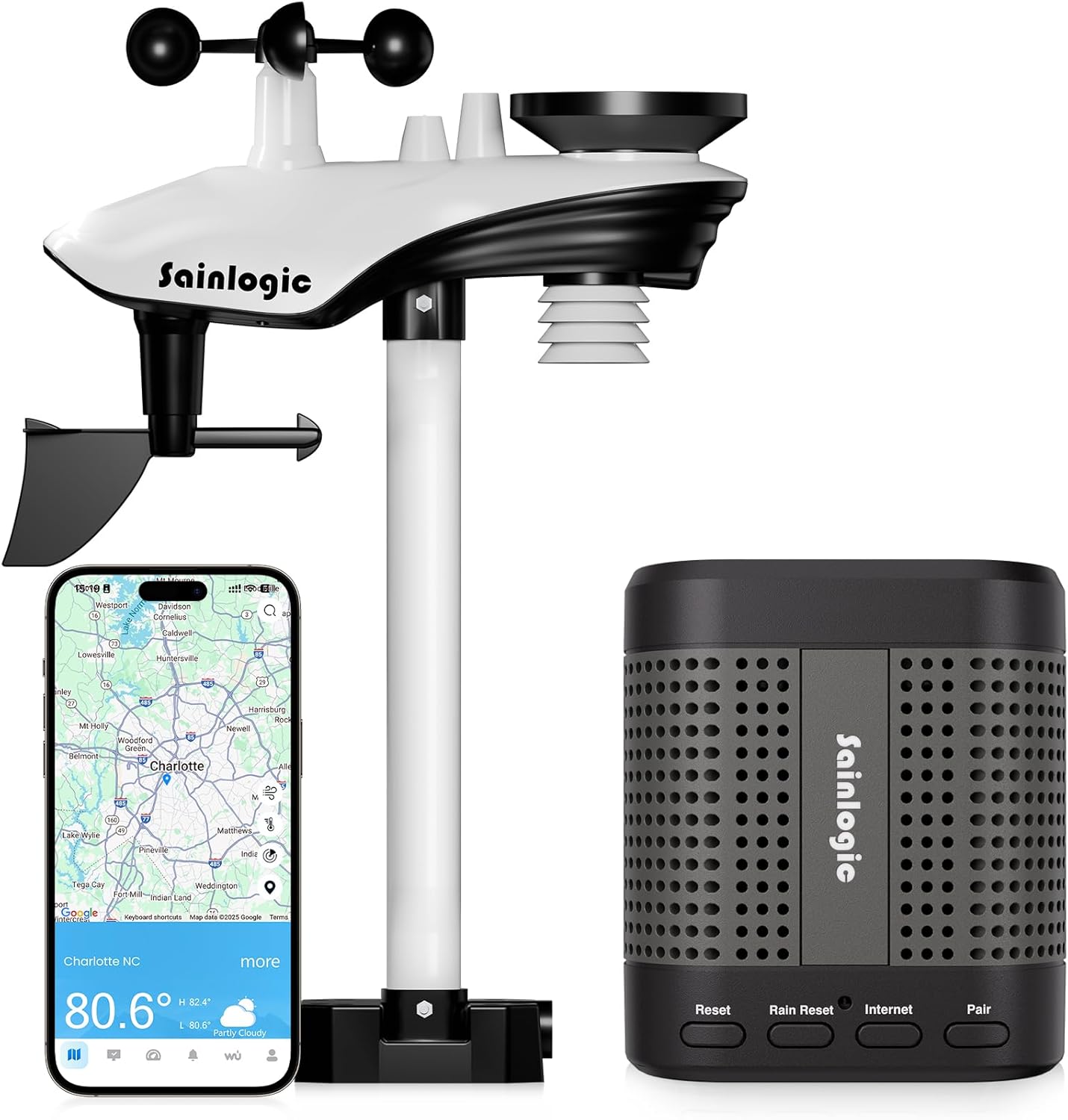
This information is viewed on the Weatherseed app, where you can also see weather information provided by other sources, including their network and the Weather Underground.
The integrated outdoor transmitter unit is 4.33” wide by 12.9” deep and 18.5” high when combined with the mounting pole. The gateway unit measures 3.1” wide by 3.1” deep and 3.6” high. The combined unit weighs 5.25 pounds.
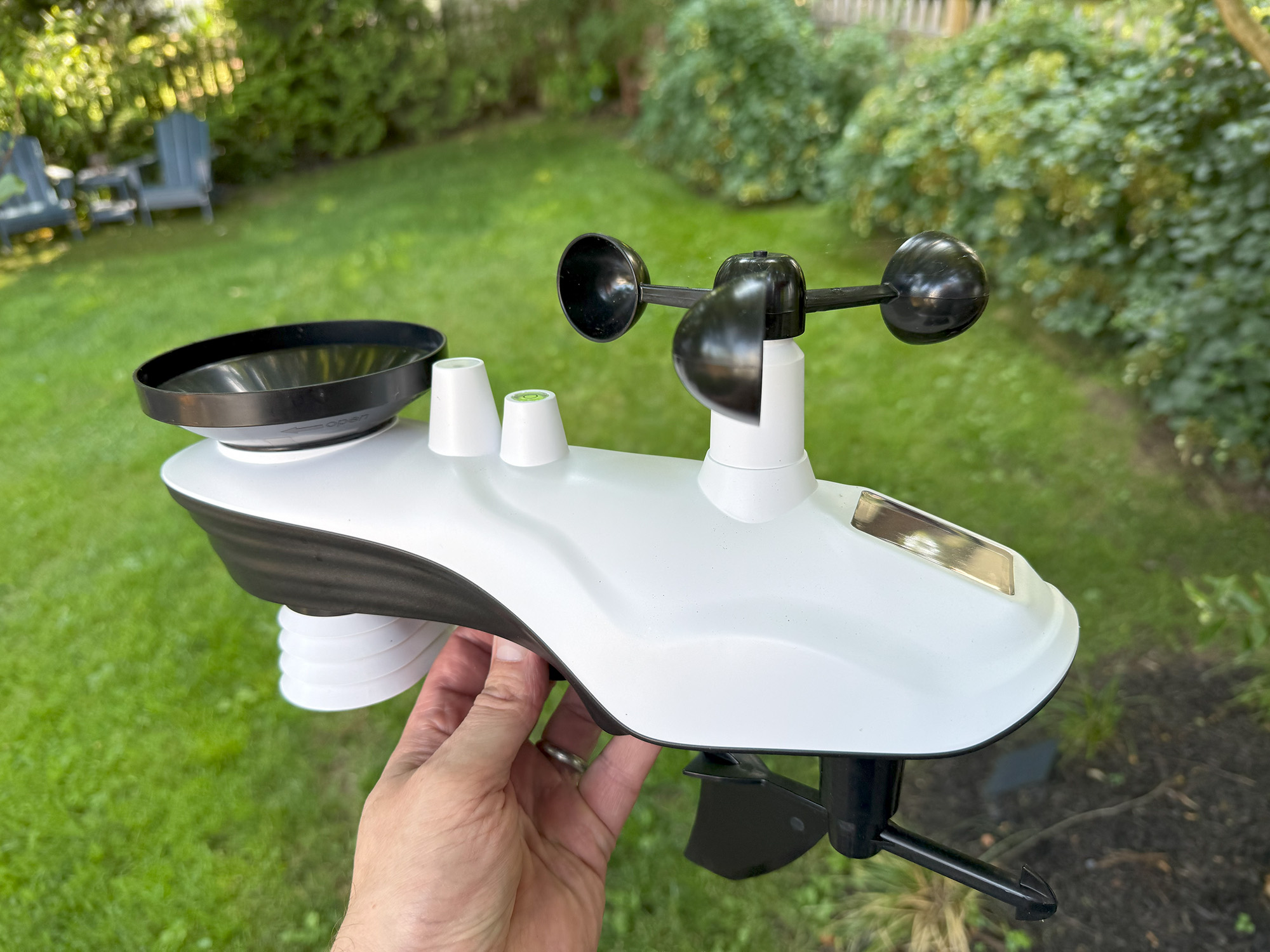
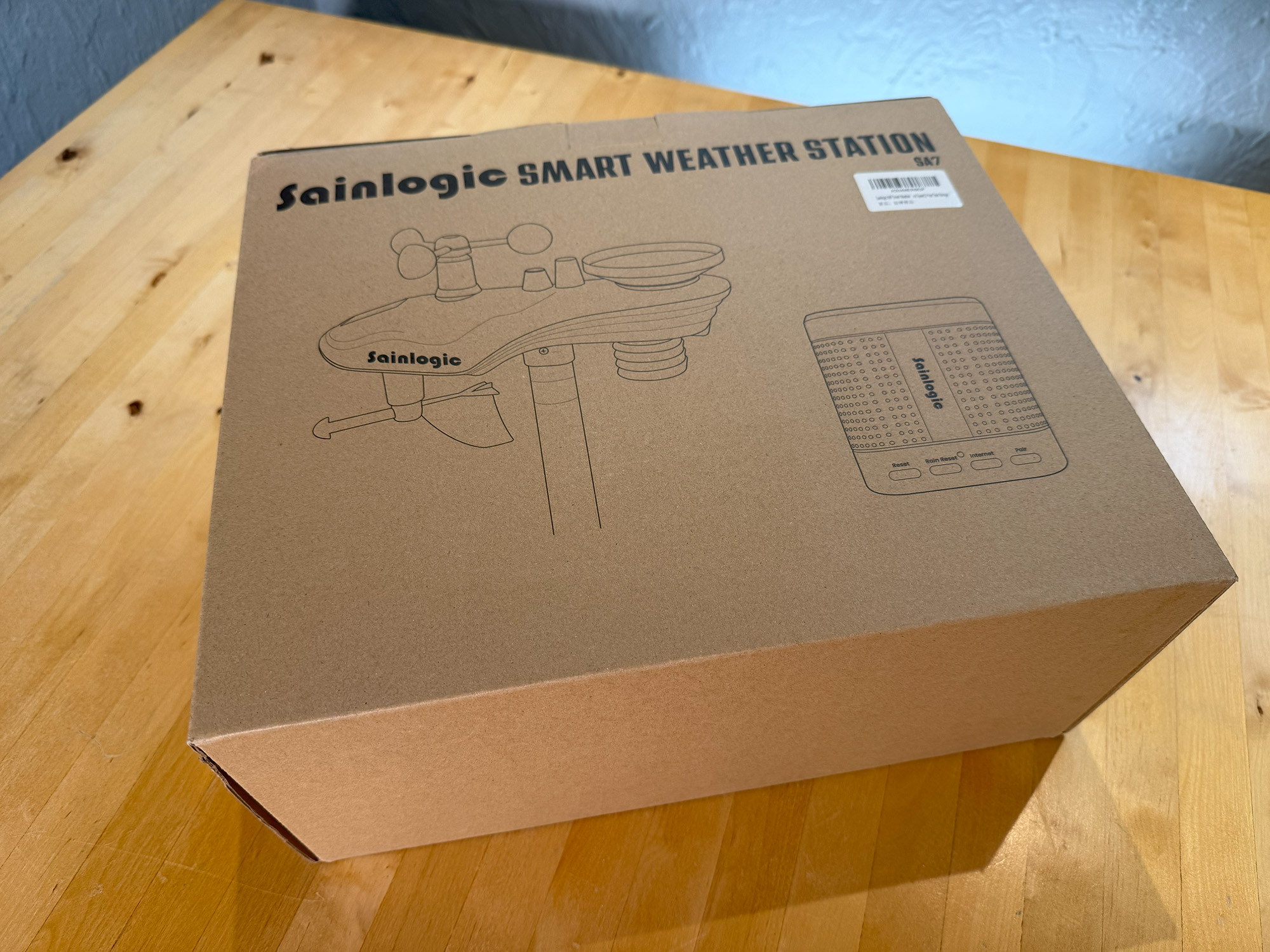
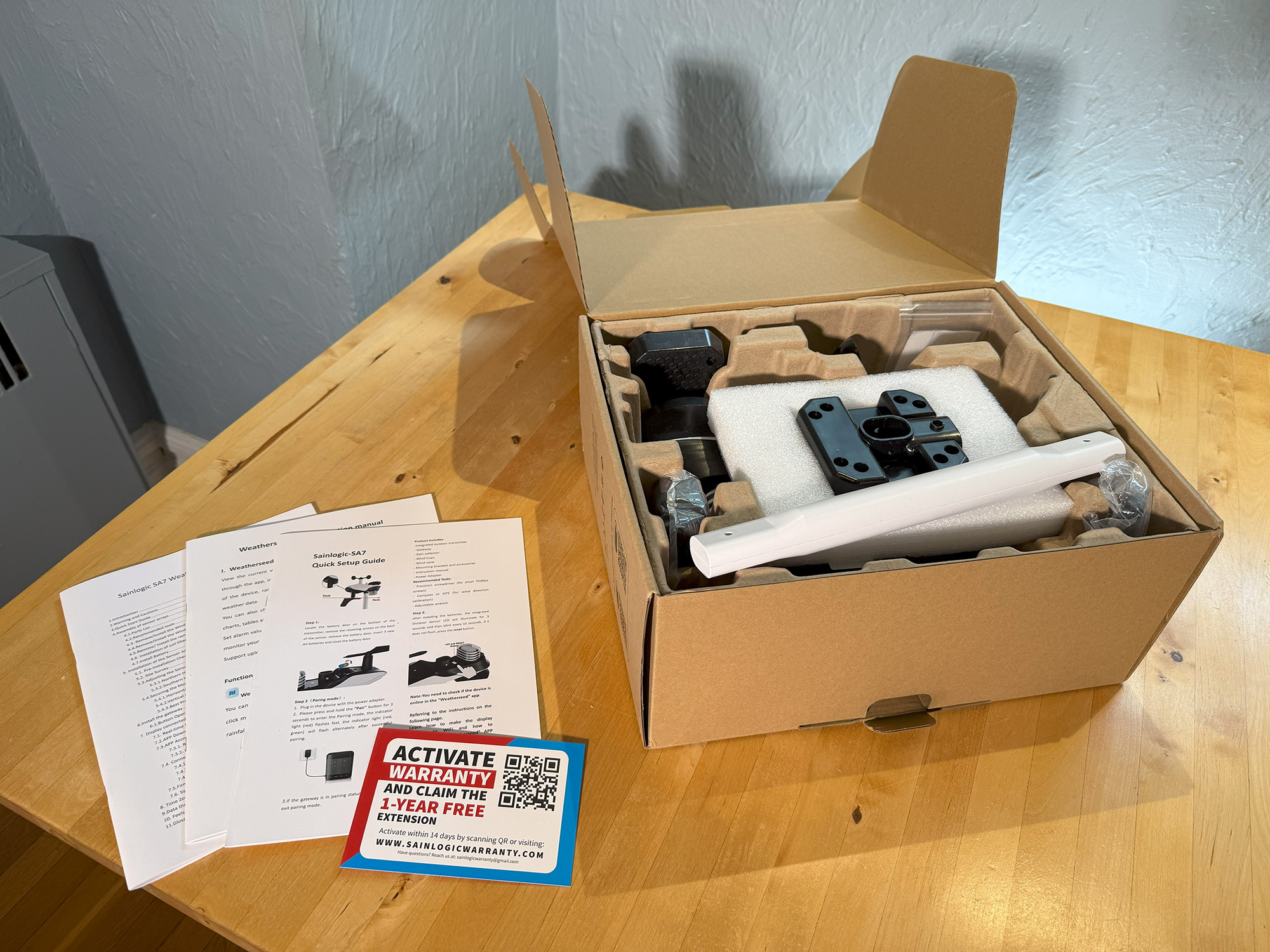
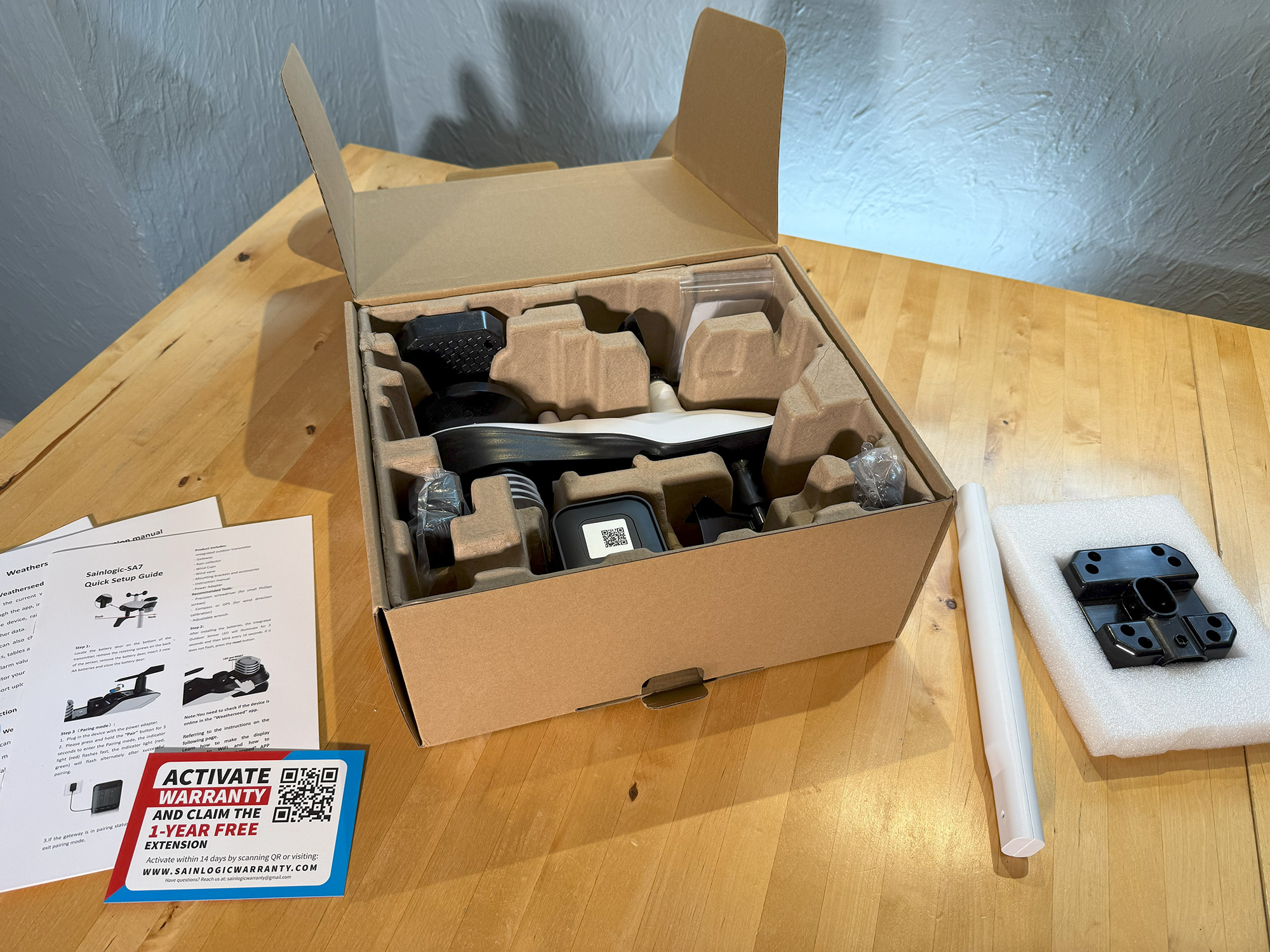
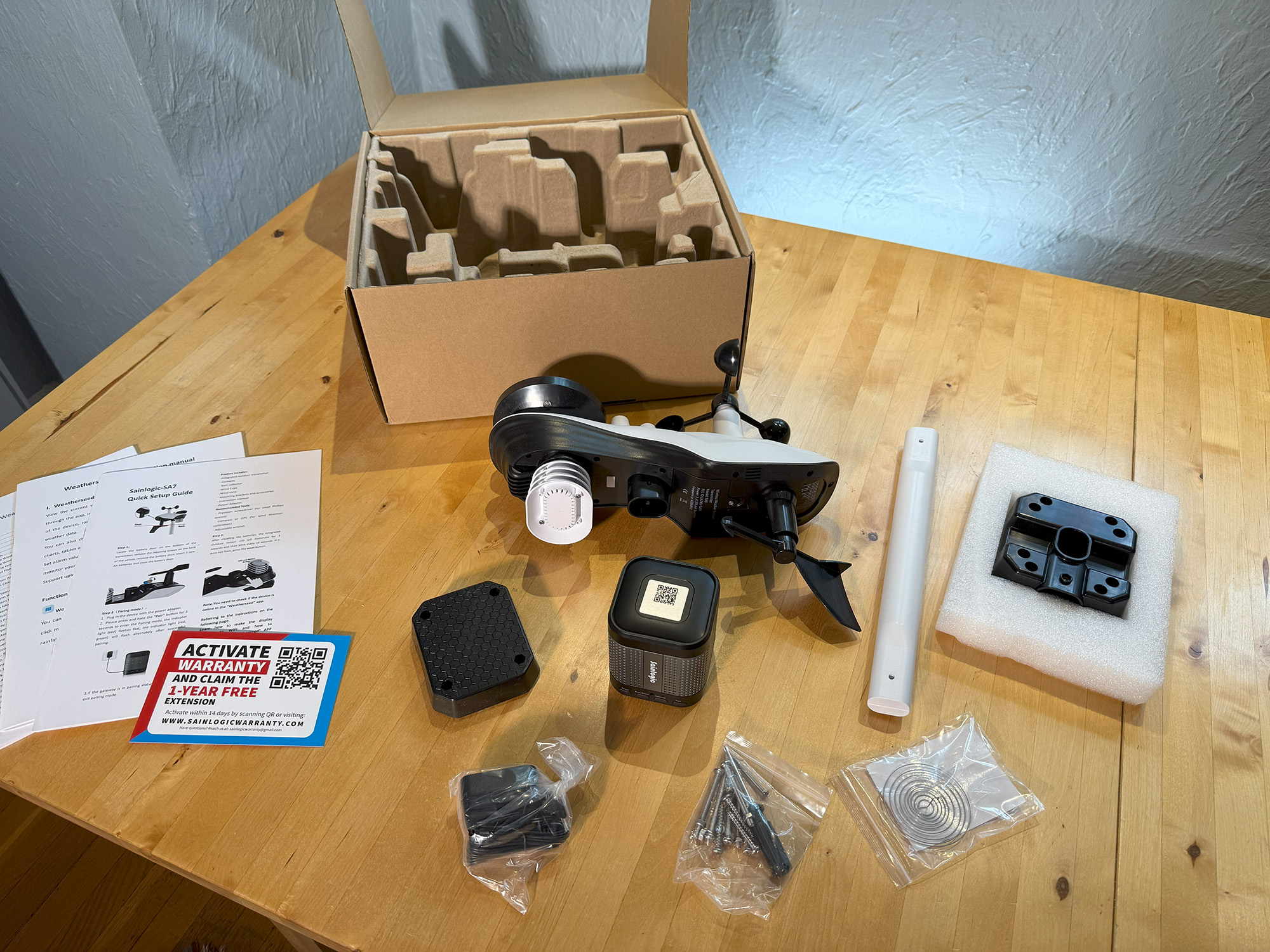
The box includes the integrated outdoor transmitter, gateway, power adapter, mounting pole, mounting base and back plate, mounting nuts and screws, user guide, quick setup guide, and Weatherseed app instructions.
Design and Build Quality
Sainlogic products have a modern design aesthetic that is fairly consistent across the line. The display panels are black, the outdoor sensors are white with black elements, and the small thermometer-hygrometer sensors are white with gray accents.
All products are made of ABS plastic and look and feel fine for their intended use. As with other products in this market segment, keeping the cost down is important, so these are more purpose-built rather than high-end devices. As these devices can be mounted in several ways and to various items, keeping the weight down is also significant. This is especially true for the SA7 weather station, which requires maximum exposure to achieve optimal results.
Installation
Depending on the device, installation is either a snap or can be a bit more involved. The SA3 Sensor can be hung virtually anywhere, both inside and outside, using the included wrist strap. The SA1 Wi-Fi Smart Weather Station is equally simple, as the display is placed wherever you wish to read the information from the collocated interior sensor and the exterior sensor, which you hang similarly to the SA3, either using the wrist strap or the hook that it attaches to.
In the case of the SA7, placement is crucial. If you live in a rural or more open setting, you can place the weather station on a fence, pole, rooftop, or almost anywhere that allows for the undisturbed movement of the wind. If you live in a city or crowded suburban setting as I do, your choices are a bit more limited.
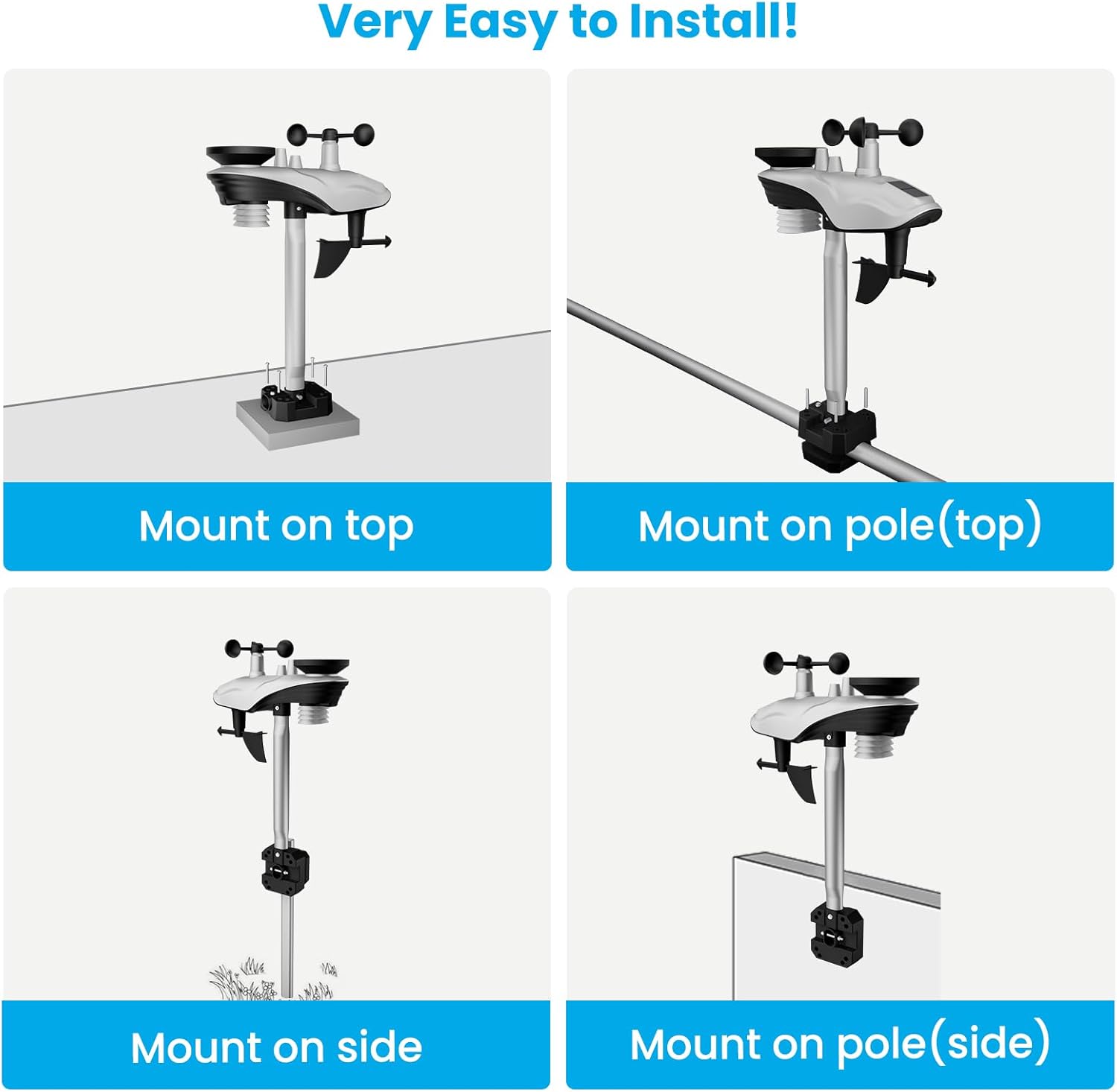
The SA7 comes with a mounting kit consisting of a white plastic pole that fits under the sensor unit and a black base that can be used to mount the assembly to either a horizontal or vertical surface. The base also has an indentation that, when used with the included reciprocal base element, can be used to mount to poles.
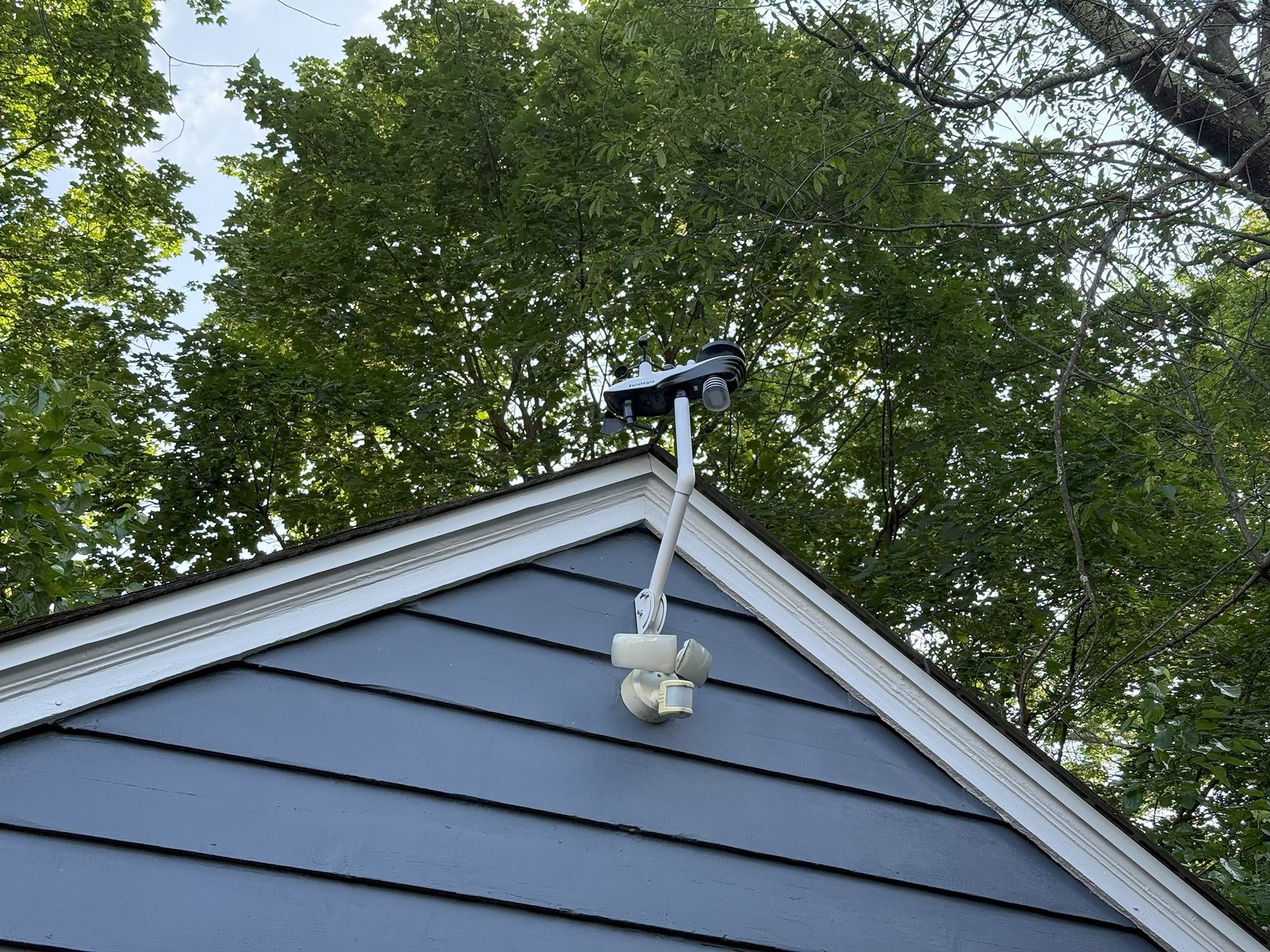
In my situation, the houses are close together, and finding a location where the unit can be exposed to mostly undisturbed airflow was more challenging. Ultimately, I purchased a separate mounting arm from another manufacturer, which I used to mount the unit to the front of my garage. This allowed me to mount the unit at the desired height and turn it so that it reads the wind direction correctly. The corresponding gateway device is placed in an office nearest to the garage for maximum connection strength. Connectivity has never been an issue.
Another factor to consider when selecting the optimal mounting location is that the sensor unit utilizes a small solar panel to communicate with the gateway. For days when there is not enough sun for this operation, it relies on three AA batteries (not included) housed in its underside. It is estimated that the lifespan of these batteries is approximately one year. Therefore, it’s best to place the sensor unit in direct sunlight and in a location that’s easily accessible every year.
As I now have three devices connected to the Weatherseed app, I chose to mount the external sensor of the SA1 on the side of the house in the shade. With the SA7 on top of the garage, fully exposed to the sun and wind, I can now get a full sense of what it’s like on any day, whether in the shade or full sun, in terms of both temperature and humidity.
Setup
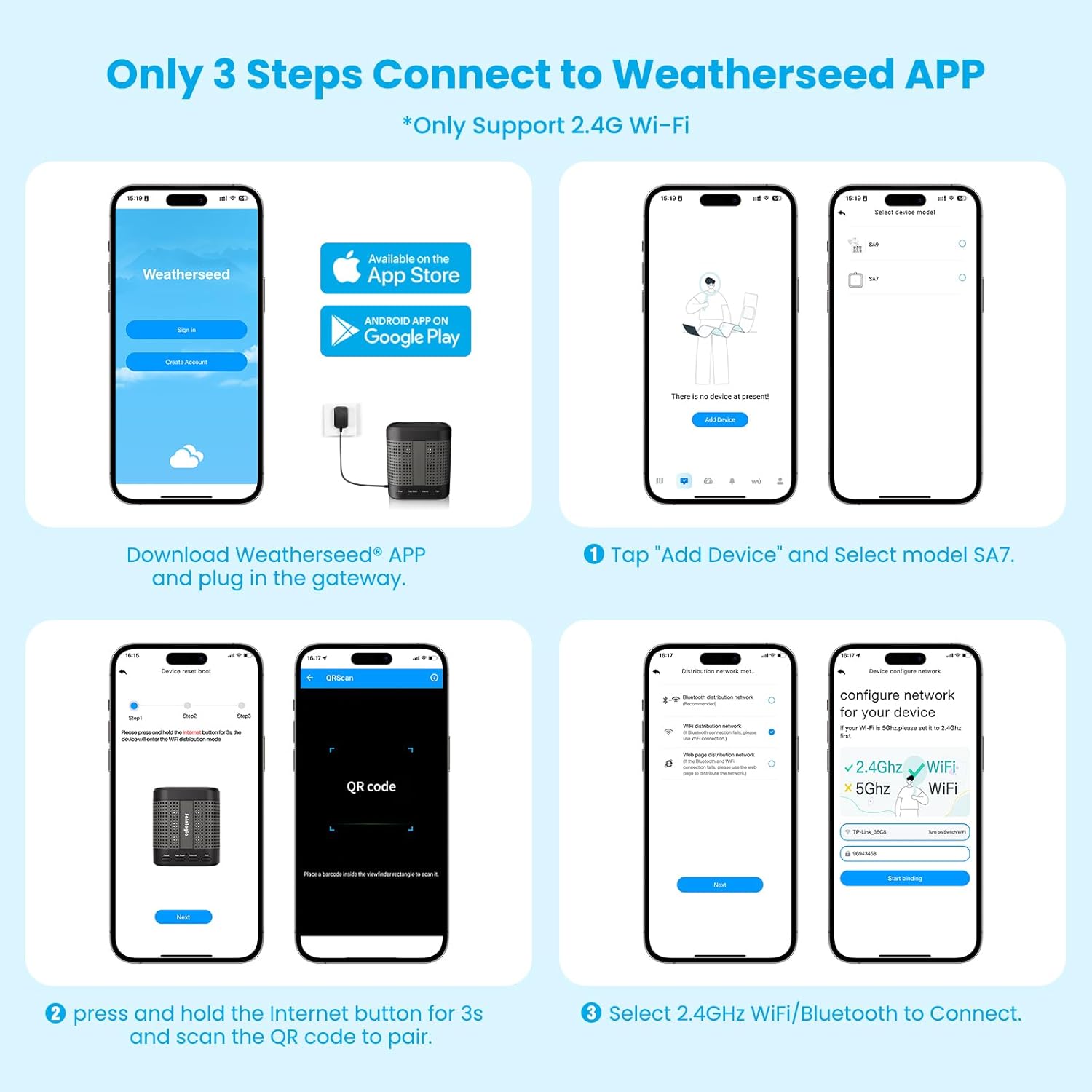
Depending on the device, setup is either straightforward or requires some effort. While I was able to connect each unit, the frustration level varied between the products. The steps in the setup are essentially the same. However, while set-up with the SA3 thermometer-hygrometer works the first time by pushing the pairing button on the sensor and following the directions on the app, the same ease is not enjoyed with the other two units.
Again, in the end, the units are connected and work as specified, but the process encounters some bumps where screens indicate the next step and appear to loop back after an action is taken. I believe that better instructions, both in written manuals and on-screen, would go a long way toward improving this process. As is the case with many IoT devices, all units only support 2.4G Wi-Fi networks.
Performance
I can compare the temperature and humidity readings of the three devices with those of others I have around the house and with various mobile apps. They seem to be accurate and consistent. The accuracy of the wind speed and direction, as well as that of the rain gauge, all seem to be dependent on how thoughtfully they are installed. Obviously, if the wind is blocked or the gauges are hindered in any way, they cannot read accurately.
Especially when viewed on the app and compared with other readings and local reports, you can get a thorough picture of what is happening now and what is coming your way.
Weatherseed App
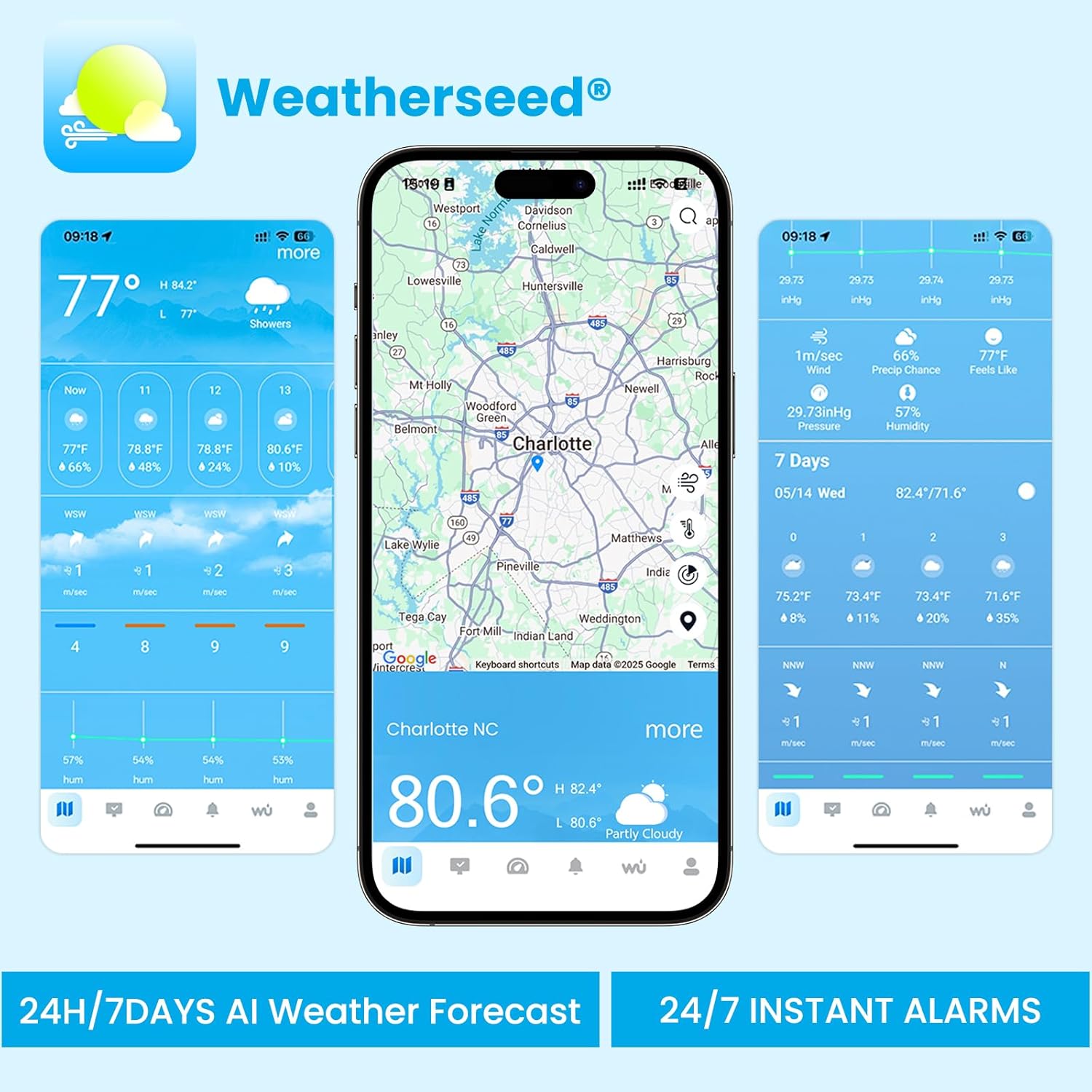
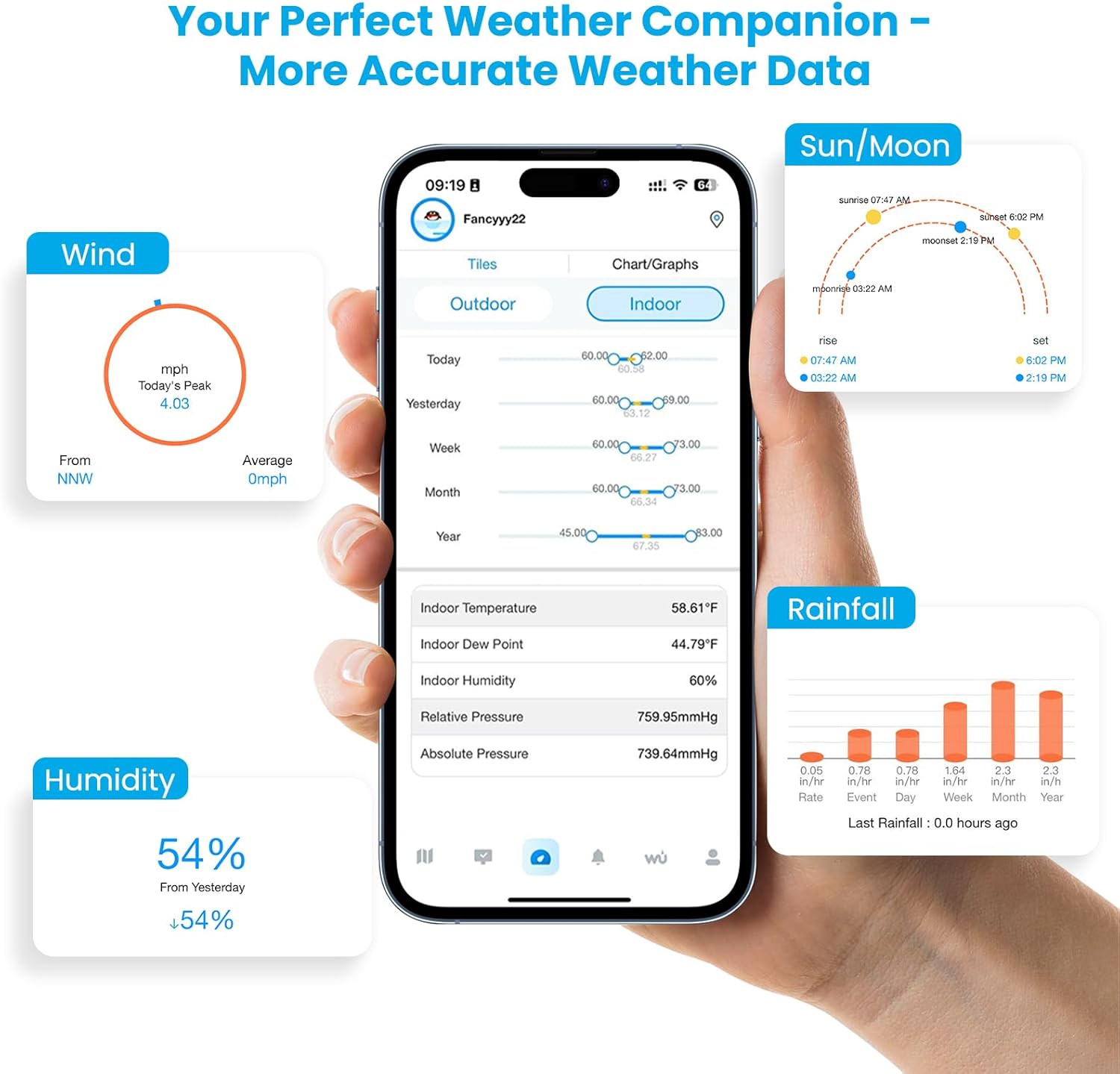
The Weatherseed app is an integral part of the Sainlogic system. It provides 24-hour and 7-day AI weather forecasts. It allows users to receive alerts that they can set for maximum and minimum temperature, humidity, and barometric pressure shifts. These alerts can also be sent via email.
Another nice feature of the app is that users can recall up to two years of historical data. This data can be exported in Excel format for in-depth analysis.
The app enables users to remotely monitor conditions inside and outside their homes, and also provides a local forecast. This data can be presented in a timeline to visualize trends. You can also use the app to sync with the Weather Underground, a commercial weather service providing real-time weather information over the Internet.
If you have multiple Sainlogic devices synced with the Weatherseed app, you can quickly switch between them, as well as the networked sources, to compare information. When you first pair the sensors with the app, you are asked to create a device group. I was able to do this easily for the SA3 sensor but had difficulty with the SA1 and SA7. It’s not a big deal, but it would be nice to have them in a single group, as this allows all three to be visible and selectable on the same screen.
As it stands now, I need to go back to the list of devices to change my selection and then proceed to the readout screen to view the indoor and outdoor weather information. I’m sure that if I tried it a few more times, I could get it to work the way that I would prefer, but I found it unnecessarily annoying.
The Sainlogic SA7 Smart Weather Station is a solid unit that provides reliable and comprehensive weather monitoring, including temperature, humidity, wind, and rainfall data via the Weatherseed app. While its setup instructions could certainly use improvement, and the lack of an extended mounting kit feels like a missed opportunity, the SA7 performs well once installed. Thoughtful placement is crucial for accurate readings, but with its strong app integration and dependable performance, it offers excellent value at its frequently discounted price. Overall, it’s easy to use, works as promised, and is a smart addition to any weather enthusiast’s toolkit.
The Sainlogic SA7 Smart Weather Station retails for $159.99 (on sale for $70 for a limited time) and is available directly from the manufacturer and other retailers, including Amazon. Use the discount code GearDiary on the Sainlogic site for 30% off all products.
Source: Manufacturer-supplied review sample
What I Like: Ease of use; Solid app; Two Years of Historical Data
What Needs Improvement: Setup and user guides could be improved; Sainlogic should sell their own extended mounting kits for the SA7