



The Lowdown
If you wear glasses anyway and you’ve ever wished they could do a little more without doing too much, the Even G1 Smart Glasses are in a league of their own. They add real-world, functional digital overlays to your everyday life without demanding constant attention or looking obnoxious. These are tools, not toys, and they’ve been thoughtfully designed to feel that way.
Overall
Pros
- Stylish, discreet design that looks like regular eyeglasses, not sci-fi cosplay
- Two versatile frame styles (panto and rectangular) are both lightweight and comfortable
- Prescription-ready lenses with no added thickness or visual artifacts
- No cameras means no privacy concerns in public spaces
- Display is crisp, unobtrusive, and easily readable in varied lighting;
- Useful everyday features
- QuickNote, Translate, Navigate, Teleprompt, and notifications
- Built-in voice assistant is private and functional (no loud public voice replies)
- A virtual try-on tool is now available to help choose the right frame
- Solid battery life with fast top-off charging via a sleek case that doubles as a power bank
- The app is intuitive, well-designed, and refreshingly bloat-free
- Frames are water-resistant for daily use, including light rain
- Optional sunglasses clip-on accessory available for outdoor use
Cons
- Will set off TSA security checkpoints, so plan accordingly, and they’re not allowed in certain official settings like courtrooms
- Occasional Bluetooth hiccups and touch control misfires
- The translation feature requires an active internet connection
- Not compatible with every app or platform (limited third-party integration)
- No audio feedback or speaker option, which may limit some use cases
There are smart glasses that scream, “I’m trying way too hard to look like the future,” and then there are the Even Realities Even G1 Smart Glasses. These are not the dorky, sci-fi visor wearables of years past that would get you mistaken for a cyborg; there are no blinking lights, no speakers, no vocal feedback, no camera lenses that’ll freak people out; just a beautifully designed pair of prescription-ready, stylish eyeglasses that can conveniently and efficiently keep you informed. Are they useful? Are they wearable? And most importantly, are they worth your time and money? Let’s talk about it.

Choosing a Style: Panto or Rectangle?
Even Realities currently offers two styles of frames for their Even G1 Smart Glasses: the G1 A, which is available in grey, green, or brown, has a classic panto silhouette (round-ish with a bit of vintage charm), and the G1 B, which is available in grey or brown, has a more modern rectangular frame.
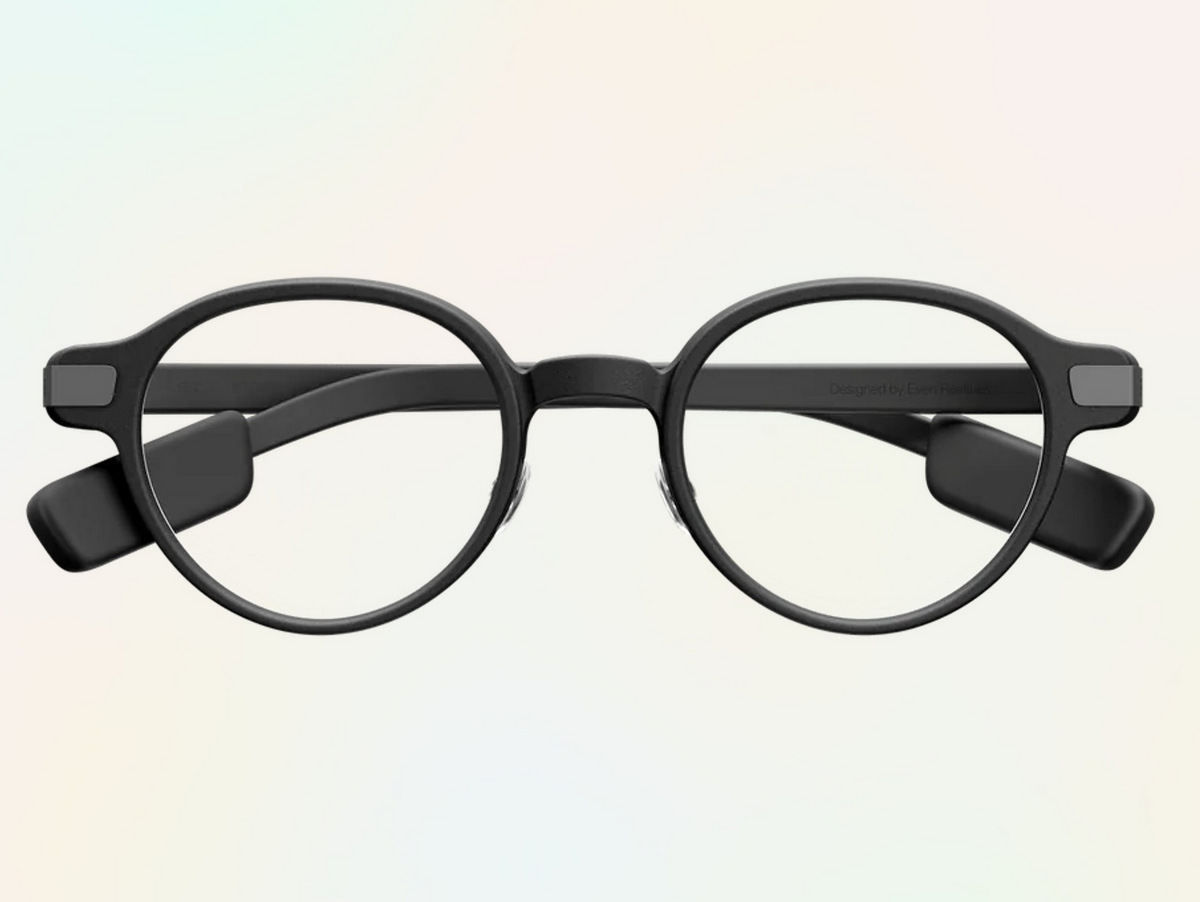
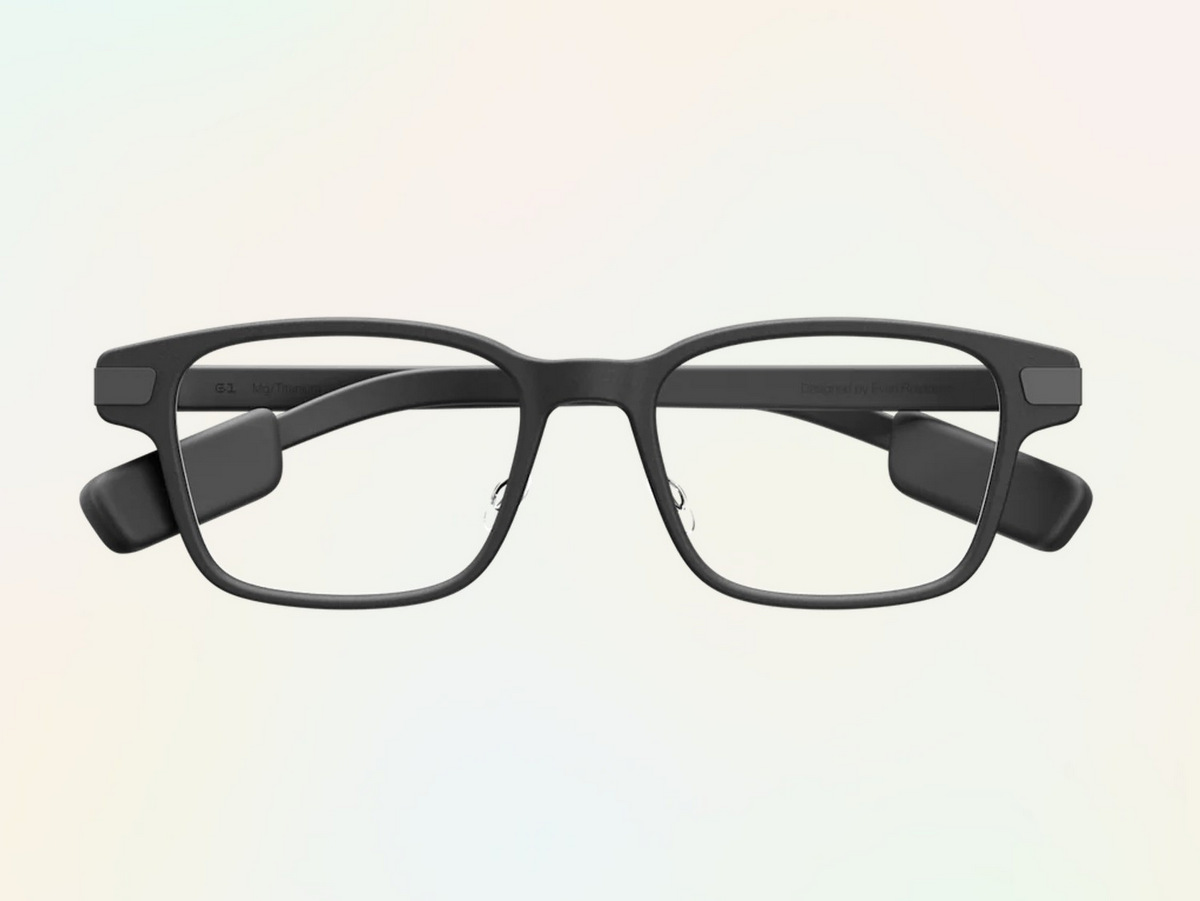
There’s now a virtual try-on tool available on the Even Realities site, which makes picking your frame style a lot easier. However, when I ordered mine, that feature wasn’t yet available. Since my regular eyeglasses tend to be rectangular or a slight cat-eye shape, I went with the G1 B.
Without being able to try them on in person, it felt like the safest bet, and I’m happy with that choice; it’s a sleek, familiar shape that fits well into my daily style.

I’m wearing the Even G1 B Smart Glasses, my typical rectangular eyeglasses style.
That said, I did get to try on my friend Josh Vergara’s G1 frames while we were in New York for a Motorola event, as he had a pair in for review as well. Honestly? I thought they also looked great. It made me rethink whether I could pull off that style.

And here I’m wearing the Even G1 A Smart Glasses.
If you’re waffling between the two styles, I don’t think you can make a wrong choice. Both are stylish, lightweight, and wearable, and the real magic — the smart tech — is the same inside either frame.
First Impressions: What’s in the Box?
When your Even G1 Smart Glasses arrive, the unboxing experience is refreshingly tidy and premium in feel. Inside the box, you’ll find the glasses in your chosen color and frame style, a magnetic charging case that doubles as a portable power bank, a USB-C charging cable, and a microfiber polishing cloth. It’s everything you need to get started, without any unnecessary fluff or filler.
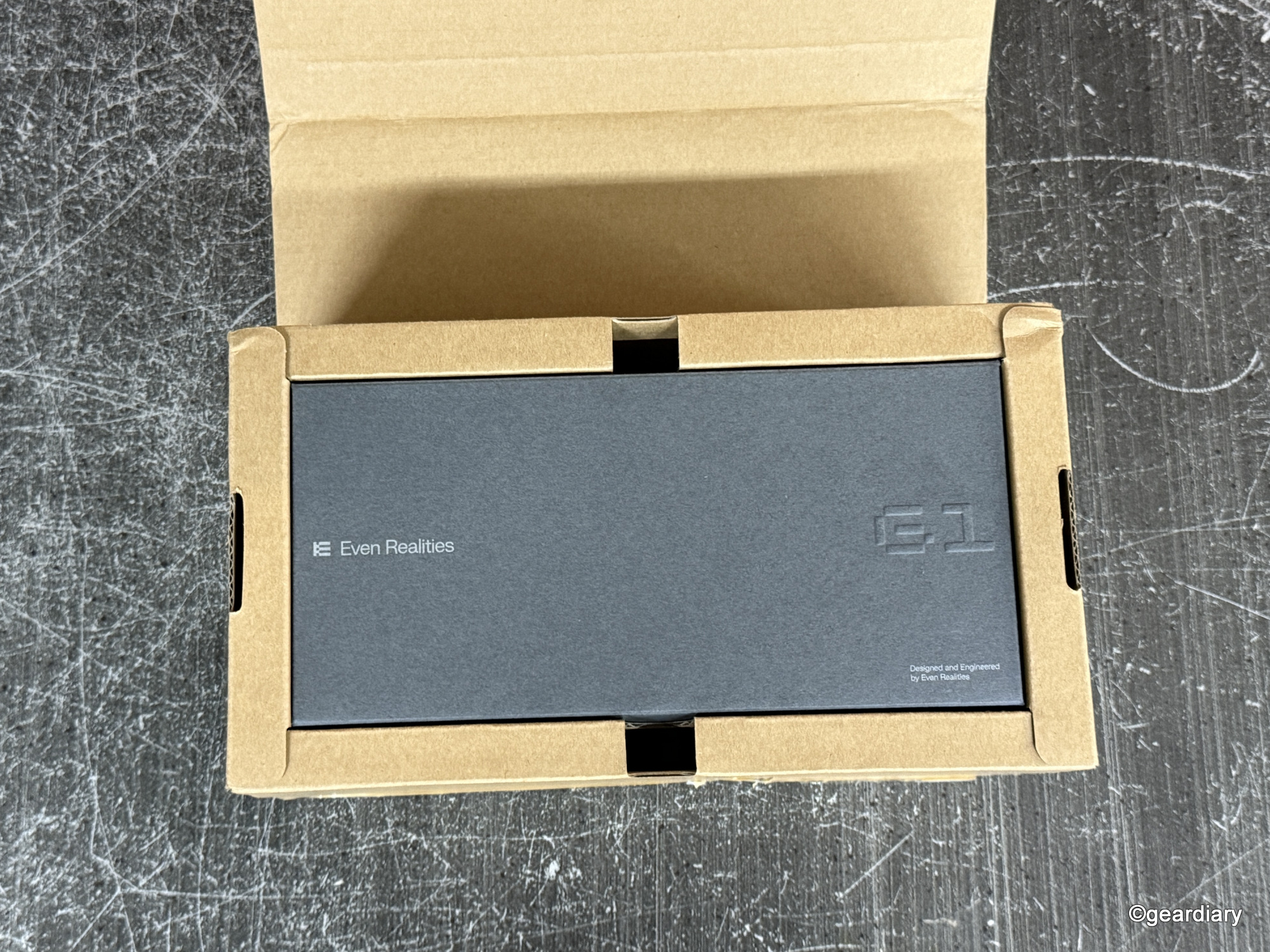
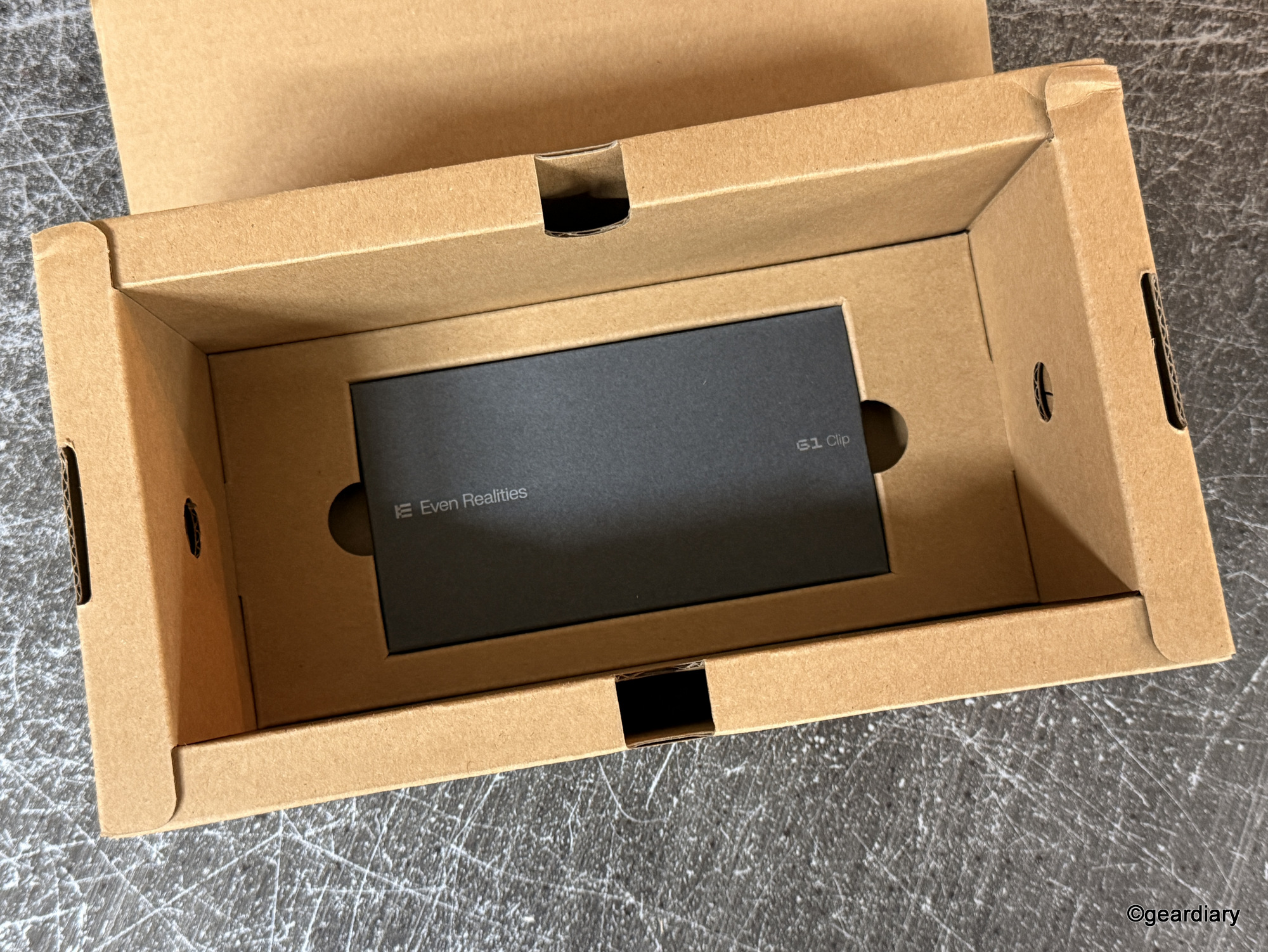
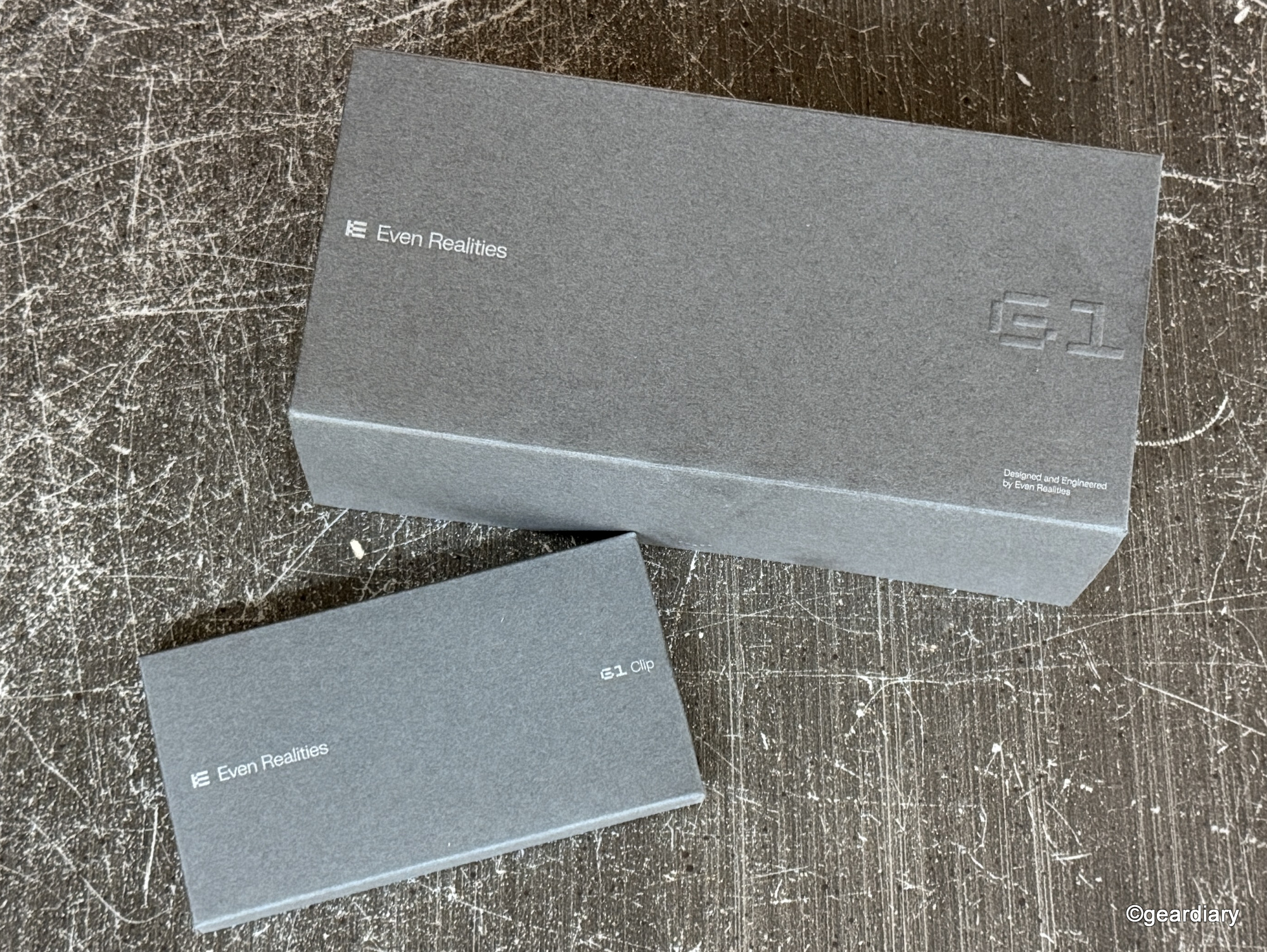
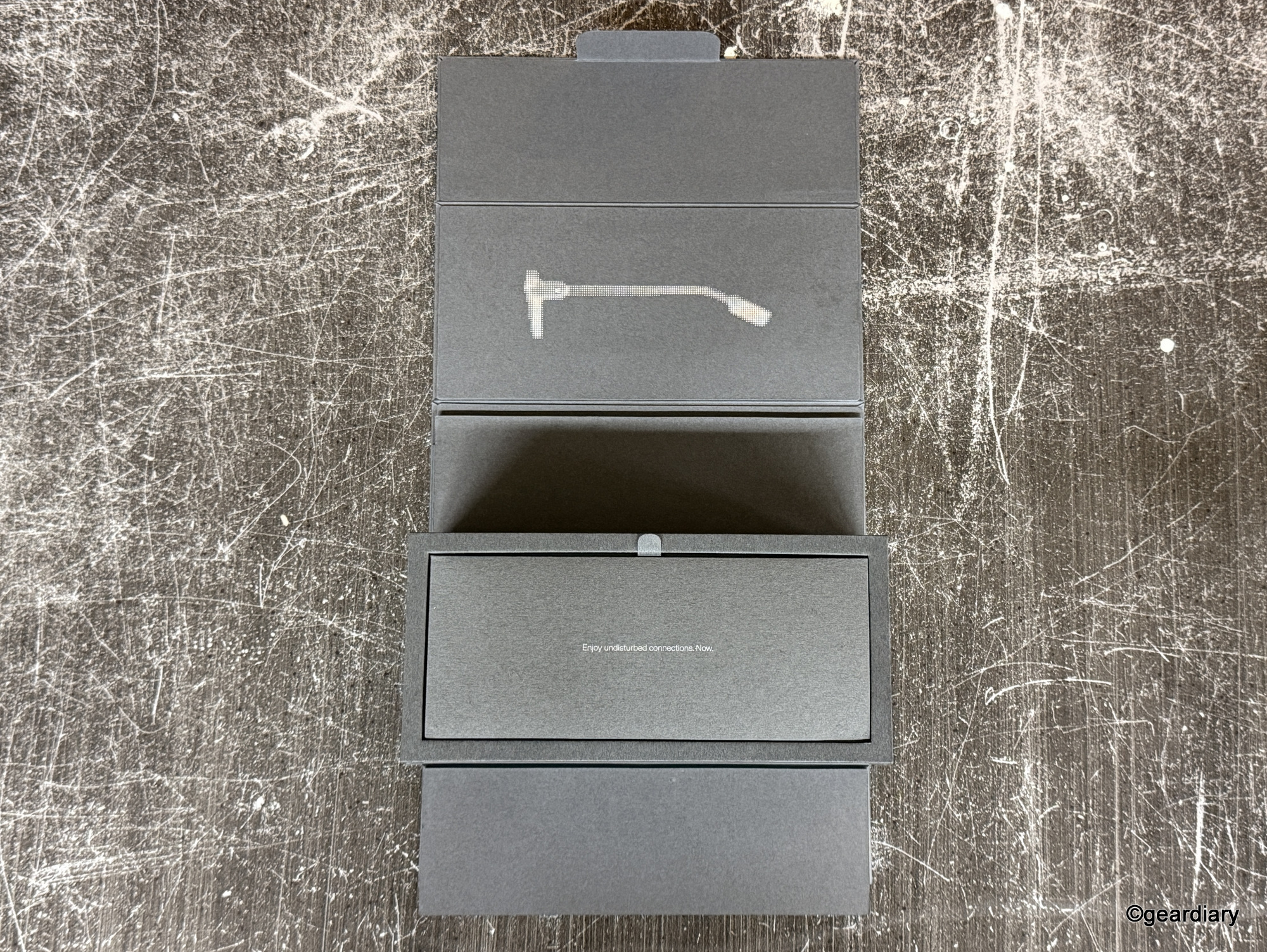
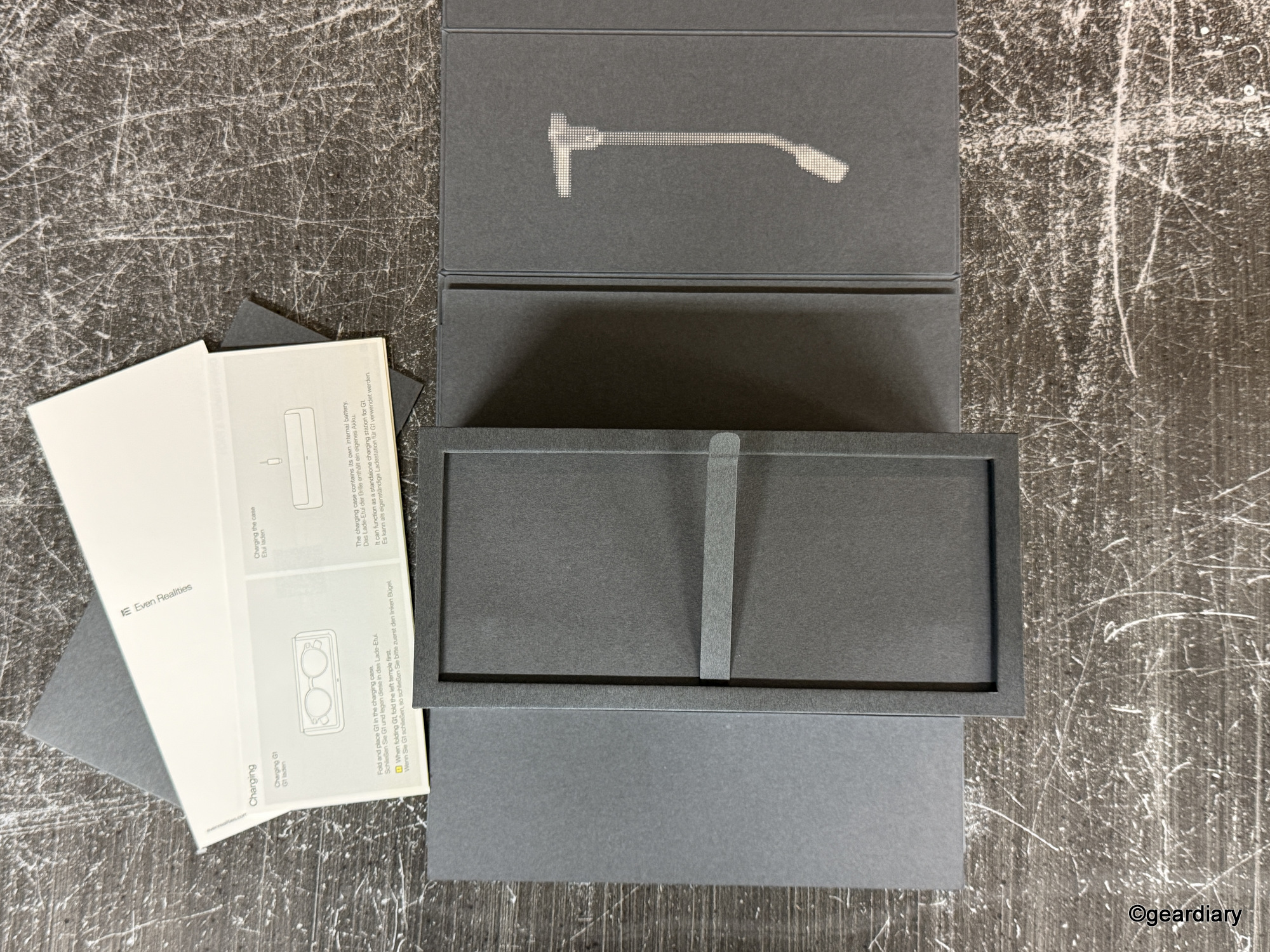
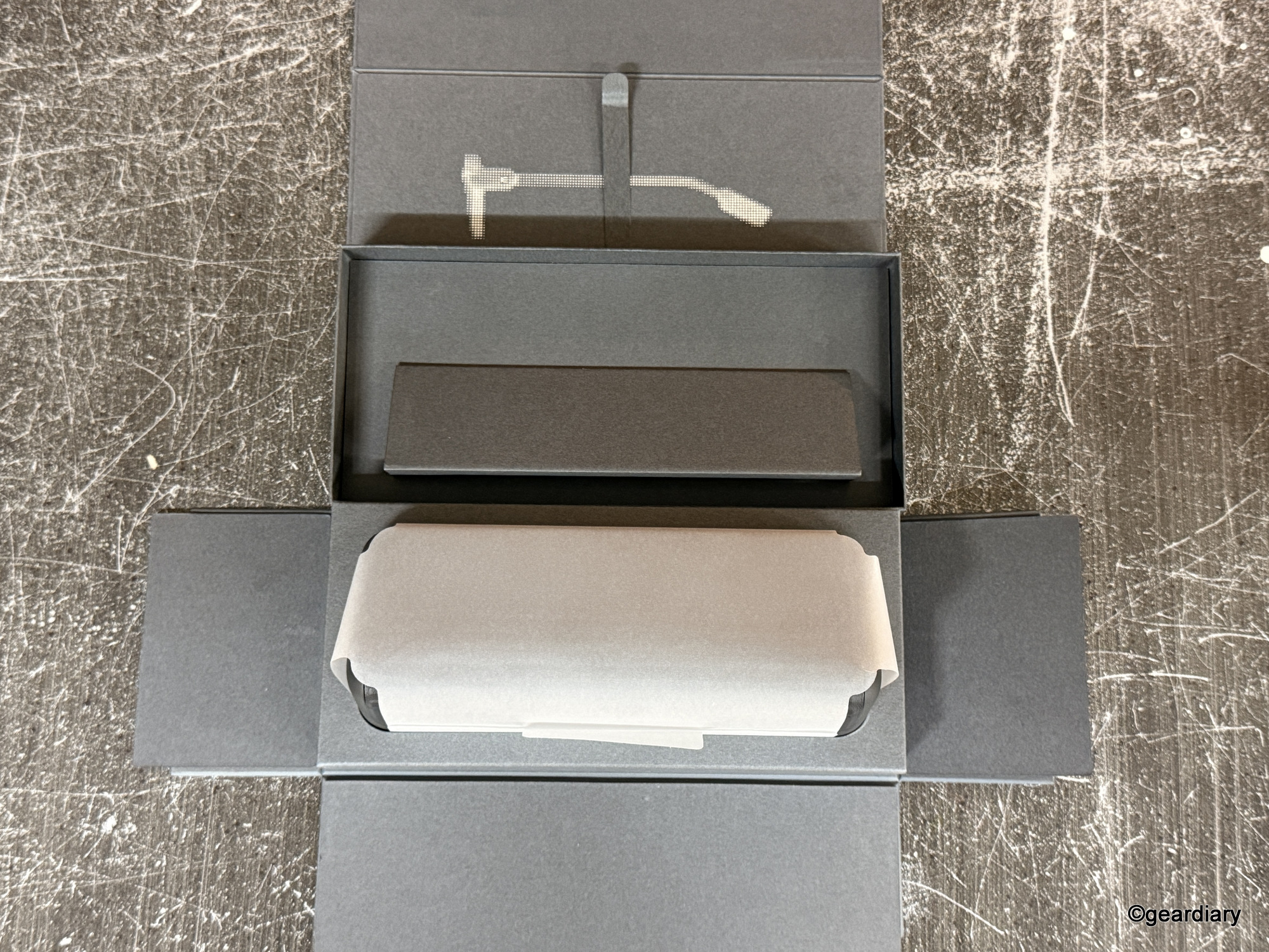
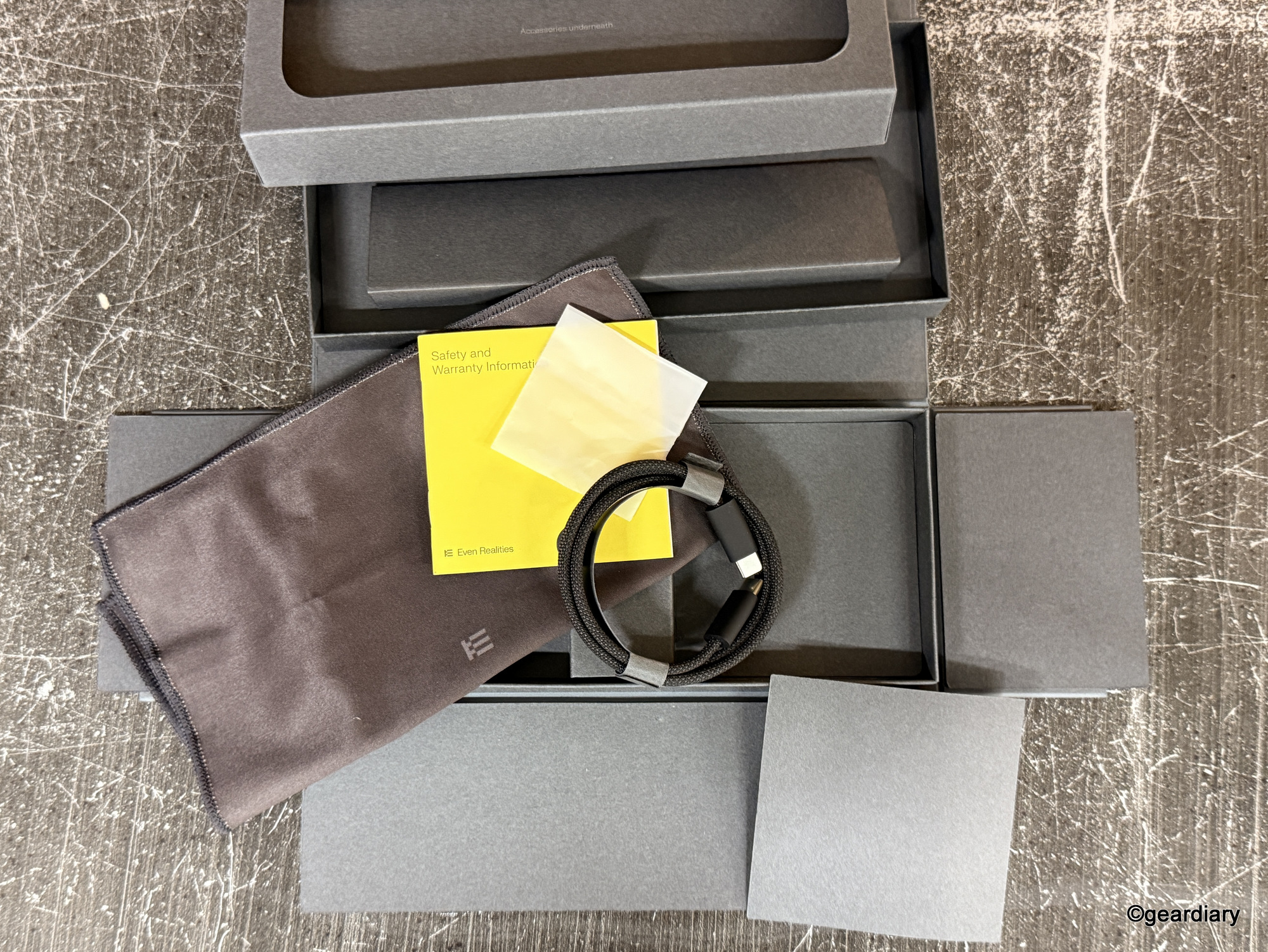
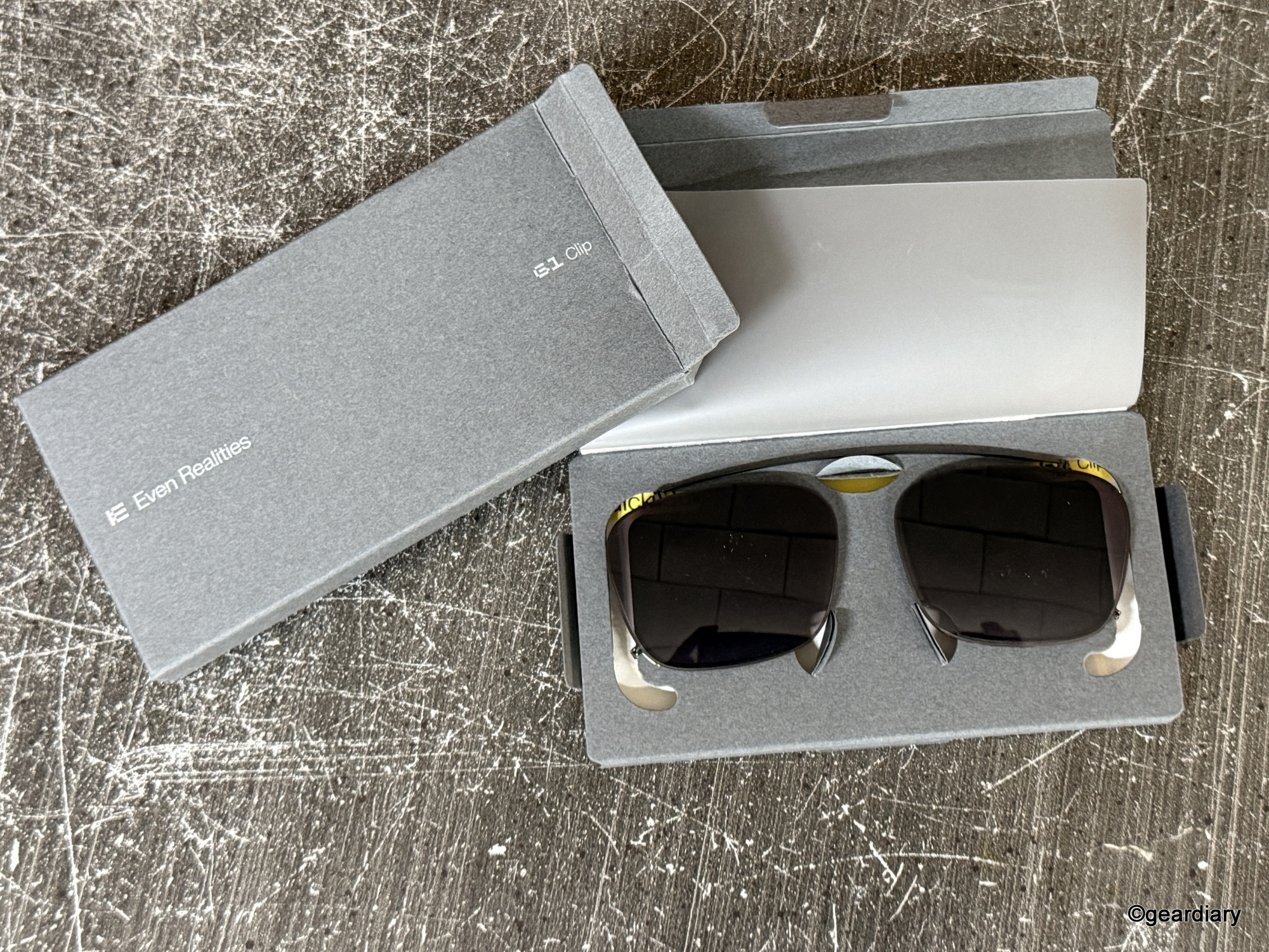
The glasses themselves look… normal. And I mean that as the highest compliment. These aren’t flashy, over-designed techno-specs trying to broadcast their intelligence. They’re just good-looking glasses that happen to be smart.
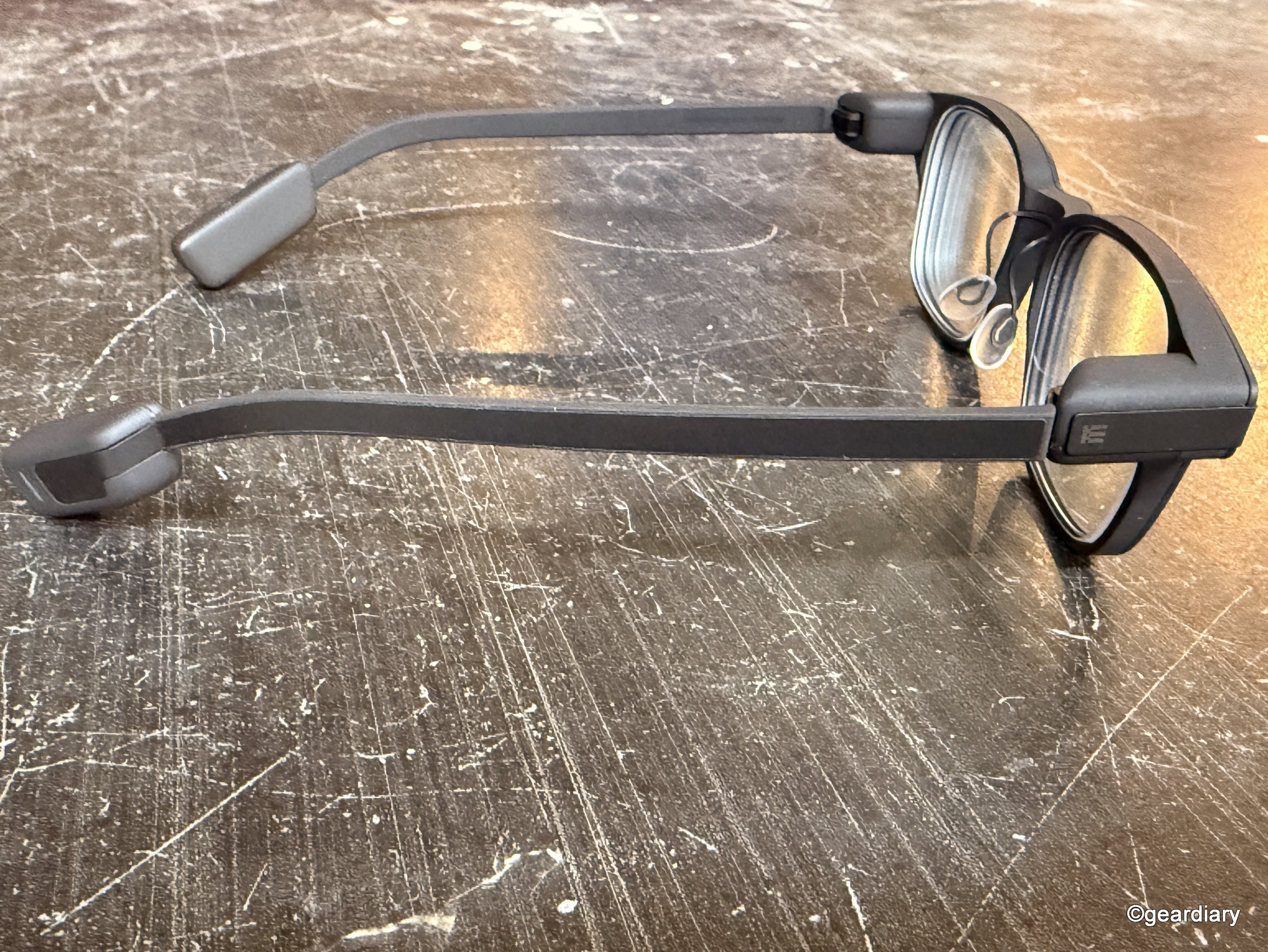
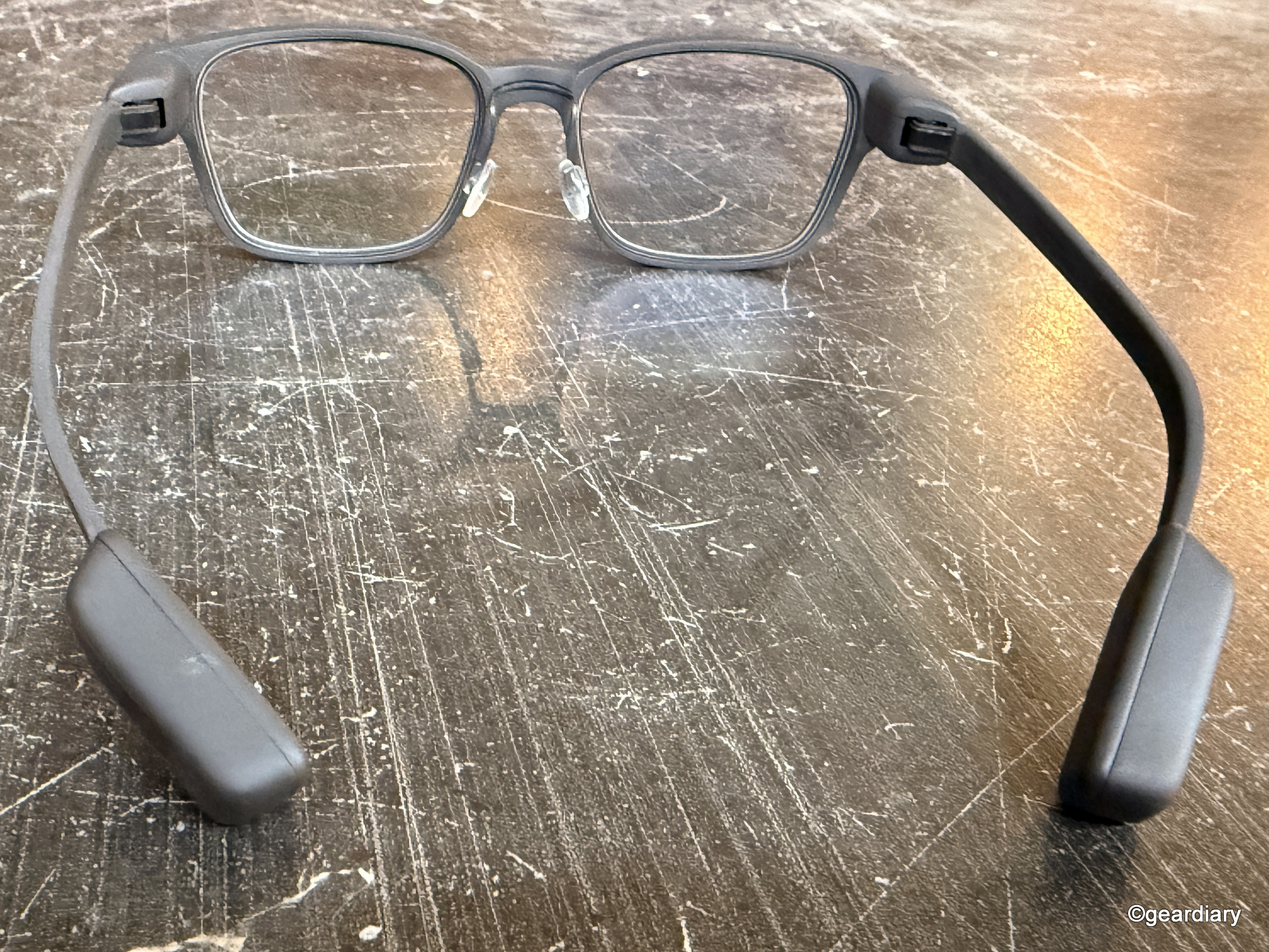
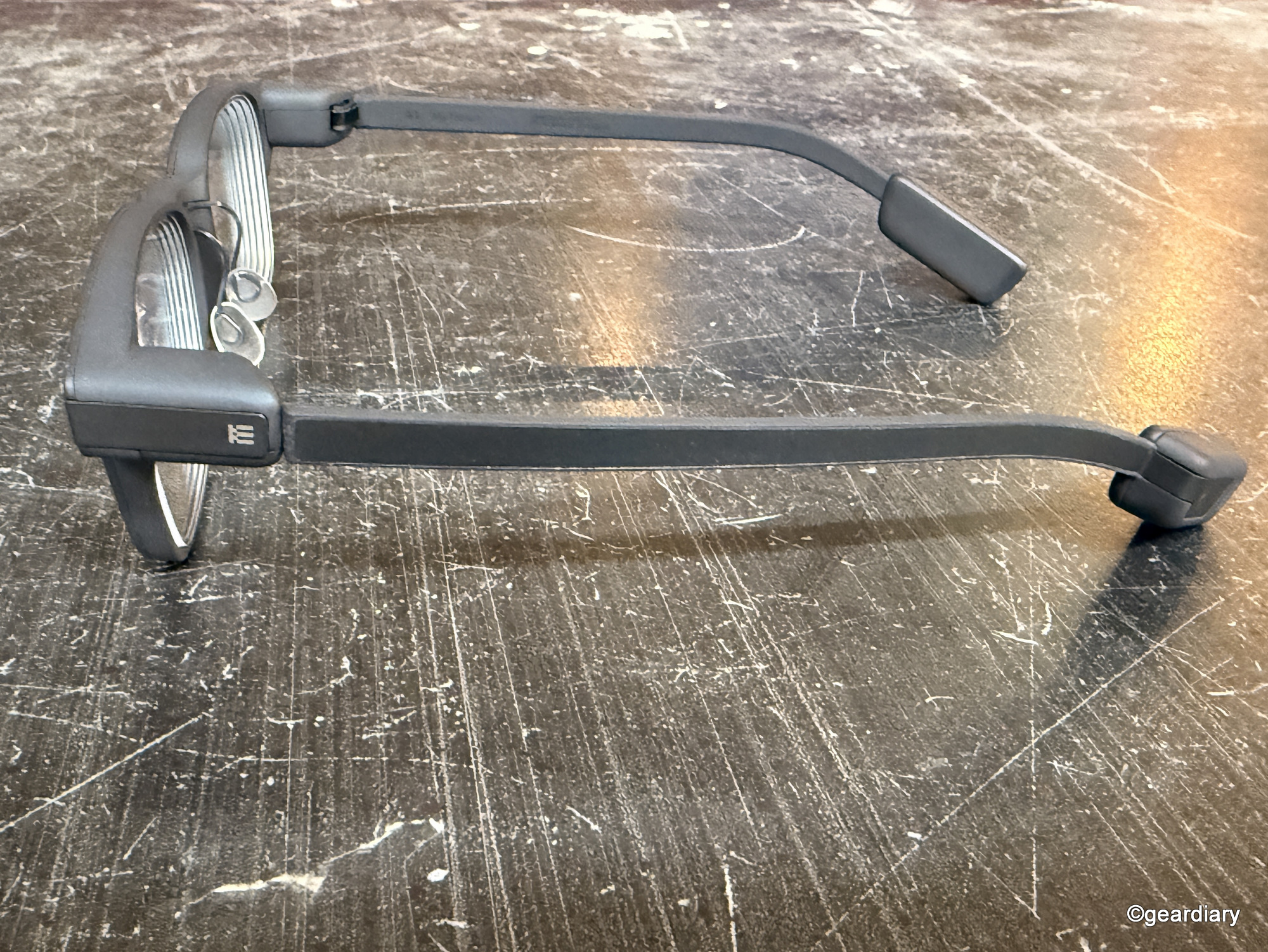
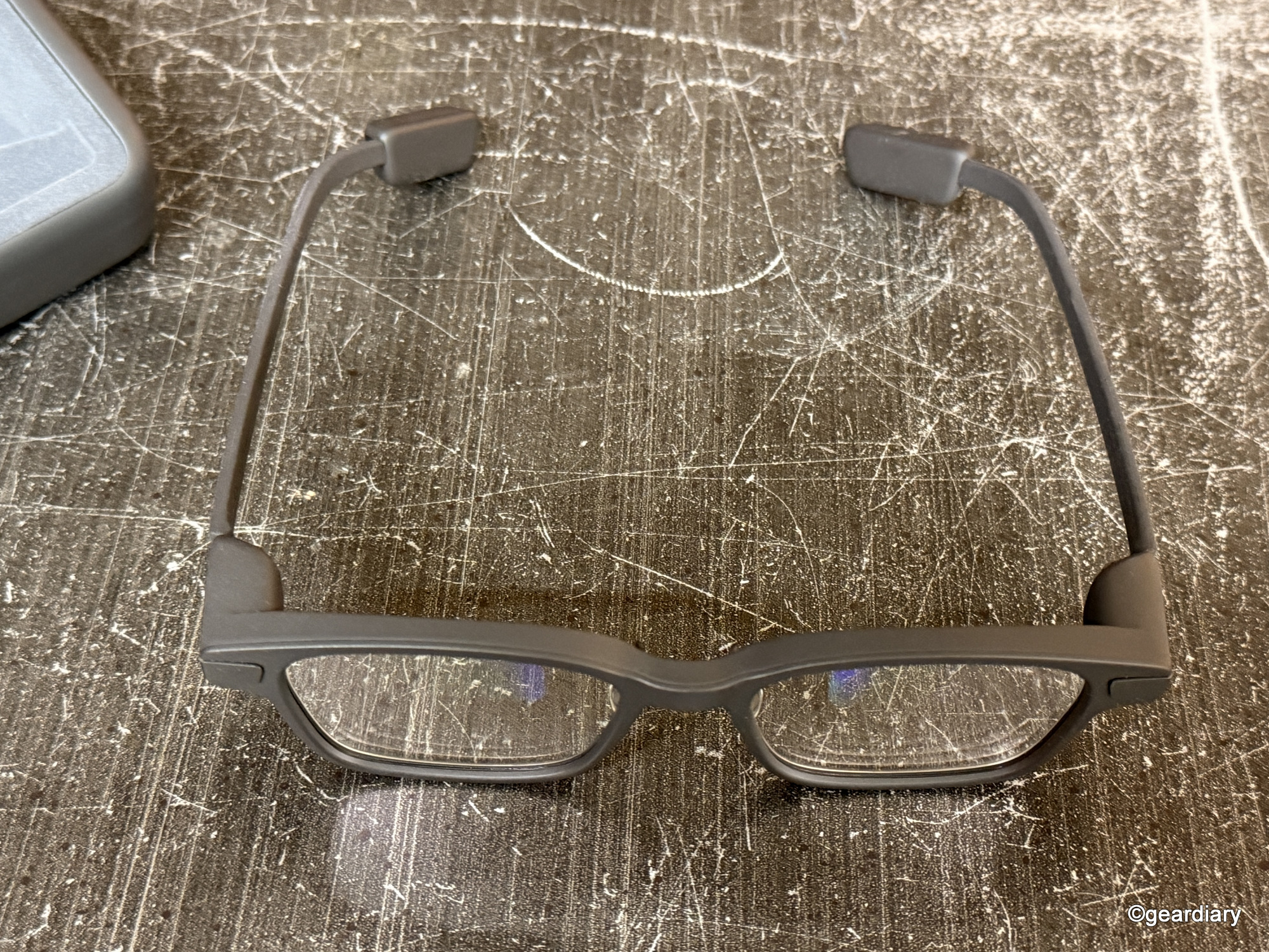
The frame is crafted from a magnesium alloy with a subtle sandstone-textured finish, adding a touch of tactile interest, while the temples are made from hypoallergenic titanium alloy. The result is lightweight yet sturdy, premium but not precious, and smart without being pretentious.
If it weren’t for the slightly thicker temple tips on each side, which the wearer’s hair will likely cover, would you even be able to tell these were different from any other pair of glasses?
Design and Build: Surprisingly Chic, Remarkably Thoughtful
There are no screws on the hinges. No visible cameras or buttons. Just a smooth, sculpted form that folds with an oddly satisfying click (left arm first, or the charging case gets cranky).
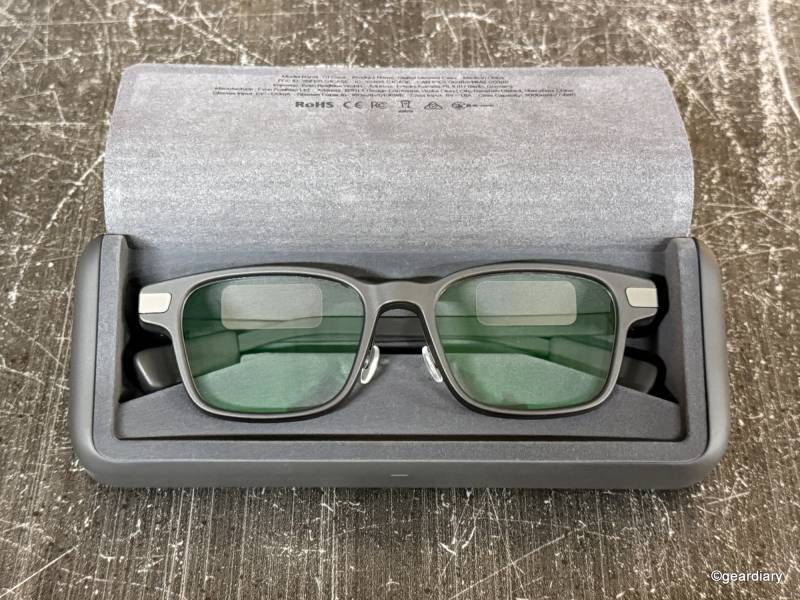
When the angles are juuuust right, you can spot where the displays are in the eyeglass lenses.
If you’ve ever worn Ray-Ban Meta glasses and felt like you were participating in a live surveillance feed, you’ll appreciate that these won’t make strangers feel like they’re being recorded. They are camera-free by design, which, in this day and age, feels like a feature, not a bug.
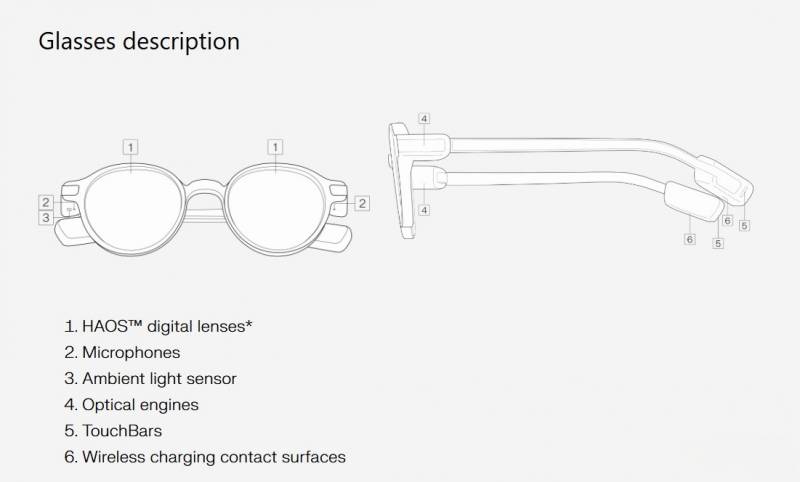
The fit is comfortable enough to wear all day. I’ve experienced no pressure points behind the ears or on the nose bridge, and they felt balanced despite the tech packed inside. Even after hours of use, I didn’t feel the urge to swap them out for my usual pair.
The Even Realities App
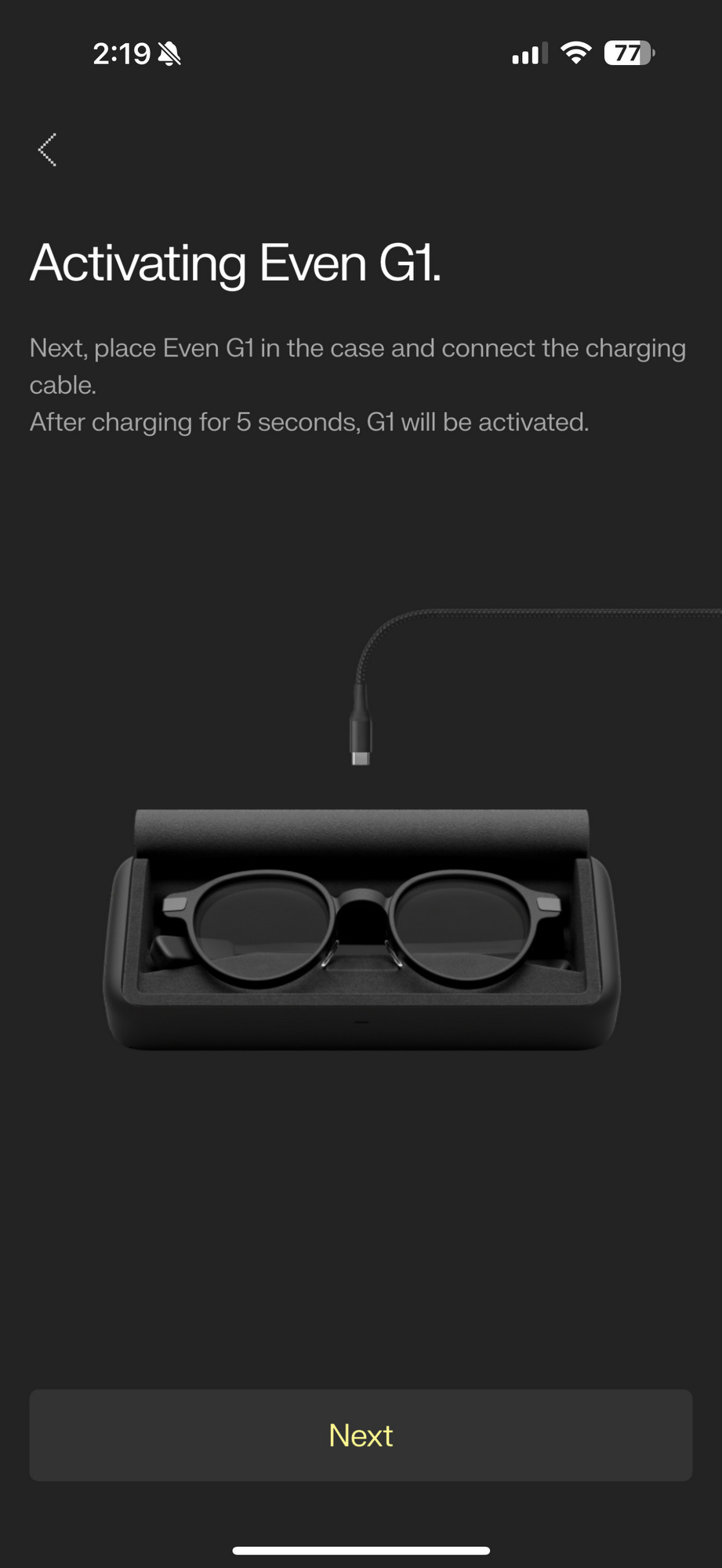
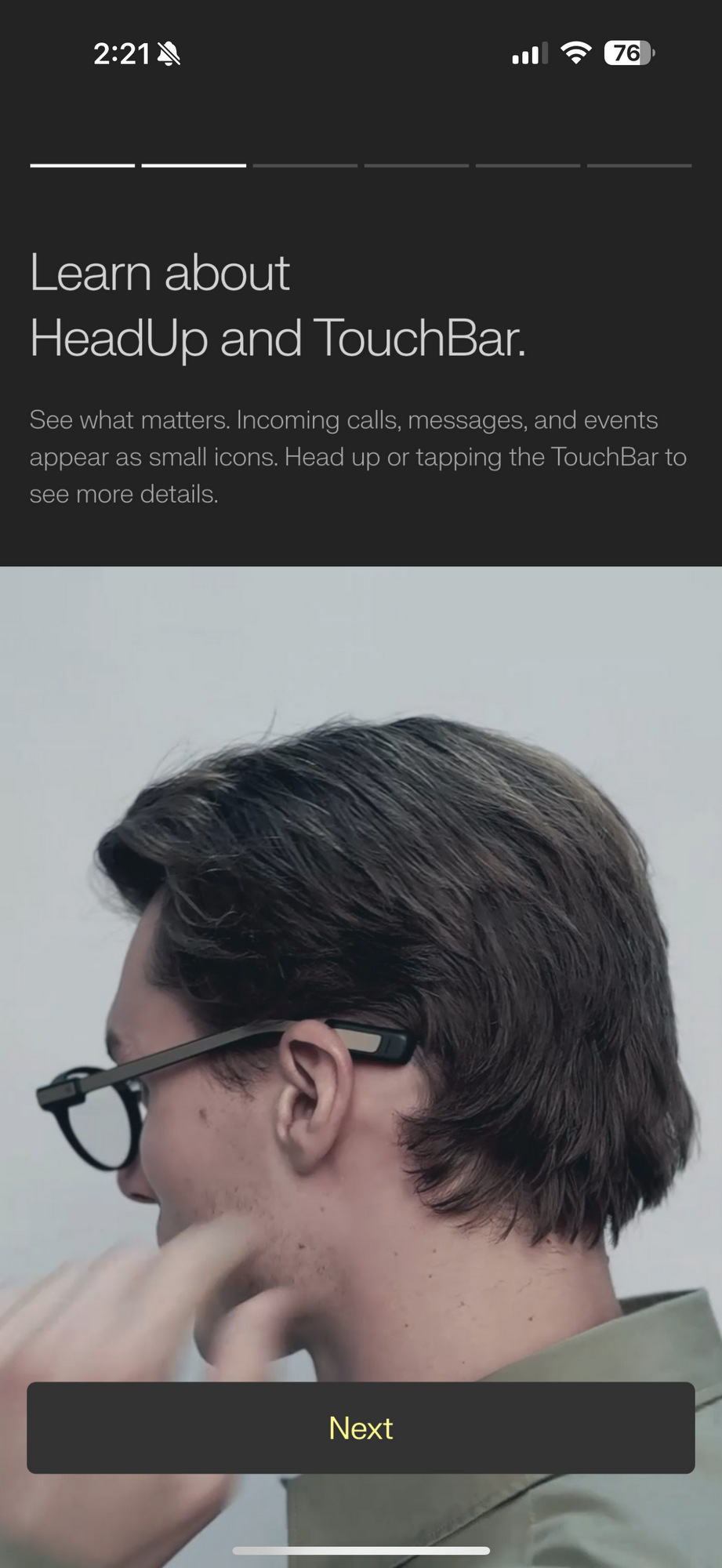
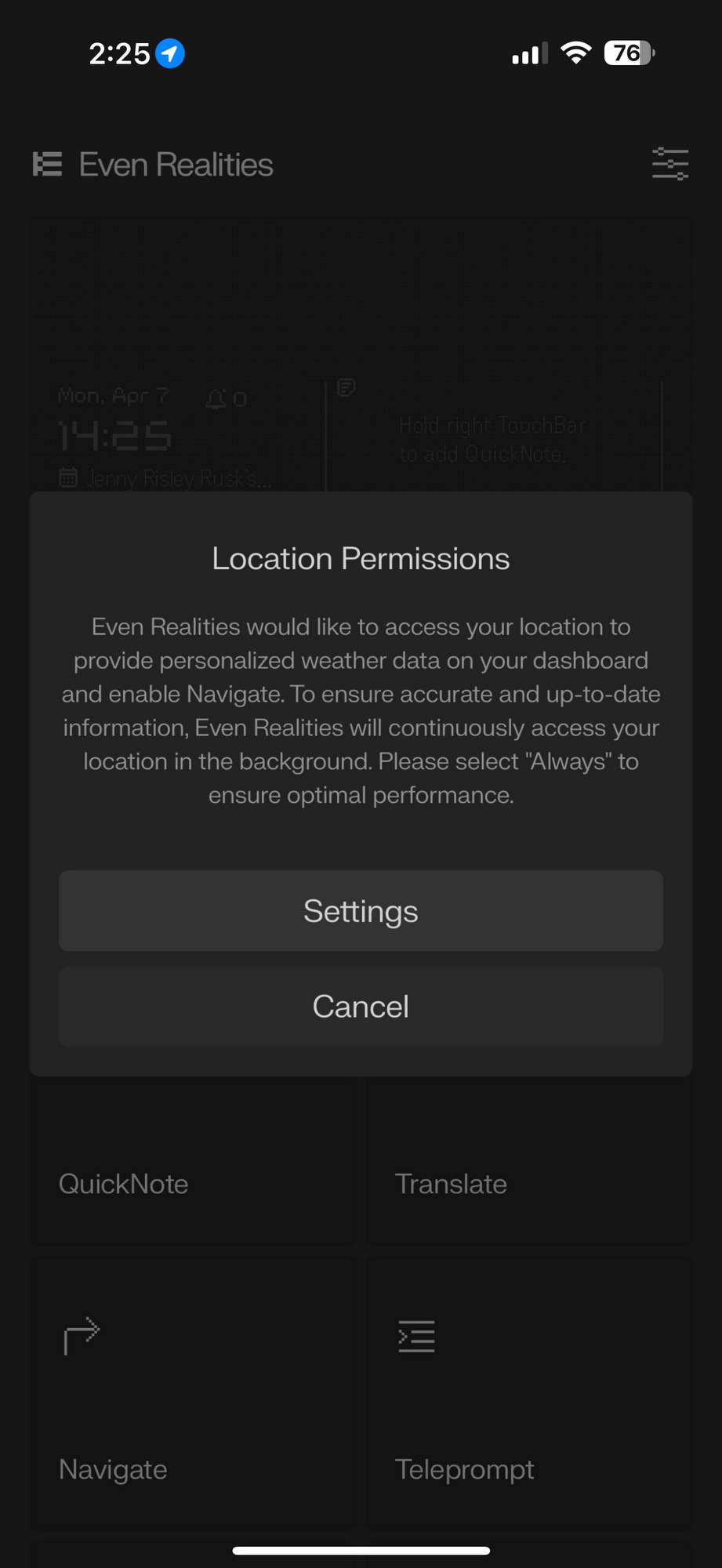
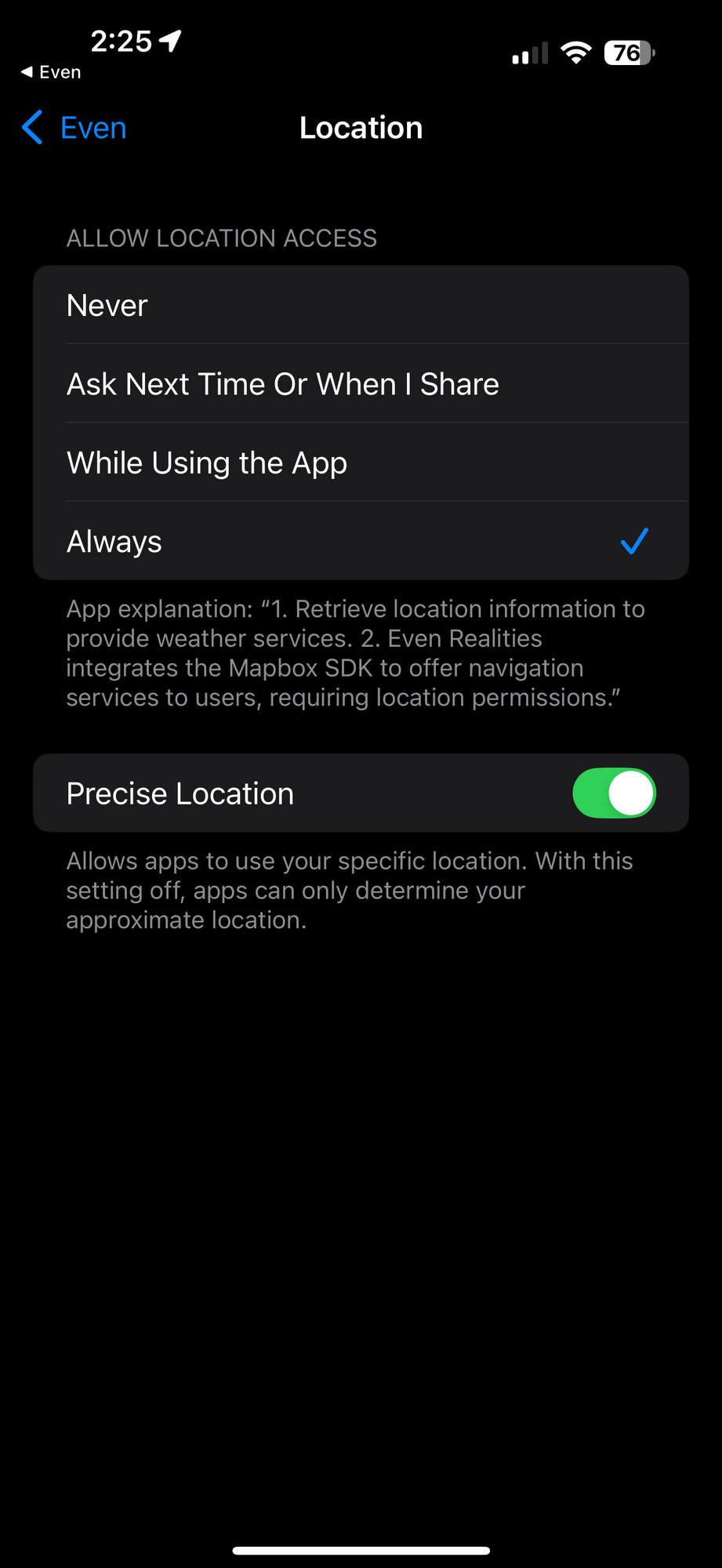
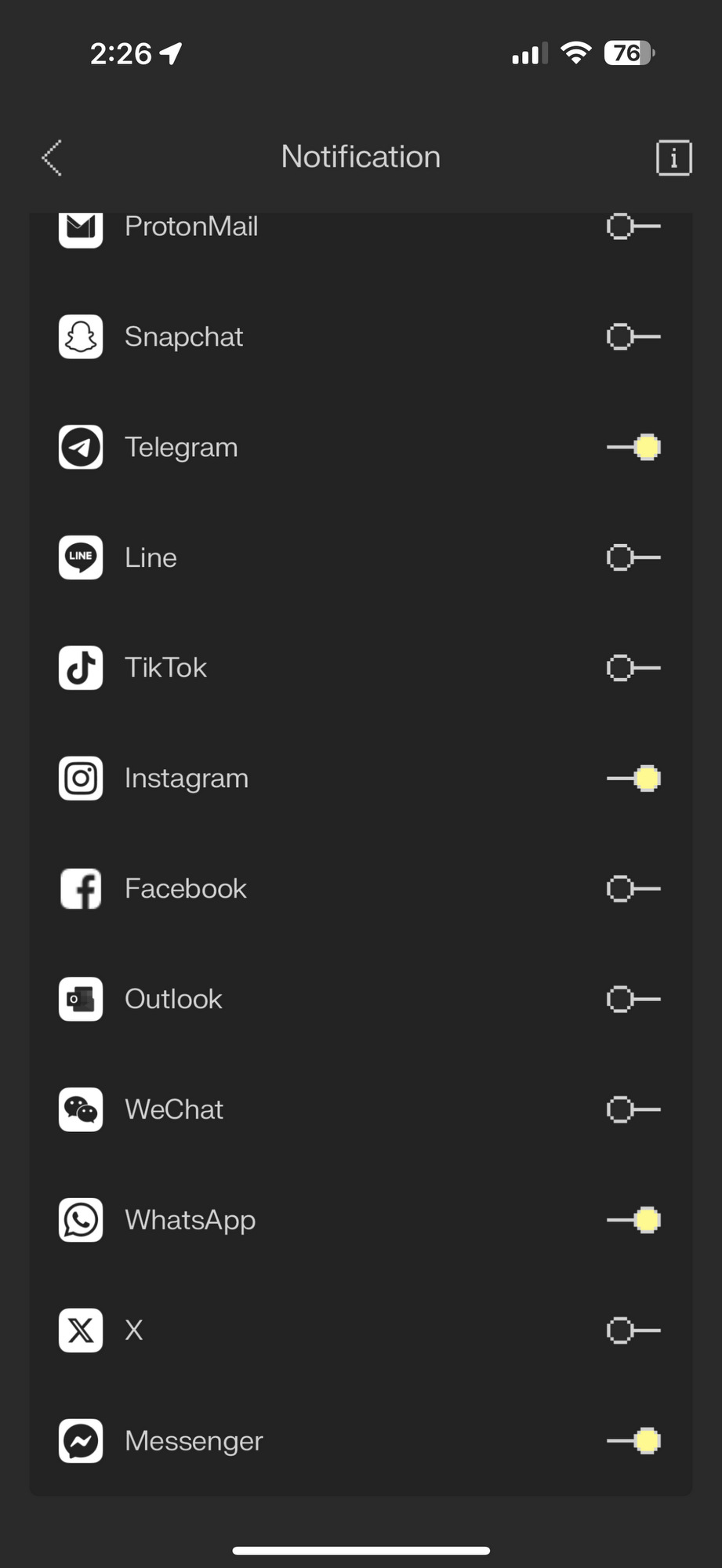
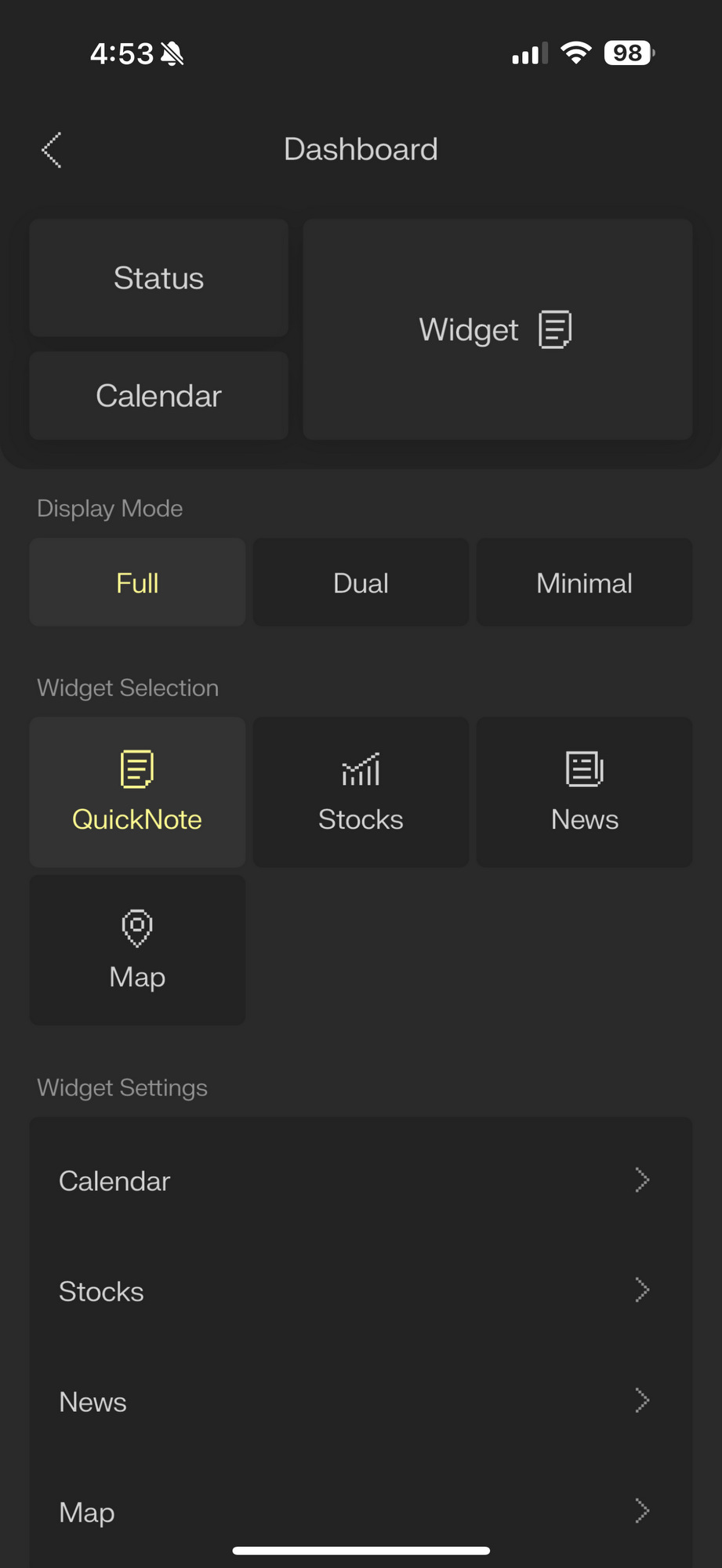
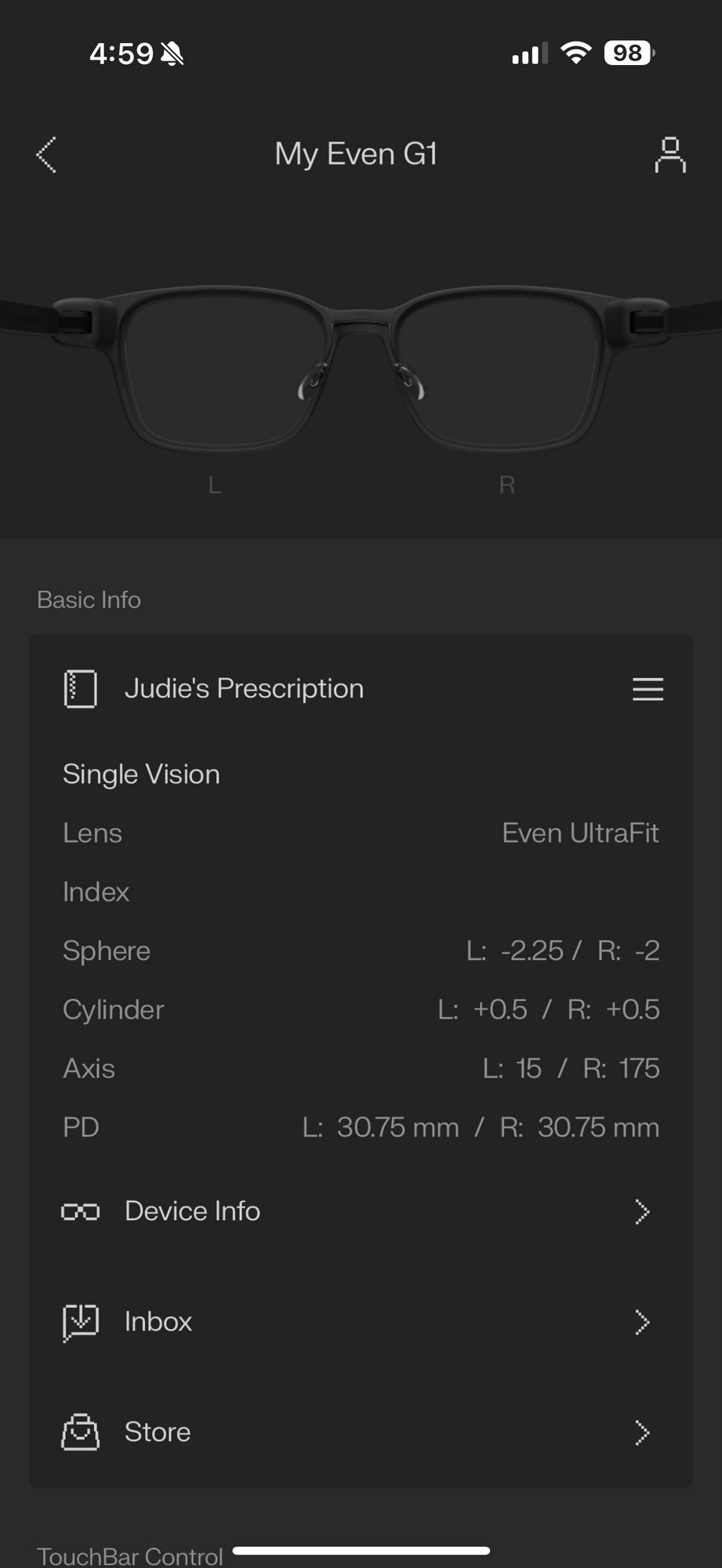
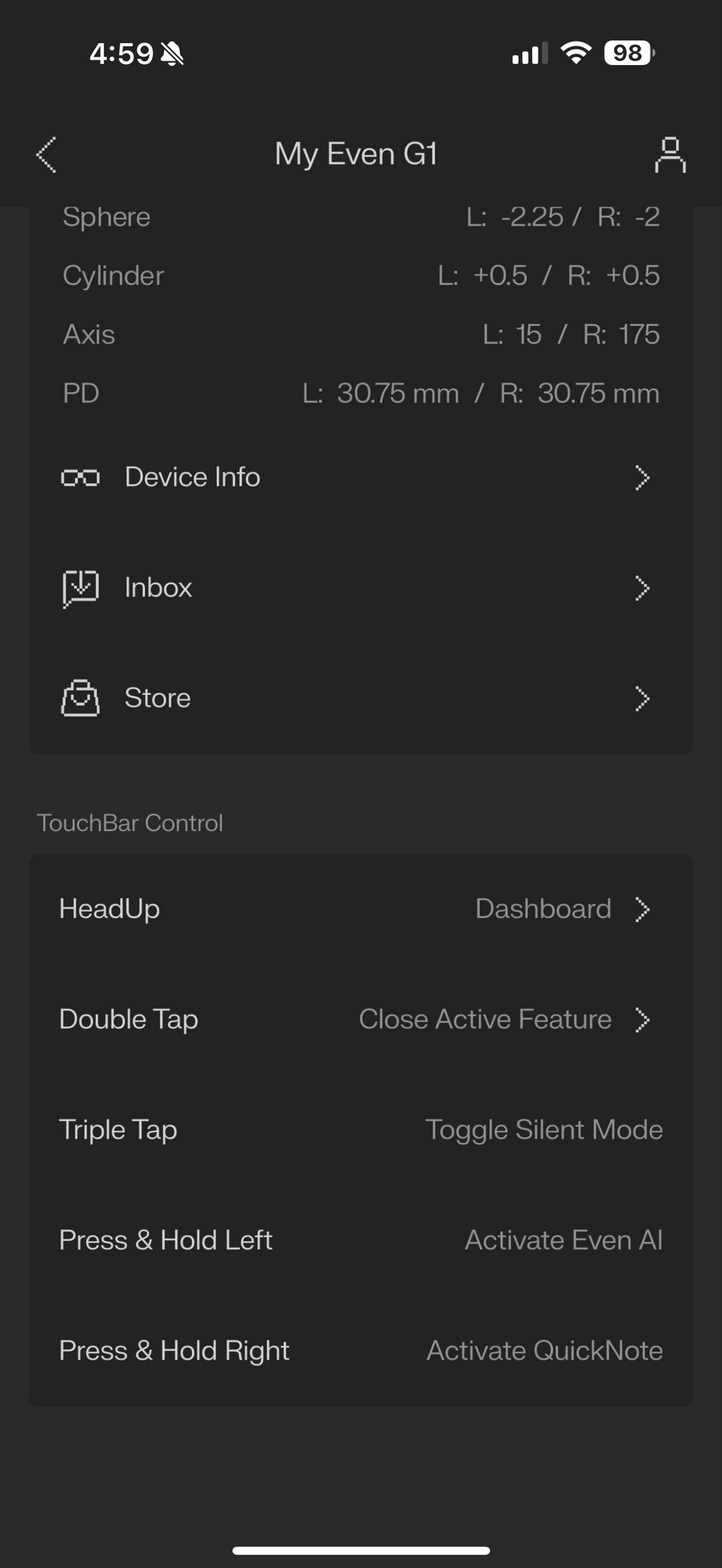
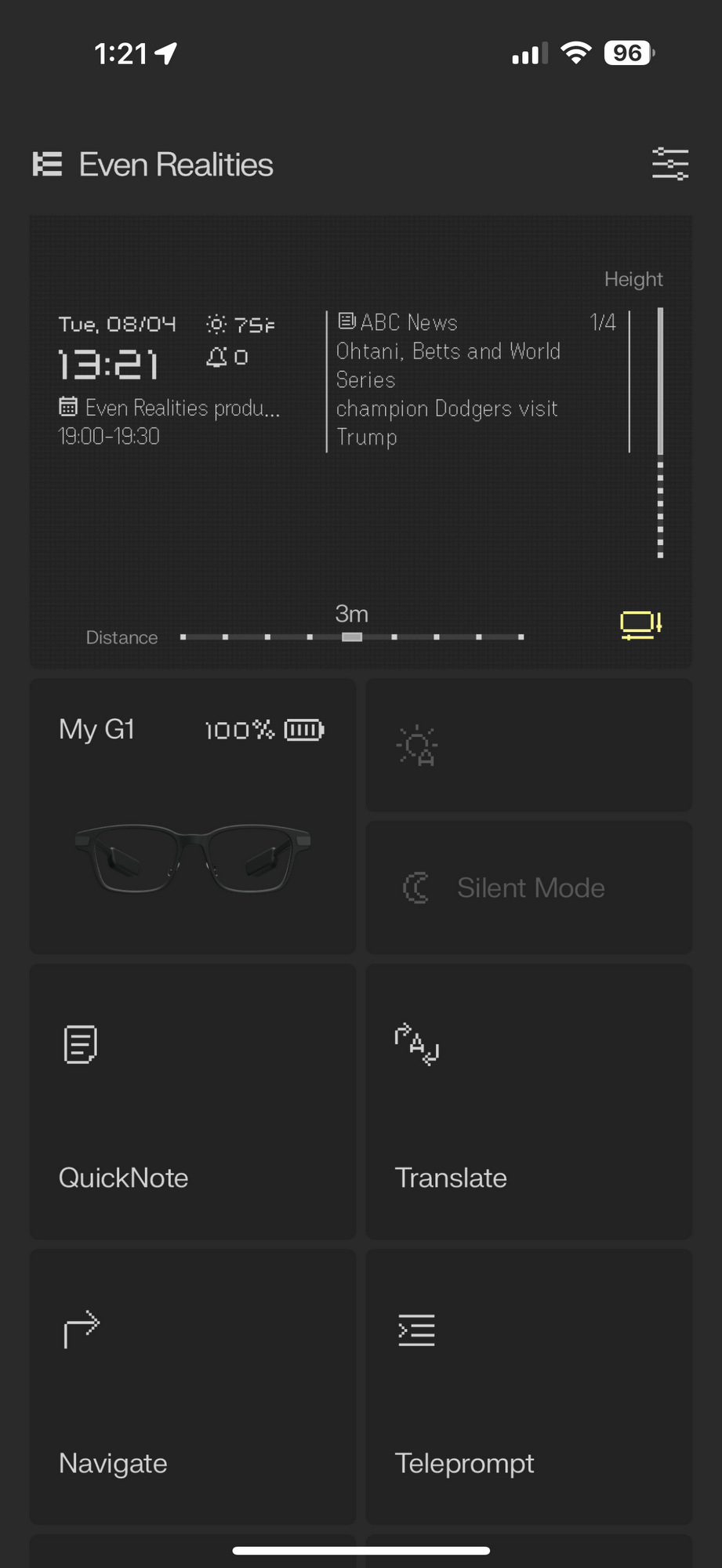
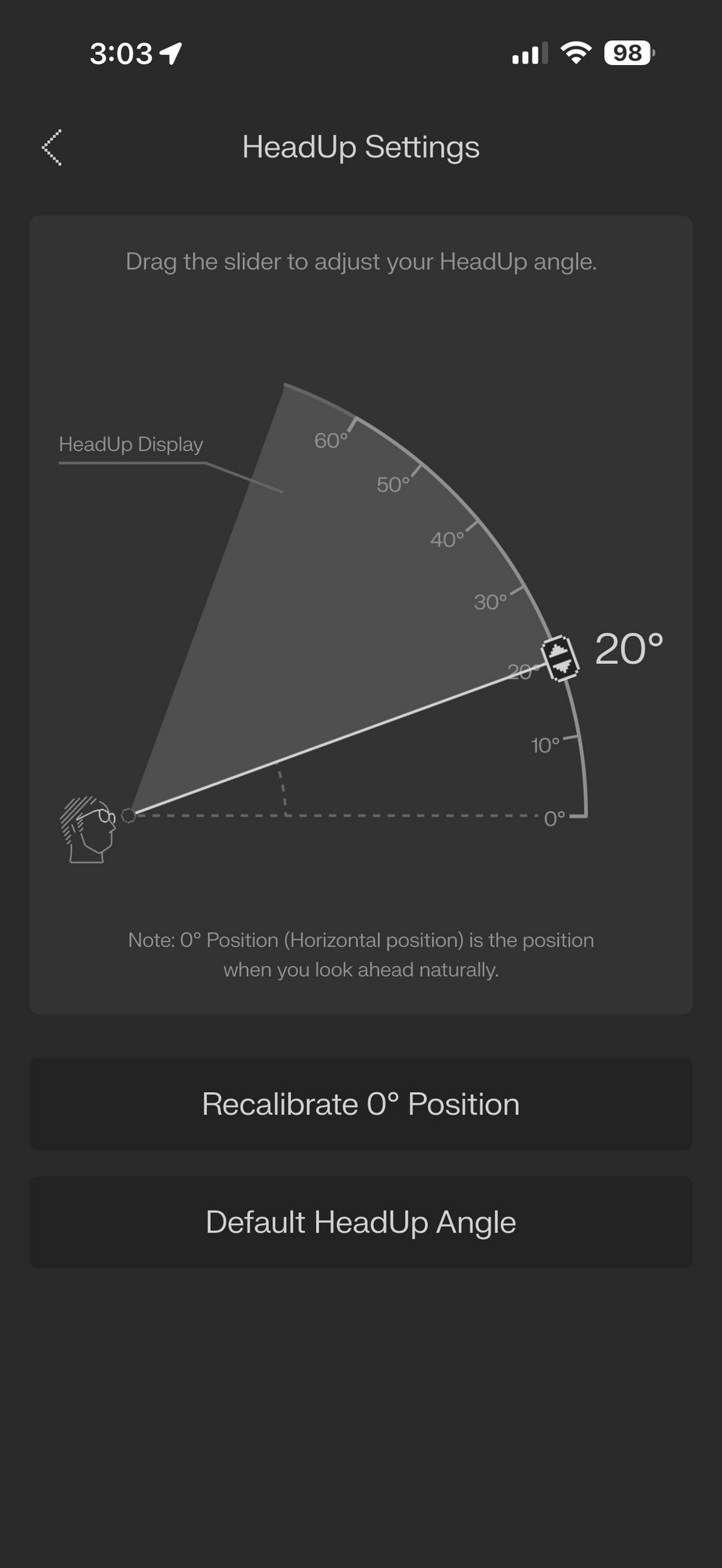
Once you’ve given your Even G1 Smart Glasses a chance to fully charge and you’ve downloaded the Even Realities app for your smartphone, the app will walk you through the necessary steps to pair your glasses and phone, set up permissions, and preferences.

Display and Optical Technology: Floating Text, Not Sci-Fi Gimmicks
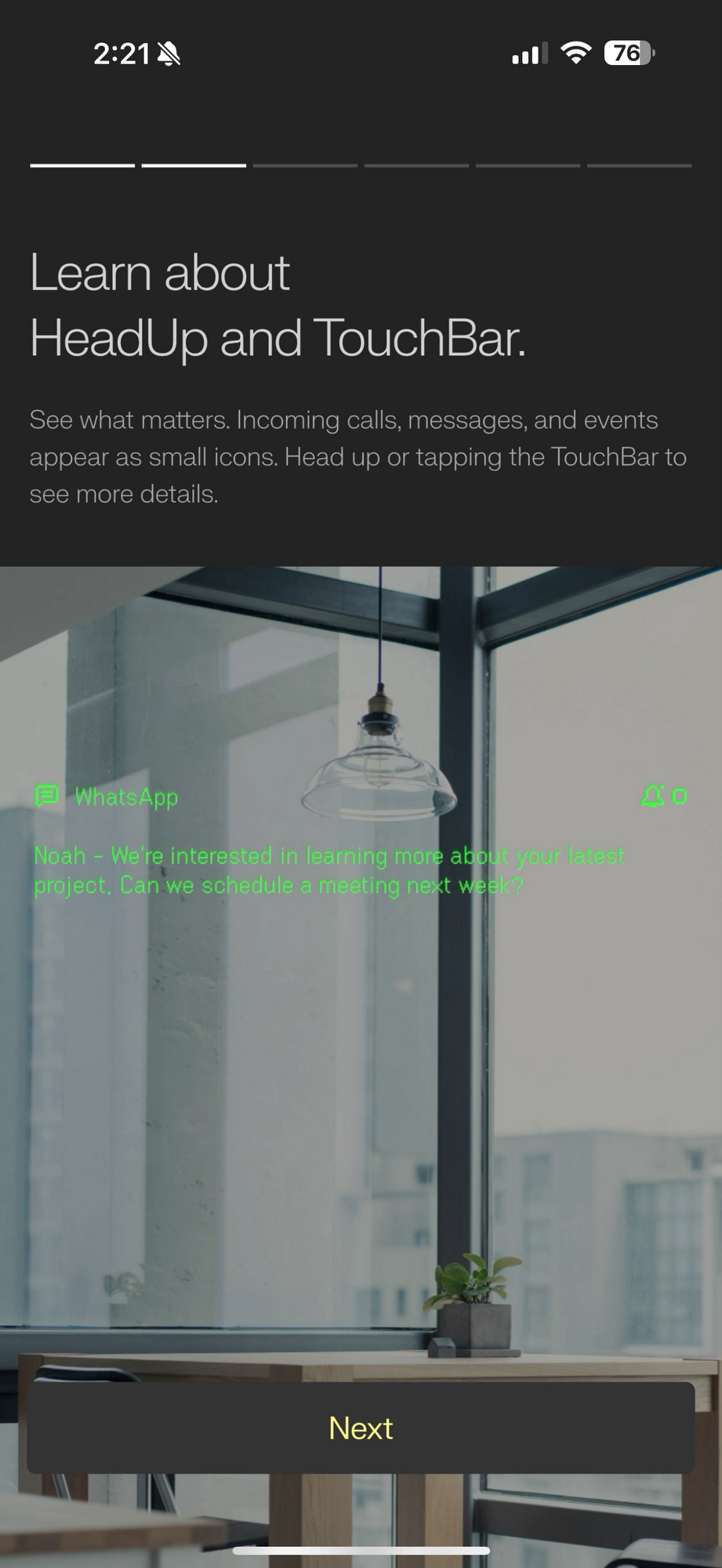
Even G1 Smart Glasses use micro-LED projectors and waveguide lenses to show text that appears to float at an adjustable distance of 1 to 5 meters in front of you. Think of it like a HUD (heads-up display) for your eyes, minus the sci-fi corniness. The display is integrated within the lenses themselves; there is no “second layer” effect, no rainbow shimmer, and no visual interference.
Here, I must apologize because, unfortunately, there is no way for me to photograph the brilliant heads-up display that is visible when wearing the glasses. Instead, I will have to rely on promotional photos from the Even Realities site, which are helpful but barely convey the full experience of it in actual use. Sorry about that.

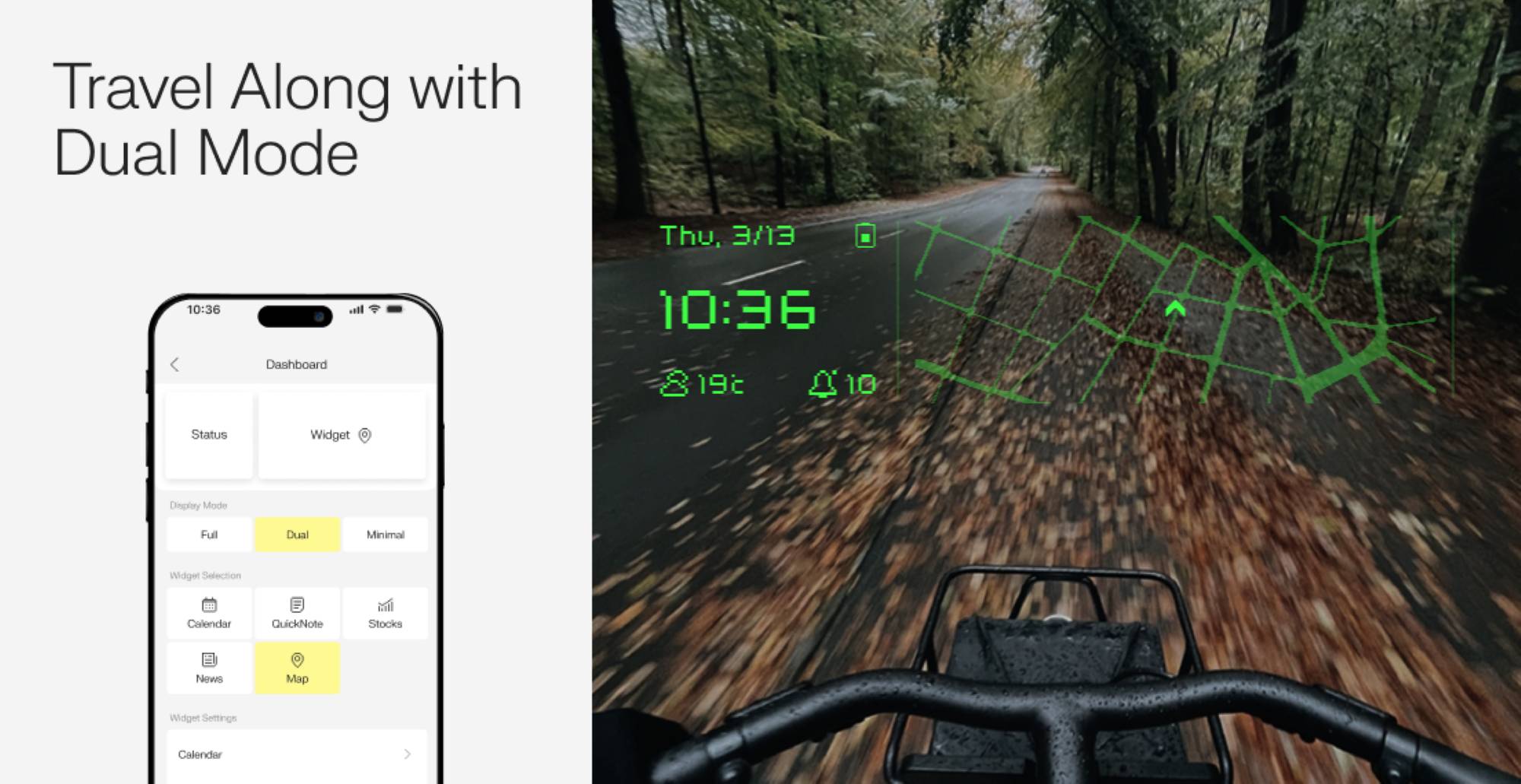
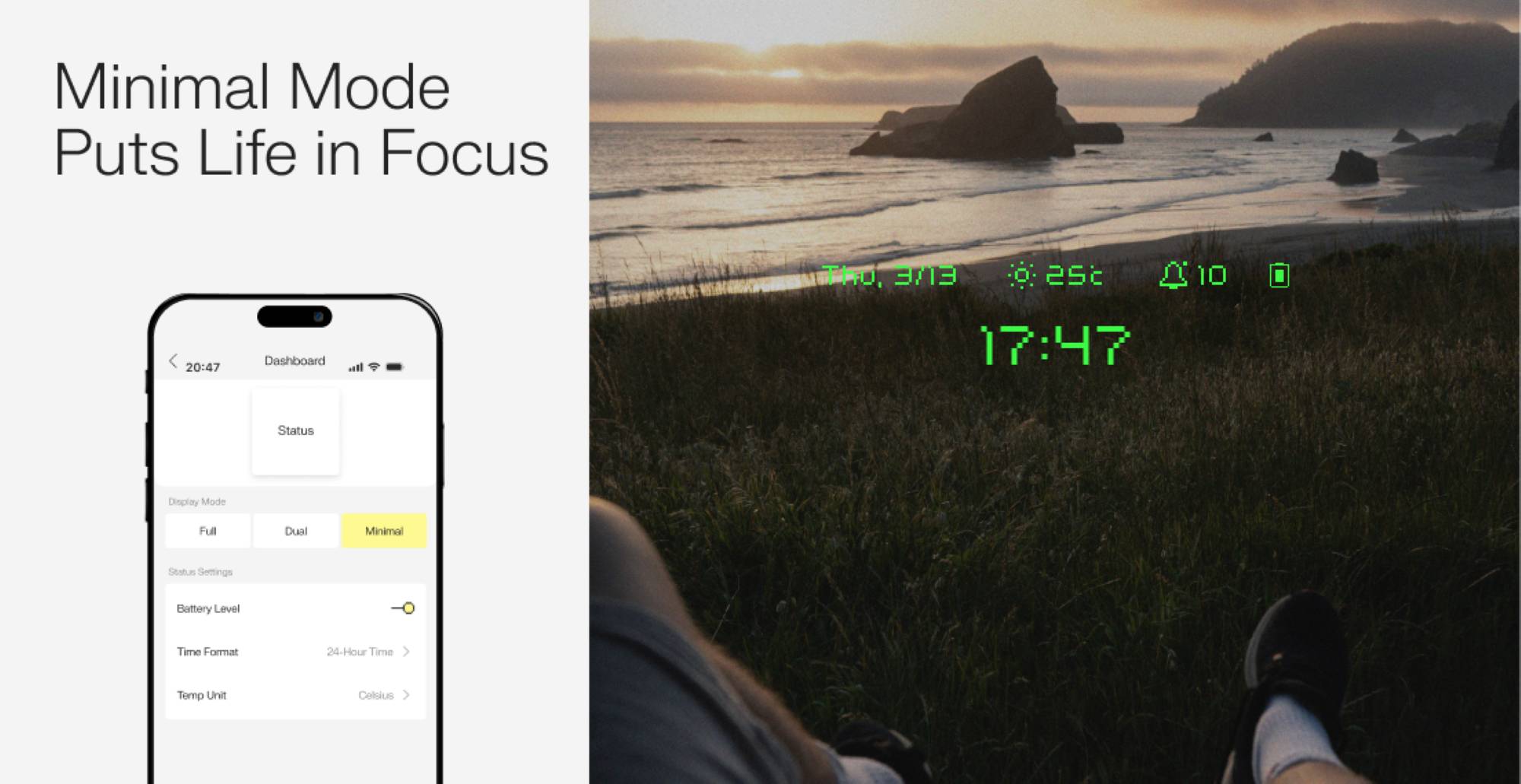
The Even G1 Smart Glasses’ optical lenses are digitally surfaced and laser-etched to match your prescription (if needed), and Even’s “1+1=1” bonding process merges the visual display with your vision correction into a lens that’s no thicker than what you’d get from your local optician. The result? No ghosting, no glare, no thickness warping your face in selfies.
Visual clarity is excellent, even in bright sunlight or dim rooms, thanks to the G1’s ambient light sensors, which automatically adjust the brightness. And if you’re wondering about eyestrain, the display is low-intensity and projected at a comfortable distance, allowing your eye muscles to relax. You’re not reading pixels pressed to your retina, thankfully. I can wear them for hours without feeling fatigued, and the clarity remains consistent whether I’m indoors or walking outside.
Daily Use: Where These Really Shine
So here’s where things get fun. Even G1 Smart Glasses’ digital smarts aren’t just “cool to have.” They’re actually useful.
For starters, QuickNote lets you press and hold the right temple TouchBar, speak your brilliant idea, and watch it get turned into a neat little text note on your glasses and inside the app. Handy when you’re out walking, reading, or mid-conversation and don’t want to fumble for your phone.

Translate mode is an absolute game-changer for travelers or film lovers. It listens, translates, and displays the translated text on your lens in real-time, similar to live captions that follow you around.


You get a bit of real-time translation for free, and then you have to pay for more. However, if it’s a feature you’ll use heavily, the cost seems pretty reasonable.
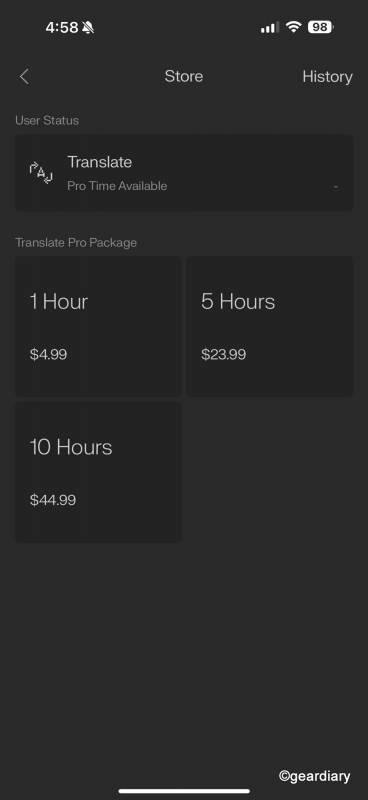
Watching a foreign film without needing on-screen subtitles? Weirdly less distracting and way more immersive. Not only do you see the translations on the heads-up display on your eyeglasses lenses, but you’ll also have a transcript saved in the Even Realities app.

Navigate mode is perfect for city life. No more walking around like a tourist with your phone in hand. The glasses show navigation cues as overlays while you’re biking, walking, or riding a scooter.
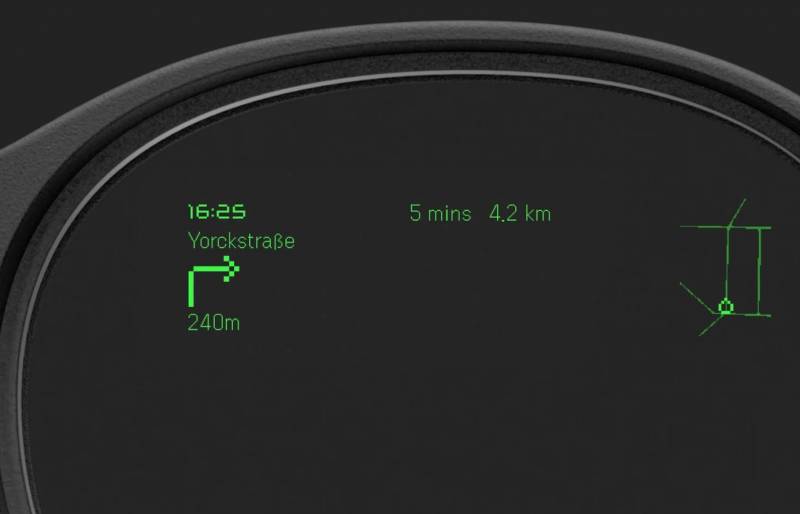
After entering the address I wanted to walk to into the Even Realities app, the Even G1 Smart Glasses quietly directed me where I needed to go.
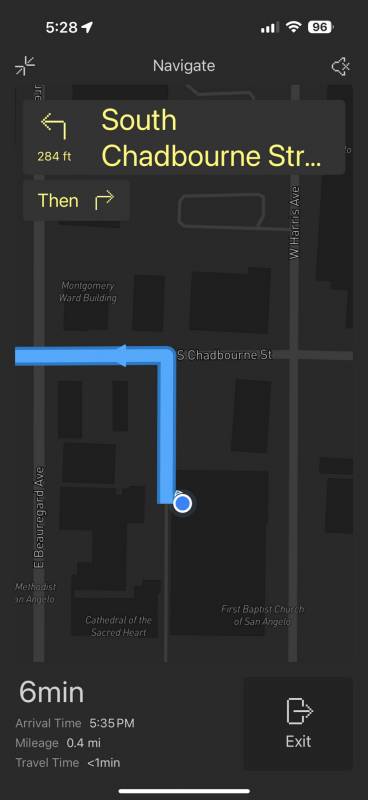
My phone stayed in my bag instead of fused into my hand; I looked like I knew what I was doing and where I was going. Pretty cool!
Teleprompting, AI, and Everything Else
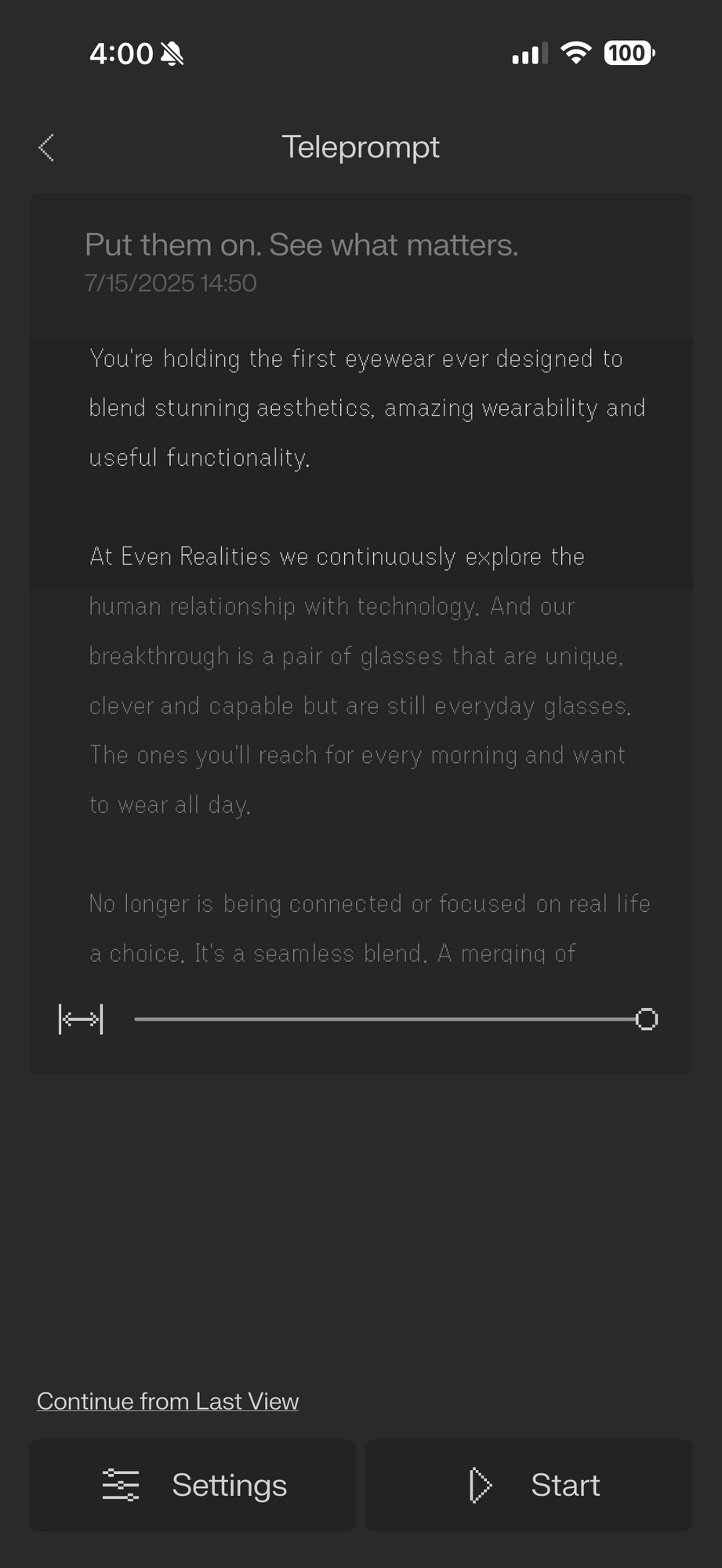
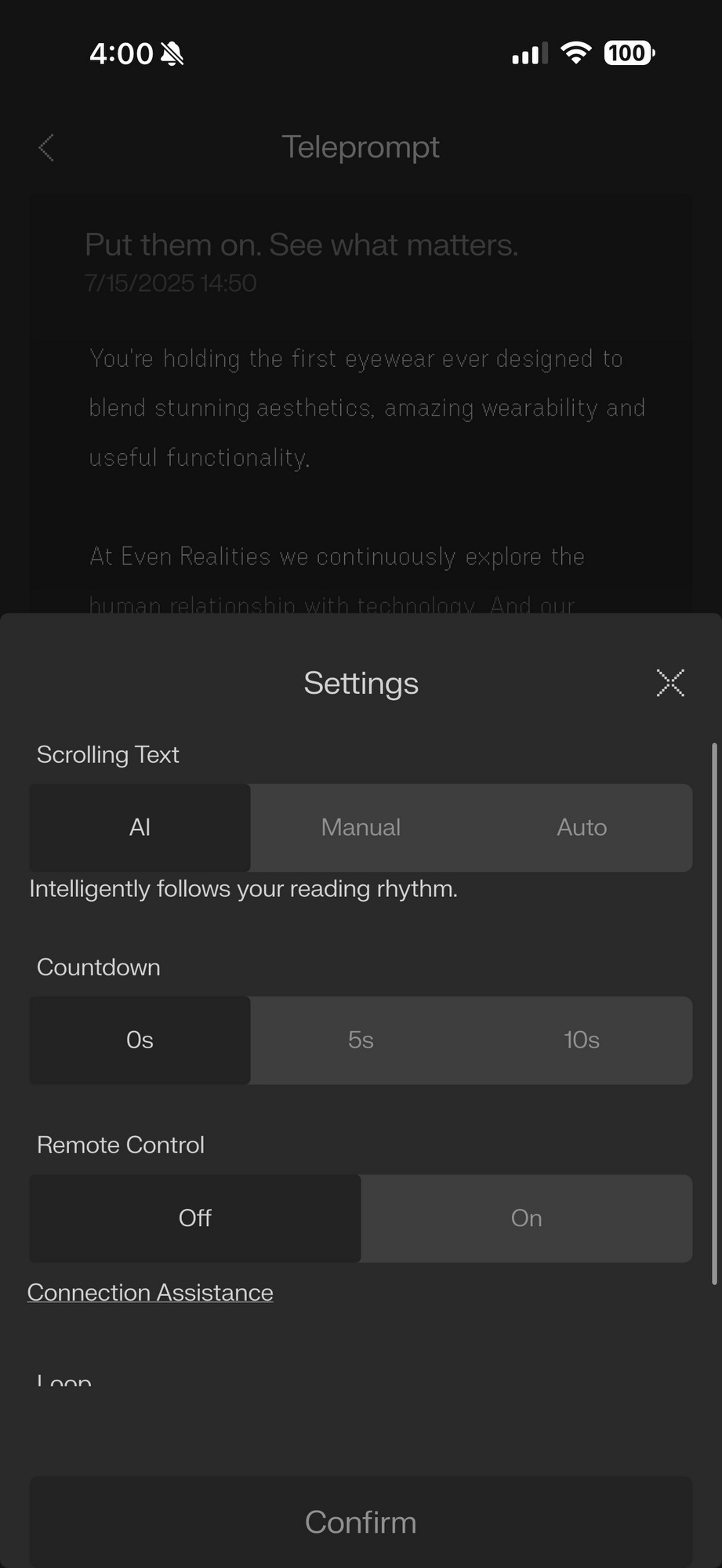
If you speak publicly, host meetings, or simply want to appear effortlessly smooth during a presentation, the Teleprompt feature is your new secret weapon. It scrolls your script, which has been entered directly into the app, directly in your line of sight, so you never have to glance down. The scrolling can be manual, automatic, or AI-matched to your pace. Yes, it works, and yes, it feels like cheating in the best possible way.
Even G1 Smart Glasses also features a built-in voice assistant, Even AI, which is accessible by pressing and holding the left TouchBar. With the latest update, Even OS 1.6.0, you have the option of using ChatGPT, Perplexity, or the Even LLM as your AI Engine.
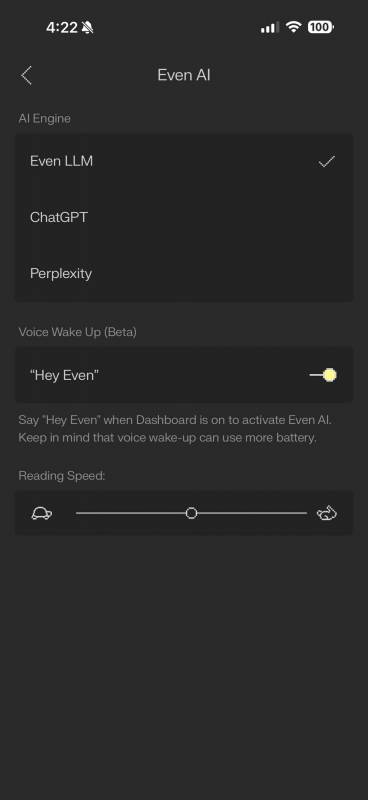
You might be tempted to stick with the AI assistant you’re more familiar with using, but if you opt for the Even LLM AI, you’ll be able to use voice control, which is pretty cool. So, for instance, saying, “Hey Even, when the Dashboard is open on your glasses, will activate the AI.
Even AI handles simple questions, reminders, and app commands. Think of it as a more visual version of Siri or Google Assistant, but only you see its replies both on your eyeglasses lenses and in the Even Realities app. There are no awkward, blaring voice responses in public.
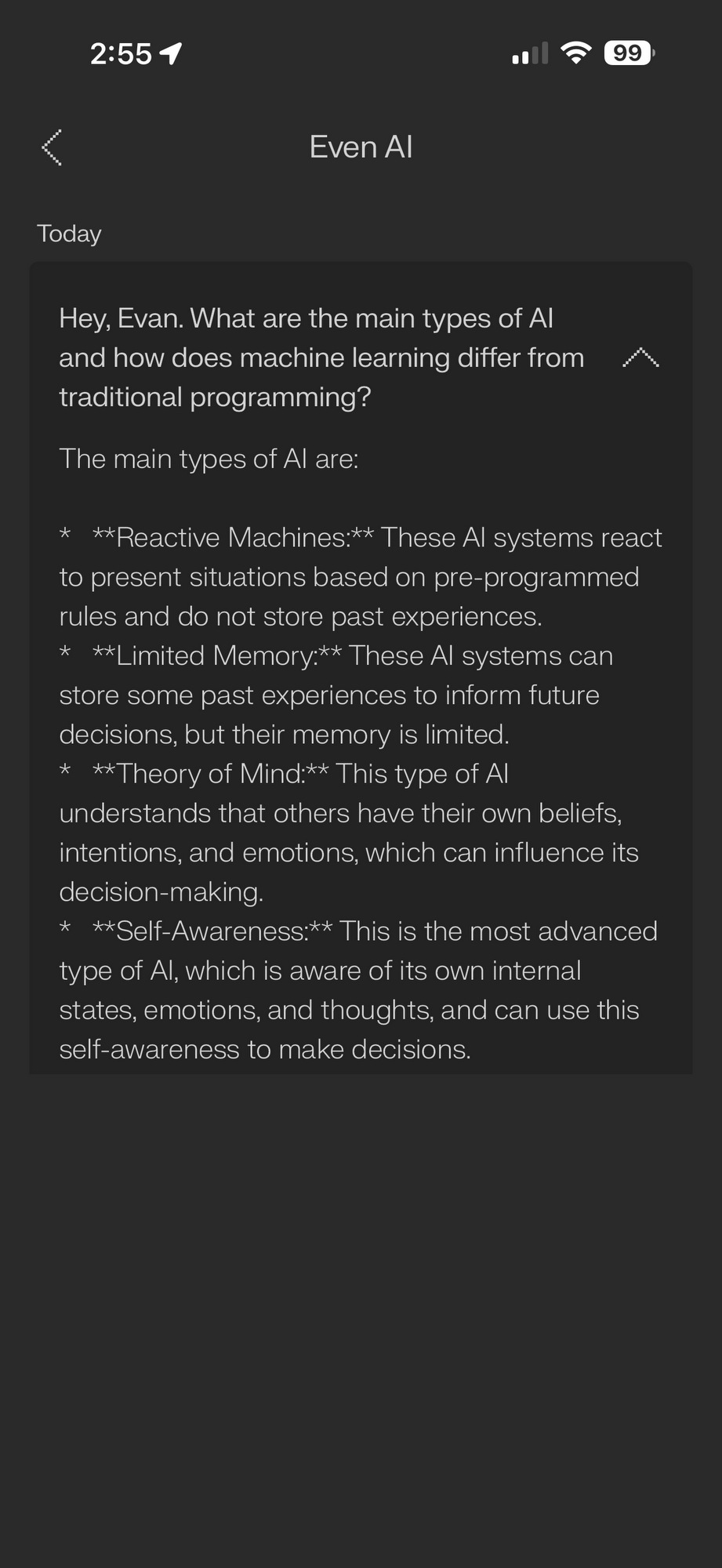
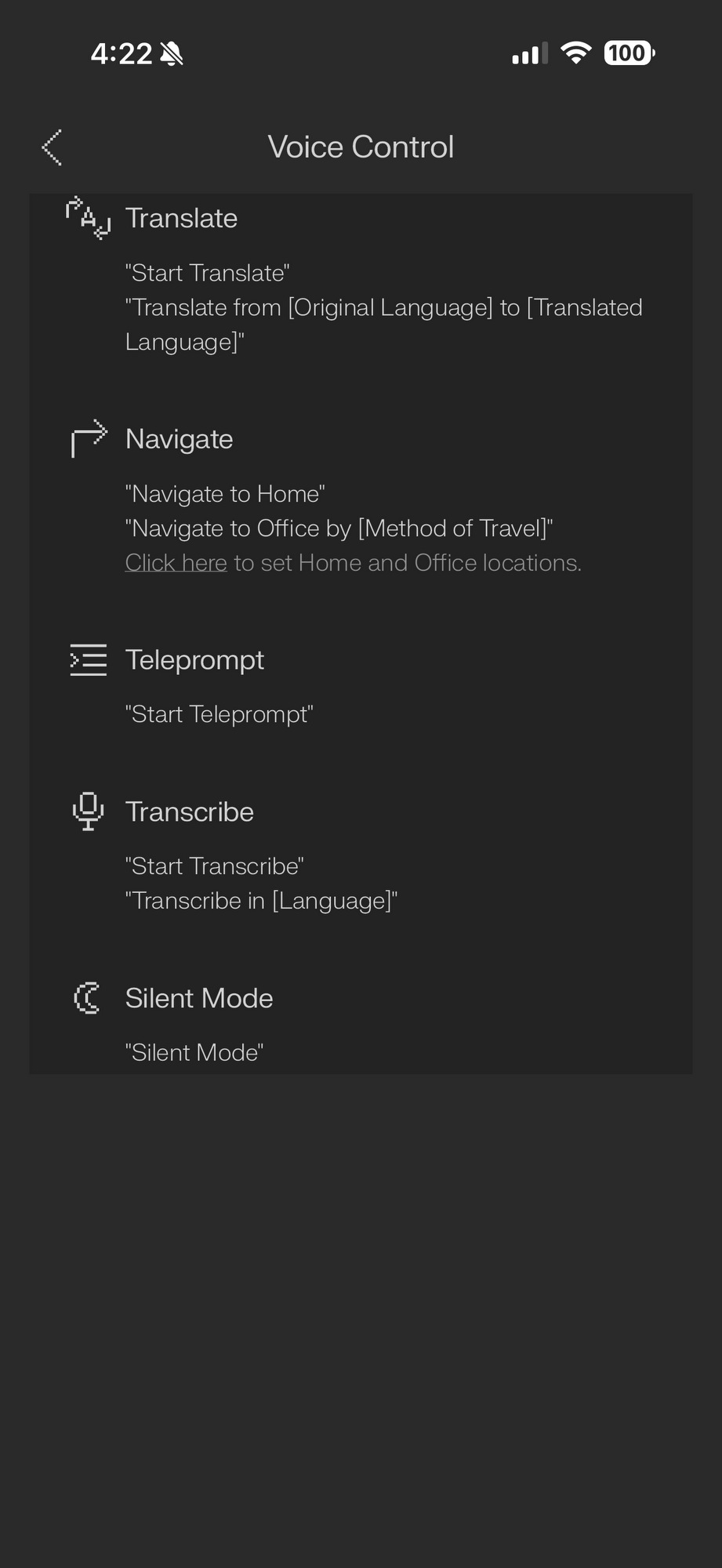
Notifications on the Even G1 Smart Glasses are customizable. You decide what shows up on your glasses, from calendar alerts to text messages. You’ll need to tweak some settings in the Even Realities app to get this just right.
Battery, Charging, and Real-World Limitations
Battery life clocks in around 1.5 days of typical use, or 4 to 5 hours of continuous Teleprompt mode. The included case holds a couple of full charges, and a 15-minute top-up provides approximately an hour of use. The glasses charge when folded inside the case, just make sure the left temple folds first. Yes, it matters.
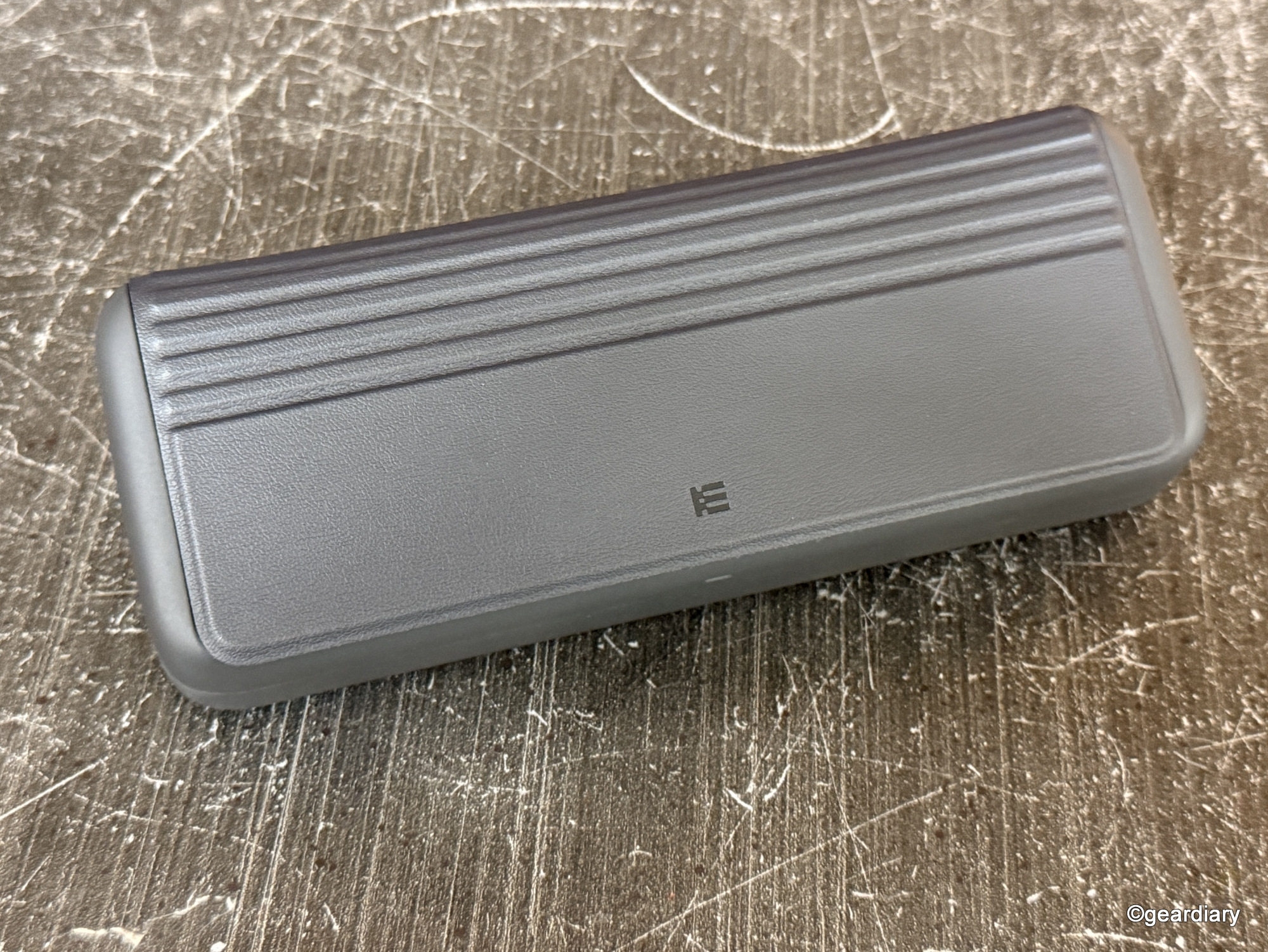
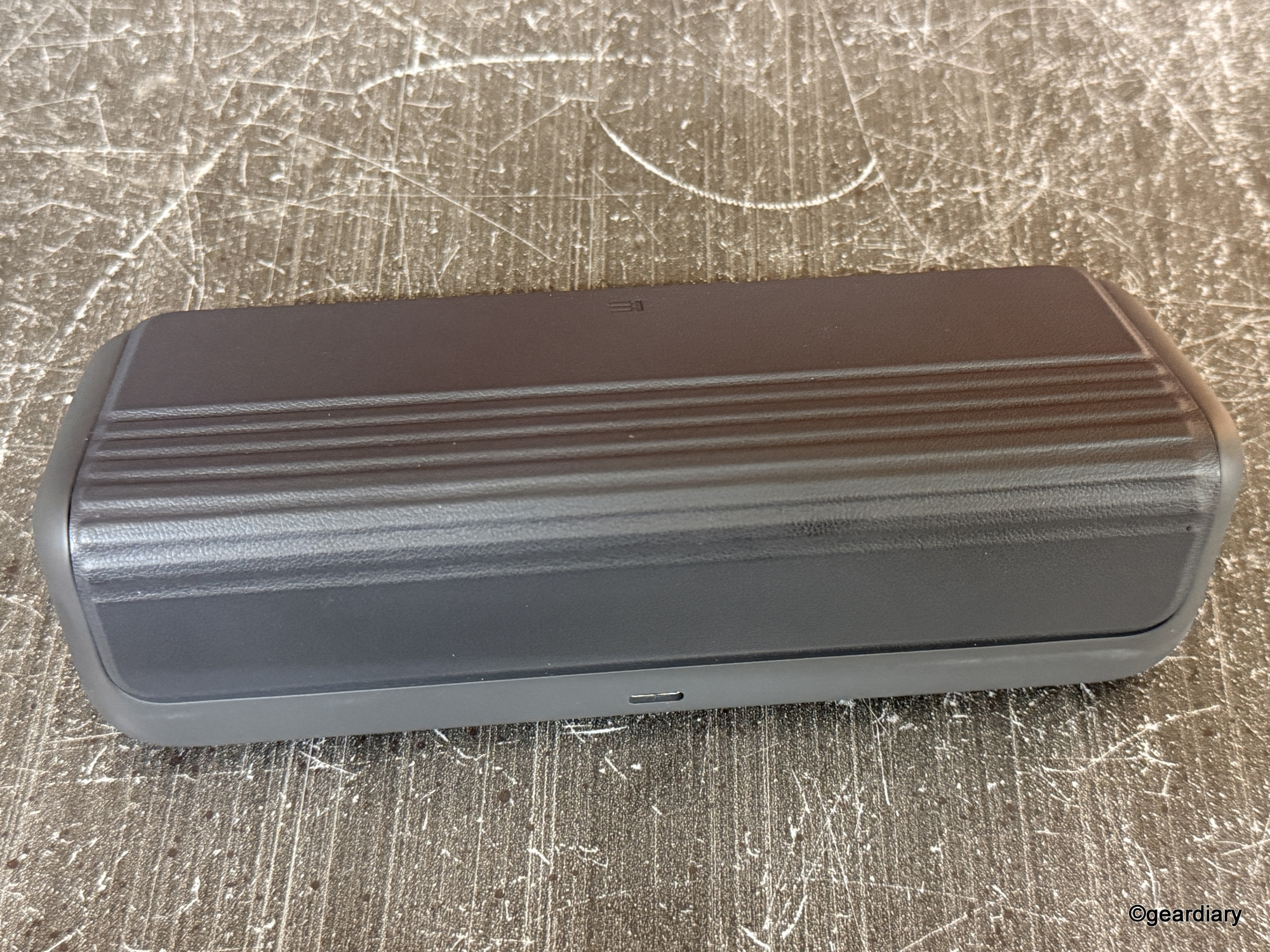
Now, some caveats: The Even G1 Smart Glasses are guaranteed to set off TSA security, even if you have Precheck. I strolled through PreCheck with them on my face and was promptly pulled aside and made to send them through for scanning. Most courthouses prohibit smartphones and smartwatches from their courtrooms unless you’re a lawyer; I found out the hard way that even if the phone they’re paired with is in the car, Bluetooth-enabled eyewear is still considered a smart device in many official settings, so I got to attend court without my glasses, which was fun.
I also encountered a few quirks: occasionally, Bluetooth failed to reconnect immediately when I stepped back into range after being away for a while, and there were rare instances where the touch controls registered a false input or required a second attempt. Nothing deal-breaking, but worth noting.
Why Choose These Over the Competition?
Unlike the earliest smartglasses, Google Glass, when wearing the Even G1 Smart Glasses, you won’t look like a cyborg. Unlike the Ray-Ban Meta Glasses, you won’t raise privacy alarms because with no camera, there’s no creep factor. You won’t be capturing people’s conversations in line at Starbucks. You’re not wearing surveillance gear; you’re wearing polished eyewear with smart features discreetly baked in.
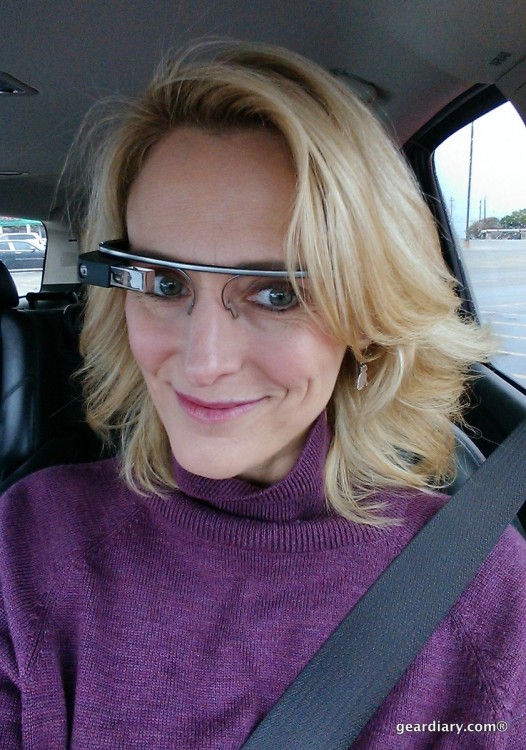
It’s hard to believe that Google Glass was just 12 years ago!
In fact, if you wear prescription eyeglasses, you can get the Even G1 Smart Glasses with your prescription, as I did. There’s even an optional clip-on for sunglasses mode. They’re water-resistant enough for light rain. And perhaps best of all, they don’t look like tech. Most people won’t even realize you’re wearing smart glasses, and that’s the real power move.
Should You Buy Them?
If you wear glasses anyway and you’ve ever wished they could do a little more without doing too much, the Even G1 Smart Glasses are in a league of their own. They add real-world, functional digital overlays to your everyday life without demanding constant attention or looking obnoxious. These are tools, not toys, and they’ve been thoughtfully designed to feel that way.
They’re not perfect. I mean, they’re not compatible with every app, and the translation feature requires an internet-connected smartphone. But for the right person — the traveler, the multitasker, the speaker, the note-taker, or the urban navigator — Even G1 Smart Glasses will make your life just a little easier, a little smoother, and a lot more connected.
Just remember to take them off before going through airport security. Trust me on that.
The Even Realities Even G1 Smart Glasses start at $599; they are available directly from the manufacturer.
Source: Manufacturer-supplied review sample
What I Like: Stylish, discreet design that looks like regular eyeglasses, not sci-fi cosplay; Two versatile frame styles (panto and rectangular) are both lightweight and comfortable; Prescription-ready lenses with no added thickness or visual artifacts; No cameras means no privacy concerns in public spaces; Display is crisp, unobtrusive, and easily readable in varied lighting; Useful everyday features: QuickNote, Translate, Navigate, Teleprompt, and notifications; Built-in voice assistant is private and functional (no loud public voice replies); A virtual try-on tool is now available to help choose the right frame; Solid battery life with fast top-off charging via a sleek case that doubles as a power bank; The app is intuitive, well-designed, and refreshingly bloat-free; Frames are water-resistant for daily use, including light rain; Optional sunglasses clip-on accessory available for outdoor use
What Needs Improvement: Will set off TSA security checkpoints, so plan accordingly, and they’re not allowed in certain official settings like courtrooms; Occasional Bluetooth hiccups and touch control misfires; The translation feature requires an active internet connection; Not compatible with every app or platform (limited third-party integration); No audio feedback or speaker option, which may limit some use cases