


The new Elgato Game Capture 4K S doesn’t need flashy promises or overhyped marketing lingo to catch attention. It knows exactly what it is — a compact, no-nonsense external capture card that quietly delivers the performance serious streamers and casual content creators actually need. Whether you’re documenting your wildest Valorant clutch or recording a slick how-to series for YouTube, this little black box is built to play nice with your setup and stay out of your way. No gimmicks, no drama, just smooth 4K60 recording, near-instant passthrough, and an open invitation to game wherever and however you want.
The Era of “Plug It In and Don’t Think About It”
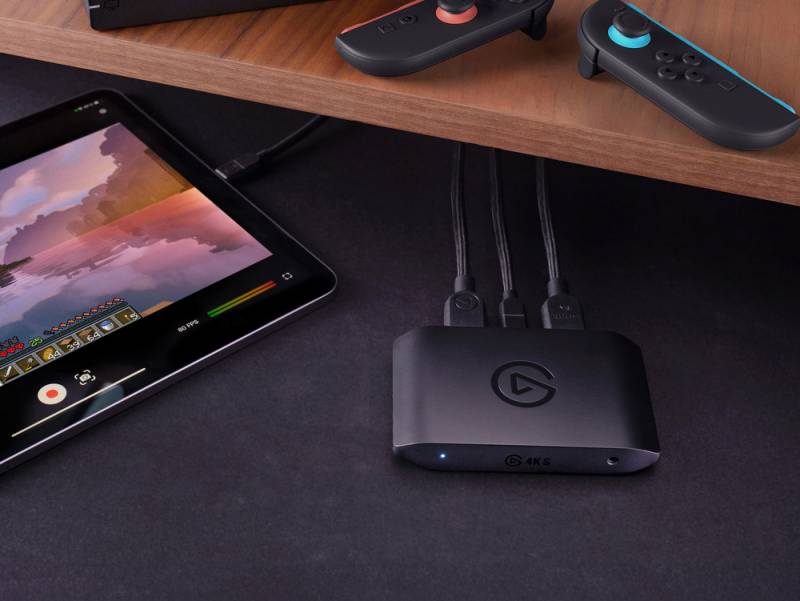
Nobody wants to babysit their gear. The beauty of the Elgato Game Capture 4K S lies in its simplicity. Plug it in via USB-C, connect your console or PC, and start recording. That’s it. There are no drivers to hunt down, and thanks to UVC (USB Video Class) support, you don’t have to worry about software compatibility drama. It’s ready to go on Windows 11, macOS 13, and even iPadOS 18; yes, you read that right. You can capture console gameplay directly to an iPad, which is great news for creators who’d rather ditch the desk setup and keep things portable.
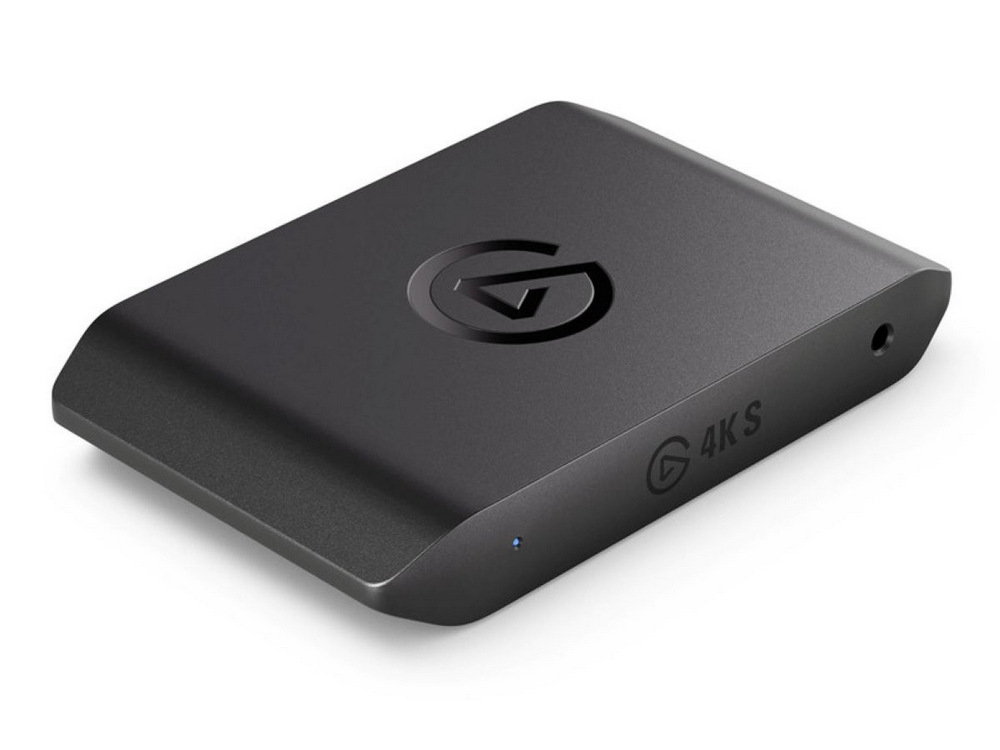
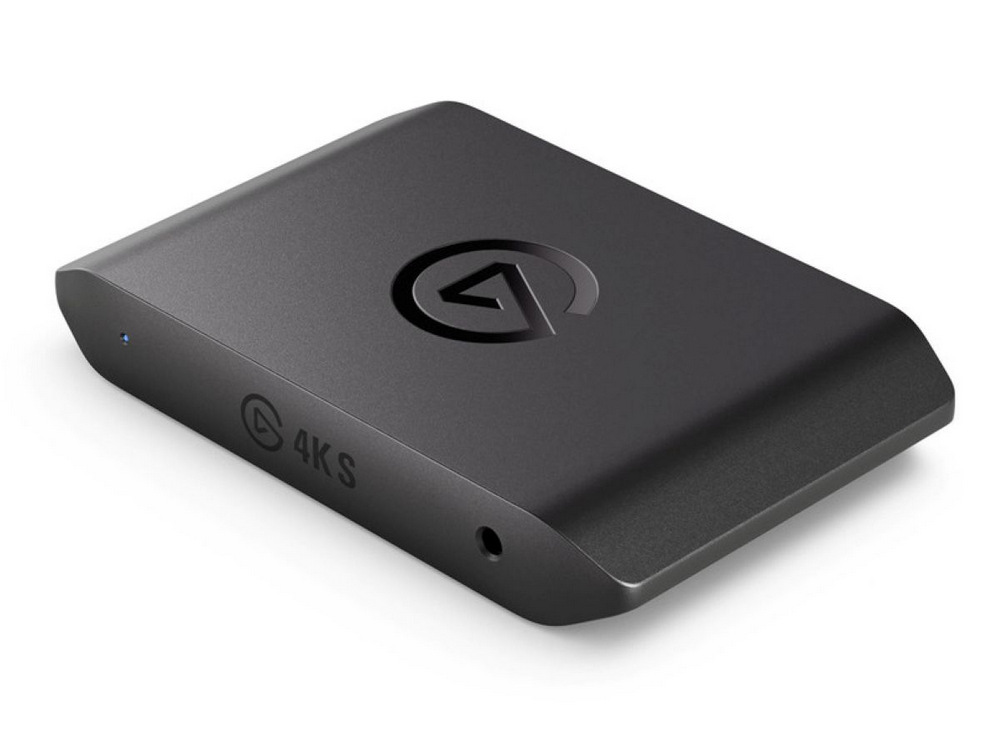
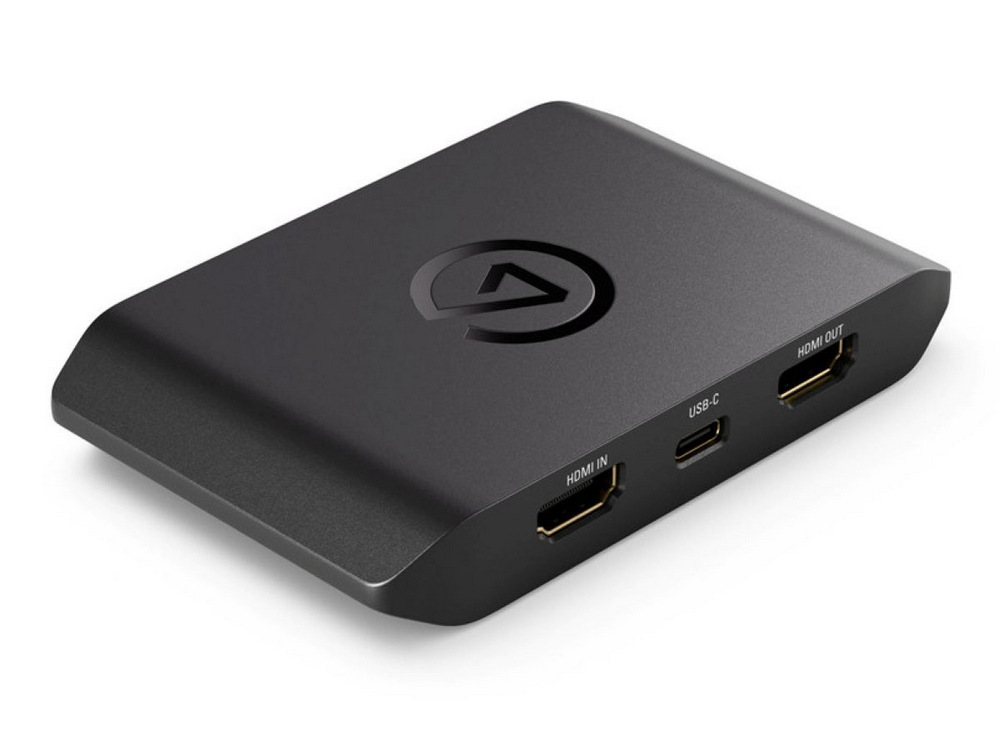
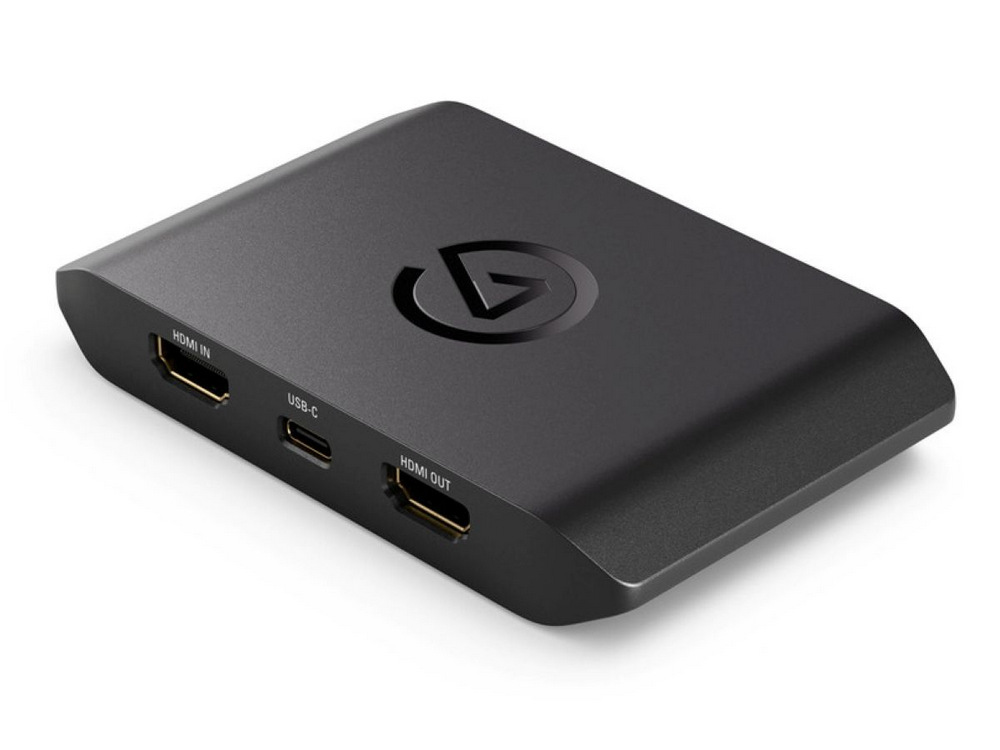
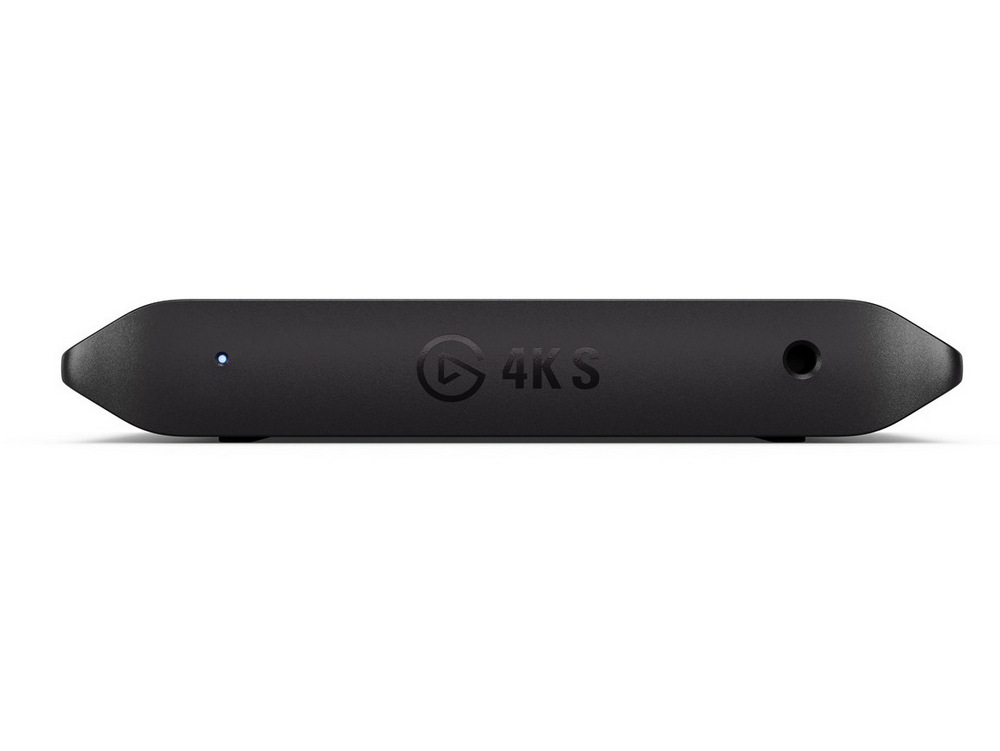
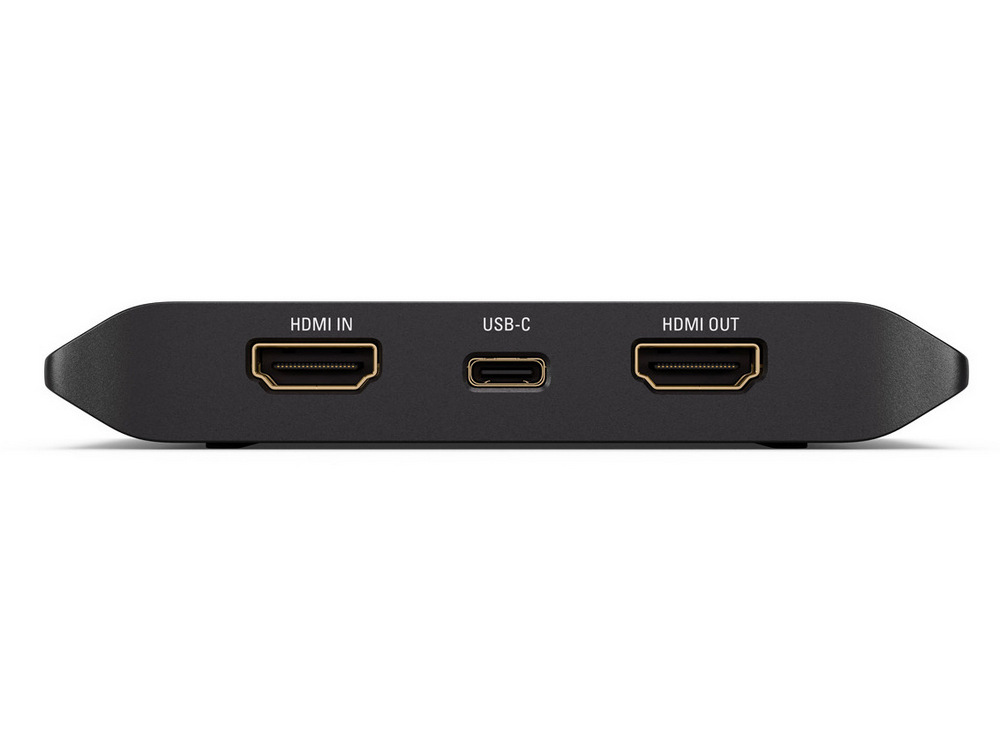
And if you’re still working on a Frankenstein mix of old and new gear, you’re covered. Elgato thoughtfully supports a broad list of consoles and platforms. Whether you’re recording from a Nintendo Switch 2, Xbox Series X/S, PS5, or even a Steam Deck, the 4K S doesn’t blink. PC to iPad, Switch to Mac, PS5 to whatever; you can daisy-chain your digital life without a second thought.
Quality Without Compromise
The Elgato Game Capture 4K S is about giving you high-quality footage without sacrificing the actual experience of playing. It captures in true 4K at 60 frames per second, and that’s not a marketing “up to,” that’s native, uncompressed performance. The passthrough is zero-latency, which means you can still game in real time on your main screen while the footage is whisked away to your recording system without hiccups or lag-induced rage.
If you’re playing something fast and twitchy, say, Call of Duty or Apex Legends, the 4K S keeps up with support for higher frame rates like 1440p at 120 frames per second and 1080p at a blistering 240 fps. It also works with Variable Refresh Rate (VRR), so if your monitor and game support it, you get a smooth, stutter-free image while still capturing every last pixel of action.
Streaming from a Studio or Your Couch
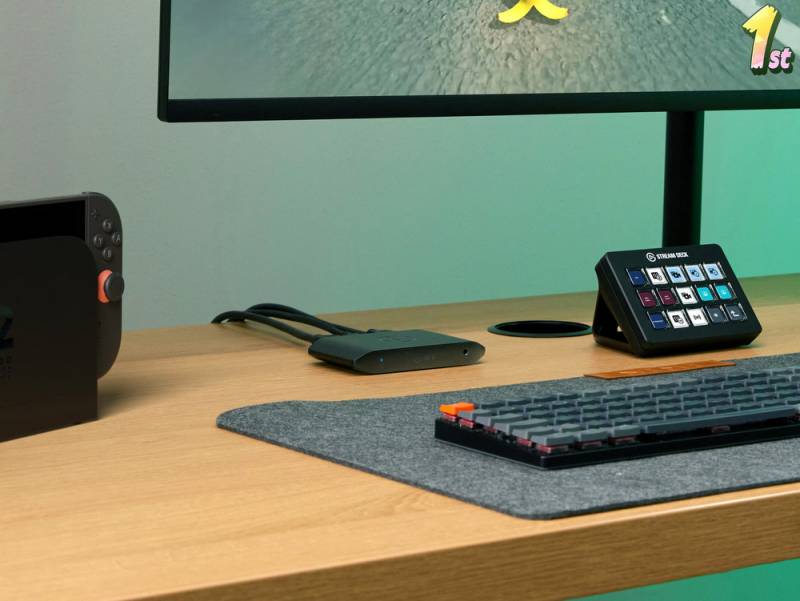
Not everyone has a dual-PC streaming setup, sound-treated walls, or an RGB glow-up that looks like it was sponsored by a unicorn. The Elgato Game Capture 4K S doesn’t care. Whether you’re on a PC tower, a laptop, or just your iPad, it works with what you’ve got. And for folks with more ambition than cable management, the setup is refreshingly clean.
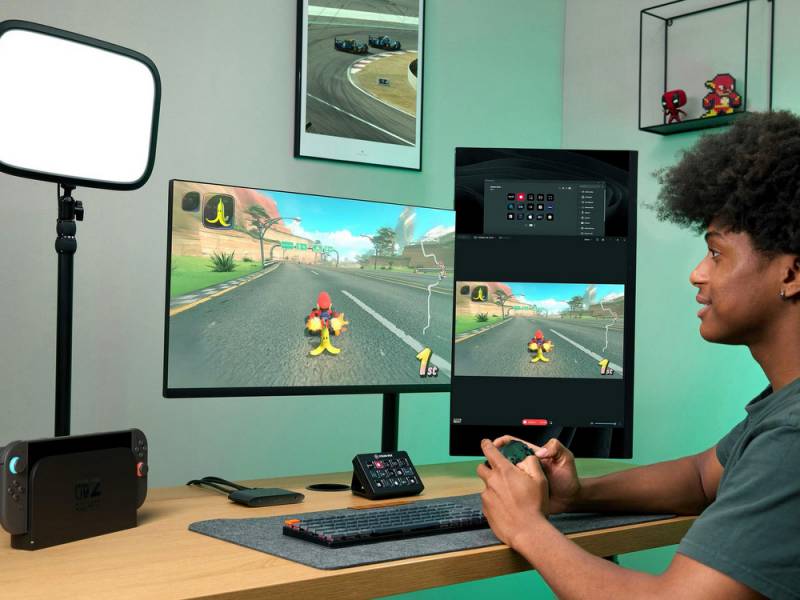
This device was clearly built with flexibility in mind. Want to capture to a MacBook while playing on your PS5? Done. Thinking about streaming directly from your iPad while your Switch is docked? Go for it. The 4K S doesn’t ask questions; it just shows up and works.
Preview Like You Mean It
If you’re recording from a single screen or you don’t have the luxury of a dedicated monitor for preview, the Elgato Game Capture 4K S still has you covered. It delivers a near real-time software preview with as little as 30 milliseconds of delay, so low that you can comfortably play through the preview window in your streaming app without it feeling like you’re steering a boat with a rubber rudder. This matters more than you think when space is tight or your gear is limited.
HDR and Audio Features That Don’t Feel Like Afterthoughts
High Dynamic Range (HDR) content is fully supported up to 4K60 passthrough, and you can capture in HDR10 at up to 1080p60 on Windows. That means more vibrant colors, deeper shadows, and generally more cinematic footage when you’re working with supported titles and displays.
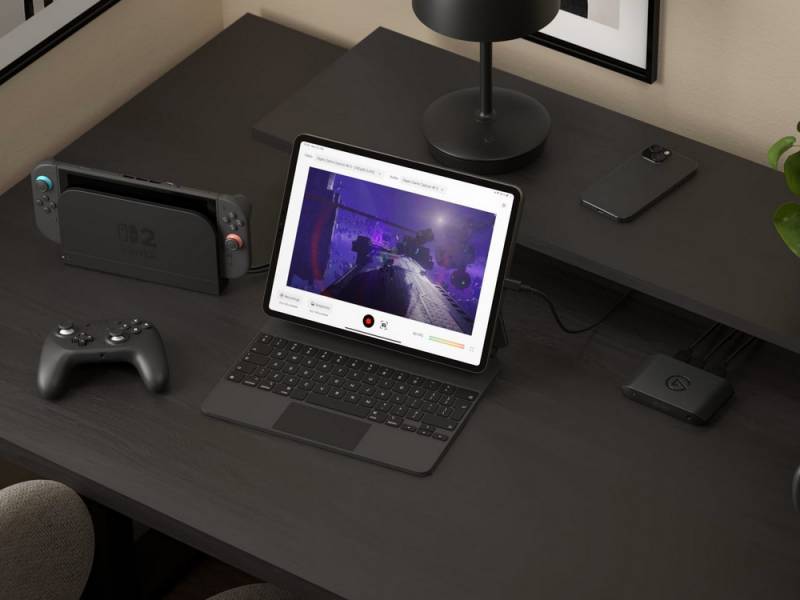
The Elgato Game Capture 4K S also features an analog audio input, which makes a noticeable difference for anyone trying to incorporate chat audio, commentary, or team communications. You’re not locked into your console’s native capture capabilities, which are, let’s be honest, pretty basic.
New Software, New Tricks
Bundled with the Elgato Game Capture 4K S is the new Elgato Studio, a significant update that simplifies recording and playback without turning your machine into a jet engine. Unlike older solutions that tried to be too many things at once, Elgato Studio trims the fat and gives you a clean, functional interface with low preview latency and solid recording performance.
It even includes a snapshot tool so you can grab high-quality stills from your gameplay, which is a subtle but smart addition if you like posting to social or designing thumbnails that don’t look like they were lifted from VHS footage.
You can also tweak the 4K S’s internal settings directly within the app. For the brave or curious, beta features are available to test without needing to juggle third-party plug-ins or community-made workarounds.
Not Just for Streamers
The Elgato Game Capture 4K S isn’t just for the Twitch crowd. If you’re a teacher who records educational gaming content, a parent archiving your kid’s Mario Kart victories, or someone who documents gameplay for reviews or game analysis, the 4K S offers a professional-grade tool without the professional-grade learning curve. You get pristine quality, flexible compatibility, and a setup that doesn’t make you want to scream into a pillow.
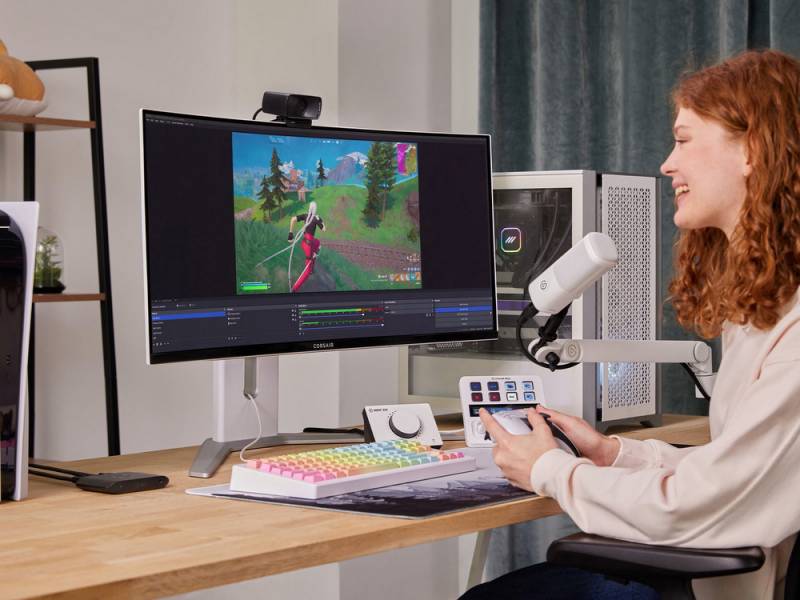
It also makes sense for folks who just want to stop fighting with their gear. If your current capture solution feels more like a relationship than a tool — full of compromises, unspoken incompatibilities, and the occasional silent treatment — the 4K S might be the healthy breakup you’ve been needing.
And Yes, It’s Affordable
At $159.99, the Elgato Game Capture 4K S undercuts many of the “high-end” capture cards that offer similar performance but require you to sacrifice either your sanity or your weekend to install and configure. You get pro-level quality in a portable form that doesn’t hog your USB ports or require its own power brick.
And because it’s Elgato, you also get a two-year warranty and support from CORSAIR’s global network. So if something goes sideways, you’re not yelling into the void; you can actually reach someone.
The Verdict? Capture Without Compromise
The Elgato Game Capture 4K S may not scream for attention, but maybe that’s the point. It’s a workhorse designed to quietly handle everything from laid-back gameplay sessions to full-blown content production, all without weighing you down with complex setup requirements or limitations.
It’s for the creator who wants to capture clean 4K60 without rearranging their life. For the gamer who doesn’t want to sacrifice frames or fidelity just to hit “record.” For the student, reviewer, or streamer who needs their gear to just work on iPad, Mac, or PC with or without a production team.