


The Lowdown
If you travel constantly, take lots of quick notes, and prioritize portability above all else, the reMarkable Paper Pro Move is worth considering, especially if you’re okay with its limitations. But for most people, the larger Paper Pro or even a good old-fashioned paper notebook might make more sense.
Overall
Pros
- Writing feels remarkably close to actual paper
- Marker Plus feels premium with a built-in eraser that works great
- The battery genuinely lasts two weeks with normal use
- Small enough to fit in a jeans pocket or toss in any bag
- Color e-ink is excellent for annotations and highlighting
- The marker magnetically attaches and charges on the device
- Adjustable backlight for low-light conditions
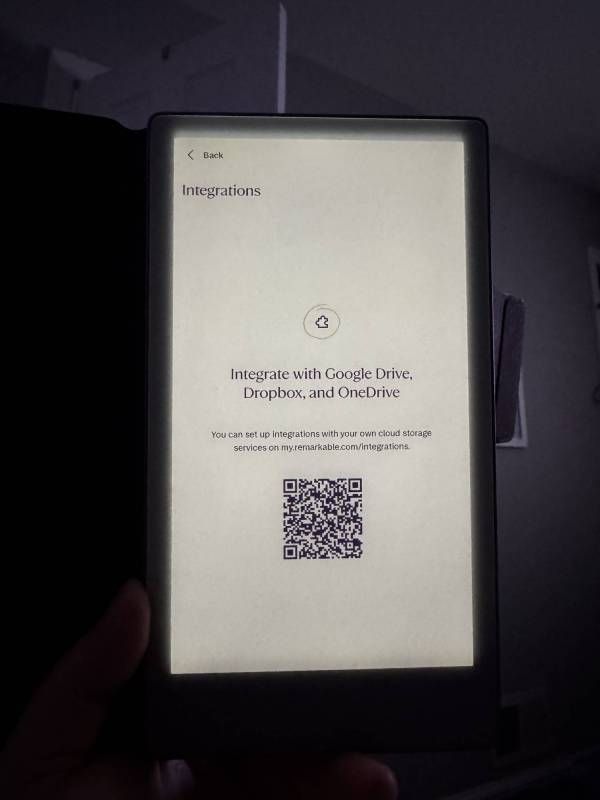
- Dropbox and Google Drive integration
- Auto sleep/wake with folio cover saves battery
- Easy PDF export via email
- Minimal delay between writing and screen response
Cons
- The screen is too narrow to comfortably rest your palm while writing
- Expensive at $449, even more with Marker Plus ($50) and folio ($99)
- Limited functionality for the price
- Almost no ebook reading capability (no Kindle, Libby, or DRM apps)
- Only supports EPUB and PDF file formats
- “Advanced” features locked behind $2.99/month Connect subscription
- Too small for large sketches or architectural drawings
- Screen size prevents comfortable long-form writing
- Connect subscription feels like an unnecessary paywall
If you’re constantly moving between offices or traveling and need a genuinely portable digital notepad, the reMarkable Paper Pro Move delivers on its promise. The writing feel is impressively paper-like, the battery life actually lasts two weeks, and it fits in a back pocket. But the small 7.3″ screen makes extended writing uncomfortable, and the Connect subscription paywall for basic features feels kind of unnecessary on a device that already costs $449.
The reMarkable Paper Pro Move is the company’s smallest paper tablet yet, packing a 7.3″ color e-ink display, two-week battery life, and a truly portable form factor into a premium package. At $449 for the base model (plus $50 for the Marker Plus and $99 for a decent folio), it’s positioned as a grab-and-go digital notepad for professionals who are constantly on the Move. I’ve been testing it for about four weeks, shuttling between my work office and home office, and the portability is real, but so are the compromises.
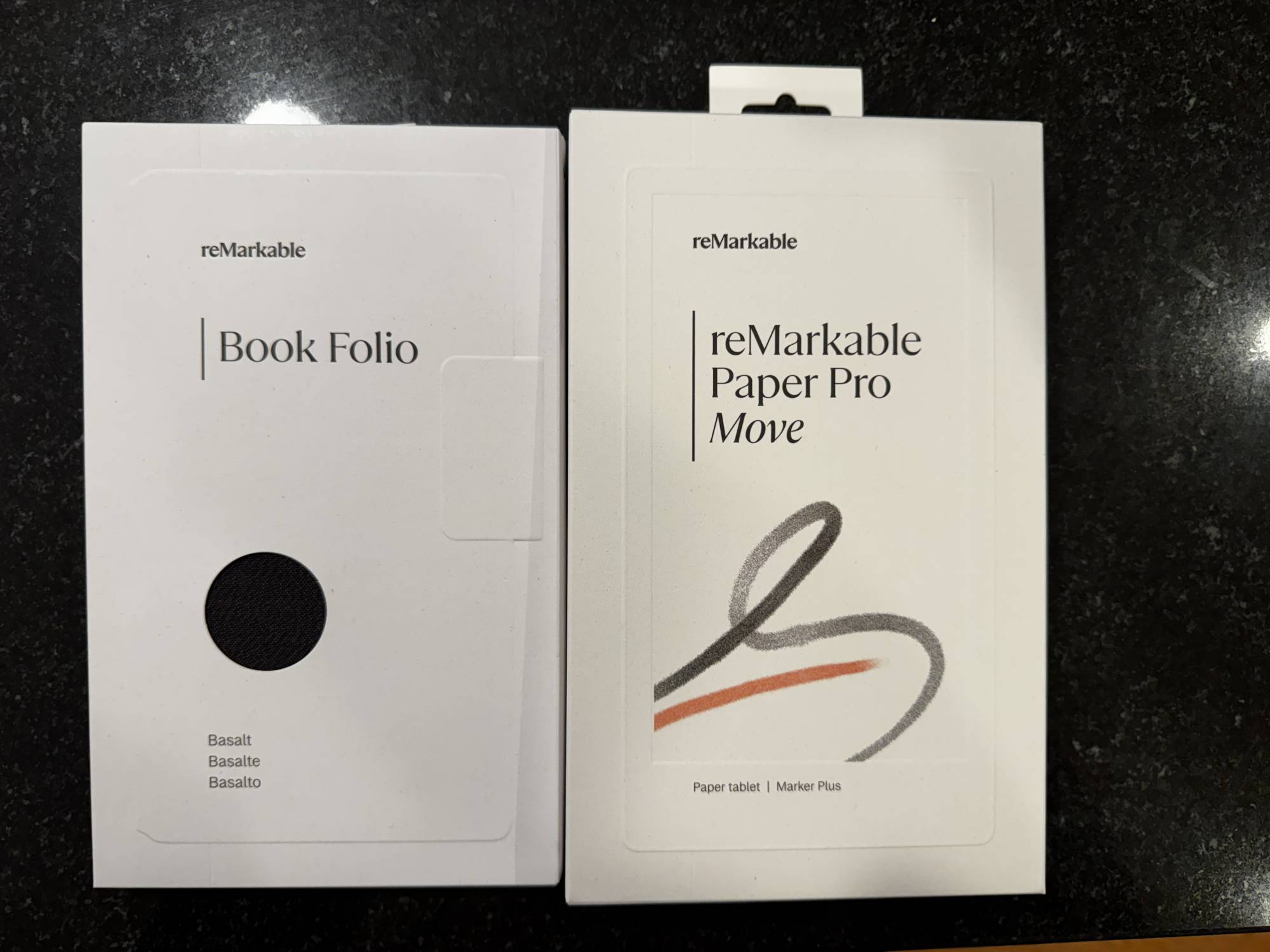
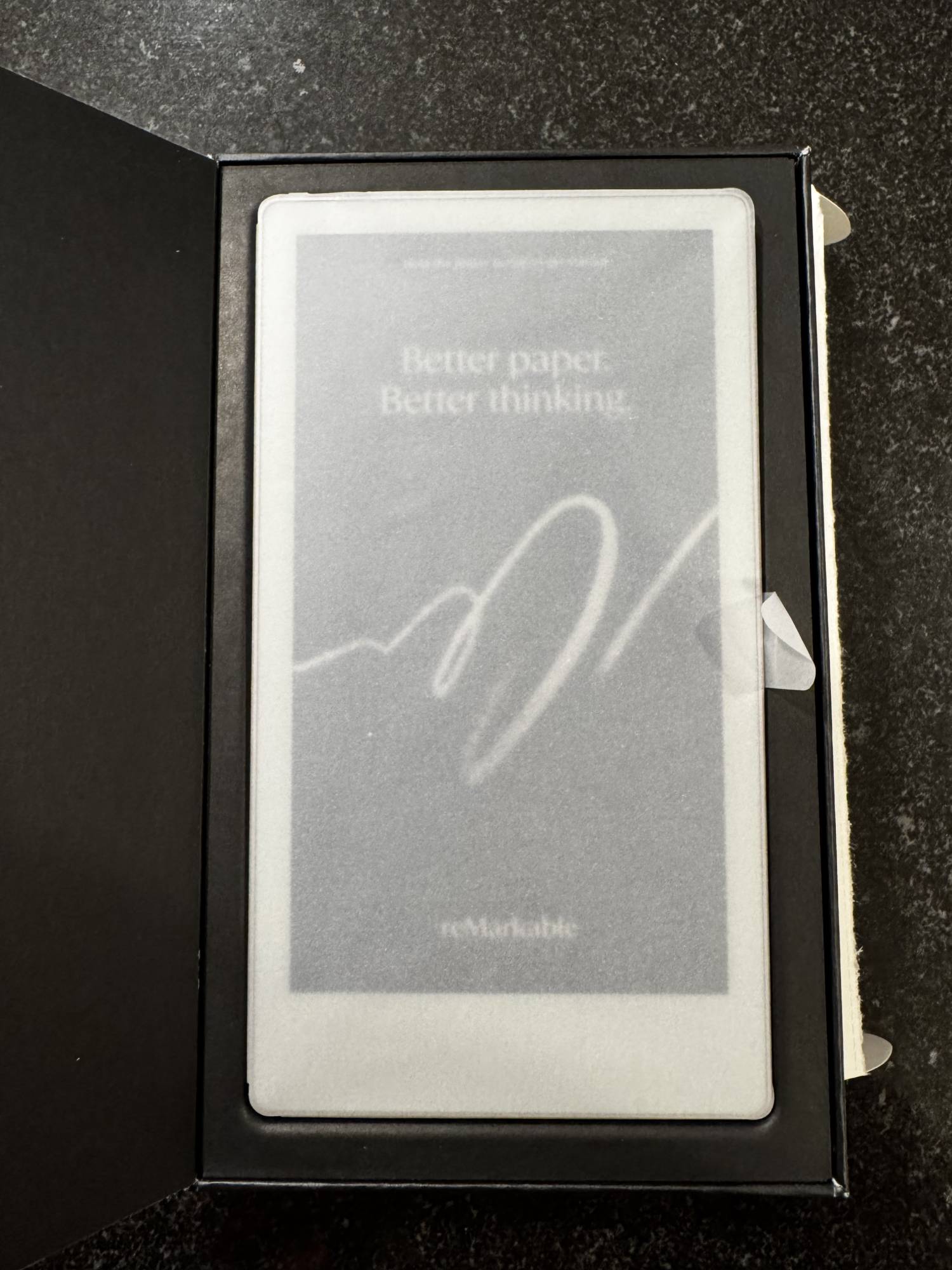
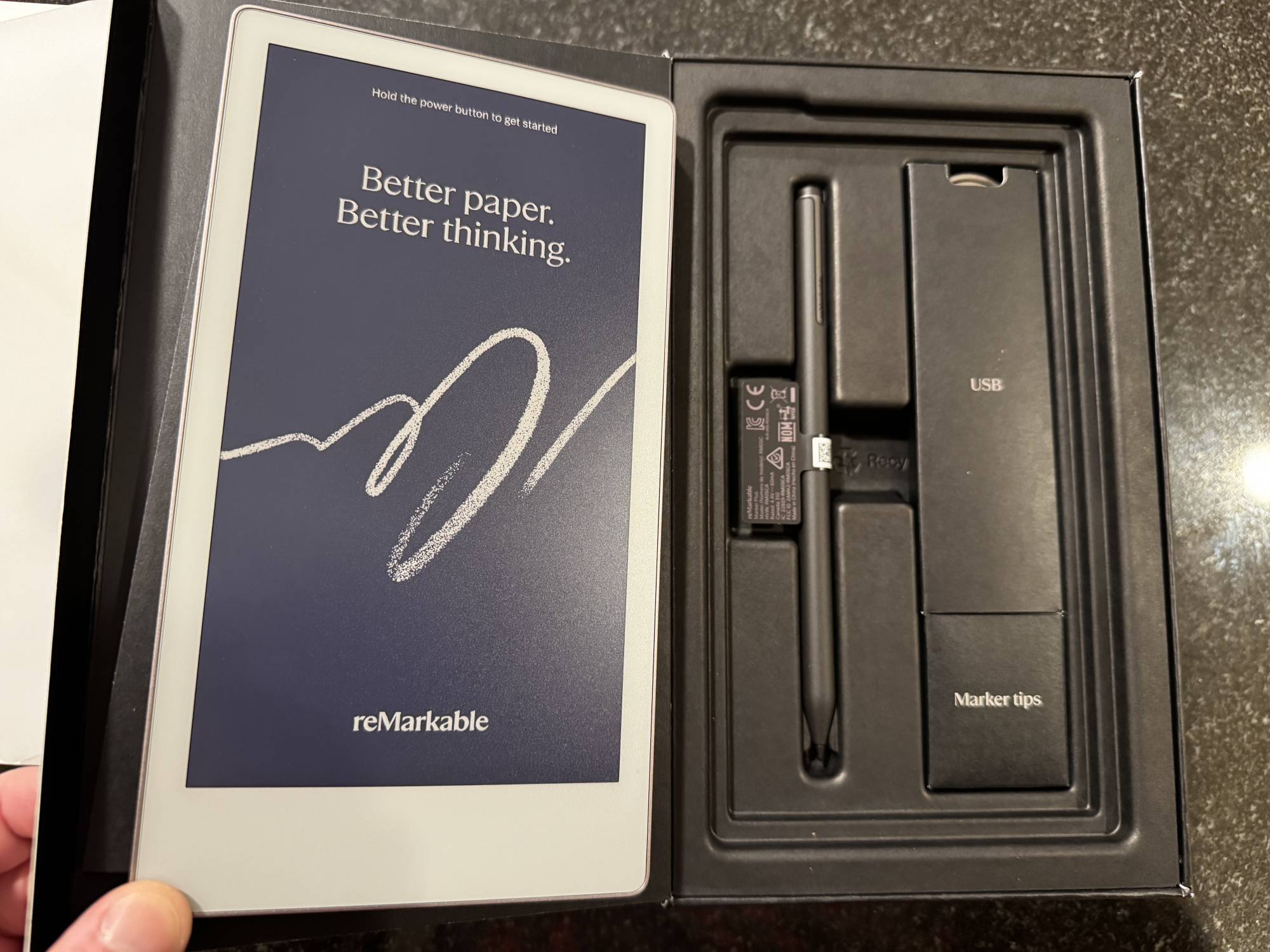
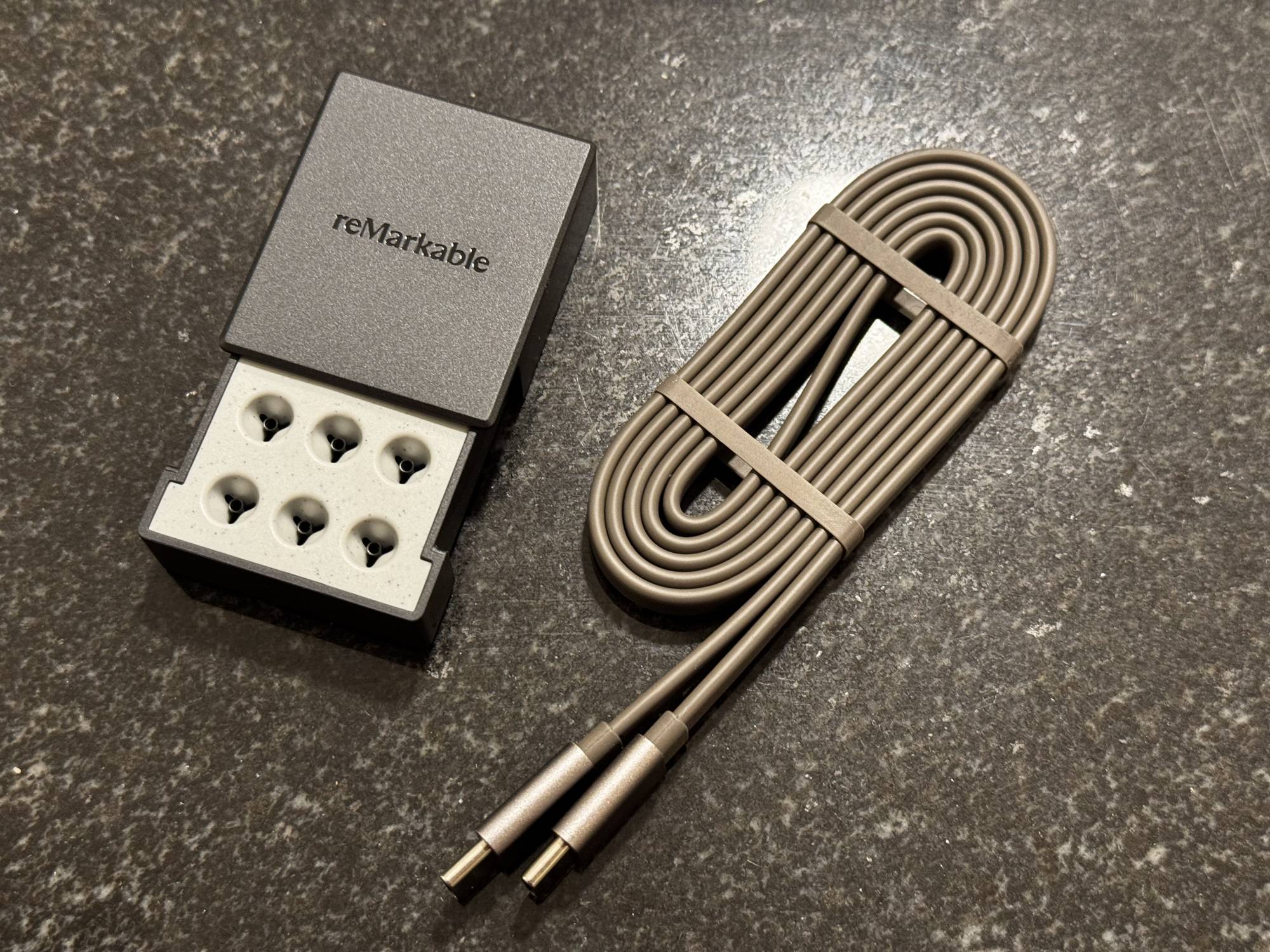
We were sent a sample of the reMarkable Paper Pro Move, which included the Marker Plus stylus and a Mosaic Weave Folio. The whole kit arrived well-packaged and ready to use.
Quick Specs:
- Display: 7.3″ Canvas Color e-ink (1860 x 2480 pixels)
- Writing feel: Paper-like texture with minimal latency
- Battery: Up to 2 weeks of normal use
- Charging: USB-C, 0-90% in under 45 minutes
- Weight: Lighter than most notebooks
- Stylus: Marker or Marker Plus (Plus includes eraser)
- Reading light: Adjustable backlight for low-light conditions
- Cloud integration: Dropbox, Google Drive sync
- Connectivity: Wi-Fi
- File formats: EPUB, PDF (no DRM support)
- Warranty: Standard 1 year
- Price: $449 (device only), $50 (Marker Plus), $99 (Mosaic Weave Folio)
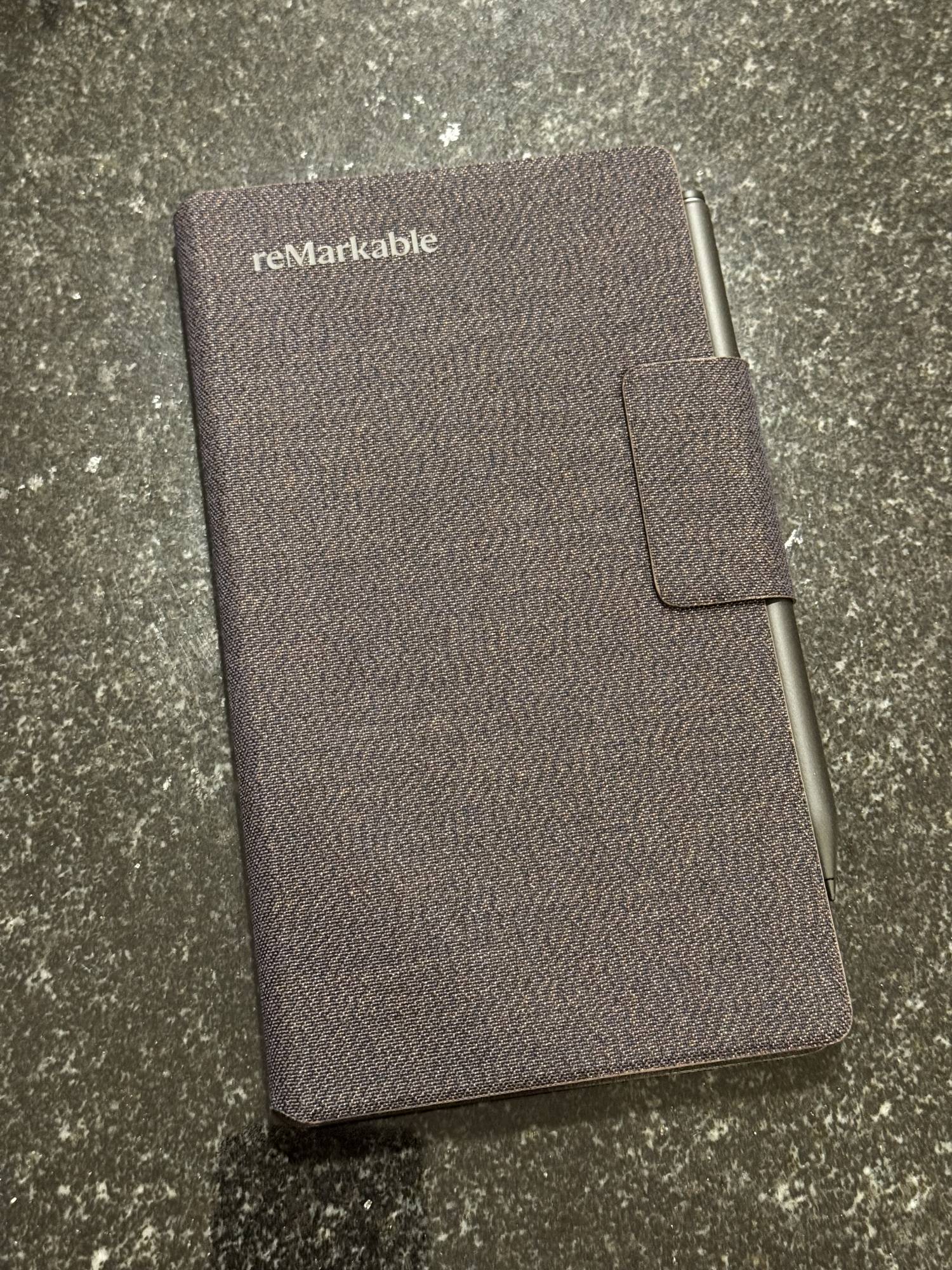
The reMarkable Paper Pro Move feels premium. The anodized aluminum frame is solid, the textured glass display looks professional, and the whole thing is thin enough to slide into a jeans back pocket. I’m not kidding — I actually carried it in my back pocket a few times, and while it’s not the most comfortable way to transport it, the fact that it’s even possible says something about the form factor. I’m just not sure I’d sit down with it in my back pocket!
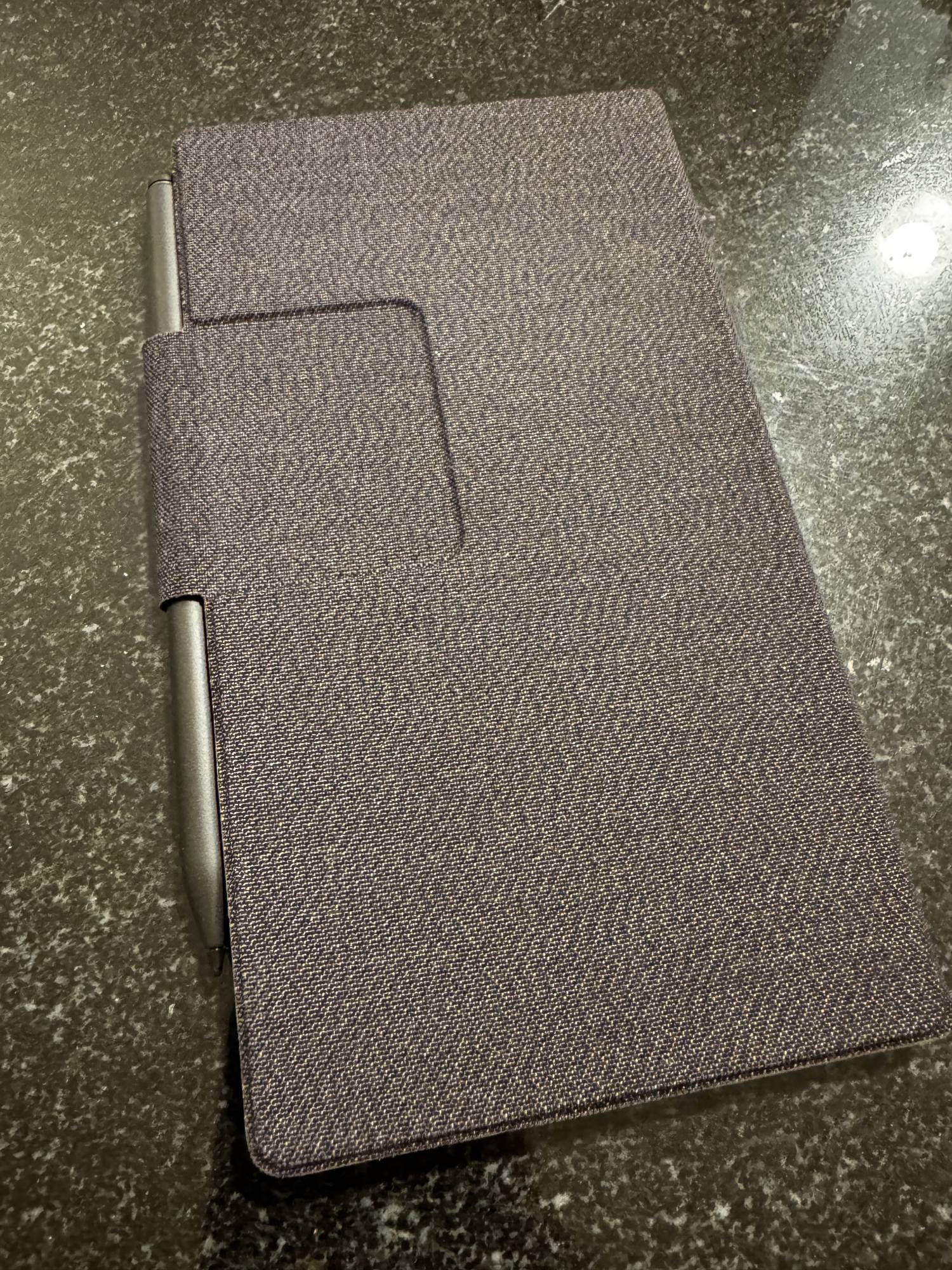
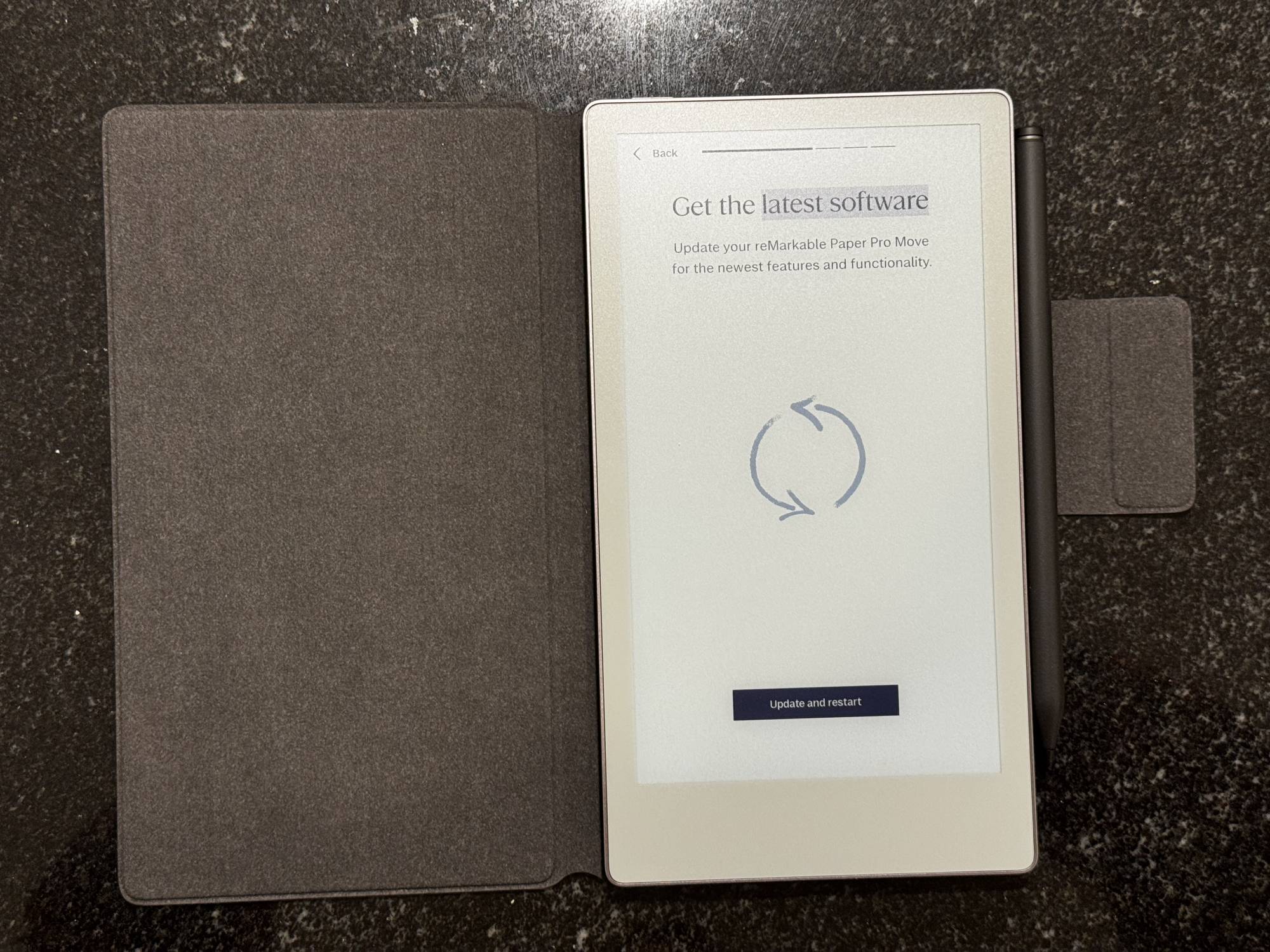
The Mosaic Weave Folio that reMarkable sent is a nice touch. It magnetically attaches to the back of the device and automatically puts the Move to sleep when you close it, waking it instantly when you open it. This sleep/wake functionality is brilliant for battery life, and the folio adds just enough protection without making the device bulky. That said, it’s $99, which feels steep for what’s essentially a fabric-covered magnetic flap. But that’s how it goes with first-party accessories these days.
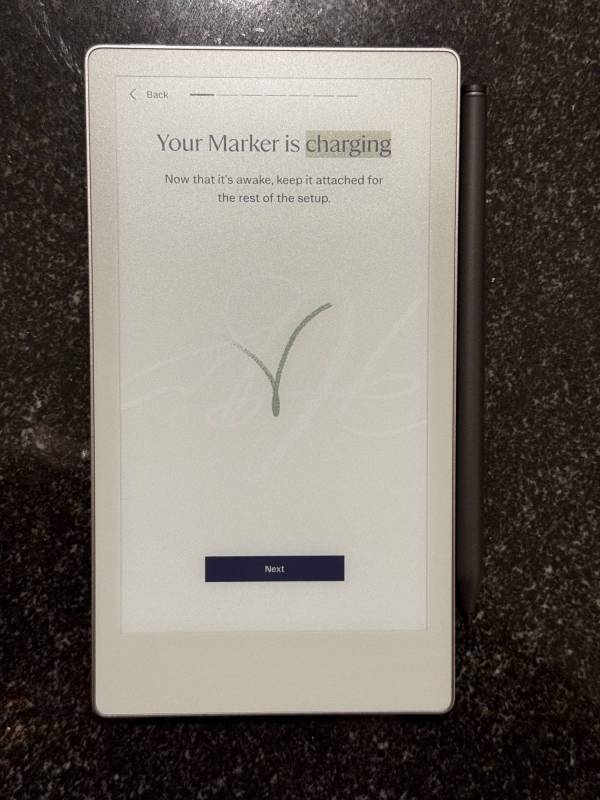
The Marker Plus magnetically clips to the side of the Move and charges while attached. It’s a clean, elegant solution that means you’ll never lose your stylus or forget to charge it. The magnetic connection is strong enough that I never worried about it falling off, even when tossing the Move into a bag, especially because the Folio strap wraps around the stylus.
Here’s the thing the reMarkable Paper Pro Move gets right: the writing feel is legitimately close to pen on paper. The screen has a slight texture that creates resistance when you write, and there’s a subtle scratching sound that mimics the feel of graphite on paper. It’s not perfect; you’re still writing on a screen, but it’s closer than any other digital stylus and tablet combination that I’ve used.
The Marker Plus feels great in hand. It’s weighted well, textured, the ergonomics are comfortable, and the built-in eraser on the top works exactly as you’d expect. Just flip it over and erase — no hunting through menus or switching tools. For quick corrections, this is a huge quality-of-life improvement over the standard Marker.
The delay between writing and seeing your marks on screen is barely noticeable. I’m talking milliseconds. For note-taking, it feels natural and responsive. The color e-ink adds versatility; you can use different colors to highlight, annotate, or visually organize notes. It’s not a full rainbow of colors, and they’re not super bright, but the options are useful.
Now for the elephant in the room: the 7.3″ screen is both the Move’s biggest selling point and its most frustrating limitation. Yes, it’s small enough to carry anywhere and significantly reduces the cost when compared to the $579 reMarkable Paper Pro. But it’s also small enough to make extended writing uncomfortable.
When you’re writing on a traditional notepad, you rest your palm on the paper. On the reMarkable Paper Pro Mov, there’s barely enough room to write without your palm hanging off the edge or cramping up. I found myself constantly adjusting my grip or holding the device awkwardly to avoid discomfort. For quick notes or short sessions, it’s fine. For longer writing sessions or detailed sketches, it gets tiring fast. You’ll want to find a place to sit with a table to rest the tablet on.
As an architect working with construction documents, the screen size is a dealbreaker for reviewing large drawings. You can zoom and pan, but it’s not practical for serious work. This is a device for small notes, lists, and annotations, not for sprawling diagrams or detailed illustrations, which might be fine for your use case.
The reMarkable Paper Pro Move’s two-week battery claim is accurate. With the folio’s auto sleep/wake and moderate use (a few hours of writing per day), I easily got two weeks between charges. Even better, charging from 0 to 90% takes less than 45 minutes via USB-C.
The adjustable backlight is genuinely useful. I took notes in dimly lit conference rooms and on evening trains, and the backlight made the screen readable without being harsh. You can adjust the brightness with a slider, and lower settings barely impact battery life. Keep it cranked to maximum brightness, though, and you’ll drain the battery faster.

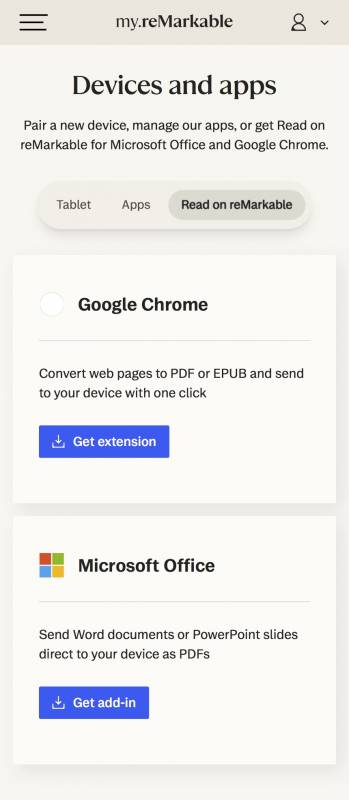
The Dropbox and Google Drive integration works well. You can sync notes and PDFs between the reMarkable Paper Pro Move and your cloud storage, making it easy to access files across devices. Exporting notes as PDFs via email is quick and straightforward, which is perfect for sharing meeting notes or annotated documents.
Here’s where things go south: eBook functionality is almost nonexistent. The reMarkable Paper Pro Mov only supports EPUB and PDF files, with no DRM support. That means no Kindle support, no Libby support, no borrowing ebooks from your library. For someone who commutes on the train daily and loves to read, this is a massive missed opportunity. Adding proper ebook support would make the Move infinitely more valuable to me.
ReMarkable locks several “advanced” features behind a $2.99/month Connect subscription. This includes handwriting search, certain templates, unlimited cloud storage, and the ability to edit notes on mobile and desktop apps.
Here’s my issue: on a device that costs $449, before you add a stylus and folio, paywalling features like these feels unnecessary. Handwriting search should be included. Templates should be included. The device is already expensive, and nickel-and-diming customers with a subscription on top of that leaves a bad taste. That said, I’m sure you can find decent PDF templates elsewhere and upload them to your Move.
To be fair, you can use the reMarkable Paper Pro Mov without Connect. But you’re missing out on features that should honestly be standard at this price point.
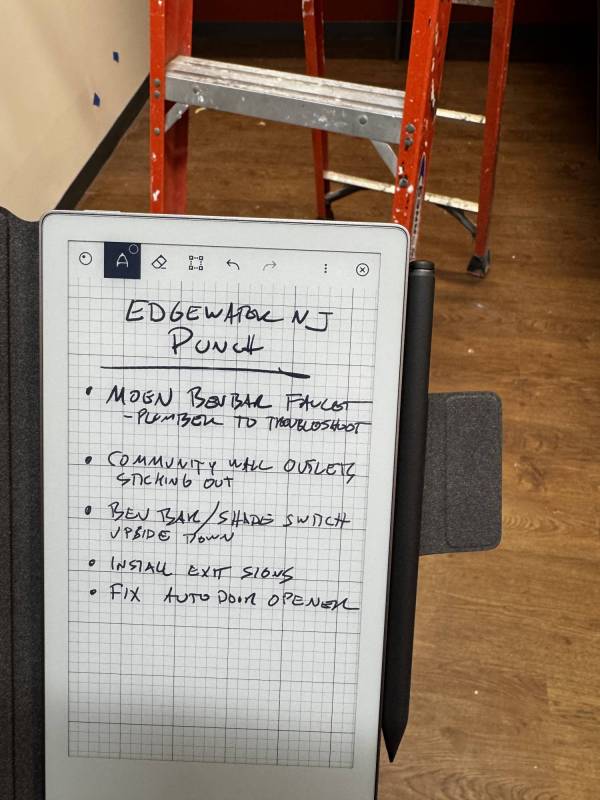
I use the reMarkable Paper Pro Move primarily to shuttle notes between my work office and home office. For that specific use case, it’s excellent. It’s light enough to toss in any bag, the battery lasts all week without thinking about it, and the color e-ink made it easy to color-code notes and priorities.
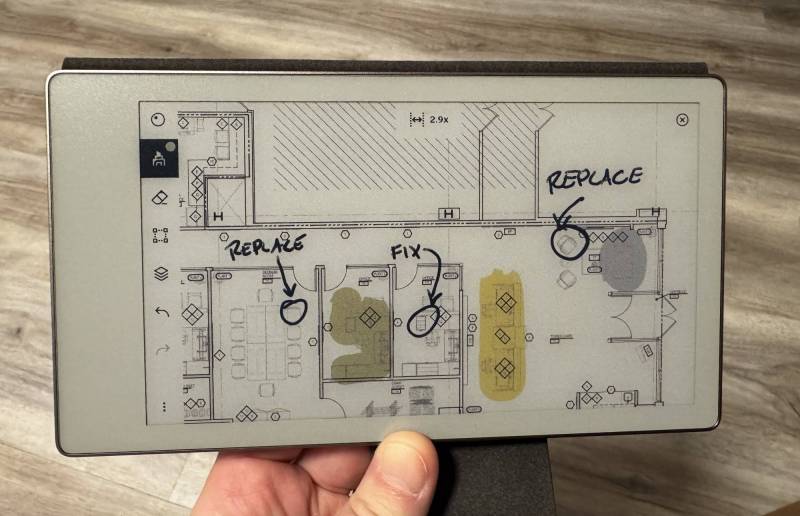
I also used it to annotate a furniture plan PDF, and the color-highlighting and markup tools worked well for that. The small screen didn’t matter much for PDFs since I could zoom into specific sections.
Where it struggled was in longer note-taking sessions. After 20-30 minutes of continuous writing, my hand started cramping from the awkward grip required to avoid my palm hanging off the edge. For quick notes and short sessions, it’s fine. For extended use, the small size becomes a problem.
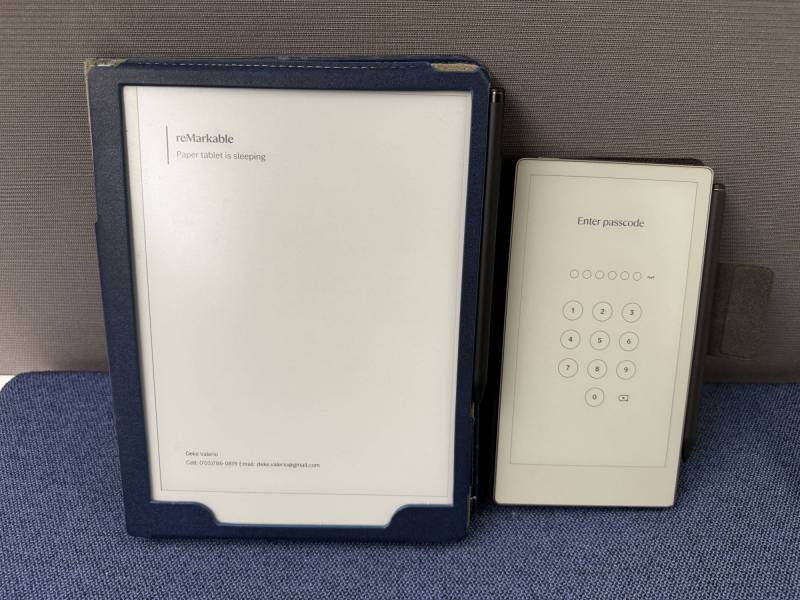
The reMarkable Paper Pro Move next to one of its bigger cousins.
You’ll probably be happy with the reMarkable Paper Pro Move if you’re constantly traveling or moving between offices and need a truly portable digital notepad. It’s great for quick notes, short lists, PDF annotations, and staying organized on the go. If portability is your top priority and you don’t plan to write for extended periods, this is one of the most elegant solutions available.
You might regret buying it if you want a device for long-form writing, detailed sketches, or serious ebook reading. The small screen makes extended use uncomfortable, and the lack of DRM ebook support is a huge missed opportunity. Also, if you’re price-sensitive, the $449 base price plus necessary accessories quickly pushes the total over $600, which feels steep for such limited functionality.
At $449 (plus $50 for Marker Plus and $99 for a folio), the Move competes with tablets like the base iPad ($349) or even larger reMarkable models like the $399 reMarkable 2 with a 10.3″ screen (but no color). The iPad offers vastly more functionality but lacks the paper-like feel of writing. The larger Paper Pro offers a more comfortable writing experience but sacrifices portability.
The reMarkable Paper Pro Move delivers on its core promise: it’s genuinely portable, and the writing feel is impressively paper-like. But the small screen makes extended use uncomfortable, the ebook functionality is essentially nonexistent, and the Connect subscription paywall feels unnecessary on an already expensive device.
If you travel constantly, take lots of quick notes, and prioritize portability above all else, the reMarkable Paper Pro Move is worth considering, especially if you’re okay with its limitations. But for most people, the larger Paper Pro or even a good old-fashioned paper notebook might make more sense.
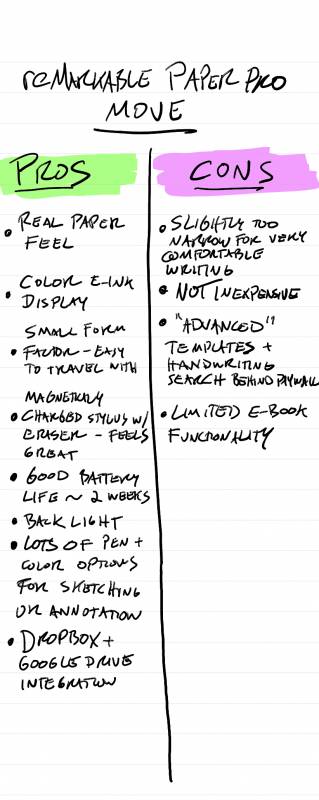
This is what an emailed copy of your notes looks like.
The reMarkable Paper Pro Move retails for $449 (device only), $50 for Marker Plus, and $99 for the Mosaic Weave Folio; it is available directly from the manufacturer and other retailers, including Amazon.
Source: Manufacturer-supplied review sample
What I Like: Writing feels remarkably close to actual paper; Marker Plus feels premium with a built-in eraser that works great; The battery genuinely lasts two weeks with normal use; Small enough to fit in a jeans pocket or toss in any bag; Color e-ink is excellent for annotations and highlighting; The Marker magnetically attaches and charges on the device; Adjustable backlight for low-light conditions; Dropbox and Google Drive integration; Auto sleep/wake with folio cover saves battery; Easy PDF export via email; Minimal delay between writing and screen response
What Needs Improvement: The screen is too narrow to comfortably rest your palm while writing; Expensive at $449, even more with Marker Plus ($50) and folio ($99); Limited functionality for the price; Almost no ebook reading capability (no Kindle, Libby, or DRM apps); Only supports EPUB and PDF file formats; “Advanced” features locked behind $2.99/month Connect subscription; Too small for large sketches or architectural drawings; Screen size prevents comfortable long-form writing; Connect subscription feels like an unnecessary paywall