


The Lowdown
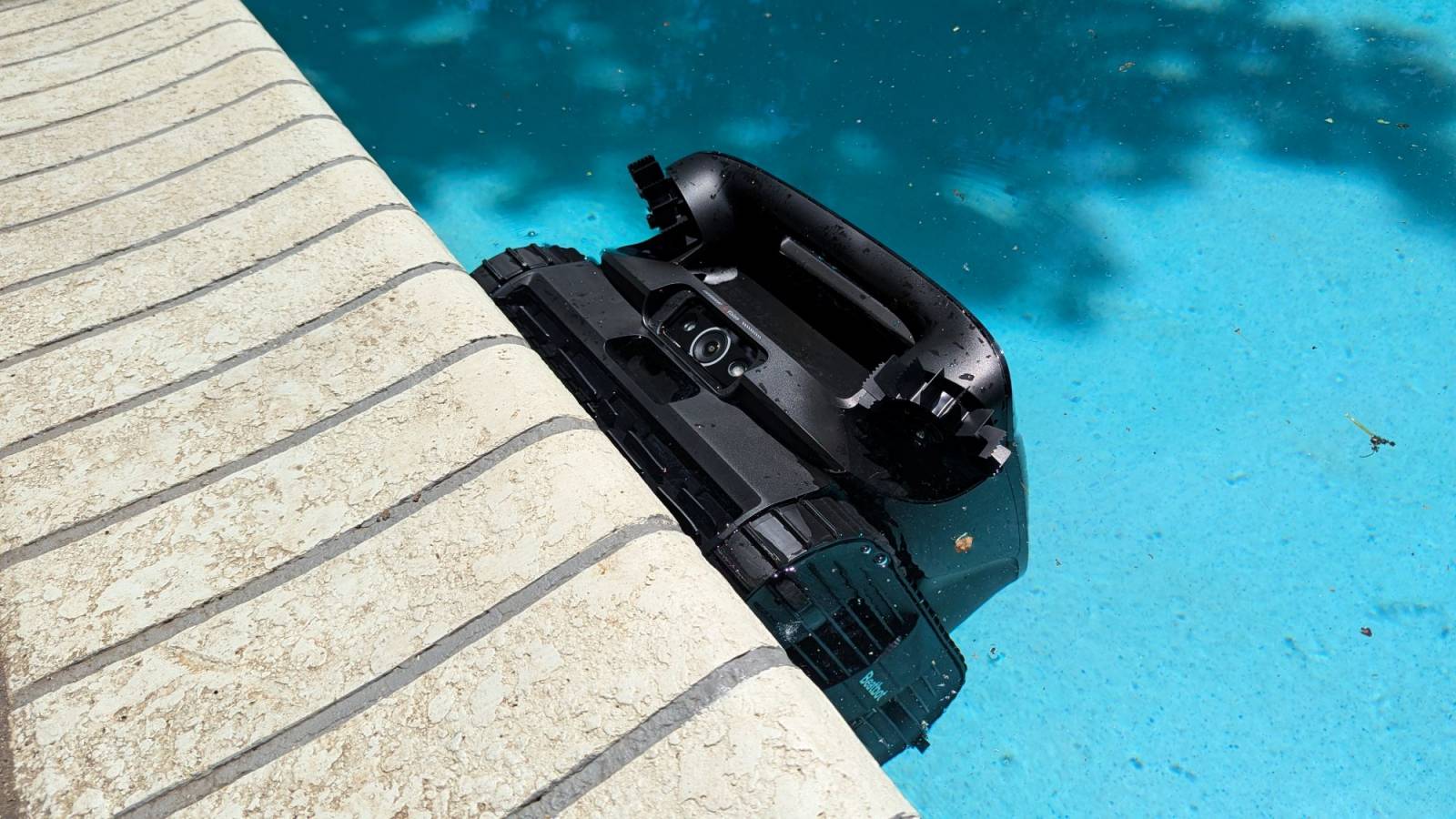
The Beatbot AquaSense X AI Robotic Pool Cleaner is a robot that will clean the floor, sides/waterline, and surface of the pool. It even cleans different levels of your pool as long as those levels have a surface that is at least 3.3 ft. x 3.3 ft. and 14 in. of water or more. It has 1500 lx LED lights so that it can even clean at night, and it has an AstroRinse automatic cleaning station that will clean the robot’s filter basket and charge the robot. The station can hold up to two months’ worth of debris in its bin.
Overall
Pros
- It cleans the surface, floor, sides, and multiple levels of a pool (as long as the levels are at least 3.3 ft. x 3.3 ft. and in at least 14 in. of water)
- It keeps the pool clean as long as you run it daily
- The cleaning station is a wonderful addition to the robot for those who don’t want to clean the robot after each pool-cleaning run
- The cleaning station has a large bin to hold about two months of debris (maybe not in spring with tree catkins and autumn with lots of leaves)
- The robot has LED lights and can clean at night
Cons
- It’s expensive
- The robot misses some areas of the pool during a cleaning
- The cleaning station drain seems to be too small – excess water runs out the side while cleaning the robot (in addition to that coming from the drain hose)
- I would like to see it send a notification when it has started and finished parking
Having a pool is awesome, especially if you live in Texas; that is, until you have to clean it. Here’s where the Beatbot AquaSense X AI Robotic Pool Cleaner comes in handy. This pool cleaning robot will clean the surface, floor, sides/waterline, and multiple levels of your pool as long as the area is at least 3.3 ft. x 3.3 ft and the water level is at least 14 in., but it also comes with an automatic rinse station, called the AstroRinse Self-Cleaning Station, that will clean the robot and its filter and charge it!
What’s in the Box?
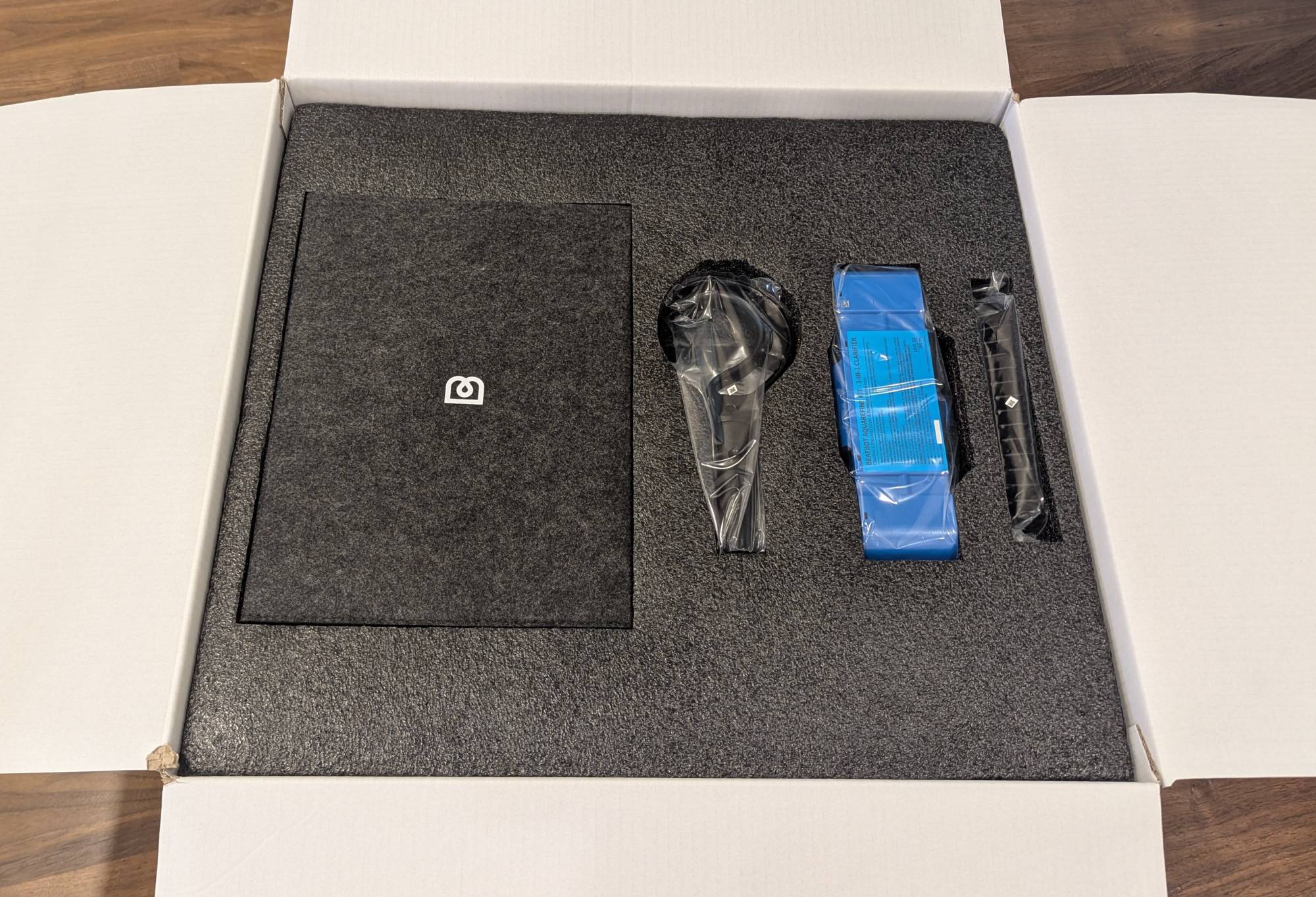
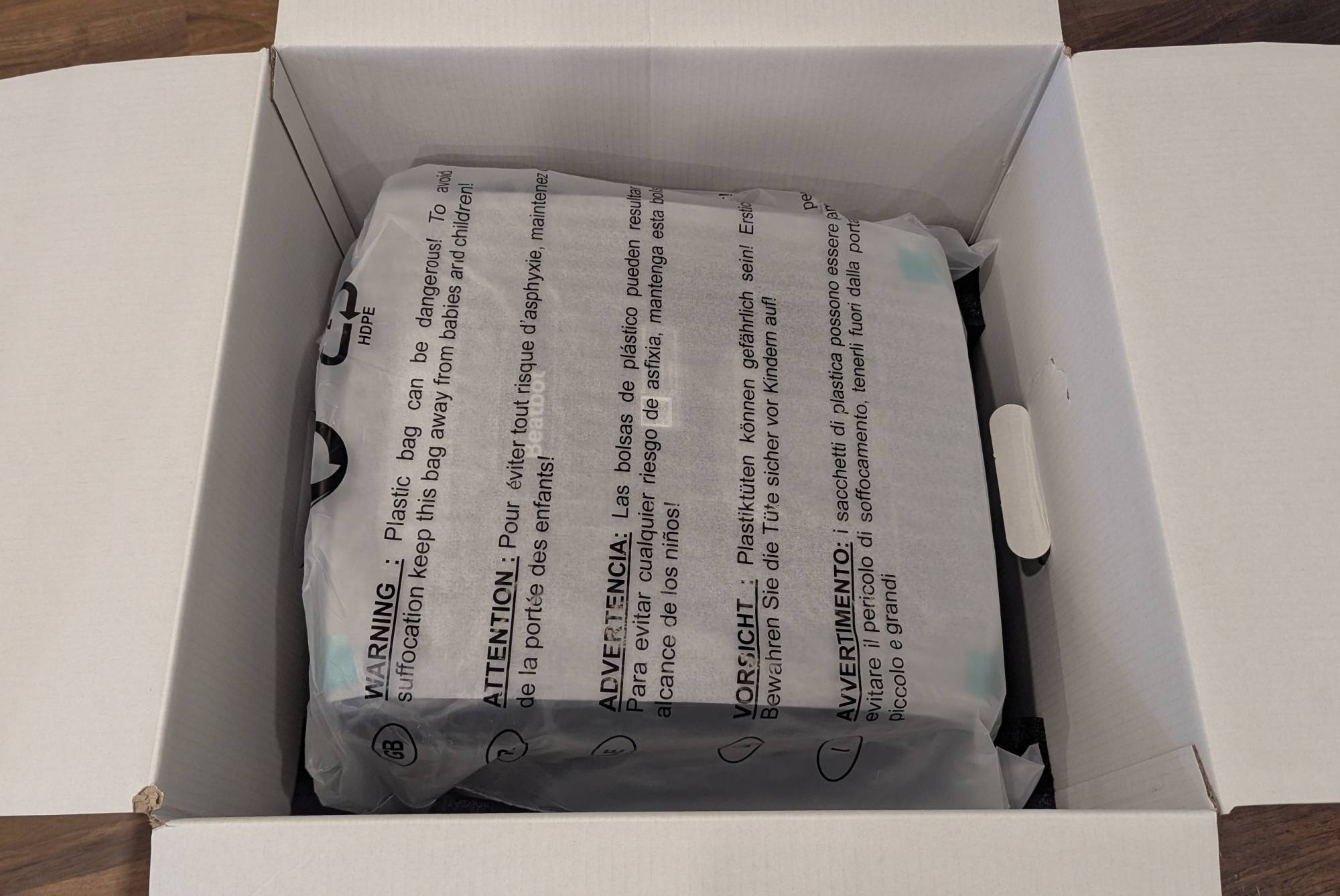
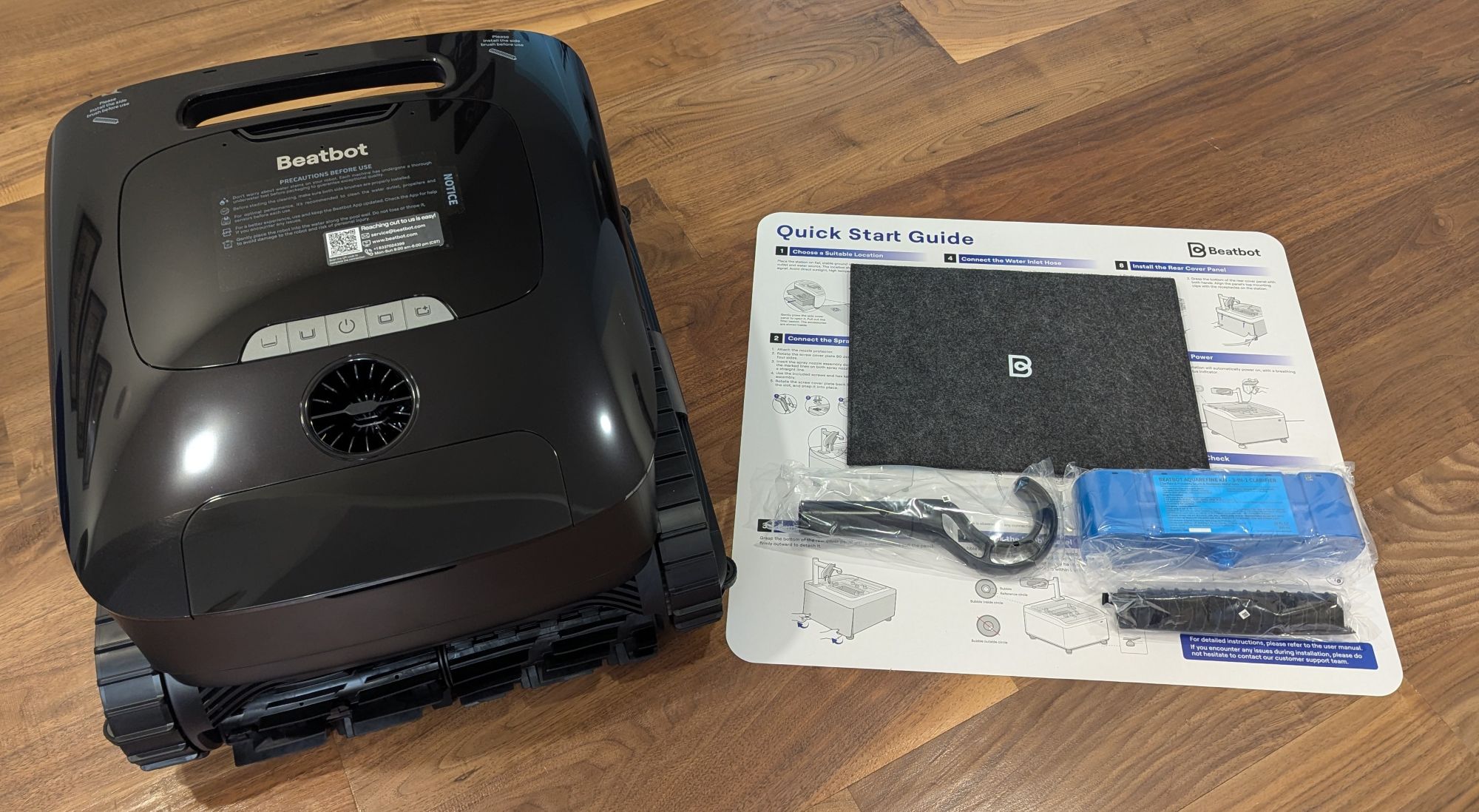
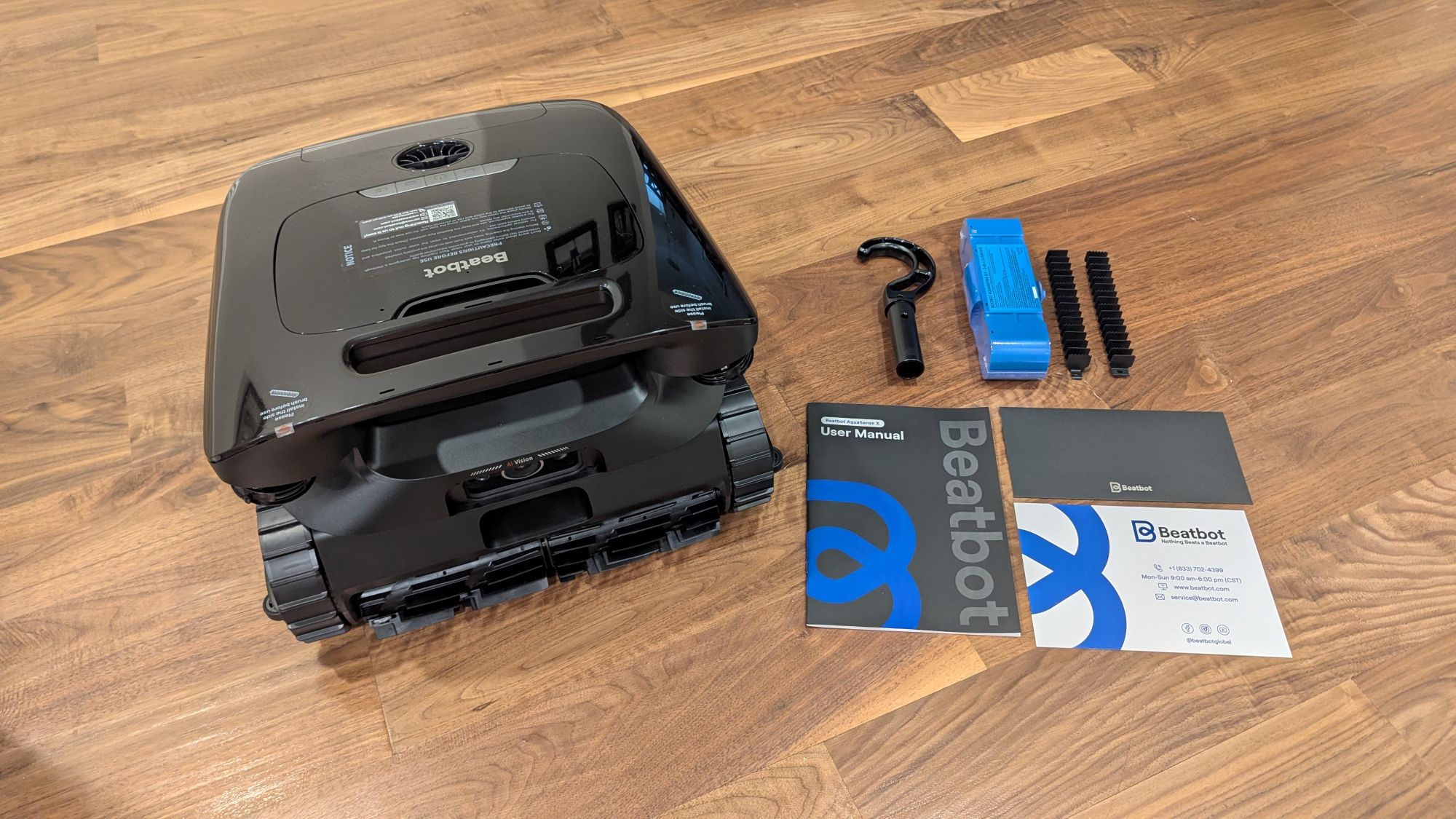
- Beatbot AquaSense X AI Robotic Pool Cleaner
- Hook
- Clarifying agent – removes oils, metal ions, fine particles, and prevents scale buildup (optional)
- Two Silicone side brushes
- User Guide
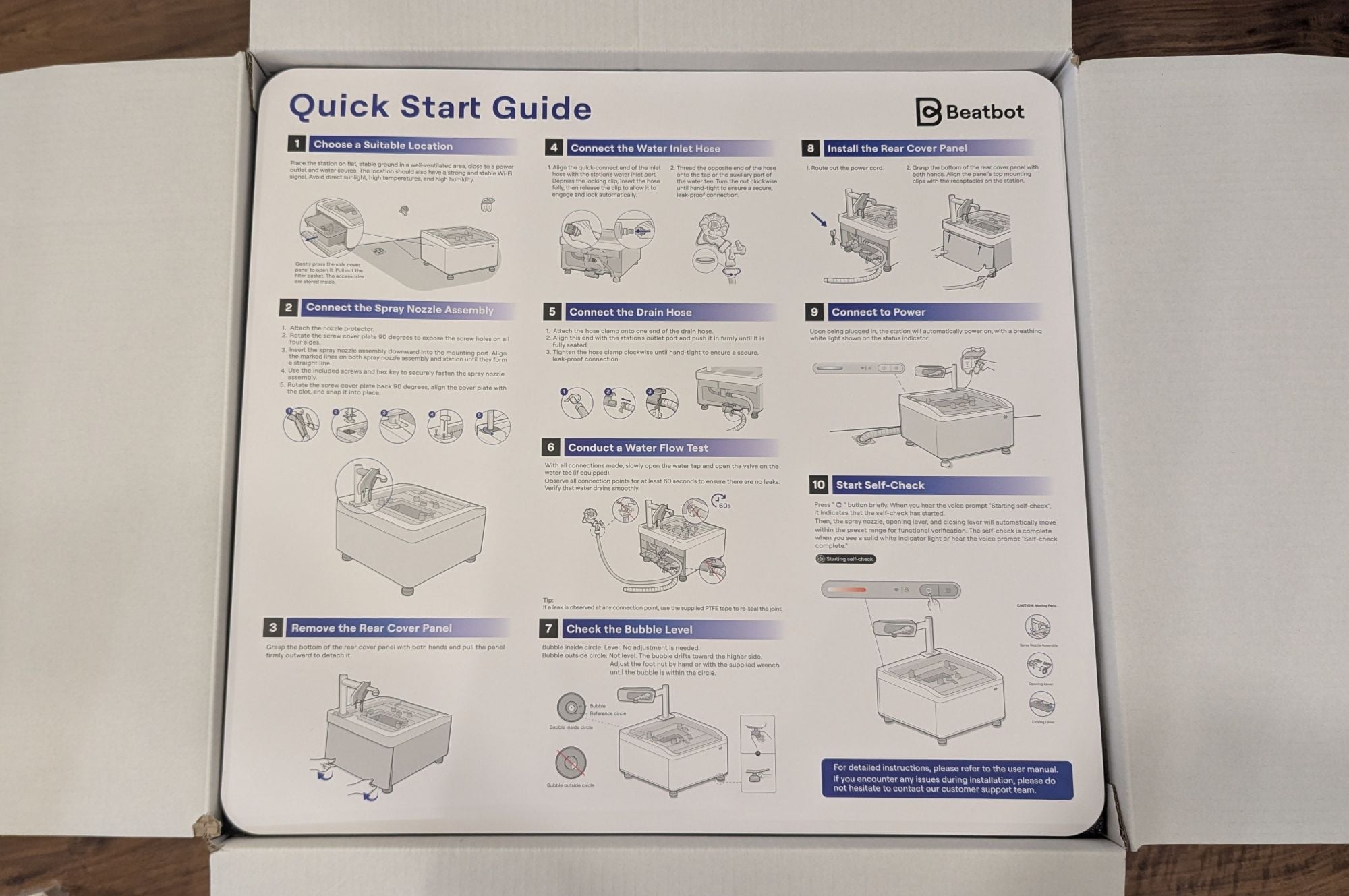
- Quick Guide
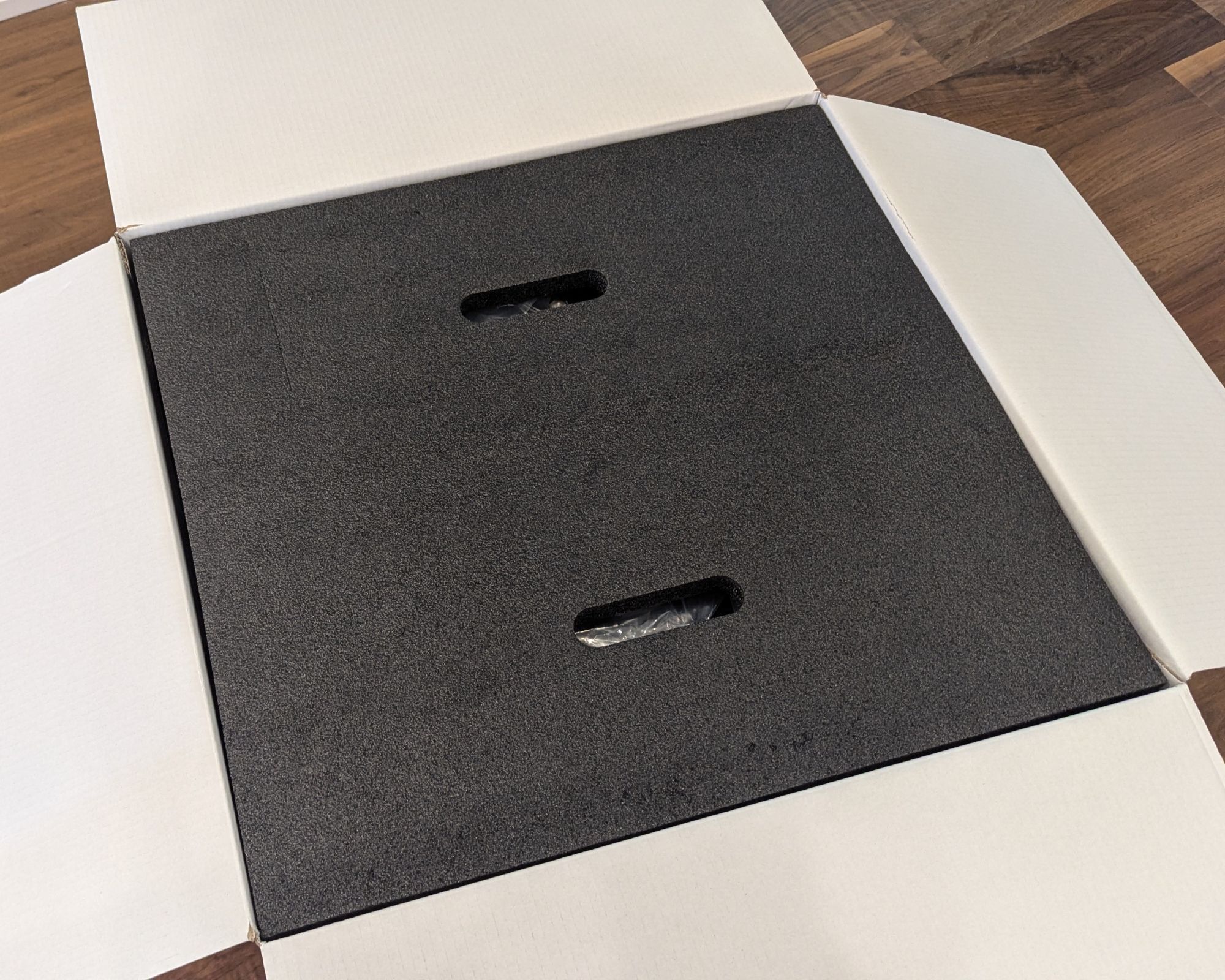
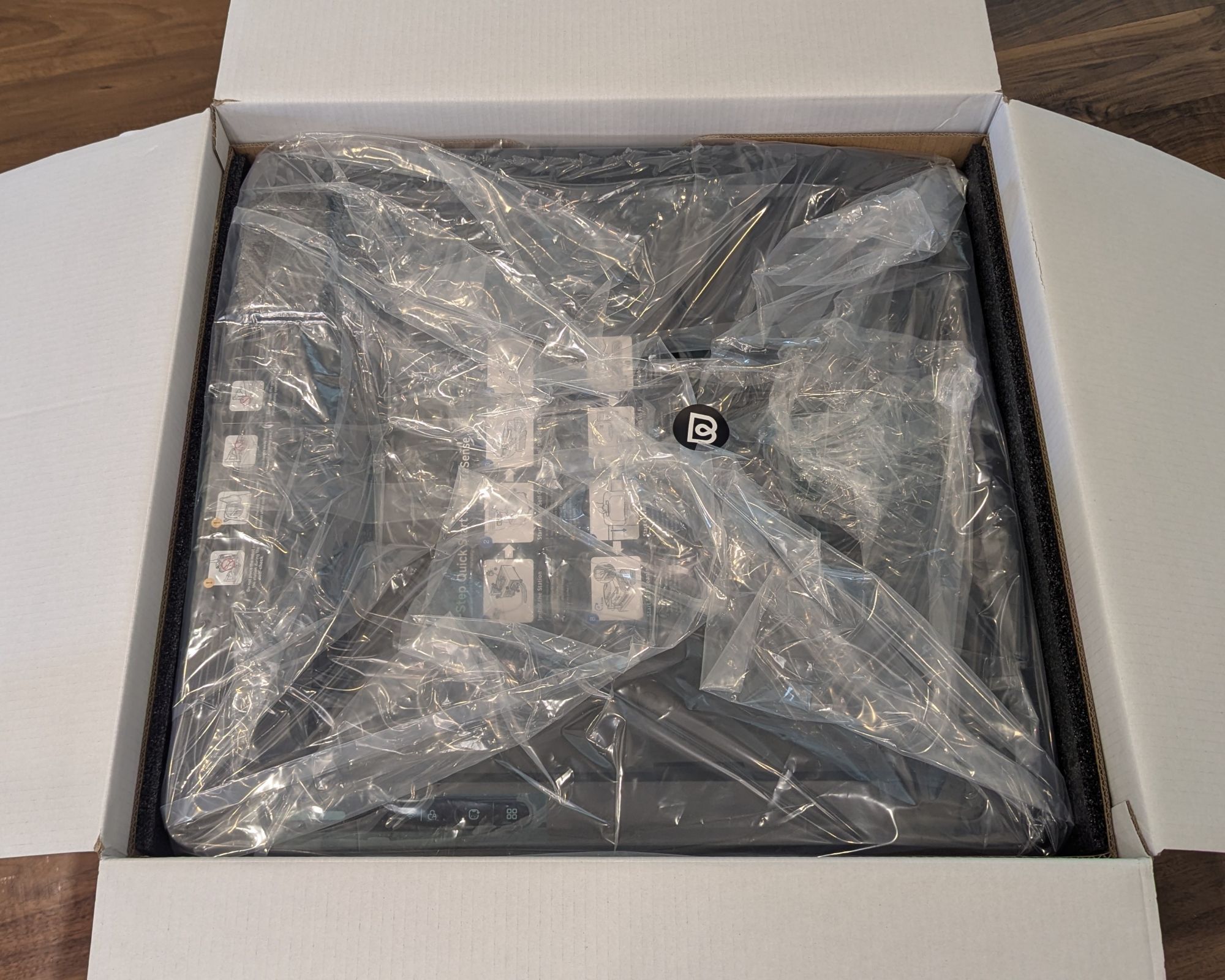
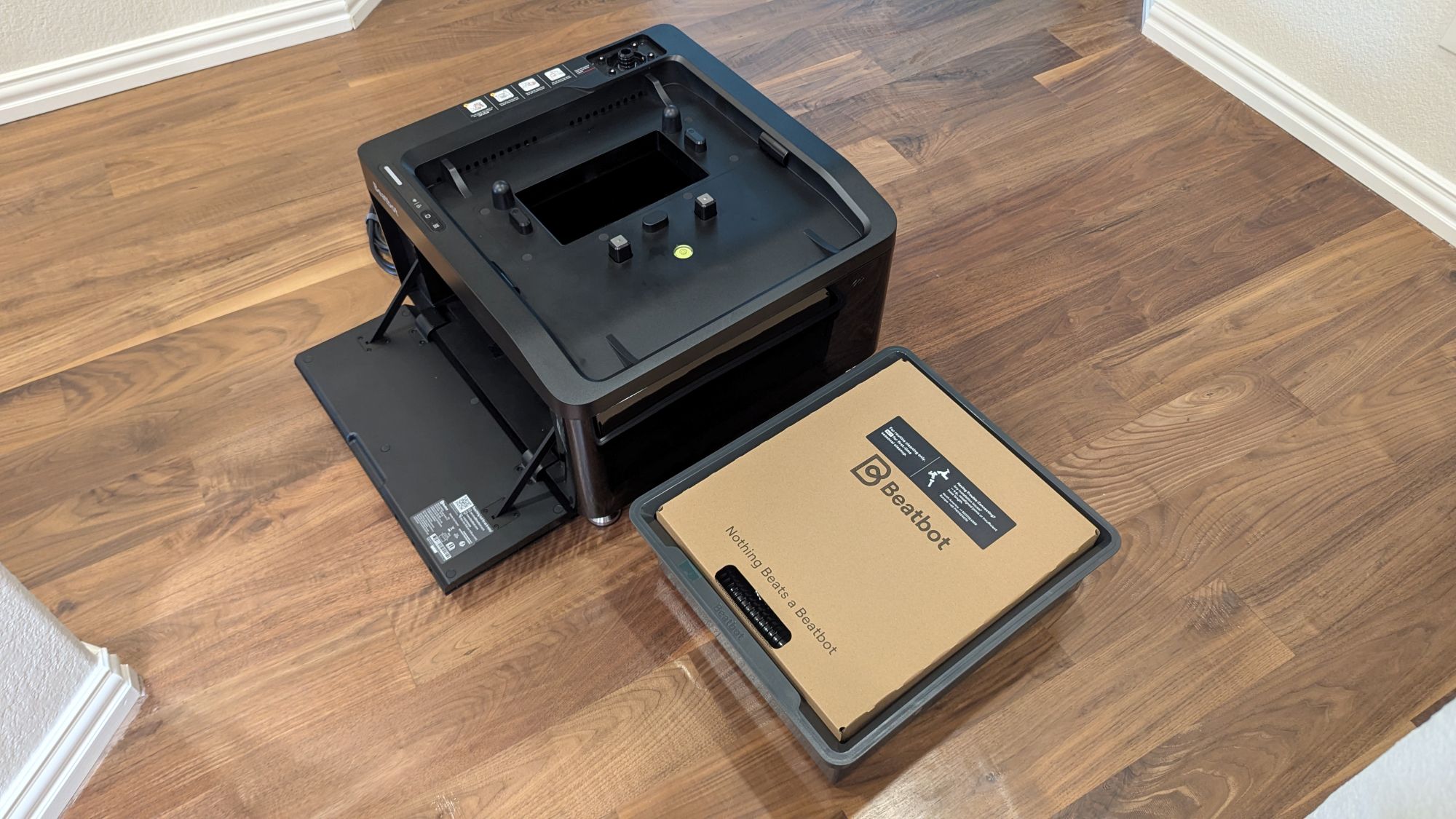
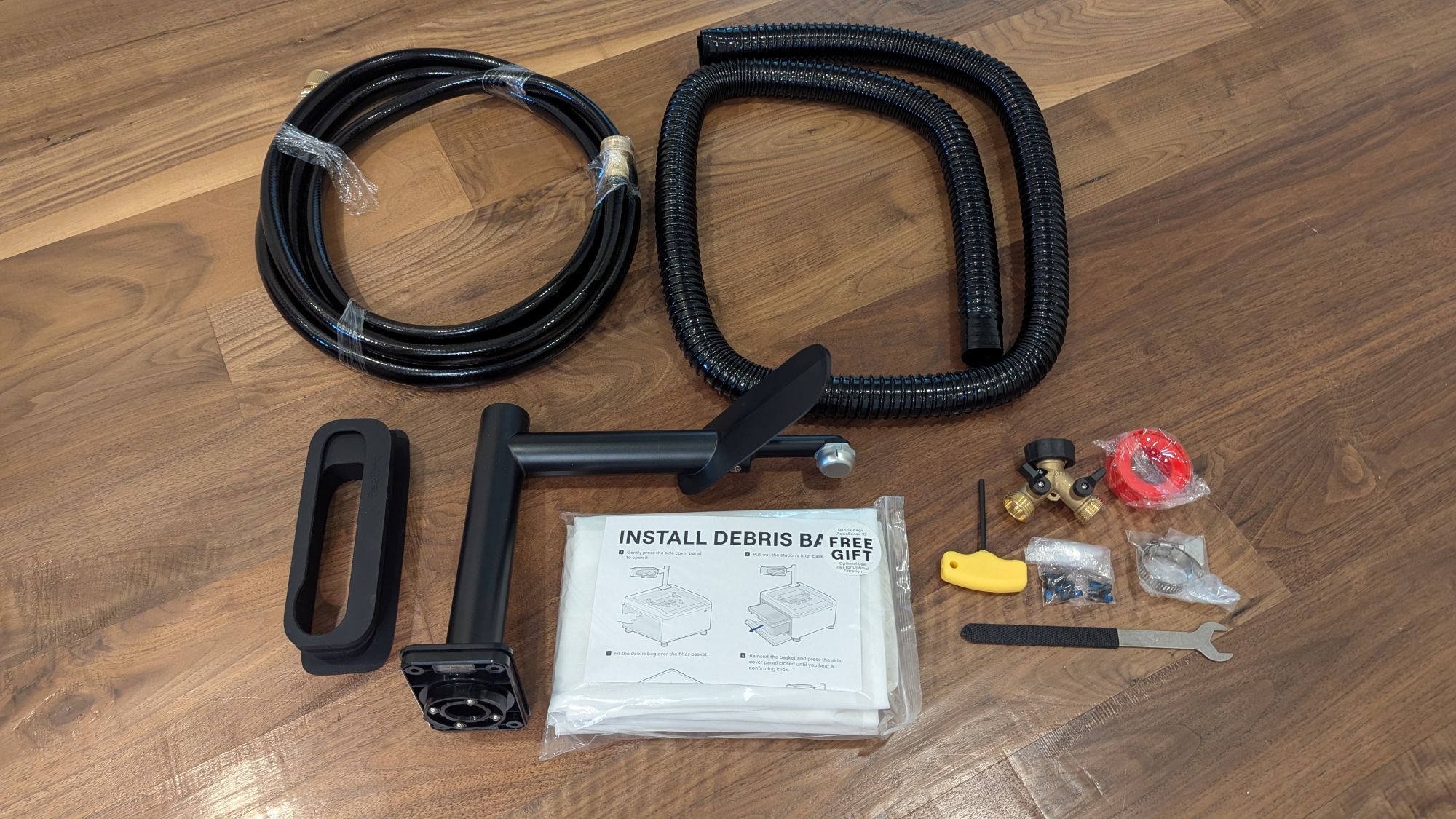
- AstroRinse Self-Cleaning Station
- Water Inlet Hose
- Drain Hose
- Silicone nozzle protector
- Spray nozzle
- Two disposable debris bags
- Hose faucet tee
- PTFE tape
- Hex key
- Six Screws
- Drain hose clamp
- Wrench
Hardware Specs
Installation Accessories (Included in the Box)
- Water Inlet Hose: Length: 12 ft, Connector: 3/4″ internal thread
- Drain Hose: Corrugated hose, Length: 6 ft, Inner Diameter: 1.26 in
- Power Cable: Length: 13.12 ft
Self-Cleaning & Charging Station
- Station weight: 41.9 lbs
- Station dimensions: 25.1″(L) × 21.1″(W) × 22.0″(H)
- Time of filter cleaning: 3 minutes
- Large dustbin/basket capacity: 22L
- Child lock: Yes
AI Robotic Pool Cleaner
- Robot weight: 28.9 lbs
- Robot dimensions: 17.4″(L) × 17.3″(W) × 11.2″(H)
- Cleaning coverage: Water surface, floor, walls/waterline
- Platforms & large stairs: Capable of operating in water as shallow as 14 inches and cleaning platforms with a minimum area of 3.3 ft × 3.3 ft
- Water clarification: Yes, clarification, corrosion & scale inhibition, metal ion removal, and oil removal
- Compatibility: Pool type – Above ground & in-ground pools
- Pool shape: All shapes, such as rectangular, round, kidney, and freeform
- Pool materials: Concrete, ceramic tiles, vinyl, and fiberglass
- Cleaning capacity: Maximum flow rate (suction power) 6800 GPH (gallons per hour)
- Motors: 11 motors
- Filtration density: Up to 150 µm
- Filter basket capacity: 5L
- Pool mapping: Yes
- Path optimization: Yes
- AI plant debris detection: Yes, 40+ types
- Charging & Battery life: Battery capacity 13,400 mAh
- Battery type: Lithium-ion
- Charging time: Approx. 4.5 hours, quick 88W charging
- Charging method: Wireless charging
- Surface cleaning: Up to 10 hours
- Floor cleaning: Up to 5 hours
- Walls/waterline cleaning: Up to 5 hours
- Easy to use, one-click parking: Yes
- Voice-activated smart home integration: Google Home, Alexa, and Siri (voice control on the water surface)
- App control: Yes, Beatbot App
- NOTE: Exceeding an altitude of 2100 m (6890 ft) will prevent the robot from functioning properly. Therefore, ensure that the robot is used in areas that comply with this altitude restriction to avoid any issues arising from operating the robot at high altitudes.
- Sensors (from Beatbot):
- AI Vision Sensor
- It is used to capture environmental imagery and identify object types using an AI algorithm to optimize cleaning performance.
- Model: XBC20E70 V5
- Specification: 640H*480V@10bit 180fps, Test distance: 1.5~2 m (4.9~6.6 ft)
- Ultrasonic Sensor
- It employs directional transmission of ultrasonic waves and echo analysis to roughly distinguish object types while measuring the distances to surrounding objects.
- Model: AW-UD1000DC02-2S5
- Specification: Test distance: 60~2000 mm (2.4~78.7 in)
- TOF Sensor
- It uses directional infrared emission and reflection analysis to identify pool boundaries, measuring both the presence and intensity of reflections for mapping.
- Model: TF-Luna-X
- Specification: Max 550 mm (21.7 in) in water
- Water Pressure Sensor
- It measures the water pressure to calculate the water depth and can also measure water temperature.
- Model: LIGOFA05LRYT4-02
- Specification: 75~150 kpa (10.9~21.8 psi) , -40~125 °C (-40~257 °F)
- AI Vision Sensor
Design and Features
The AquaSense X AI Robotic Pool Cleaner (which looks the same as the AquaSense 2 Ultra Robotic Pool Cleaner on the Beatbot website) is a robust robot. It weighs 28.9 lbs. and feels well-made. Its plastic housing has a coating to withstand sun, heat, UV, corrosion, and warping.
It has a 13,400 mAh lithium-ion battery that can fully charge in 4.5 hours. It is capable of cleaning 3875 sq. ft. per charge; the pool floor for up to five hours on one charge; the sides/waterline for up to five hours on one charge; and the surface for up to ten hours on one charge.
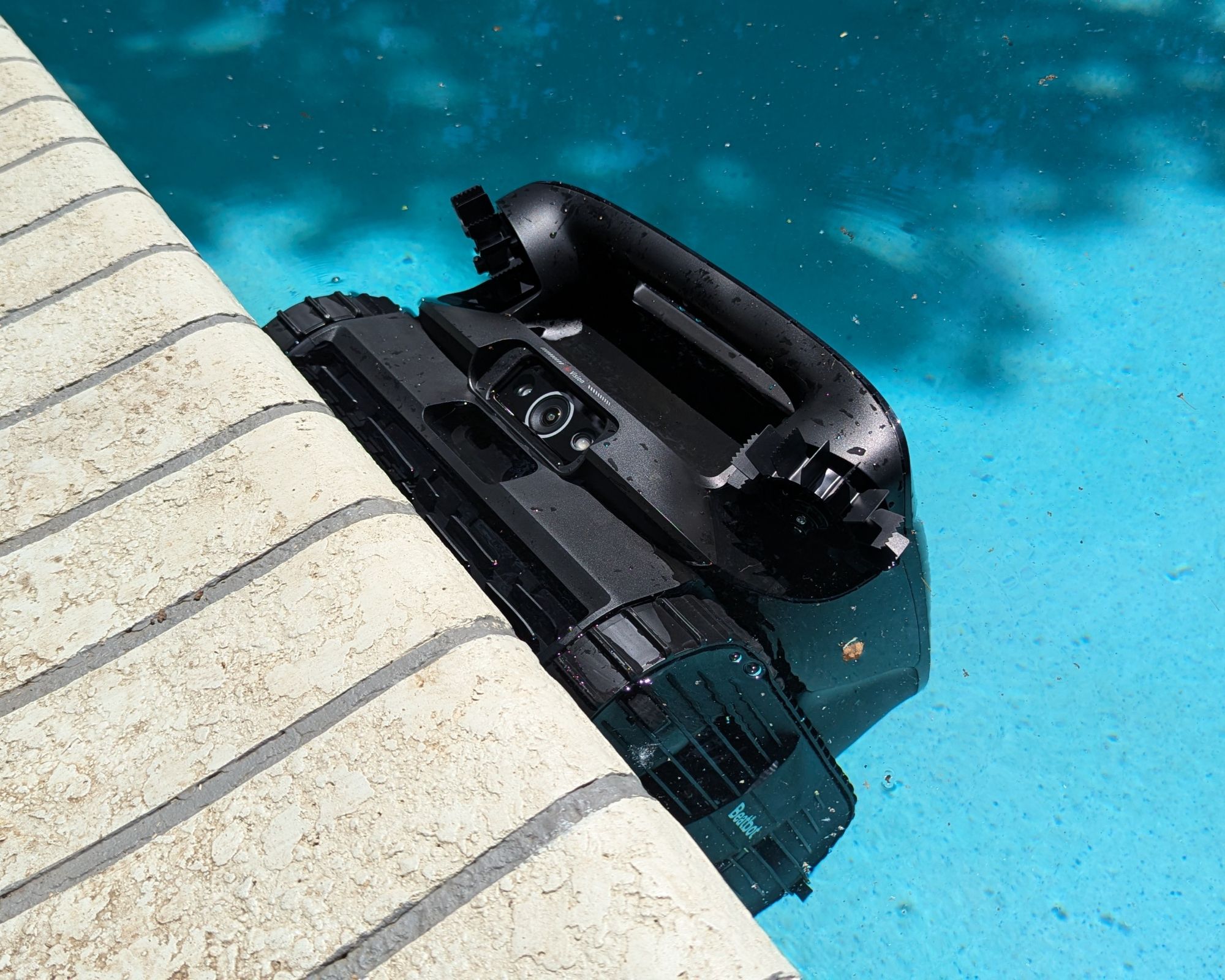
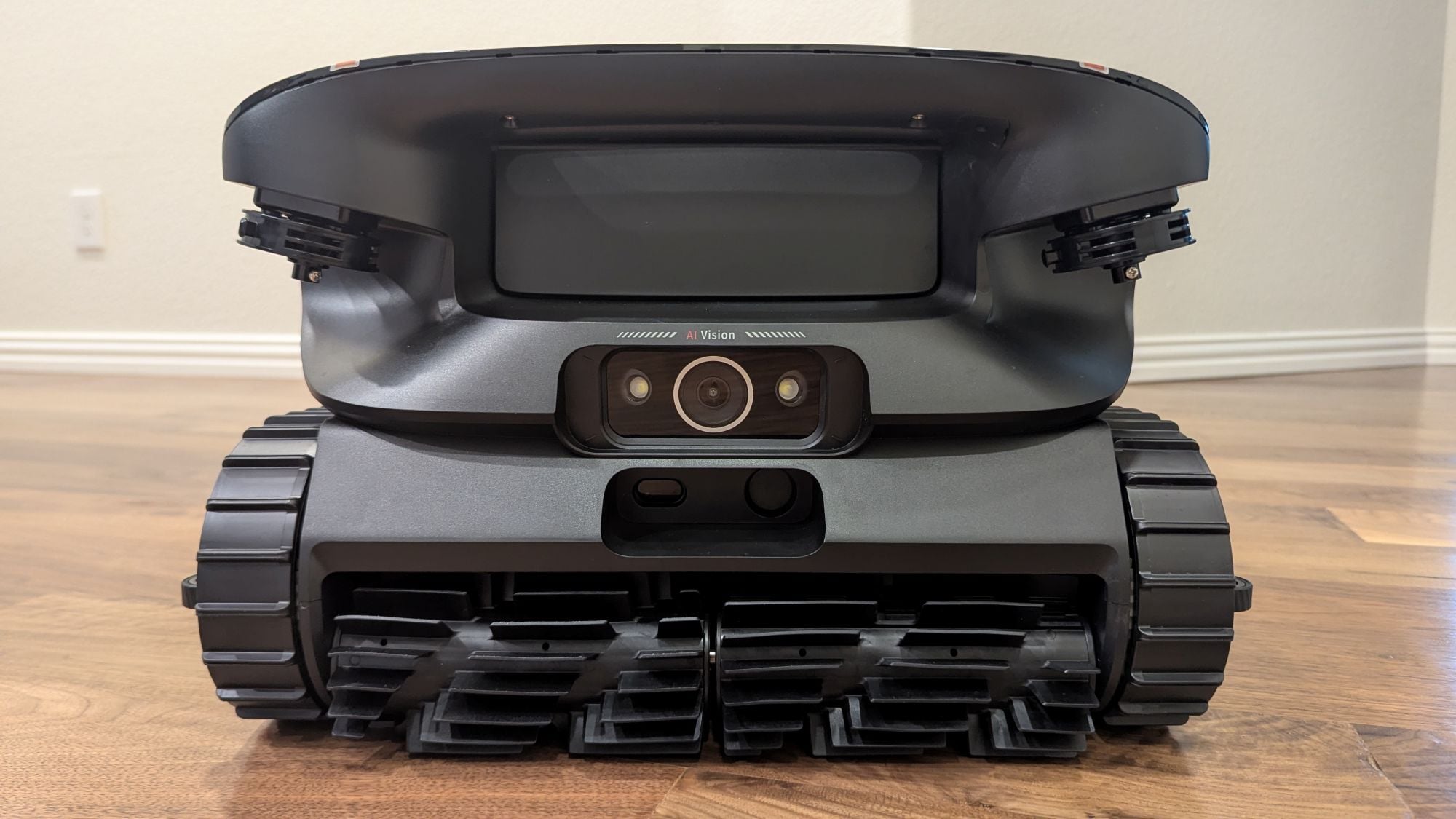
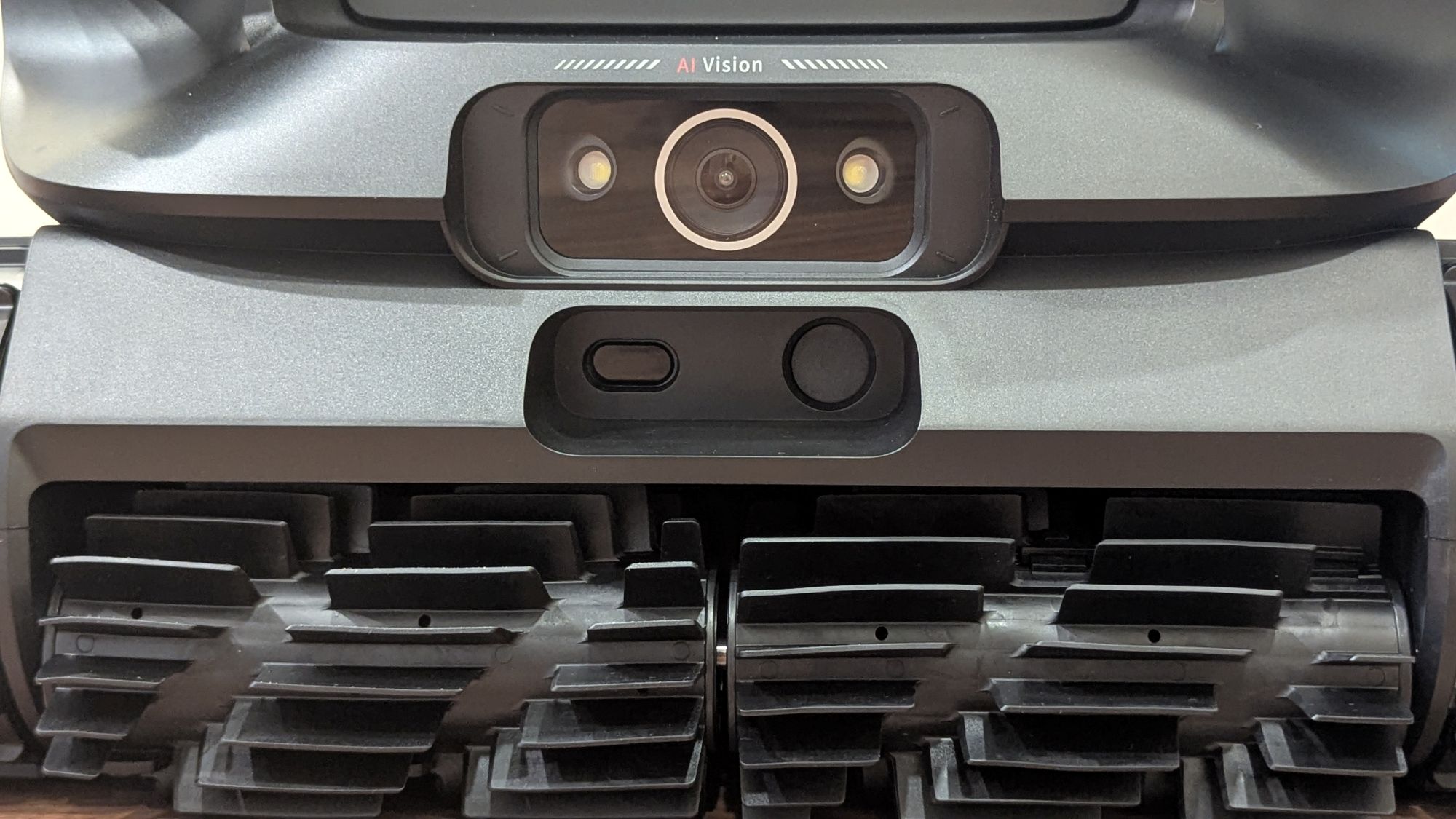
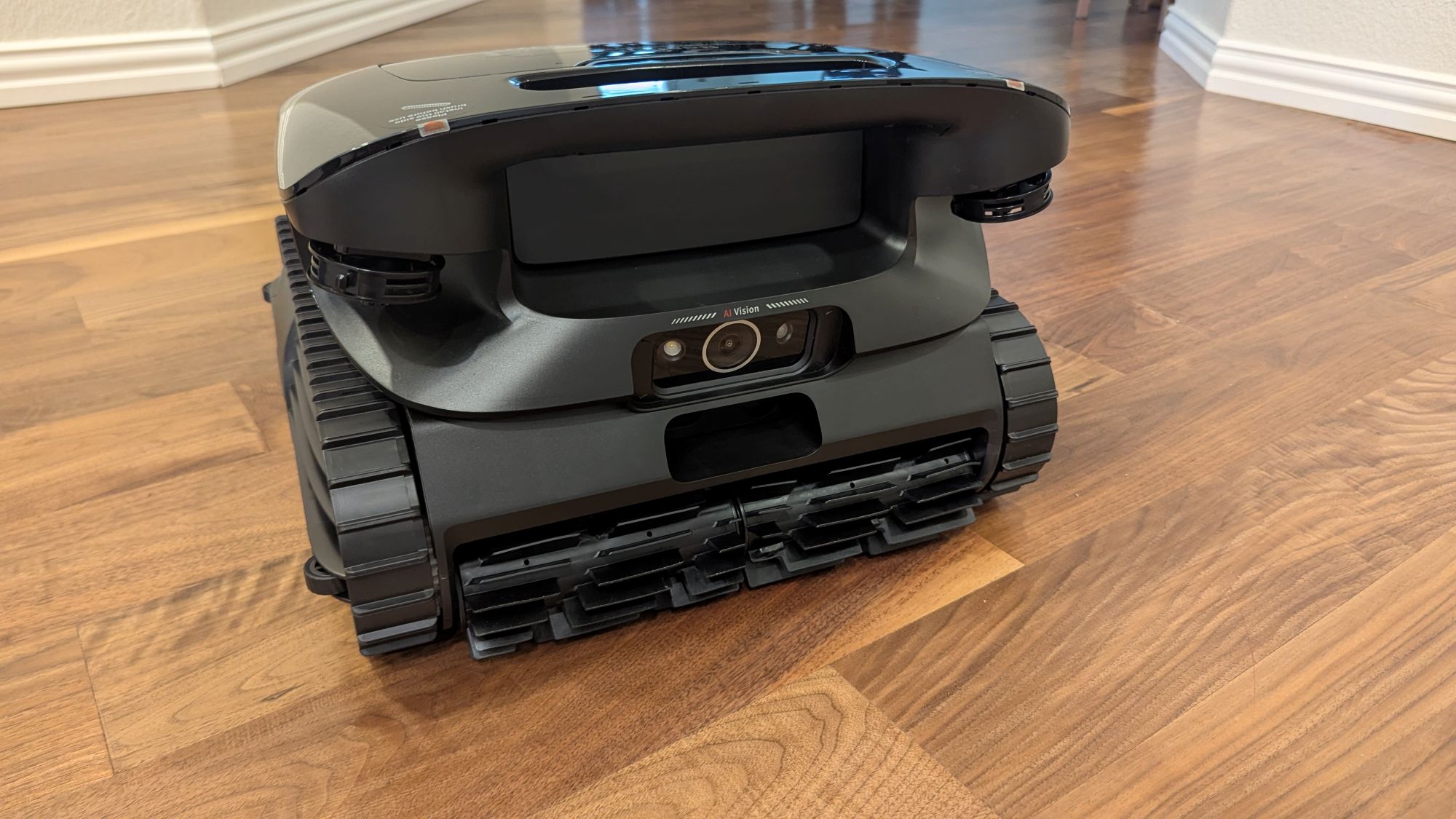
The front of the robot has a camera, LED lights (1500 lx), and sensors (including infrared and ultrasonic sensors, and an AI camera). It can detect debris and obstacles as it cleans.
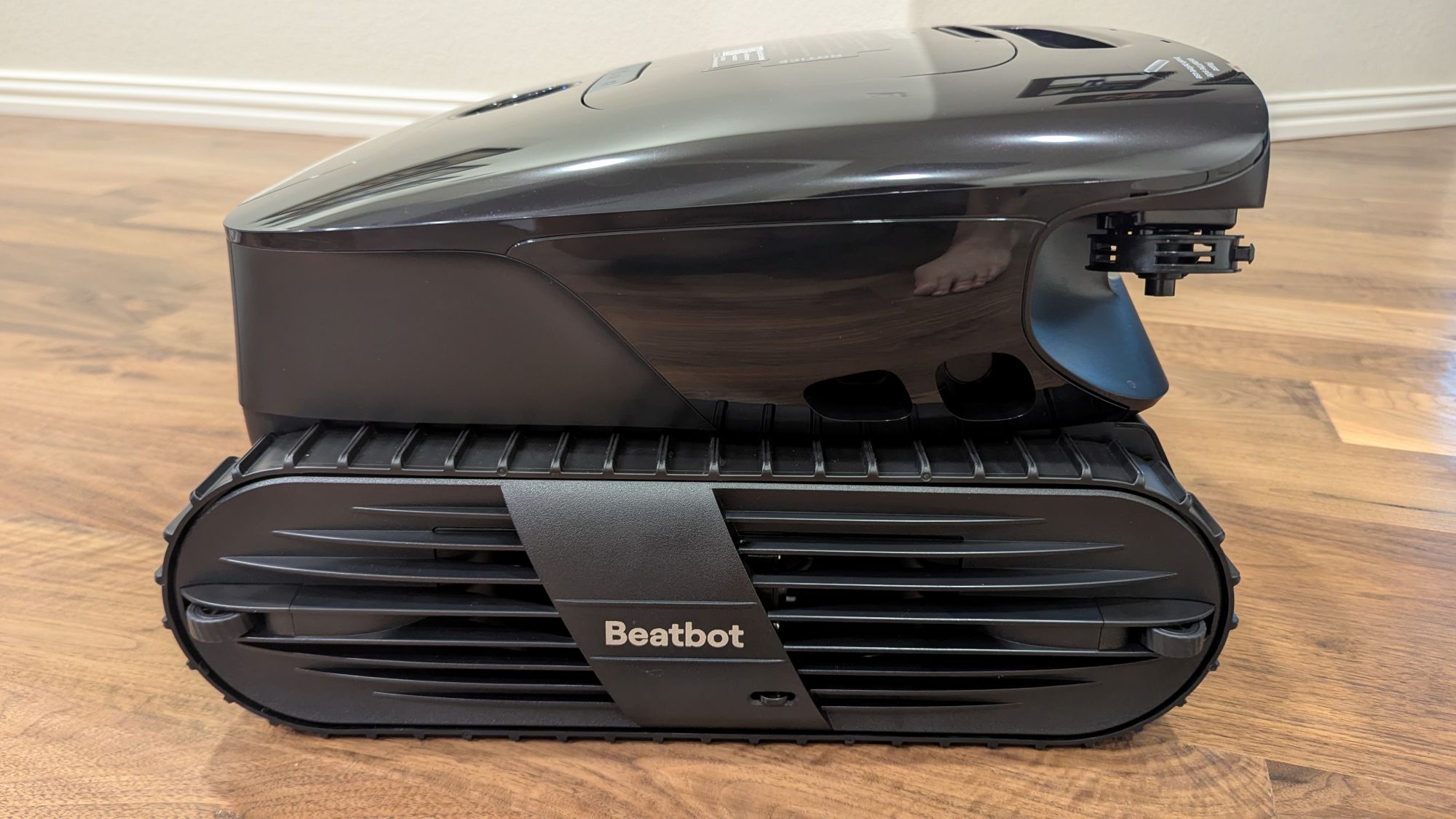
In the photos below, you can see the camera, LED lights, and the sensors just below them (oval TOF sensor; round ultrasonic sensor; see Hardware Specs for sensor details). There are three small guide wheels located on each side of the robot, so when it comes into contact with the pool wall, it will roll along it.
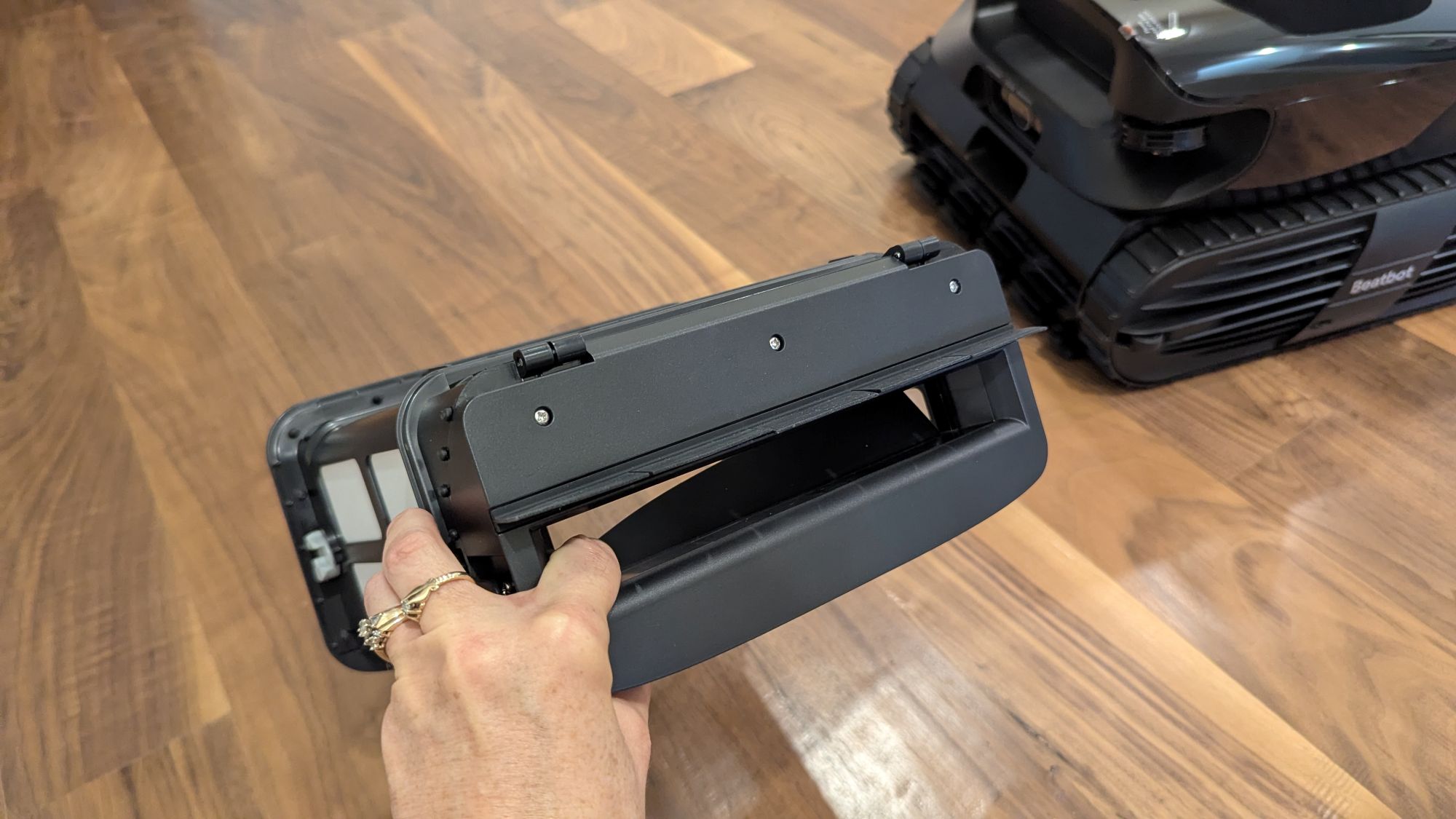
When the robot starts cleaning the pool surface, a door on the front of the robot opens (as shown in the second photo below).
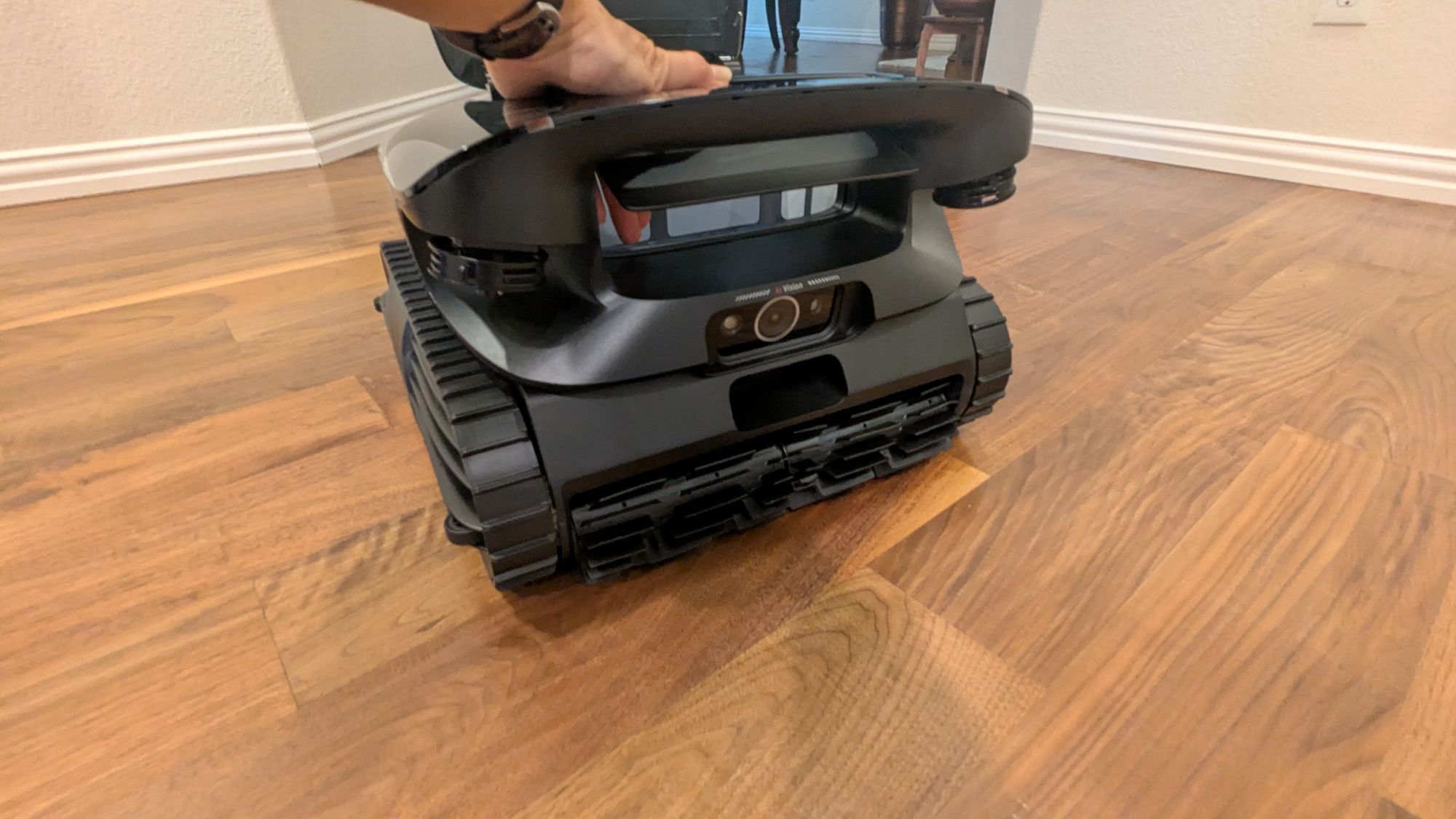
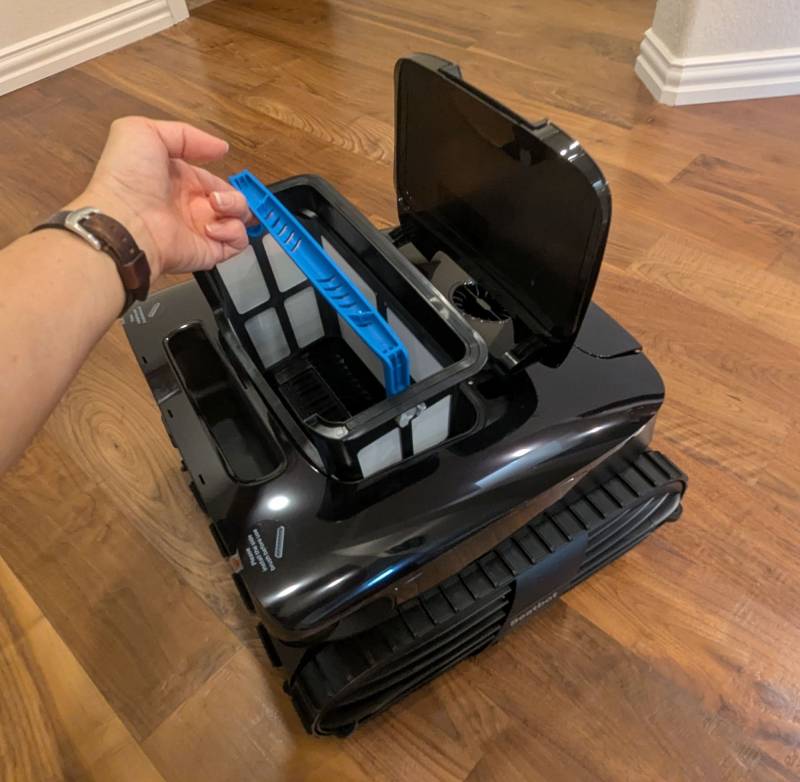
This door leads to the 5L filter debris basket.
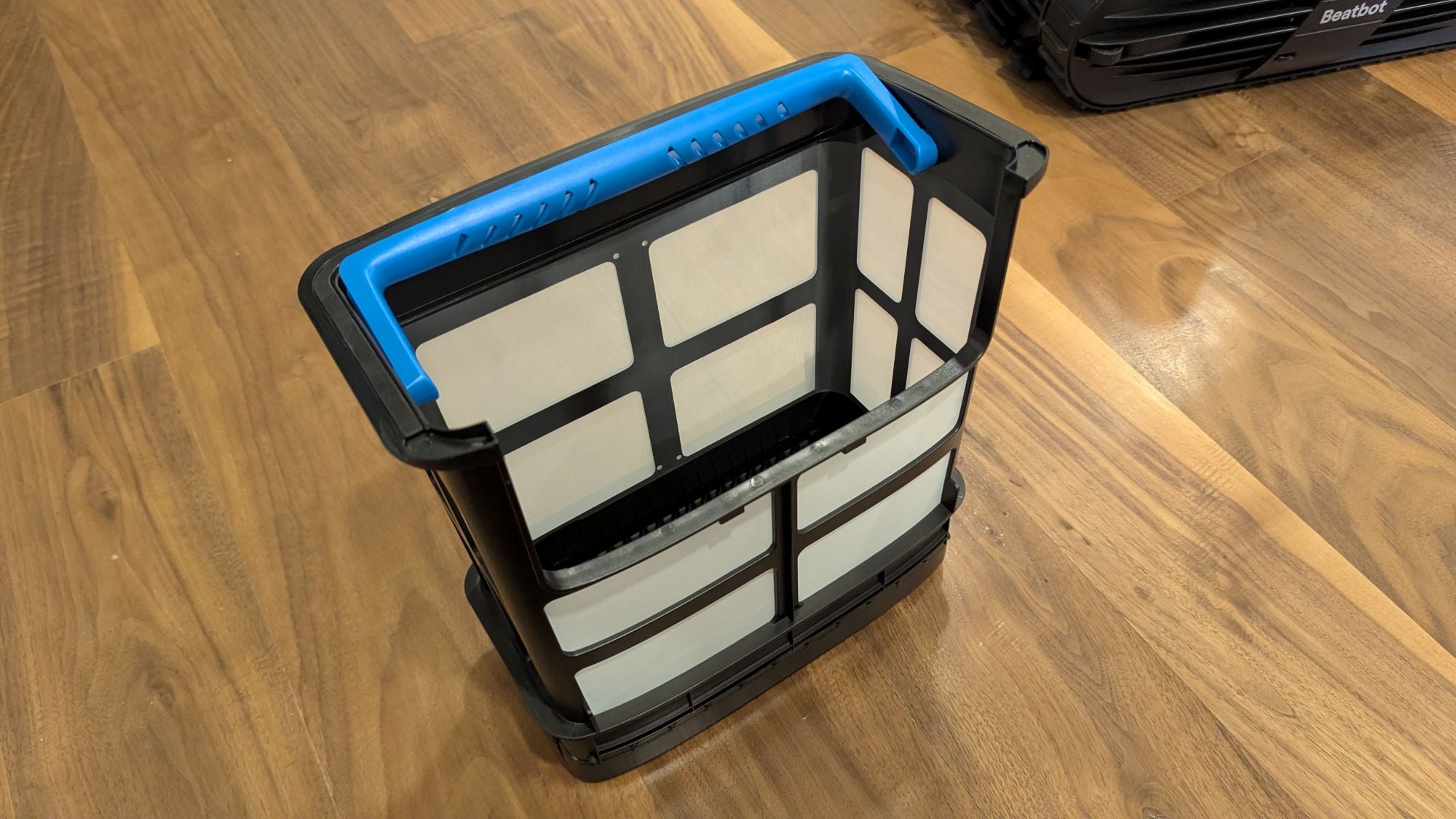
The filter basket also has a silicone flap at the bottom that opens to capture debris when the robot starts cleaning the floor and sides of the pool (as shown in the second photo below).
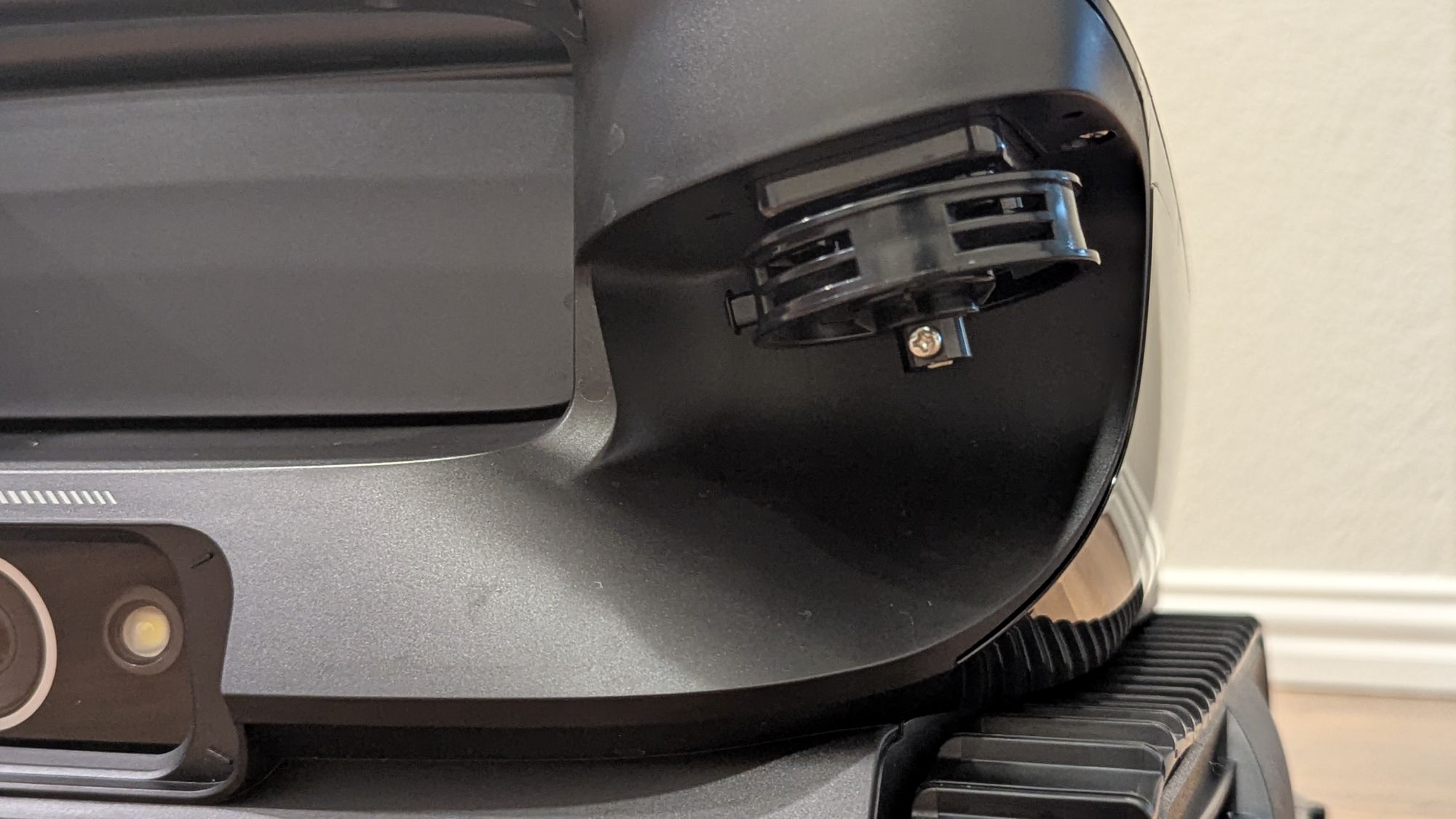
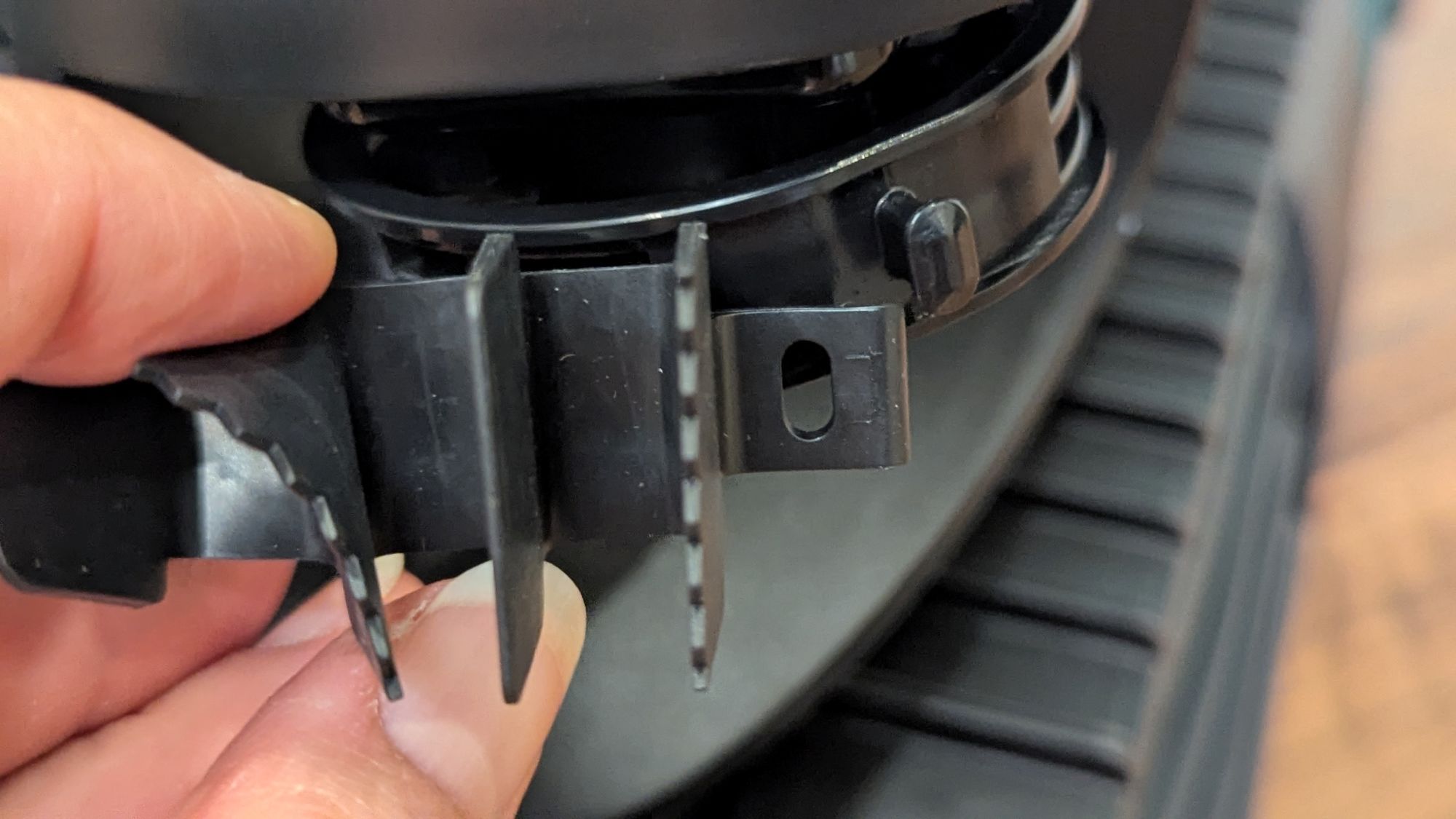
There are also two small wheels on the upper portion of the front of the robot; one of them is shown in the first photo below. You need to install the two silicone side brushes on those two wheels by hooking the ends of the brushes onto the pegs on each wheel (you start and end on each peg as shown in the third photo below).
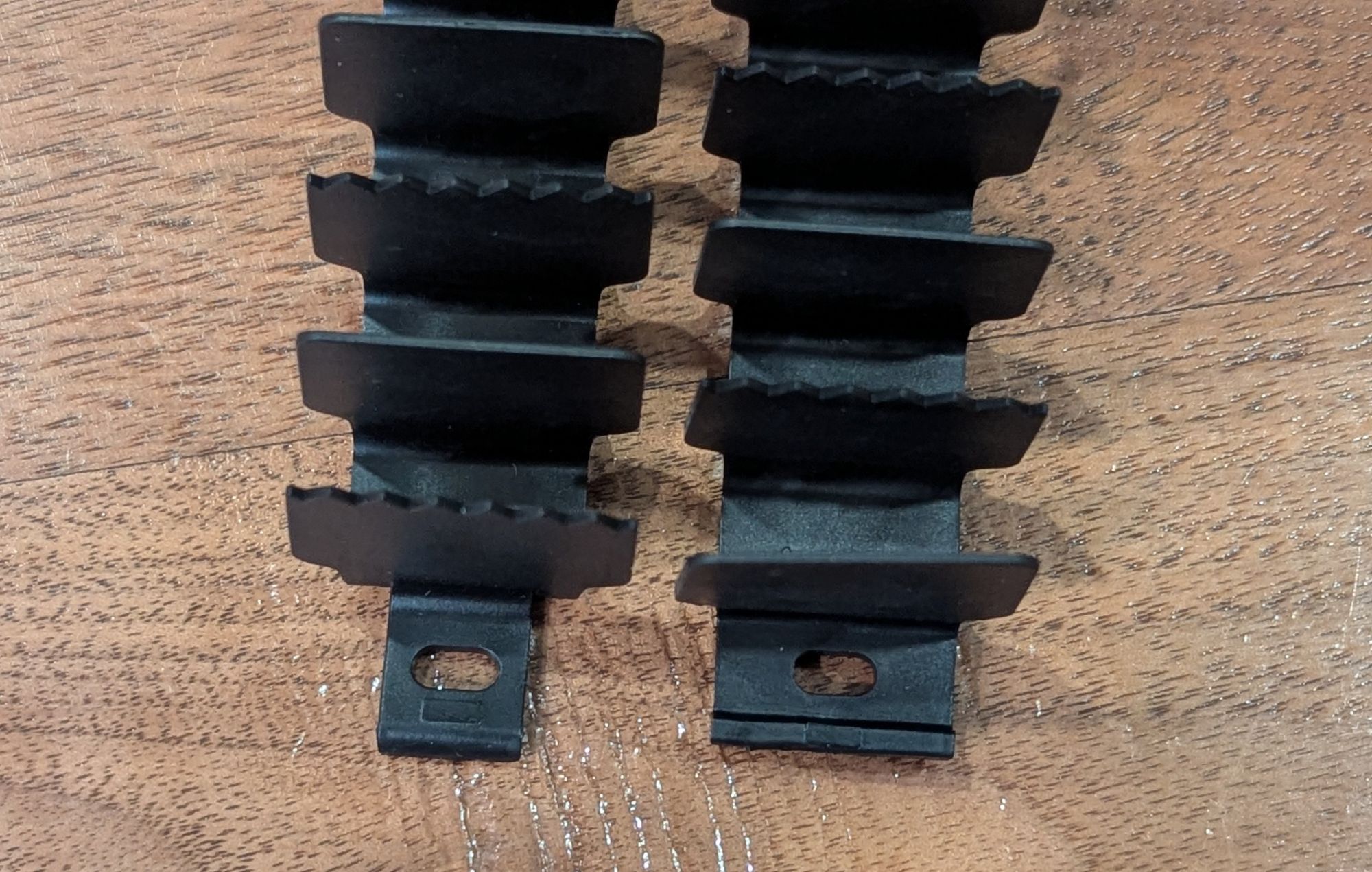
The bottom of the robot moves using continuous silicone tracks. There are two silicone dual-roller brushes on the front and back of the robot that it uses to help clean the pool floor and walls. Each dual-roller is divided into two halves, so that one half can rotate in one direction and the other in the opposite direction, if needed, to help the robot move more effectively around the pool.
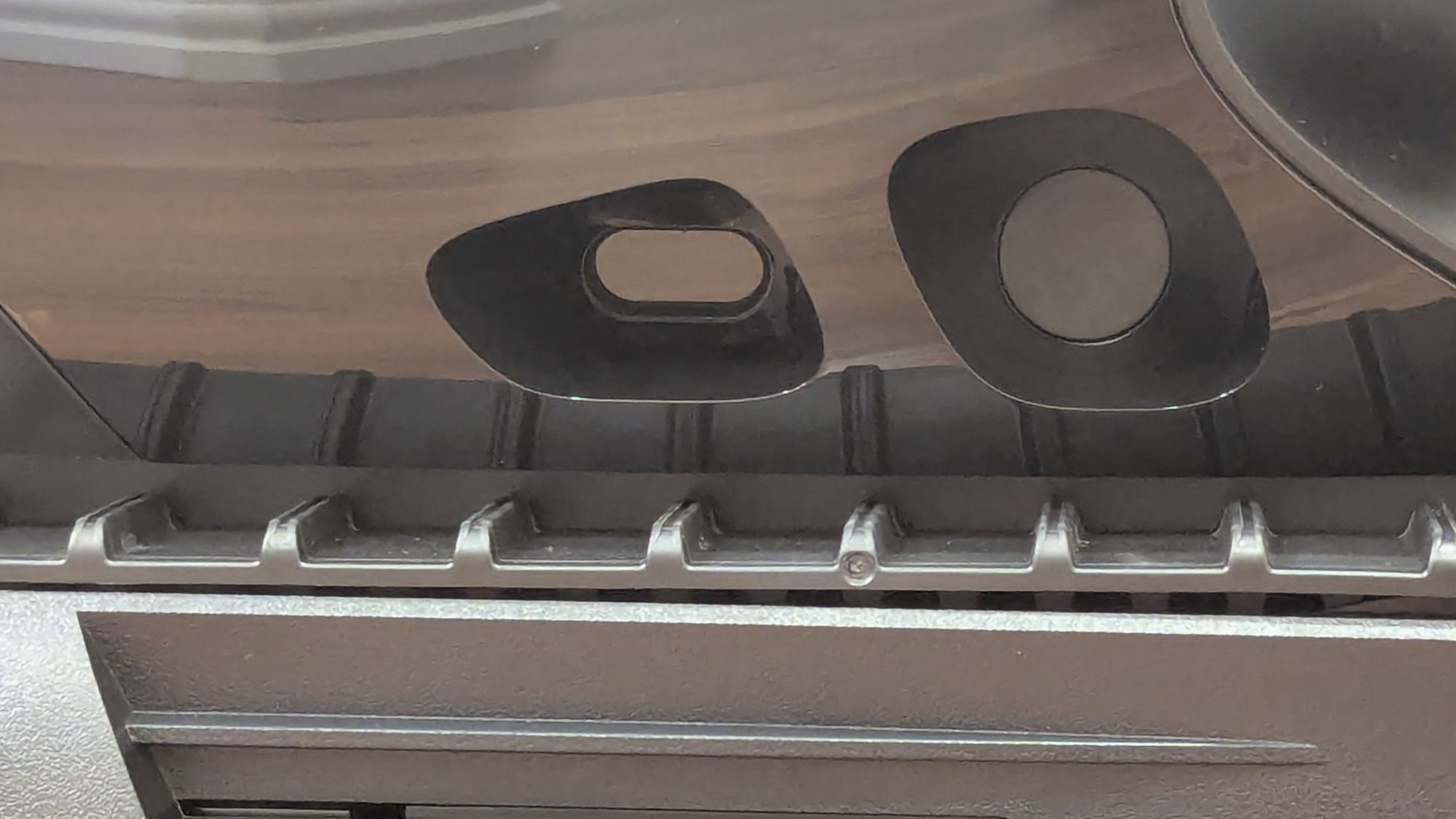
You’ll also notice in the following photos the silver charging contacts and the filter door from the bottom view. If you look closely at the third photo below, you’ll see sensors recessed on the bottom of the robot.
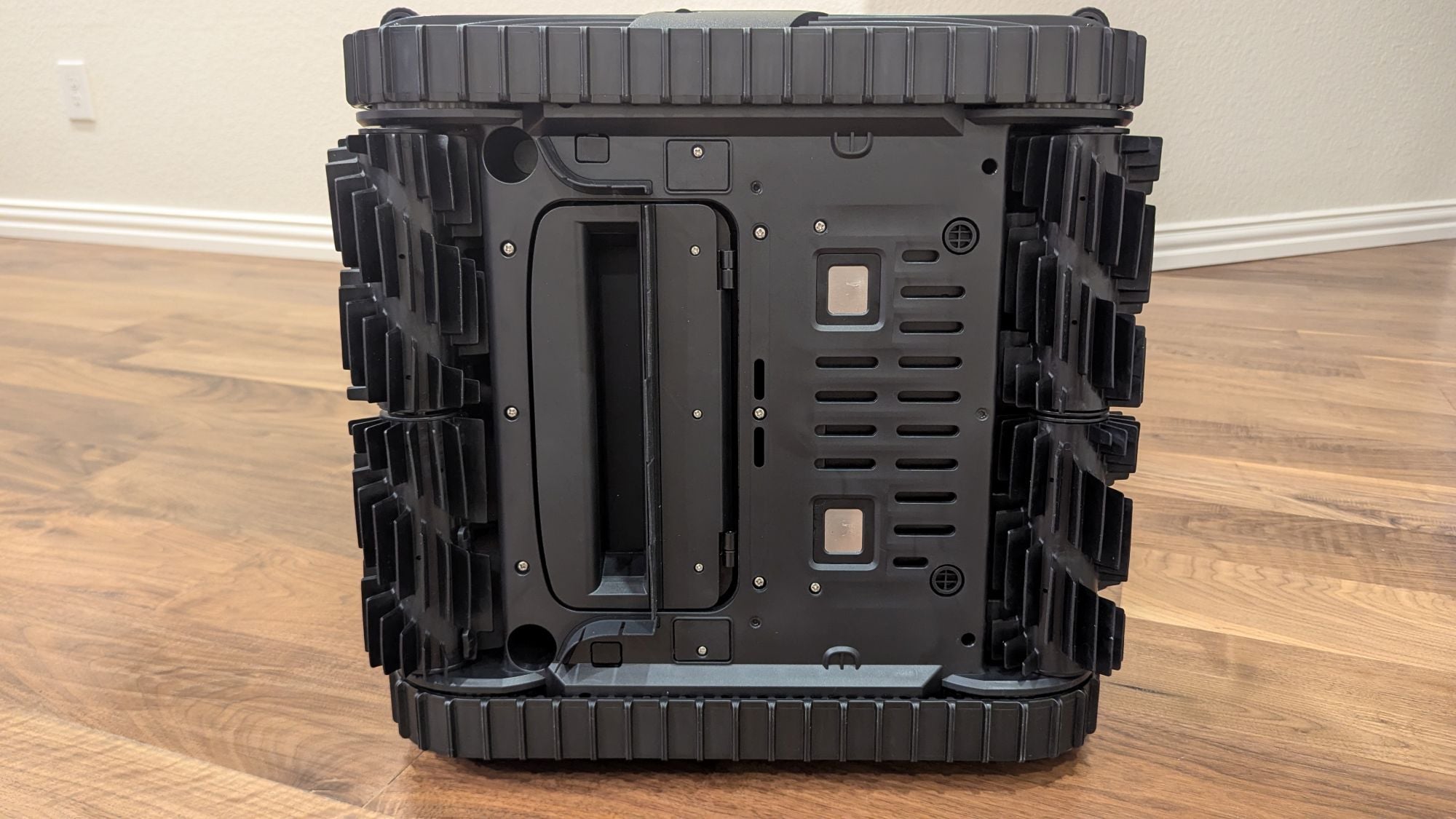
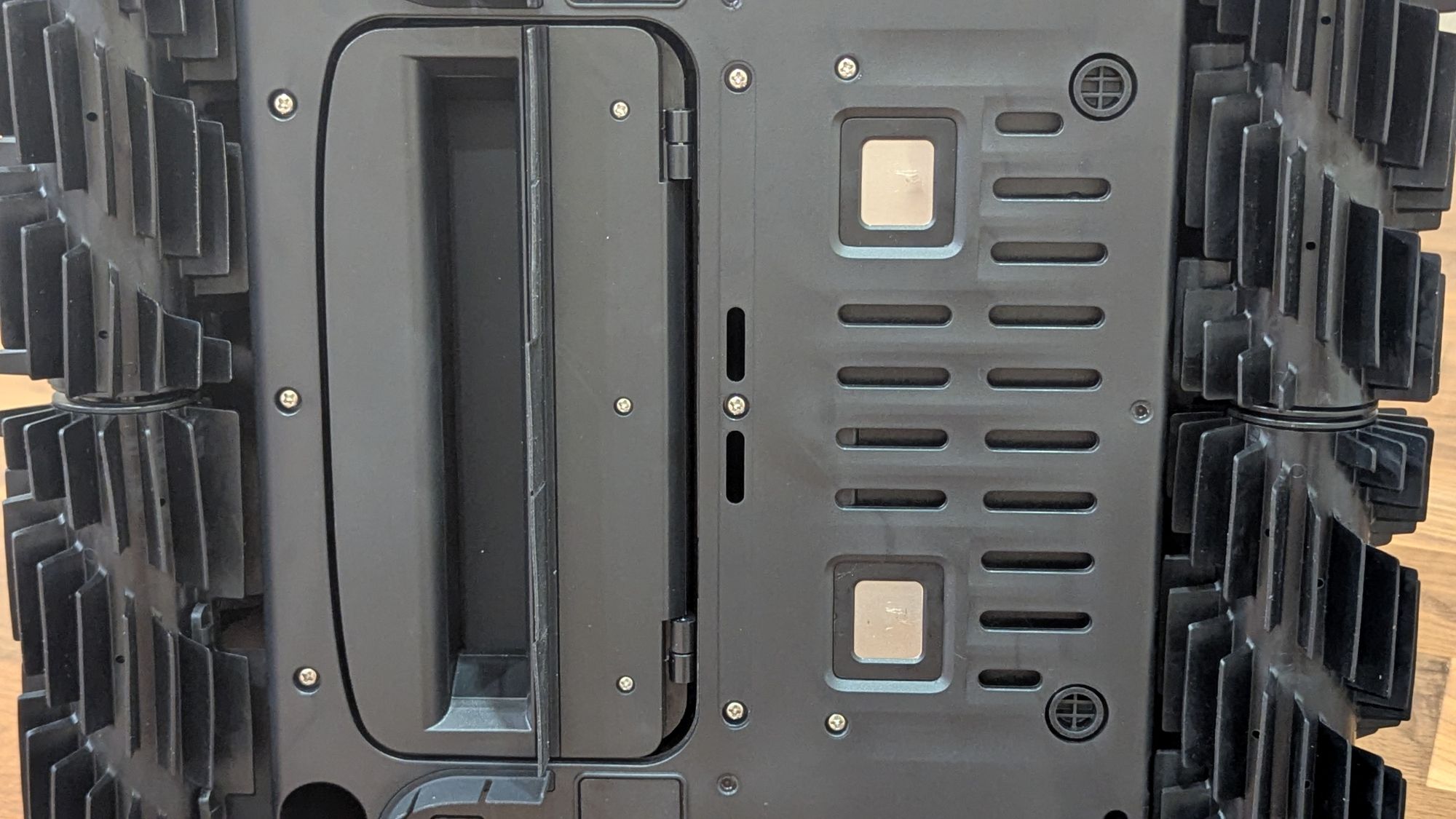
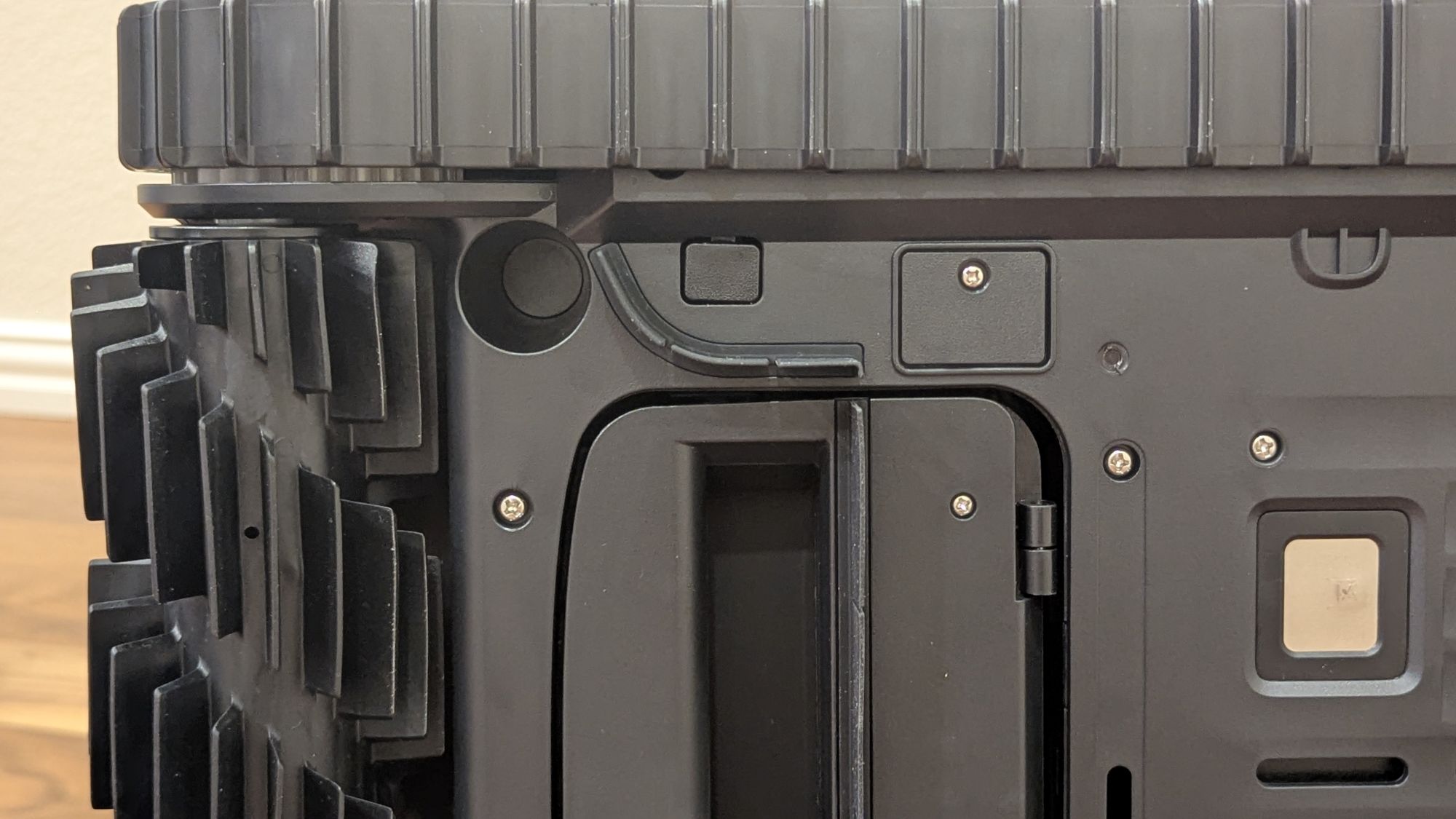
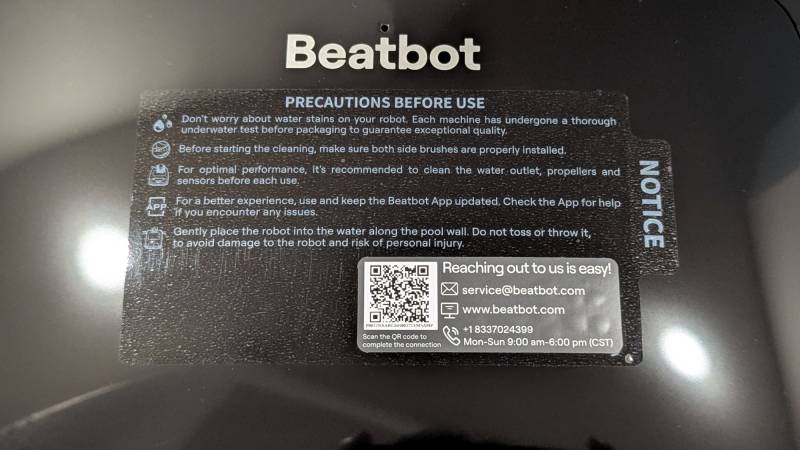
The top of the robot has a sticker with a list of precautions before using it (install the silicone side brushes, clean the sensors before each use, don’t throw the robot into the water, use the most up-to-date version of the app, etc.), a QR code to help you add the robot to the app, and contact information if you should need help with the robot (shown in the photo below).
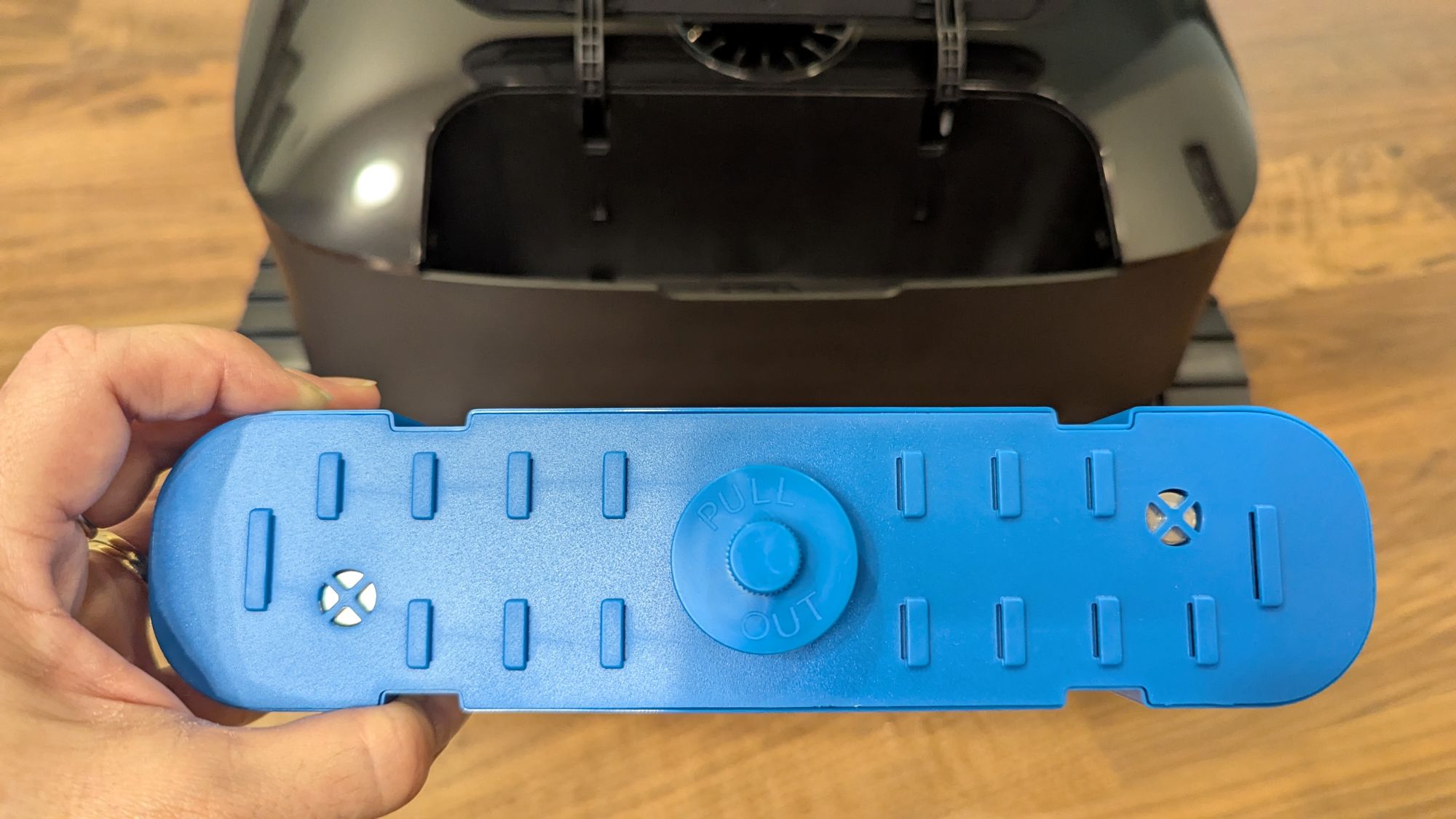
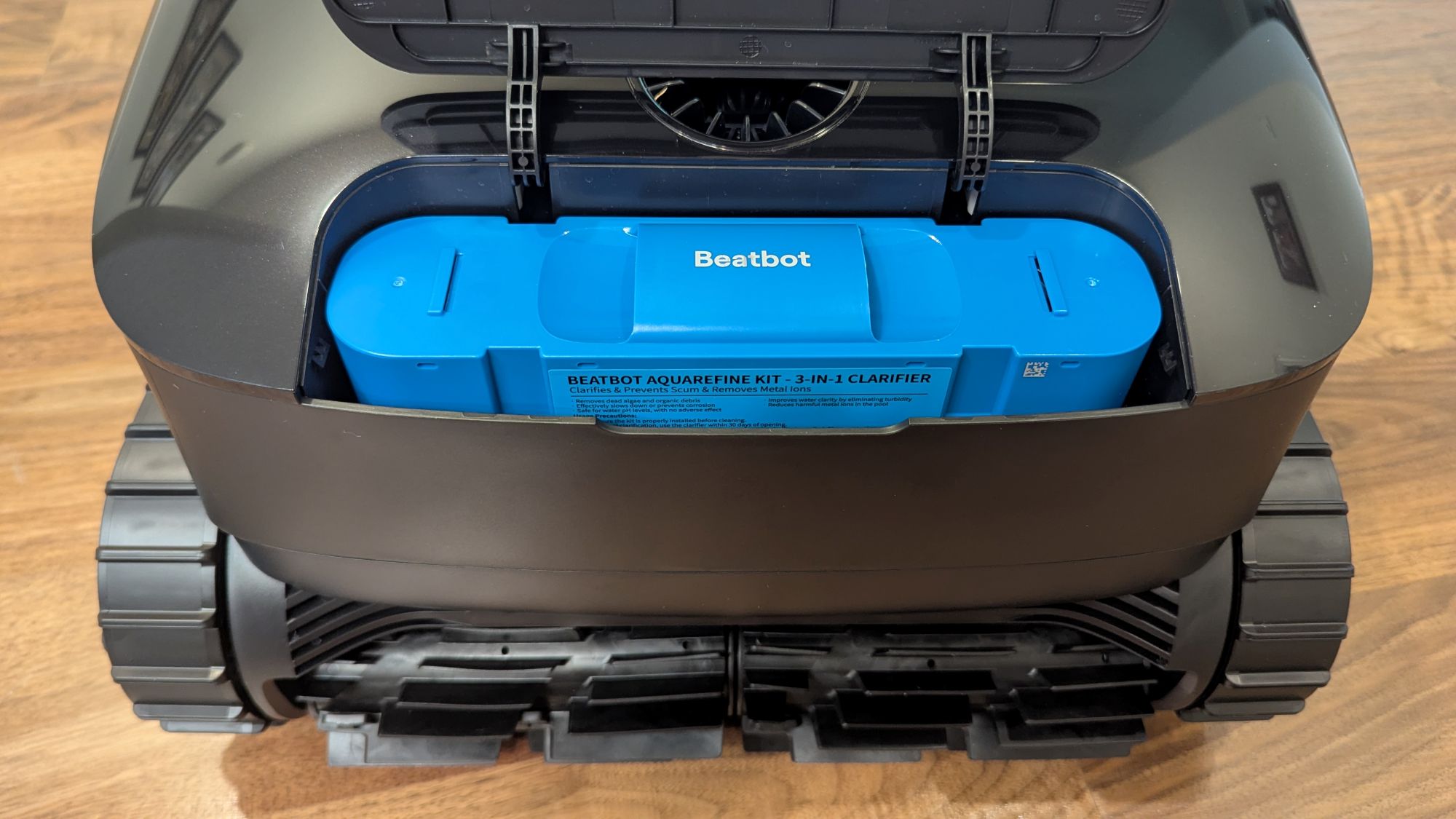
In addition to the filter basket door, there’s a door at the top of the robot for inserting the AquaRefine clarifier cartridge, as shown in the photos below. The clarifying agent uses recycled crab shells (and other crustaceans) and is eco-friendly, safe for you, and apparently works four times faster than others (Beatbot website).
The clarifying agent uses what the website calls a “ClearWater™ clarification to purify your pool. It removes oils, metal ions, fine particles, and prevents scale buildup. Keeping your water crystal-clear, healthy, and safe for your skin.” (Beatbot website). Apparently, this clarifier does NOT interfere with your pool chemical balance. Replacements cost $60 for two clarifying cartridges.
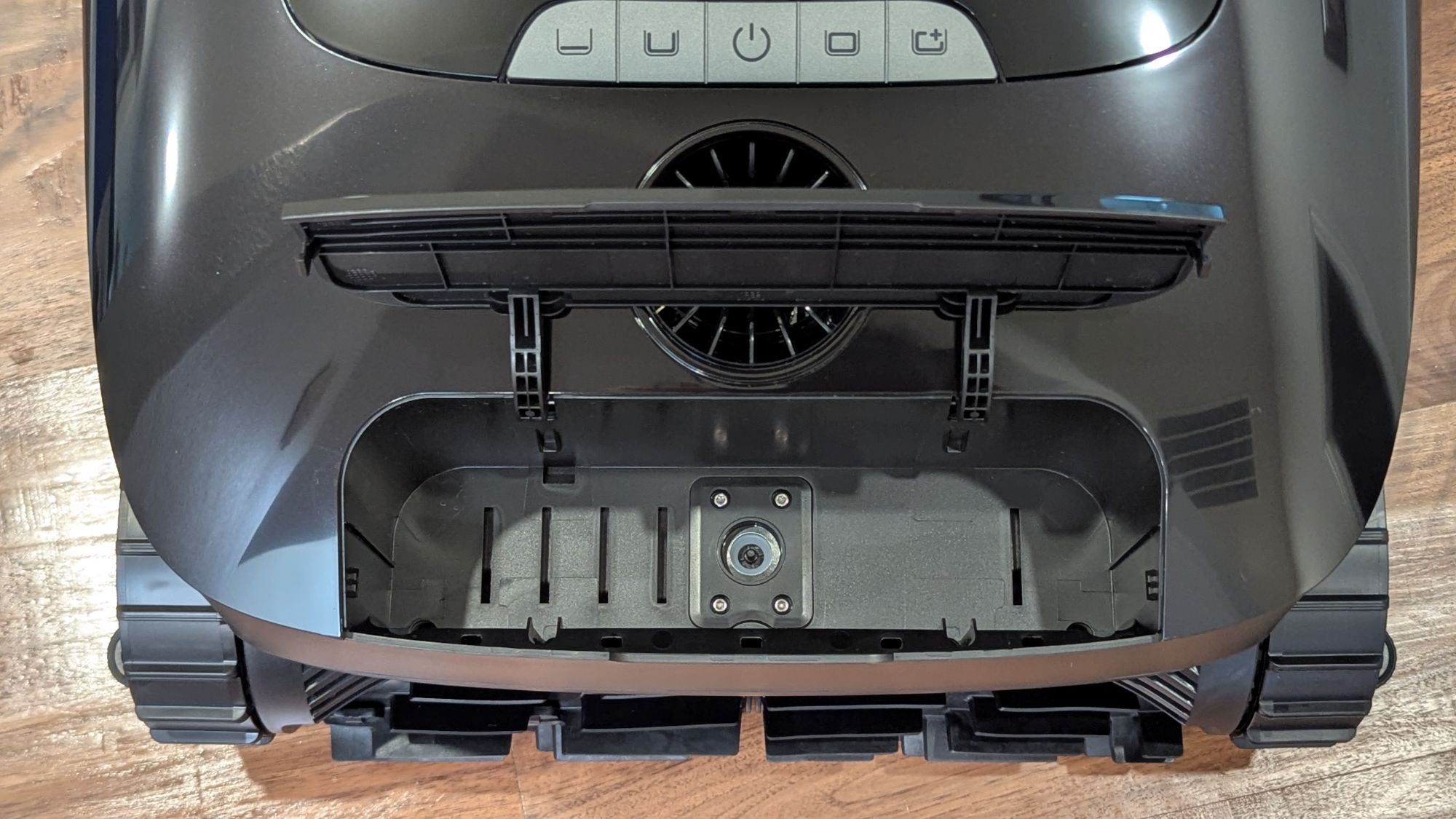
What are the AI features? According to the Beatbot website,
AquaSense X identifies more than 40+ debris types, both on the pool floor and the water surface. It retargets specific areas, ensuring nothing is left behind. In a rush? Activate AI Quick Mode to target debris areas — getting the job done in nearly half the time.
Beatbot AquaSense X Robot Controls
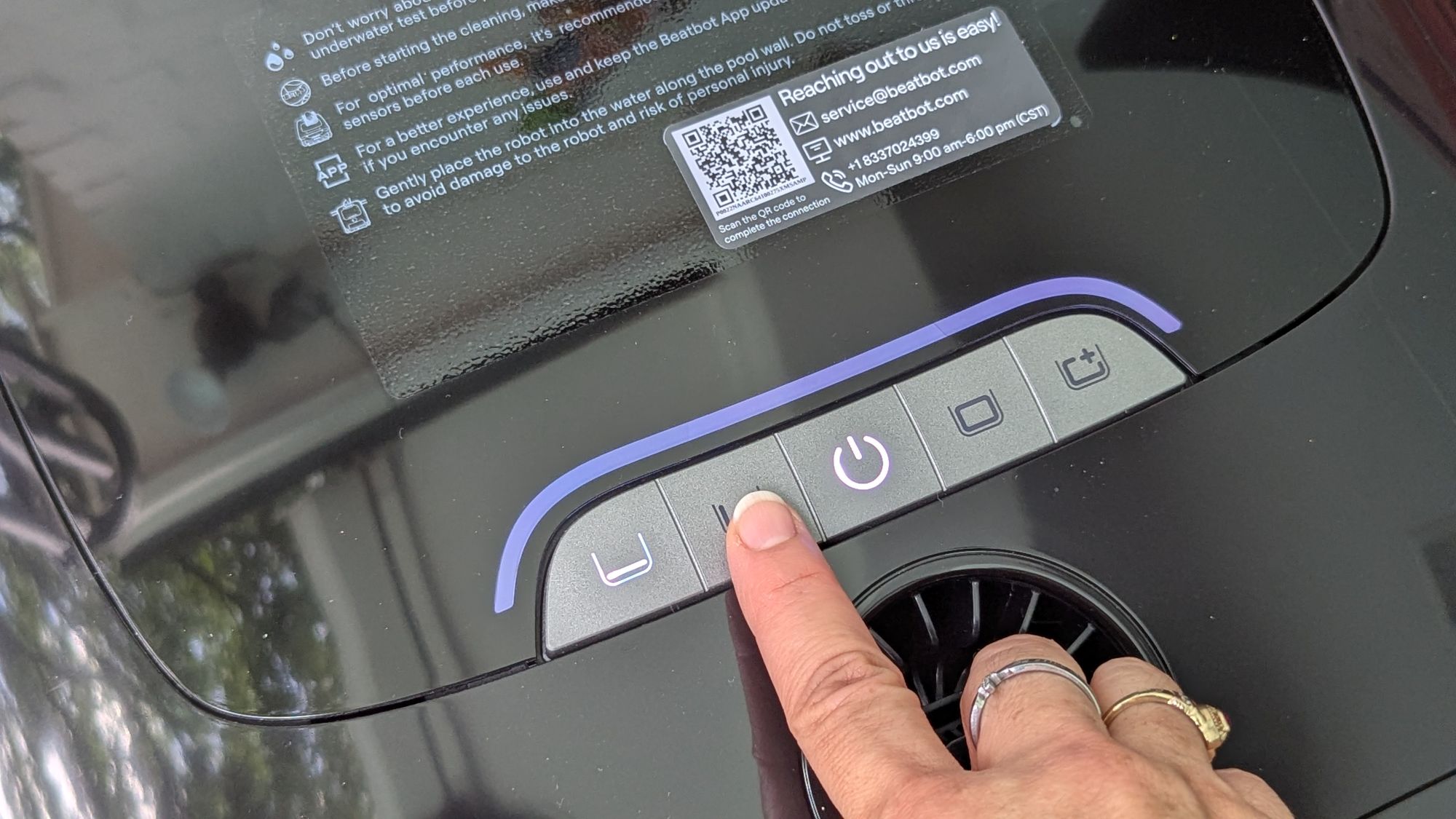
There are several buttons located on the top of the robot (as shown below), as well as a water outlet port (when propelling itself through water).
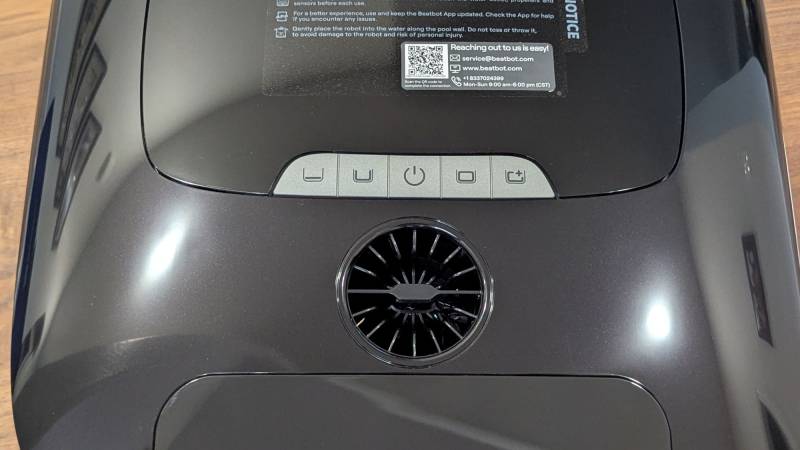
The buttons on the robot are soft silicone buttons, not plastic. They are (starting from left to right):
- Floor Mode
- Standard Mode: floor, sides/waterline cleaning
- Power button
- Pro Mode: floor, sides/waterline, and surface cleaning
- Area Mode: runs the last custom cleaning (set up in the app)
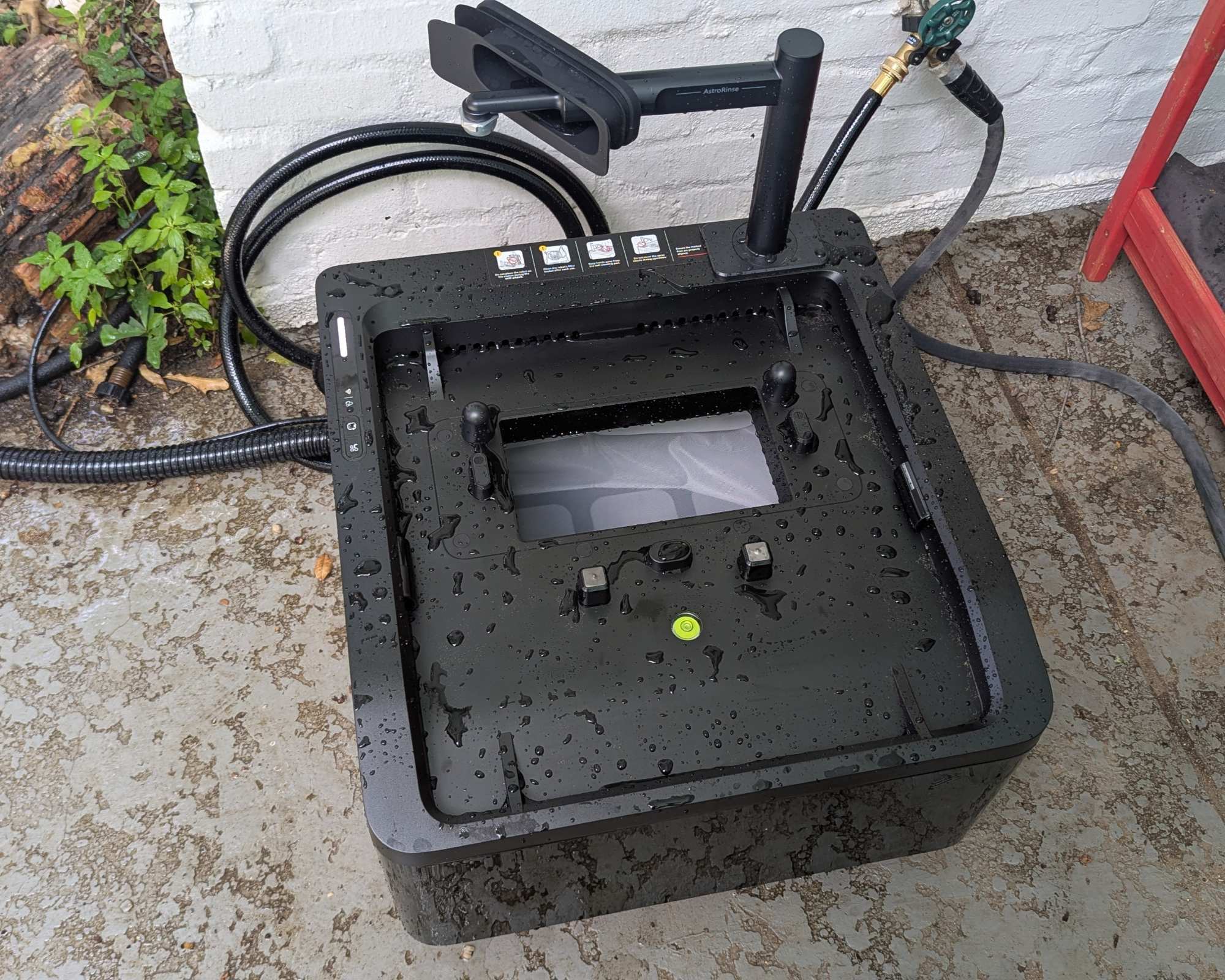
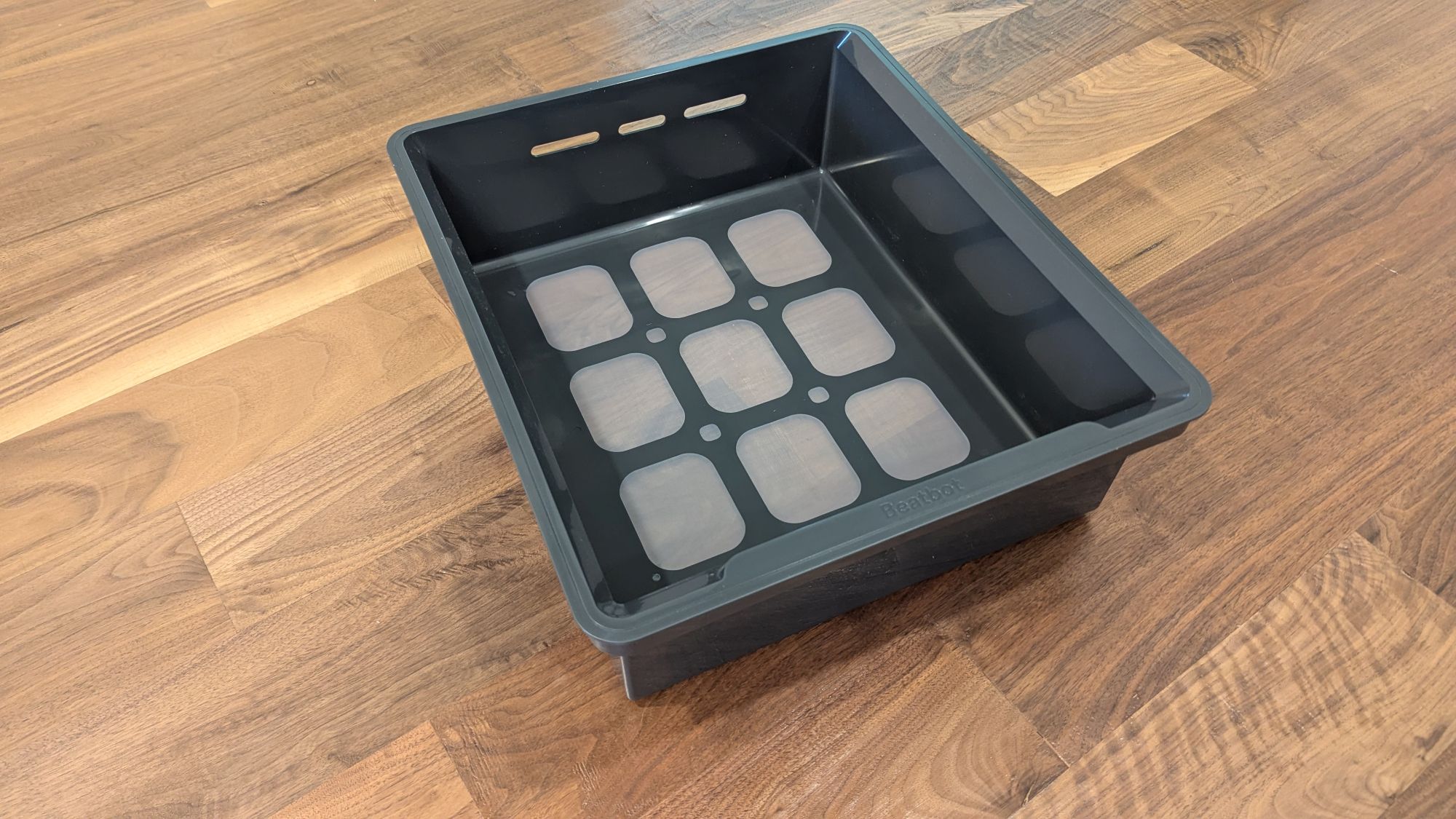
The AstroRinse™ Self-Cleaning Station is designed to be large enough to place the robot on top of it for cleaning and charging. It also contains a large 22L bin that holds two months’ worth of debris (3000 leaves, according to the Beatbot website).
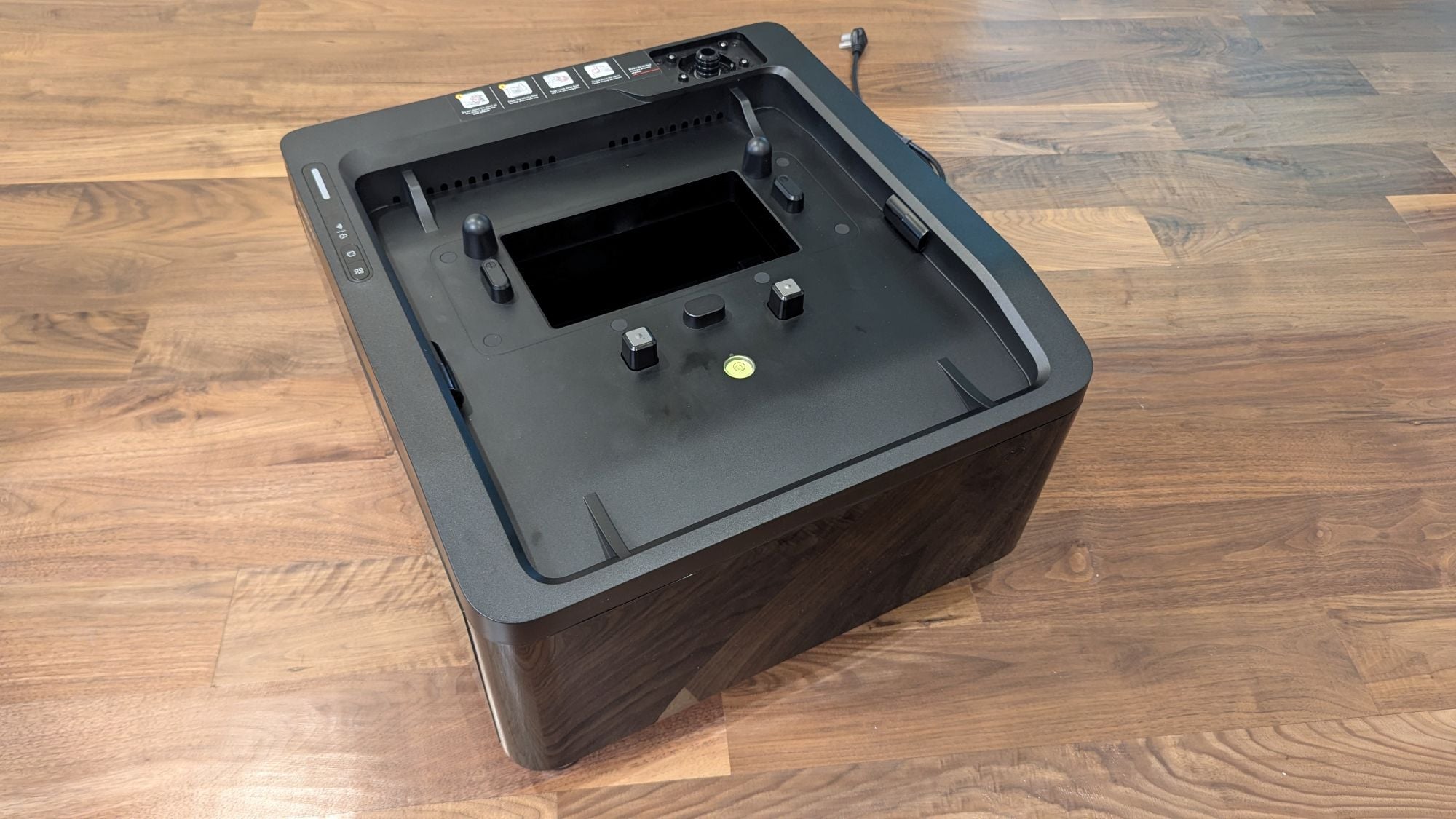
Setting Up the AstroRinse Self-Cleaning Station
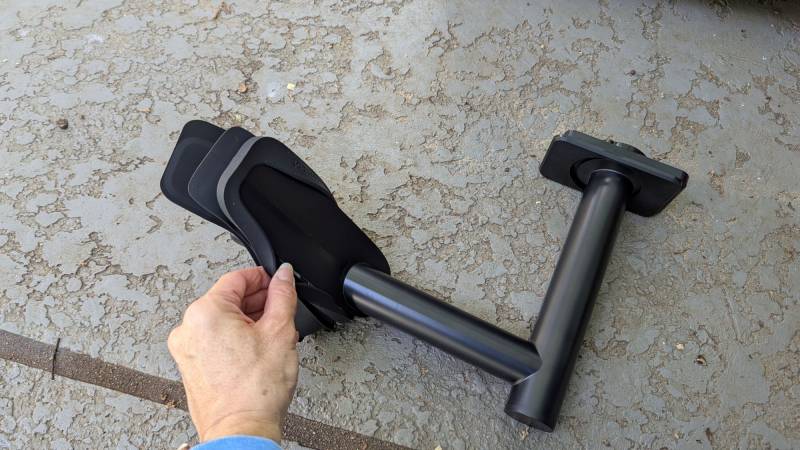
To set up the AstroRinse station, I installed the silicone nozzle protector by sliding the lip of the nozzle protector onto the nozzle’s plate, as shown below.
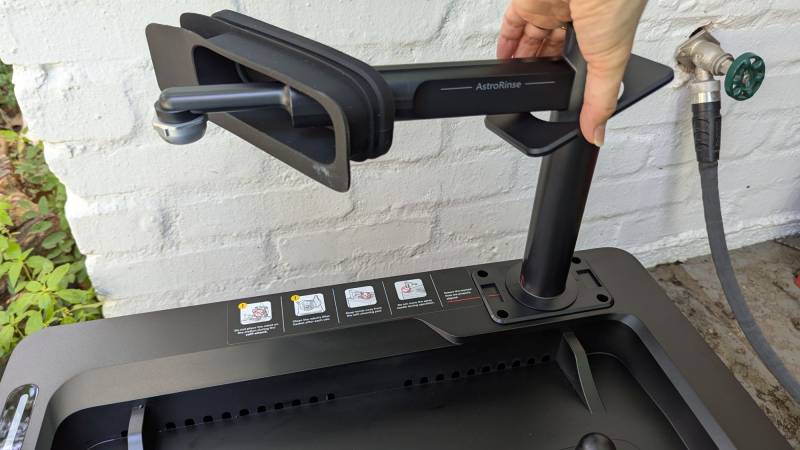
Next, I installed the spray nozzle by aligning the red line on the station with the red line on the nozzle while at the same time aligning the screw cover plate with the screw holes on the station. I used the hex key to install and tighten four of the six provided screws in the screw cover plate.
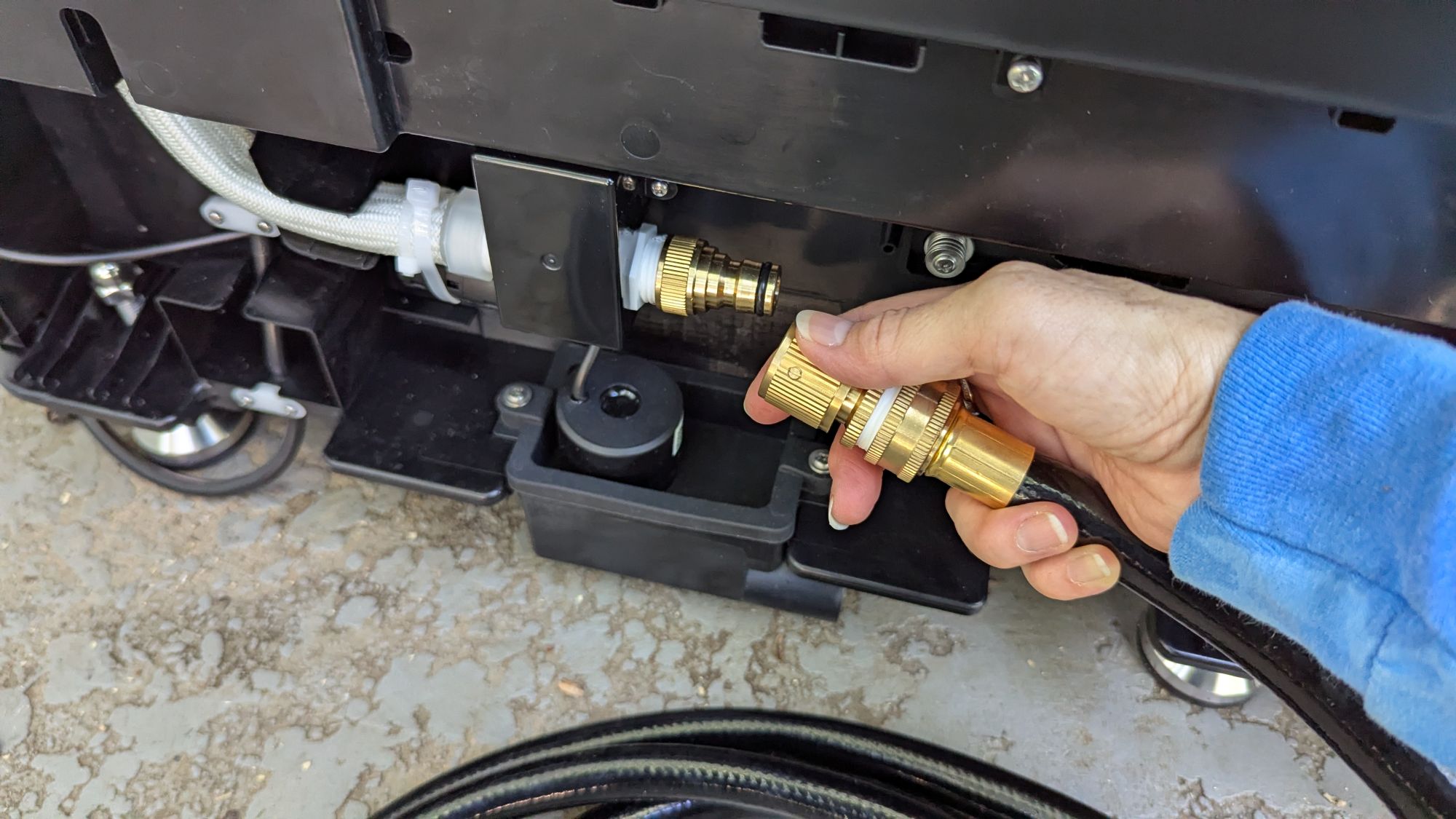
Taking off the side panel of the AstroRinse™ Self-Cleaning Station reveals the water inlet and outlet ports. The water inlet hose that comes with the station has a quick-connect end that attaches to the station’s water inlet port, as shown in the first photo below.
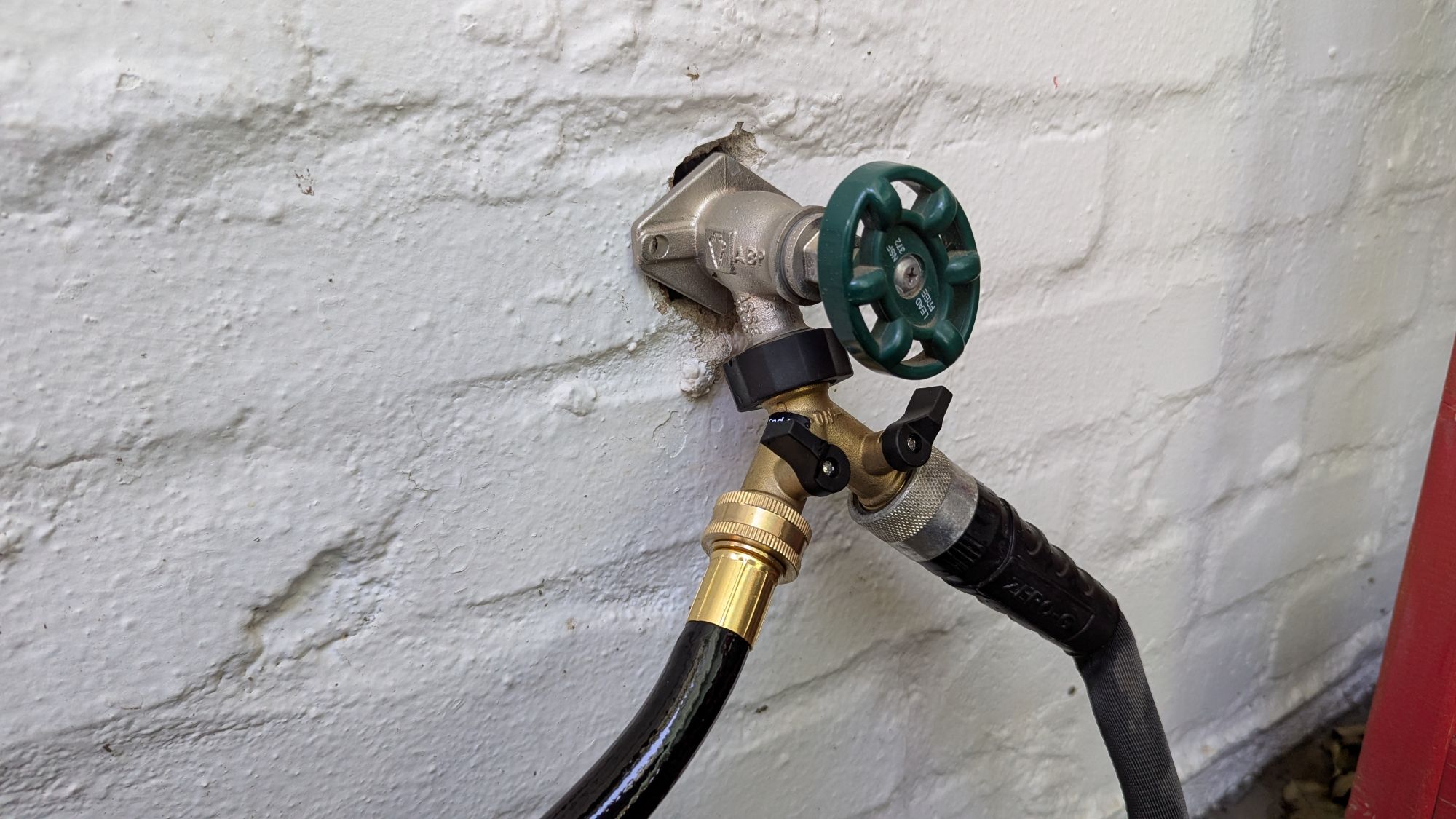
I attached the hose faucet tee connector (a split connector) to the end of the water spigot. This is only necessary if you’d like to use a watering hose and the AstroRinse station at the same time. I then attached the station’s water inlet hose and the watering hose to the tee.
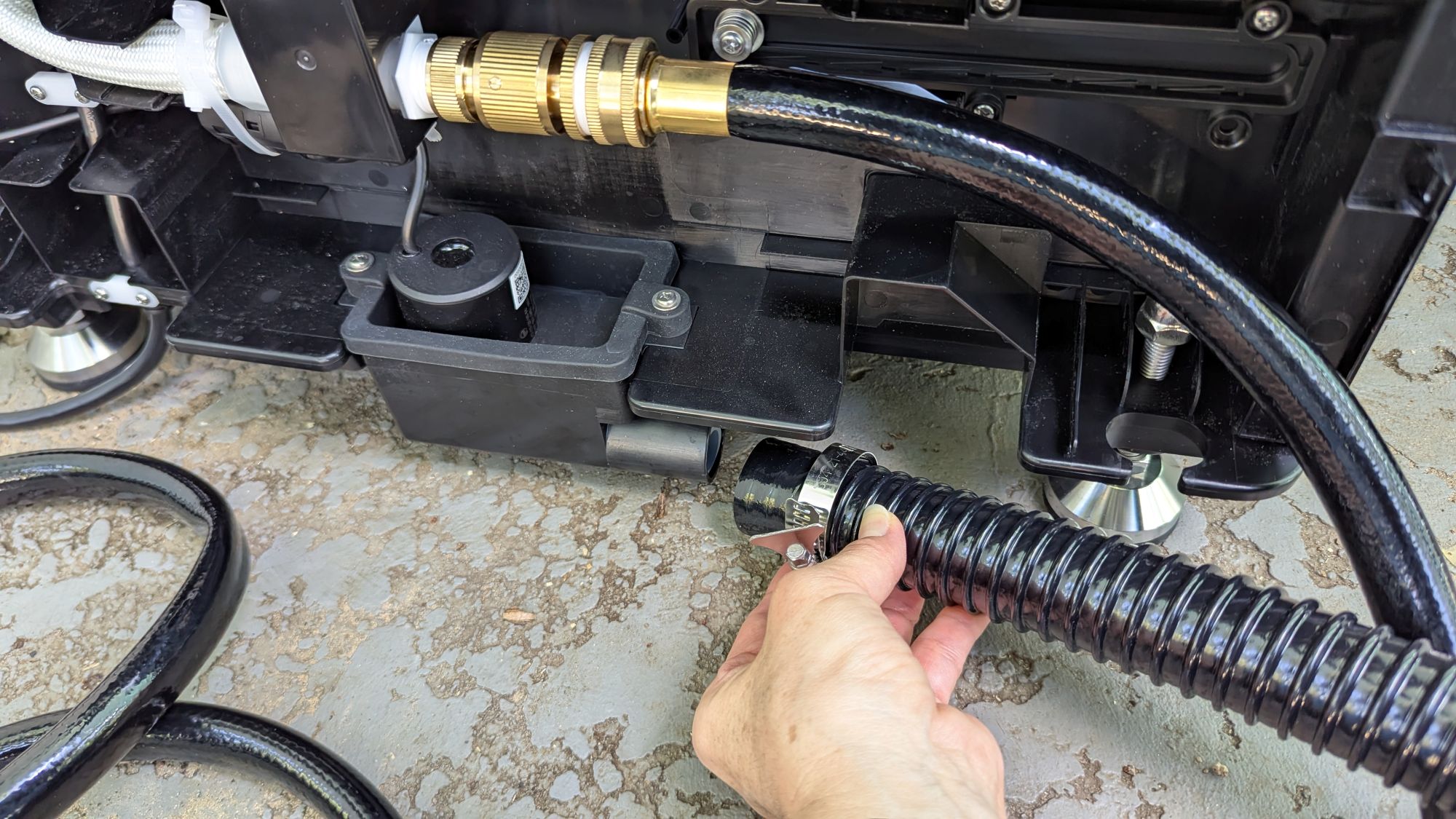
Next, I placed the hose clamp onto one end of the drain hose and slid that end over the water outlet port on the station and tightened the clamp onto the port.
I pushed the water inlet hose through the oval notch at the base of the station (shown in the second photo below; this was rather difficult because the hose is somewhat stiff and rigid).
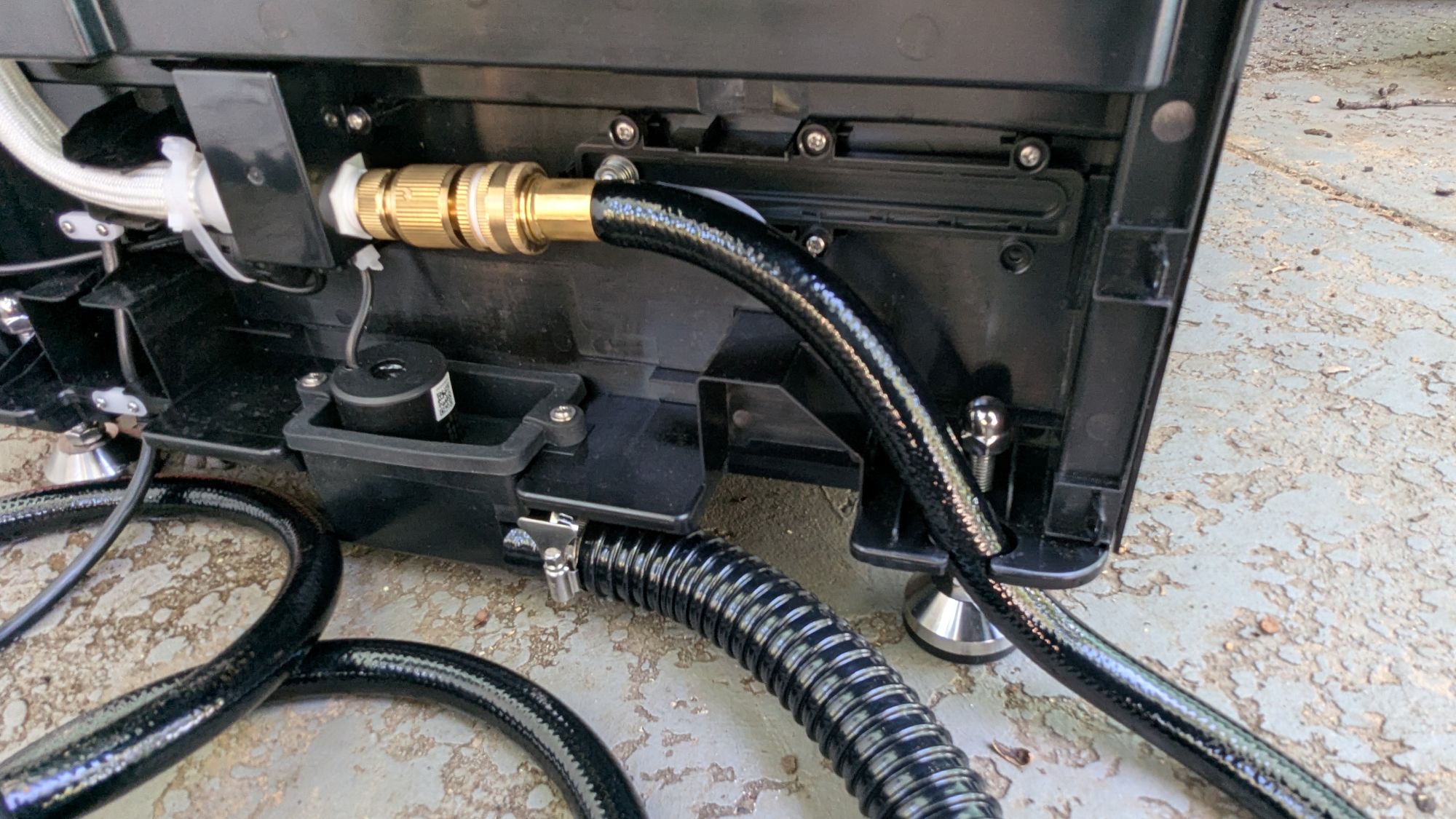
After connecting the hoses, I turned on the water spigot and slowly opened the hose faucet tee valve to the station to look for any leaks. There were no leaks during this test, but if there were, Beatbot provides PTFE tape (Teflon tape) to help seal the joints. I then replaced the station’s side cover by snapping it back in place.
Next, I leveled the station by adjusting the feet (first photo below) until the bubble on the top of the station was centered (second photo below).
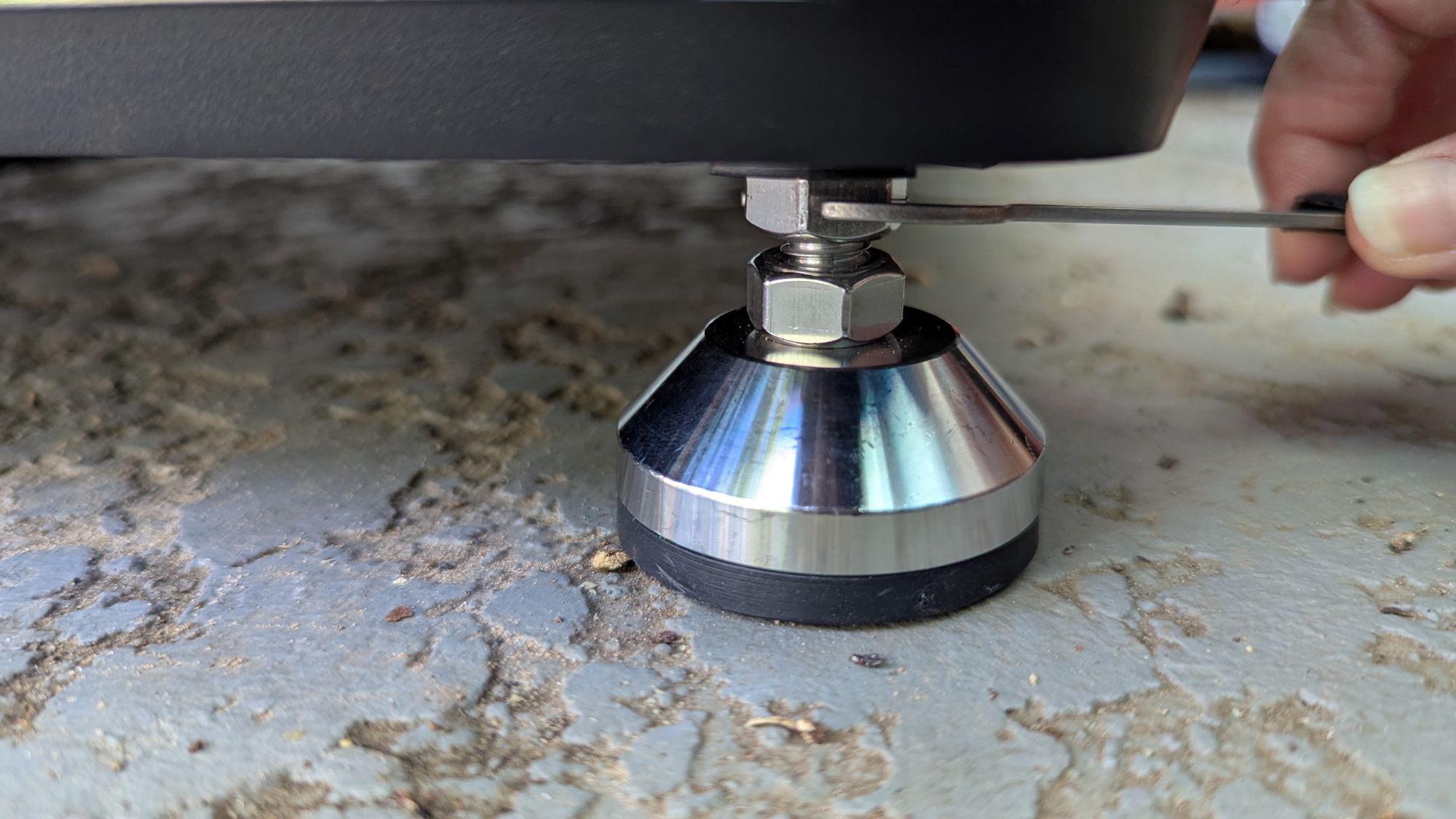
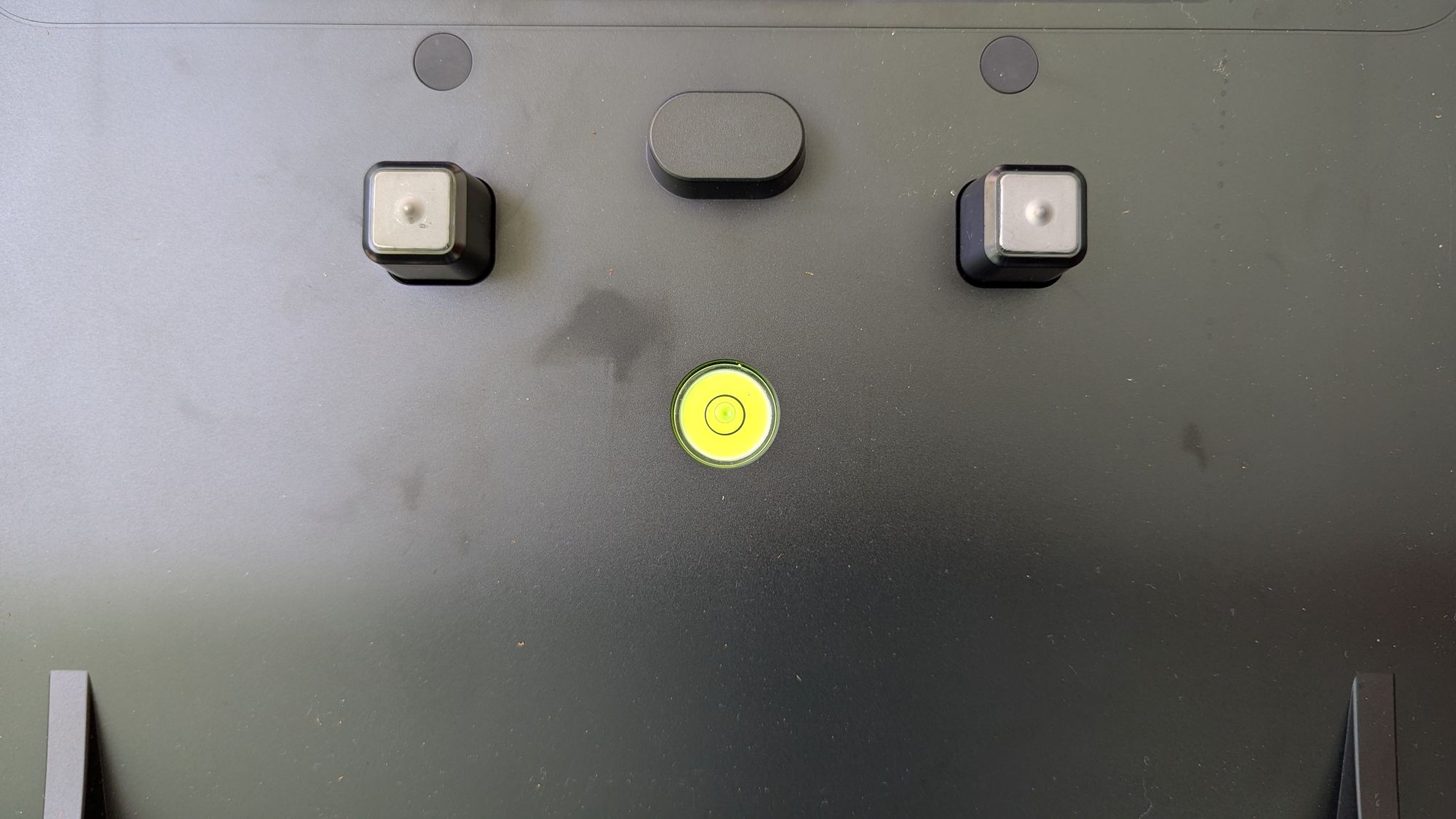
The last step for setting up the station is to plug it in. When powered up, the light on the station’s control panel slowly flashes white (see the photo below).
Running a Self-Test of the Station
I then ran a station self-test (the robot should NOT be on the station during the self-check) by pressing the “Self-Cleaning” button on the station as shown below. You’ll hear the station say, “Starting self-check”.
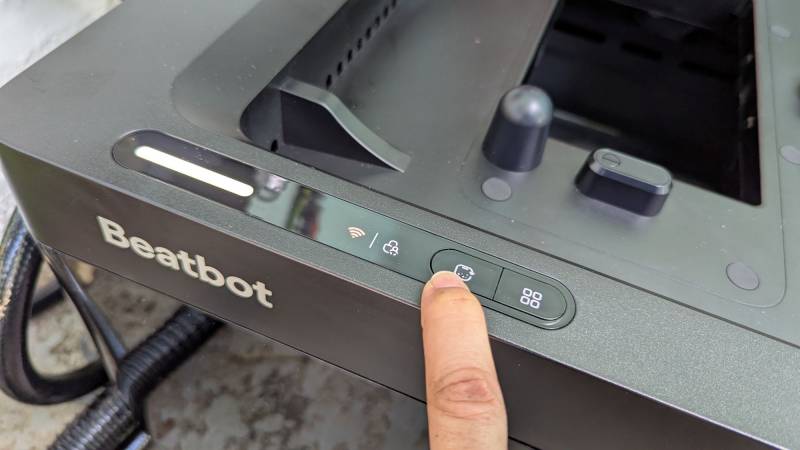
The nozzle and opening and closing levers move during the self-check (see photos below). When completed, you’ll hear a voice prompt say, “Self-check complete”.
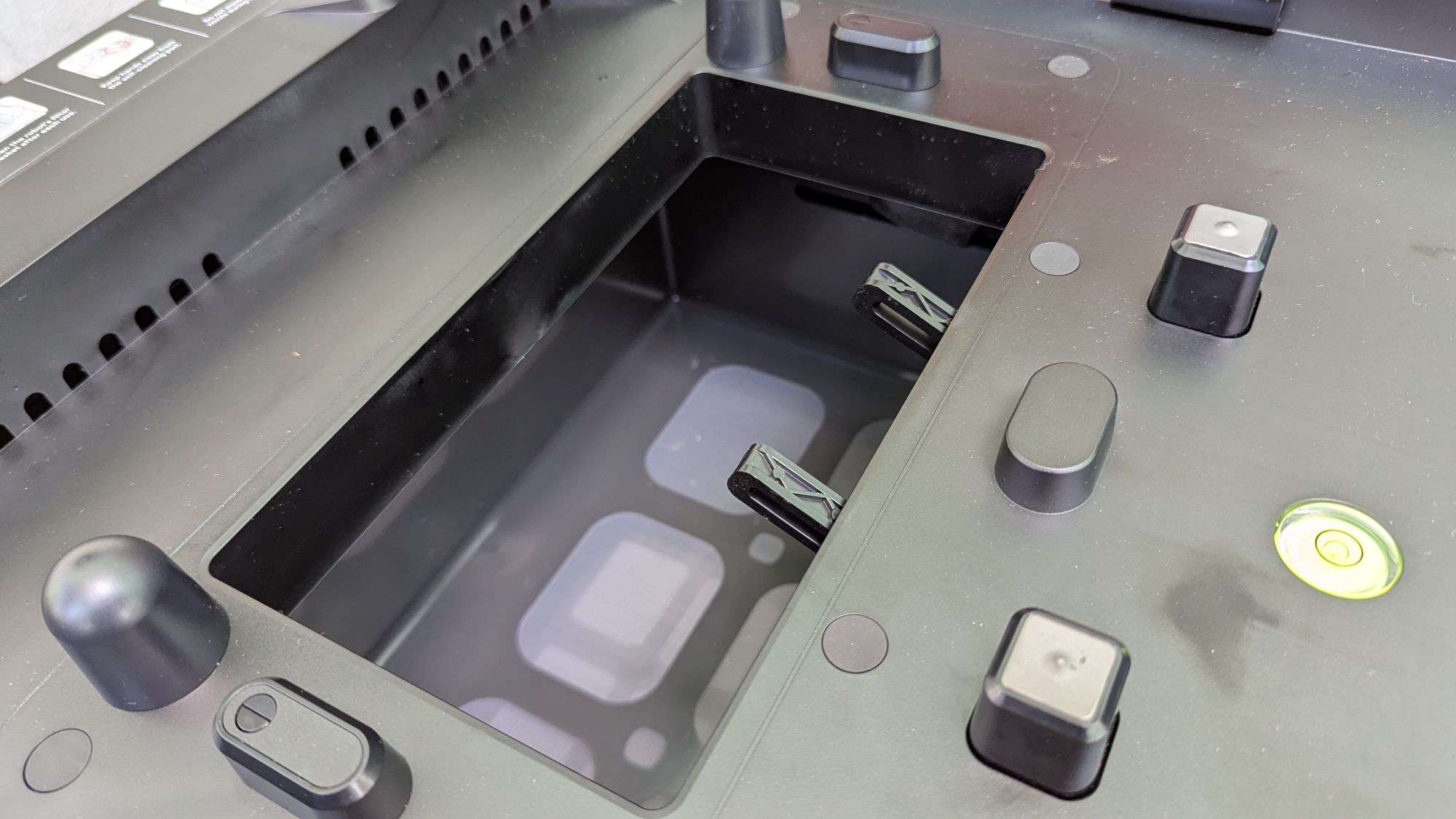
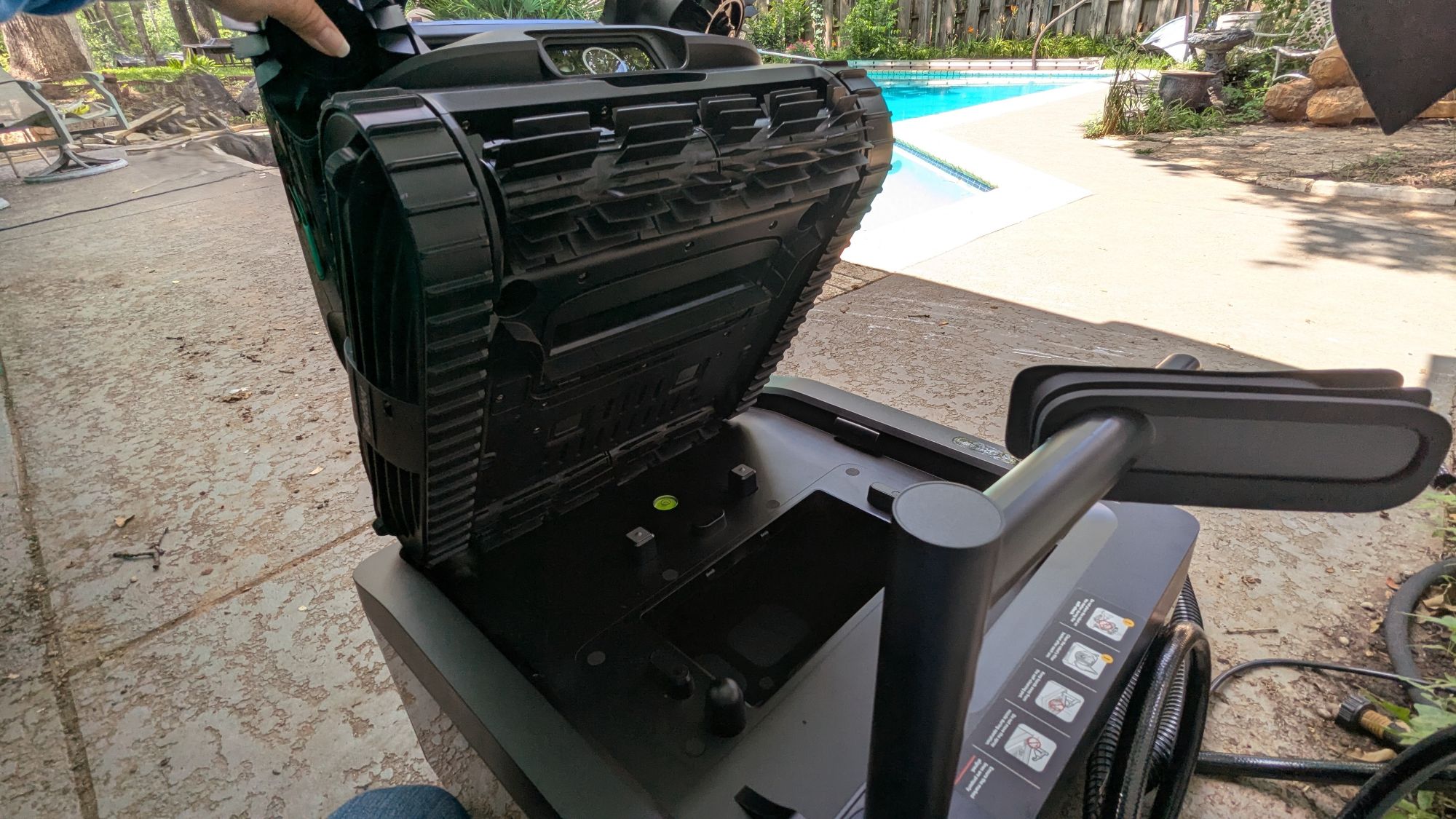
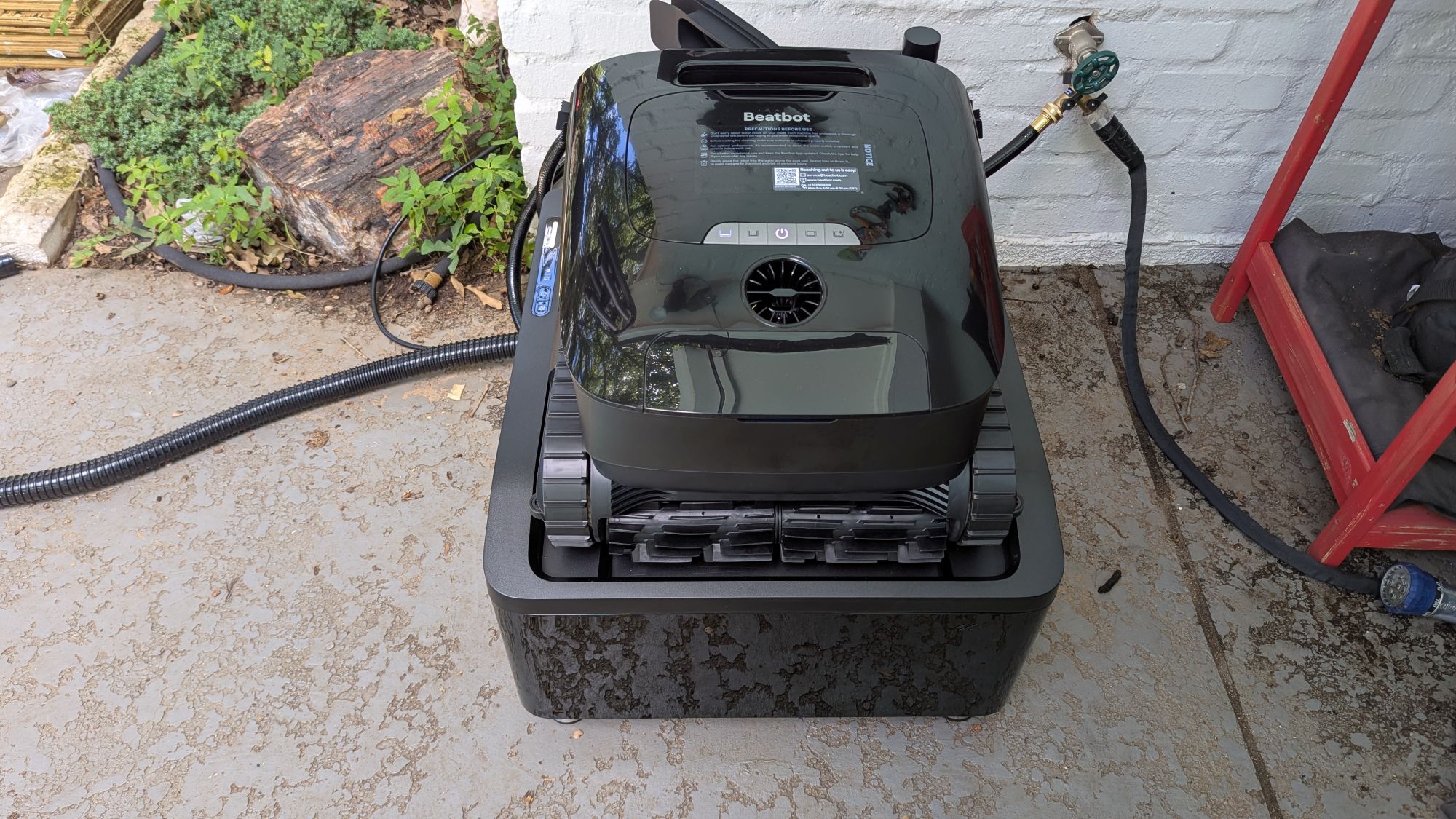
Now I was ready to start charging the robot by setting it down on the station (I aligned the robot’s charging contacts with those on the station).
Pair the AquaSense X Robot with the AstroRinse Station
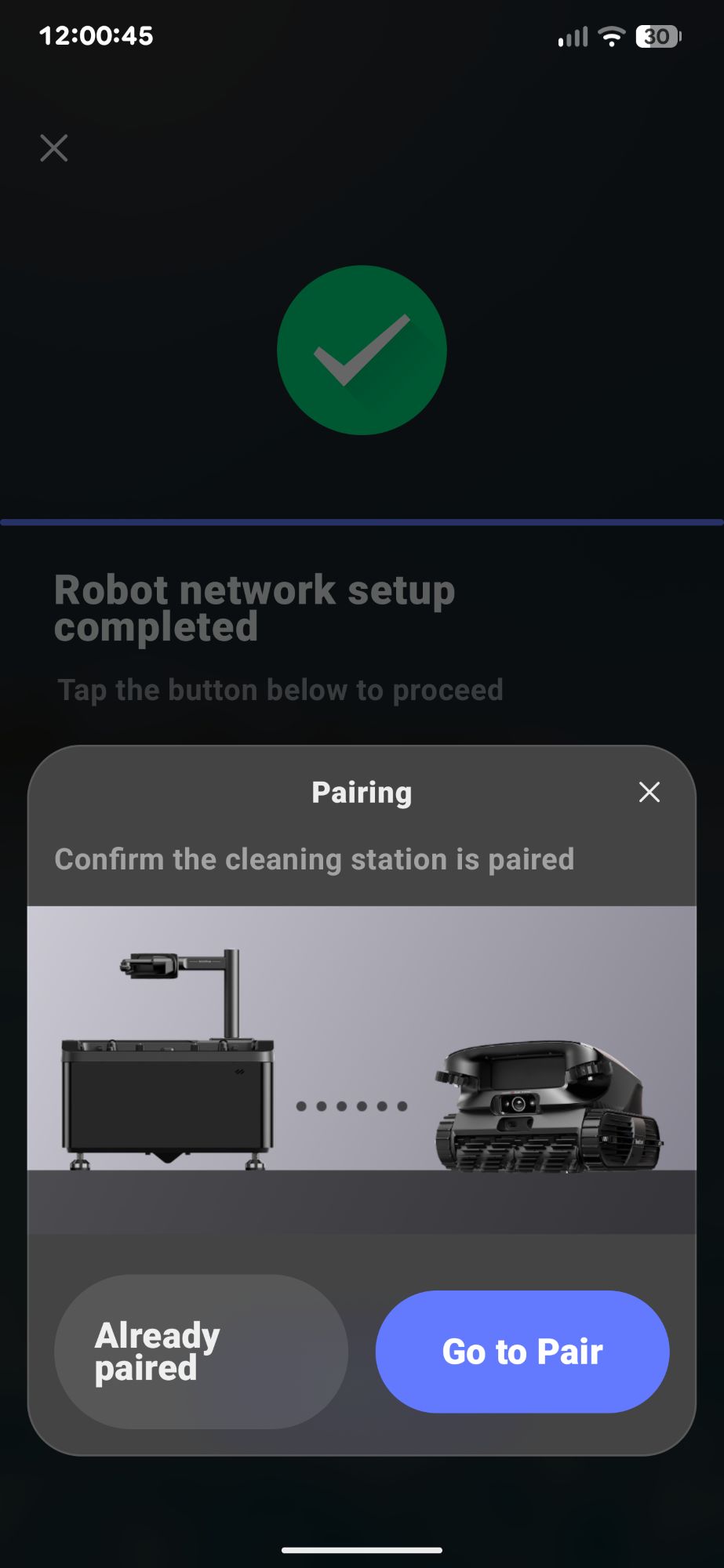
I then paired the robot to the station. To do this, I pressed the “Standard Mode” button (“floor and sides” cleaning button) for three seconds until the robot flashed white. I then pressed the station’s “Self-Clean” button for three seconds until it flashed white. I then waited until the station’s voice prompt said, “Pairing complete”.
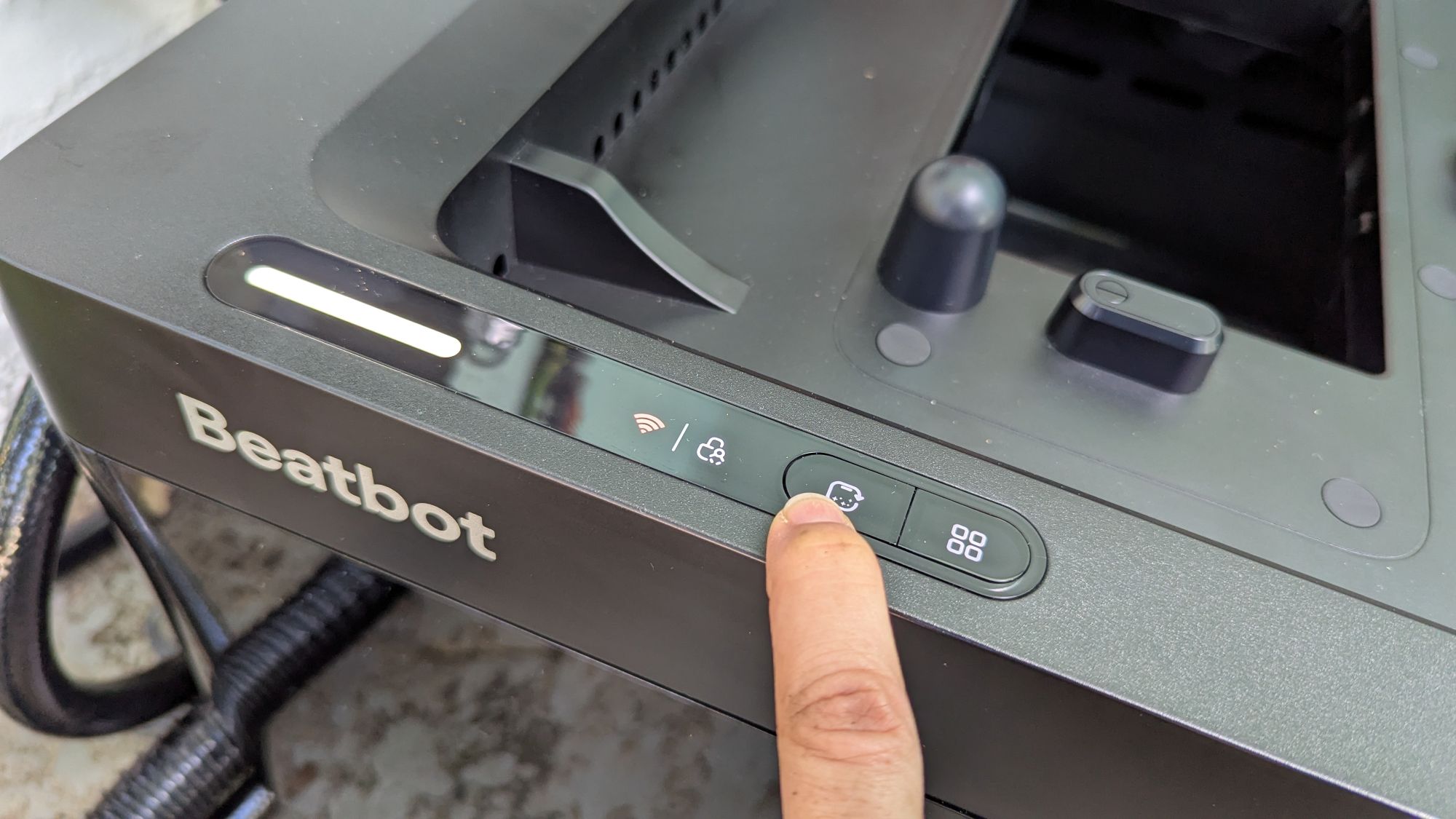
Connect the Robot and Station to WiFi
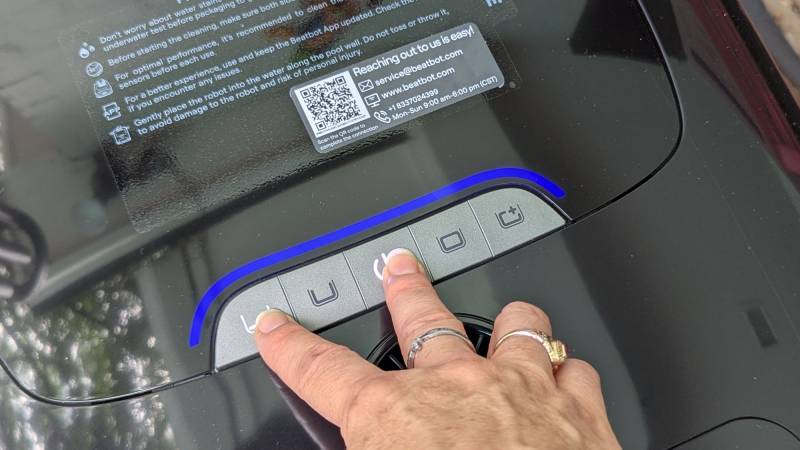
Long-pressing the robot’s “Power” and “Floor” buttons for three seconds puts it in network setup mode (blue flashing light). At this point, I needed the Beatbot app.
The Beatbot App
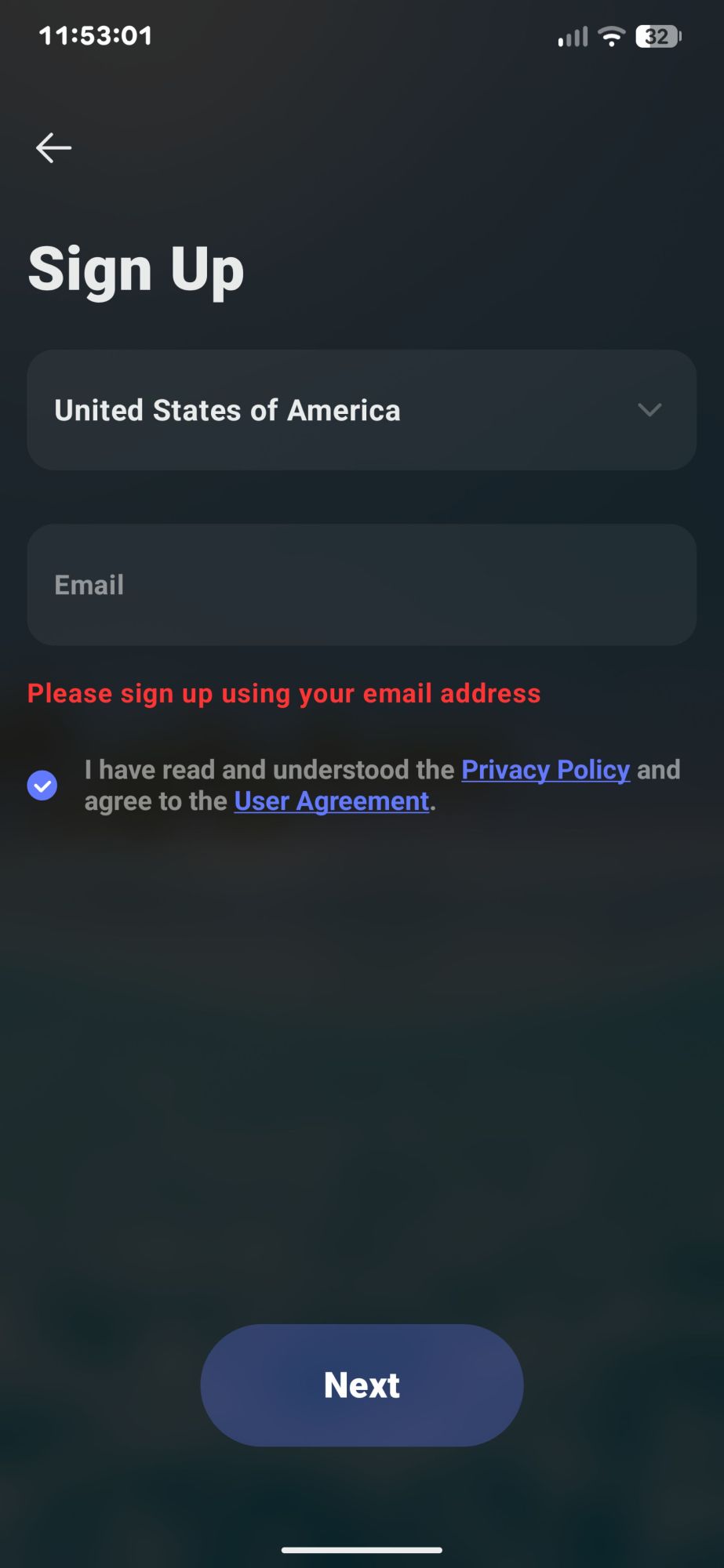
After installing and opening the Beatbot app, I created an account and clicked on the “Add Robot” button. I scanned the robot’s QR code to add it to the app.
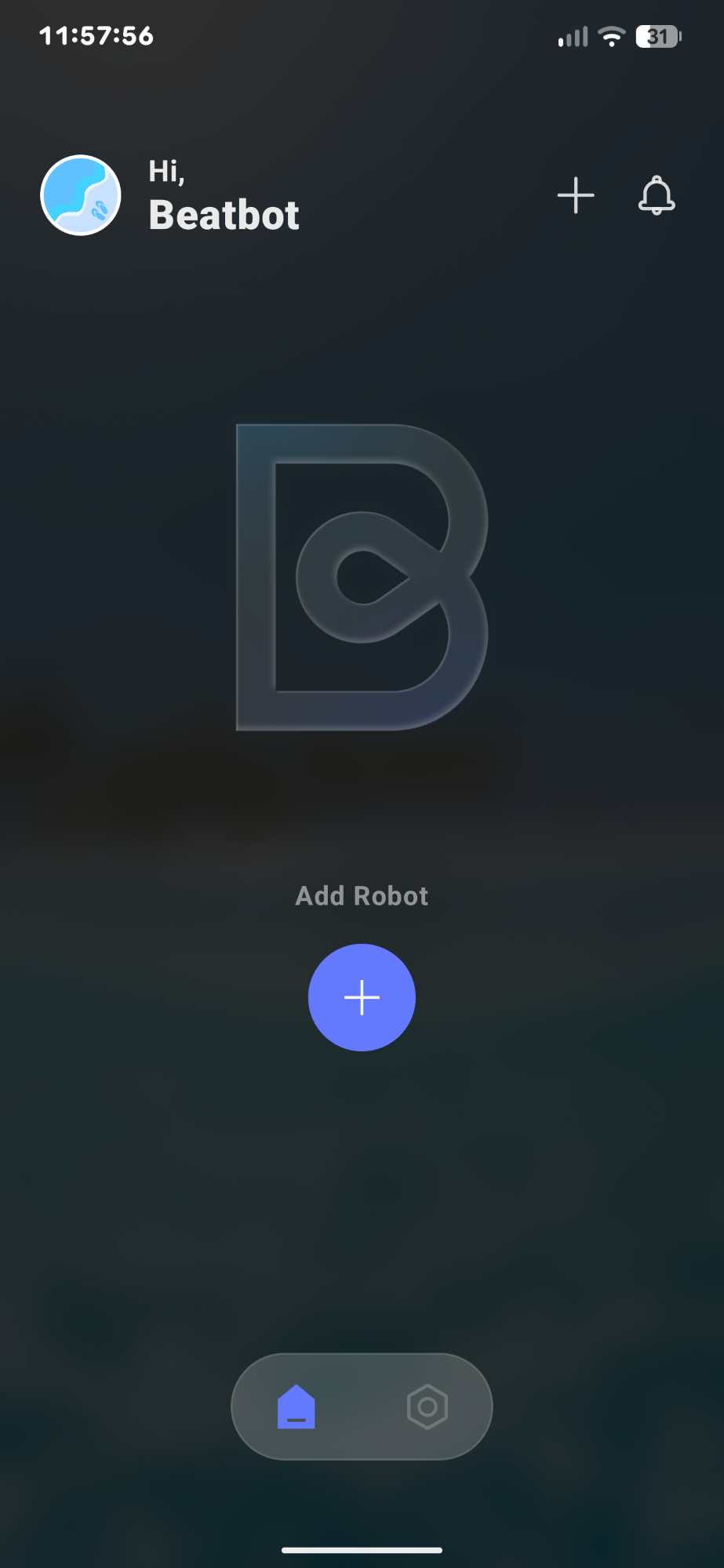
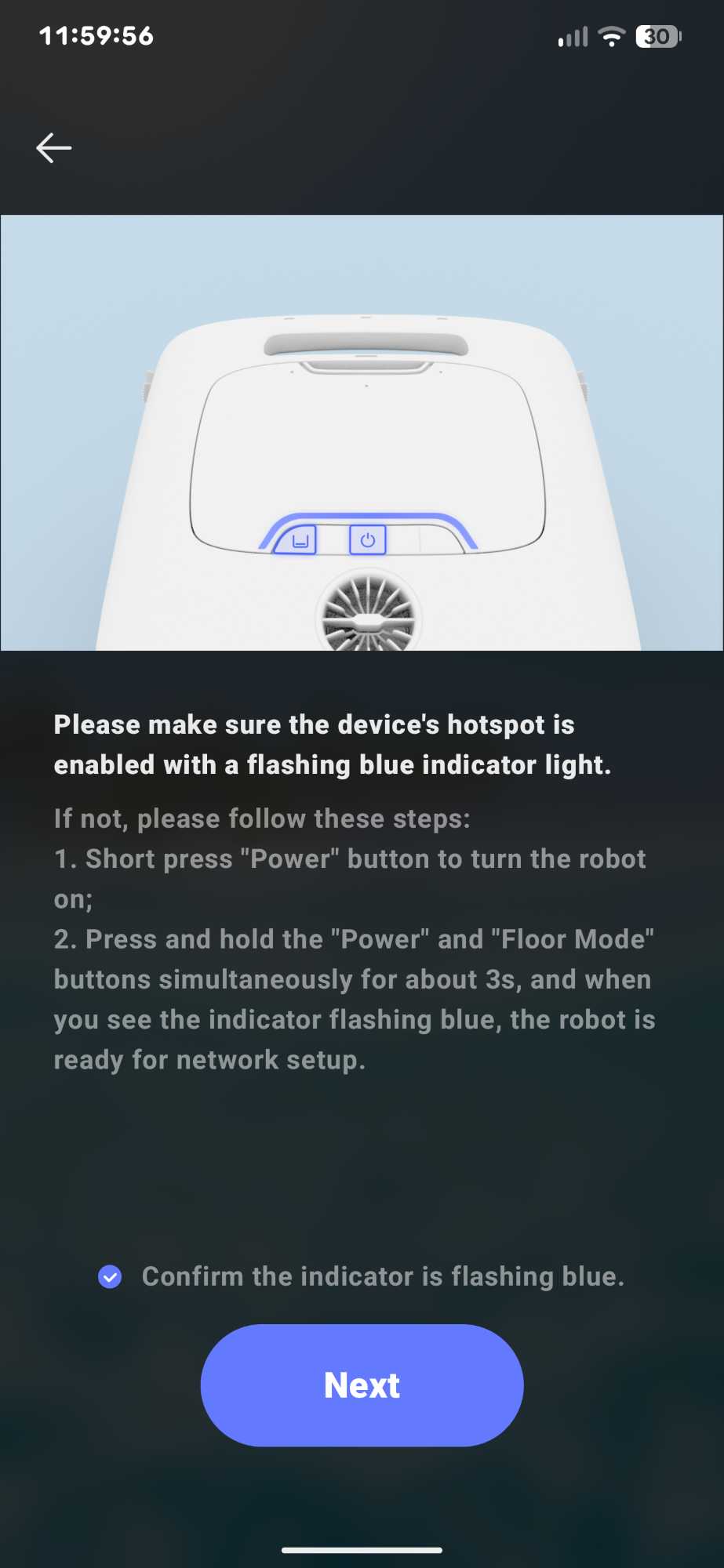
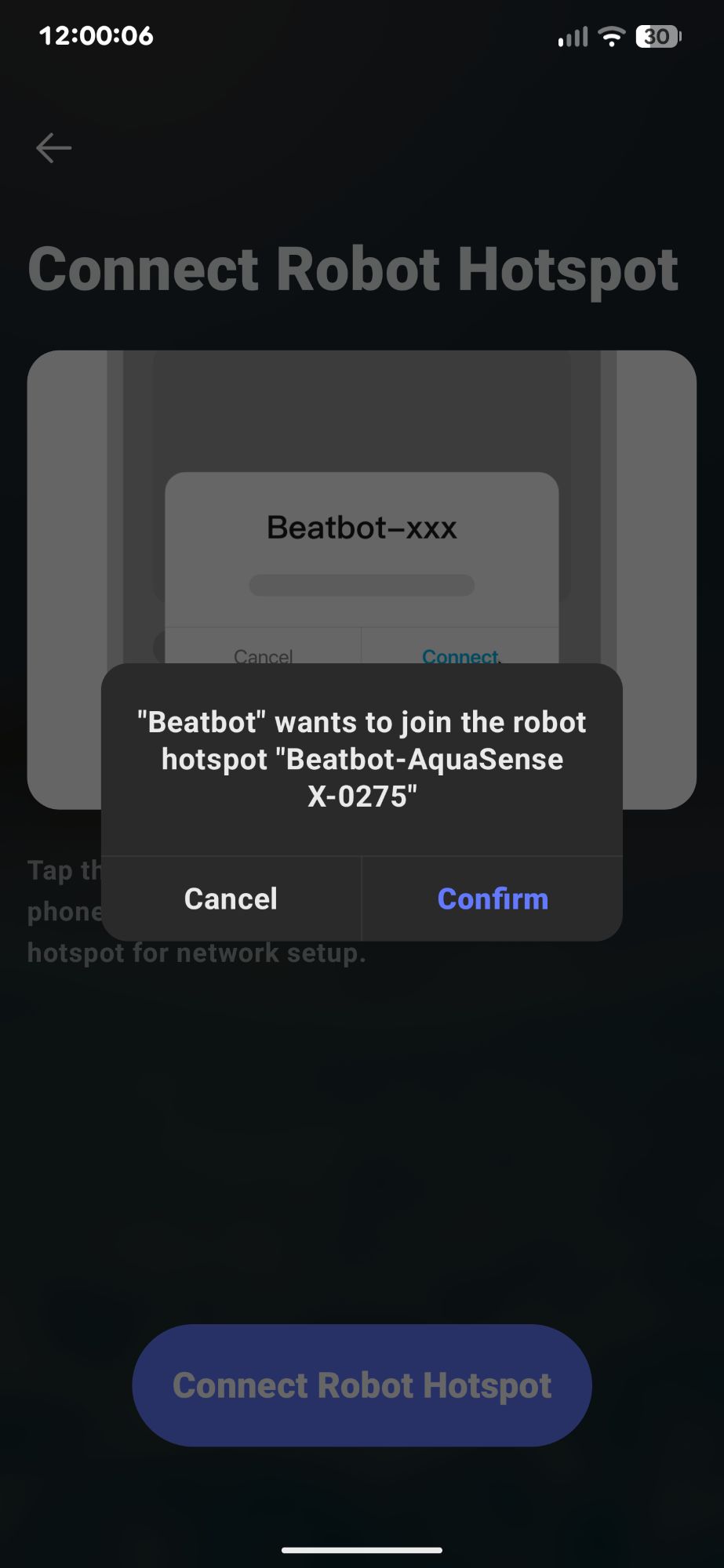
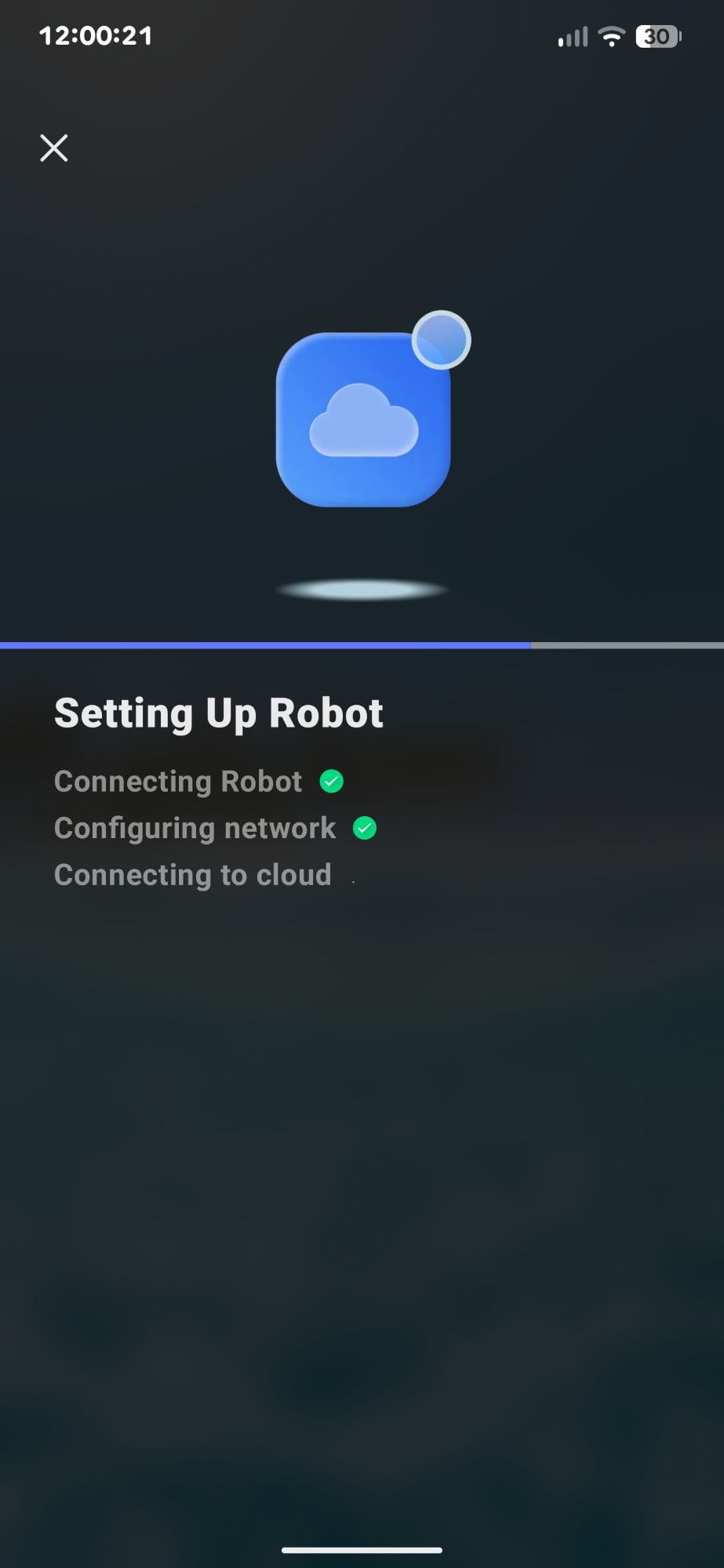
Following the app prompts, I confirmed that the robot indicator was flashing blue, then selected a WiFi network and entered the password to connect it to WiFi. Since the robot and the station were paired, the station was supposed to connect automatically to the same WiFi network. It failed to connect the first time, so I tried again by simultaneously pressing the station’s “Self-cleaning” and “Function” buttons for 10 seconds. After waiting several seconds, it connected.
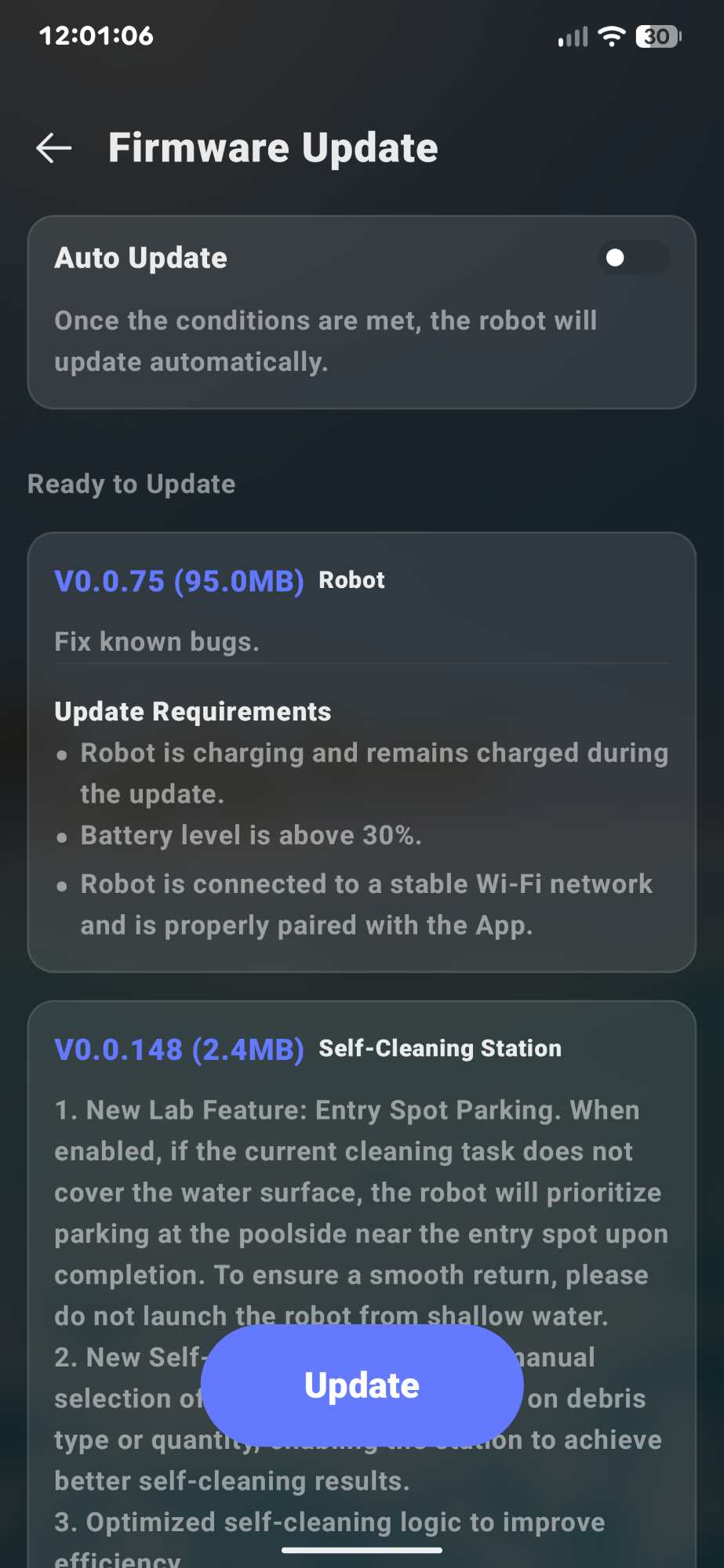
Lastly, the robot needed to install a firmware update.
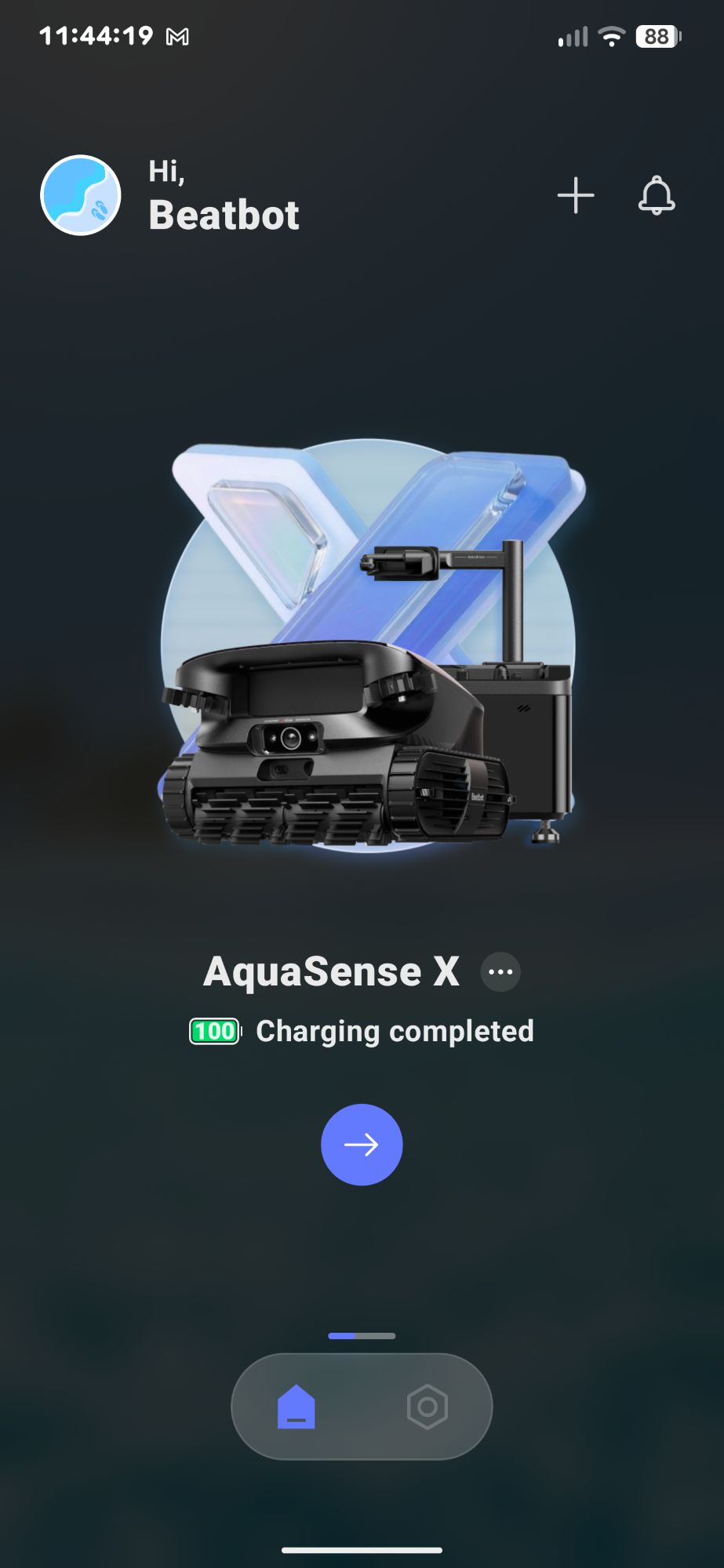
The app is really easy to use. When you launch the app, you’ll see a picture of the robot, its battery status, and a blue arrow button below the battery status (first screenshot below). Located at the bottom of the screen are a home button and a settings button.
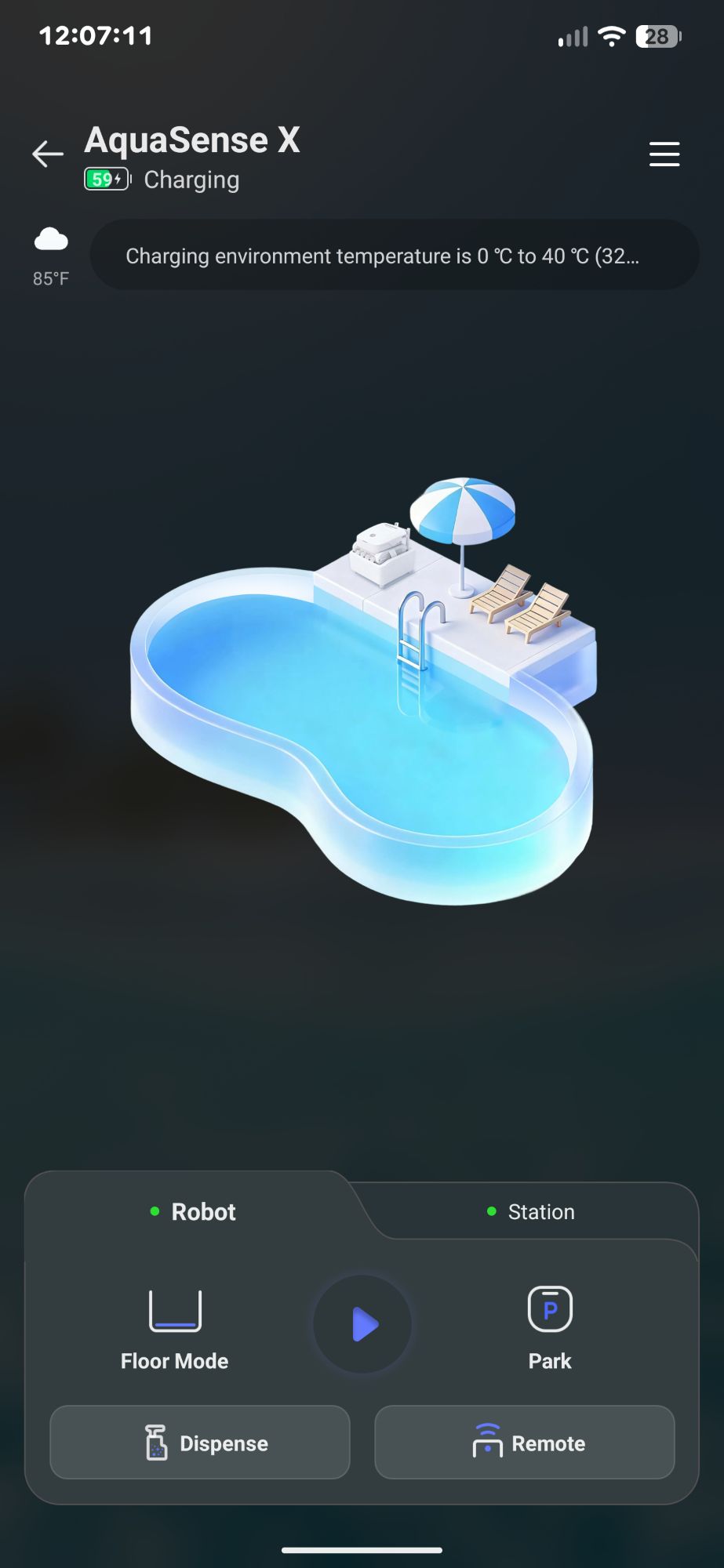
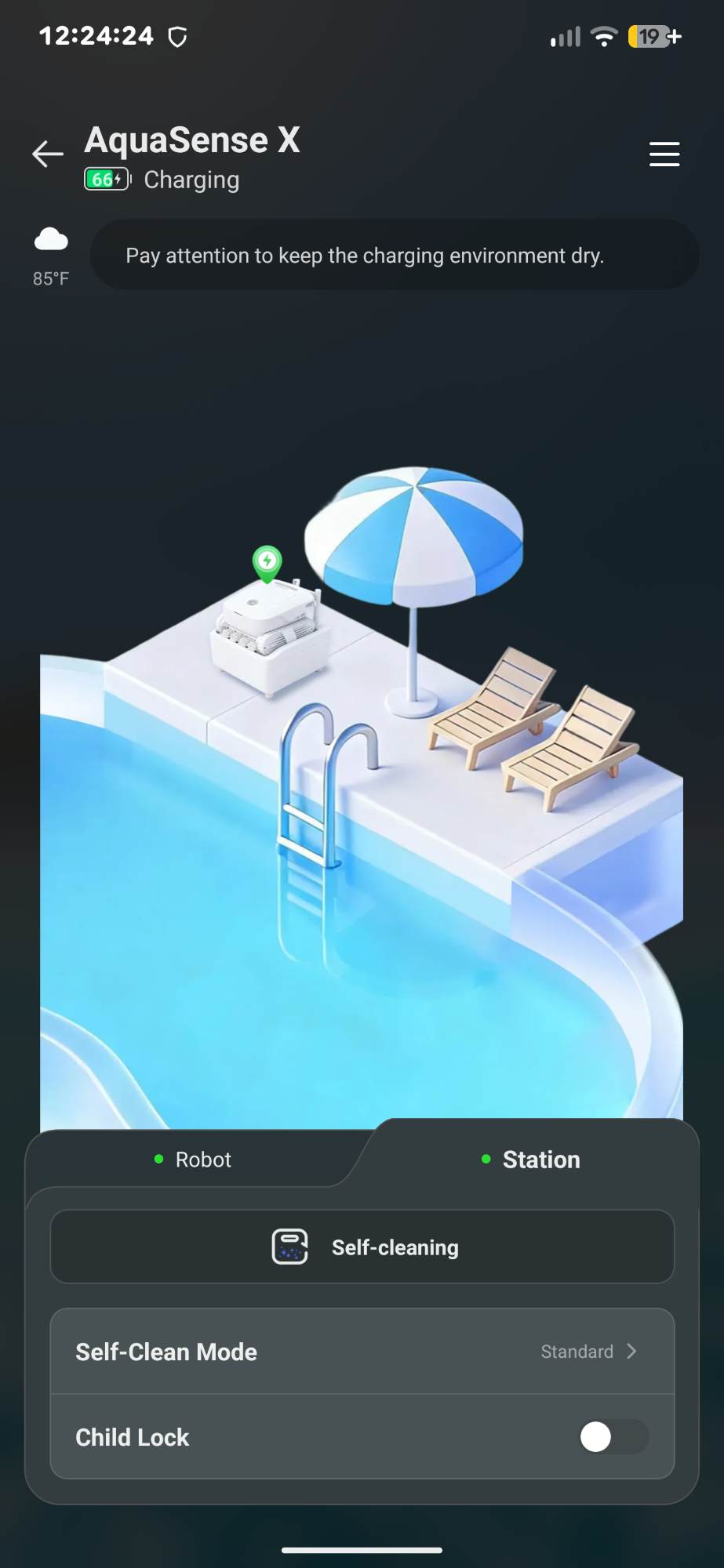
Tapping the robot or arrow button will take you to the robot’s main screen, which has two tabs: one for the robot and another for the station (see the second screenshot below).
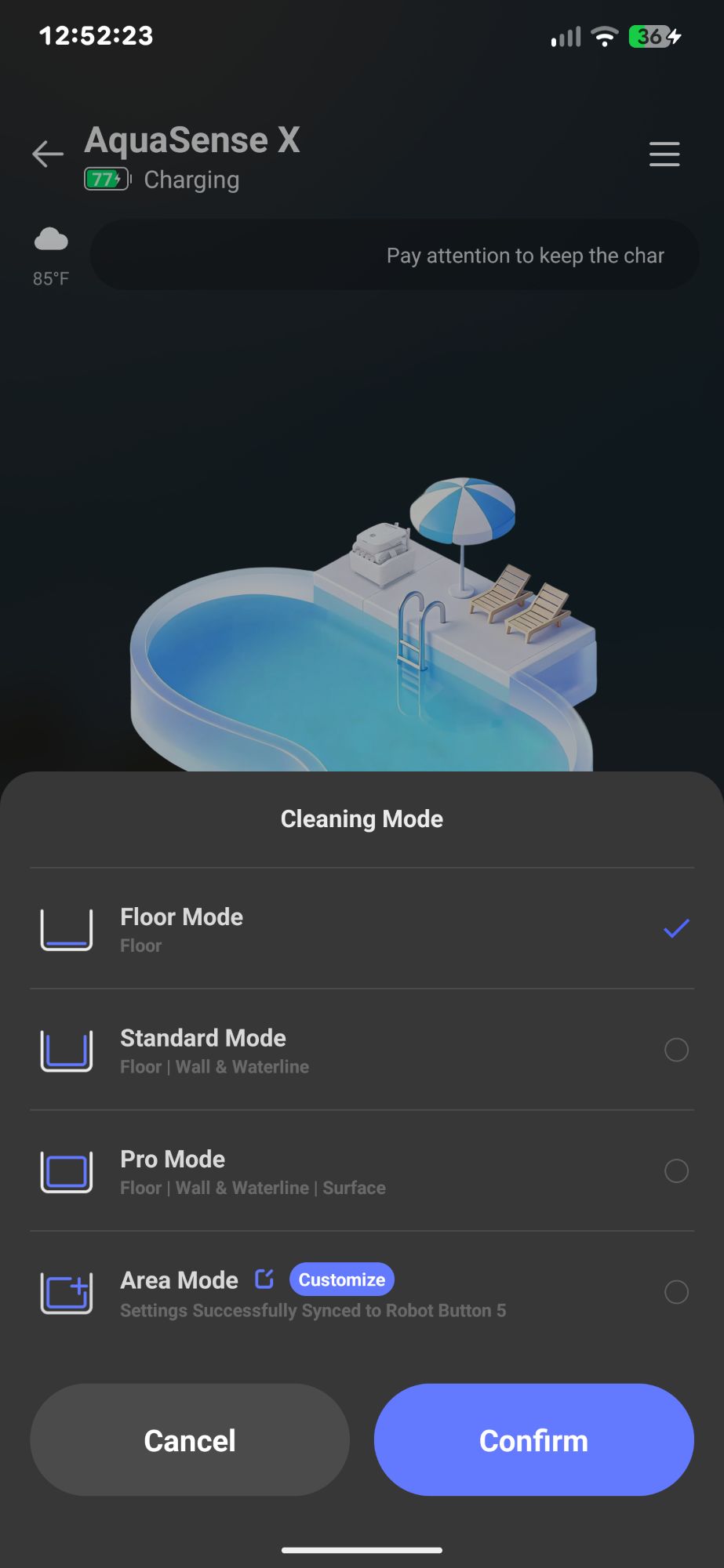
On the “Robot” tab, there are buttons for the cleaning mode, a play/pause button, a “Park” button, a “Dispense” button, and a “Remote” button.
- Floor Mode
- Standard Mode: floor and walls/waterline cleaning
- Pro Mode: floor, walls/waterline, and surface cleaning
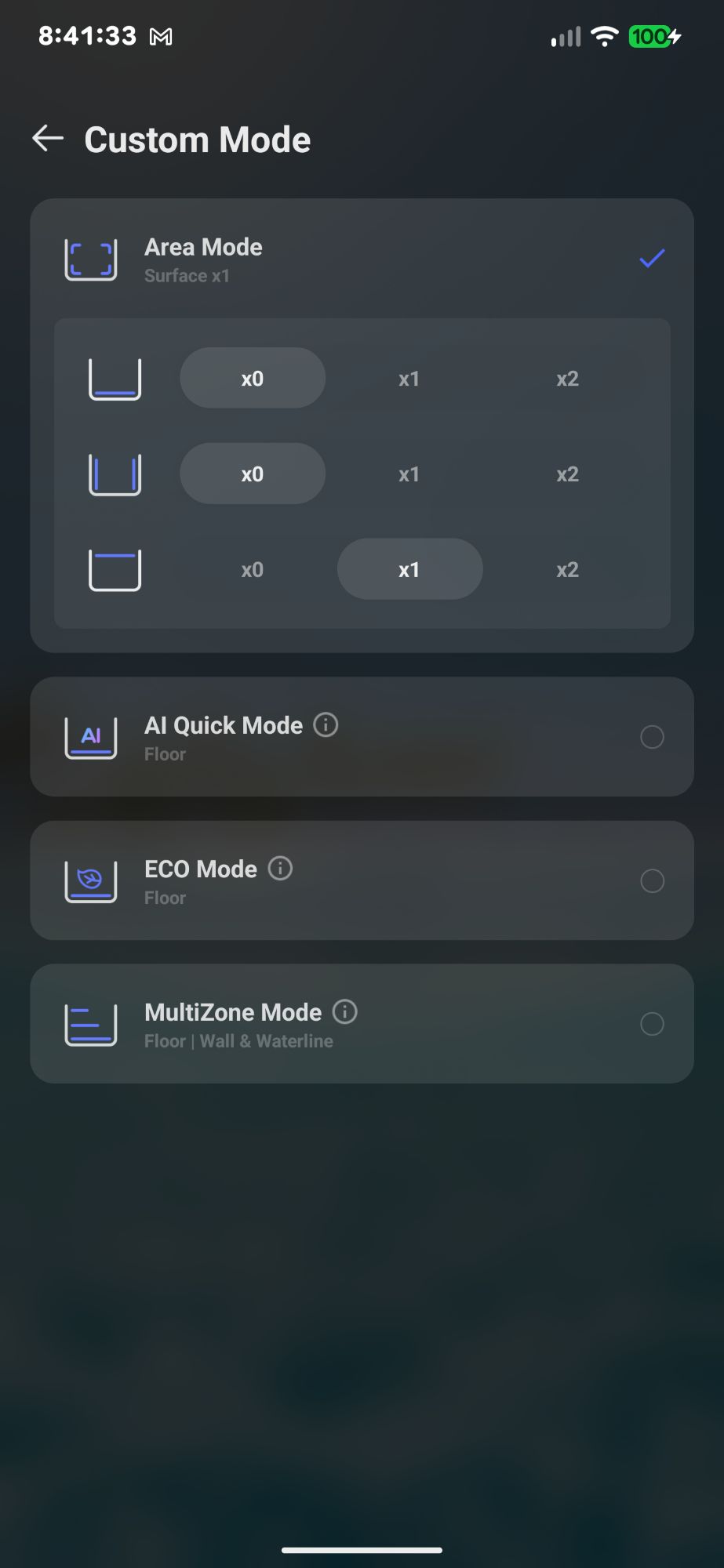
- Area Mode: custom cleaning
- You can specify a custom Area Mode for the robot to clean the floor 0, 1, or 2 times, the walls 0, 1, or 2 times, and the surface 0, 1, or 2 times.
- You can select AI Quick Mode: “This mode is designed to quickly remove the leaves and seeds from the pool floor.”
- You can select ECO Mode: “This mode is designed for floor cleaning and performs automatically every 48 hours. The robot will auto-return when the battery is low.”
- You can select MultiZone Mode: “This mode is suitable for scenarios where the pool contains multiple large stepped areas and bowl-shaped pool features.”
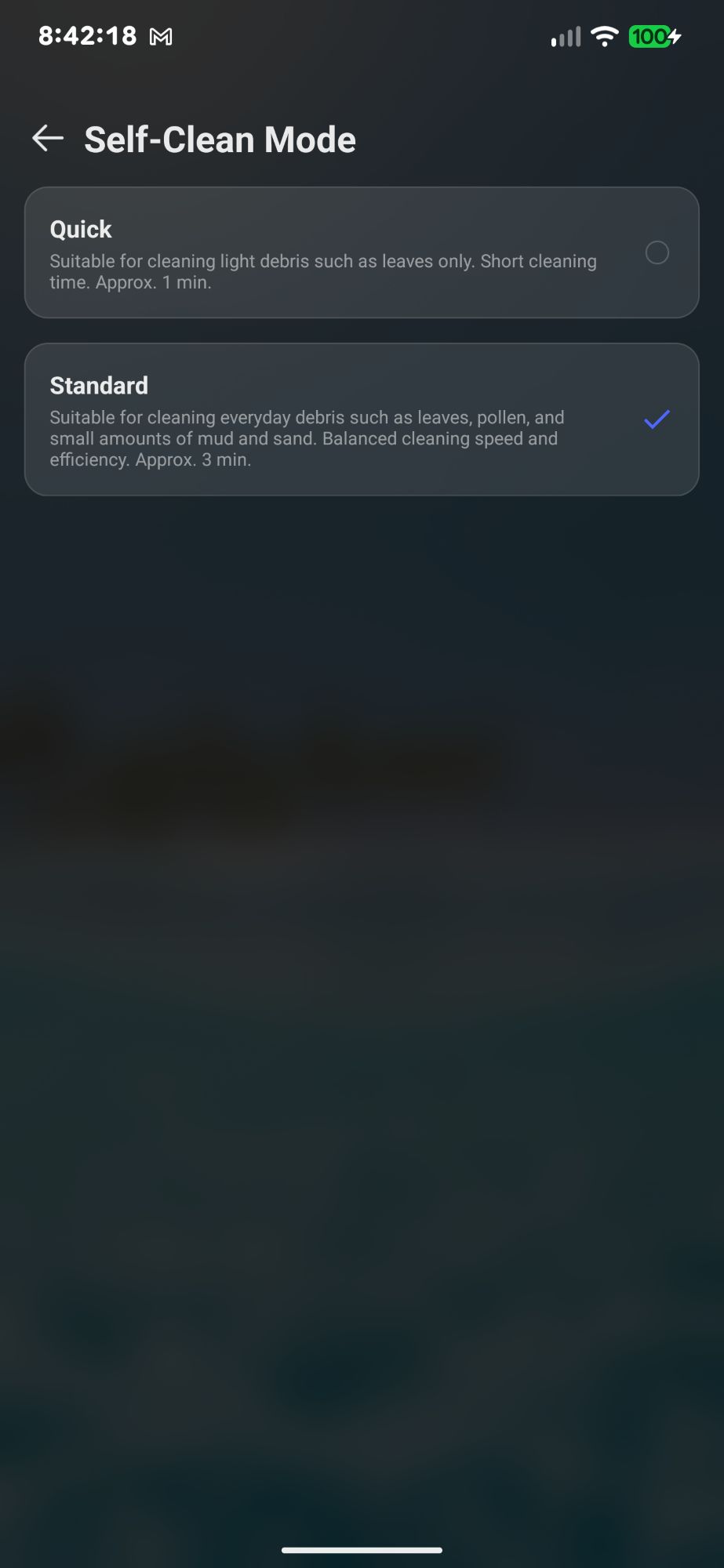
The “Station” tab has two settings that can be adjusted: you can toggle on or off a child lock, and you can switch between standard self-cleaning (three minutes) and a quick self-cleaning mode (one minute).
Performance: AquaSense X Robot Pool Cleaning
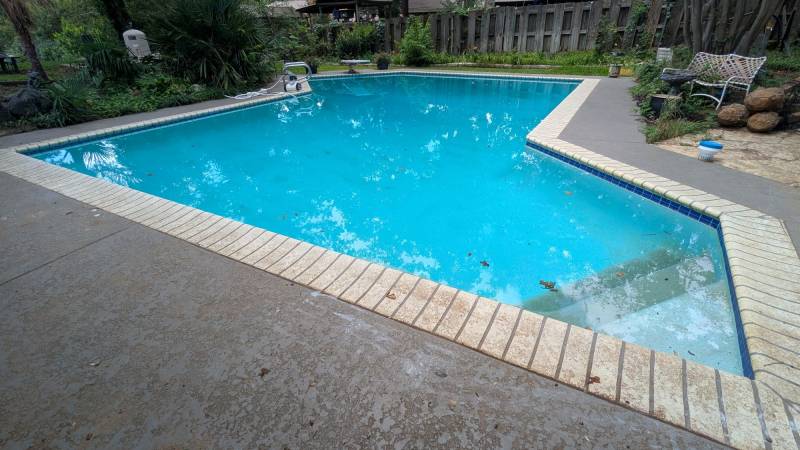
Below is a photo of the pool before using the AquaSense X AI Robotic Pool Cleaner. There was debris on the pool floor and on the surface. The pool floor has sloped sides (the sides are not at 90 degrees to the floor). This robot can clean pools of all kinds: above-ground, in-ground, rectangular, round, freeform, and those that are made of concrete, ceramic tiles, vinyl, and fiberglass.
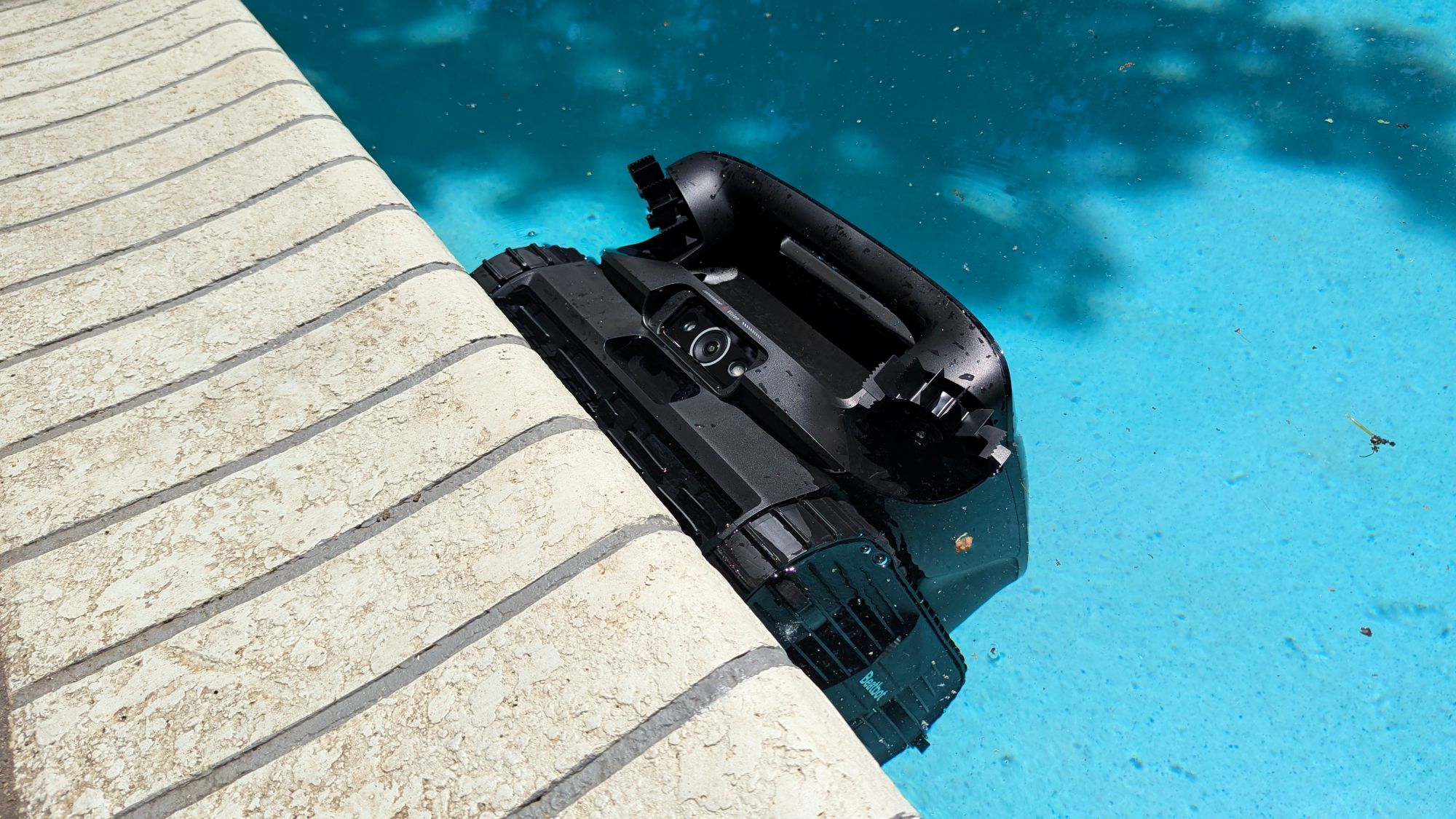
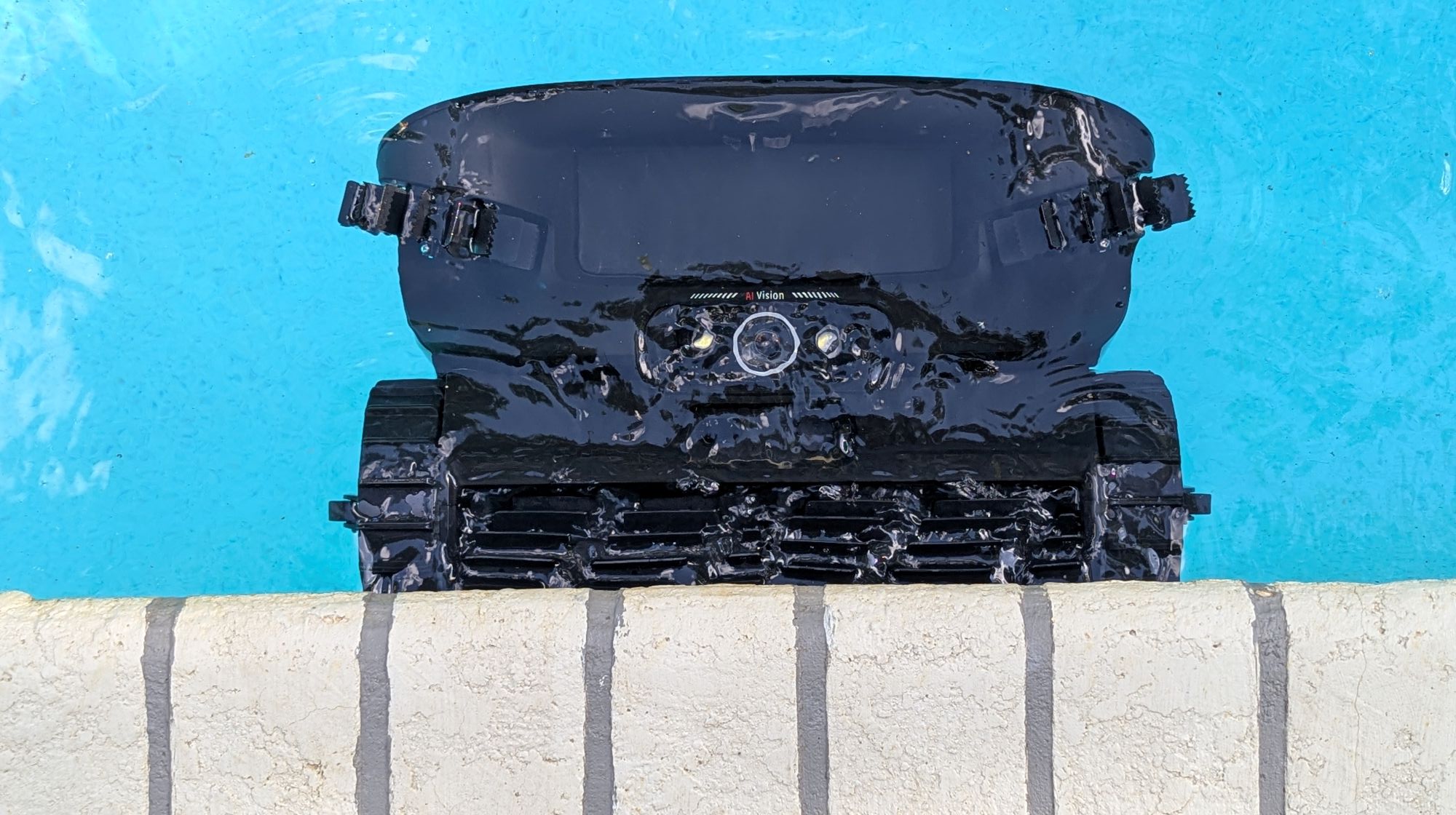
In general, when the robot completes its cleaning task, or the battery is too low to finish, it will park at the pool’s edge on the surface.
Before I could run the robot for the first time, I needed to complete a few steps first. I needed to clear the pool of large debris and pool toys, keep people out of the pool during cleaning, and ensure that the robot was sufficiently charged to perform the cleaning.
To start my testing, I selected the Pro Mode (floor, sides/waterline, and surface cleaning) and placed the robot along the edge of the pool. After a few minutes (you must be patient; the robot takes some time before starting the cleaning task), the robot began to sink and start cleaning the floor first.
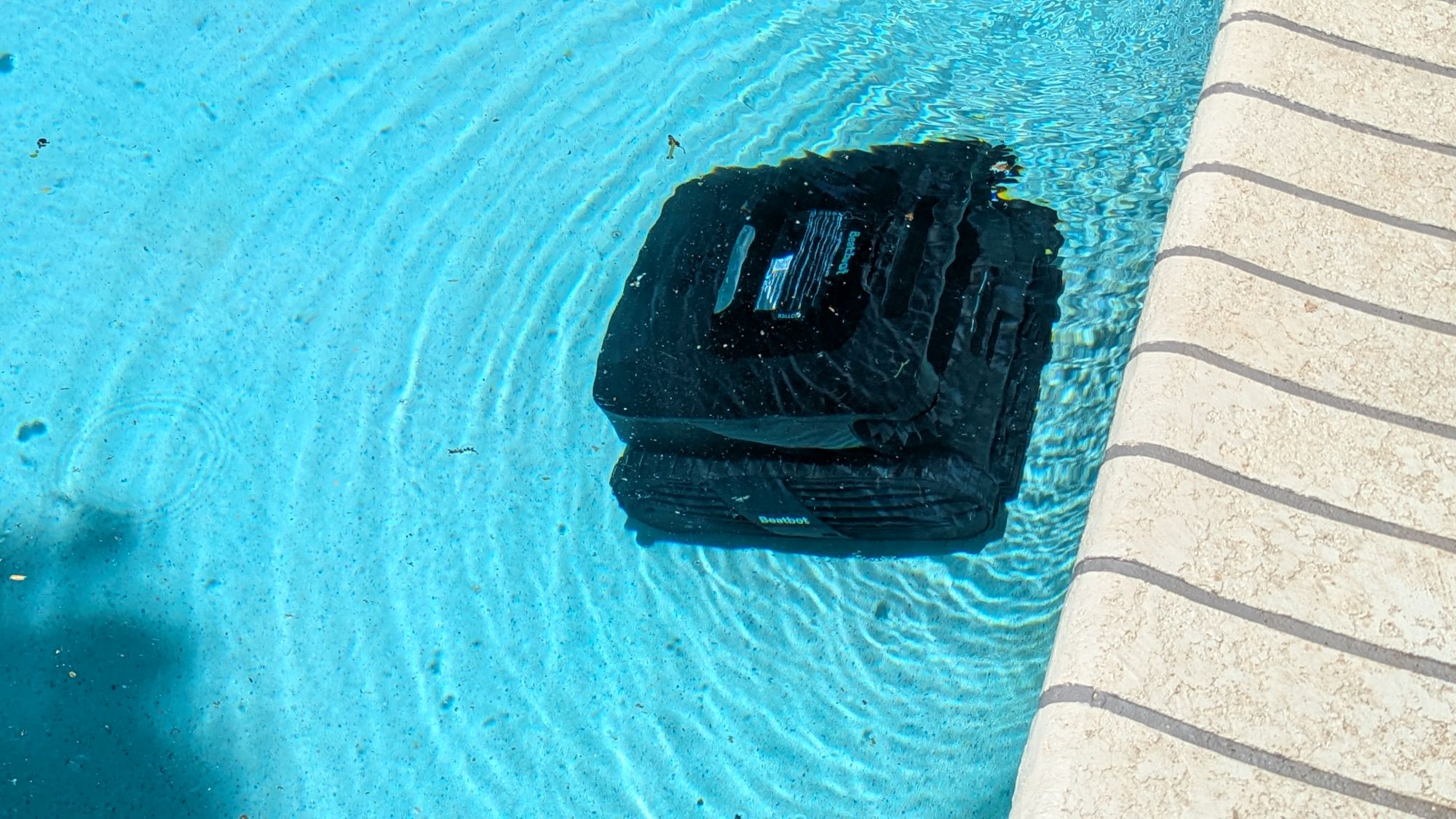
The following is about a 5-minute time-lapse video (the original was 57 minutes) of the floor cleaning.

The robot tried to clean the pool stairs, but was unsuccessful. It needs to have at least a 3.3 ft. x 3.3 ft. area and be at least 14 in. deep to clean multiple levels of a pool successfully. The following video illustrates the difficulty the robot has when trying to clean stairs (the original video was five minutes).

After spending a lot of time cleaning the pool floor, it started on the sides/waterline of the pool. As I watched it, it cleaned one wall, then went to the opposite end of the pool to clean another wall. It seemed to pick the sides to clean in a random fashion. It ended up missing areas of the sides (sometimes these were large areas that were missed).
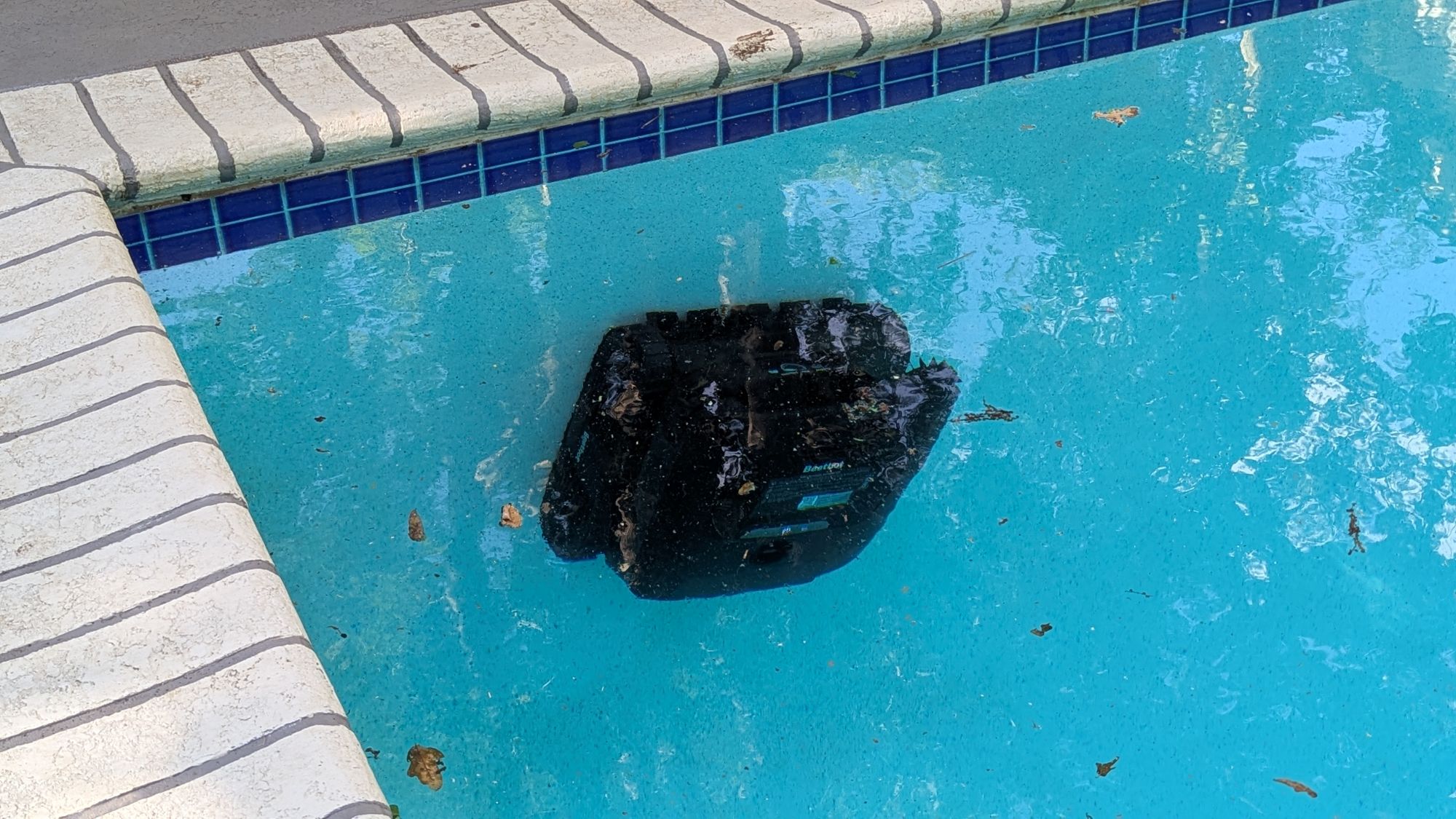
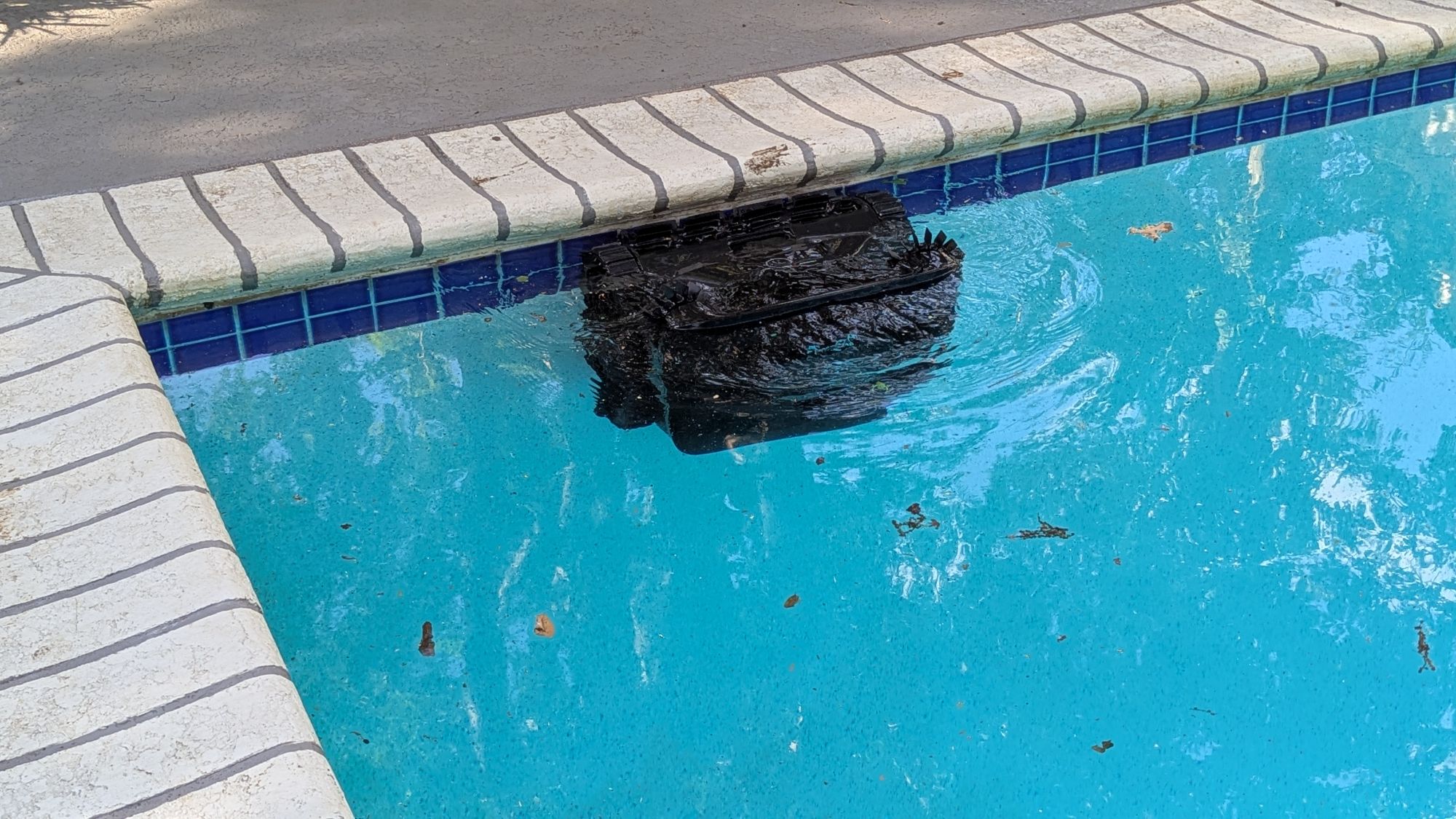
The following video illustrates how the robot cleans the pool walls/waterline (this was a two-minute video compressed to one minute).

Most of the battery was used to clean the pool floor and sides/waterline. Thankfully, surface cleaning uses a lot less battery. As the robot transitions from cleaning the sides to cleaning the surface, it drains the water from the robot and then floats on the surface to finish the cleaning cycle. By the time it was finished, the robot’s battery percentage was in the teens or less.
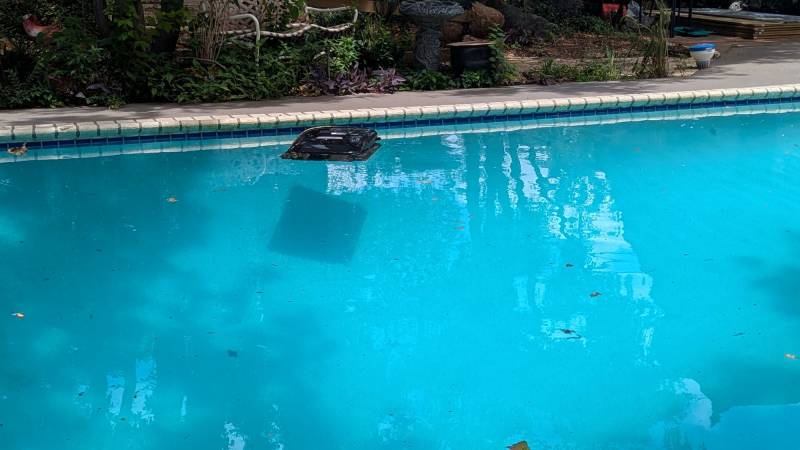
The following video shows how the Beatbot robot cleans a pool’s surface. It’s about a 2.5-minute time-lapse video (the original video was 22 minutes). It’s kinda funny to watch the robot in time-lapse; it looks like it’s a little lost driving around the pool. It was a very windy day, and there was a pool pump running, so that might have contributed to the erratic movements.

Watching the surface cleaning up close is interesting, too. If you watch the video below, there is floating debris that looks like they float into the robot, then floats right back out. And yet, after cleaning the surface daily for several days in a row, the pool’s surface is cleaner.

The robot even does nighttime pool cleaning. It has an ambient light sensor that, at a certain light level, triggers the robot’s LED lights to turn on. In the following video, there are darker areas of the pool that trigger the LED lights to come on, and then there are lighter areas from residential lights shining on the pool where the LEDs aren’t needed.

The robot can clean the floor and sides for about 4.5 hours on one battery charge, but can clean surfaces for about 10 hours on one charge.
After the robot finished cleaning the floor, sides/waterline, and the pool’s surface, the battery was usually low and needed recharging, and the filter needed cleaning.
Using the AstroRinse Self-Cleaning Station to Clean the AquaSense X Robot
I placed the robot on the AstroRinse station and tested the self-cleaning cycle.
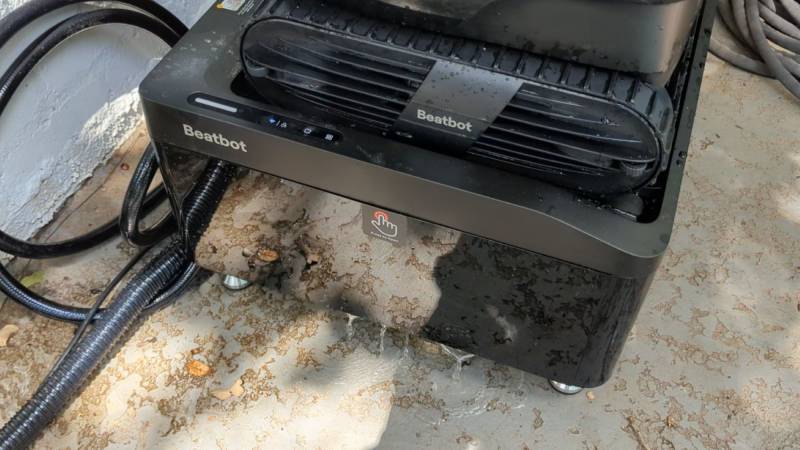
The self-cleaning takes about three minutes to perform its task, as the following video illustrates (the video was 4.5 minutes long and was sped up to fit in two minutes). I was a bit surprised by how loud the cleaning station was, but it did a good job of cleaning the robot and its filter basket.
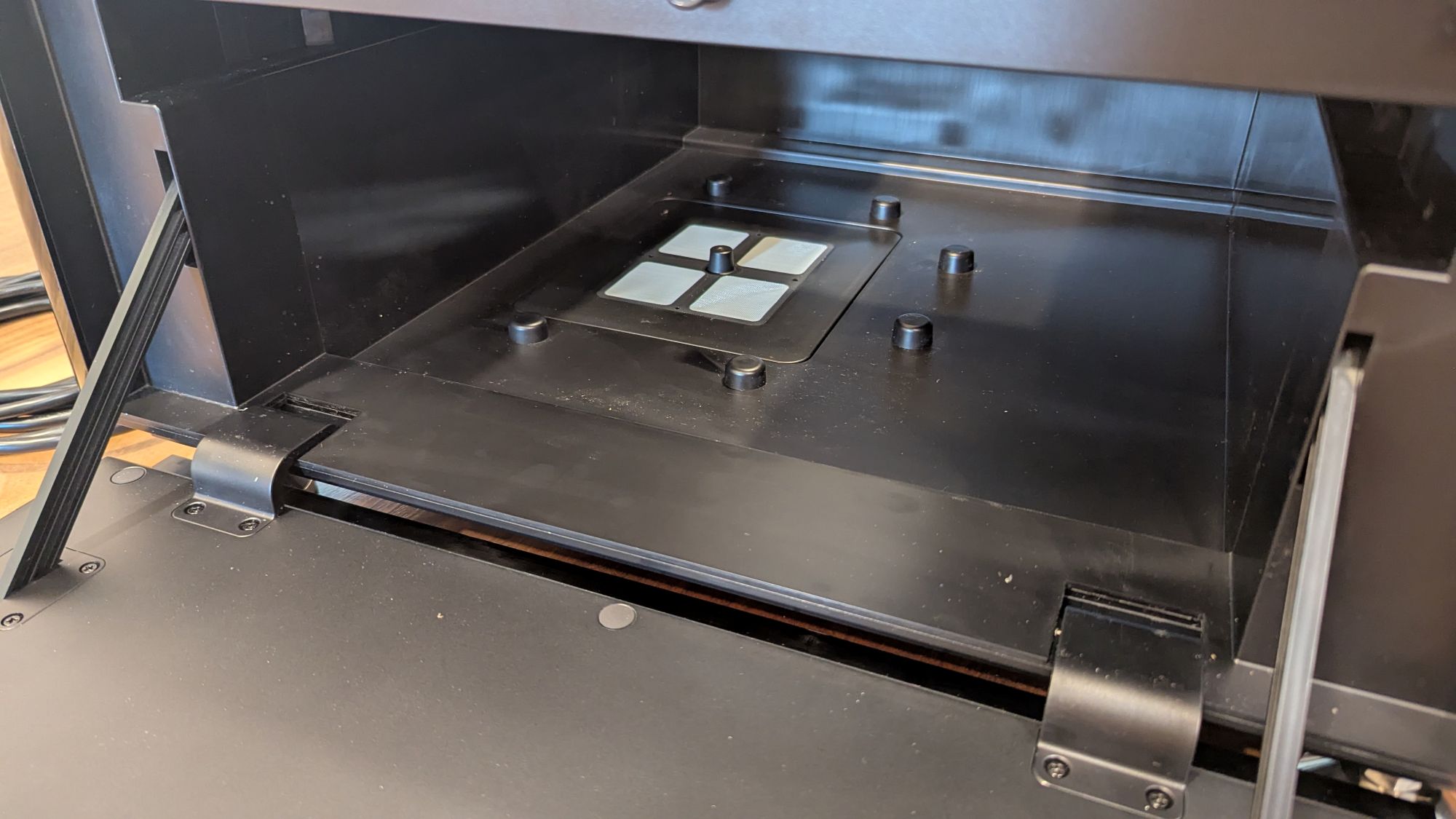
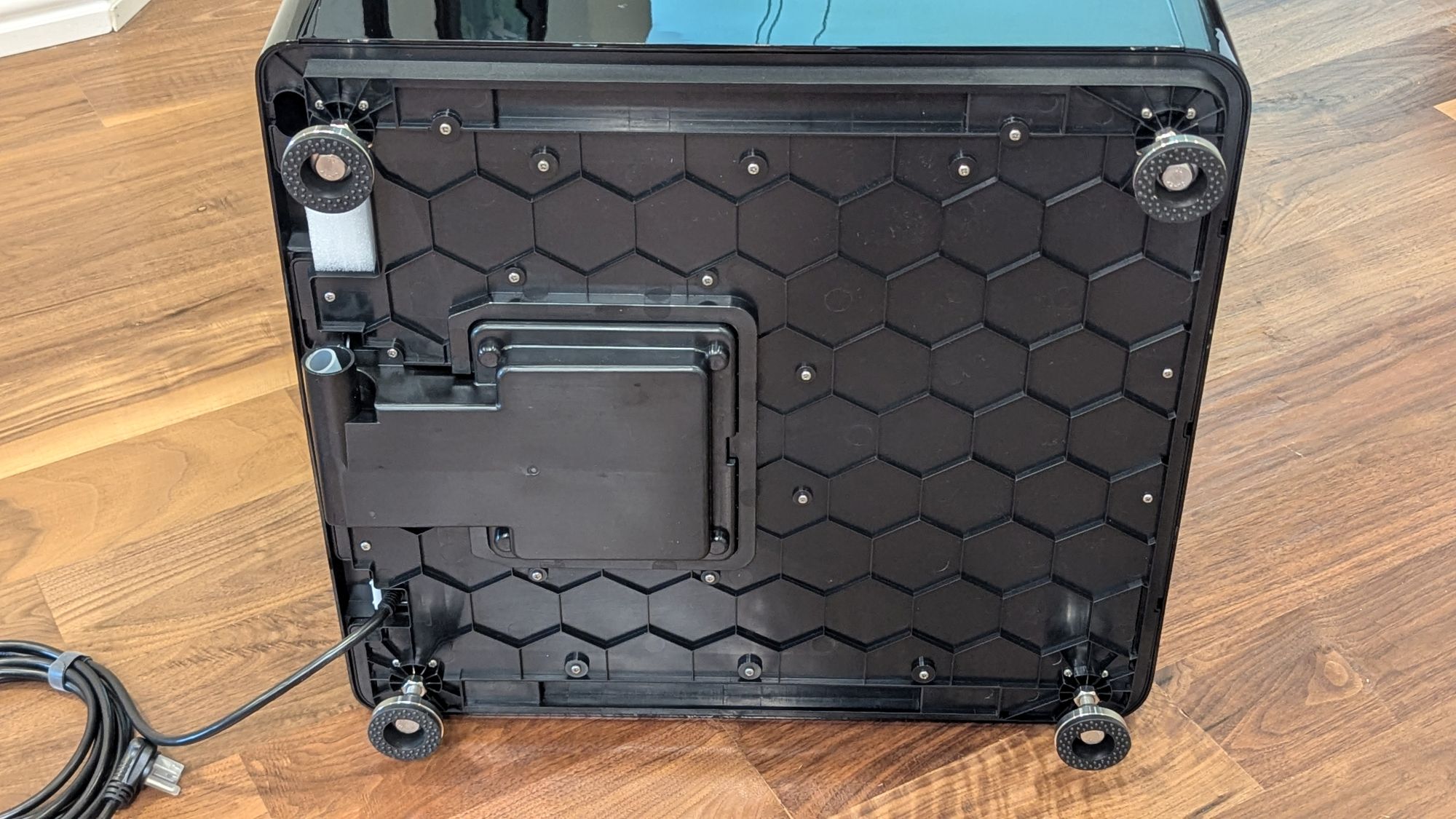
The drain hose directs a lot of the wastewater to an area you designate. However, in the video you’ll notice that excess water runs out of the side of the station. That means that the station’s drain is too small to purge all of the wastewater being used to clean the robot.
Furthermore, as the station’s mesh disposable bag collects more debris, the water drains from it more slowly. Thus, in the earlier self-cleaning cycles, excess water runs out of the side of the station, but from the bottom of the station’s filter basket (see the inset video shown below). As the filter liner fills with debris with each successive cleaning, the wastewater drains too slowly so that excess water runs over the top of the station’s basket as shown in the video below.

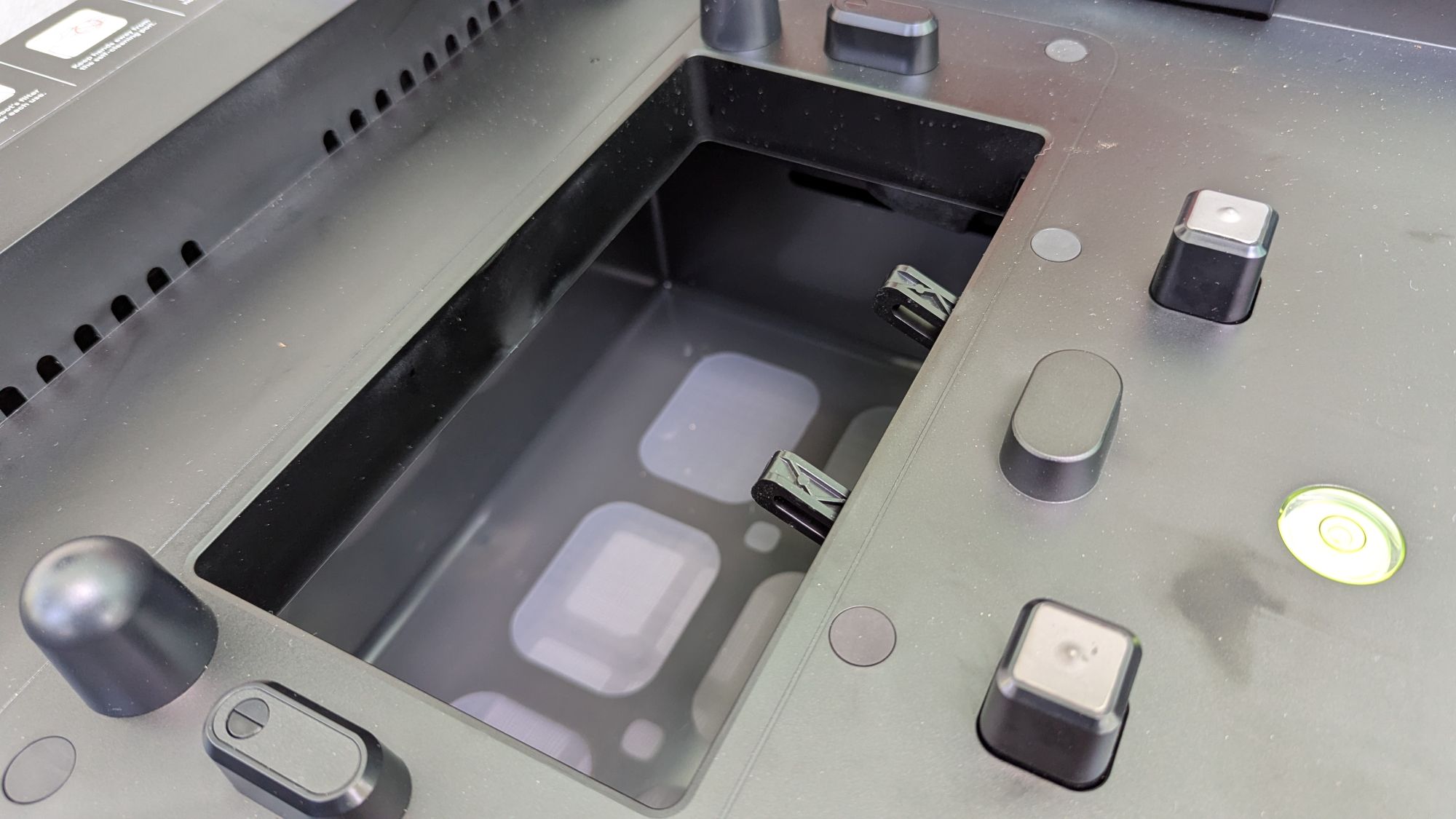
The following photos show just how small the drain area is in the station.
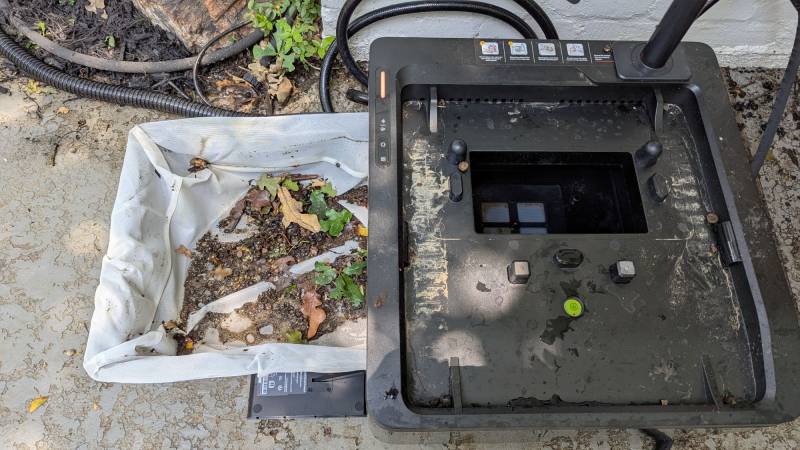
Beatbot provides disposable bags to line the station’s bin, so that when it’s full, you can grab the bag, cinch it up using its drawstring, and toss the whole thing. Even though the bag is disposable, it feels much sturdier and better made than one I would normally associate with being disposable. To replace the bags, you’ll have to pay $40 for four. However, you don’t have to use them; they’re optional. If you decide not to use them, you will have to clean or rinse the bin.
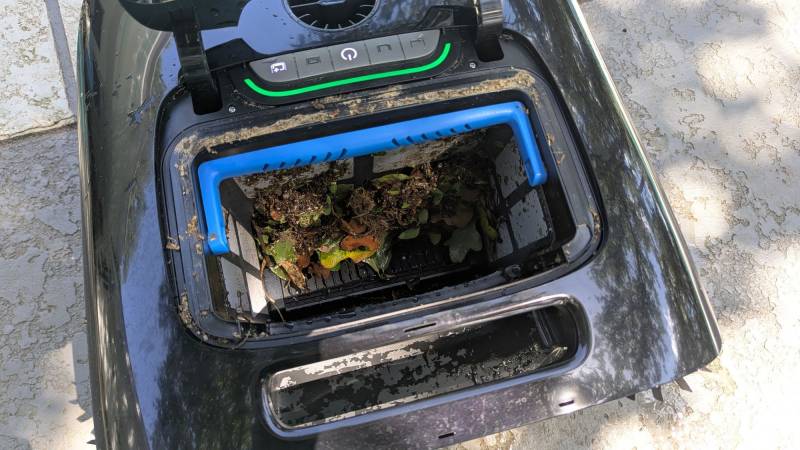
The following photo shows the amount of debris over about a week.
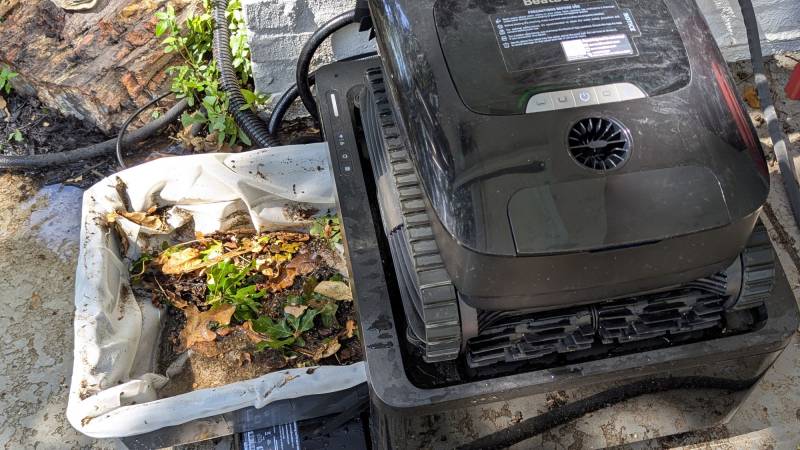
The photo below shows the amount of debris collected over a couple of weeks. At this point, the water doesn’t drain well out of the disposable mesh debris bag. Even though the station’s bin can hold 22L or up to two months of debris (about 3000 leaves according to the Beatbot website), draining issues and the possibility of the wet debris getting a little stinky after a while might have you cleaning it every week or two.
Pool Cleaning Continued
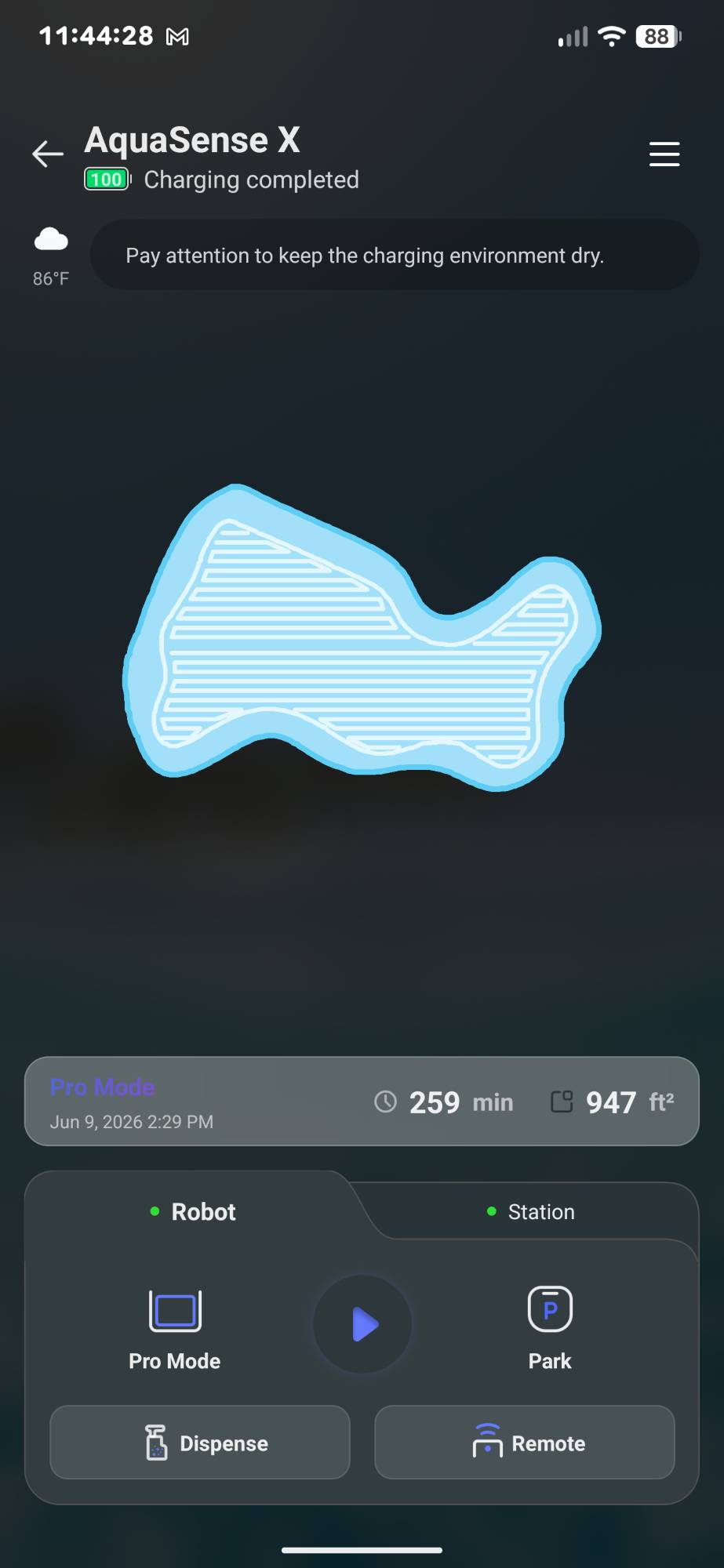
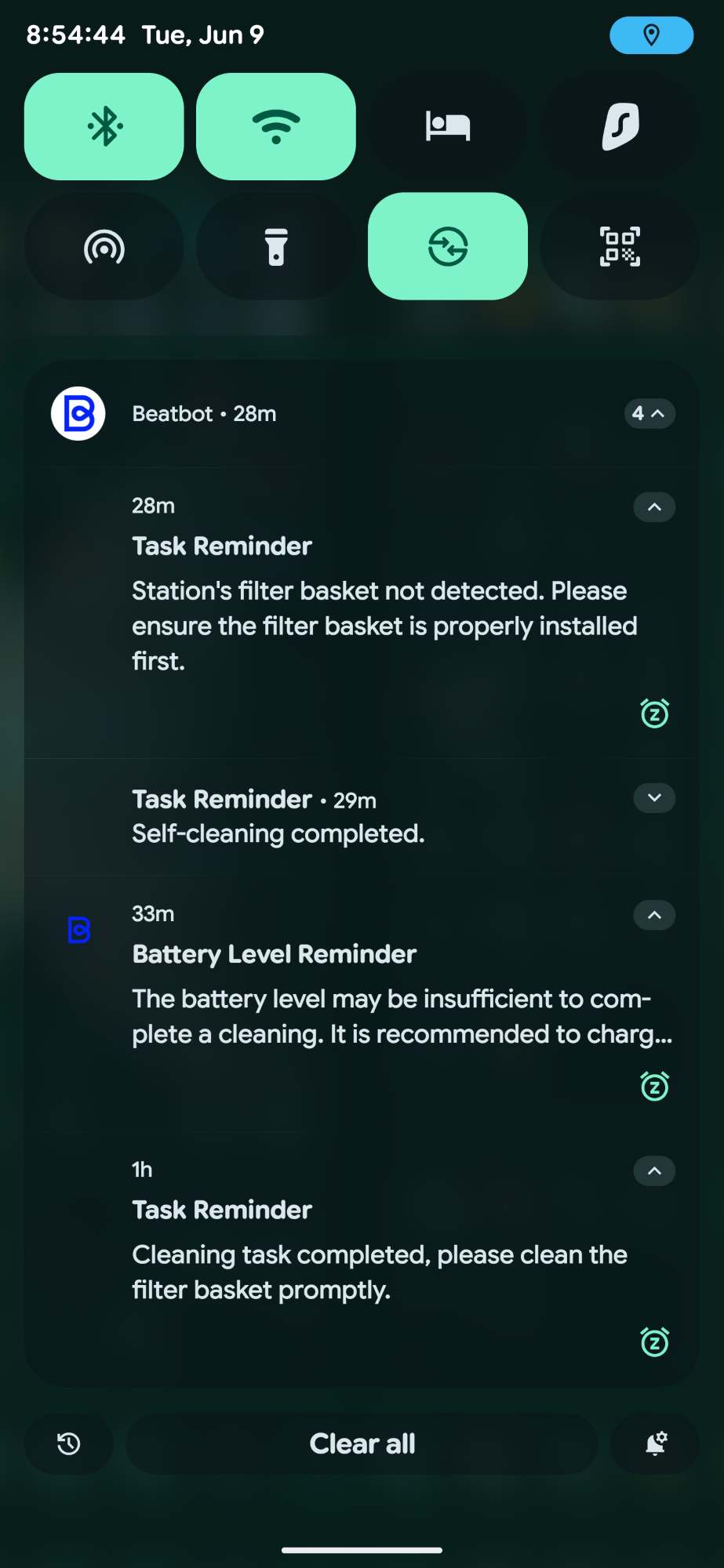
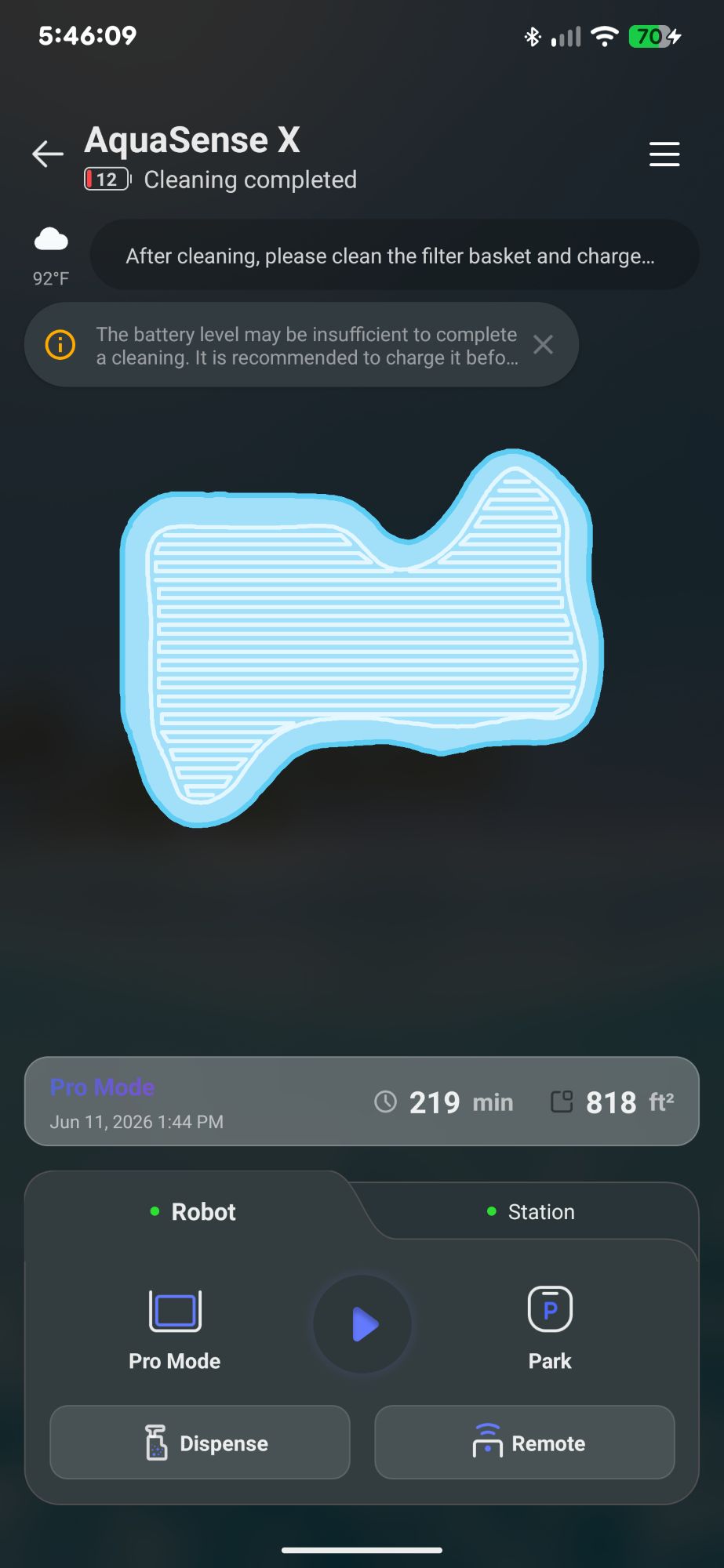
The average pool-cleaning time was about 4.5 hours (shown in the first screenshot below). The app sends various notifications letting you know things like the robot finished its task, if there’s enough battery to complete its task, if the station’s filter bin is missing, and when the self-cleaning is completed.
Cleaning Results
The first cleaning of the pool was impressive. Most of the areas were cleaned. The steps aren’t wide enough for the robot to clean the sand on them. The pool maintenance guy came and cleaned them later.
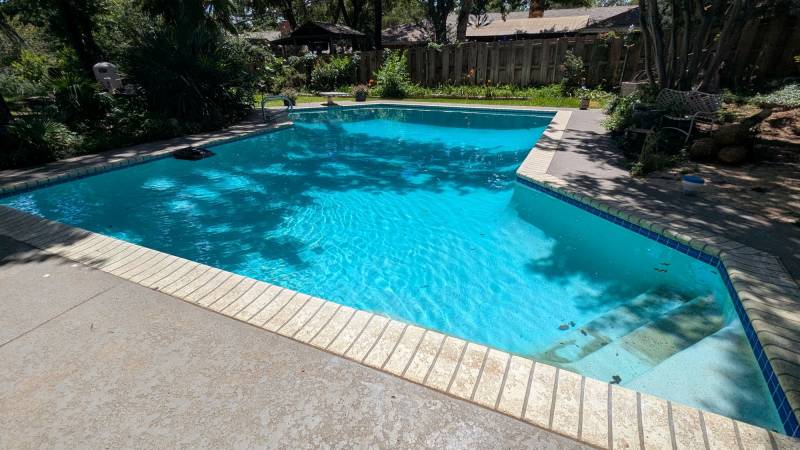
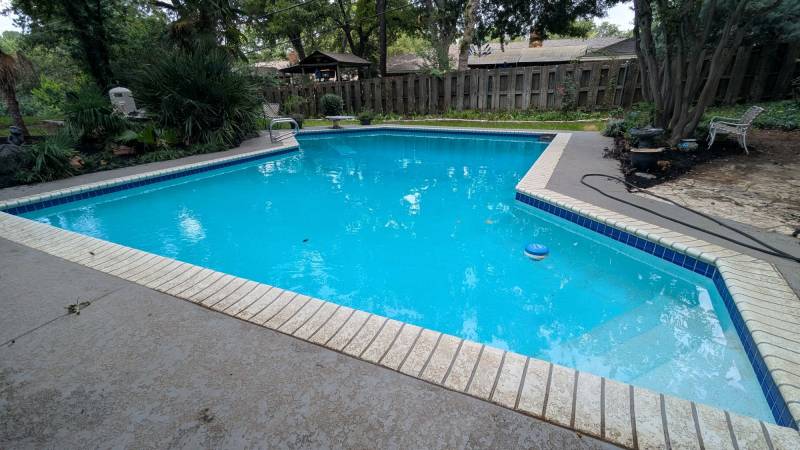
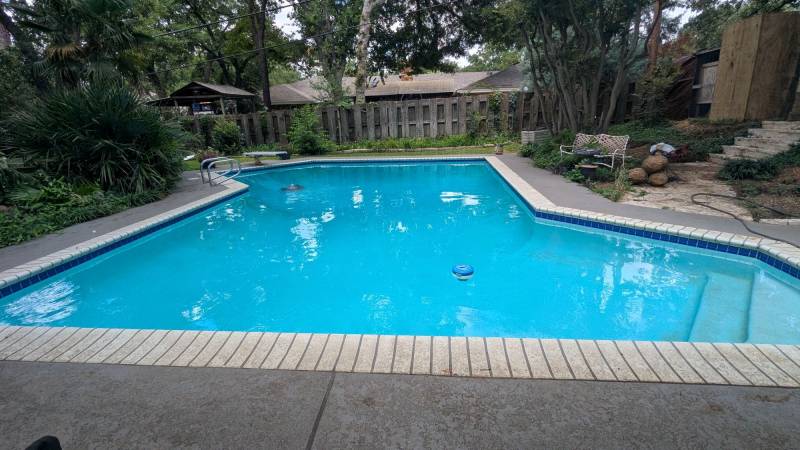
The cleaning results are awesome! This pool is 50 years old and looks great.
Even though the robot missed some spots during each cleaning, and sometimes those missed areas were large, as long as you run it daily for several days, each cleaning will eventually get all the areas of the pool.
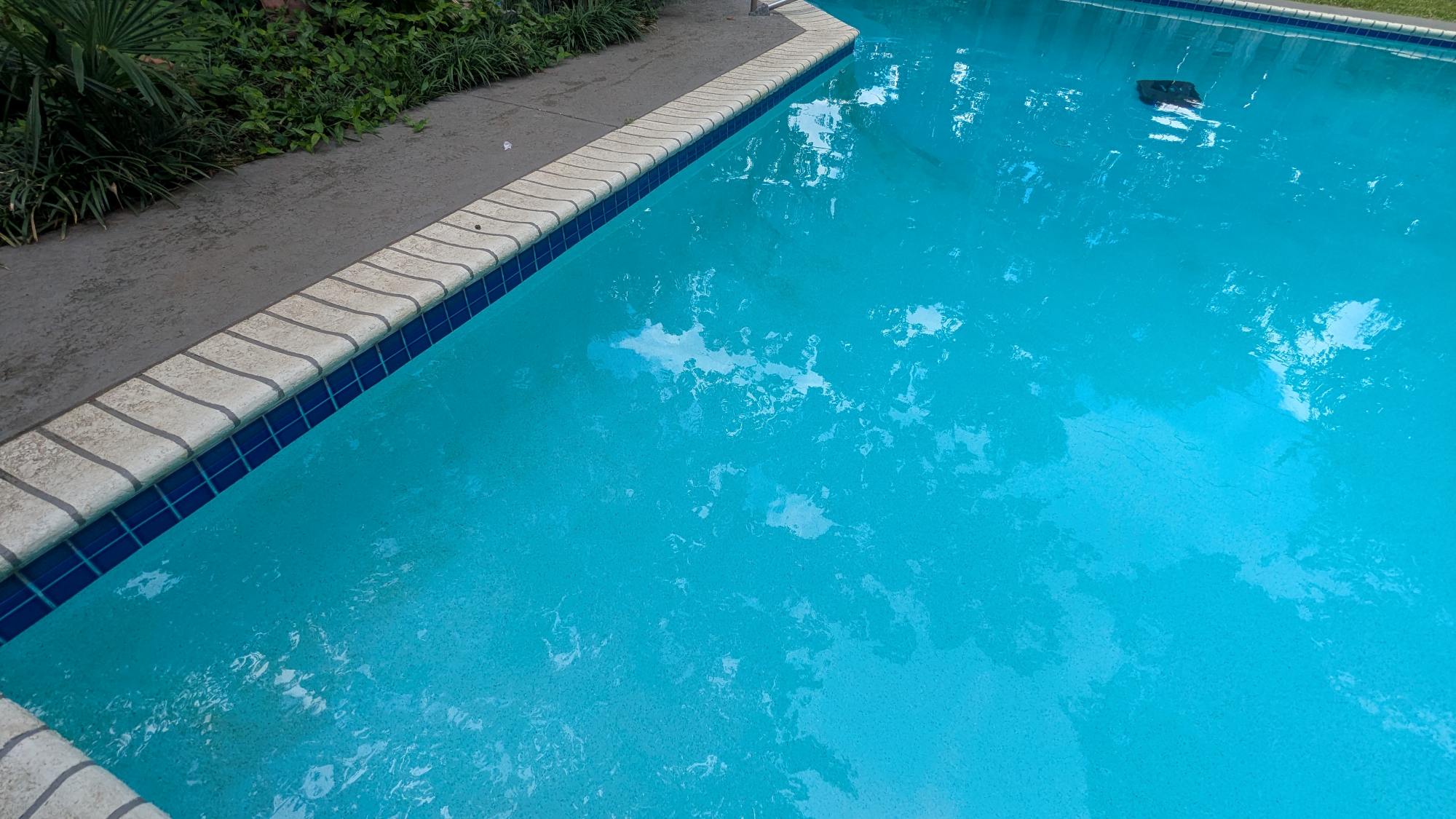
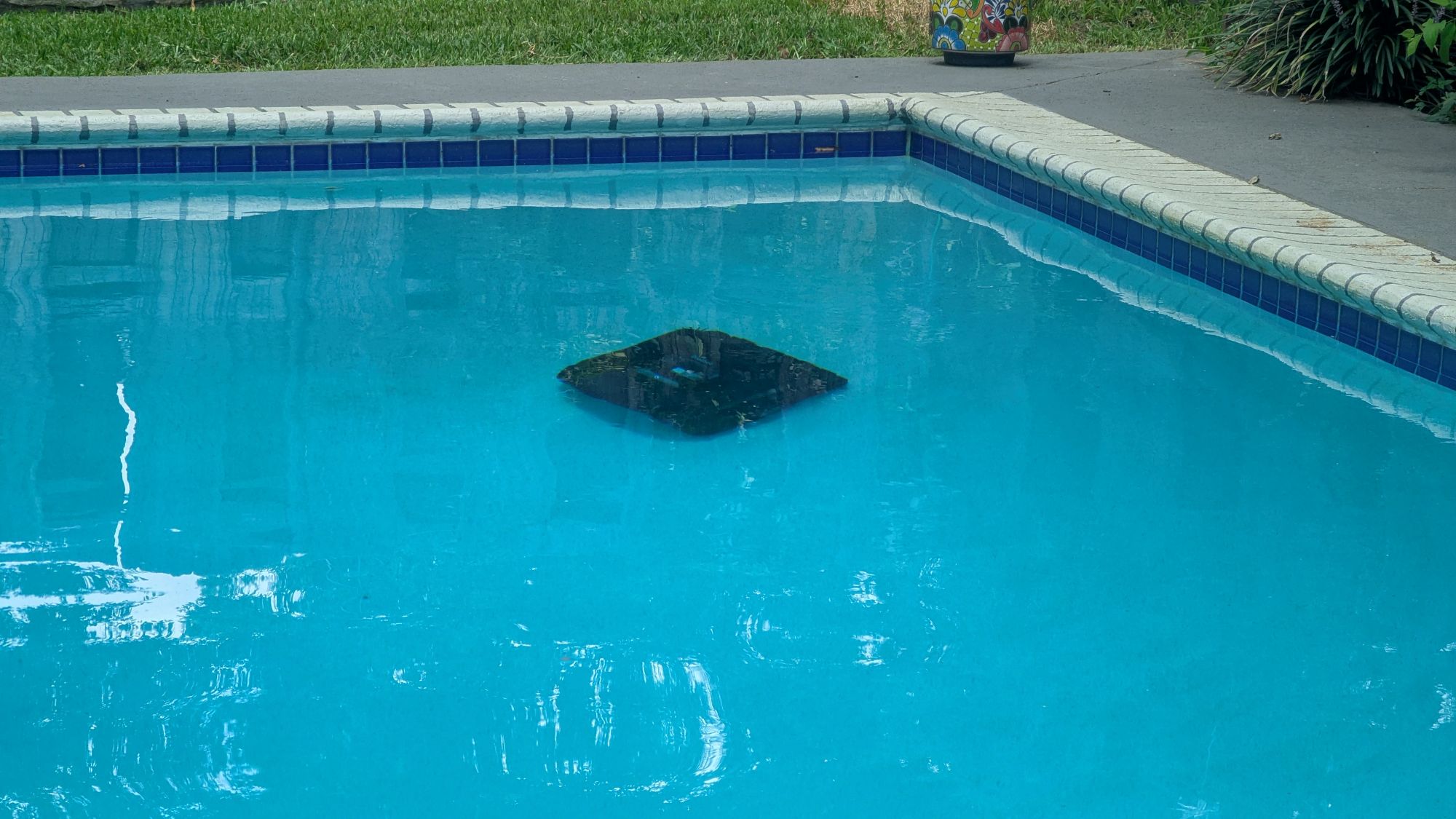
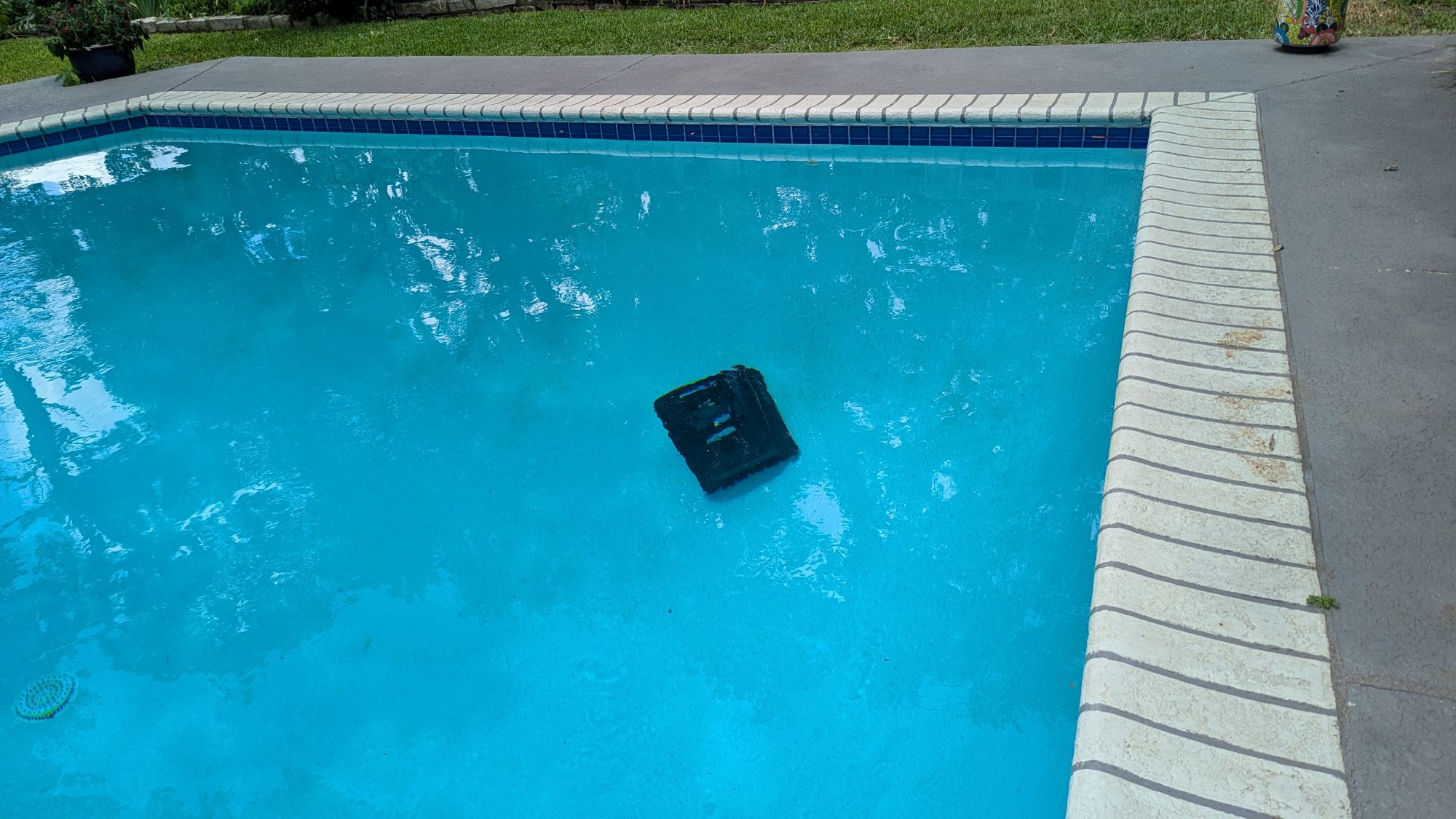
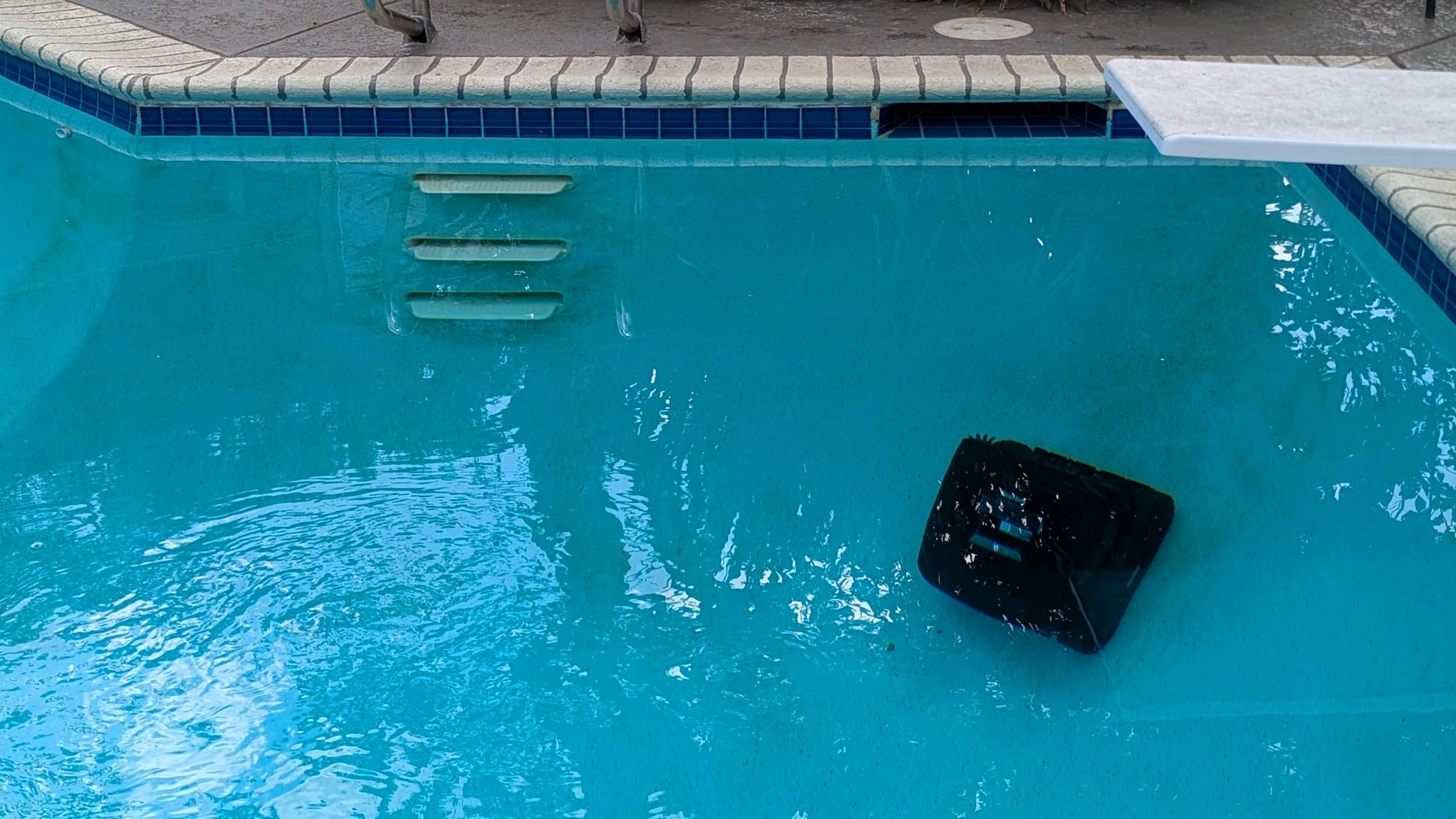
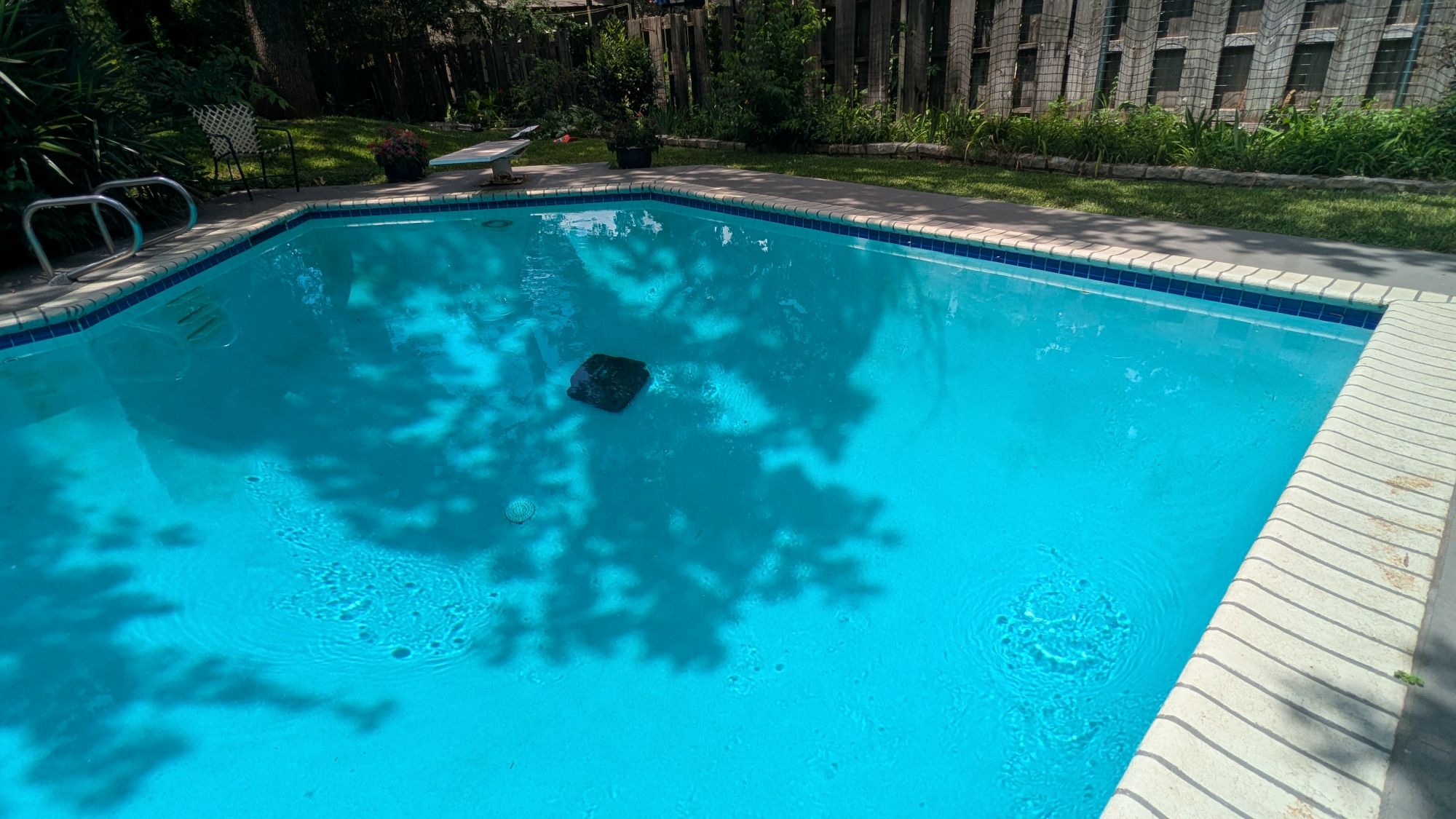
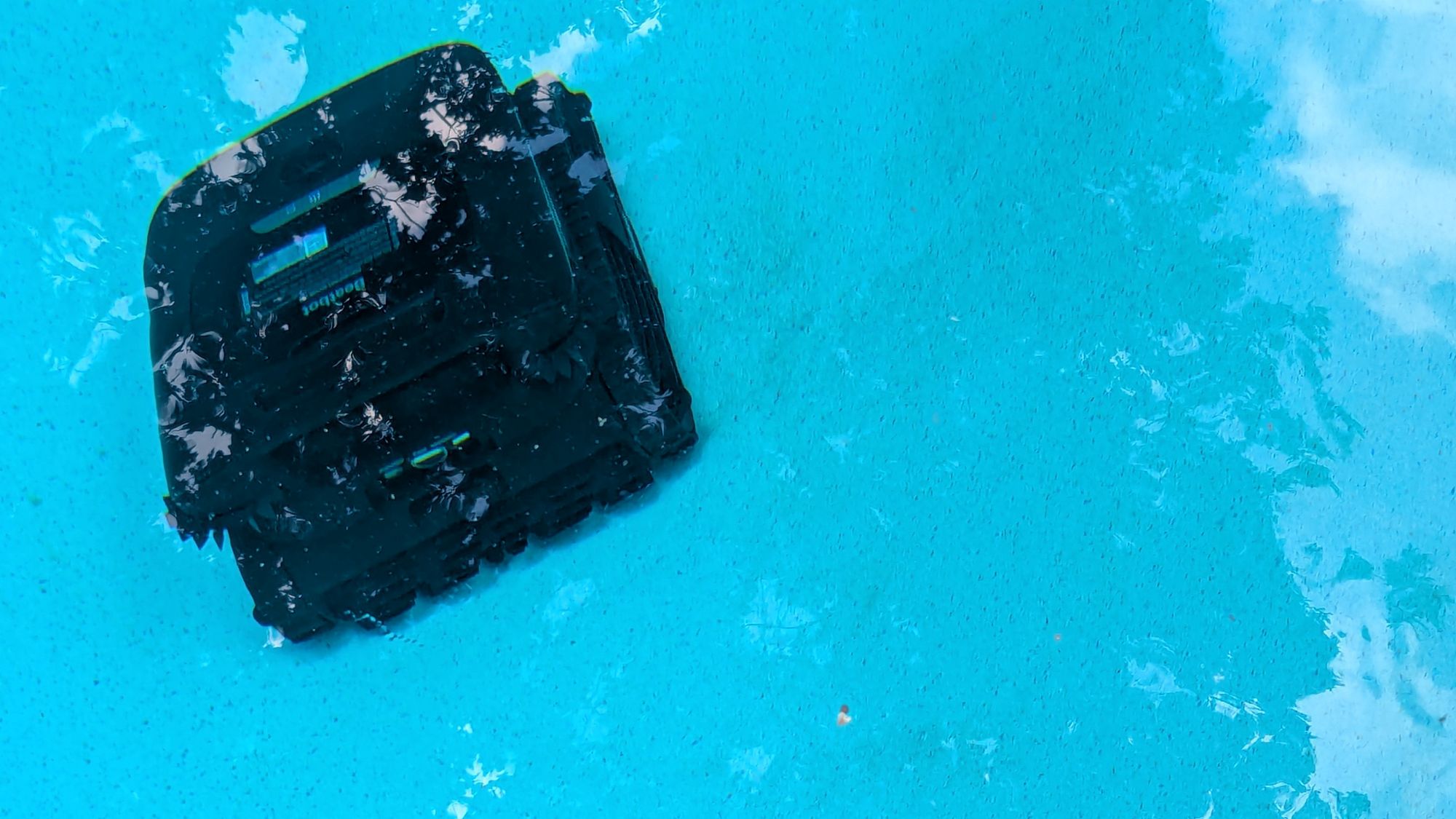
During the summer months, there’s not a lot of debris in the pool. So the real test will be how the robot handles spring with all the tree catkins and fall with all the leaves and acorns that fall around the pool.
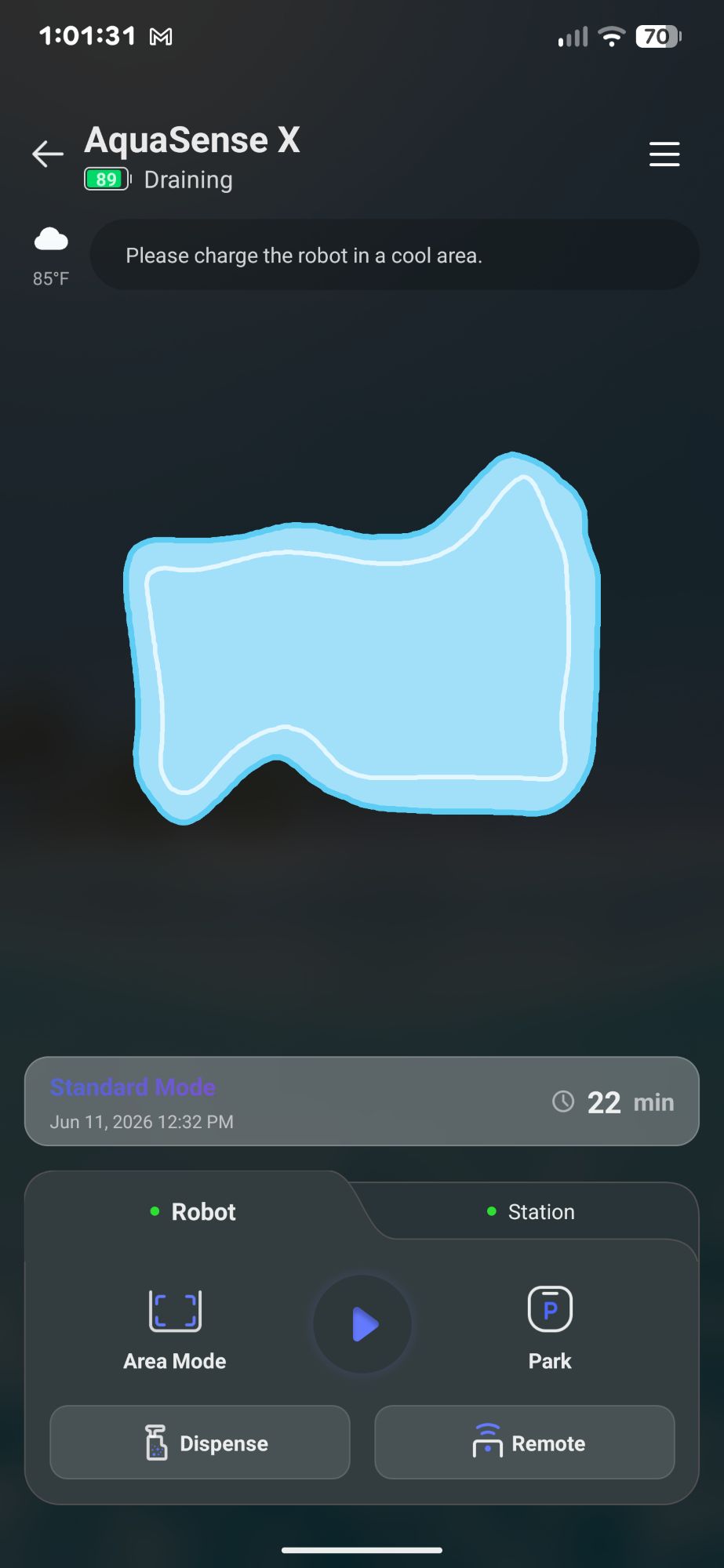
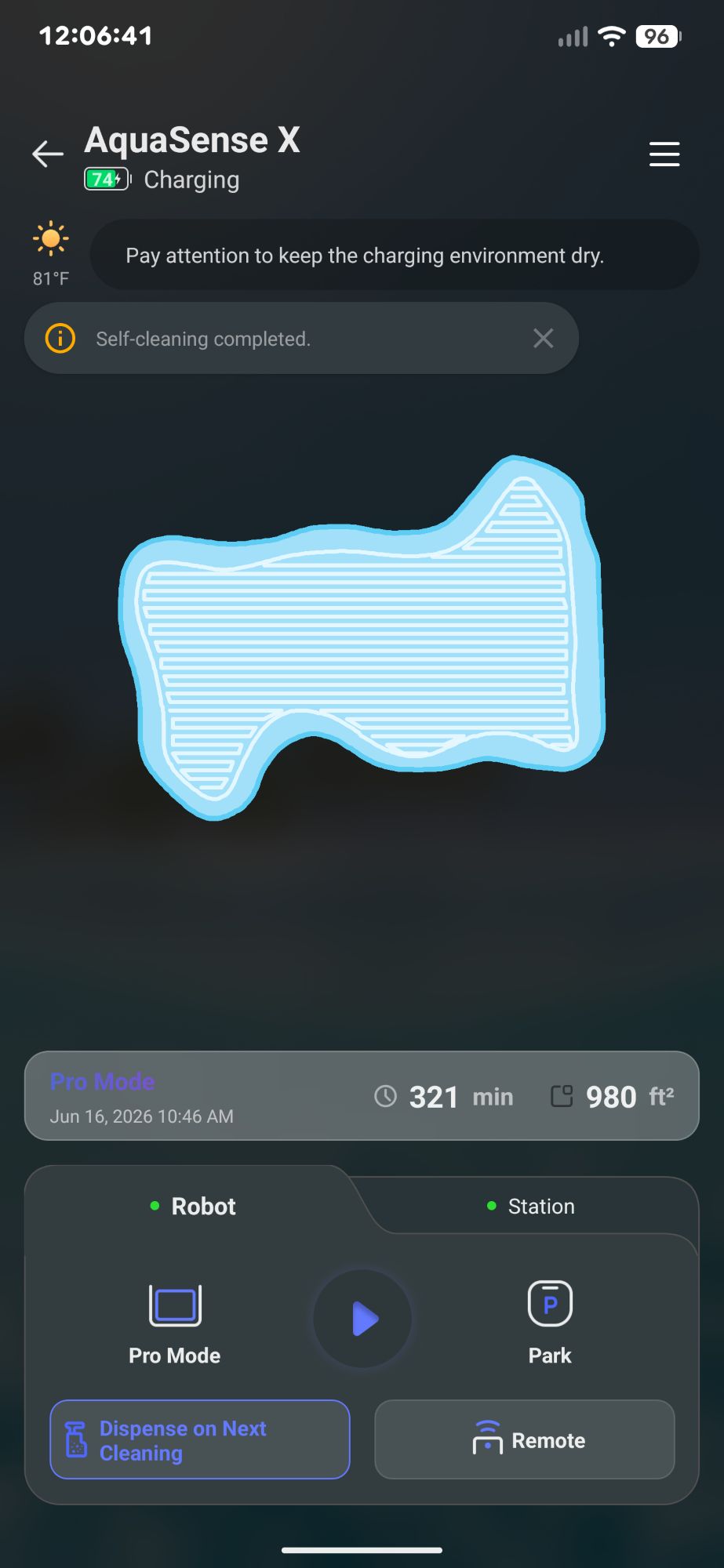
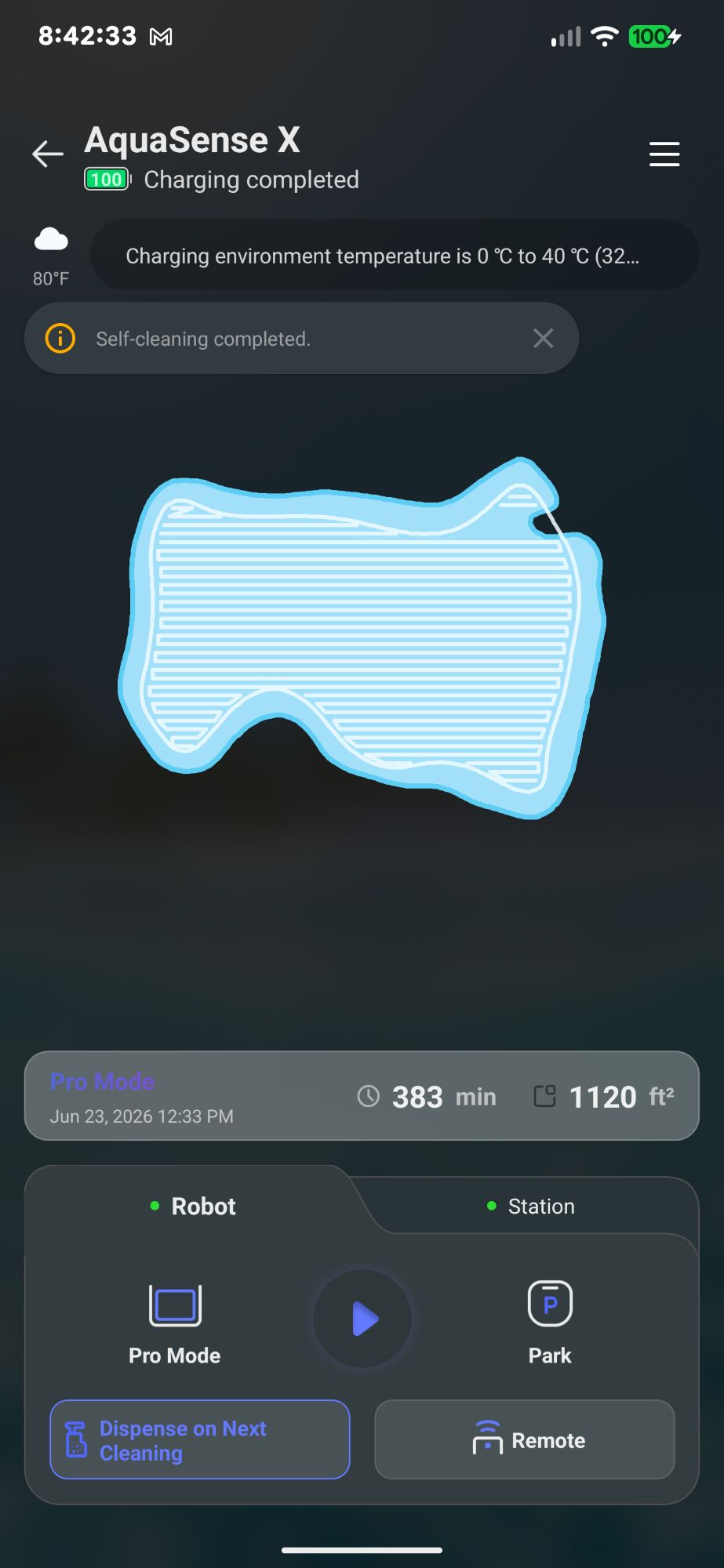
What I thought was interesting was that each time the robot ran its Pro Mode task, it came up with different maps of the pool, as shown in the following screenshots. Even though the AI mapping is not quite accurate, the robot still did a really nice job of cleaning the pool.
Additional Tests: Parking the Robot
I tested the parking task. Before testing it, the robot needed to be connected to the app. You can’t use any of the app controls while the robot is underwater because it loses connectivity.
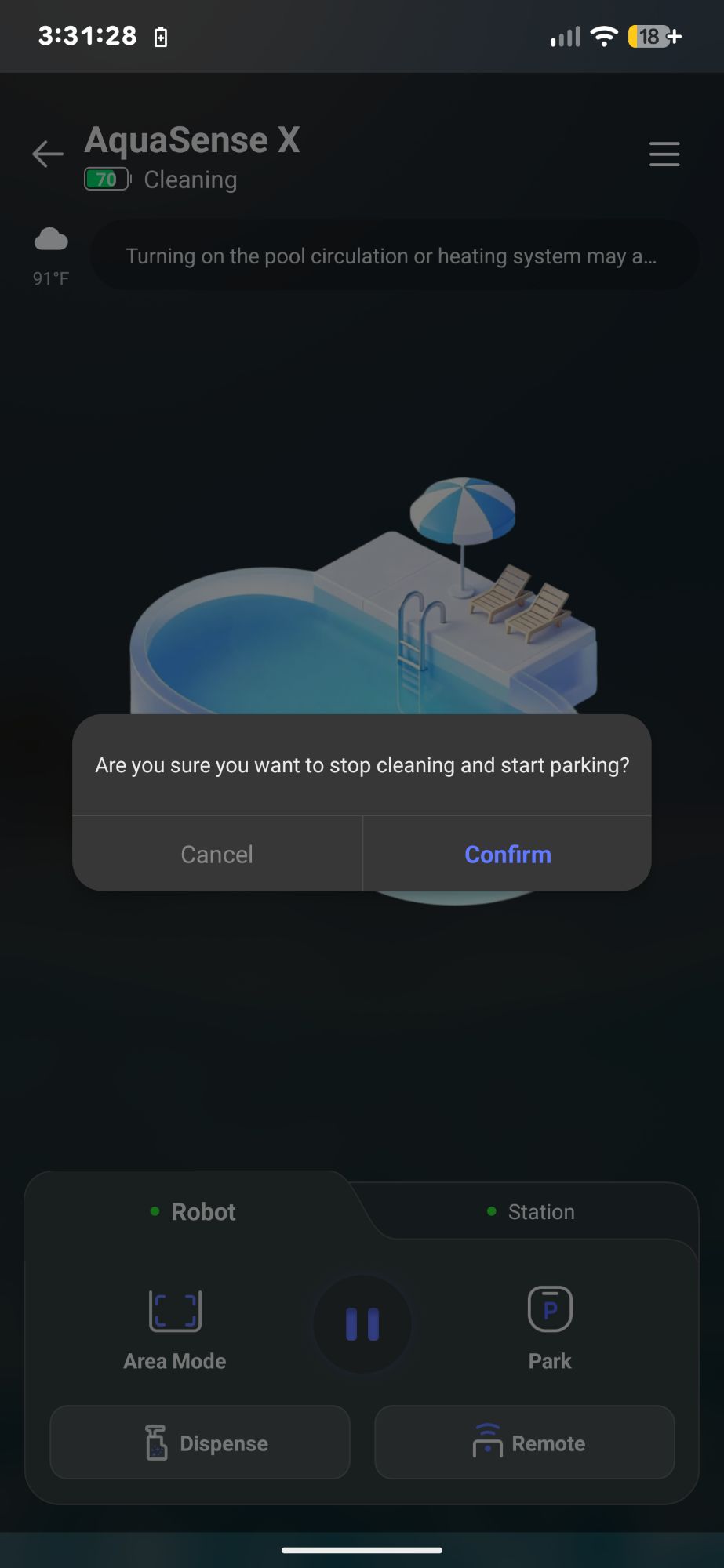
When I decided to test the parking feature, the robot was performing a surface cleaning of the pool; therefore, it was connected. So, when I started the parking test, I had to tap “Confirm” in the app to stop the cleaning task. After that, the filter door closed, and the robot drove itself over to the side of the pool. It kept driving for a few minutes, bumping into and driving along the sides, but eventually it stopped. I wasn’t sure exactly when the parking was completed because I didn’t receive any notifications.
Manual Maneuvering of the Robot
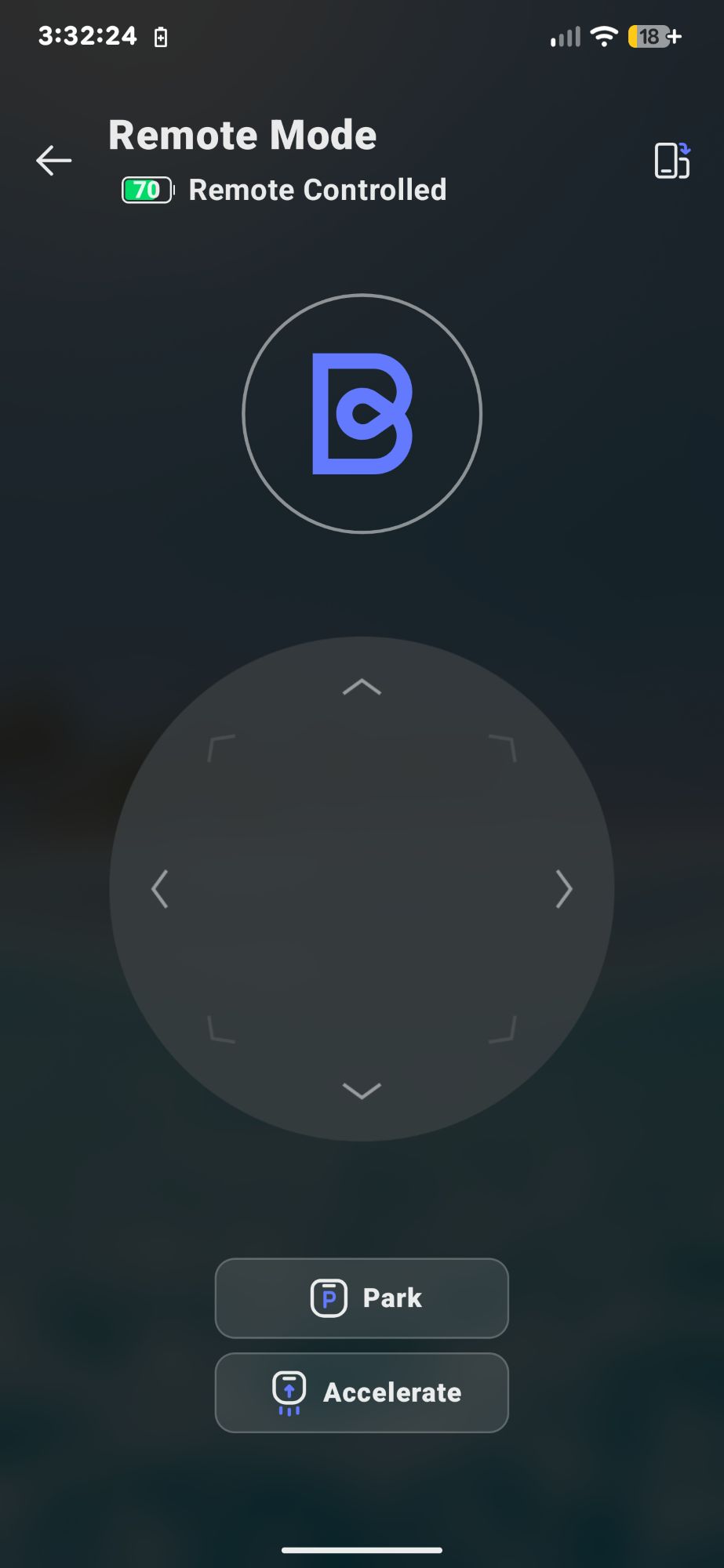
I also tested the manual maneuvering of the robot (again, make sure the robot isn’t underwater). I did this easily without any problems.
Pausing/Canceling a Cleaning Task
While using the AquaSense X robot, I noticed that it’s difficult to interrupt an underwater cleaning task because it loses connectivity during cleaning.
To pause or stop the cleaning task, I first tried to use the “Park” button in the app. The “Park” operation cancels the cleaning task. However, before I could use any controls, I had to get the robot to the surface so that it could reconnect to the network. I tried pulling the robot out of the pool using the hook that comes with the AquaSense X. I let it drain and placed it on the side of the pool so it wouldn’t sink back down to the floor to continue cleaning. I then tapped “Park” in the app, but a notification popped up stating that the network connection was too weak.
I then tried to place the robot on the cleaning station to see if it would reset it and cancel the cleaning cycle, but it didn’t. While it was on the cleaning/charging station, I long-pressed the power button for three to five seconds (it should only take three seconds) to see if it would power off the robot, but it didn’t.
The next thing I tried was pausing the task from the app using the Play/Pause button, but it said that the robot was sinking and couldn’t perform the operation.
I then tried changing the cleaning mode within the app by tapping the cleaning mode button and selecting the Area/Custom Mode. I then selected a surface cleaning only and tapped “Confirm” to save the selection. I then walked over to the robot, pressed the “Area/Custom Mode” button, and placed it in the pool. It finally seemed to be running the new task.
Later, in another test, I found that I could power off the robot after pulling it out during a cleaning. I pulled the robot out of the water, placed it on the side of the pool, long-pressed the “Power” button for 3 seconds, saw that it powered off, then put it on the station to perform automatic self-cleaning and charging.
I imagine there won’t be much need to interrupt a cleaning cycle, but it’s nice to know about it just in case.
Final Thoughts
Even though the Beatbot AquaSense X AI Robotic Pool Cleaner has a few drawbacks (it’s expensive; it’s difficult to pause, change, or stop the cleaning task while in the middle of it; and it misses spots with each cleaning), it does a wonderful job of cleaning the pool, day or night, if you run it daily. The AstroRinse Self-Cleaning Station is a great addition to the robot, especially for those who don’t have the time to clean the filter every day, even though excess rinse water runs out of the side of the station. My family and I were really impressed with the results, and, what’s more, the pool maintenance guy was so impressed that he said he might recommend it to his other clients.
The Beatbot AquaSense X AI Robotic Pool Cleaner retails for $4250; it is available directly from the manufacturer (currently on sale for $3699.00) and other retailers, including Amazon.
Source: Manufacturer-supplied review sample
What I Like: It cleans the surface, floor, sides, and multiple levels of a pool (as long as the levels are at least 3.3 ft. x 3.3 ft. and in at least 14 in. of water); It keeps the pool clean as long as you run it daily; The cleaning station is a wonderful addition to the robot for those who don’t want to clean the robot after each pool-cleaning run; The cleaning station has a large bin to hold about two months of debris (maybe not in spring with tree catkins and autumn with lots of leaves); The robot has LED lights and can clean at night
What Needs Improvement: It’s expensive; The robot misses some areas of the pool during a cleaning; The cleaning station drain seems to be too small – excess water runs out the side while cleaning the robot (in addition to that coming from the drain hose); I would like to see it send a notification when it has started and finished parking