


The Lowdown
Overall, to me, the Ottocast OttoAibox P3 Pro is trying to do a bit too much without doing any one thing well. I just wanted to connect my phone to my car wirelessly. Android Auto is a perfectly fine interface and does everything I need while driving. I don’t need to watch movies, I don’t need AI, I don’t need another operating system, and I don’t need another SIM card. If you want to bypass Android Auto to watch shows on your car’s display, then this could be worth it, but you’ll have to sacrifice some actual AA functionality and reliability.
Overall
Pros
- Very responsive customer support
- Plug-and-play
Cons
- They should remove the AI — it doesn’t need to be in everything, and the tokens are expensive
- The boot-up and wireless connection should be faster
- Otto Drive OS 3.0 can freeze once in a while, requiring a vehicle restart — it should allow wired back up
- Steering wheel voice button only activates AI voice prompt even in Android Auto mode, and cannot be changed, so I’m not sure what will happen when I run out of tokens
- CloudSIM subscription is pricey, especially for higher monthly data
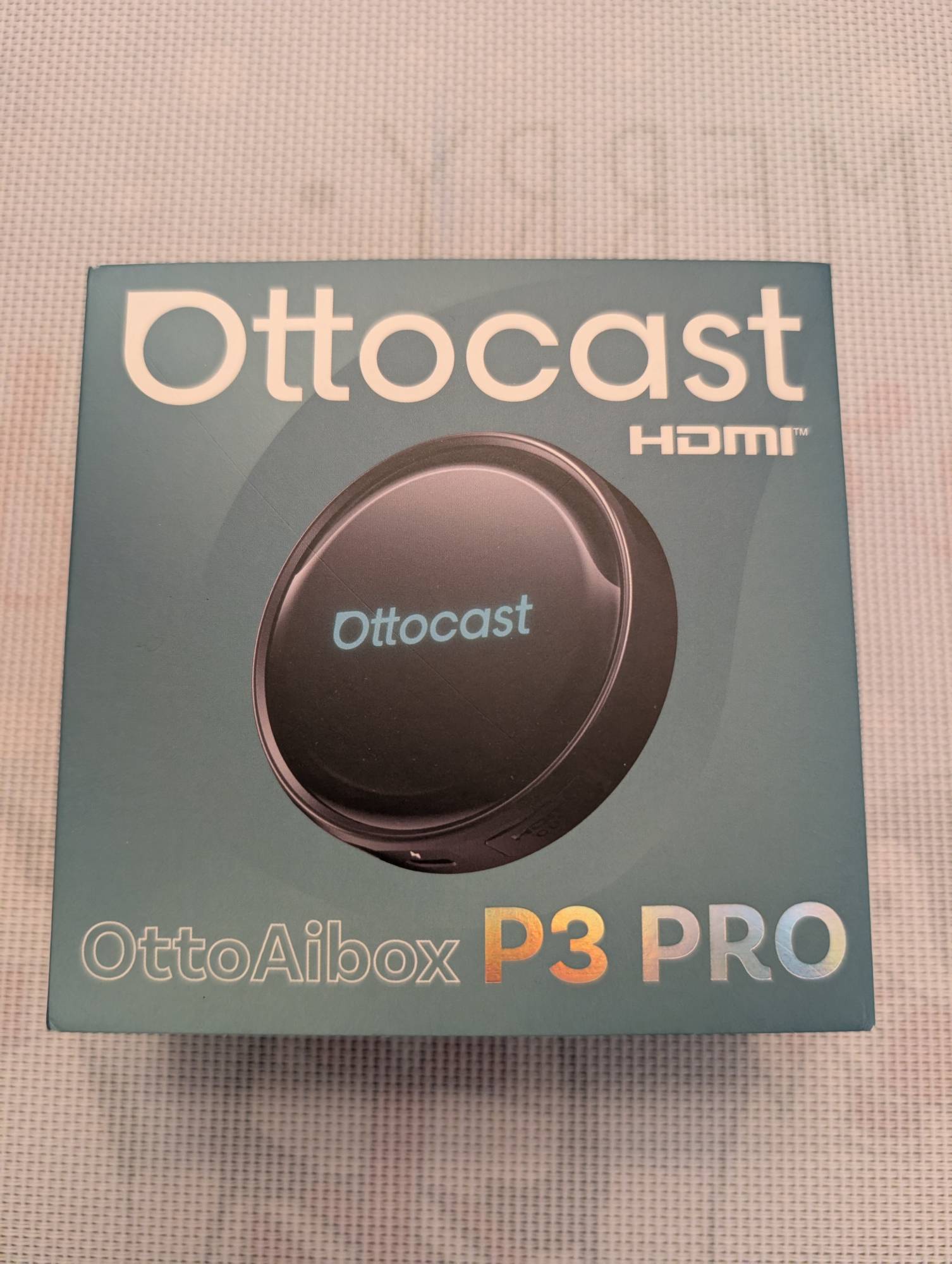
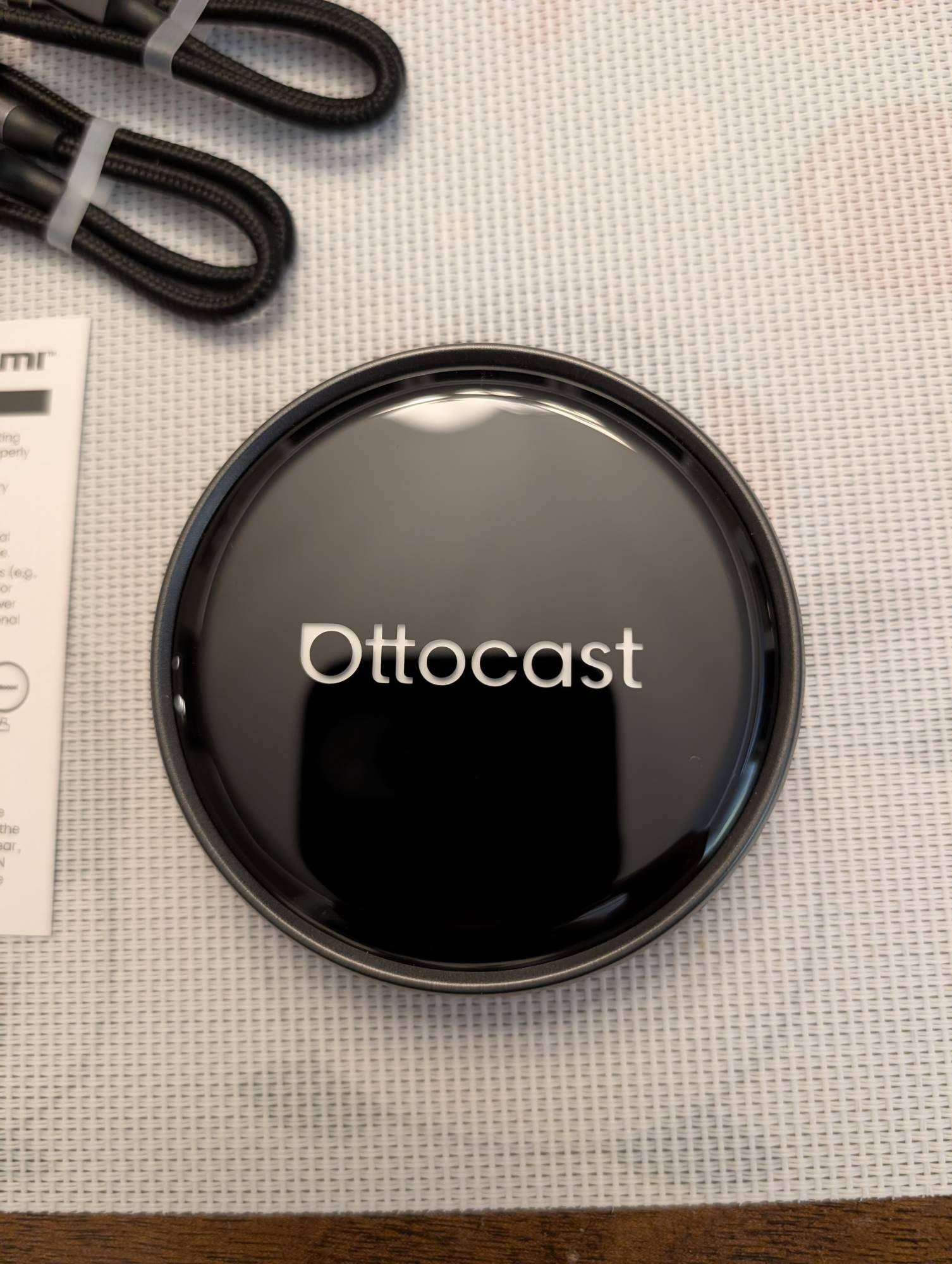
The Ottocast OttoAibox P3 Pro converts your vehicle’s wired-only Apple Carplay/Android Auto into a wireless connection and allows you to play videos and media on your vehicle’s display. The built-in AI voice assistant uses Gemini or ChatGPT to perform hands-free tasks while driving with an internet connection.
What Is It?
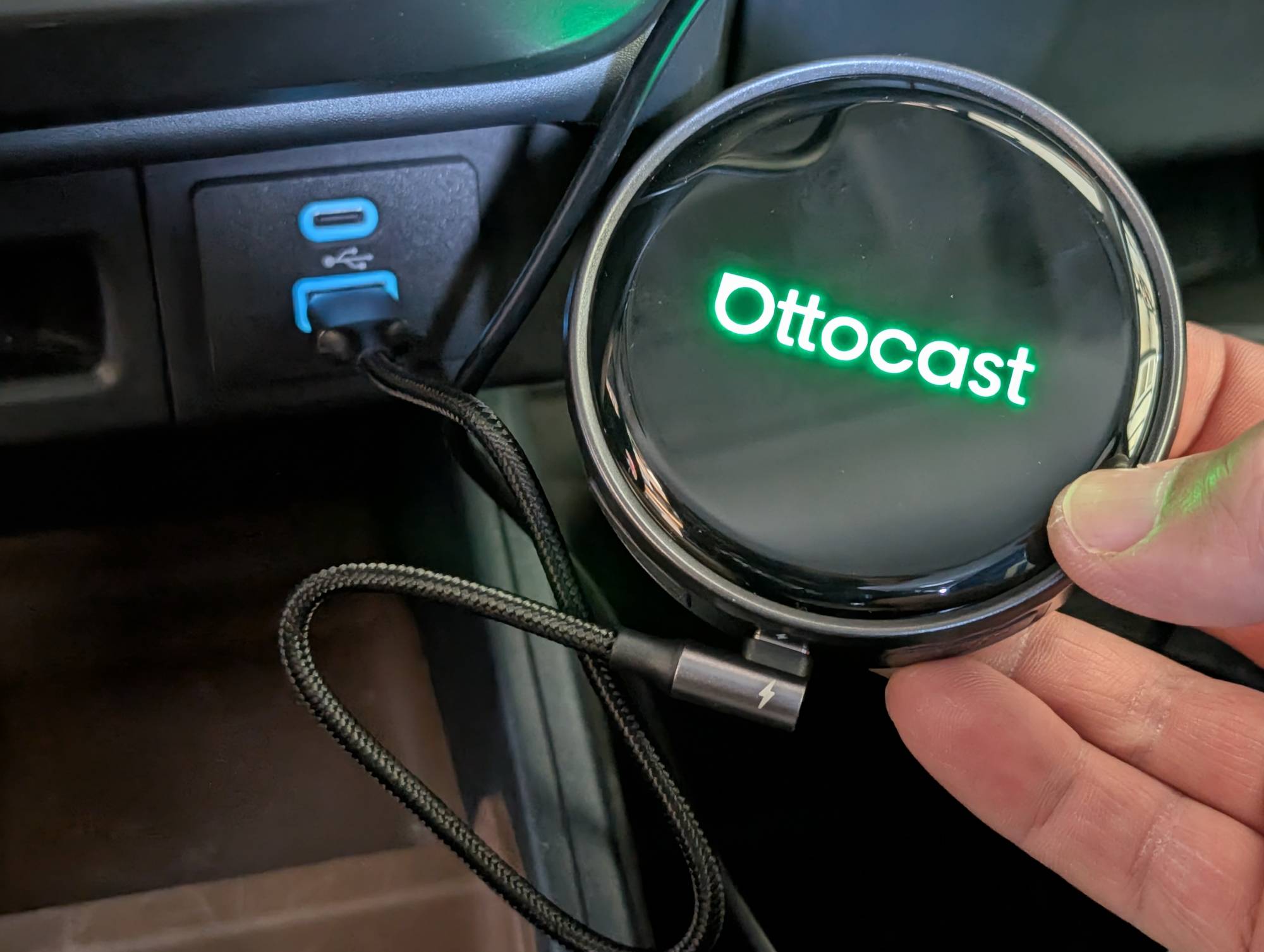
The Ottocast OttoAibox P3 Pro is a CarPlay (CP) and Android Auto (AA) accessory that allows you to convert your wired-only vehicle into wireless. Your vehicle must support factory wired CarPlay or Android Auto (typically 2016 or newer cars) for the P3 Pro to work. It also gives you two operating system options for wireless connection to your vehicle. You can use the proprietary Otto Drive OS 3.0 system with an internet connection, which allows for any app to be played on your vehicle’s screen, or switch to the standard Apple CarPlay/ Android Auto system that connects to your phone.
What’s in the Box and Specifications
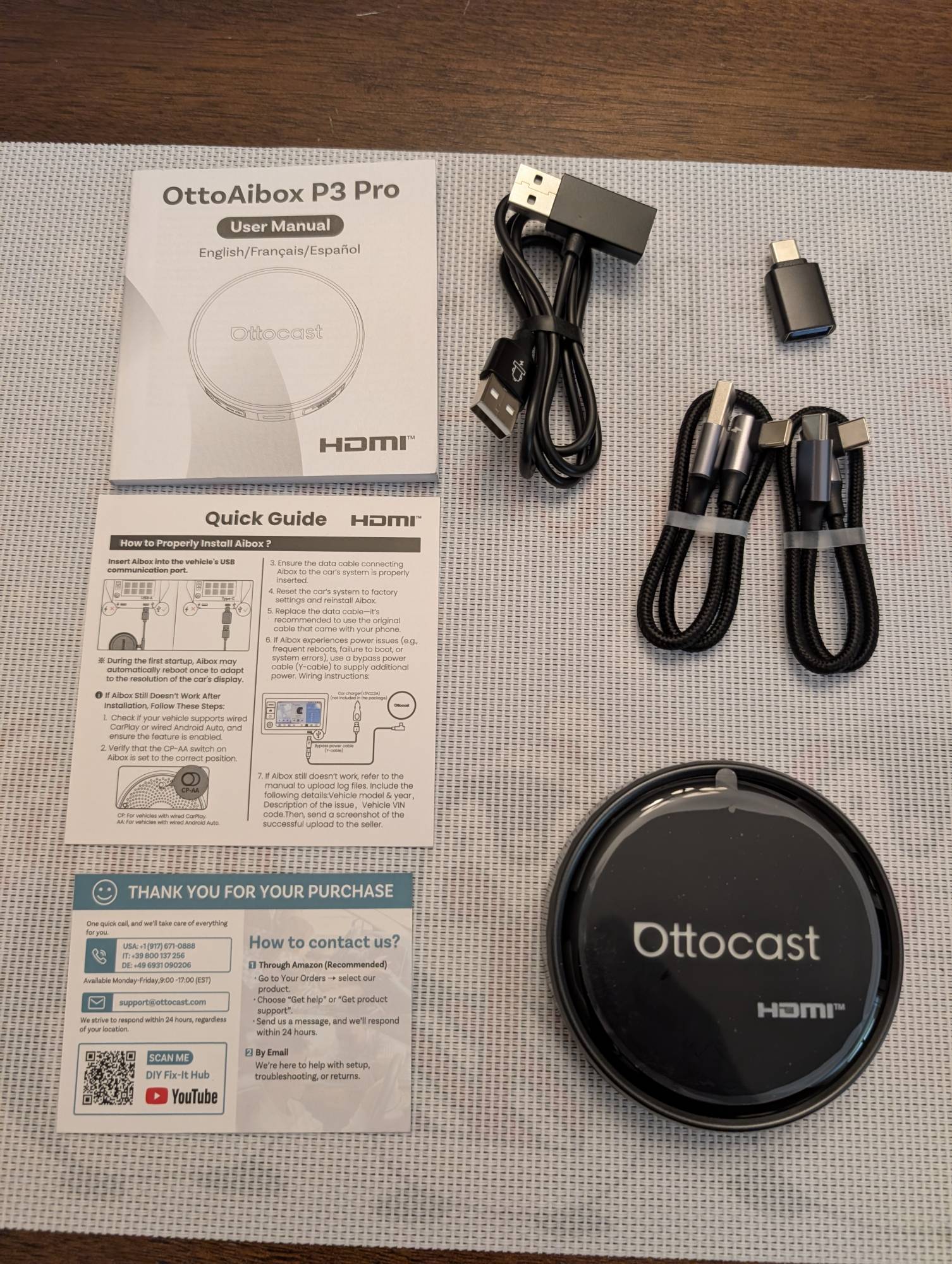
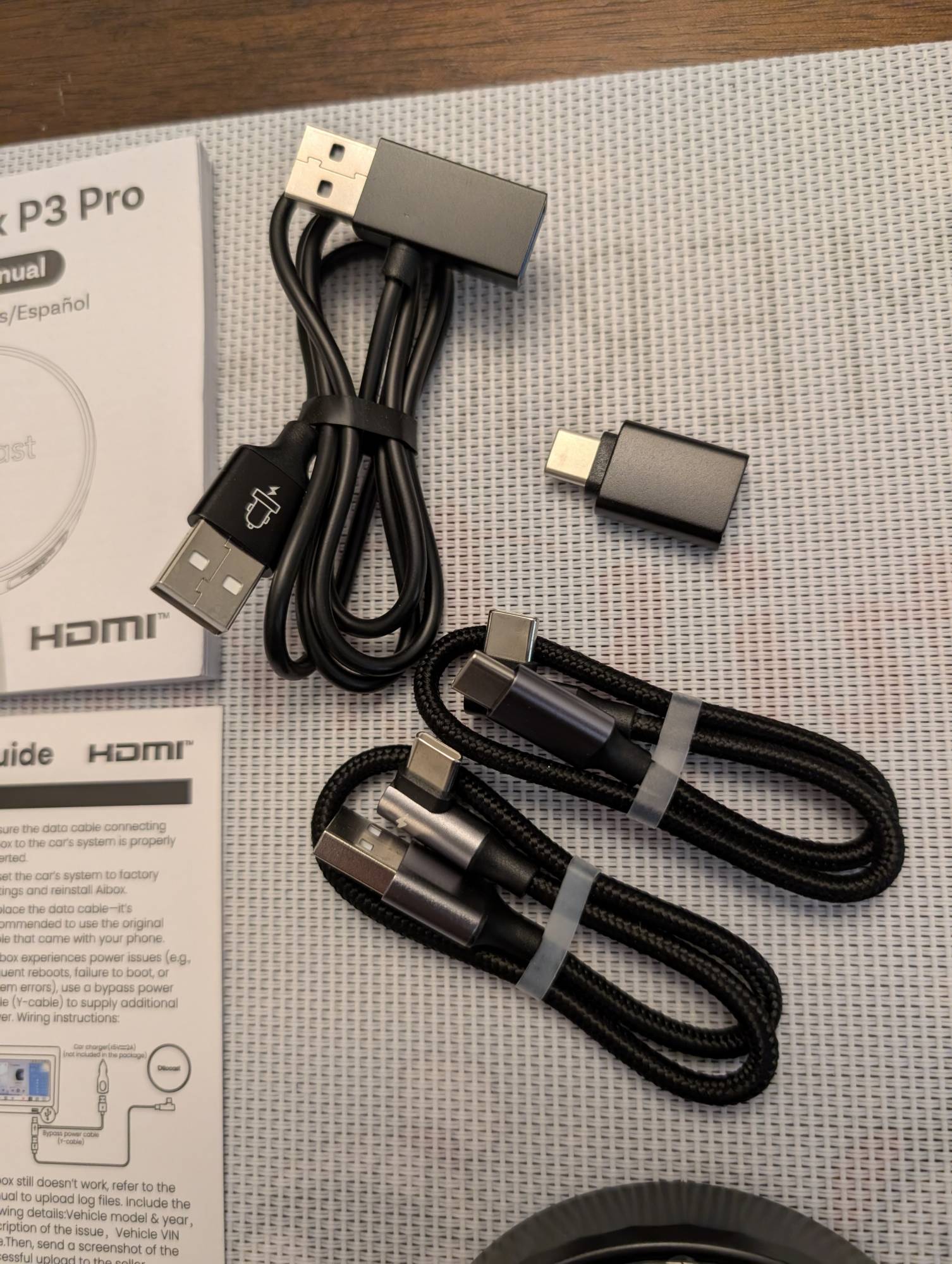
The retail box includes the Ottocast OttoAibox P3 Pro, a bypass power Y-cable, a USB-A-to-USB-C cable, a USB-C-to-USB-C cable, a USB-A-to-USB-C adapter, and a user manual.
Tech Specs:
- AI Voice Assistant: Built-in AI (Gemini & ChatGPT)
- Operating System: Android 13 + Otto Drive 3.0
- UI Layout: New vertical UI, more modern look
- RAM / ROM: 8GB RAM + 128GB ROM
- CPU: Snapdragon 6225
- CloudSIM: CloudSIM 3.0
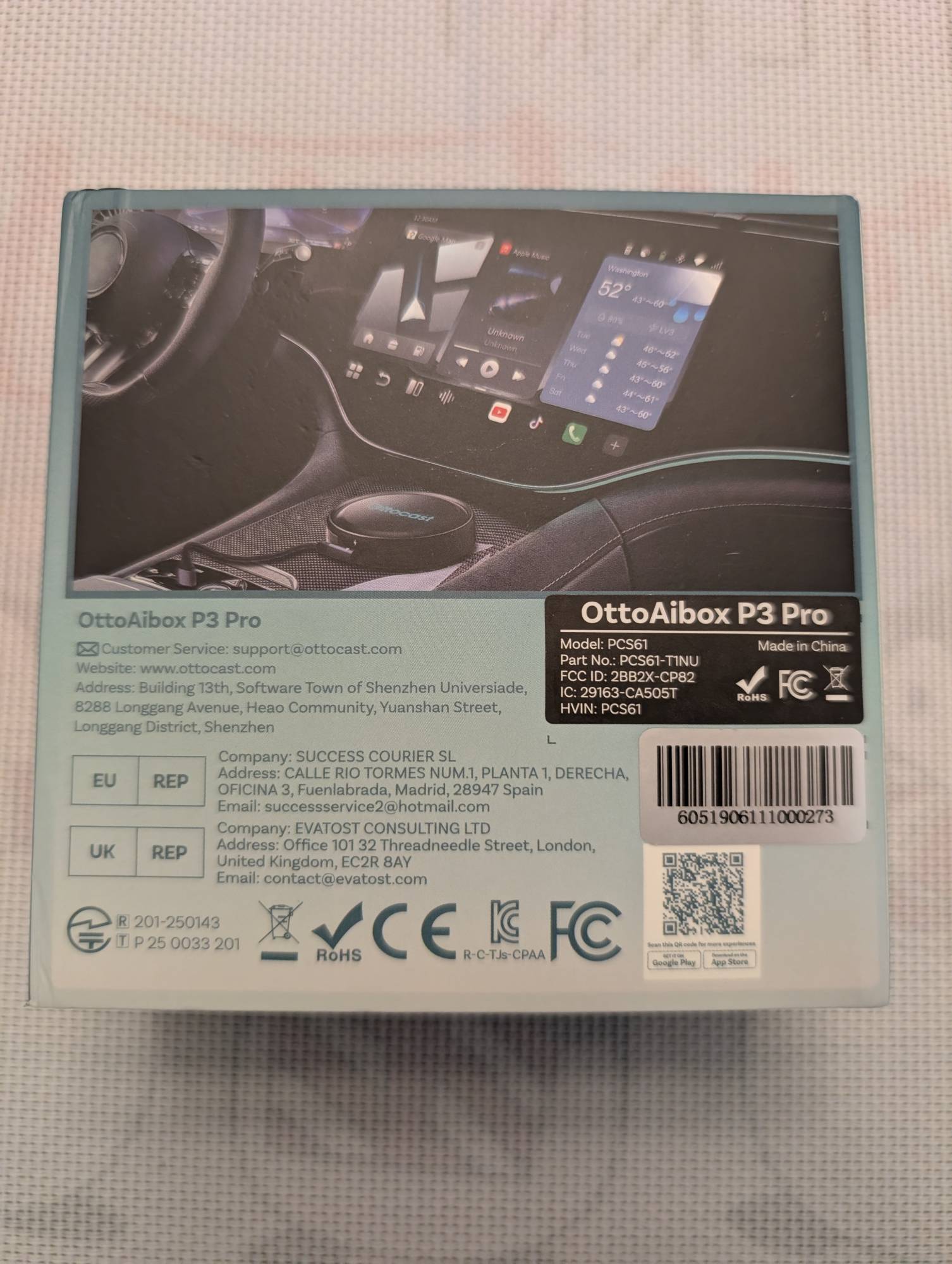
You can check if the Ottocast OttoAibox P3 Pro is compatible with your vehicle using the “Check If It Fits Your Car” option on the website. I did confirm my 2022 Ford Maverick is compatible.
The Ottocast OttoAibox P3 Pro is CloudSIM—phone hotspot, vehicle Wi-Fi, or standard nano-SIM compatible—and is required to fully utilize the Otto Drive OS 3.0 and AI features. If you choose not to connect the Ottocast to the internet, you can utilize wireless Apple CarPlay or Android Auto by pressing the green Multiplay app button.
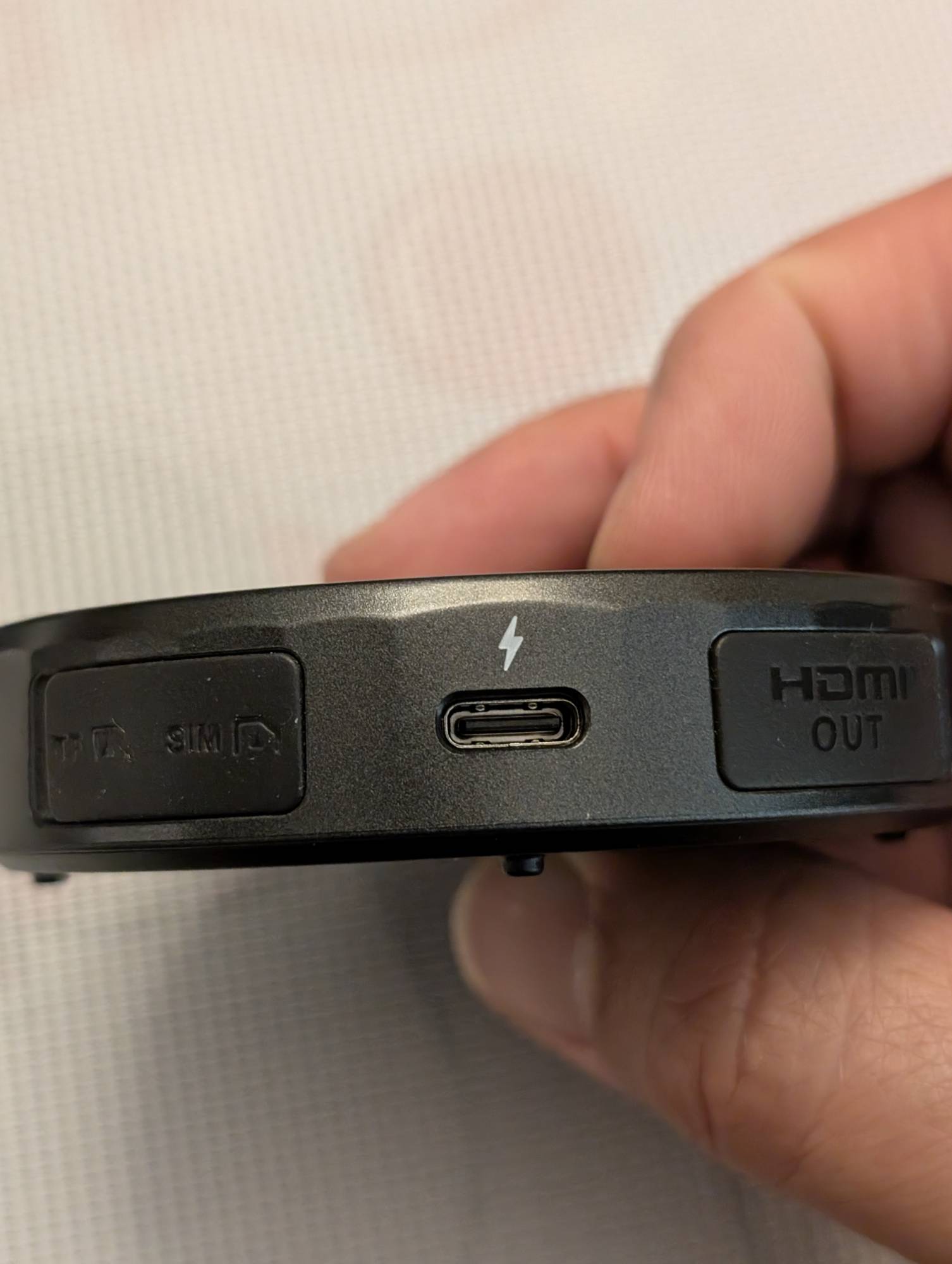
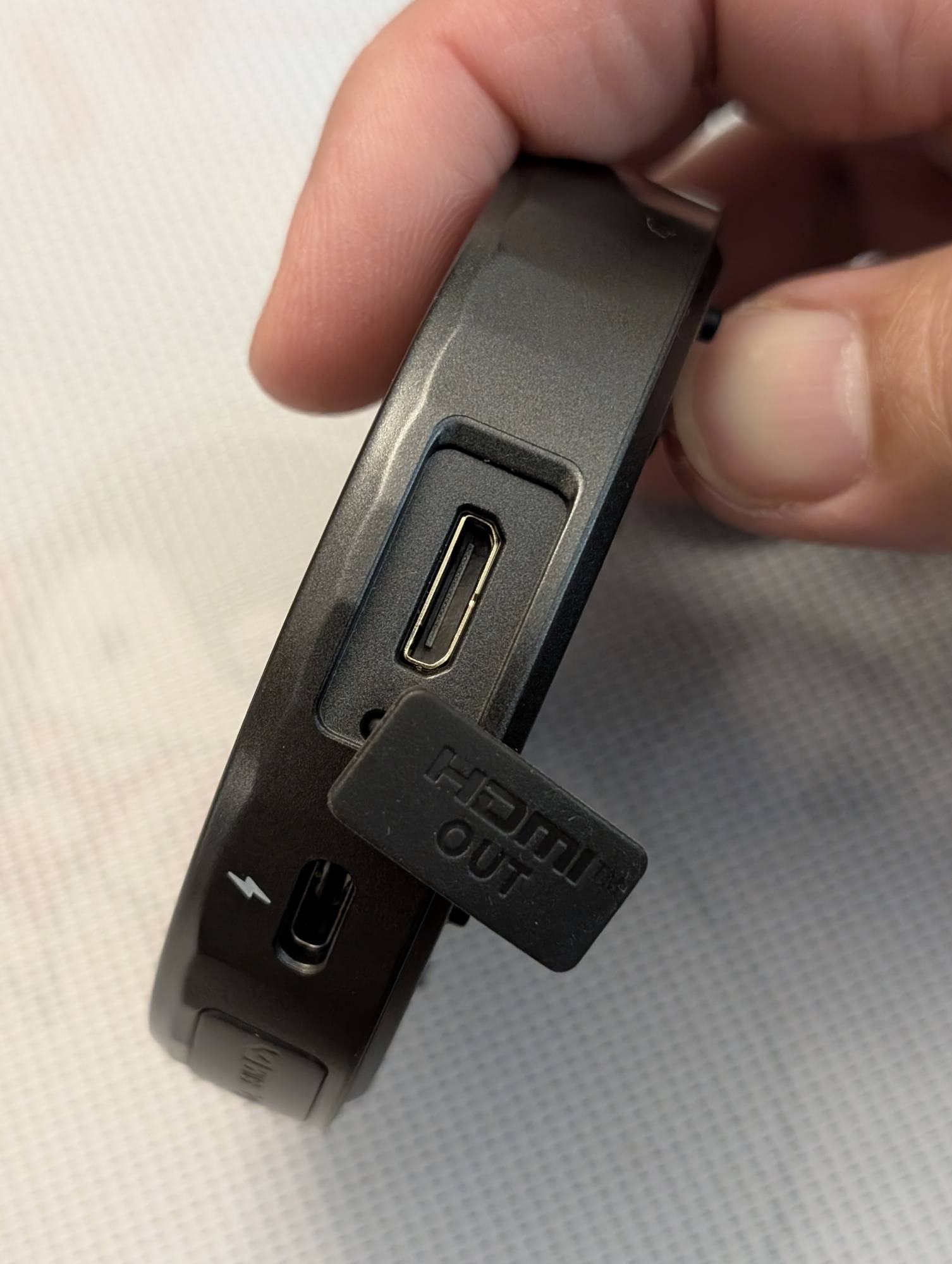
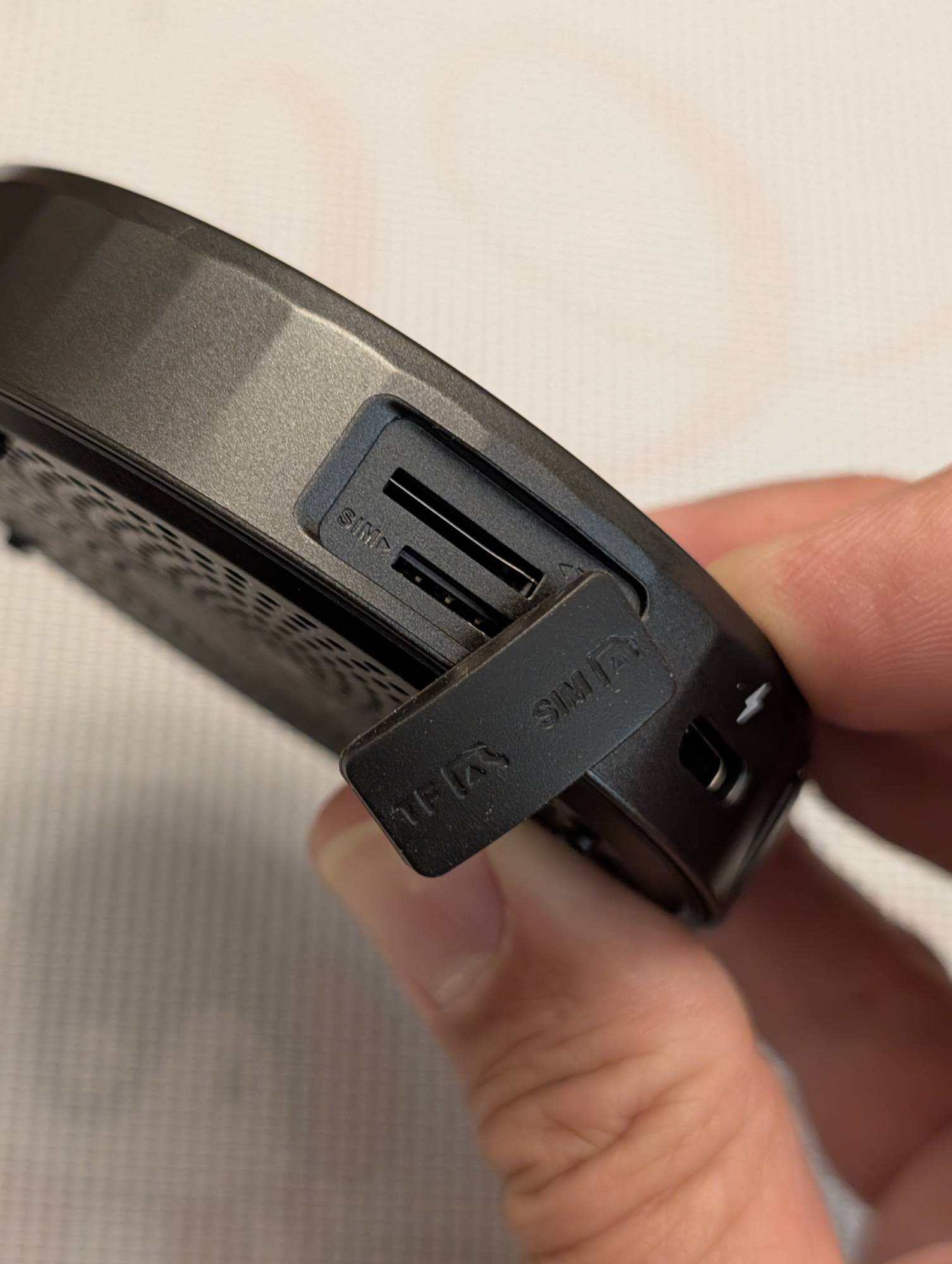
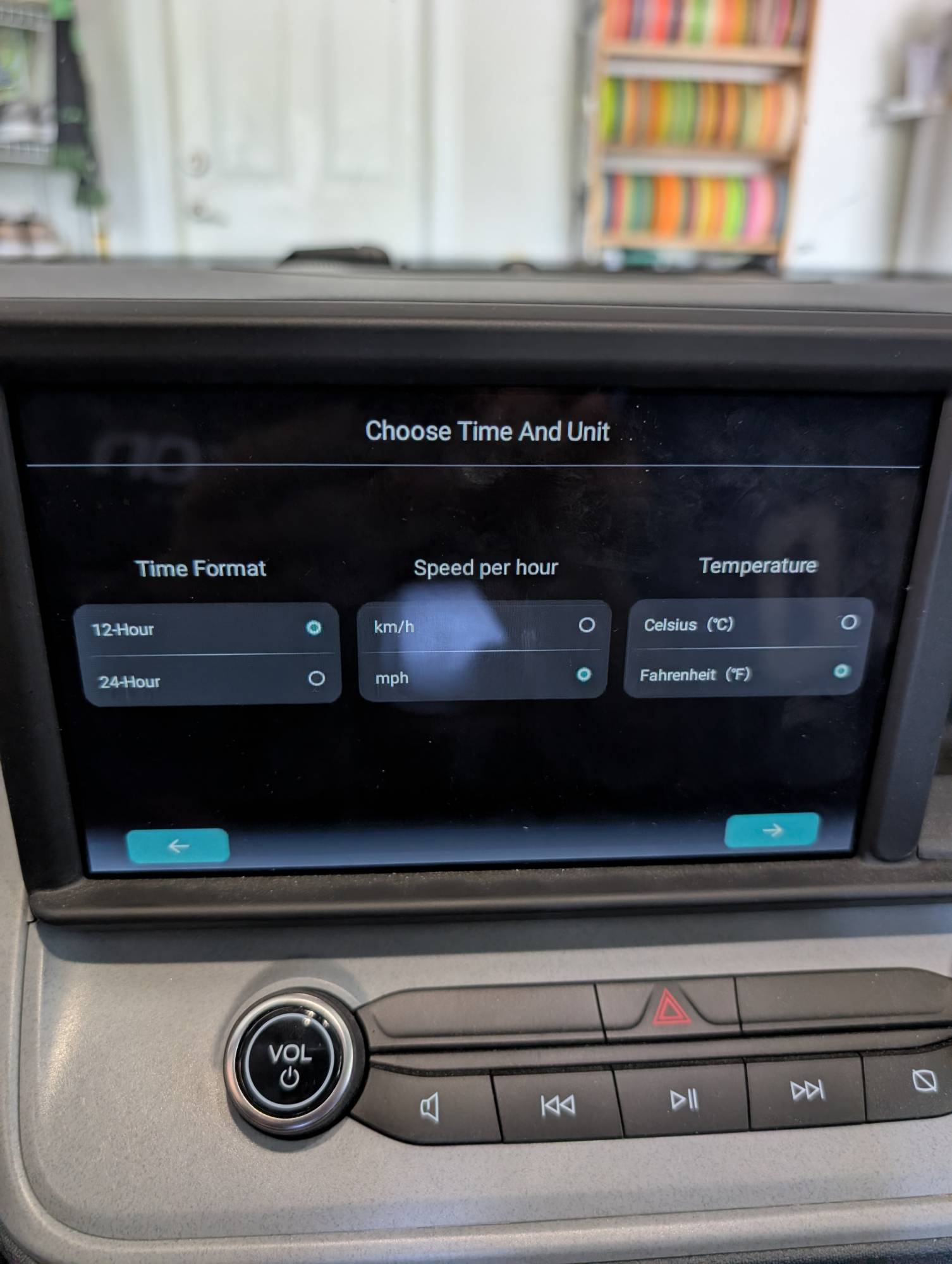
Installation of the Ottocast OttoAibox P3 Pro is easy with the included manual, and setup was super quick. Just select from the included cables the appropriate one for your vehicle and plug it into the same USB connection that you would for a wired connection. Make sure you flip the physical switch on the device to either CP for CarPlay or AA for Android Auto. Once connected, it will guide you through setup and connecting your phone to the OttoAibox via Bluetooth for wireless connectivity.
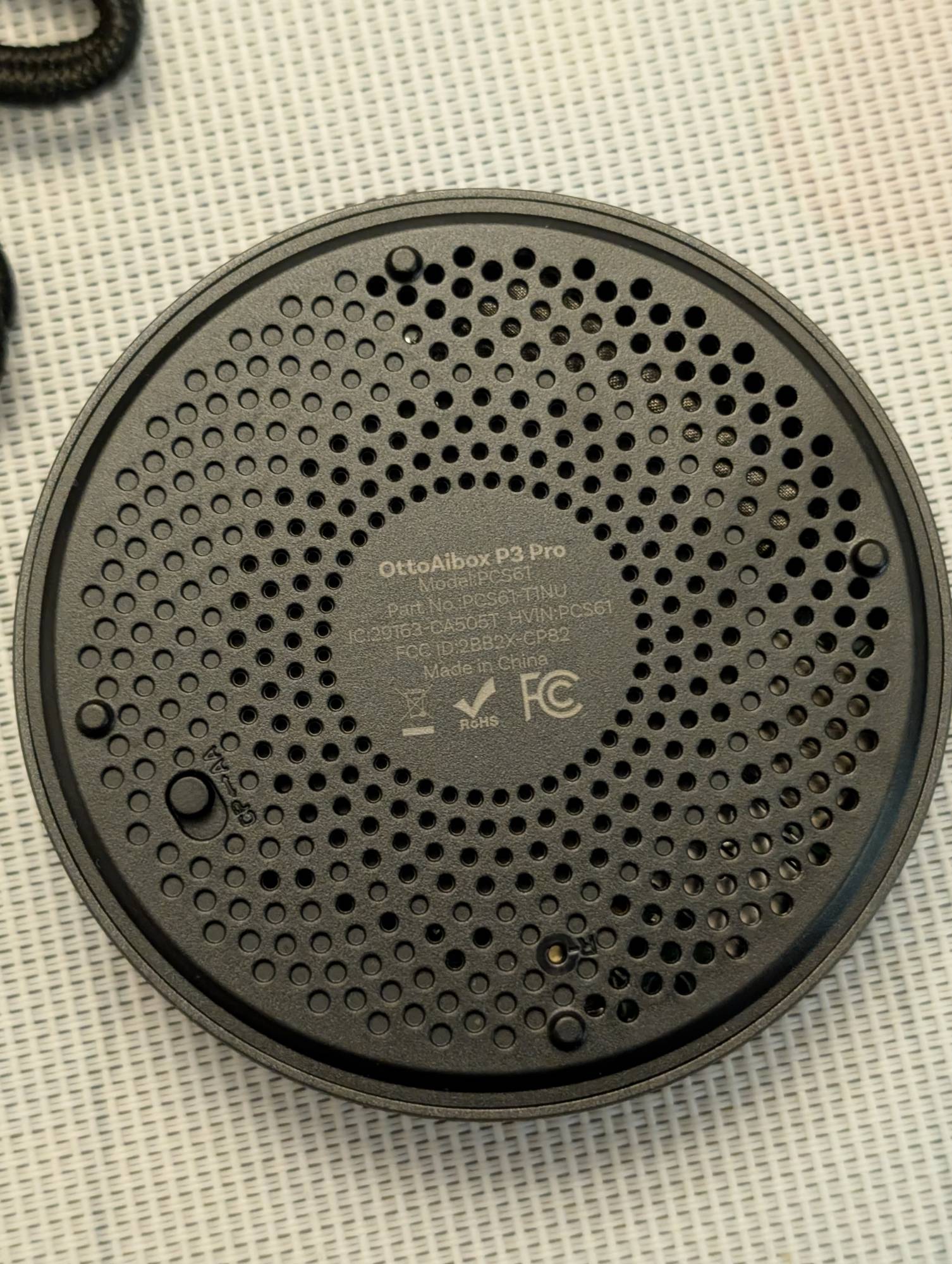
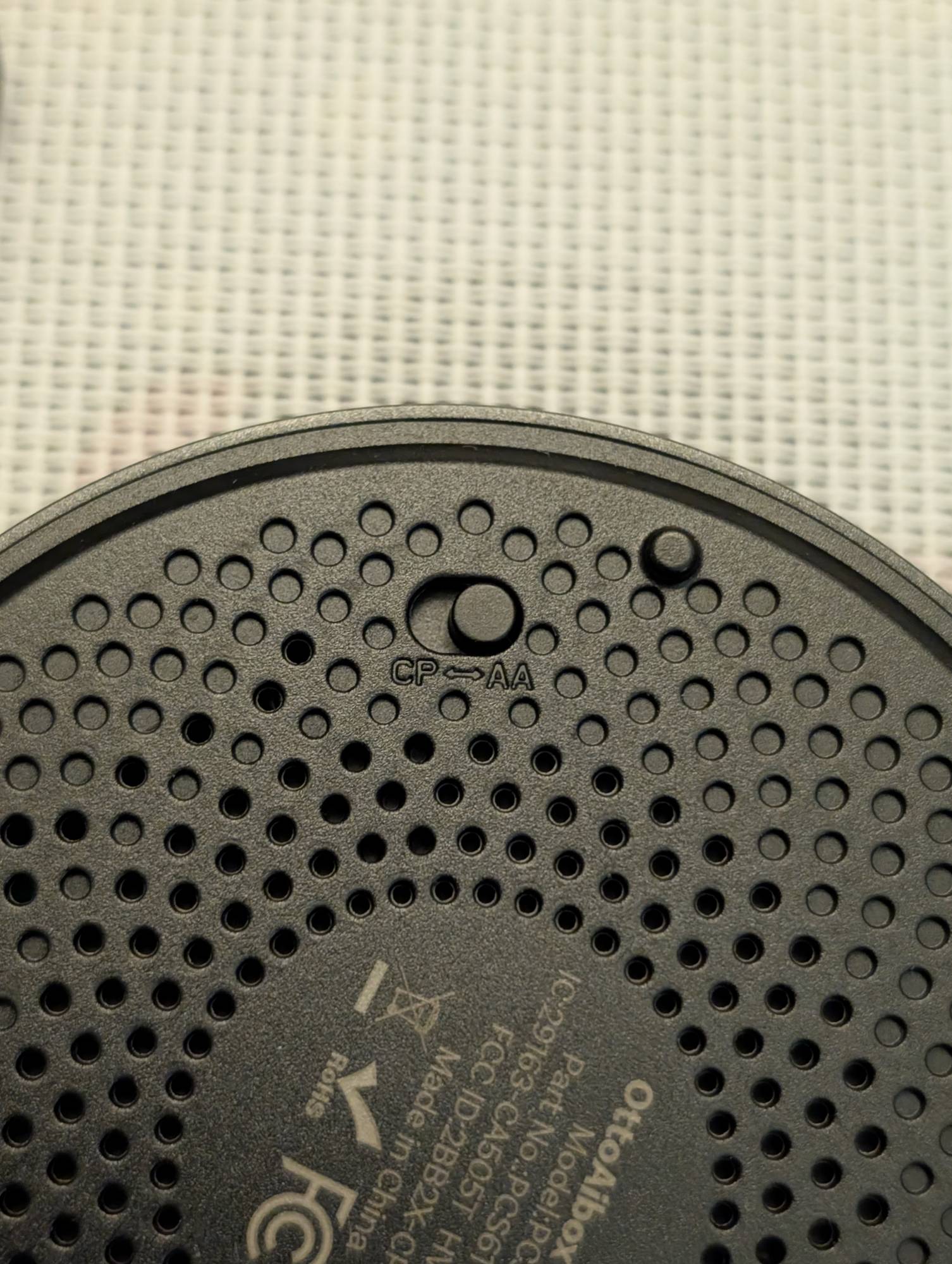
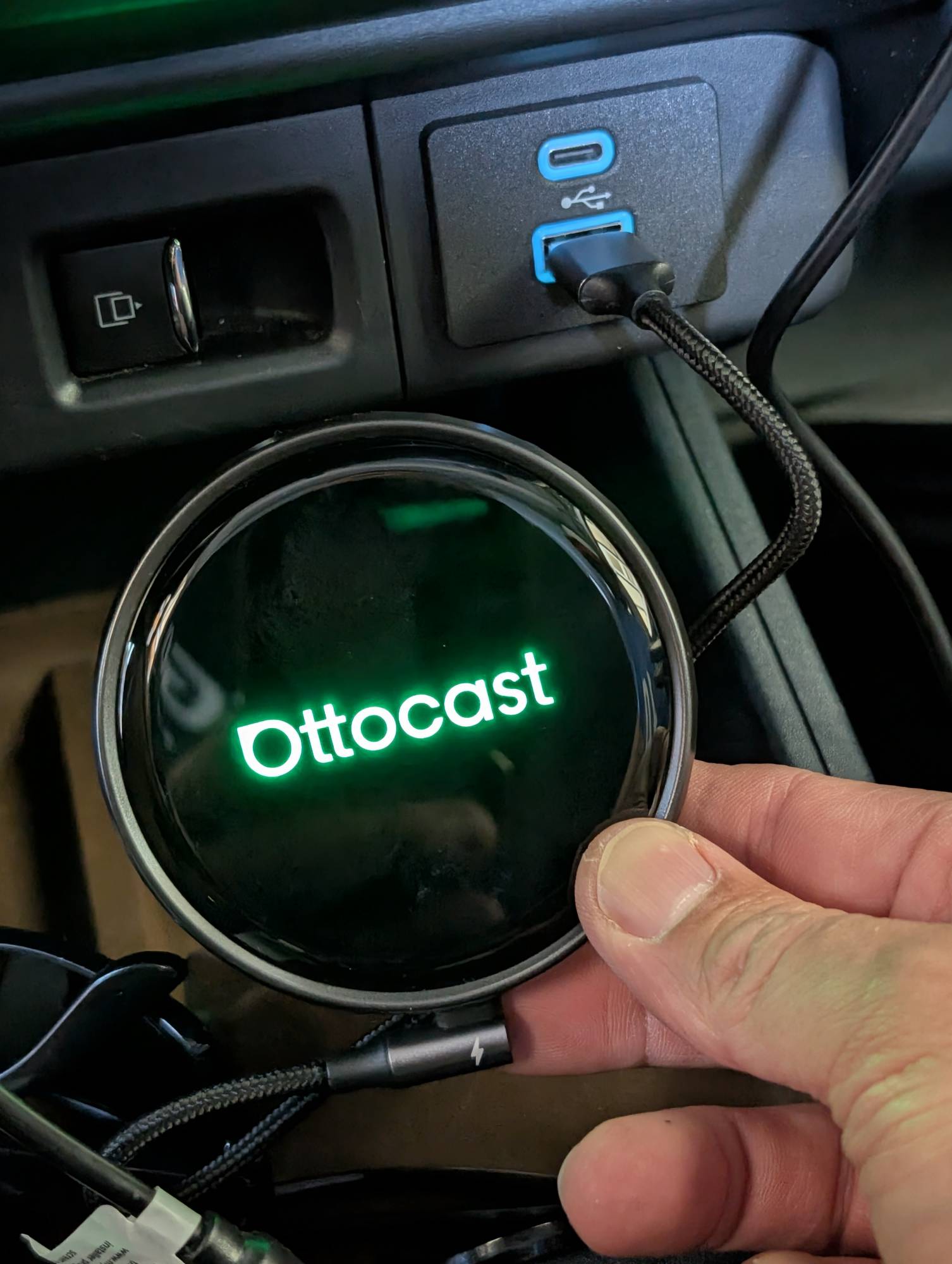
The online manual is available here to see all the features and settings.
The Set-Up
I have a 2022 Ford Maverick which came with wired-only AA. It has worked very well but is not as convenient as wireless so I decided to give the Ottocast OttoAibox P3 Pro a try. Setup was super straightforward. The P3 Pro does have an HDMI output, so you connect a second screen to it if you like.
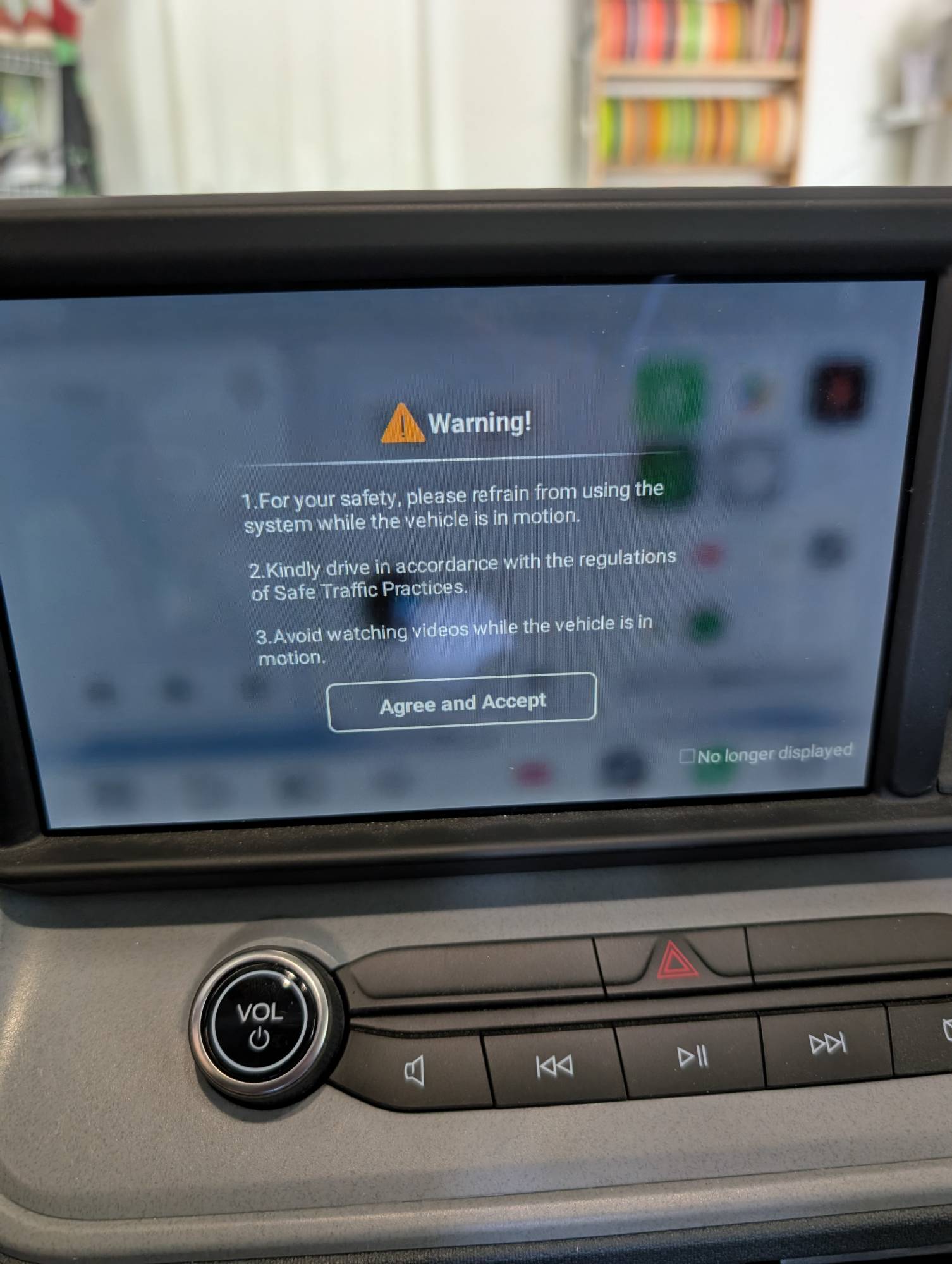
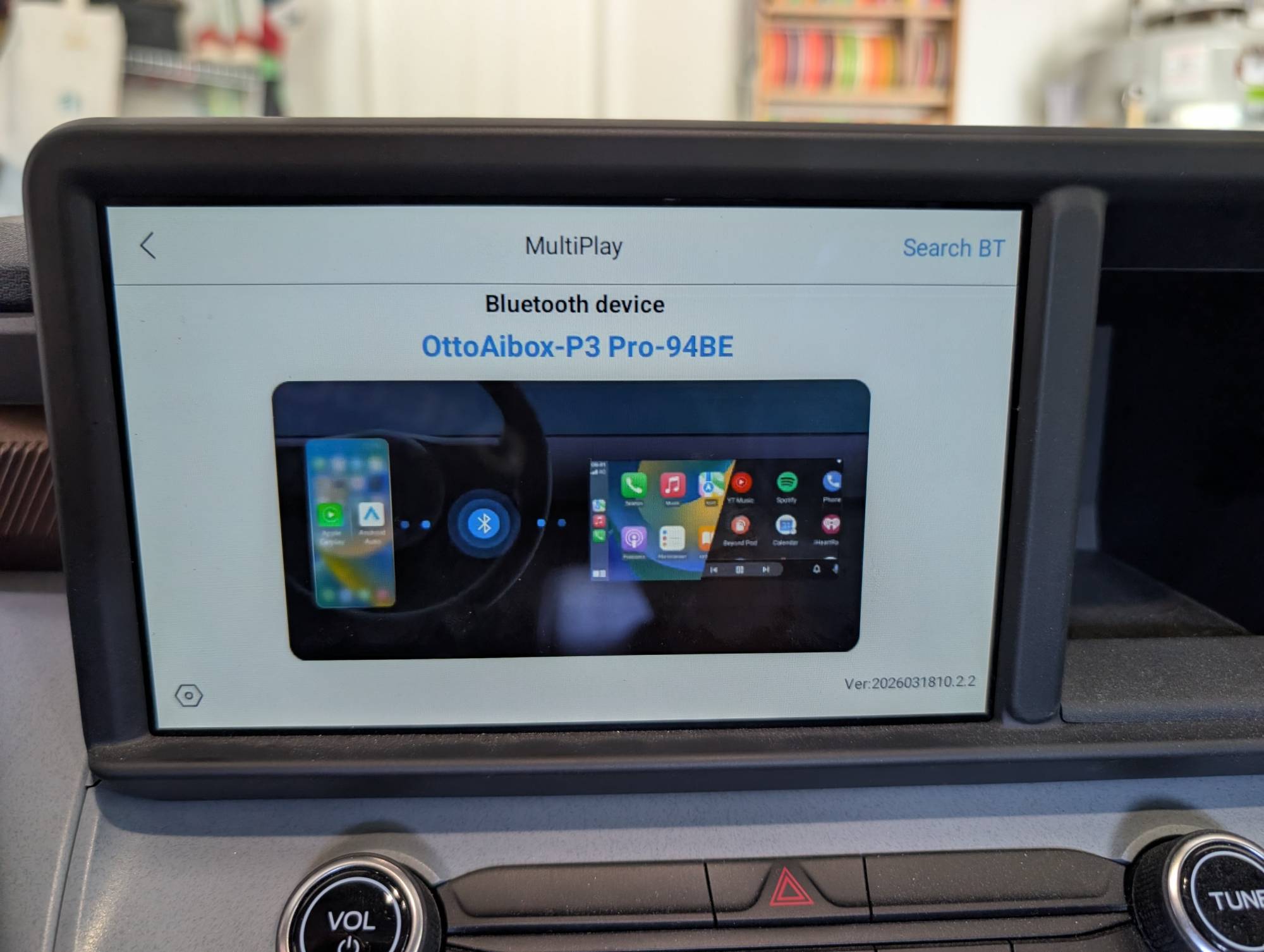
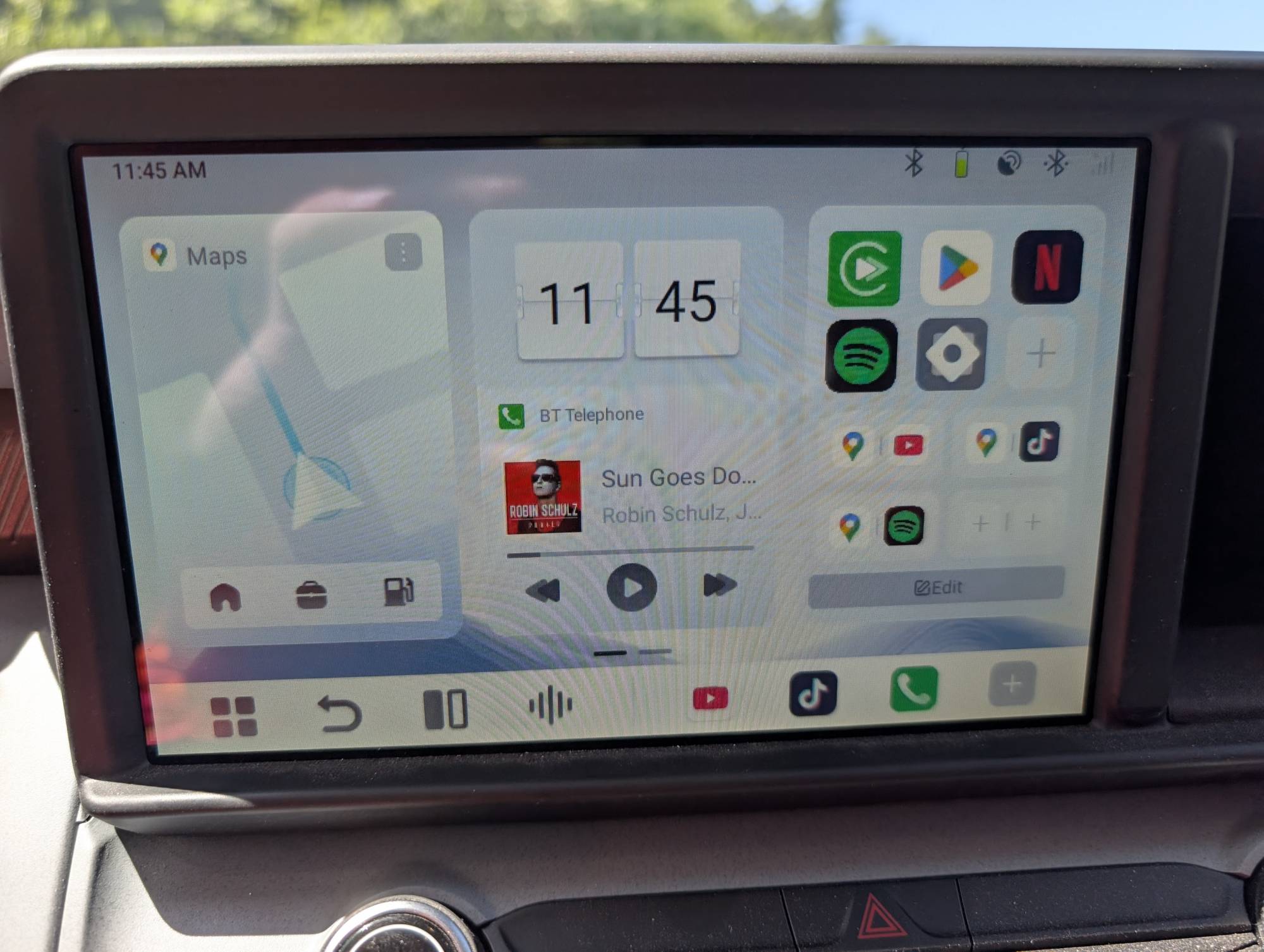
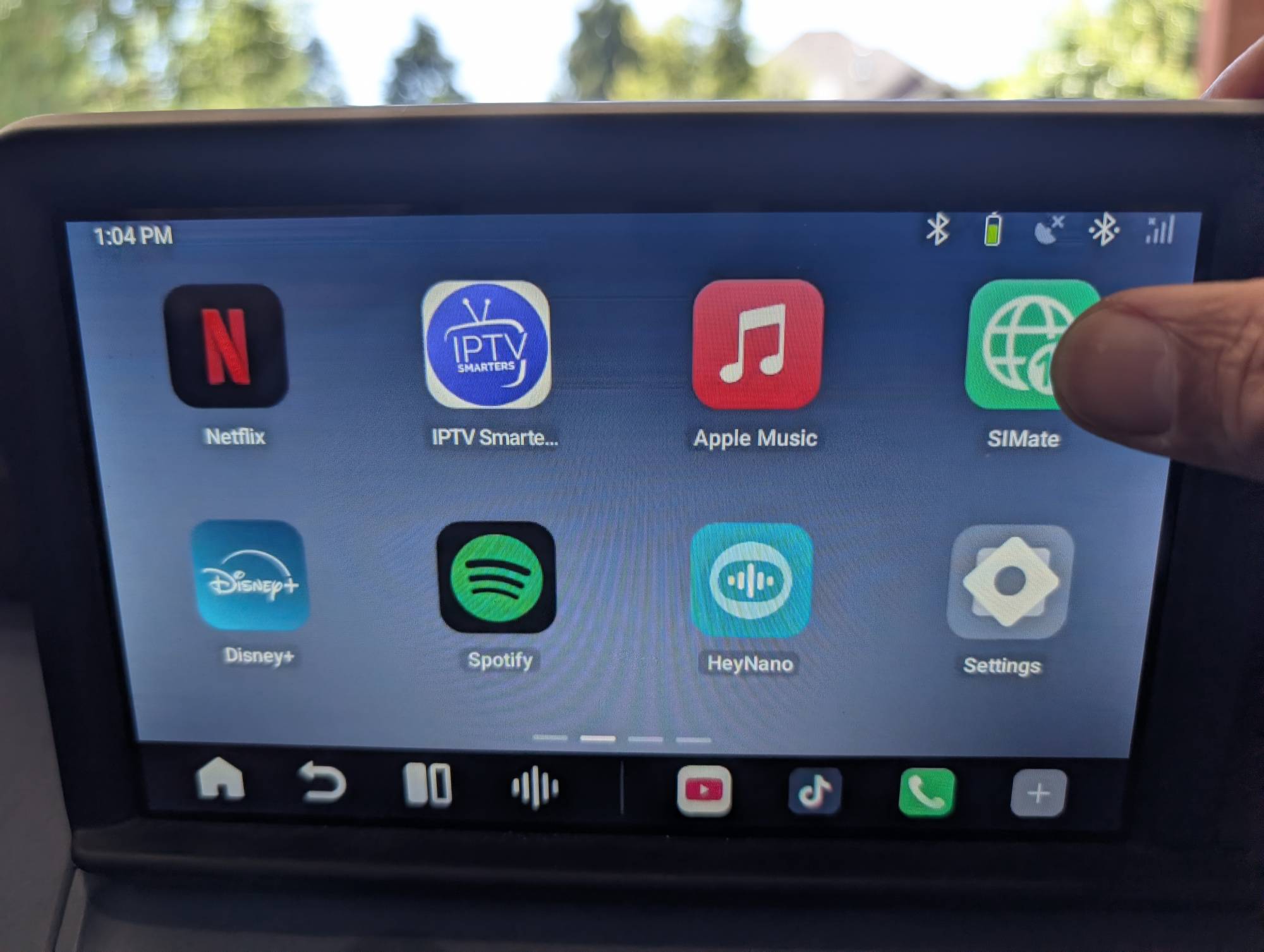
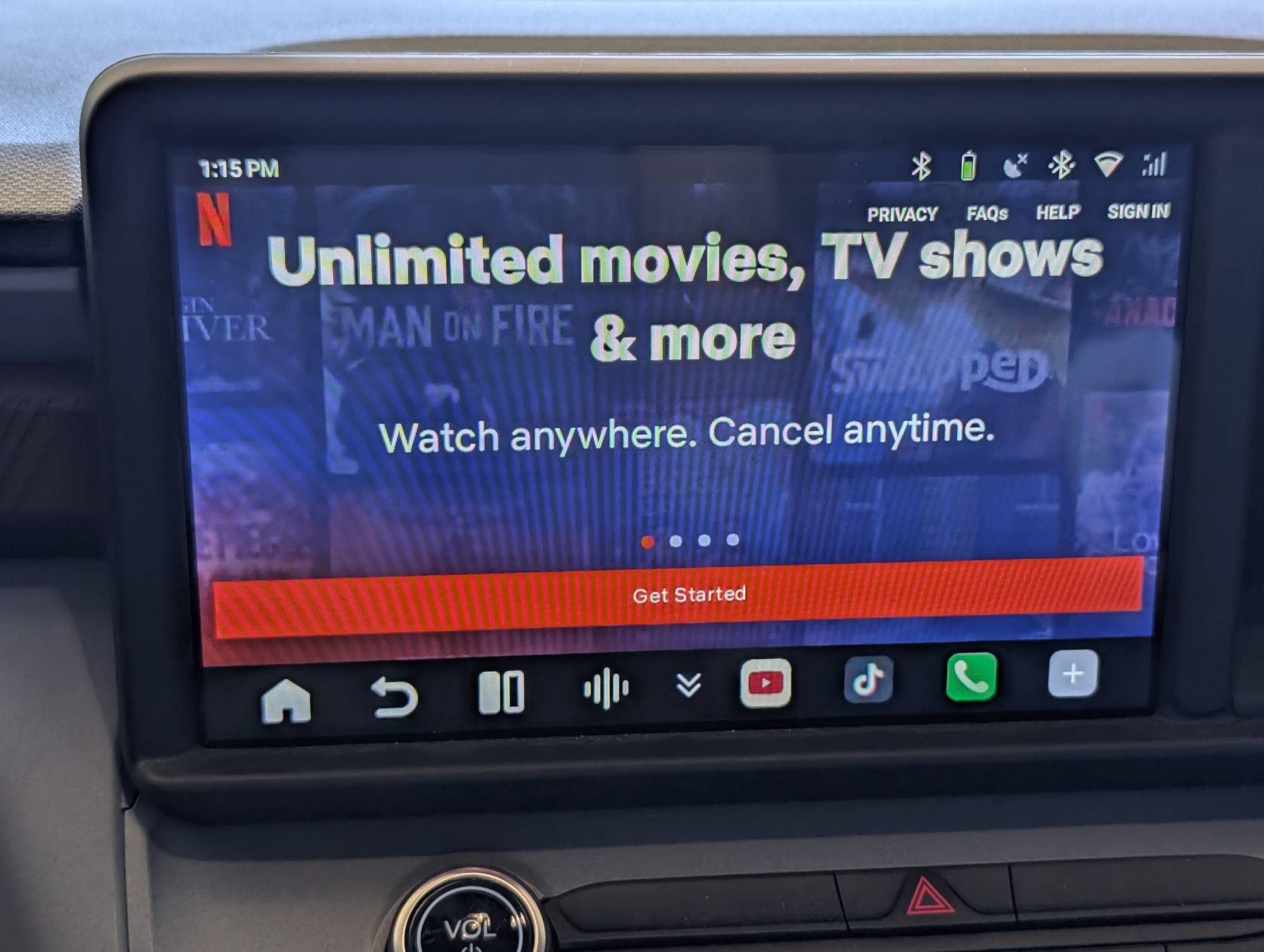
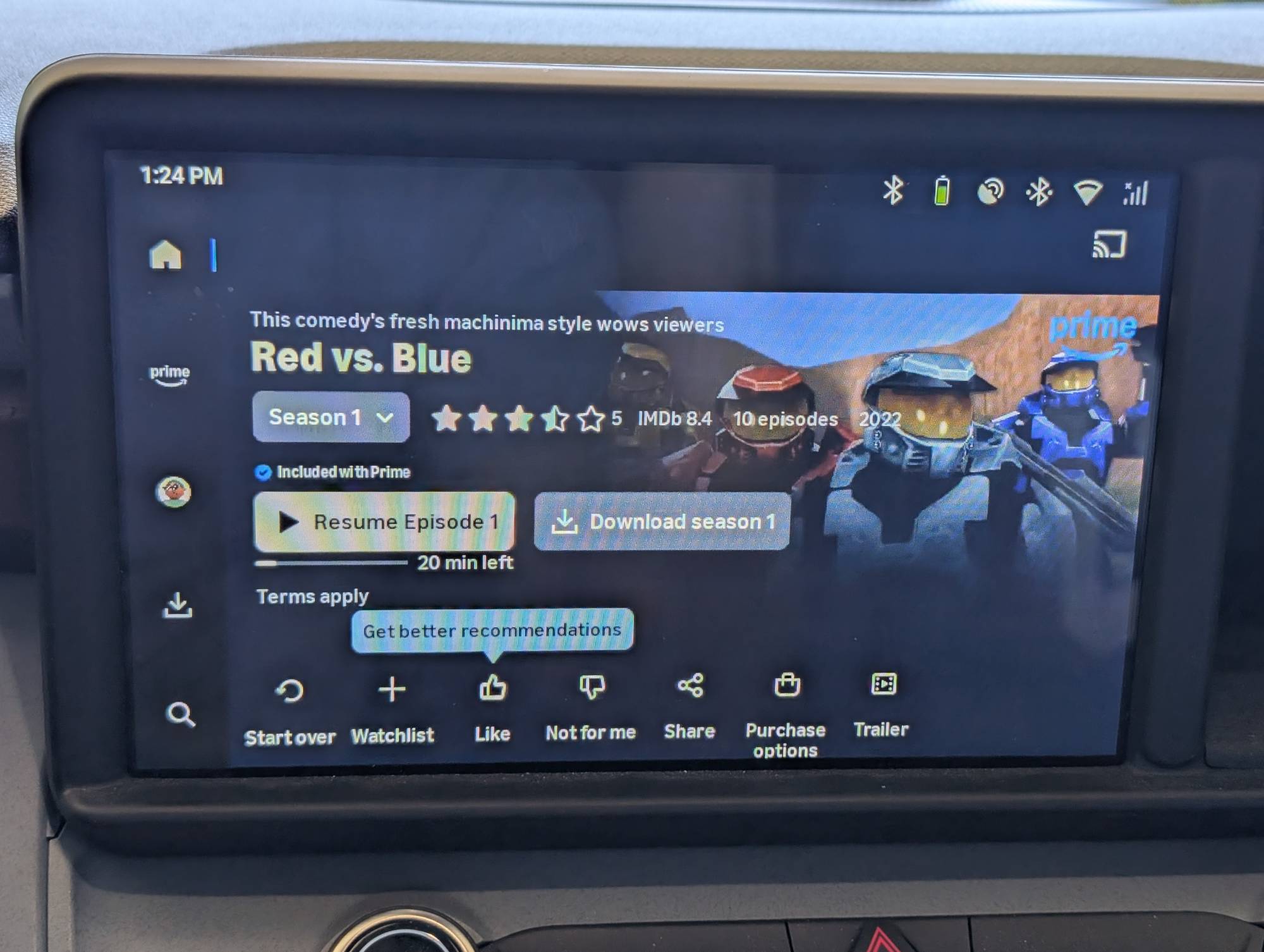
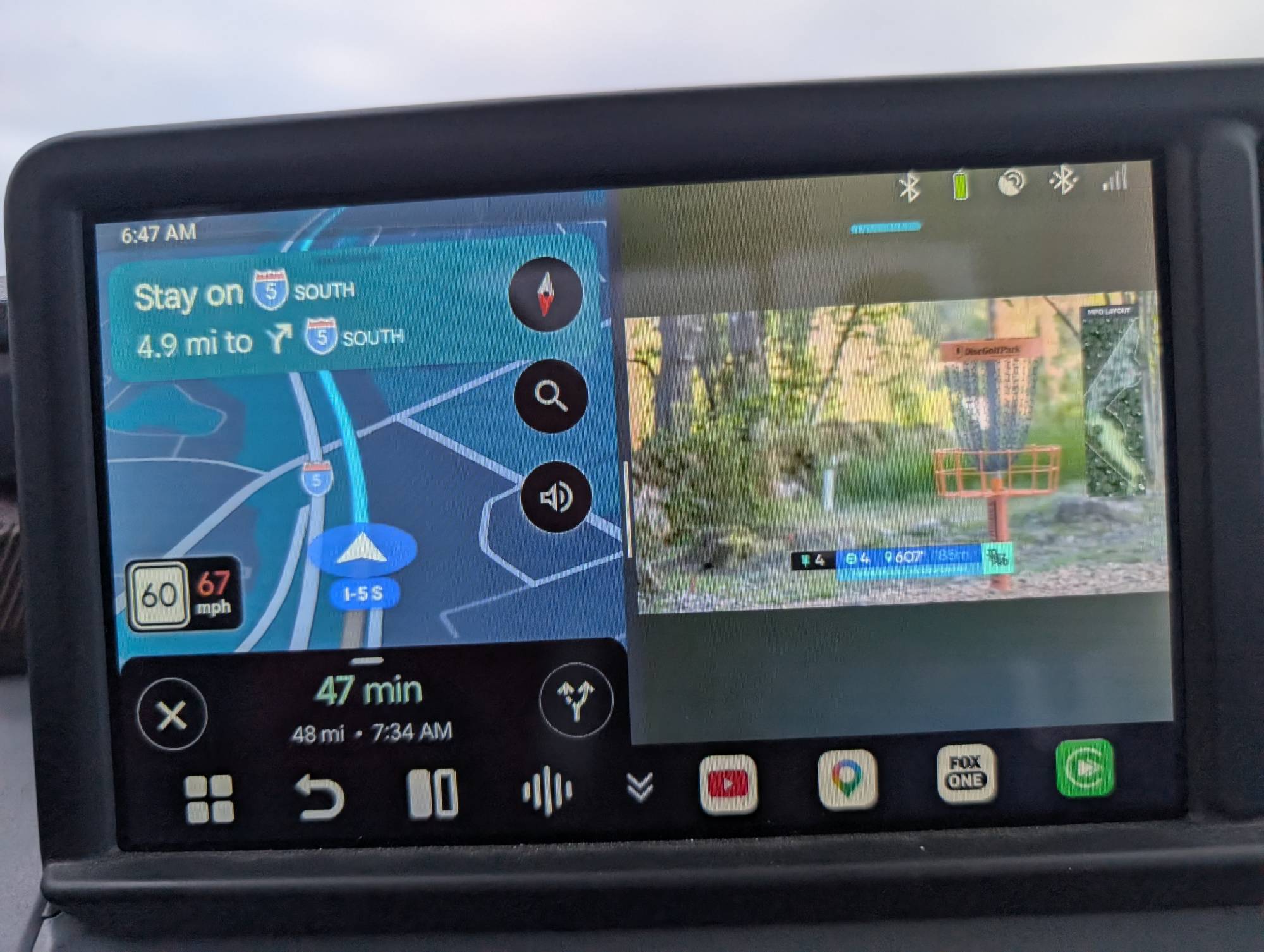
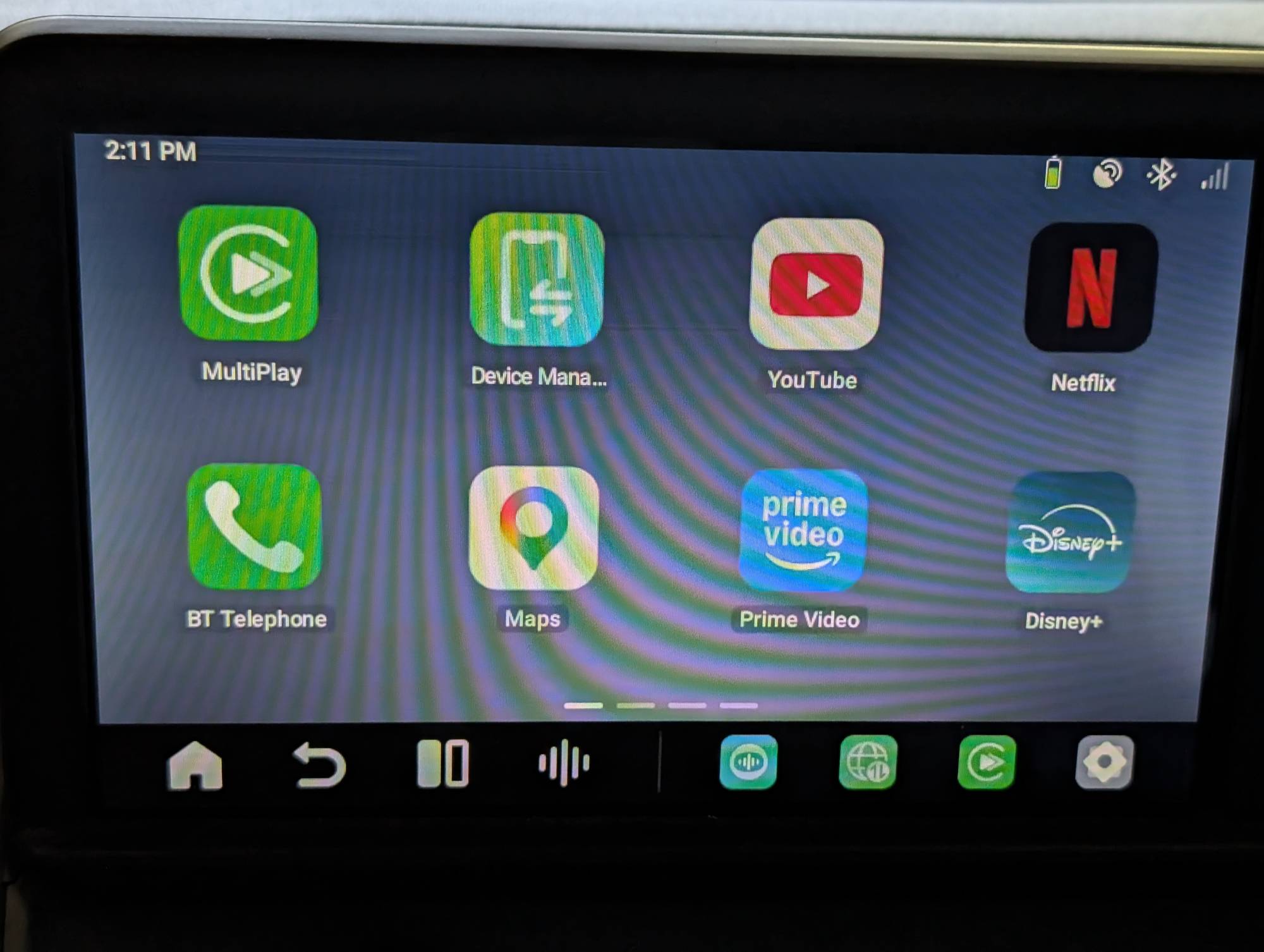
I didn’t have any issues with connecting to my truck and then connecting my phone to the P3 Pro via Bluetooth. I initially connected to my home Wi-Fi to log in to Google Play to download some apps and log in to others. Netflix, Prime Video, and YouTube worked like normal. You can display two apps in split screen and adjust their widths using a slider in the middle.
Connections
Do you need a SIM card to watch videos or use maps? You need the internet, but a physical SIM isn’t required. Depending on your model, you can go online via CloudSIM, phone hotspot, vehicle Wi-Fi, portable Wi-Fi, or a SIM card.
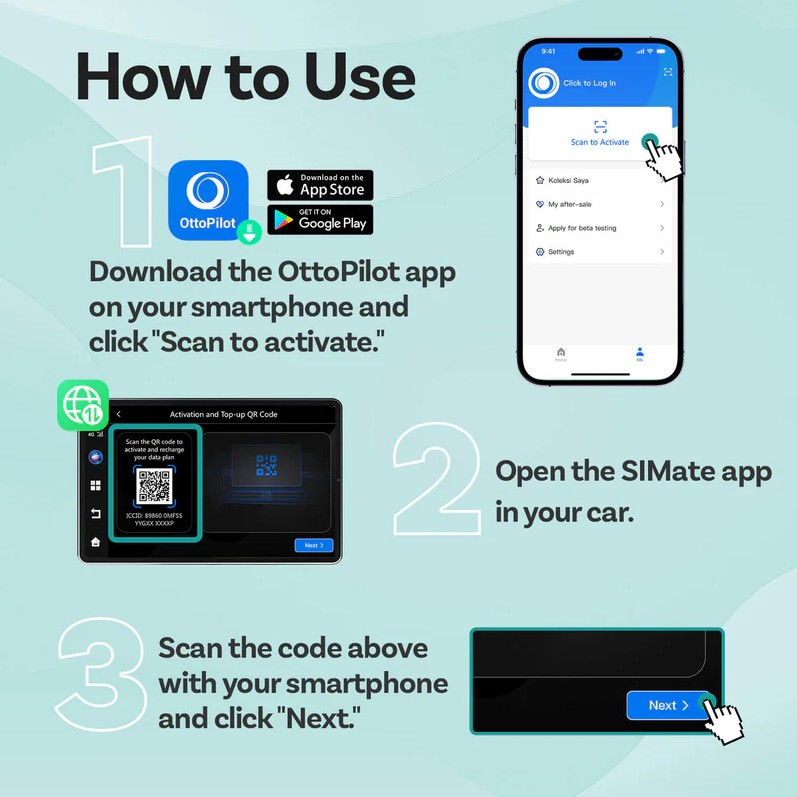
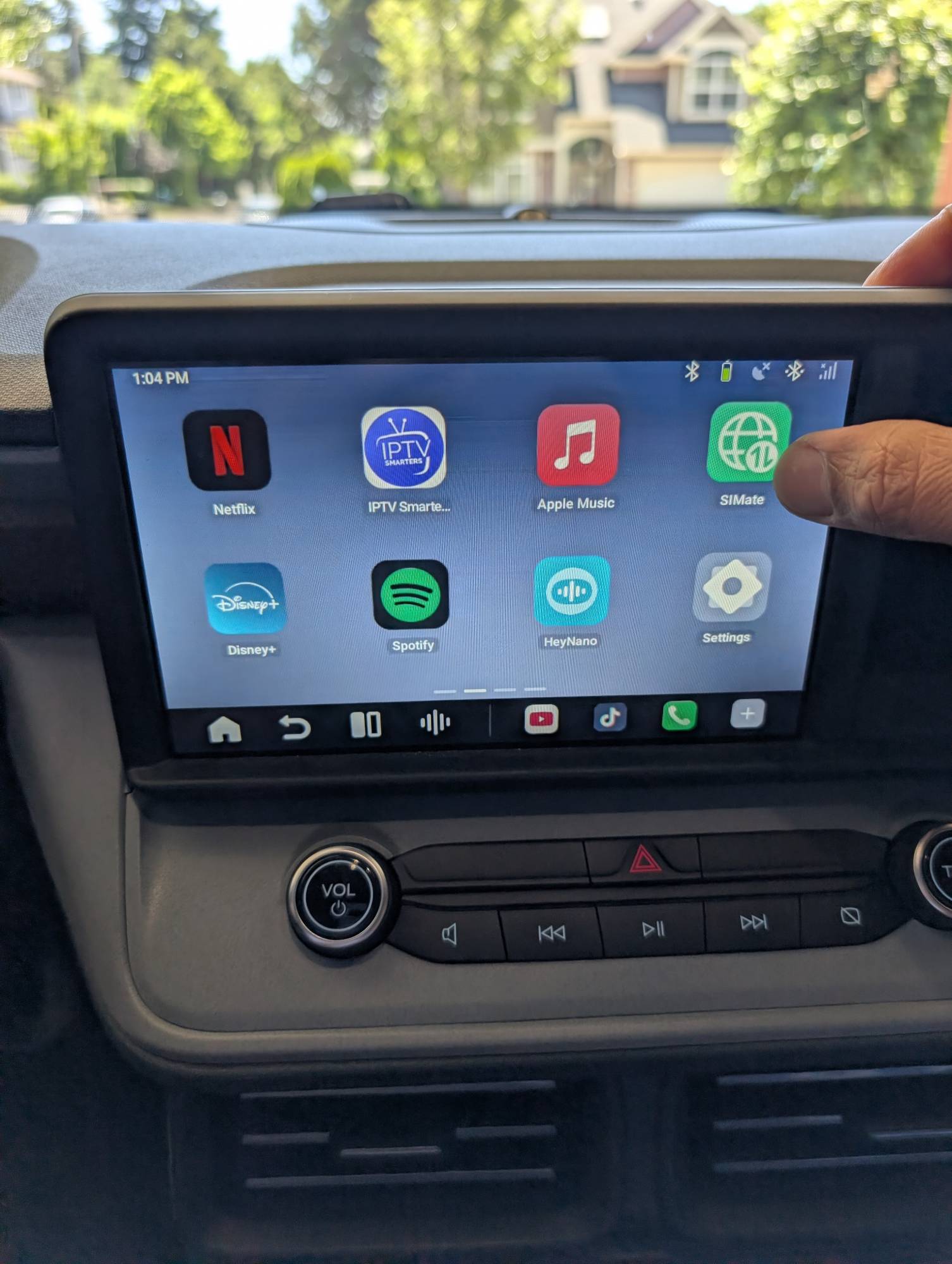
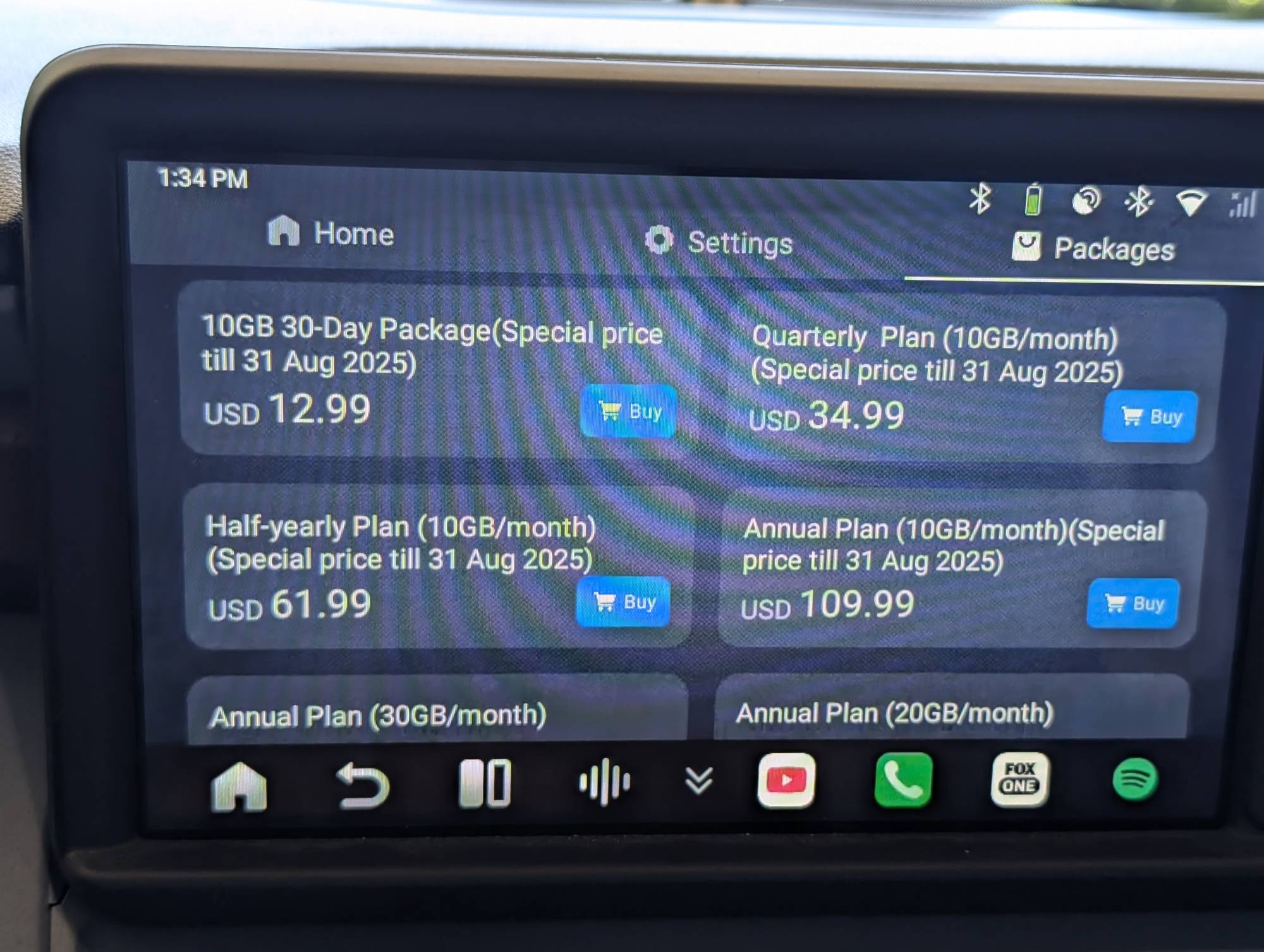
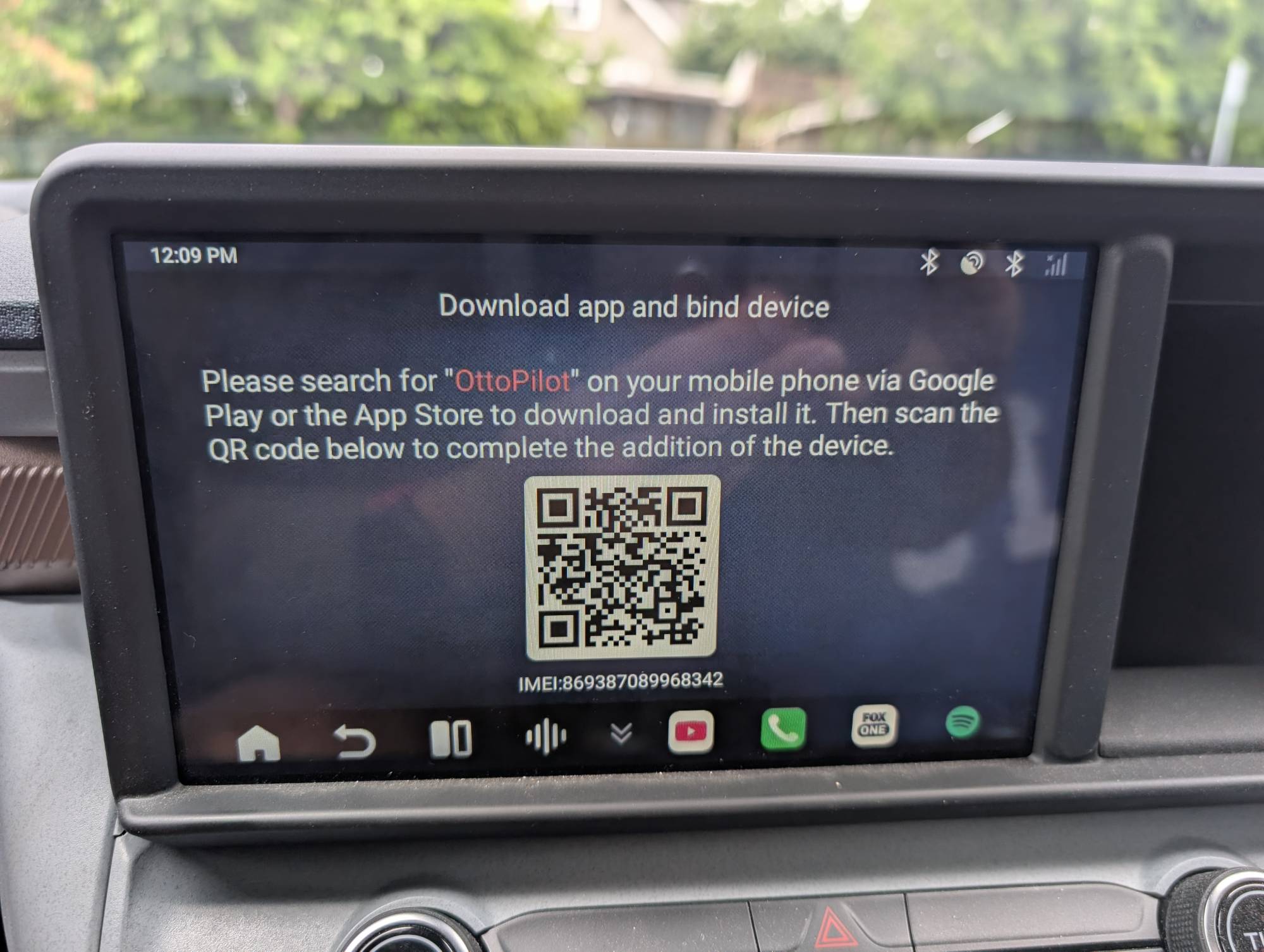
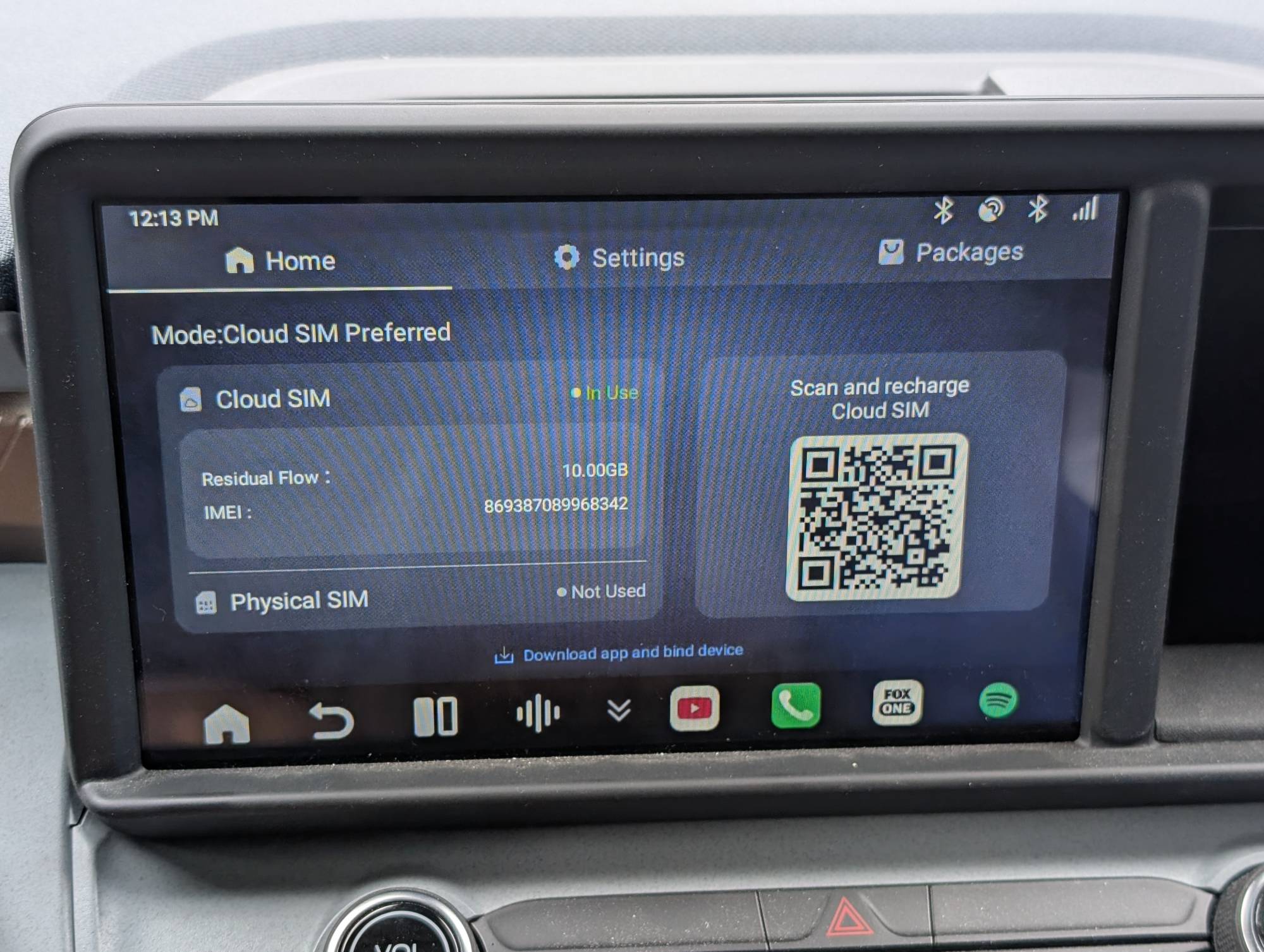
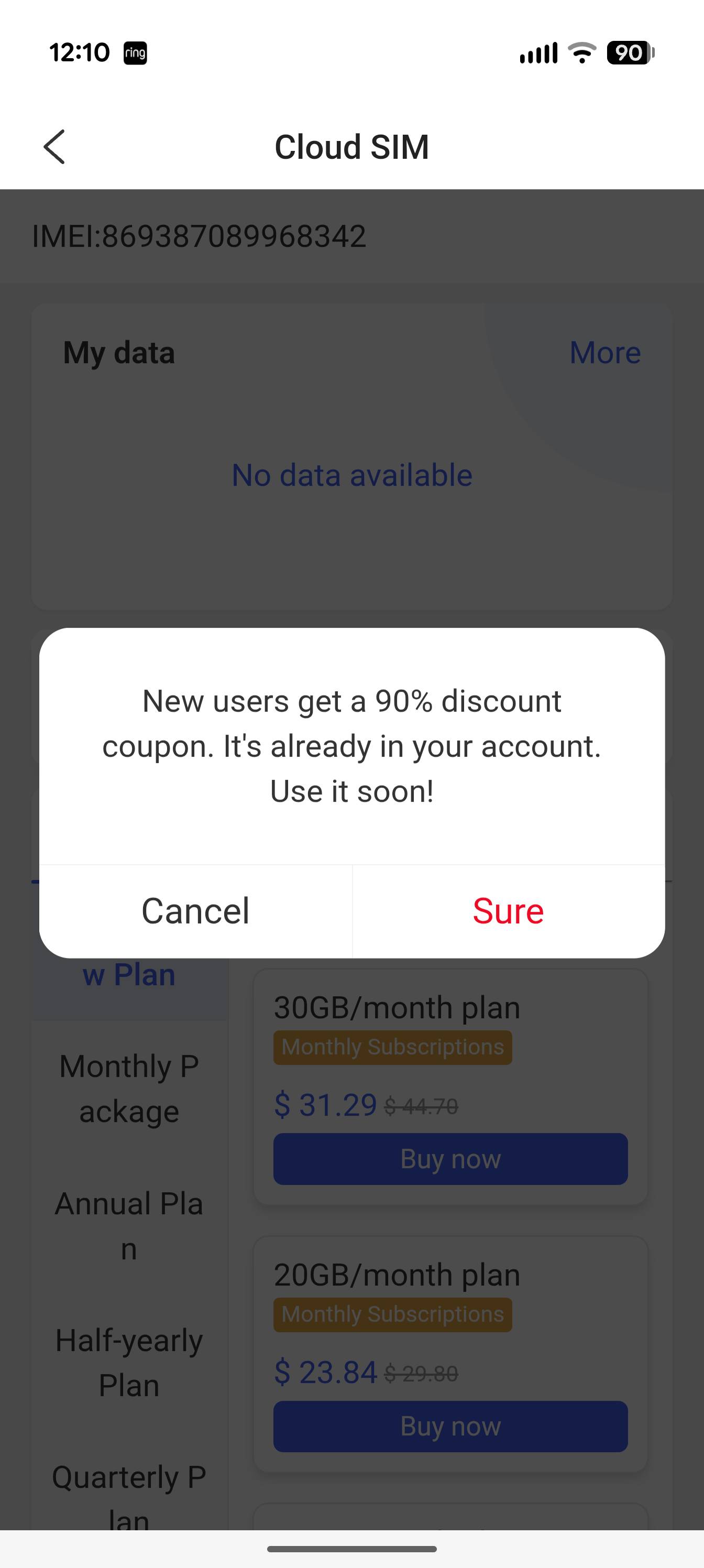
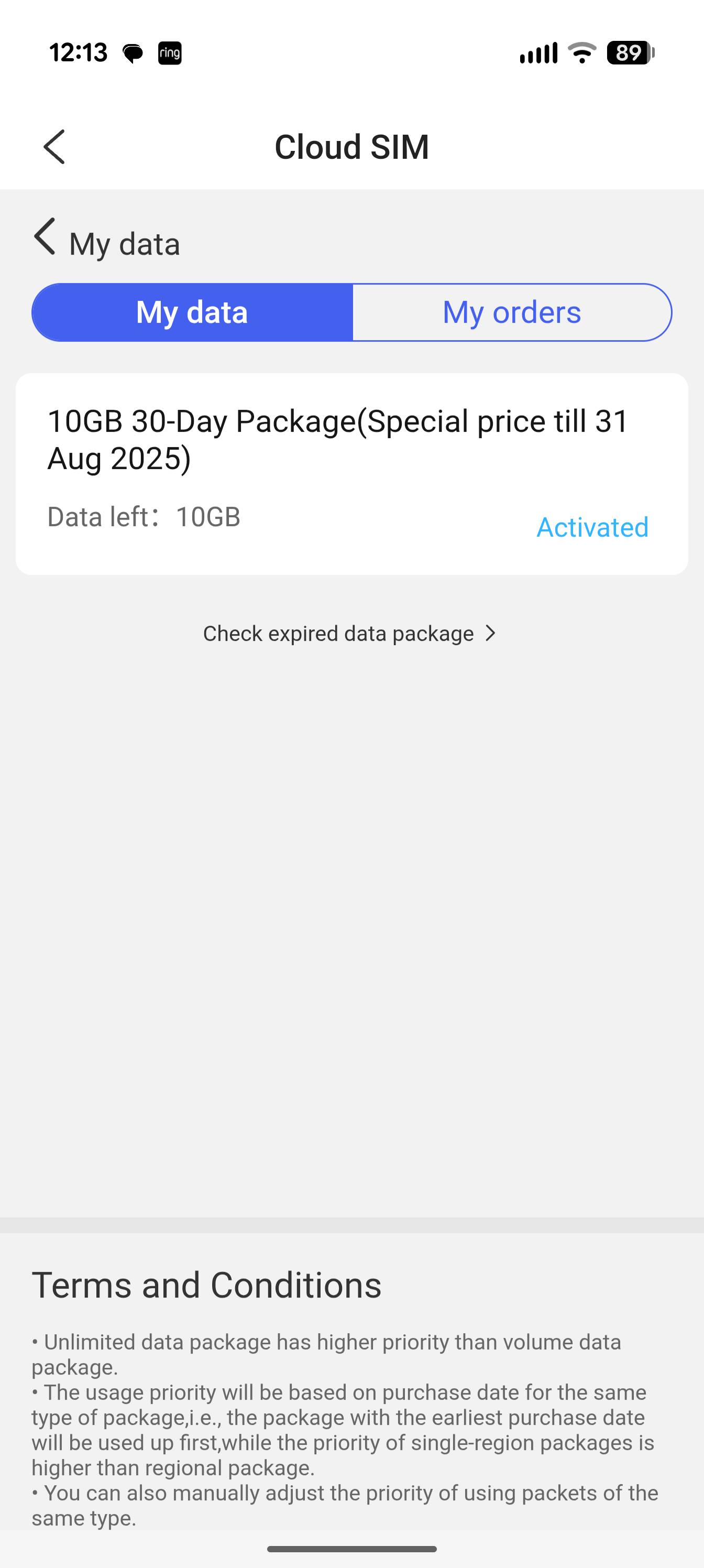
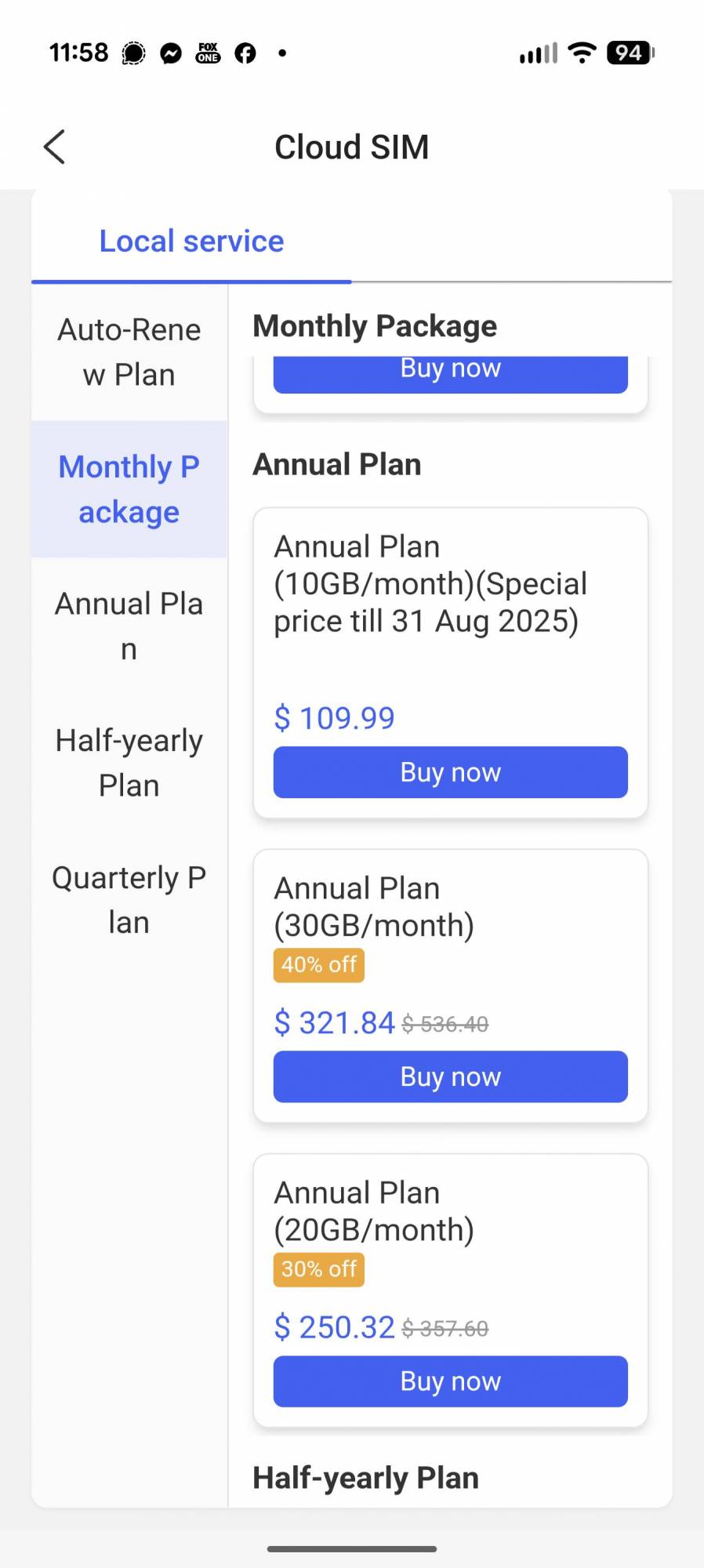
The Ottocast CloudSIM costs $12.99 per month for 10GB of data, with discounts for longer terms or higher data limits. If your cell phone provider offers free data-only SIM cards that tie into your current data plan, that may be the better option. There is an initial $1 trial for the first 10GB. I just downloaded the Otto Pilot app to my phone and set up an account to then bind the P3 Pro to it, and following the instructions, I was able to redeem the $1 initial CloudSIM plan for it. After the initial trial, it looks a little pricey, so I may not renew it.
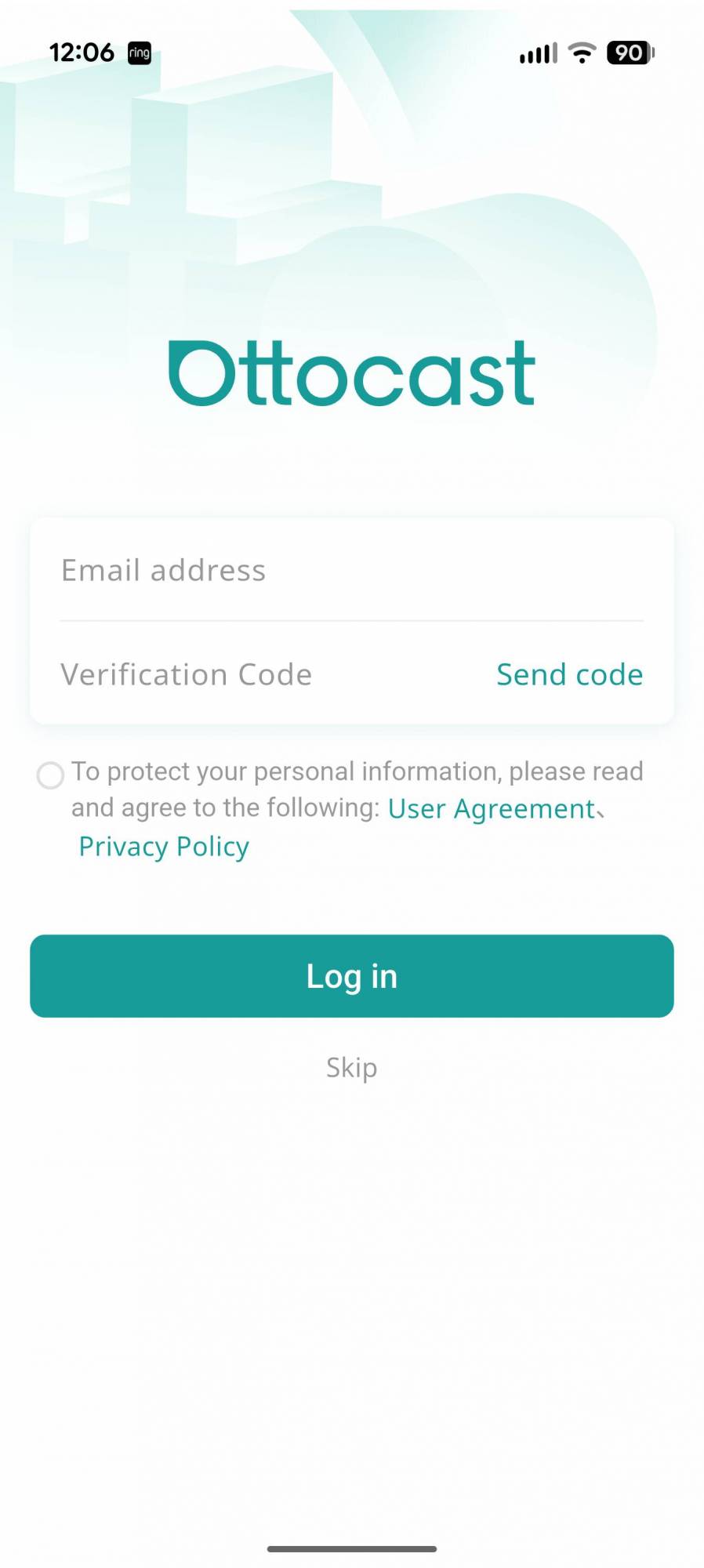
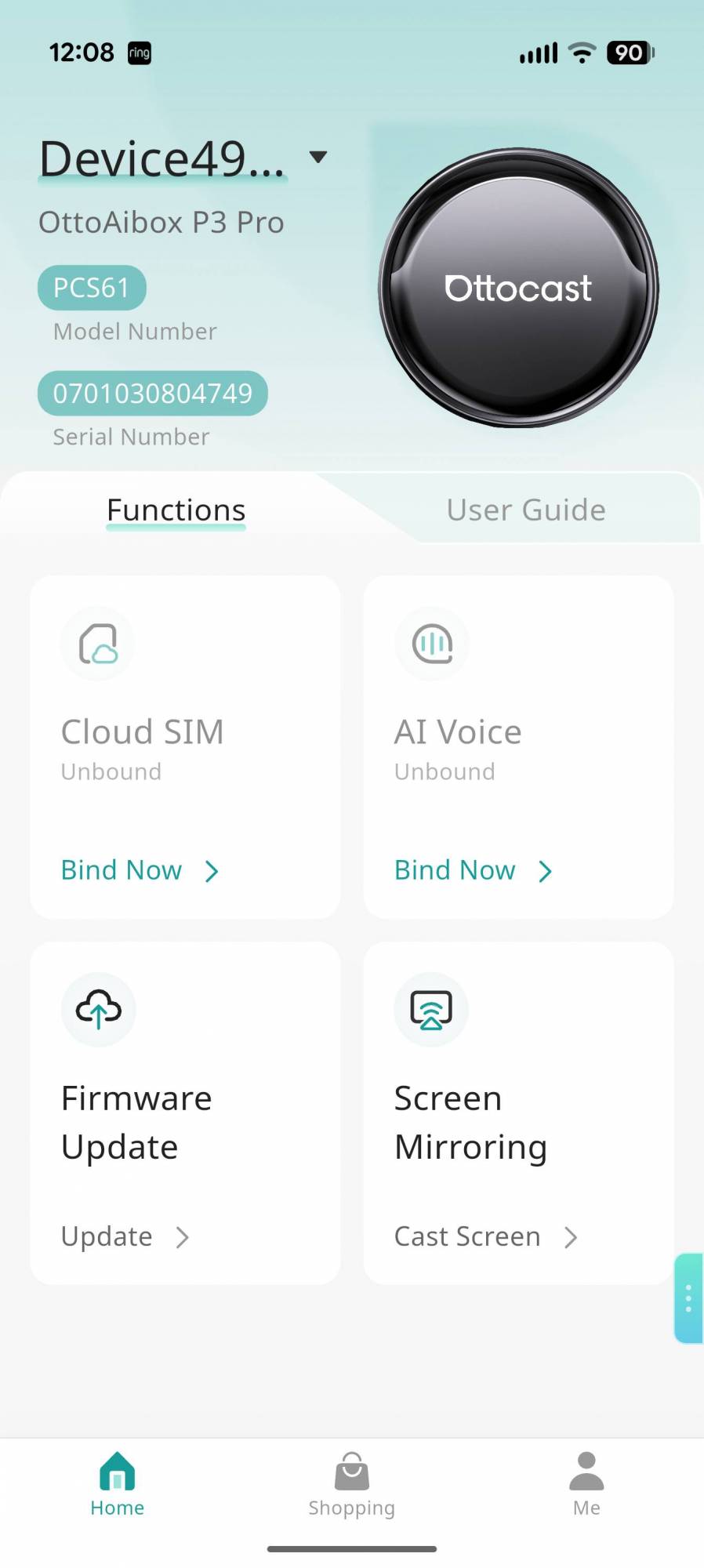
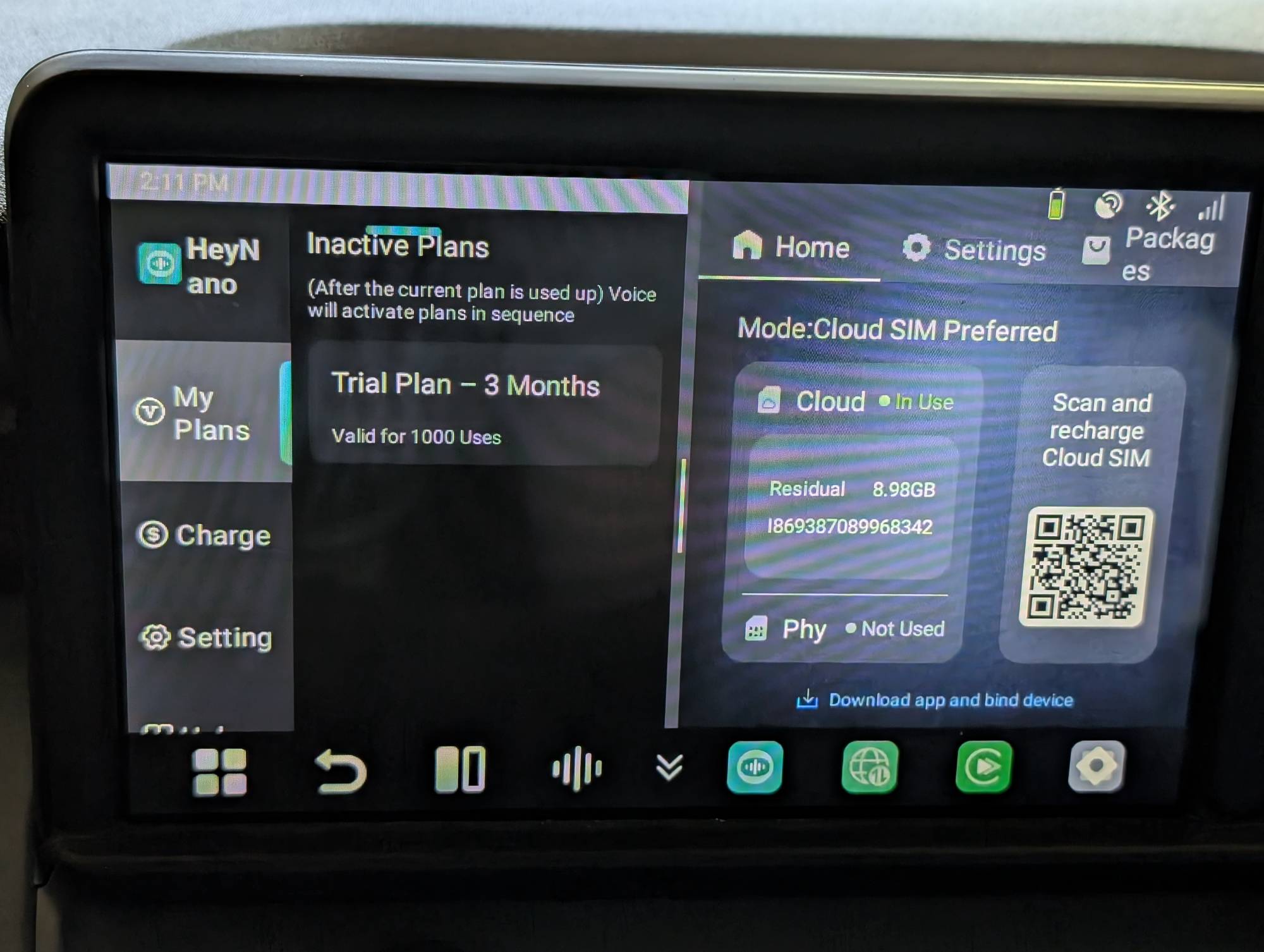
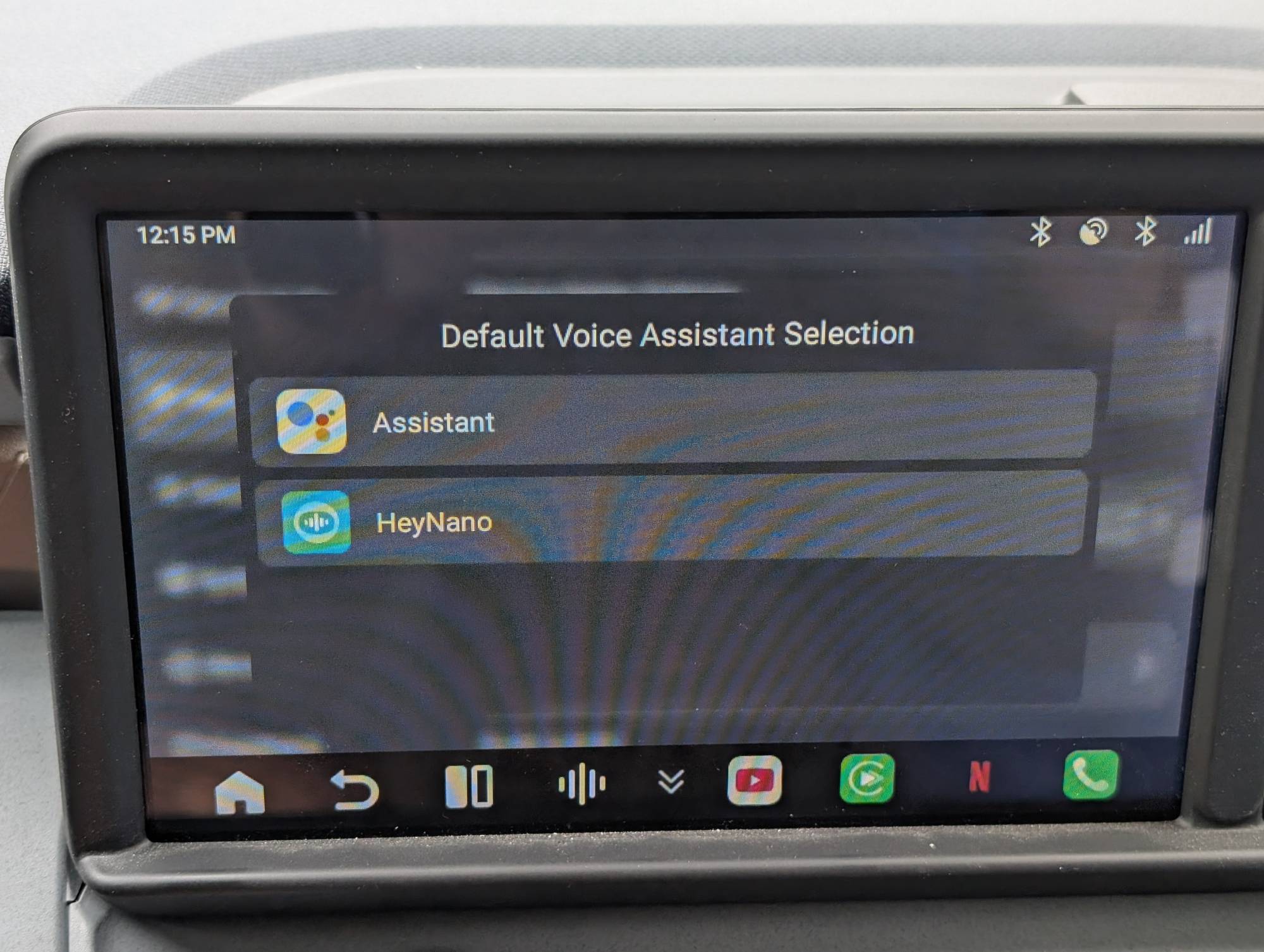
The Ottocast OttoAibox P3 Pro comes with a free AI Voice allowance by default: 3 months / 1,000 conversation rounds. After that, you can purchase a plan: $7.90/1,000 queries, $14.90/2,000 queries, or $29.90/4,000 queries. I’m not sure how useful AI is with a product like this that only really needs to connect my phone to my car. It seems like added complexity for no reason, since you can use your cell phone’s voice assistant if you like.
Performance
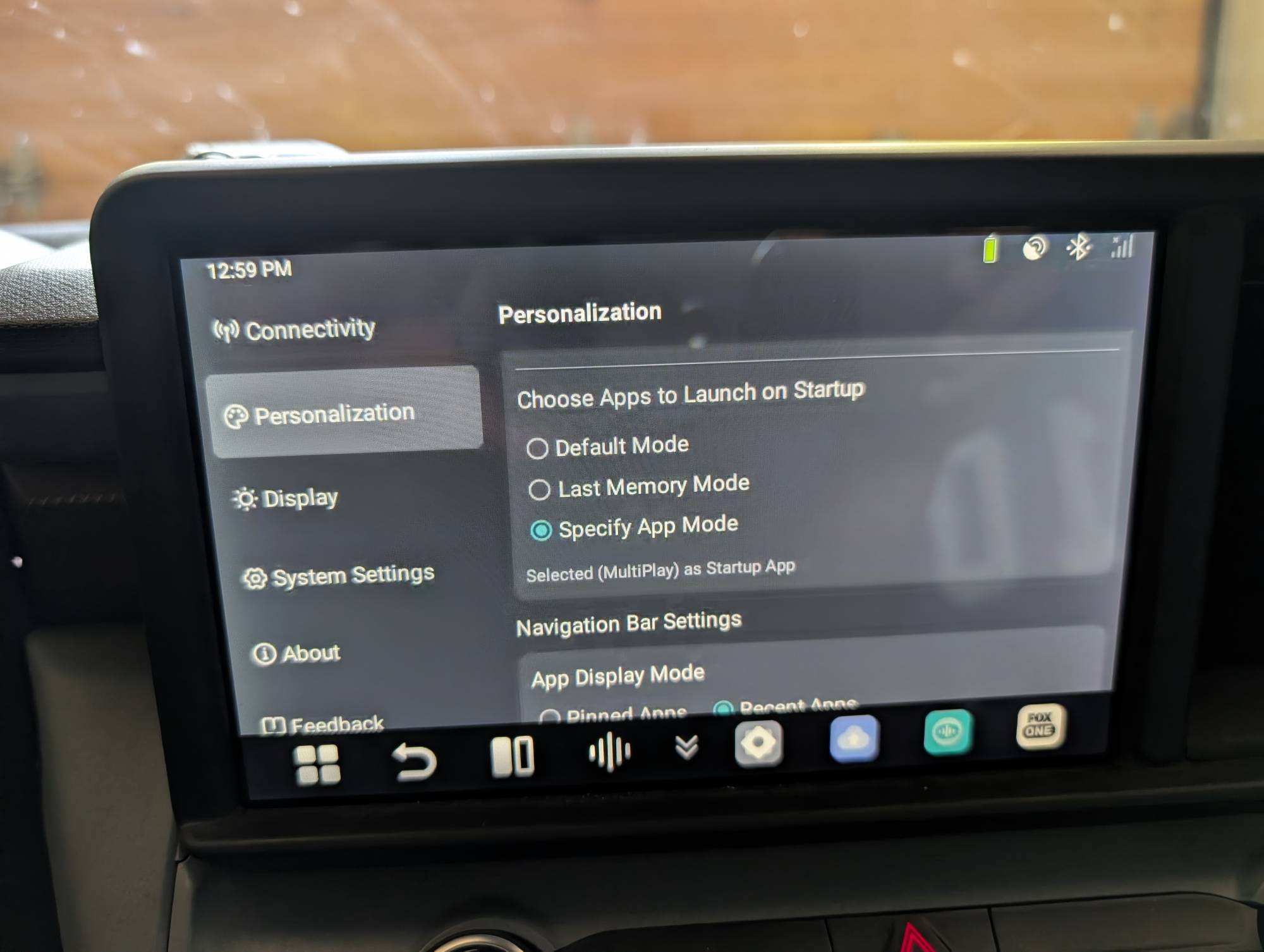
Startup and connecting to wireless AA take about a minute, which is much slower than the wired connection. By default, once the Ottocast OttoAibox P3 Pro starts up, it will display the Otto Drive screen. You then have to tap the MultiPlay button to enter wireless AA mode. There is a setting that allows you to open it automatically or any app of your choosing. The biggest annoyance, on top of the Otto Drive system taking a minute to load, is that the CloudSIM needs another minute to connect, so both take longer than I would prefer, considering the wired connection only took a few seconds.
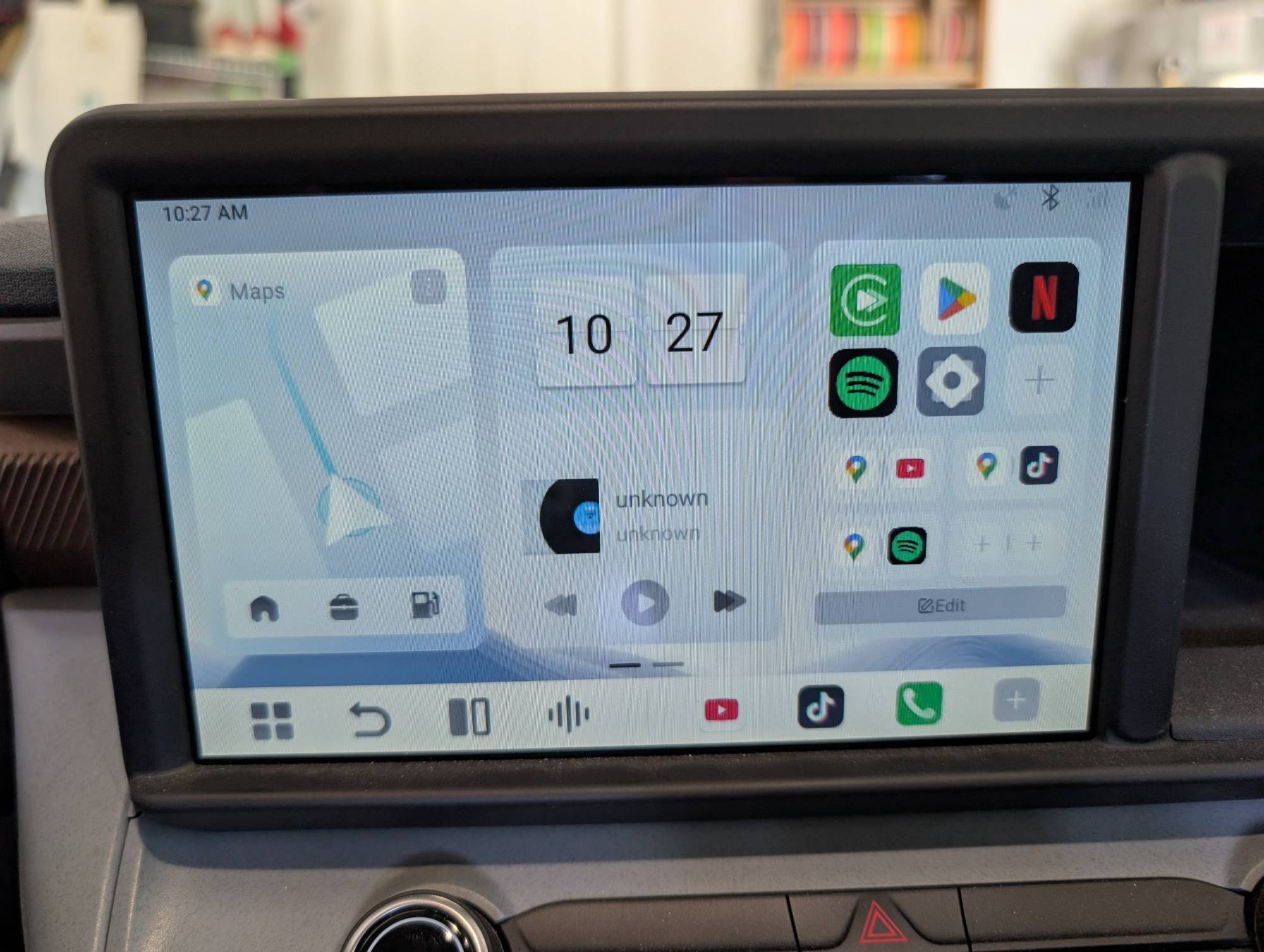
The Ottocast OttoAibox P3 Pro wireless AA did work as advertised for the most part. There were a few times it froze and turned off my truck’s display. I had to manually turn the display back on, but the P3 Pro would not reconnect even after unplugging and plugging back in. I had to stop the car, turn the car off, open the door, close it, and then turn it back on to reconnect. I couldn’t even revert to the wired connection because it somehow completely disabled my vehicle’s Android Auto and had to be restarted. A bit annoying since I was on a long drive at the time.
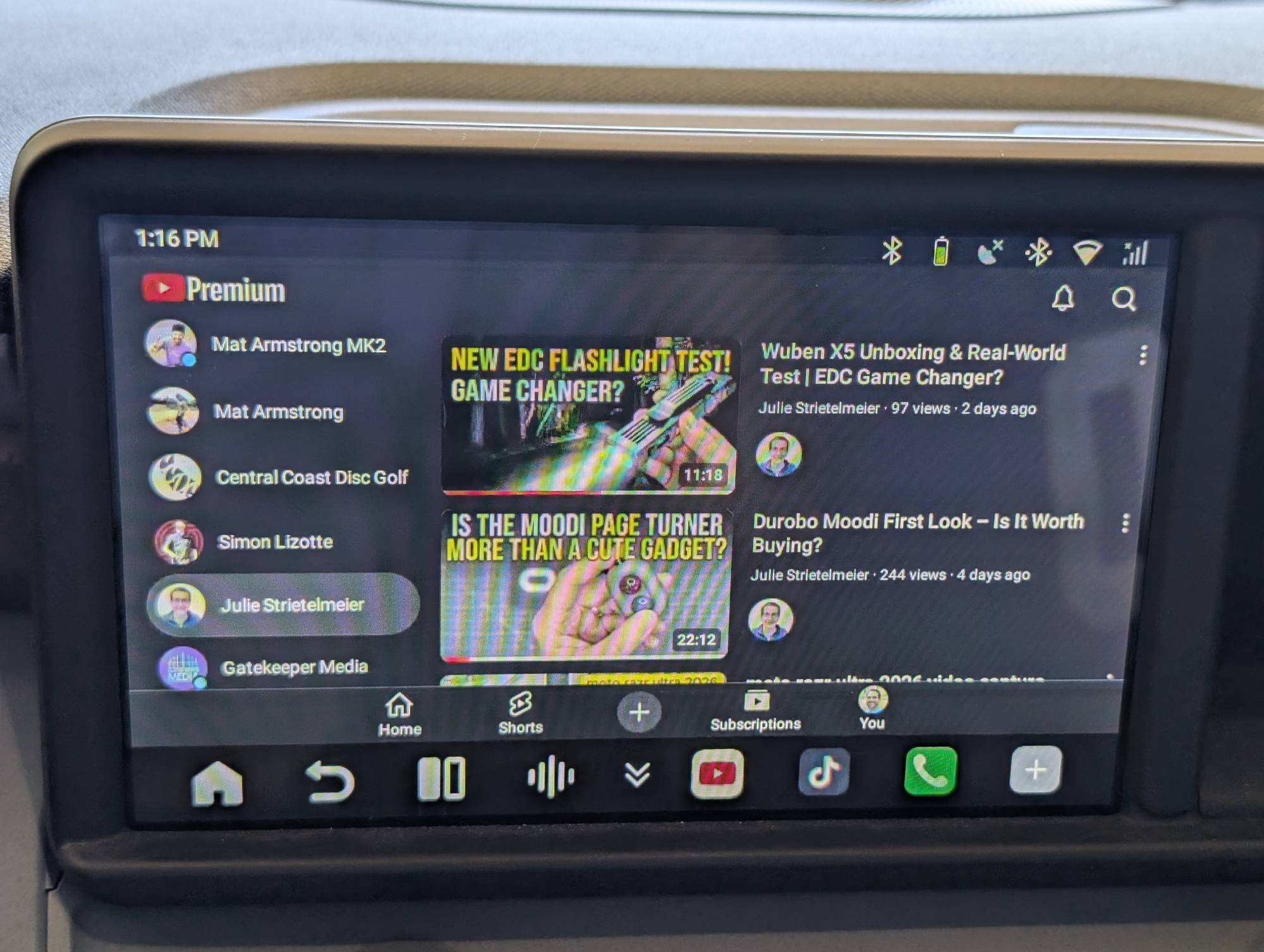
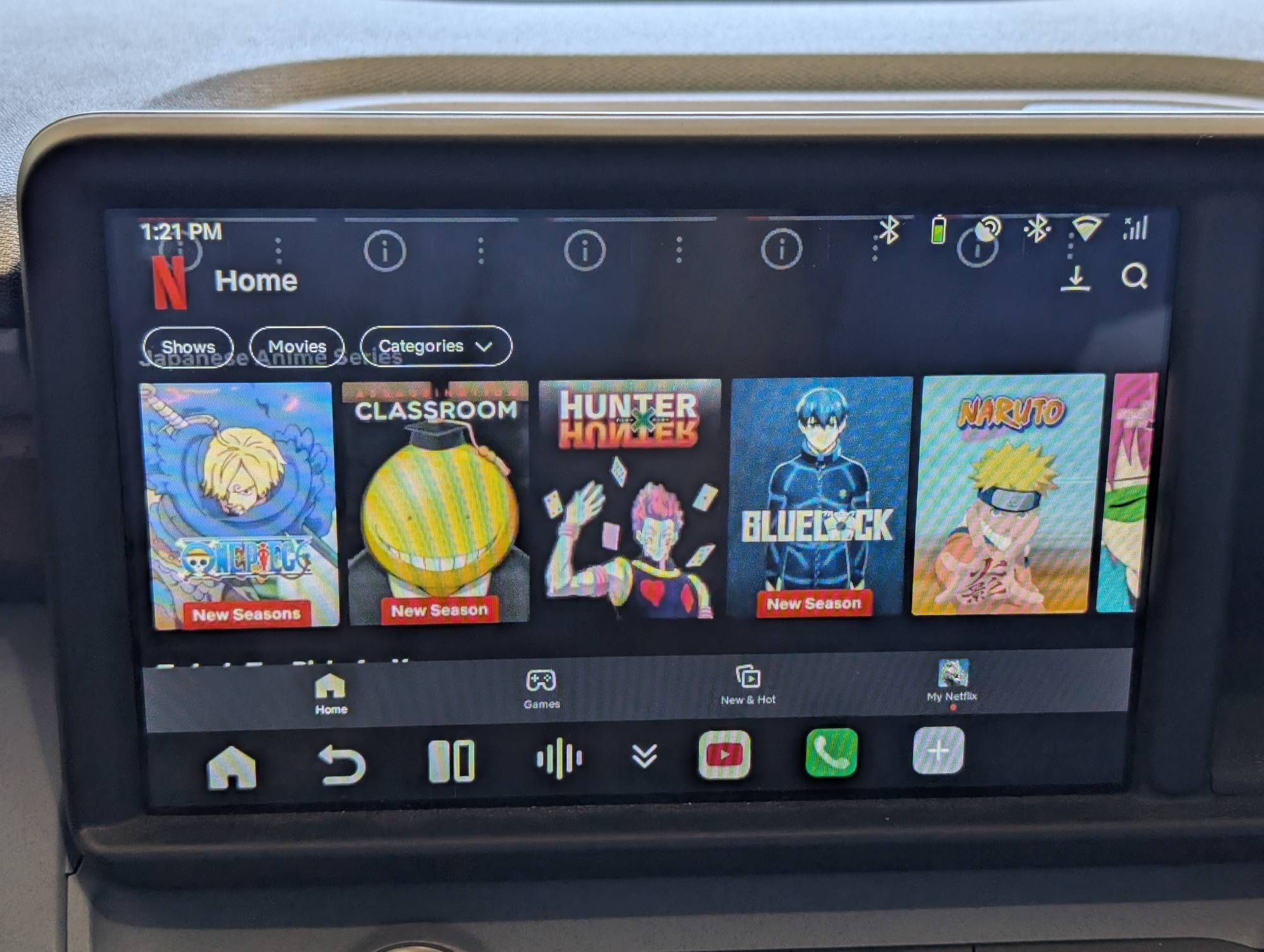
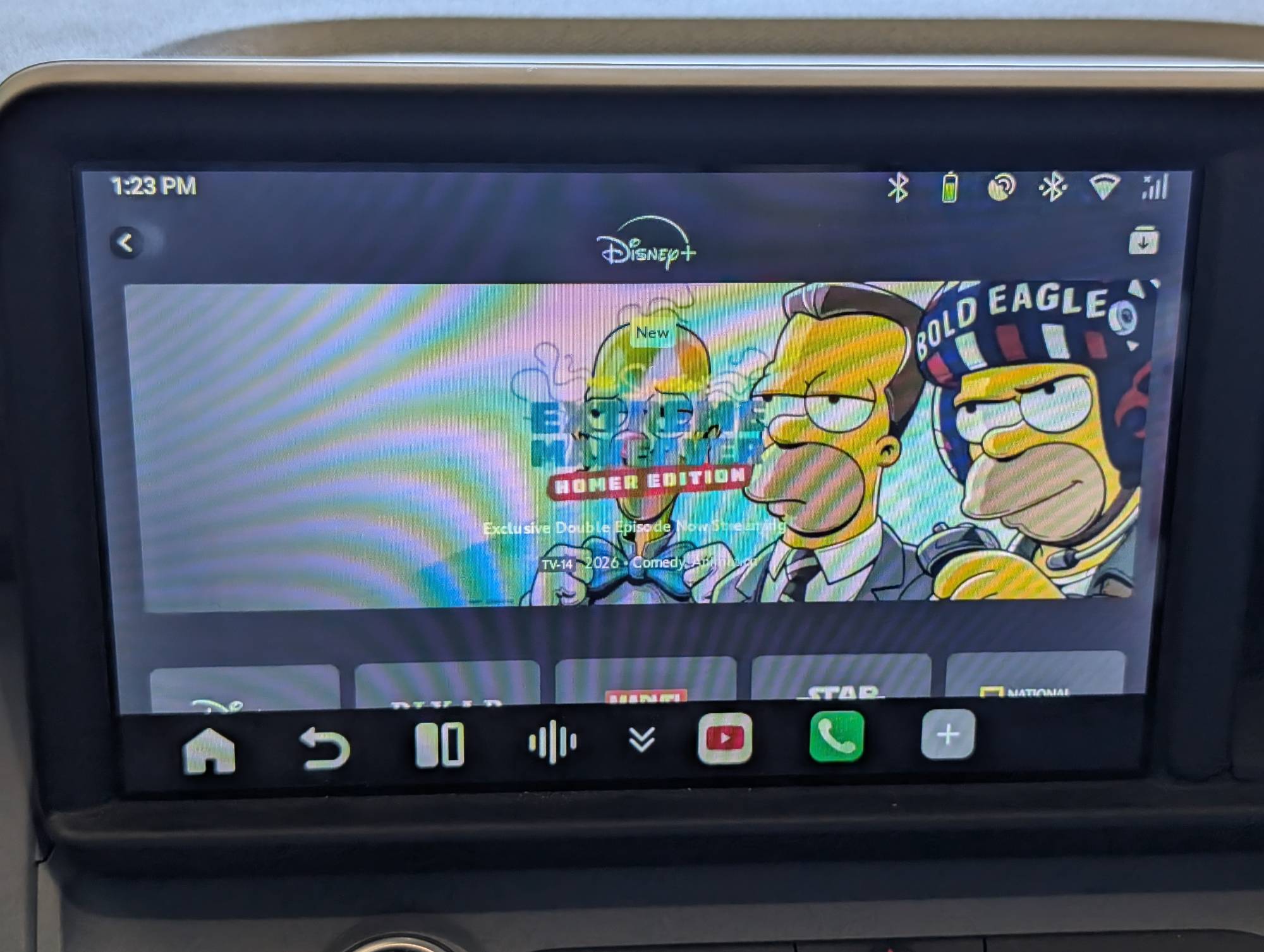
I wish that if there was a glitch or it stopped working that you could default back to a wired connection without restarting the car. I moved the Ottocast OttoAibox P3 Pro plug to the USB-C input for wired AA, and if I try to plug my phone in directly to the wired USB-A input, it will charge my phone, but it won’t connect to it for wired AA unless I unplug the P3 Pro and restart the car. If anything goes wrong, a vehicle restart is required.
Other issues I noticed included:
- While navigating in AA, pinching the map to zoom in jumps the map off the course, and I had to use the + and – buttons to zoom in without it jumping around.
- Driving directions often cut off at the end and sometimes didn’t come on at all. The P3 Pro changes the display slightly in terms of resolution and app appearance. Hard to describe, but it just looks slightly different.
- Call audio wasn’t as good as wired AA or even just my normal Bluetooth connection, and my listener said I sounded echoey as if I was in a tunnel. When the device read text messages, it was a bit slow and delayed, especially when replying via speech.
I then tried using the Otto Drive system with the CloudSIM, and it actually worked better than wireless AA. The Google Maps navigation with the SIM was spot on and had normal response to touch, and the audio directions actually worked and weren’t cut off. My Spotify podcast showed exactly where every break was in the episode.
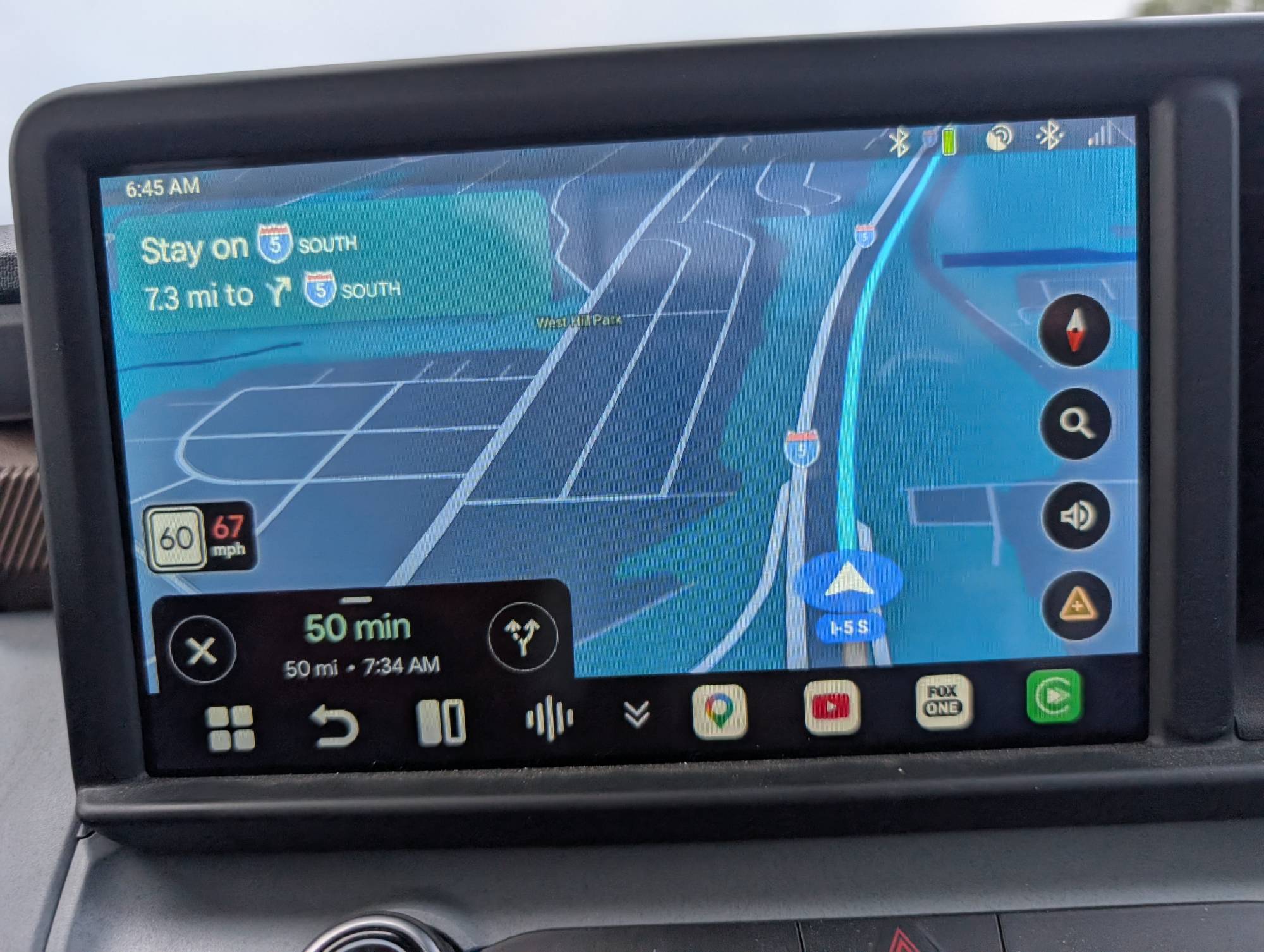
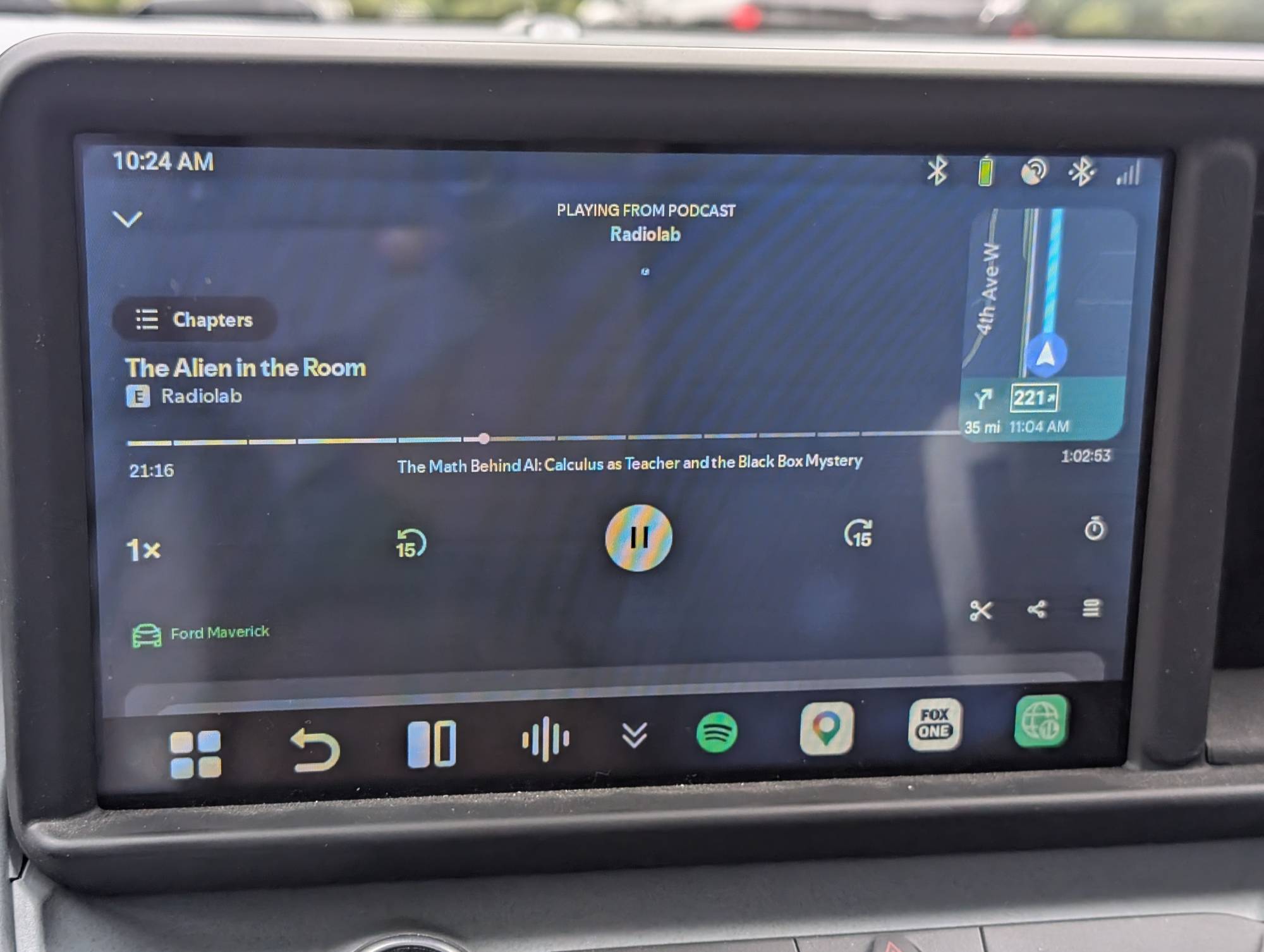
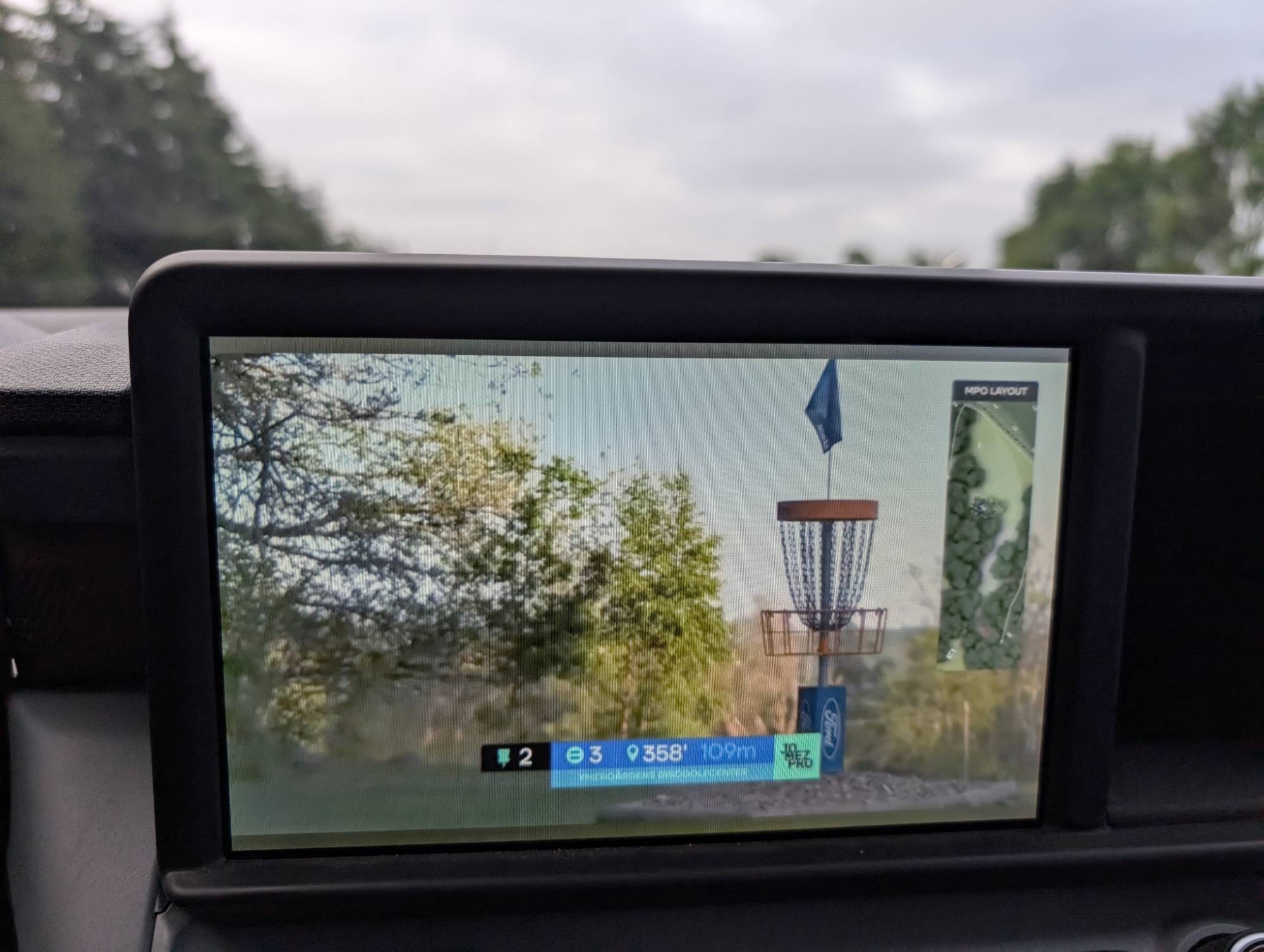
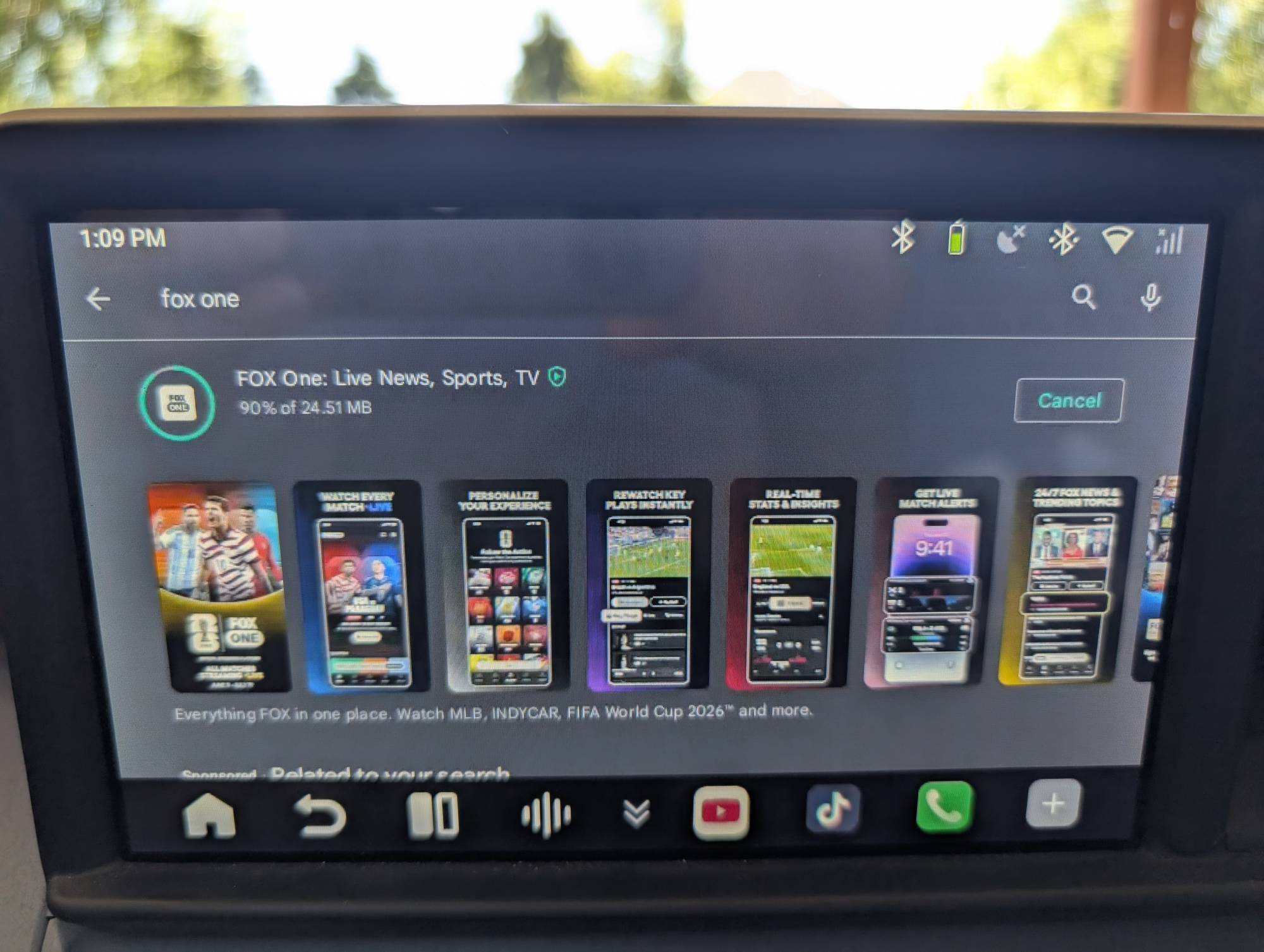
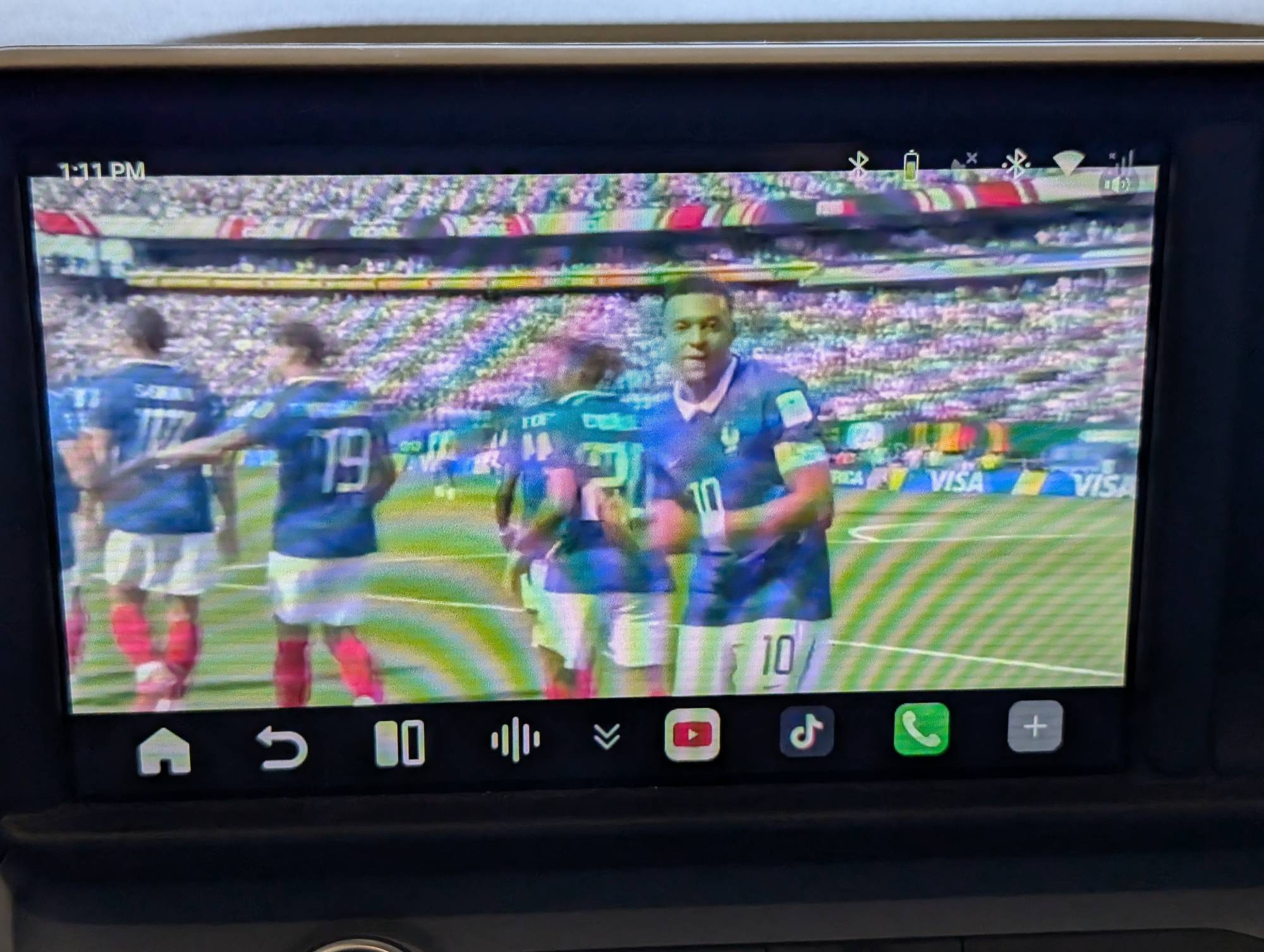
It played YouTube and Fox Sports videos while driving without any hiccups. Even live World Cup matches played stutter-free, and audio was properly synced through the truck speakers. I am a safe driver, so I tested those features as a passenger with my partner driving. Please check local laws, though, because watching Netflix while driving, even if you are paying attention to the road, will likely earn you a distracted-driving ticket. Actual picture clarity is pretty good; my phone’s camera just had trouble capturing the screen.
Trying to use the AI assistant with the steering wheel button was the only thing that just never really worked. It wouldn’t register what I said and would time out, or it was so delayed it wouldn’t work. If I pushed the voice button again to repeat my request, it would typically crash and require a vehicle restart. Wired voice commands worked fine before, so I’m not sure why that just didn’t work.
The Bottom Line
Overall, to me, the Ottocast OttoAibox P3 Pro is trying to do a bit too much without doing any one thing well. I just wanted to connect my phone to my car wirelessly. Android Auto is a perfectly fine interface and does everything I need while driving. I don’t need to watch movies, I don’t need AI, I don’t need another operating system, and I don’t need another SIM card. If you want to bypass Android Auto to watch shows on your car’s display, then this could be worth it, but you’ll have to sacrifice some actual AA functionality and reliability.
One great thing is their customer support was super responsive and tried to provide solutions to the issues I was having, so I will stick with it and see if future updates can fix some of these glitches. But I can’t really recommend it the way it is. For me or anyone else wanting a basic wireless adapter, I probably should have tested their Mini Cube 3.0 adapter, which is a lot cheaper and just provides a wireless connection without the extra frills.
The Ottocast OttoAibox P3 Pro retails for $219.00; it is available directly from the manufacturer.
Source: Manufacturer-supplied review sample, but I purchased the CloudSIM trial.
What I like: Very responsive customer support; Plug-and-play
What Needs Improvement: They should remove the AI — it doesn’t need to be in everything, and the tokens are expensive; The boot-up and wireless connection should be faster; Otto Drive OS 3.0 can freeze once in a while, requiring a vehicle restart — it should allow wired back up; Steering wheel voice button only activates AI voice prompt even in Android Auto mode and cannot be changed so I’m not sure what will happen when I run out of tokens; CloudSIM subscription is pricey, especially for higher monthly data