


The Lowdown
The CAVN Blood Pressure Monitor is a well-made and easy-to-understand device. Its built-in upper-arm cuff, elbow-positioning switch, large backlit screen, and immediate stop-and-deflate function make the testing process feel uncomplicated.
Overall
Pros
- No app or phone pairing required
- Large backlit display
- Integrated upper-arm cuff
- Elbow positioning switch
- Two user profiles
- Onboard memory and averages
- Immediate cuff deflation with the Stop button
Cons
- USB-A wall adapter is not included
- Large tabletop design is less portable than a traditional cuff monitor
If you want a blood pressure monitor without apps, Bluetooth pairing, accounts, or phone notifications, the CAVN Blood Pressure Monitor takes a refreshingly straightforward approach to health tech. This is a large, desktop-style upper-arm monitor that lets you place your arm inside the built-in cuff, press a button, and read the result on its oversized display.
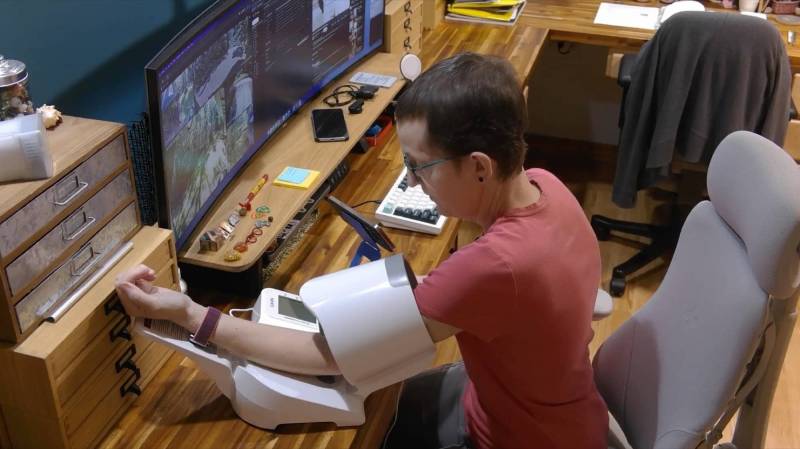
The CAVN Blood Pressure Monitor reminds me of the self-service blood pressure kiosks that used to be common in pharmacy areas, except this one is designed to live at home on a desk or table. It is bigger than a typical wraparound arm cuff monitor, but that larger form factor makes it especially easy to use. The CAVN monitor is designed for people who want a quick reading without using an app.
What Is It?
The CAVN Blood Pressure Monitor is an automatic upper-arm blood pressure monitor with an integrated cuff, a folding forearm rest, onboard memory, and a large backlit display. Instead of wrapping and fastening a cuff around your upper arm, you simply place your arm through the opening and rest your elbow in the proper position.
This blood pressure monitor, without an app, has physical controls labeled Set, Start/Stop, and Memory. The display shows systolic pressure, diastolic pressure, pulse, and a color-coded bar that provides an at-a-glance indication of the result range.
What’s Included?
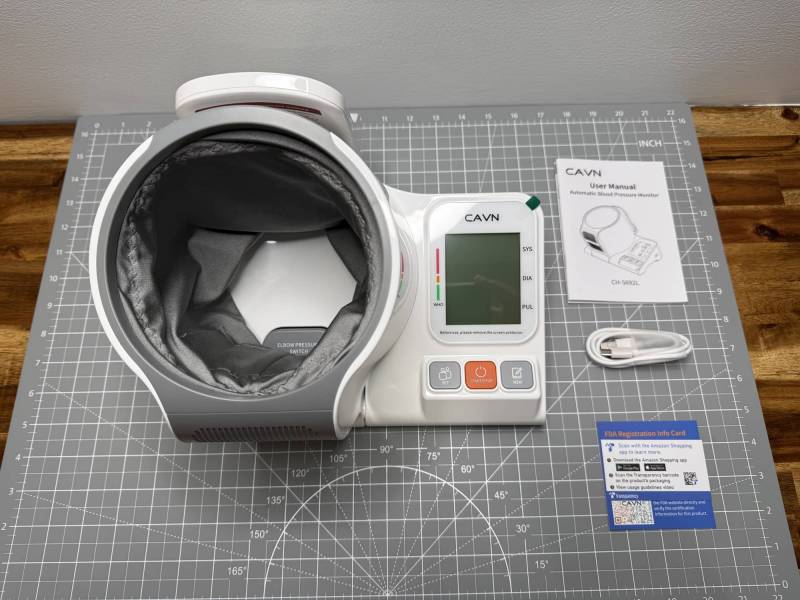
The box includes the monitor itself along with the basic accessories and paperwork needed to get started.
- CAVN Blood Pressure Monitor
- USB-A to USB-C charging cable
- Quick start guide
- User manual
- Registration information
One important detail is that CAVN includes the USB-A-to-USB-C cable but not a USB-A wall adapter. You will need to supply one if you do not already have one available.
Design and Features
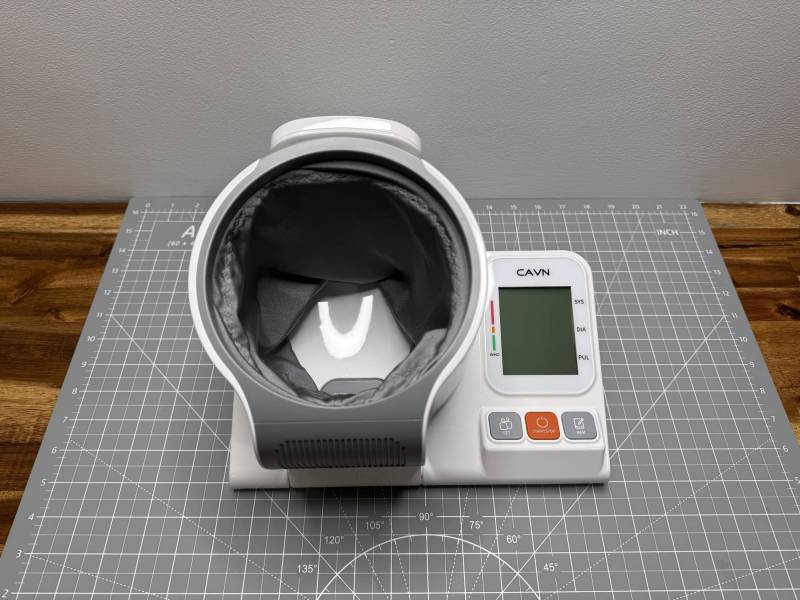
This is not a tiny travel monitor. It is a substantial unit with rubber feet on the bottom to help it stay in place on a desk. The large cylindrical cuff opening is on the left, while the display and buttons are on the right. A hinged panel folds down to provide a place to rest your forearm while reading, then folds back up when the monitor is not in use.
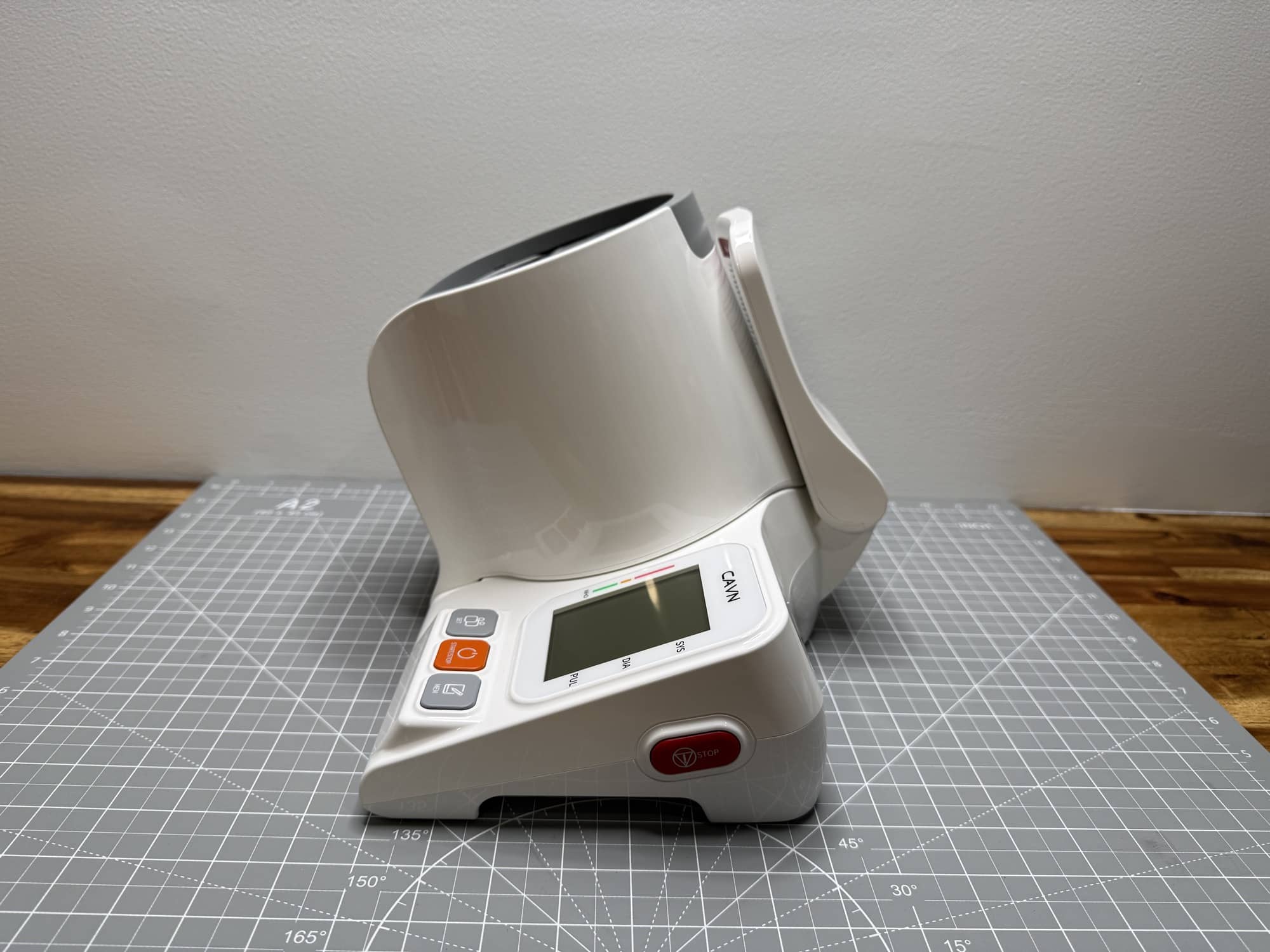
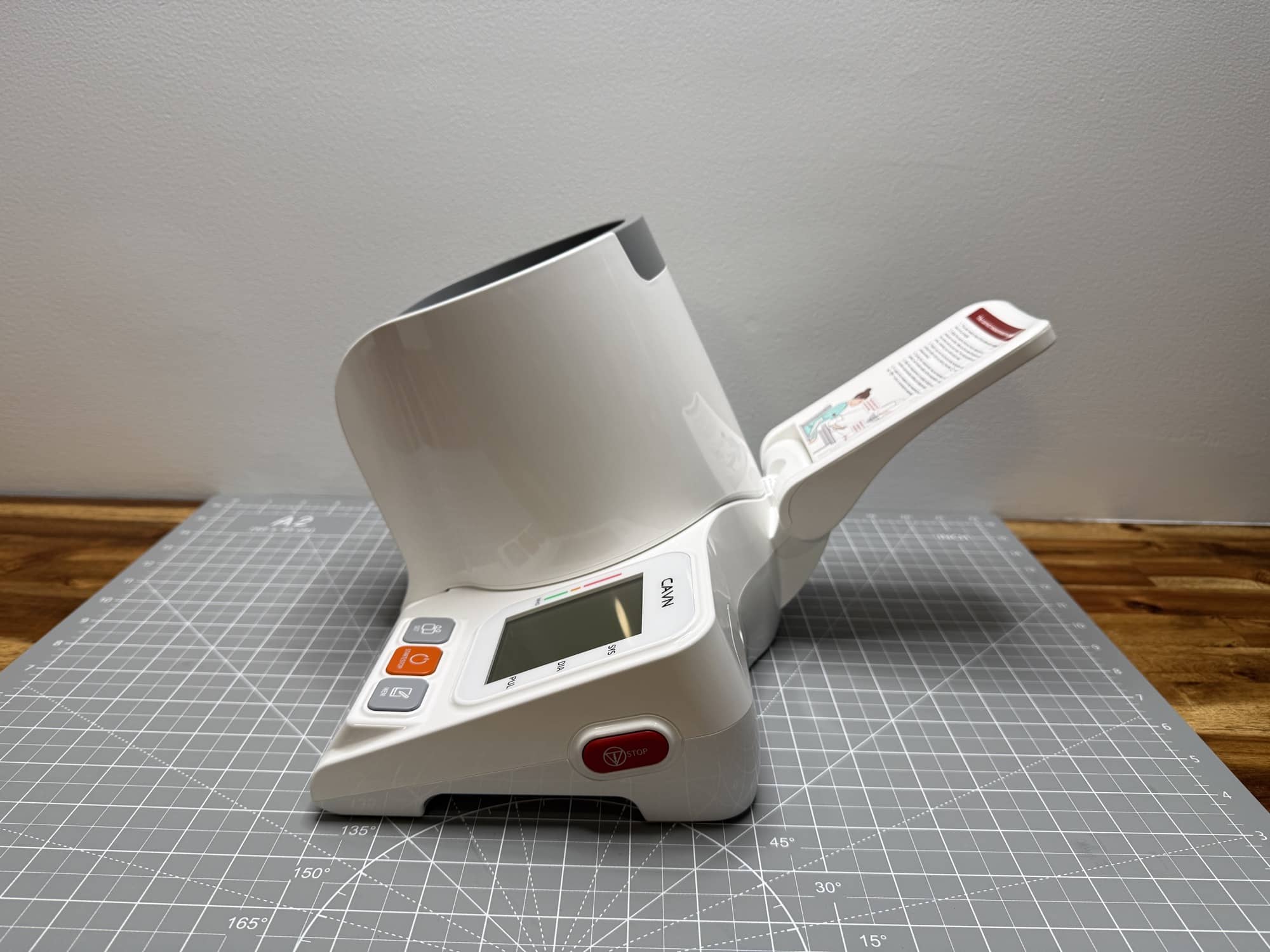
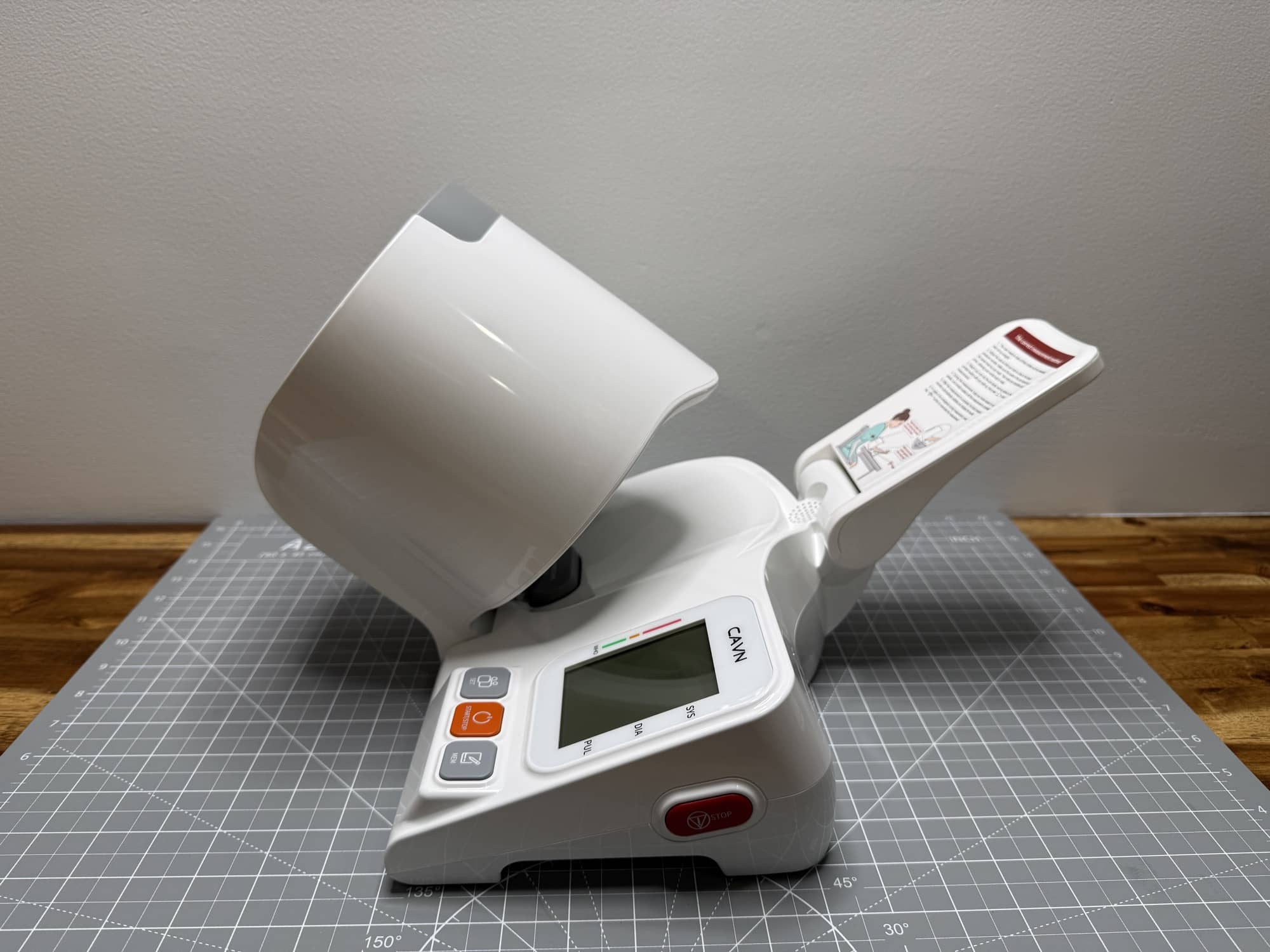
The cuff area rotates and contains a designated elbow pressure switch. The monitor will not begin the test until your elbow is correctly positioned against that switch. This is a nice design choice because it encourages proper arm placement before the cuff inflates.
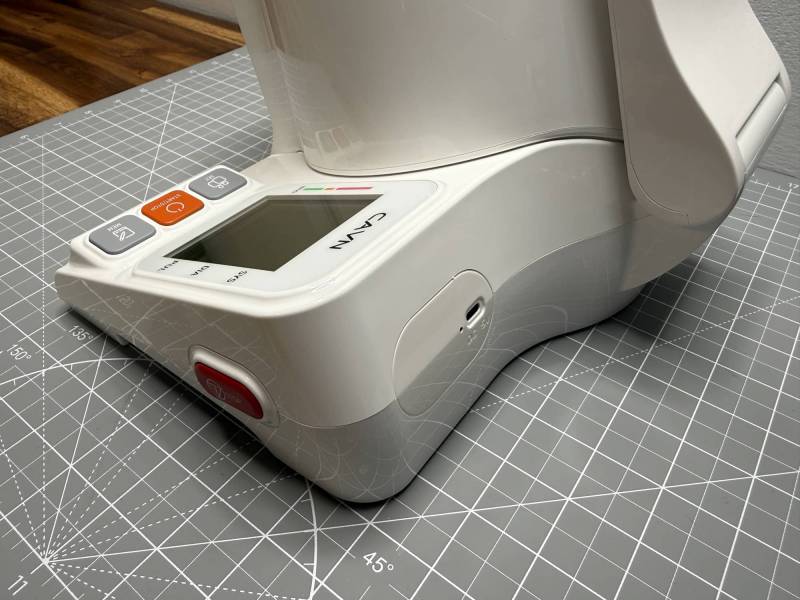
The back of the unit has a USB-C port marked for 5V DC input. When connected to power, the display shows a charging battery icon. That’s right, this unit has an internal battery, so it does not need to be plugged in to use it. Just to charge it.
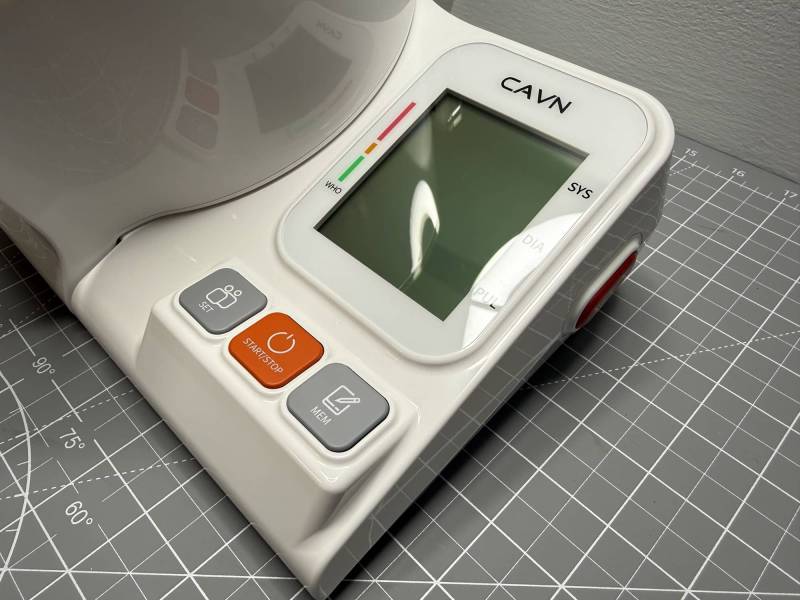
The CAVN Blood Pressure Monitor’s display is large, bright, and easy to read. The controls are also appropriately simple:
- Set: Used for settings and user selection.
- Start/Stop: Starts a reading and immediately stops and deflates the cuff if needed.
- Memory: Lets you review saved readings and averages.
How to Take a Reading
Using this blood pressure monitor without apps is about as uncomplicated as it gets. There is no app installation, account creation, or wireless connection required.
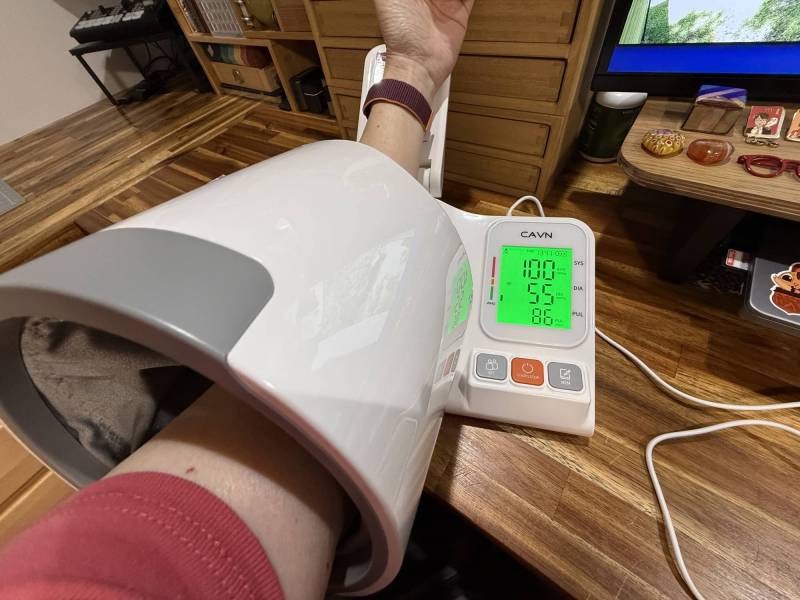
The monitor has printed instructions on its hinged arm-rest panel, which is helpful if you need a quick reminder. The guidance includes removing thick clothing, such as sweaters, and sitting upright for the test.
- Place the monitor on a stable desk or table.
- Plug it in with a USB-C cable if it needs charging.
- Turn it on and select user A or B.
- Fold down the forearm rest.
- Slide your bare arm through the cuff opening with your palm facing upward.
- Rest your elbow against the internal elbow pressure switch.
- Sit upright, relax, and press Start/Stop.
- Keep still while the cuff inflates around your upper arm and the monitor completes the measurement.
For more consistent readings, you should measure at the same time each day, sit quietly for five minutes beforehand, support your arm at heart level, and avoid caffeine or exercise immediately before measuring. Always follow your doctor’s guidance for monitoring and treatment.
Testing with the CAVN Blood Pressure Monitor
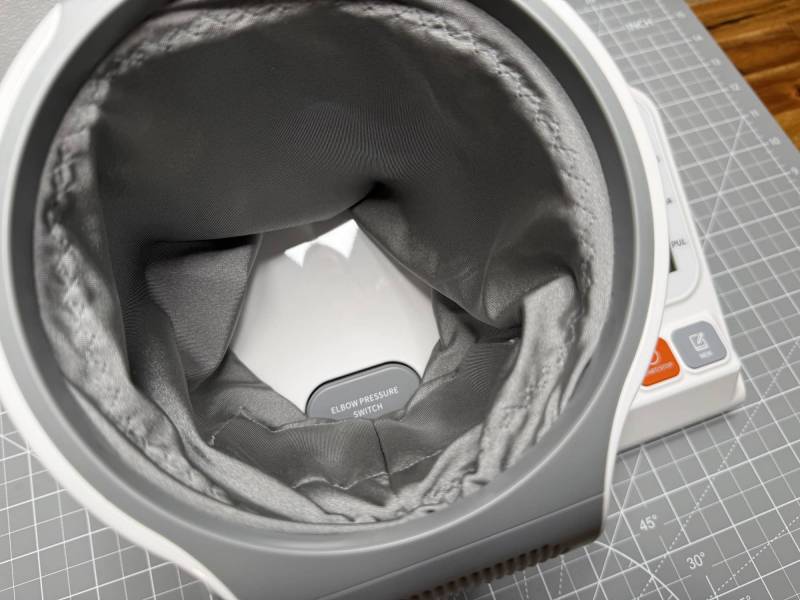
Once the elbow was positioned on the switch and the Start/Stop button was pressed, the cuff began inflating around the upper arm. The process was automatic, and the cuff released once the reading was complete, allowing the arm to be removed easily.
The monitor displayed the systolic, diastolic, and pulse results in large digits. A vertical color scale along the side of the screen showed the reading in the green range during the initial test. The bright green backlight makes the results particularly easy to see.
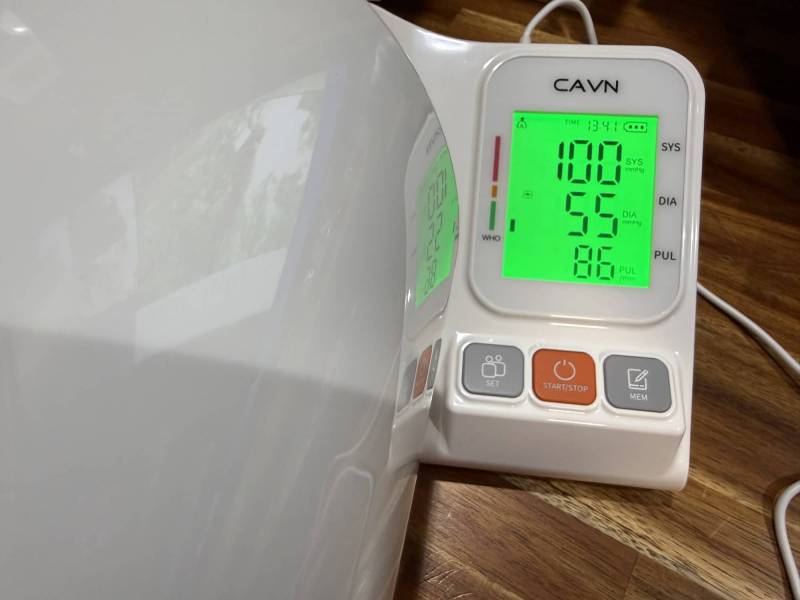
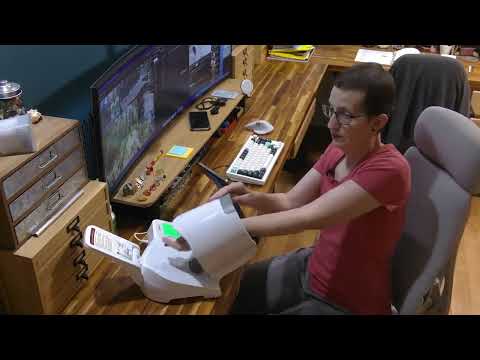
I also tested the physical stop control while the cuff was inflating. Pressing Stop caused the cuff to deflate immediately, allowing the arm to be removed right away. That is an important practical feature for anyone who feels uncomfortable during a reading or simply needs to end the measurement quickly.
The whole experience was simple. This blood pressure monitor without apps does exactly what it is supposed to do: it provides an automated reading without requiring extra technology or setup.
Memory and Two-User Support
Although there is no smartphone app, the CAVN monitor does retain readings on the device. It supports two user profiles, identified as A and B, so two people can keep their results separate.
To access saved readings, turn on the monitor and press the Memory button. The monitor can show the latest result, earlier stored results, and an average based on the most recent readings. After taking two readings, the average function displayed a combined result, and it was possible to scroll back through each individual measurement.
An app-based monitor would make it easier to bring a detailed history to a medical appointment, but a person using this model can still write down readings in a notebook or log. For someone who prefers not to manage another app, that may be a perfectly reasonable tradeoff.
Who Is This Monitor For?
The CAVN is a good fit for anyone looking specifically for a blood pressure monitor without apps. It is also a practical option for people who prefer large buttons, an easy-to-read screen, and a built-in cuff that does not need to be manually wrapped around the arm.
The two-user memory is useful for a couple or a household with two regular users. Its straightforward controls and readable display should also make it approachable for younger and older adults, as well as anyone who does not want a complicated setup process.
The main consideration is size. The CAVN Blood Pressure Monitor is a desktop device, not a compact monitor to toss in a bag for travel. But if it will have a dedicated spot at home, the integrated cuff and arm rest make the larger design feel purposeful rather than inconvenient.
See It in Action
Final Thoughts
The CAVN Blood Pressure Monitor is a well-made and easy-to-understand device. Its built-in upper-arm cuff, elbow-positioning switch, large backlit screen, and immediate stop-and-deflate function make the testing process feel uncomplicated.
The lack of app connectivity is not a missing feature for its intended audience. That is the point. If you want a blood pressure monitor without apps and would rather press one button than pair a device with your phone, this is a solid option. The onboard memory and average-reading feature provide enough local tracking for basic at-home monitoring, while the two-user support adds useful flexibility. The CAVN Blood Pressure Monitor gets a thumbs up from me.
The CAVN Blood Pressure Monitor retails for $179.99; it is available on Amazon.
Source: Manufacturer-supplied review sample.
What I Like: No app or phone pairing required; Large backlit display; Integrated upper-arm cuff; Elbow positioning switch; Two user profiles; Onboard memory and averages; Immediate cuff deflation with the Stop button
What Needs Improvement: USB-A wall adapter is not included; Large tabletop design is less portable than a traditional cuff monitor