


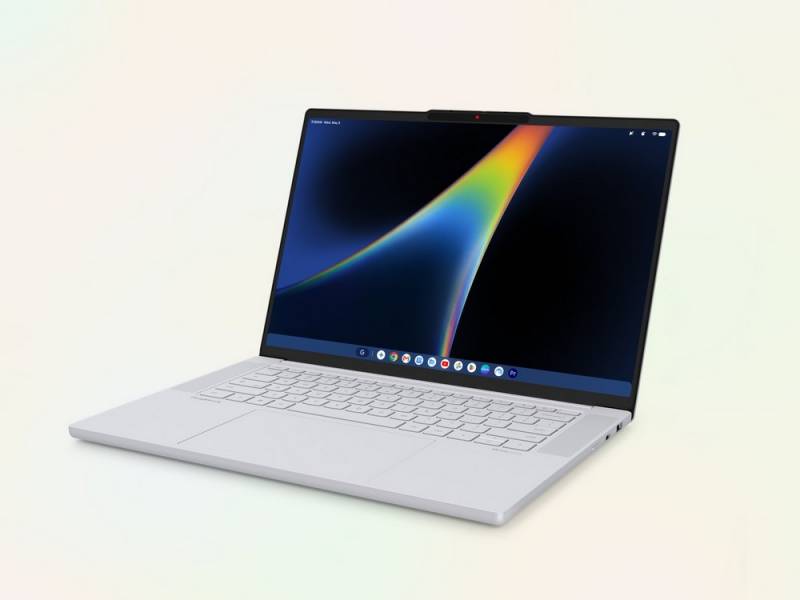
Lenovo is taking its Chromebook experience in a new direction with the Lenovo Googlebook 15, a 15.3″ premium laptop built around Googlebook OS, Intel’s Series 3 Core Ultra 5 processor, and deeply integrated Gemini features. Starting at $1,099.99, it pairs a 2.8K OLED touchscreen with up to 32GB of memory, up to 512GB of storage, a large haptic touchpad, quad speakers, and a sub-3-pound metal chassis. The more interesting question isn’t whether Lenovo can make polished hardware. It can. It’s whether Google’s new AI-first computing layer makes this machine meaningfully different from a very nice Chromebook.
Premium Hardware Without the Usual 15″ Weight Penalty
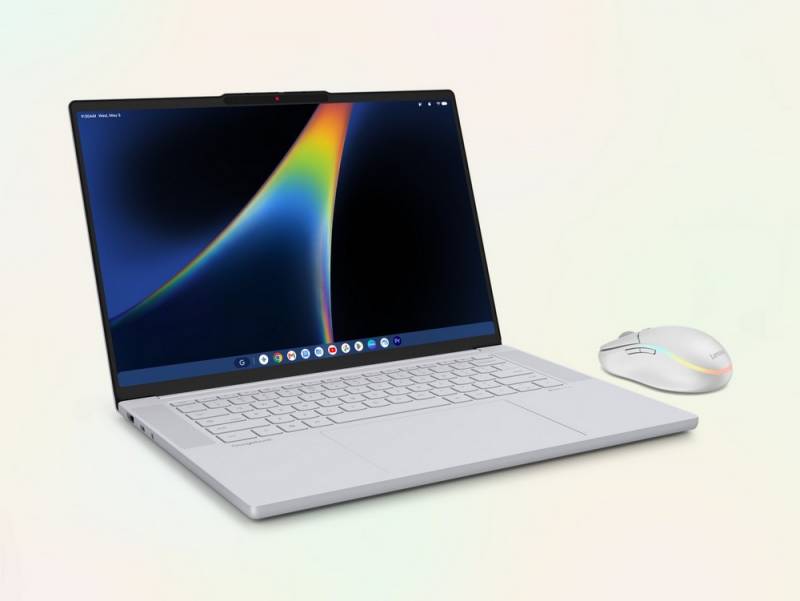
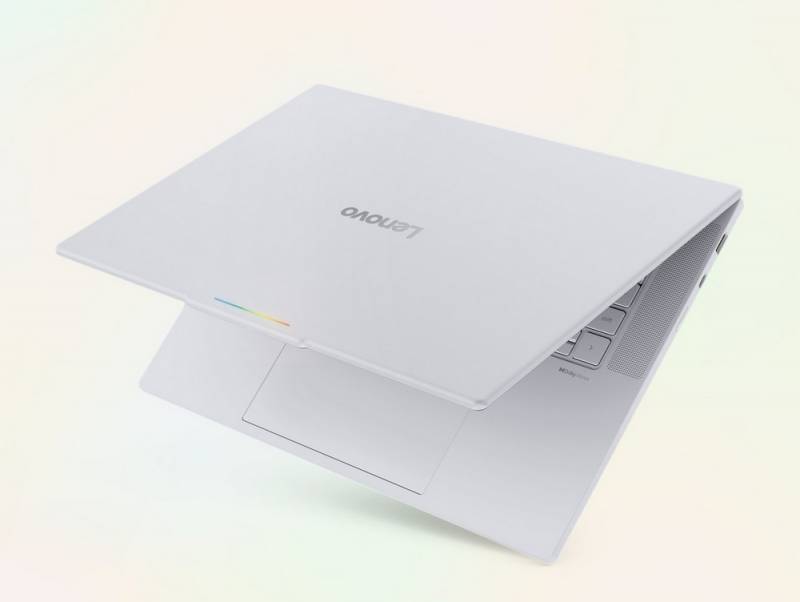
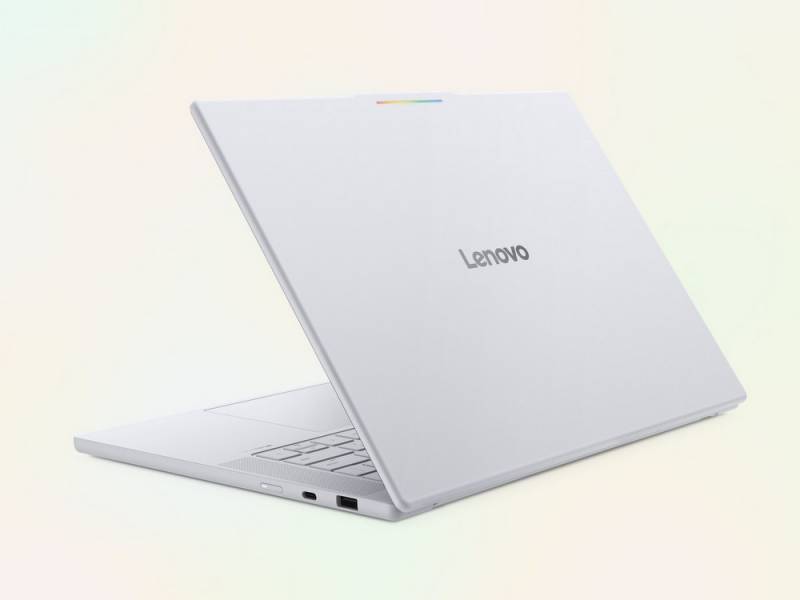
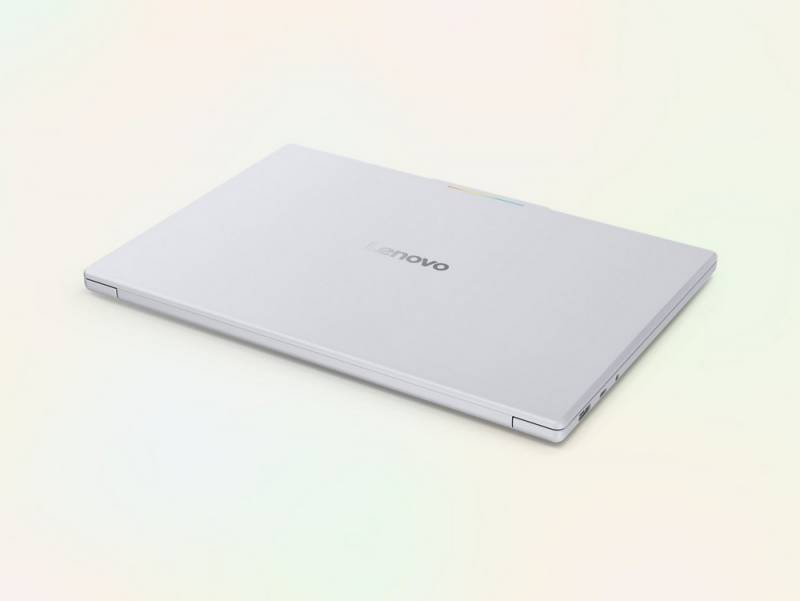
The Googlebook 15 is Lenovo’s first Googlebook, and the hardware makes a strong first impression. It weighs 2.84 pounds and measures 13.43″ by 9.29″ by 0.63″, with Lenovo listing it as the lightest 15″ device in its portfolio. The Cloud Grey chassis is metal with an anti-fingerprint coating, and a Glowbar shows charging and battery status even when the lid is closed.
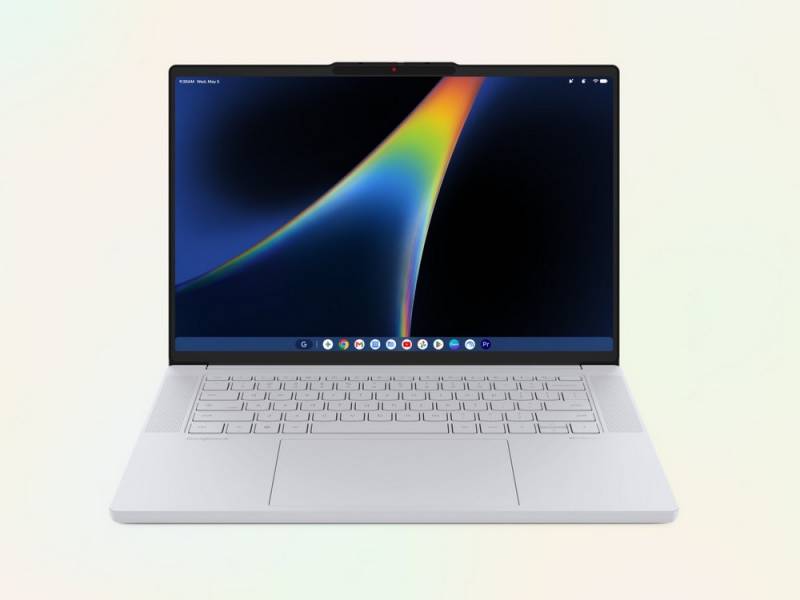
That 15.3″ touchscreen is an OLED panel with a 2880 x 1800 resolution, a 16:10 aspect ratio, 500 nits of brightness, 100% DCI-P3 color coverage, and a refresh rate of up to 120Hz. In less spec-sheet-heavy language, that should mean deep blacks, strong color, useful vertical workspace, and smoother scrolling than a typical 60Hz display. The 120Hz rate can vary with the app, content, and device settings, so it won’t necessarily run at full speed all the time.
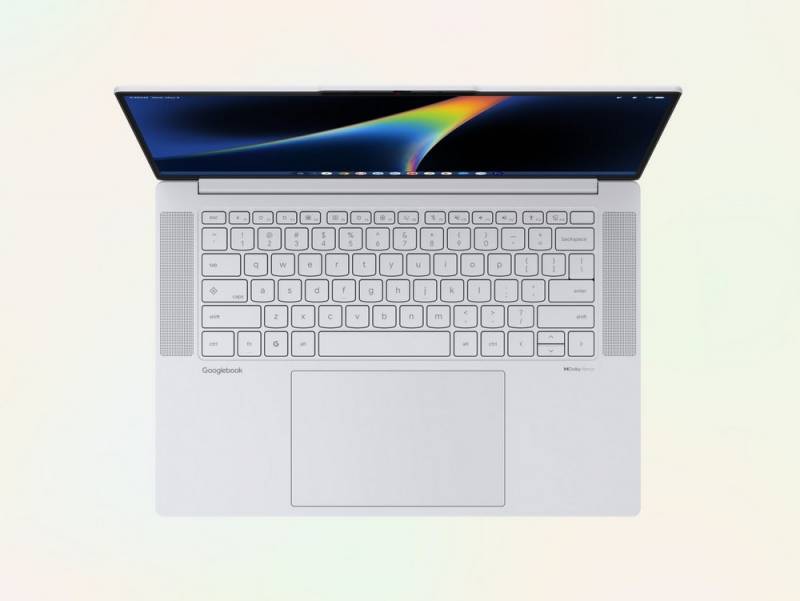
The haptic touchpad measures roughly 5.9″ by 3.7″ and uses vibration-based feedback rather than relying only on a mechanical click. Lenovo is also giving the laptop four speakers with Dolby Atmos, a 5-megapixel webcam with dual microphones and a physical privacy shutter, a backlit keyboard, a fingerprint reader, and Google facial authentication. Those details matter when a laptop spends its days bouncing between spreadsheets, video calls, airport lounges, and a couch after dinner.
Intel Core Ultra 5 and 47 TOPS Put AI Front and Center
Inside the Lenovo Googlebook 15 is an Intel Core Ultra 5 325 processor with integrated graphics, paired with either 16GB or 32GB of LPDDR5x memory and 256GB or 512GB of storage. Lenovo rates the system for up to 47 TOPS, or trillions of operations per second. TOPS is commonly used to describe AI processing throughput, but it isn’t a simple measure of how fast the entire computer will feel. As with most laptops, usable storage will be lower than the nominal capacity because formatting and the operating system take up some space.
Magic Pointer is one of the more unusual features. Wiggling the cursor can call up Gemini-powered actions tied to whatever is on the screen. Lenovo gives examples such as combining two images into a poster or adding a date to a calendar. That sounds more useful than opening a chatbot tab every time you want help, although its value will depend on how reliably it understands context without getting in the way.
Rambler takes a similar approach to dictation. Pressing the dedicated dictation key lets you speak naturally while the software removes filler words, adds formatting, and can keep working if you switch languages mid-sentence. For someone who thinks better out loud, drafts email while pacing an office, or wants to turn a rambling voice note into usable text, that could be one of the more practical AI features here.
Gemini, Magic Pointer, and Rambler have availability restrictions. Some features require an internet connection, are limited to supported countries and languages, and are intended for people 18 and older. AI-generated responses should also be checked for accuracy, a caveat worth keeping in mind no matter how many TOPS are under the hood.
Android Integration and a Generous Software Bundle
The Lenovo Googlebook 15 is designed to stay connected with Android phones, letting you move between devices and access phone apps and files from the laptop. That could be handy if you routinely start a task on your phone and finish it at a desk, or if you’d rather not keep emailing yourself photos just to get them onto a computer.
The Lenovo Googlebook 15 includes a 12-month Google AI Pro trial with expanded Gemini access and 5TB of cloud storage. Lenovo’s announcement also lists subscriptions to apps including Adobe Photoshop, Premiere, and CapCut, although the provided materials don’t spell out the individual app terms. The Google AI Pro promotion is limited to eligible purchases and regions, including the United States, and must be redeemed by March 31, 2027. After the trial, it renews at $19.99 per month unless canceled.
Ports, Wi-Fi 7, and Battery Life Keep It Grounded
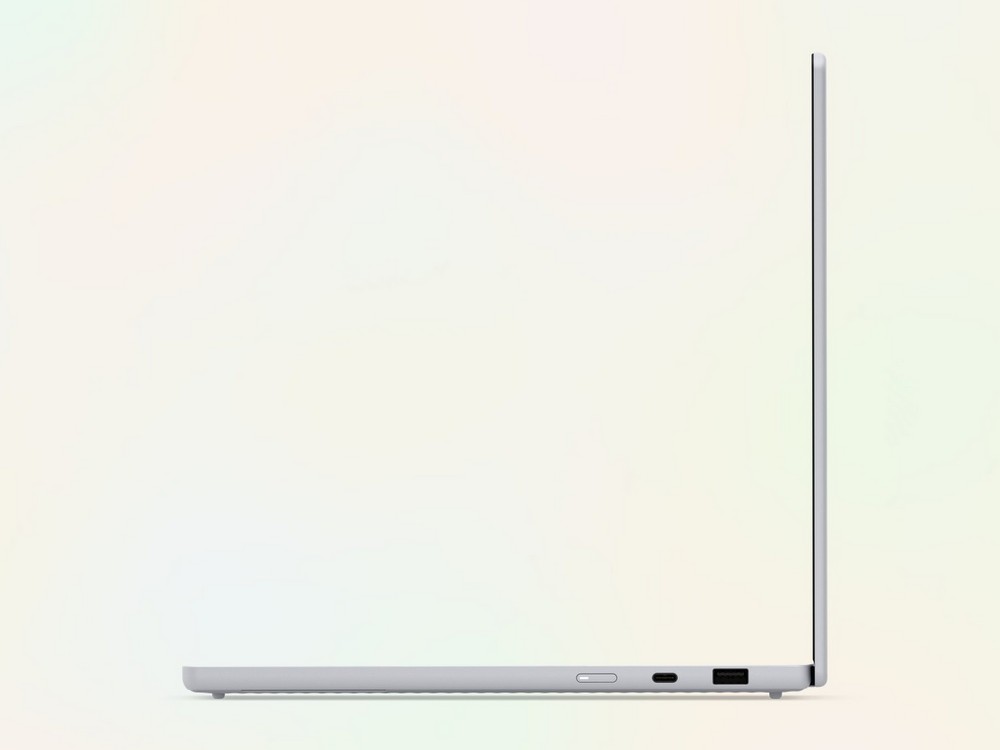
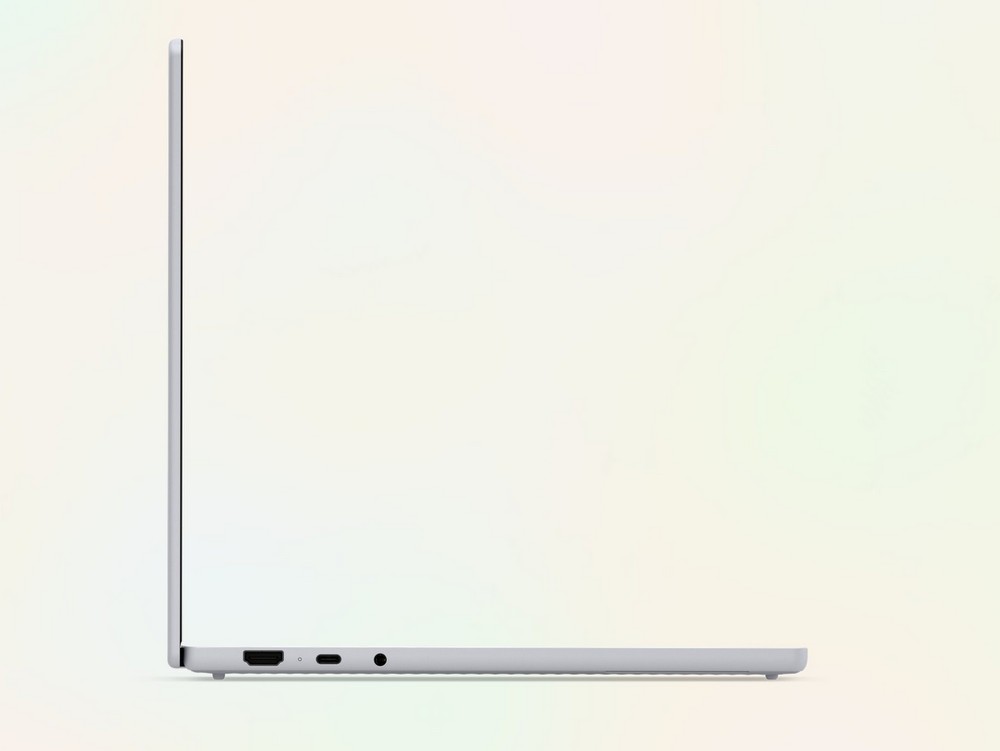
For all the AI branding, Lenovo hasn’t forgotten that a laptop still needs ports. The Lenovo Googlebook 15 includes two Thunderbolt 4 ports, one USB-A port, HDMI 2.0, and a 3.5mm audio jack. Wireless connectivity includes Wi-Fi 7 and Bluetooth 6.0. Wi-Fi 7 can offer higher throughput and lower latency on compatible networks, but you’ll need a separate compatible router and internet plan to take advantage of it.
The Lenovo Googlebook 15’s 70Wh battery is rated for up to 12.5 hours. That figure comes from controlled testing, and real-world runtime will depend on display brightness, wireless activity, software, settings, and what you’re doing. A bright 120Hz OLED screen can be lovely to look at, but physics still sends an invoice.
Lenovo’s AI Mouse Gives Gemini Its Own Button
Lenovo is also pairing the Googlebook concept with the separately sold Lenovo AI Mouse for Googlebook, a right-handed mouse with a dedicated Gemini button. A short press opens Gemini Chatbox, while holding the button launches Gemini Voice. You can also trigger Magic Pointer actions from the mouse, and Lenovo Vantage lets you customize pointer sensitivity and the lightbar.
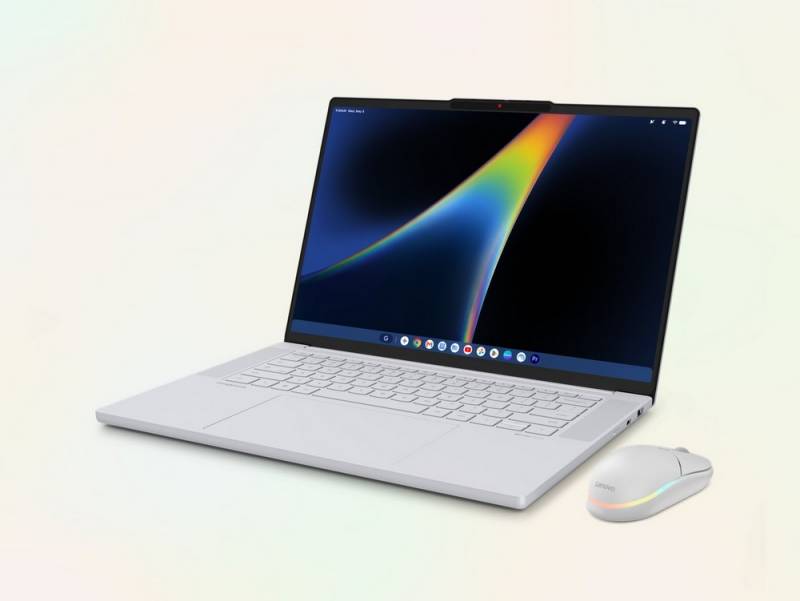
The mouse uses a PAW3311 infrared sensor with sensitivity up to 12,000 DPI, supports wired and dual-Bluetooth connections, and includes Fast Pair. Its rechargeable battery lasts up to 40 hours with the lightbar on or 150 hours with it off, and the primary buttons are rated for up to 80 million clicks. It weighs about 0.22 pounds, includes a roughly 4.9′ USB-C to USB-C cable, and carries a one-year warranty.
Basic mouse functions are also listed as compatible with ChromeOS, Windows 10 and 11 or later, macOS, Android, and Linux. Lenovo hasn’t provided pricing for the mouse in the supplied materials.
Pricing and Availability
The Lenovo Googlebook 15 will be available starting October 4, 2026, with prices starting at $1,099.99. Configurations, colors, shelf dates, and reseller pricing can vary by market, so the base price won’t necessarily reflect every version. Head to Lenovo’s site to learn more or purchase the Lenovo Googlebook 15 once sales open.
On specifications alone, Lenovo has built a very light 15.3″ laptop with the display, speakers, input hardware, ports, and memory options expected from a premium machine. The open question is whether Googlebook OS and its Gemini-first features make the jump from clever demos to tools you’ll want to use every day. That distinction matters when the starting price is already well into traditional premium-laptop territory.