


Modern AI is advancing in leaps and bounds, but like many people, I worry about how much data you give up when creating a truly useful AI Assistant or Agent for personal use. I haven’t fully taken the plunge and integrated any of the popular AI services with my personal email, banking accounts, or medical data so far. One thing might change that soon, though: the upcoming WiCi One Wireless Local GPU. This new “wireless GPU” offers 3 modes: native GPU (wireless), API integration, and SDK integration.
This could let users set up fully local AI assistants and agents for a wide range of applications, using off-the-shelf LLM models with low setup hurdles.
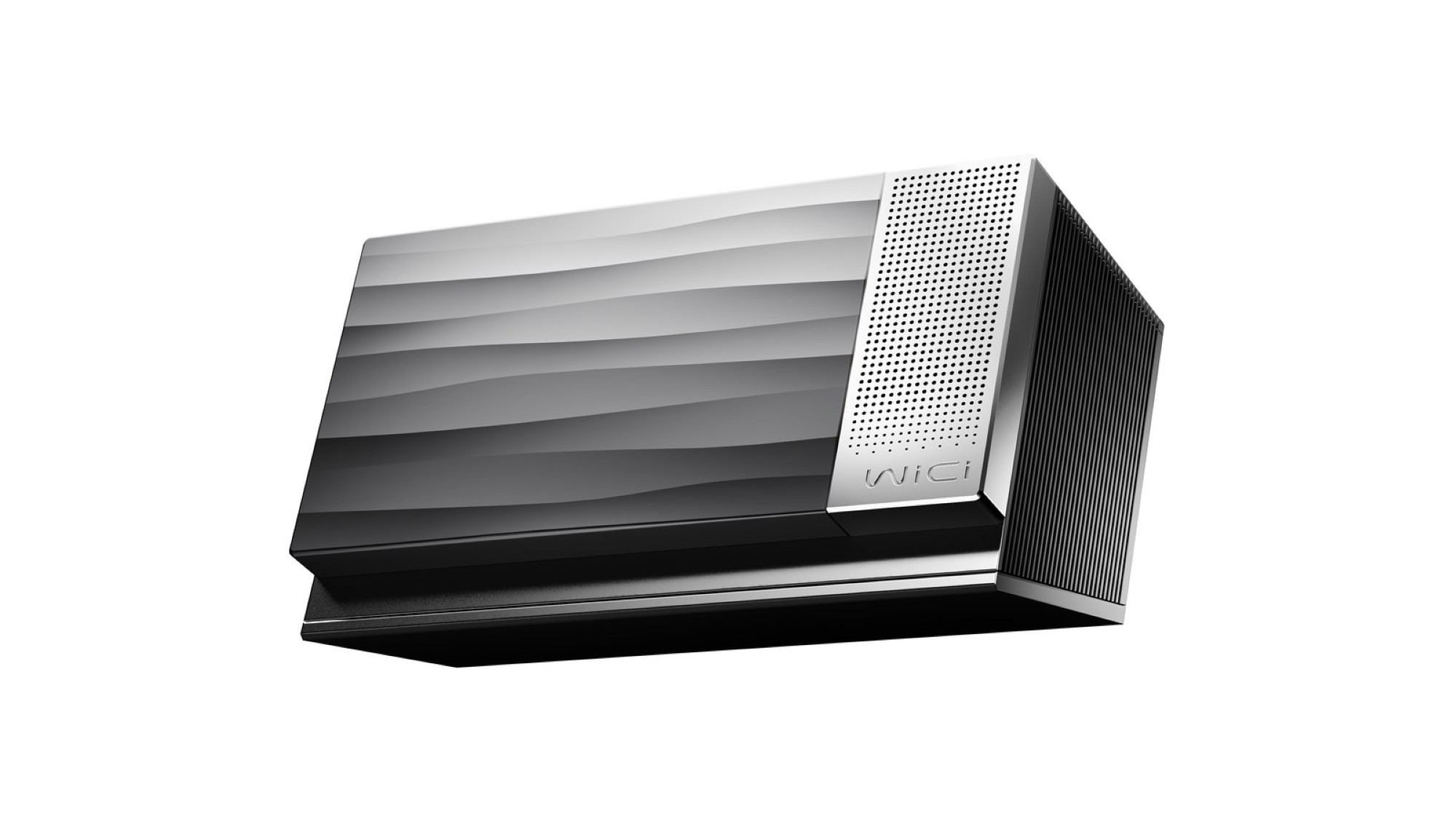
But What Even Is It?
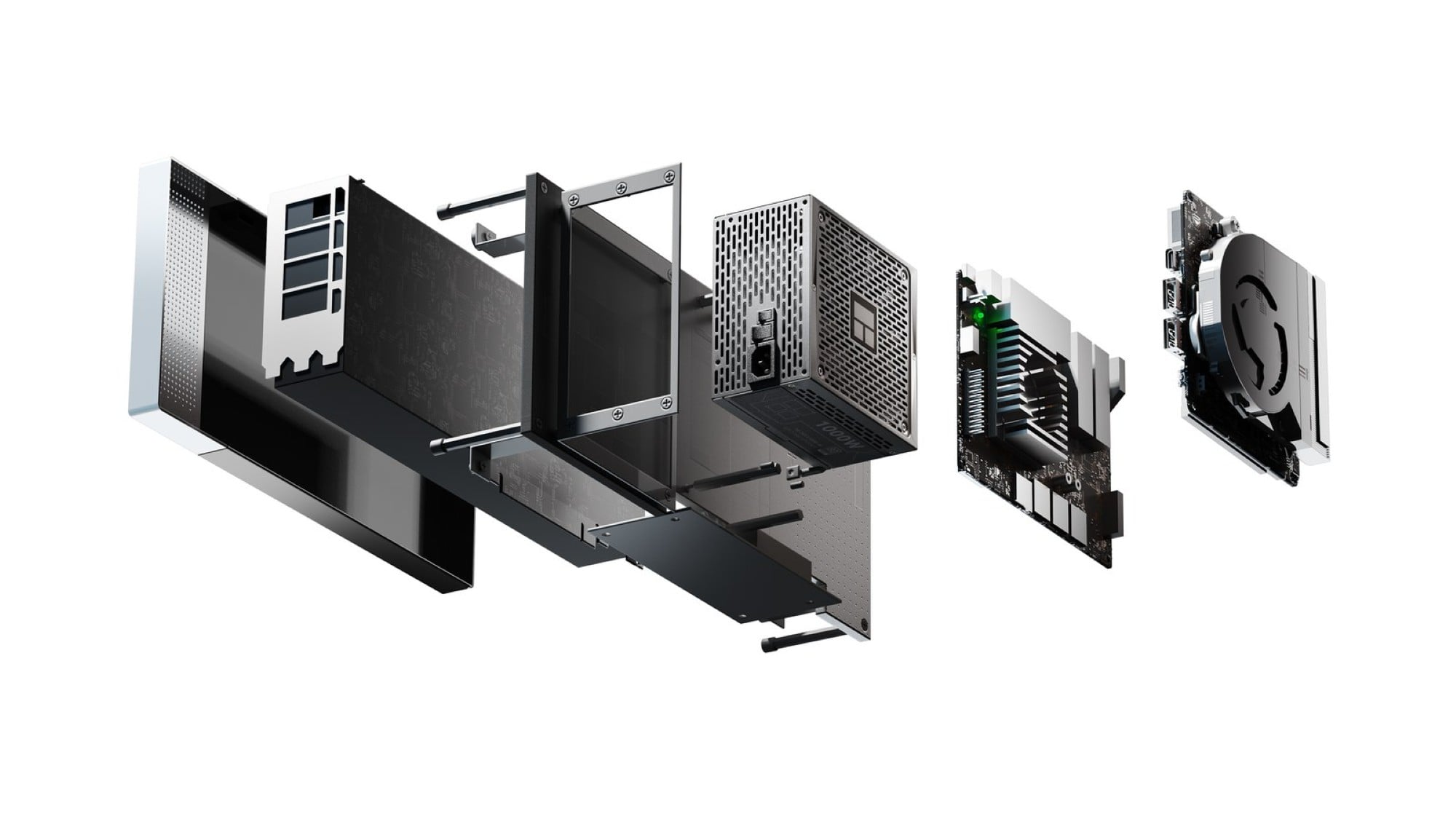
The WiCi One Wireless Local GPU is an interesting twist on a local home (or small business) server concept. It’s essentially a computer or server by itself, but the internals exist merely to serve the main purpose: provide a GPU for other devices to use over a local network (WiFi 7 required for full performance).
WiCi is offering a version with an NVIDIA 5060 Ti graphics card sporting 16GB of fast DDR7 RAM priced at $1999 for early-bird buyers (rising to a retail price of $2,599 after launch). They’re also planning a souped-up 5090 version with 32 GB of RAM and upgraded internals, including a 4 TB Gen 5 NVMe SSD, for ~$9,999.
The 5060 Ti version sports an Intel Core 3 100U processor and a 1 TB Gen 4 NVMe drive. WiCi’s idea is that you’ll stick this somewhere in your home or small business (hopefully where you’ll get a good WiFi 7 connection to the WiCi One itself and then utilize that GPU for whatever you need it for from all your devices.
How Does It Work?
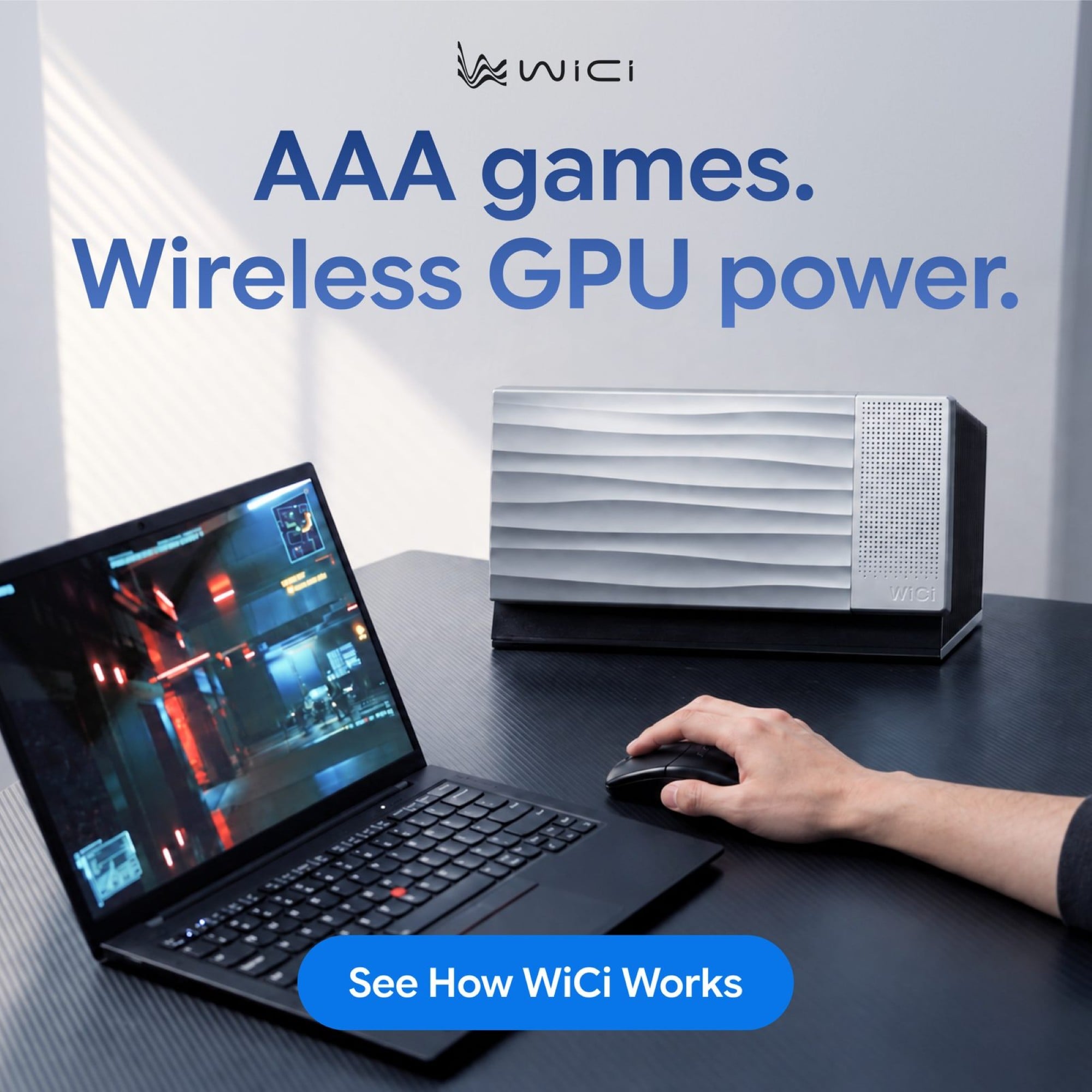
The WiCi One Wireless Local GPU connects to your PCs or mobile devices (Linux/Windows/Apple/Mobile) in different modes depending on what you’re doing. One mode I find especially interesting is its ability to present itself as a local graphics device to your computer, enabling AAA gaming on your device.
Playing Cyberpunk 2077 at 100+ FPS on a laptop that has a weak integrated GPU is at the top of my test list if we get a review unit in to play with. However, the Wi-Fi 7 / 4×4 MIMO / 320MHz connection theoretically only offers roughly 1/4 the bandwidth of a Thunderbolt 5 external GPU, so this may not be the best device for you if gaming is your primary driver.
AI models and other GPU-dependent computing will be where this WiCi One Wireless Local GPU truly shines. WiCi has demo videos showing AI performance matching or beating recent popular cloud-based AI services, and the convenience of running that locally off any of your devices is promising. You can also set up your own personal AI models and agents that aren’t storing and sending your queries and personal information to other companies. Creatives may also find solid use cases for a wireless GPU that can be shared between users as needed for applications like Maya, Blender, AutoCAD, and Unreal Engine.
The API and SDK options mean that existing applications and services can easily connect to the WiCi One without massive rewrites to code – simply connect via API or SDK.
It seems like we’re hurtling into a future teeming with AI-driven things around our homes, so something like the WiCi One could be a central cog in a future smart home or hyper-personalized AI assistant. We look forward to kicking the tires on the WiCi One Wireless Local GPU soon; keep watching for our full review!