


The Lowdown
So should you get it? Yes. We really tried to come up with a complaint, and the best we could do is the same advice we’d give for any monitor this size: measure your desk first. Check the screen dimensions, how much room the base takes up, and how high it goes, and make sure it fits where you plan to put it. If it does, the Legion Pro 27UD-10 is an excellent monitor for gamers; it’s just as good for work, and we highly recommend it.
Overall
Pros
- Gorgeous, crisp 4K OLED picture
- Impressively thin panel
- 240Hz refresh rate keeps fast gameplay smooth and sharp
- HDR looks great in games
- Stand adjusts for height, swivel, and tilt
- Two HDMI inputs plus DisplayPort and USB-C, with easy input switching
- Three USB-A ports
Cons
- Nothing beyond the obvious: confirm the screen and base dimensions will work with your desk
For a long time, buying a gaming monitor meant picking a side. You could have 4K, or you could have a really high refresh rate, and OLED was its own expensive conversation. The Lenovo Legion Pro 27UD-10 doesn’t make you pick. It’s a 26.5-inch QD-OLED running 4K at 240Hz, and we’ve had one on our desk for three weeks as the only screen for two computers, a work PC and a gaming PC. That’s a lot to ask of one monitor, so we were curious how it would do.
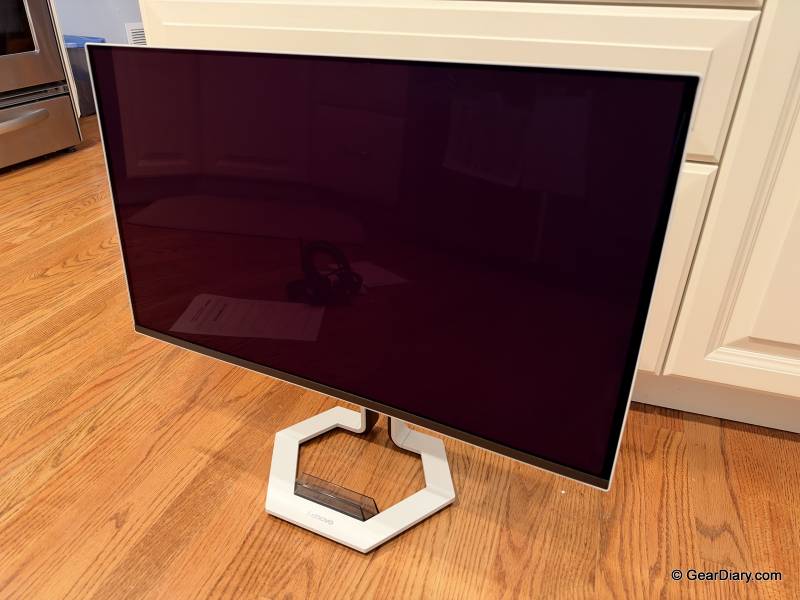
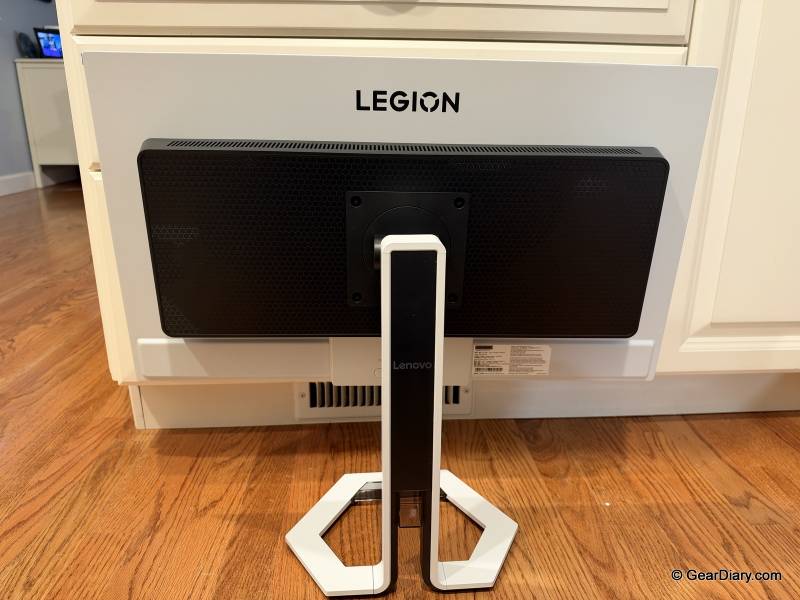
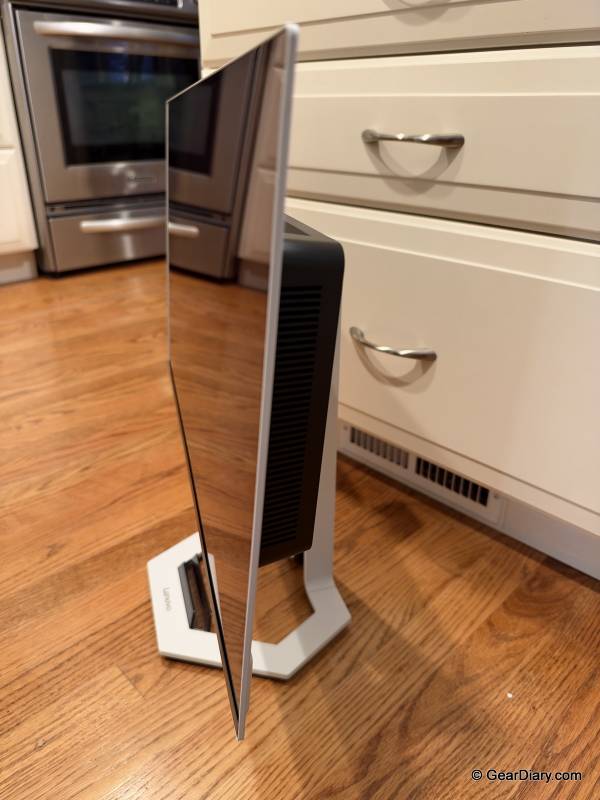
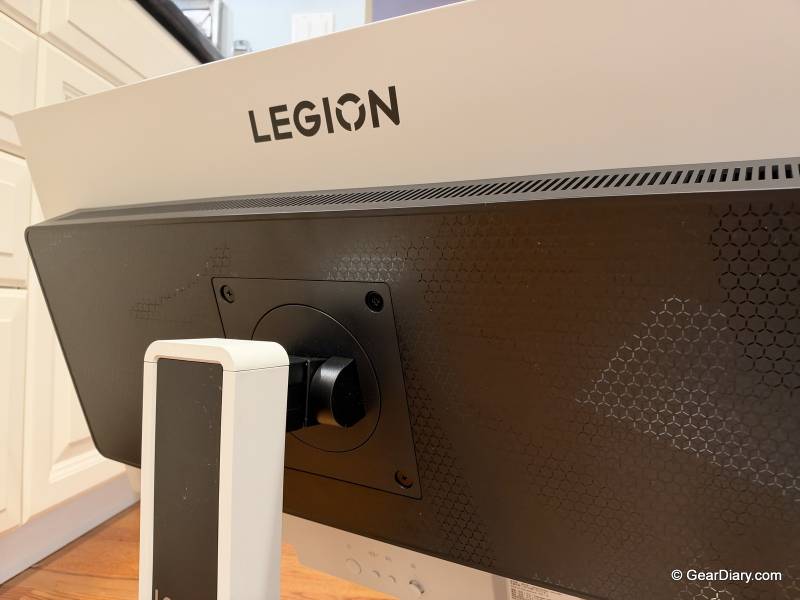
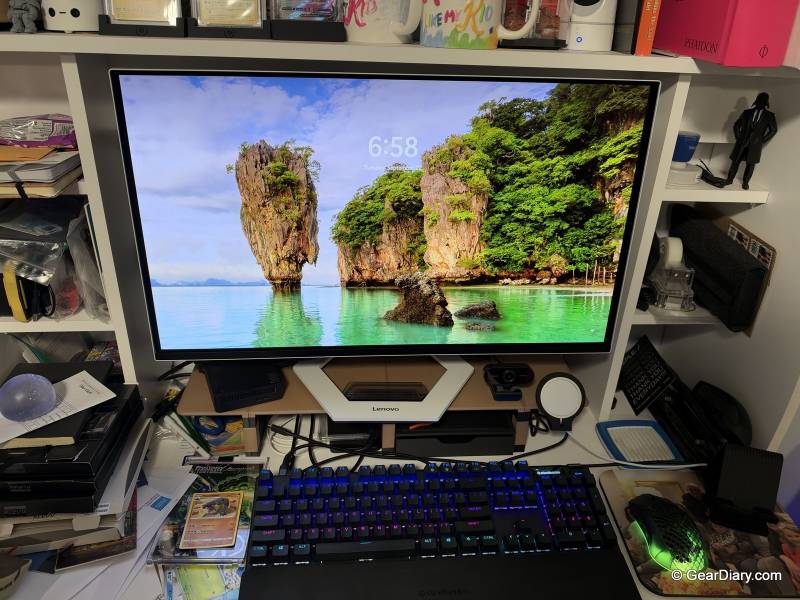
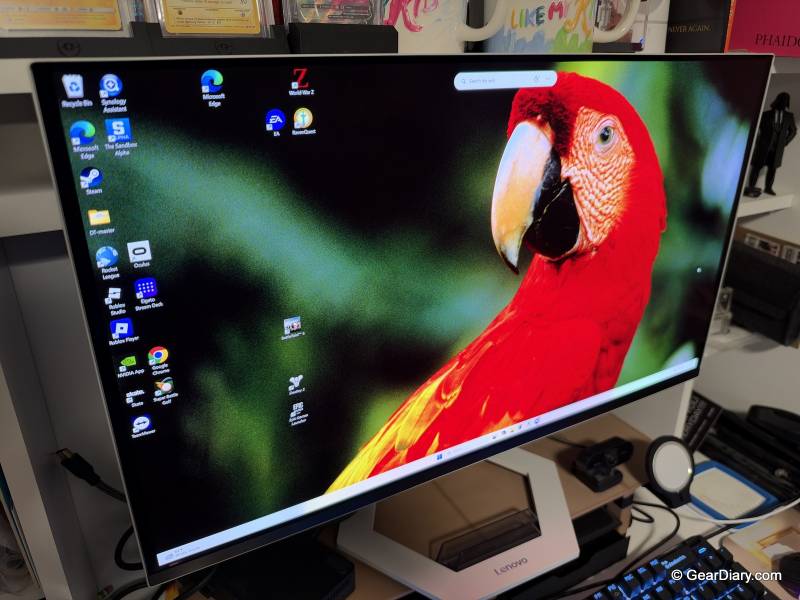
We’ll start with what everybody comments on when they see it in person: how thin the panel is. OLED screens don’t have a backlight behind them, so the top half of the Lenovo Legion Pro 27UD-10’s monitor is barely there. It’s so thin that we were afraid we’d break it lifting it out of the box. We didn’t, and once it’s on the stand it feels solid, but go slow with the unboxing. The ports and electronics sit in a thicker bump lower down on the back, which you never see from the front anyway.
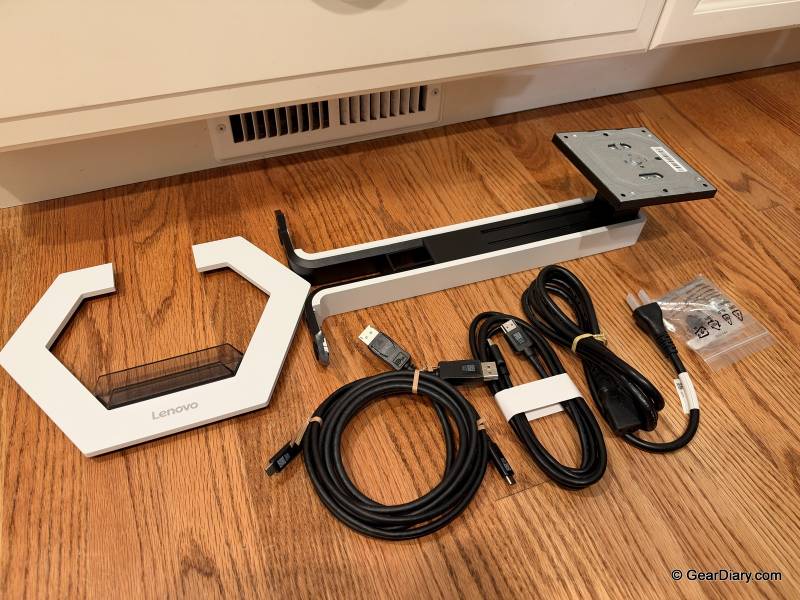
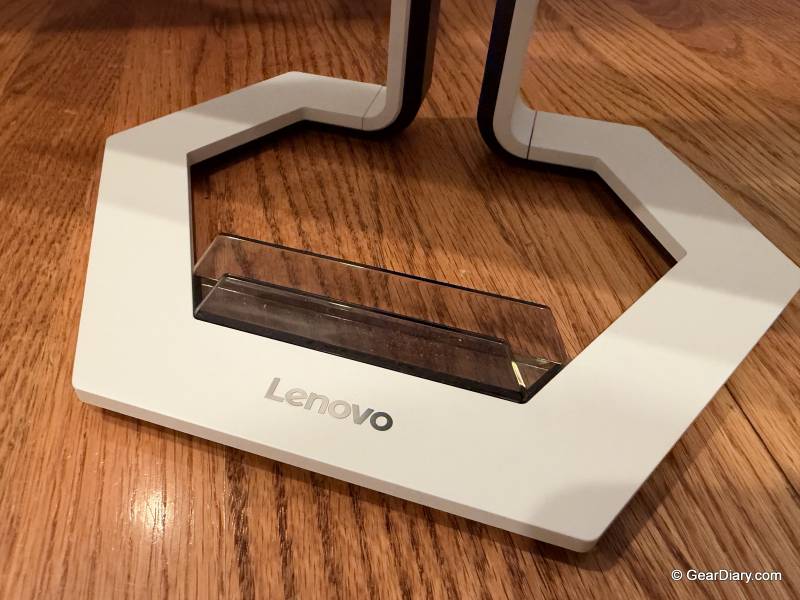
The Lenovo Legion Pro 27UD-10’s stand is better than we expected. A lot of monitors, even pricey ones, give you tilt and not much else. This one goes up and down, swivels side to side, and tilts forward and back, and we ended up using all of it. During the workday, we kept the screen low and leaned back a bit. For gaming, we raised it and straightened it up. It moves without a fight, and it doesn’t sag afterward.
Quick Specs
- Panel: 26.5-inch PureSight QD-OLED (sold as a 27-inch class display)
- Resolution: 3840 x 2160 (4K UHD), 166 ppi
- Refresh rate: 240Hz
- Response time: 0.03ms
- HDR: VESA DisplayHDR True Black 400, Dolby Vision
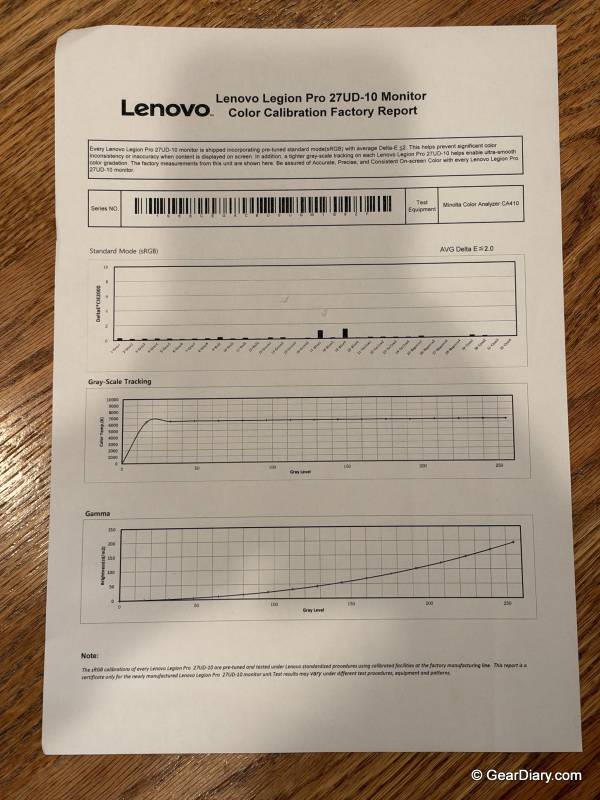
- Color: 99% DCI-P3, 99% sRGB
- Adaptive sync: AMD FreeSync Premium Pro
- Inputs: 2 x HDMI 2.1, 1 x DisplayPort 1.4, 1 x USB-C
- USB hub: 3 x USB-A
- Stand: height, tilt, swivel, and pivot
- Price: $999.99 list at Lenovo, $699.99 at the time of writing
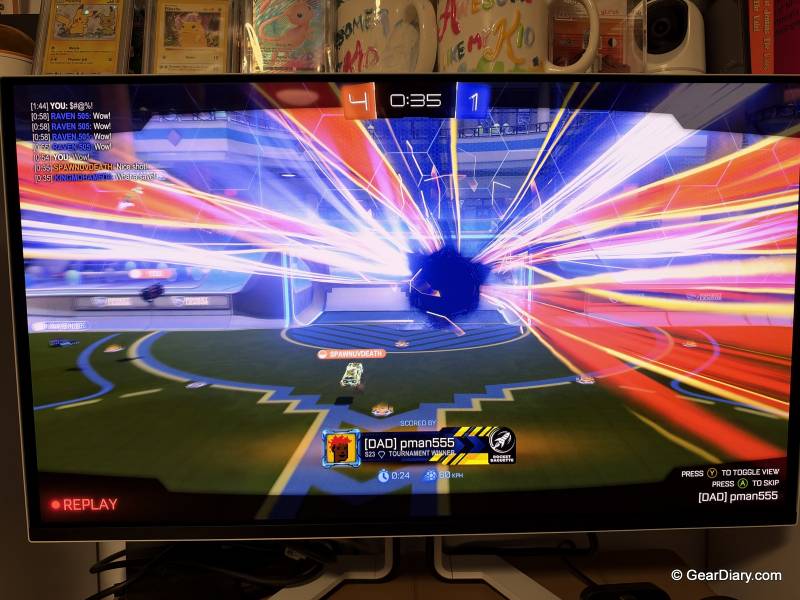
And the picture is gorgeous. There’s no other way to put it. With 4K packed into a screen this size, text is razor-sharp, which we appreciated more than we thought we would, since we spent most of our hours on it in documents and email, not games.
Blacks are actually black, since an OLED pixel just turns off when it has nothing to show. Colors pop without looking cartoonish. We’d call the Lenovo Legion Pro 27UD-10 perfect for productivity as well as gaming, and we don’t say that about many gaming monitors, which often look great in a shooter and mediocre in a spreadsheet.
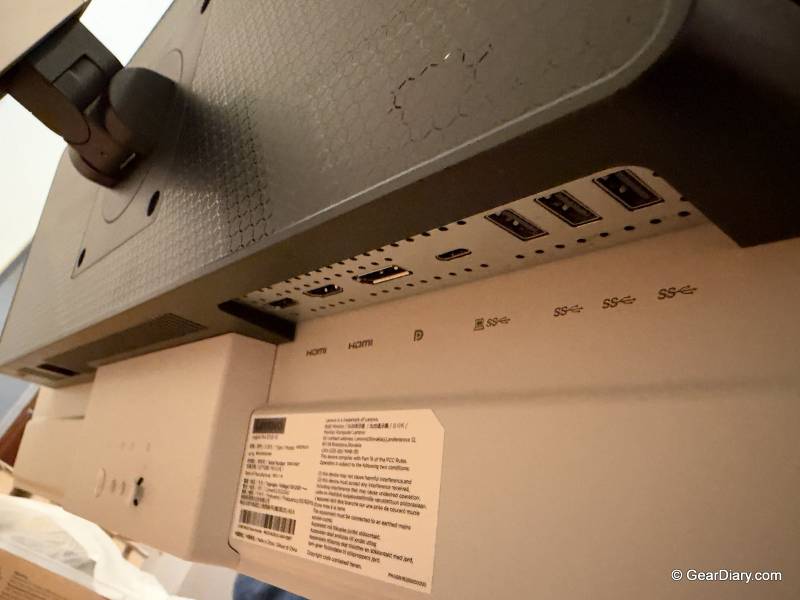
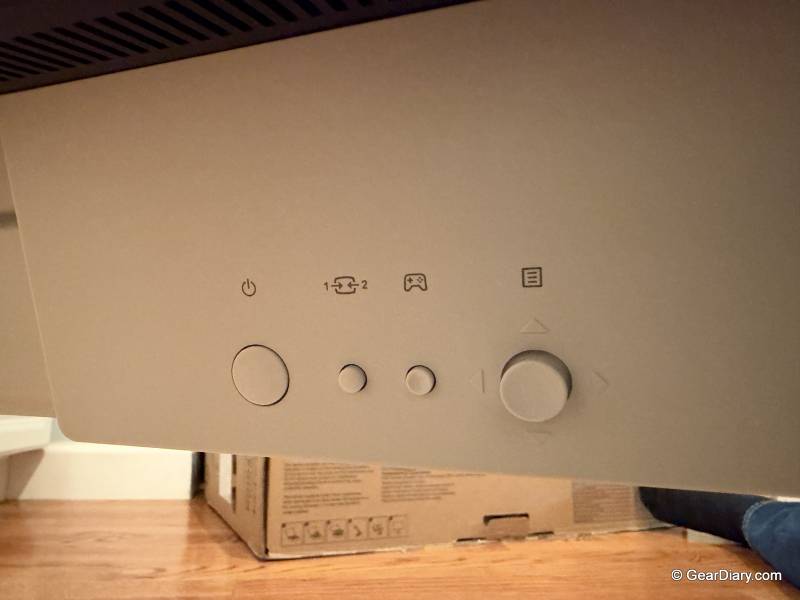
The Lenovo Legion Pro 27UD-10 having two HDMI inputs turned out to be one of our favorite things about it. We ran the work PC into one and the gaming PC into the other, and that was the whole setup. To swap between them, you can use the buttons on the back of the screen, but most days we didn’t bother, because the auto input switching figured out which computer was on and went to it.
It sounds minor, but after three weeks of not crawling behind a desk to move a cable, it doesn’t feel minor. If you’d rather use them, there’s also a DisplayPort, a USB-C input, and three USB-A ports, though we stuck with HDMI the whole time.
Now, gaming. One thing to know up front is that our gaming PC is not a monster. It runs an Nvidia GeForce RTX 3070 with 8GB of memory, which is an older card and nowhere near top of the line anymore. We figured a monitor like this would be wasted on it. It wasn’t. Games looked amazing anyway, so you don’t need the latest and most expensive GPU to get a lot out of this screen.
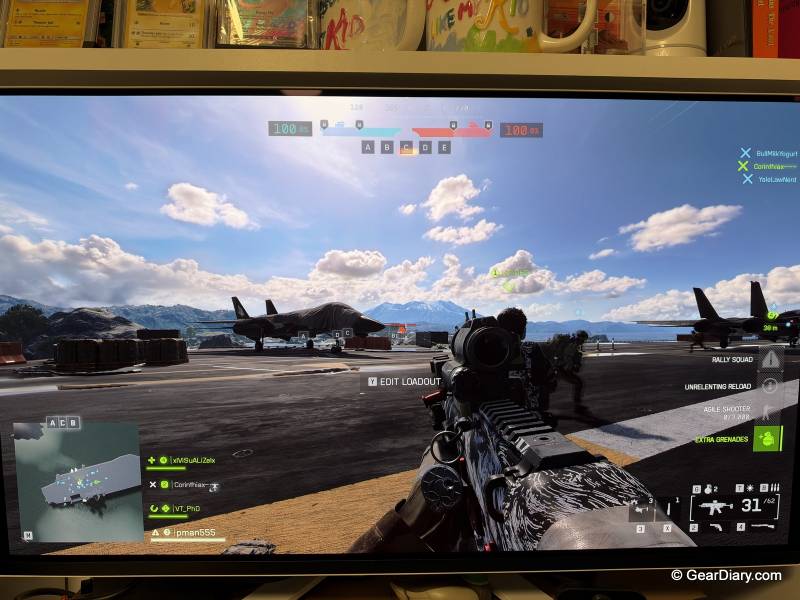
We played Rocket League (both 2-on-2 and 3-on-3) and large-scale battles in Battlefield 6. Rocket League is a good test because the camera whips around constantly and you’re trying to follow a ball that’s moving fast, and with six cars on the field in 3-on-3 there’s a lot going on. On a slower screen, that all turns to mush. Here it didn’t.
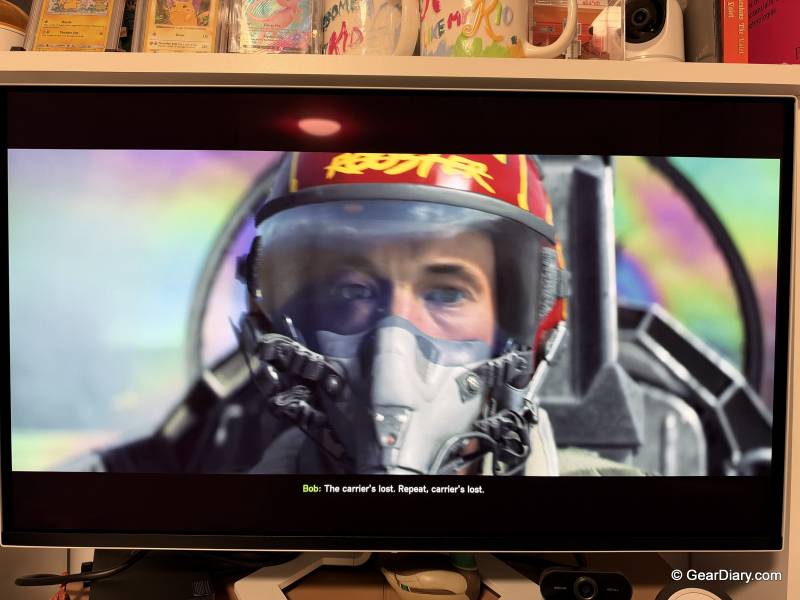
Everything stayed crisp even in the middle of fast movement, and the motion is smooth in a way that’s hard to go back from. Battlefield 6 is where we turned on the Lenovo Legion Pro 27UD-10’s HDR, and it was worth it. In a big battle with explosions going off all over the map, the flashes are bright, the dark corners stay dark, and you can still see what’s in them.
People always ask about OLED burn-in. Lenovo includes panel care tools that run in the background to protect the screen, and we did see them kick in a few times. They never got in our way. We can’t tell you how the panel will look in three years after only three weeks, but so far there’s nothing to report.

If you’re shopping in this category, you’ll also run into the Alienware AW2725Q, the ASUS ROG Swift PG27UCDM, and the MSI MPG 272URX. All of them are 4K, 240Hz QD-OLEDs at this same size, and their prices jump around enough that it’s worth checking all four on the day you buy. What sets the Lenovo Legion Pro 27UD-10 apart for us is the stand and the easy switching between two computers.
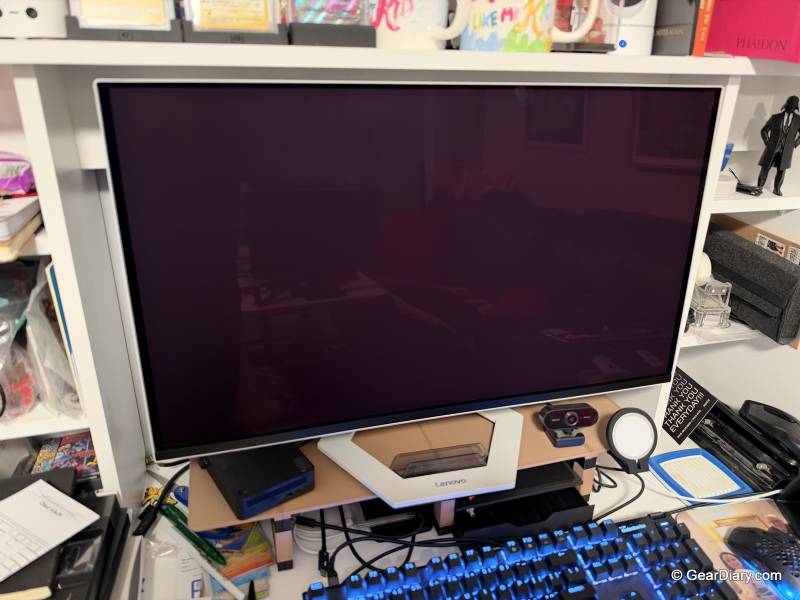
So should you get it? Yes. We really tried to come up with a complaint, and the best we could do is the same advice we’d give for any monitor this size: measure your desk first. Check the screen dimensions, how much room the base takes up, and how high it goes, and make sure it fits where you plan to put it. If it does, the Lenovo Legion Pro 27UD-10 is an excellent monitor for gamers; it’s just as good for work, and we highly recommend it.
The Lenovo Legion Pro 27UD-10 retails for $999 (currently on sale for $699); it is available directly from the manufacturer and other retailers, including Amazon.
Source: Manufacturer-provided review sample.
What I Like: Gorgeous, crisp 4K OLED picture; Impressively thin panel; 240Hz refresh rate keeps fast gameplay smooth and sharp; HDR looks great in games; Stand adjusts for height, swivel, and tilt; Two HDMI inputs plus DisplayPort and USB-C, with easy input switching; Three USB-A ports
What Needs Improvement: Nothing beyond the obvious: confirm the screen and base dimensions will work with your desk