


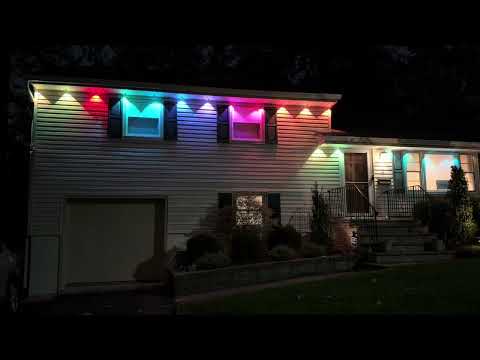
Permanent outdoor lights are a simple pitch. You install them once, they stay tucked under the roofline all year, and you never have to drag out a ladder in December again. Govee has sold them for a few years, and the new Govee Permanent Outdoor Lights 2 Pro adds a trick the earlier sets didn’t have: each light throws two colors at once. We’ve had the white 200-foot kit on our house for about two weeks, running every evening, to see how the dual-color effect looks on a real roofline and how the Govee app holds up.
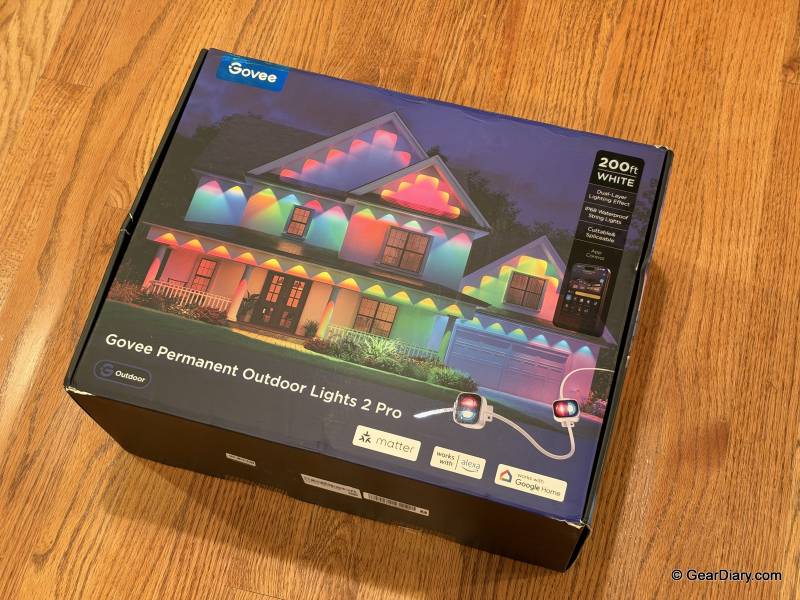
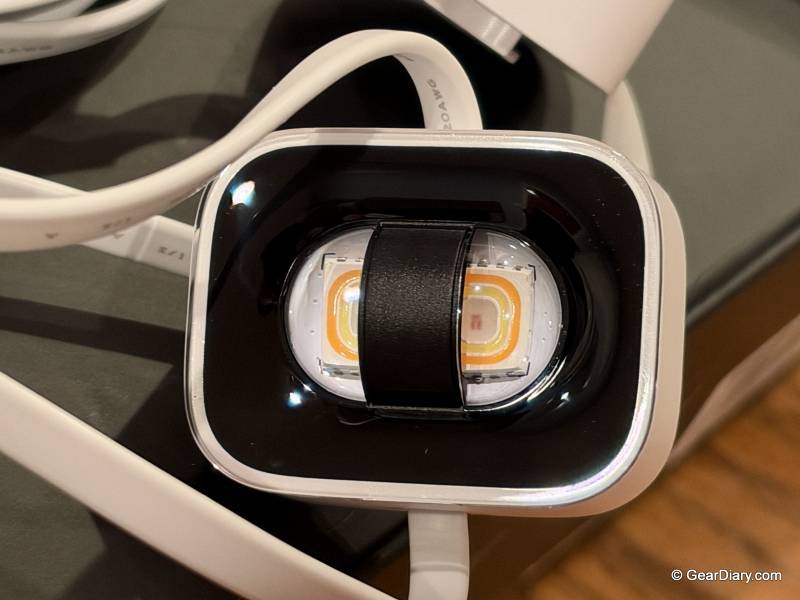
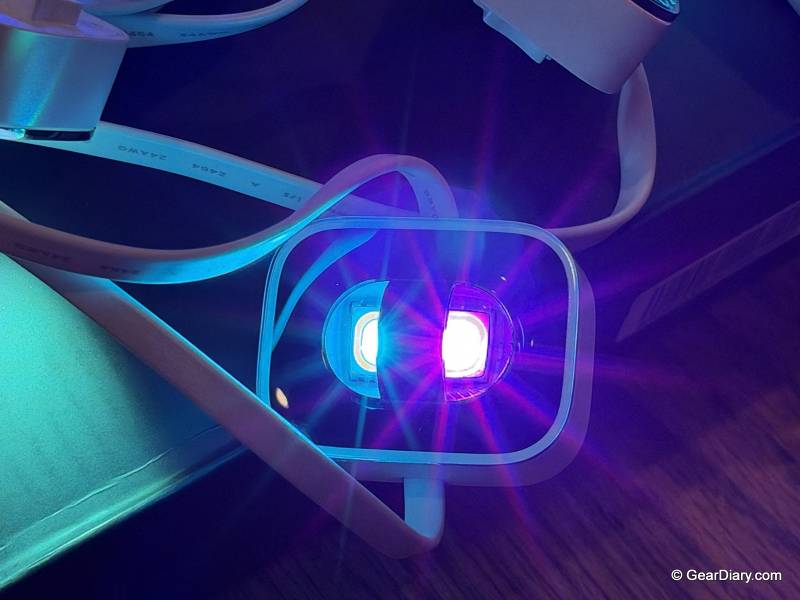
Start with the thing that makes this set different, because it’s the reason to buy it over anything else. Every light in the string has two layers, an upper and a lower, and each one can be a different color.
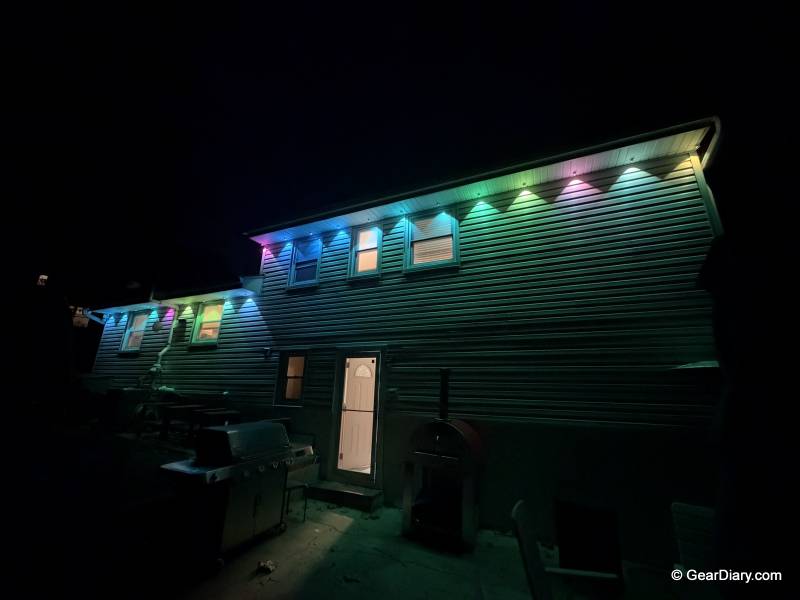
On the house, that means you don’t get a row of single dots along the roofline. You get a wash of one color up against the soffit and a second color spilling down the wall below it. Red over green, orange over purple, warm white over a soft blue. When a scene is animating, the two layers shift against each other, and it’s a pretty effect that we haven’t seen from another set of permanent lights. A couple of neighbors have already stopped to ask about them.
Quick Specs:
- Model: H3A53 (200ft), H3A51 (100ft)
- Kit reviewed: White, 200ft
- Number of lights: 84 across 12 strands
- Lighting: RGBWWIC, dual-layer design with independently controlled upper and lower colors on each light
- Brightness: 40 lumens per light
- White range: 1000K to 10000K
- LED lifespan: 50,000+ hours
- Weather rating: IP68 lights and Y-connector, IP67 control box and power adapter
- Installation: Cuttable and extendable, Y-connector for split runs, snap-on detachable light heads
- Scenes: 100+ presets, AI Lighting Bot 2.0, Music Sync, DreamView
- Connectivity: 2.4GHz Wi-Fi and Bluetooth
- Smart home: Matter, Alexa, Google Assistant, Apple Watch
- Housing colors: White or black
- Price: $799.99 list for the 200ft kit, $639.99 at the time of writing
The control goes deeper than we expected. You aren’t limited to picking one upper color and one lower color for the whole house. Each light can be set on its own, and inside each light the two layers can be set on their own too. In practice, that’s two lights per unit, and with a full kit it’s a lot of individual points to play with. Most people will never design a pattern one light at a time, but that’s why the presets look as good as they do.
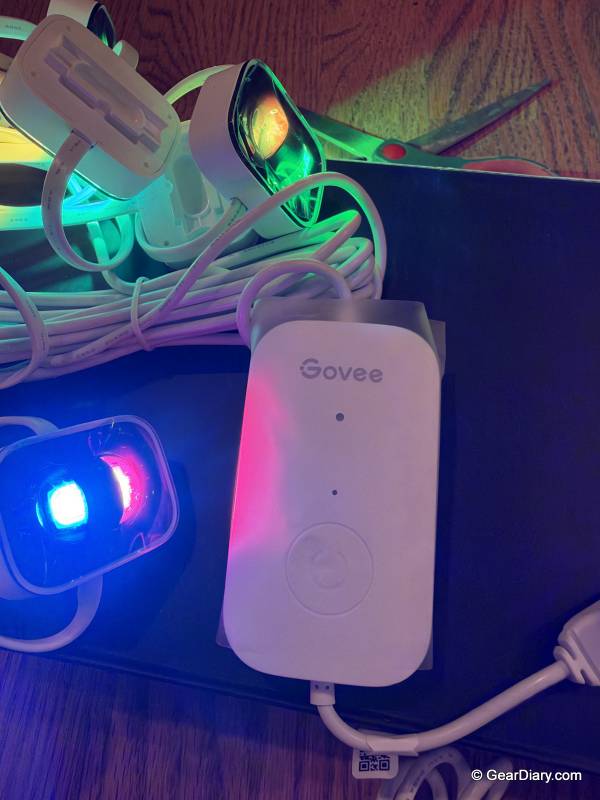
The Govee app has more than 100 presets, covering holidays, seasons, sports colors, and everyday looks. If none of them fit, the AI Lighting Bot will build one for you. Type what you want in plain language, and it returns a design that uses both layers.
You can also build your own from scratch and share it with other Govee owners, or grab designs other people have posted, which is a nice shortcut when you want something specific and don’t feel like doing the work.
Day to day, though, we mostly leave the creative stuff alone. We set a timer to turn the lights on at 5 pm and off at 11 pm, and we’ve kept that routine for two weeks. They also work with voice assistants, so turning them on early or switching to a different scene doesn’t require opening the app. It also supports Matter, for anyone whose smart home is built around it.
That’s the good news about the app. The other side is that it can be very finicky.
It’s packed with features, and it’s not always obvious which one you want. We spent more time than we’d like poking through menus to work out where a setting lived or how to change one part of a scene without wrecking the rest.
The bigger problem is connecting to the lights when we’re away from the house. It often takes several tries for the app to reach them, and sometimes it won’t connect at all. For lights whose whole selling point is phone control, that gets frustrating fast. It doesn’t ruin the product, but it’s the main thing standing between this set and a higher score.
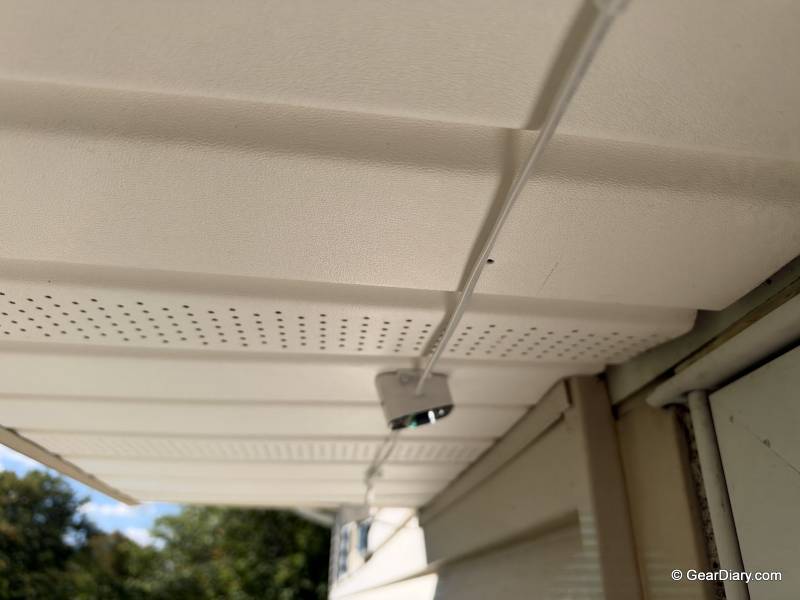
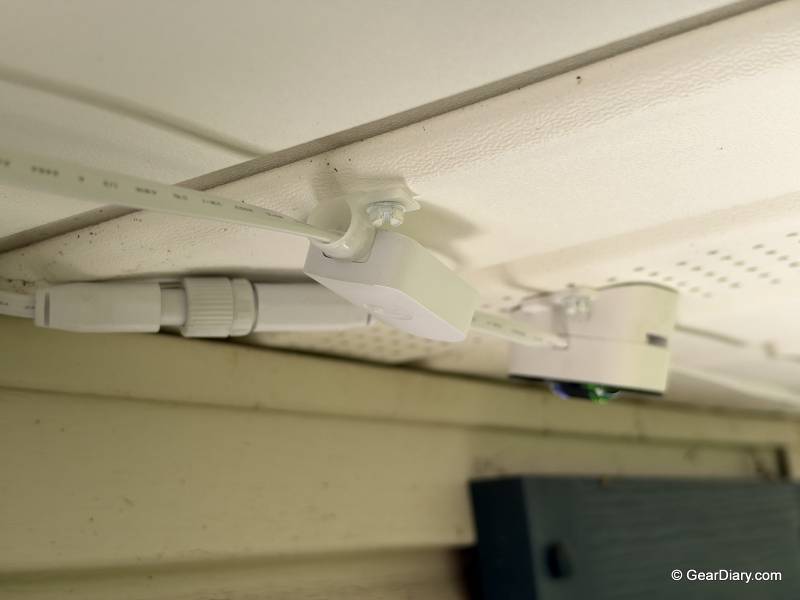
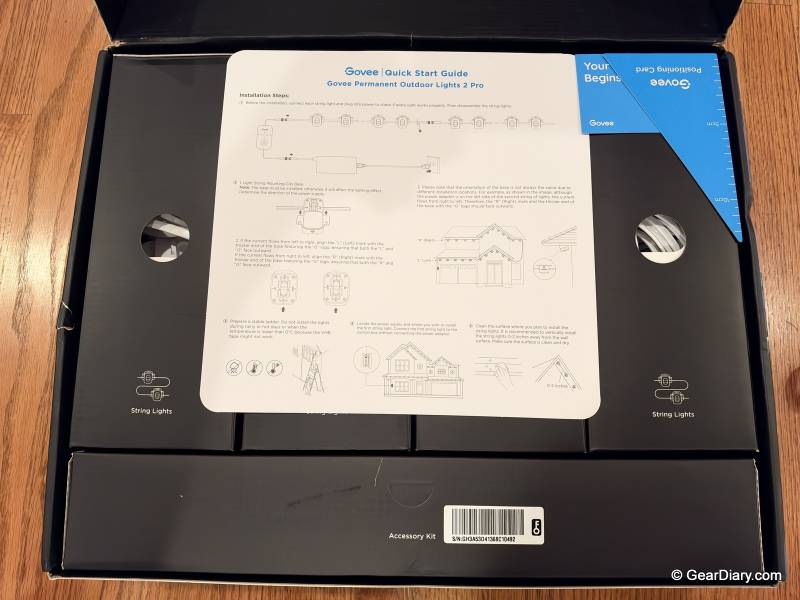
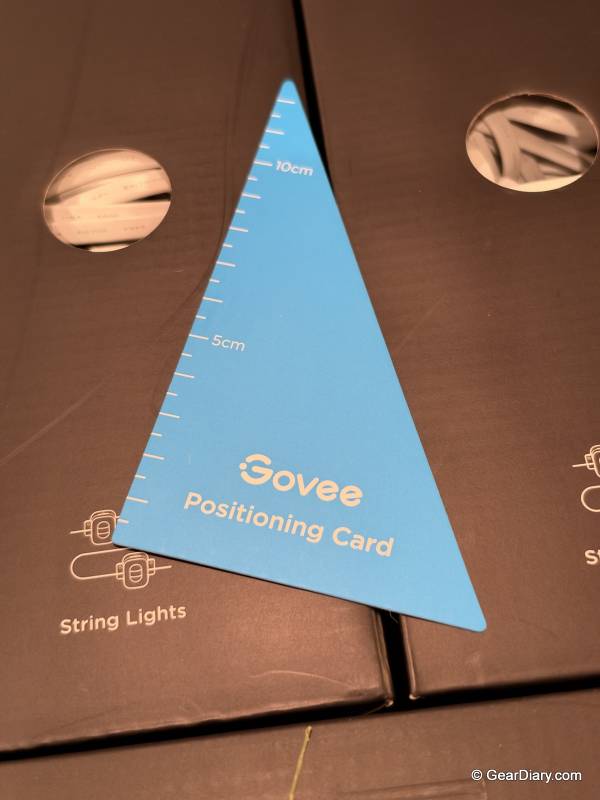
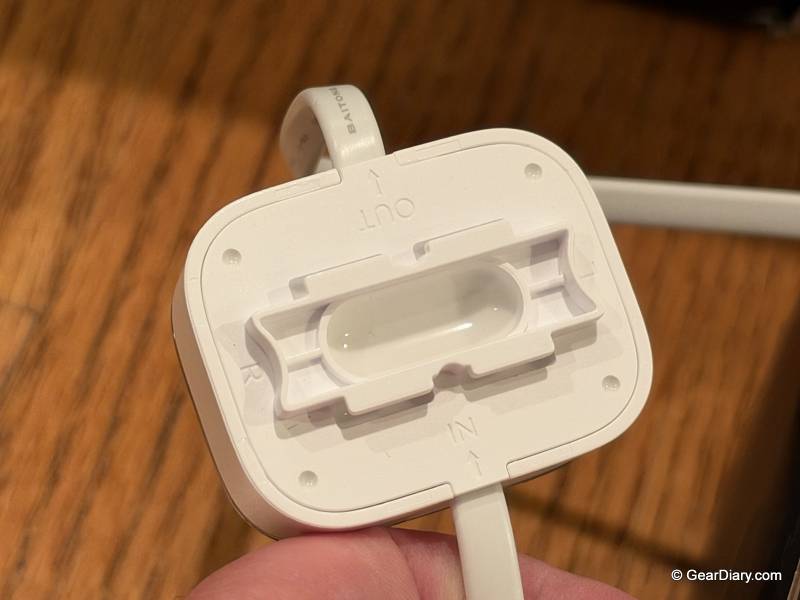
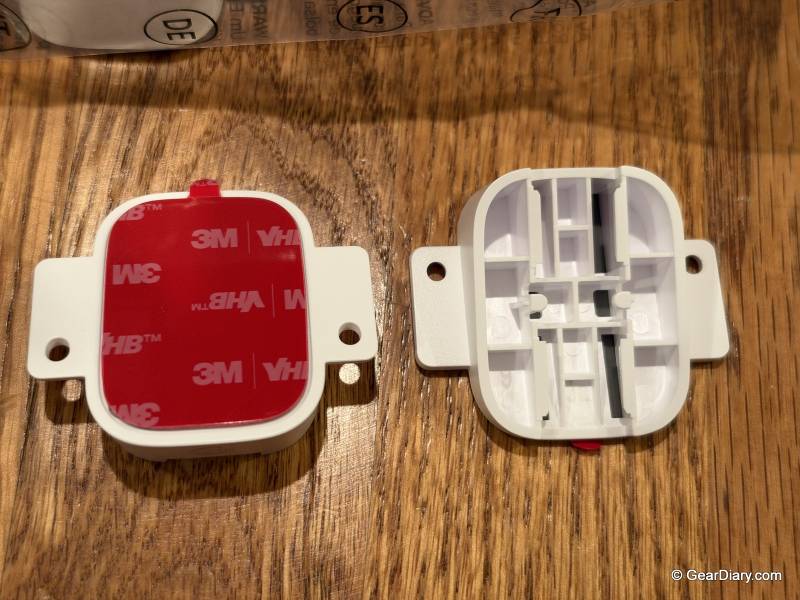
Installation deserves a few words too. Govee designs these for DIY. The strands can be cut, extended, and reconnected to fit your roofline, a Y-connector lets you split a run in two directions, and the light heads snap on and off. We believe a handy homeowner could put these up over a weekend. We didn’t.
Our roofline sits two stories above the driveway on one side and the backyard patio on the other, and we weren’t comfortable working on a ladder at that height, so we paid to have them installed. If your house is single-story, or you’re fine with working up high, you can save that money. If not, plan for the extra cost before you order.
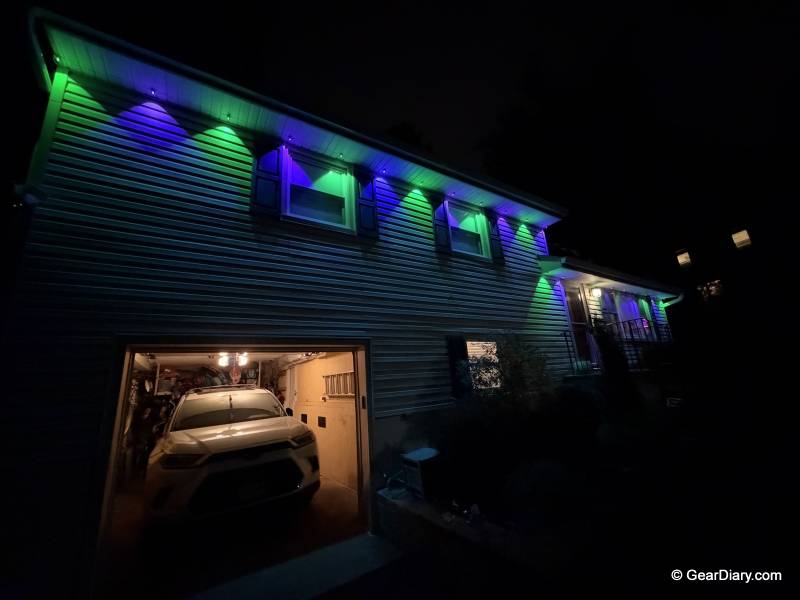
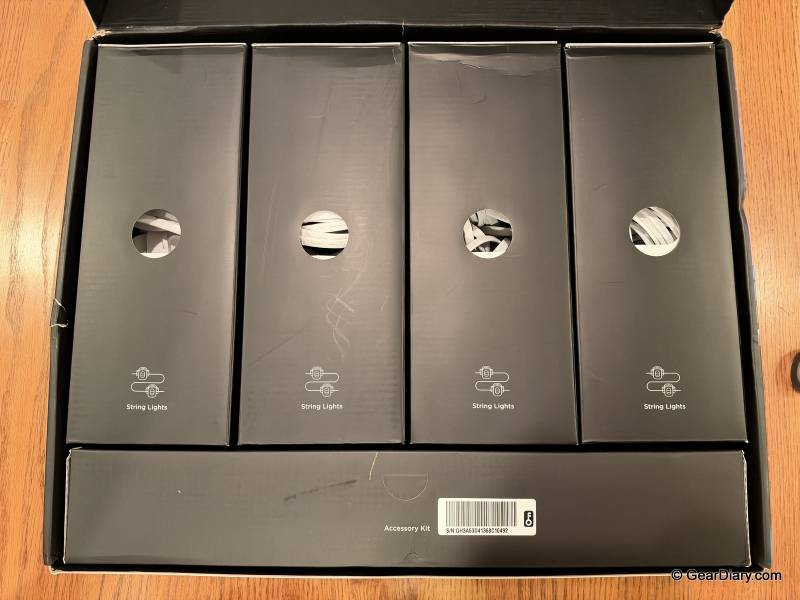
We also didn’t need the whole kit. The 200-foot set comes with 12 strands and 84 lights, and our house took about six strands, or roughly 42 lights. Measure your roofline before you buy, because the 100-foot kit may be all you need.
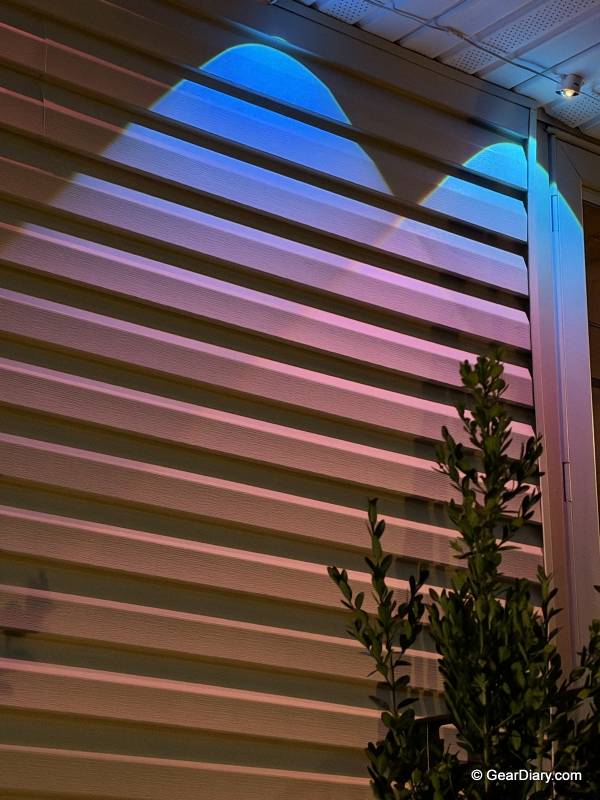
One design choice caught us off guard. The lights are angled, which is how they throw two layers of color, but it also means they hang farther down from the soffit than a flat puck-style light would. Along most of the house, that makes no difference. Over our front door it did.
The soffit there sits right above a storm door that swings outward, and there wasn’t enough room for a light to hang without the door hitting it. We had to skip that spot. It’s one light, and the gap is hard to see at night, but if you have a door that opens under a low soffit, check the clearance first.
There’s plenty of competition now. Govee’s own Permanent Outdoor Lights Pro is cheaper and gives you more lights per 200 feet, but each one is single-color at a time. Eufy and Nanoleaf also sell permanent sets, and professionally installed systems like JellyFish and Gemstone run into the thousands. None of them do the two-layer effect. If that look is what you’re after, this is the set that has it.
You’ll probably be happy with the Govee Permanent Outdoor Lights 2 Pro if you want holiday and everyday lighting that lasts all year, with two colors per light, and you’re willing to learn the app. They’re also a good fit if you already own other Govee lights and know your way around the software.
You might want to look elsewhere if you need rock-solid remote control from outside the house, if you have doors or windows that open close to the soffit, or if you only want simple white accent lighting and won’t use the color features you’re paying for.
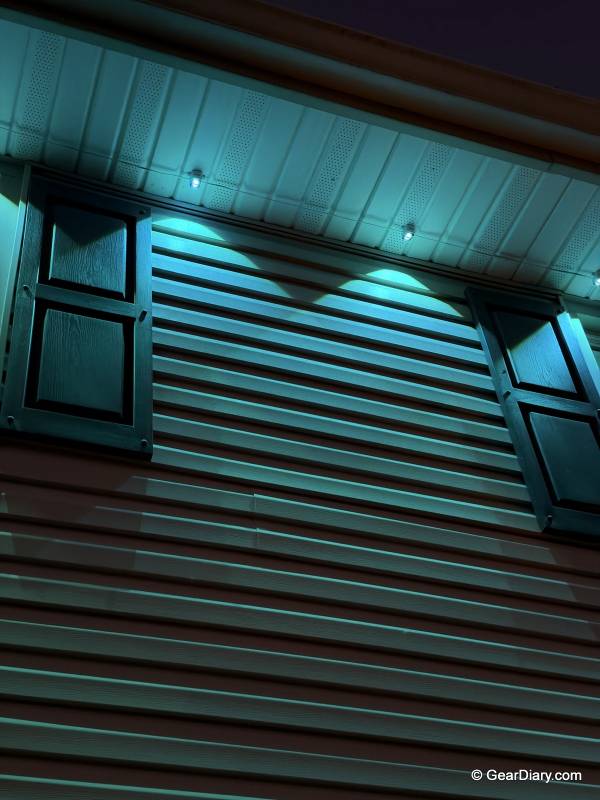
After using the Govee Permanent Outdoor Lights 2 Pro for two weeks, we love how these look. The dual-color effect is beautiful and unlike anything else on our street, and the level of control is huge. The app needs work, mostly with remote connection, and the angled lights won’t fit every spot. Those two things cost it a point. The lights themselves are excellent.
The Govee Permanent Outdoor Lights 2 Pro starts at $499.99 for the 100′ kit; it is available directly from the manufacturer and other retailers, including Amazon.
Source: Manufacturer-supplied review sample
What I Like: Beautiful and unique dual-layer design puts two colors on every light for a pretty color-changing effect; So customizable that you can set two lights per unit, light by light; App is extremely detailed, with more than 100 preset designs; AI Lighting Bot builds designs from a typed prompt; Custom designs can be shared between users; Smart home integration with Alexa, Google Assistant, and Matter; Timers make daily on and off automatic; Strands can be cut, extended, and split to fit different rooflines; IP68 lights with an IP67 control box and power adapter
What Needs Improvement: The angled lights hang down farther from the soffit, so one may not fit above a swinging door, and we had to skip a light over our storm door; The app is finicky and not easy to figure out; Connecting to the lights remotely often takes many attempts and sometimes fails completely; A two-story roofline may mean paying for installation