


While I’m not a true audiophile, I love music and love trying out new headphones and earbuds. Up for review today are the SteelSeries Arctis GameBuds, a feature-rich set of earbuds with both Bluetooth and 2.4 GHz transmission options, plus solid noise cancellation, pass-through, and equalizer customization through the Arctis app. Read on to see how they have held up!
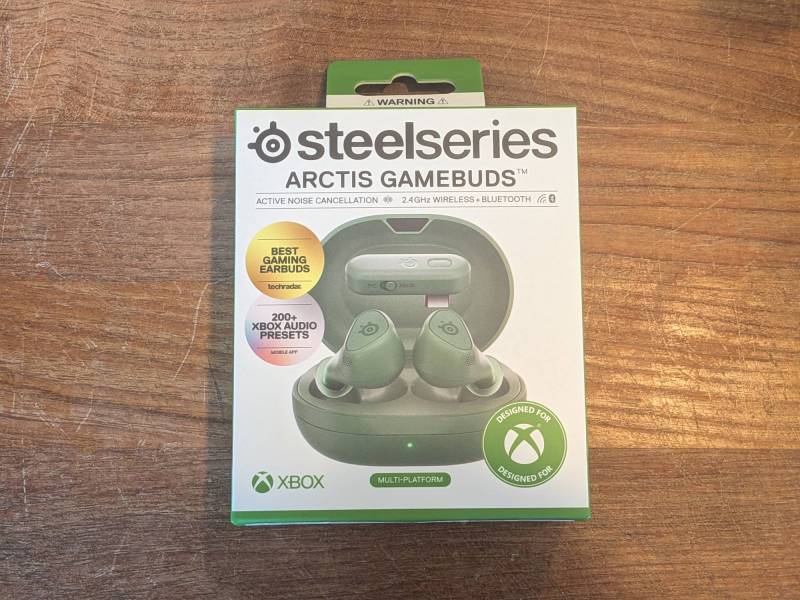
What Is It?
The SteelSeries Arctis GameBuds are earbuds with Bluetooth and 2.4Ghz connectivity options that are designed for use on gaming platforms.

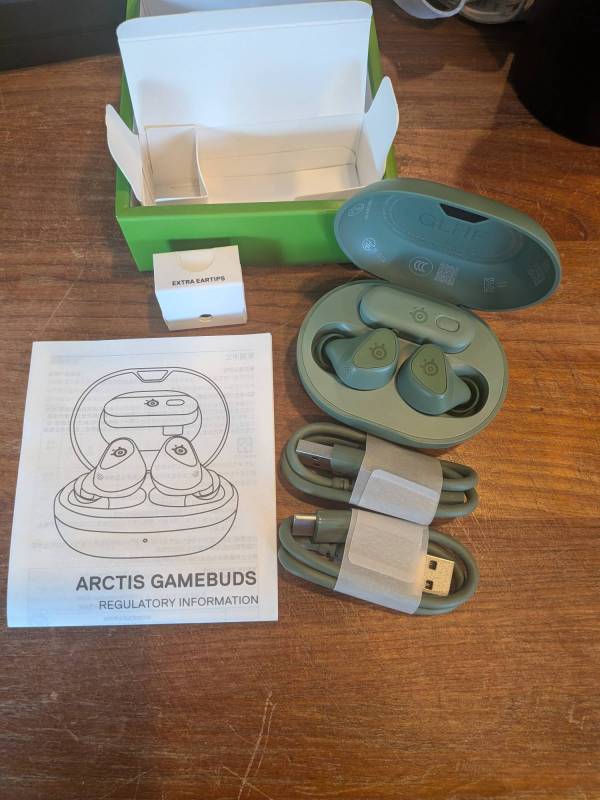
What’s Included?
- SteelSeries Arctis GameBuds Wireless Gaming Earbuds
- USB-C Wireless Nano-Dongle
- Qi Wireless Charging Case
- USB-C to USB-A adapter
- USB-C to USB-A adapter cable
- USB-C Charging Cable (1 ft / 0.3m)
- USB-C to USB-A Charging Cable (1ft / 0.3m)
- Silicone Eartips: Small / Medium / Large
SteelSeries Arctis GameBuds Tech Specs
- Neodymium Magnetic Drivers
- Headphone Frequency Response: 20–20,000 Hz
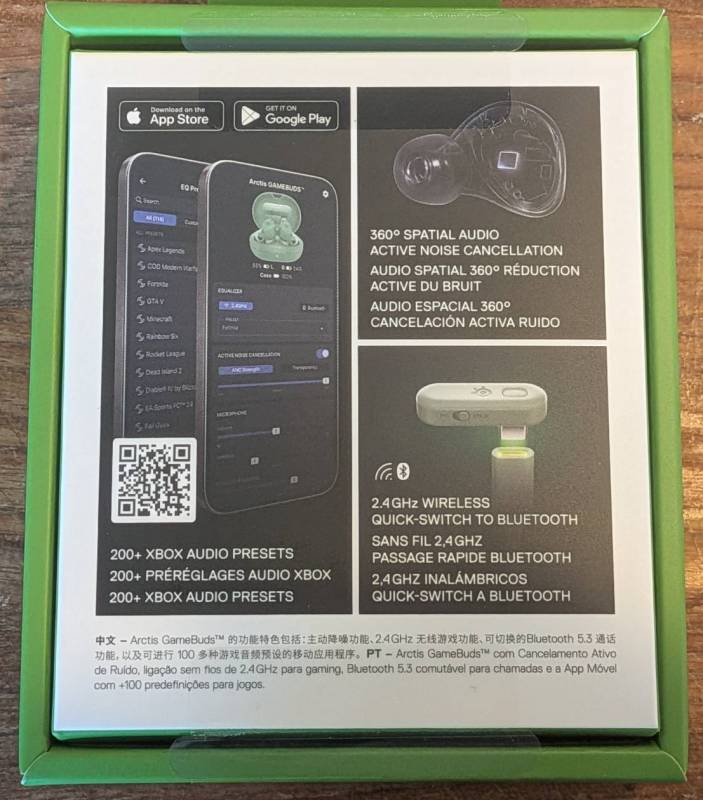
- 360° Spatial Audio
- Microphone
- Active Noise Cancellation: 4-mic Hybrid
- Quick Switch 2.4GHZ + Bluetooth
- 2.4GHz Gaming Wireless
- Bluetooth Version: 5.3
- Bluetooth Codec: SBC
- Weight: Buds 5.3g (each) / Case 48.7g
- App: Arctis (iOS / Android)
Design and Features
The Gamebuds case is about the width of a cell phone and is a bit chunky compared to some other cases that I’ve used in the past. That’s not a big surprise as there are a few features built into their design that most products I’ve used in the past don’t have.
The case has built-in Qi charging capability, which is a handy feature. The included 2.4Ghz transmitter is something I haven’t seen before in earbuds I’ve used before. I’ve had headphones with 2.4Ghz transmission and loved them, so I was very interested in trying it out in earbuds. In testing, I was very impressed by the audio quality.
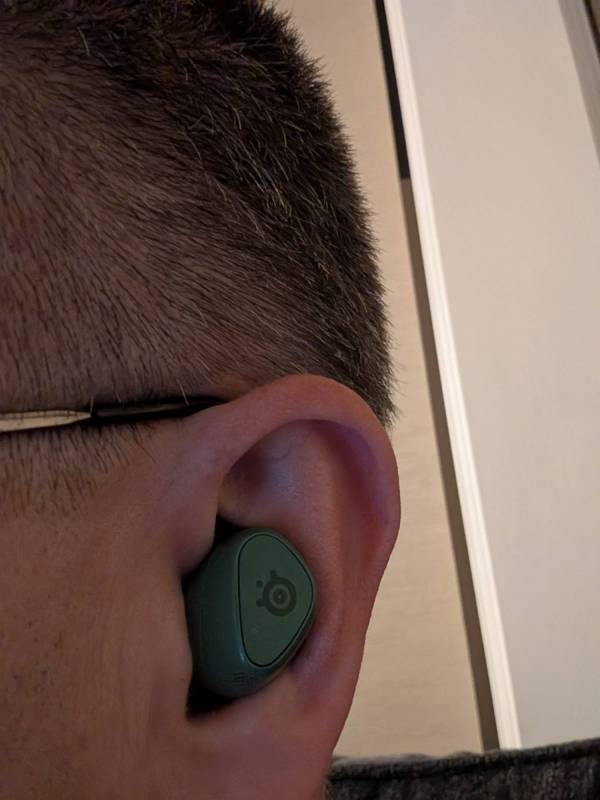
The earbuds themselves are well-formed and fit well in my ears, even though they are a little larger. The tips included out of the box are well-sized for me, but several other tip sizes are included if you are sized differently.
Installation
Out of the box, all you need to do is fully charge the SteelSeries Arctis GameBuds with the included USB-C charging cable or a Qi wireless charging pad.
For additional customization, the Arctis app is available on both Android and iOS.
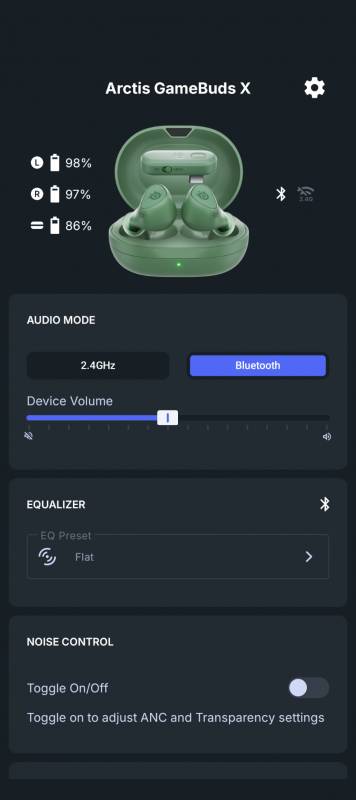
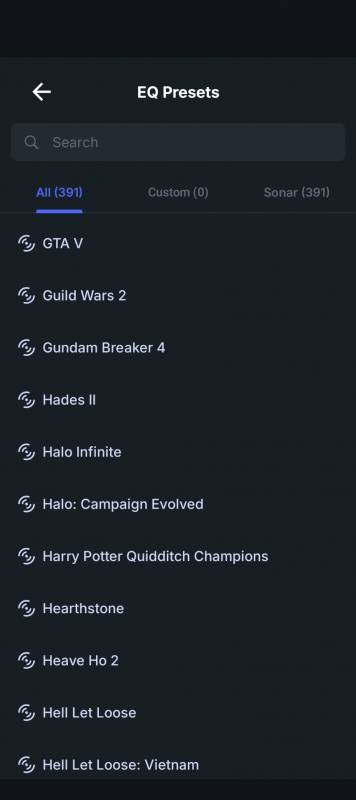
There are tons of different equalizer options in the app. There are literally hundreds of settings tuned to different games and scenarios.
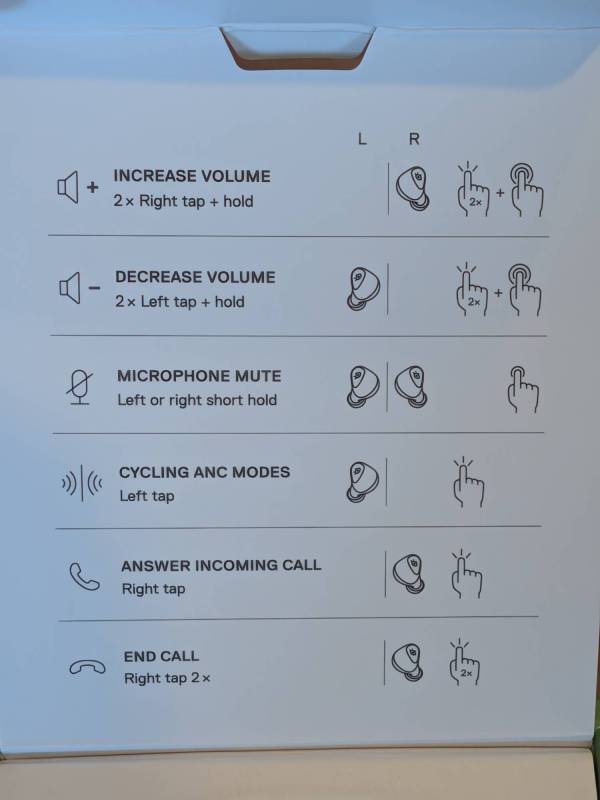
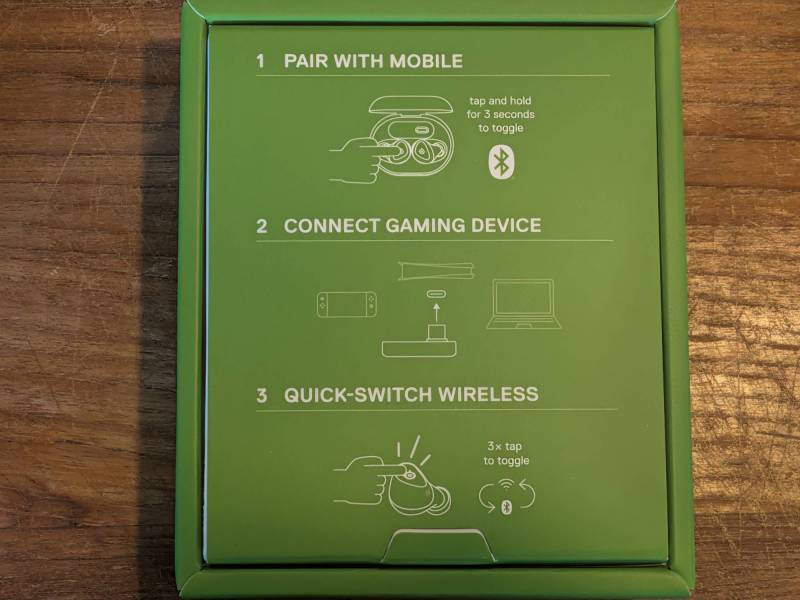
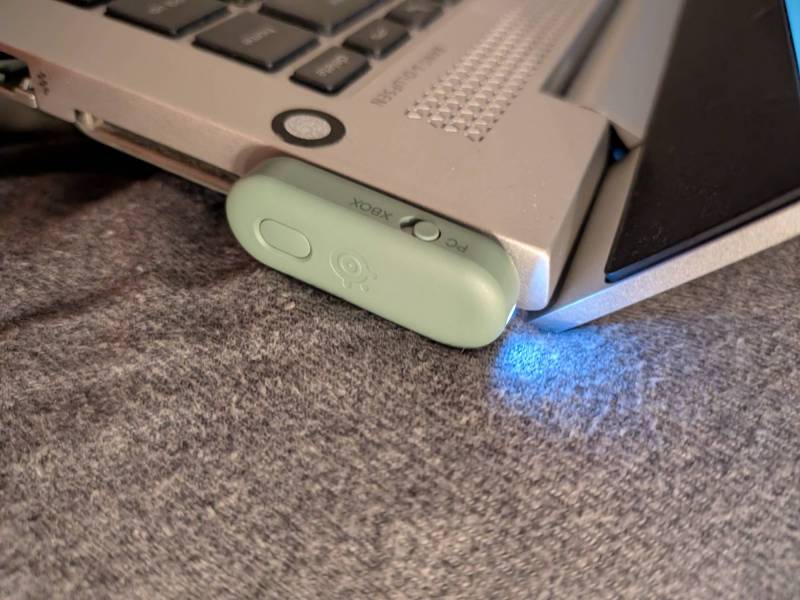
To use the 2.4GHz transmitter with an Xbox, PC, or other device, connect it to a USB-C or USB-A port using the included adapter. To switch the earbuds from Bluetooth to 2.4GHz mode, it just takes a triple tap on the left earbud or switching modes in the Arctis app.
Final Thoughts
I’ve been using the SteelSeries Arctis GameBuds for several weeks with several different devices. Over Bluetooth, they work very well and are comparable to other higher-end earbuds I’ve used in the past. The Gamebuds really excel with the 2.4Ghz transmitter. The audio quality with the 2.4Ghz transmitter really was excellent. The Wear Sense option that pauses playback if it senses you take the earbud out is much too sensitive and, for me, would pause playback even when I was just moving around normally. Thankfully, you can turn that option off in the app. Overall, these are very feature-rich earbuds, and I recommend them for non-physically active use.
The SteelSeries Arctis GameBuds retail for $199.99; they are available directly from the manufacturer and other retailers, including Amazon.
Source: Manufacturer-supplied review sample.
What I Like: The 2.4Ghz connection capability is awesome; ANC quality is excellent; Controls are very responsive; App options are very robust
What Needs Improvement: The earbuds can get loose and fall out if you’re actively moving around; The Wear Sense function should be turned off by default