


Custom T-shirts, personalized tote bags, and branded merchandise have become increasingly accessible to small businesses and independent creators, but producing professional-looking designs still requires equipment that can handle more than the occasional craft project. InkSonic is addressing that market with two direct-to-film printing options: the InkSonic H13 and Spark F13 DTF printers. Both are designed to transfer colorful, detailed artwork onto a wide variety of fabrics without requiring commercial printing facilities. Whether you’re running a growing apparel business, fulfilling custom orders, or exploring a creative side hustle, these machines offer different approaches to bringing fabric printing in-house.
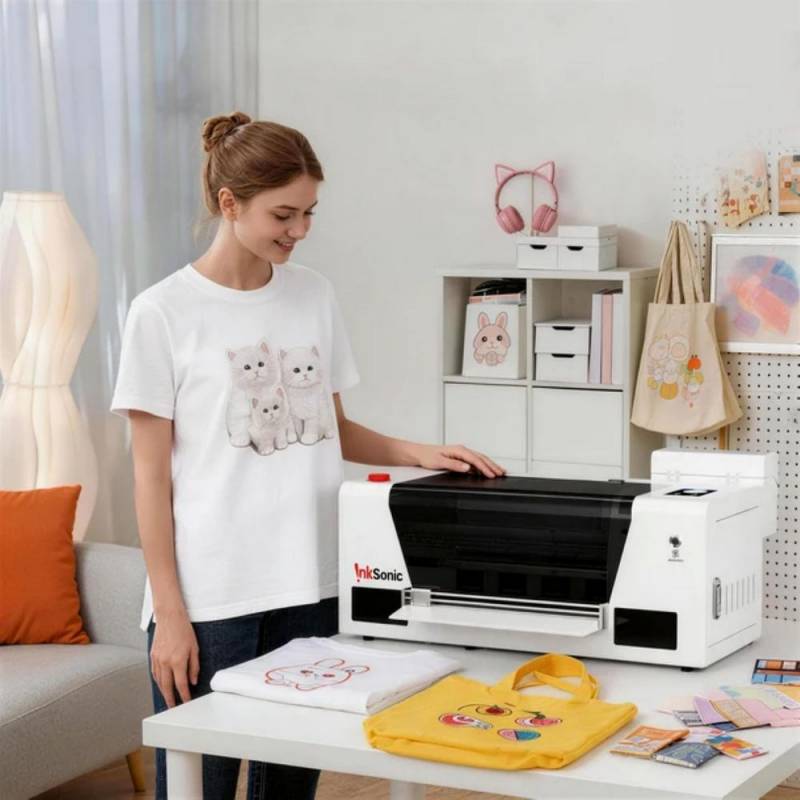
Inksonic F1080 14″ DTF Printer H13
How Direct-to-Film Printing Opens Up More Possibilities
If you’ve ever ordered custom shirts for a family reunion, school fundraiser, or small business, you’re probably familiar with the cost and inconvenience of outsourcing even relatively simple designs. Direct-to-film (DTF) printing offers an alternative by allowing designs to be produced on specialized film and transferred onto fabric using heat.
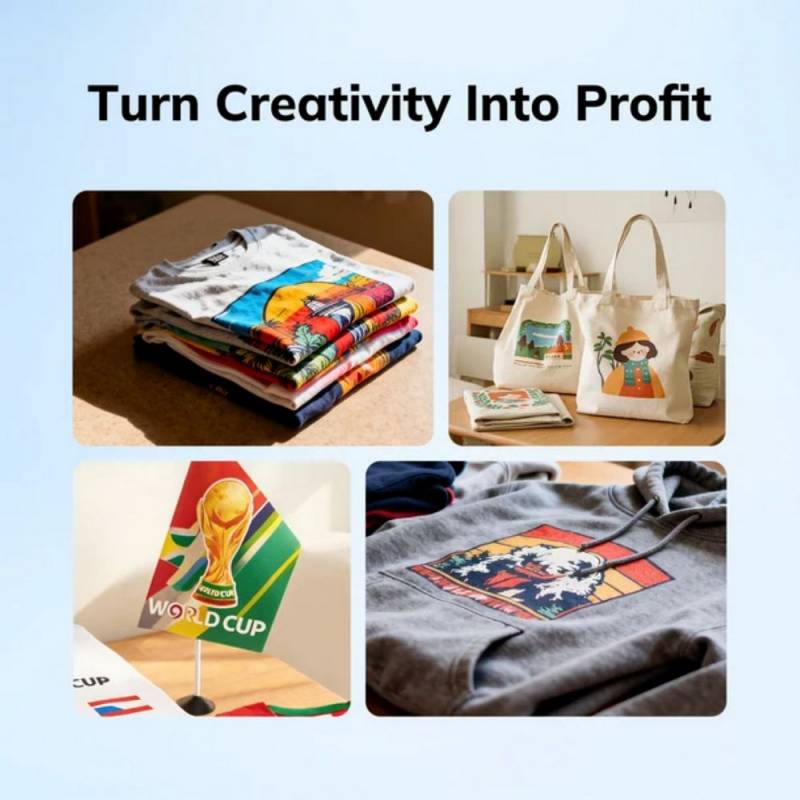
Unlike traditional screen printing, which can require separate screens for different colors, DTF printing can accommodate detailed, multicolored artwork without the same extensive preparation. It also works across various fabrics, including cotton, polyester, denim, canvas, and blends, making it useful for businesses that don’t want to limit themselves to one type of garment.
The process involves printing an image onto transfer film using colored and white inks, applying adhesive powder, curing that adhesive with heat, and transferring the finished design onto fabric with a heat press. The white ink layer helps colorful designs remain visible on darker materials.
It’s worth understanding that buying a DTF printer doesn’t eliminate these additional steps. You’ll still need the appropriate curing equipment, a heat press, consumable supplies, and a suitable workspace. However, handling production in-house can give you considerably more control over customization, turnaround times, and smaller orders.
The InkSonic H13 is the more production-oriented of the two machines, offering a 14″ maximum printing width and an F1080 printhead designed to handle detailed designs at relatively high speeds.
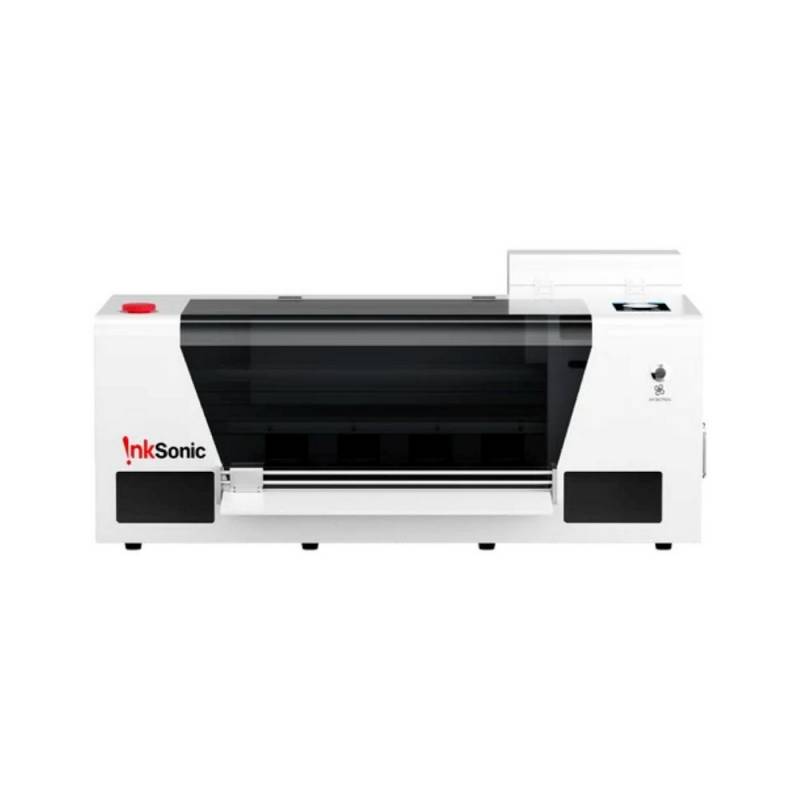
Inksonic F1080 14″ DTF Printer H13
It supports a maximum print resolution of 2160 by 720 dots per inch (DPI), which describes how densely a printer can place ink droplets. Higher numbers don’t automatically guarantee better finished garments, since artwork quality, ink performance, transfer materials, and printing conditions also influence the results.
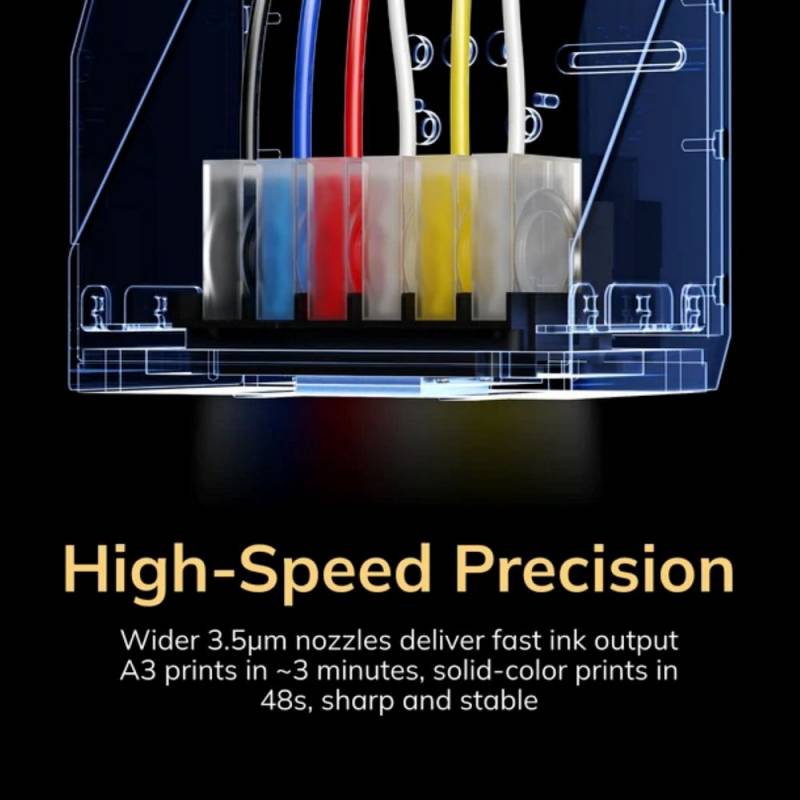
Speed is one of the H13’s main selling points. InkSonic rates the printer at approximately two to four minutes for an A3-sized design, with some solid-color jobs taking as little as 48 seconds. The company also estimates production capacity at around 12 T-shirts per hour, though real-world output depends on design complexity and the time required for curing and pressing.
That capacity could matter if you’re fulfilling orders for local sports teams, creating merchandise for an event, or managing a growing online apparel shop. When multiple customers want customized garments, spending less time printing each transfer can help keep orders moving.
The InkSonic H13 measures approximately 28.7″ wide, 17.4″ deep, and 13.1″ tall, weighing 59 pounds. It’s small compared with industrial printing equipment, although you’ll want a sturdy work surface and additional room for the transfer process.
Inksonic F1080 14″ DTF Printer H13
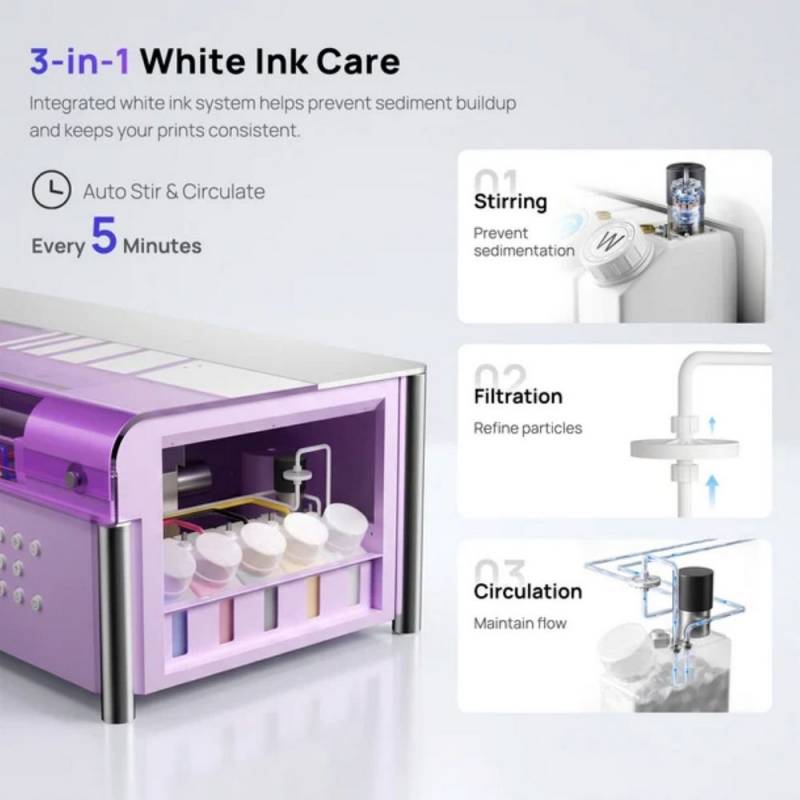
Maintenance features include white ink circulation, stirring, and filtration to help prevent pigment from settling and clogging the printhead. An adjustable automatic cleaning schedule and printhead moisturizing system are intended to reduce problems associated with periods of inactivity.
The H13’s regular retail price is $3,899 for the printer package. InkSonic also offers configurations with curing ovens, laptops, powder shaker and dryer equipment, and fume extraction accessories for businesses looking to build a more complete production setup. Click here to learn more.
Not everyone needs to print a dozen shirts an hour. For smaller operations, the InkSonic Spark F13 offers a more compact machine with a 13″ printing width and a design that feels better suited to home studios and smaller workspaces.
Available in purple or white, the Spark F13 measures approximately 29.5″ wide, 13″ deep, and 9.1″ tall. It weighs 42.7 pounds and occupies about 2.66 square feet of desk space, making it easier to fit in limited spaces.
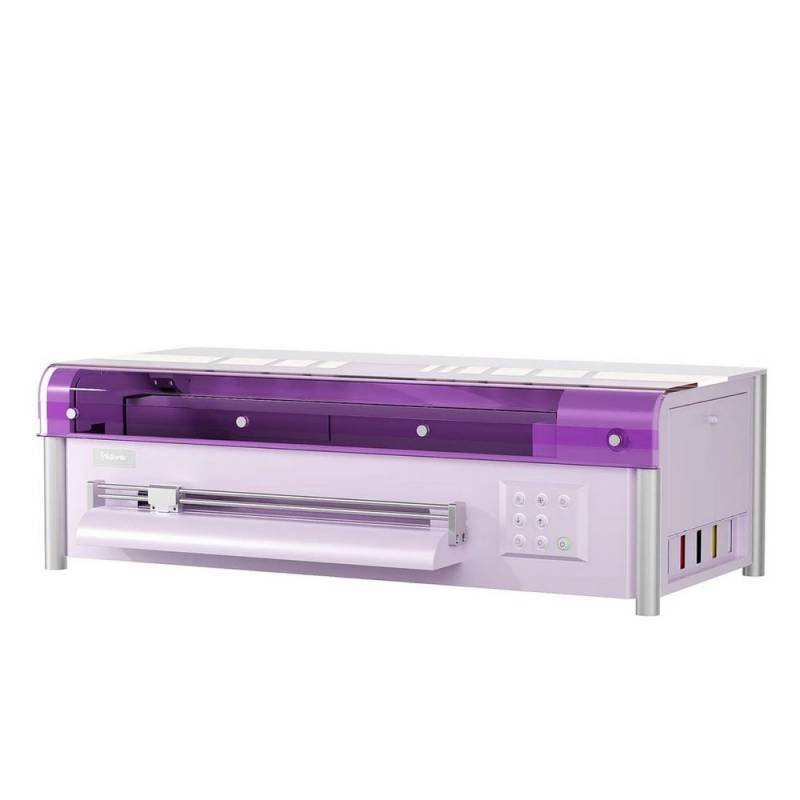
InkSonic Spark F13 DTF Printer
It uses an L1800 printhead with a maximum resolution of 2880 by 1440 DPI and takes approximately five to eight minutes to produce an A3-sized print. That makes it slower than the H13, but the difference might not matter much if you’re producing a few personalized items at a time rather than managing continuous orders.
For example, someone selling custom canvas bags at weekend markets might value the smaller footprint more than maximum production speed. The same goes for a creative entrepreneur experimenting with personalized children’s clothing, limited-run merchandise, or custom gifts.
One of the InkSonic Spark F13’s more practical features is its automatic vacation mode, which performs a cleaning cycle every 12 hours. DTF printing requires attention to ink maintenance, especially because white ink contains pigments that can settle when left undisturbed.
The Spark F13 addresses that concern with a three-part system that circulates, stirs, and filters the white ink. Its included printhead moisturizing device provides additional protection against drying.
InkSonic Spark F13 DTF Printer
InkSonic has also included software features intended to simplify production. Automatic artwork arrangement helps reduce wasted film, while image cropping, automatic printing after file preparation, and multi-task printing tools are intended to streamline repetitive jobs.
The printer supports Windows 10 or later and uses InkSonic’s RIP software. RIP stands for Raster Image Processor, software that prepares artwork for printing and manages how the printer applies its different ink colors.
The InkSonic Spark F13 has a regular retail price of $2,599, with optional bundles that add a curing oven, a Windows laptop with preinstalled software, or both. Click here to learn more.
What to Consider Before Bringing DTF Printing In-House
Both printers support cyan, magenta, yellow, black, and dual white ink channels, allowing designs to be transferred onto light and dark fabrics. They also accommodate roll-fed and individual-sheet printing, offering flexibility when producing different quantities.
InkSonic includes initial supplies such as ink, adhesive powder, transfer film, cleaning liquids, and software with its printer packages. These are useful for getting started, but ongoing expenses deserve attention.
Ink, film, powder, electricity, replacement components, and potentially spoiled prints all contribute to production costs. InkSonic estimates consumable costs at about $0.60 to $1.20 per shirt for these models, but that doesn’t represent the full cost of a finished garment. You’ll also need to account for blank clothing, labor, equipment, and other business expenses.
Inksonic F1080 14″ DTF Printer H13
Ventilation is another important consideration. Heat transfer adhesives and working with printing chemicals shouldn’t be treated like operating an ordinary desktop inkjet printer. A properly ventilated workspace, appropriate handling procedures, and attention to the consumables’ safety instructions are essential.
Both machines come with six-month warranty coverage, including a one-time printhead replacement for covered issues. InkSonic also provides remote technical assistance, setup instructions, and troubleshooting resources, although replacement parts and ongoing maintenance remain considerations.
Which InkSonic Printer Makes More Sense?
The choice between these machines comes down to how much printing you expect to do and the workspace you have available.
The InkSonic H13 offers greater printing width, faster output, and more room for expanding production. It’s easier to justify if custom apparel is already generating steady orders or if faster turnaround could help your business grow.
The Spark F13 is less expensive, smaller, and potentially more approachable for someone who wants to develop a creative business without committing to a larger production setup. Its automatic maintenance features are also appealing if you won’t be printing every day.
Neither printer eliminates the learning curve associated with DTF printing, and neither guarantees that a home-based printing business will be profitable. Still, both offer a way to take more control over custom merchandise production without investing in industrial-scale machinery.