
A week on Sanibel Island, Florida, let me take a few gadgets out of my office and see how they fit into a vacation. The Roku Streaming Stick Plus was my favorite and will be coming with me on future trips. The Ohsnap Snap Grip Stand was handy on the plane, while the Piorama OMNI Pad turned out to be a little too small for all the gear I wanted to bring. I still like the bag, but I’d use it for everyday carry instead. Read on to see how I used all of these travel gadgets.
What Was in My Travel Gear Bag?
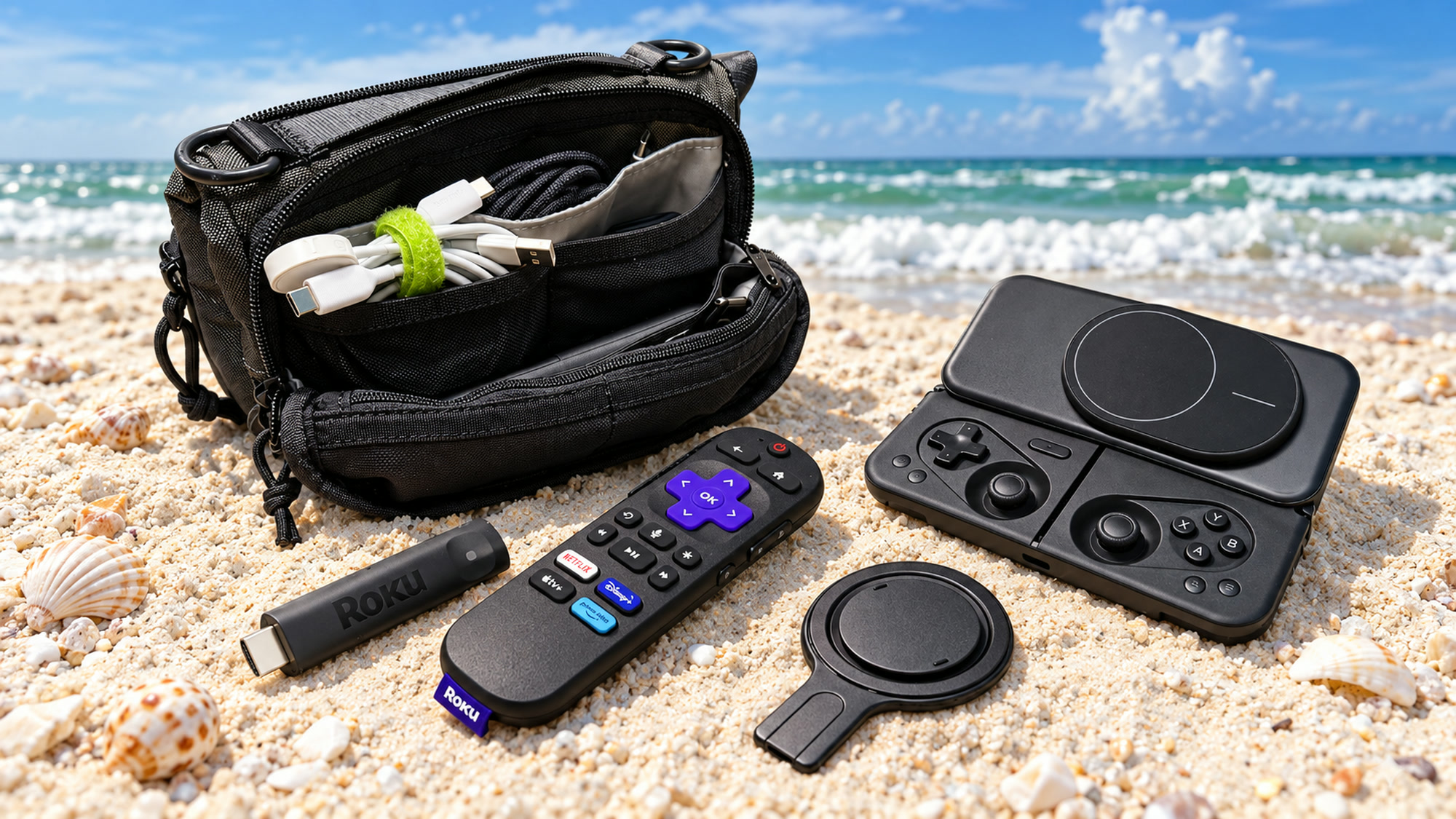
When I was getting ready for a week in Sanibel Island, I put together a little collection of gear to take along. There was the Piorama OMNI Pad iPad bag with a clever folding design, the Ohsnap MCON gaming controller, the Ohsnap Snap Grip phone stand that doubles as a grip, and the Roku Streaming Stick Plus.



A Roku? On vacation to Sanibel Island? Yep. We were staying in a condo (Ocean’s Reach, where we’ve probably stayed a dozen times), and after a day of shelling and shopping, we wanted to come back and relax. That included watching some of our favorite shows.
I already use an Apple TV at home, but I didn’t want to unhook it from my entertainment system and pack it. The Roku Streaming Stick Plus looked like a much smaller way to bring all of my streaming services along.
Of course, looking at a bunch of gadgets on my desk and deciding what to pack is only part of the story. After coming home, which ones would I take again? Let’s check them out one by one.
Piorama OMNI Pad: A Clever Bag with a Size Limitation
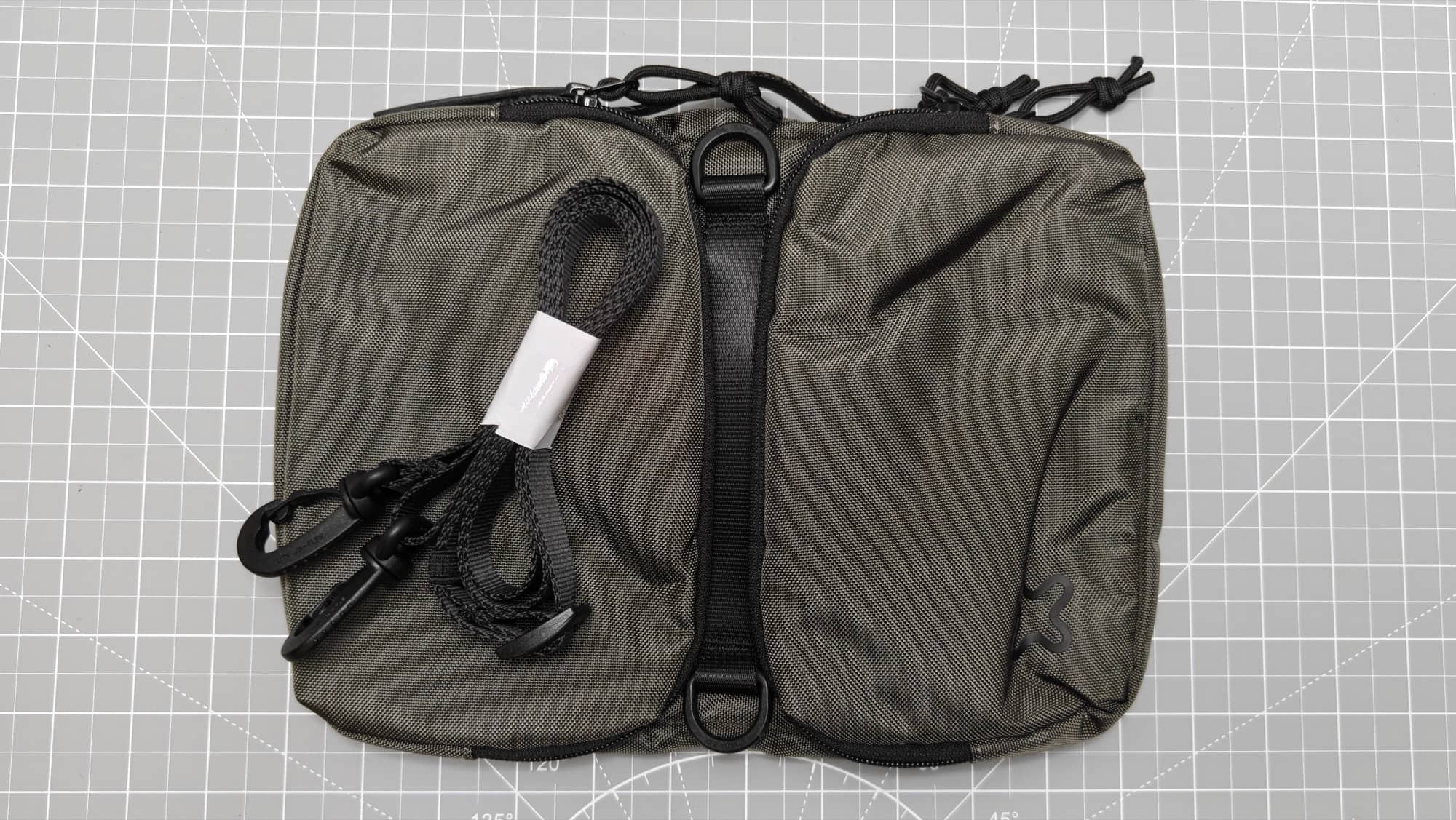
The Piorama OMNI Pad was the first piece of gear I was excited to try. It’s a compact bag designed to hold an iPad along with the smaller accessories that I tend to travel with it.
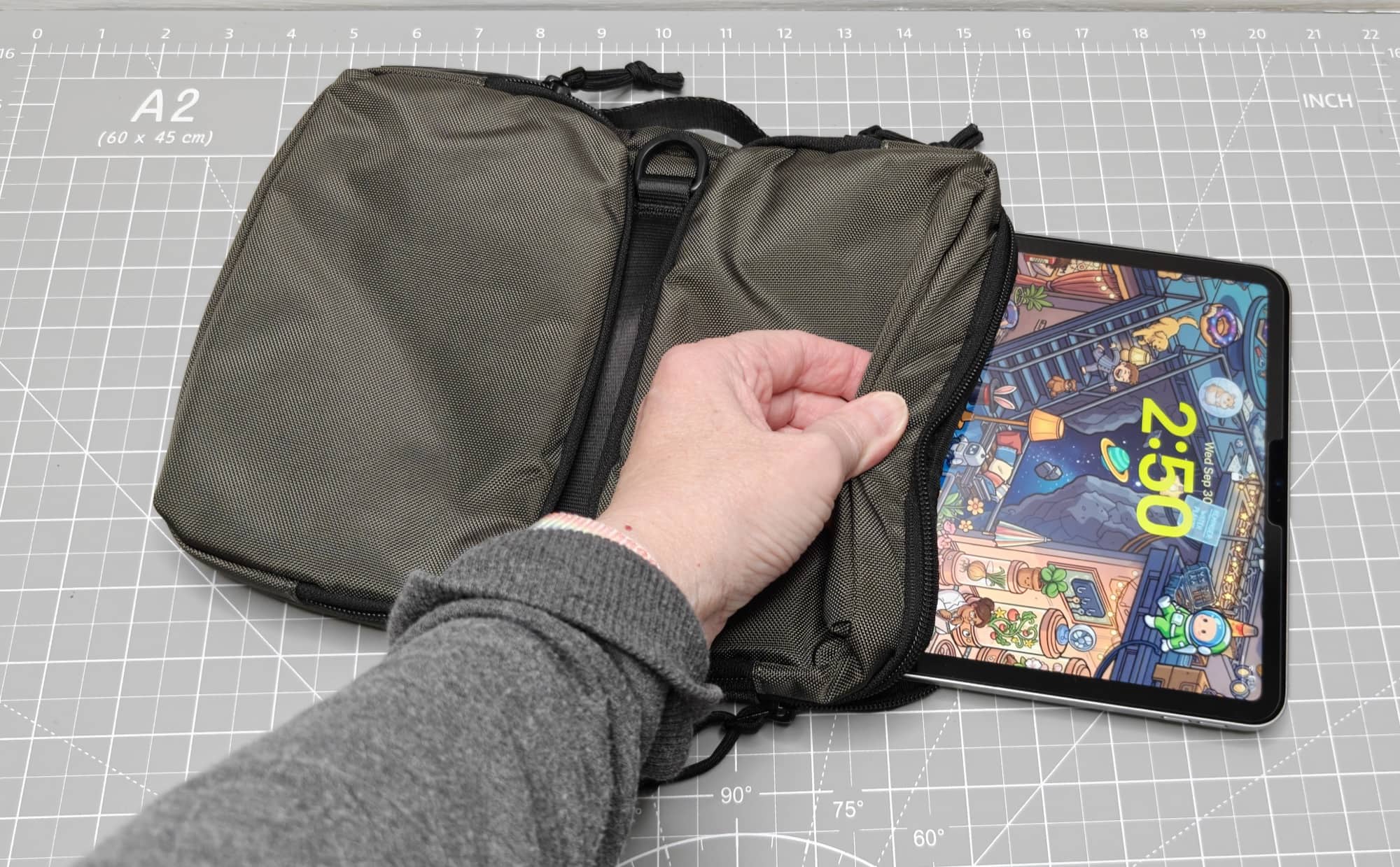
My 11-inch iPad easily slid into the padded section. Padding sits behind it and under the accessory pouches, so the tablet has its own place instead of being loose with the chargers and cables.
The pouches have stretchy pockets and separate areas for organizing your tech doo-dads. I planned to use the slots and pockets for my Apple Watch charger, iPhone charging gear, and the other cables I needed for the trip. There’s also a shoulder strap, a grab handle, and nice zipper pulls.
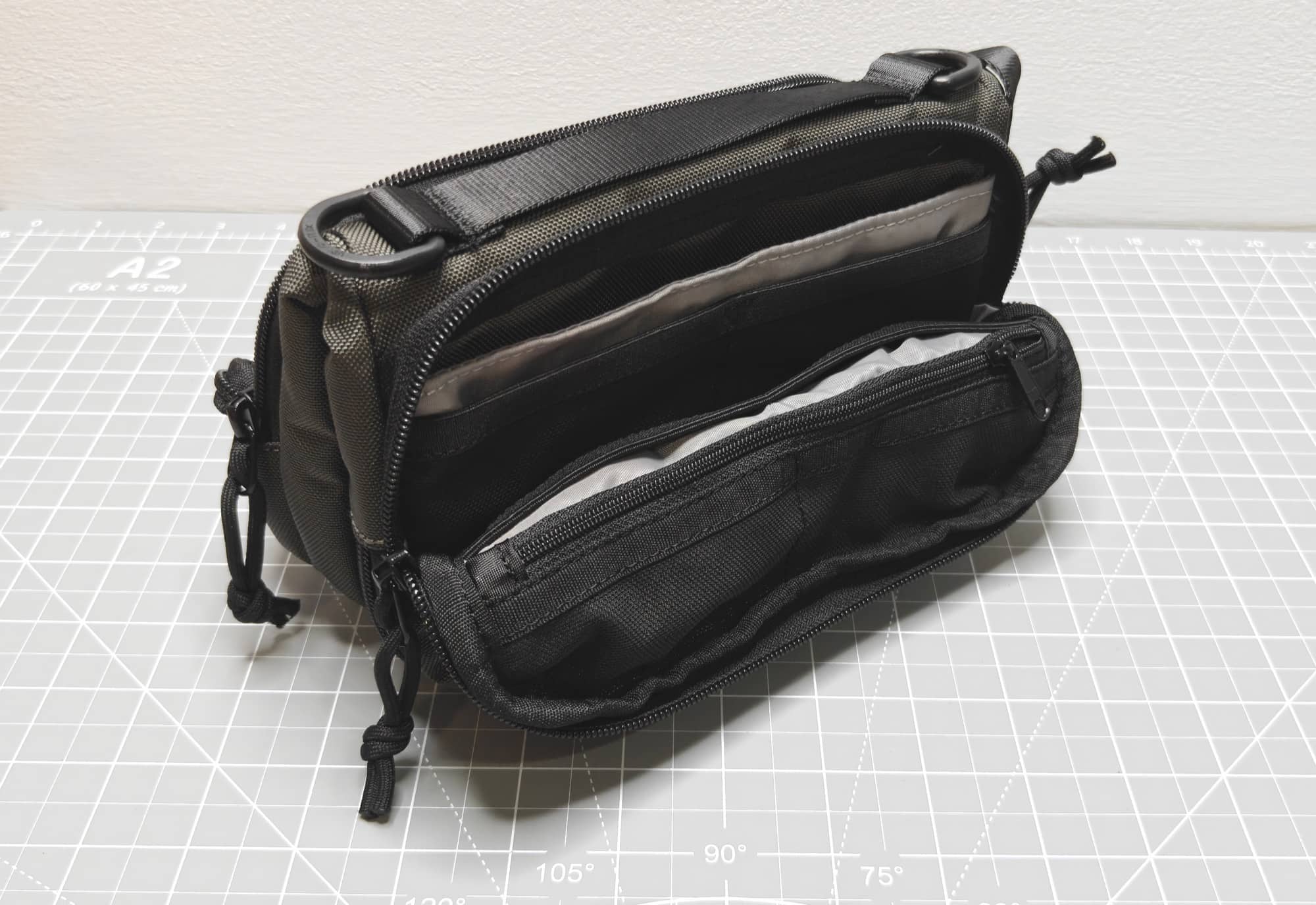
But the part that made me want to try this bag is what happens after you take the iPad out.
You can zip the bag back up and fold it into a tabletop organizer. Magnets help hold the folded shape, and the pockets stay accessible. Instead of digging through a bag every time you need a cable or other accessory, you can keep everything in front of you.
How cool is that?
I liked the idea of getting to the condo, taking out my iPad, and setting the rest of my gear on a table in its own organizer. It’s a thoughtful design for anyone who wants a bag that does more than carry things from one place to another.
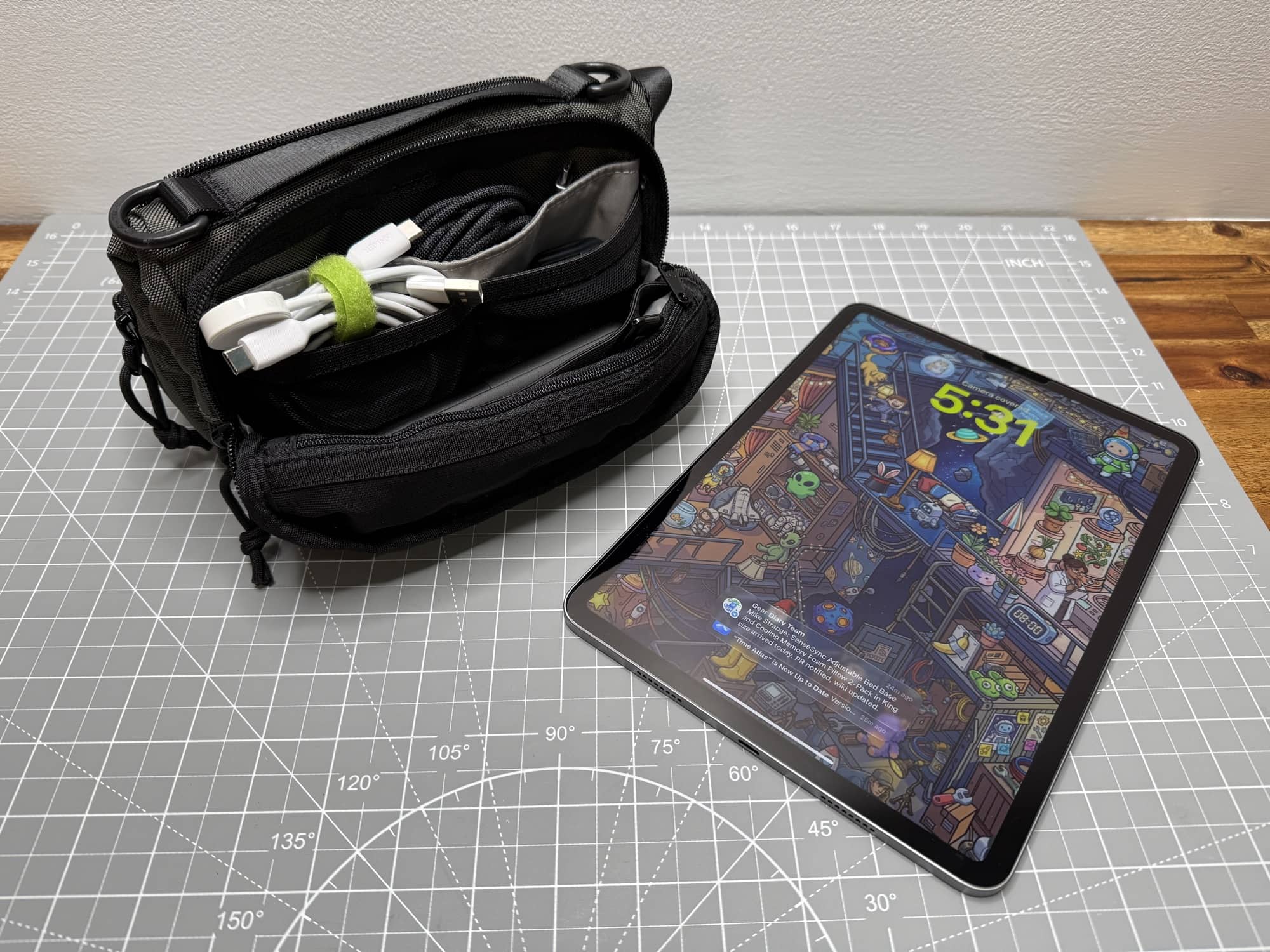
Before leaving, I thought I’d have room for everything. After the trip, I had to admit that it wasn’t quite large enough to comfortably hold all of my vacation gear. Yes, it fit, but just barely.
That’s my main complaint. I still think the OMNI Pad is a great little bag for everyday use, especially if you’re carrying an iPad and fewer accessories. I plan to use it for short trips to the library. But for this trip, I wanted more space.
Next time, I’d leave this one at home and take something larger.
Ohsnap MCON: A Gaming Controller for My iPhone
I also packed the Ohsnap MCON. It’s a Bluetooth gaming controller for a phone, and the video below captures my first look at it.
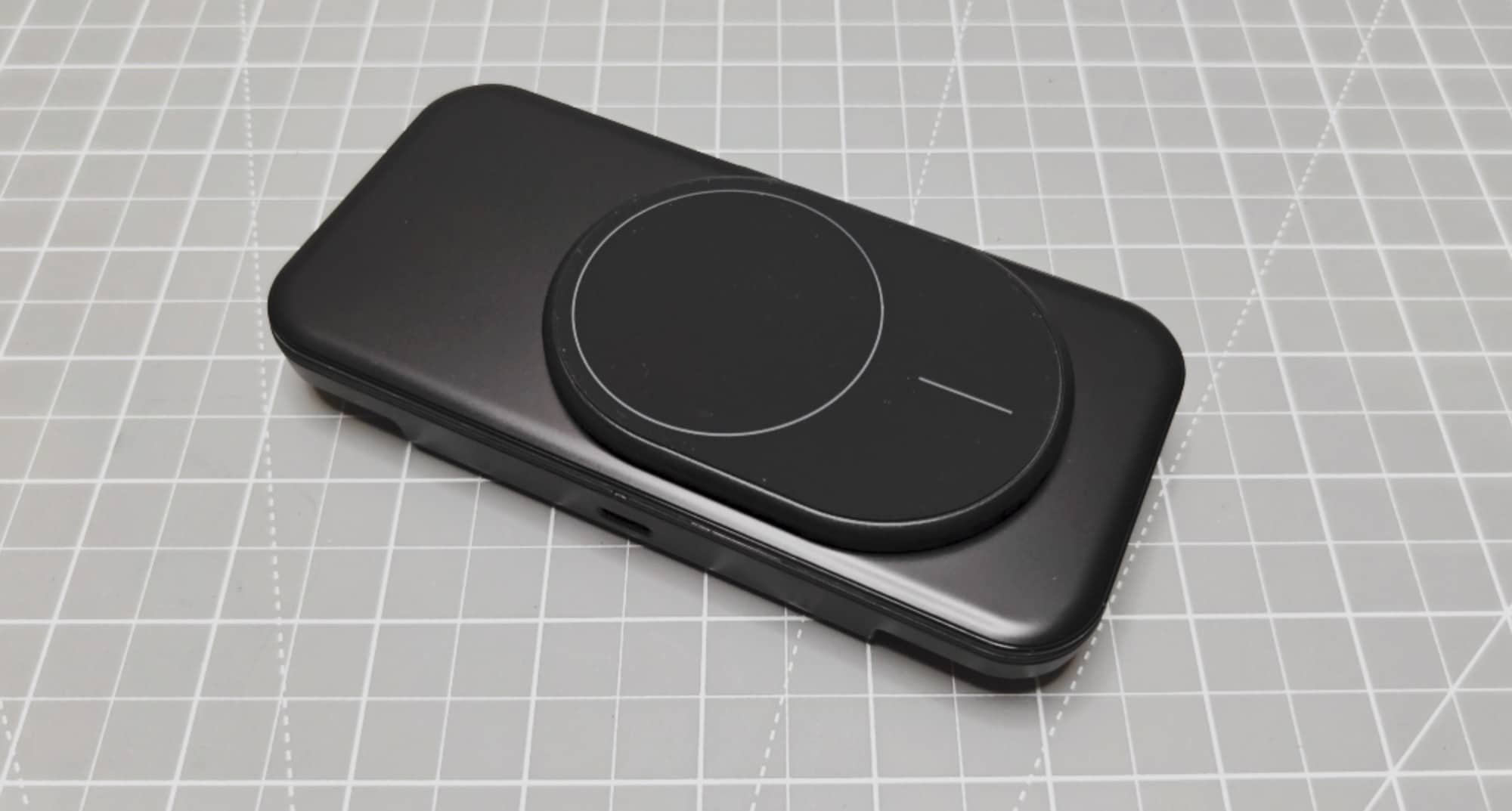
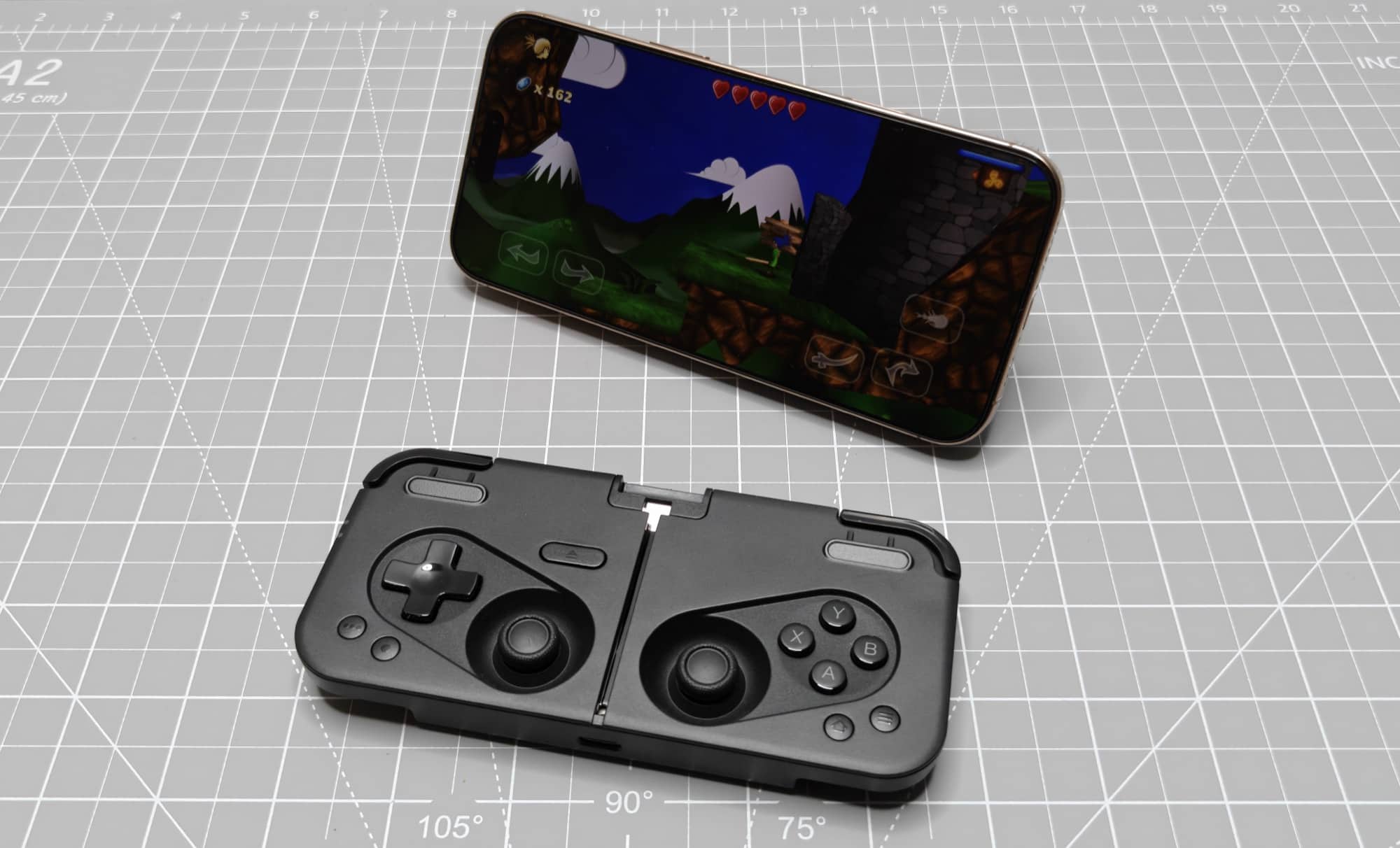
This controller’s design is pretty cool. It folds up to protect the nav buttons. Press the edge button, and the MCON slides open to reveal the controls under the phone mount.
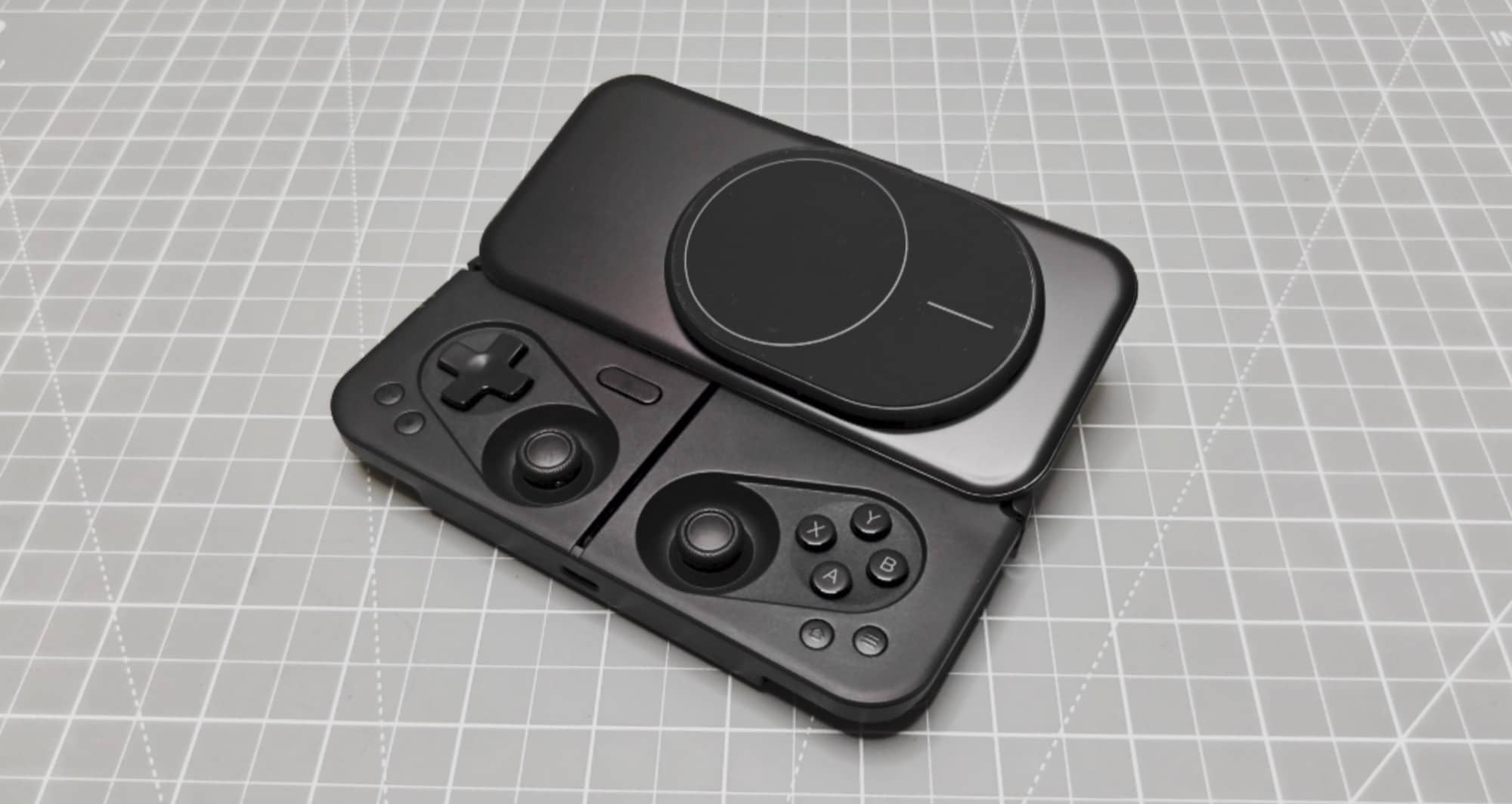
With my iPhone attached to the built-in MagSafe connector, I had dual joysticks and shoulder buttons in a compact setup. My first impression was that it felt pretty comfortable to hold. It’s a neat way to turn the phone you’re already bringing into something that feels more like a handheld gaming device.
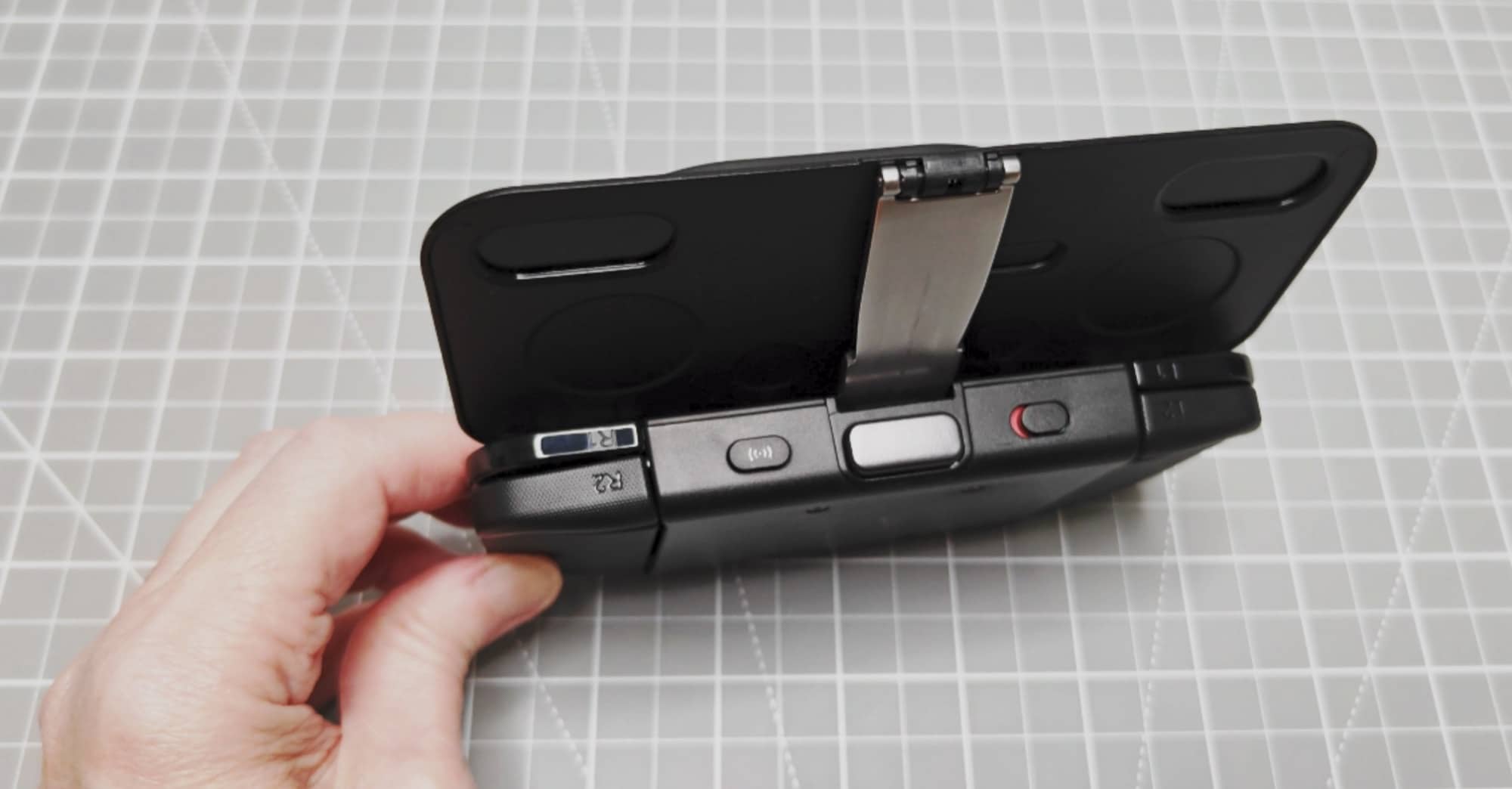
I packed it with the idea of having some games to play while I was away. I played a few of my fave games on the plane and more when I had downtime in the condo.
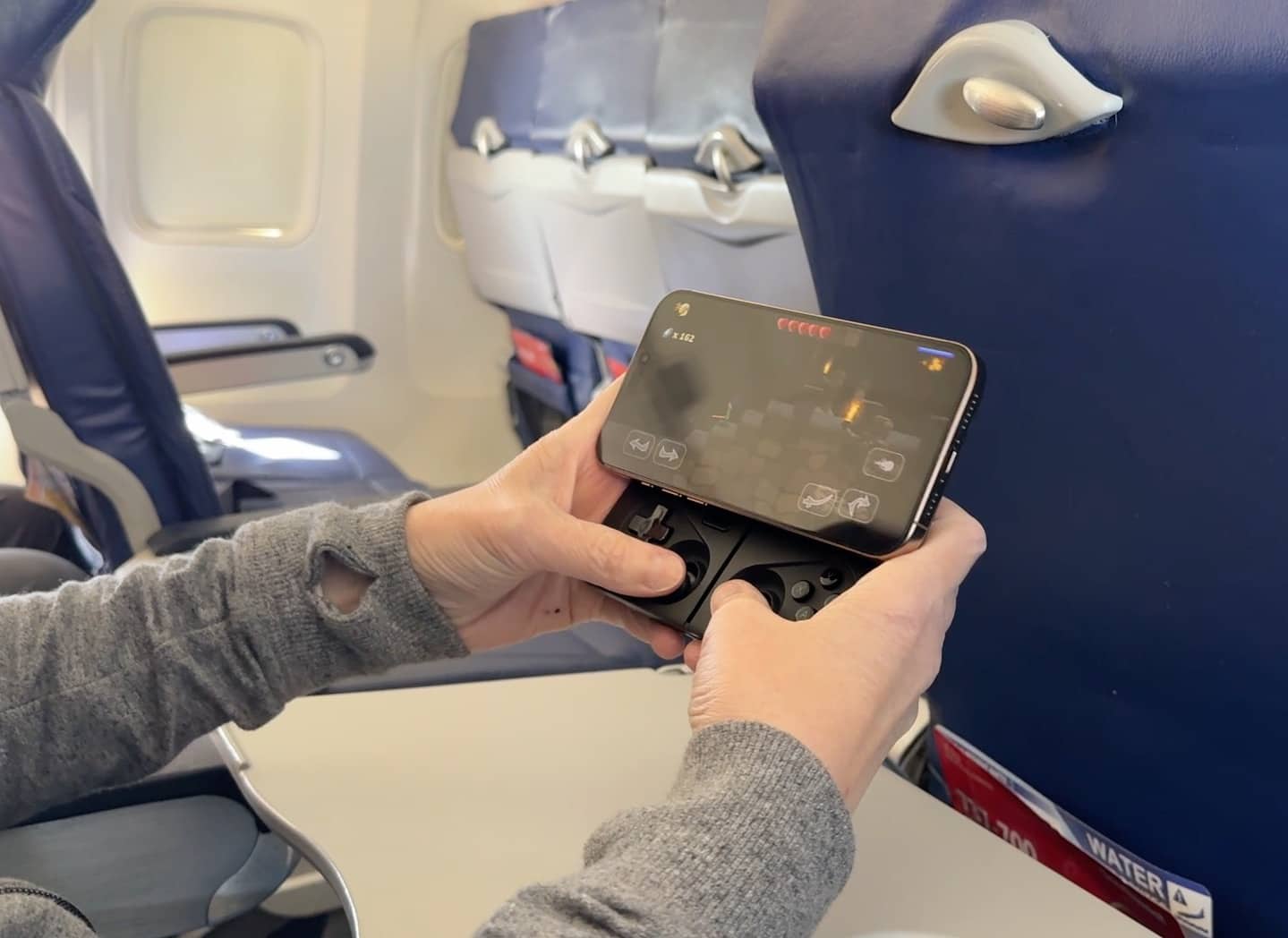
I found the controls to be responsive. But honestly, the combo of my iPhone 16 Pro Max attached to the MCON felt a little heavy after several minutes of playtime. But guess what? The MagSafe holder can be completely removed from the MCON so that I was able to prop my iPhone up on the airplane’s tray table and use the MCON on its own.
Oh Snap Snap Grip Stand: Handy on the Plane
The other Ohsnap accessory I brought was the Snap Grip Stand.
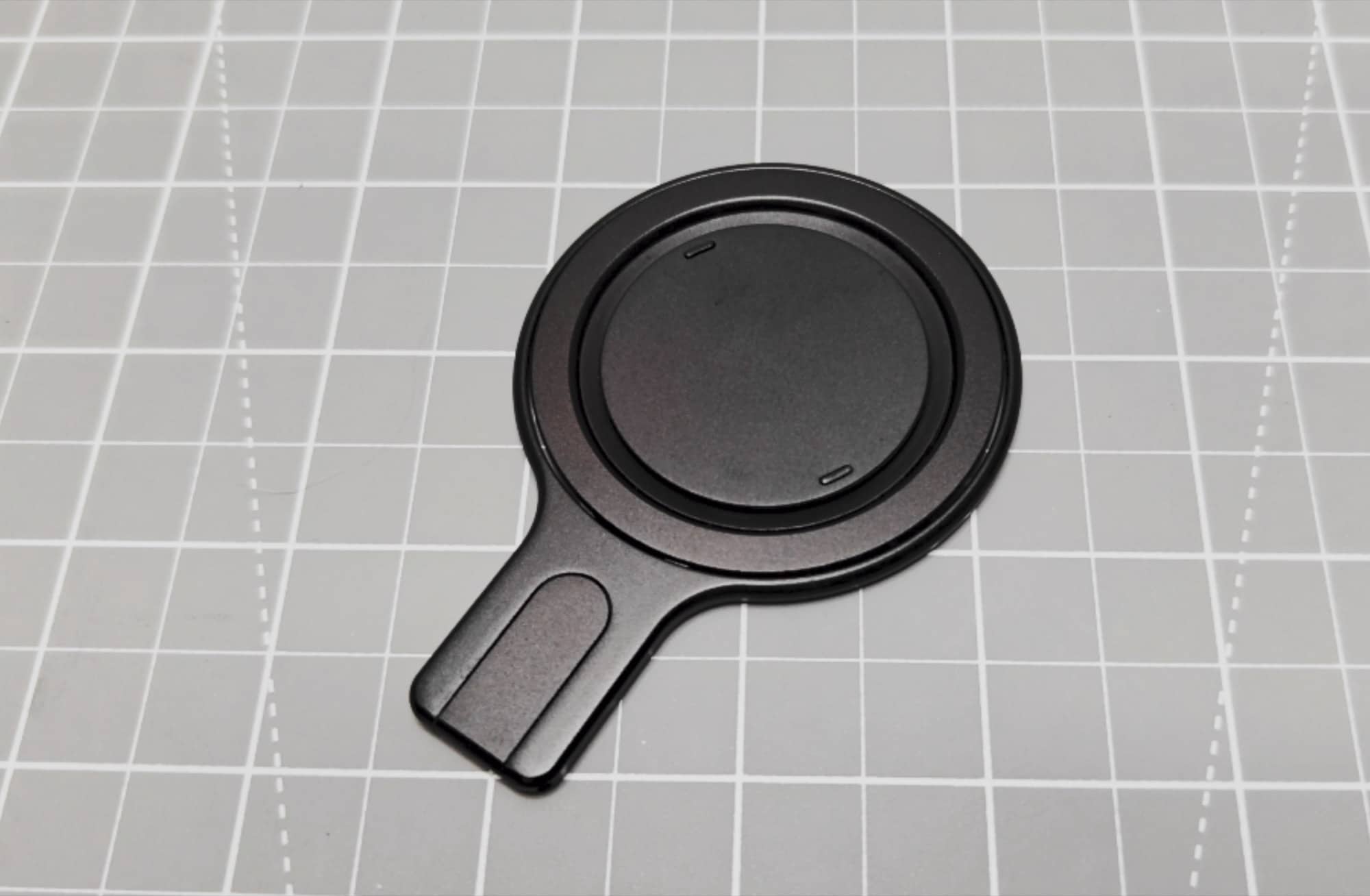
My first reaction when I took it out of the packaging was how thin it was. It attaches magnetically to a MagSafe-compatible phone and adds little bulk. When you’re already holding a phone all day, that matters.
It has a grip that lifts up so you have something to hold onto like a very minimal PopSocket. It also unfolds into a stand, letting you prop up the phone to watch content in portrait or landscape.
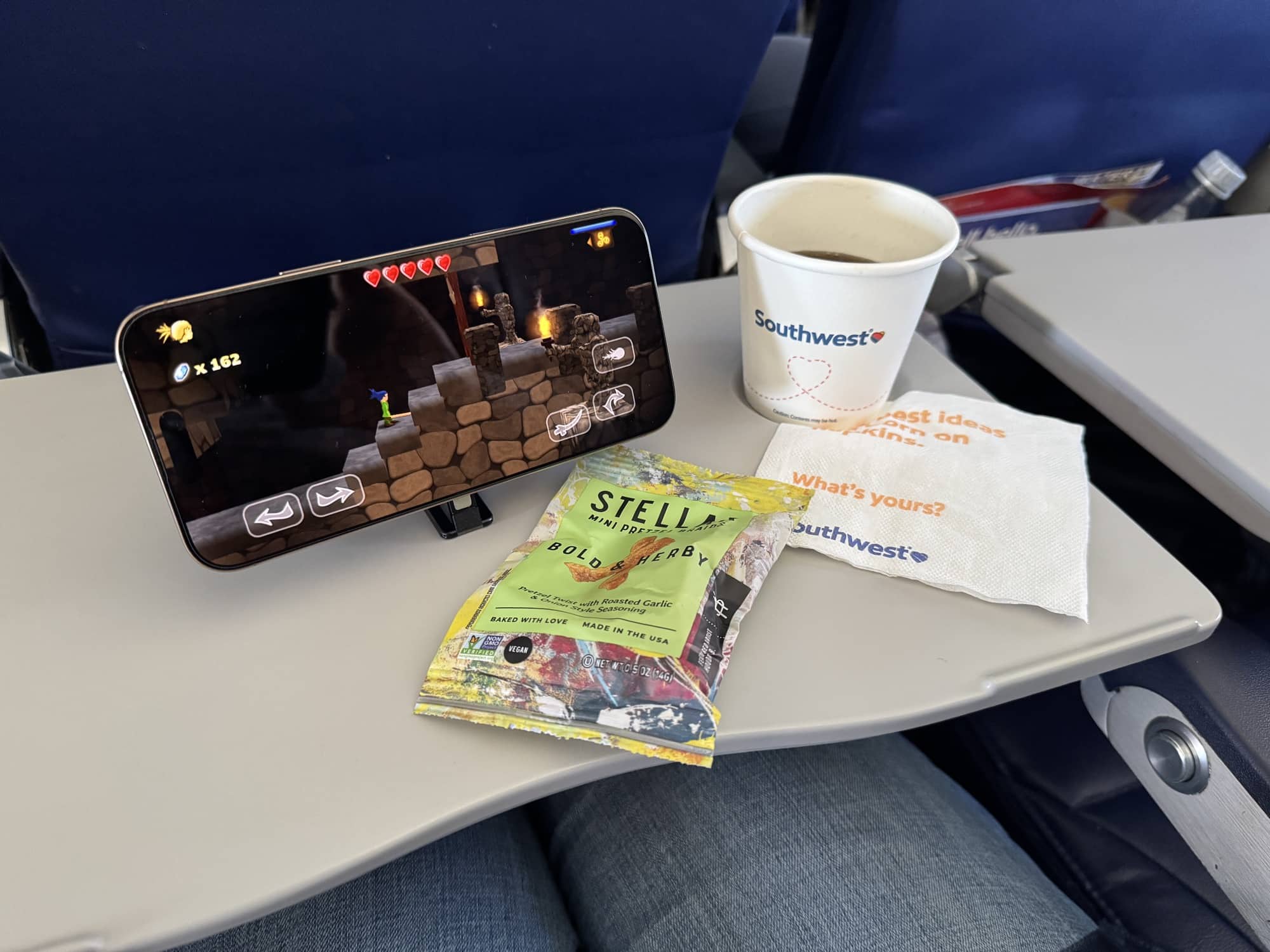
I immediately thought about using it on the airplane. A little stand sounded much nicer than holding my phone to watch videos and play games with the MCON controller.
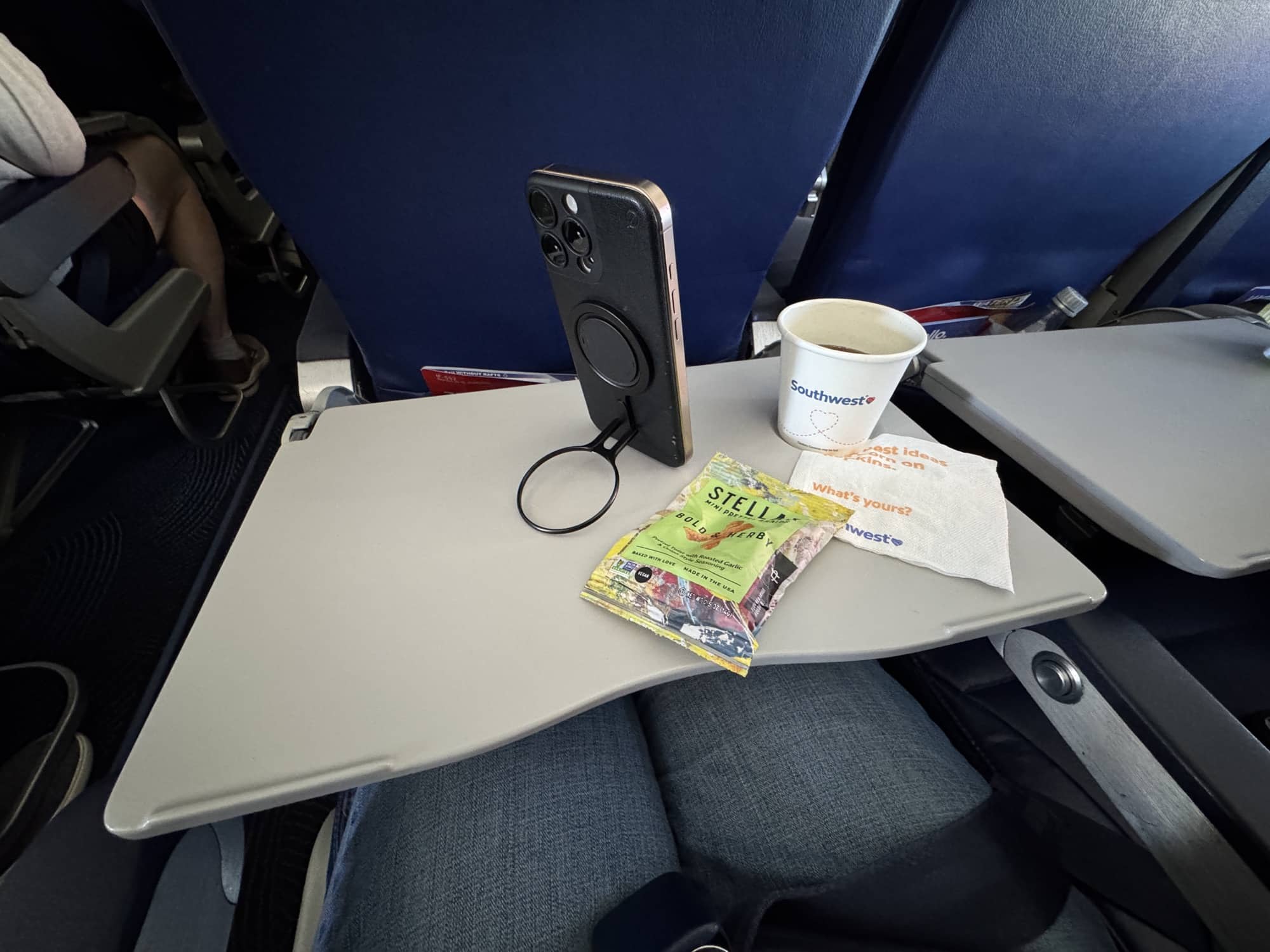
I really like how thin the Snap Grip is and how incredibly strong the magnets are. It is NOT coming off the back of your phone accidentally.
Roku Streaming Stick Plus: My Favorite Gadget of the Trip
The Roku Streaming Stick Plus ended up being my favorite thing I brought.
You know how it is when you get to a hotel or vacation rental and turn on the TV. Sometimes the reception isn’t great. Sometimes there are channels you don’t recognize, and you can’t find anything you actually want to watch.
Meanwhile, you’re halfway through a season of your favorite show at home and want to watch the next episode.
That was the problem I wanted to solve.
Since I already have streaming subscriptions, I planned to set up the Roku with my accounts before leaving home. Netflix, Prime Video, Apple TV, Disney+, and my other services could all be in one place.
I didn’t want to spend vacation time setting everything up if I could do it beforehand.
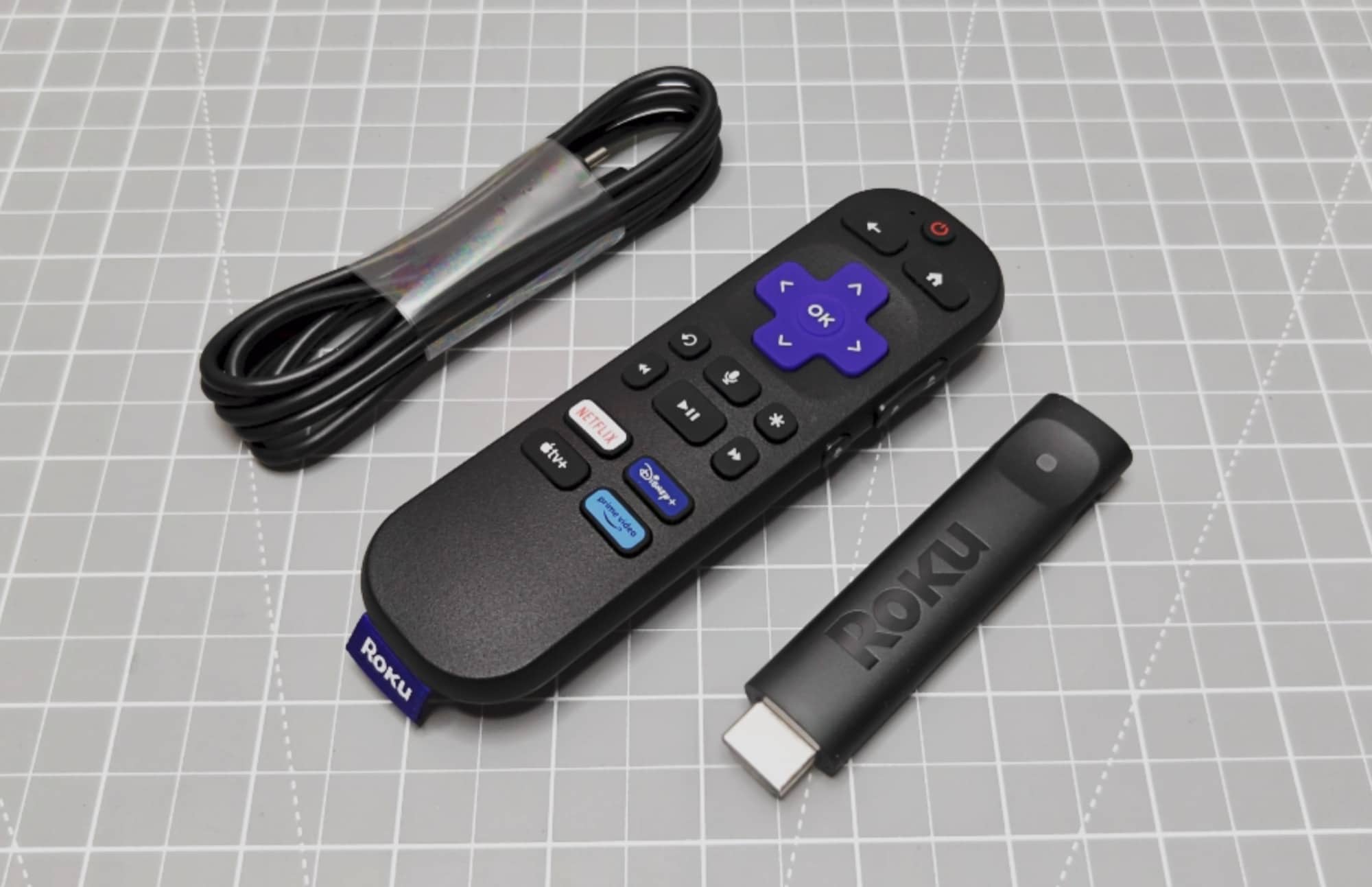
The hardware is small, too. There’s the streaming stick, a power cable, and a remote. The remote has shortcut buttons for several streaming services, and it even came with batteries. Yay! I always appreciate that.
Setting Up the Roku Streaming Stick Plus at the Condo
Our condo had a nice TV, and I was lucky that the HDMI ports were easy to reach.
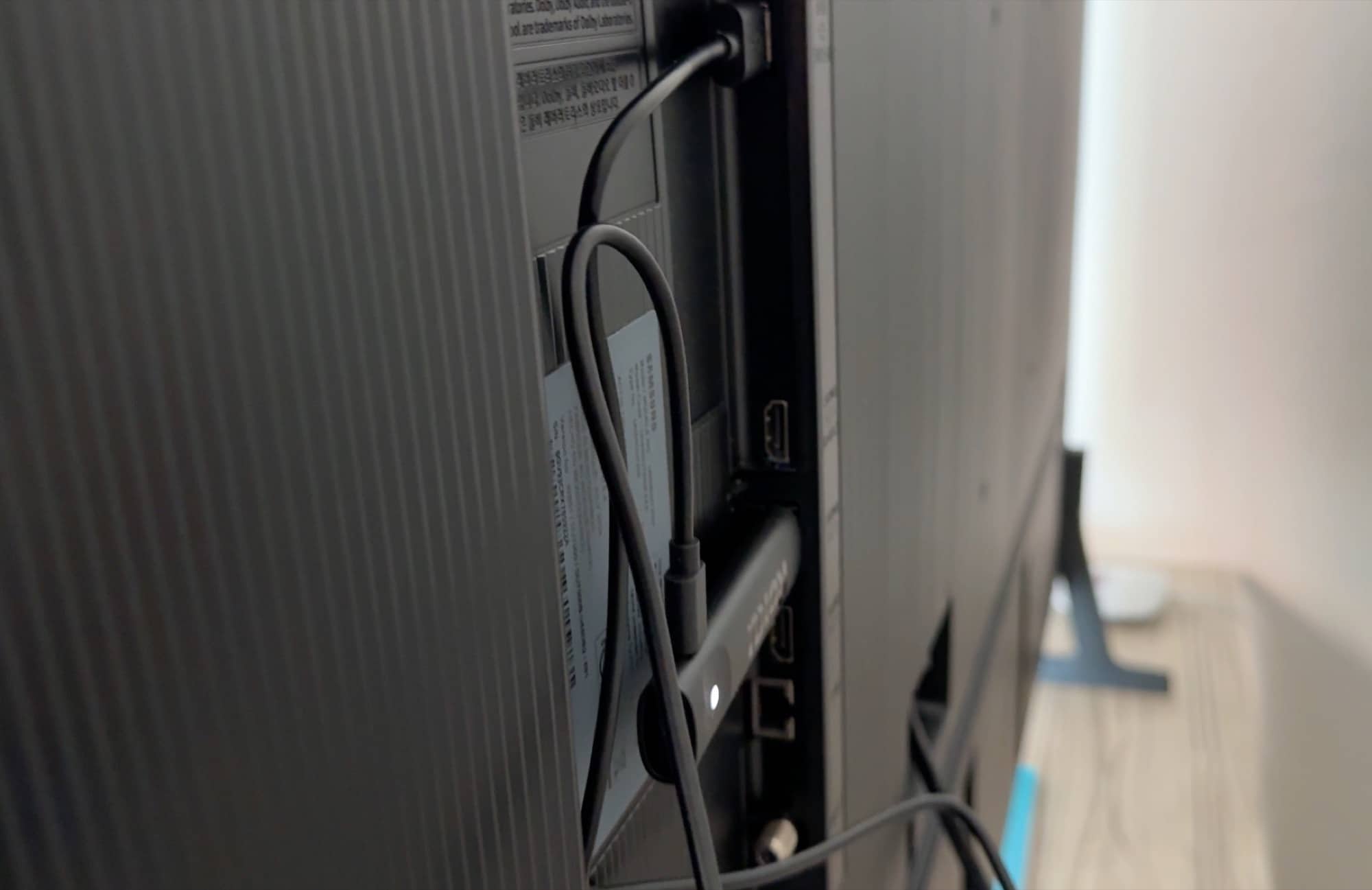
I plugged the Roku into an HDMI port and connected its USB power cable to the TV’s USB port. With this particular TV, that was all I needed for power. I didn’t have to run an adapter to a wall outlet.
Everything connected at the back of the television, which kept the setup simple.
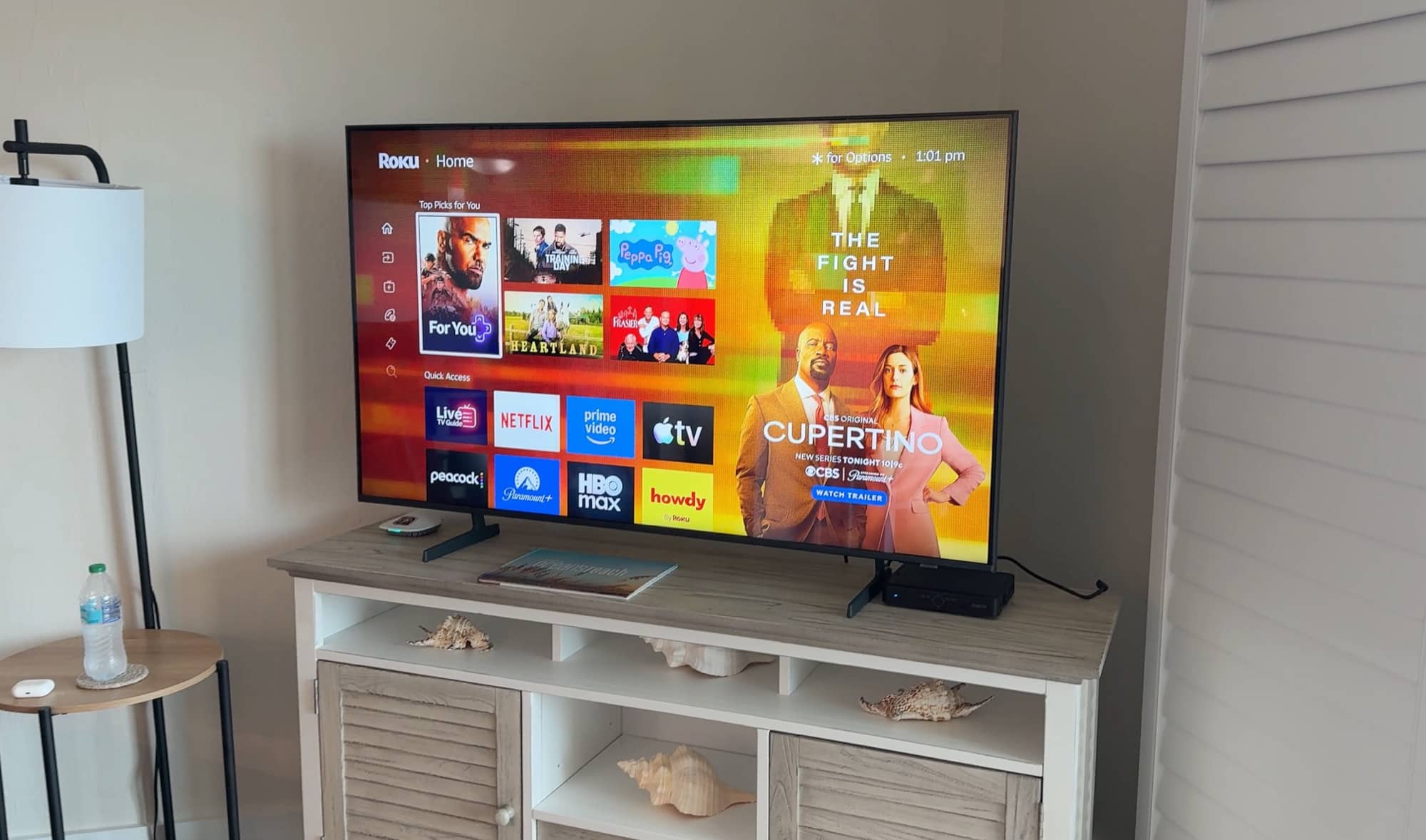
Once it was running, I had access to the shows we’d been watching at home. We could come back after shelling and shopping, sit down, and pick up where we’d left off.
During the trip, we watched the season finale of Ted Lasso on Apple TV, and after I finished reading the book on the plane ride to Florida, we watched the movie Remarkably Bright Creatures on Netflix. That’s what I wanted from this setup. I wasn’t looking for a new entertainment system to figure out. I just wanted my usual shows on the TV in front of me.
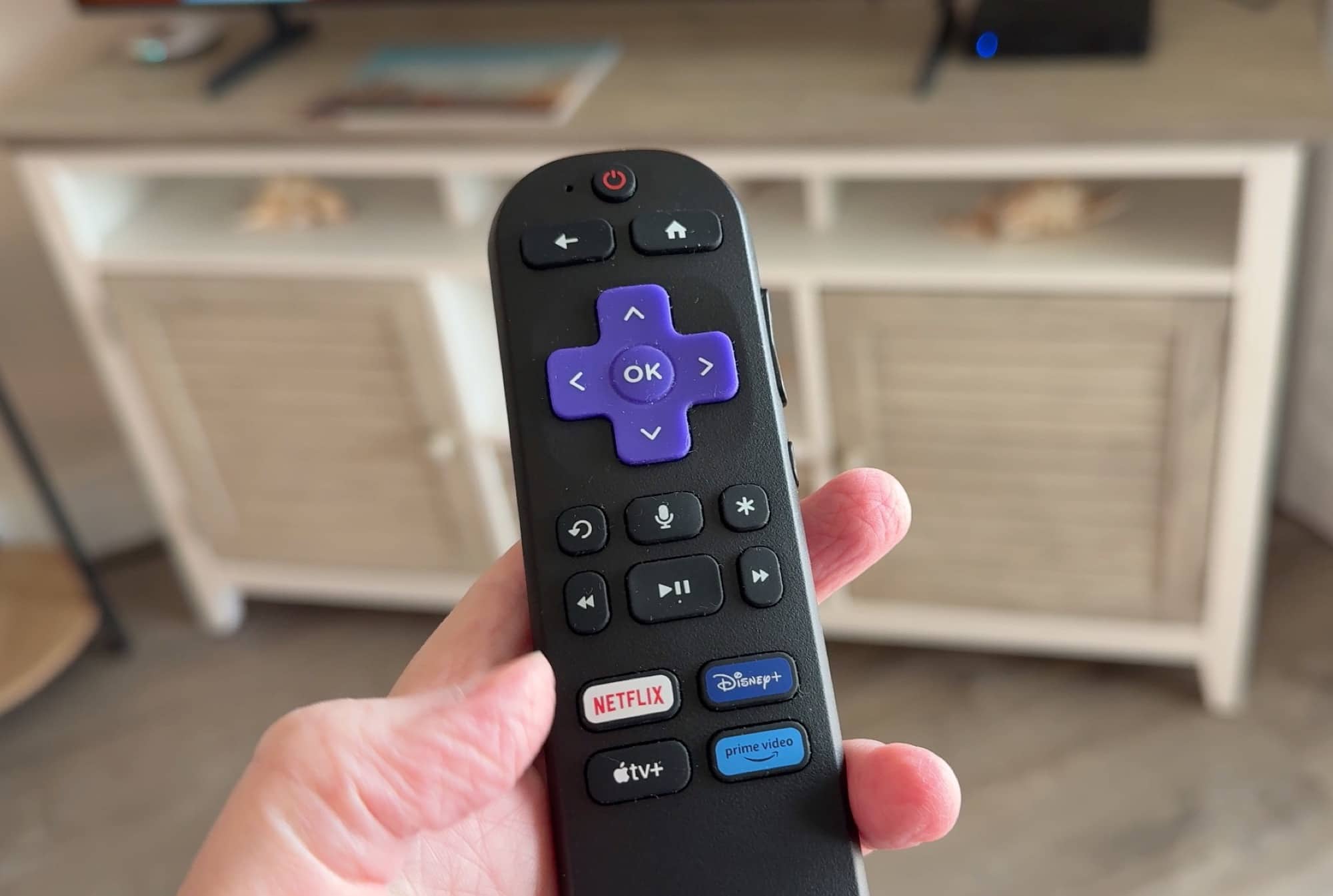
The Roku’s user interface is easy to navigate with pretty much zero learning curve coming from an Apple TV. It worked great.
The Roku is coming with me on every vacation from now on. Of everything I packed for this video, it was the easiest one to give an enthusiastic thumbs up.
See Everything In Action
Final Thoughts
Now that I’m home, my packing list for the next trip is a little clearer.
The Roku Streaming Stick Plus is definitely coming. Being able to watch our usual streaming services at the condo was convenient, and the hardware took up very little room.
The Oh Snap Snap Grip Stand was also useful. I wanted it for watching content on the plane, and that’s where it proved itself.
The Piorama OMNI Pad is the one I would leave behind next time. I like its padded iPad storage and the way it folds into an organizer, but it just wasn’t big enough for all my vacation gear. I’d rather use it for that it’s built for: carrying my iPad and a few accessories for everyday use.
I went into this trip excited about trying several gadgets, but the Roku Streaming Stick Plus was the one that made the biggest impression. Who knew a little streaming stick would become my favorite vacation accessory this year?



Be the first to comment on "The Travel Gadgets I Took to Sanibel Island — and What I’d Pack Again"