
BOOX has introduced the BOOX Go 10.3 (Gen II), the latest version of its 10.3″ E Ink tablet designed for reading, writing, and focused work without the visual fatigue that often comes with traditional screens. The new generation arrives in two models, including a Lumi version with a built-in front light for reading and note-taking in dim environments. Starting at $419.99, the device continues BOOX’s strategy of blending the calm simplicity of E Ink with the flexibility of a full Android operating system.

A Thoughtful Update to a Well-Liked Tablet
The first BOOX Go 10.3 quietly built a reputation as a digital notebook that felt surprisingly close to paper. It wasn’t flashy, and that was partly the point. The large E Ink screen made it comfortable to read for hours, and the thin body meant it could replace a physical notebook without weighing down a bag.
The biggest request from owners was simple. People wanted to read in bed, on airplanes, or anywhere lighting wasn’t ideal. Without a built-in light, that meant relying on whatever illumination happened to be nearby.
The new BOOX Go 10.3 (Gen II) Lumi addresses that request with an integrated dual-tone front light. It can shift between warmer and cooler tones depending on the environment, which helps keep the display readable whether you’re sitting in a bright room or reading in the evening.
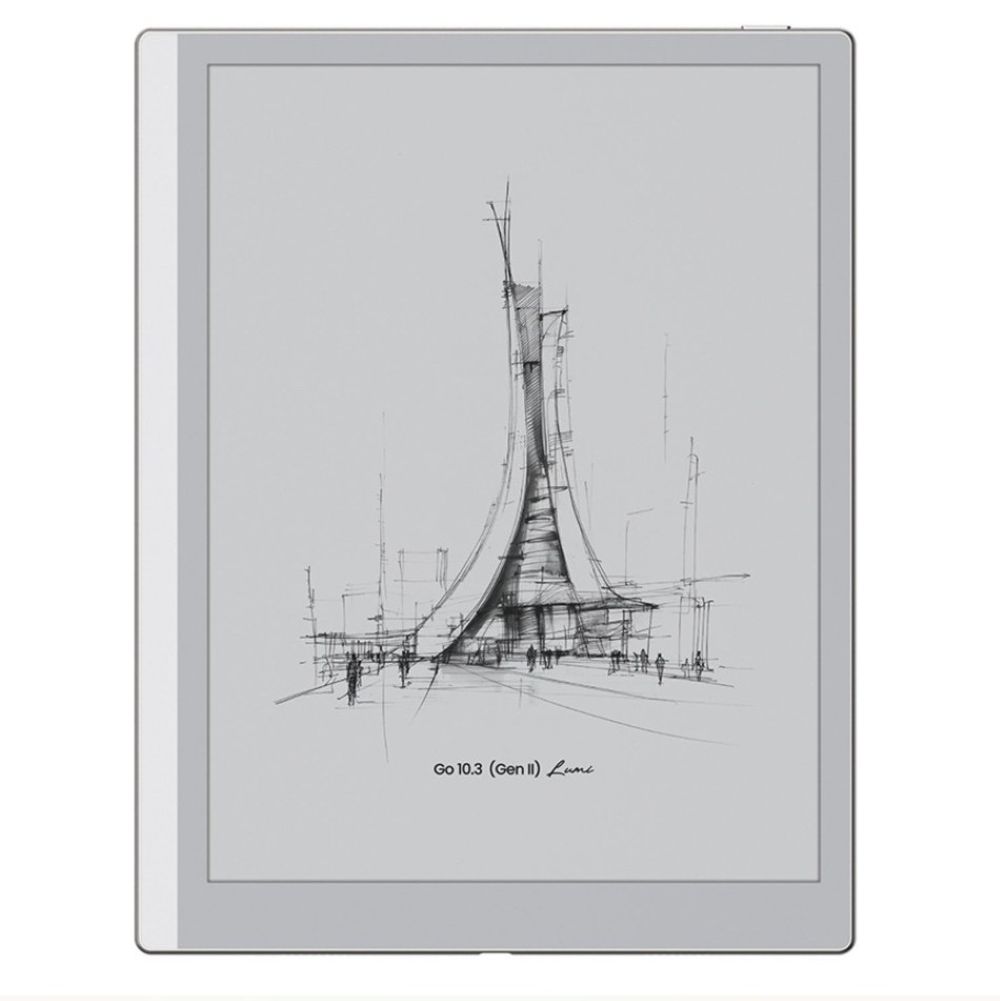
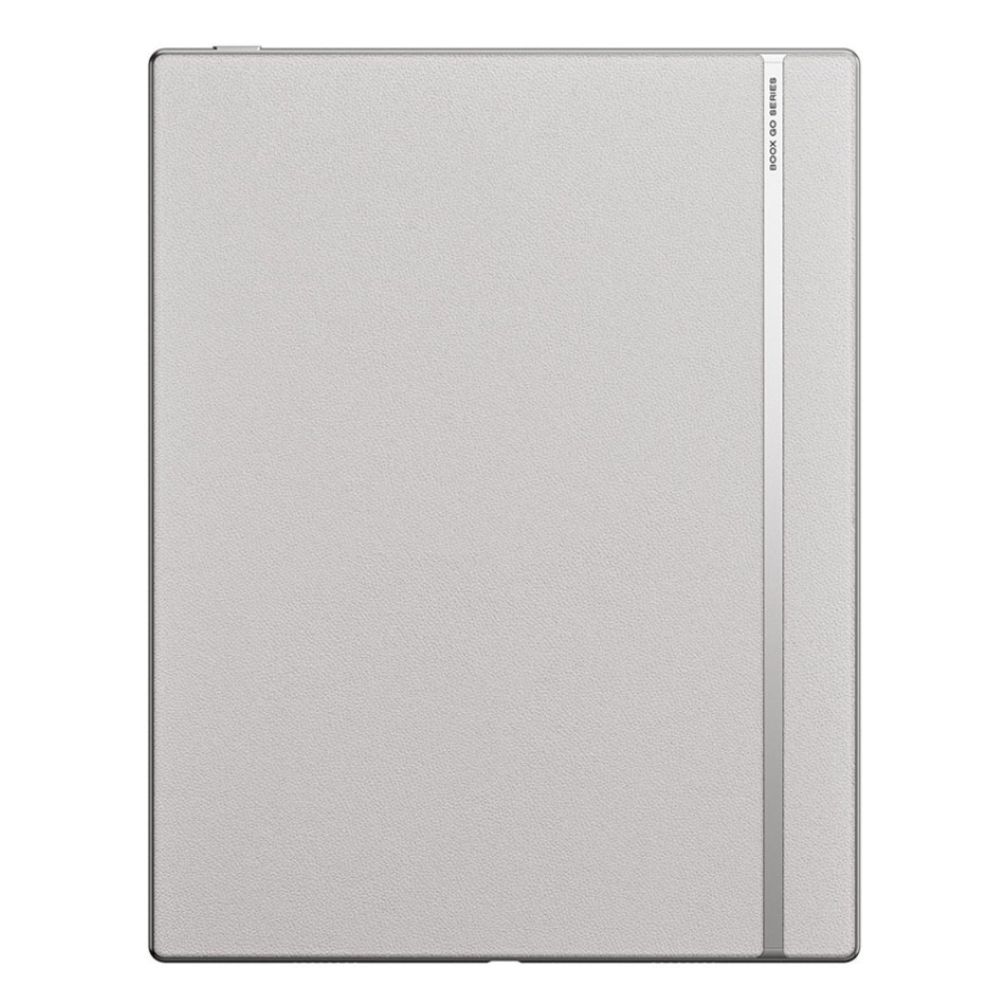
Interestingly, the lighting hardware didn’t make the device heavier. BOOX says the Lumi model now weighs 364 grams, or about 12.8 ounces, making it roughly the weight of a canned drink. It measures 4.8 millimeters thick, which is thin enough to disappear into a bag or portfolio.
If you primarily work in daylight, there’s also a standard Go 10.3 (Gen II) model that skips the front light entirely. That version costs $419.99, weighs 360 grams, and measures 4.6 millimeters thick.
Both versions are designed around portability. Instead of carrying a laptop and a notebook, the idea is that this tablet could quietly handle both reading and writing during a commute or travel day.
Writing That Feels Closer to Paper
E Ink displays behave differently from the glowing panels found on phones and laptops. Rather than shining light into your eyes, they reflect ambient light the way paper does. For reading, that tends to feel calmer and easier on the eyes during long sessions.
The BOOX Go 10.3 (Gen II) uses a 10.3″ Carta 1200 E Ink display with a resolution of 2480 × 1860, which works out to 300 pixels per inch. In practical terms, that means text and pen strokes appear sharp enough to resemble printed ink rather than digital jagged edges.
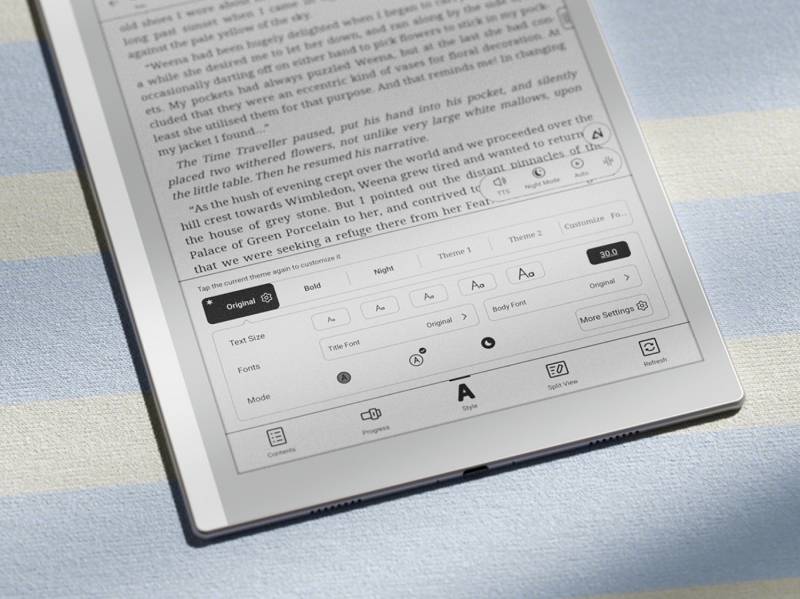
BOOX pairs that screen with the $41.99 Magnetic InkSense Plus stylus, which attaches magnetically to the tablet. The writing surface has a slight texture that creates resistance similar to paper, and the tablet supports palm rejection so you can rest your hand naturally while writing.
The system includes several tools designed to mimic traditional notebooks. There are seven pen and marker styles and 24 note templates, including lined pages, grids, and sheet music layouts. If you prefer structured note-taking, those templates can keep things organized without needing a physical notebook for every purpose.
The BOOX Go 10.3 (Gen II) can also record audio while you write, allowing handwritten notes to be paired with recordings. If you’ve ever tried to capture meeting notes quickly, you’ll understand the value of being able to revisit the audio later.
A Digital Notebook That Can Still Run Real Apps
One of the reasons BOOX tablets stand apart from many E Ink devices is the software. The Go 10.3 (Gen II) runs Android 15, which means it can access the Google Play Store. Instead of being locked into a single reading ecosystem, you can install whichever reading apps or productivity tools you prefer.
That flexibility matters more than it might initially seem. If your books live in Kindle, Kobo, or another service, you can install the corresponding app. The same goes for note-taking tools, cloud storage services, or document readers you already use.
Inside the BOOX Go 10.3 (Gen II) is a Qualcomm octa-core processor paired with 4GB of RAM and 64GB of internal storage. That hardware isn’t built for graphics-heavy tasks, but it’s plenty for reading, writing, and document work, which is where E Ink devices typically shine.
The system supports 26 different file formats, including PDFs, EPUB ebooks, Microsoft Word documents, PowerPoint presentations, images, and audio files. Built-in speakers mean the tablet can also handle audiobooks or recorded lectures.
Connectivity includes dual-band WiFi and Bluetooth 5.1, which allows the tablet to pair with wireless accessories such as keyboards.
Another small but practical addition is support for external keyboards. Pair a Bluetooth keyboard with the tablet, and it becomes a quiet writing machine that won’t tempt you with the usual tablet distractions.
When Note-Taking Needs a Little Flexibility
BOOX also includes a feature called FreeMark, which lets you write directly on top of apps that normally wouldn’t support it, which creates a temporary writing layer over the screen. If you’re reading an article or document in an app that doesn’t support annotation, you can still jot notes on top of it.
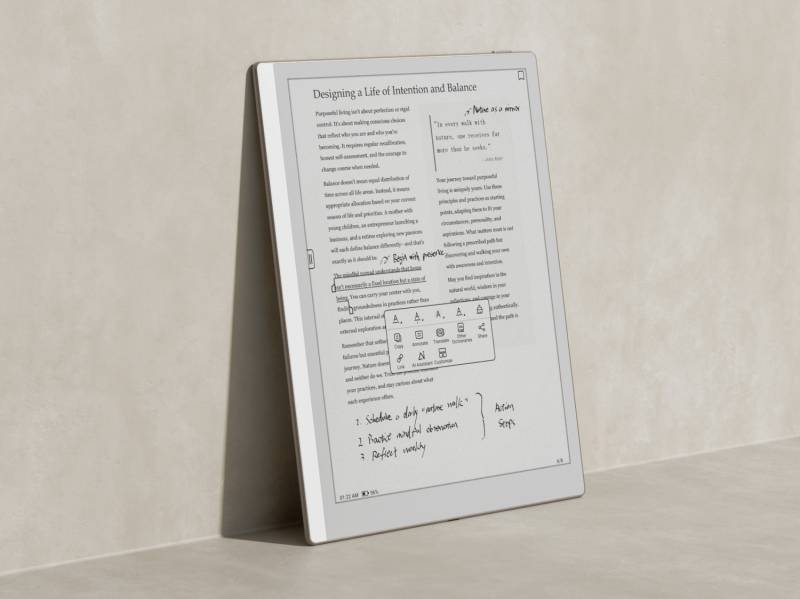
For people who regularly review PDFs, research papers, or articles, that capability can remove one of the more frustrating limitations of digital reading.
Battery Life Built for Long Reading Sessions
E Ink screens are known for efficiency. They use very little power when the display is static, which is most of the time during reading or writing. The Go 10.3 (Gen II) includes a 3700 mAh battery, and while that might sound modest compared to modern smartphones, the E Ink display allows it to last far longer between charges.
BOOX positions the device as something that can easily handle a full day of work, whether that means reading documents in a café, outlining ideas during a flight, or reviewing notes while traveling. The goal is simple. You shouldn’t have to constantly think about charging it.
A Device for Focused Work
The BOOX Go 10.3 (Gen II) isn’t going to replace nor is it trying to compete with a full-color tablet; instead, it leans into the things E Ink does best. It’s meant for quiet tasks, like reading books, annotating documents, and writing notes or ideas without the endless stream of notifications that tend to follow most digital devices.
The addition of the Lumi front light on the premium model makes the device far more versatile, since it no longer depends entirely on room lighting; this alone may solve the biggest complaint about the original model.




Be the first to comment on "BOOX Go 10.3 (Gen II) E Ink Tablet Adds Front Light and Lighter Design"