
Overall
Pros
- App is very easy to use
- Usefulness around the house is almost limitless
- Very compact and easy to get started
Cons
- Pricey
- Difficult to align the visible light image over the thermal image
- macOS app is missing
Thermal imaging has moved well beyond specialist tools, and the RISION Magic Pro aims to bring that capability to a much wider audience. Rather than relying on a small built-in display, this compact imager plugs into your phone and uses its screen, which offers far more detail than a typical thermal tool. It promises to reveal heat signatures invisible to the naked eye, from insulation gaps to overheating electronics. But does it deliver enough accuracy to justify its price? In this review, I’ll test image quality, ease of use, and overall value.
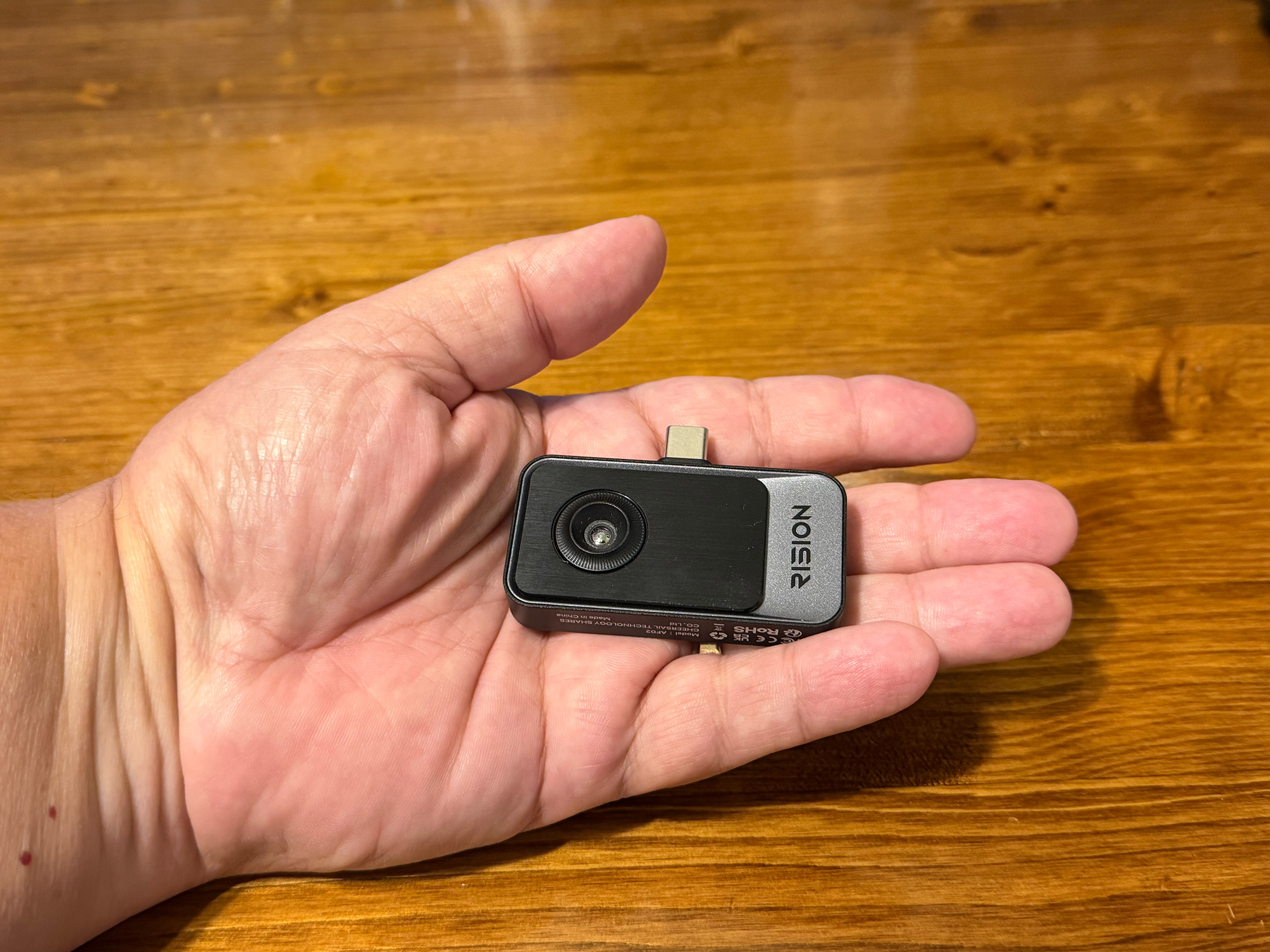
What Is the RISION Magic Pro Thermal Imager?
The RISION Magic Pro is a compact thermal imaging camera that plugs into the USB-C port of any iOS or Android phone or tablet, or a Windows computer. It weighs about 24 grams and has no built-in battery. It draws power from the host device and works with RISION’s free RISION View apps. It has a native 256 × 192 thermal sensor, which RISION’s QuadIR processing upscales to 512 × 384. It measures temperatures from -4°F to 1112°F (-20°C to 600°C) with a thermal sensitivity of 40 millikelvins (mK) or better and a 25 Hz refresh rate.
It would be most used by homeowners, tradespeople, and inspectors who need to find problems like insulation gaps, overheating electrical components, HVAC issues, or failing mechanical parts. Its AI BiSpectrix fusion overlays thermal data onto the visible image from your phone’s camera, adding visual context to what would otherwise be abstract heat blobs. The app can take radiometric photos, record video, track multiple points, lines, and areas at once, and generate one-tap PDF reports.
What’s Included?
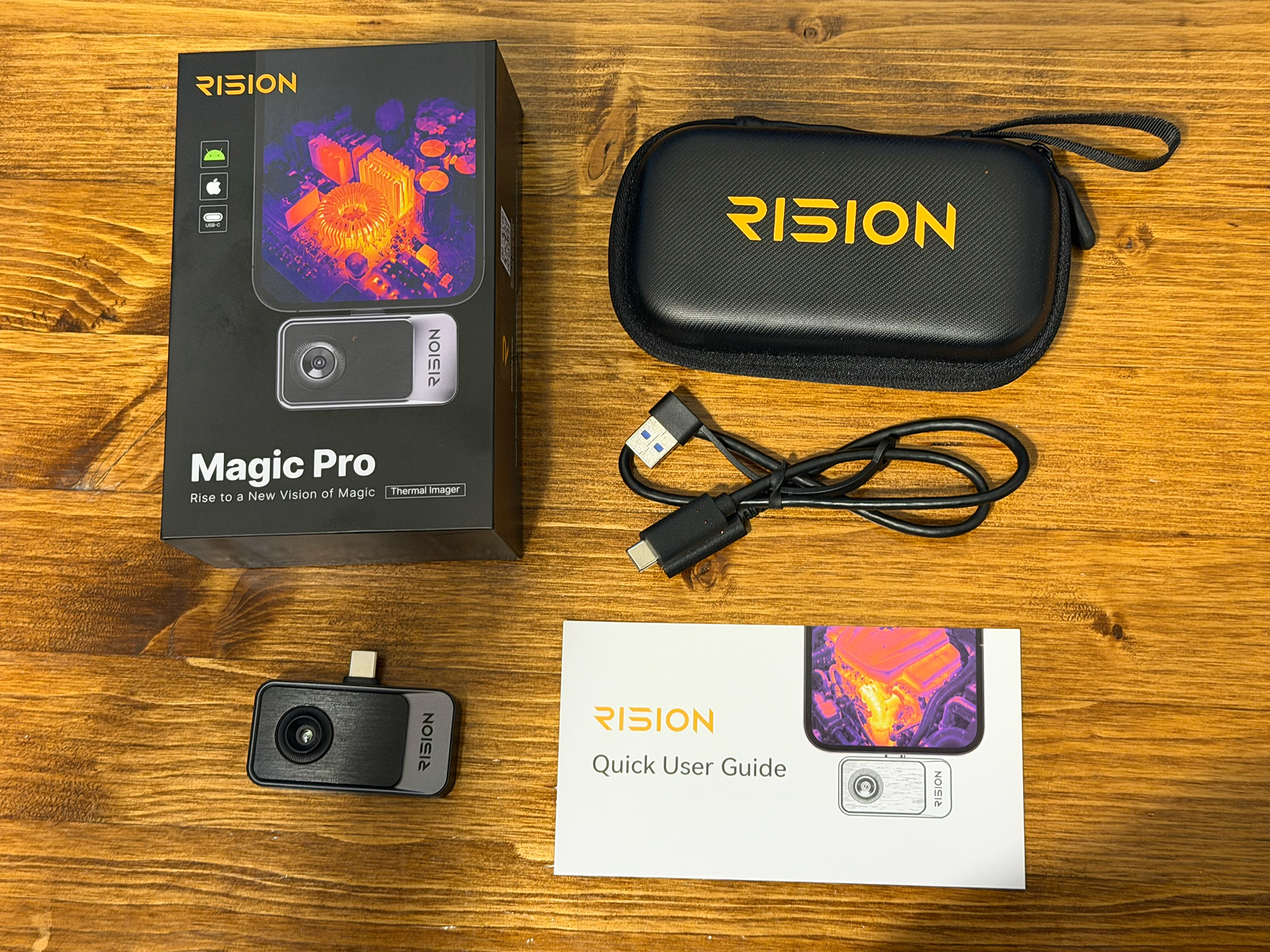
All the goodies
- RISION Magic Pro Thermal Imager
- Protective Case
- USB-C Extension Cable (18″ / 45 cm)
- Instruction Manual
Tech Specs
| Model | RISION Magic Pro (AF02) |
|---|---|
| Native thermal resolution | 256 × 192 |
| Processed image resolution (QuadIR) | 512 × 384 |
| Thermal sensitivity (NETD) | ? 40 mK |
| Refresh rate | 25 Hz |
| Temperature range | -4°F to 1112°F (-20°C to 600°C) |
| Accuracy | ±3.6°F (±2°C) or ±2% of reading |
| Measurement distance | Within 16.4 ft (5 m) |
| Image fusion | AI BiSpectrix single-lens dual-light fusion |
| Multi-zone analysis | 5 points, 5 lines, 5 areas simultaneously |
| Connection | USB-C |
| Power | Drawn from the host device (no battery) |
| Weight | 0.85 oz (24 g) |
| Dimensions (HxWxT) | 2.36 × 1.65 × 0.39 inches (60 × 42 × 10 mm) |
| Compatible devices | Android, iOS (iPhone/iPad), Windows |
| Software | Free RISION View apps |
| Capture | Radiometric photos, video recording, one-tap PDF reports |
Design and Features
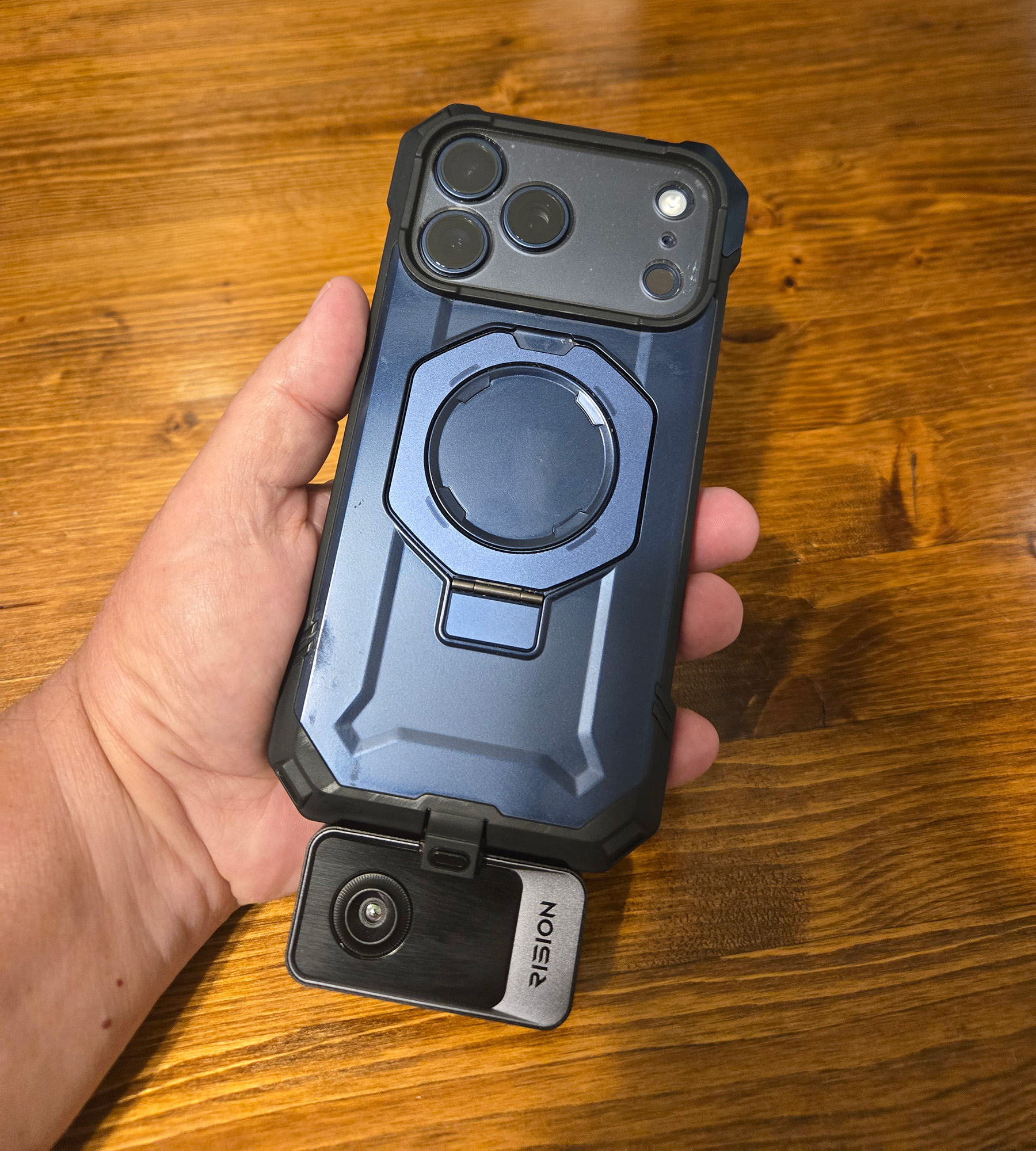
The RISION Magic Pro is a small, flat device that plugs straight into a phone, tablet, or laptop’s USB-C port. RISION’s spec sheet says it measures 2.36 × 1.65 × 0.39 inches (60 × 42 × 10 mm) and weighs about 0.85 oz (24 g). That’s roughly the footprint of a matchbook, thin enough to stay out of the way when attached.
The housing is an aerospace-grade alloy, and RISION says the design went through hundreds of drop tests. It uses a single lens that captures both thermal and visible detail, which helps avoid the parallax (misalignment) you get with dual-lens designs. It has no battery or charging port, only a USB-C connector. The host device powers it, and it can be used plugged in directly or on the included USB-C extension cable. The cable is handy for tight spots like engine bays and wall cavities, or if your phone case gets in the way. The box also includes a carrying case.
App Installation and Walk-through
RISION provides a free iOS, Android, or Windows app for their thermal cameras. Unfortunately, macOS is not supported. Installing the app is straightforward. Once the app is installed, simply plugging the Magic Pro into the USB-C port on the mobile device is all that is needed. The phone automatically opens the RISION View app.
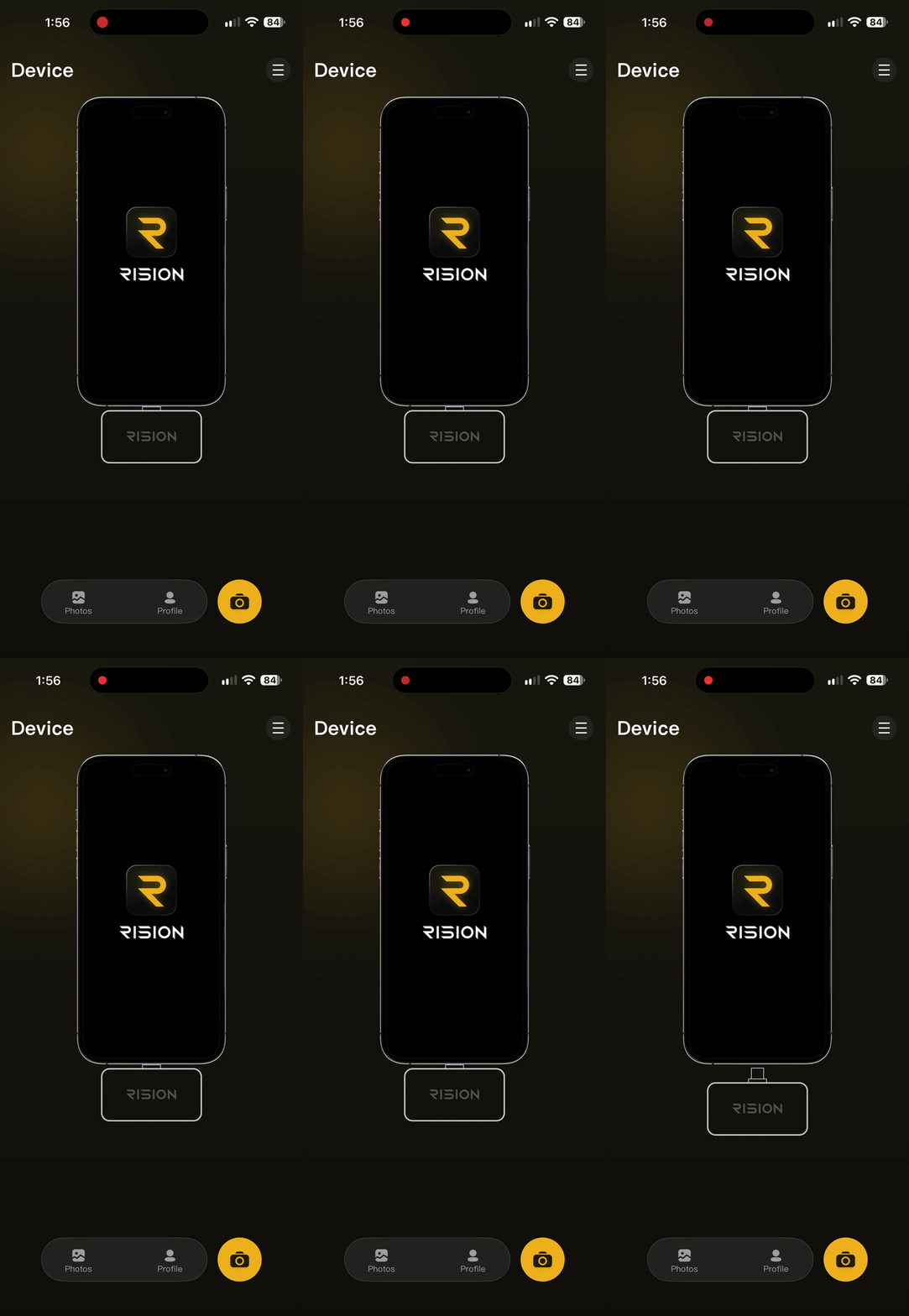
Magic Pro needs to be plugged in
The app has many settings and options to make using the Magic Pro as custom as possible. At the bottom of the app screen are four settings that directly affect how the Magic Pro app displays heat images and the temperature range it detects.
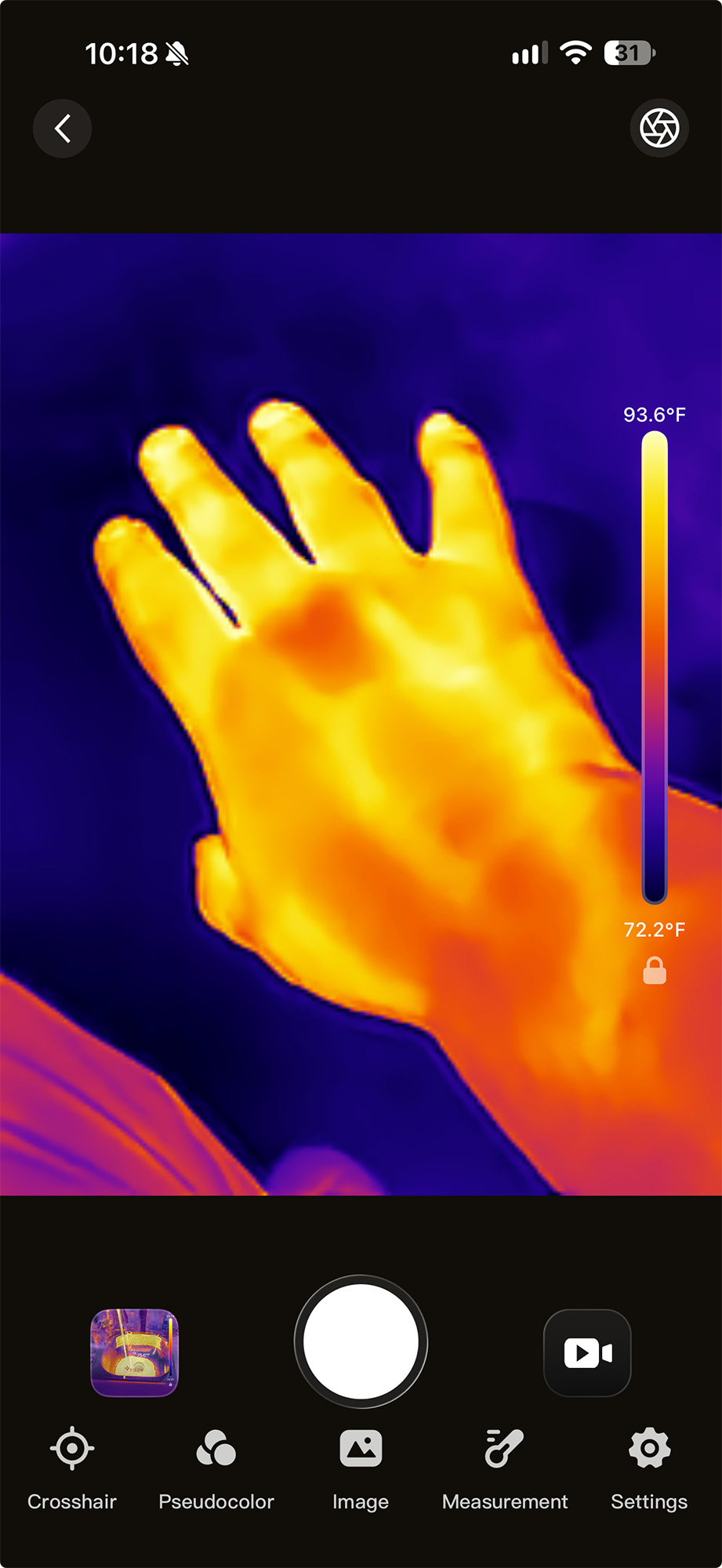
Crosshair gives you several options for temperature reporting. Spot, Line, and Box let you report up to five single temps or five High/Low ranges at once, in real time. Turn on all five, and the display becomes busy and data-heavy. Full Screen displays the high, low, and average temps across the entire Magic Pro image.
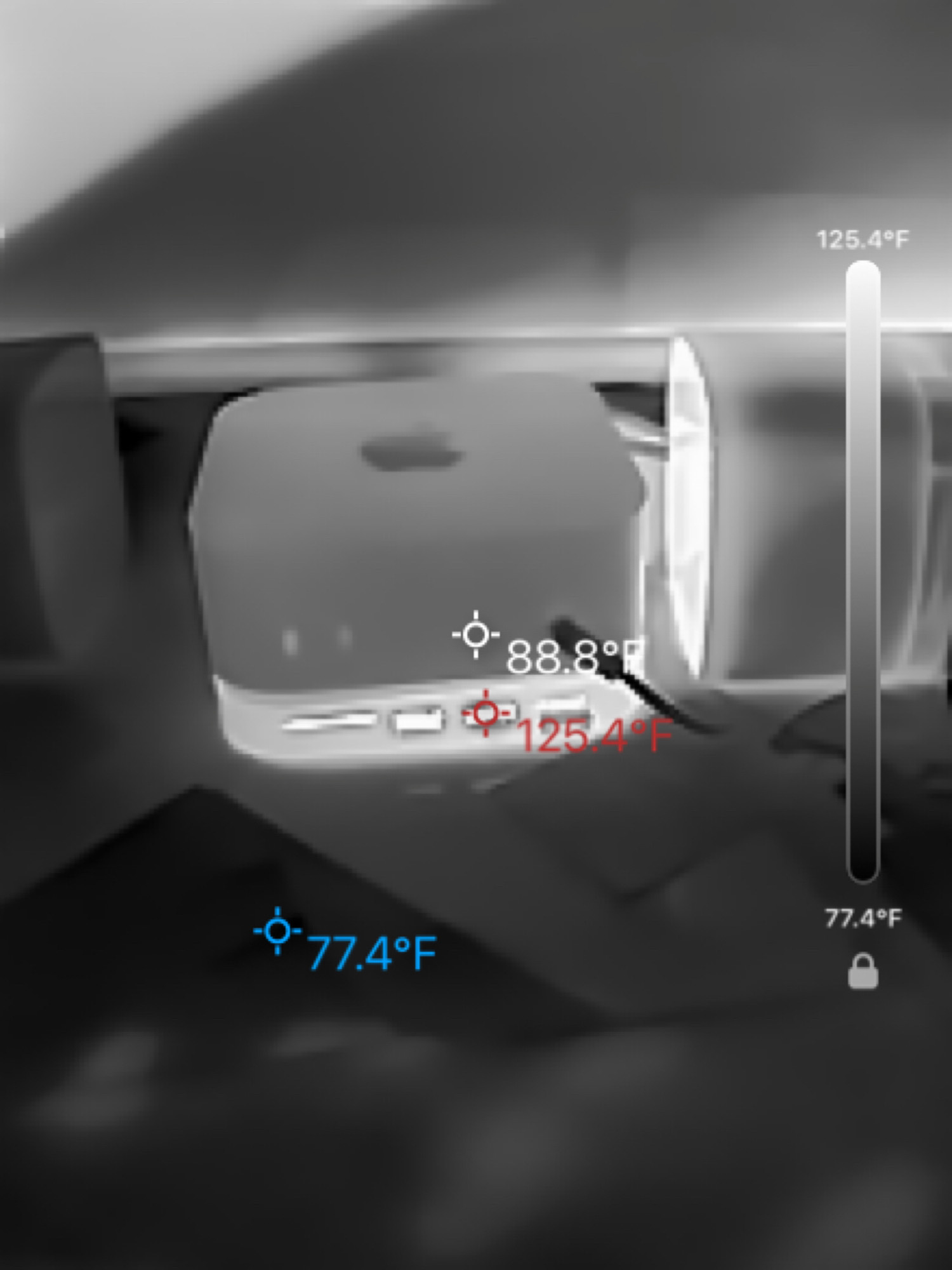
White Hot color palette
The other options change the look or feel of the image you’re seeing. Pseudocolor has 12 built-in color palettes and lets you create your own. The most interesting for me were the Iron Red and White Hot. Seeing the world in black and white with the hotspots in white looked like night-vision goggles. Very cool.
-

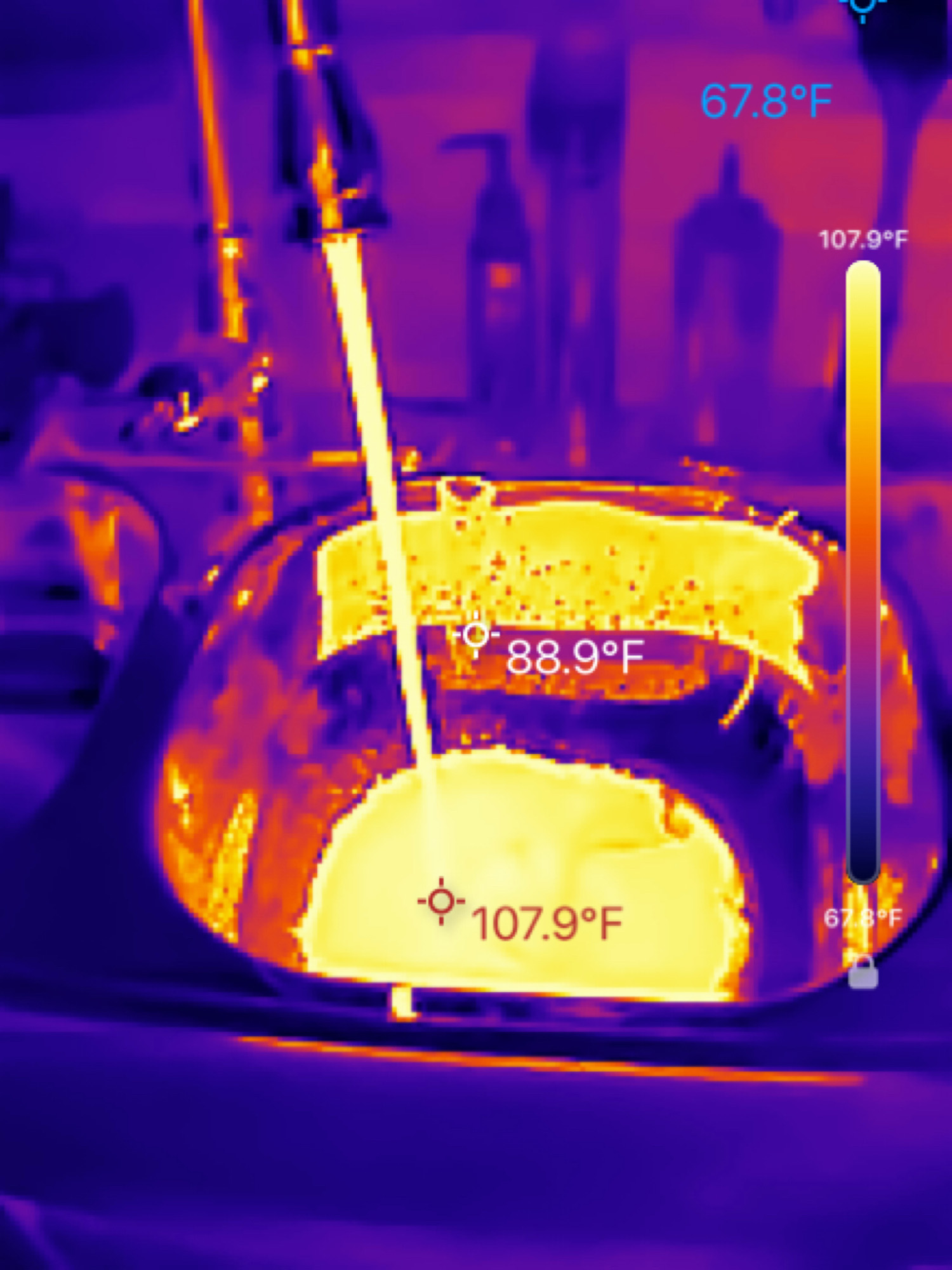
- Regular Thermal Image
-
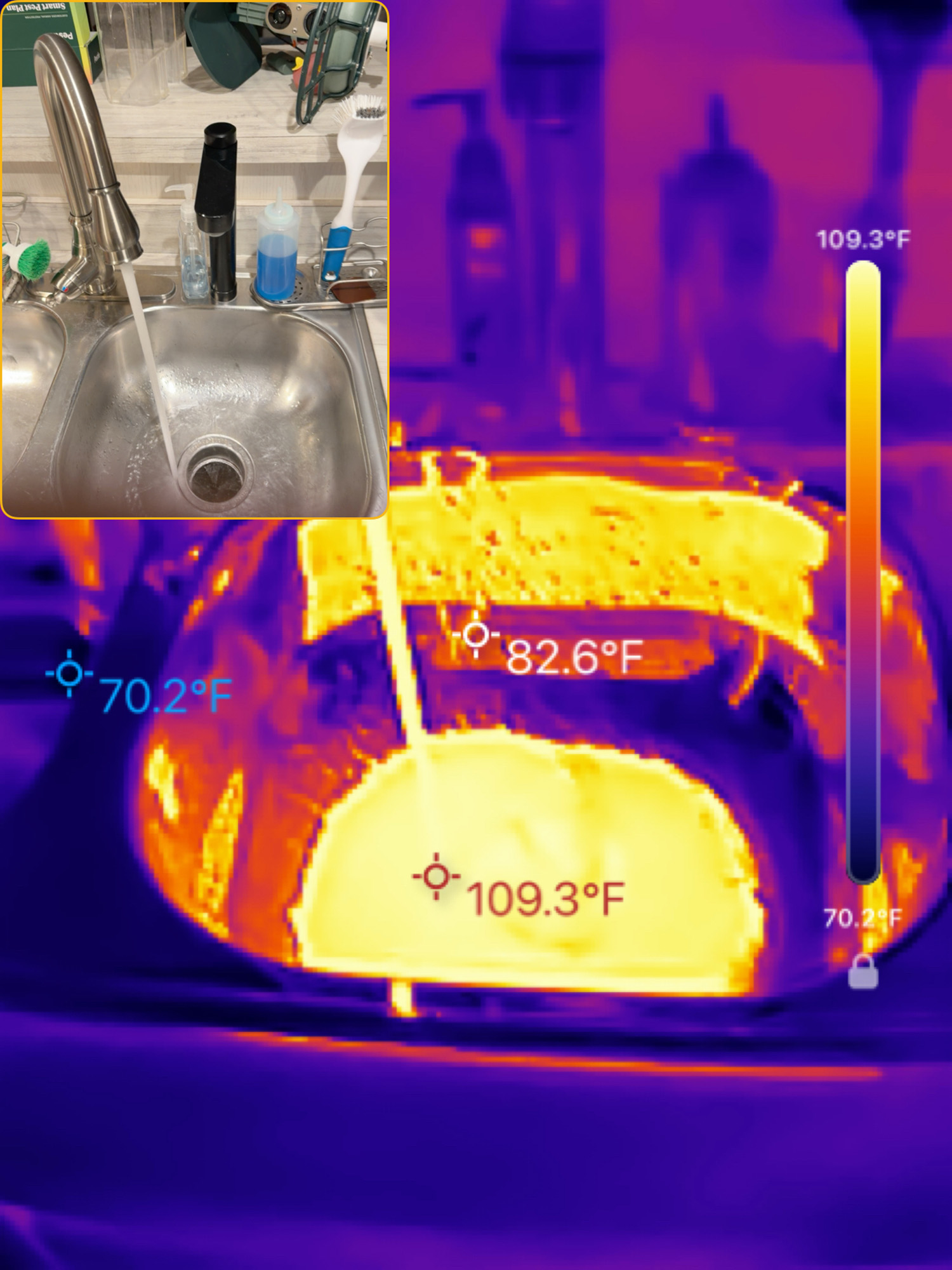
- PIP Visual/Thermal Image
-
- Edge Visual/Thermal Image
-
- Blended Visual/Thermal Image
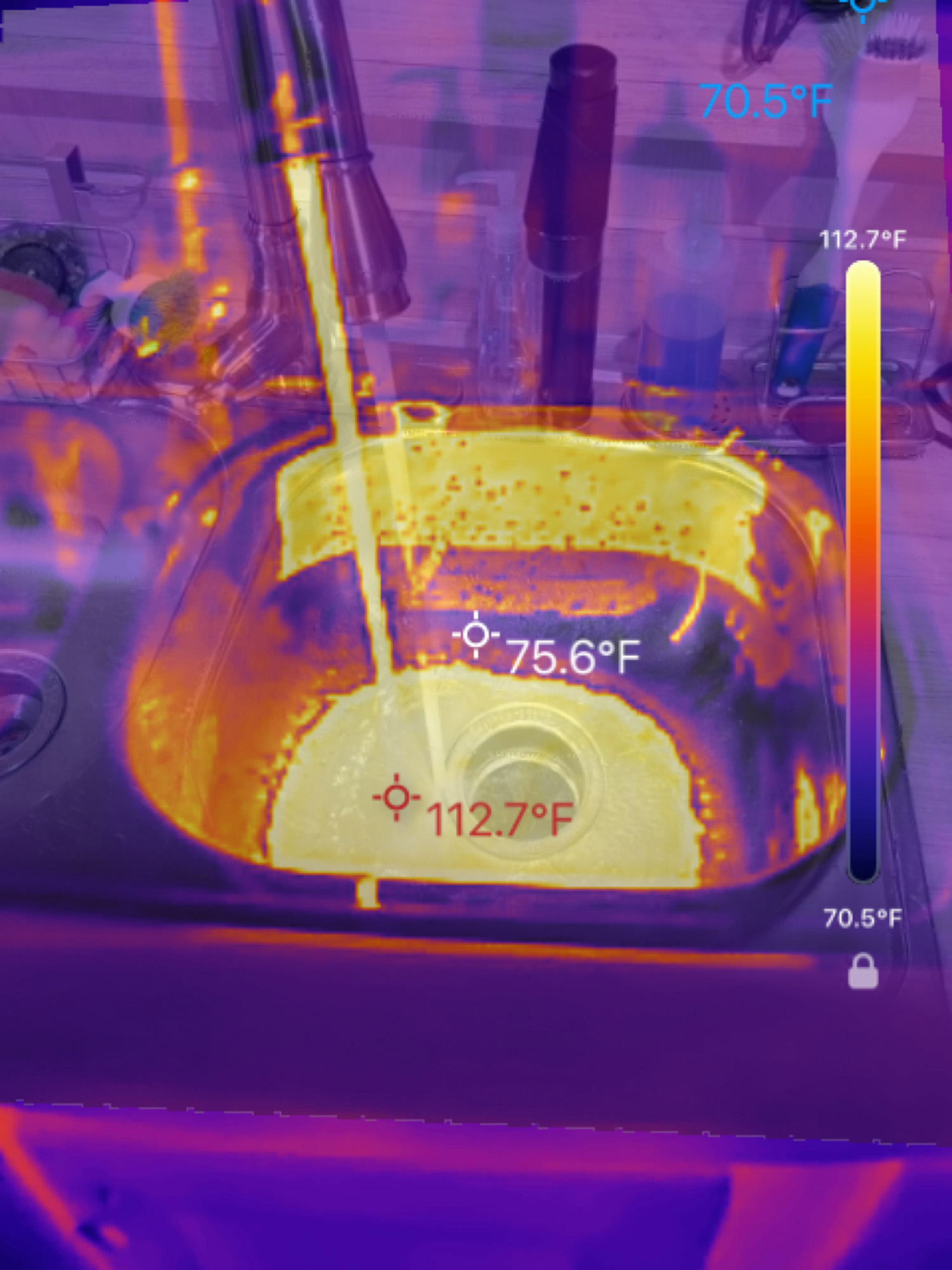
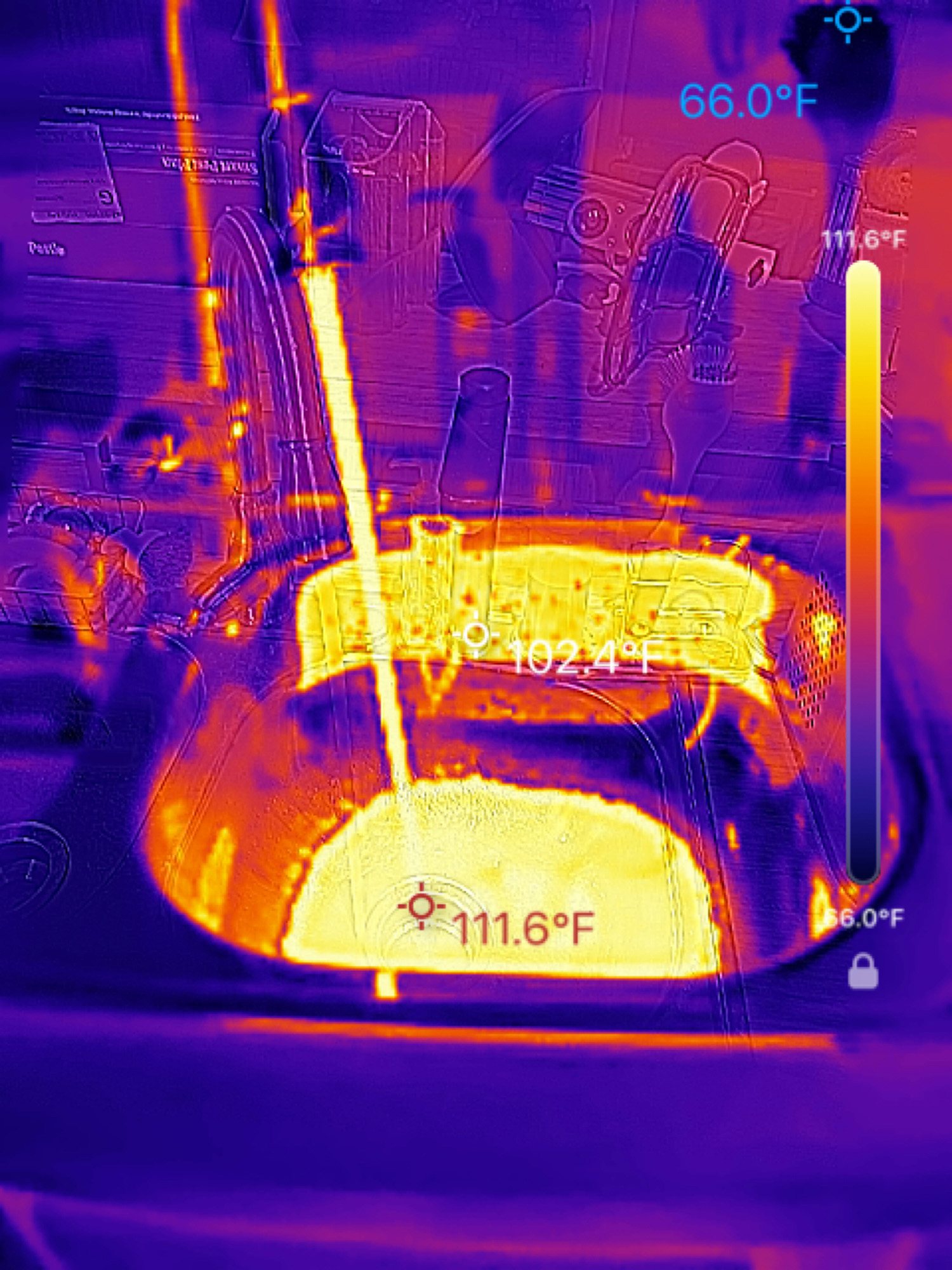
Image allows for several ways to view the image the Magic Pro was producing. Thermal showed only the thermal image; PIP showed the thermal with the visual (phone camera) image inset in a smaller viewing window on top of the thermal. Edge and Blend merge the visual on top of the thermal view. The app struggled to keep the Edge and Blend images aligned properly.
The Measurement option either displays the highest and lowest temps within the viewing area and assigns colors according to the color palette selected under Pseudocolor, or shows the maximum and minimum temps the Magic Pro can detect. You can set the range to whatever you want.
The Settings option customizes things like Font size, Color bar display, Brightness, Contrast, and a host of other options to make the display exactly how you want it, including your own logo watermark. RISION really put a lot of thought into this.
Real-World Testing
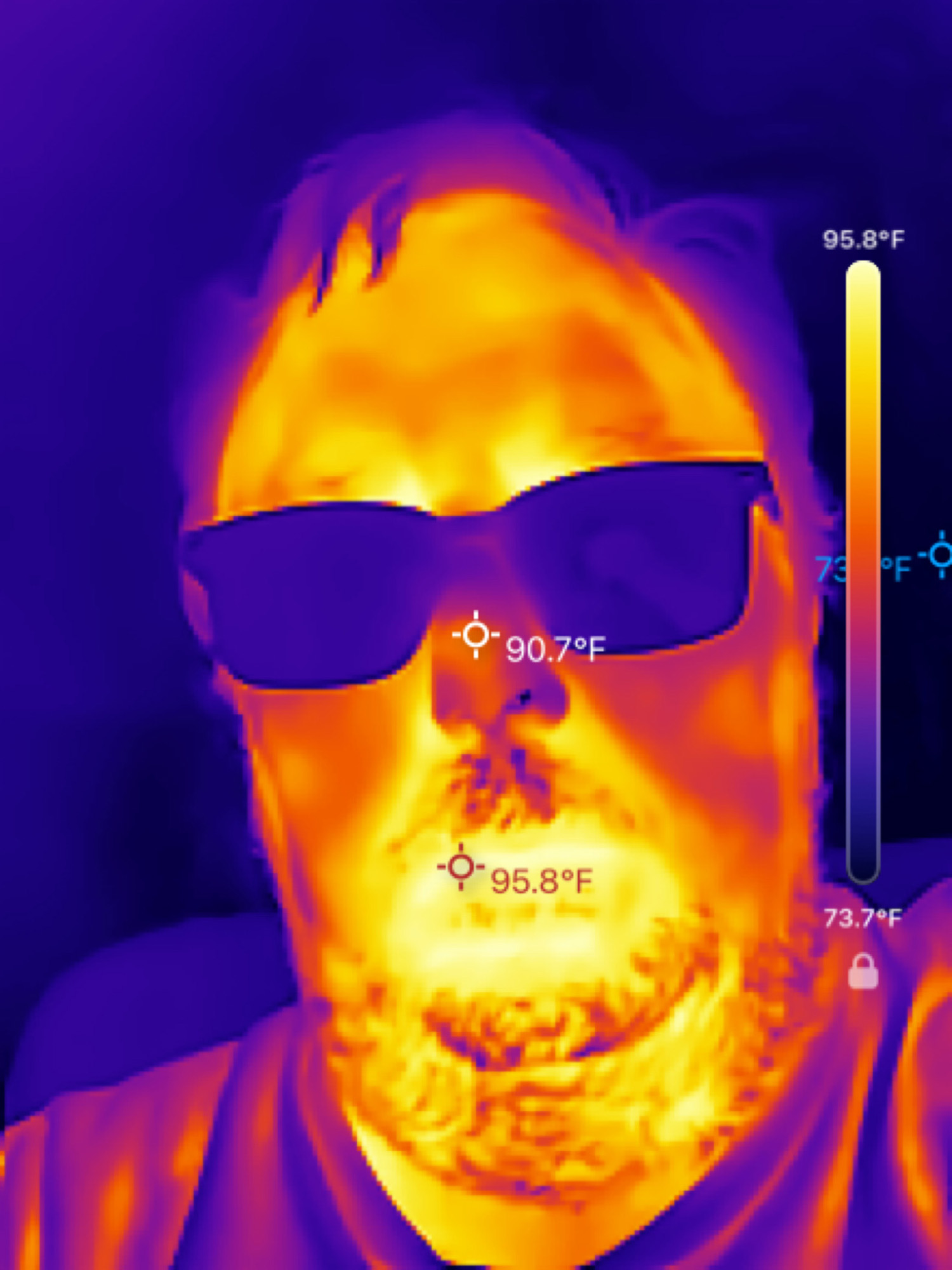
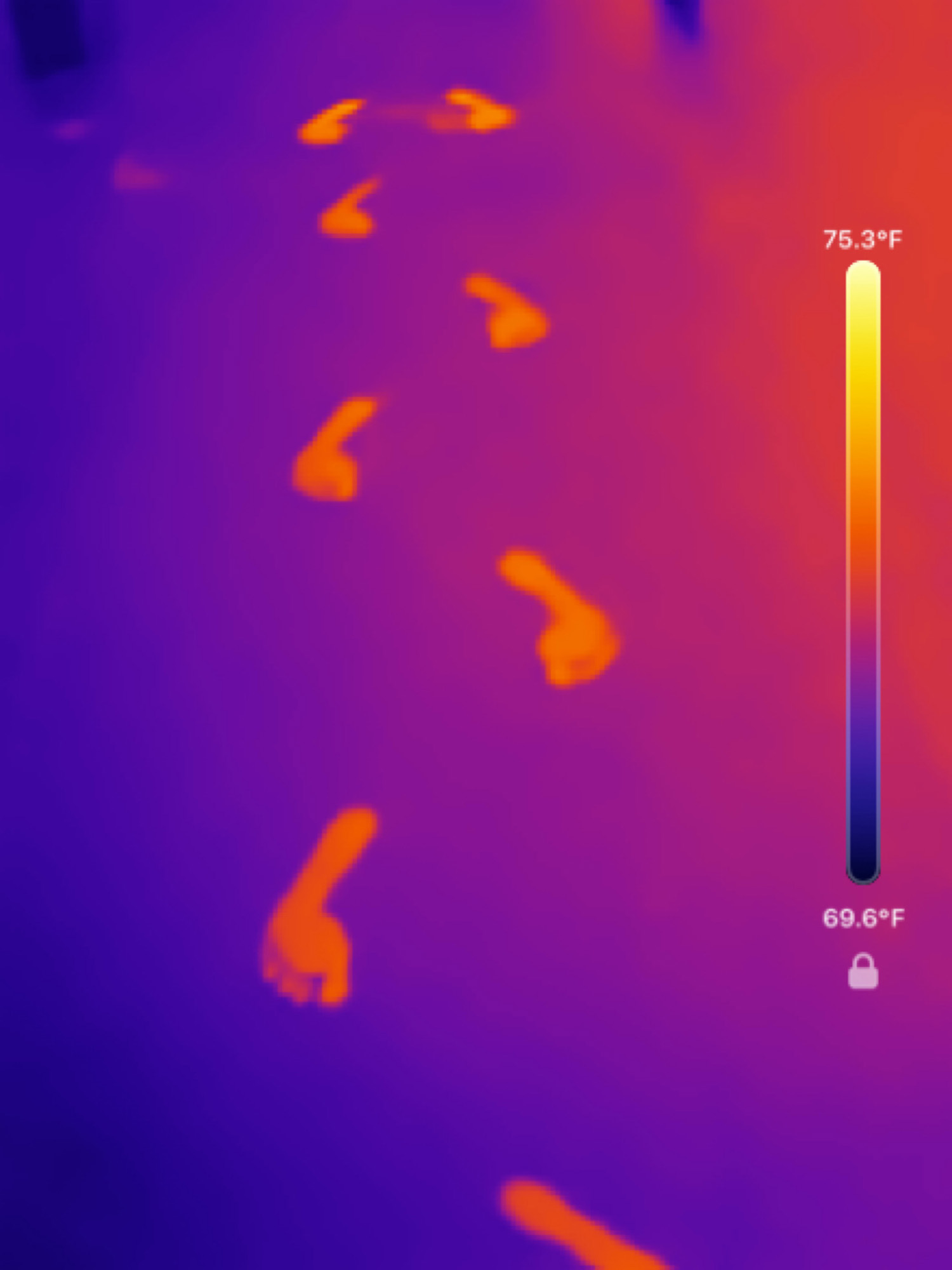
What became apparent was that this little camera makes your view of the world around you much more interesting. You can see things that are invisible to your regular vision. It can’t see through things, just the surface temperature of whatever you’re pointing it at.
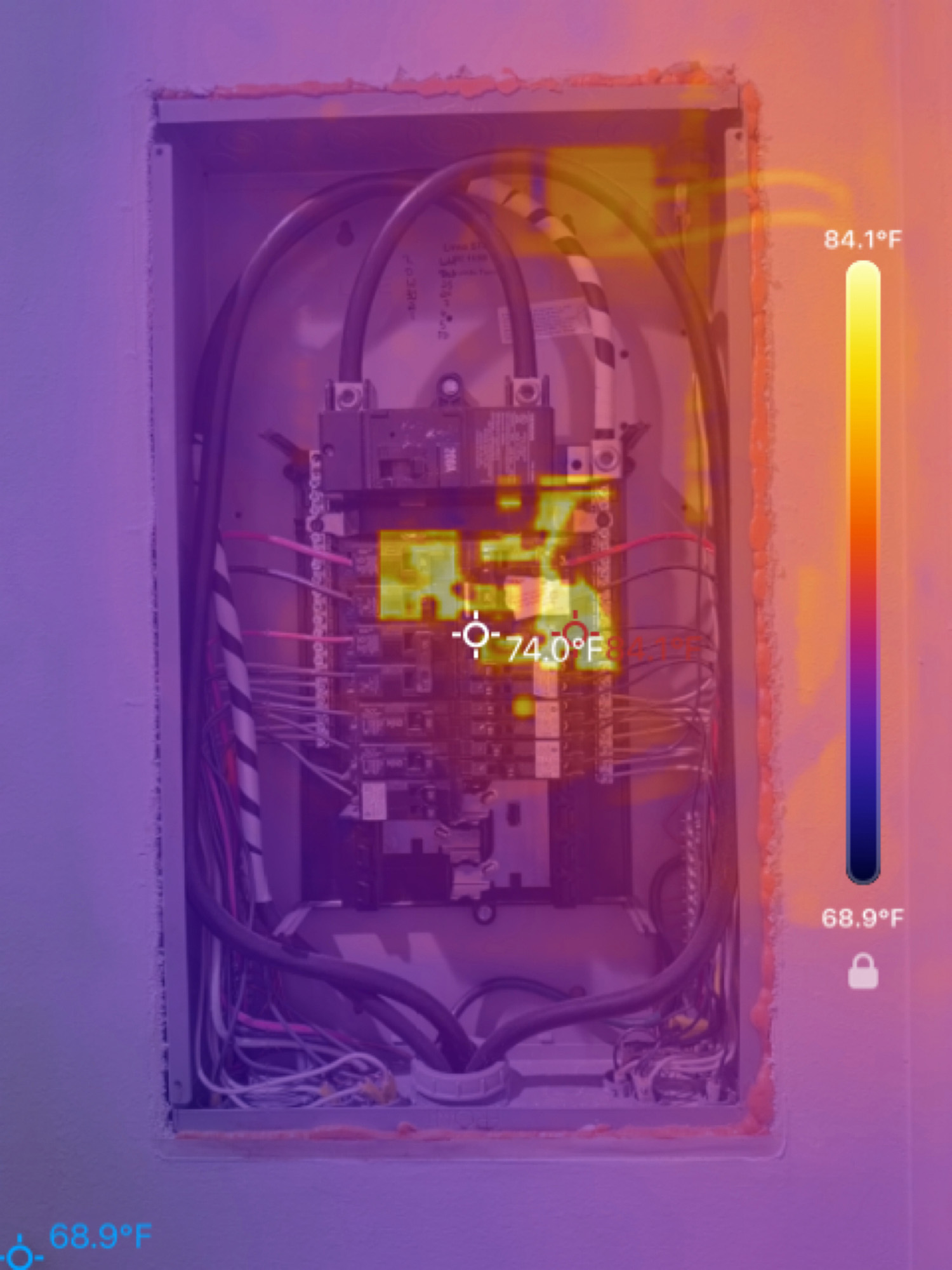
Electrical Panel
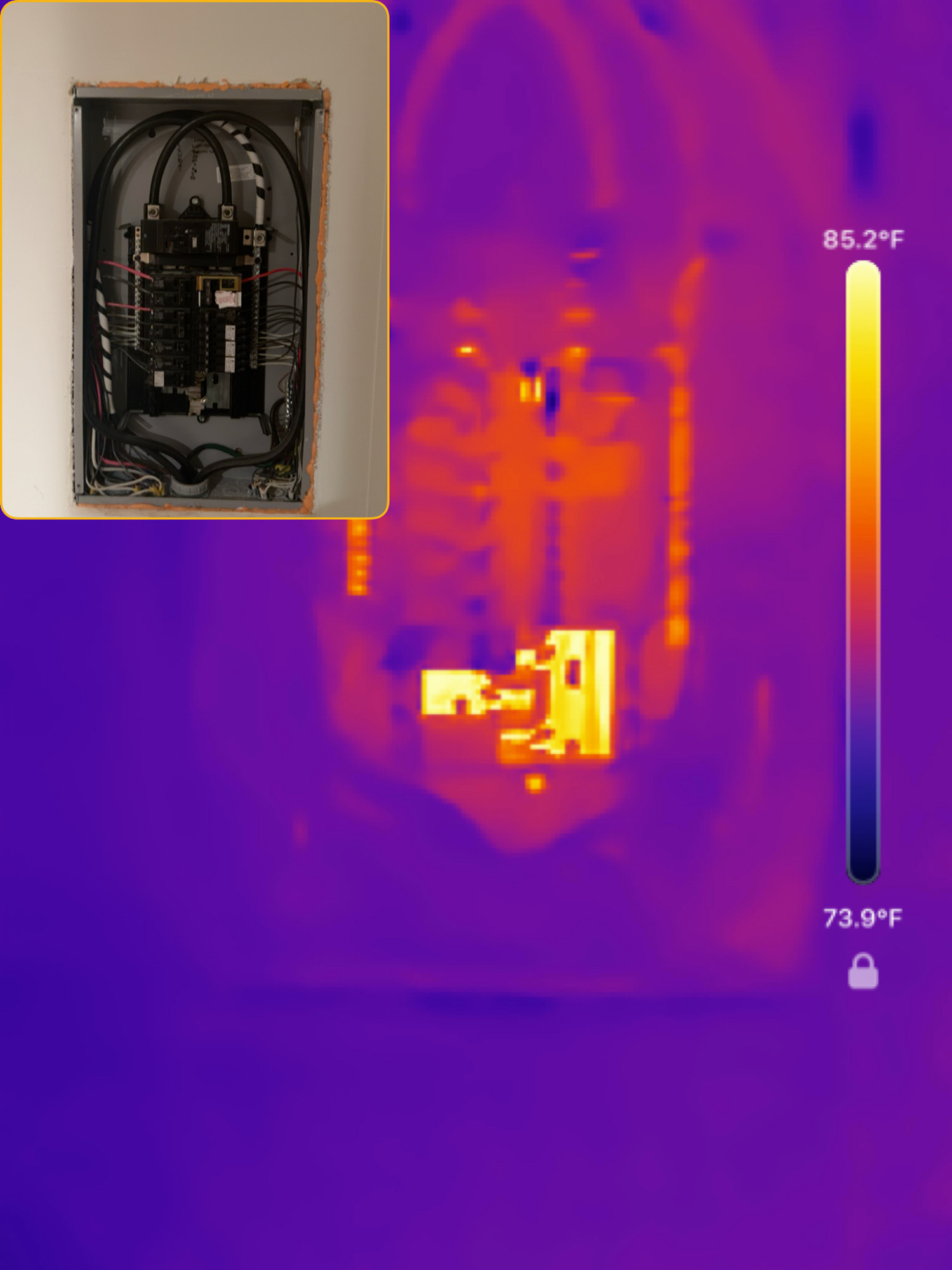
One thing I wanted to check was my home’s electrical panel. Were there any breakers that were warmer than others? I didn’t test it while any large electric-hungry appliances (dryer, stove, etc.) were running. I just wanted to see normal conditions. I didn’t see any breakers that were any warmer than others, but I did see the main feed for the house was warmer than the rest of the panel, which I would expect.
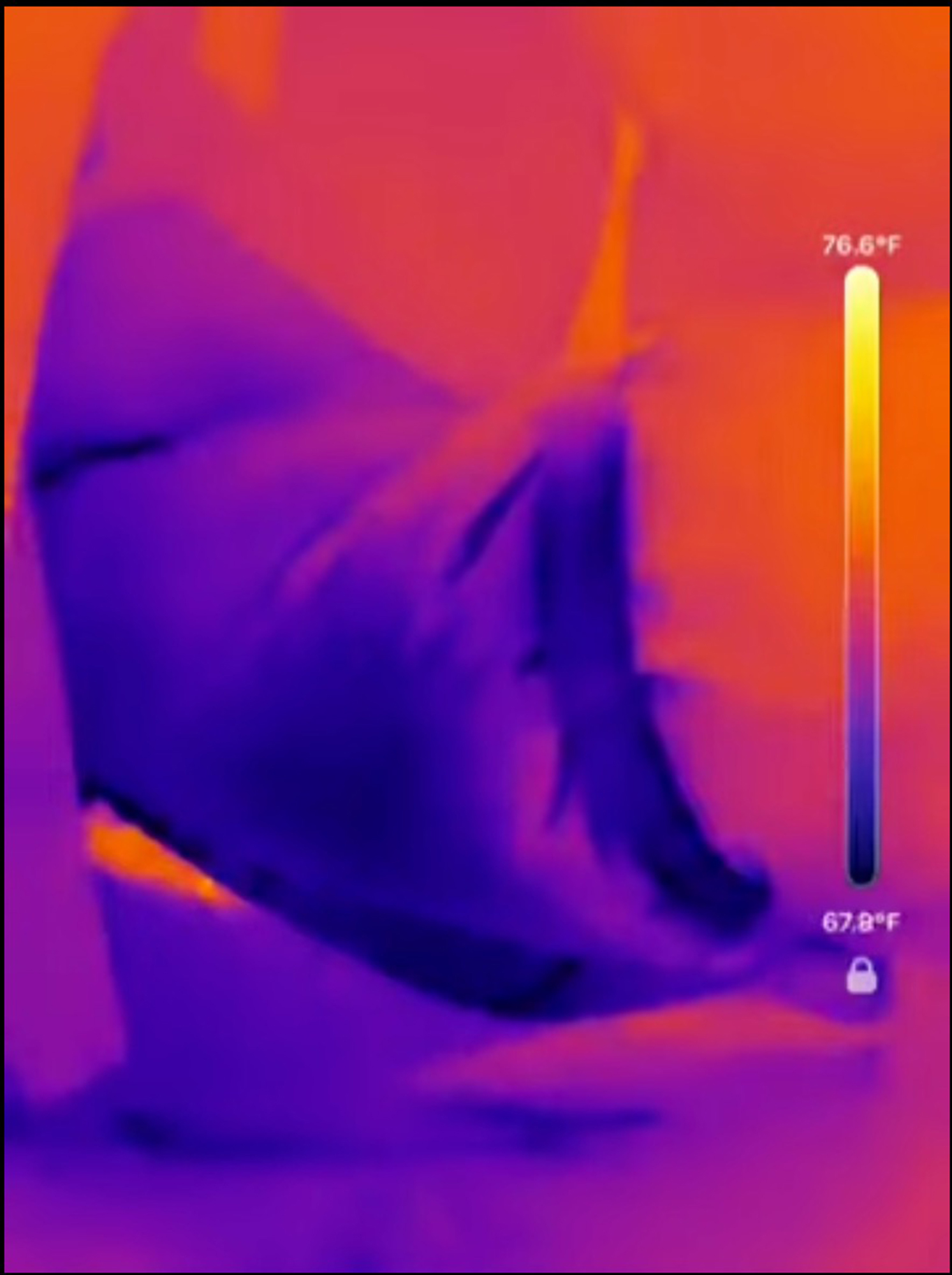
A/C ductwork
I’ve always expected the A/C ducting under my house in the crawlspace to be less sealed than it should be. I climbed under there and took some video. As you can see in the still shot above, the ductwork is much cooler on the outside than I expected. I think there might be a leak that I need to have someone out to investigate.
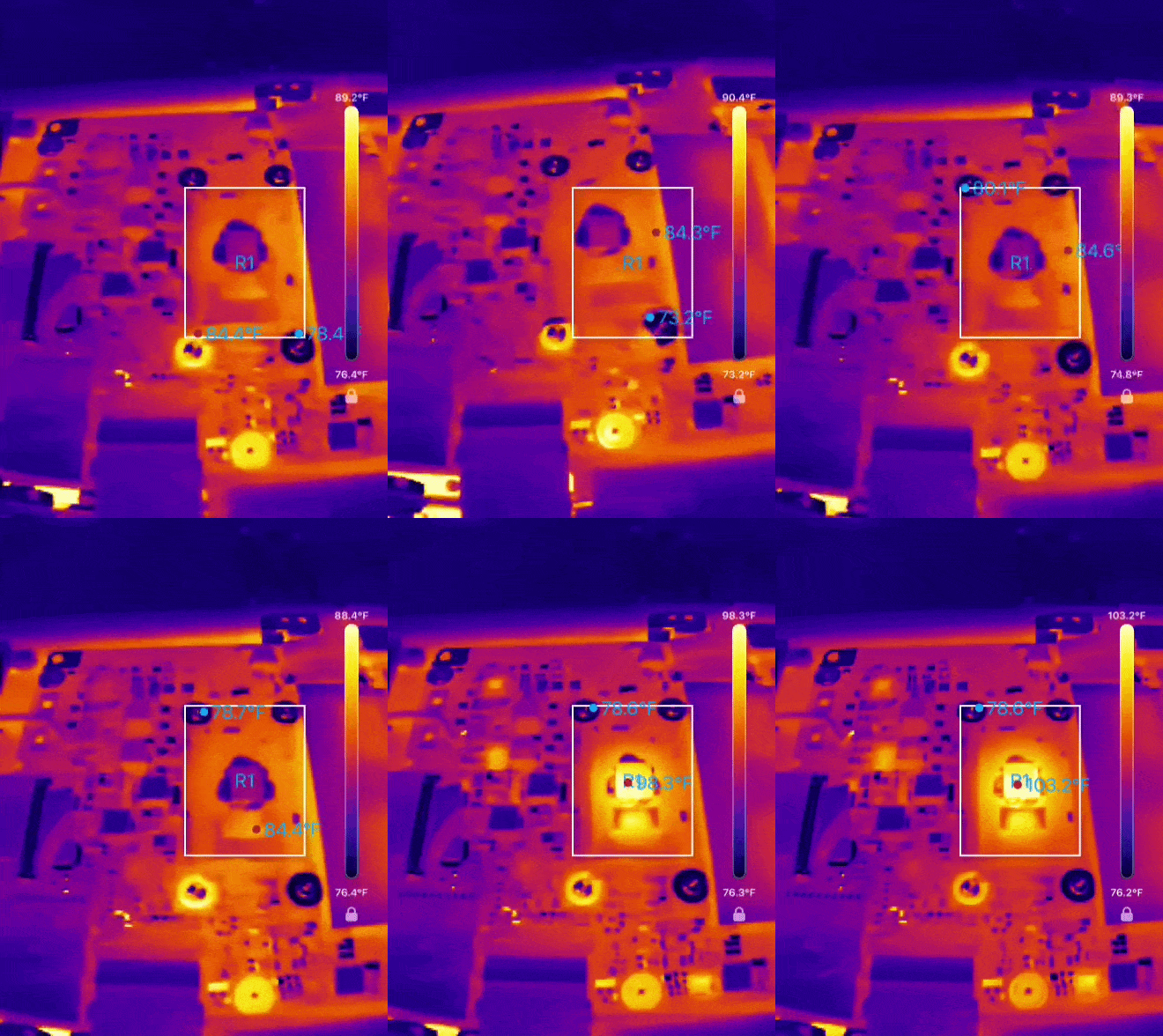
CPU heating up
My old Windows laptop is a thigh burner. I wanted to see the CPU’s heat image without the heatsink at boot-up. I was not disappointed. It’s amazing how fast it heated up.
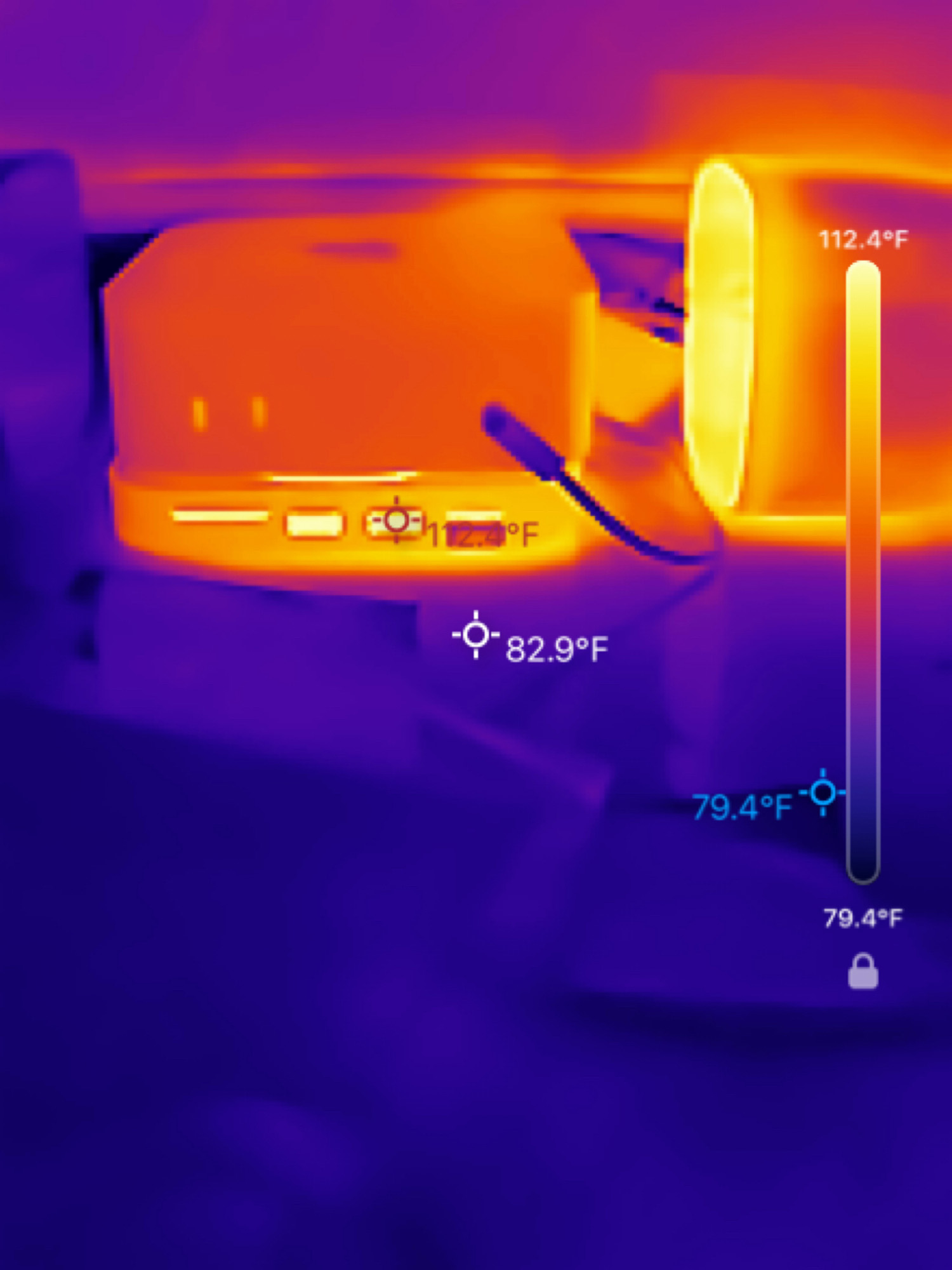
Compared to my Windows laptop, my Mac Mini is an icebox. What was interesting is the port expansion hub underneath the Mac Mini, and the top of the right-hand speaker was much warmer than the Mac Mini itself.
Changing the temperature reporting on the screen was very useful. With the Crosshair setting, I could set it to a single temperature-sensing point, which was useful for checking the A/C vents around the house. With the Line and Box options, I could see up to five temperature ranges for easy comparison. Full Screen shows the high, low, and average temps across the entire viewing area of the Magic Pro.
Visual/Thermal image misaligned
One feature I struggled to get right was the Edge and Blend viewing options. These were supposed to overlay the phone’s camera image onto the thermal image produced by the Magic Pro. The app struggled to keep the two images aligned, and ended up making the combined image unreadable. I am hoping that RISION can make this feature better at combining the images. Better visualization of the heat signatures alongside the actual image would be very useful.
Final Thoughts
The Magic Pro does its job very well. Its size, plus the fact that you don’t need to keep it charged, makes it one of the most portable thermal imaging devices around. It’s a useful tool for detecting HVAC, electrical, or sometimes plumbing issues. The price may make the RISION Magic Pro too expensive for most household budgets, whereas the little brother, the RISION Magic, might be a better fit at about $120 less. For a tradesman, the Magic Pro might make more sense.
The RISION Magic Pro Thermal Camera retails for $299.99 (currently on sale for $249.99); it is available directly from the manufacturer and other retailers, including Amazon.
Source: Manufacturer-supplied review sample(s)
What I Like: App is very easy to use; Usefulness around the house is almost limitless; Very compact and easy to get started
What Needs Improvement: Pricey; Difficult to align the visible light image over the thermal image; macOS app is missing





Be the first to comment on "RISION Magic Pro AI Dual-Light Smartphone Thermal Camera Review: Turn Your Phone into a Thermal Camera to Uncover Hidden Hot Spots"