
The Lowdown
The Quntis Monitor Light Bar Glow (HY214) spreads a nice, clean flow of light across the keyboard, mouse, and desktop. It has been a game-changer for me when transposing numbers into spreadsheets, which used to cause a lot of eye strain. The remote makes it easy to use, and it has brightness and color temperature settings to suit any preference.
Overall
Pros
- Easy to install
- Backlight included
- Lots of adjustment options
- Helps reduce eye strain
Cons
- The backlight often turns on when I only want the front light to be on
Working late at a computer screen often turns your desk into an impromptu cave, leaving you squinting at paperwork or fighting harsh overhead glare. Monitor light bars have become desktop staples for reclaiming real estate and banishing reflections, but high-end models can easily push well past $150. Enter the Quntis Monitor Light Bar Glow (HY214) in space gray. Measuring in at 16.1 inches (41 cm), this standard model promises balanced front lighting, soft ambient backlighting, and a wireless desktop puck for around $50.
I just began a new career late in life and am new to the cubicle world. The lights above mine do not line up, so it is pretty dark. The Quntis Monitor Light Bar Glow has come in very handy.
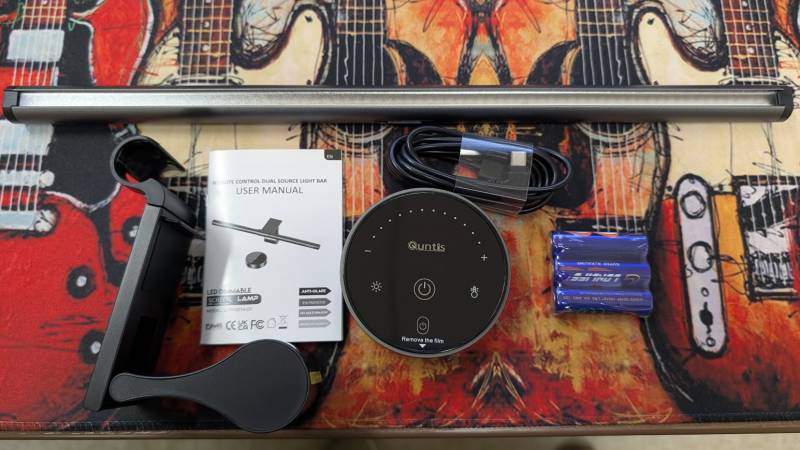
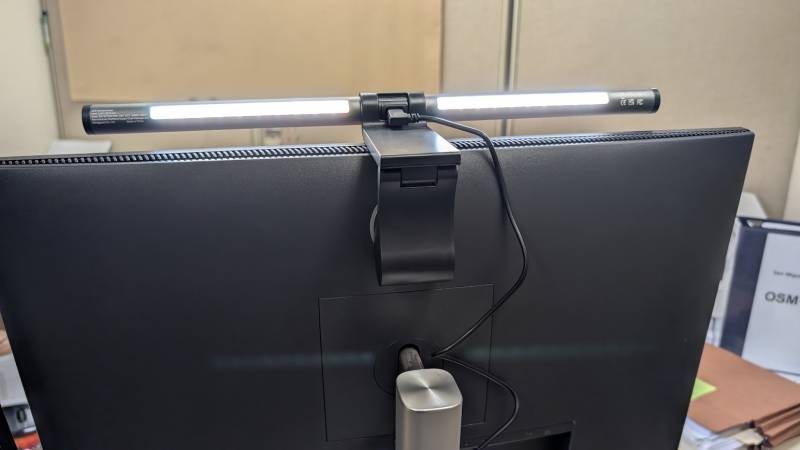
The package includes the 16.1″Quntis Monitor Light Bar Glow, weighted monitor clip, wireless desktop remote puck, 3 AAA batteries for the remote, USB-C to USB-A power cable, and user manual. Everything you need is right there and ready to go. Installing the light is as simple as clipping it to the top of the monitor, then plugging the USB cord into your power source. I connected it to the back of the monitor.
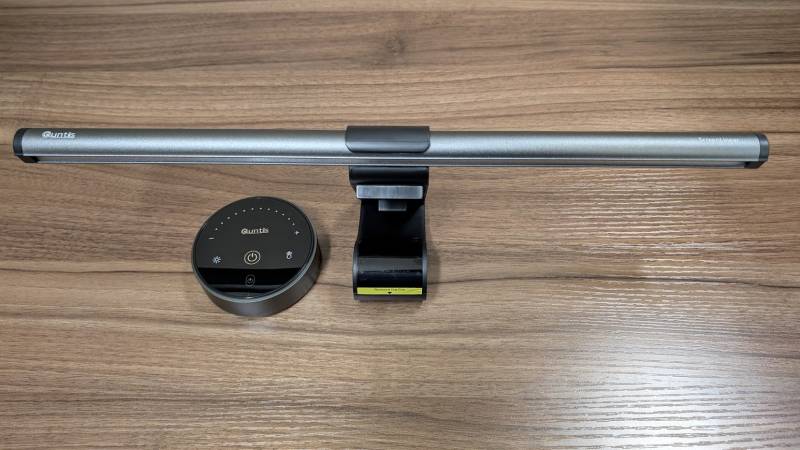
The matte mount balances naturally over your screen bezel using a weighted pivot foot. It fits straight monitors between 0.12″ and 2.36″ thick and leaves enough clearance on top to perch a separate webcam. I have had no issues with my light staying exactly where I set it.
The Quntis Monitor Light Bar Glow houses both front-facing task LEDs and a rear ambient light strip. You can cycle through three distinct lighting modes: front-only for high-focus work, rear-only for relaxed evening viewing, or both simultaneously to balance contrast against the wall behind your monitor. I prefer a warmer light and not super bright.
The light uses 45-degree optics to flow across your desk without affecting your view of the computer screen. The color temperature sweeps from a warm 3000K to a 6500K daylight white, with stepless brightness adjustment from 20% to 100%, all adjustable with the remote puck.
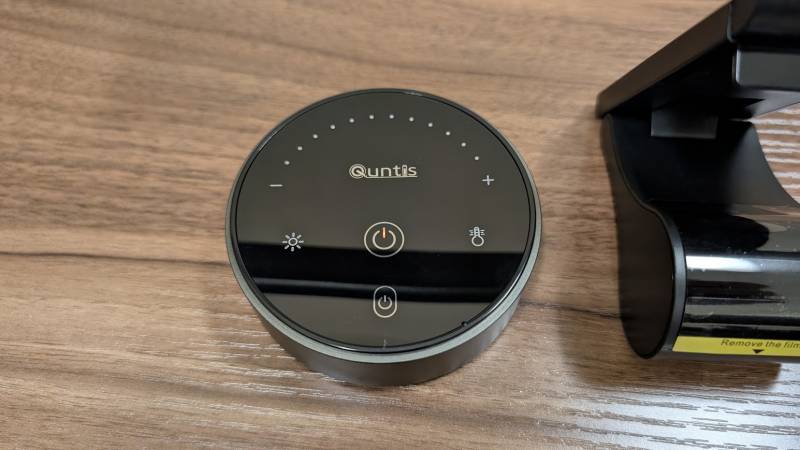
The remote puck is great because you don’t need to reach far to turn on or adjust the light. Power and all adjustments are right at your fingertips. The touch controls are easy to read and work flawlessly.
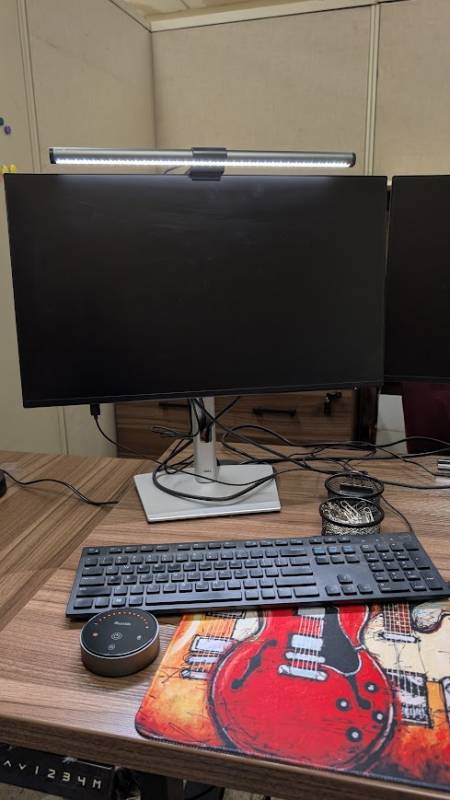
The Quntis Monitor Light Bar Glow (HY214) spreads a nice, clean flow of light across the keyboard, mouse, and desktop. It has been a game-changer for me when transposing numbers into spreadsheets, which used to cause a lot of eye strain. The remote makes it easy to use, and it has brightness and color temperature settings to suit any preference.
For anyone using a computer at a desk, the Quntis Monitor Light Bar Glow is a great option to improve the computing experience.
The Quntis Monitor Light Bar Glow retails for $49.99; it is available directly from the manufacturer and other retailers, including Amazon.
Source: Manufacturer-supplied review sample
What I Like: Easy to install; Backlight included; Lots of adjustment options; Helps reduce eye strain
What Needs Improvement: The backlight often turns on when I only want the front light to be on



Be the first to comment on "Quntis Monitor Light Bar Glow (HY214) Review: A $50 Monitor Light Bar That Brightens Your Desk Without the Glare"