
I am not a capital “C” creator by any stretch of the imagination. I have a fledgling YouTube channel, but for the most part, I make my living with my keyboard. But I was invited to get a hands-on preview of the new DJI Osmo Pocket 4P, and I have to say — I might be changing my mind. The device is tiny and very simple to use. It comes with everything you need to be a creator, except the mind to know what to shoot — that’s still your responsibility. But for everything else, there’s the Osmo Pocket 4P. I spent 24 hours with the device in Toronto, Canada, at Six Flags Canada Wonderland and a Blue Jays baseball game, and I came away wanting more.
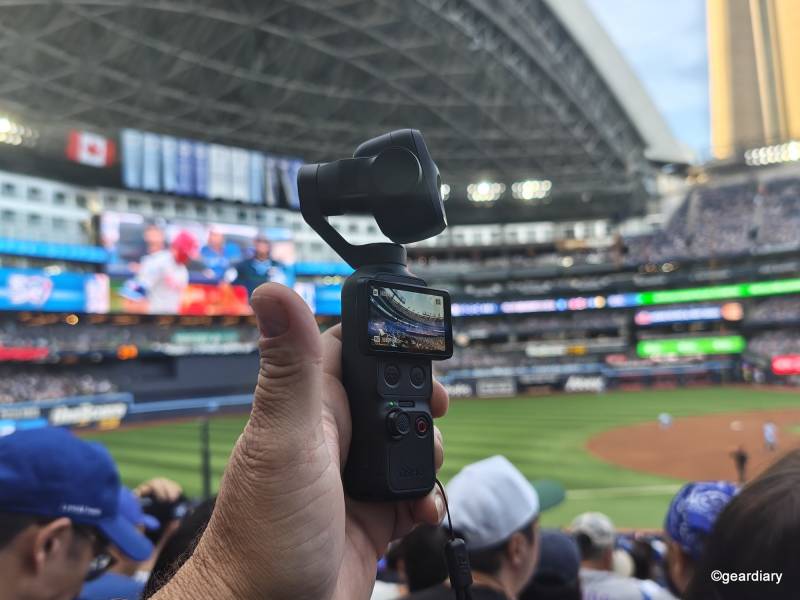
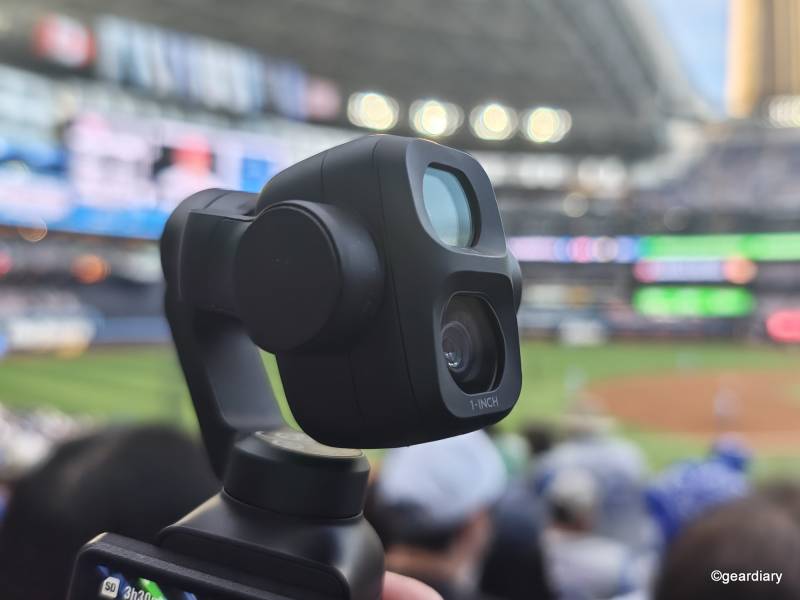
I started off with a briefing on what the camera is capable of. This is DJI’s first Dual-Lens gimbal camera. The DJI Osmo Pocket 4P has a 1-inch CMOS sensor with a 20mm equivalent lens and an f/2.0 aperture, and a 3X zoom lens with an f/1.8 aperture. Both lenses can capture excellent footage, which we’ll get to. What we won’t get to, but mention here quickly, is that the main camera can capture a full 17 stops of dynamic range and can capture 10-bit D-Log 2. I’m only vaguely aware of what those things mean, but they sound good.
To be honest, I am not enough of a creator to know what those benefits mean. Chances are, if you do, you’re probably pretty excited about them, and that’s great for you. DJI says this is the first gimbal camera that has those capabilities. An expert was on hand to show us what was possible when applying those color profiles to raw footage. It looked great. As it stands, though, I tested with the default settings.
It’s also important to note that I only had 24 hours with the device in Toronto, Canada. I haven’t had enough time to give this a real run — nor enough time to learn color profiles or dynamic range, though I confess, I probably still would not have learned what D-Log 2 means. So for those two reasons, this should not be considered a full review.
From there, I went off into the city to shoot with it. I went with my happy place, an amusement park. I shot photos and videos during my time there, including recording a YouTube video of my own using the device. I was able to pair it up with an included DJI wireless microphone, which is a great bonus.
After that, I met up with an old friend for a Blue Jays game. We had pretty decent seats, and I was able to capture some good footage. Sadly, the good guys lost that particular game, but I discovered Korean corn dogs, so I think we can call that one a tie. But the through-line was clearly the camera. Here’s what you can do with it.
The Hardware
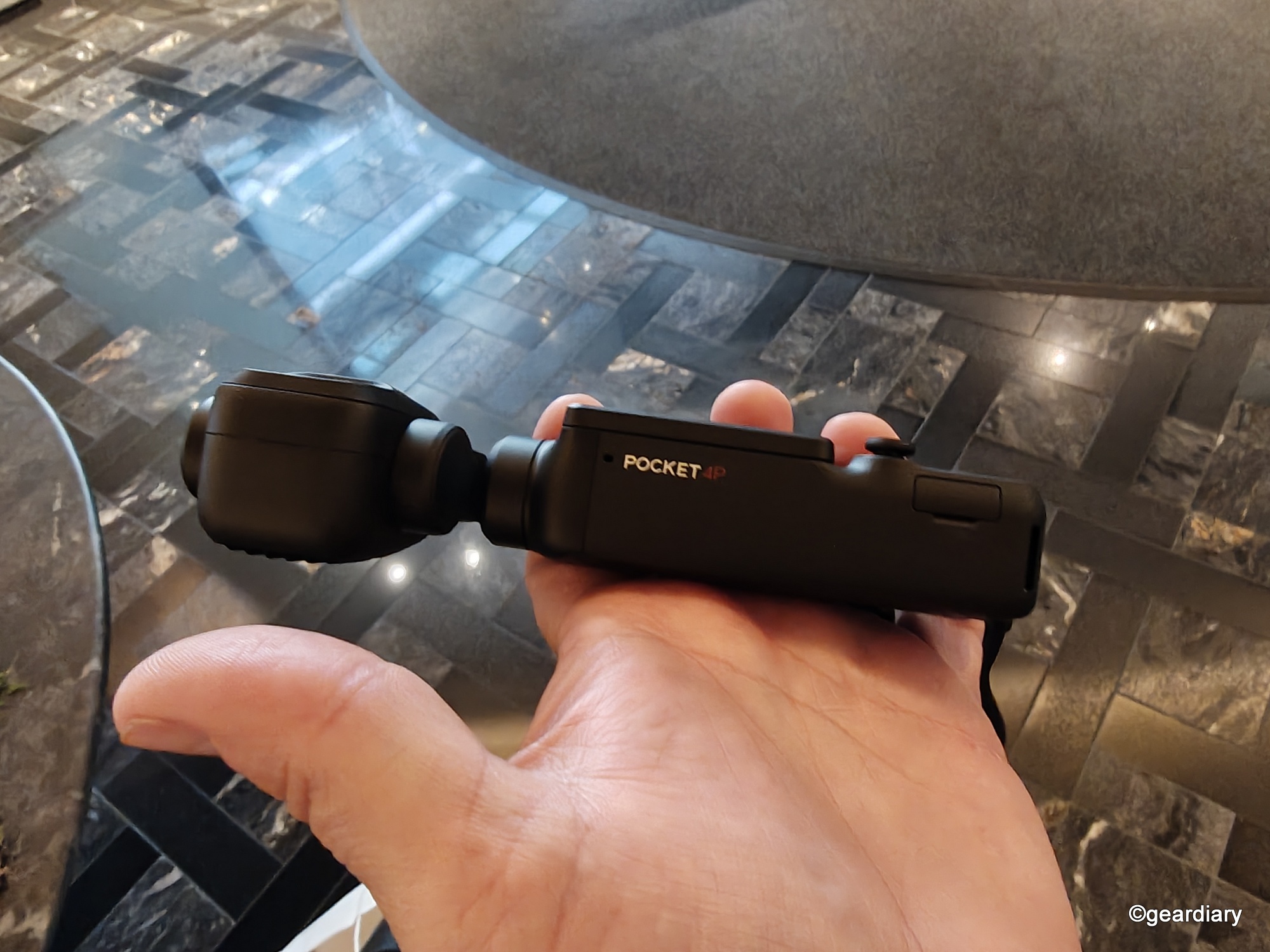
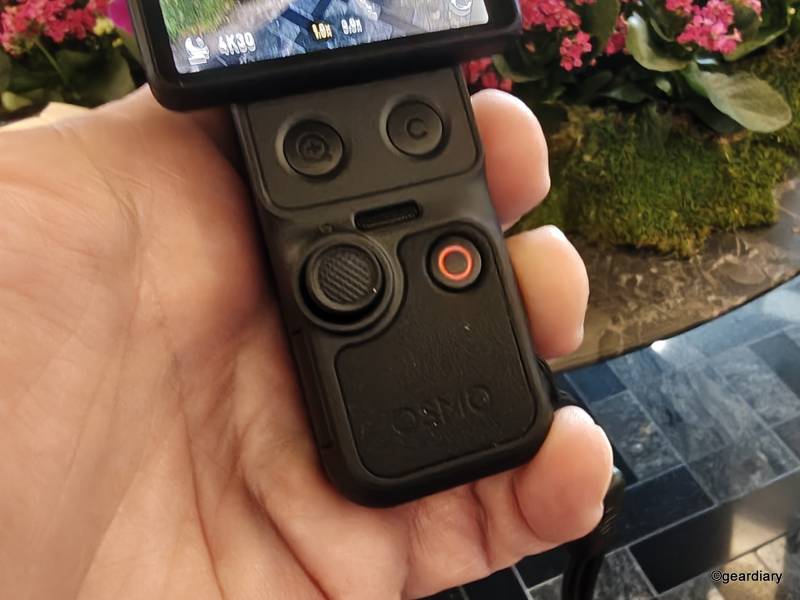
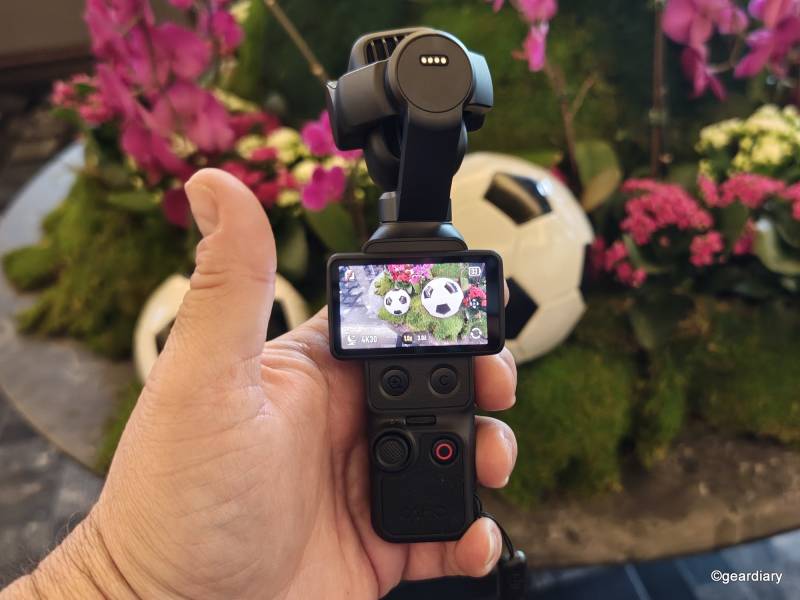
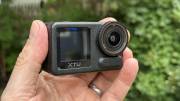
The DJI Osmo Pocket 4P looks like your typical gimbal camera — the camera is mounted on the gimbal on top. Below that sits the screen and the controls. The primary controls are the joystick and the record button. The screen twists from portrait to landscape in order to power the gimbal on.
By default, the camera records in landscape. When you rotate the screen back down, you can tap continue to record in 3K portrait, or you can manually hold the camera sideways to keep things in 4K. If you don’t tap continue, the camera powers down. It’s very intuitive.
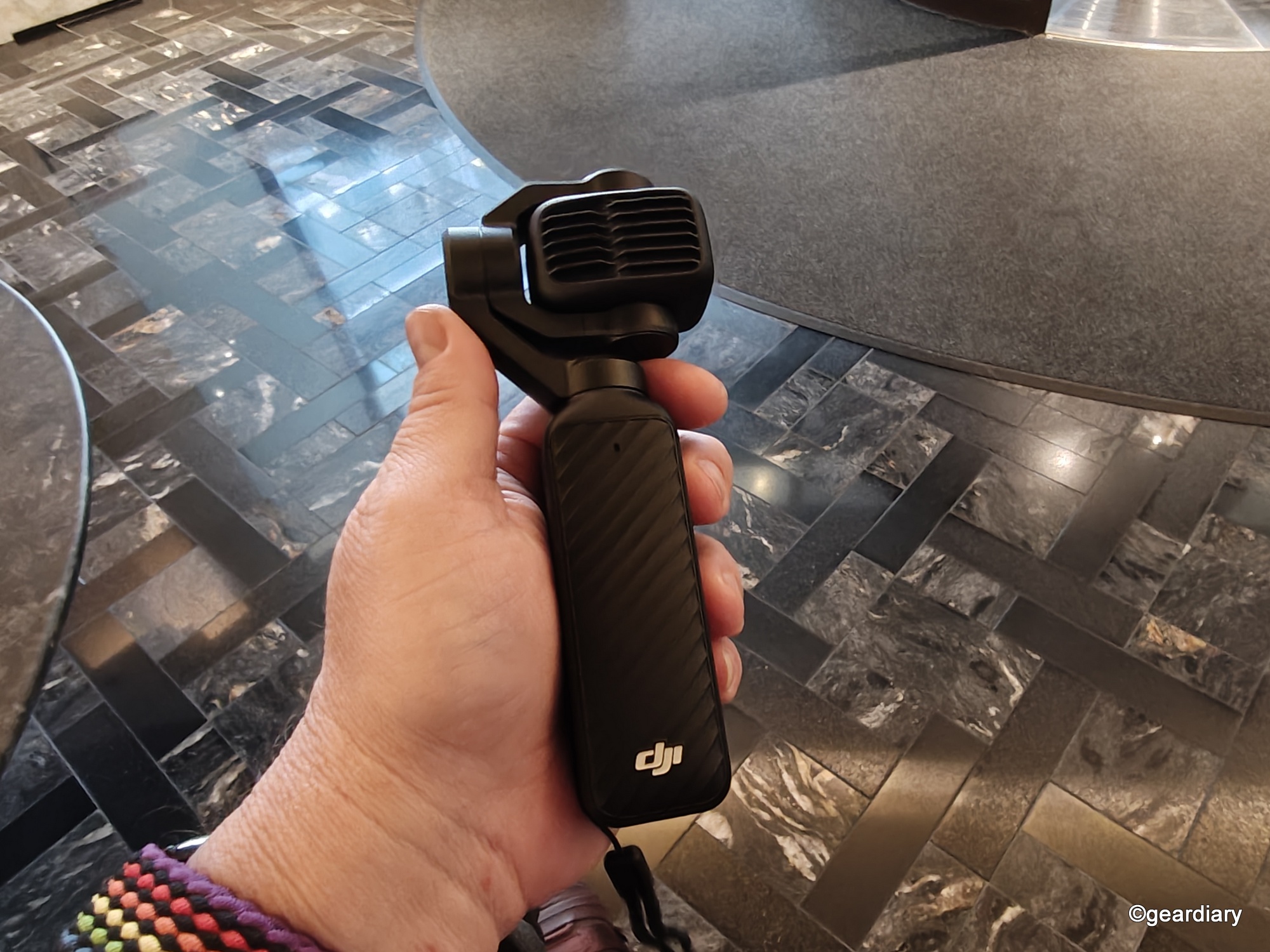
The package I received has a slew of accessories, including the aforementioned wireless microphone and a windscreen, an adapter that adds a ¼ mount on the bottom of the gimbal, a mini tripod, a macro adapter for the camera, and a remote control that allows you to control the gimbal from afar.
Most of the controls you’ll need to adjust are found on the edges of the touchscreen. Swipe in from the side, top, or bottom to adjust things like what mode you’re capturing in (photo, video, hyperlapse, etc), resolution, and various other options. I didn’t find it terribly intuitive, if I’m totally honest. I assume if I’d had more than 24 hours with the device, that might have changed.
For what it’s worth, I found it easy to switch between modes — photo/video/ hyperlapse, slow-motion and more. It’s also theoretically simple to focus on a subject and track them. I was flying solo, so I didn’t have a subject to track, nor someone to hold the gimbal while it tracked me, so I didn’t get a chance to test that as thoroughly as I normally would have liked either.
As for physical controls, there are four. There’s a simple joystick that controls the camera and a record/photo capture button. The other two buttons control zooming in and out, and switching from selfie to normal mode.
The footage itself is crisp. There is some fish-eye effect going on, especially when panning around. The zoom is surprisingly good, especially when shooting in slow motion. I captured one Kyle Schwarber at-bat that was remarkably clear considering how far away I was.
I tested both video and still photos on the DJI Osmo Pocket 4P and learned in the process that I have zero talent for this stuff. There’s a reason I’m a writer. Don’t get me wrong, the footage isn’t bad, but it’s not terribly creative or eye-catching. Maybe someday I’ll get better.
The photos captured are 37MP, and they, too, are very sharp. I had some trouble with some macro shots that I took, with the focus drifting, but again, I suspect this is more of a practice issue on my part than a quality issue on the camera’s part.
Conclusion
As a writer and a fledgling creator, I rarely carry more with me beyond my laptop and my iPhone. The iPhone has cameras that are very good at product photography, once you’ve had a chance to practice with it — and assuming the lighting is good. A gimbal camera has had little place in my bag, but my 24 hours with the DJI Osmo Pocket 4P has changed my mind. I would definitely add this piece of kit to my bag, and I would frankly like to get better with it.
But there’s a slight issue.
As of this writing, you cannot buy this camera in the U.S. DJI is a Chinese company, and it has to clear several regulatory hurdles before it can sell its product anywhere from sea to shining sea. DJI indicated that this is an ongoing process, which seems to indicate that it might come to our shores at some point, but when that may be remains a mystery. It may even be part of the reason I had to go to Canada to test it.
In the meantime, you can find it on gray market sites, including AliExpress.
Overall, the DJI Osmo Pocket 4P has inspired me to take another long look at this category. I can genuinely see why a device like that deserves a spot in my bag — and I didn’t even get to test all the accessories that came with it, like the tripod and the tripod adapter, and the remote control.


Handy little tool that makes it easy and fun to capture video, most of their products have been good and a cheaper and acceptable alternative to things like the GoPro for most.
I’ve always loved DJI’s products and this makes me want to get a new camera even more. Having the right gear makes filming so much easier!
The size of this is a real game changer!
The screen looks so much easier to use on this version. Framing shots on the tiny displays on previous models was always a pain, especially outdoors. If the battery life holds up in real-world testing, this will definitely be in my backpack for my next trip.