
The Lowdown
The Tapmora is a little E Ink photo magnet that doesn’t need a battery or charging. I liked its sturdy frame, magnetic back, and surprisingly nice photos. Getting those photos onto it was the frustrating part. My red sample needed repeated NFC transfer attempts, and my blue sample never updated with either of the two phones I tried. It’s a fun idea for a refrigerator magnet, but I wish changing the picture worked more reliably.
Overall
Pros
- No battery or charging required
- Photo quality was better than I expected
- Sturdy frame with a magnetic back
- Supports personal photos and text
Cons
- Unreliable NFC updates
- App sometimes reports success without changing the display
- Blue review sample never updated
- Clearer NFC alignment guidance
- Required app account
A little color photo frame that never needs charging? Okay, you have my attention. The Tapmora is a magnetic E Ink display that uses your phone to change its picture, then keeps showing that picture without a battery. I was looking forward to trying this one. In fact, I called it a “photo thingy” when I opened it, and I think that description still works. After testing two of them, I found a lot to like about the idea. Getting the pictures onto them was another story.
What Is It?
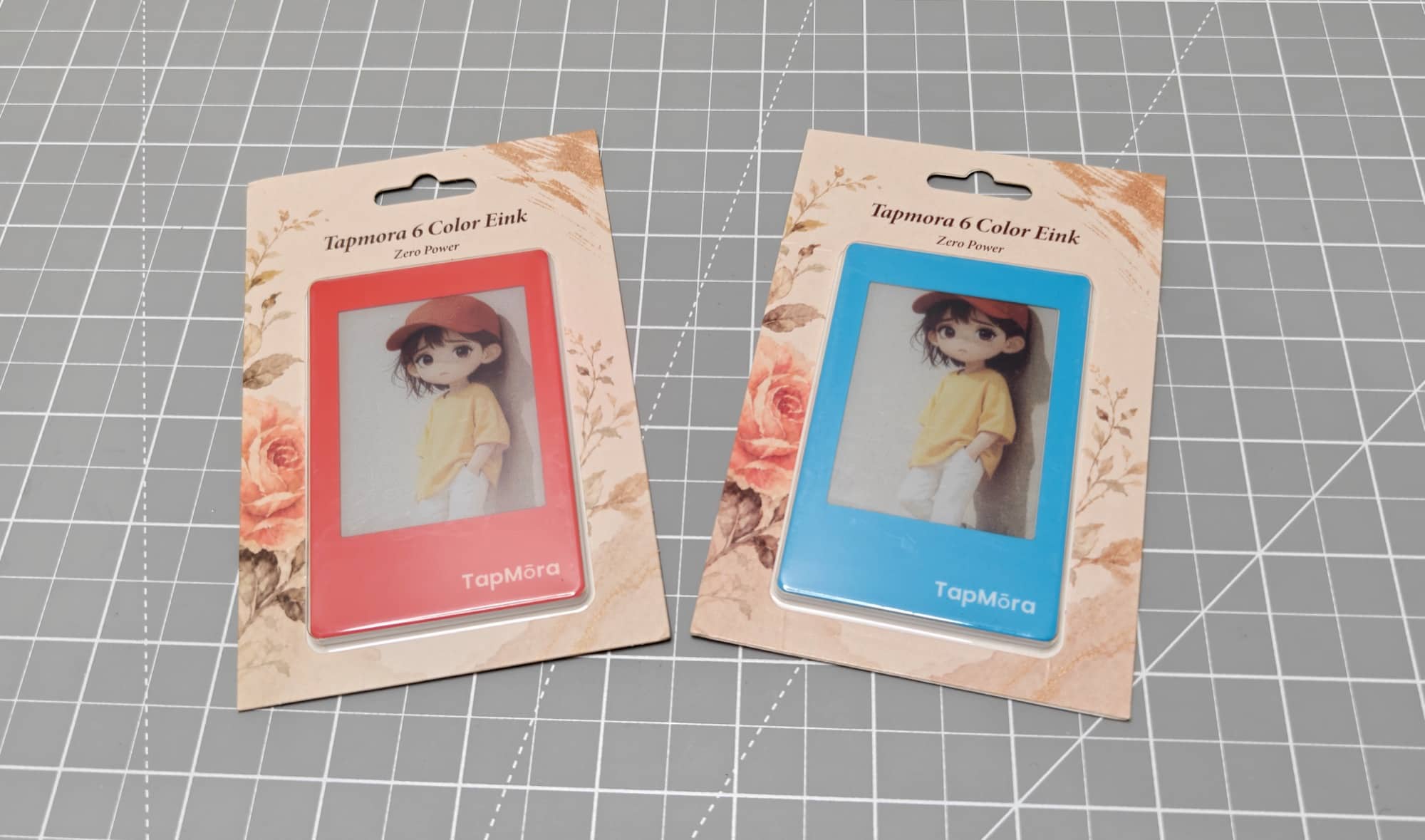
The Tapmora is a small, six-color E Ink photo magnet. You use a phone app and NFC to send it a photo or text. Your phone supplies the power needed to update the display, and the image stays there after you take the phone away. There is no battery to recharge and no Wi-Fi connection to set up.
What’s in The Box?
My review samples arrived in individual retail packages. Each contained a Tapmora photo magnet, with a QR code on the packaging for downloading the app. Tapmora sent me a red one and a blue one. The frame color was the only visible difference between them.
Tech Specs
- Display: 2.8-inch, six-color E Ink, as identified in my video and on the packaging
- Display technology: Spectra 6, according to Tapmora
- Power and photo transfer: NFC from a compatible phone
- Battery: None
- Wi-Fi: Not required
- Mounting: Magnetic back
- Companion app: Einky (iOS and Android)
- Phone support: Compatible NFC-enabled iPhone and Android phones, according to the manufacturer
Design and Features
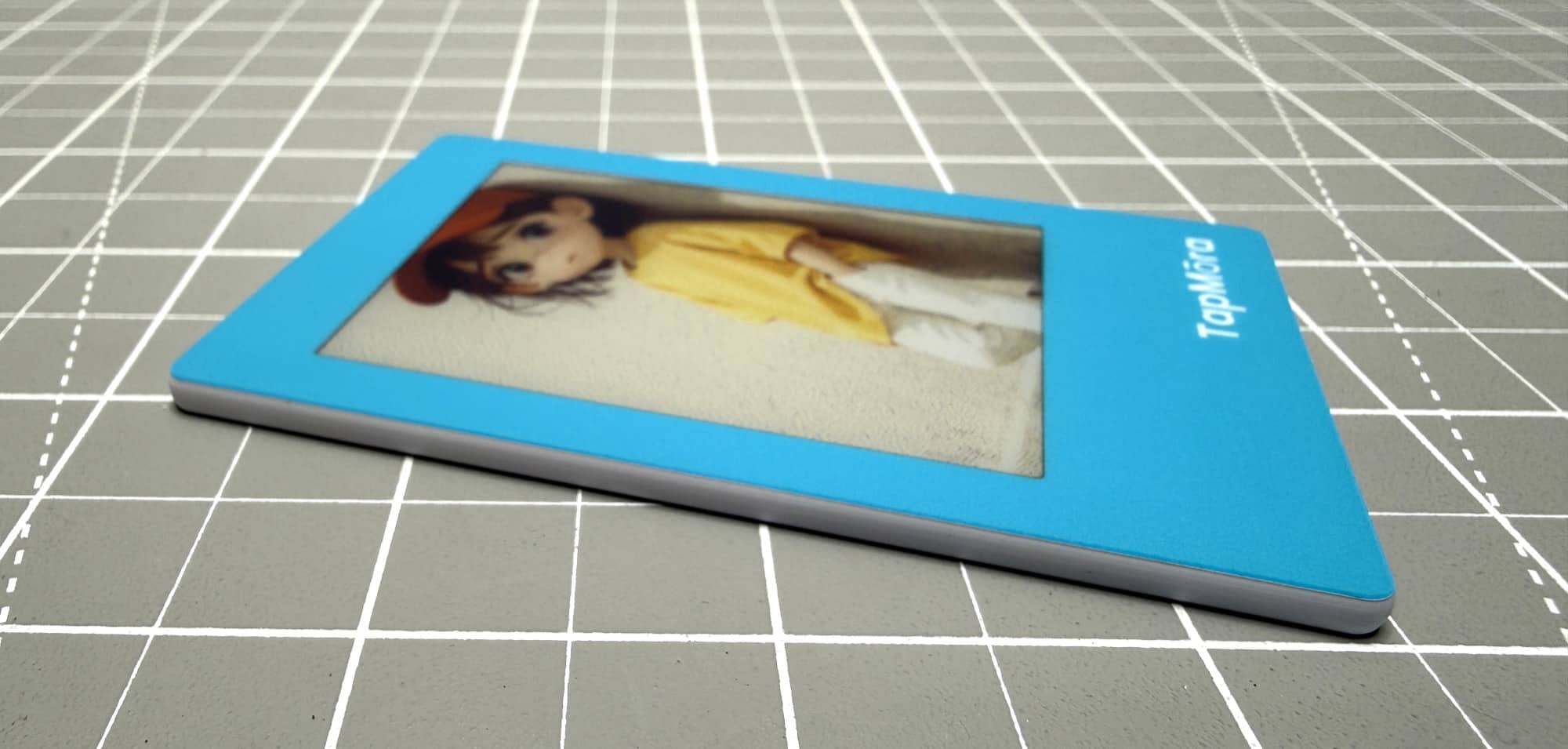
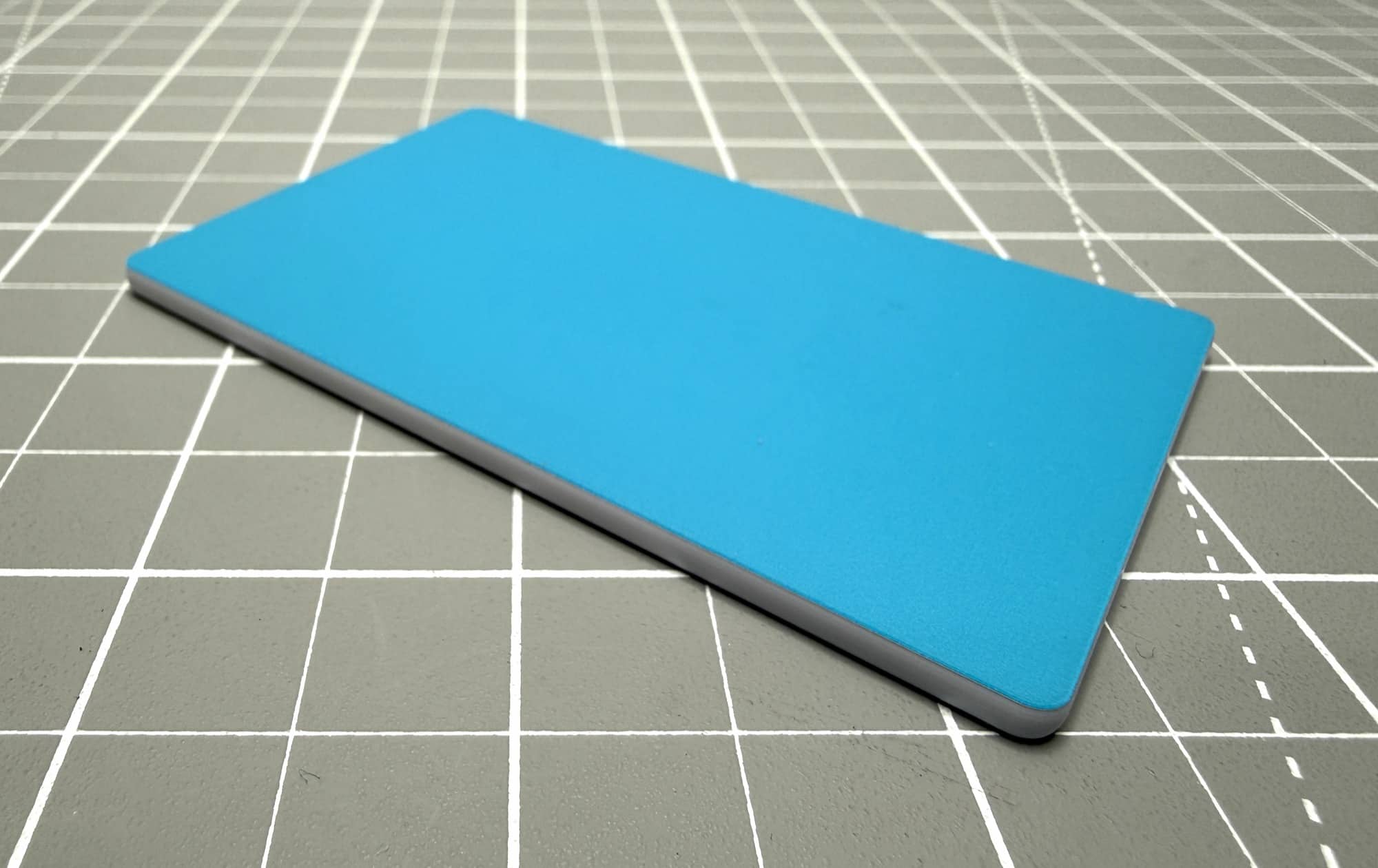
The Tapmora looks like a tiny photo frame. It has a colored plastic border, a front display, and a magnetic back. It has no buttons and no ports of any kind.
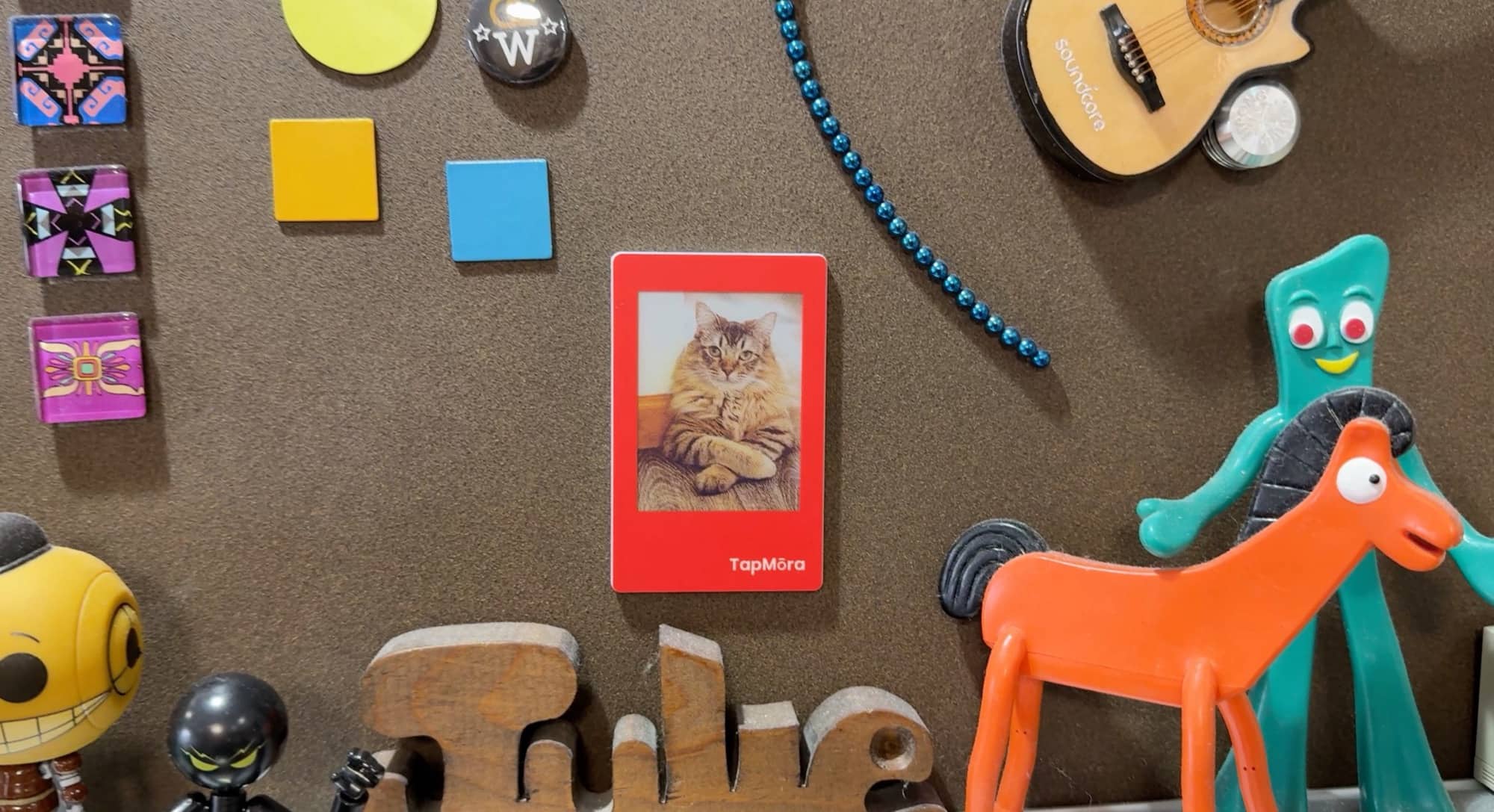
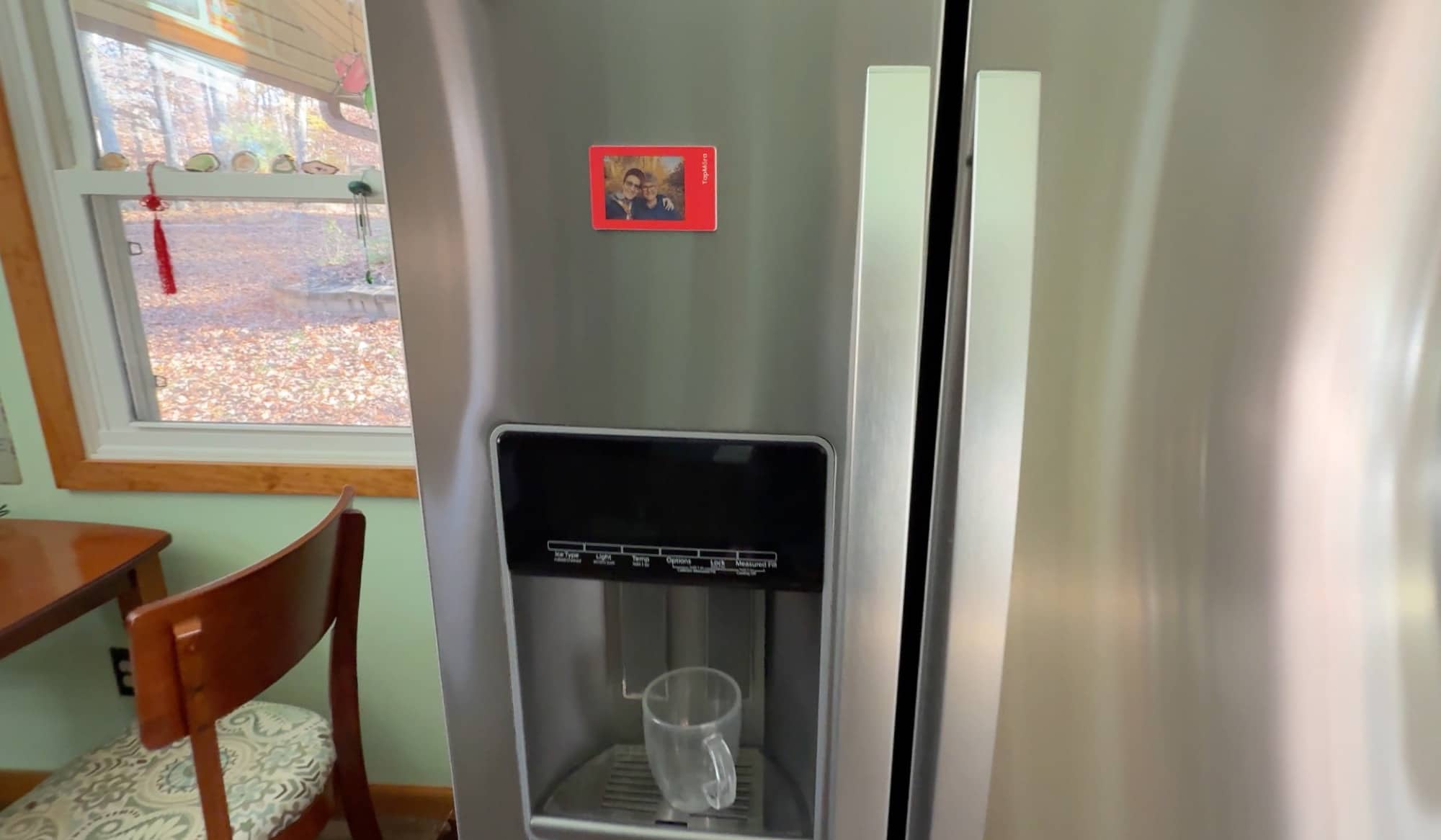
It feels sturdy and rigid. I stuck the red one on my metal bulletin board, where it looked right at home with the rest of my magnets.
The battery-free part is what makes this little gadget interesting to me. Once you get a picture onto it, you can leave it there without thinking about charging anything. It’s a neat idea for a refrigerator magnet that you can change whenever you want.
Setting It Up
I scanned the QR code on the packaging with my iPhone and downloaded Einky. The app asked me to create an account, which immediately earned a little grumbling from me. Don’t you hate having to create another account?
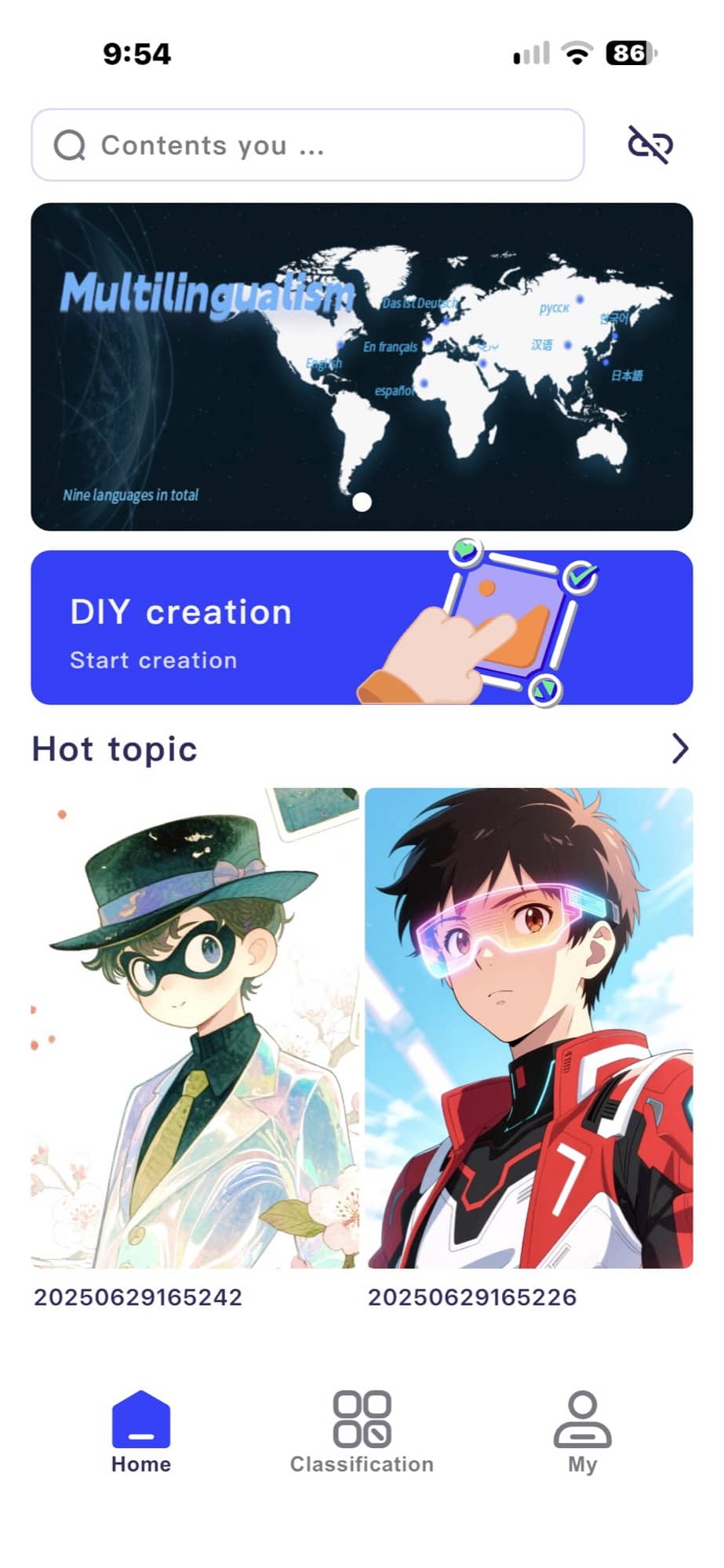

The app includes ready-made images, lets you use your own photos, and has a text option. I also saw an AI generation option, but I didn’t test that. There are adjustments for things like color and saturation, although I left those alone for my first attempt.
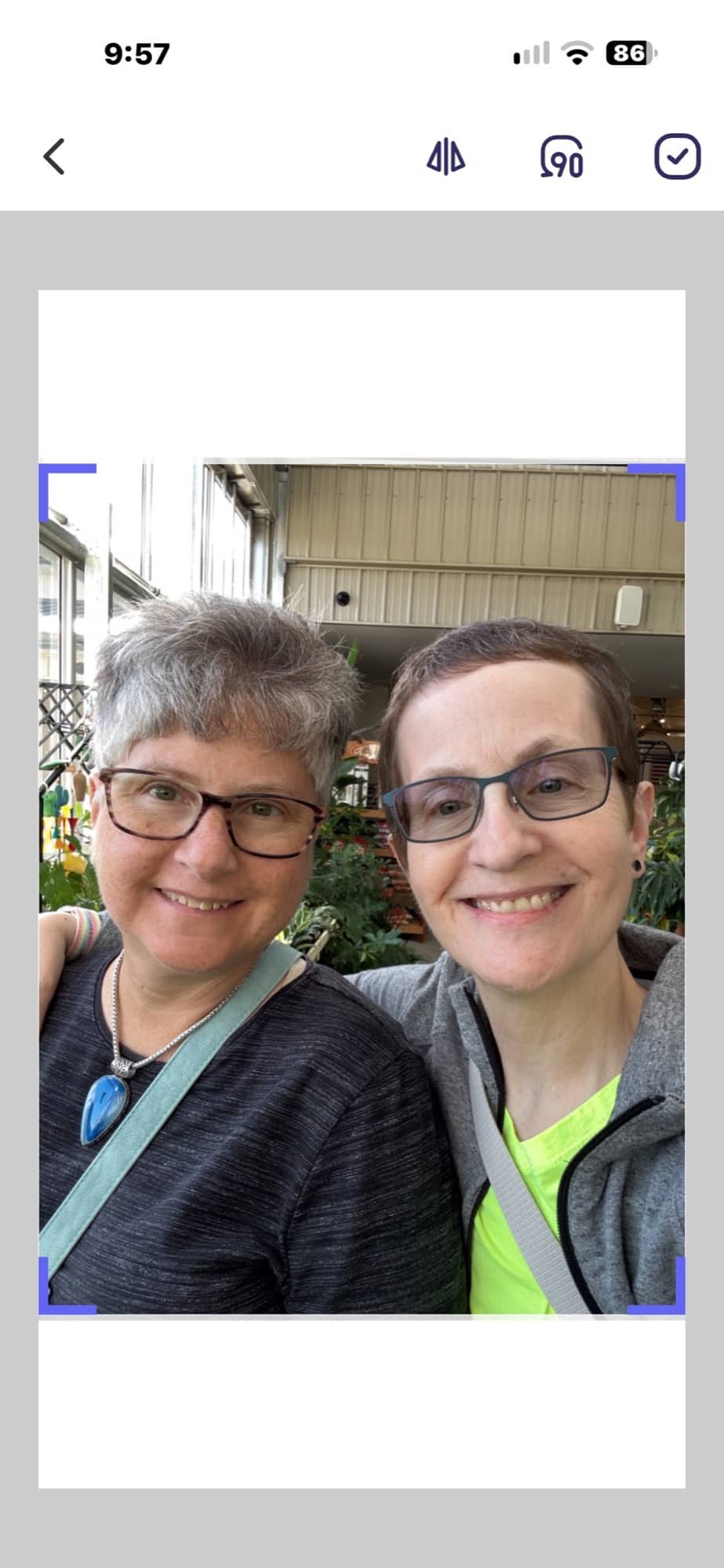
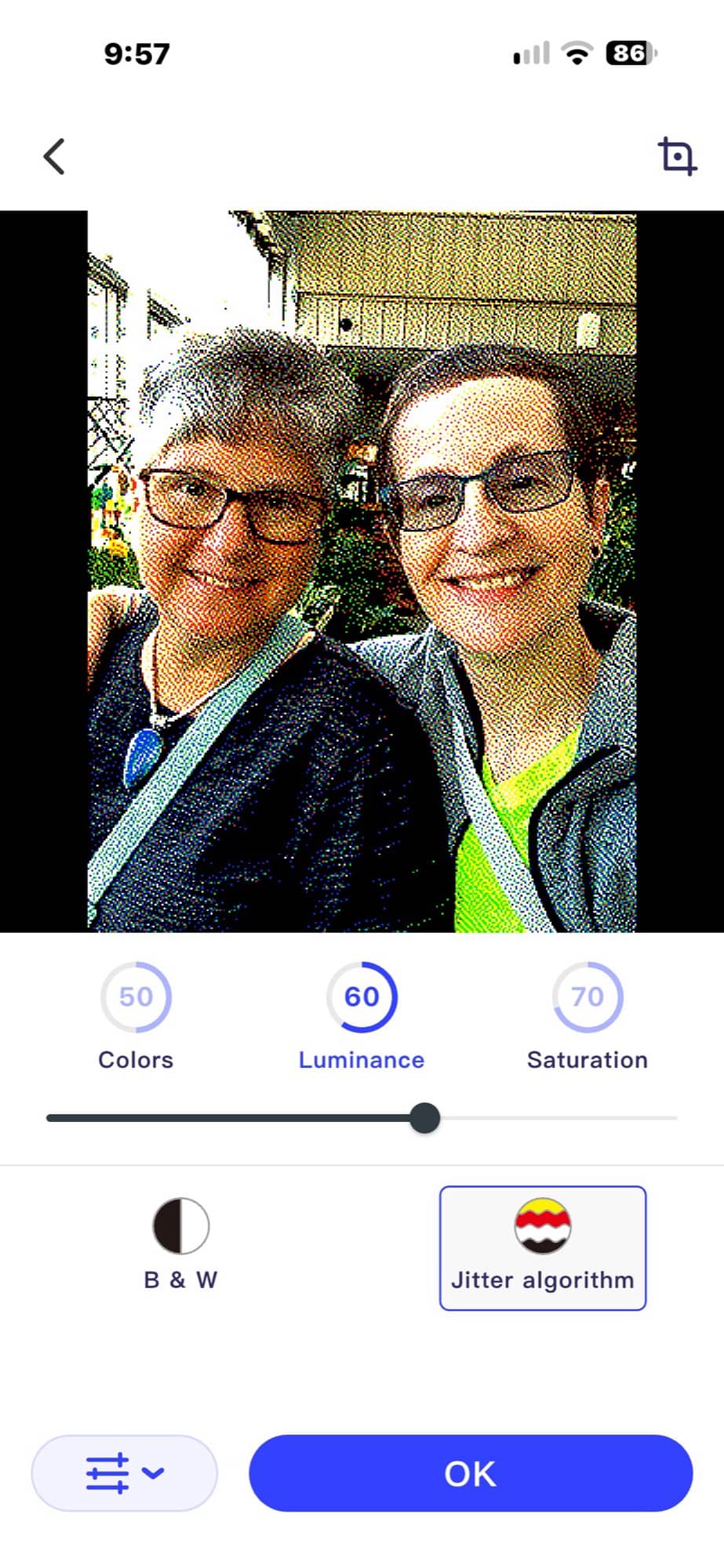

I picked an image and tried sending it to the Tapmora. That’s where things got a little wonky.
Hold Still. No, Really.
You need to hold the phone against the frame while it transfers the image and refreshes the screen. Finding the right position was picky. Several times, the app said the transfer was complete, but the picture didn’t change. Other times, it told me the devices weren’t aligned even though I hadn’t moved.
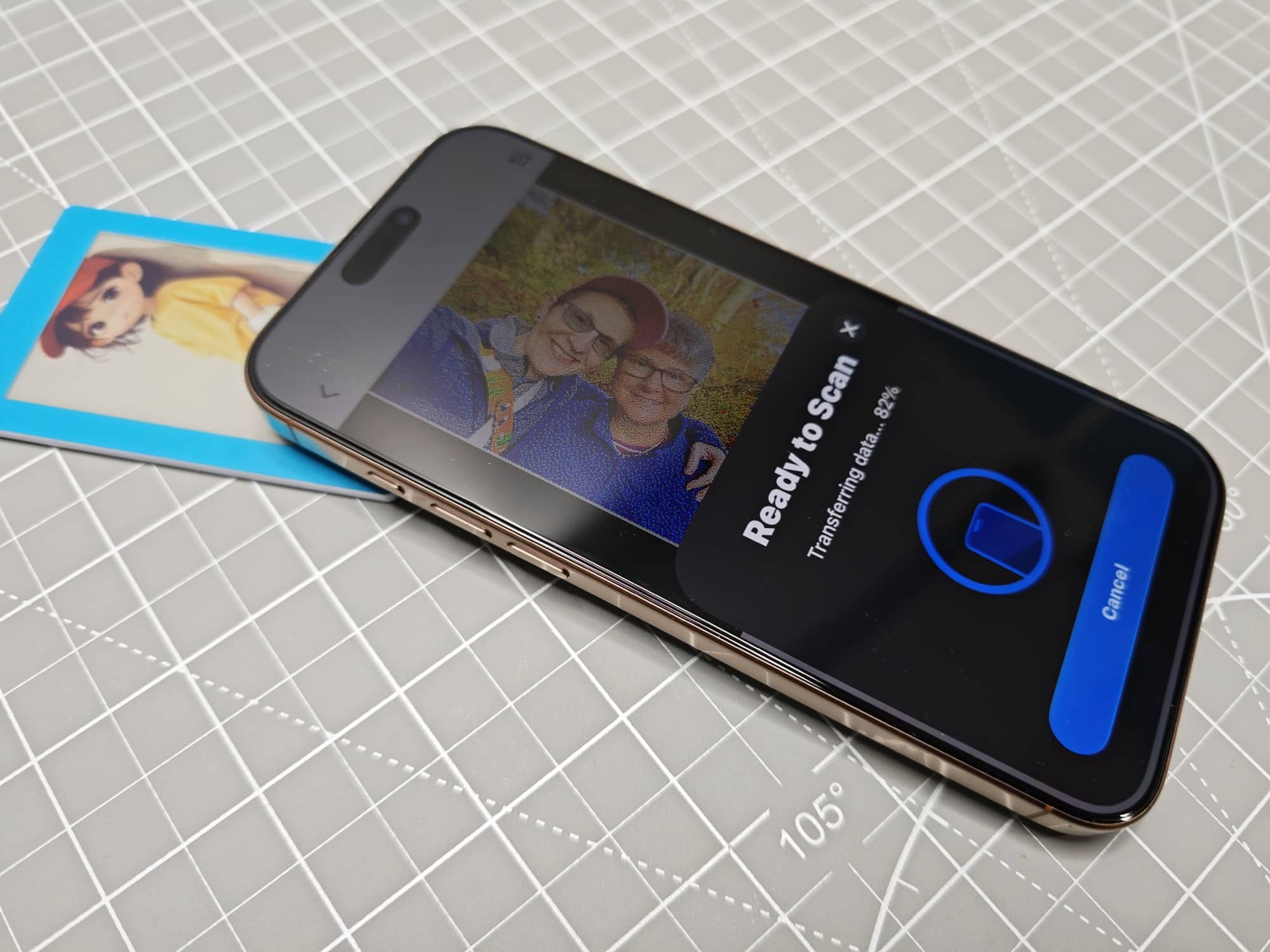
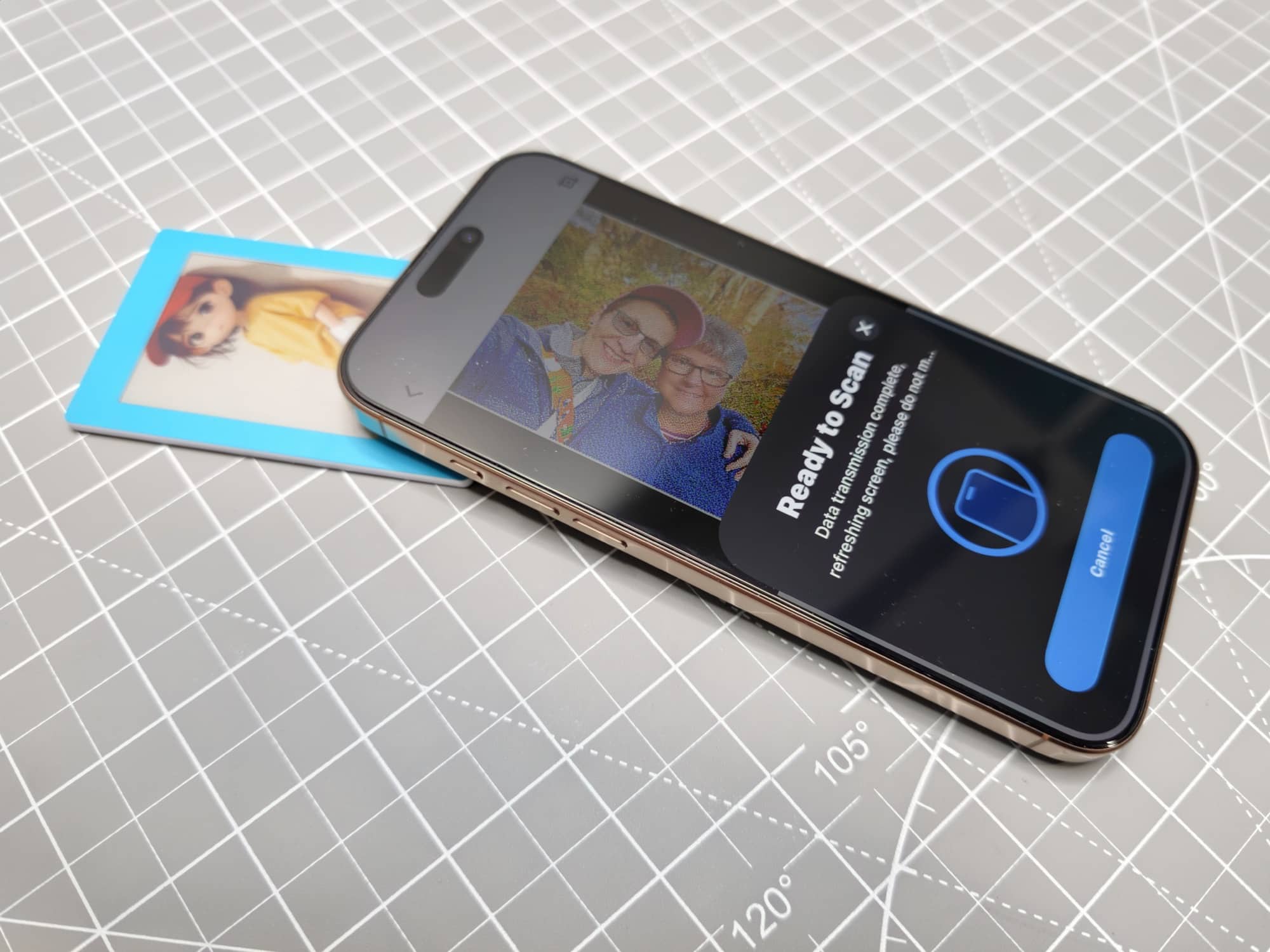
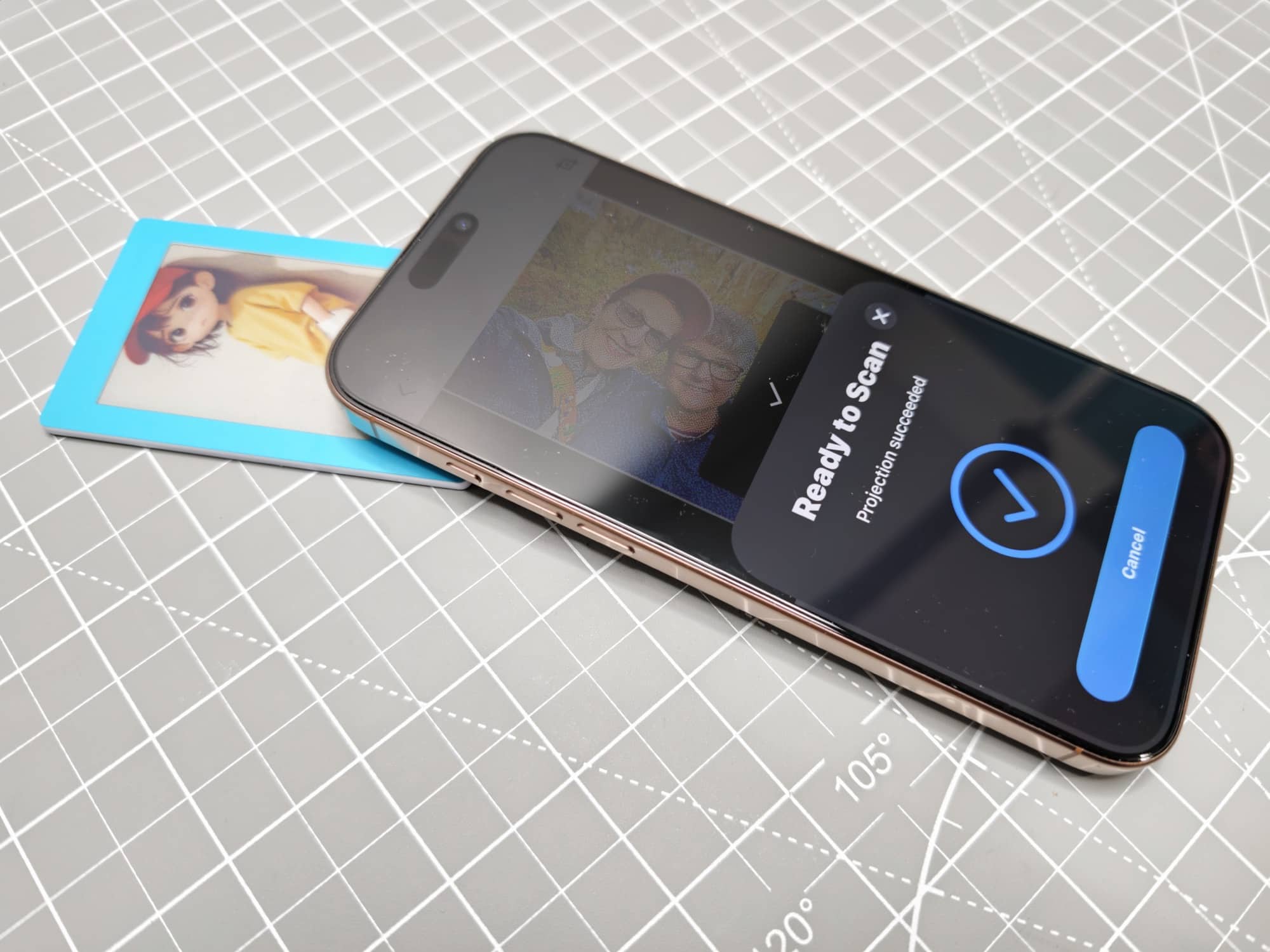
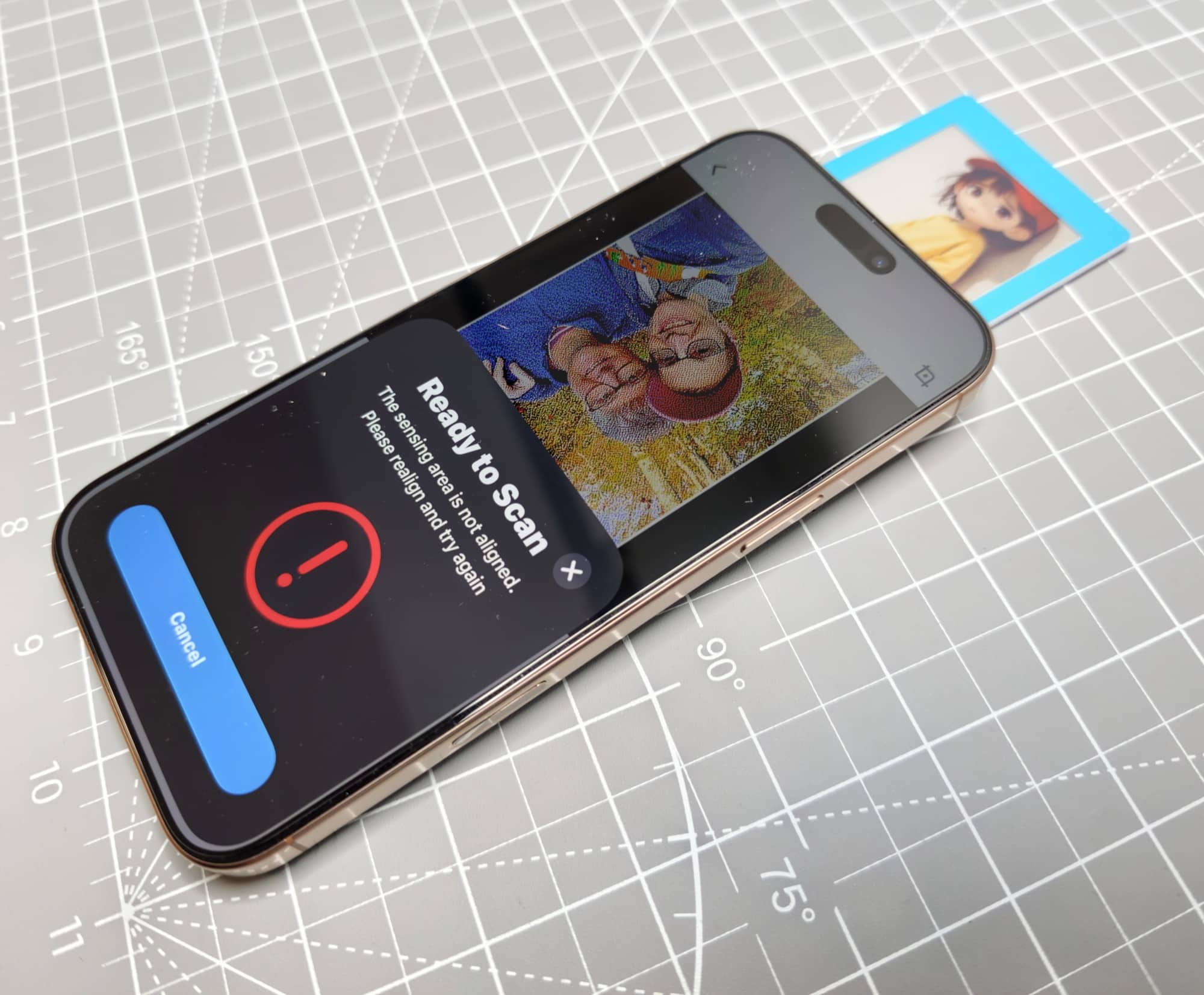
One attempt turned the display black without finishing the picture. Eventually, I picked another image (one of my photos), held everything in place, and watched the display blink through its refresh process. This time it worked.
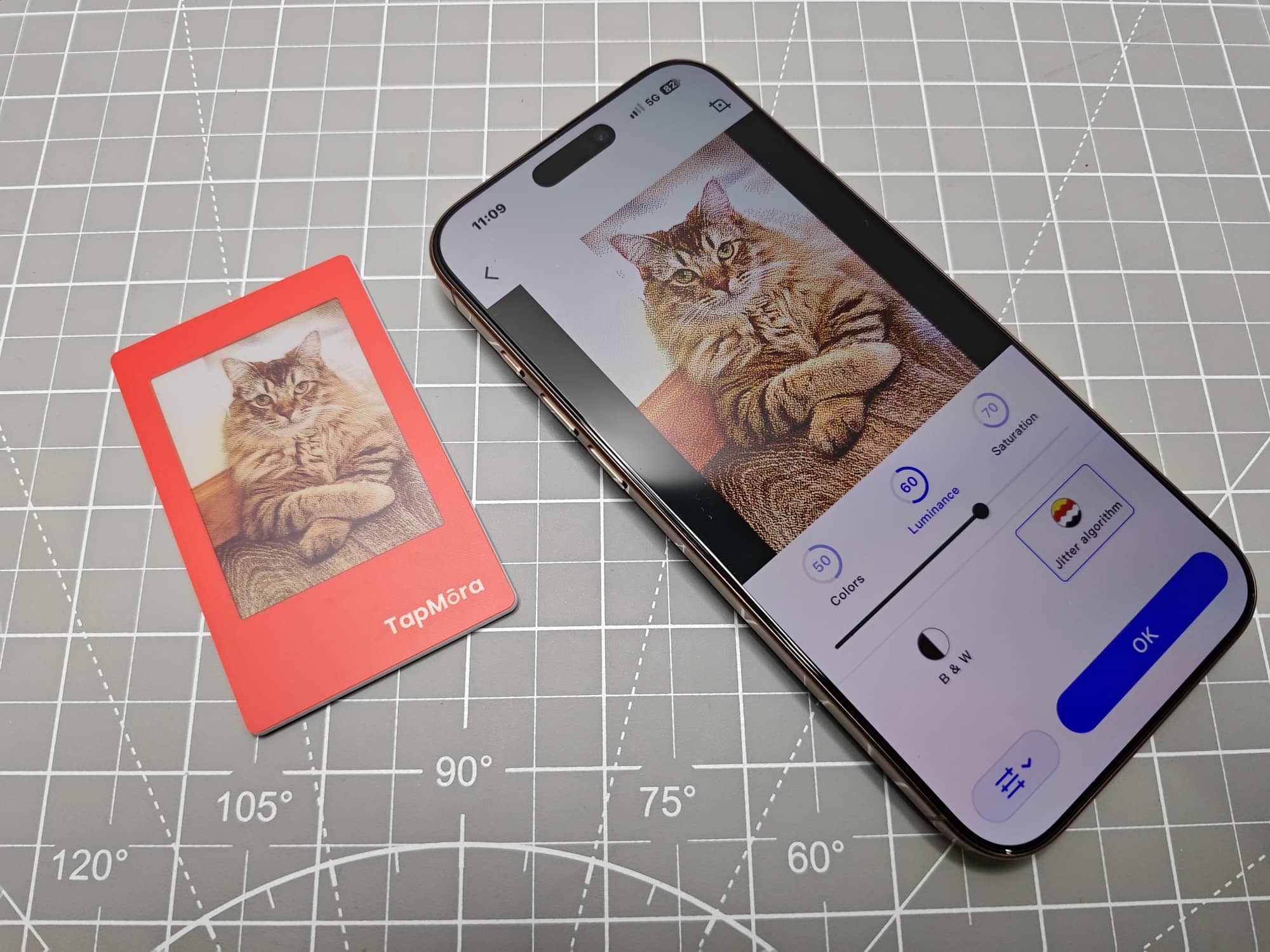
And the picture? It looked way nicer than I expected.
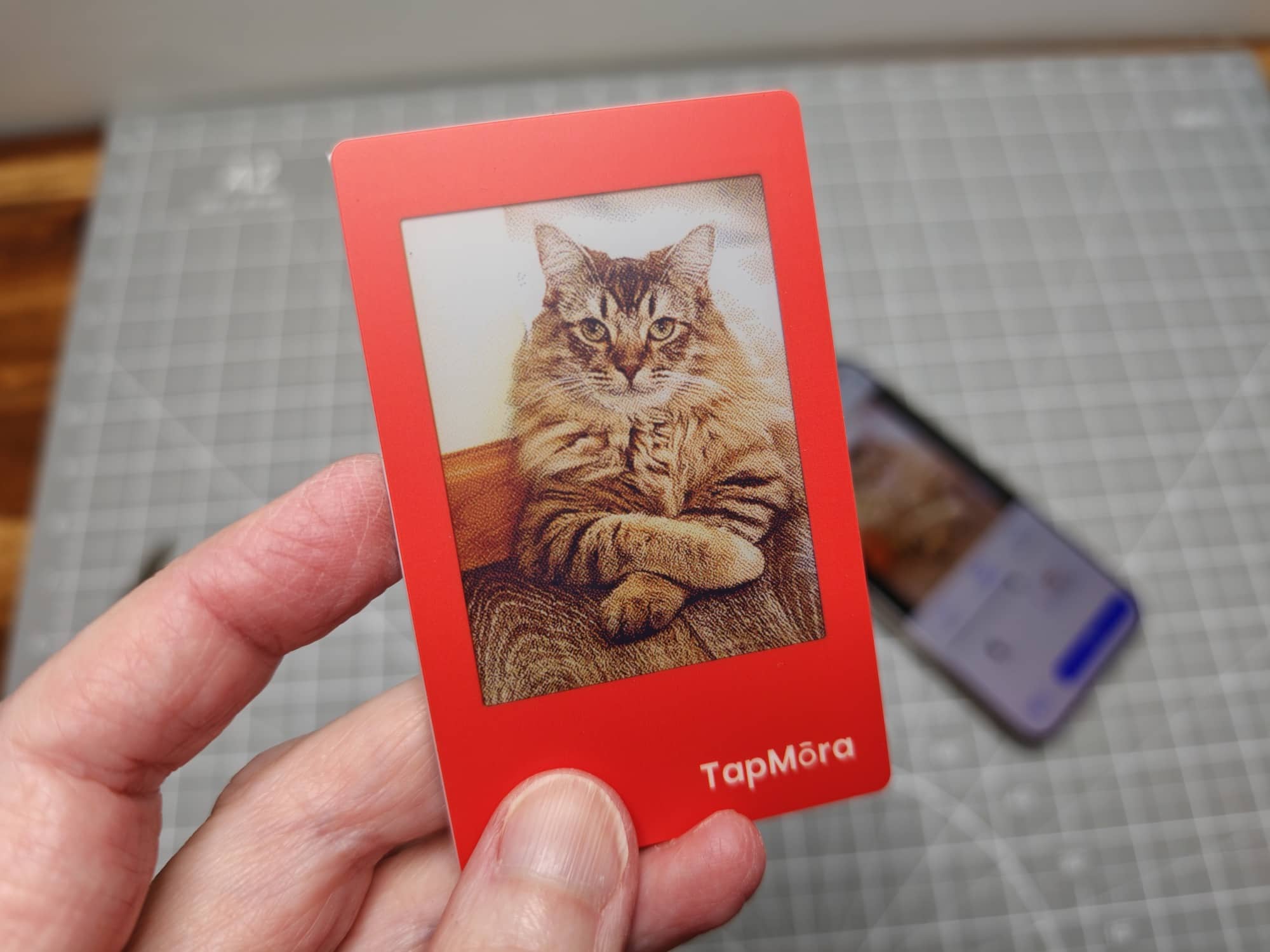
The app processed it into a dotted image that reminded me of a dot matrix printout. After another transfer, Ozzy appeared on the little frame. That was pretty cool. You can see the dots, but I was impressed with how the photo looked on this small E Ink display.
Photos Aren’t the Only Option
I also tried making a to-do list with the app’s text feature.
Sending that list took several attempts, too. At one point, the app said the projection was successful while Ozzy was still staring back at me from the Tapmora display. Eventually, the frame refreshed and showed my list.
So yes, it can display text as well as pictures. I just wish getting either one onto the frame had been more consistent. A clear indication of where to align the phone’s NFC area would have been helpful.
One of My Samples Never Updated
The red-framed Tapmora works, but transfers aren’t 100% reliable. Sometimes I need a couple of attempts before it actually updates, even when the app has already reported success.
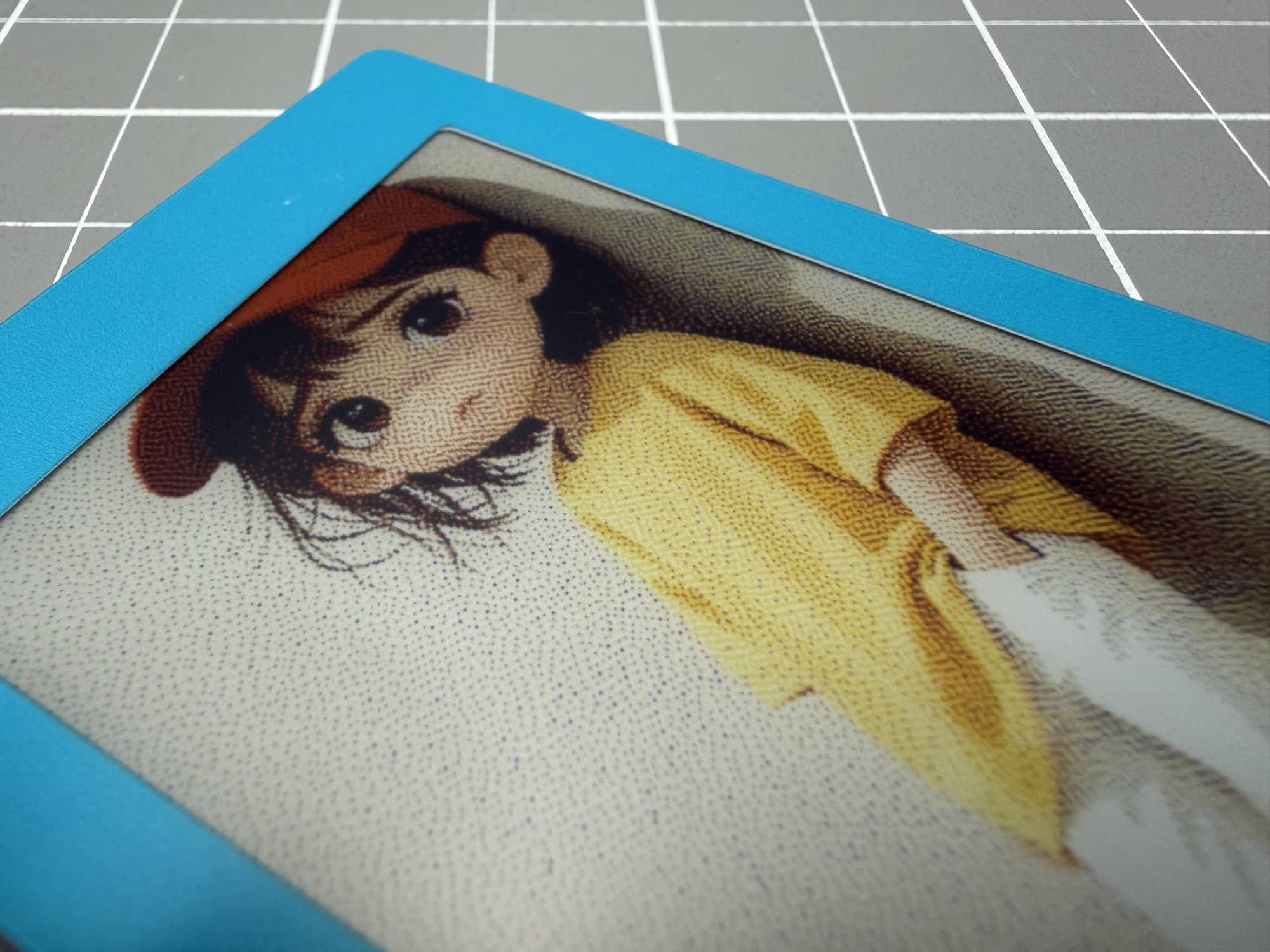
The blue frame never updated at all. I tried it roughly 20 to 25 times using my iPhone 16 Pro Max and my OnePlus 15. Both phones ran into the same problem. The app would report that the image had transferred, then try to refresh the display before timing out or complaining about alignment. I never saw the blue frame itself change.
I think that sample is defective. I can’t say whether the inconsistent transfers on the red one were caused by the app, alignment, or something else. I can say that both made the experience more frustrating than I expected.
See It in Action
My video shows the unboxing, app setup, unsuccessful transfers, and the photos and to-do list I eventually got onto the red frame. It also includes my experience with the blue frame that never updated.
Final Thoughts
I like the Tapmora idea. It’s a fun little refrigerator magnet; the photo quality surprised me, and having an E Ink display that doesn’t need a battery is pretty neat.
But do I recommend it? That depends on how much patience you have. If you want to load a favorite picture and leave it there, I can see the appeal. If you plan to change photos every day, you might get pretty frustrated if yours behaves like my samples. One never worked, and the other needed too many retries.
I’d like to see more reliable transfers and app messages that reflect what actually happened on the display. Until then, this is a photo thingy I enjoyed when it worked, with some wonkiness that needs attention.
The Tapmora e-ink display retails for $29.99 and is available directly from the manufacturer.
What I Like: No battery or charging required; Photo quality was better than I expected; Sturdy frame with a magnetic back; Supports personal photos and text
What Needs Improvement: Unreliable NFC updates; App sometimes reports success without changing the display; Blue review sample never updated; Clearer NFC alignment guidance; Required app account


Be the first to comment on "Tapmora E Ink Photo Magnet Review: A Fun Little Photo Thingy with Some Wonkiness"