
The Lowdown
The Sonos Beam Ultra is the compact Atmos soundbar the Beam always should have been, and it earns a 4.5 out of 5. It sounds full and big for its size. The upward-firing speakers add height effects to movies and TV that I could actually hear; setup on our older Roku TV took seconds, and with the Ace Ultra it becomes a one-button private home theater.
Overall
Pros
- Stunning, full-bodied sound
- Subtle but stylish design
- Upward-firing speakers add realistic effects to movies and TV
- Even the Netflix intro sounds like a movie theater
- Plug-and-play setup over HDMI ARC, working with our older Roku TV’s remote in seconds
- Trueplay room tuning is as easy as walking around the room with your phone
- Speech Enhancement on medium makes dialogue easier to understand without losing other details
- One button moves music or TV sound to Sonos Ace Ultra headphones for private listening
Cons
- You can’t stack anything on top without losing true height effects, which means less room for clutter on your TV cabinet
- Wall mount is sold separately
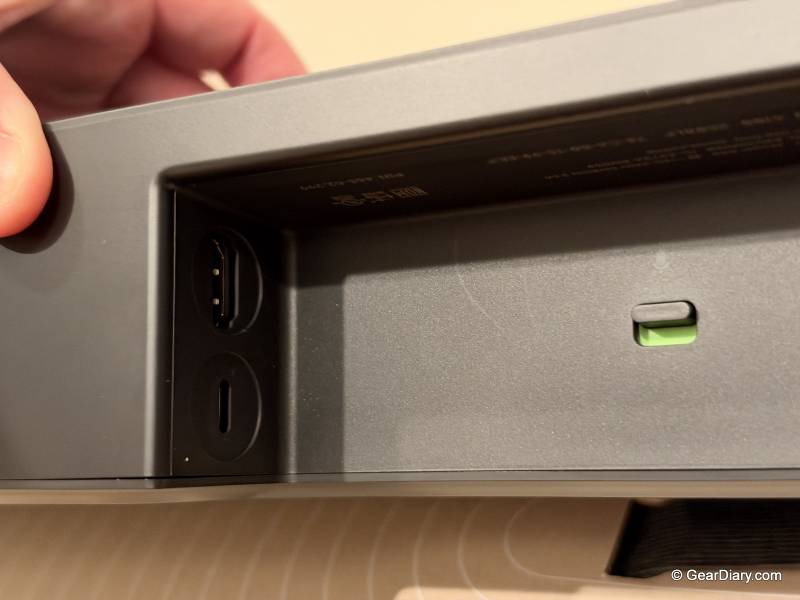
- Optical and Ethernet require adapters sold separately
- No DTS:X support
Flat-screen TVs are great to look at and not much fun to listen to. Their speakers have to fit inside a panel thinner than a paperback, and they typically fire back toward the wall, so voices sound thin and explosions sound like someone dropped a pot lid. A soundbar is the easy fix, but small soundbars have usually had to fake the part of movie sound that comes from above you. The new Sonos Beam Ultra is a compact bar built to stop faking it.
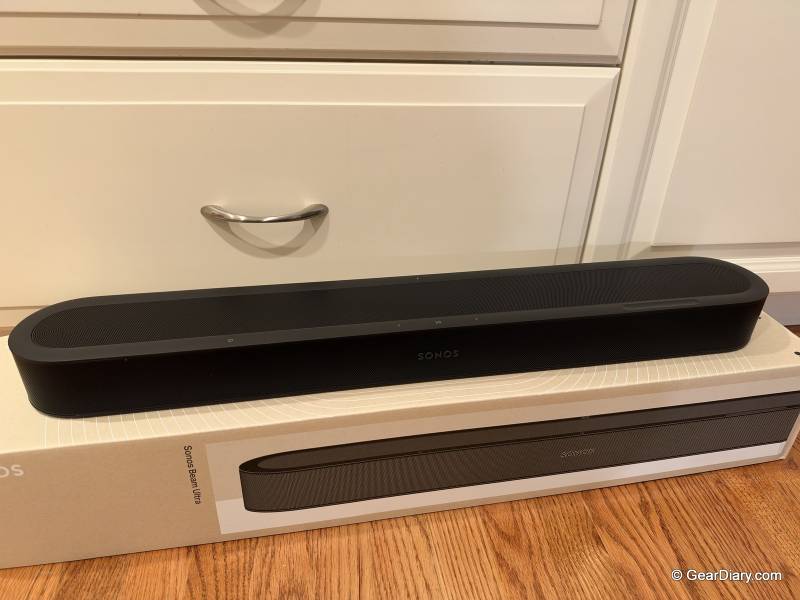
The Sonos Beam Ultra costs $699, which puts it between the $499 Beam (Gen 2), still in the lineup, and the $1,099 Arc Ultra. From the front, it looks like a slightly wider Beam. Inside, Sonos has fitted nine drivers, including two tweeters that fire upward and bounce sound off the ceiling, so the overhead effects in Dolby Atmos movies and shows come from speakers actually aimed up rather than from processing alone.
Dolby Atmos, if you haven’t run into it, is a surround format that adds height to the mix, so a helicopter can sound like it’s above you instead of just off to one side. Sonos calls the result “true 7.1.2” surround sound. In plain English, that’s seven main channels, one bass channel and two overhead channels, all from one bar.
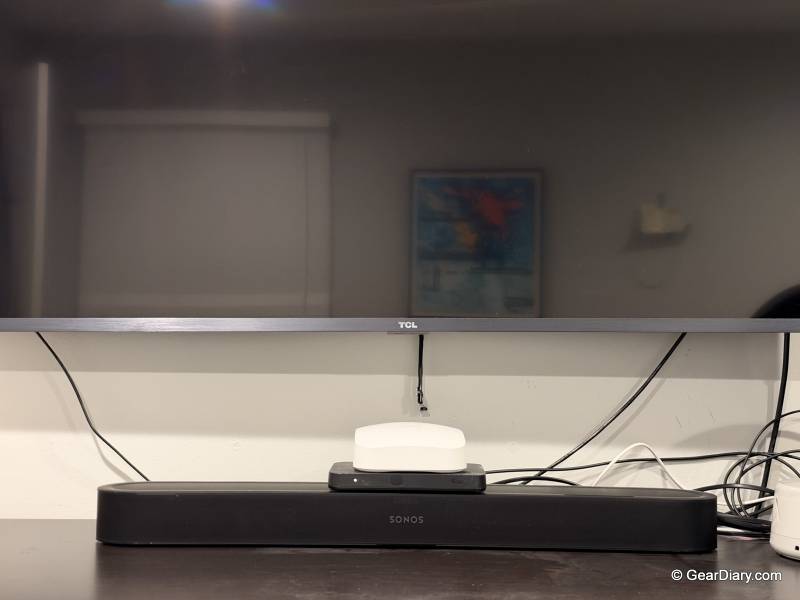
That matters most in rooms where a big soundbar won’t fit, and a bedroom is exactly that kind of room. Sonos sent us a Beam Ultra, and I’ve had it in our bedroom for about a month, sitting on the furniture under an older Roku TV with a plain HDMI ARC port. It’s been running on its own, with no subwoofer or rear speakers. I also used it with the Sonos Ace Ultra headphones, which we reviewed separately.
My quickest takeaway is a silly one. Netflix’s two-note “dun dun” intro, the one that plays before every show, made it feel like we were sitting in a movie theater instead of our bedroom. It’s two seconds of audio, but it’s two seconds most people hear every night, and it was the first time we really FELT the spatial audio.
Sonos Beam Ultra Quick Specs:
- Price: $699
- Colors: Black or white, matte finish
- Channels: 7.1.2 Dolby Atmos (per Sonos)
- Drivers: 9 total; five tweeters (one center, two side-firing, two upward-firing) and four low-profile woofers
- Amplifiers: Nine Class-D
- Audio formats: Dolby Atmos, Dolby Atmos Music, Dolby TrueHD, Dolby Digital Plus, Dolby Digital, multichannel PCM, DTS Digital Surround; no DTS:X
- TV connection: HDMI eARC (works with ARC); TrueHD and multichannel PCM need eARC; optical through an adapter sold separately
- Wireless: Wi-Fi 6 (2.4 and 5 GHz), Bluetooth 5.3, Apple AirPlay 2
- Wired extras: Ethernet and 3.5 mm line-in through USB-C adapters sold separately
- Voice: Sonos Voice Control
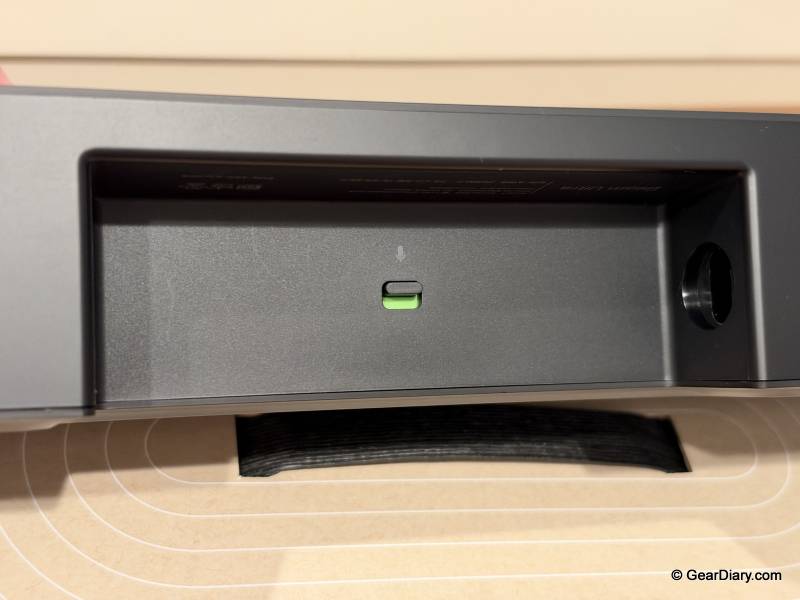
- Microphones: Far-field array, with a switch on the back that cuts power to them
- Room tuning: Trueplay; quick tuning on iOS and Android, advanced tuning on iPhone and iPad only
- Listening features: AI Speech Enhancement (four levels), Night Sound, adjustable bass, treble and loudness
- Headphones: TV Audio Swap to Sonos headphones, including Dolby Atmos
- Expansion: Sonos subwoofer and rear surrounds, including a matching pair of Sonos Play or Move 2 portable speakers
- Dimensions: 2.56 x 29.53 x 4.13 inches (65 x 750 x 105 mm), H x W x D
- Weight: 6.35 pounds (2.88 kg)
- Placement: At least 4 inches (10 cm) of open space above the bar and 1 inch (2.5 cm) on each side, per Sonos
- Wall mount: Beam Ultra Wall Mount, sold separately ($69)
- Requirements: Wi-Fi network and the Sonos app
- In the box: Beam Ultra, power cable, 6.6 ft (2 m), HDMI cable, 4.9 ft (1.5 m), setup guide
Design and Placement: Small Enough for the Bedroom, Picky About What Sits on Top
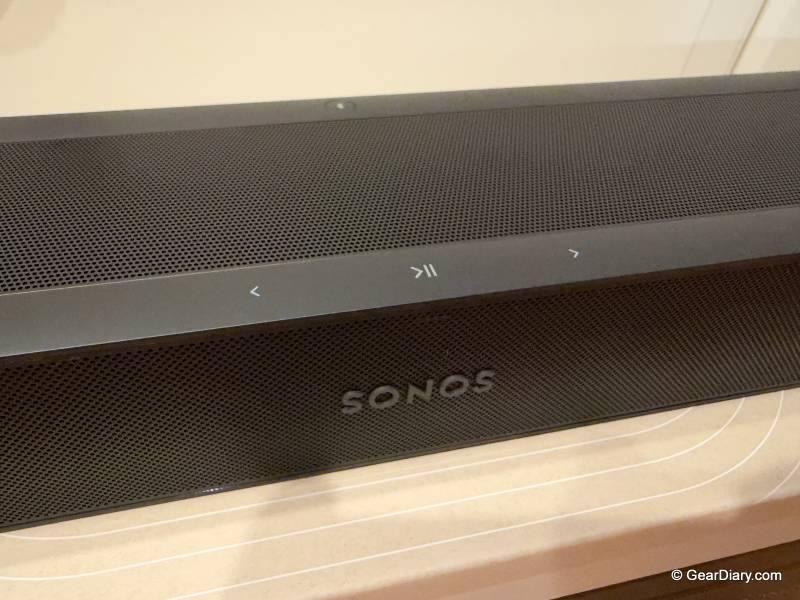
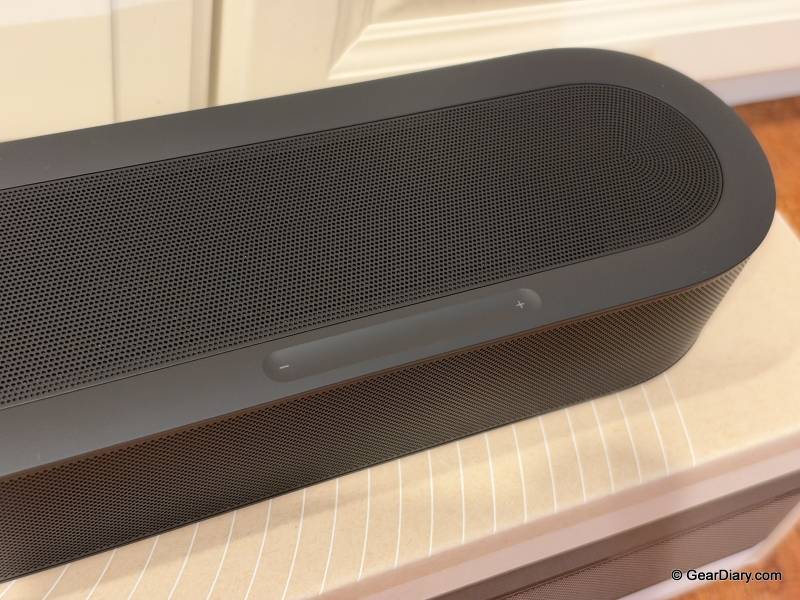
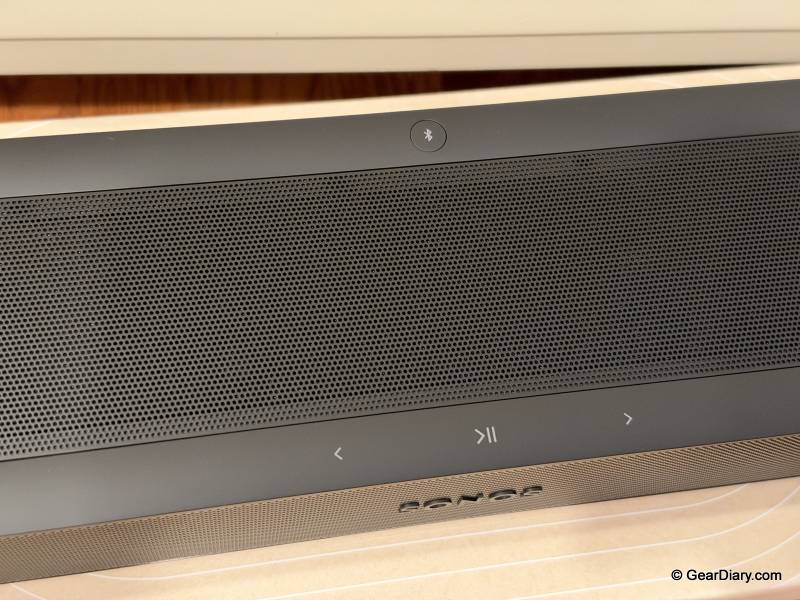
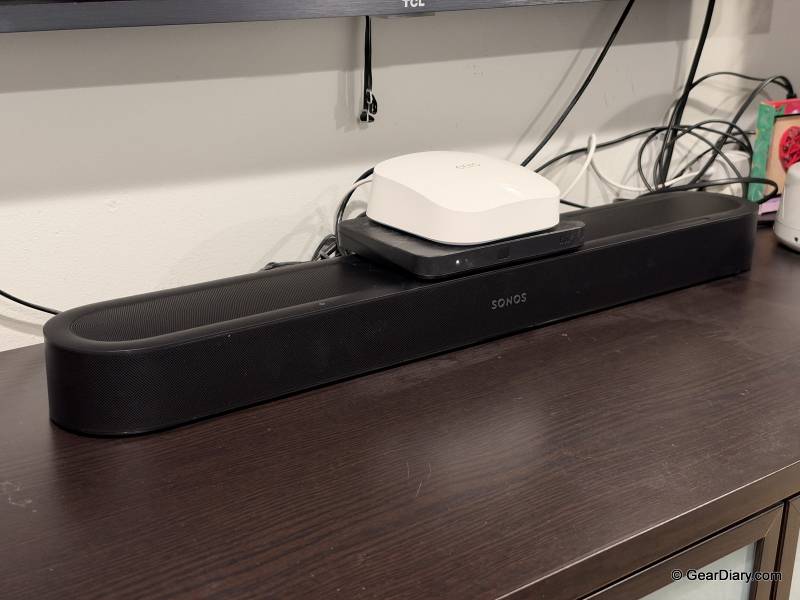
Sonos lists the Beam Ultra at 29.53 inches (750 mm) wide, about 3.9 inches (99 mm) wider than the Beam (Gen 2), and 2.56 inches (65 mm) tall, a hair shorter than the older bar. It weighs 6.35 pounds (2.88 kg). The matte finish comes in black or white, and the top has touch controls for play and pause, skipping tracks, and a volume slider. Ours is the black version, and it sits on the cabinet under our bedroom TV. It looks great there, subtle but stylish.
The top is also where the one real compromise lives. Those upward-firing tweeters need a clear path to the ceiling, so Sonos’s setup guide asks for at least 4 inches (10 cm) of open space above the bar, and that includes the gap to the bottom of the TV if the bar sits underneath it.
It also wants an inch (2.5 cm) of space on each side and says not to enclose the bar in a cabinet. In practice, nothing gets stacked on top. If your TV lives on a narrow stand or in a snug entertainment center, the spot where a cable box or streaming box might have gone is gone. Sonos would like you to know that the top of a $699 soundbar is not a shelf.
In our bedroom, the effect was modest. The clearance rule meant we couldn’t keep as much clutter on the cabinet as we used to, and that was the only change. If your TV furniture is already crowded, though, plan where everything else will go before the bar arrives.
There are two ways around it. A setting in the app called Simulated Overhead Sound tells the bar its top is blocked, and Sonos says it then simulates the height effects instead of firing sound up into whatever’s sitting there. It’s a sensible fallback, but it means paying for real height speakers and then not using them. The other option is the wall. The Beam Ultra Wall Mount is an extra $69, and if you’re upgrading from an older Beam, your current bracket won’t work. Sonos says the Beam Ultra isn’t compatible with mounts made for the Beam (Gen 2), Arc, or Arc Ultra.
Setup and App: Working in Seconds on an Older TV
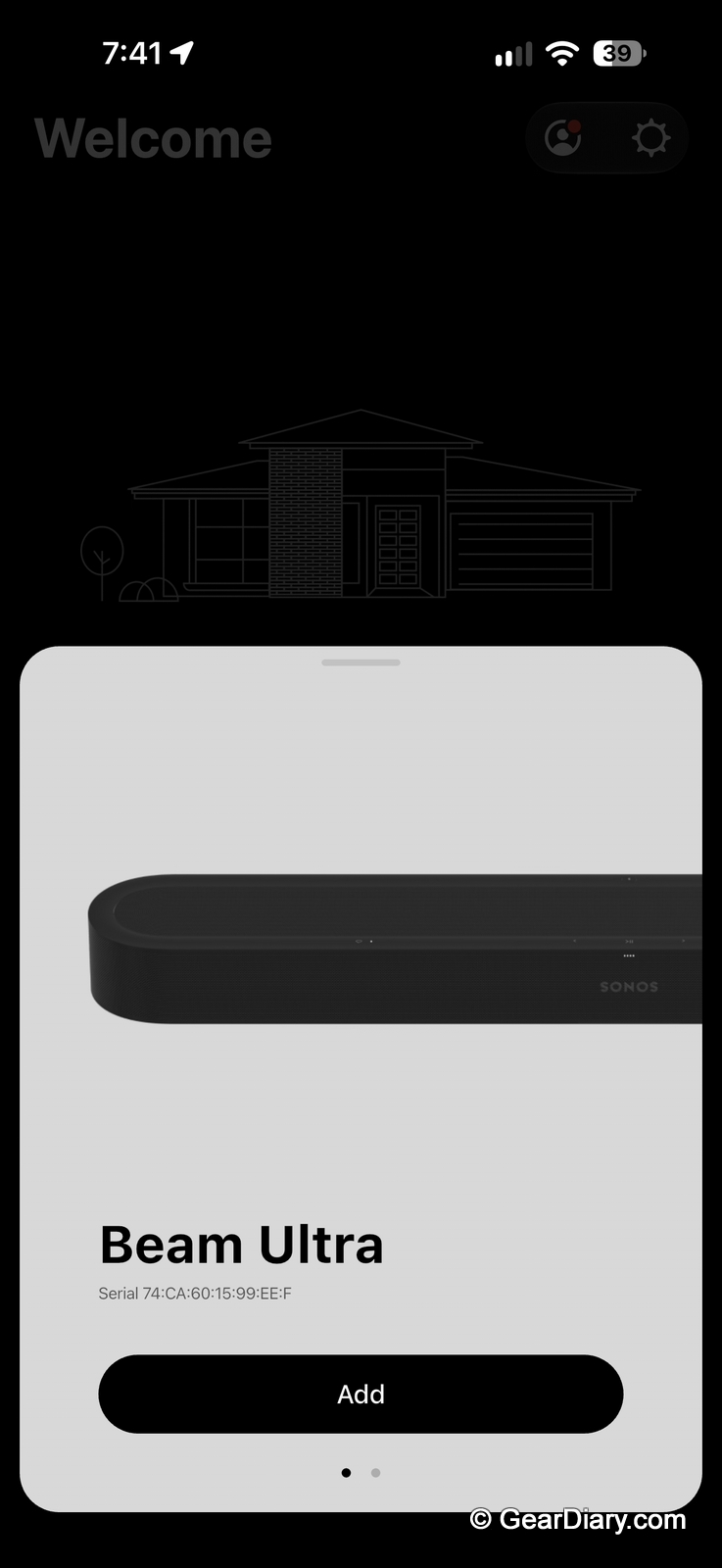
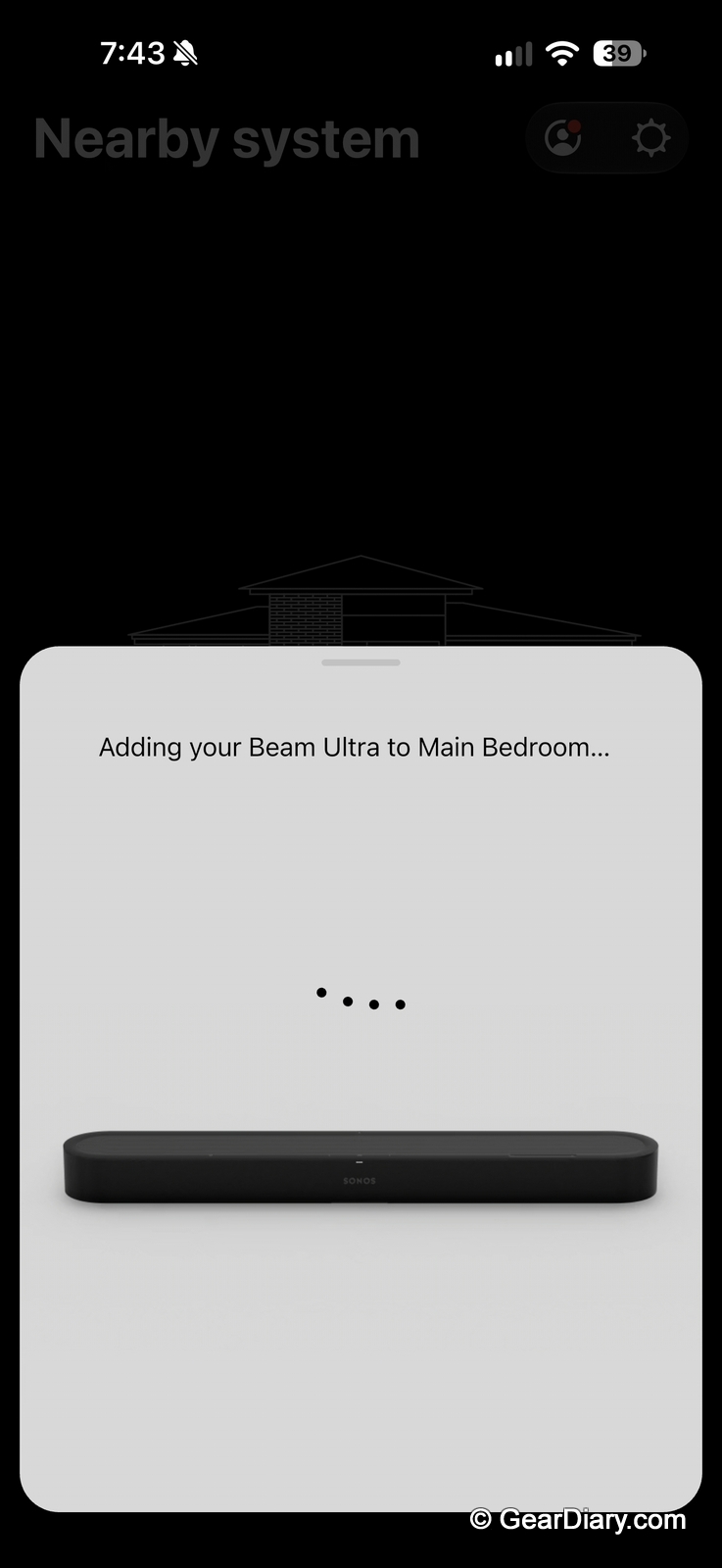
The Sonos Beam Ultra’s setup is about as simple as home theater gets. One HDMI cable, included in the box, runs from the bar to the TV’s HDMI ARC or eARC port. ARC stands for Audio Return Channel, a feature that lets the TV send its sound back down the HDMI cable to a soundbar. eARC is the newer version with more bandwidth.
Our Roku TV is a few years old and only has ARC. I plugged the Beam Ultra into that port, and within seconds it was integrated and working with the TV’s own remote. That’s thanks to a standard feature called HDMI-CEC, which lets devices on an HDMI connection control each other, and it means there’s no second remote to lose in the bedding.
The Sonos app also showed Dolby Atmos coming through over that plain ARC connection. Atmos from streaming apps usually arrives inside Dolby Digital Plus, a compressed format that fits through ARC. Sonos says the heavier formats, like Dolby TrueHD (the lossless version on Blu-ray discs) and multichannel PCM, need eARC.
The Sonos app handles the rest, including Trueplay, Sonos’s room-tuning feature. Trueplay measures how sound bounces around your room and adjusts the soundbar’s EQ to match. Sonos offers a quick version that uses the soundbar’s own microphones and works with iOS and Android, and an advanced version, iPhone and iPad only, that has you walk around the room with your phone. That’s the one I ran on my iPhone. It was as easy as walking around our bedroom, holding the phone so its microphone could pick up the sound in different parts of the room.
After that, I barely opened the app. The Sonos Beam Ultra felt so built into the TV that there was no reason to. The TV remote handled volume, and the soundbar just played whatever was on screen. The only other time I used the Sonos app was to play music from Apple Music. For a soundbar, needing the app that rarely is a compliment.
Beyond that, there’s nothing to maintain. You won’t be replacing filters or batteries, and there’s no subscription. Sonos pushes software updates through the app, and the bar works with the streaming services you already use, plus AirPlay 2 and Bluetooth 5.3 for anything else.
Movie and TV Sound: Height Channels You Can Actually Hear
Sonos’s marketing promises that “movies sound wider. Dialogue sounds clearer. Bass hits harder.” I can’t measure any of that, but I can tell you what it sounded like in our bedroom, and the short answer is that it sounds stunning. It’s full-bodied, and that’s from the bar alone, with no subwoofer attached.
The upward-firing tweeters are why you pay $200 more than you would for the Beam (Gen 2). On movies and TV, they add effects that sound realistic rather than gimmicky. Even the Netflix intro felt like we were in a movie theater, and when the oil derrick explodes in There Will Be Blood, the explosion felt like it was in the room with us.
One bar can only do so much. Without rear speakers, surround sound means a wide, tall wall of sound in front of you, not effects coming from behind your head. If you want that, Sonos lets you add a subwoofer later, plus rear surrounds, including a matching pair of Sonos Play or Move 2 portable speakers. We’ve never had a sub or rear speakers in our bedroom, so I can’t say I missed them.
Features: Plenty of Settings, None of Them Required
The Sonos Beam Ultra packs in a lot of tools you can ignore until you need them. AI Speech Enhancement, Sonos says, picks out voices and brings them forward, with four levels to choose from in the app. Night Sound lowers the loudest moments and lifts the quiet ones, so a car chase doesn’t wake the rest of the house. It also has bass, treble, and loudness controls. For voice, the bar uses Sonos Voice Control, and a switch on the back cuts power to the microphones if you’d rather it not listen at all.
Speech Enhancement is the one I’d turn on. I used it on the medium setting, and it made dialogue easier to understand without losing the other details in the mix. I didn’t try Night Sound.
Sonos Ace Ultra: One Button to Private Listening
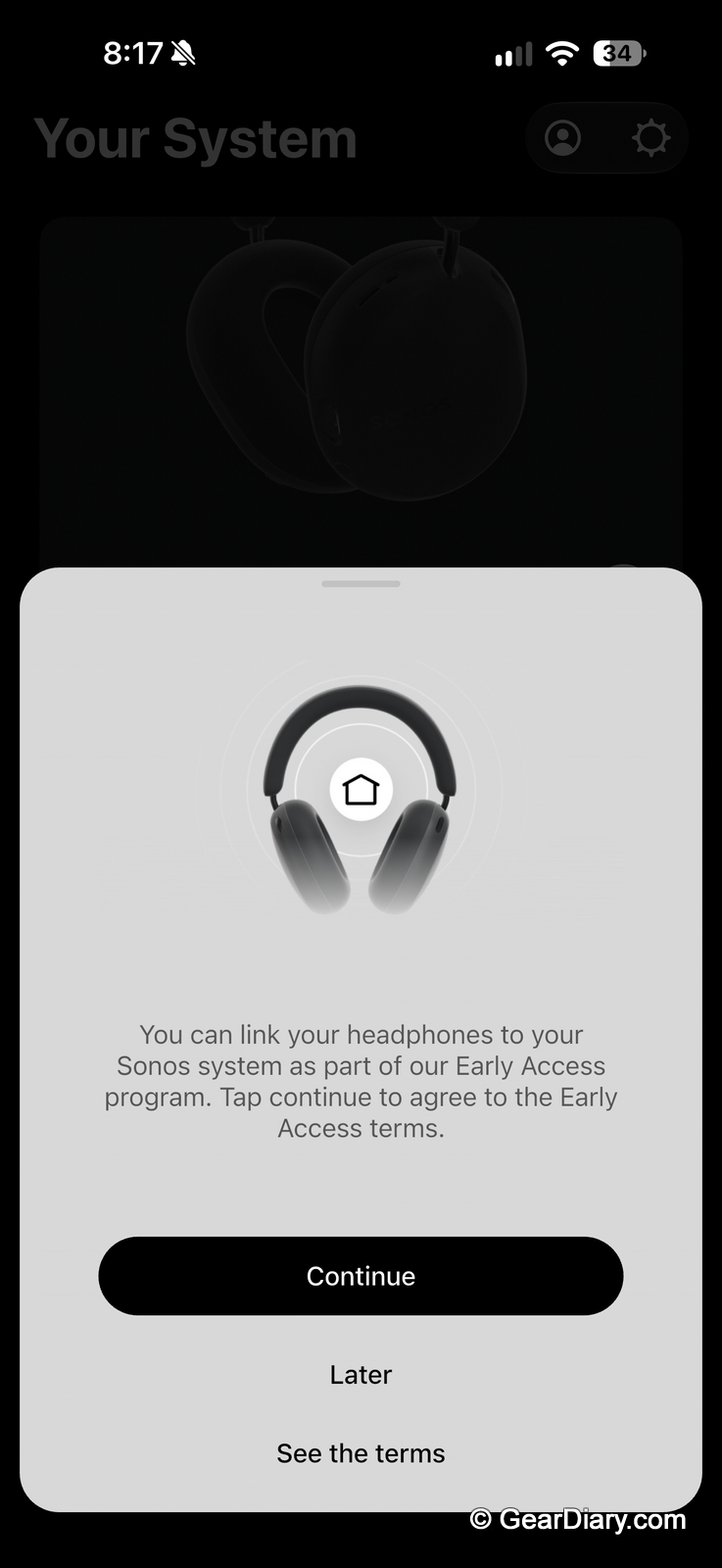
The Sonos Beam Ultra and the Sonos Ace Ultra headphones went on sale together on September 29, and they’re designed to work as a pair. Sonos’s TV Audio Swap feature sends the soundbar’s audio, including Dolby Atmos, to Sonos headphones, then sends it back when you’re done.
In testing, it was very easy. One press of a button on the headphones moved whatever was playing through the soundbar, music or TV, over to the Ace Ultra for private listening, with no digging through menus.
That’s especially handy in a bedroom, where one person may want to keep watching while the other sleeps. The Ace Ultra is $449 and sold separately, so it’s not a small add-on. If you already own a pair, though, it makes the Beam Ultra a lot more useful.
You can check out our full review of the Sonos Ace Ultra headphones!
Where It Fits Against Other Soundbars
At $699, the Sonos Beam Ultra sits in the middle of Sonos’s soundbar lineup, so that’s the easiest place to start. The Beam (Gen 2) is $499, $200 less, and 25.6 inches (651 mm) wide. It supports Dolby Atmos but creates height effects virtually, with no upward-firing speakers. If your setup can’t spare 4 inches (10 cm) above the bar and you’d end up using Simulated Overhead Sound anyway, the Gen 2 is the smarter buy. Below that sits the Sonos Ray, $219 on Sonos’s site as I write this. It skips Atmos and voice control and is really for people who just want clearer TV audio.
Above the Beam Ultra is the Arc Ultra, now $1,099 at Sonos. Sonos calls it a 9.1.4 bar, and it uses the company’s Sound Motion woofer for bass. It’s also far bigger, at 46.38 inches (1,178 mm) wide and 13 pounds (5.9 kg). That’s the one for a large living room and a big TV, and it’s worth watching for a sale if you have the room.
Outside of Sonos, the Sony Bravia Theater Bar 6 is the obvious value competitor. It’s a 3.1.2 system with two upward-firing speakers and a wireless subwoofer in the box. It launched at $650 and has regularly sold for well under that. It also supports DTS:X. You get a dedicated subwoofer, but you give up the Sonos ecosystem, including multiroom music and the headphone swap. Bose’s Smart Soundbar is another compact Atmos option for people who aren’t committed to Sonos.
You should buy something else if you watch a lot of 4K Blu-ray discs with DTS:X soundtracks. DTS:X is DTS’s rival to Dolby Atmos, and none of Sonos’s current soundbars decode it. The same goes if you want a subwoofer included, if your room is big enough that a compact bar will struggle, or if your TV setup needs the space on top of the bar.
The Bottom Line
The Sonos Beam Ultra is the compact Atmos soundbar the Beam always should have been, and it earns a 4.5 out of 5. It sounds full and big for its size. The upward-firing speakers add height effects to movies and TV that I could actually hear; setup on our older Roku TV took seconds, and with the Ace Ultra it becomes a one-button private home theater.
The limitations are real but narrow. You can’t stack anything on top of the bar without giving up its best feature; the wall mount costs $69 extra, and optical and Ethernet connections need adapters. There’s no DTS:X, and at $699, it costs $200 more than the Beam (Gen 2).
The Beam Ultra shines in a bedroom or other smaller room, under a TV with a few inches of open space above it, especially in a house that already has Sonos speakers or headphones.
The Sonos Beam Ultra is $699 in black or white; it is available directly from the manufacturer and from other retailers, including Amazon. The optional $69 Beam Ultra Wall Mount is sold separately.
Source: Manufacturer-supplied review sample
What I Like: Stunning, full-bodied sound; Subtle but stylish design; Upward-firing speakers add realistic effects to movies and TV; Even the Netflix intro sounds like a movie theater; Plug-and-play setup over HDMI ARC, working with our older Roku TV’s remote in seconds; Trueplay room tuning is as easy as walking around the room with your phone; Speech Enhancement on medium makes dialogue easier to understand without losing other details; One button moves music or TV sound to Sonos Ace Ultra headphones for private listening
What Needs Improvement: You can’t stack anything on top without losing true height effects, which means less room for clutter on your TV cabinet; Wall mount is sold separately; Optical and Ethernet require adapters sold separately; No DTS:X support



Be the first to comment on "Sonos Beam Ultra Review: Big Dolby Atmos Sound from a Compact Soundbar That Turns Your Bedroom into a Home Theater"