It’s important to place the humidifier where it can face the room you want it working in; Dyson recommends a corner or near the AC vent or heater so that the humidifier can effectively circulate treated air; it should always be at least 3.2′ from any wall, and if you want to prevent a cooling effect on people from the mist produced, you’ll want to place it at least 3.2′ feet from any people.
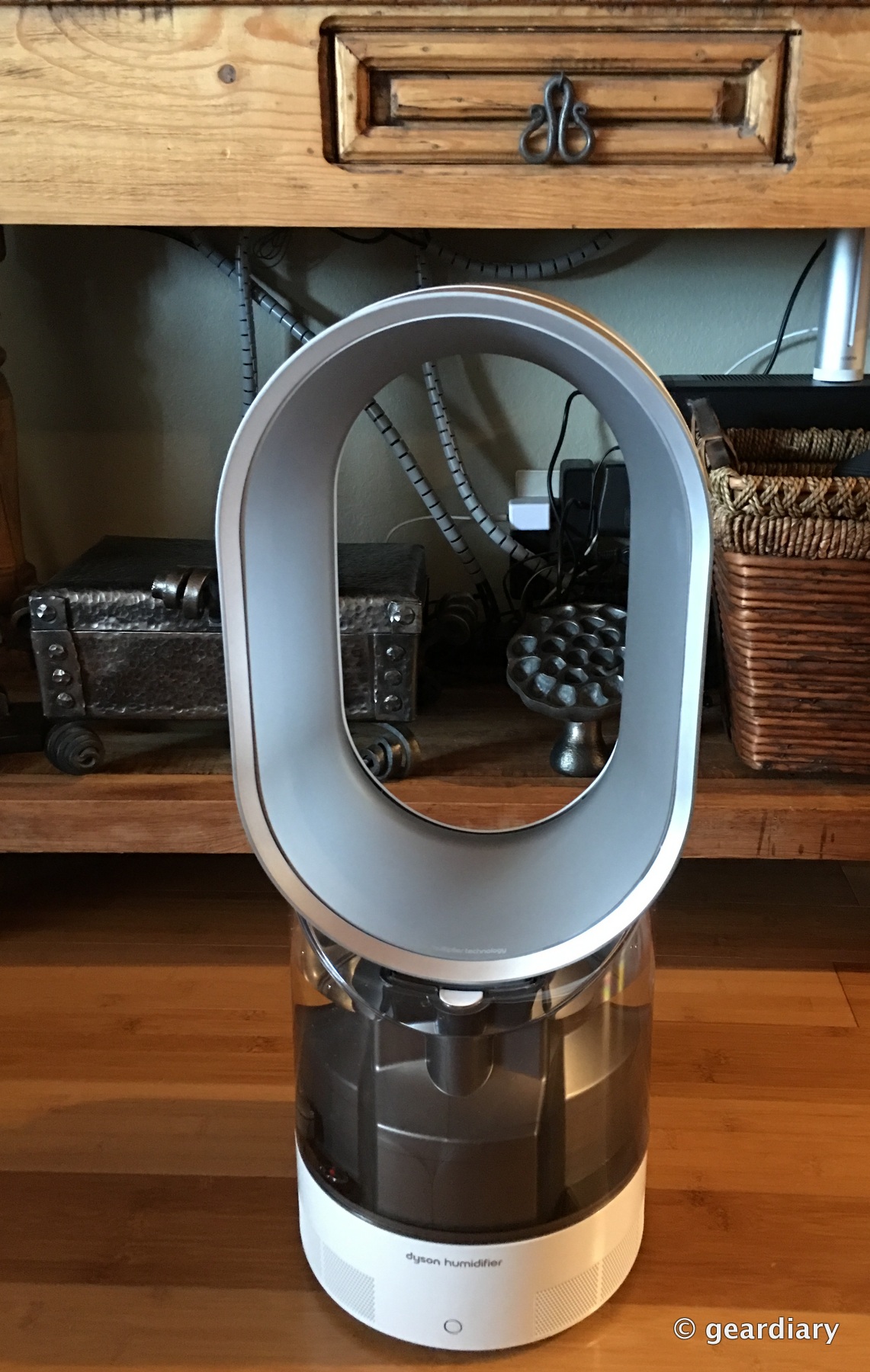
The AM10 looks great, doesn’t it?
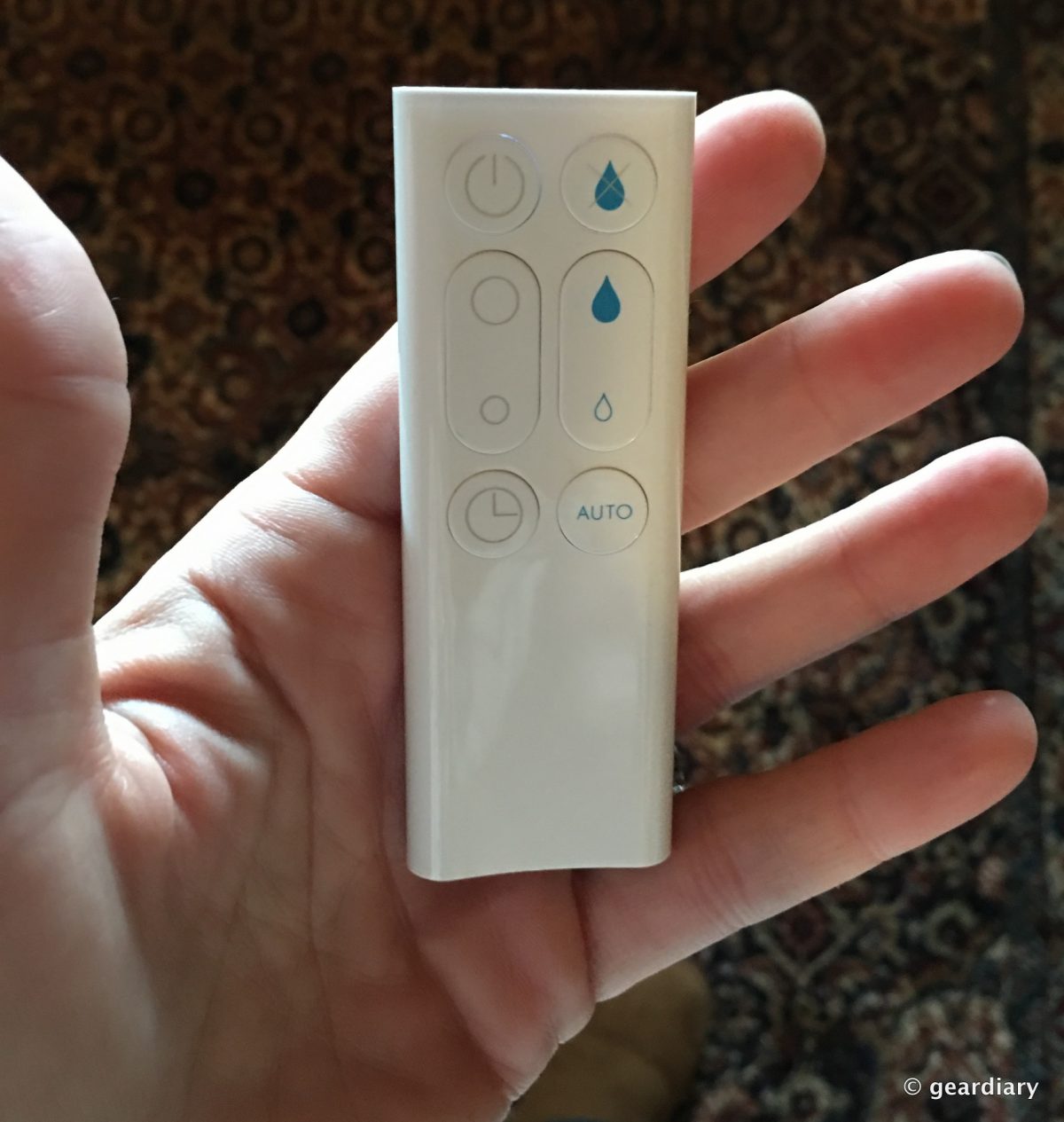
The humidifier’s remote is simple to use, but it packs a lot of features into only a few buttons. At the top left, there is an on/off button. On the top right is a button that toggles between fan and humidifier modes. The middle left button is for airflow; you can increase or decrease it between 1 and 10. On the middle right is the manual humidity control, where you can increase or decrease the humidity produced from 30 – 70%. The bottom left button is the sleep timer; you can set it to run the humidifier anywhere from 15 minutes to 9 hours. The bottom right button is for auto mode, which allows the Dyson to automatically select a comfortable humidity setting for your room.
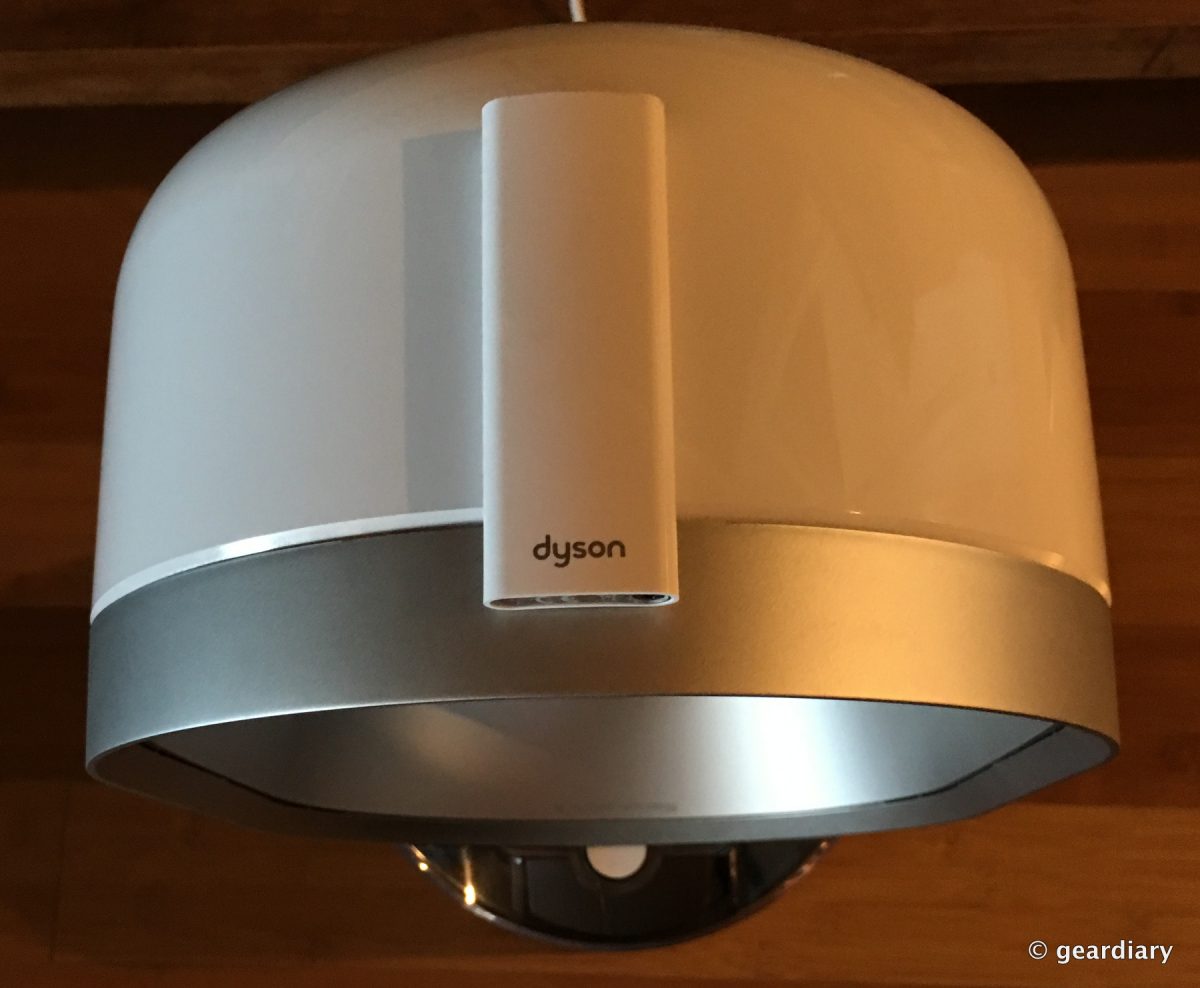
Like the Dyson Cool AM07 Tower Fan I reviewed last year, the remote attaches magnetically to the curved top of the loop amplifier for convenient storage.
Once you’ve assembled all of the components and plugged in the humidifier, it’s time to turn it on. When you first press the power button, you’ll see a three-minute long lighting sequence occur on the LCD-style white glowing numbers above the blue-ringed power button; that’s to let you know that the AM10 is treating the water. By the way — a blue ring around the power button means that it is in humidity mode, a white ring means that it is in fan mode.