
If you’ve been wincing at how your video calls, live streams, or recorded content look next to someone who seems to have a Hollywood setup, Elgato’s latest release might be your ticket out of webcam purgatory. The new Elgato Facecam 4K is designed to deliver crystal-clear Ultra HD video at 60 frames per second. It brings pro-level control and flexibility into a package that fits comfortably on top of your monitor. And unlike those pricey camera rigs that require a pile of cables and accessories, this webcam is plug-and-play friendly.
Not Just Any 4K Webcam
Many webcams throw around the term “4K” as if it’s just about having more pixels, but the truth is a little messier. Great 4K video doesn’t come from resolution alone; it’s about what each pixel is doing for you. That’s where the Elgato Facecam 4K sets itself apart.
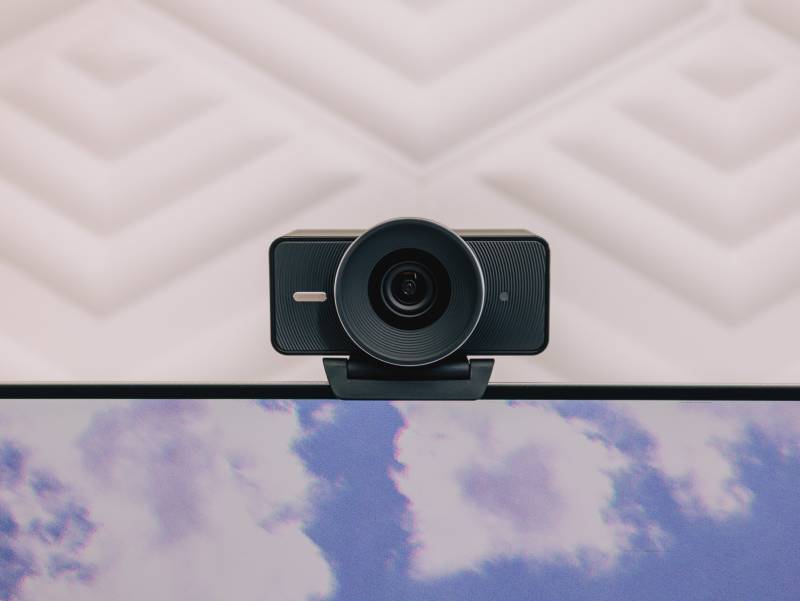
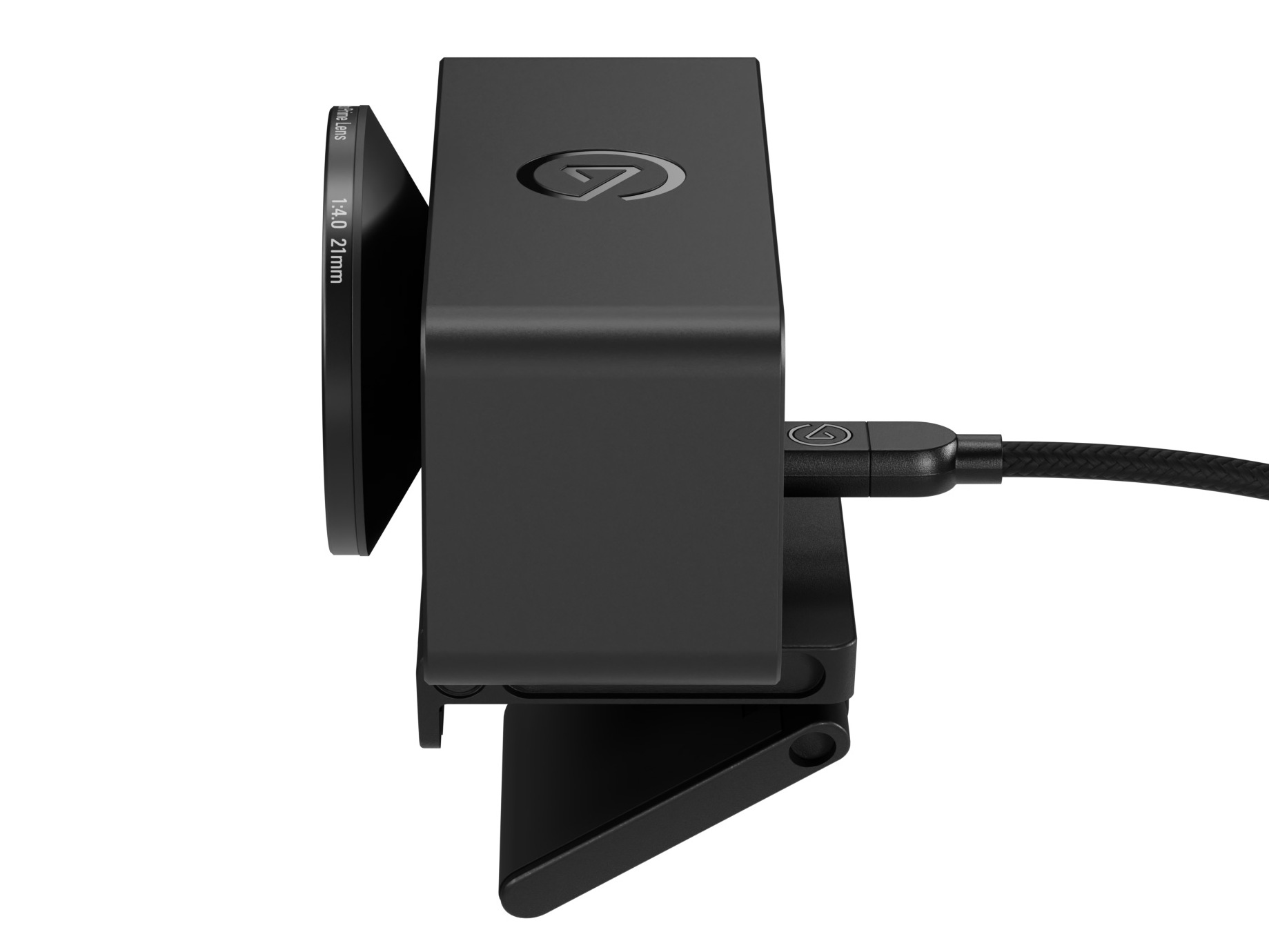
At the front is Elgato’s Prime Lens, built to keep you looking sharp up to about four feet away. The lens also gives you a wide 90-degree field of view, so you won’t feel boxed in on camera, and it makes it easy to fit in props, a product demonstration, or even a second person without having to lean halfway out of frame. Behind the lens is a 1/1.8″ Sony STARVIS 2 sensor, a component usually found in higher-end cameras. This sensor is fast, detailed, and accurate, so skin tones don’t look ghostly, and colors don’t veer into cartoon territory.
The data then runs through a dedicated image processor that handles everything from encoding to noise reduction. That means fewer blurry edges when you move and better-looking video even in less-than-perfect lighting. The Elgato Facecam 4K sends uncompressed video to your computer through USB 3.0, which keeps lag at bay and avoids the soft, processed look you sometimes get from cameras that overly compress the footage. If you’re connecting through USB 3.0, you’ll even get full 2160p (that’s 4K) at 30 frames per second with no compression.
For anyone wondering whether this makes a difference, it absolutely does. Whether you’re zooming in during an editing session, projecting your video onto a larger screen for an audience, or simply trying to look like you didn’t just roll out of bed, that extra clarity and color accuracy pay off.
Built for Content Creators and Everyday Professionals
While Elgato has always had a strong following among live streamers and video creators, Facecam 4K isn’t just for people on Twitch or YouTube. If you spend a lot of time in video meetings or virtual classrooms, this webcam can help you make a stronger impression. Think about the difference it makes when you’re pitching a client and they can actually see your face clearly, or when you’re teaching an online class and students aren’t distracted by a grainy image.
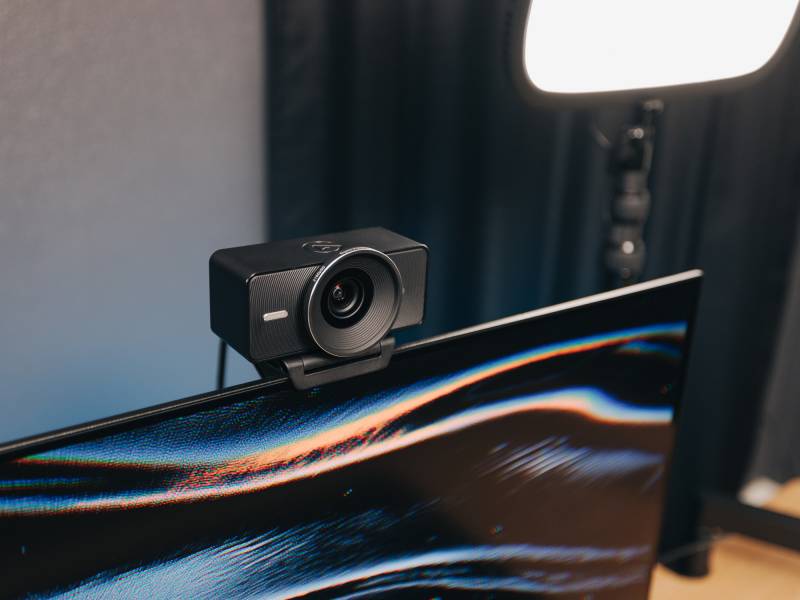
The Elgato Facecam 4K’s wide-angle lens also makes it easier for teams working on collaborative projects. If you need to show a physical prototype, sketch out ideas on a whiteboard behind you, or demonstrate a technique without awkwardly craning the camera downward, the field of view has you covered.
Camera Hub Software Turns Your Desk Into a Studio
Hardware alone doesn’t make a camera great. Elgato’s free Camera Hub software (available for Mac and PC) is what allows you to fine-tune your setup like a pro. You can manually adjust ISO (which affects brightness) and shutter speed, so you don’t look washed out under bright lights or lost in the shadows when the sun goes down. There are digital pan, tilt, and zoom controls, letting you reframe your shot without physically moving the camera.
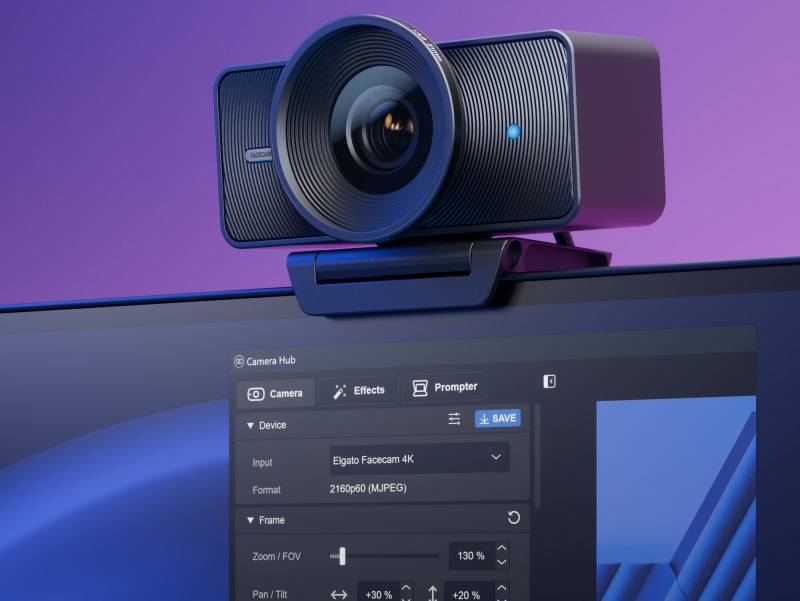
One of the biggest perks of Camera Hub is its support for LUTs, short for “lookup tables.” These are basically color grading presets that can dramatically change the mood and tone of your video. Instead of fiddling with sliders for hours, you can pick from curated looks or download new options from the Elgato Marketplace.
If you have a PC with an NVIDIA RTX graphics card, you can also enable realistic background blur for that professional depth-of-field effect. This makes you pop against your background without needing a messy green screen. HDR (high dynamic range) support is another bonus, especially if you’re often dealing with tricky lighting like windows behind you.
These aren’t just fancy features for creators. Imagine being able to tweak your video so you look well-lit and sharp for an important virtual job interview or client call, no matter what time of day it is.
A First for Webcams: Lens Filters
The Elgato Facecam 4K also breaks new ground by supporting traditional lens filters. For anyone not deep in the photography world, these are accessories that attach to the front of a lens to change how light enters the camera. They’ve been a standard in filmmaking for decades, and now they’re available on a webcam for the first time.
The camera supports 49-millimeter filters, so you can get creative with effects. Want to reduce glare from your glasses? A circular polarizer (CPL) filter does the trick. Trying to soften your appearance for a more flattering look? Diffusion filters are your friend. There are also filters that create starburst effects with lights or cut down harsh reflections from shiny objects.
Elgato is even sweetening the deal by including a free CPL filter when you order Facecam 4K directly from its webstore. If you already own 49-mm filters from other cameras, they’ll work just fine here, which means you can experiment without spending extra.
The Case for Investing in a Better Webcam
You might be wondering if a $199.99 webcam is worth it. After all, laptops and all-in-one computers already come with built-in cameras. But if you’ve ever looked at the pixelated, dull footage from those cameras and thought you deserved better, the Elgato Facecam 4K is a logical upgrade.
Consider a small business owner who’s running virtual consultations. Being able to show products clearly can make the difference between closing a sale and losing a client. Or picture a remote worker who’s constantly on video calls with higher-ups. Clearer video can help build trust and professionalism, especially when you’re not in the same room as the people making decisions about your career.
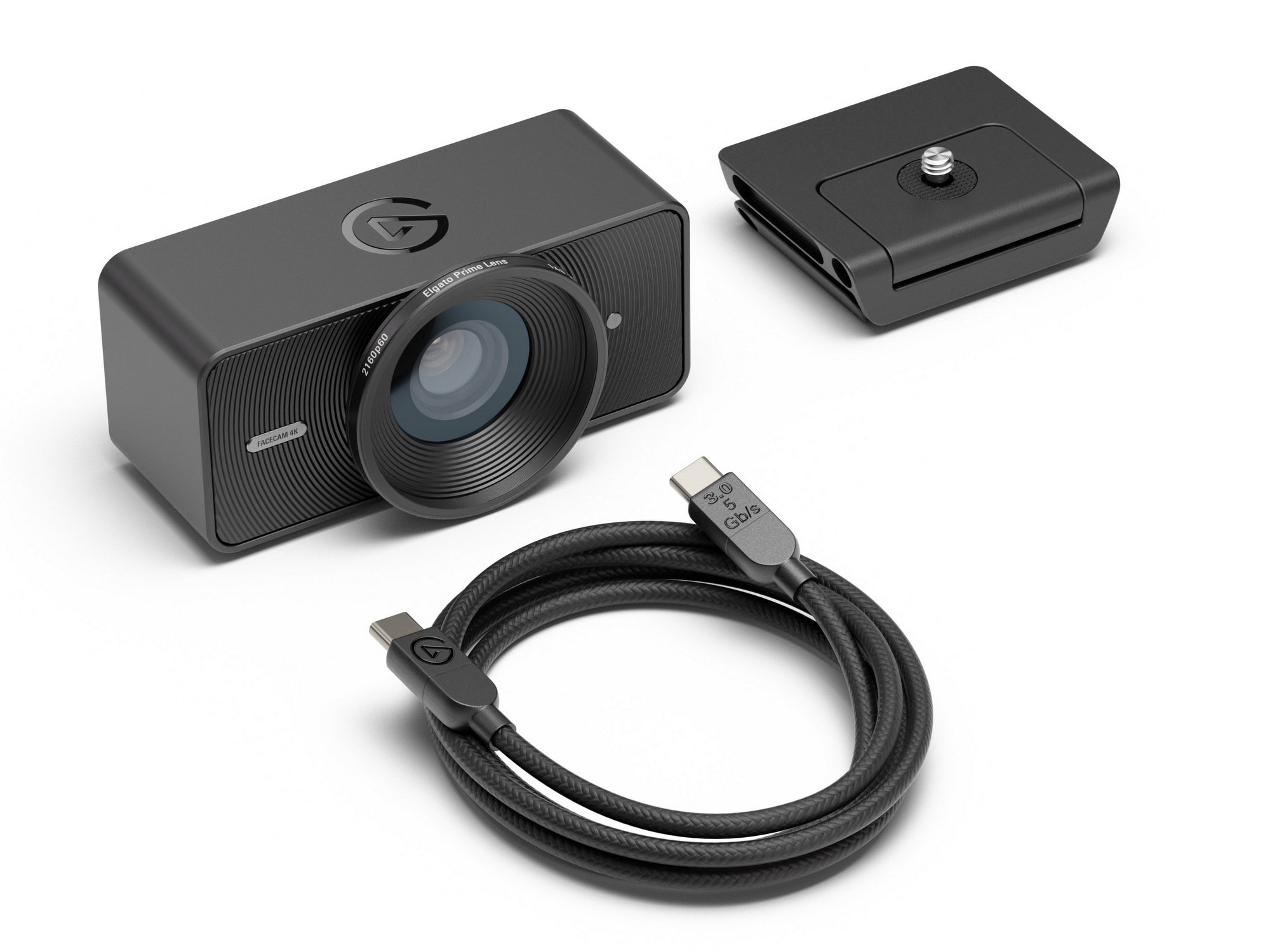
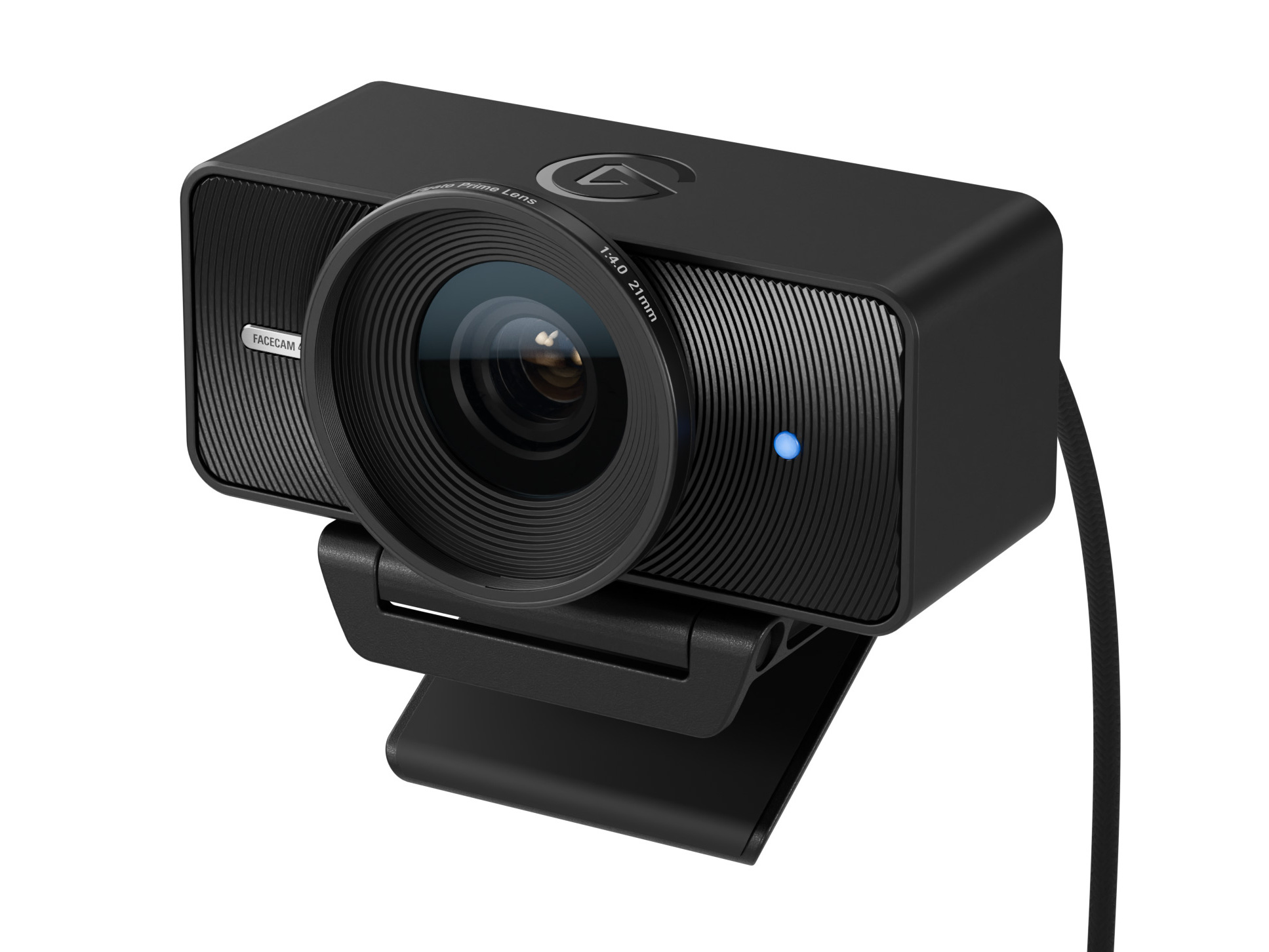
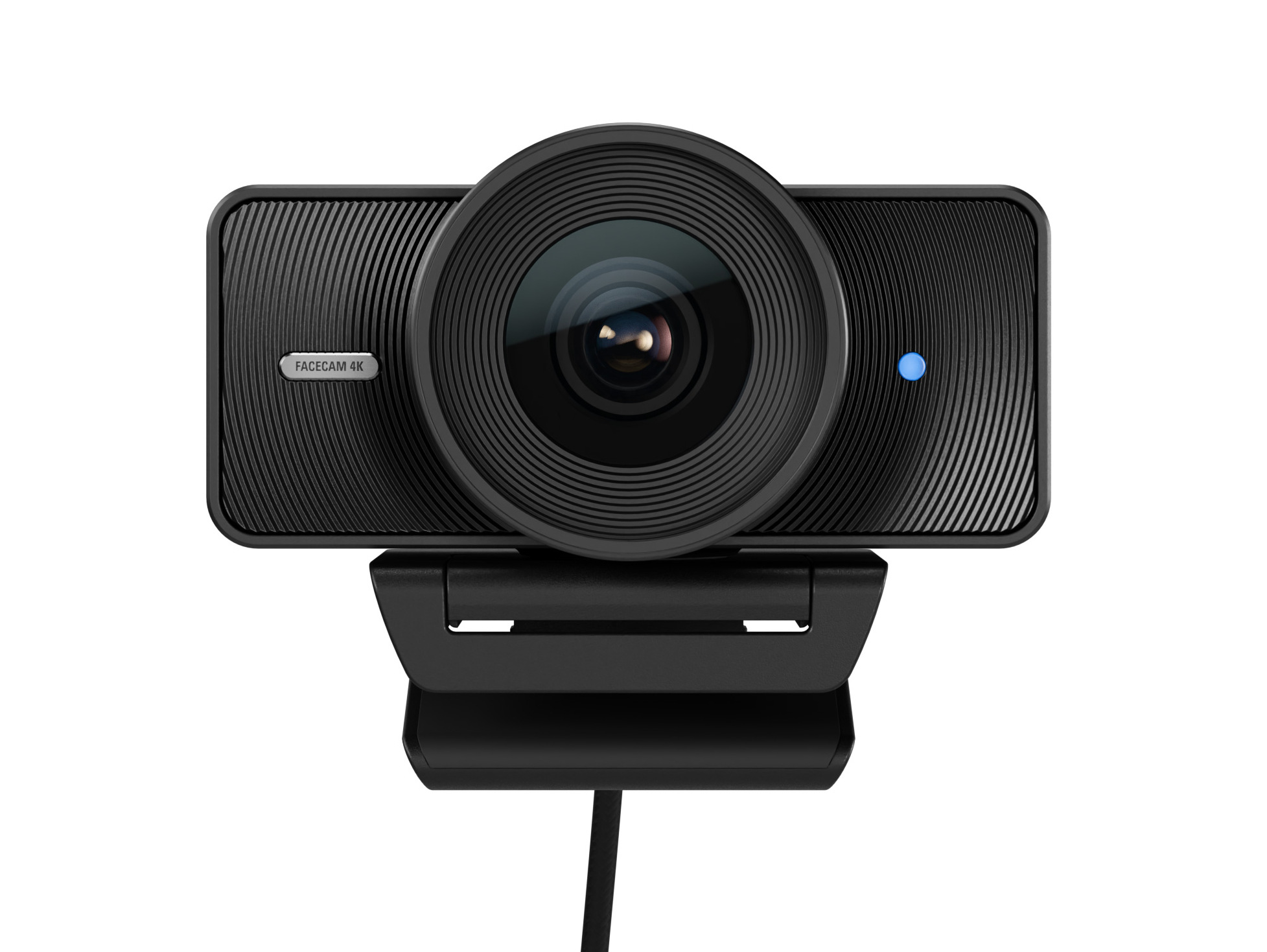
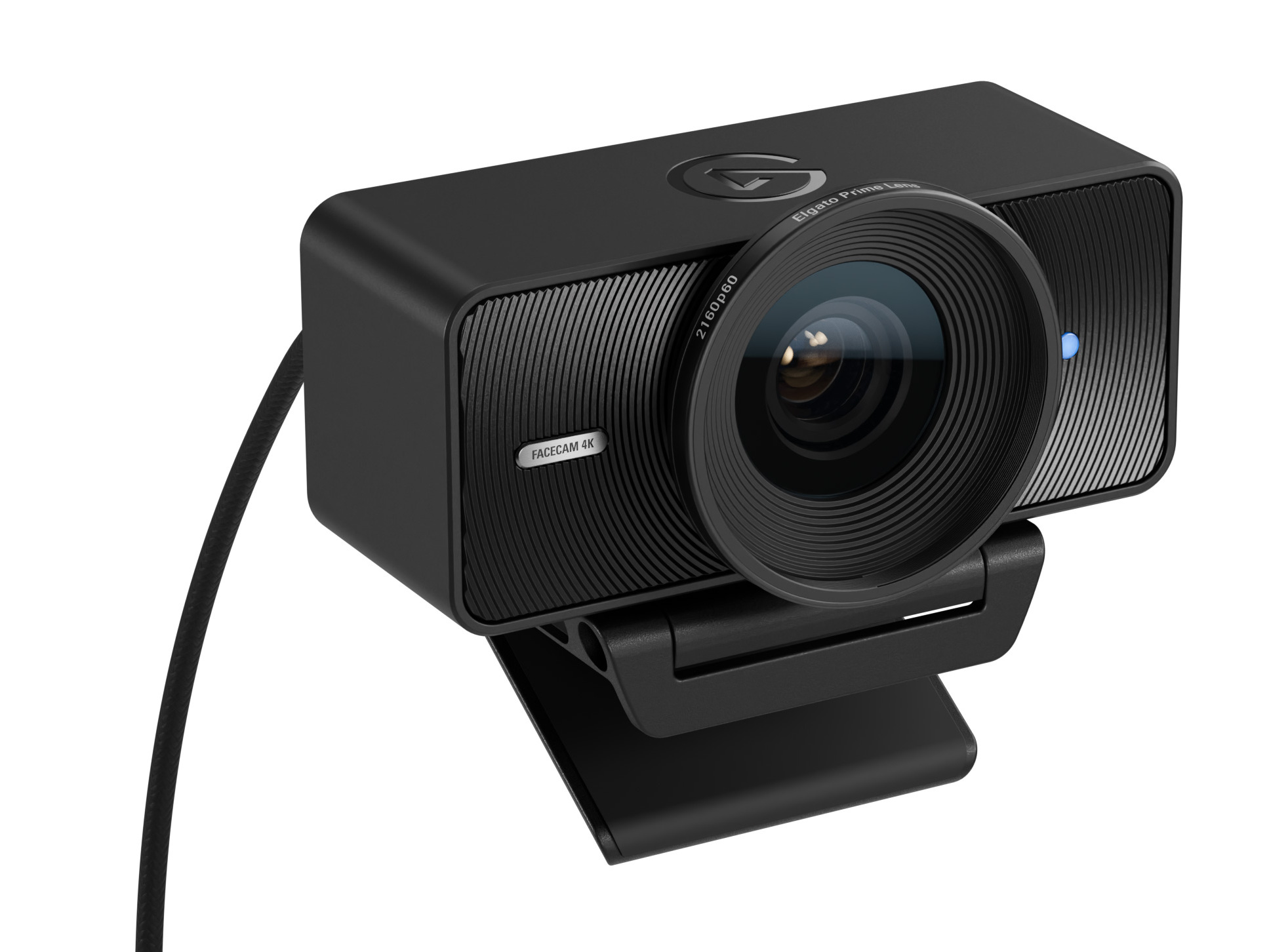
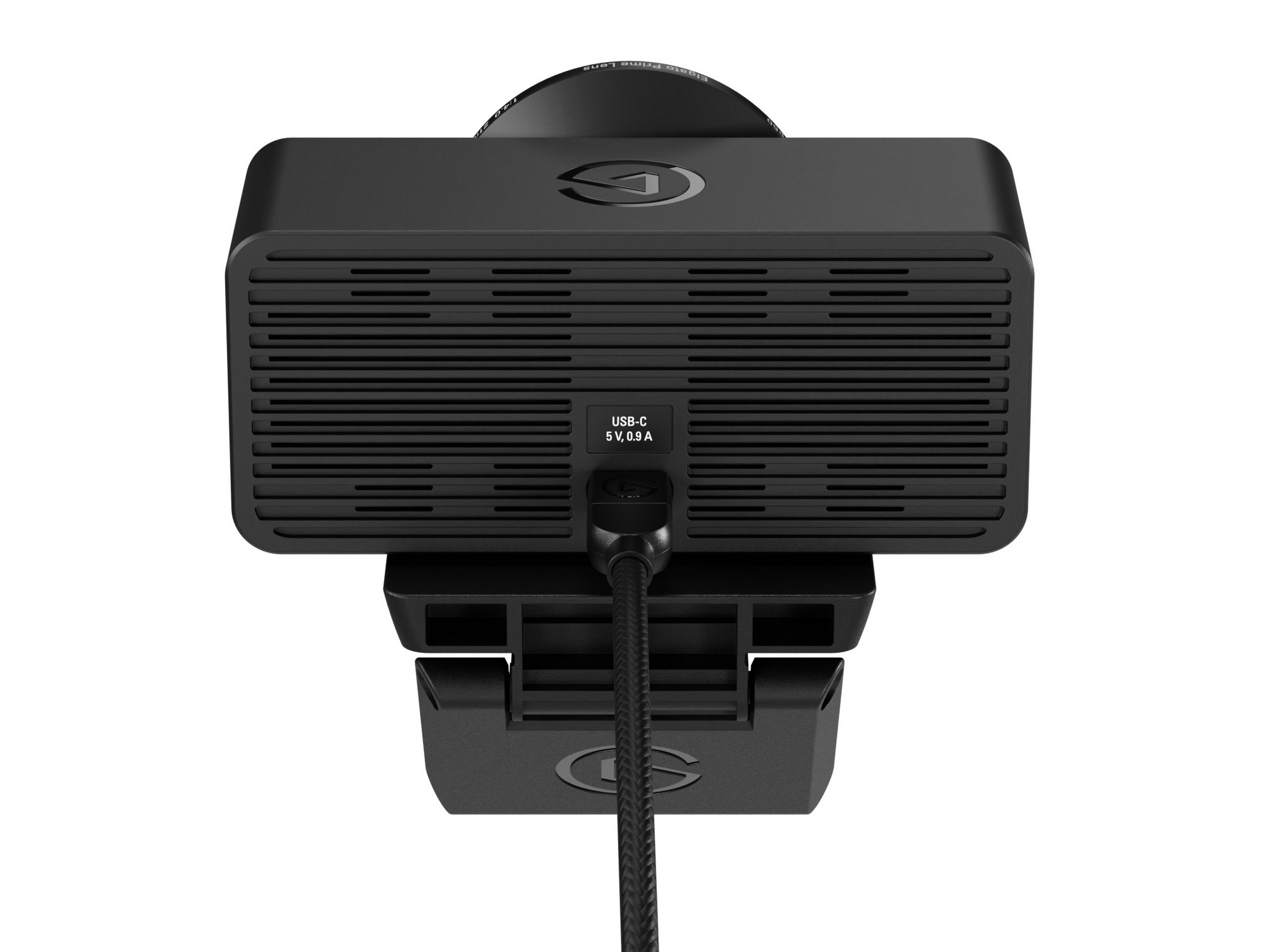
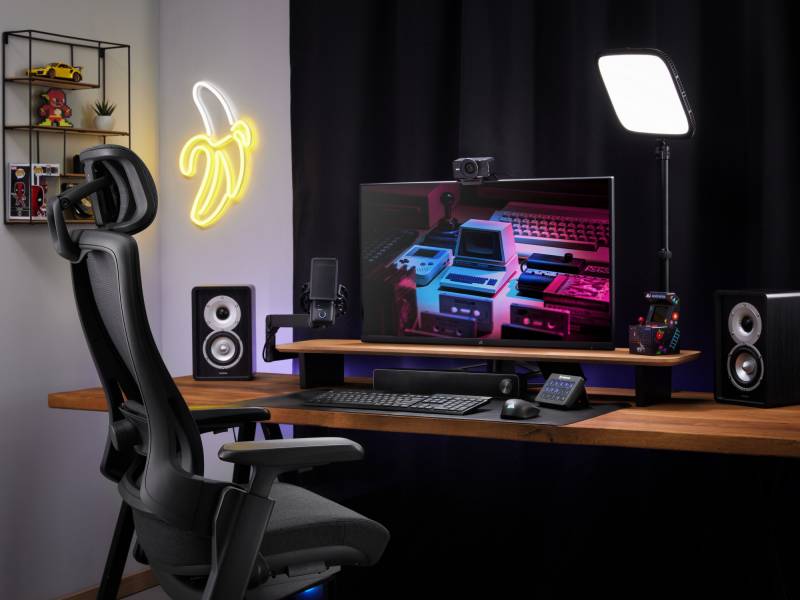
For content creators, Facecam 4K can reduce the need for a complicated camera setup. You don’t need to juggle an external camera, capture card, and a mess of cables. And because the camera is compact, it won’t eat up your workspace, which is especially helpful if you’re broadcasting from a smaller room or desk.
A Simpler Way to Look Better on Camera
Elgato has been making webcams for years, and the Elgato Facecam 4K feels like the product of all those lessons learned. By focusing on image quality and creative control instead of trying to do everything at once, the company has created a camera that’s easy to use yet flexible enough to grow with your needs.
There’s no built-in microphone, which might seem like a downside, but that’s by design. Many built-in microphones sound tinny because of their size and placement. By leaving audio out of the equation, Facecam 4K directs all its resources toward better video quality. If you pair it with a good USB microphone or headset, you’ll be miles ahead of anyone using their laptop’s all-in-one solution.
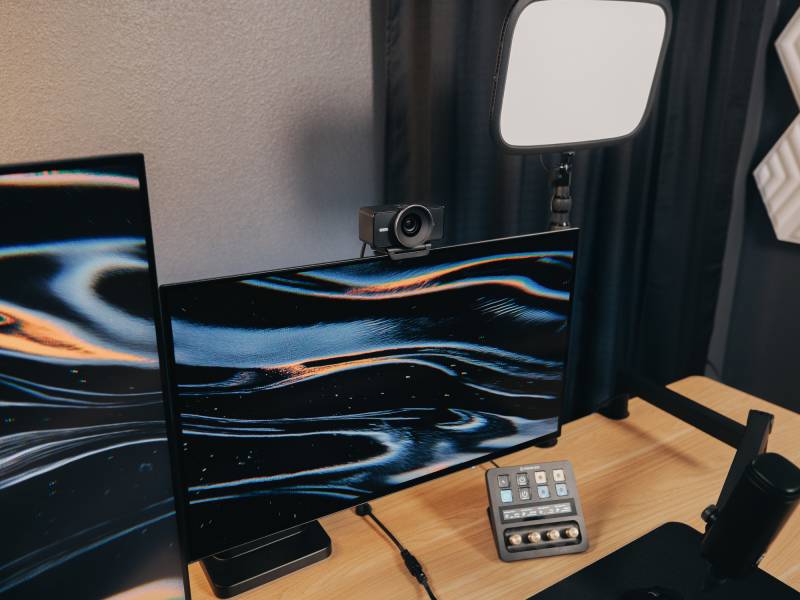
At $199.99, the Elgato Facecam 4K is positioned as a serious upgrade for anyone who’s tired of looking like a grainy thumbnail. It’s designed for creators, professionals, educators, and anyone else who wants to be seen clearly and confidently on camera. With its powerful hardware, pro-level software, and unique support for lens filters, it’s not just another webcam.
Whether you’re dialing in from home, recording videos for your audience, or presenting to a packed virtual room, the Elgato Facecam 4K gives you the kind of image quality that can hold up under scrutiny. And if you’ve ever spent time cobbling together a camera setup that takes more effort to manage than the actual work you’re trying to do, you’ll appreciate how straightforward it is to set up and use.




If there is anything online meetings have taught us is that we need better and easier webcams. This seems to provide both.
This looks like a great webcam. Thanks for the review!