
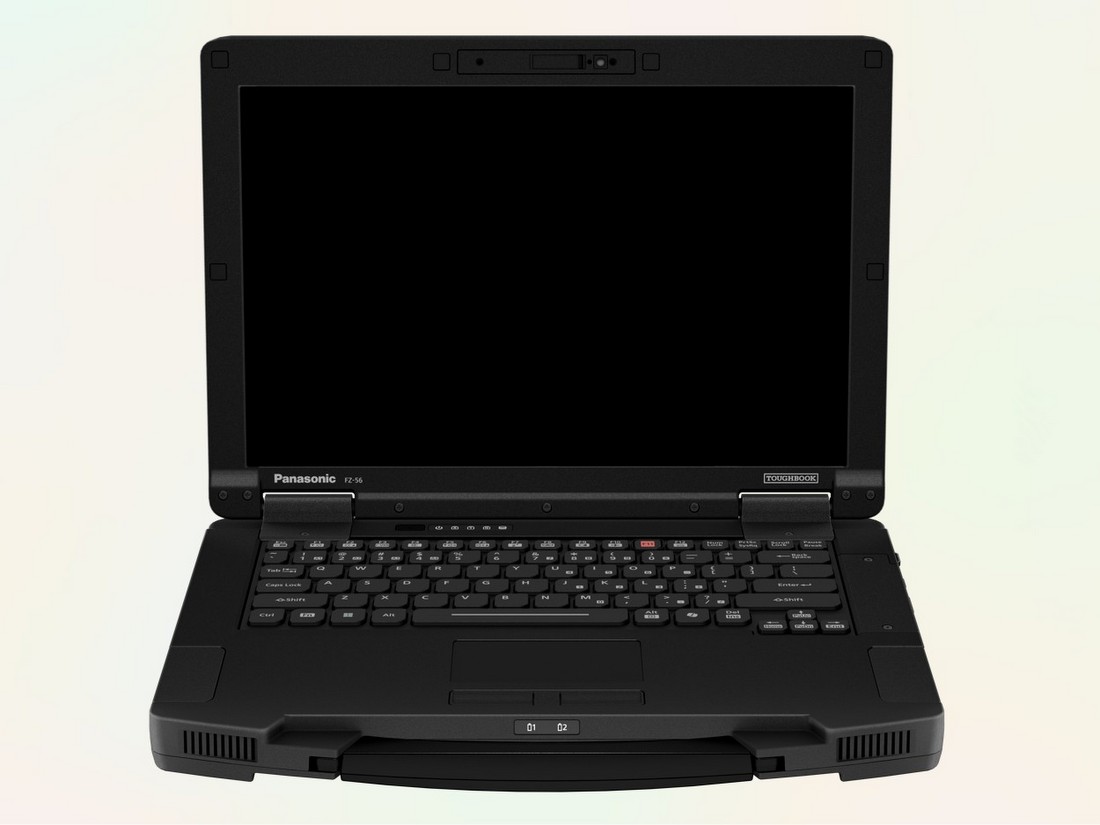
Panasonic Connect has introduced the Panasonic TOUGHBOOK 56, a new 14″ semi-rugged laptop built for jobs that happen far from a tidy desk and reliable wall outlet. Priced from $3,325 and expected to arrive in May, the TOUGHBOOK 56 leans into faster networking, stronger security, modular upgrades, and long-term dock compatibility. In other words, it is aimed at the people who need a computer to keep working when the conditions, the schedule, and sometimes the weather have other plans.
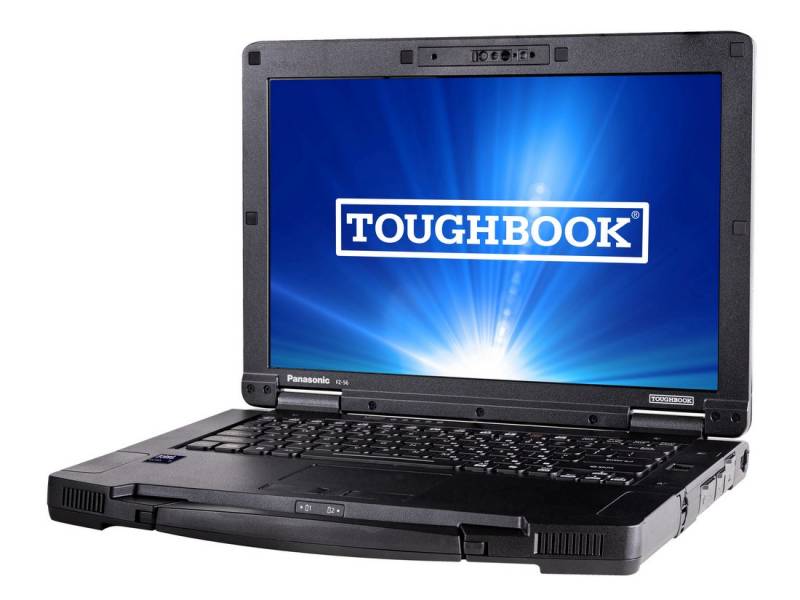
A Laptop for Work That Gets Messy Fast
The TOUGHBOOK 56 is meant for public safety, utilities, government, and enterprise fleets, but that description only tells part of the story. This is the sort of machine that makes sense in a patrol vehicle, on a utility truck, in a rail yard, at a roadside repair call, or inside a temporary field office set up after a storm. It is also easy to picture in the hands of insurance adjusters documenting damage after hail or flooding, transit maintenance crews tracking repairs between depots, and telecom technicians checking cabinets and towers where dust, vibration, and time pressure are part of the job.
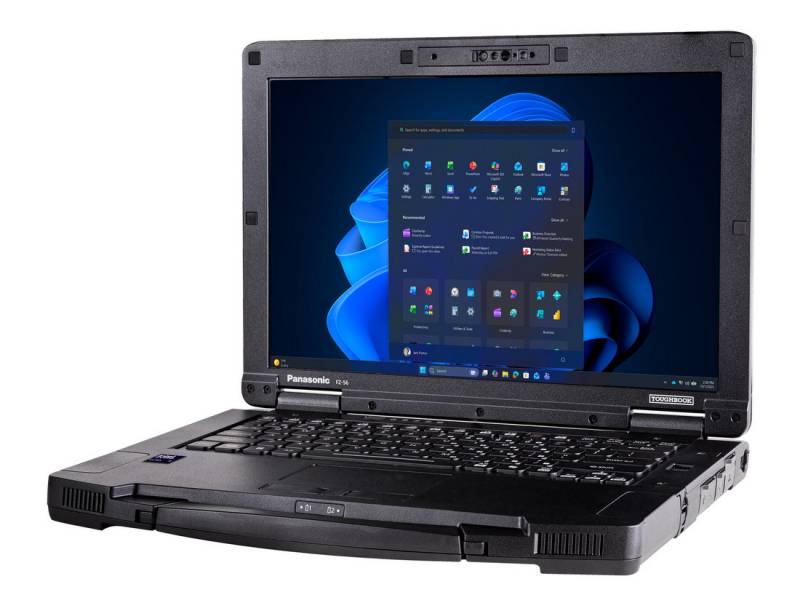
There are plenty of less obvious fits, too. Building inspectors, code enforcement officers, environmental survey teams, airport ground operations staff, warehouse supervisors, and forensic investigators all work in places where a conventional laptop can feel a little too delicate for the assignment. The same goes for service writers in busy repair bays, civil engineers reviewing plans at active construction sites, and emergency management teams trying to coordinate people and information from wherever they can park for five minutes. A rugged laptop does not need to be glamorous. It needs to survive the kind of workday that would make a consumer notebook quietly reconsider its life choices.
More Power, With a Few Tradeoffs Worth Noting
Inside, the TOUGHBOOK 56 moves to Intel Core Ultra Series 2 processors with Intel vPro support, topping out at a Core Ultra 7 265H. Buyers can configure it with 16GB to 64GB of DDR5 memory and 512GB to 2TB of solid-state storage, with some versions supporting a second SSD. Panasonic also offers RAID-1 mirroring, which means the system can keep a duplicate copy of data across two drives. That is the sort of detail that matters when the laptop is storing inspection records, evidence files, site photos, or service logs that cannot simply vanish because the day went badly.
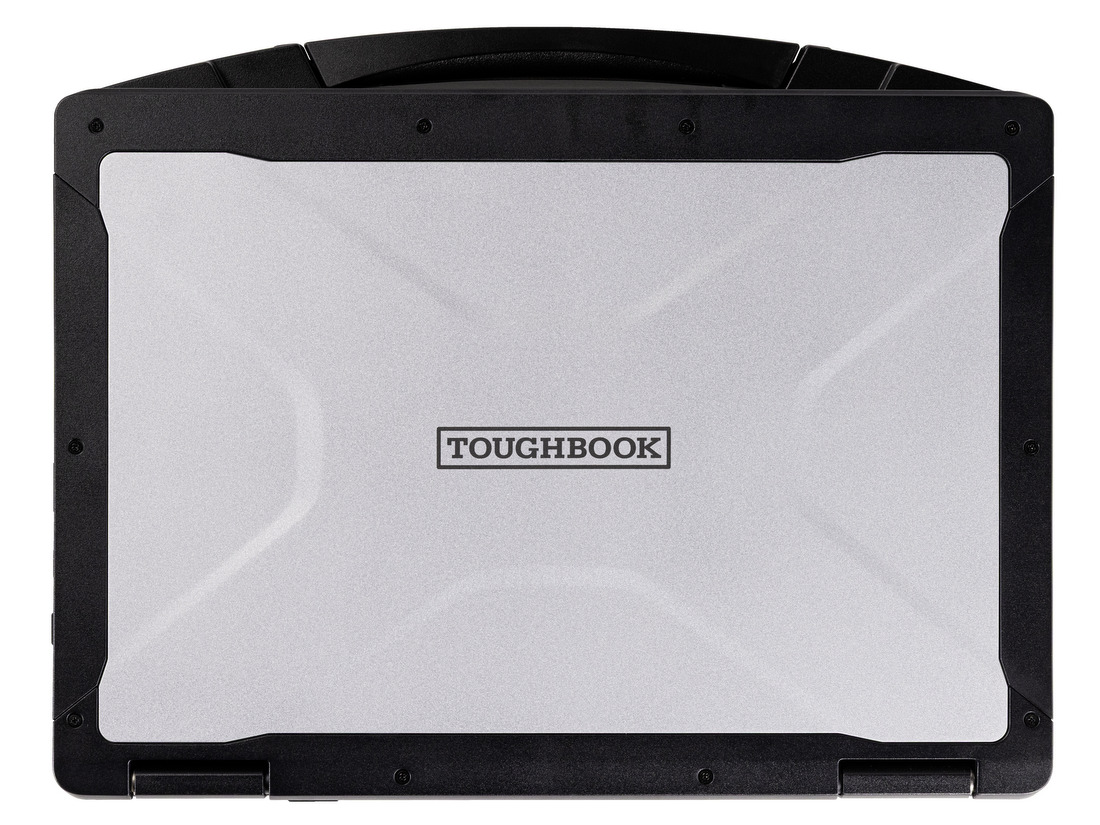
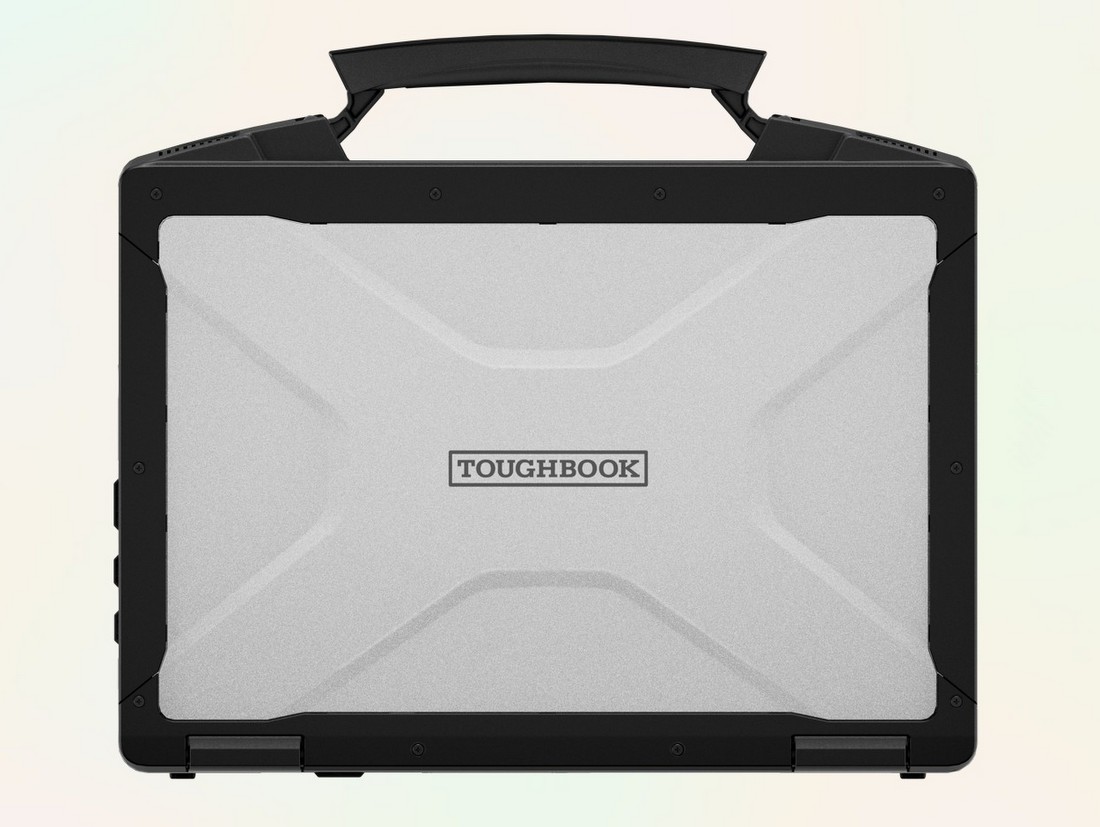
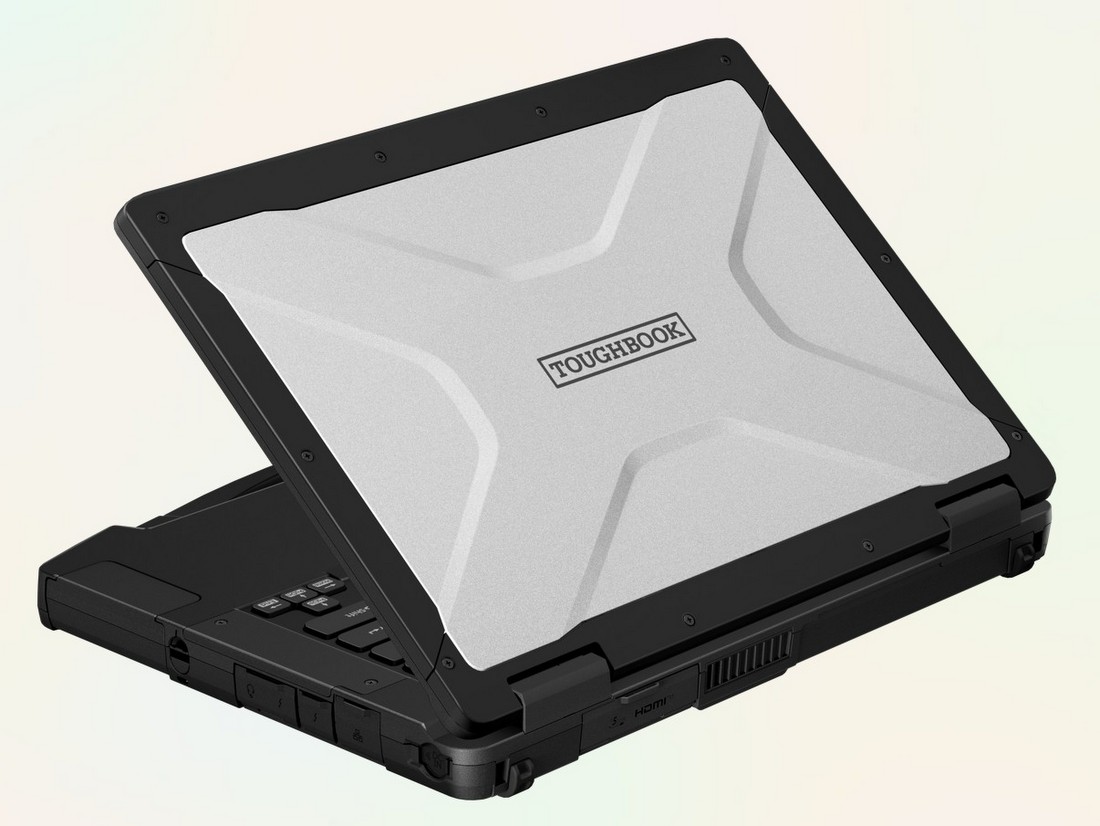
Graphics options also get more serious this time around. Depending on the configuration, the TOUGHBOOK 56 can be equipped with Intel Arc graphics or an optional AMD Radeon PRO W7500M with 8GB of dedicated video memory. That extra graphics power could help with mapping, visual analysis, imaging-heavy workflows, and field applications that put more strain on the system than basic report writing.
Still, the most loaded configuration is not automatically the best one. Panasonic’s fine print notes that the dedicated graphics model adds size and weight, is not compatible with docks, and sacrifices some of the system’s user-replaceable flexibility. That is not a flaw so much as a reality check. Rugged hardware is usually a series of tradeoffs dressed in very durable clothing.
Networking Is One of the Real Stories Here
One of the most practical upgrades in the TOUGHBOOK 56 is its connectivity. The optional 5G modem supports Sub-6 and C-band 5G, with speeds up to 3.5Gbps, and Panasonic claims upload performance is 36 percent faster than the previous modem. In plain English, it is better equipped to move large files when work is happening away from the office and time matters.
That could make a difference for a utility crew sending inspection data from a remote site, an emergency response team uploading photos of damage from a disaster zone, or a field technician trying to close out a job before driving to the next one. It could also prove useful for survey crews transferring mapping files, media teams filing work from the field, and public works departments sharing documentation during road closures, water main breaks, or storm recovery.
The TOUGHBOOK 56 also supports Wi-Fi 7 and can be configured with up to three Ethernet ports, including optional 2.5Gbps and 10Gbps connections. That is a notable detail in a rugged laptop, especially for deployments involving large imaging files, diagnostics, industrial equipment, or vehicle-mounted workflows where wired connections still matter. It is not the kind of feature that gets much applause in a launch announcement, but it is exactly the sort of thing an IT team or field supervisor will notice later.
Carrier support includes AT&T, FirstNet, Verizon, Verizon Frontline, and T-Mobile, as well as private cellular options. For fleets that operate across rural, urban, and disaster-prone areas, broader compatibility is often more important than headline speed.
Small Design Changes That Matter
Not every update here is dramatic, but some of the quieter ones may be more useful in daily work. The 14″ display now uses a 16:10 aspect ratio, which gives more vertical space than the usual widescreen layout. That means more lines of a spreadsheet, report, or service record stay visible at once. It sounds minor until you imagine trying to review forms in bright sunlight while standing beside a truck or wearing gloves in cold weather.
The screen is available in a standard 350-nit version or an optional 1000-nit touchscreen for better outdoor visibility. Panasonic has also made the speakers roughly 50 percent louder, with output up to 98dB, which should help in repair bays, roadside settings, transit yards, and other environments where silence is mostly a rumor. The system also includes a 5MP webcam, dual-array microphones with noise reduction, and a revised power port with a slide cover for extra durability.
Battery life is rated at up to 24 hours with an optional second battery, based on MobileMark 30 testing. As ever, lab numbers and real life are not the same species. Brightness, wireless use, and workload will all chip away at that figure. Even so, hot-swappable battery support is a meaningful feature for anyone who cannot afford to shut down mid-shift just because the clock and the battery icon had a disagreement.
Security and Modularity Remain the Selling Points
Security is another area where Panasonic is putting real emphasis. The TOUGHBOOK 56 is positioned as the first rugged device to offer FIPS-encrypted drives, which is important in government and security-sensitive environments where storage encryption is mandatory. The laptop also supports OPAL-encrypted SSDs, TPM 2.0, Secured-core PC protections, and Panasonic’s broader TOUGHBOOK Total Defense security stack, which covers everything from firmware to the operating system and endpoint controls.
For IT departments, that means the TOUGHBOOK 56 is meant to be more than a hard-shell laptop. It is also built for settings where device management, tamper protection, and controlled access are part of the deployment plan from day one.
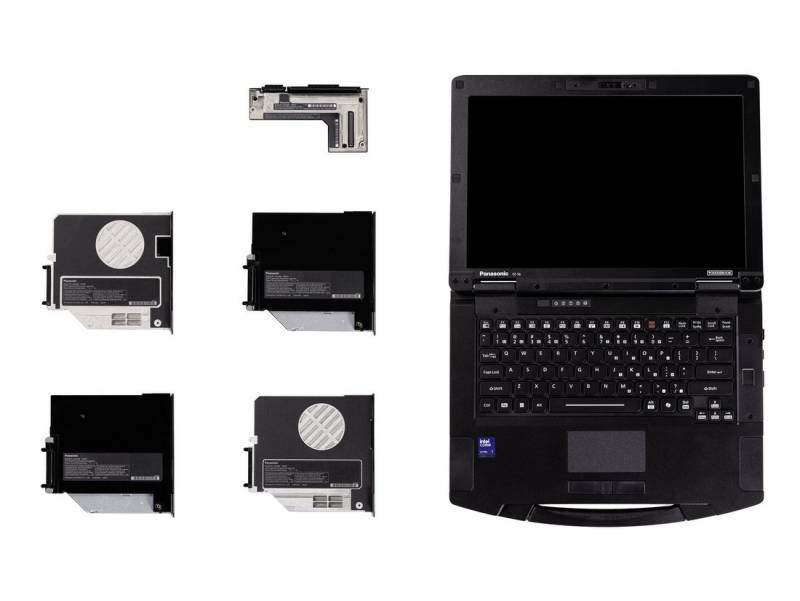
The modular design remains one of the most compelling parts of the package. The TOUGHBOOK 56 has six modular areas, including three xPAK expansion areas, along with the battery, RAM, and SSD. Those can be configured with features such as barcode readers, smart card readers, extra storage, optical drives, and added ports. That kind of flexibility makes it easier for a single platform to serve different roles across a fleet, whether used by a field inspector, a warehouse lead, an emergency responder, a transit technician, or a utility crew.
Compatibility with existing TOUGHBOOK 54 and 55 vehicle docks may be the least flashy advantage here, but it could also be one of the most important. For larger deployments, keeping existing docks in service can save real money and spare organizations the usual headache that comes with a hardware refresh.
Price and Availability
The Panasonic TOUGHBOOK 56 will be available in May with a starting price of $3,325. That is a substantial number, but rugged laptops live in a different world from mainstream consumer notebooks. The real question is not whether it costs more up front. It is whether it lasts longer, reduces downtime, and fits into the kind of work where replacing broken hardware is far more expensive than buying the right machine in the first place.
For teams that work in vehicles, in the field, on construction sites, around industrial equipment, or anywhere weather and impact are part of the routine, the TOUGHBOOK 56 looks like a measured update to a familiar formula. It is not trying to reinvent rugged computing. It is trying to make it more capable, a little more flexible, and somewhat less painful to deploy at scale.





Be the first to comment on "Panasonic TOUGHBOOK 56 Expands Expectations for What Rugged Laptops Can Handle in the Field"