
The Lowdown
The Hohem iSteady MT3 Pro Kit is a well-designed and well-built camera stabilizer whose generous 5.51-pound payload makes it compatible with a wide range of cameras. Its detachable touchscreen remote provides live feed monitoring and control. The built-in AI camera enables tracking of humans, pets, vehicles, and other subjects.
Overall
Pros
- Generous 5.51 pounds payload
- Powerful and Smooth Motors
- Flexibility and Adaptability, especially with the Spot Mini Motor and Bidirectional Twist Handle
- Attractive Design
- Excellent Build Quality
Cons
- Should be Fully Compatible with More Cameras
Founded in 2014, Hohem has developed award-winning intelligent recording technologies to improve the shooting process. Their current product line consists of AI-enabled gimbals for smartphones, action cameras, and DSLRs, and mirrorless cameras. In this review, we look at their newest and most sophisticated gimbal, the third-generation iSteady MT3 Pro Kit.
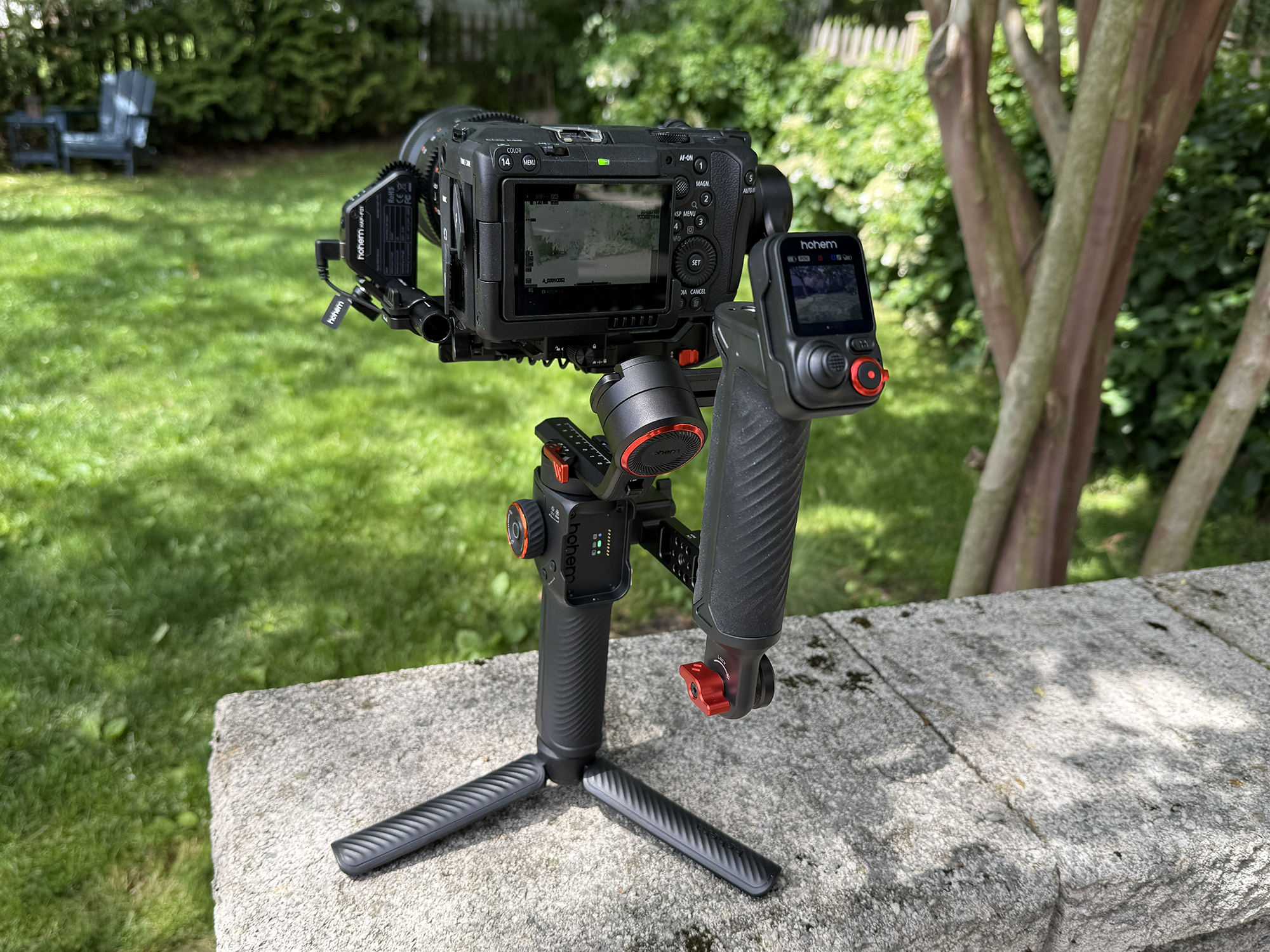
There are many types of camera stabilizers on the market today. Their prices range widely depending on their payload capacity, functionality, and features.
With their new iSteady MT3 Pro Kit, Hohem has bundled key features found on the most successful gimbals with a more powerful AI tracking system, a removable touchscreen remote control, and a Bidirectional Twist Handle and Spot Mini Motor. The result is a camera stabilizer that can accommodate nearly any camera up to 5.51 pounds and provide extended functionality and flexibility for any shooting situation.
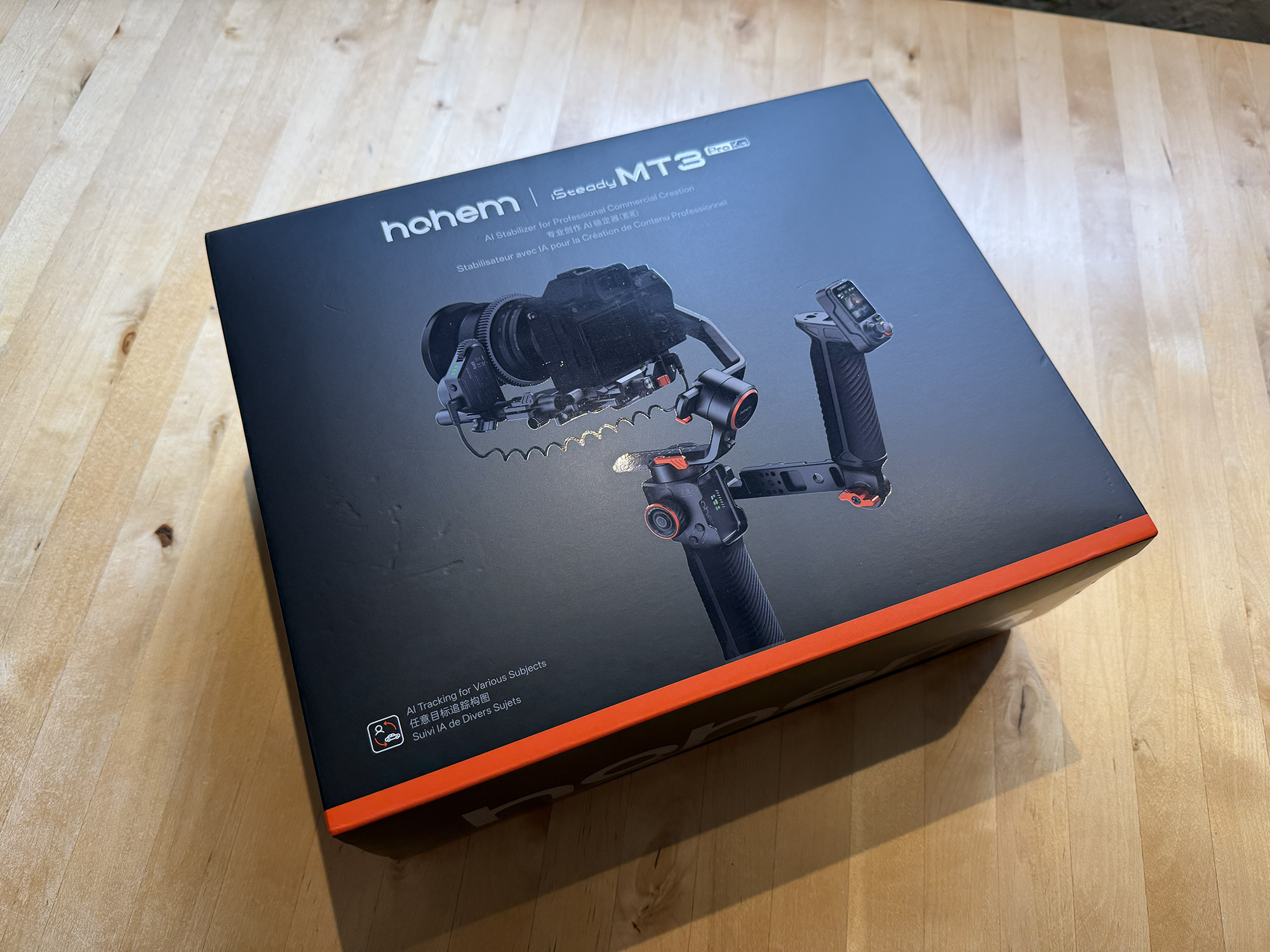
Hohem sells three variants of the iSteady MT3. The iSteady Pro sells for $449.99, and the base iSteady MT3 sells for $329.99. More information about these products is found later in this article.
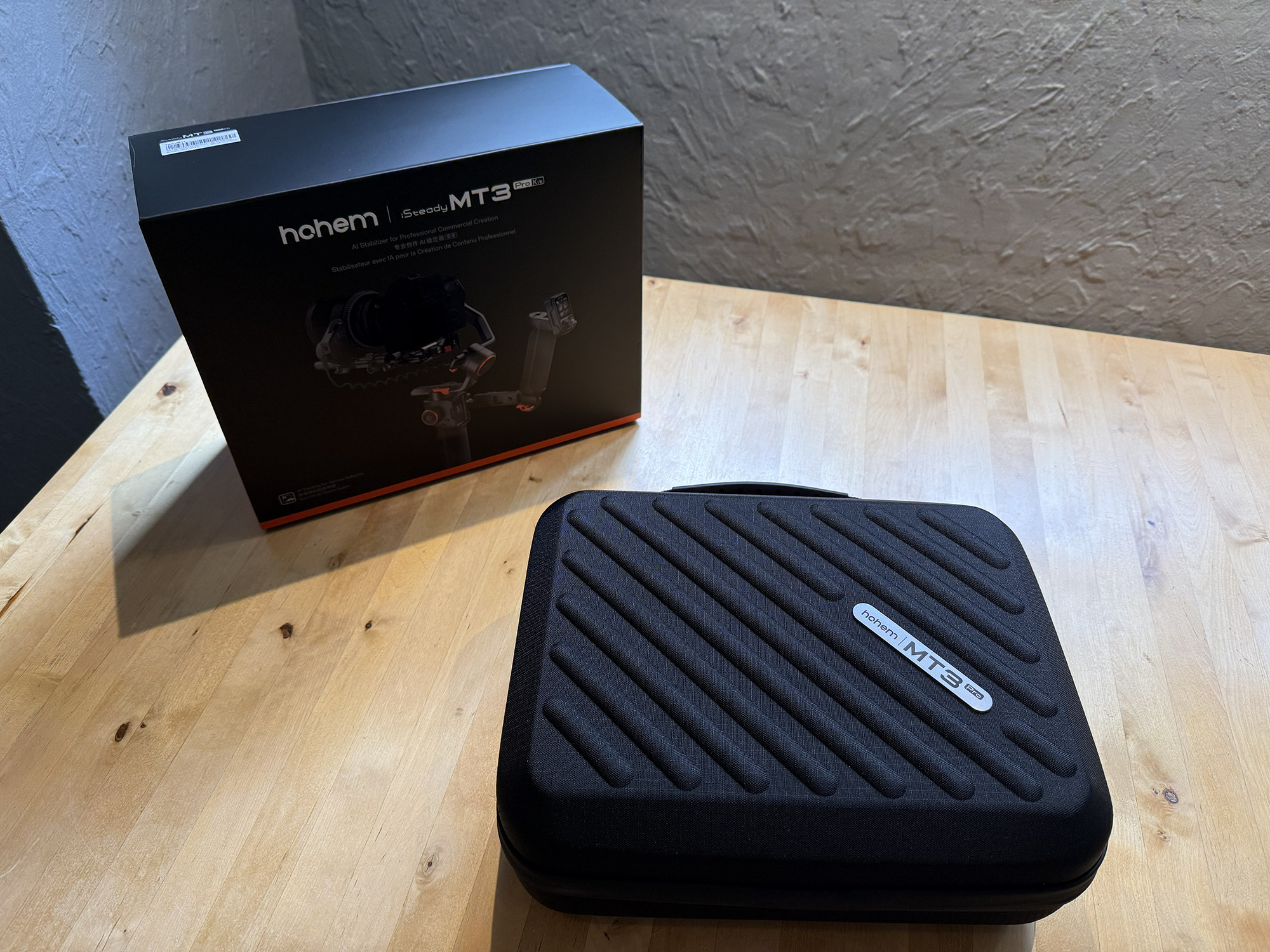
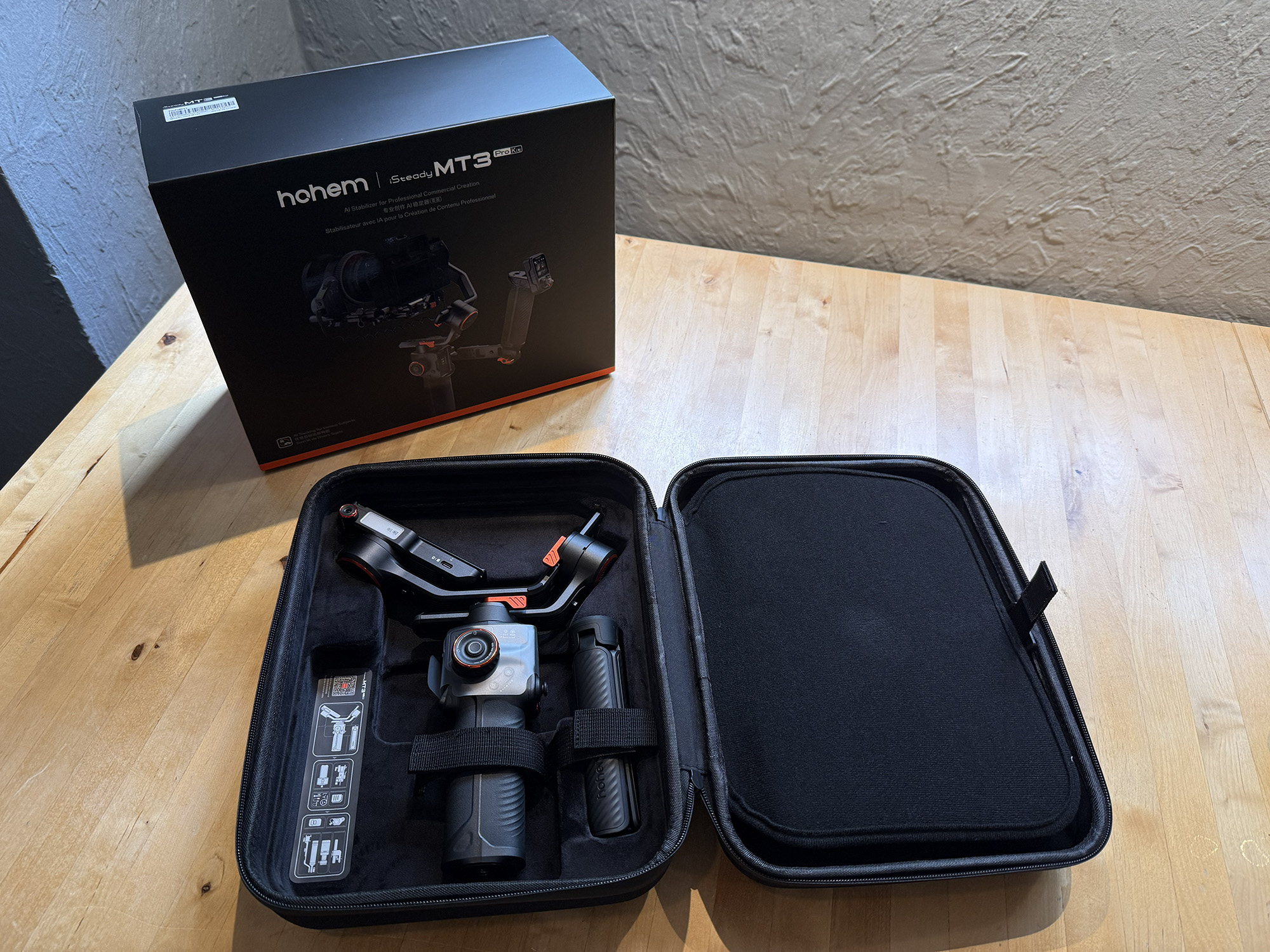
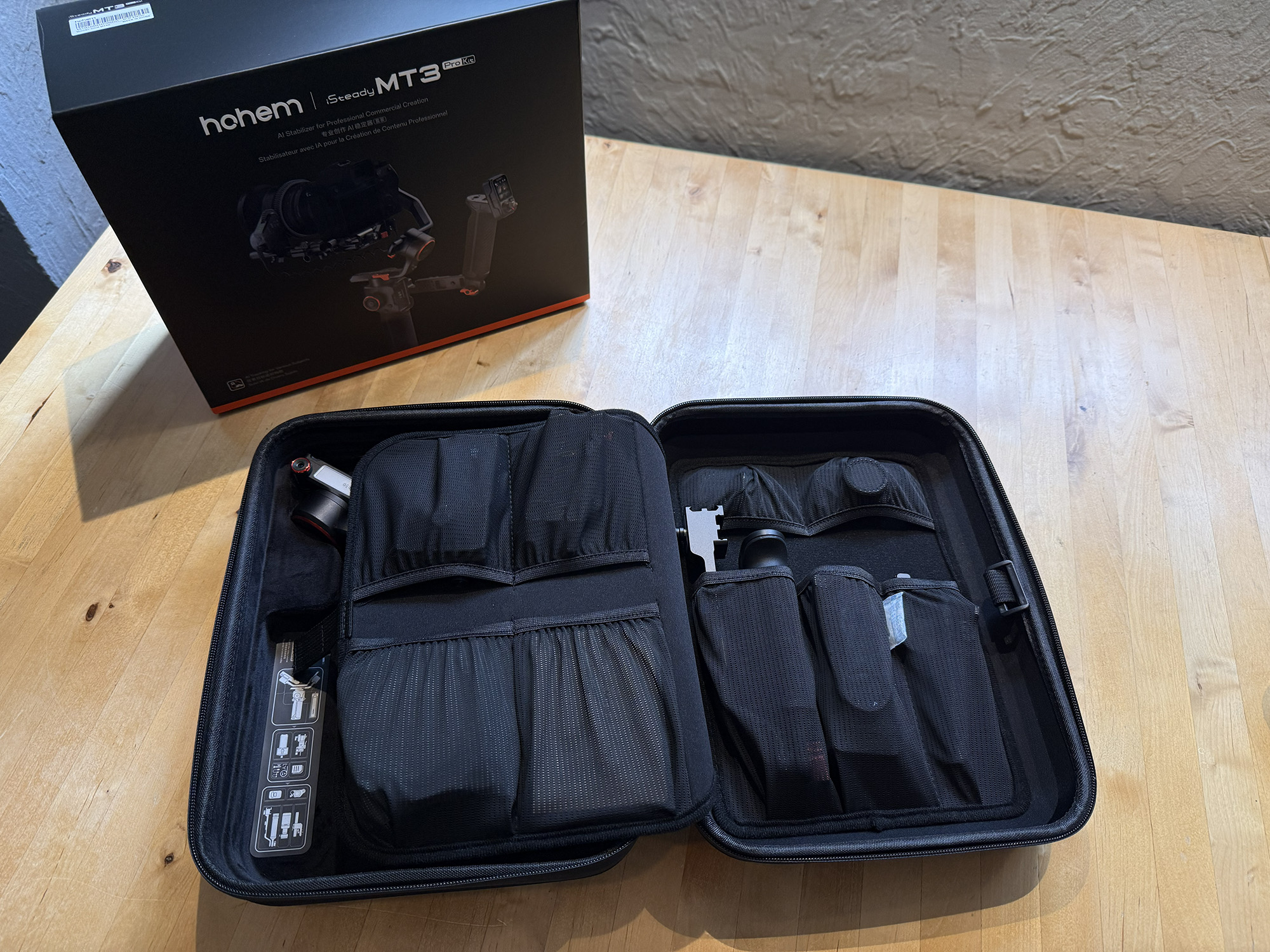
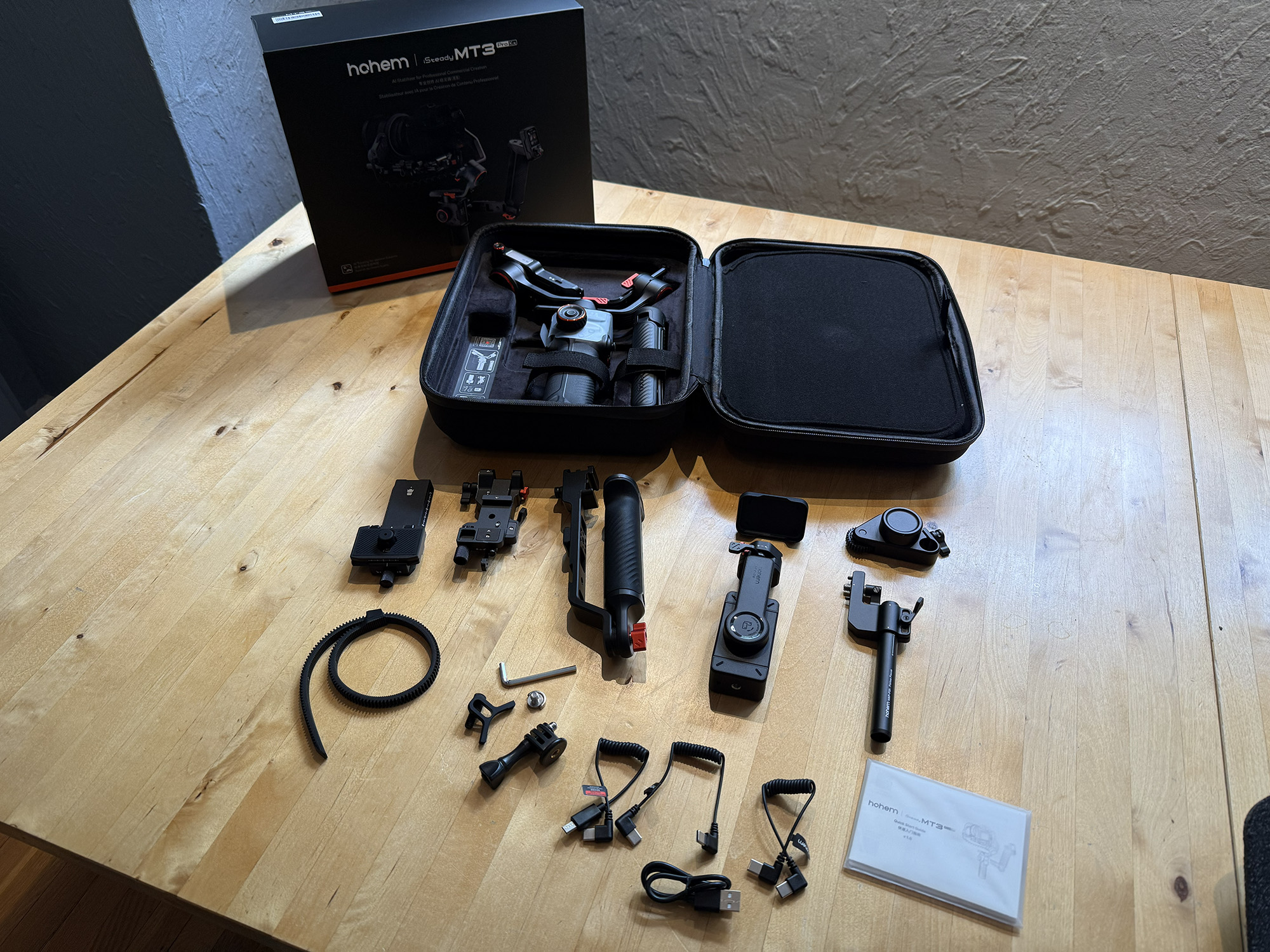
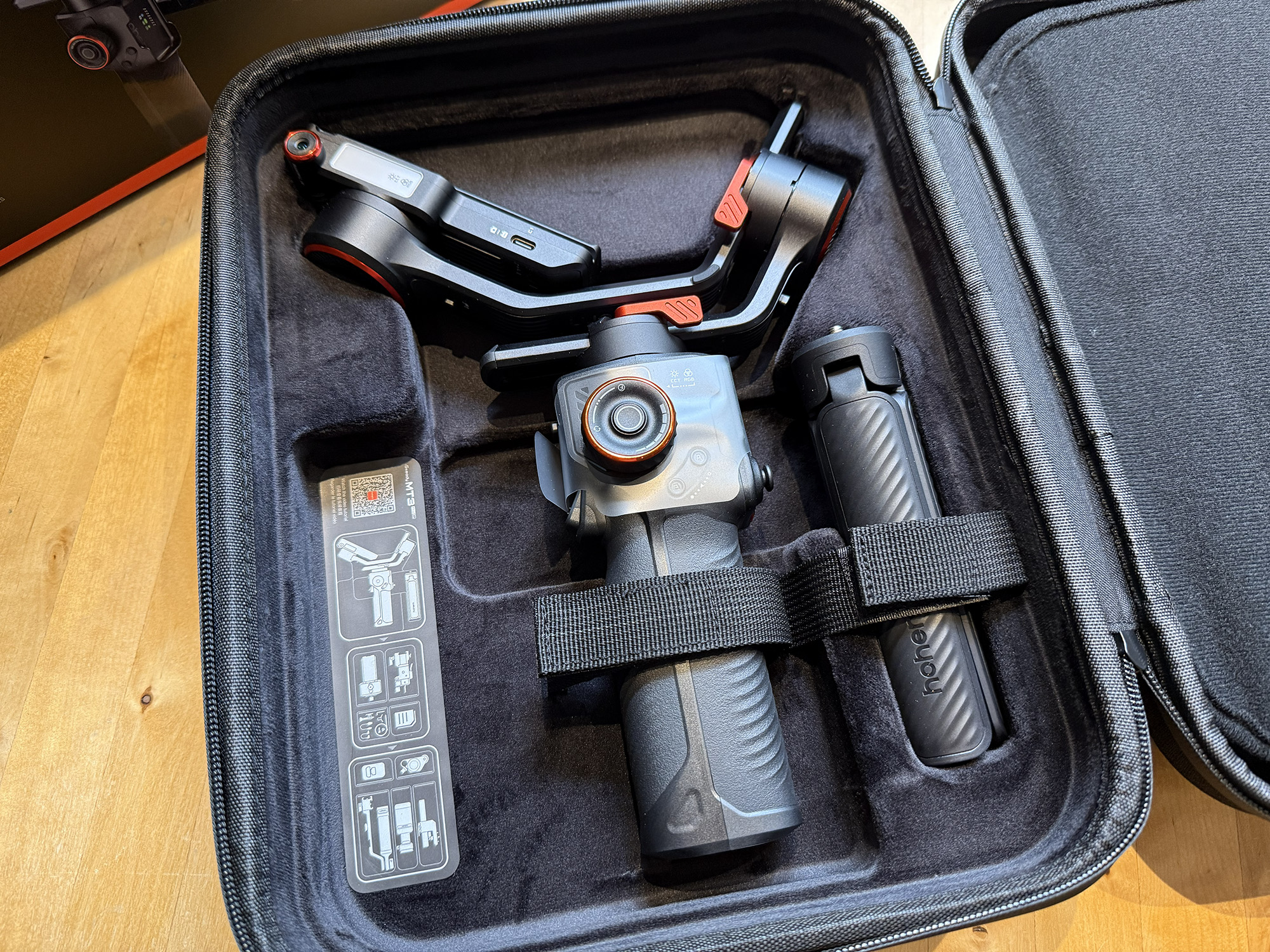
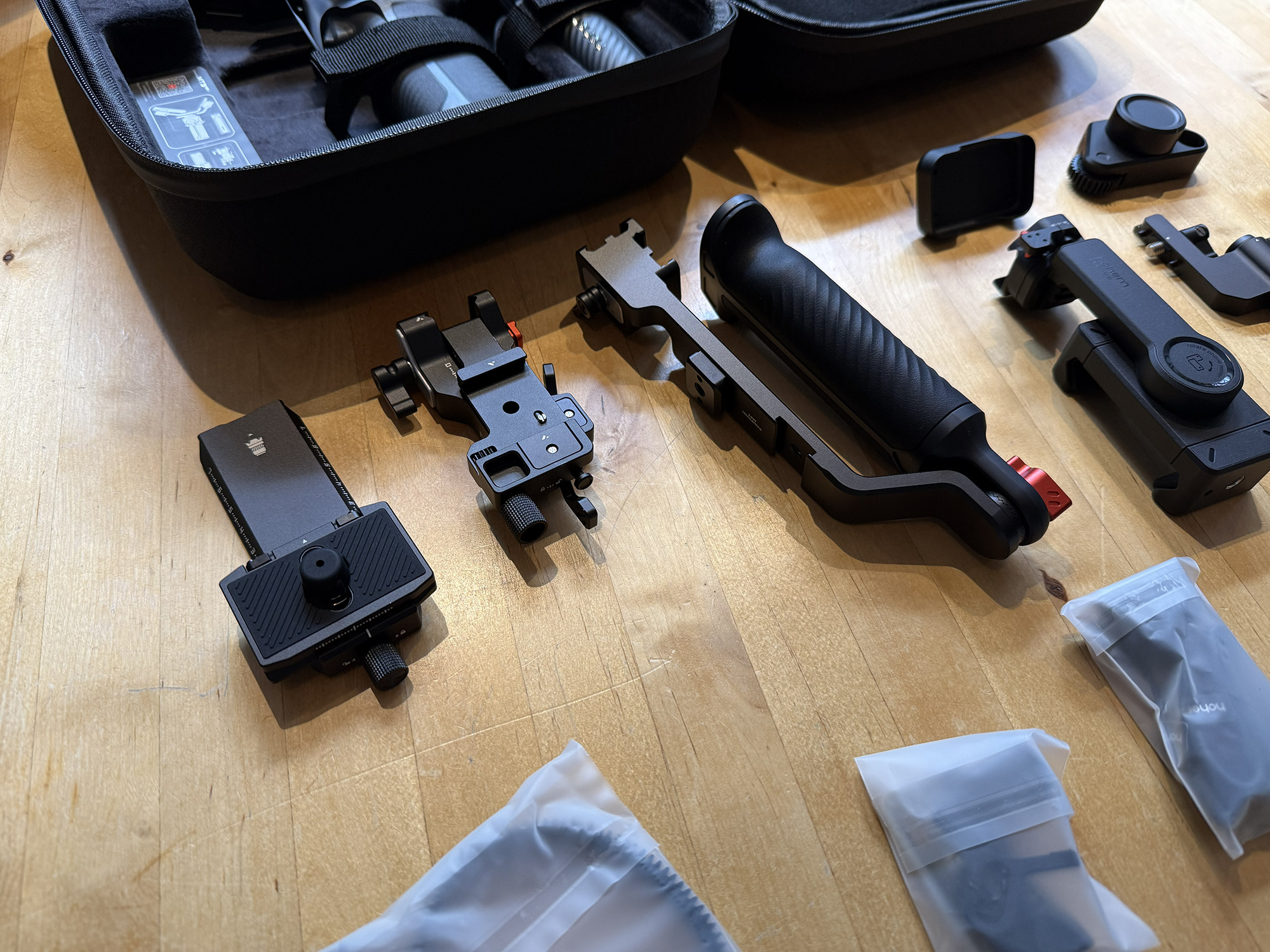
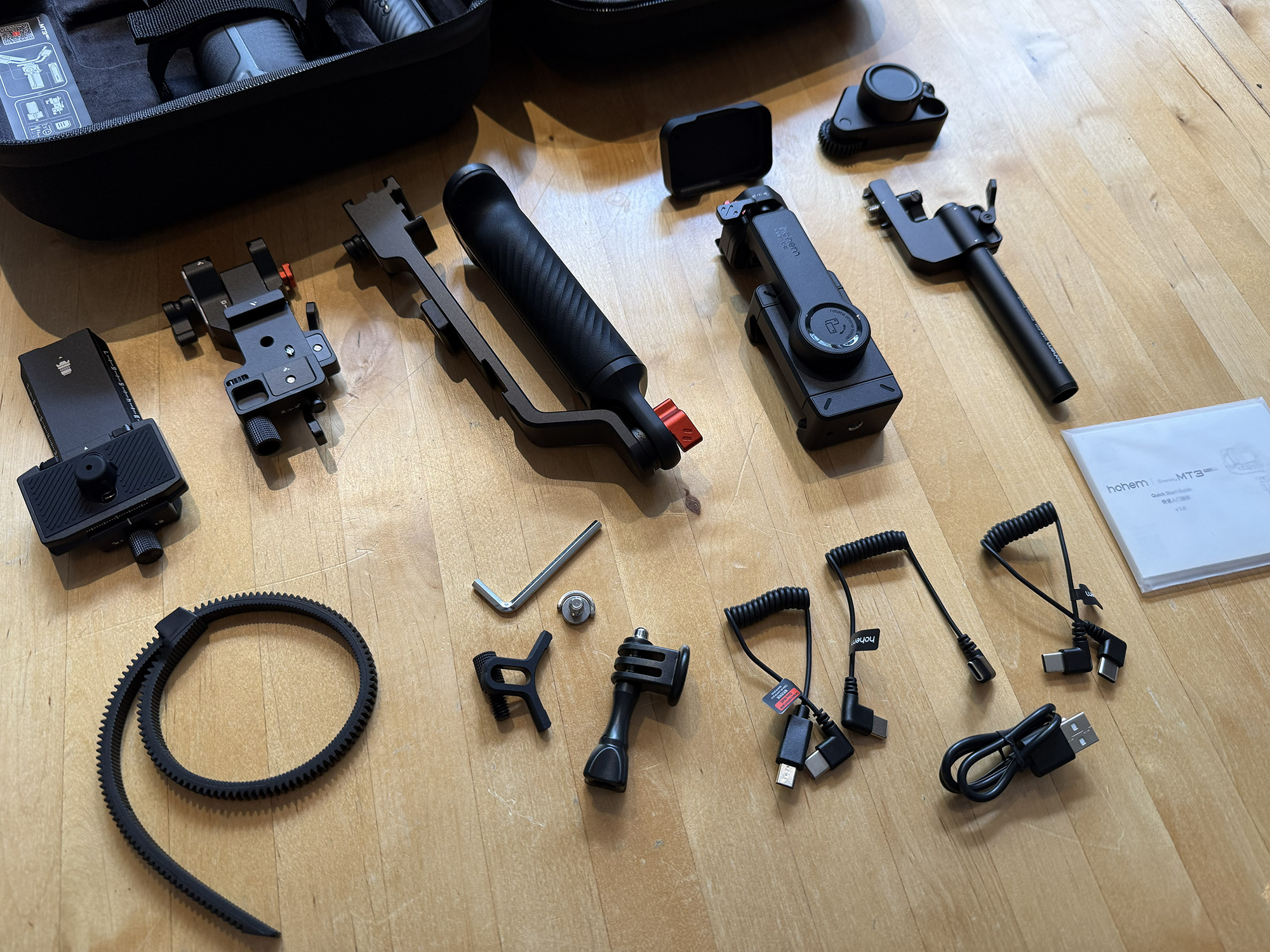
What’s in the Box
- Stabilizer
- Tripod
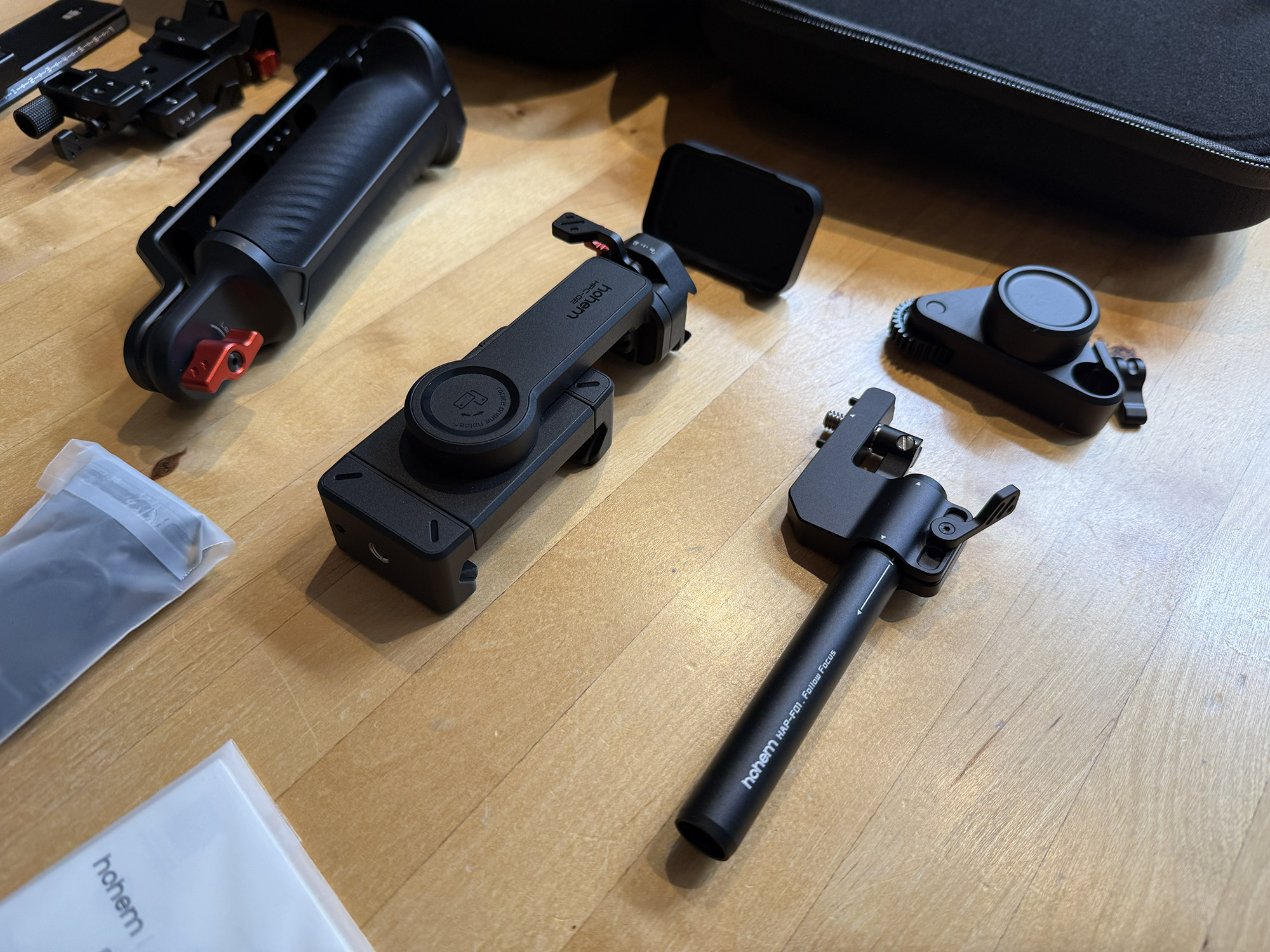
- Bidirectional Twist Handle
- Spot Mini Motor
- Quick-Release Plate Kit (Arca-Swiss)
- Phone Clamp
- Action Camera Holder
- Twist Handle Remote Mount
- Camera Fixing Screw (x2)
- Charging Cable (USB-A to USB-C)
- Camera Control Cable (USB-C)
- Camera Control Cable (Sony Multi)
- Hex Key
- Lens Support
- Thumb Screw Knob
- Quick Start Guide
- Safety Guidelines
Overview
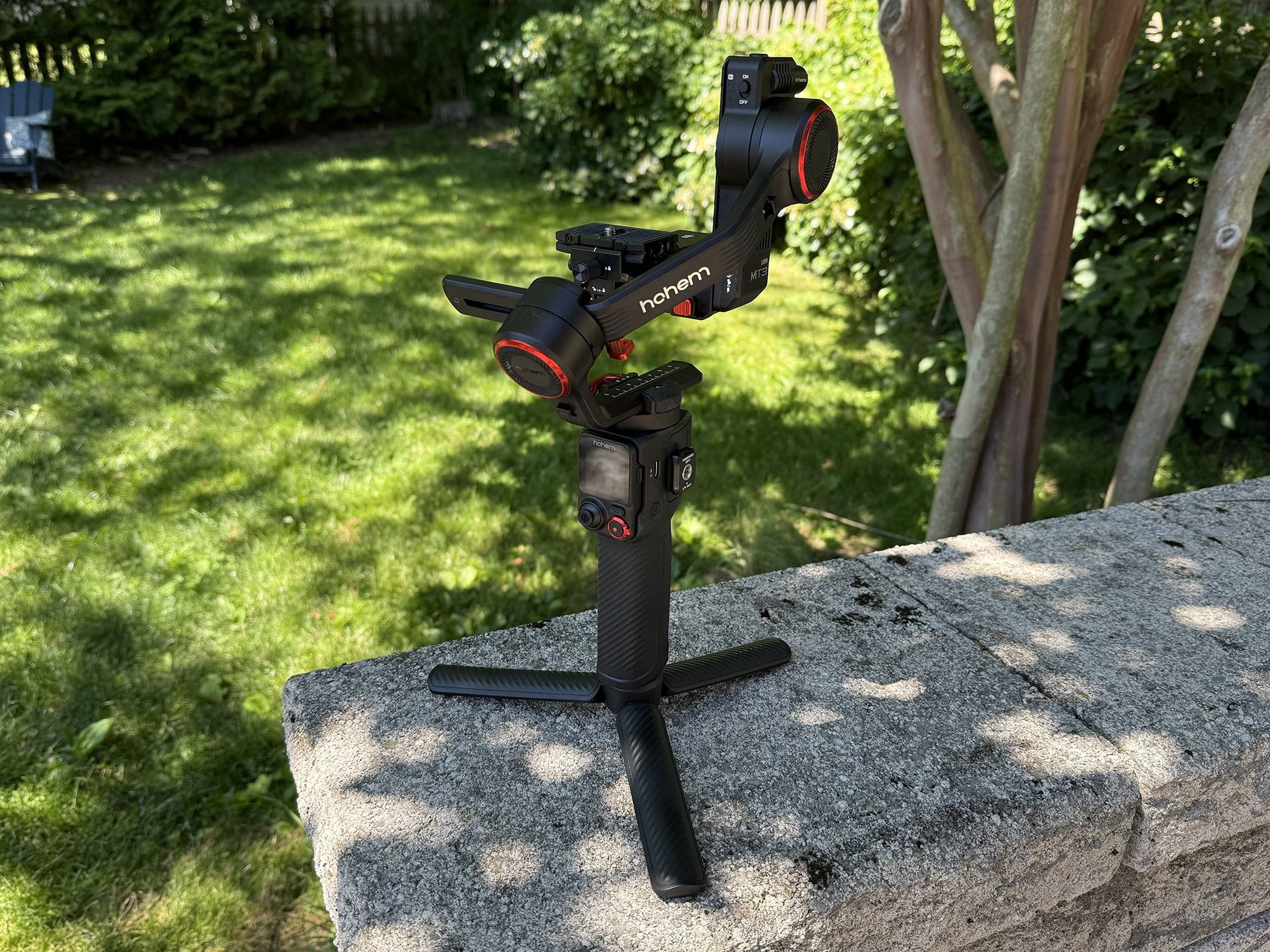
The iSteady MT3 Pro Kit first and foremost provides excellent camera stabilization and does so for a camera and lens combination of up to 5.51 pounds. As with many products in this market segment, Hohem has added sophisticated AI tracking, and on top of that, gesture control. Of course, the powerful and smooth motors in the gimbal provide robust motorized camera control, including the ability to program movements for time-lapse shooting.
Design and Build Quality
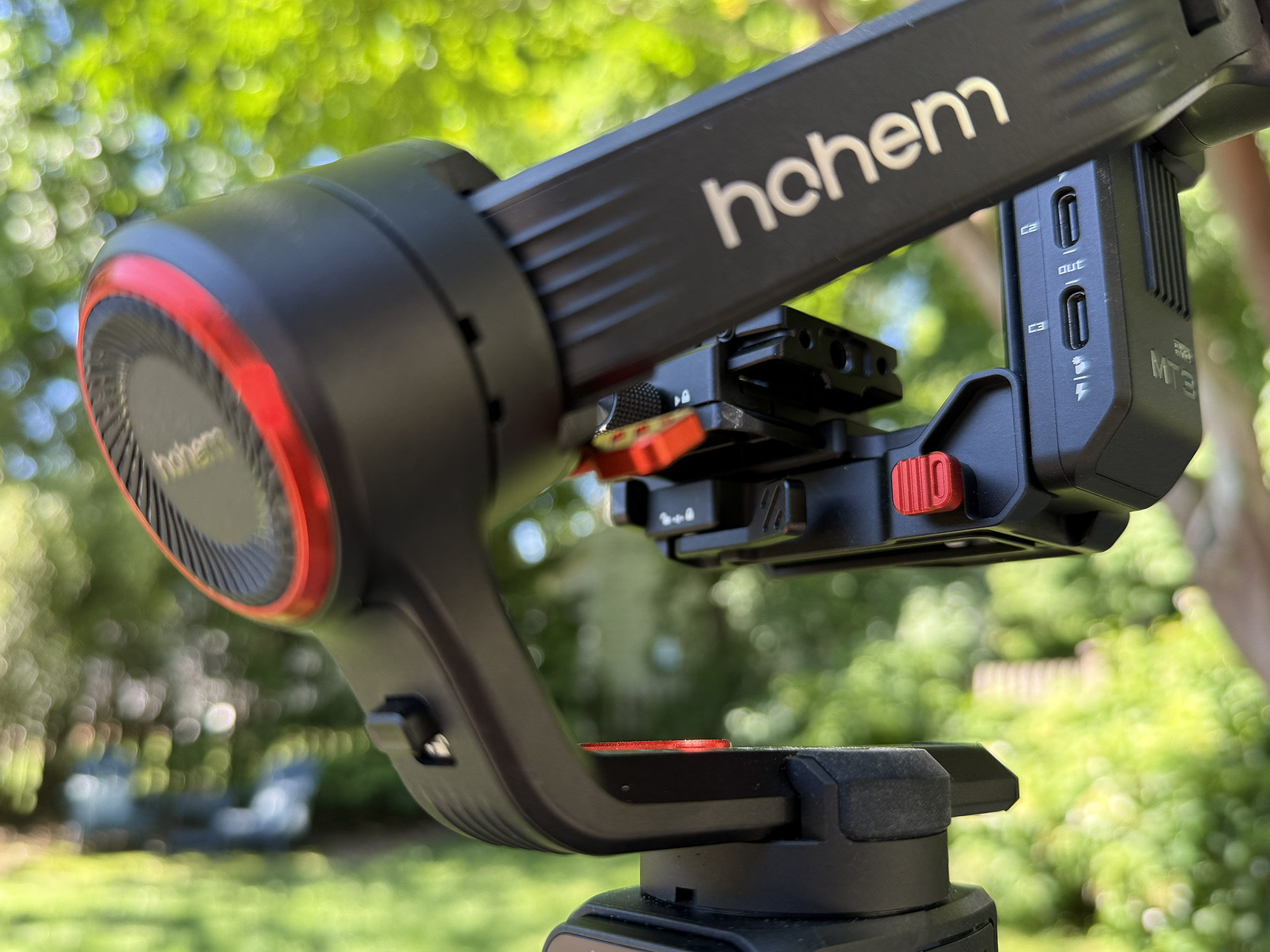
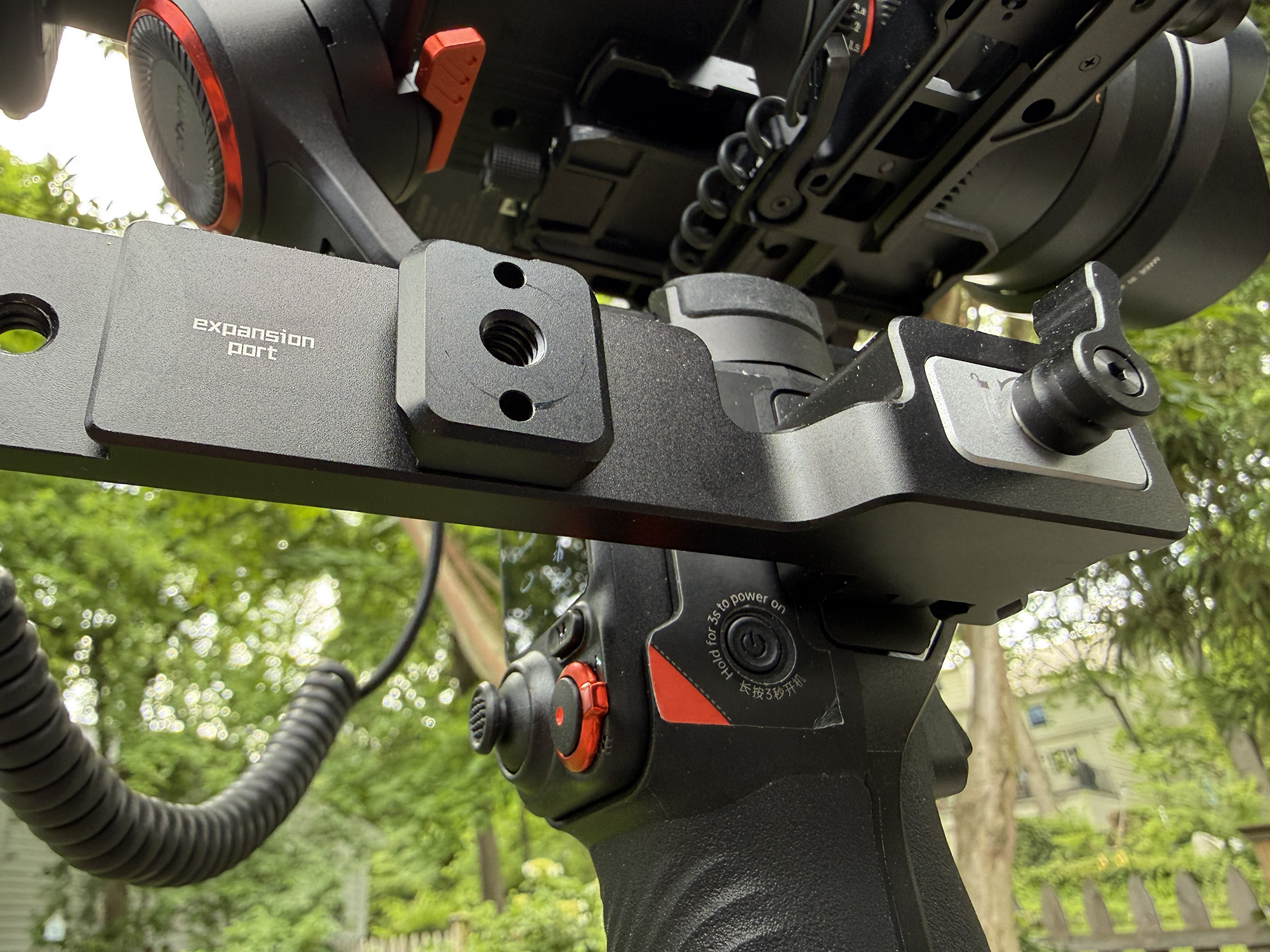
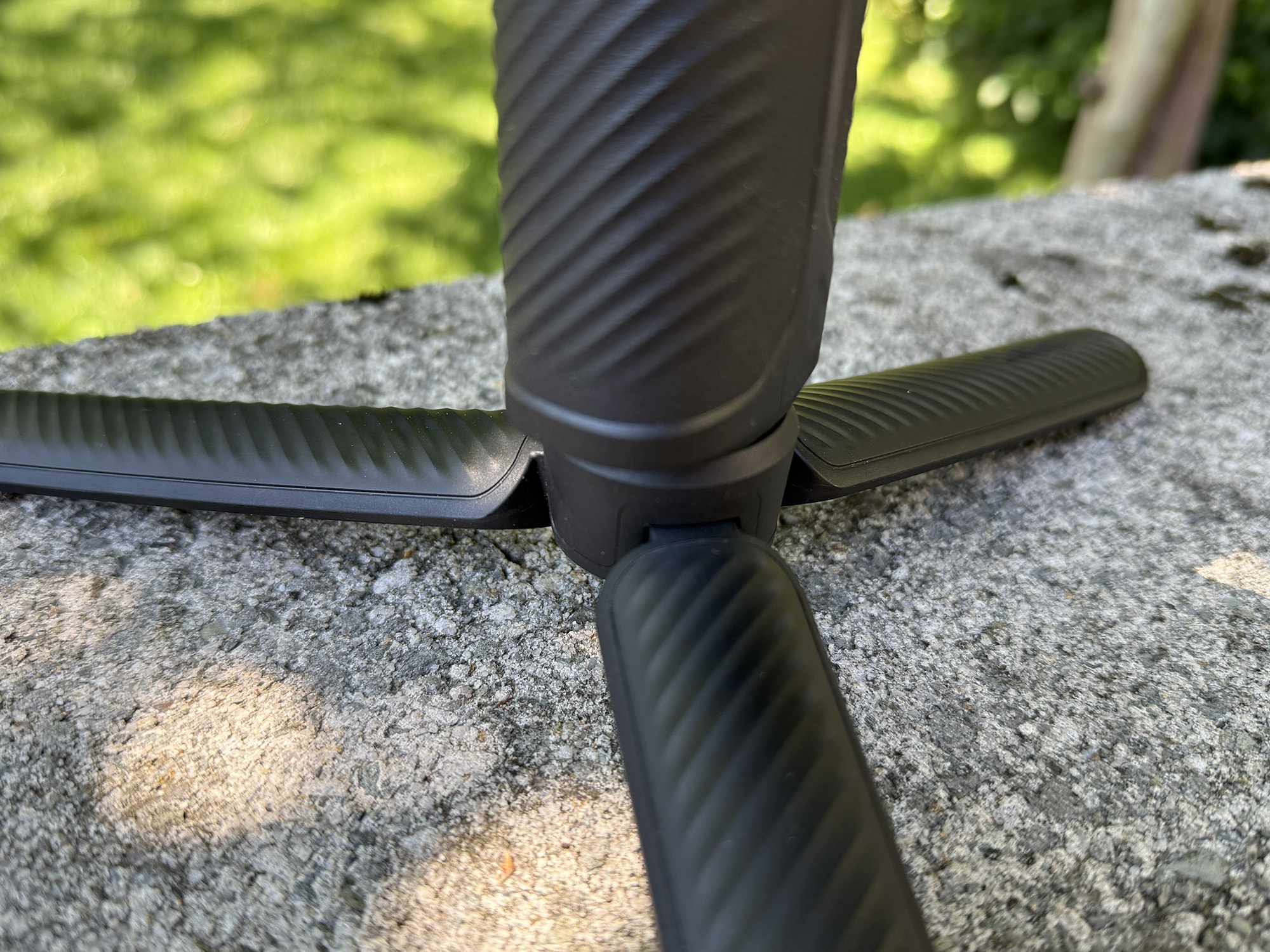
I have nothing but praise for the build quality of this stabilizer. The iSteady MT3 Pro Kit’s material choices, the way each element is designed, and the way they work together are brilliant. The details on each part of the gimbal, from the carbon-fiber-look tripod to the textured rubber handles, give it a premium, professional look. I never seem to tire of the matte black finish with an aesthetic of orange anodized metallic components.
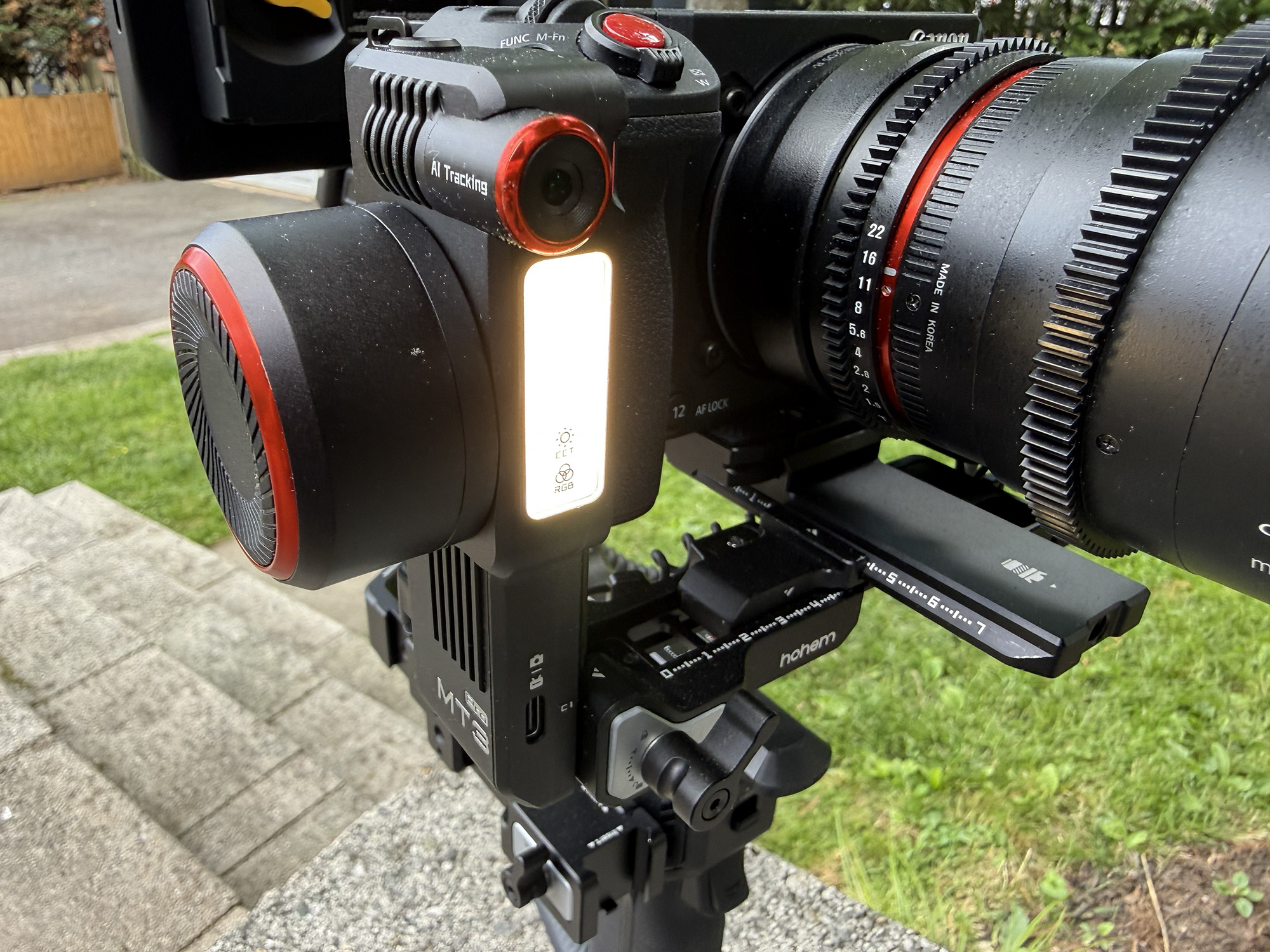
All of the controls from the action of the latches and knobs to the precision of the remote control thumbstick and the focus control knob inspire confidence and work the first time. If you order the full kit, you receive the spot mini motor and bidirectional twist handle. The way that the spot mini motor attaches to the gimbal is clever, adds as little weight as possible, and allows for easy adjustments.
The bidirectional twist handle is a clever bit of engineering in the way that it adds stability for shooting while providing multiple connection points for mounting accessories.
My only comment is that despite best efforts to avoid the situation, my fingers have to search for the power button when the handle is attached. The power button is located on the right side of the ‘head‘ of the gimbal, just above the main handle. As the twist handle mounts to a point above and forward of the button, it partially obscures the switch. That said, there are quite a few controls and ports on the gimbal, and this is the only case where one is not completely accessible.
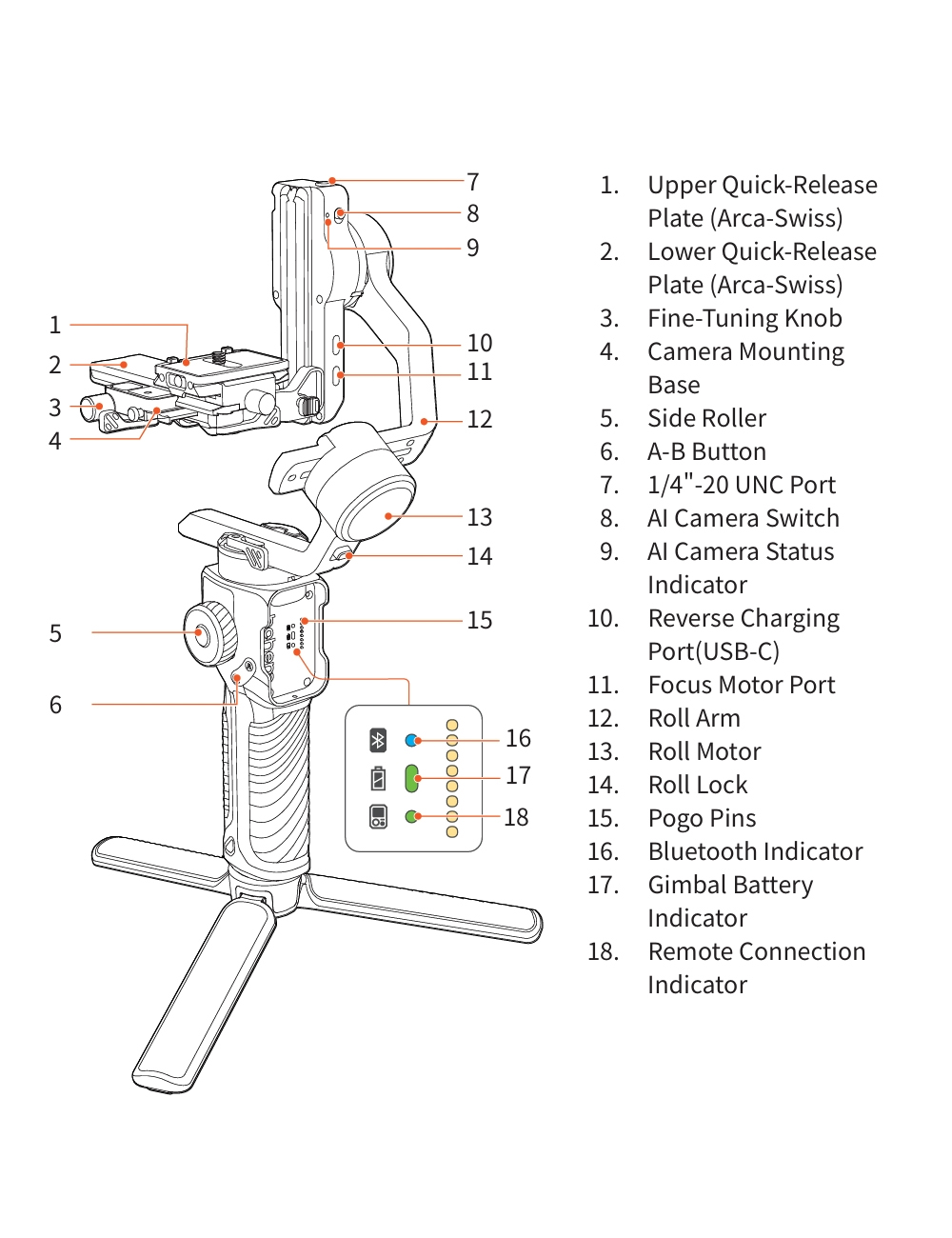
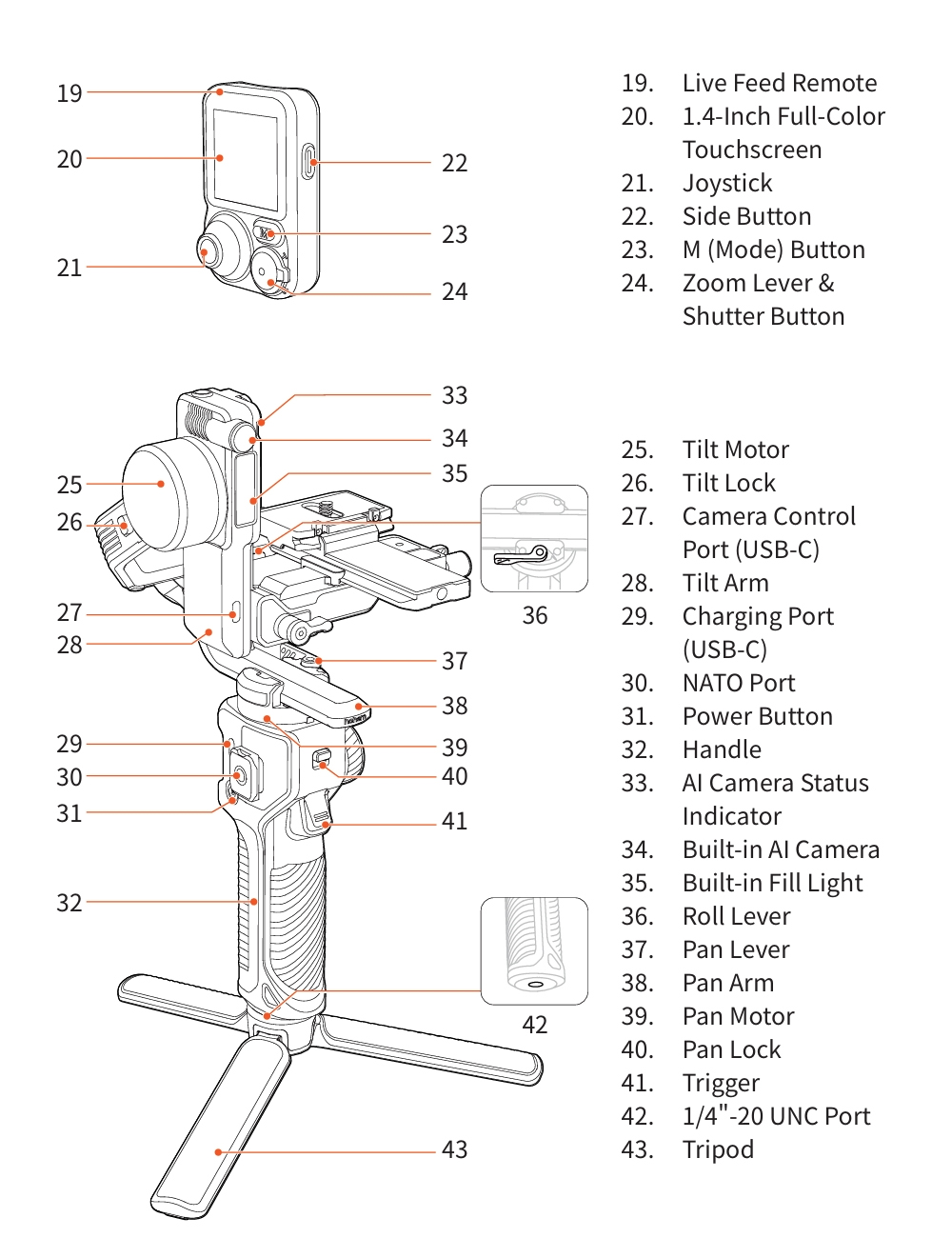
Taking a tour of the stabilizer from the top down, we start with the upper (tilt) arm, which consists of an upper and lower quick-release plate (both Arca-Swiss) that sit atop the camera mounting base. There is a fine-tuning knob here that moves the mounted camera back and forth. This knob comes in very handy when swapping batteries or memory cards without removing the camera from the stabilizer.
The upper arm also features a number of ports and switches, including a ¼” 20 UNC port, the AI camera switch and indicator, as well as the reverse charging port (USB-C) and the focus motor port. The front side of the tilt arm features the built-in AI camera and indicator, the built-in fill light, and a camera control port.
The upper arm has a roll lock on its outer face and is connected to the roll arm, which, in turn, is connected to the roll motor, which has its own roll lock. The roll arm is connected to the pan arm, which in turn is connected to the pan motor, which has a pan lock on the gimbal’s front face. What I am referring to as the ‘head’ of the gimbal is where the pan motor joins the handle.
This element has many controls and ports, including, on the left side, the side roller and the A-B button, which can control different functions using the remote or app. On the right side is the mounting point for the twist handle and the power button. The handle is an integral part of the ‘head’ and features a front trigger. On the bottom, the handle has a ¼” 20 thread for the included tripod.
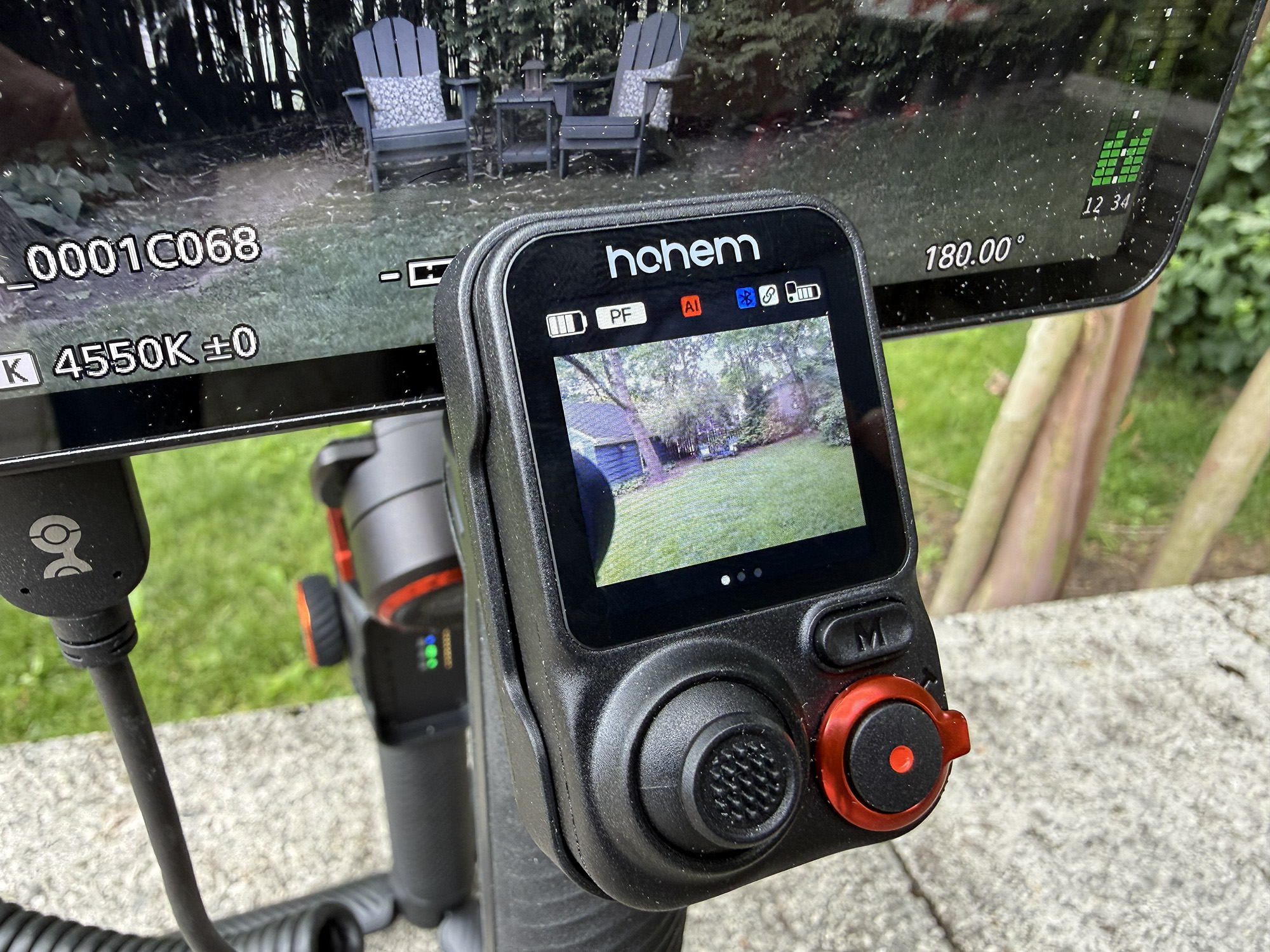
When holding the gimbal, the user faces either the removable remote control or the port where it can reside. This port consists of three indicator lights for Bluetooth, gimbal battery level, and remote connection, as well as Pogo pins that connect to the remote. The removable live-feed remote control is a unique feature that allows for creative mounting and use, but more on that later in the review. The remote features a 1.4” full color touchscreen, a joystick, a mode button, a zoom lever, and a shutter button, all on the front face.
On the right side, there is a button that, depending on the number of times it is clicked performs different actions: Press once: Start/stop AI tracking, Press twice: Recenter the gimbal, Press three times: Rotate pan motor position 180°, Press and hold: Live Feed Image Calibration, Press five times: Pair the gimbal with the remote controller, Press seven times: Clear the remote connection. On the left side, there is a USB-C charging port.
Set Up and Use
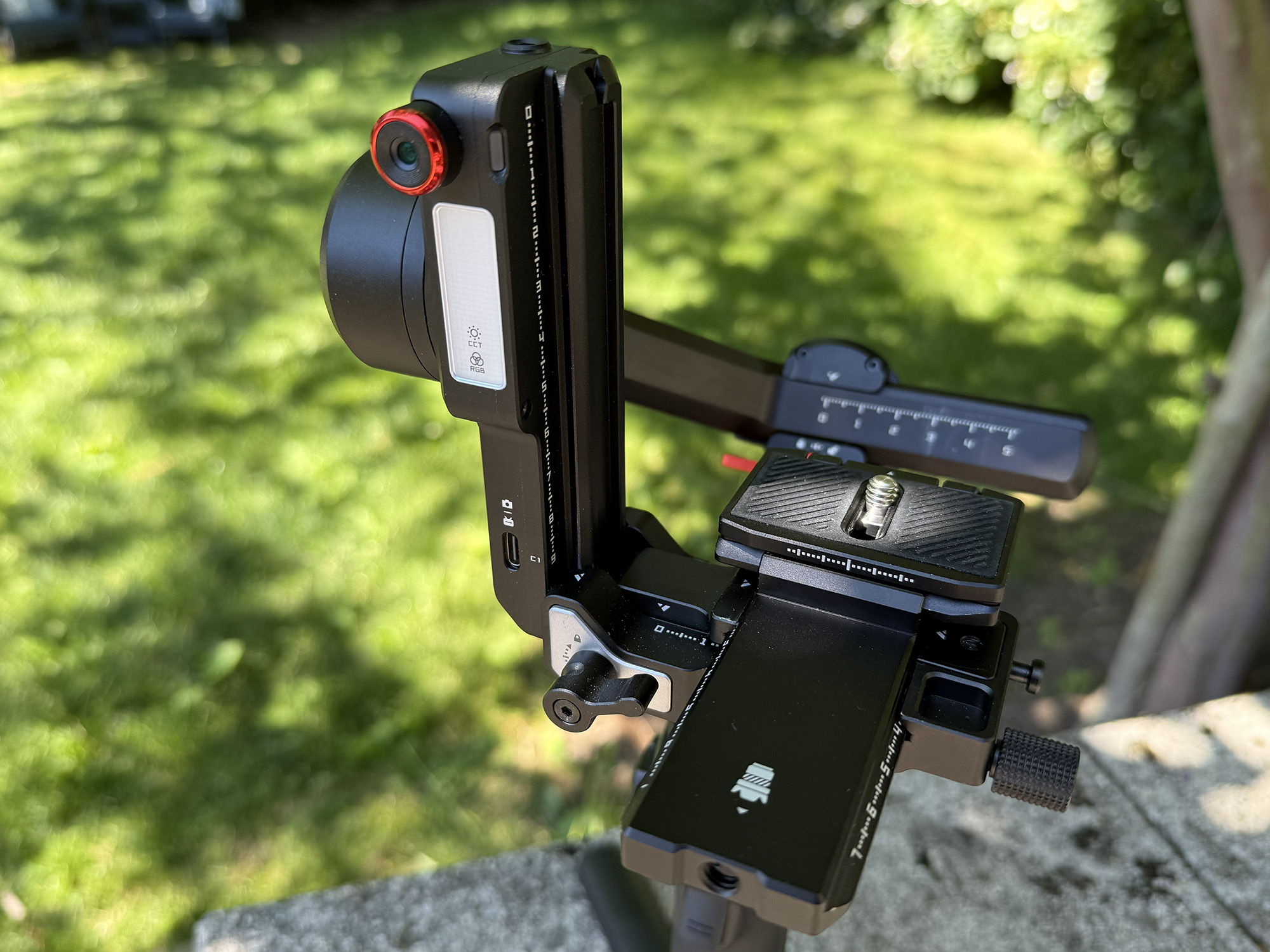
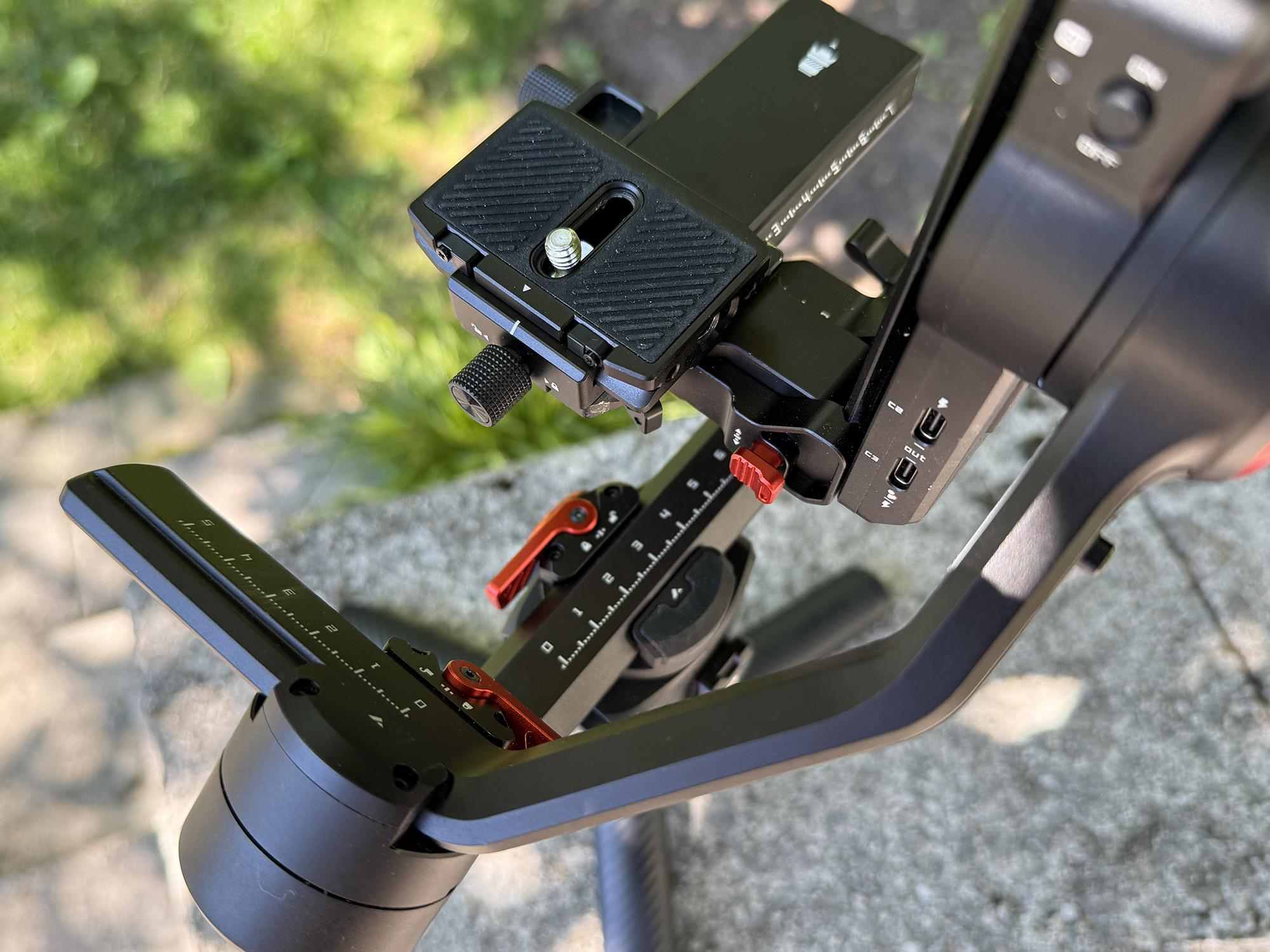
For those who have never used a stabilizer before, the mounting, balancing, and calibrating of the camera on the gimbal may seem confusing. I have experience with a few different models from different manufacturers and am happy to say that they are all very similar in their approach. In the case of the iSteady MT3 Pro Kit, once you remove the gimbal from the packaging and ensure that it is charged, the next step is to unlock the three-axis arms, which are shipped locked by default.
The next step is to attach the camera mounting base to the gimbal using the safety lock and knob. The quick-release plate is then attached to the bottom of the camera, and then inserted into the lower release plate and slid along its rail until it clicks in place. The camera mounting base is extended to match the width of the camera and then locked in place using the lever on the bottom. The camera is now slid onto the camera mounting plate while pressing the safety lock, and then is secured using the upper lever.
Now that the camera is mounted, balance each arm, starting with the topmost. The camera is balanced on the tilt arm by sliding it as far left as necessary and rolling it along its track forward and backward. Once this is completed, proceed to the roll arm, which is balanced by sliding the arm right or left. Once completed, the pan arm is balanced the same way. Once these steps are complete, you can power up the gimbal and begin using it. The first thing you will want to do is to have the gimbal self-calibrate using the menu on the remote.
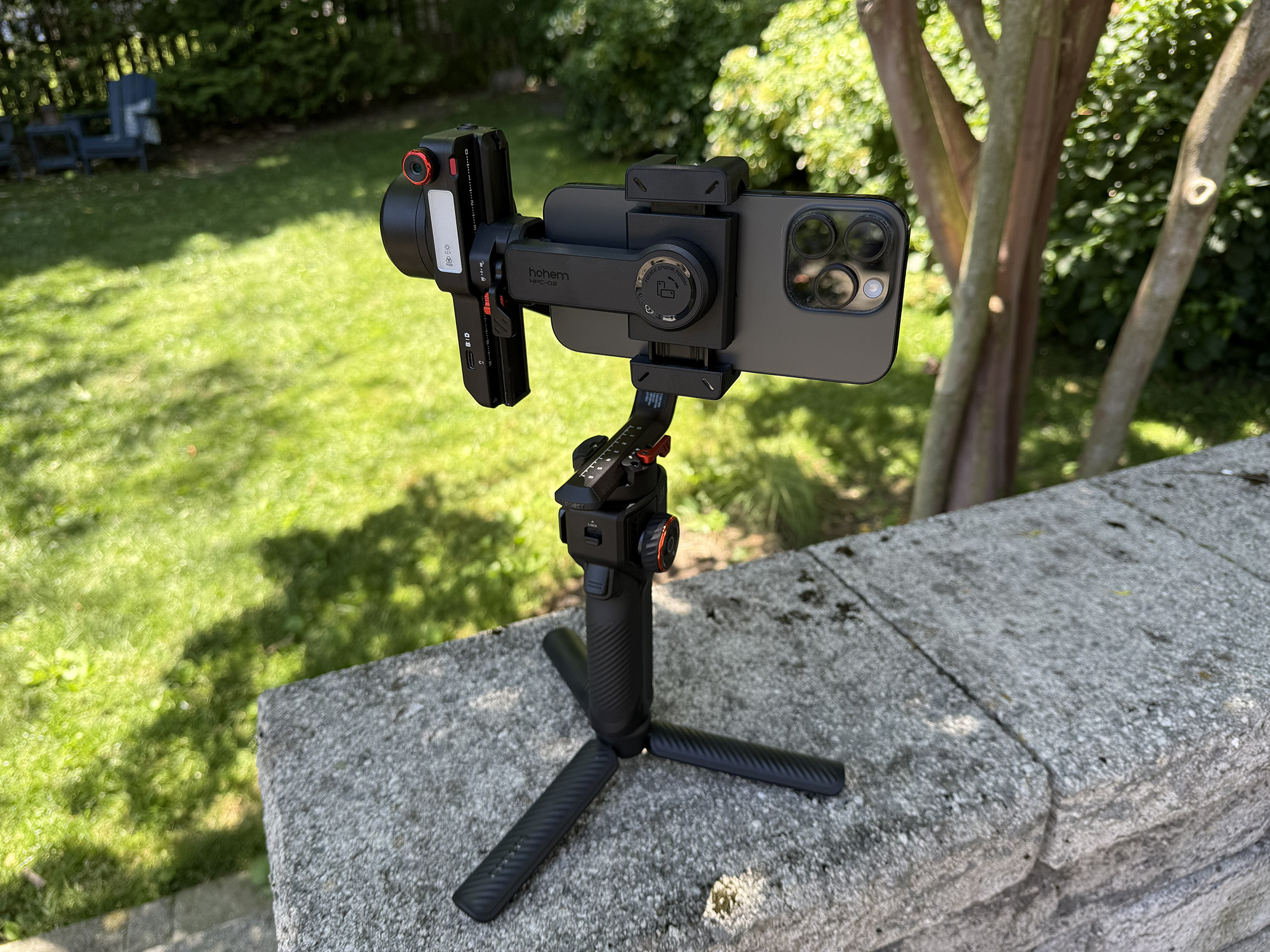
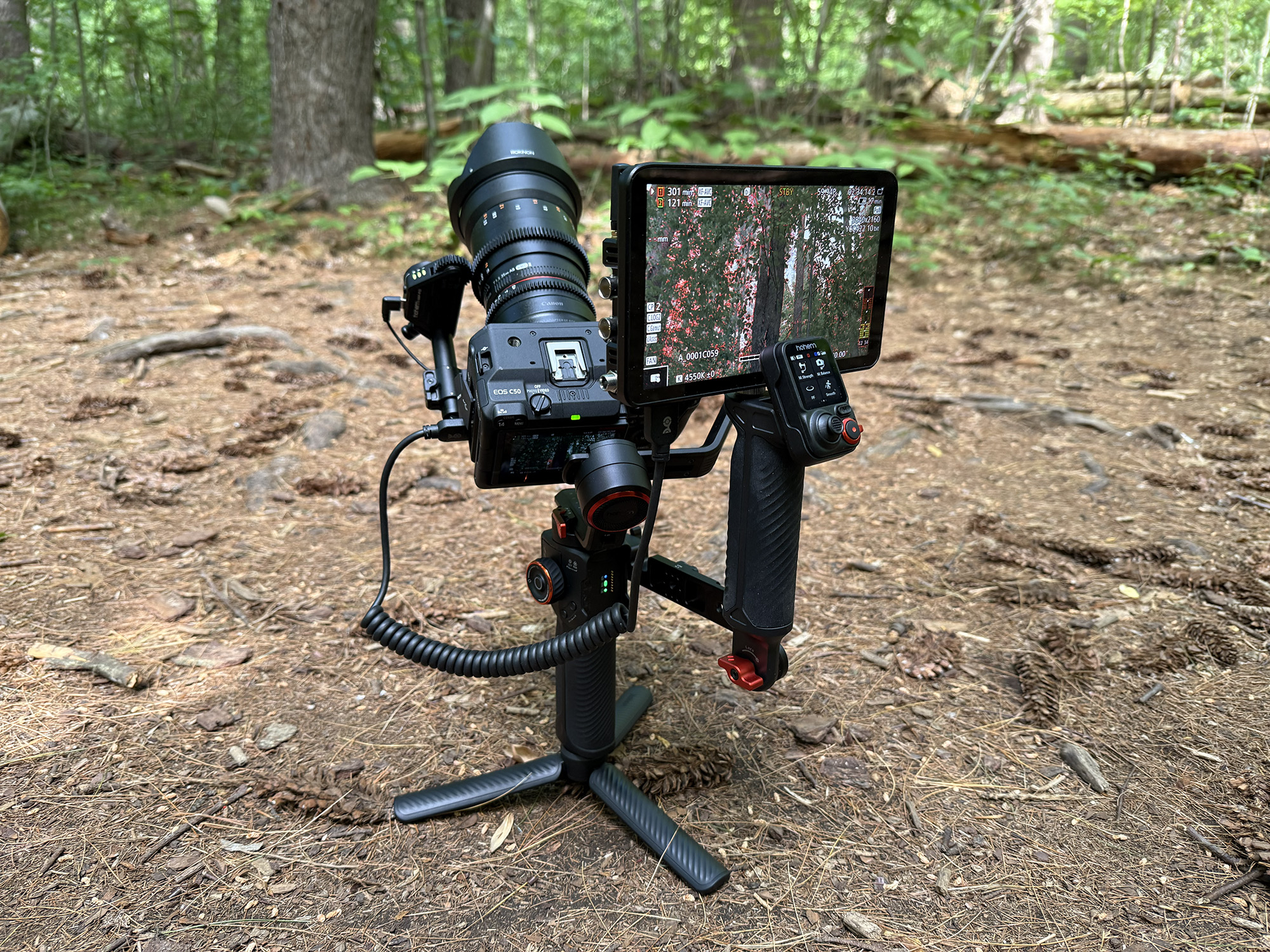
It may sound a bit complex, but once you have done it once, it is a breeze. I tried the MT3 Pro with an action camera (SJI SJ11), a smartphone (iPhone 16Pro), a compact camera (Leica D-Lux 5), as well as three Canon cameras ranging in size and weight: the R50, the 6D mk2, and the C50 (which, with its Rokinon 35mm lens and the EF to RF adaptor, weighs 3.75 pounds).
The mounting and balancing process was essentially the same and worked for every camera and lens combination within reason. I was able to find a combination that could be accommodated by attaching my large Canon 24-105mm lens to the relatively tiny R50 body. Since all the weight was at the front, there was no way to pull the combination back far enough to balance it. But this is an extreme combination for this use and is not typical. All other pairings worked without issue.
Compatibility
-

- iPhone 16Pro
-
- SJCam SJ11
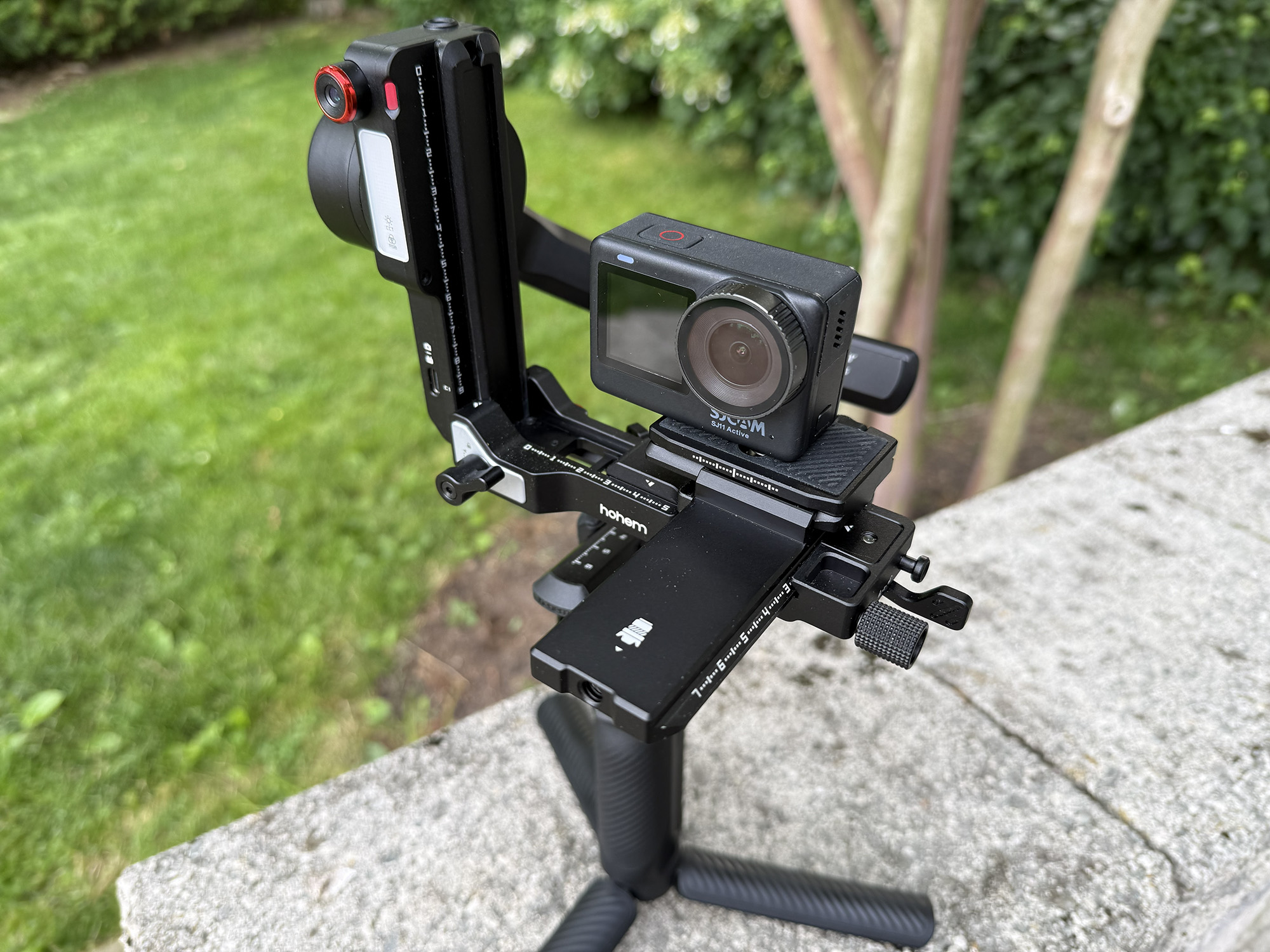
-
- Leica D-Lux 5
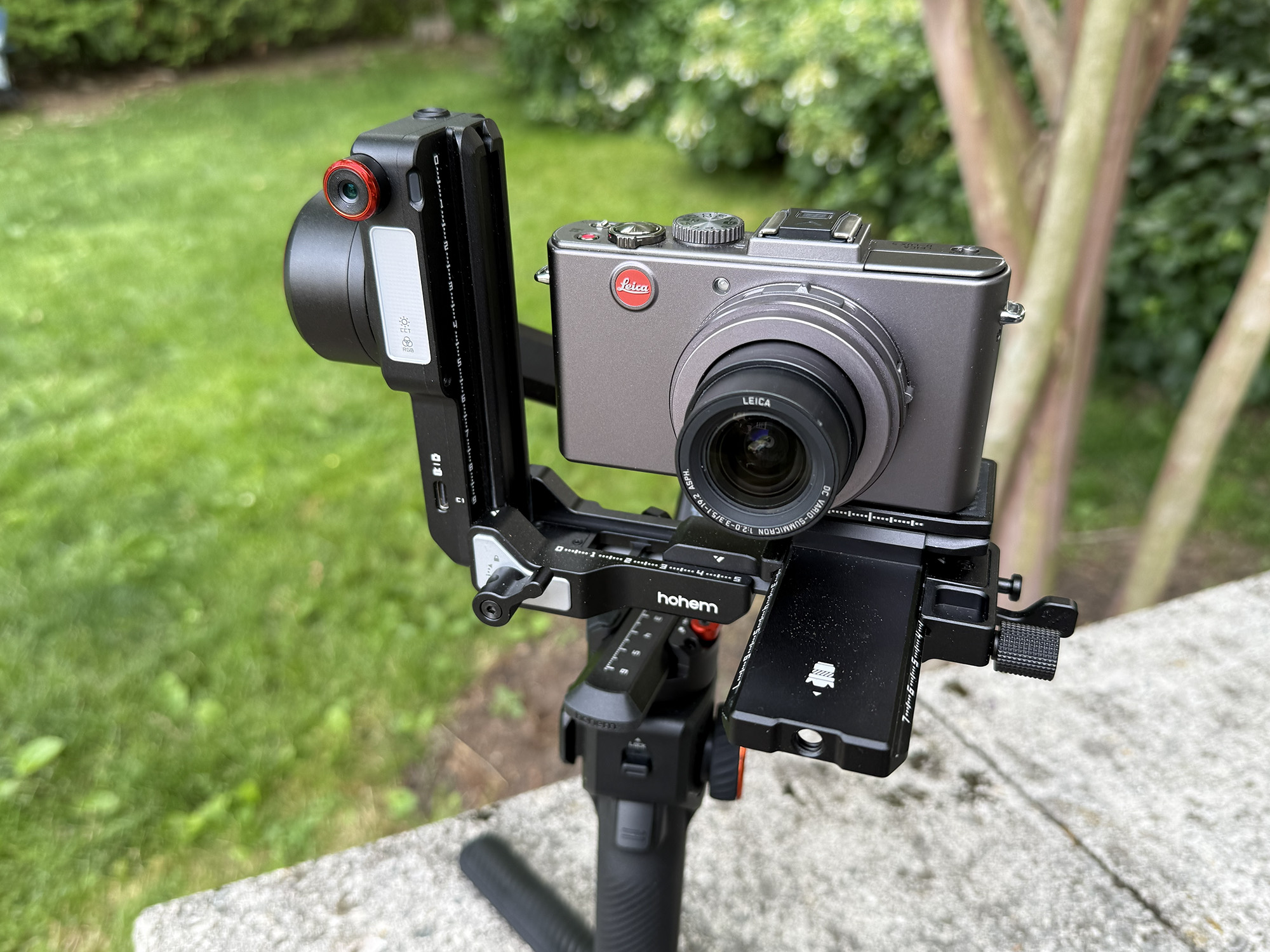
-
- Canon R50
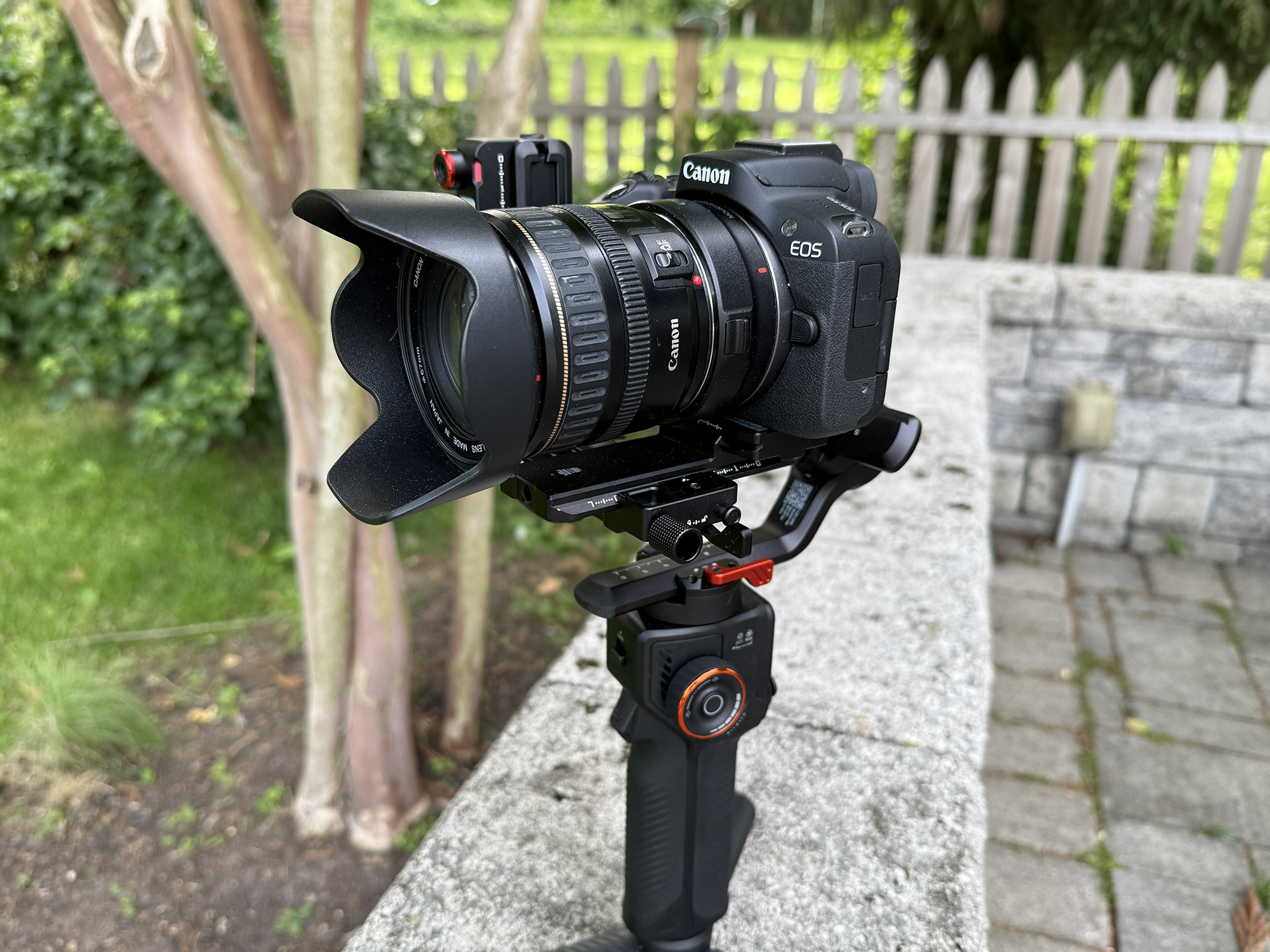
-
- Canon 6D mk2
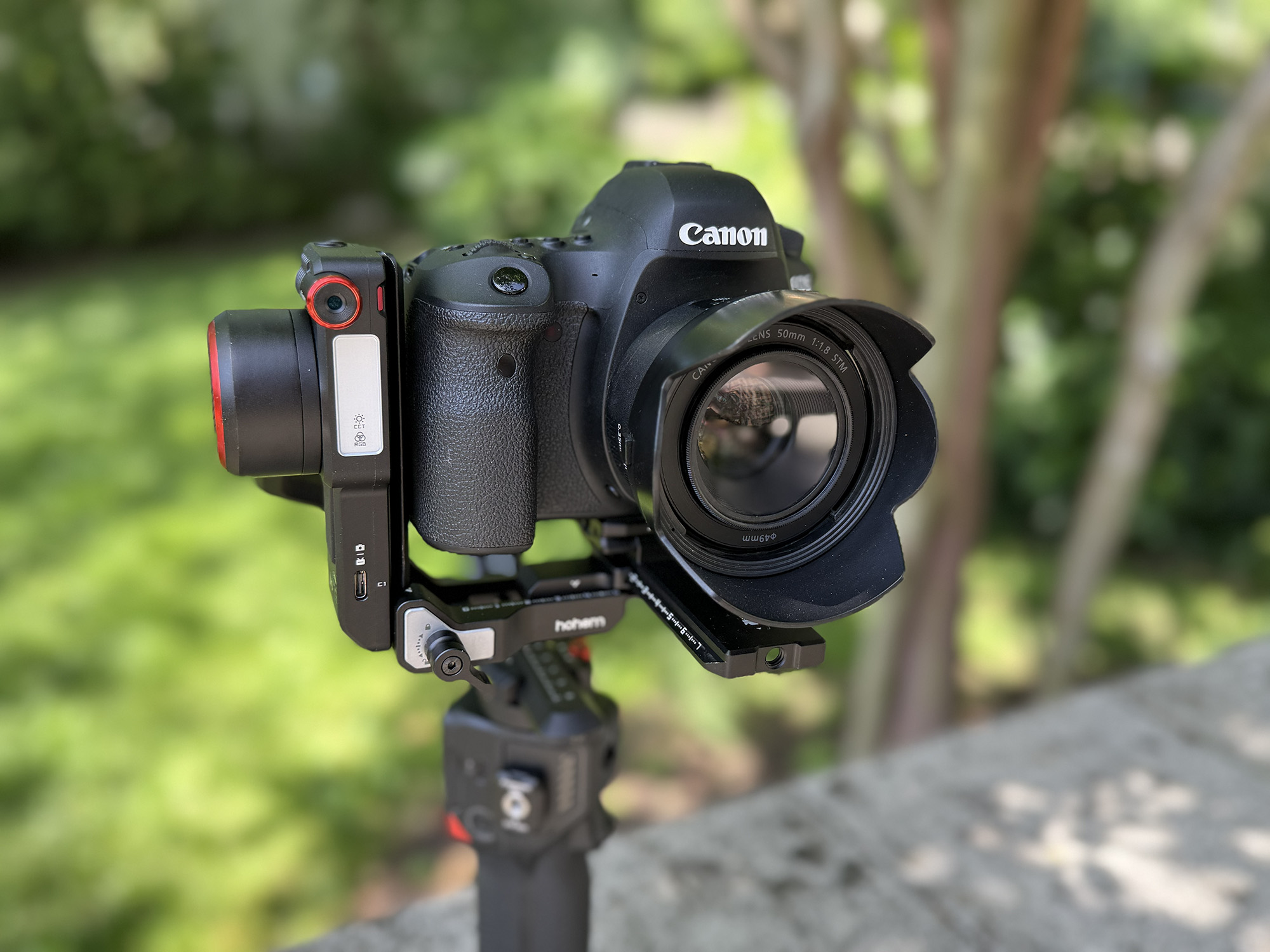
-
- Canon C50
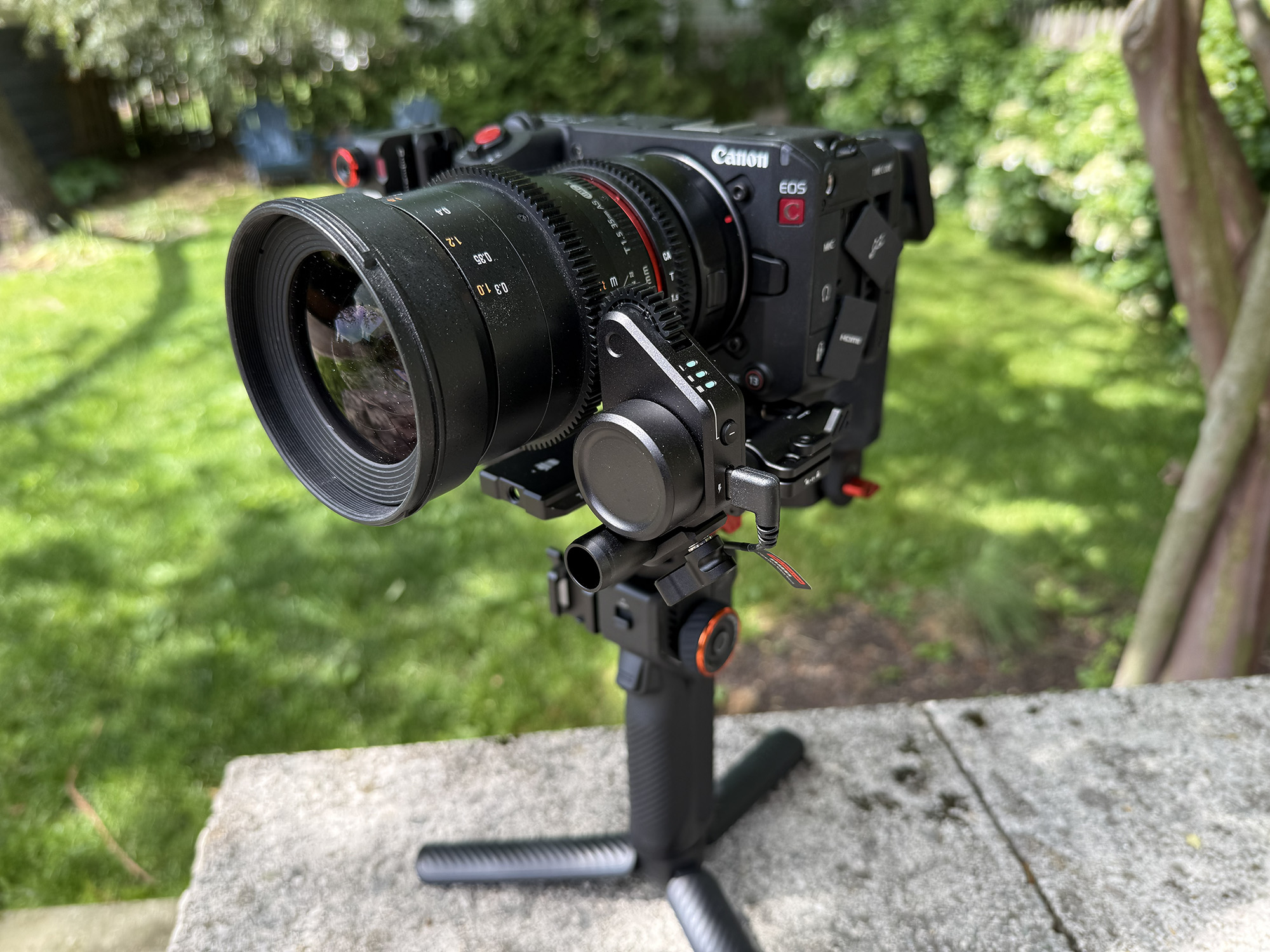
The iSteady MT3 Pro Kit can accommodate action cameras, smartphones, compact cameras, DSLRs, and small to midsize mirrorless cameras up to 5.51 pounds. To use the MT3 Pro’s camera control features, you will need a compatible camera. Of all of the cameras that I tested, only the Canon R50 was fully compatible. For a full list of compatible cameras, please see the iSteady MT Series Camera Compatibility List.
Of course, you can use the shutter or start/stop buttons on your camera while on the gimbal, but controlling this function from the remote menu or the gimbal buttons is easier and doesn’t seem like too much to ask.
The Spot Mini Motor is only used with prime (non-autofocus) lenses. The lenses I tested had geared rings that the motor interfaces with. If your lens does not have a geared ring, Hohem includes an adjustable geared ring that you can attach for this use.
Hohem Joy App
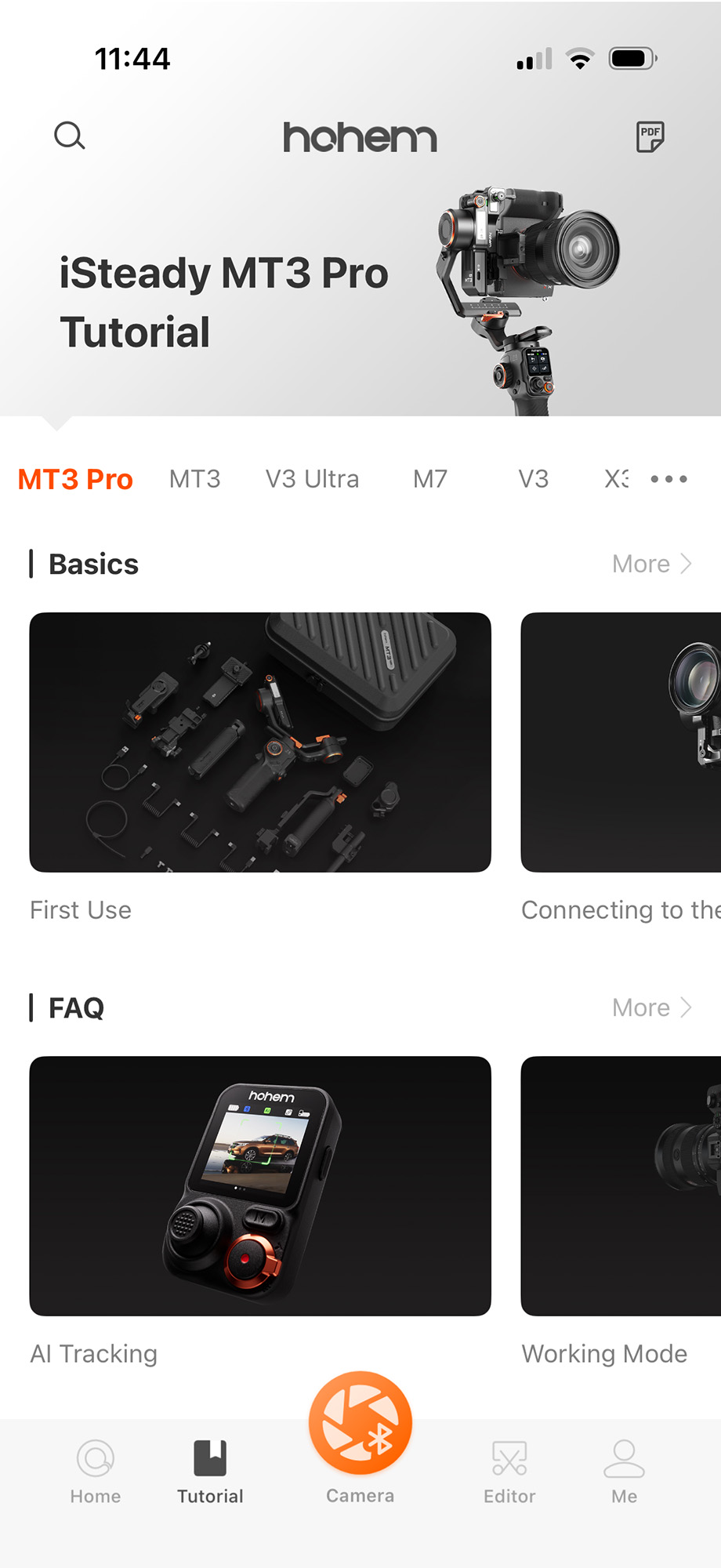
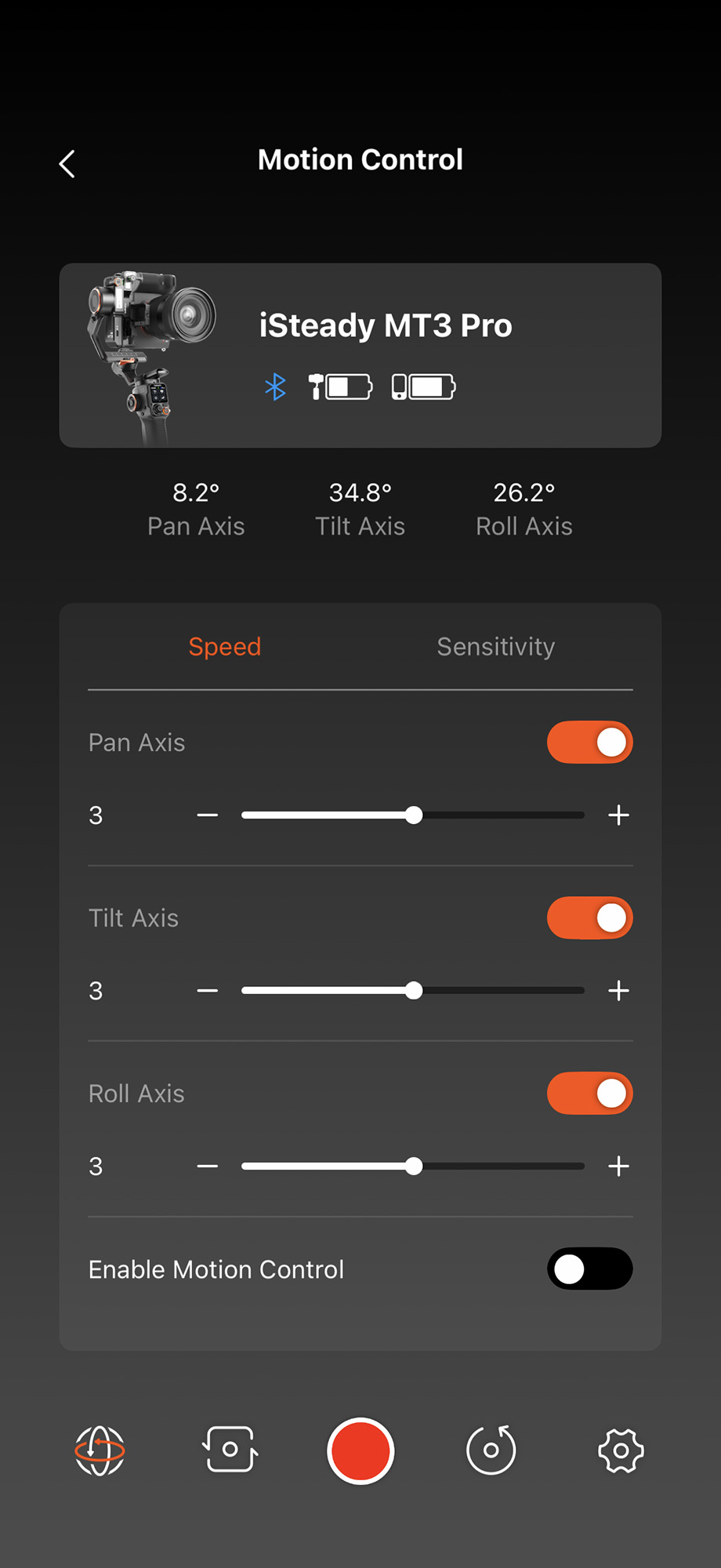
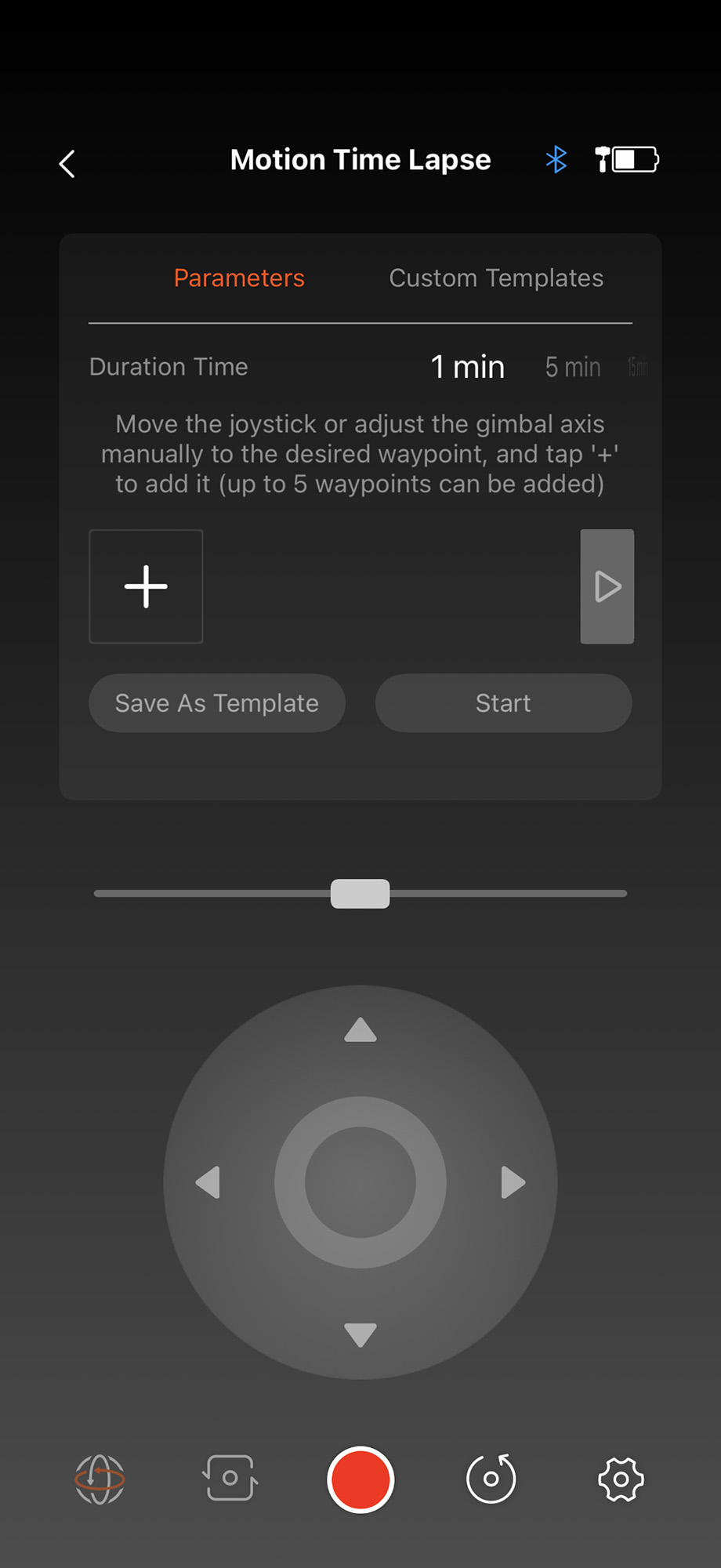
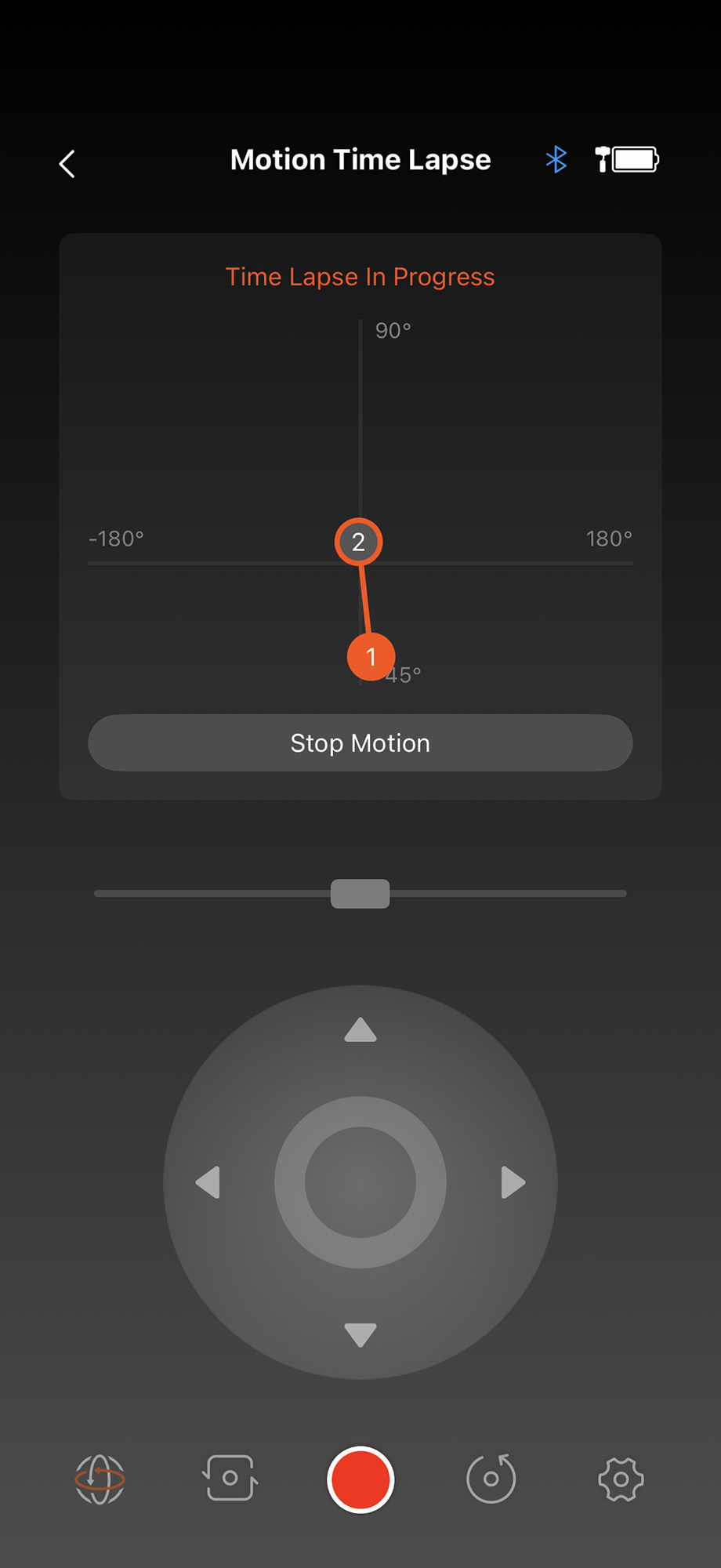
The free Hohem Joy app provides tutorials and FAQs for a number of Hohem’s gimbals and includes an editing section with free story templates. It provides access to the user’s account, technical support, the Hohem community, and other features.
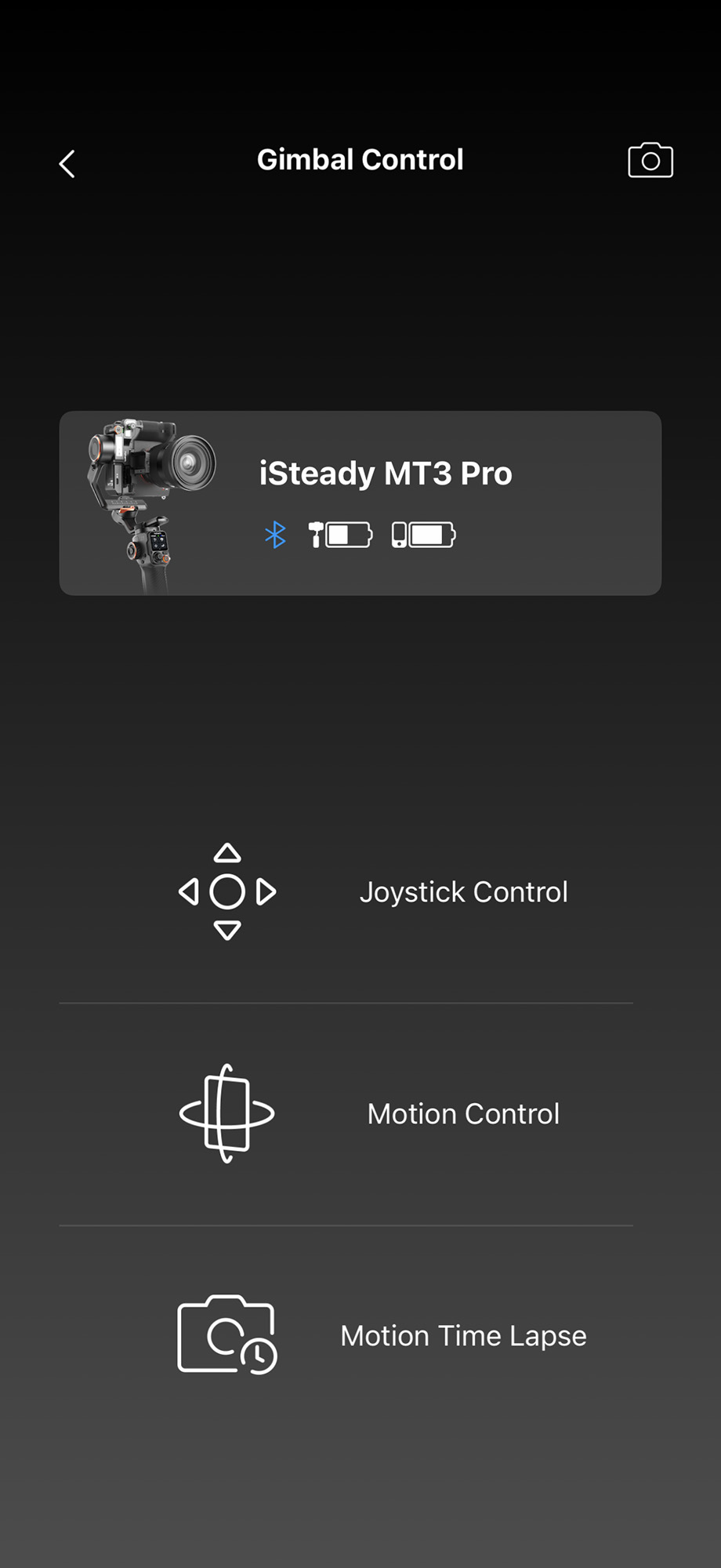
To pair the gimbal with the app, just power on the MT3 Pro and start the app. The app will automatically detect the gimbal and pair with it. A screen will ask whether you wish to control the camera or the gimbal. Selecting the camera will open the smartphone’s controls.
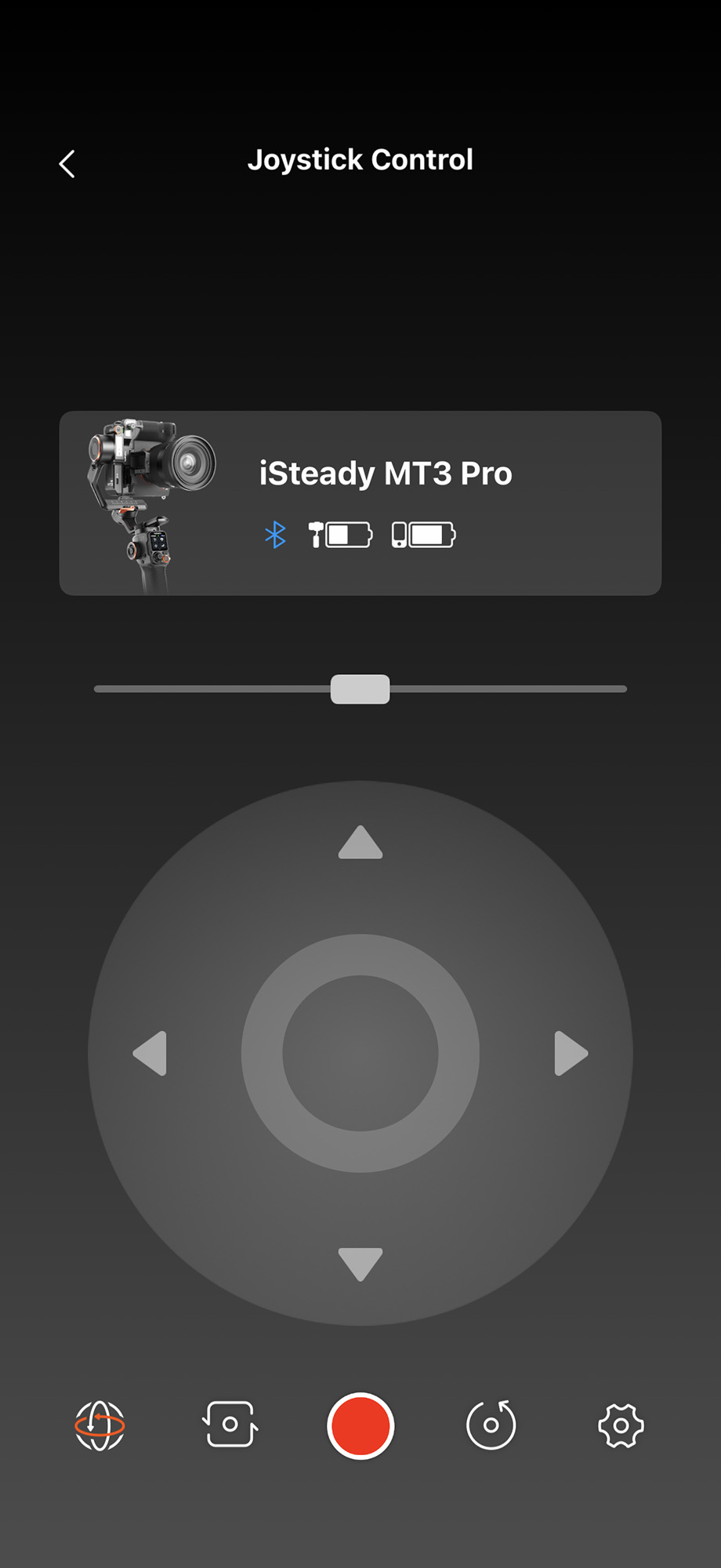
Selecting the gimbal will bring users to a screen where they can control the gimbal via the joystick, set the speed and sensitivity of the motors, and, my favorite, a third option for programming and shooting motion timelapse segments. The time-lapse motion control function adds another type of use to an already impressive device, and a use that many might not first expect when considering a camera stabilizer.
Performance
Using the iSteady MT3 Pro is easy; mastering it requires some practice. The art and science of camera stabilization has changed dramatically over the years. It was once only the domain of specialized operators, but today everyone expects to pick up a product and see professional results immediately, whether they have experience and talent or not. The iSteady MT3 Pro is a serious tool and yet is no more difficult to use than any other gimbal on the market. With a little practice, anyone can achieve impressive results.
You can use the MT3 Pro with action cameras and smartphones, but there are obviously many, much less expensive options on the market. This gimbal is designed for mid-sized cameras and, with its high payload limit of 5.51 pounds, can accommodate a wide variety of models.
Although at the core of its functionality, camera stabilization is only one of the things that the iSteady MT3 Pro does well. The gimbal features a built-in 2MP AI camera that delivers consistently high-resolution images. Powered by a large-scale AI model trained on millions of images—including people, pets, vehicles, buildings, and more—it can intelligently recognize a wide range of subjects and maintain stable tracking during filming, even as they move.
This feature is controlled via the remote control and works very well. Combined with gesture control, it is now a powerful tool for vlogging, allowing users to start and stop shooting, control the shutter, and customize the composition, all using their hands. This system is as intuitive as it appears and very fun to use.
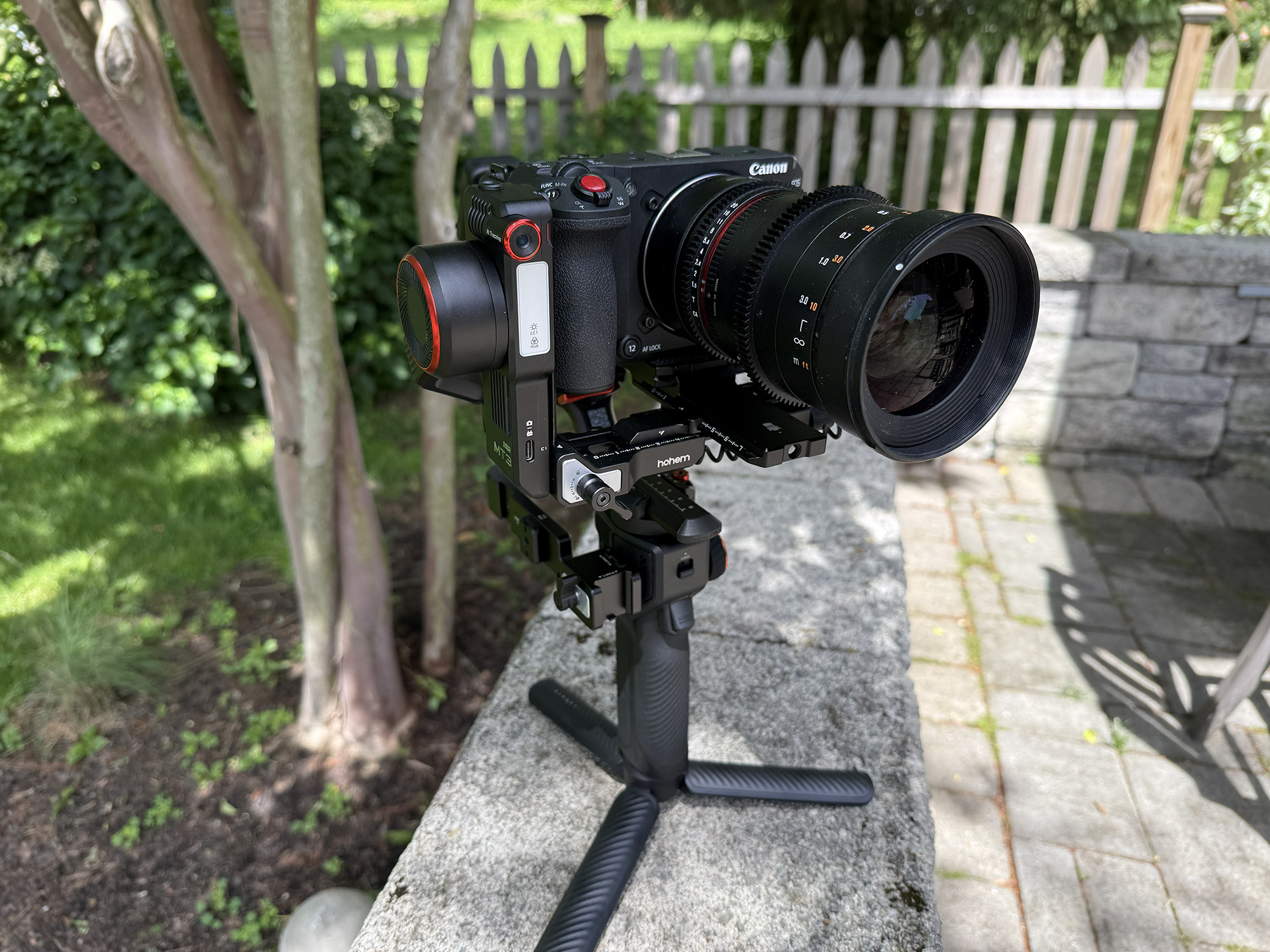
One of my favorite features of the MT3 Pro is that the powerful motors (40% stronger) deliver smooth movements and let me shoot beautiful pans, tilts, and other moving shots with the joystick. Using the Hohem Joy app, you can even create custom movements and set their duration, making it a perfect tool for time-lapse photography and videography.
As for battery life, Hohem claims 20 hours, and after many uses where I barely made a dent in it, I don’t doubt them. They do provide some additional detail about battery life depending on usage: Battery life varies with how the gimbal is used (all times are approximate): 20 hours — balanced and stationary; 14 hours — with AI tracking enabled; 8 hours — with AI tracking and fill light used simultaneously. The iSteady MT3 Pro can also power your camera, power the spot mini moto separately, and recharge other devices.
The gimbal features Hohem’s second-generation fast vertical switch, a valuable asset for those shooting for both landscape and portrait formats. To rotate the camera’s orientation, just loosen the knob and press the safety lock to detach the mounting base, keeping your camera attached. To reattach, simply slide it back on vertically, secure the lock, and you’re ready to go.
The MT3 Pro includes a built-in fill light, which makes it easy to quickly illuminate your subject. You can adjust both brightness and RGB/CCT color settings using the remote or the side wheel. The CCT mode offers nine color temperature options, while the RGB mode provides a wide spectrum of colors.
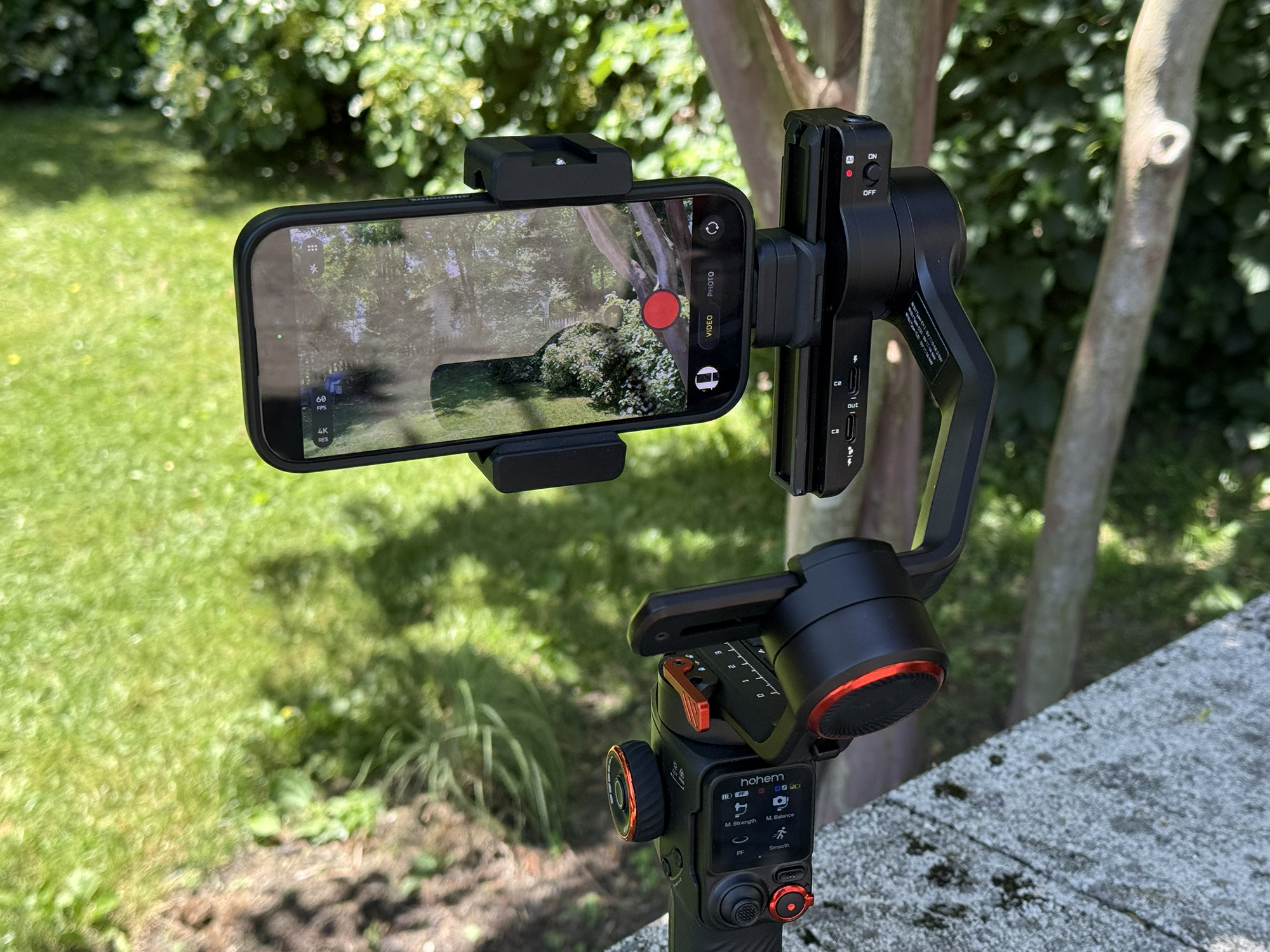
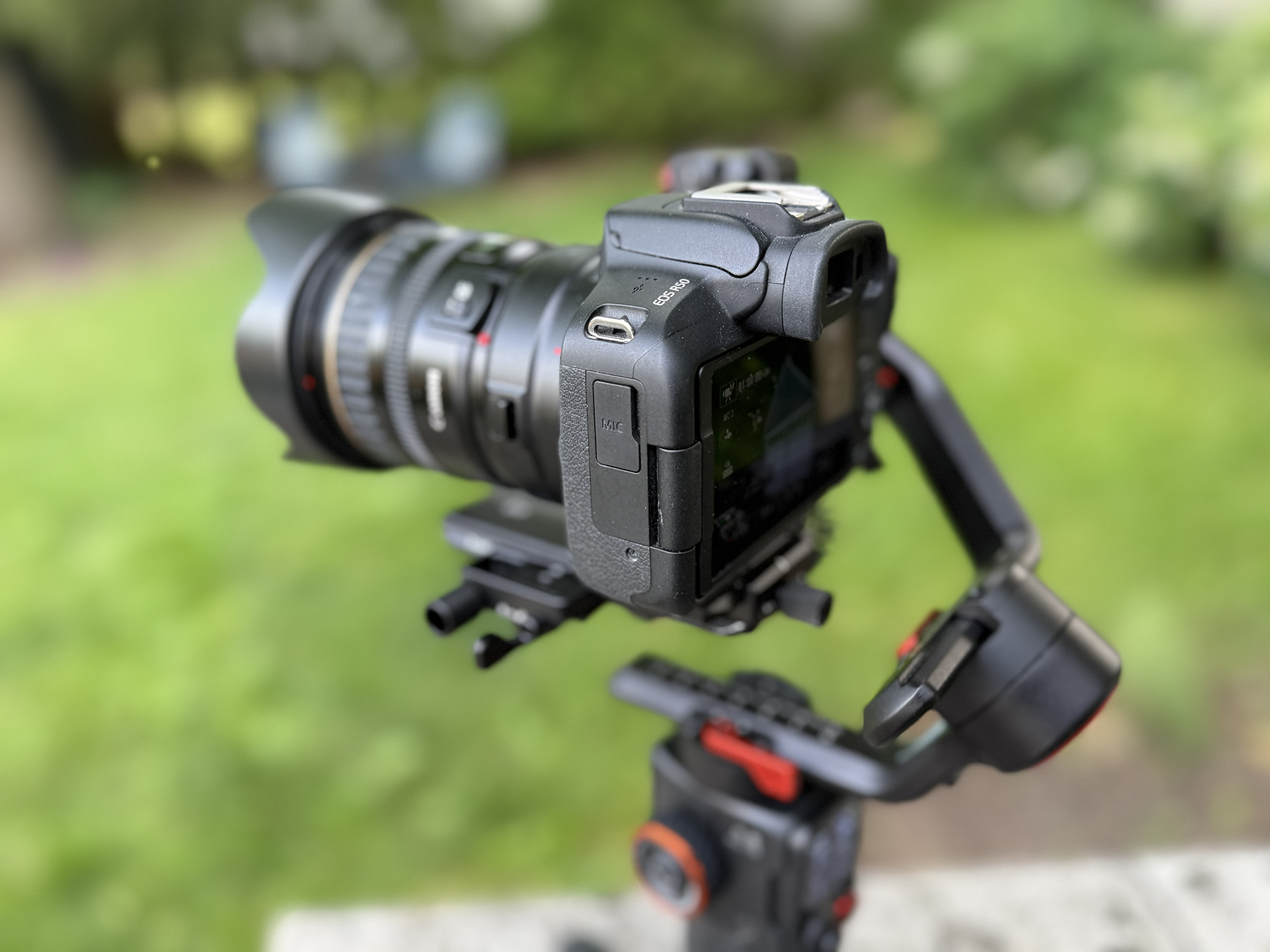
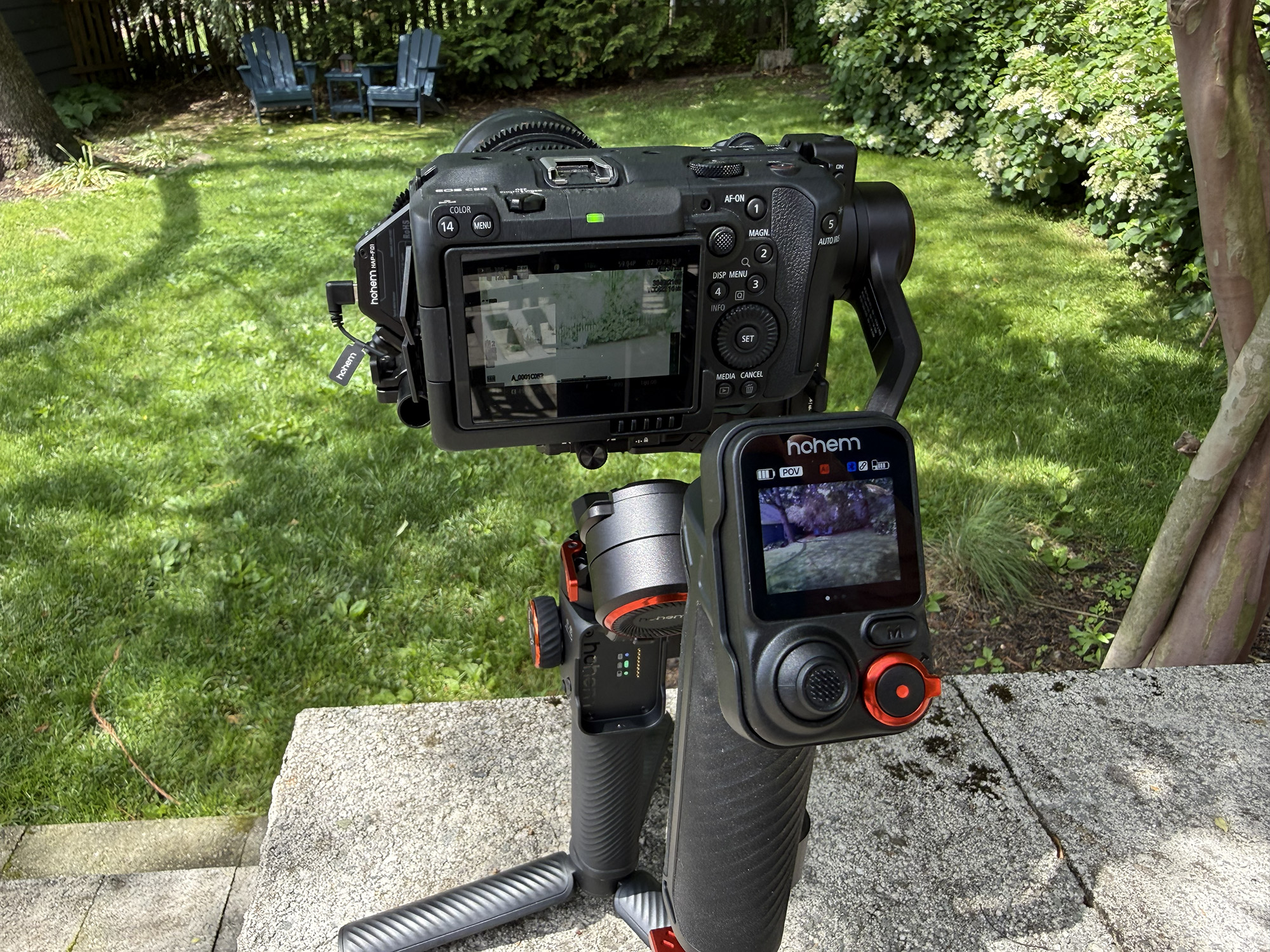
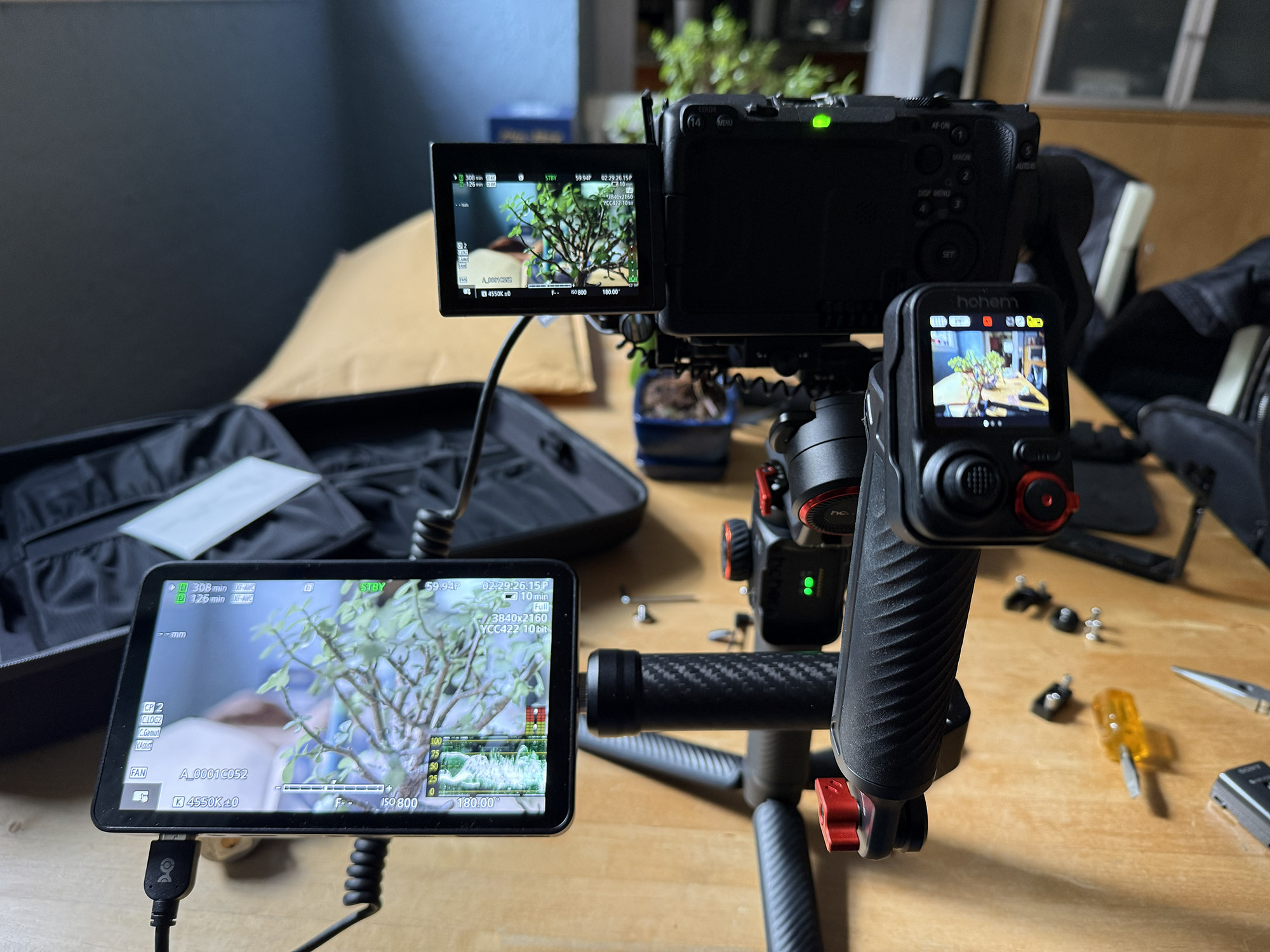
Part of what makes the MT3 Pro so successful is its ability to be rigged out as required for each shoot. There are multiple ports used for accessory expansion, including six 1/4″-20 threads and a NATO rail for handles, mounts, and extensions. When combined with the bidirectional twist handle, the number of potential mounting and expansion points provides a wealth of opportunities to make the gimbal your own.
When using prime lenses, as one might with a compact cine camera, for instance, the spot mini motor is a pleasure to use via the side roller knob and enables fine-tuning of focus and smooth transitions between foreground and background subjects.
Other Versions
The gimbal is also available in two less expensive versions. The Hohem iSteady MT3 Pro sells for $449.99 and is the Pro Kit version without the Bidirectional Twist Handle and the Spot Mini Motor and related accessories. It also lacks the carrying case, which, for a product that comes with a number of components, is a nice thing to have. It seems to me that for all of the added functionality, flexibility, and convenience that you get for the extra $100, it is well worth it.
The base version is the Hohem iSteady MT3, which sells for $329.99. It also does not include the Bidirectional Twist Handle or Spot Mini Motor. It also has a maximum payload of 3.08 pounds, compared to 5.51 pounds for the Pro and Pro Kit versions. Its AI tracks only humans, unlike the other two models, which offer essentially limitless tracking, and its remote control display is a 0.4” OLED, unlike the 1.4” full-color touchscreens of the other versions.
The Hohem iSteady MT3 Pro Kit is a well-designed and well-built camera stabilizer whose generous 5.51-pound payload makes it compatible with a wide range of cameras. Its detachable touchscreen remote provides live feed monitoring and control. The built-in AI camera enables tracking of humans, pets, vehicles, and other subjects.
Add to that fast vertical switching, the added capabilities of the spot mini motor and bidirectional twist handle, and a 20-hour battery life, and you have a serious competitor to other similar products in this segment.
The Hohem iSteady MT3 Pro Kit sells for $549.99 and is available directly from the manufacturer and other retailers, including Amazon and B&H Photo.
Source: Manufacturer-supplied review sample
What I Like: Generous 5.51 pounds payload; Powerful and Smooth Motors; Flexibility and Adaptability, especially with the Spot Mini Motor and Bidirectional Twist Handle; Attractive Design; Excellent Build Quality
What Needs Improvement: Should be Fully Compatible with More Cameras

Definitely would make a big difference for both amateur and professional alike. Hate missing that great shot.
Awesome piece of tech for photographers
This stabilizer would be very useful to have.