
The Lowdown
The iFLYTEK AINOTE Air 2 is a device with a clear identity and the substance to back it up. The hardware is excellent—thin, light, premium, with a great screen and a great pen. The AI note-taking and transcription features are the best we’ve used on an E Ink device. The software wrapped around all of it needs work, and that’s the honest asterisk on an otherwise strong recommendation. For the right user, though, this is a genuinely great productivity tool that nothing else on the market fully replicates.
Overall
Pros
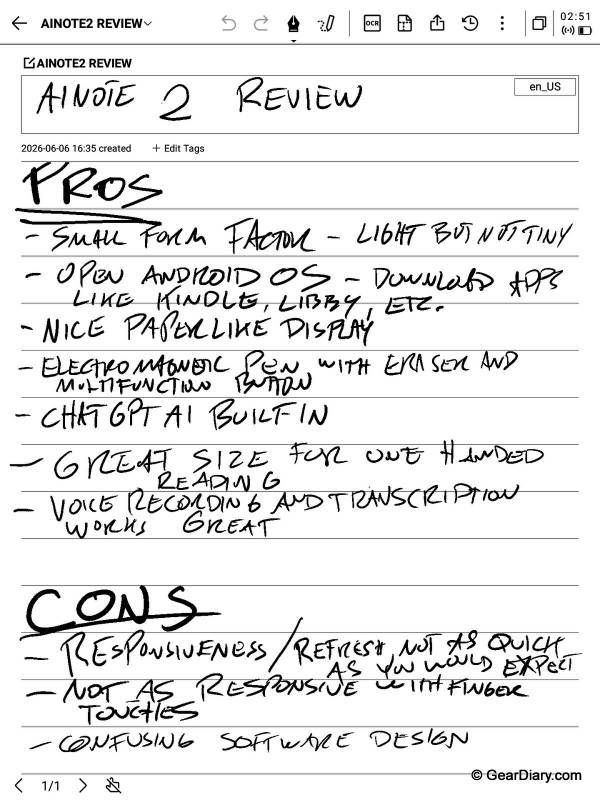
- Small, thin, and light—great size for one-handed reading
- Open Android OS lets you install apps like Kindle and Libby
- Excellent paper-like E Ink display at 293 PPI
- Battery-free Wacom electromagnetic pen with eraser and multifunction button
- Built-in ChatGPT for quick reference with no API key required
- Voice recording and transcription work great—excellent for lectures and business meetings
- Adjustable dual-color front light for reading in the dark
- Up to a week of battery life with daily use
Cons
- Responsiveness lags well behind an iPhone, iPad, or even the Kindle Scribe
- Software and UI take a lot of time to get used to and can be slow or laggy
- Confusing interface design buries features in unintuitive places
- Handwriting-to-text OCR struggled to understand our writing, even after changing up our writing style
The iFLYTEK AINOTE Air 2 is a thin, light, 8.2-inch E Ink tablet built around one big idea: capture everything—handwritten notes, voice recordings, meeting transcriptions—in one place and let AI organize it. And at that core mission, it genuinely delivers. The voice recording and transcription are excellent, the battery-free Wacom pen is a pleasure to write with, and the open Android system lets you install Kindle, Libby, and other apps to turn it into a capable e-reader.
The catch is the software. The interface is confusing, the learning curve is steep, and responsiveness lags far behind that of an iPhone, iPad, or even a Kindle Scribe. If you can push through the rough edges, there’s a lot of device here.
What Is It?
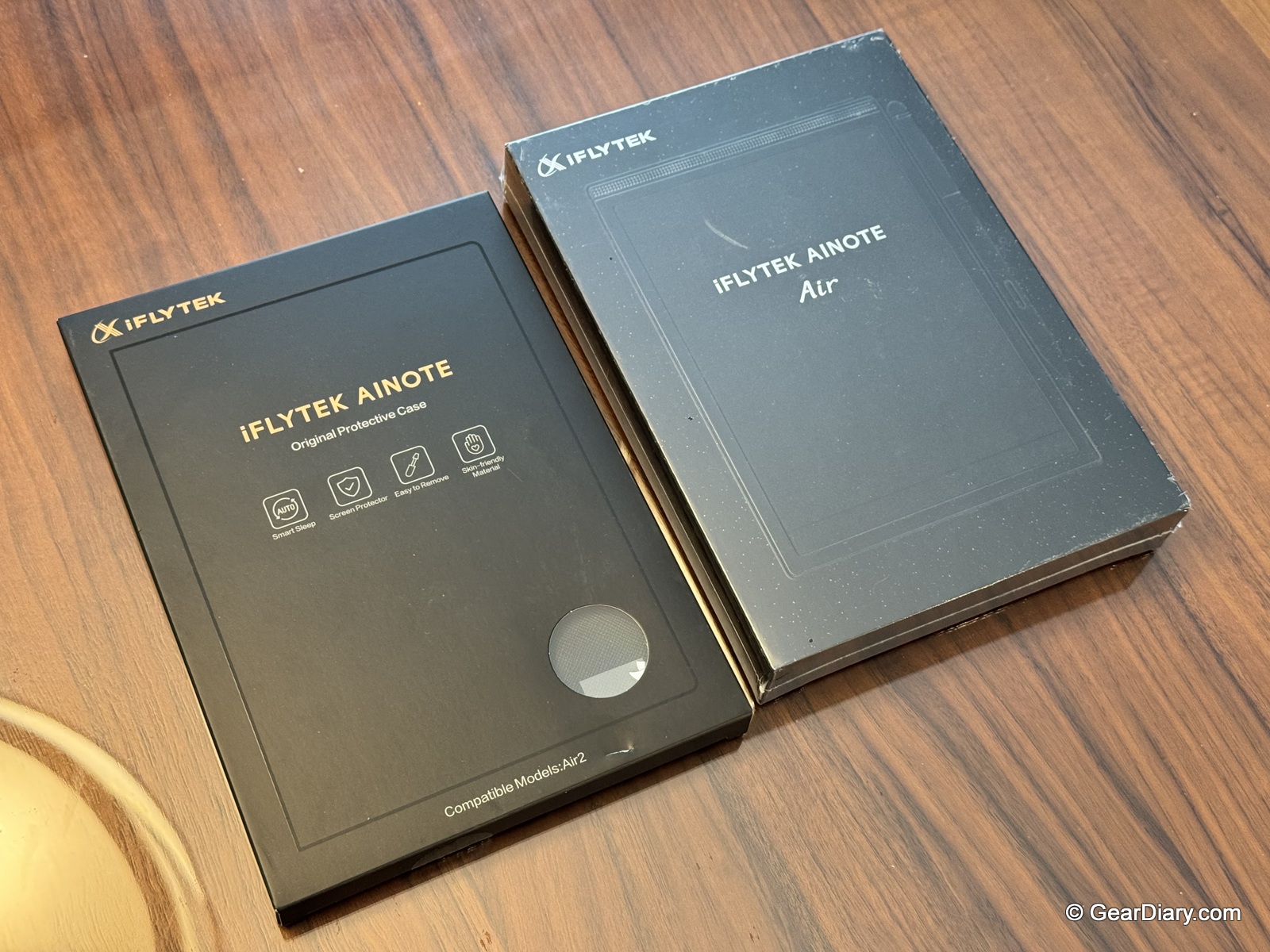
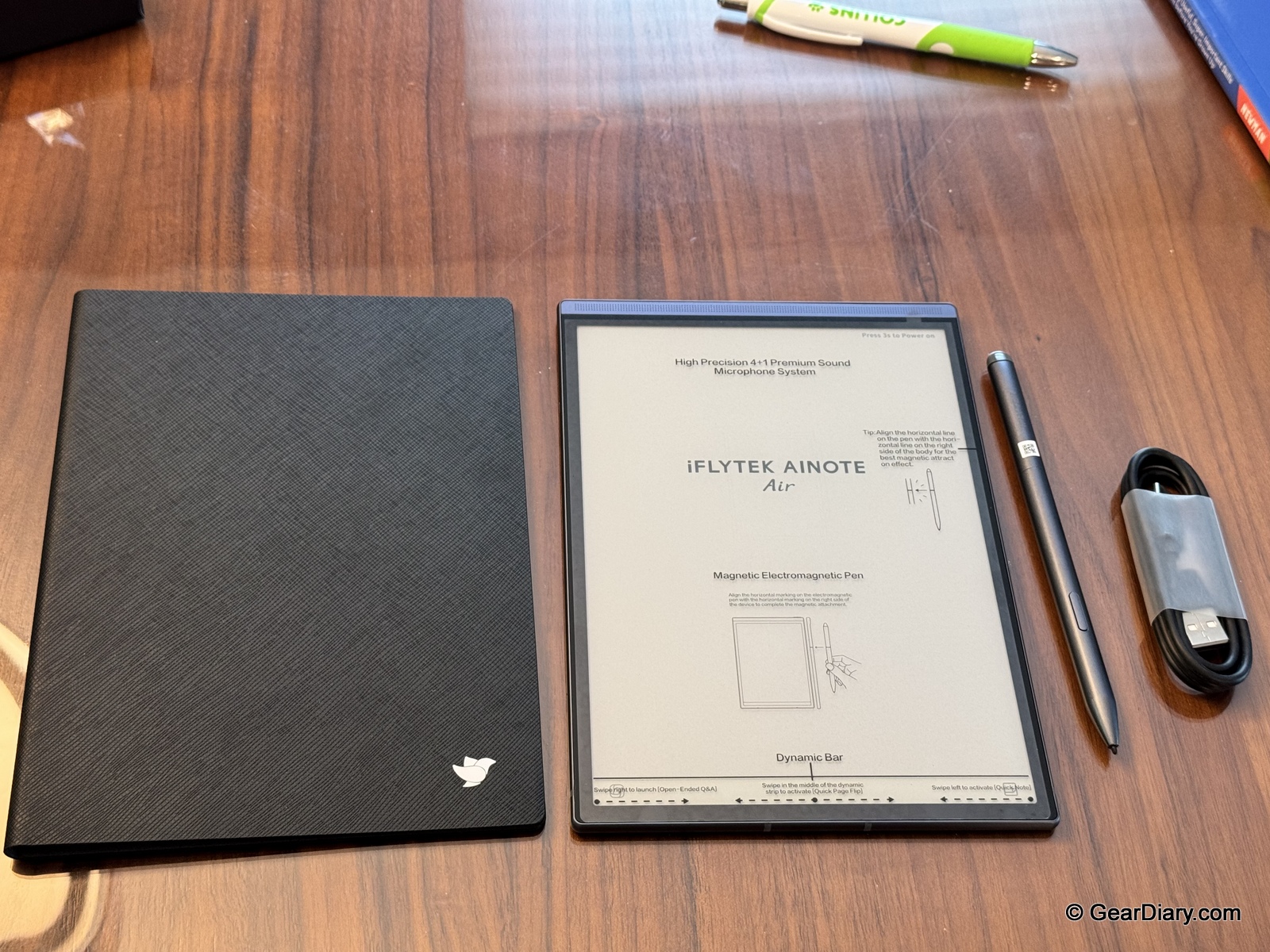
The iFLYTEK AINOTE Air 2 is an AI-powered E Ink note-taking tablet that combines handwriting, voice recording, real-time transcription, translation, and AI meeting summaries into a single slim device. iFLYTEK may not be a household name in the US, but the company has been doing speech recognition since 1999, and that heritage shows in what this device does best. We’ve been using the AINOTE Air 2 for note-taking, reading, and recording throughout our testing—in fact, the pros and cons for this very review were jotted down on the device itself—and it’s carved out a spot in our daily routine that no other single device quite fills.
We were sent a sample of the iFLYTEK AINOTE Air 2, and the first thing that struck us was just how thin this thing is.
Quick Specs
- Display: 8.2-inch E Ink, 1440 x 1920 resolution, 293 PPI
- Screen-to-Body Ratio: 88.5%
- Front Light: Dual-color (warm/cool) with 24 brightness levels
- Stylus: Wacom passive electromagnetic pen, battery-free, 4,096 pressure levels, built-in eraser and multifunction button
- Operating System: Android (open system with app installation support)
- Memory/Storage: 4GB RAM / 32GB storage
- AI Features: Built-in ChatGPT (no API key required), AI meeting summaries, AI search
- Transcription: Real-time voice-to-text in 17 languages
- Handwriting Conversion: 83 languages
- Microphones: 4-mic array
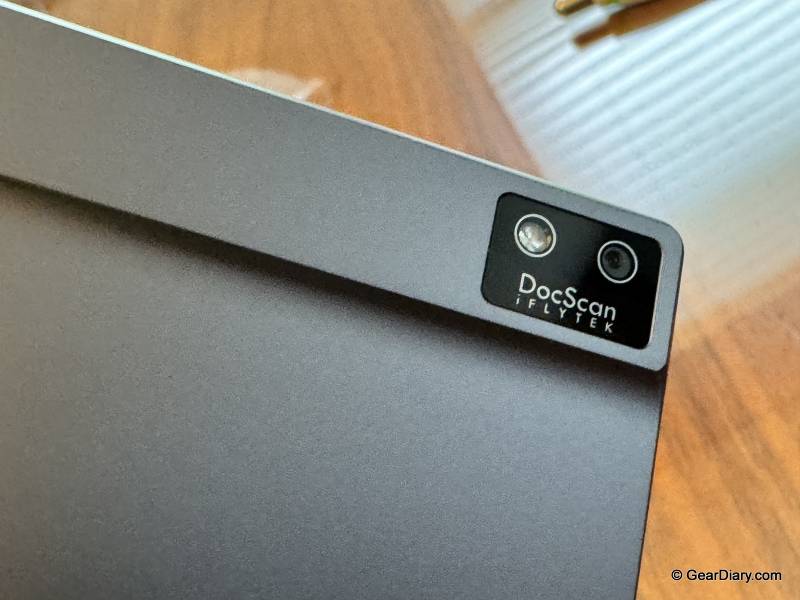
- Camera: 5MP (for document scanning)
- Connectivity: Wi-Fi 6, Bluetooth 5.0
- Port: USB-C
- Battery: Up to 7 days of daily use; up to 108 days standby
- Thickness: 5mm (6.5mm at the upper bump)
- Weight: 230g (0.51 lbs)
- Warranty: 1 year
- Price: $555 (official store; frequently discounted)
The Hardware and Display
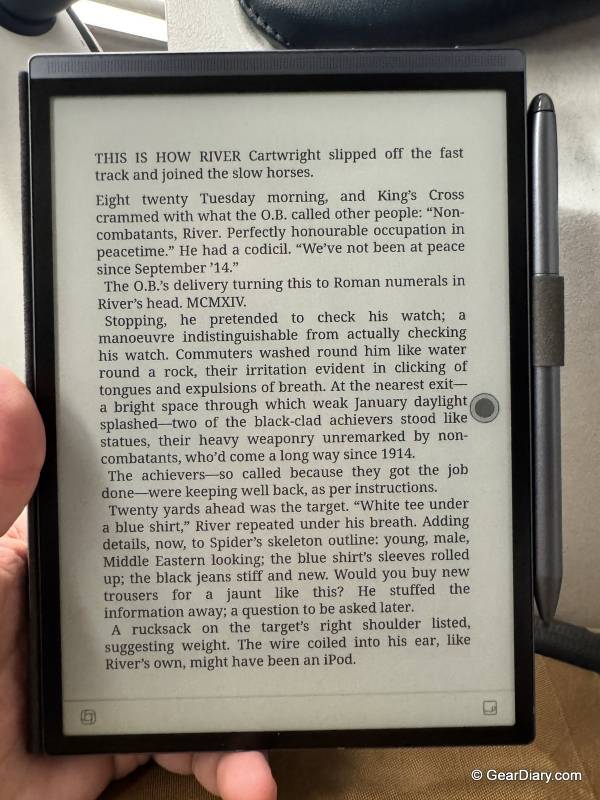
At 5mm thick and 230 grams, the iFLYTEK AINOTE Air 2 is one of the thinnest, lightest pieces of tech we’ve handled in a long time. There’s a slight bump at the top rear that houses the internals, but even that section is only 6.5mm. The metal body keeps it from feeling flimsy—this is a slim device that still feels premium and durable.
The size is a real sweet spot. The 8.2-inch screen is large enough for comfortable note-taking and reading, but the device is small and light enough to hold in one hand for extended reading sessions without fatigue. That’s something larger 10-inch E Ink tablets can’t claim. It slips into a bag (or a large jacket pocket) without a second thought, which matters for a device whose whole pitch is being with you in every meeting and lecture.
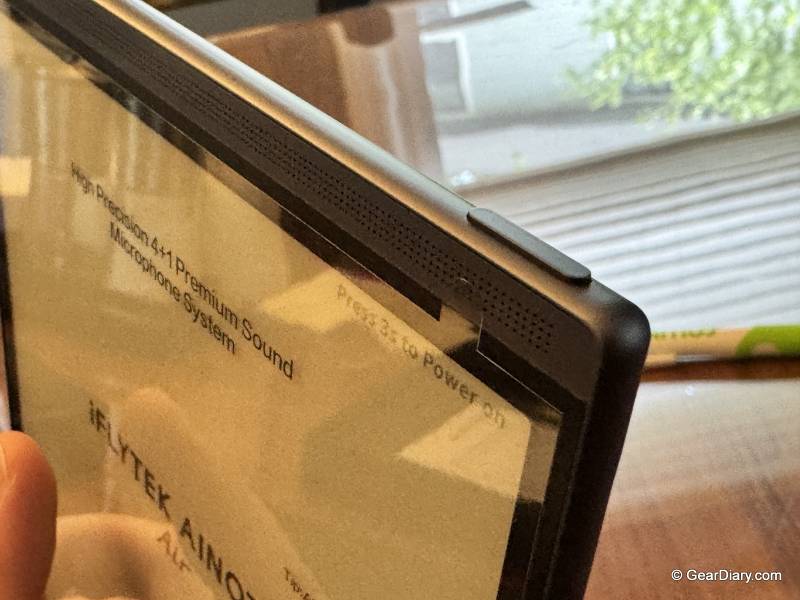
The E Ink display is excellent. At 293 PPI, text is crisp and genuinely paper-like, whether you’re reading an ebook or reviewing your own handwriting. The 88.5% screen-to-body ratio keeps the bezels minimal without making the device awkward to grip.
The adjustable front light is a feature we consider essential on any E Ink device, and the AINOTE Air 2 gets it right. With 24 brightness levels across warm and cool tones, you can read comfortably in a dark bedroom or a dim conference room without straining your eyes. It’s worth noting because not every competitor includes one—iFLYTEK’s own larger AINOTE 2 skips the front light entirely.
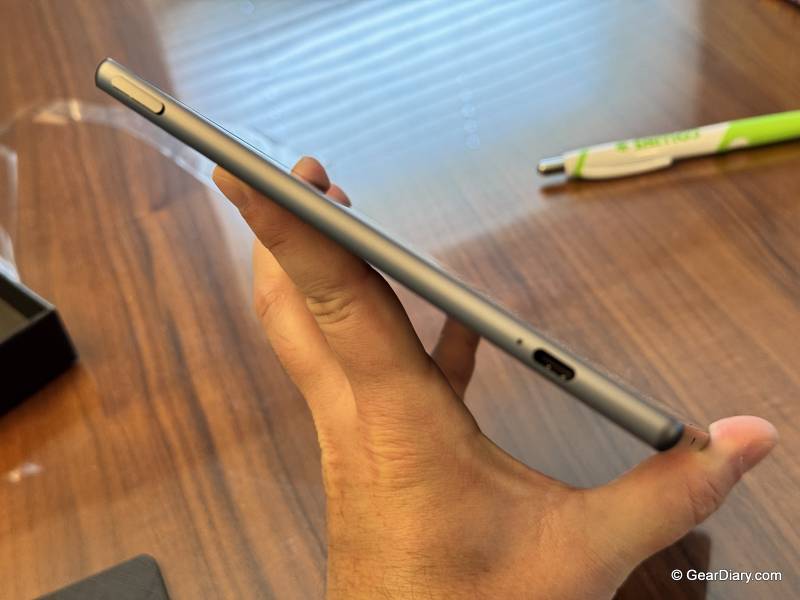
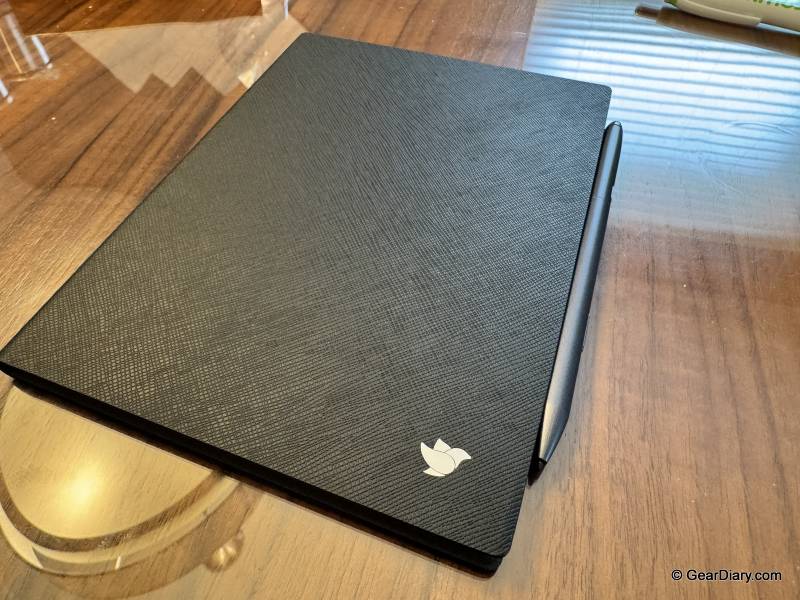
The included stylus is a Wacom passive electromagnetic pen, which means it never needs charging, never needs Bluetooth pairing, and just works the moment it touches the screen. With 4,096 pressure levels, writing feels natural and responsive, and the paper-like texture of the display gives you just enough friction to make handwriting feel like handwriting.
The pen also includes a built-in eraser and a multifunction button, both of which we used constantly. Flipping the pen over to erase a stray mark is one of those small interactions that makes a digital notebook feel like the real thing. No battery anxiety, no pairing headaches—this is how a tablet pen should work.
Special Features
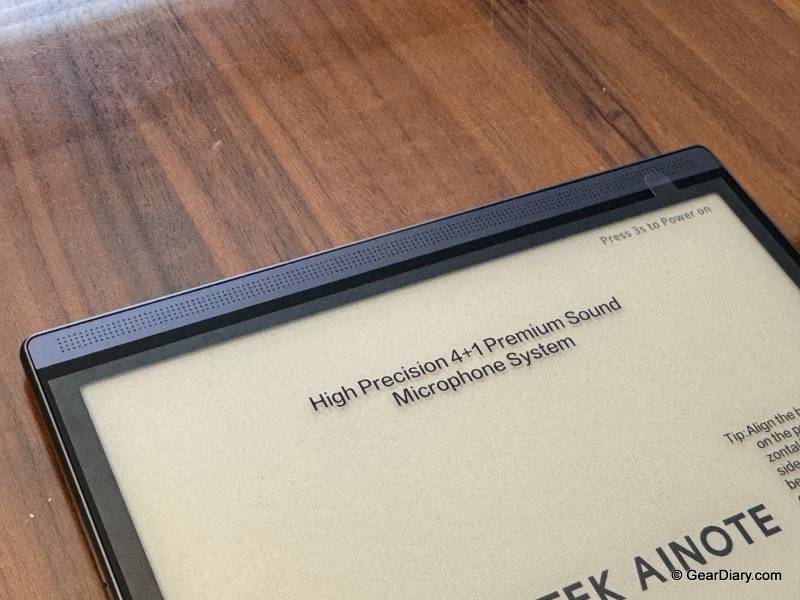
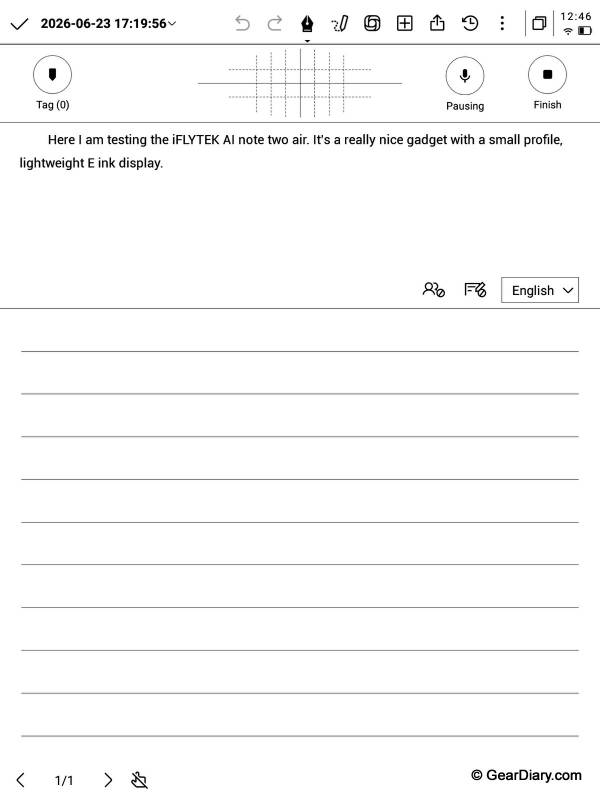
This is where the AINOTE Air 2 separates itself from every other E Ink notebook we’ve used. Tap record, and the 4-microphone array captures audio while the device transcribes speech to text in real time. The transcription accuracy is genuinely impressive, and it supports 17 languages.
For students sitting in lectures or professionals in back-to-back meetings, this feature alone could justify the purchase. You can handwrite notes while the device transcribes what’s being said, and later tap a handwritten note to hear the audio from the moment you wrote it. The AI then generates meeting summaries that distill everything into key points. It turns the tedious job of writing up meeting minutes into something that happens automatically.
Throughout our testing, the transcription kept pace without stumbling. If your work or study life revolves around capturing spoken information, this is the best-integrated implementation we’ve seen on an E Ink device.
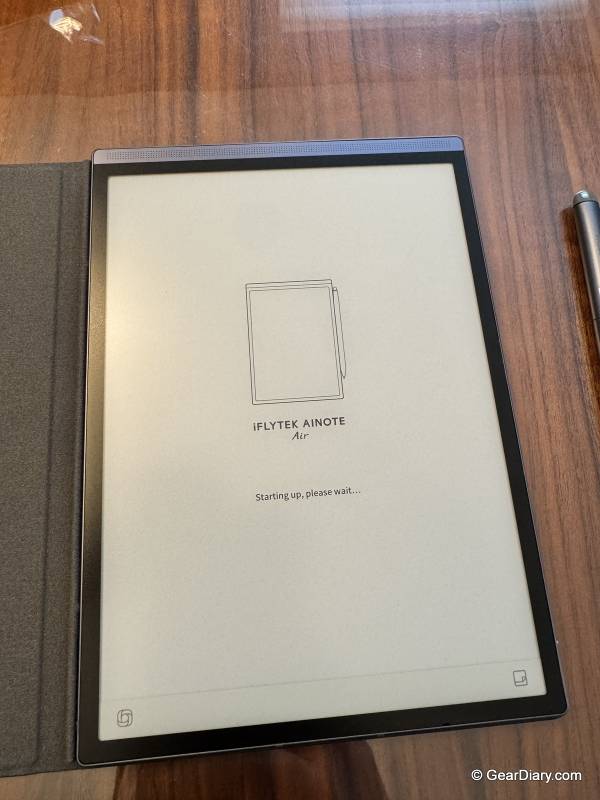
While the voice transcription impressed us, the handwriting-to-text conversion did not. iFLYTEK advertises handwriting recognition in 83 languages, but in our experience, getting the OCR to accurately understand what we wrote was a genuine struggle. And yes, we’ll own it—our handwriting isn’t winning any penmanship awards. But even after deliberately slowing down and changing up our writing style to give the software a fair shot, the conversion results were consistently hit-or-miss.
That’s a real disappointment on a device where turning handwritten notes into editable, searchable text is part of the core pitch. If you have neat, consistent handwriting, your results may be better. But if your notes look like they were written on a moving train—like ours often do—don’t count on the OCR to reliably bail you out. Stick to the voice transcription for anything you need converted to clean text.
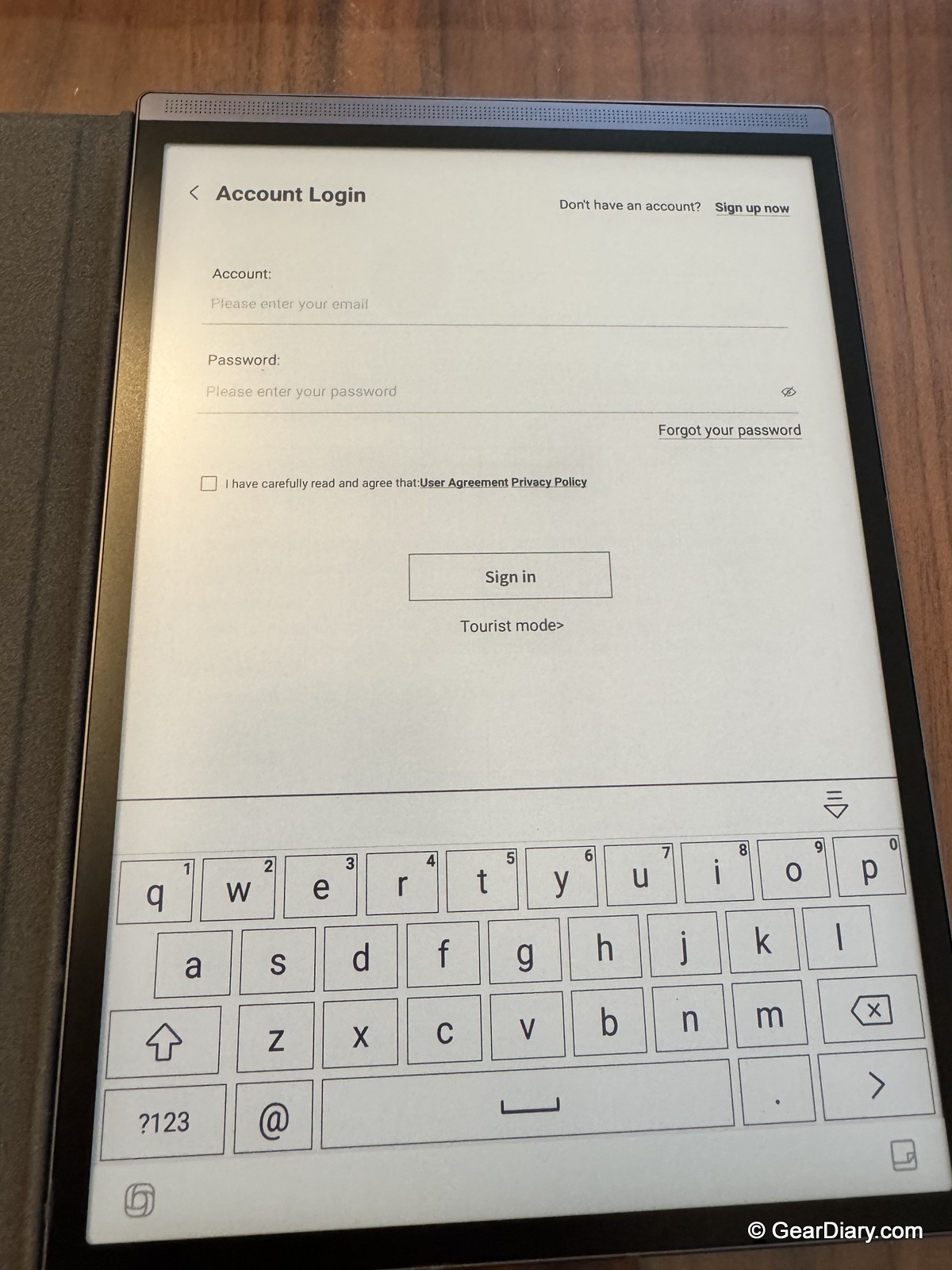
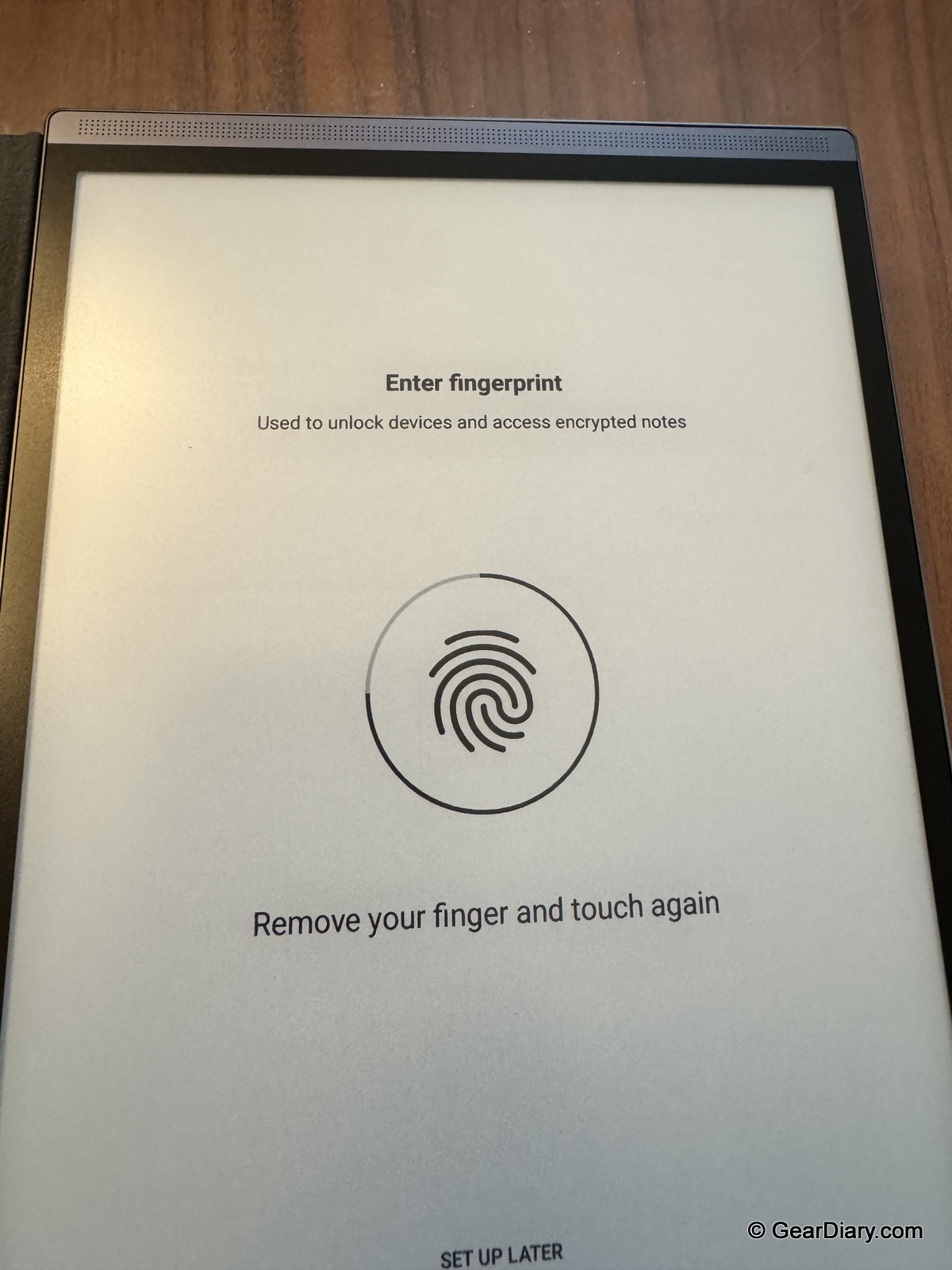
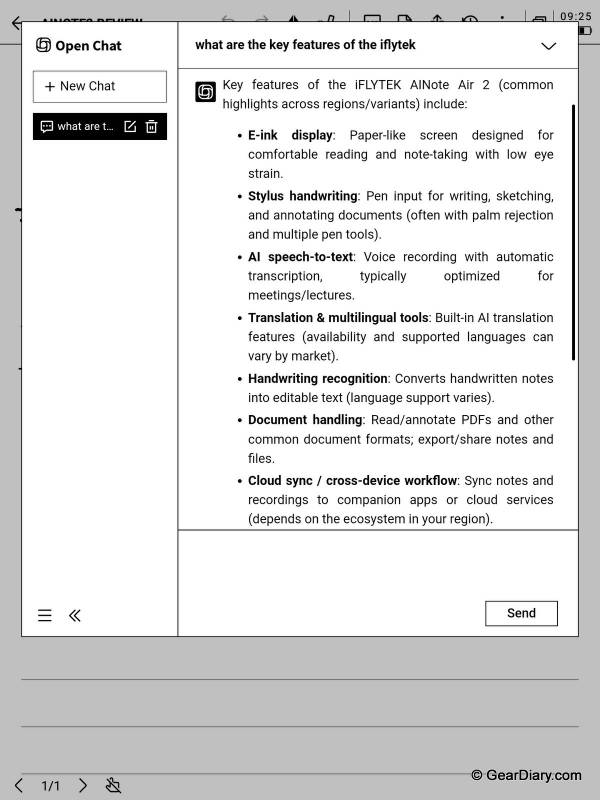
The AINOTE Air 2 ships with ChatGPT built in—no API key, no separate subscription, no setup. You can ask questions, look up quick references, and run AI searches across your own notes directly from the device. Being able to circle a term in your notes and get context without pulling out your phone is a legitimately useful workflow.
Is it a replacement for a full AI assistant on your phone or laptop? No. But for quick reference lookups while you’re reading or reviewing notes, it’s a handy addition that fits the device’s productivity-first mission.
It Runs Open Android

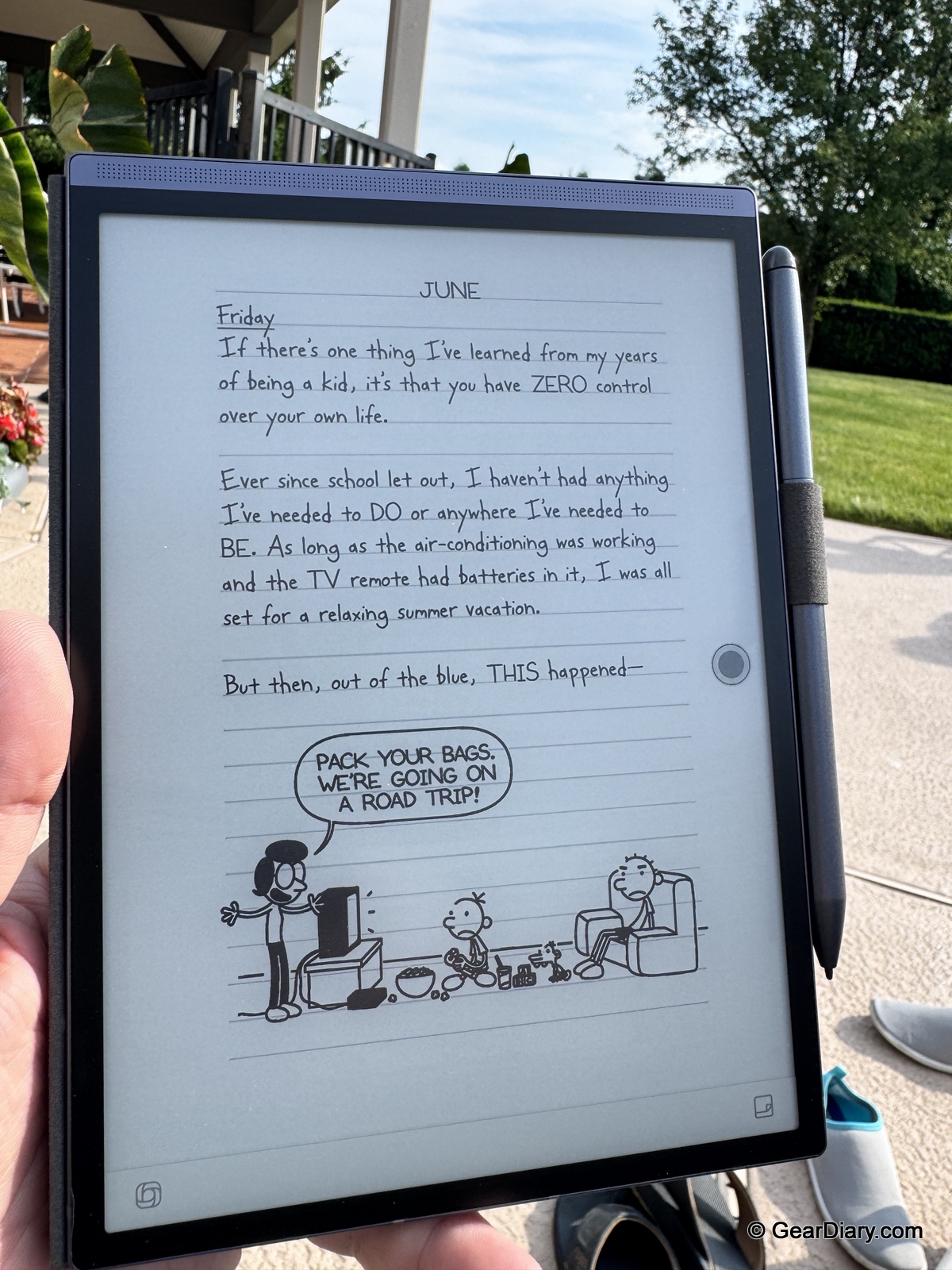
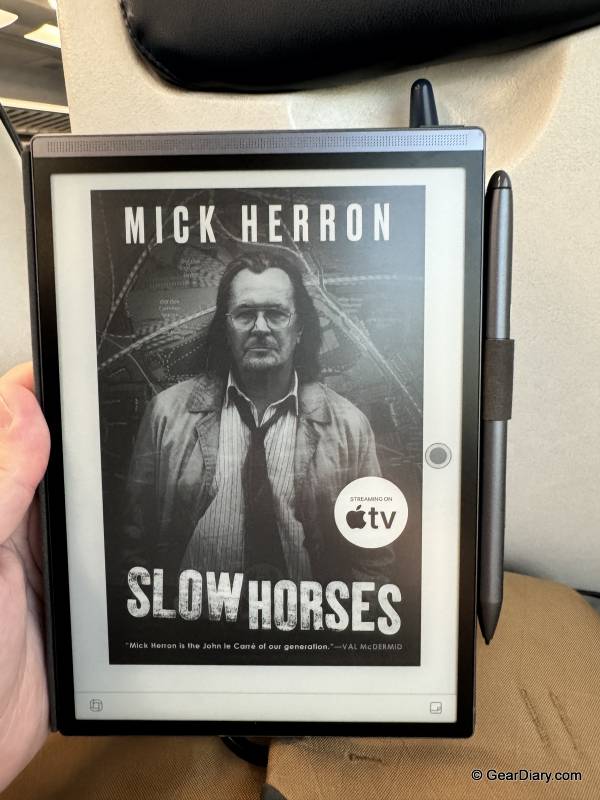
Unlike locked-down competitors, the AINOTE Air 2 runs an open Android operating system that lets you install third-party apps. We loaded up Kindle and Libby, and the iFLYTEK AINOTE Air 2 instantly became a very good e-reader—one with access to our entire existing library plus free library books, something Amazon’s own Kindle Scribe can’t offer for non-Amazon content.
Combined with the one-handed-friendly size, the crisp 293 PPI display, and the adjustable front light, this is the rare productivity tablet that doubles as a legitimately enjoyable reading device. Native support for PDFs and EPUBs rounds things out, and annotation while reading works well.
The Software
Now for the part that keeps the iFLYTEK AINOTE Air 2 from an easy top rating. The software is the weakest link, and it’s not close.
First, responsiveness. E Ink is inherently slower than LCD or OLED, and we don’t expect iPad-level fluidity from any device in this category. But the AINOTE Air 2 is noticeably less responsive than even the Kindle Scribe we’re used to. Menus hesitate, apps take their time loading, and there’s a general lag to interactions that you’ll feel every single day.
Second, the interface itself is confusing. Features are buried in unintuitive places, the design logic takes real time to internalize, and we found ourselves hunting for functions that should have been one tap away. There’s a meaningful learning curve here—expect to spend your first week or two regularly wondering where a setting lives or why a gesture didn’t do what you expected.
None of this is a dealbreaker, and once you learn the system’s quirks, the friction fades. But coming from polished ecosystems like Amazon’s or Apple’s, the rough edges are impossible to ignore. This is a hardware product that deserves better software, and we hope iFLYTEK keeps refining it through updates.
Over our testing period, the iFLYTEK AINOTE Air 2 settled into a specific and valuable role: it’s the device that comes to every meeting. Handwritten notes, recorded audio, live transcription, and AI summaries, all in one slim package, mean less to carry and nothing to sync manually afterward.
In the evenings, it moonlighted as our bedside e-reader, with the warm front light and one-handed size making it a genuinely comfortable way to read. Battery life held up well—with mixed daily use, we charged it roughly once a week, which tracks with iFLYTEK’s claims.
The frustrations were real but front-loaded. The first week involved a lot of menu-hunting and the occasional laggy moment that had us tapping twice. By week two, we’d adapted, and the device’s strengths took over.
At $555, the iFLYTEK AINOTE Air 2 sits in crowded company, and the right choice depends entirely on what you prioritize.
The Amazon Kindle Scribe (from $399) is the polished option. Its software is smoother, its responsiveness is better, and its integration with the Kindle ecosystem is seamless. But it’s a bigger 10.2-inch device, it’s locked to Amazon’s world with no third-party apps, and it has nothing resembling the AINOTE’s voice recording, transcription, or AI meeting tools. If you mostly read and occasionally jot notes, the Scribe is the easier recommendation. If you live in meetings, it can’t compete.
The reMarkable 2 (technically discontinued but available refurbished on Amazon for $419) remains the minimalist’s favorite. The writing experience is arguably the best in the category, and the distraction-free philosophy has real appeal. But there’s no front light, no speakers or microphones, no app support, and reMarkable’s best features require an ongoing subscription. It’s a beautiful single-purpose tool where the AINOTE Air 2 is a multi-tool.
The Onyx BOOX Note Air 4 (around $470) is the closest philosophical competitor—also Android-based, also open to third-party apps, with more powerful hardware and a larger screen. BOOX devices are the tinkerer’s choice with deep customization. What they lack is the AINOTE’s tightly integrated recording-transcription-summary workflow; on a BOOX, you’d be assembling that from separate apps rather than getting it as the device’s native centerpiece.
The AINOTE Air 2’s niche is clear: it’s for the person whose day is full of spoken information worth capturing. Nothing else in this category handles that job as completely.
You’ll probably be happy with the iFLYTEK AINOTE Air 2 if your life involves lectures, meetings, interviews, or any situation where recording and transcribing speech alongside handwritten notes would save you real time. Students and meeting-heavy professionals are the obvious fits. The bonus is that you also get a very good compact e-reader with open Android app support, a great battery-free pen, and an adjustable light for nighttime reading—all in a package thin and light enough to carry everywhere.
You might regret buying it if smooth, intuitive software is a priority for you. The interface takes real patience to learn; the responsiveness trails the Kindle Scribe and is nowhere near that of an iPad, and the handwriting-to-text conversion struggled with our writing no matter how we adjusted it. The overall user experience never quite matches the quality of the hardware. If you primarily want a reading device or a pure writing tablet, competitors do those individual jobs with less friction.
The iFLYTEK AINOTE Air 2 is a device with a clear identity and the substance to back it up. The hardware is excellent—thin, light, premium, with a great screen and a great pen. The AI note-taking and transcription features are the best we’ve used on an E Ink device. The software wrapped around all of it needs work, and that’s the honest asterisk on an otherwise strong recommendation. For the right user, though, this is a genuinely great productivity tool that nothing else on the market fully replicates.
The iFLYTEK AINOTE Air 2 retails for $555; it is available directly from the manufacturer.
Source: Manufacturer-supplied review sample
What I Like: Small, thin, and light—great size for one-handed reading; Open Android OS lets you install apps like Kindle and Libby; Excellent paper-like E Ink display at 293 PPI; Battery-free Wacom electromagnetic pen with eraser and multifunction button; Built-in ChatGPT for quick reference with no API key required; Voice recording and transcription work great—excellent for lectures and business meetings; Adjustable dual-color front light for reading in the dark; Up to a week of battery life with daily use
What Needs Improvement: Responsiveness lags well behind an iPhone, iPad, or even the Kindle Scribe; Software and UI take a lot of time to get used to and can be slow or laggy; Confusing interface design buries features in unintuitive places; Handwriting-to-text OCR struggled to understand our writing, even after changing up our writing style



Be the first to comment on "iFLYTEK AINOTE Air 2 Review: A Slim E-Ink Notebook That Nails Note-Taking and Transcription (If You Can Forgive the Software)"