
VPNs. They used to be something people talked about at work (and maybe university), and now they’re a consumer service hawked by pretty much every influencer on the Internet today. What are they? Do you need one? Are they worth adding yet another monthly subscription to your budget? This is a difficult subject to discuss without treading dangerously close to what some consider unsavory activity…but it’s just part of an academic look at VPNs and what utility they have, if any, for end users. So note: nothing in this article comments on the merits of the activities mentioned.
Are paid VPN services worth the hype? (Background: Krea2; Composite: author)
What Is a VPN?
Before the proliferation of high-speed home Internet service (DSL and cable being the original options), if your employer or school wanted to give you access to resources otherwise only accessible on their network, you could just use your dial-up modem to access their network over your phone line. As more and more households opened up to the world of high-speed Internet, however, a new way to access local network resources became necessary.
Enter the Virtual Private Network, or VPN. This service connects you to your public Internet connection and gives you remote access to network resources. It’s most often used for school and work access, but increasingly, VPNs are used for something entirely different, and this article covers those personal scenarios.
The Privacy Red Herring
I have bad news for everyone who happens across this article: nothing you do on the Internet is secret, especially if you’re trying to hide your tracks from any government entity on the planet. The decryption ship sailed a while ago, and AI-powered tools have made encryption irrelevant for state actors.
If you’re doing really illegal stuff over the Internet – like trafficking in weapons, drugs, terrorism, or humans – you’re not hiding yourself as well as you think you are, because the entities that are most interested in finding your criminal activity objectively possess the resources to do so, no matter how many layers of obfuscation you try to add.
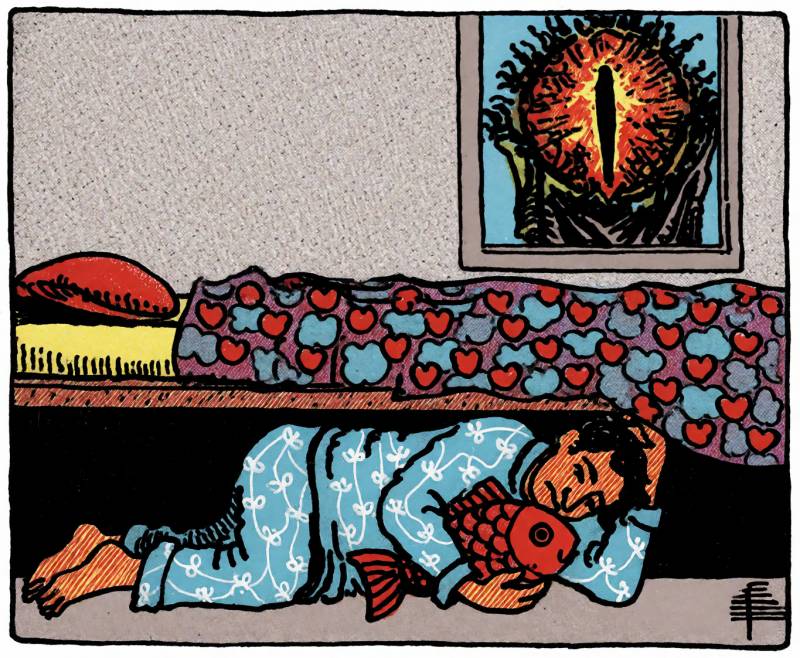
Nobody can really hide from Sauron in 2026. (Source: Krea2)
Instead of trying to hide such illegal activity, I have a better idea: stay away from the criminal underworld in the first place.
But let’s be real here. The odds of you, the Gear Diary reader, falling within the cohort of “People Who Do Extremely Destructive Criminal Things Online” are probably hilariously low. The real privacy red herring for consumers is the one promoted by influencers shilling for subscription VPN services. Advertisements for these services claim that using a VPN is important for hiding your activity and traffic from random third parties who want to track you online.
The trouble is, this sort of indiscriminate activity-gathering isn’t happening over your network connection. It’s not coming from bad actors snarfing traffic from your ISP. This is only done, again, by state actors, who have the unlimited budgets and resources required for mass network-level surveillance.
The kind of activity that targets advertisements at you with alarming accuracy happens in your browser and, in many cases, your phone’s operating system. You know the annoying consent prompt iOS games often present, begging you to allow ad tracking? This kind of fingerprinting is what sends you targeted ads across all your devices.
Similarly, if you browse the Internet without extensions to manage what’s allowed to load on a given site, cross-site resources may broadly log and fingerprint your activity. Every time something like Google Tag Manager or Cloudflare Insights loads content on a page you visit, it might also be fingerprinting you for advertising purposes.
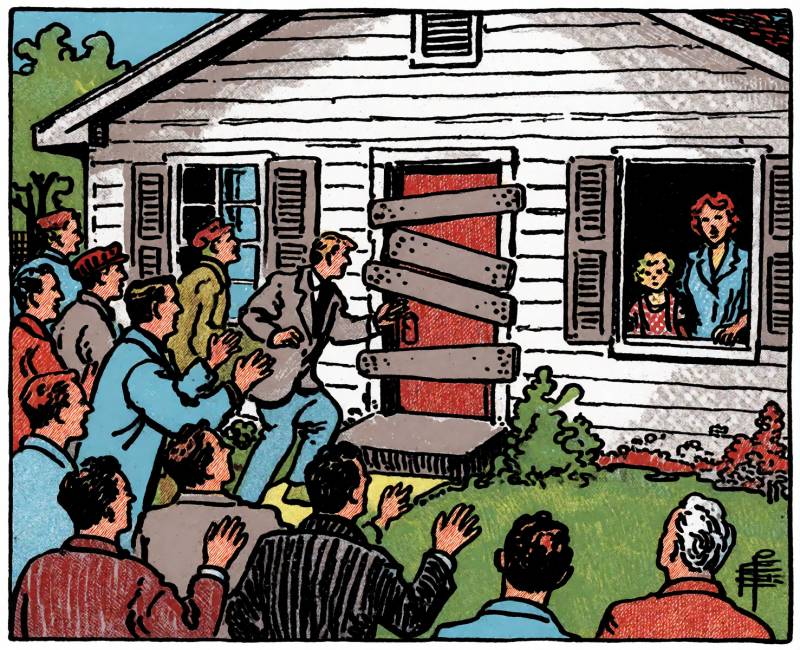
VPNs really won’t do much to protect you from creepy advertisers. (Source: Krea2)
A VPN can’t prevent any of this. It’s all happening in your browser and on your client (your phone, computer, etc.), so bouncing your traffic across a few more layers of network infrastructure isn’t going to have any meaningful effect on how easily third parties can track you online.
If privacy is what you’re after, consider privacy-oriented browser extensions that block unwanted cross-site resources, which can prevent a lot (but not all) of the tracking that follows you from site to site. I use an extension called uMatrix, which is very powerful, but has a bit of a learning curve. uBlock Origin will block a lot of unwanted trackers, and it’s easy to use.
If what you’re trying to do is straight up hide what you’re doing online, stop and rethink your life choices, because it’s not 1999 anymore, and whatever you’re doing is being tracked and observed by exactly the people you’re hoping to keep from finding your criminal activity.
Beyond the privacy argument, VPN services do have some utility, depending on your needs. I’ve been using ProtonVPN for a few years now for its utility. I haven’t tried any competing services, and I use the full Pro suite since I also use the email service.
Getting Around Annoying ISP Behavior
My ISP uses a CGNAT (which means my public IP address is shared with other users), and I occasionally find myself experiencing problems reliably connecting to certain popular websites, especially when someone else does something they shouldn’t, and Cloudflare is actively intercepting traffic from my shared public IP. This has happened repeatedly with several major sites (including X), and my fastest fix is to turn on ProtonVPN for a while until the problem clears.
Of course, there’s nothing questionable about doing this. Bad behavior from unknown network peers on a CGNAT is a constant problem, and it’s most often caused by random machines infected with malware, rather than bad actors doing intentionally malicious things online.
Using a VPN also lets you bypass any bandwidth management policies your ISP imposes, which might limit total bandwidth for certain services, like HD video streaming. This kind of management can interfere with certain applications and platforms you want to use, and in this case, you can force your ISP to carry your traffic indiscriminately, with no policy enforcement.
If you choose this option: keep in mind, the speed of your connection to the Internet is controlled by the slowest node in the flow of your network traffic. VPN services can’t necessarily match your ISP’s advertised speed, and this is the biggest tradeoff when using a VPN to avoid bandwidth-management policies.
Circumventing Regional Access Controls
This is where we tread into what some consider questionable. Streaming media of any kind comes with terms of service you’re expected to obey, including not using mechanisms to evade enforced regional blackouts on content. Some examples of this include government-mandated censorship of objectionable social media content, Major League Baseball imposing regional blackouts on streaming live baseball games through MLB.TV in the United States, and Britain’s Channel 4 restricting streaming access exclusively to users in Britain.
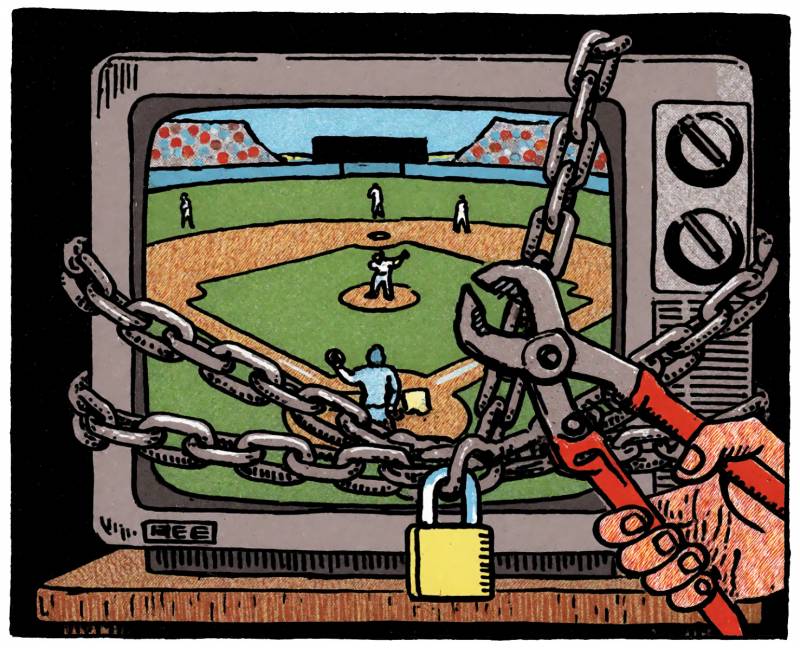
A VPN can help you work around geographic blackouts imposed on your favorite content. (Source: Krea2)
In all these scenarios, using a VPN with a connection through the desired location will generally grant you access to whatever you’re trying to load. Some websites programmatically block access through well-known VPN services, so your results may vary with this strategy.
The Big B-T
BitTorrent. It’s the most resilient protocol on the Internet because it’s a totally decentralized means of (almost) limitless redistribution of massive volumes of data, and no government has managed to make it go away. The technology itself has legitimate uses; the Internet Archive makes liberal use of it to legally distribute downloadable content archived by its users.
Problems arise if you start getting DMCA notices for downloading copyrighted content, because if you get enough of them, you risk a permanent ban from your ISP. This is where a privacy-oriented VPN does help you, because a service like ProtonVPN doesn’t keep logs and operates outside the United States, and it thus will not comply with DMCA requests sent by copyright holders.

Yo-ho-ho and a bottle of rum… (Source: Krea2)
This is different from the criminal activity I discussed earlier. If you’re engaging in really dirty behavior, one or more governments will find you, one way or another. The FBI and INTERPOL don’t care about you downloading some cheesy John Hughes film in 4K so you don’t have to rip and encode it yourself. They do care about you distributing, or soliciting the distribution of, highly (criminally) illegal material, so if you value your basic freedoms as a citizen wherever you are, just stay away from the criminal underbelly of the Internet.
So…Do YOU Need a VPN?
You might fit into one or more of the use cases outlined above. If so, a subscription VPN service is probably worth the monthly expense. Many services are available worldwide now; choose the one that best fits your needs. I chose ProtonVPN for two reasons: it’s in Switzerland, so they don’t comply with any DMCA requests, and their Pro service offers other features I use (like email for my domain).
If you’re mostly interested in streaming, NordVPN scores higher for performance, and if saving money is your main goal, Surfshark has plans starting at $2.50/month.
If you’re primarily concerned with blocking invasive third-party tracking of your online activity for advertising purposes, your best bet is to use browser extensions like uBlock Origin and uMatrix to prevent third-party content from loading on your favorite sites. This, more than a VPN, will block the tracking and fingerprinting we all find so unsettling in our online lives.
Having run into this throughout my career in tech support, my other piece of advice on browser security and privacy is this: leave your browser security policy alone. These settings aren’t meant to help you control your privacy online; they’re meant to prevent malicious content from loading and hijacking your machine. Plenty of articles and videos encourage users to endlessly tweak their browser’s security policy, but you’ll run into nonstop frustration trying to make modern sites work with your tweaks. Use extensions, instead.
Oh, and one more thing: if you have one or more smart devices in your home that are constantly passively listening for verbal commands, every last one of these (if it has an Internet connection) is a massive privacy hazard. I love technology and gadgets, but I think smart speakers (like the Amazon Echo and others) are a serious security problem and not worth the Star Trek-like novelty.
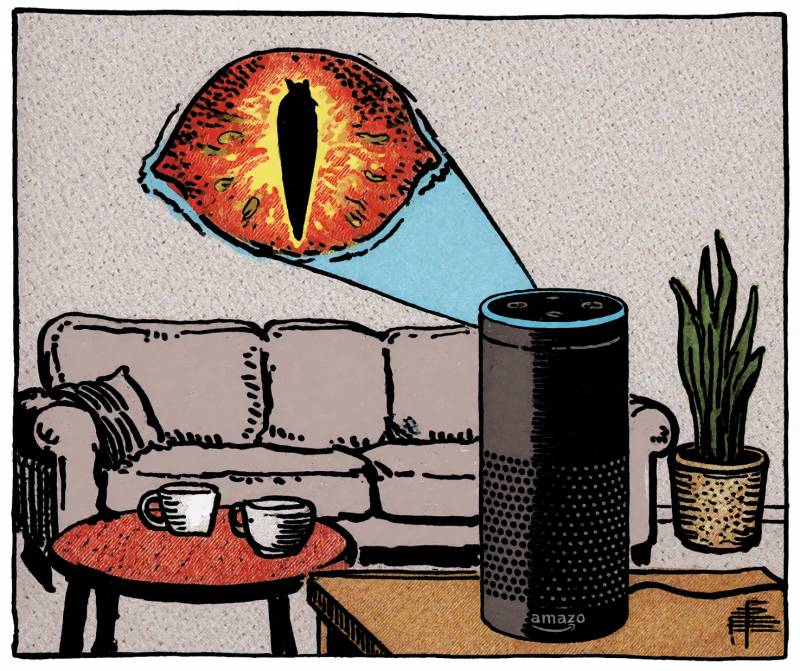
Your smart speaker is a sleeper spy. (Source: Krea2)
If you’re genuinely concerned about preventing tracking, stick to voice controllers which require you to actively interact with the device to talk to it – most voice remotes, including from Amazon and Comcast, work this way, so you know when it’s listening to you.
Hopefully you now have a little more knowledge about VPNs to make informed decisions about where you spend your money!





Be the first to comment on "VPN: Verified Probably Not Necessary, but Here’s When It Actually Is"