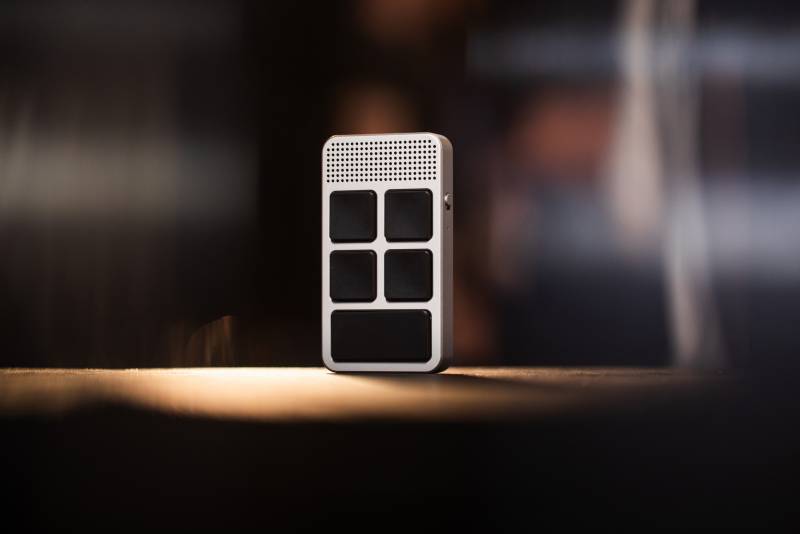
Most people don’t need another gadget sitting beside their keyboard, especially one promising to make artificial intelligence part of every workday. But Genspark’s SecondBrain VoicePad has a more specific pitch: a dedicated place for your voice on your desk, with five buttons that can open applications, trigger shortcuts, and start recording meetings. Designed to work with a PC or Mac, the compact controller combines dual microphones with customizable controls and AI-assisted dictation. It’s headed to Kickstarter on November 24, 2026, with a planned retail price of $169. Whether it earns that desk space depends on how you work.
A Dedicated Place for Voice Commands
Anyone who spends the day bouncing between email, documents, messaging platforms, and browser tabs knows how quickly small interruptions add up. Opening an application isn’t difficult, and neither is typing a short message. Do both dozens of times while juggling several projects, and those little detours start to get old.
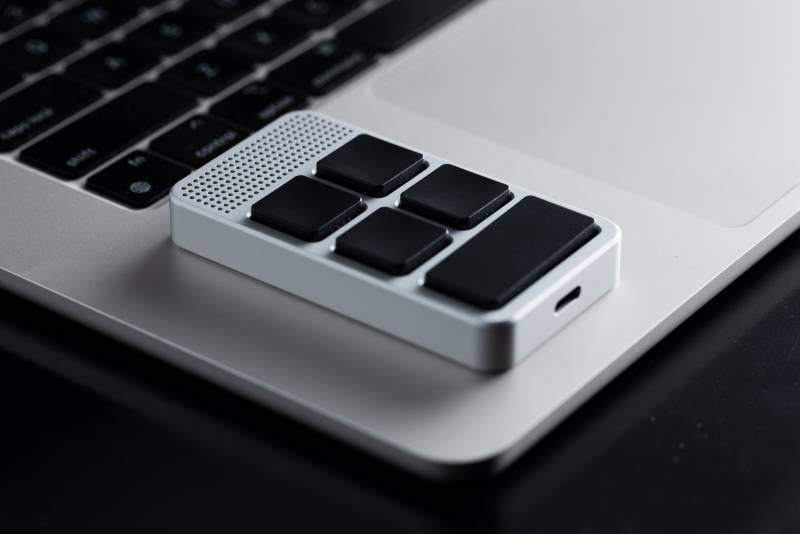
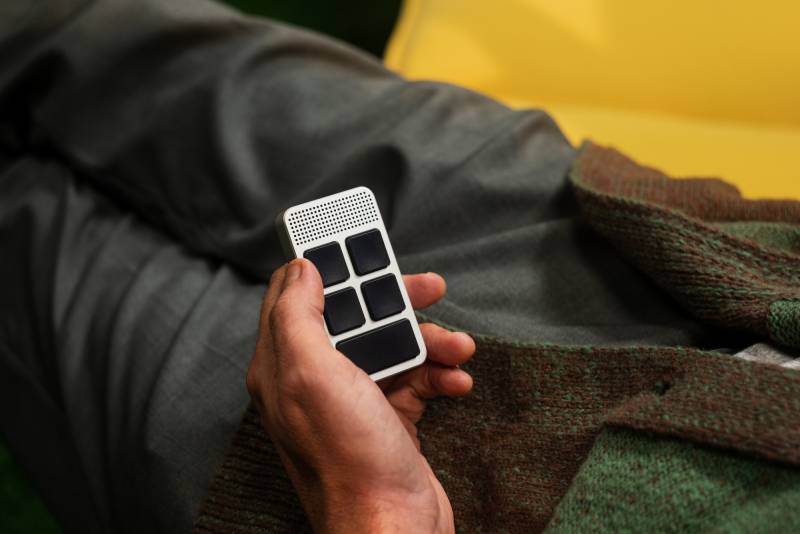
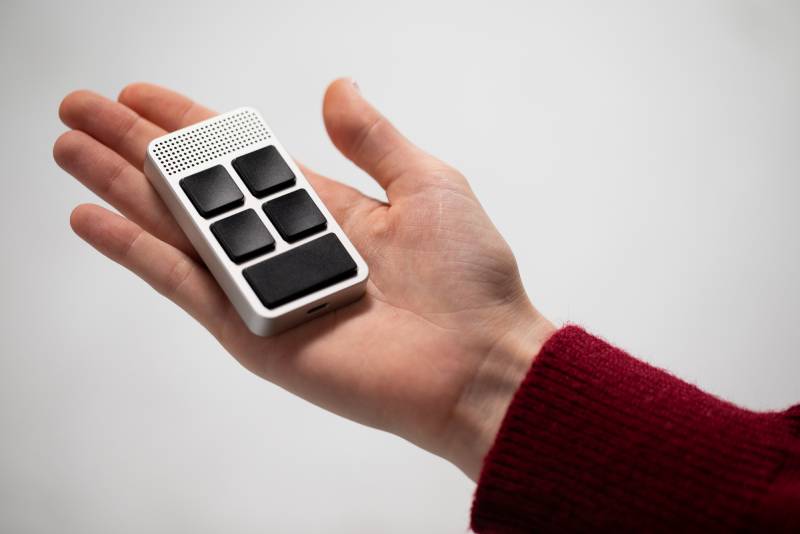
The SecondBrain VoicePad is designed to reduce some of that repetitive work by putting frequently used commands within reach. Its five programmable physical keys can be assigned to launch applications, activate dictation, execute keyboard shortcuts, or start Genspark’s AI-powered tools.
You could dedicate one button to opening ChatGPT, another to Notion, and a third to copying or pasting text. The remaining buttons might start a recording or launch a frequently used application. The configuration is handled through the companion Genspark Super App, so you’re not stuck with a preset arrangement that makes sense to someone else’s workday.
The SecondBrain VoicePad is also intended to be more than a stationary shortcut panel. Its CNC-machined aluminum construction weighs approximately 3 ounces, and a magnetic mount with an included metal plate helps keep it in position on your desk. Genspark lists approximately 20 hours of battery life per charge, along with support for offline recording when a computer isn’t available.
That portability could help if you regularly move between your desk and meeting spaces, though its usefulness will depend heavily on how smoothly the companion software handles those transitions.
Dictation That Doesn’t Require Announcing Your Thoughts to the Office
Voice dictation isn’t new, but using it comfortably around other people remains a challenge. Nobody wants to narrate their next email across an otherwise quiet office, and raising your voice over background conversations isn’t much better.
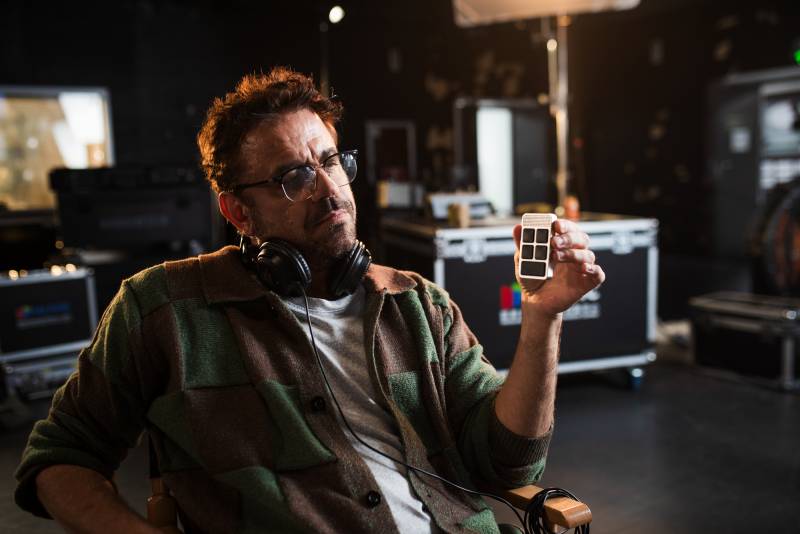
Genspark’s approach uses two microphones with noise cancellation to capture speech even when you’re talking quietly. The microphones are positioned to pick up your voice when you lift the device toward your mouth, including at whisper volume.

Press the assigned dictation button, speak, and the SecondBrain VoicePad is designed to insert the resulting text directly into whichever application you’re using. Its software also removes filler words and false starts, producing cleaner sentences without requiring you to manually edit every hesitation.
For someone drafting lengthy emails, preparing reports, or entering prompts into AI tools, that could be convenient. Instead of typing several paragraphs, you could speak your first draft and make corrections afterward.

Of course, cleaner dictation isn’t necessarily more accurate dictation. Technical vocabulary, proper names, punctuation, and complicated sentences can still challenge speech recognition software. There’s also a difference between making spoken language readable and preserving exactly what someone intended to communicate.
The SecondBrain VoicePad’s whisper recognition sounds useful for shared offices, but its performance in a busy environment will be worth testing once the hardware is available.
Five Buttons That Connect to a Larger AI Workspace
The SecondBrain VoicePad’s programmable controls are fairly straightforward, but Genspark wants them to serve as entry points into its broader AI Workspace 6.0 platform.
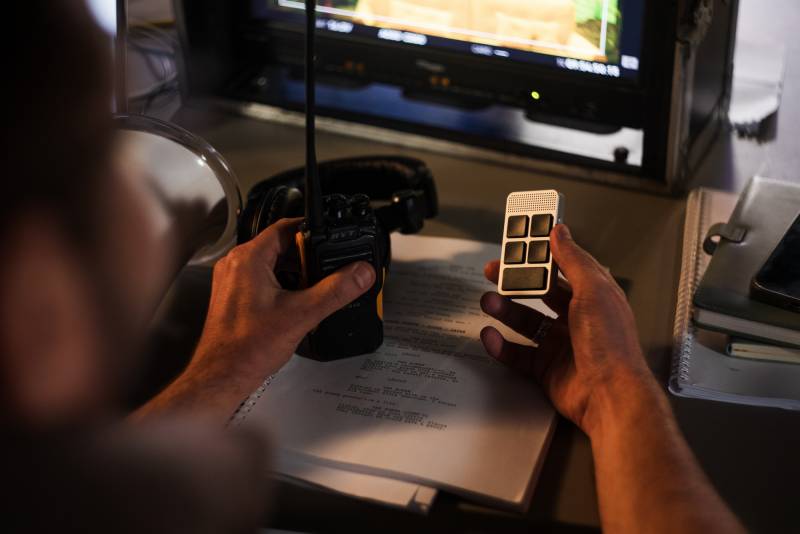
Beyond launching familiar applications such as Claude, ChatGPT, and Notion, the buttons can activate Genspark agents that handle more involved tasks. Its Meeting Notes agent, for example, can record a conversation, create a transcript, and generate a summary when the meeting ends.
Imagine finishing a project discussion and receiving organized notes with action items instead of trying to reconstruct everyone’s assignments from memory. That could be valuable for managers, freelancers, and anyone responsible for documenting meetings. Recording permission and workplace confidentiality policies still matter, especially when conversations involve clients or sensitive business information.
Genspark’s platform also includes GenTeam assistants and tools for documents, spreadsheets, presentations, AI chat, video, image generation, audio processing, 3D creation, coding, and dashboards.
The larger idea is to connect spoken requests with work already happening across different applications. Rather than treating dictation as the final step, Genspark envisions voice commands helping create documents, organize information, and complete multistep tasks.
There’s an important consideration: Genspark is also developing its hardware to collect voice and work-related context to improve those automated processes. That makes its approach potentially useful, but it also raises reasonable questions about how recordings, transcripts, and workplace information are stored, protected, and handled.
Anyone working with confidential material should review those policies before making the SecondBrain VoicePad a regular part of their workflow.
Understanding the Included AI Services and Their Limits
The SecondBrain VoicePad’s $169 planned retail price covers the hardware, but several software benefits come with usage limits that deserve attention.
Each device includes unlimited real-time voice dictation for 365 days following activation. After that introductory period, dictation falls back to the free allowance of 4,000 words per week, resetting every Monday at 00:00 UTC. Genspark Plus, Pro, and Team memberships provide unlimited voice input under their applicable terms.
Meeting transcription and AI summaries receive a separate allowance of 300 minutes per month for the product’s lifetime. Exceeding that amount costs five Genspark credits per additional minute, including the summary. Eligible paid memberships offer a shared daily pool of up to 24 hours across supported recording and transcription services, subject to Genspark’s terms.
Unlimited text translation is included for the first year, after which free-plan translation costs one credit per minute. Buyers also receive a one-time allocation of 1,000 Genspark Super Agent credits, valid for 365 days.
Credits are Genspark’s usage currency for certain AI tasks, rather than a fixed number of messages or minutes across every tool. That distinction matters because different operations can consume credits at different rates.
You don’t necessarily need a paid subscription to use the SecondBrain VoicePad, but heavier workloads could make the free allowances restrictive.
Genspark’s free Workspace plan includes 100 daily credits, subject to its published limits, and 1GB of cloud storage. Plus costs $24.99 per month, or $19.99 per month with annual billing of $239.99, and provides 10,000 monthly credits, 50GB of storage, and commercial-use rights for eligible AI-generated content.
Pro increases that to 125,000 monthly credits and 1TB of storage, costing $249.99 monthly or $199.99 per month with annual billing of $2,399.99. Business-oriented Team and Enterprise plans offer centralized administration and additional organizational controls, with Enterprise pricing determined individually.
These costs aren’t trivial if you’re primarily interested in dictation. The sensible comparison is whether the SecondBrain VoicePad’s physical controls and Genspark integration offer enough additional convenience over voice features and keyboard shortcuts you may already have.
Kickstarter Pricing and Availability
Genspark plans to launch SecondBrain VoicePad on Kickstarter today, with crowdfunding expected to continue into December and general availability afterward.
The anticipated crowdfunding price ranges from $119 to $149, below its planned retail price of $169. There’s also a $99 VIP offer with free shipping that can be reserved through Genspark’s website with a $9.99 deposit.
As with any crowdfunding project, those prices and timelines should be treated as campaign plans rather than guarantees of delivery. Final pledge terms, fulfillment dates, and availability will matter when deciding whether to back the project.
The SecondBrain VoicePad is an interesting proposition because it doesn’t ask you to abandon your existing applications. Instead, it attempts to make commonly repeated actions easier to initiate while giving Genspark’s AI tools a physical presence on your desk.
For someone who writes extensively, attends frequent meetings, or works across multiple AI services, that combination may be appealing. Someone who already has efficient keyboard shortcuts and rarely dictates anything might have a harder time justifying another piece of hardware.
You can learn more about the SecondBrain VoicePad, review the VIP reservation offer, and follow its upcoming launch at Genspark’s official VoicePad product page. The Kickstarter campaign page provides another place to follow its crowdfunding availability.


Be the first to comment on "Genspark SecondBrain VoicePad Wants You to Talk More, Type Less, and Get More Done"