
The Lowdown
The HP Sprocket Photobooth looks like one of those rare products that actually understands its assignment. It’s easy, flexible, and fun without seeming flimsy or fussy. The design is portable in a genuinely useful way, the mounting options add welcome flexibility, the touchscreen is sensibly sized, and the mix of physical prints and digital sharing fits the way people actually want to interact with event photos now.
Overall
Pros
- It’s easy to move and set up for different events, the multiple mounting options make it more versatile than a tabletop-only design
- The sticky-backed prints are fun and immediately usable
- The built-in lighting and touchscreen make it approachable
- QR sharing adds a practical digital layer
Cons
- Zink output still has visible quality limitations
- The 20-sheet capacity means someone will need to keep watch at busier events
- Refill paper costs can climb faster than some buyers may expect
The HP Sprocket Photobooth knows exactly what it is. It isn’t pretending to be a full-scale professional event booth, and it’s not just a pocket printer playing dress-up. It’s a compact, self-contained photo station for gatherings where people still love a printed keepsake but also want the option to scan a code and have a digital copy on their phones before the next song starts. Think weddings, reunions, birthday parties, baby showers, school events, and all the other occasions where a small take-home memento still feels thoughtful.
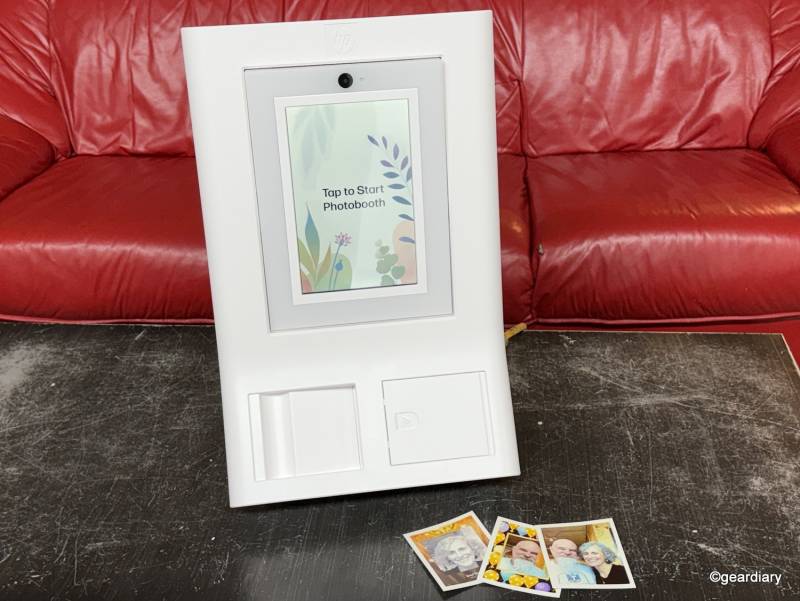
That’s a smart place for HP to land. Plenty of people love the idea of a photo booth right up until the cost, size, setup time, and general headache show up. HP’s answer is a much smaller device with a 10.1″ touchscreen, a built-in ring light and flash, Wi-Fi sharing, app support, and instant sticky-backed Zink prints. At 7.3 pounds, it’s portable in a way that many event gadgets claim but rarely deliver.
The tougher question is whether the Sprocket Photobooth earns its $599.99 price tag. That’s well past impulse-buy territory, so novelty alone won’t carry it. It needs to feel easy, dependable, and useful enough to come out for multiple events. Otherwise, it risks becoming one more “fun” gadget that gets admired once and then exiled to a closet.
The good news is that HP’s overall concept is strong. The hardware choices make sense, most of the features feel practical rather than padded, and the setup is approachable enough that people can start using it without a lesson. There are still a few caveats worth noting, but the foundation here is solid.
What It Does
The HP Sprocket Photobooth is built to simplify the event-photo ritual. You choose a layout, pick a frame or filter, line up the shot on the touchscreen, tap to take the picture, and then print it. Once you decide to print a photo, the booth can also generate a QR code for downloading a digital copy when it is connected to Wi-Fi.
That may sound obvious, but obvious is exactly what you want. A product like this shouldn’t need a tutorial. It should feel intuitive the first time someone walks up to it, even if they’ve never seen it before. That’s one of the clearest differences between a genuinely useful event tool and a novelty that’s amusing for six minutes before everyone loses interest.
The Sprocket Photobooth uses sticky-backed Zink paper, which is HP’s ink-free photo format. Instead of relying on cartridges or toner, the paper contains color crystals that are activated by heat during printing. That means there’s no ink to replace, no ribbon to install, and fewer chances for setup to go sideways just as guests start arriving. For something meant for parties and events, that kind of simplicity matters.
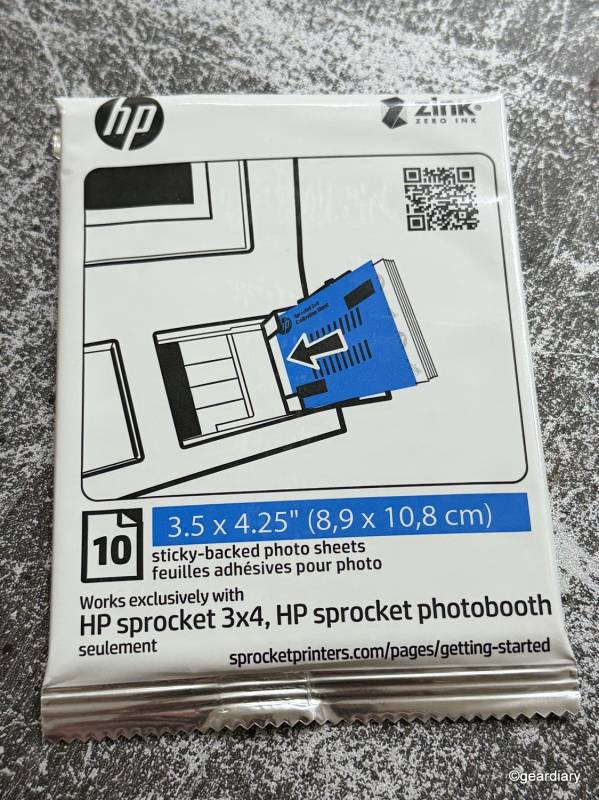
The prints are made to be handled, shared, and stuck onto things without much ceremony. HP says they resist smudging, water, and tearing, which is exactly what this format calls for. These aren’t precious prints meant for archival boxes. They’re meant for scrapbooks, memory boards, bullet journals, gift bags, dorm walls, and laptop lids. They’re souvenirs, not museum pieces, and that’s perfectly fine.
The Design Is Thoughtful
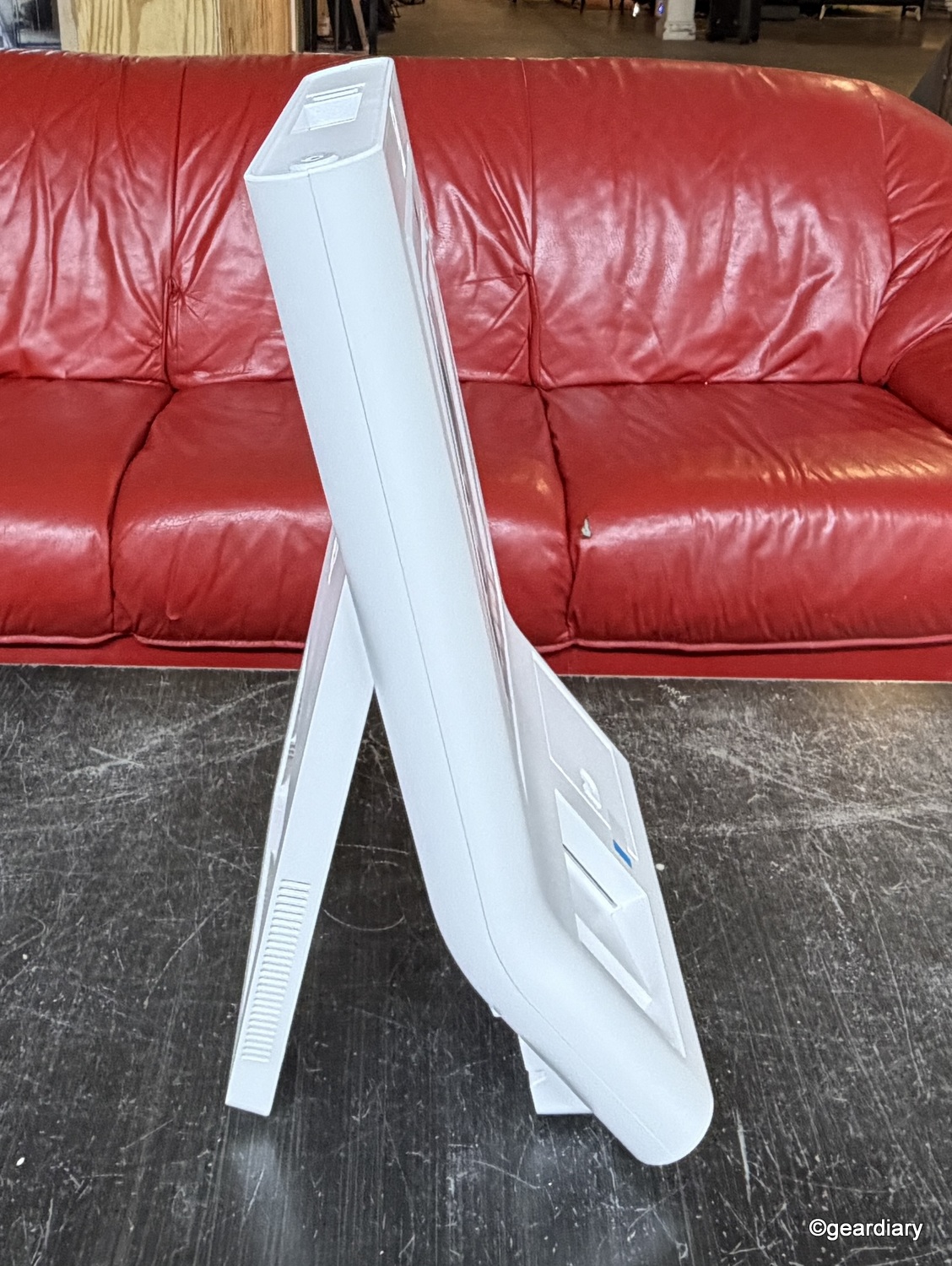
One of the Sprocket Photobooth’s most appealing qualities is that HP seems to have thought about where it will actually live. At roughly 14″ wide, 21″ high, and 2″ deep, it’s large enough to feel like a real part of an event instead of an afterthought, but not so large that moving it becomes a whole production. There’s even a handle built into the top, which makes relocating it refreshingly straightforward.
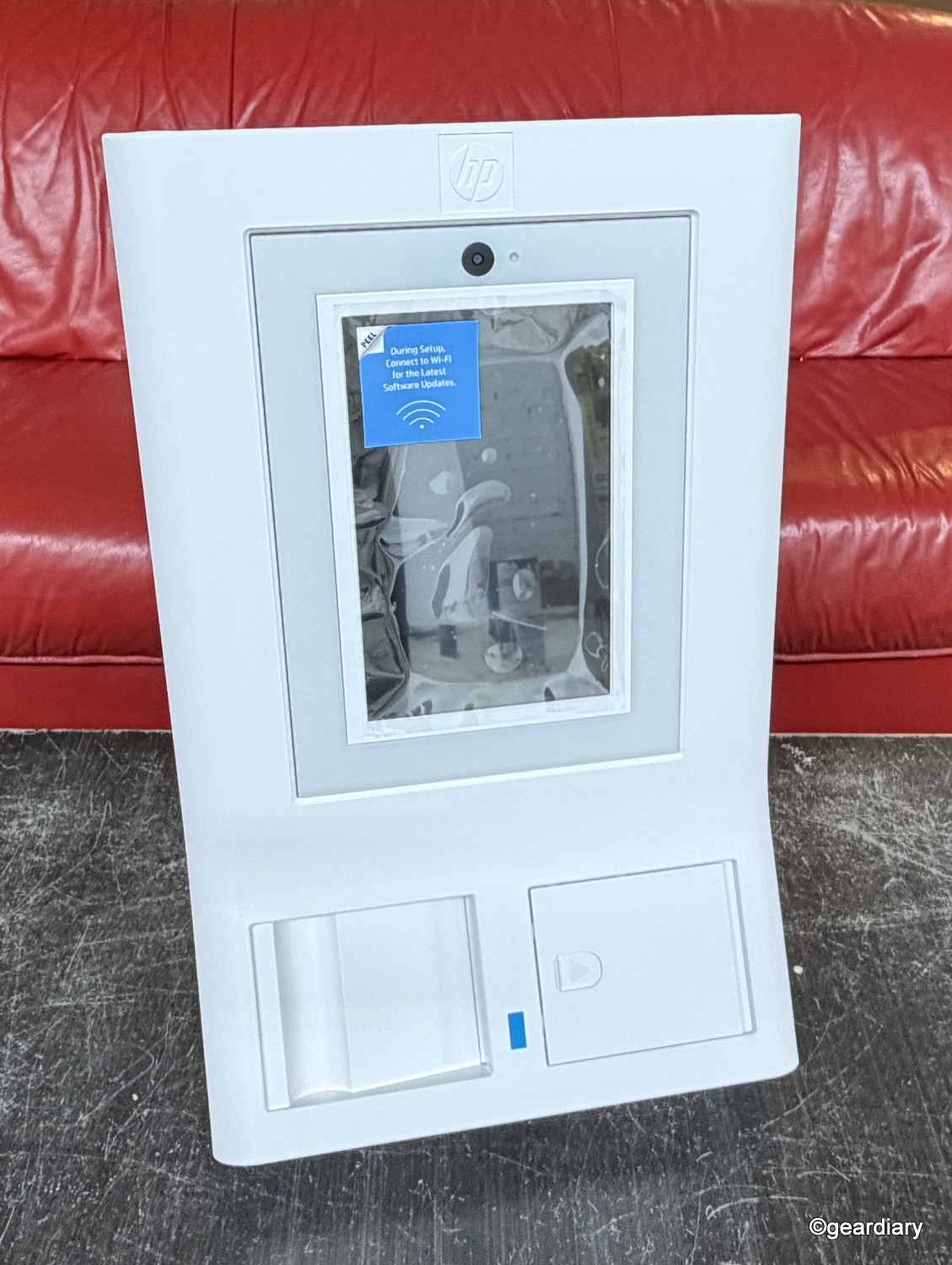
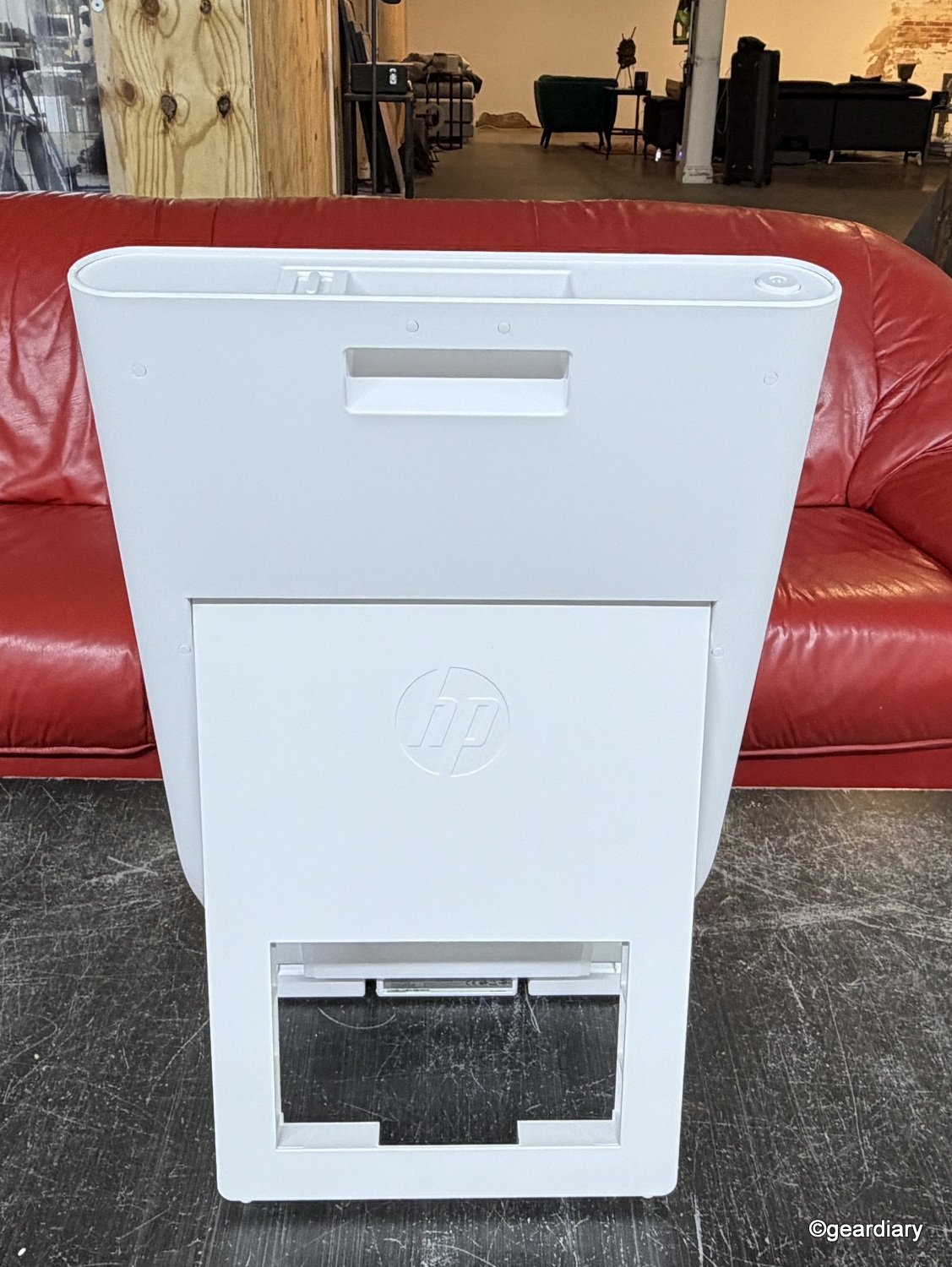
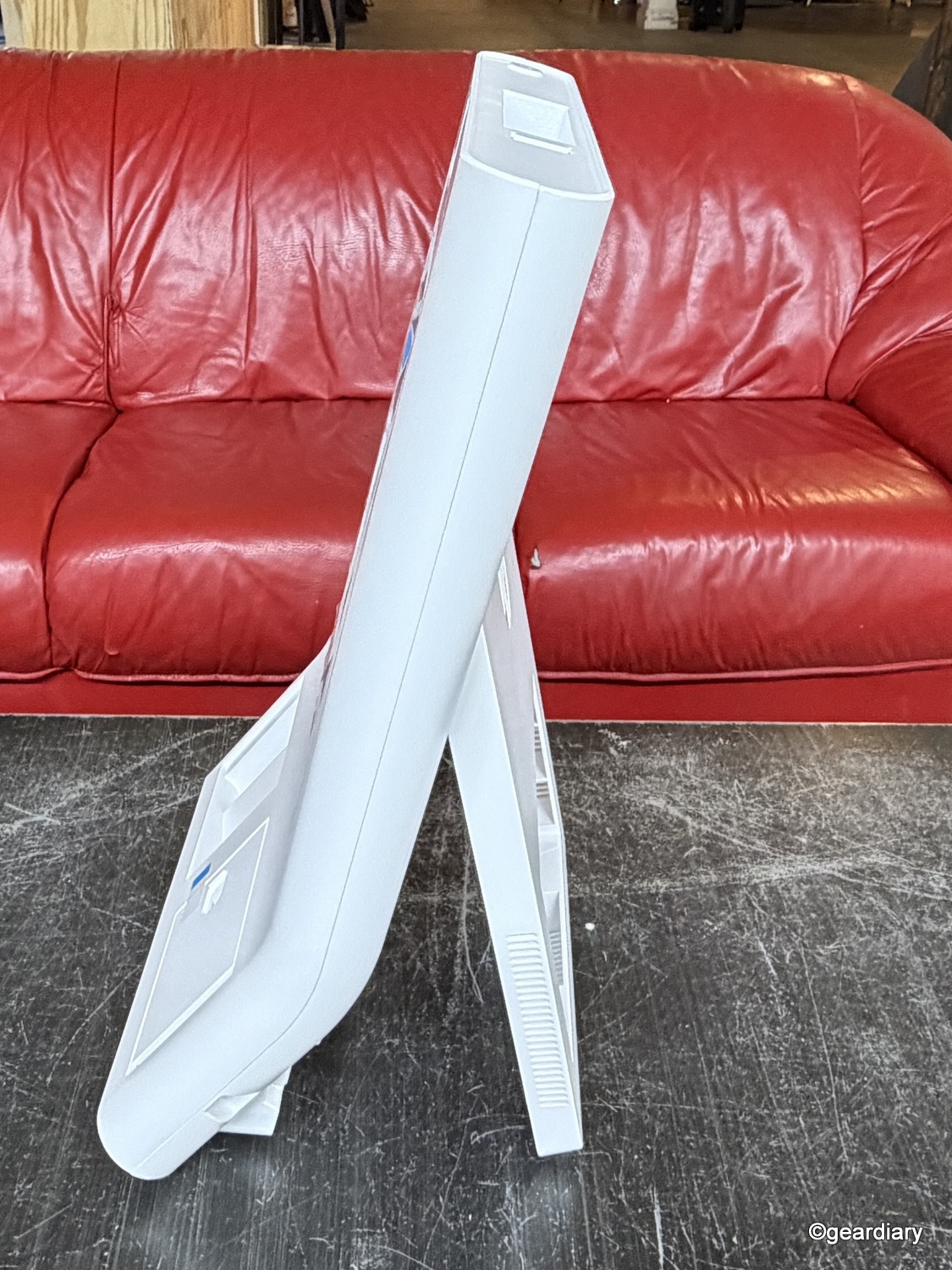
That matters more than it might seem. Traditional event booths are often too bulky, too expensive, or too committed to one-off use unless they’re being rented for a specific occasion. This product is clearly trying to occupy the middle ground. It’s big enough to feel purposeful, but small enough to use whenever the opportunity comes up.
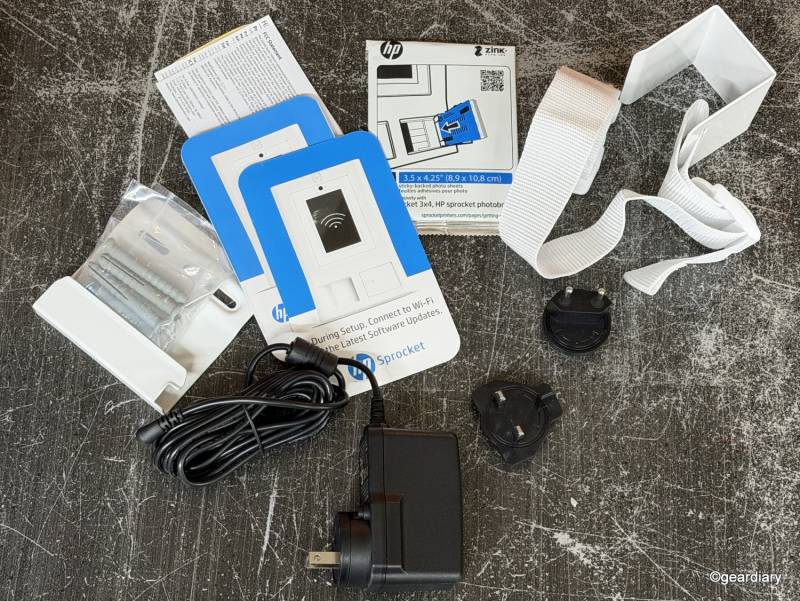
The included accessories reinforce that idea. In the Sprocket Photobooth box, HP includes double-sided mounting tape, a wall bracket, screws and anchors, a door hook with an adjustable strap, a power plug with US, EU, and UK adapters, and a 10-pack of starter paper. That’s a useful bundle, and it gives the booth real flexibility. It can sit on a table, hang on a wall, or mount to a door, depending on the event and the available space.
That might sound like a minor detail, but it really isn’t. The built-in easel makes tabletop setup easy for a birthday party, school event, or checkout counter. A wall- or door-mount makes more sense when floor space is limited or when the goal is to create a dedicated photo corner without dragging extra furniture into the room.
It gives the Sprocket Photobooth a wider range of uses than a device that only works if you happen to have the perfect table in the perfect spot under the perfect lighting. Real life, rudely, doesn’t usually cooperate like that.
The HP Sprocket Photobooth is also available in white or pink. The white version is the easier choice if the booth needs to work across different events and settings. The pink one feels more niche, though that may well be the appeal.
The Touchscreen Makes the Experience
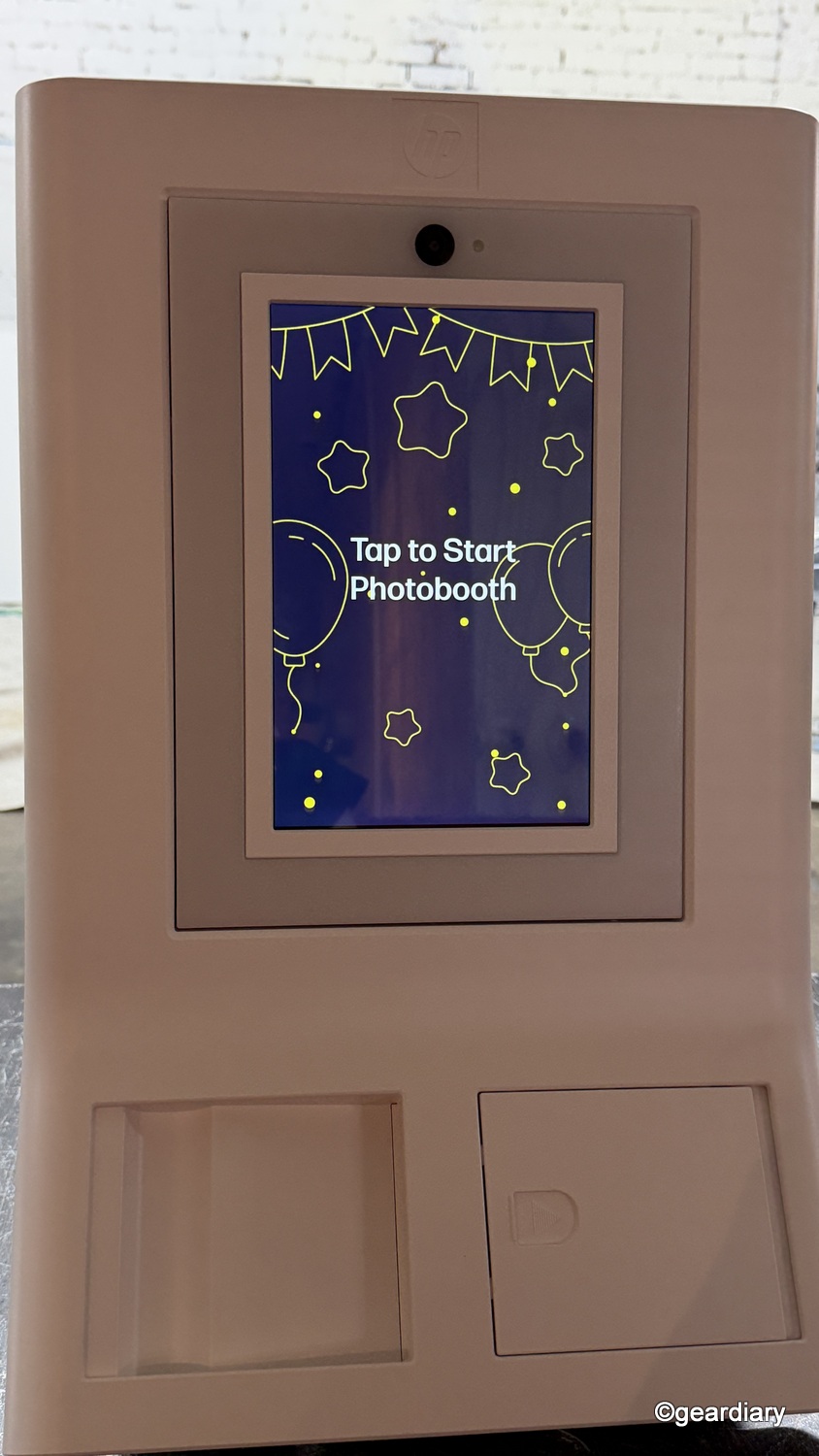
The Sprocket Photobooth uses a 10.1″ adjustable LCD touchscreen, and that’s one of HP’s better decisions. A screen that size gives people enough room to preview layouts and filters, check framing, and understand what’s happening without squinting or awkwardly bunching together.
A photo booth lives or dies on responsiveness. It doesn’t need bleeding-edge speed, but it does need to feel immediate. If guests tap the screen and then pause to wonder whether anything registered, the whole experience starts feeling clunky in a hurry.
In use, the Sprocket Photobooth feels refreshingly easy to navigate, which matters more than any processor spec ever could. The menus are straightforward, the filter options are simple to select, and the whole experience feels approachable enough that guests do not need a tutorial before jumping in. I also appreciated that the filters are not just there for fun. They can help compensate for less-than-ideal lighting, which is exactly the kind of real-world flexibility you want in a party or event setting.
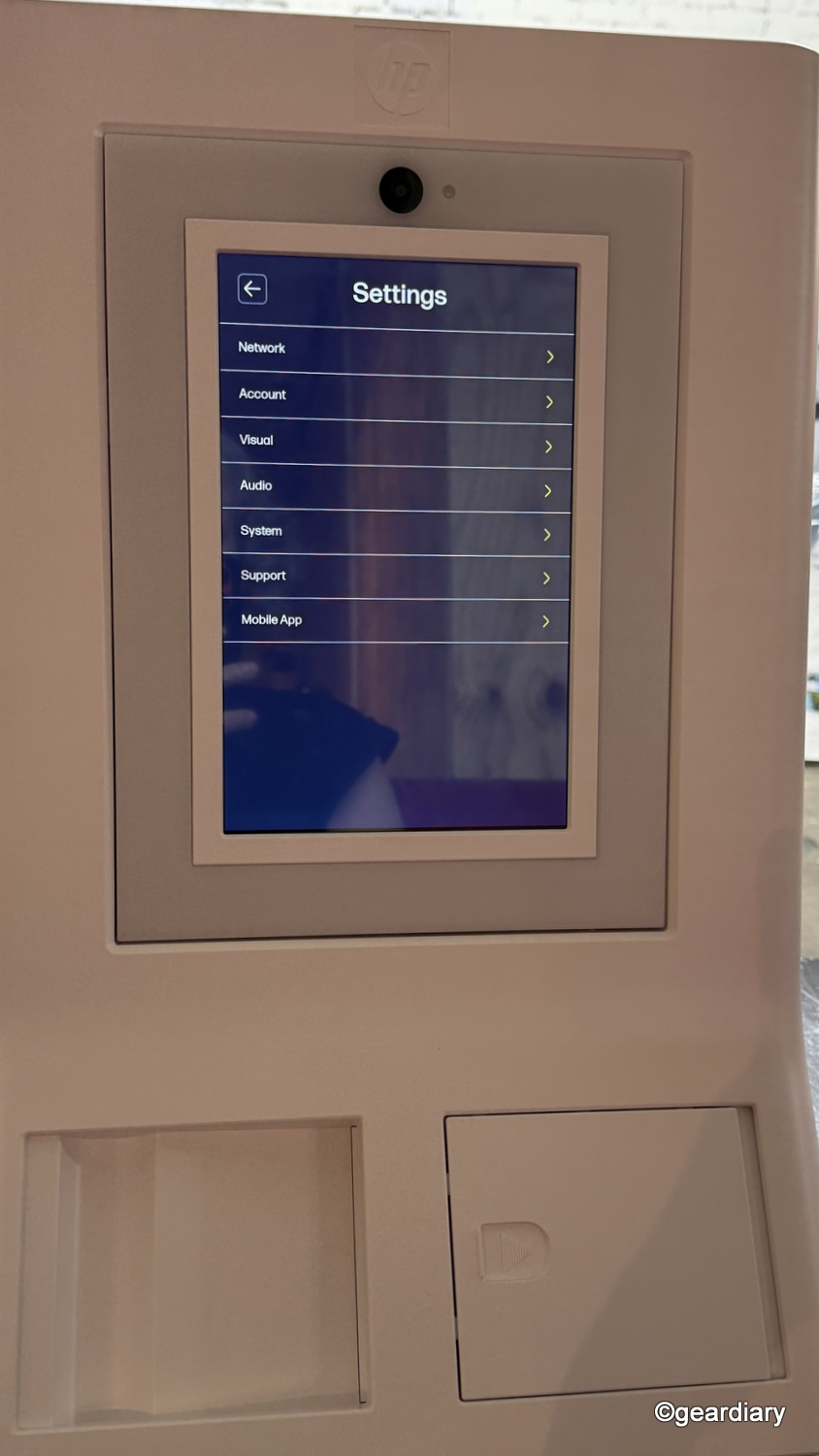
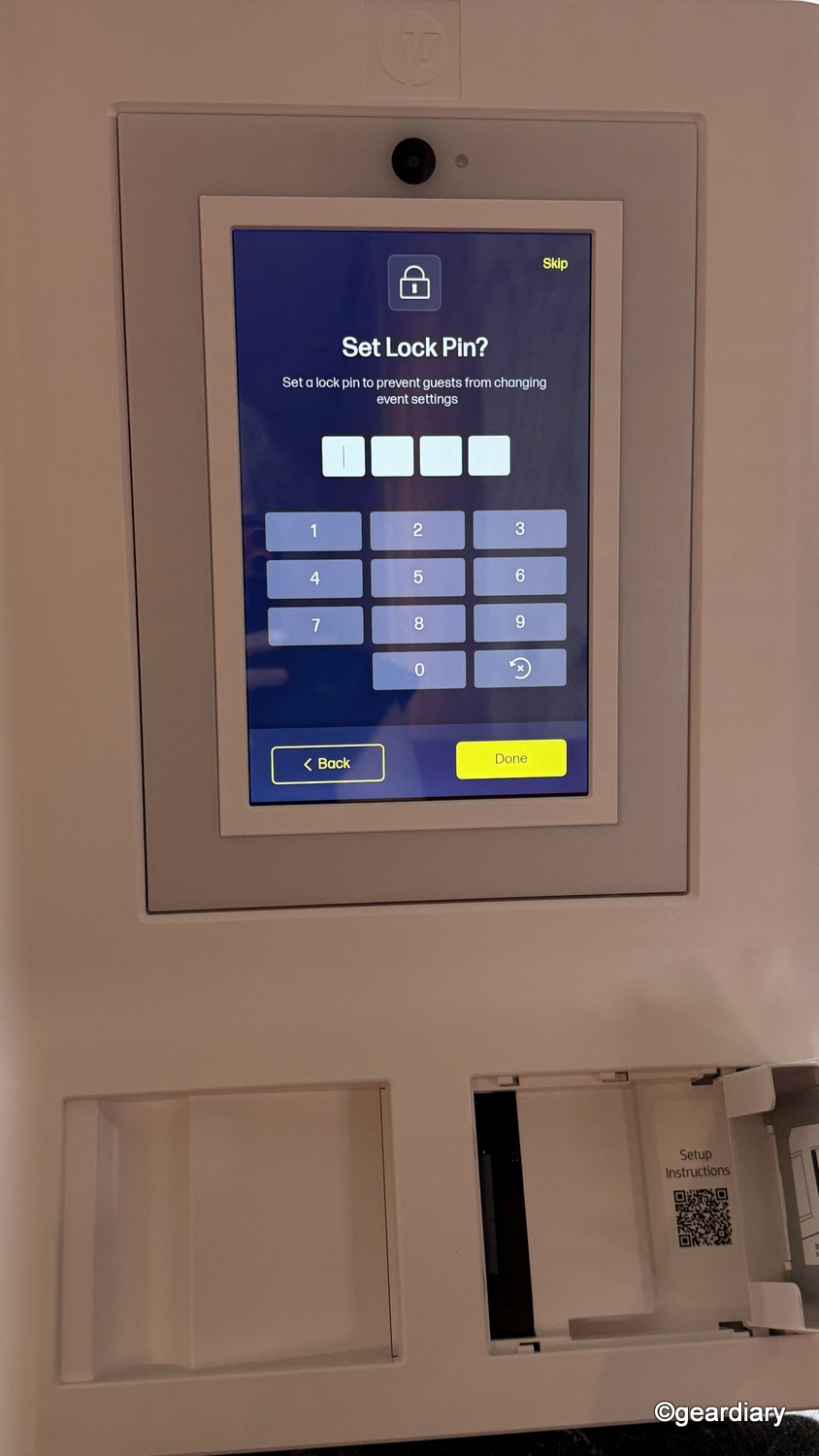
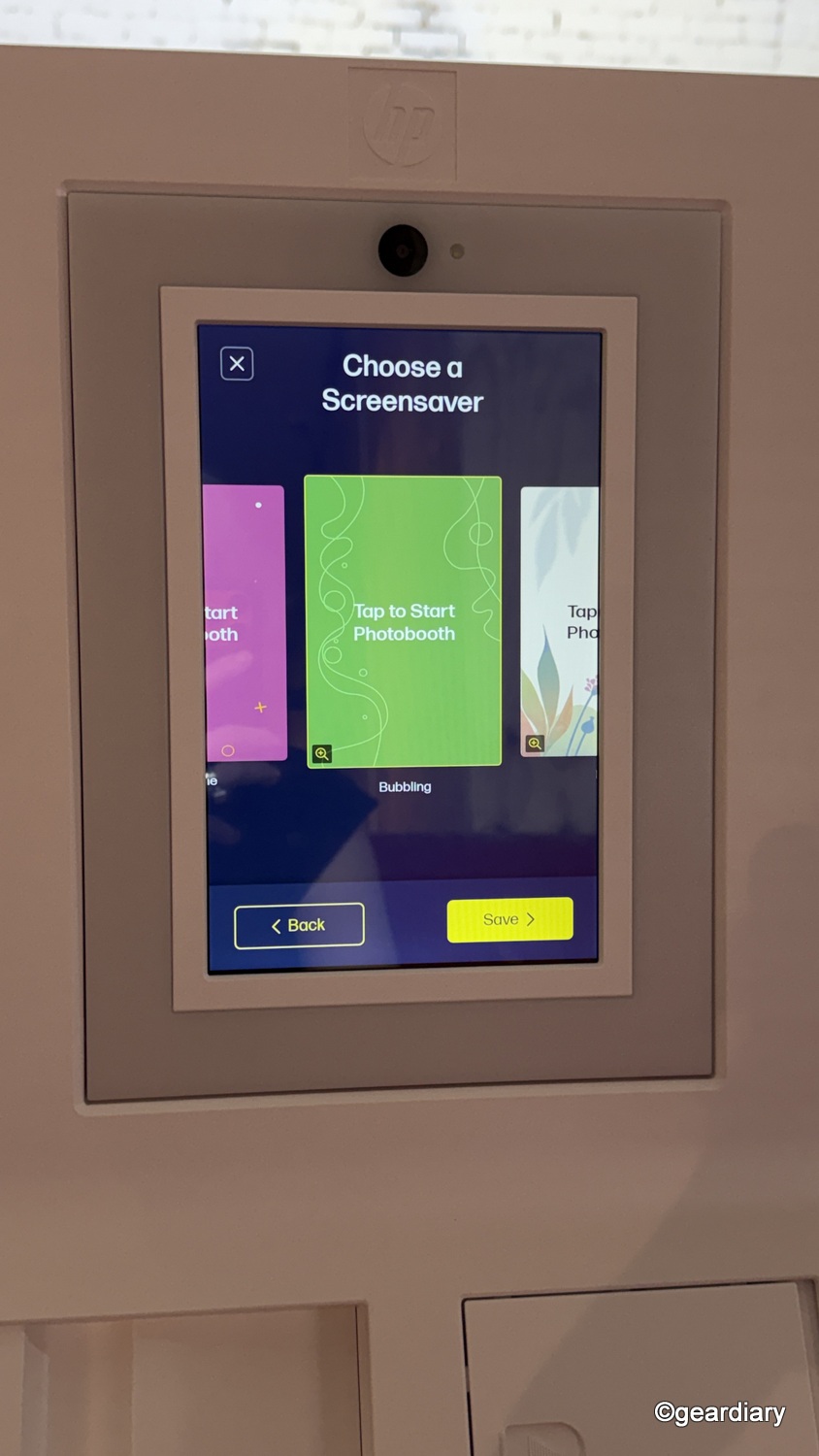
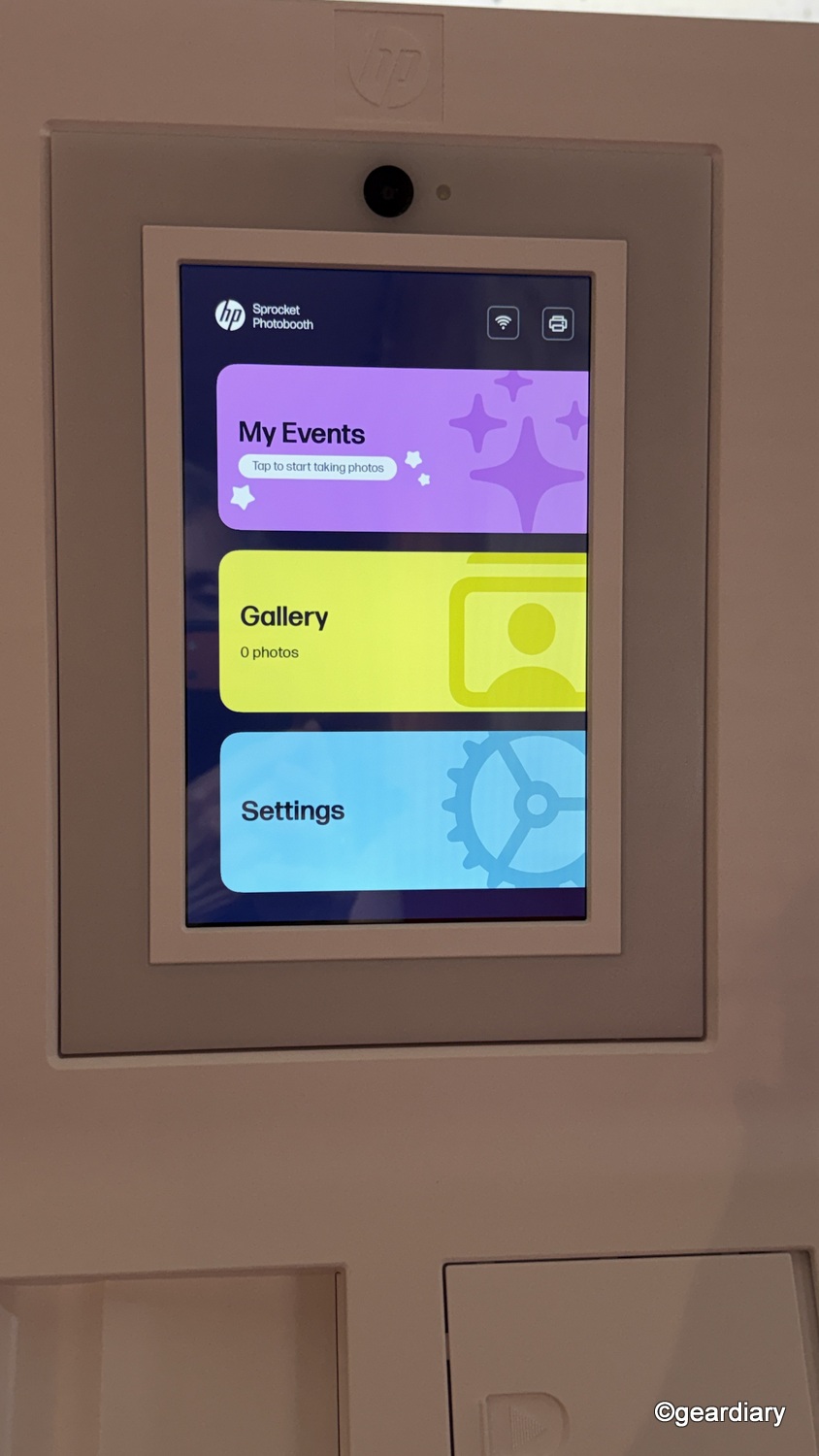
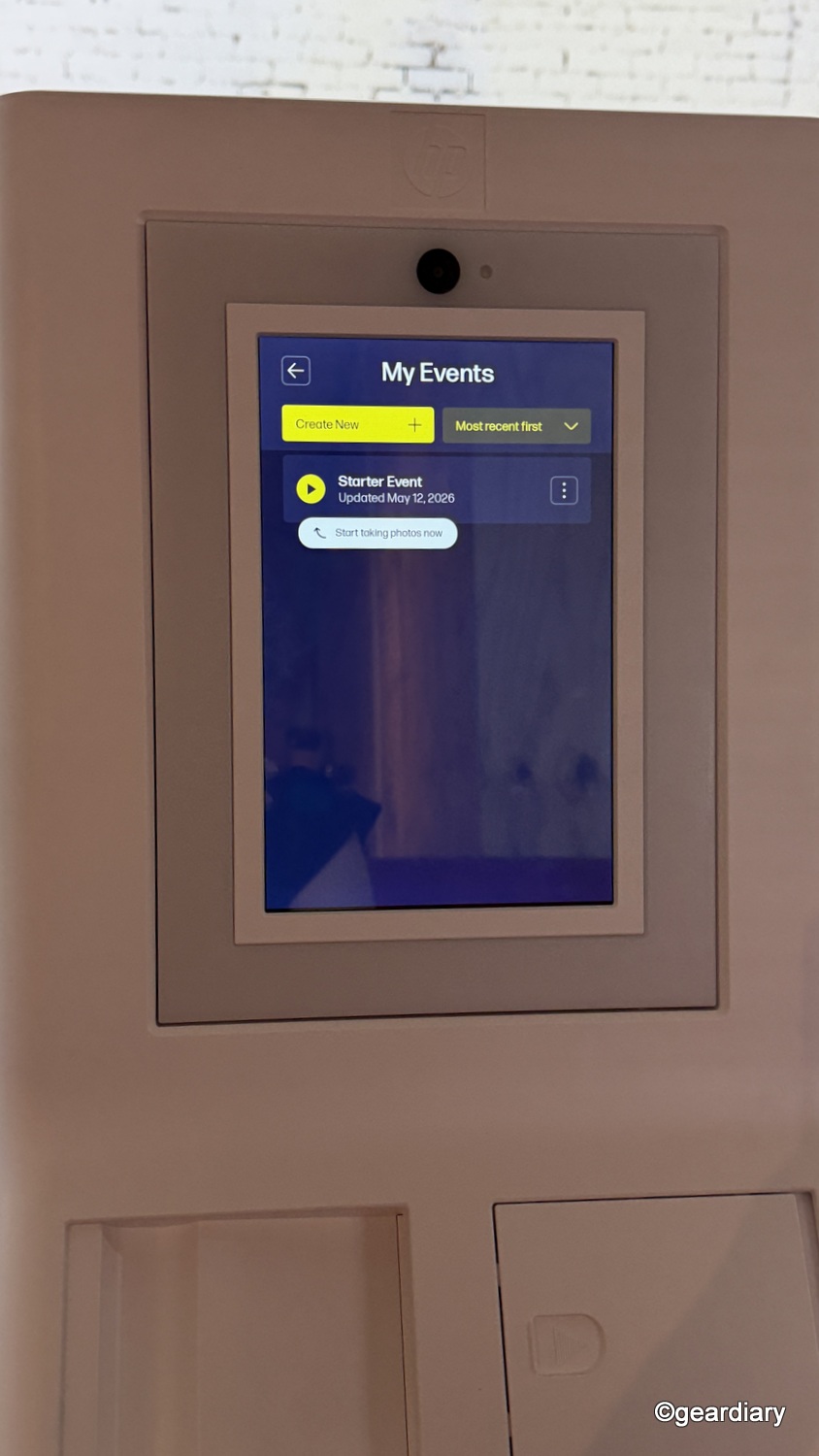
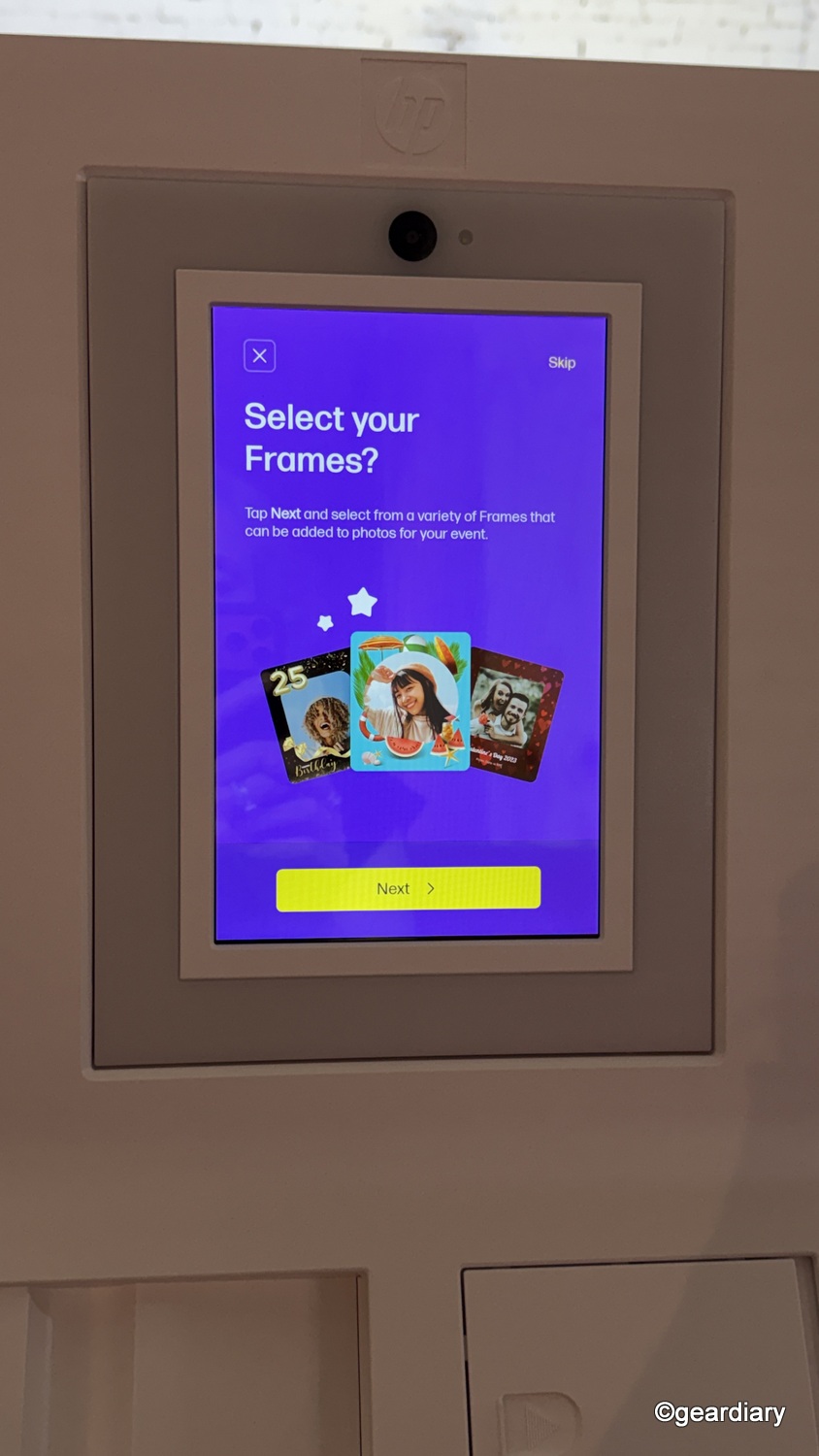
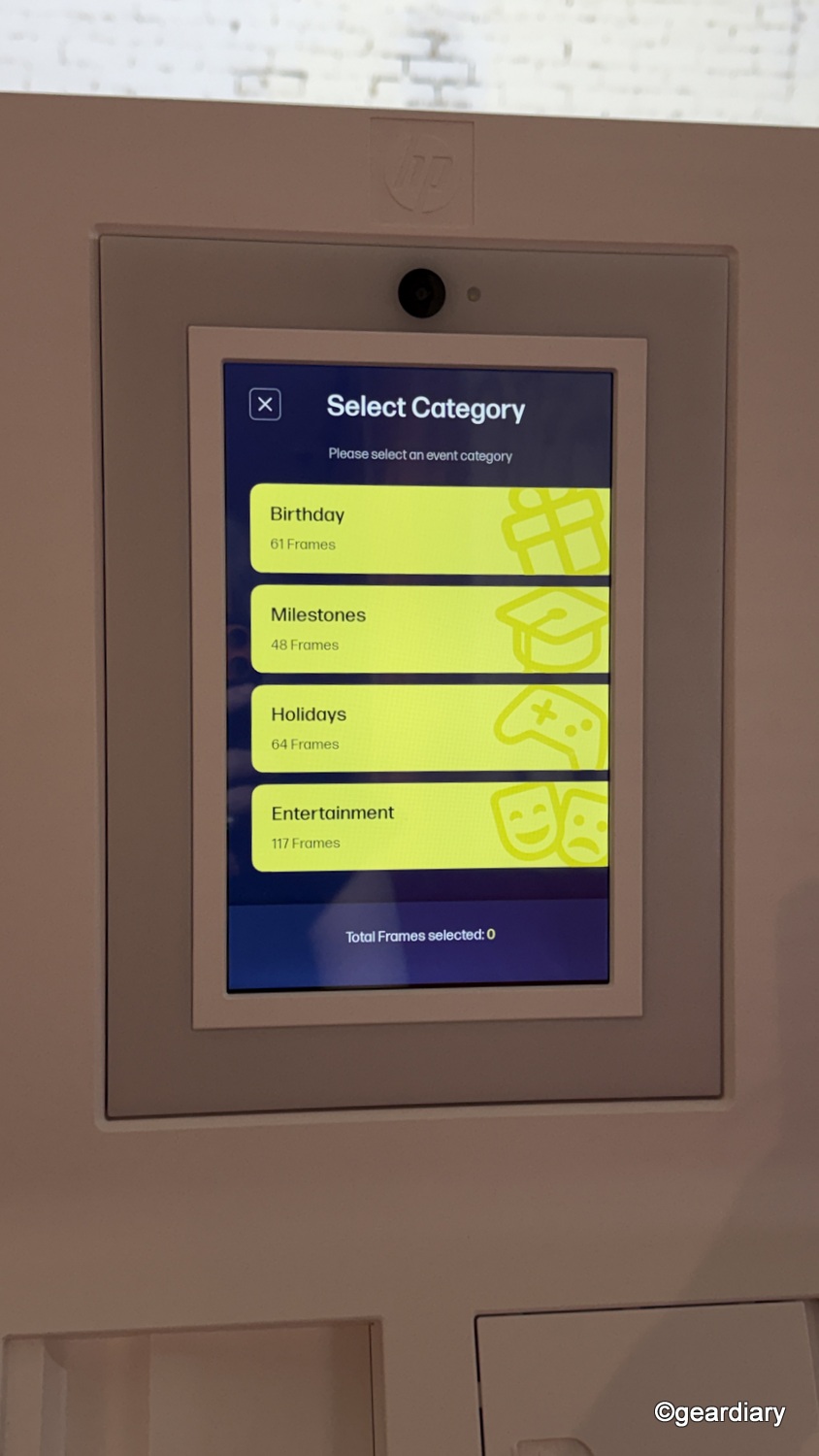
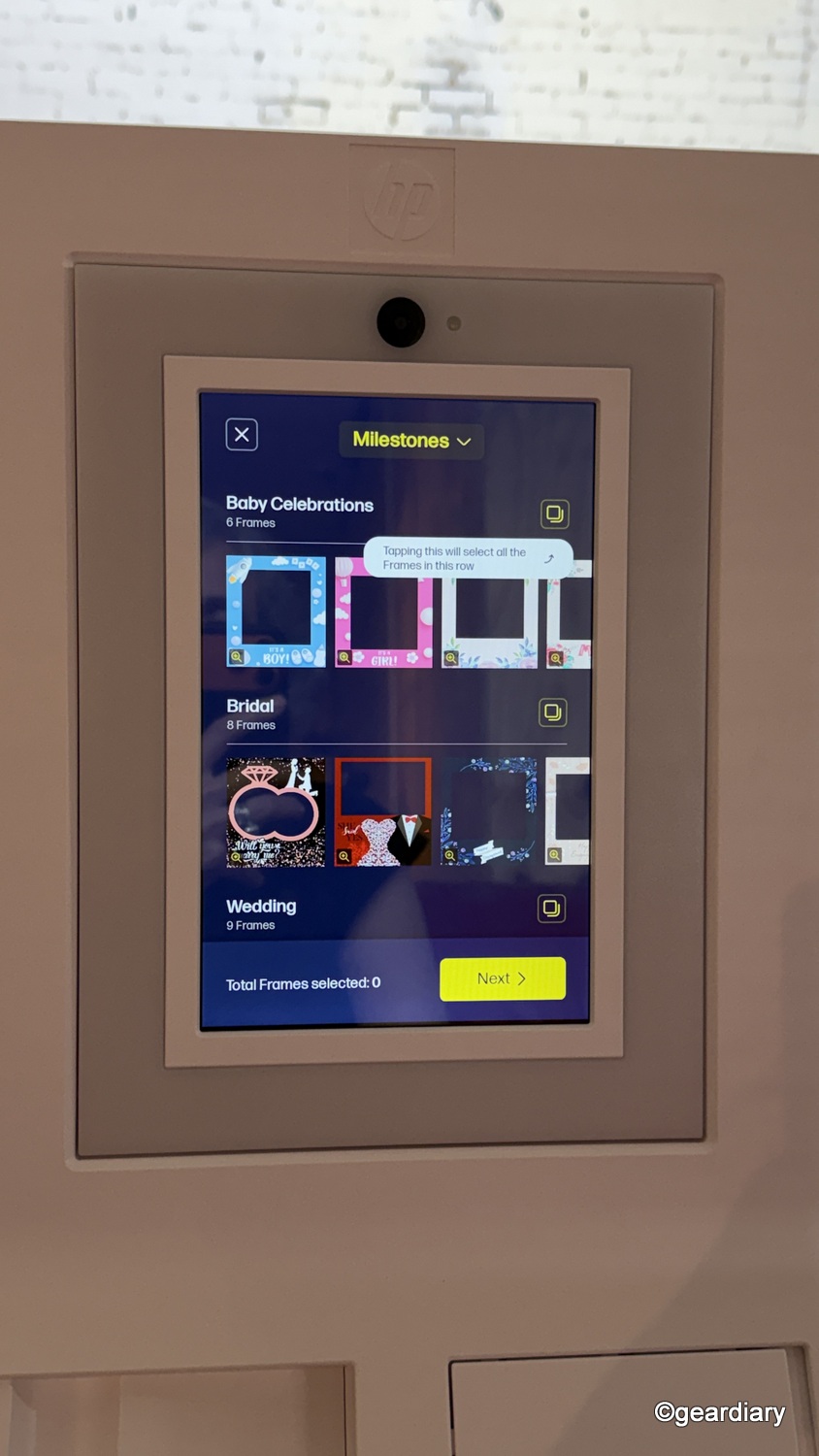
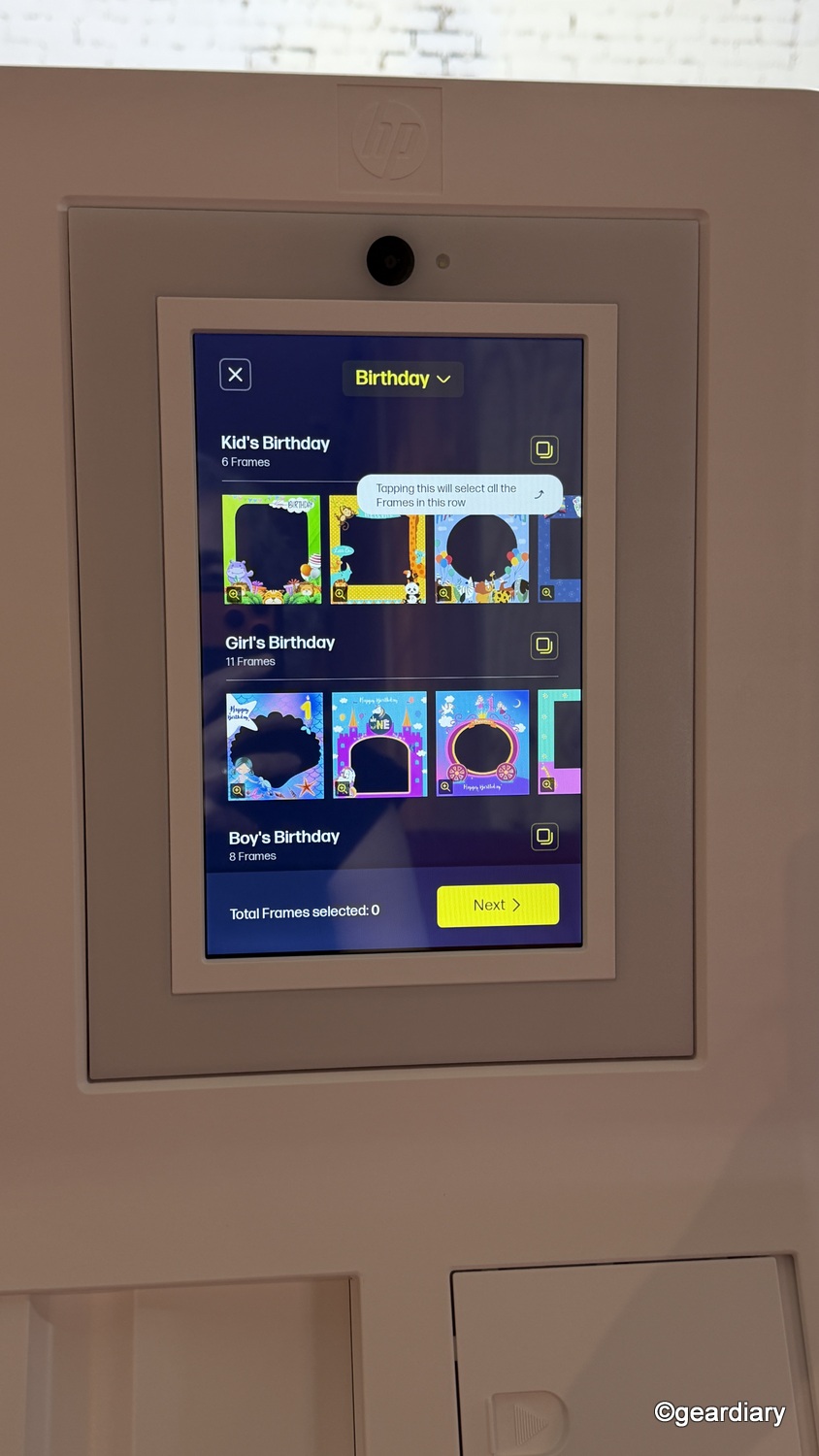
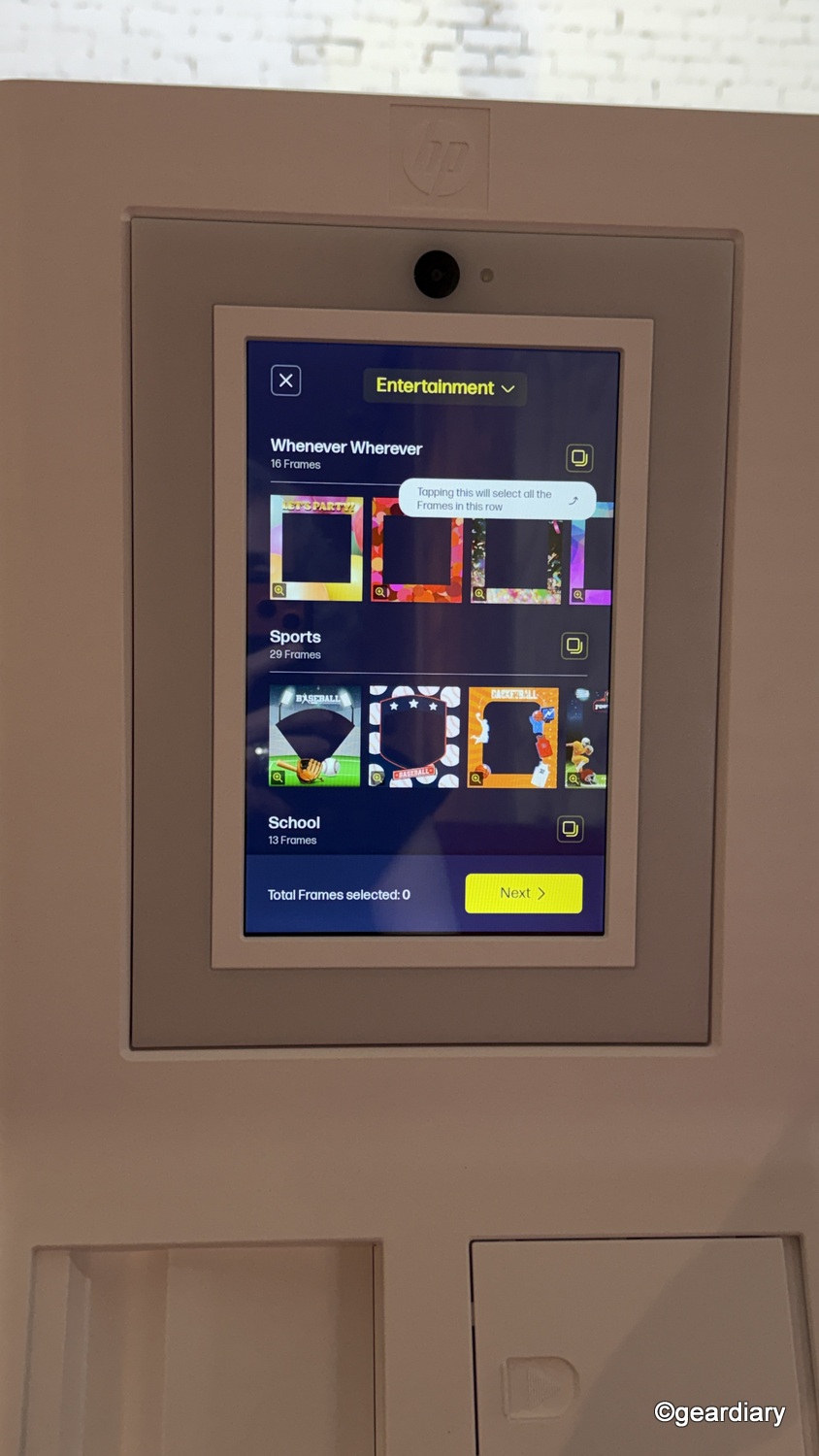
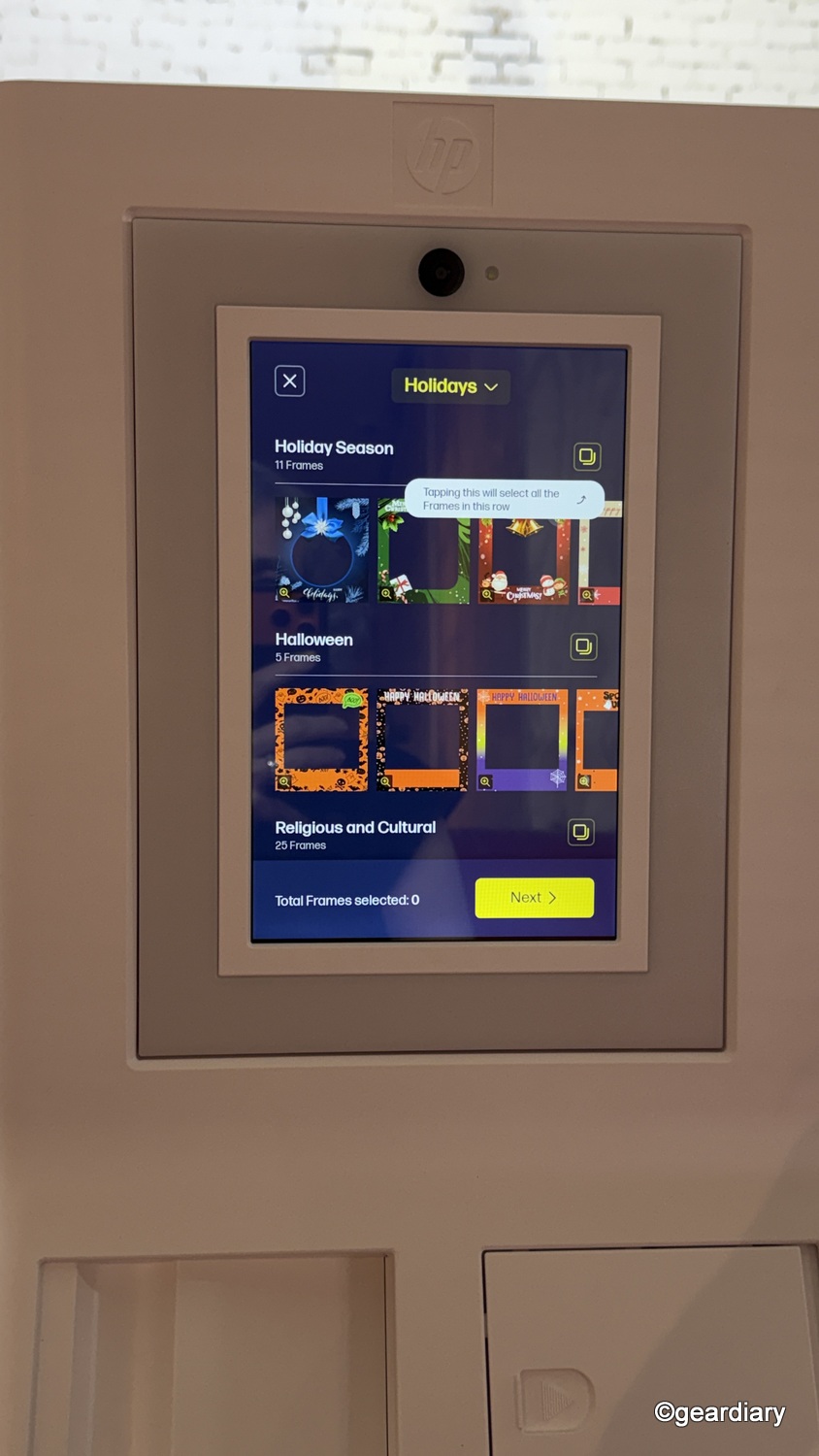
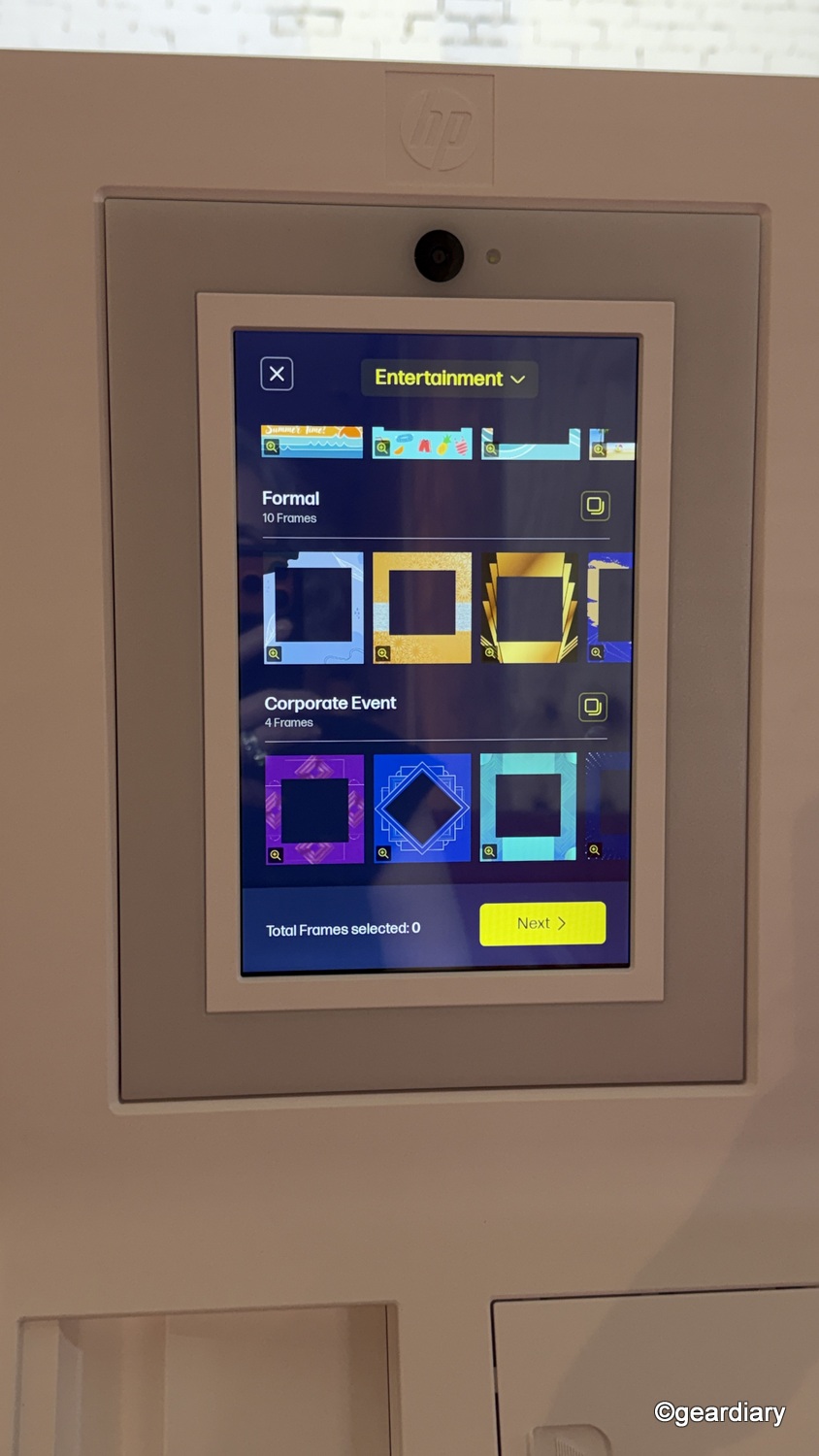
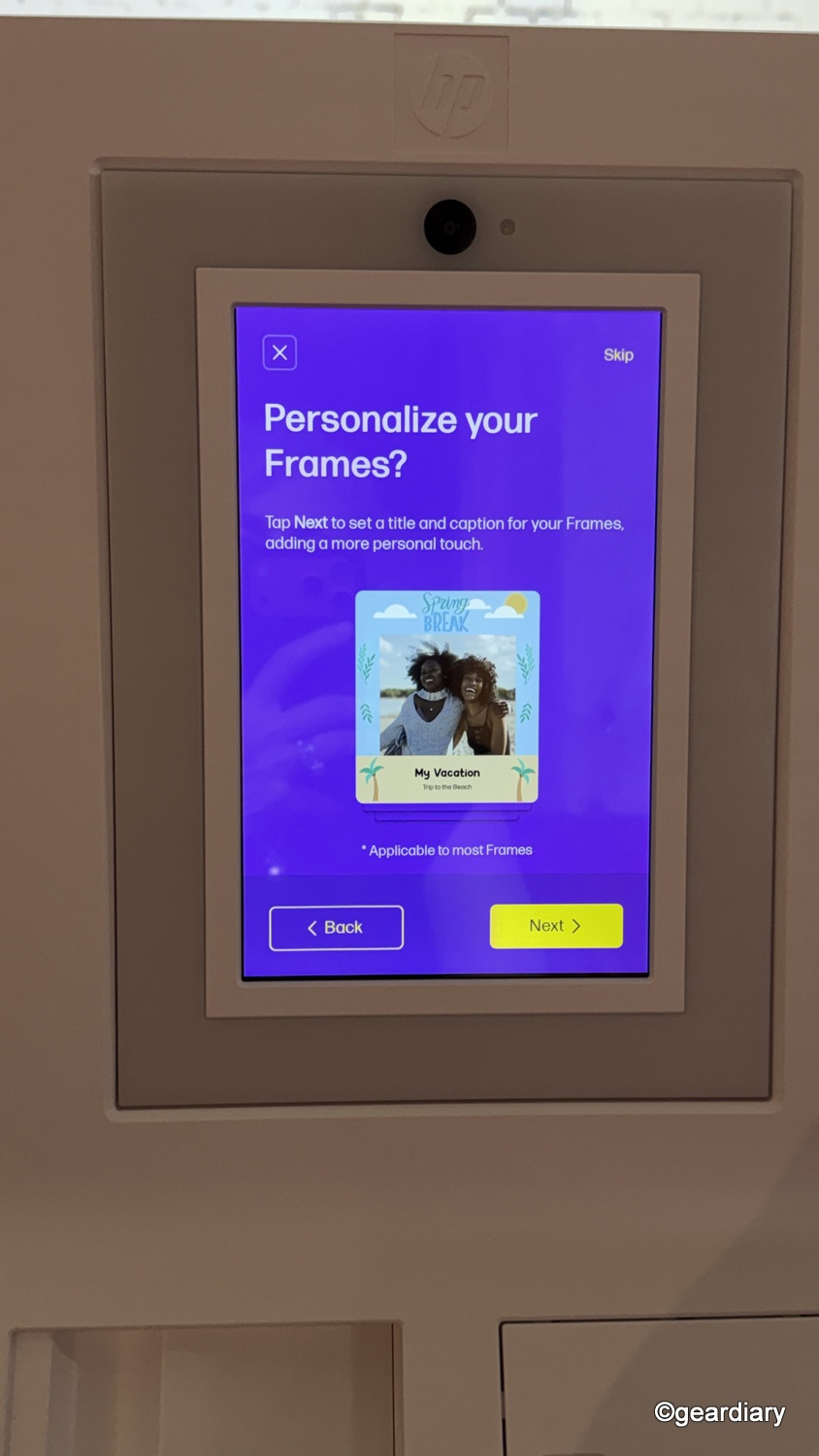
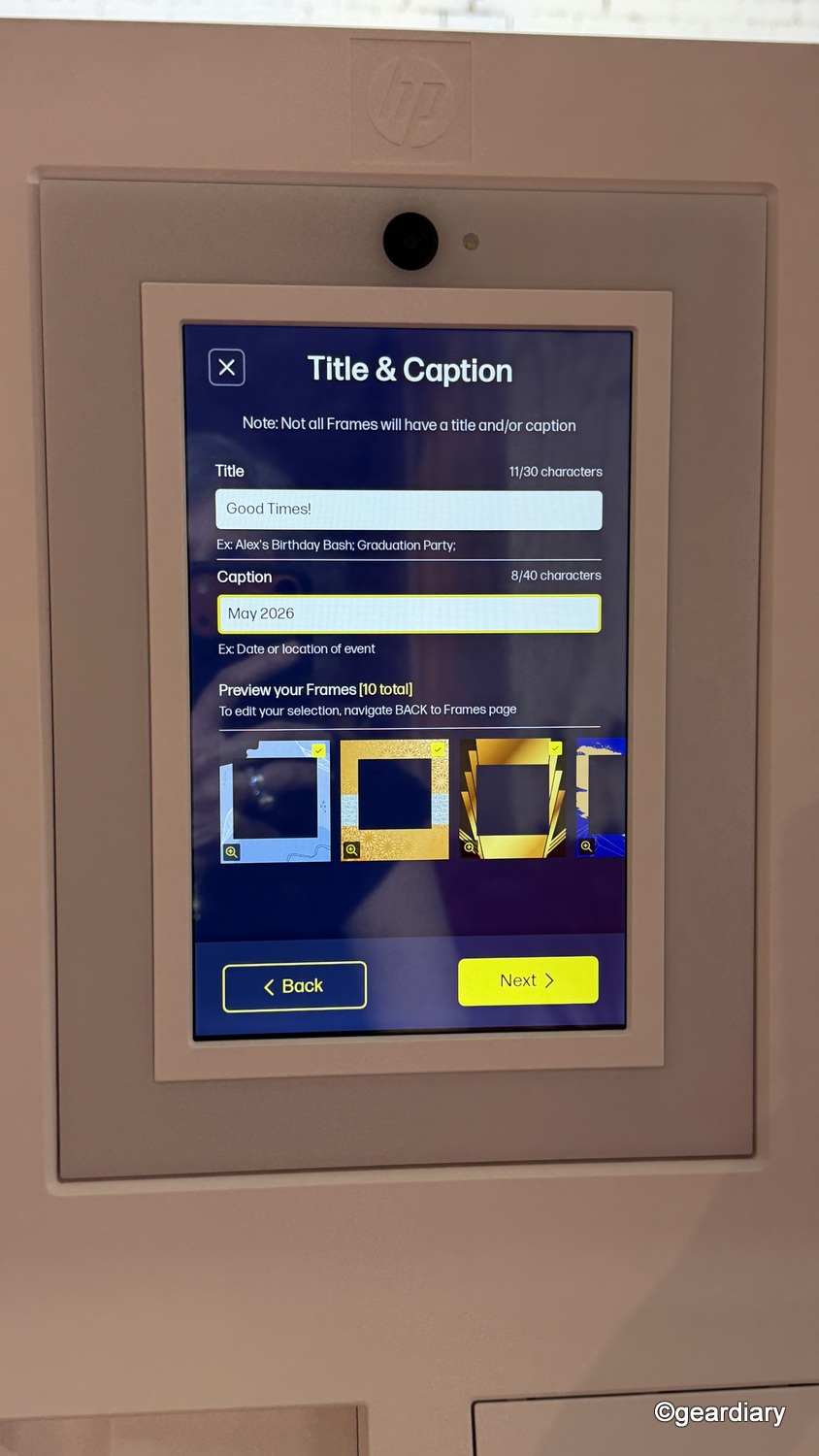
You can also set a PIN so guests can’t change your settings, which is a small but important control for events where the booth will be used by a lot of people. It keeps the experience guest-friendly without letting one overly curious person wander into the settings and turn your carefully planned photo station into a tiny administrative crime scene.
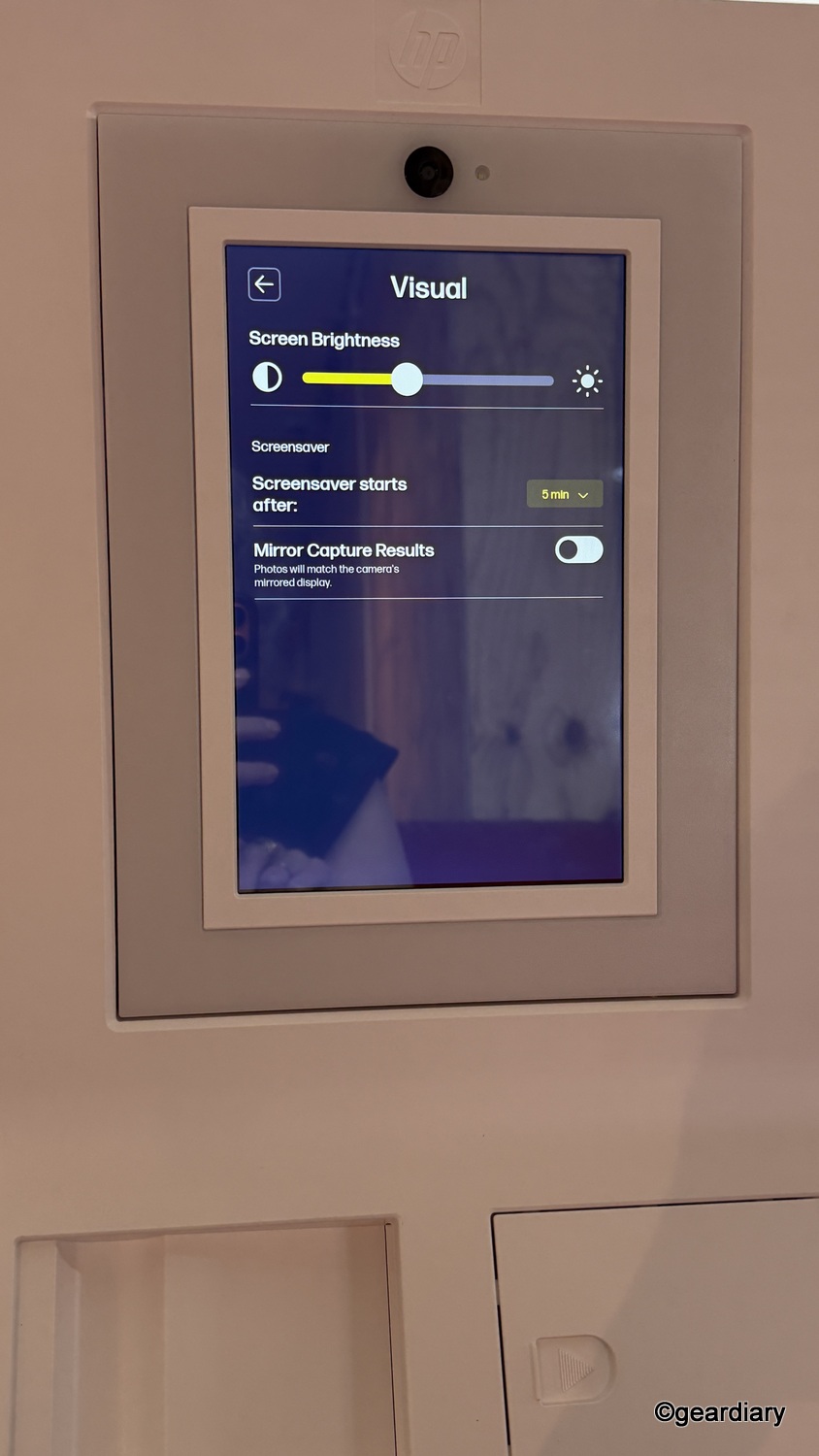
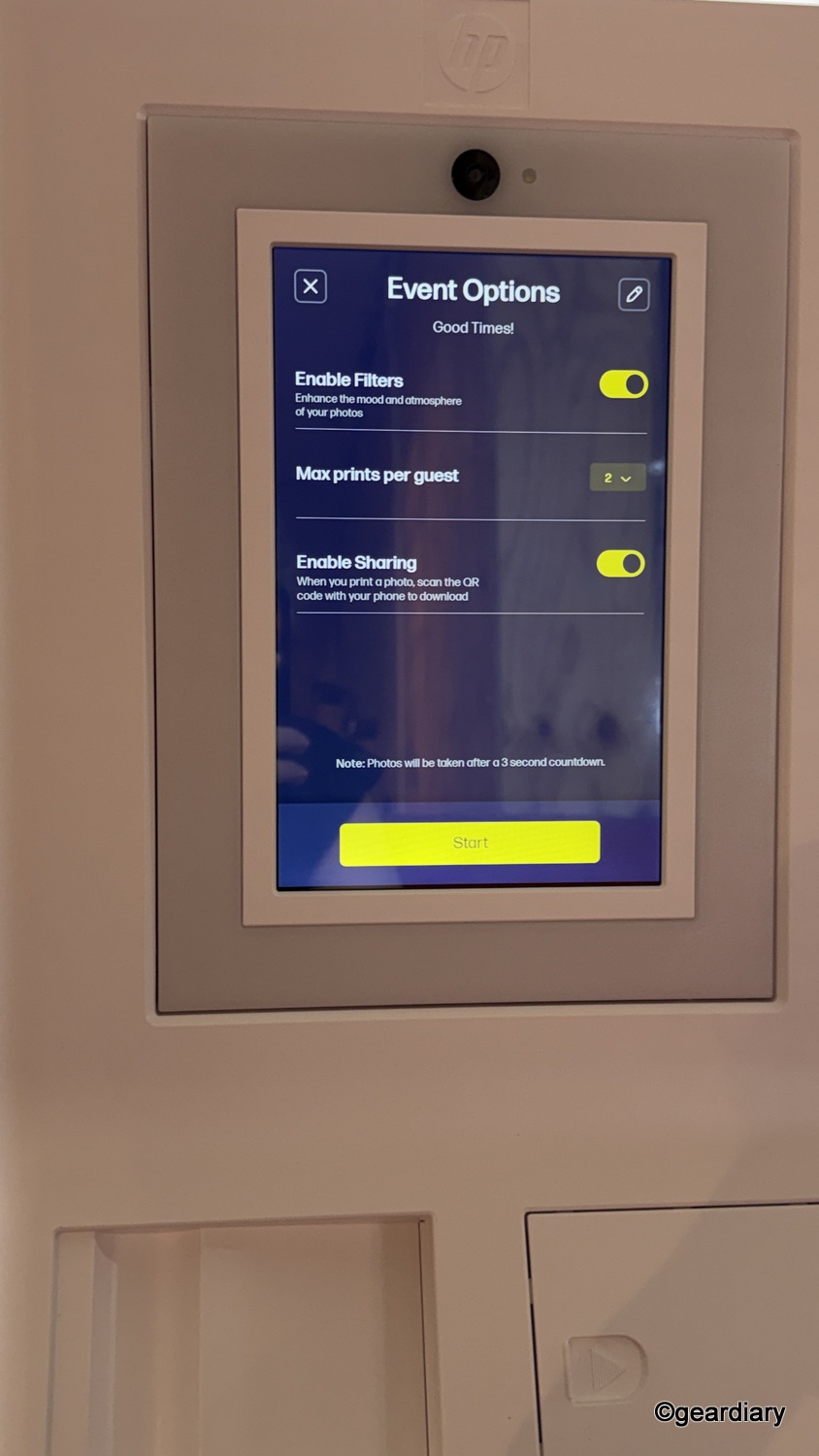
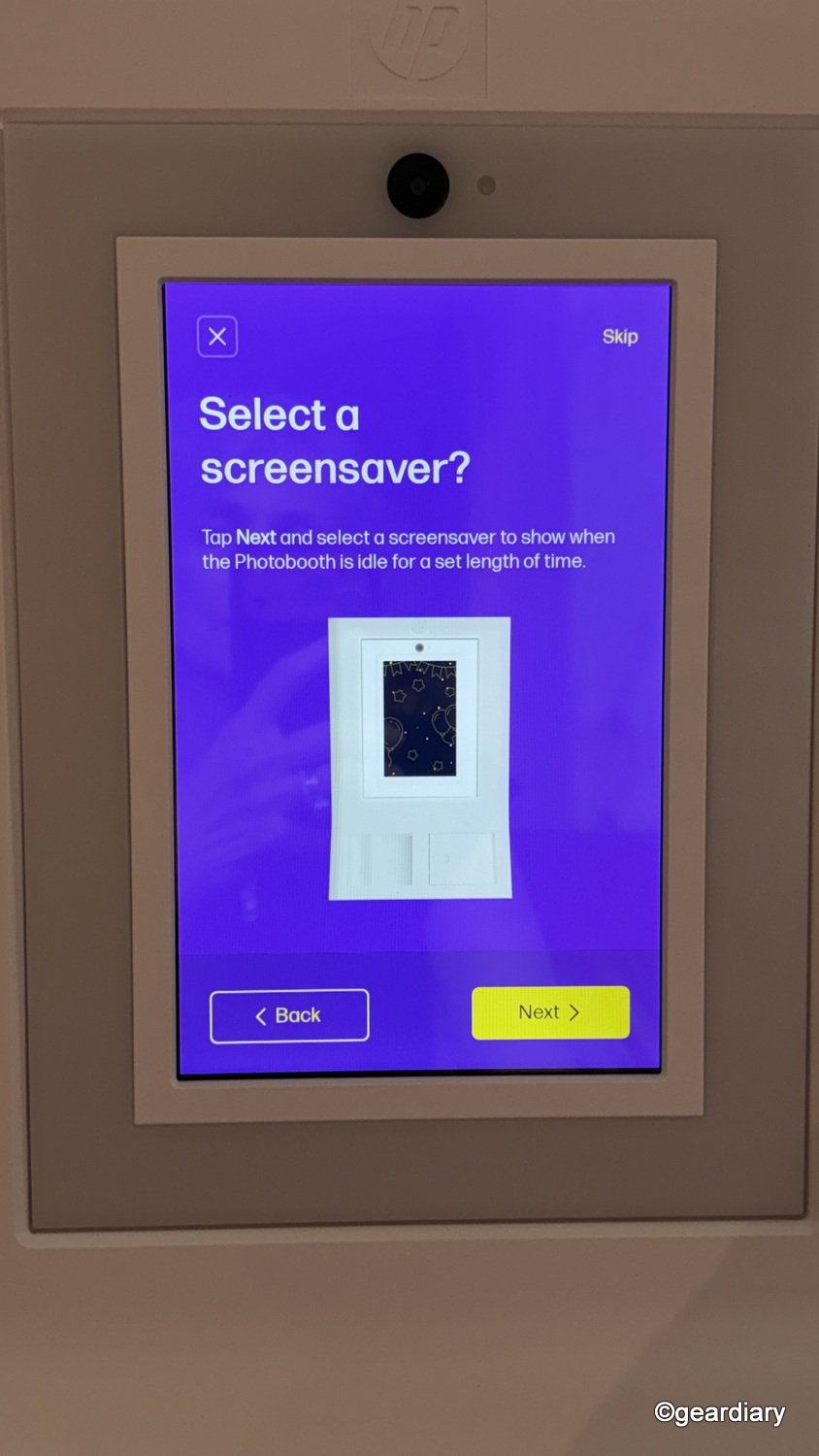
The HP Sprocket Photobooth also lets you create event categories, customize layouts and captions, choose screensavers, and manage settings like print limits, restricted access, photo sharing, brightness, audio, and language. Those aren’t throwaway extras. They help the product feel reusable rather than locked into a single narrow use case.
A wedding booth, a graduation booth, and a holiday booth shouldn’t all feel like the same machine wearing a different sticker.
The Built-in Lighting Is a Great Addition
HP calls out the Sprocket Photobooth’s built-in LED ring light and flash, and for once, that doesn’t feel like filler. Lighting is where casual event photography usually falls apart first. Living rooms are dim. Rental venues are unpredictable. Classrooms tend to have all the ambiance of a tax audit. If the booth didn’t include its own lighting, it would be at the mercy of whatever environment it landed in.
The ring light around the display makes a noticeable difference when the room lighting is dim, uneven, or just generally unflattering. It helps produce bright, shareable photos even when the environment is not doing anyone any favors. Guests can also select their own frame and filters from the ones you’ve allowed, which gives them some creative control without opening up the entire settings menu.
-

- Guests can select their own frame and filters from the ones you’ve allowed.
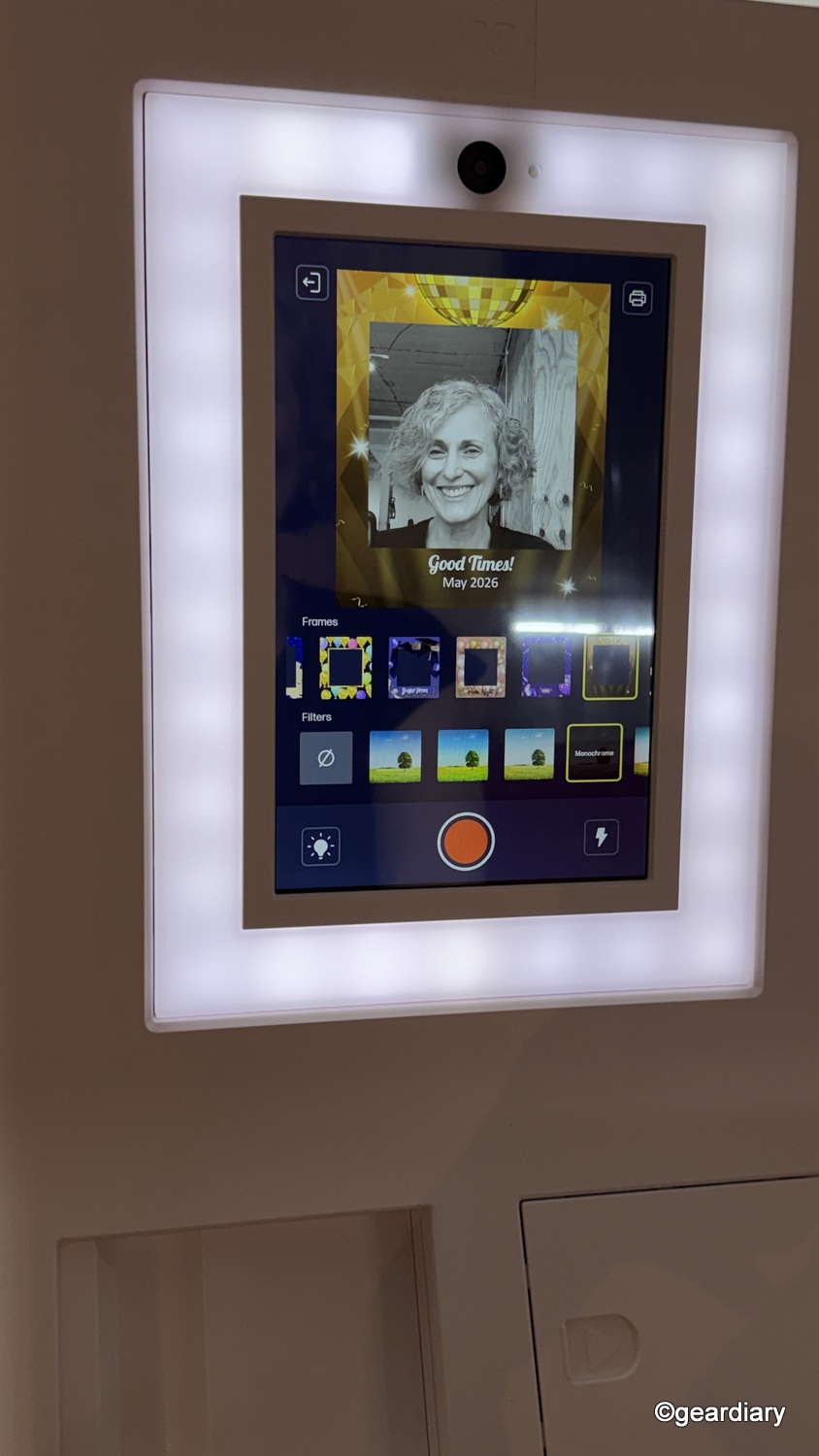
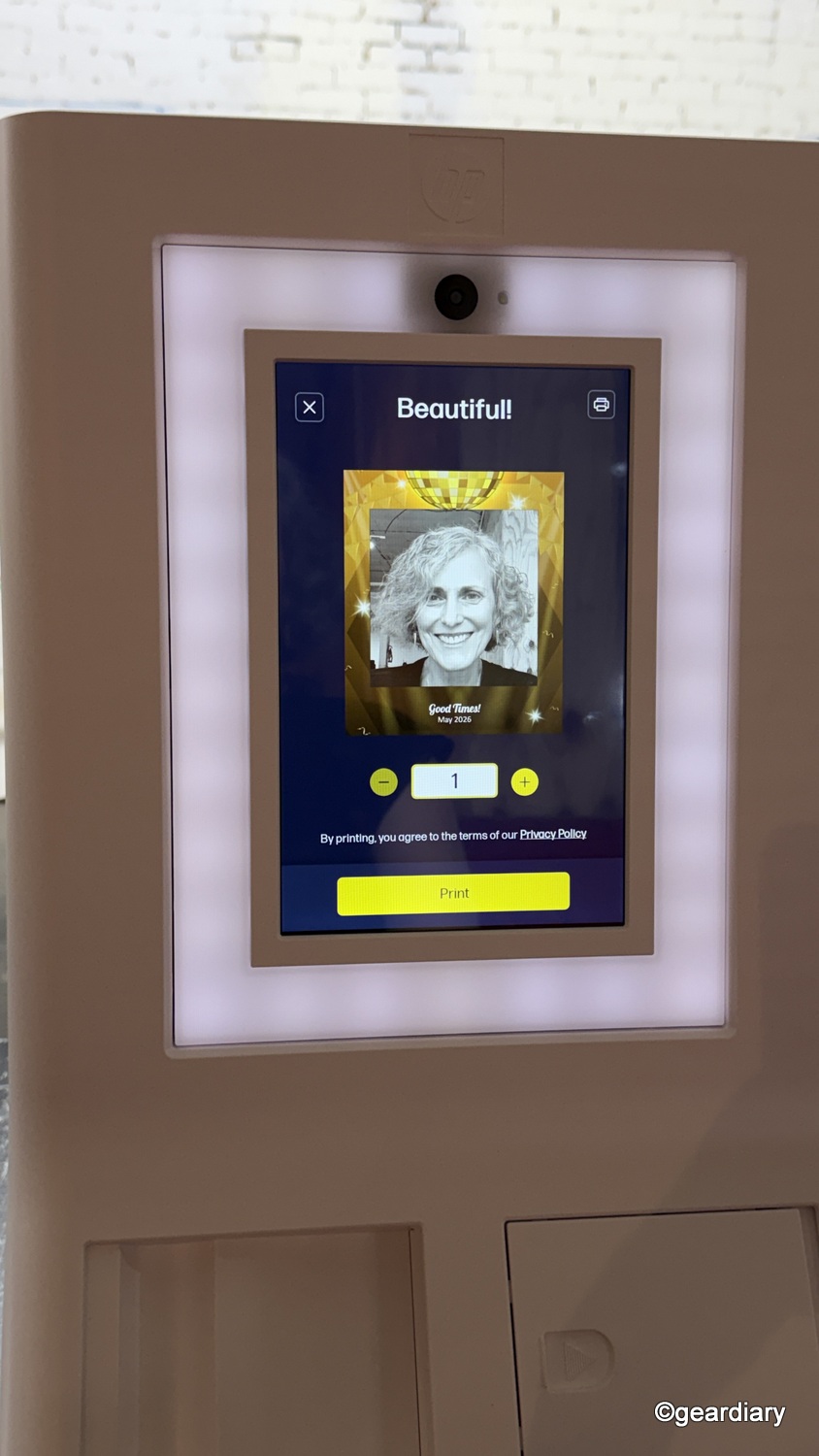
The built-in light does a nice job of making people look good without making the results feel harsh or overly processed. It is flattering in the way event lighting needs to be: soft enough to brighten faces and smooth out tricky shadows, but not so aggressive that everyone suddenly looks washed out or oddly flattened.
That matters because instant-photo setups can sometimes go sideways fast, especially in dim rooms or mixed lighting. One minute someone looks underexposed, the next they look like they have just been startled by breaking news. In my experience, this booth avoids that problem. The light helps create consistently appealing photos and gives subjects a more polished look without requiring studio-level conditions.
Zink Printing Comes with Trade-offs
The Sprocket Photobooth prints one photo per minute, which feels fair for what it is. Nobody’s buying this to churn out high-volume print jobs. It’s part of the event experience, and people will naturally take turns. As long as that process feels smooth, the speed should be perfectly acceptable in the real world.
The bigger issue is print quality, because Zink has always involved compromise. It’s convenient, compact, low-maintenance, and easy to live with. It’s also not the most refined photo-printing method around. That isn’t a knock on HP specifically. It’s just the reality of the format.
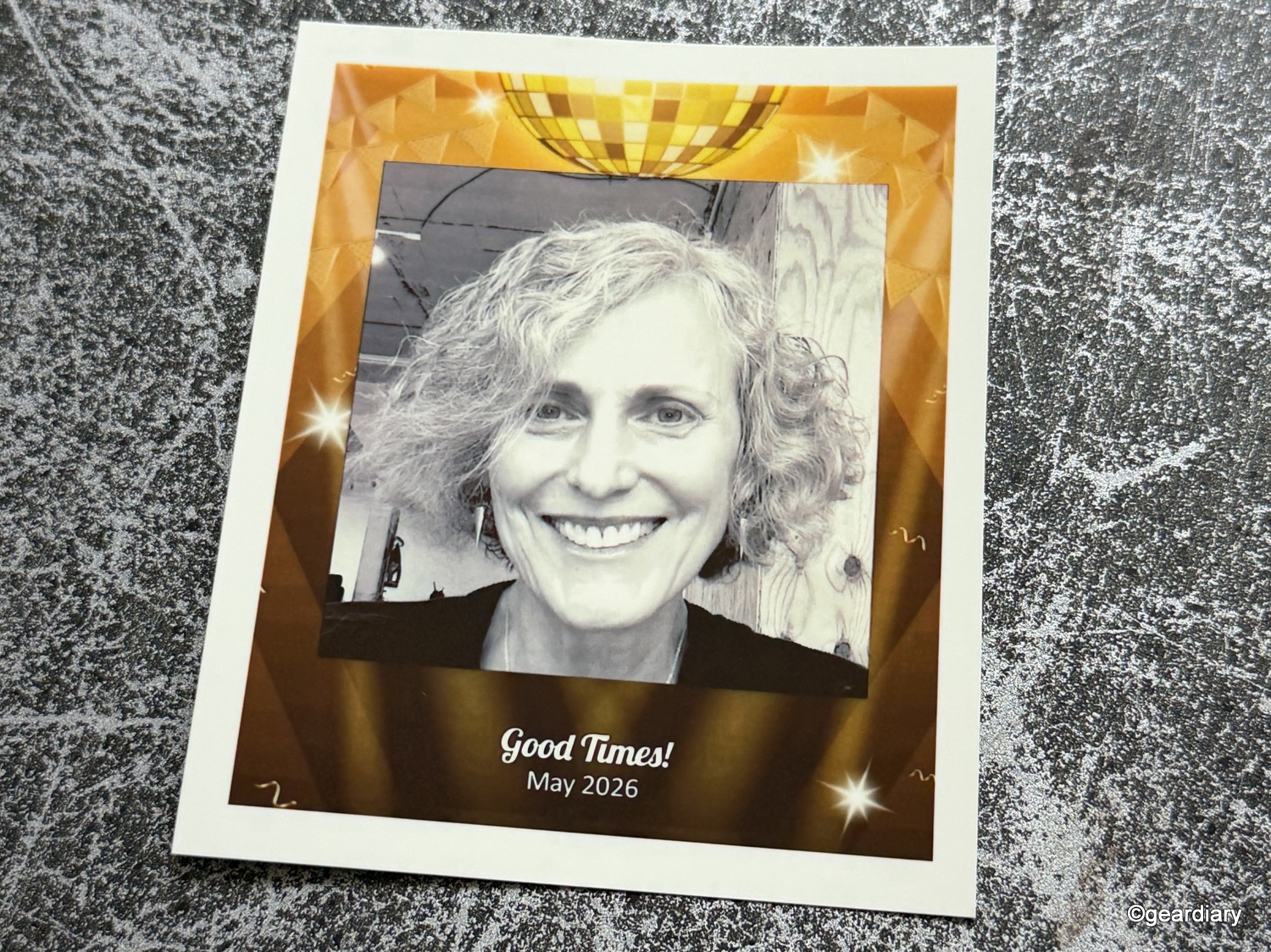
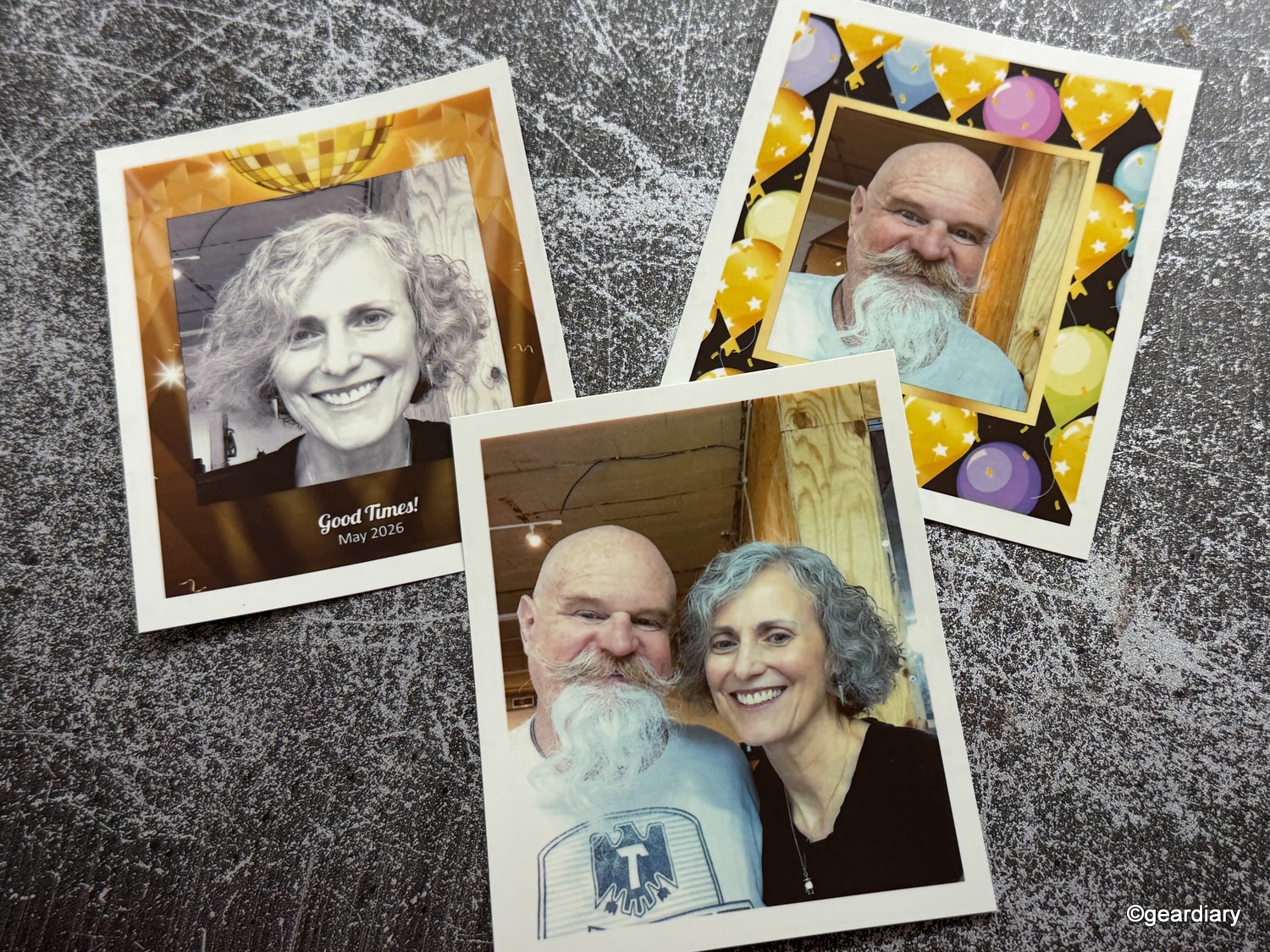
For this type of product, that trade-off makes sense. The sticky-backed prints are supposed to be immediate, social, and disposable in the nicest possible way. They’re keepsakes, not heirlooms. They need to look cheerful and recognizable. They do not need to rival a dye-sublimation printer or a proper photo lab.
The HP Sprocket Photobooth uses 3.5″ by 4.25″ Zink Sticky-Backed Photo Paper, sold in a 100-pack for $44.99. That isn’t exactly cheap, but for an all-in-one format like this, it feels reasonable enough. It also makes the print-limit controls especially smart. Unlimited printing sounds delightful until one enthusiastic group burns through half your paper in twenty minutes. By giving the host some control, HP is acknowledging the less glamorous part of ownership: consumables cost money, and generosity is much easier when it comes with settings.
The paper tray holds 20 sheets at a time, which should be fine for smaller gatherings. For bigger events, though, someone will need to keep an eye on it. That doesn’t ruin the concept, but it does define the product’s lane. This isn’t a fully unattended kiosk for a packed reception hall. It’s a compact booth for manageable events or semi-supervised use.
App Support and Digital Sharing Aren’t Optional Anymore
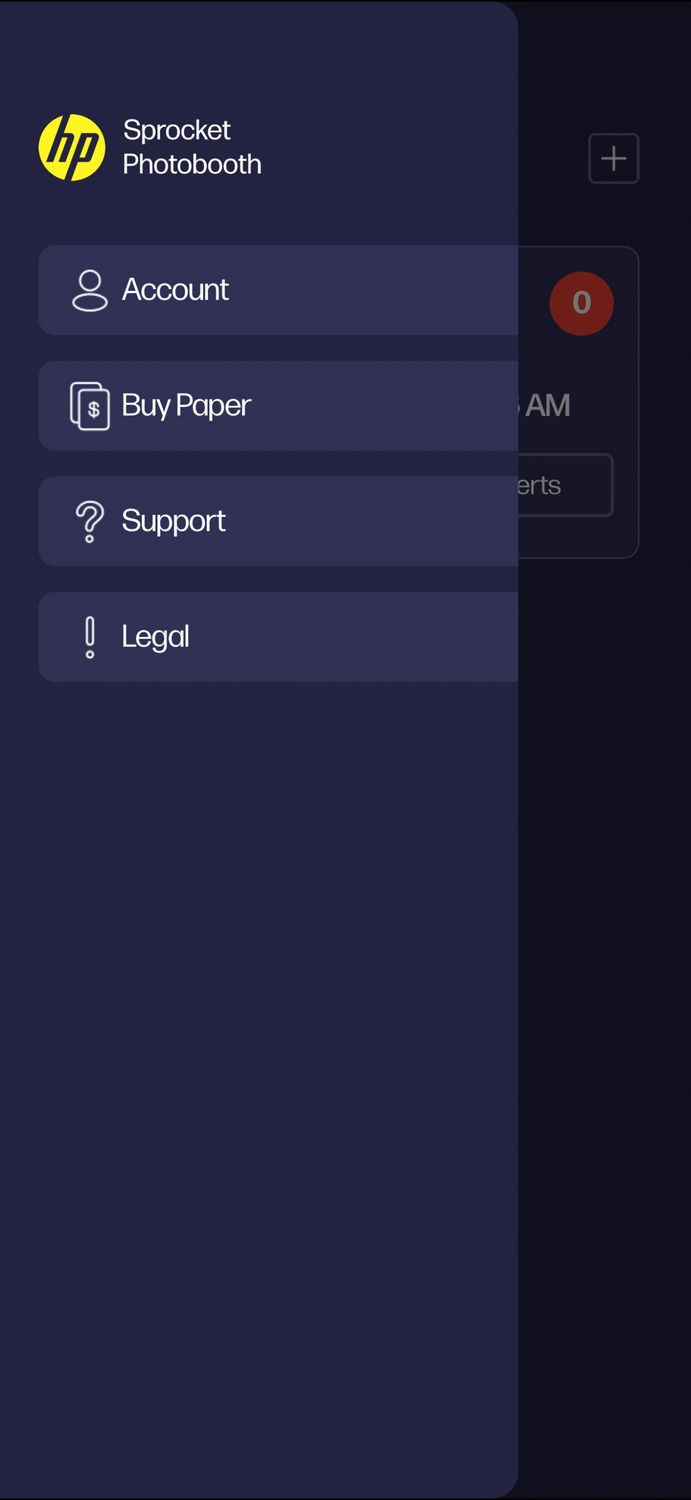
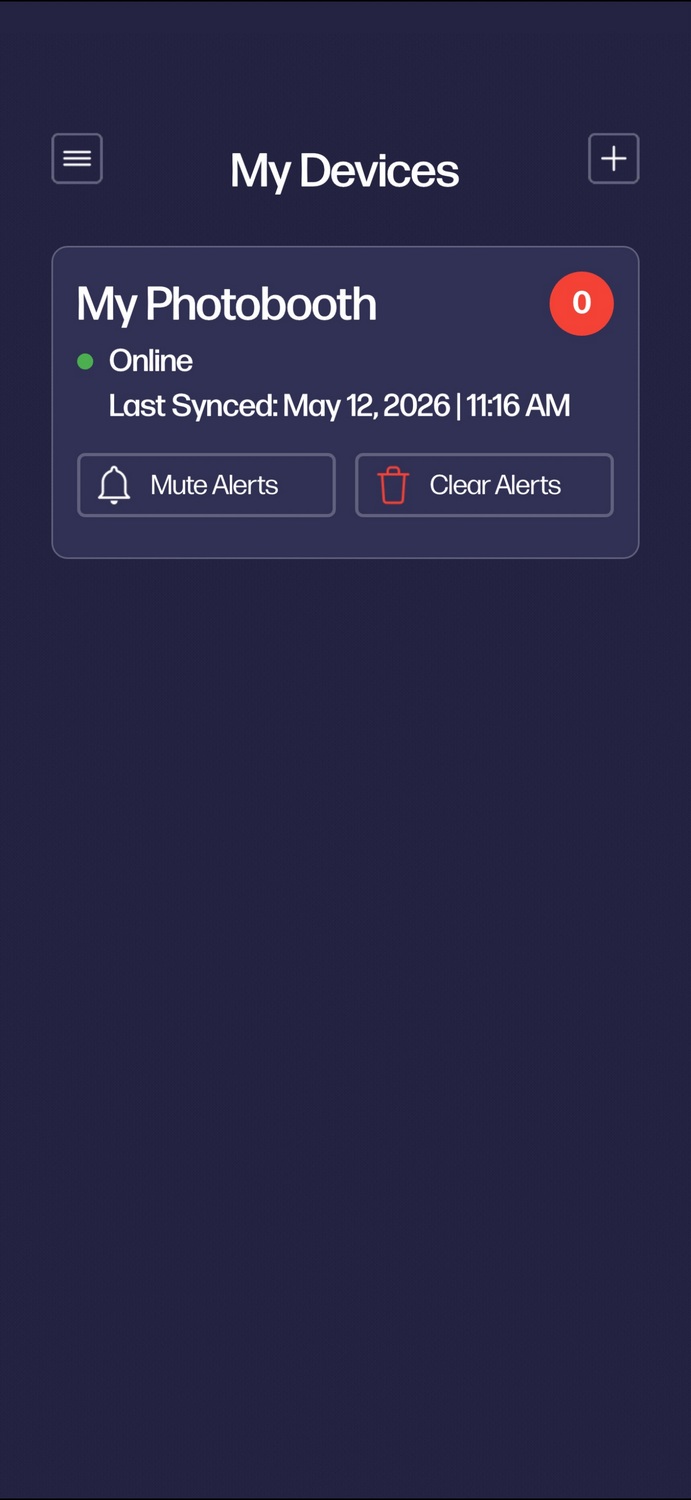
The HP Sprocket Photobooth’s companion app is useful in ways that go beyond the usual “please download this so we can market to you forever” routine. It offers real-time printer status updates, paper-jam alerts, notifications if the device is turned off, and the ability to buy more paper when needed. A product like this needs support features that help the host keep it running without having to hover over it all night.
-

- Screenshot
-
- Screenshot
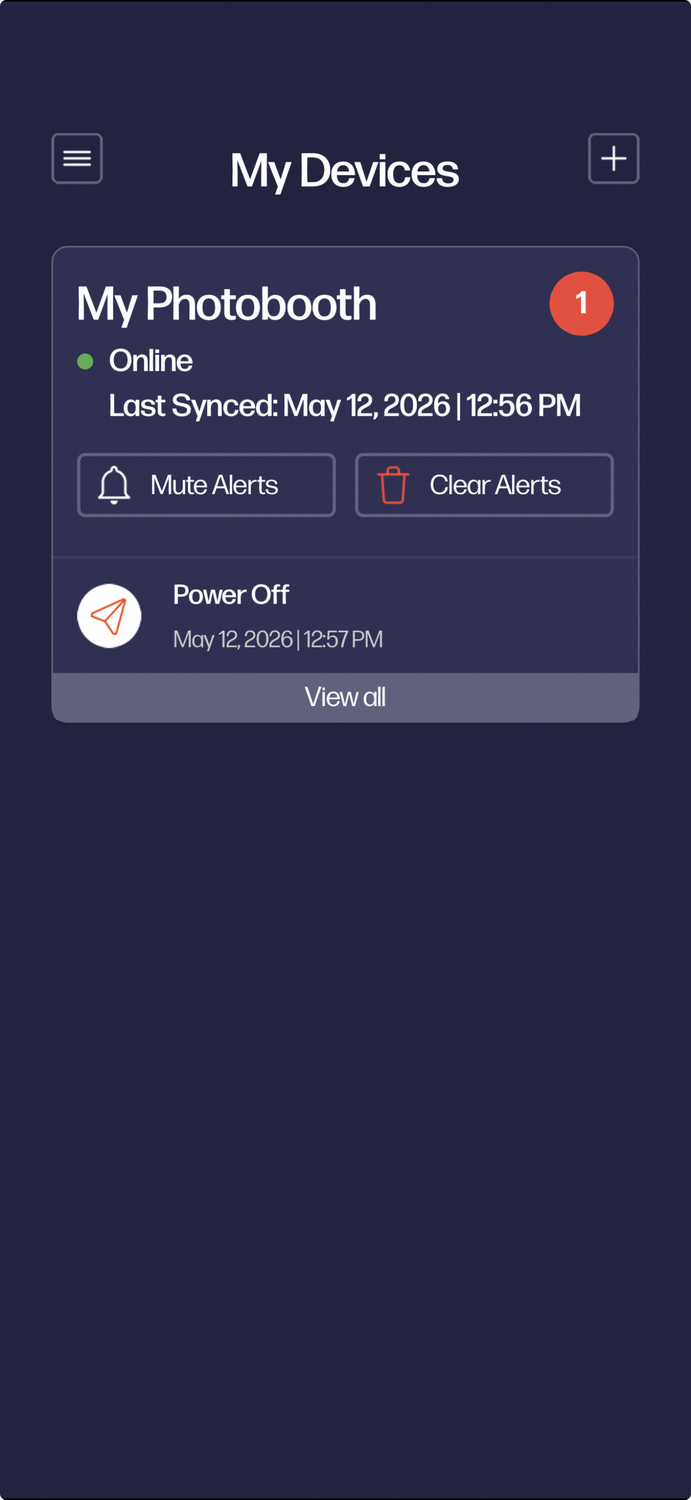
The sharing option may be even more important. In 2026, digital access feels less like a perk and more like table stakes. Printed photos are still part of the fun, but digital copies are how most event pictures keep living after the party ends. They’re the versions that get posted, forwarded, and dropped into group chats the next day.
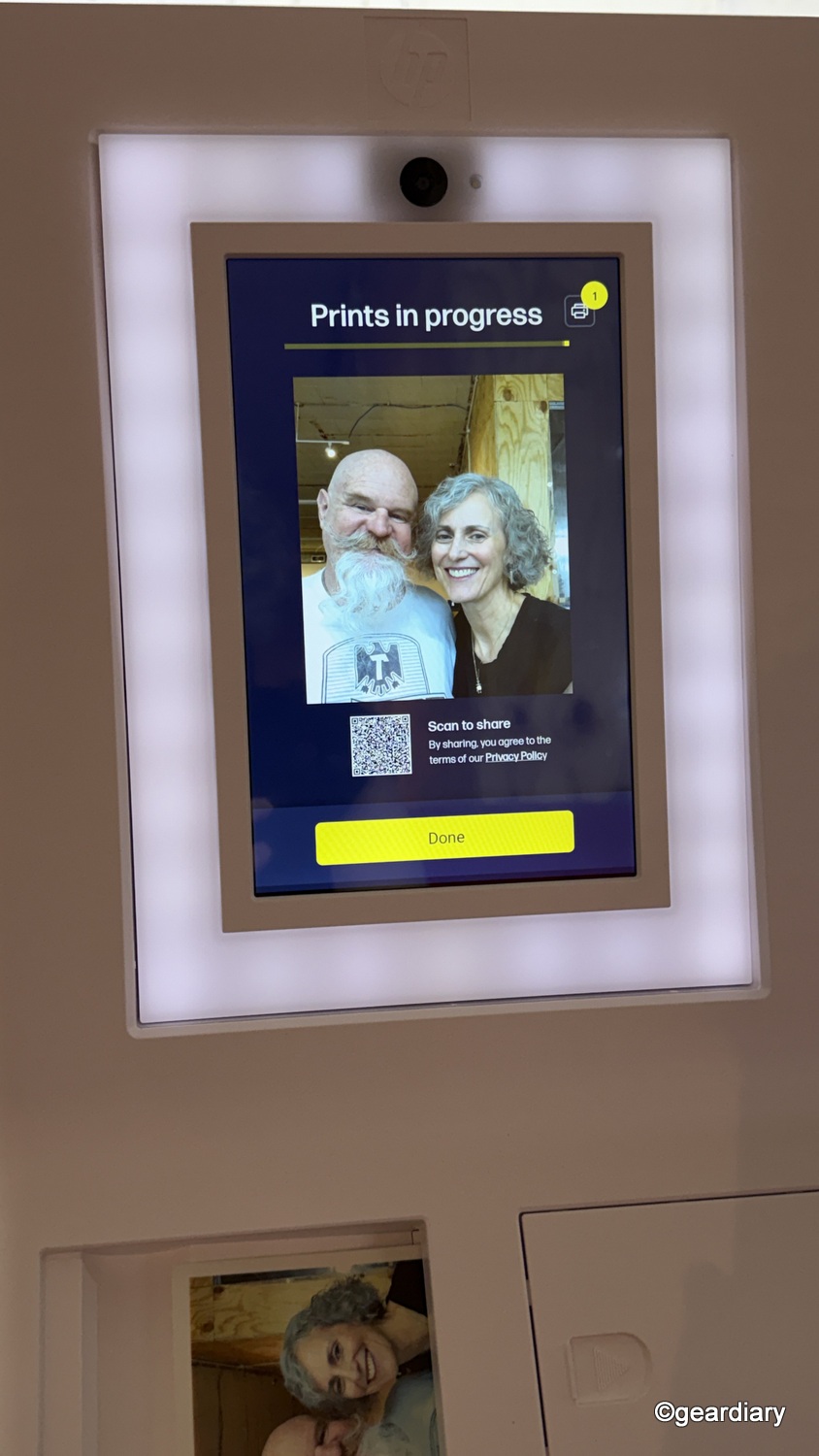
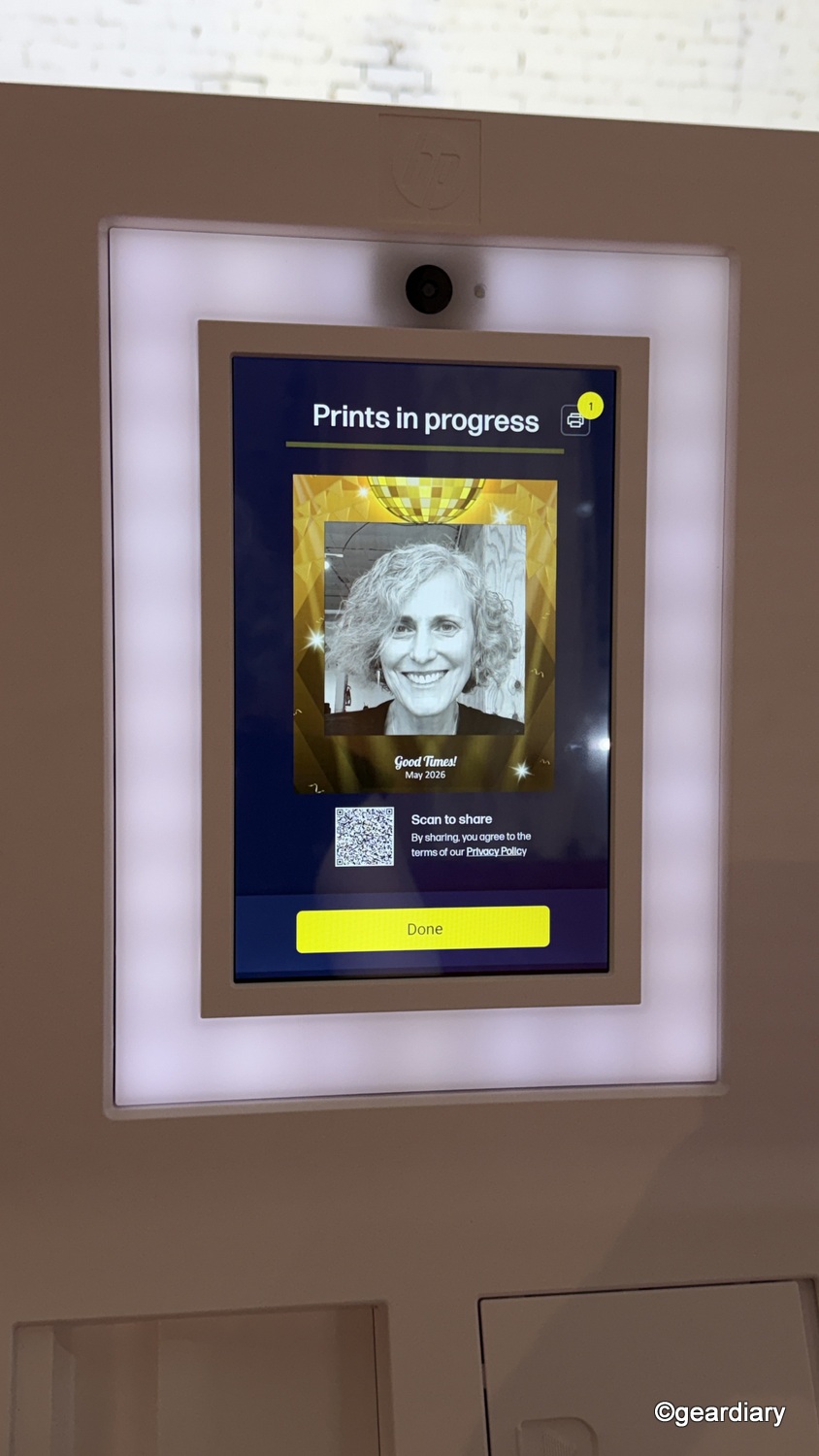
The QR code sharing feature is practical rather than flashy, which is exactly what it should be. Once you decide to print a photo, a QR code appears, giving guests an easy way to access the image without fussing with cables, accounts, or an overly complicated app handoff.
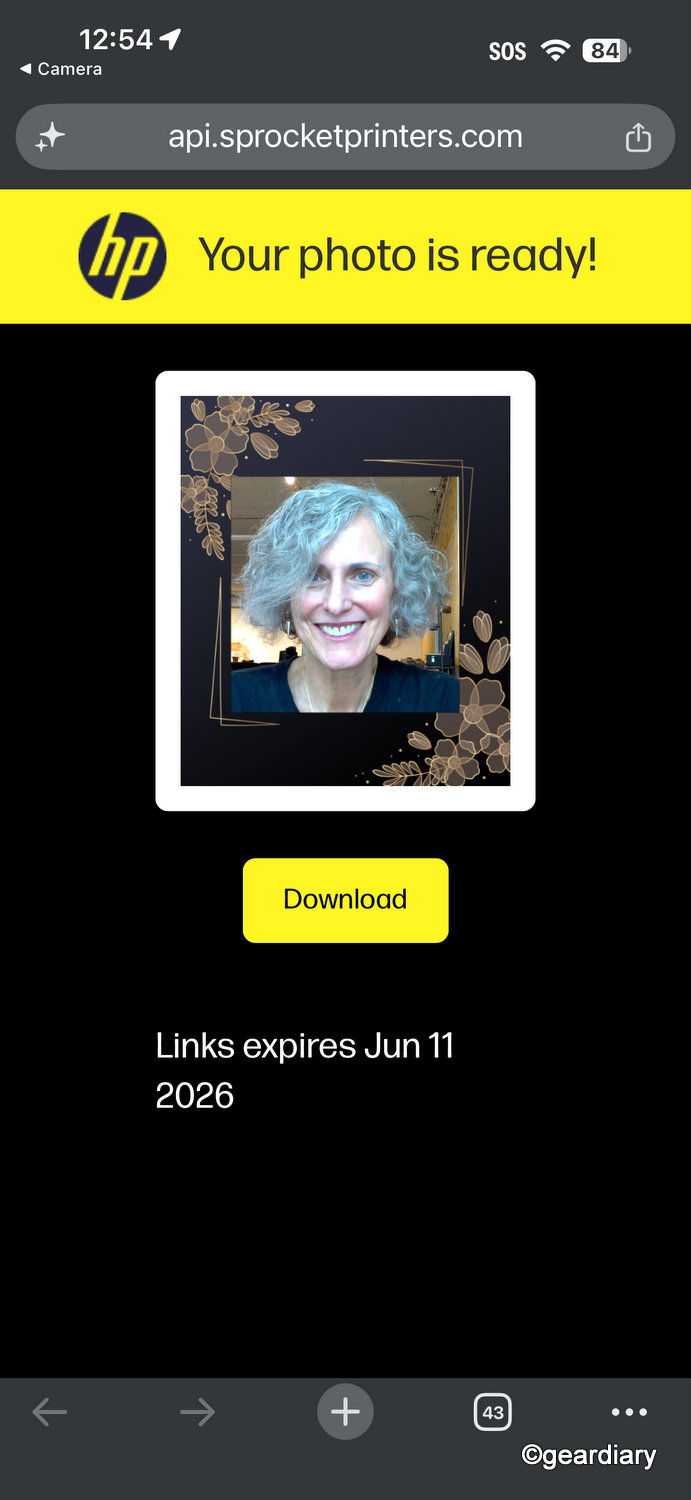

Scanning the code opens the photo on a dedicated photobooth site, where it can be downloaded immediately. I also appreciated that the download page includes an expiration date, which makes the whole process feel intentional and temporary in the right way. It is clearly designed for quick event sharing rather than long-term guest storage, and that makes sense for this kind of product. The feature does what guests actually need in the moment: it gives them a simple way to grab their photo and move on with the fun.
The photos are also automatically stored in the cloud, which is genuinely useful for hosts who want a complete record of the event afterward.
Who should Buy This
The HP Sprocket Photobooth makes the most sense for people who host events often enough to appreciate a repeatable setup. That could include event planners, schools, boutiques, churches, classrooms, small businesses, and families who regularly host gatherings where a photo booth would actually be used.
At this price, it makes a lot less sense for someone who simply wants better instant prints at home. In that case, a smaller portable printer or an instant camera would likely be more practical and significantly less expensive.
That’s really the dividing line. If your priority is top-tier print quality, there are better options. If your goal is a portable, approachable, self-contained photo experience with instant output and easy sharing, the Sprocket Photobooth makes a much stronger argument. You’re not just buying a printer; you’re buying the setup and the experience that comes with it.
Final Thoughts
The HP Sprocket Photobooth is one of those rare products that actually understands its assignment. It’s easy, flexible, and fun without seeming flimsy or fussy. The design is portable in a genuinely useful way, the mounting options add welcome flexibility, the touchscreen is sensibly sized, and the mix of physical prints and digital sharing fits the way people actually want to interact with event photos now.
Its drawbacks are easy to predict. Zink printing is convenient, not premium. The 20-sheet capacity limits how unattended it can be, and the cost of refilling paper will add up over time.
Even so, the core idea works. For the right buyer, this feels like it has a much better chance than most event gadgets of being used again and again, not once and then spoken of only in sighs. For a compact photo booth, that’s a respectable win.
The HP Sprocket Photobooth Instant 3×4” Color Photo Printer retails for $599.99; it is available directly from the manufacturer and other retailers, including Amazon.
Source: Manufacturer-supplied review sample
What I Like: It’s easy to move and set up for different events, the multiple mounting options make it more versatile than a tabletop-only design; The sticky-backed prints are fun and immediately usable; The built-in lighting and touchscreen make it approachable; QR sharing adds a practical digital layer
What Needs Improvement: Zink output still has visible quality limitations; The 20-sheet capacity means someone will need to keep watch at busier events; Refill paper costs can climb faster than some buyers may expect



A fun gadget, but seems like you could make your own with a camera and color laser printer that would be cheaper in the long run.
That looks like a fun electronic. It would be fun for everyone in the house to use.
Nice review. The QR code feature for digital copies is a huge plus, but man, 20 sheets capacity? You’d have to stand next to it all night just to refill the paper if you have more than 15 guests lol. Still looks like a fun gadget if you host a lot, but Zink photo quality is always a bit hit or miss.