
The Lowdown
The Ugee Funbox 3D Printer is a really cool little 3D printer. I’ve been very impressed by how easy it was to set up. It truly is accessible for use by kids, and it’s fun to see my daughter use it and get excited by all of the things that she can print. I highly recommend this 3D printer if you’re looking for a printer that your kids can use safely. You won’t be able to print massive files or an Iron Man suit, but that’s not what this is designed for.
Overall
Pros
- Sets up and is ready to go in minutes
- Very safe design
- Ugee Ufun app is easy to use and is loaded with fun prints
- App has easy tutorials on how to operate and use the printer
- Print quality is excellent for a printer with these specs
Cons
Simplifying and making 3D printing more accessible has been incredible to watch in recent years. The Ugee Funbox 3D Printer is a great little addition to that trend. It is a small, self-contained 3D printer designed for use by kids and has several cool features to make it accessible and safe. It has a user-friendly design, a well-built smartphone app, and is genuinely fun for kids and adults alike!
What Is It?
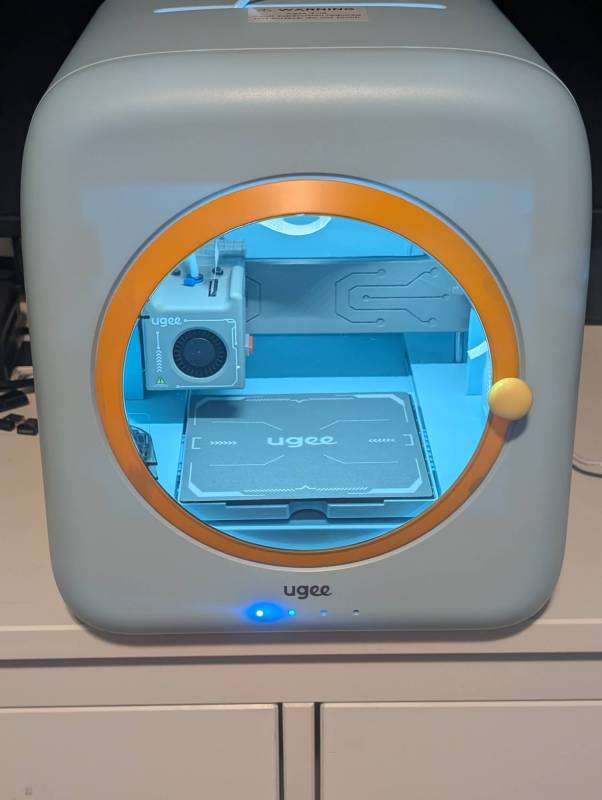
The Ugee Funbox 3D Printer is a fully pre-assembled and enclosed 3D printer designed for children ages 4 to 12.
What’s Included?
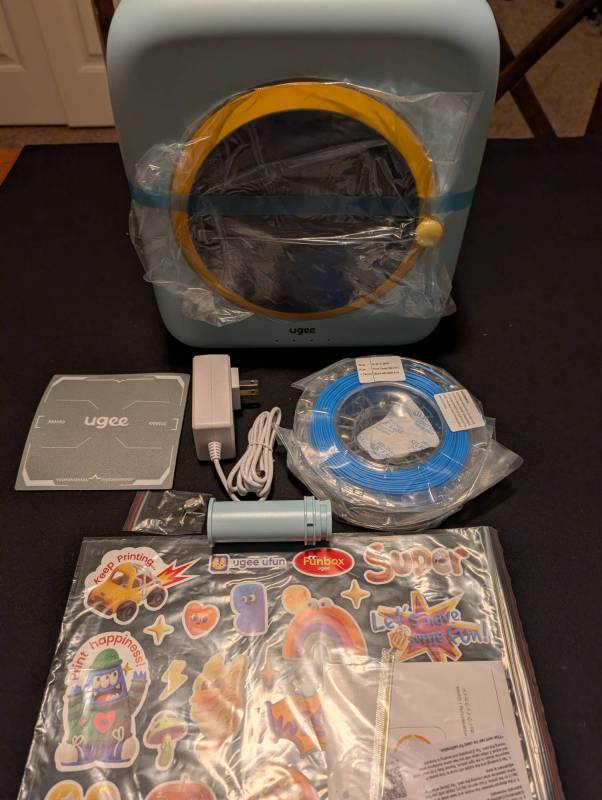
- Funbox 3D Printer
- Filament Holder
- Power Adapter
- Magnetic Base Plate
- Roll of PLA Filament (250g)
- Pliers
- Cleaning Needle
- Pneumatic Fitting
- Calibration Card
- Quick Guide
- DIY Stickers
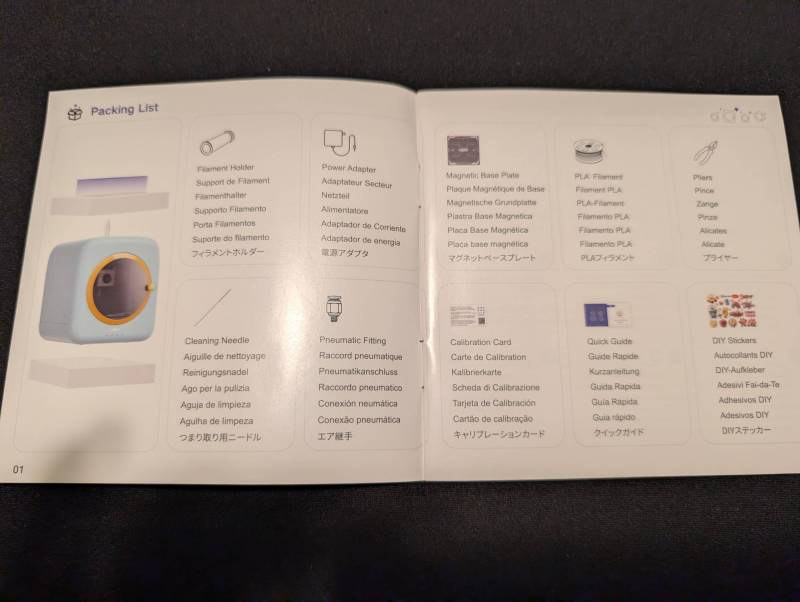
Packing list, in case you have questions about what’s what.
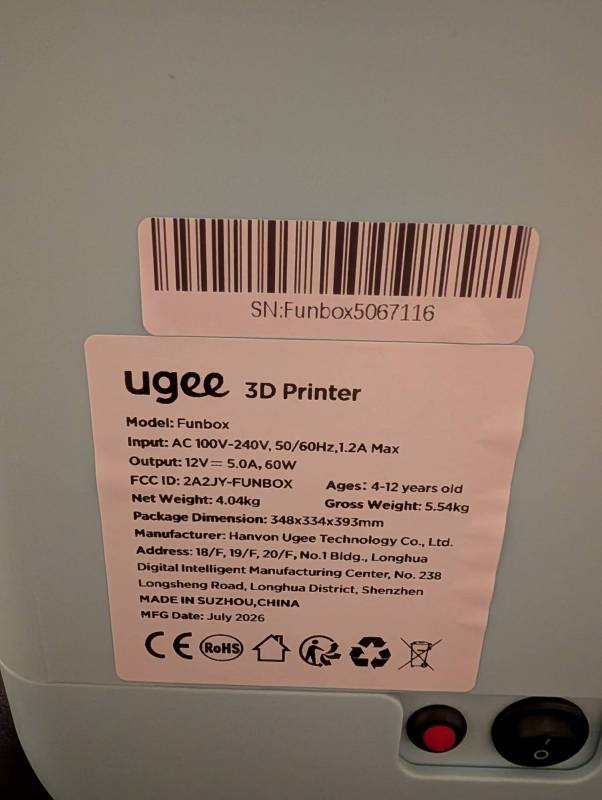
Tech Specs
- Printing Method: Fused Deposition Modeling (FDM)
- Print Build Size: 120*120*120mm
- Maximum Print Speed: 500mm/s
- Minimum Layer Thickness: 0.05mm
- Maximum Extrusion Temperature: 260
- Print Material: PLA (Polylactic Acid)
- Print Platform: Flexible platform, easy to peel off prints
- Platform Temperature: Room temperature
- Print Nozzle: Tool-free quick-release nozzle
- Camera: Built-in 2MP camera, supports time-lapse photography
- Data Transfer Method: Wi-Fi
- Data Formats: OBJ, STL, Gcode
- Packaging Dimensions: 335*347*385mm
- Machine Dimensions: 270*274*305mm
- Total Weight: 4.04 kg
- Special Features: Power-off resume printing, filament tangle detection, leveling-free printing
- Total Power: 60W
- Air Purification: 6010 fan, HEPA filter + activated carbon filter
- Operating Temperature: 0-35 C
Design and Features
The overall design of the Ugee Funbox 3D Printer reminds me a bit of the old Apple iMac computers and is about the same size. It has nicely rounded edges and a soft look. At first glance, in the box, it looks like this.
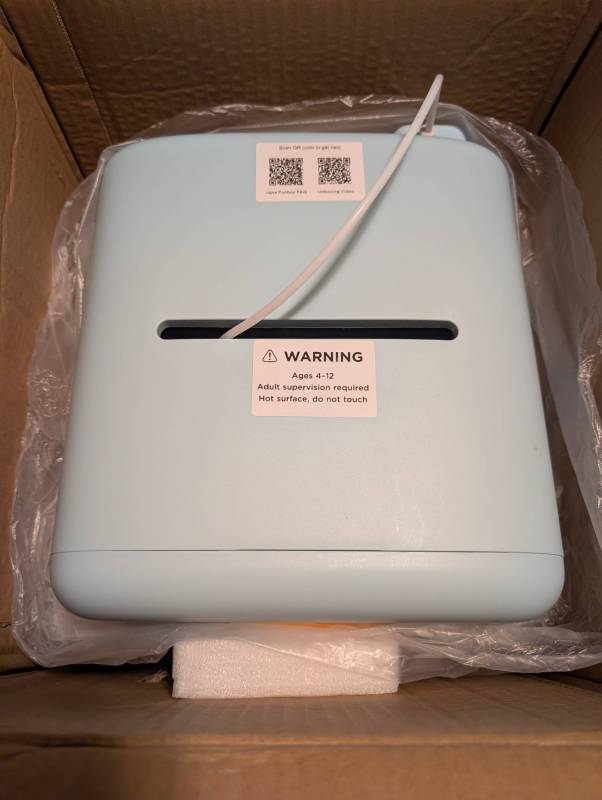
There are no sharp edges, and the door on the front itself is a round little portal looking in. The filament holder on the back of the printer can easily hold the 250g filament spool it comes with, as well as larger 1kg filament spools. I wouldn’t try spools any larger, as that would be too much for this small device. There’s also no way that you’re ever going to go through that much filament in a single job on this little printer.
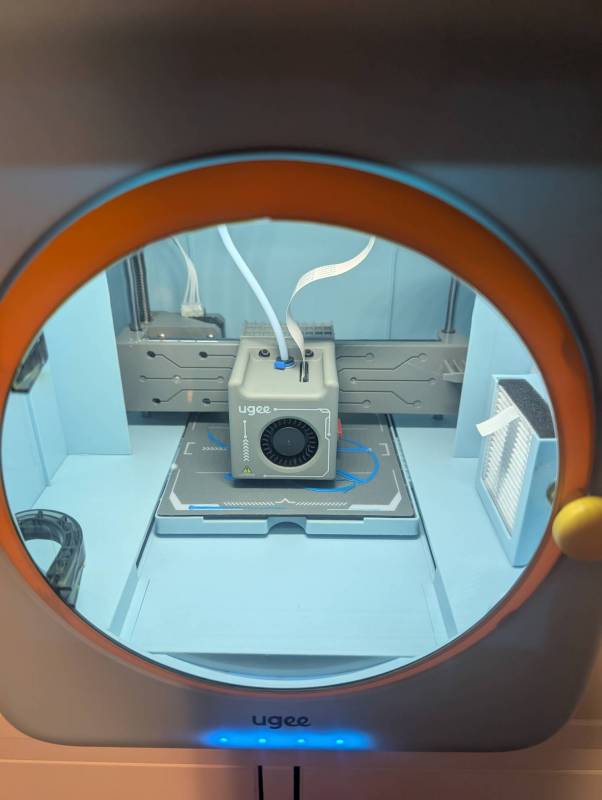
The print plate is interesting in that it’s only 120mm x 120mm. It consists of a heat-resistant material adhered to a flexible magnet that is pretty easy to lift off when your print is done.
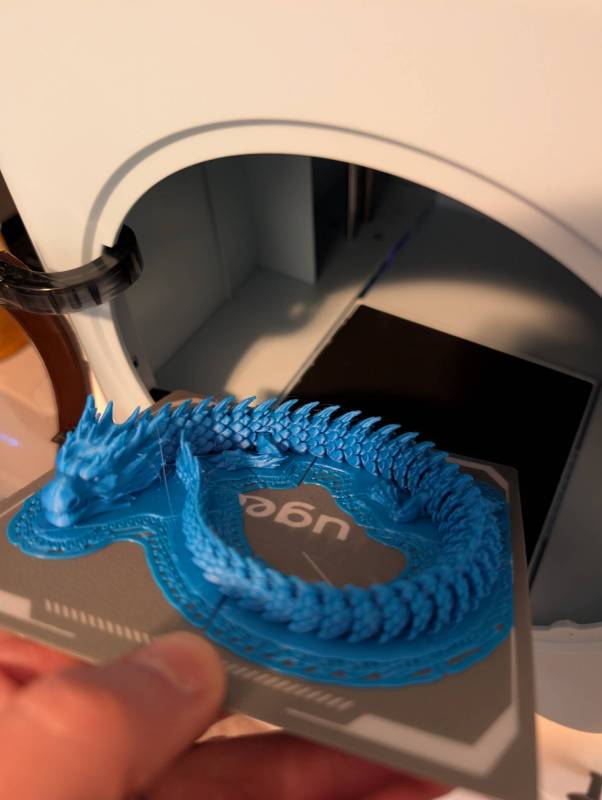
The Ugee Funbox 3D Printer’s print head extruder is fairly well protected, and not much surface area is exposed for potential burns. Not saying it’s impossible, but it should be unlikely. If your kids are going to use it, though, still make sure they understand the potential safety issues.
Installation
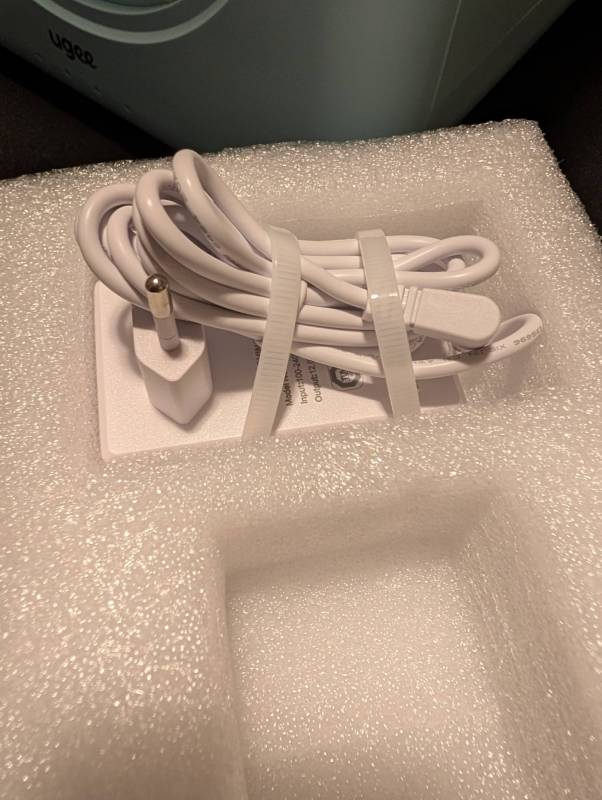
Installation of the Ugee Funbox 3D Printer is super simple. It comes almost entirely pre-assembled. Out of the box, you simply have to remove the packing materials, attach the spool holder on the back, place the printing plate, and plug it in.
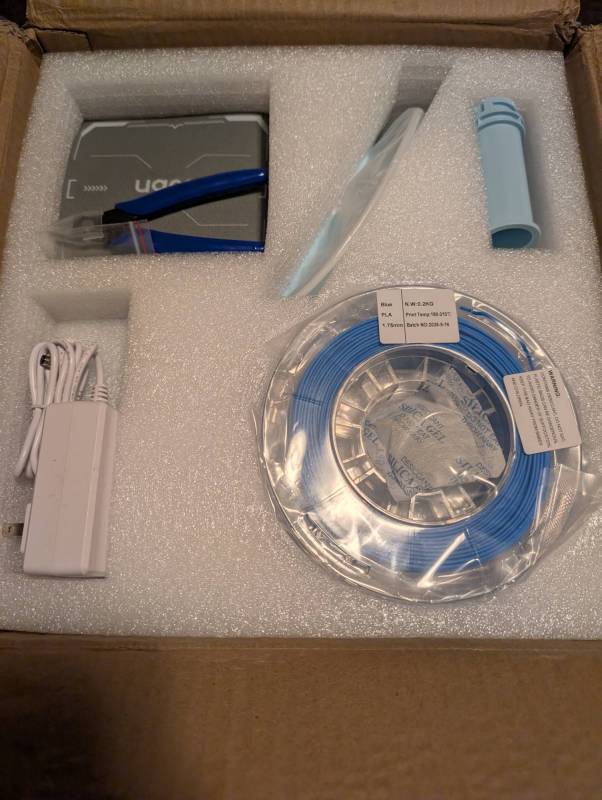
The model I received came with both a US power plug and a European plug, so a warning if you’re unfamiliar with non-US types.
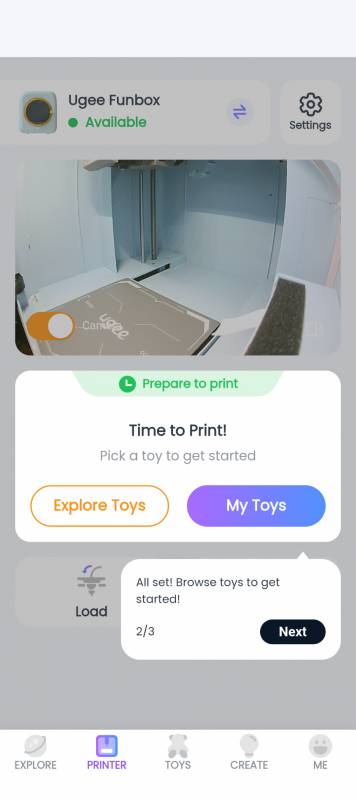
The machine has no user interface except for the power switches on the back. You must use the Ugee Ufun app to connect to and operate the device. It is available in both the Apple and Android stores. Setup and configuration are straightforward, and connecting to the device takes only a couple of minutes. It also walks you through setup and explains the different functions and how to use the printer.
Through the app, you can load and unload filament, and it walks you through every step. My youngest daughter did it herself on the first try, with little help from me! The app also has a robust library of free files you can select and print immediately, plus the ability to create and load your own.
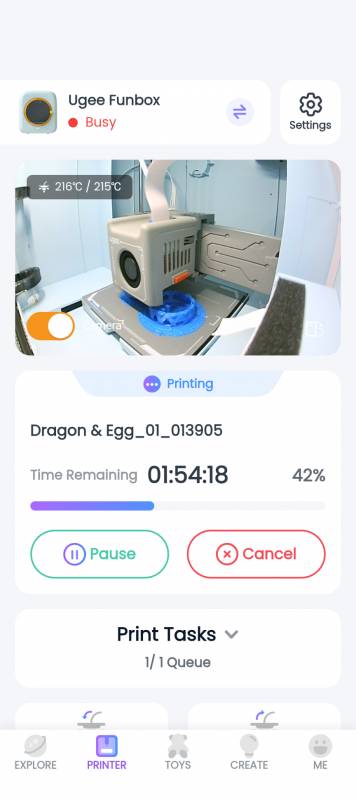
For such a small printer, I was impressed to see that it also has an internal camera that you can use to track the progress of your prints as they go. The interface is simple and doesn’t overcomplicate things, which is especially great for kids.
How’s It In Action?
This printer is super quiet. Ugee markets the Funbox as a 3D printer you can put in your child’s bedroom, and I think they nailed it. While it’s running, you can barely even hear it. It also has a fan with a filter to cut down on any potential fumes that may occur.
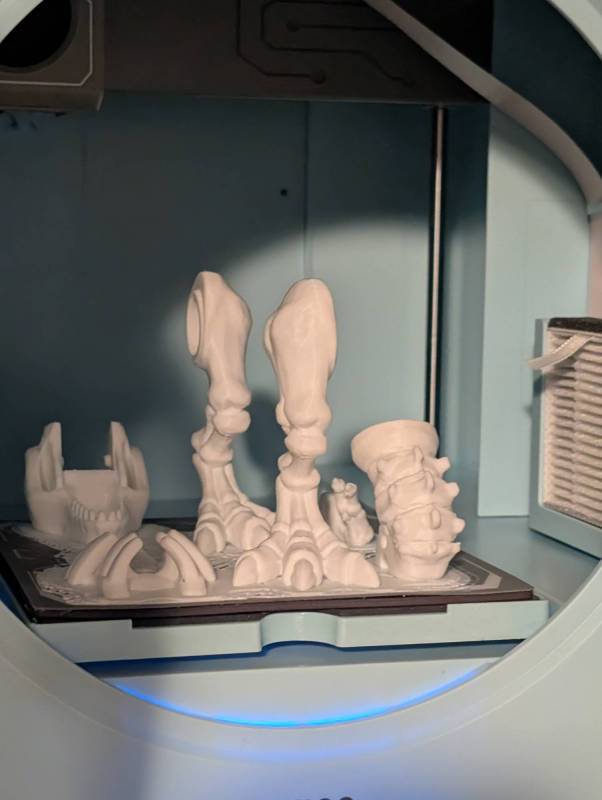
I’ve printed several toys and fidgets, and my daughter has really taken off finding fun toys and useful gadgets. The quality is very good even if the lines it lays down are a bit thicker.
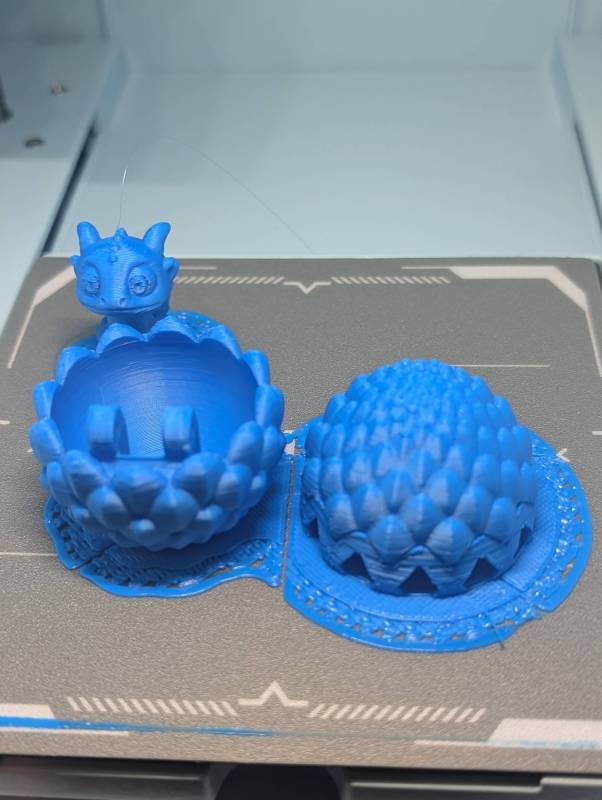
The Ugee Funbox 3D Printer’s library of gadgets and toys immediately available in the app is very impressive as well. Because the plate is very small, some items require multiple prints to get all the pieces, but the app handles that and walks you through the process.
Final Thoughts
The Ugee Funbox 3D Printer is a really cool little 3D printer. I’ve been very impressed by how easy it was to set up. It truly is accessible for use by kids, and it’s fun to see my daughter use it and get excited by all of the things that she can print. I highly recommend this 3D printer if you’re looking for a printer that your kids can use safely. You won’t be able to print massive files or an Iron Man suit, but that’s not what this is designed for.
The Ugee Funbox 3D Printer retails for $329 (currently on sale for $269 at this writing); you can buy it directly from the manufacturer and other retailers, including Amazon.
Source: Manufacturer-supplied review sample.
What I Like: Sets up and is ready to go in minutes; Very safe design; Ugee Ufun app is easy to use and is loaded with fun prints; App has easy tutorials on how to operate and use the printer; Print quality is excellent for a printer with these specs
What Needs Improvement: I haven’t found anything yet


Be the first to comment on "Ugee Funbox 3D Printer Review: This Is an Incredible Small 3D Printer Designed Specifically for Kids"