Apple iPhone

Siri’s Predecessor, and “Good Friend”

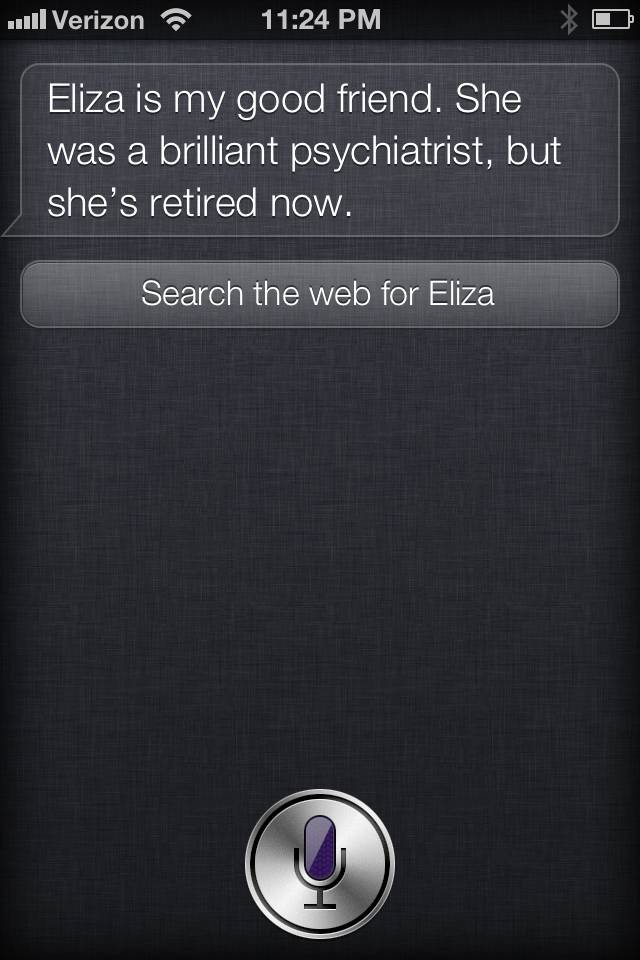
I think it’s safe to say that most iPhone 4S users have toyed around with Siri’s capabilities and limits. We’re all telling her that we love her, asking her absurdly subjective questions, and the developers anticipated all of it. While I was making a fool of myself with Siri last night (did you know that she can’t –or just chooses not to– hear certain four letter swear words?) I found myself uttering a mysterious question that rose up from some murky place in my id: “Do you know Eliza?” What? Where did that come from? I then remembered the world’s…


iPhone 4S First Impressions

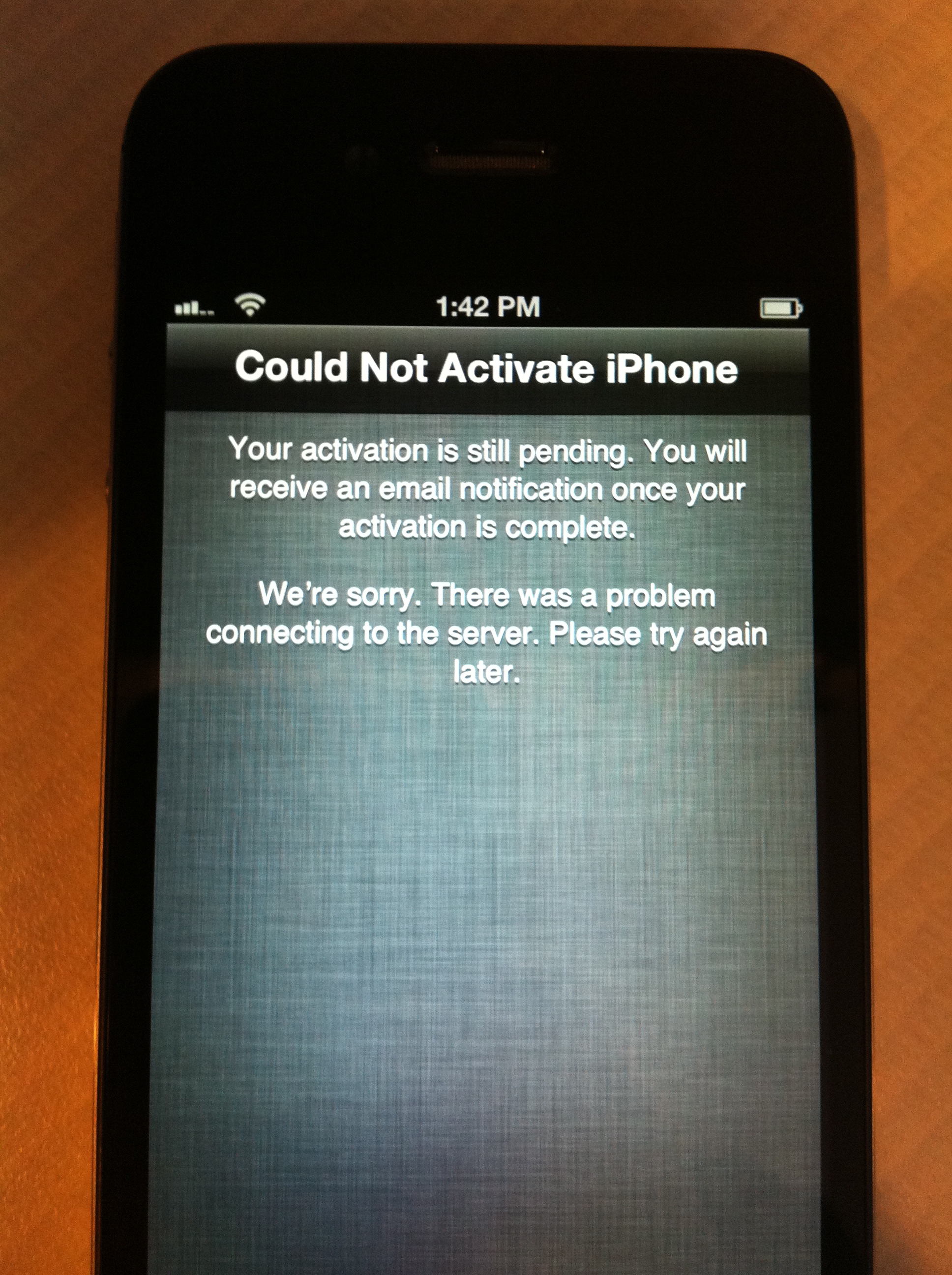
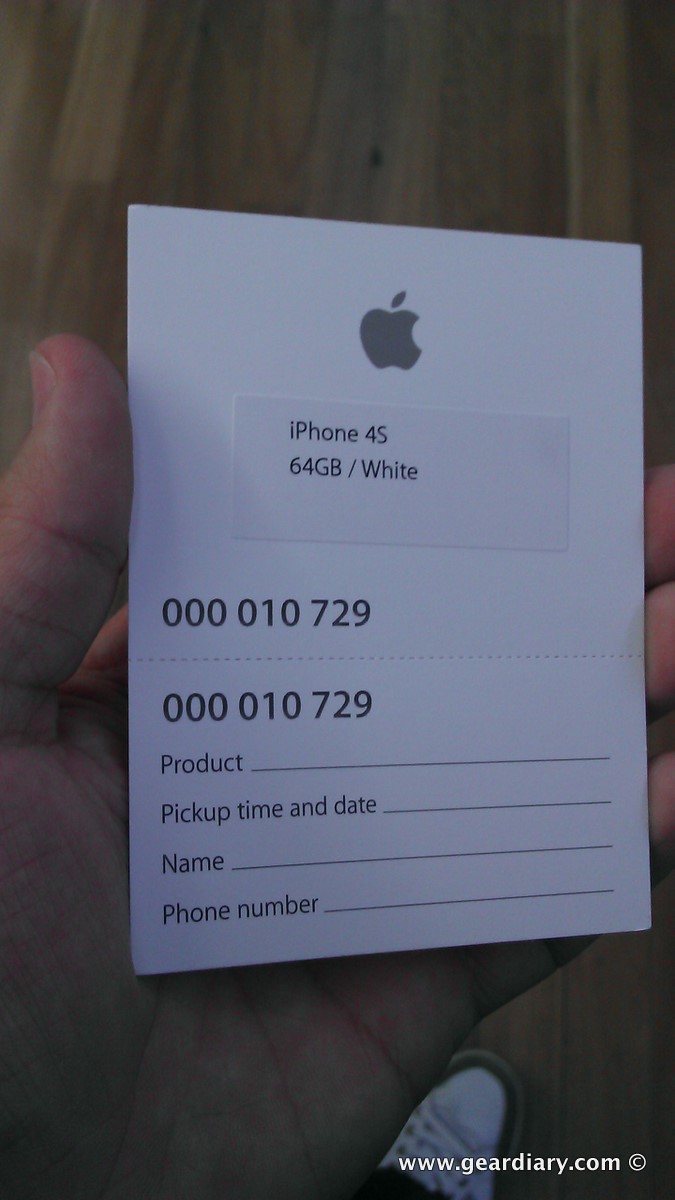
Carly got her iPhone 4S first thing in the morning. If my recollection is correct, by 8:30am she was on her way to work with a newly activated handset. Her first “Siri-enabled” email came just moments later. I was less fortunate. UPS didn’t arrive until much later in the day and, once the phone arrived, it still didn’t work for hours thanks to AT&T forgetting that there would be a number of phones needing to be activated.Their system choked and my iPhone was, at least for the first few hours, a brick. It was a beautiful brick but it was…


AT&T Lets Us Down Again

Ah, AT&T. So, I’m sitting here staring at my shiny new iPhone 4S. It’s unusable right now, thanks to AT&T’s lack of preparedness. They’ve had several years to figure out how to handle the spike in the load on their servers that accompanies the launch of a new iPhone model. Yet they still manage to hack up a hairball when it comes time to process orders and activate phones. Apparently, I’m not the only one, either. Several blogs are reporting AT&T customers are experiencing widespread problems with activations. When AT&T carried the iPhone exclusively, I could at least understand that…


iCloud Quick Tip: Manage Your Backups!

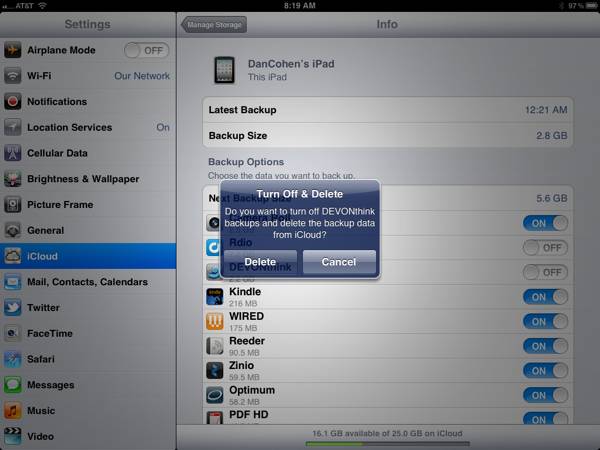
I’m already a big fan of iCloud and its ability to seamlessly back up your iDevices without your having to even think about it. I liked it so much that, even while still in Beta, I upgraded to a 25GB account (20GB paid, 5GB free). That should be plenty of space but, as it turns out, it wasn’t. Not by a long shot. In fact, when I checked this morning (Settings, iCloud, backup…) I had just 1.5GB of space left. I tapped “Manage Storage” and immediately saw the culprit. My iPad was using 12.8GB for backup and my iPhone was…


Lining Up for the iPhone 4S, Australian Style!

Rather than lie in bed lazily this morning (or tomorrow morning, for those of us in the United States), Mitchell has been waiting patiently in line at a local Apple Store along with a crowd of other hopeful iPhone 4S owners. The irony of photographing the Apple launch on the EVO 3D. I should have brought the Galaxy S II! 😛 In an email with the subject line, “I’m a nerd,” Mitchell let me know how his morning was going. Well of course you’re a nerd, Mitchell! But there’s no shame in it, and you’re in good company! After all, I’m the…


Let the iPhone 6 Rumors Begin… WE Already Have the “Proof”

I was reading through my feeds today and a story on Droid Life cropped up about some pictures appearing on Picasa that were tagged as being taken by a Droid RAZR and the Galaxy Nexus. Both phones are all but confirmed, with tons of evidence throughout the web, but these pics are being labeled as evidence as the phone being out real soon now. They may actually be out, but posting pictures that purportedly came from the devices is hardly evidence. Why do I say that? I will show you. The above picture was taken with my Droid 2.  Yeah…


Let the iOS App Updates Begin!

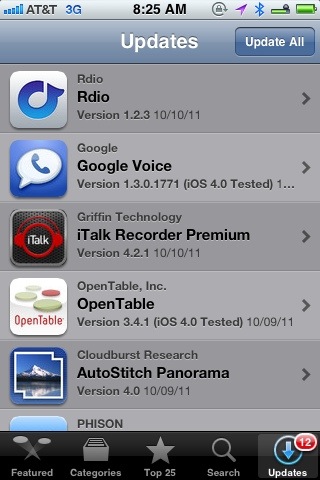
iOS 5.0 is on the way shortly. I’ve been using it since the first beta, and I can guarantee you will love the new features. The ability to edit pictures in the photo app, iMessenger, macro typing shortcuts (ala TextExpander), iCloud, notifications, reminders, improvements to the email app… The list of improvements goes on and on. If you have an iPhone 4 or an iPad 2 you will want to update immediately. If you are using an original iPad or an iPhone 3GS, then I suggest holding off a bit. I’m using the Gold Master on a 3GS and while it…


Not Upgrading to iPhone 4S, but You Really Want Siri? Vlingo Now Free

By now, I am sure all of you have seen the new iPhone 4S features and watched the demo videos. Sure, the faster processor and updated camera are awesome, but in my opinion, Siri is a game changer. No, it is not the first voice recognition solution, but it may be the first that truly interacts with its user. Well, despite my pushing the Mrs. to agree on my upgrading, I do not think it is in the budget at this moment. I even used the angle that I would give her my iPhone 4 and unlock the 3GS and…


Which iPhone 4S to Buy?

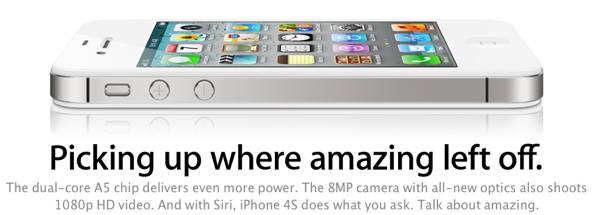
It is a strange irony that is not lost on any of us. The iPhone 4S is announced mid-day on Tuesday, word of Steve Job’s death comes the following evening, and the new iPhone starts pre-orders start at 12:01 AM PST. No doubt some people will suggest it should be delayed. I never had the honor of meeting Jobs, but my guess is he wouldn’t even dignify that with a response, well — maybe a two-word email like “Plans stays…” but not an actual response. So which iPhone 4S to get? What Color? This is an issue of personal taste, but…


Music Sleep Timer for iPhone/Touch

The past month I have been revitalizing my love for music by using MOG music subscription service. In fact, I have spent more time listening to music in that time than I probably listened to more music than the prior year. While laying down for bed recently, I told my wife that I used to love to cue up my favorite mix tape cassette and fall asleep while listening. The cassette would always stop when it reached the end. My iPhone does not do that! When I broke that news to her she replied, “you don’t have an app that…


FaceTime and iOS Impresses Halfway Across the Globe

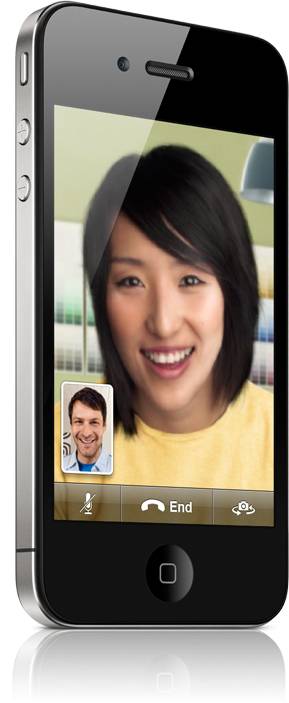
(Image courtesy of Apple) The world is a big place. At the turn of the century trying to visit loved ones who lived halfway across the world took months. Now, we can fly from one side of the globe to the other in less than a day. And even when we aren’t physically technology enables us to feel as if we are. I was reminded of this when FaceTime and iOS brought me closer to my wife AND saved us money in the process. My wife and I live in the midwest, but she is from Thailand. She is visiting her…


Not Everyone is Ready to “Think Different” or Even to “Think Smart”

There’s an old story about three blind men. One grabbed an elephant’s trunk and thought it was a snake. One grabbed a leg and thought it was a tree trunk. Another grabbed… Oh you get the idea. The bottom line is, when you look at only one piece of anything you are not going to see clearly… Or correctly. Yet time and again decisions get made upon this small-picture limited-think. Here’s yet another example. A post over on Cult of Mac today offers the following.   Here’s an idea: let’s cut Apple in half. Sure, the company is the most profitable on the…


360 Panorama for iPhone/Touch/iPad2 (Splurge Edition)

Anyone who follows the Blue Plate Special knows I love camera apps. There are so many good apps for the iPhone camera it is difficult to keep up with them; I actually forget about some of mine since they fill three folders. There are several apps I have that make panoramic type photos or that stitch photos together, but I recently found a really cool panoramic app that allows you to share an actual interactive 360 degree view quickly and easily straight from your device, called 360 Panorama. Let’s take a look. You will not be disappointed and will love…


iPhone 4 Power Gear Review: PhoneSuit Elite Battery + Case

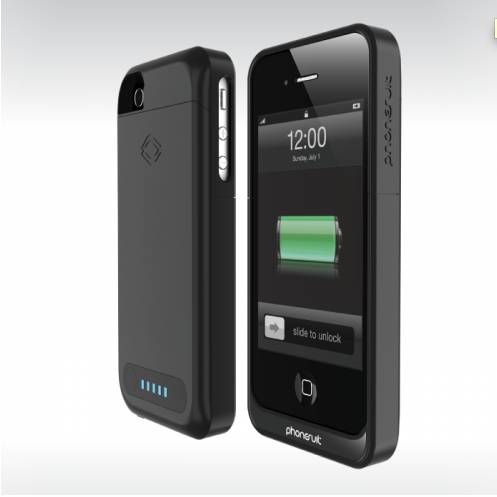
I’m a big fan of iPhone battery cases that combine protection and extra battery life into a single package. Since the release of the original iPhone, we have looked at a number of these hybrid case-batteries, and today we’ll take a look at PhoneSuit’s latest offering: the PhoneSuit Elite iPhone Case. The company is not stranger to this kind of battery case, and their experience shows in both the Elite’s design and its functionality. From PhoneSuit: The PhoneSuit Elite iPhone Case extends the battery life of the iPhone by more than doubling its power capacity. Users can now experience up to two…


Adventures in Customer Support: AT&T

Guess which Stooge is Doug in this little scenario It all began back in January . . . See, here’s the deal:  for the kids’ “big holiday gift,” I got them both iPhone 4s.  Alas, now you have to get limited data plans.  But these are good kids, and I knew that if I got the lowest plan and threatened them with severe consequences–and then had to actually dole out punishment one time–they would stay on WiFi, not download games and music over the cell network, and otherwise avoid non-WiFi data. So yes, one month they both went over.  I…


Apple’s Next Gen iPhone: What We Know… What We Don’t…

    Check the blogosphere and you will see a host of posts on dozens of sites announcing that the next generation iPhone will arrive in October. This is in contrast to the dozens of sites that recently reported that the new iPhone would appear in September. That, in turn, was in contrast to some reports a few weeks ago that the next iPhone would arrive in late August. It is enough to make your head spin and… in the process… lose faith in any of the information spread throughout the tech-blog community. (See Mike’s and my Twin Posts of Different…


iPhone 4 Case Review: Twelve South BookBook for iPhone 4

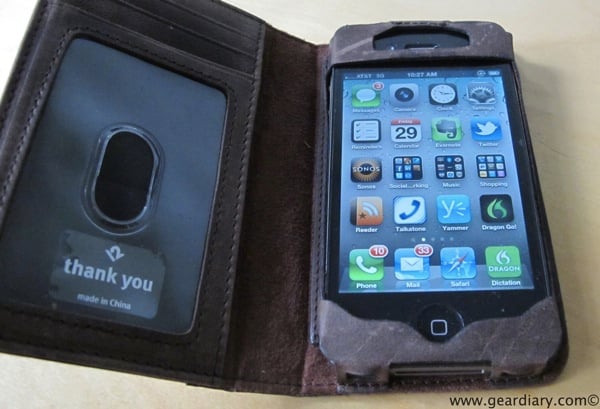
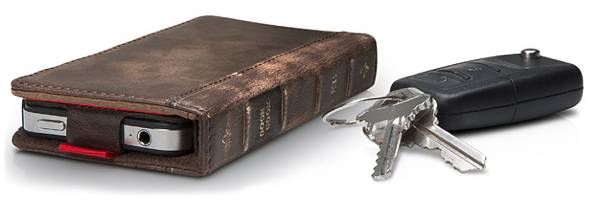
photos by Kevin I love Twelve South‘s products. Their product portfolio isn’t the largest around, but the products they do offer are well-conceived, beautifully manufactured, and quite useful. We’ve looked at their BookBook for iPad, their Compass iPad stand and liked both. Now they have released the BookBook for iPhone 4. The $59.99 case serves a dual function of protecting your iPhone AND serving as your wallet. As the company says, it is “A Vintage Case+ Wallet for your iPhone 4”. From Twelve South: BookBook for iPhone is a wallet and iPhone case rolled into one pocket-sized, vintage book. Open this…


Twelve South Introduces BookBook for iPhone

Twelve South makes some of the nicest accessories around. We reviewed their BookBook iPad case and loved it. (My father-in-law stole it for his iPad and still won’t give it back!) We bought and reviewed their Compass iPad stand and I still use it quite often. Now Twelve South is introducing the BookBook for iPhone and it look awesome. The BookBook for iPhone 4 is “a beautiful, pocket-sized wallet that holds both iPhone 4 and your driver’s license, debit card, cash and receipts”. As the company explains, Made exclusively for iPhone 4, this tiny vintage book replaces the need for…


Review: Nest Case For iPhone 4 and iPod Touch 4G

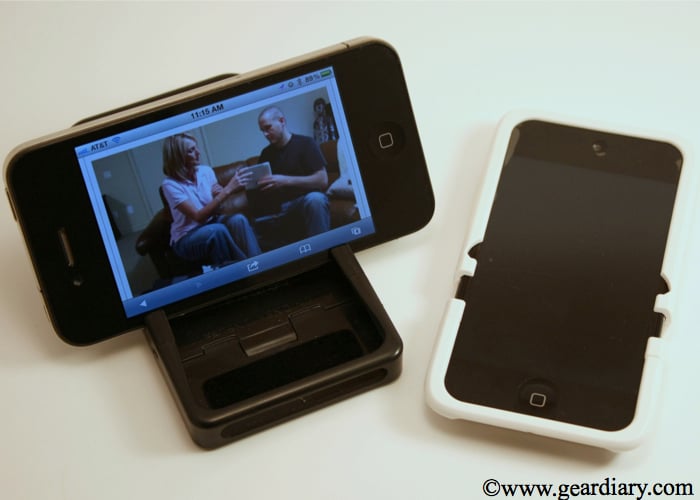
Finding a case is like an ongoing quest and adventure for any device. I have come to enjoy cases that provide dual uses such as a battery or stand. It seems that case makers are continuing to combine functions for cases while still maintaining protection and style. I recently was able to try an iPhone 4 and iPod Touch case from Nest. The cases provide protection while also doubling as a hands free display stand. Let’s take a look. The Nest cases are two piece slider style cases. The inside of the cases are lined with a soft felt that…


Video Quick Look: Withings Smart Blood Pressure Monitor

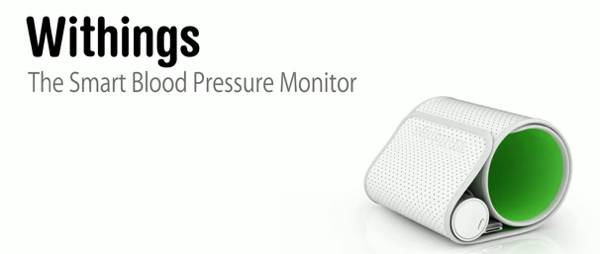
I am really glad to see more and more “iOS app enhanced” devices being released. We’ve looked at a few clocks that offer tight integration with iPhone or iPad apps and now we are seeing a slew of new devices coming out. One of them, Withings Smart Blood Pressure Monitor uses your iOS device as the “brains” of a blood pressure monitoring system. I’ve been using it for the last week and a half and even had Judie, Carly and Elana take it for a spin. Here are some details and a video overview. From the Company: Designed specifically for…


Review: Stem TimeCommand Clock-Dock

I’ve become a big fan of not having to physically dock my iPhone, iPod or iPad in order to get audio from it. That’s why I love using the Sonos system I reviewed a few weeks ago. At the same time, there is a lot to be said for a bedside dock/alarm clock. Sure, the Sonos system lets you set alarms, but it doesn’t have a clock nor does it charge your power-hungry iOS device. That needs to be covered by something else — something like a clock-dock (yeah, I wrote “clock-dock”!). The problem is, too often the available clock-dock…