
The Lowdown
The Lenovo Yoga Book 9i Gen 10 is one of the most interesting laptops you can buy today. It’s beautiful, light, powerful, and versatile enough to replace a small desktop setup for many people. It’s also slightly frustrating at times, especially when the software decides to ignore your carefully arranged windows.
Despite its quirks, I’d have a hard time going back to a traditional laptop now that I’ve had this much screen real estate in such a portable package. It’s not perfect, but it’s compelling, and if Lenovo can keep improving the software experience, this could become the gold standard for dual-screen productivity laptops.
Overall
Pros
- Dual 14″ OLED 120Hz screens with HDR and full DCI-P3 color
- Vertical stacking = portable dual-monitor setup
- Light (2.69 pounds) and thin for easy carry
- Big 88Wh battery for longer use
- Full accessory kit with keyboard, pen, mouse, stand, sleeve
- Rotating Dolby Atmos soundbar for rich audio
- Cool, quiet performance with strong CPU
Cons
- Occasional software glitches causing layout resets, orientation quirks
- The keyboard’s extra key column can cause mispresses
- The stand angle is a bit too shallow and not lap-friendly
- The battery drains fast at high brightness
- The included sleeve doesn’t quite fit all the included accessories
There are laptops, and then there’s the Lenovo Yoga Book 9i Gen 10, a machine that refuses to pick just one screen and call it a day. This is a dual-screen OLED laptop that wants to be your everything: your workstation, your sketchpad, your movie screen, your note-taking companion, and maybe even your portable creative studio. Lenovo clearly looked at a regular clamshell laptop and thought, “Cute. But what if we just… doubled it?” The result is a device that is simultaneously delightful and a little maddening, brilliant and occasionally frustrating, but always interesting. And that’s part of its charm.
What’s in the Box: The Full Kit (Mostly)
Unlike some laptops that arrive with little more than a charger and a polite “good luck,” Lenovo actually ships the Yoga Book 9i Gen 10 as a full ecosystem. Inside the box, you get the star of the show — the dual-screen machine itself — along with a surprisingly good magnetic Bluetooth keyboard, a Lenovo Yoga Pen stylus, a mouse, an origami-style folio stand, a sleeve, and the power adapter.
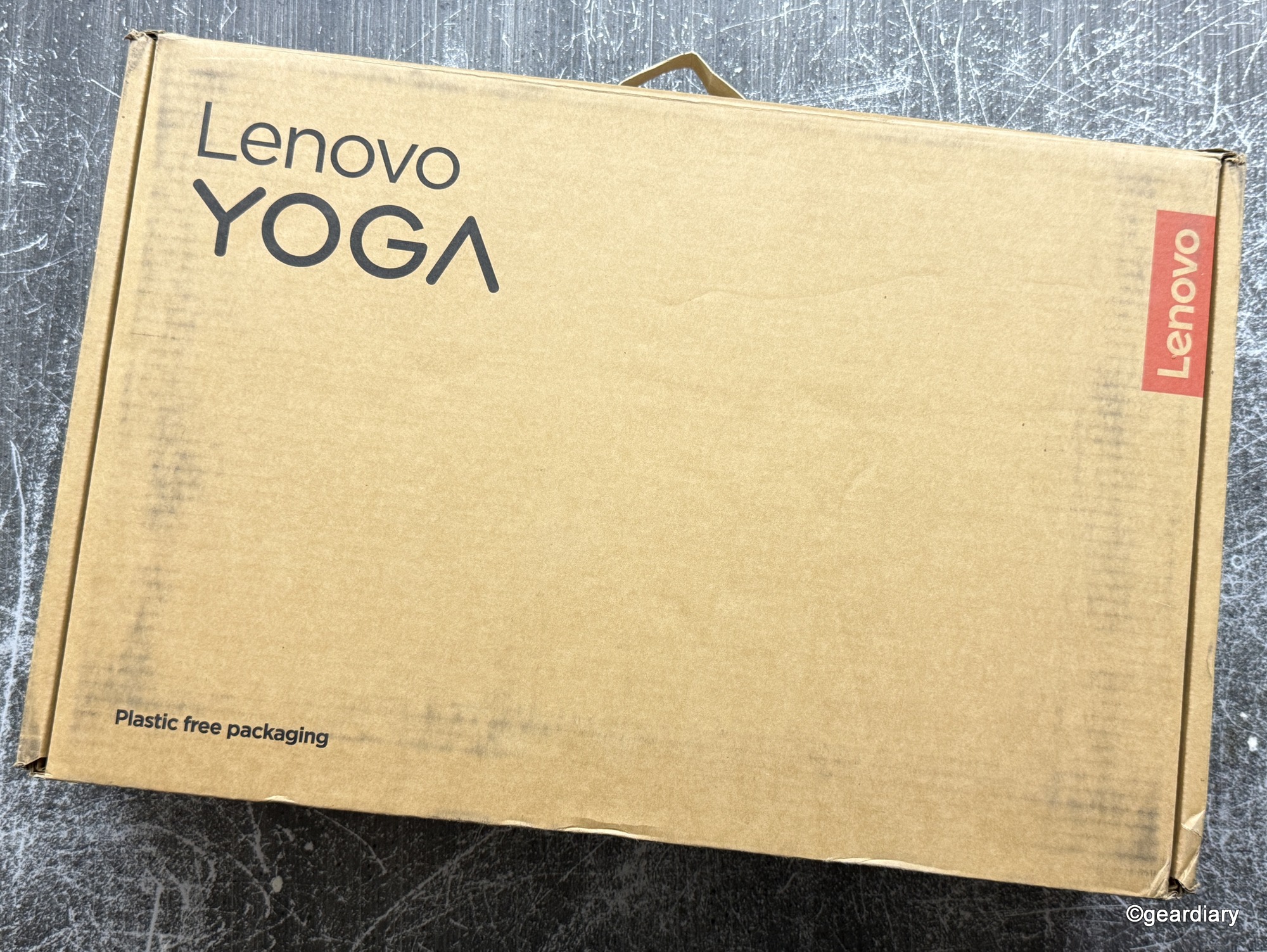
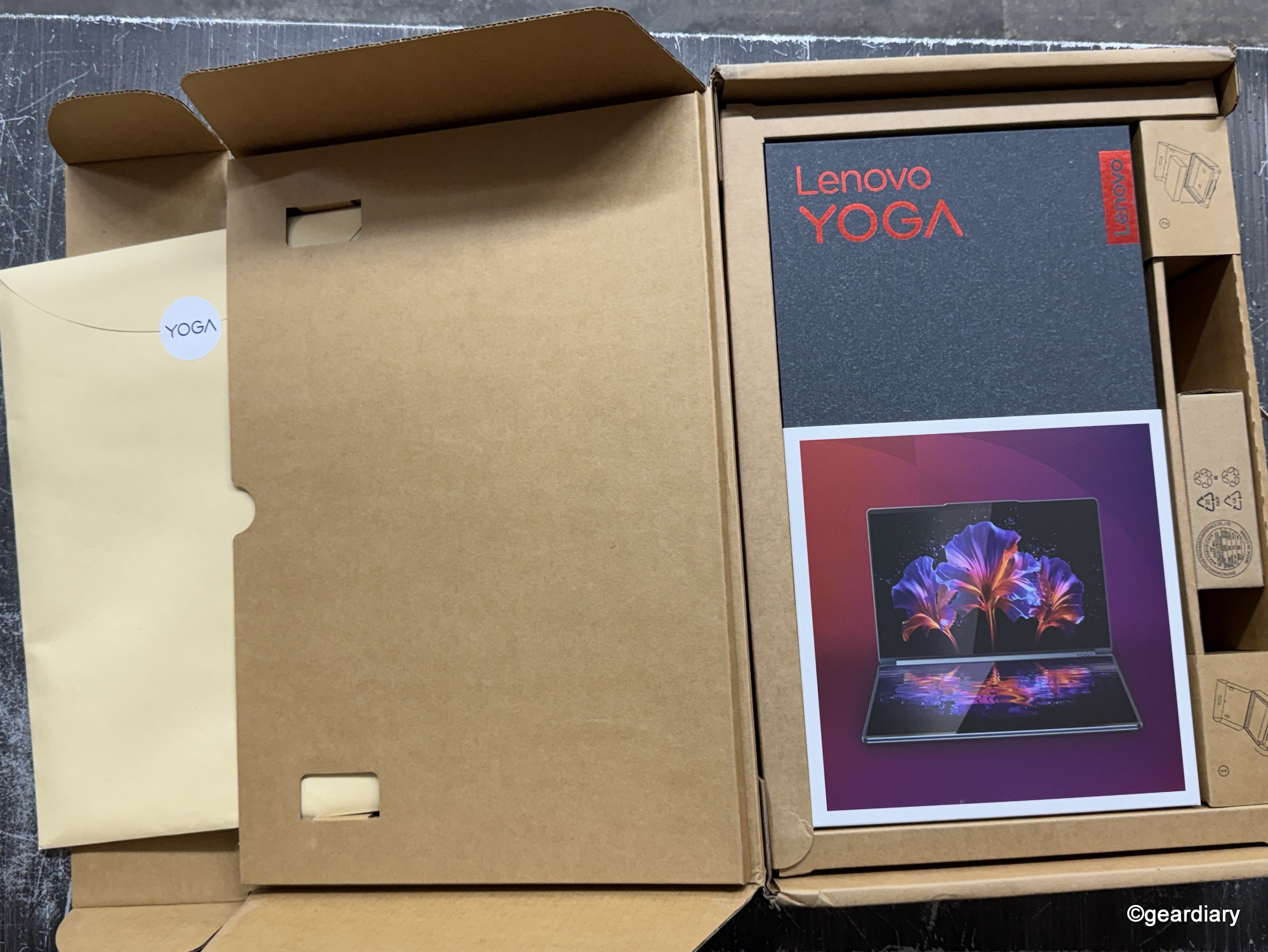
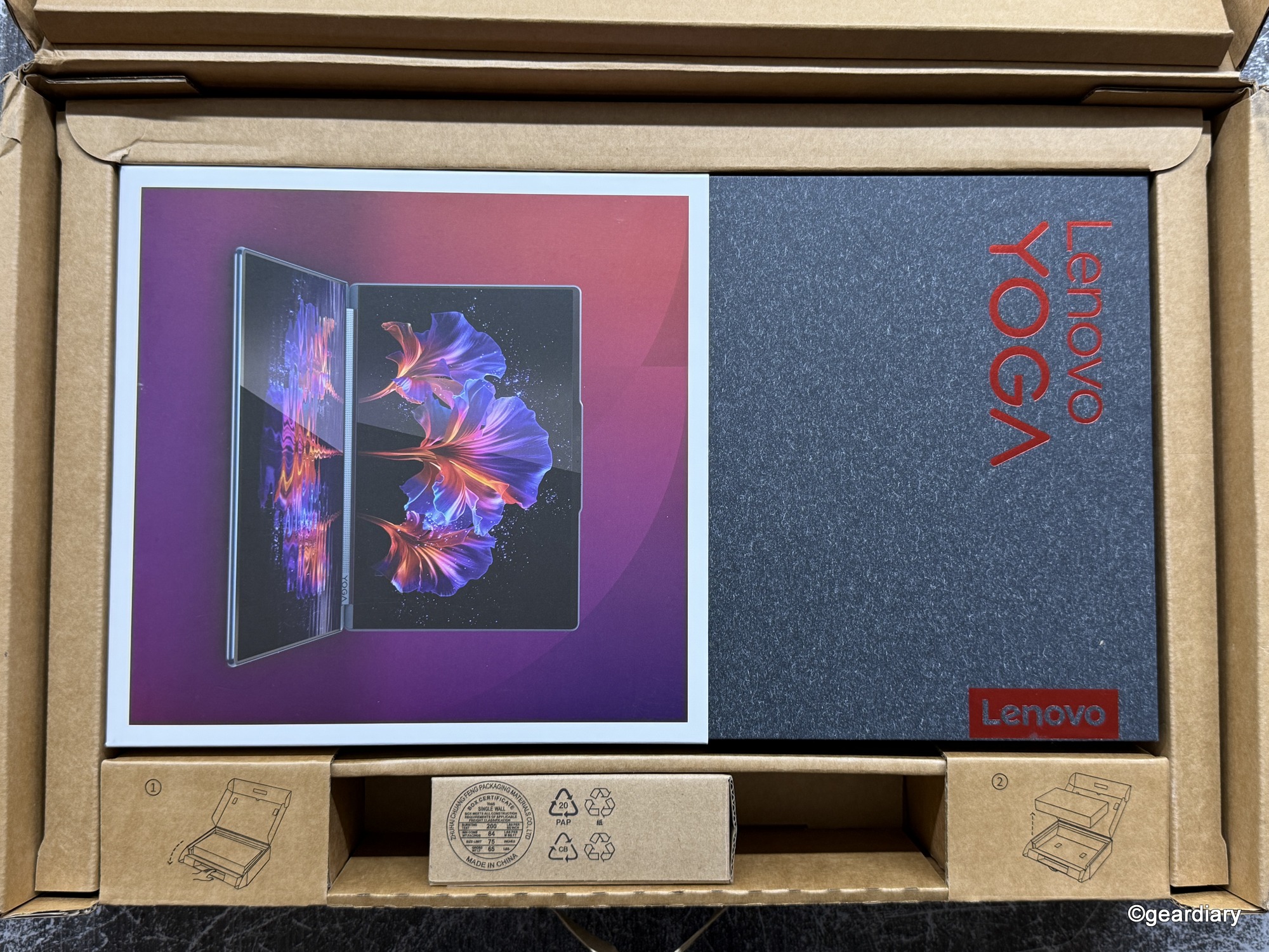
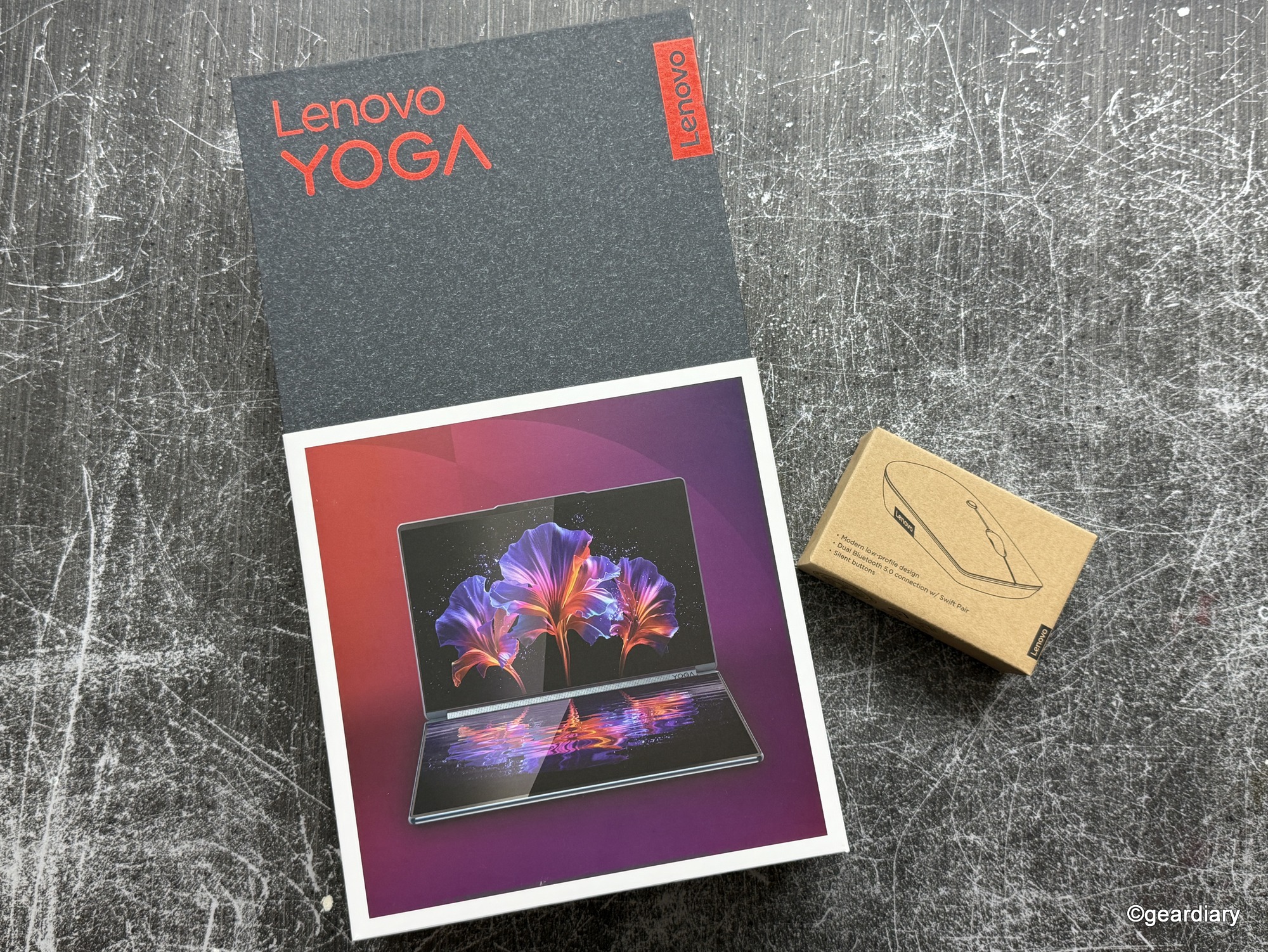
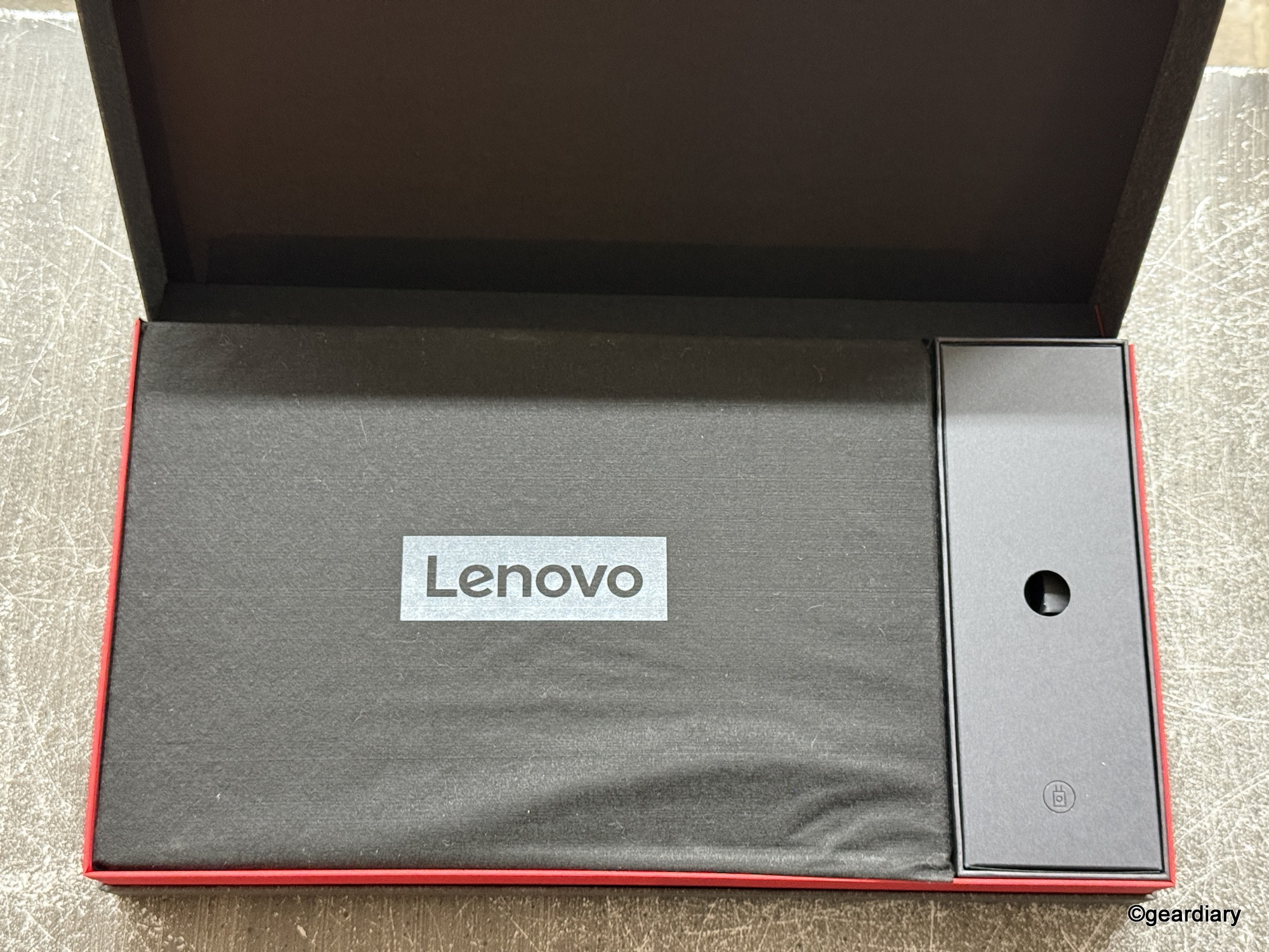
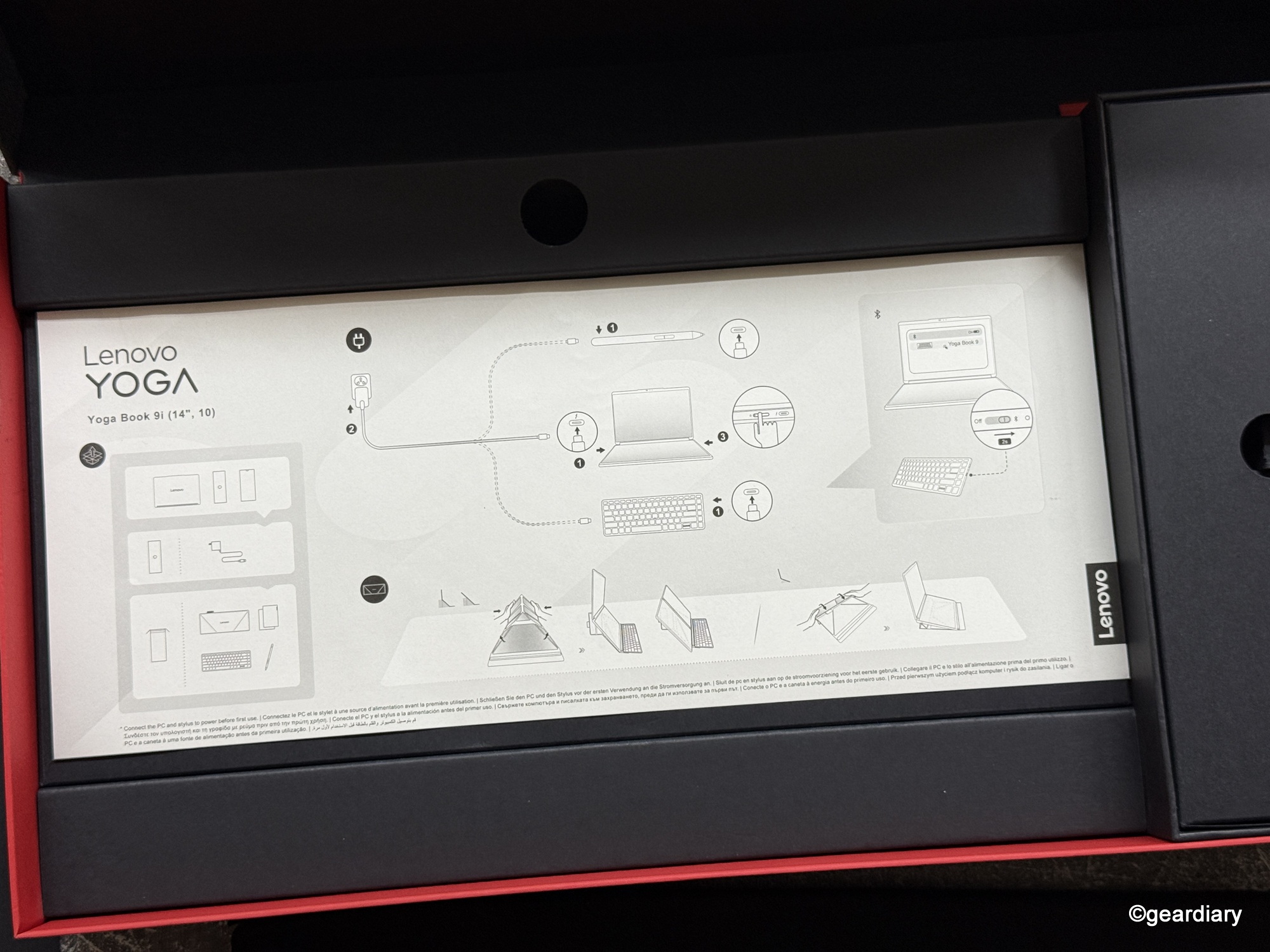
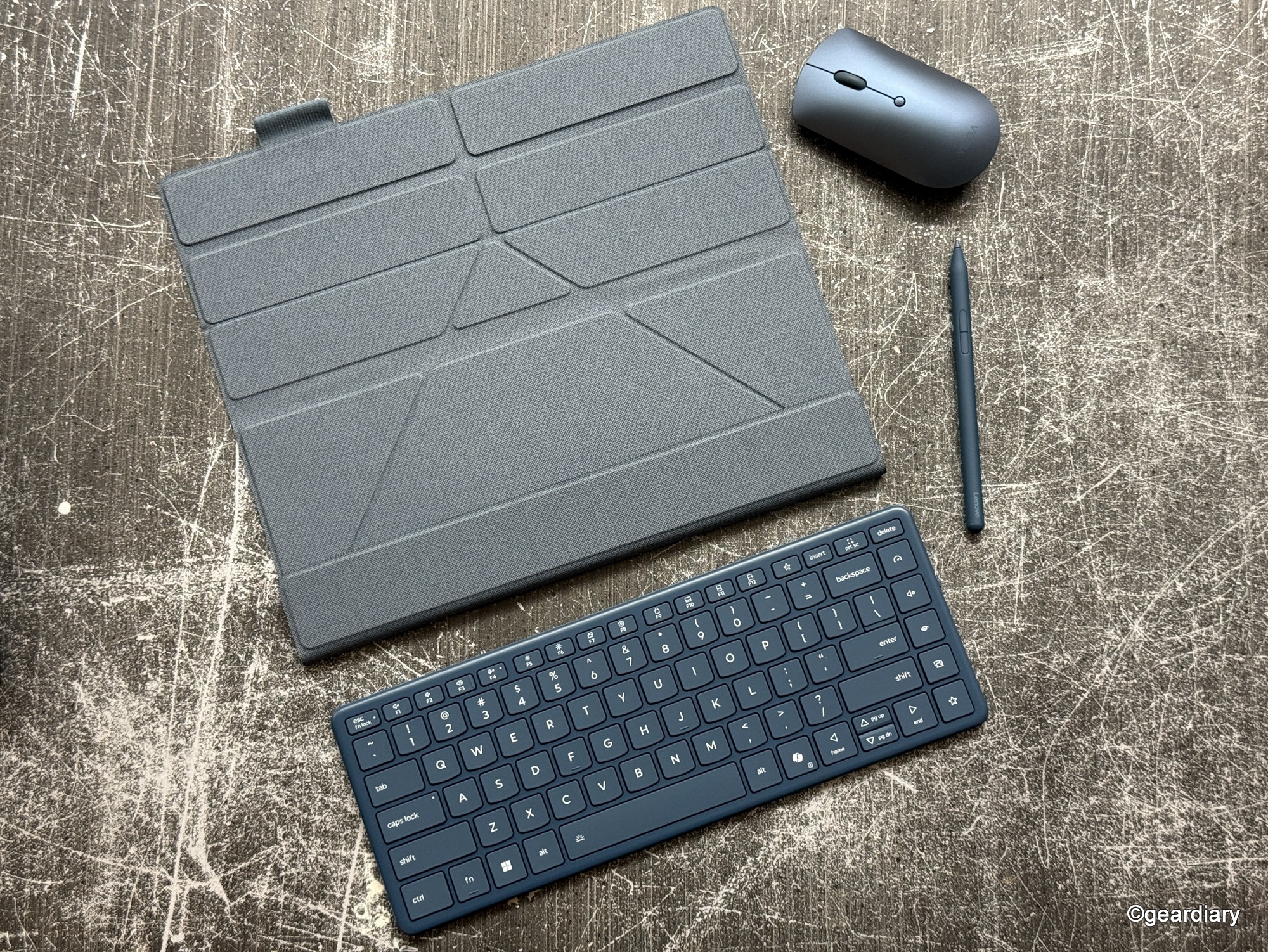
This is Lenovo saying, “We know this setup is different, so we’re giving you the tools to make it work right out of the gate.” It’s a nice gesture, though not everything fits neatly in the included sleeve; I mean, why is the folio this big if it’s only really meant to hold the laptop and pen?
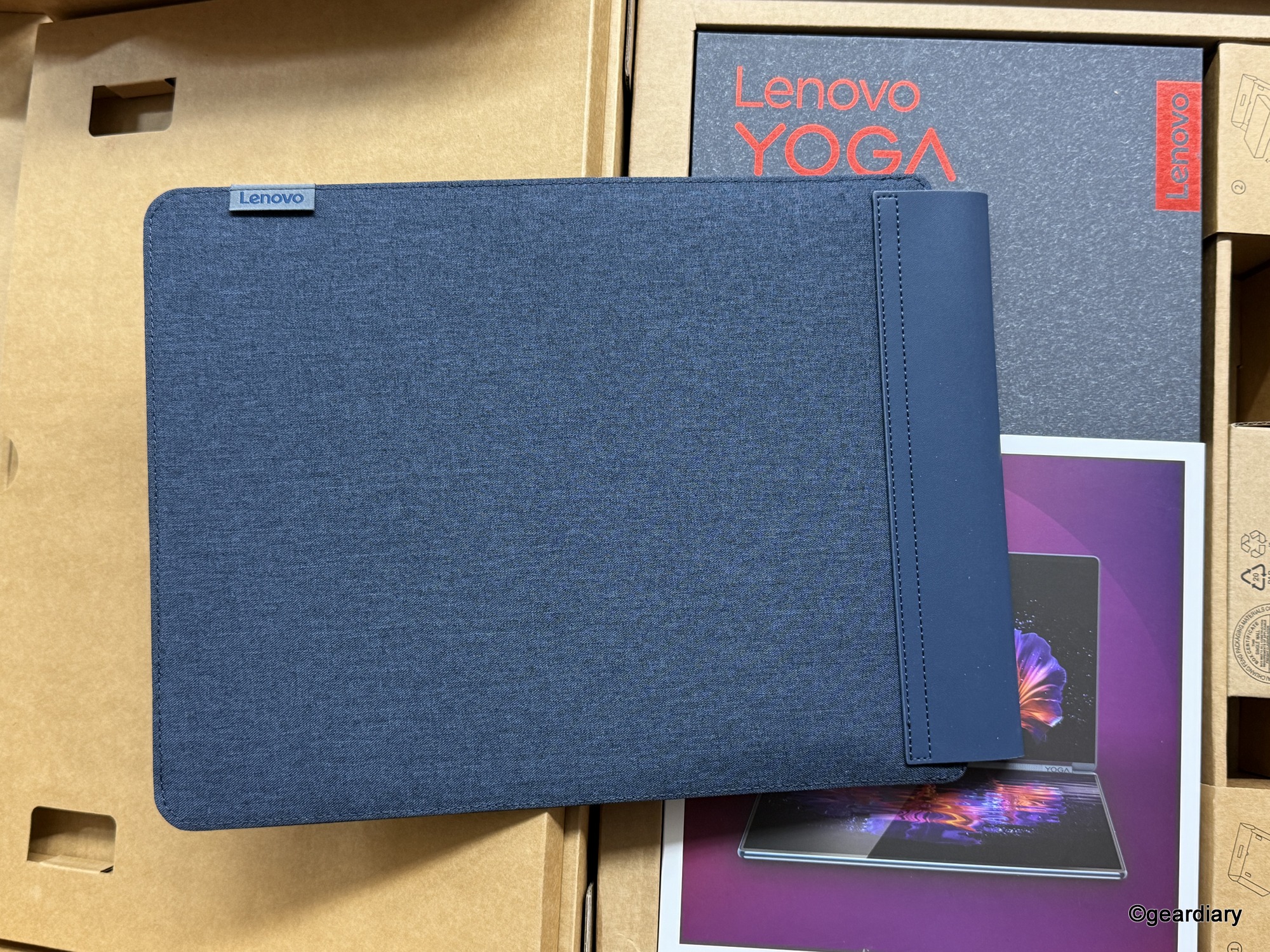
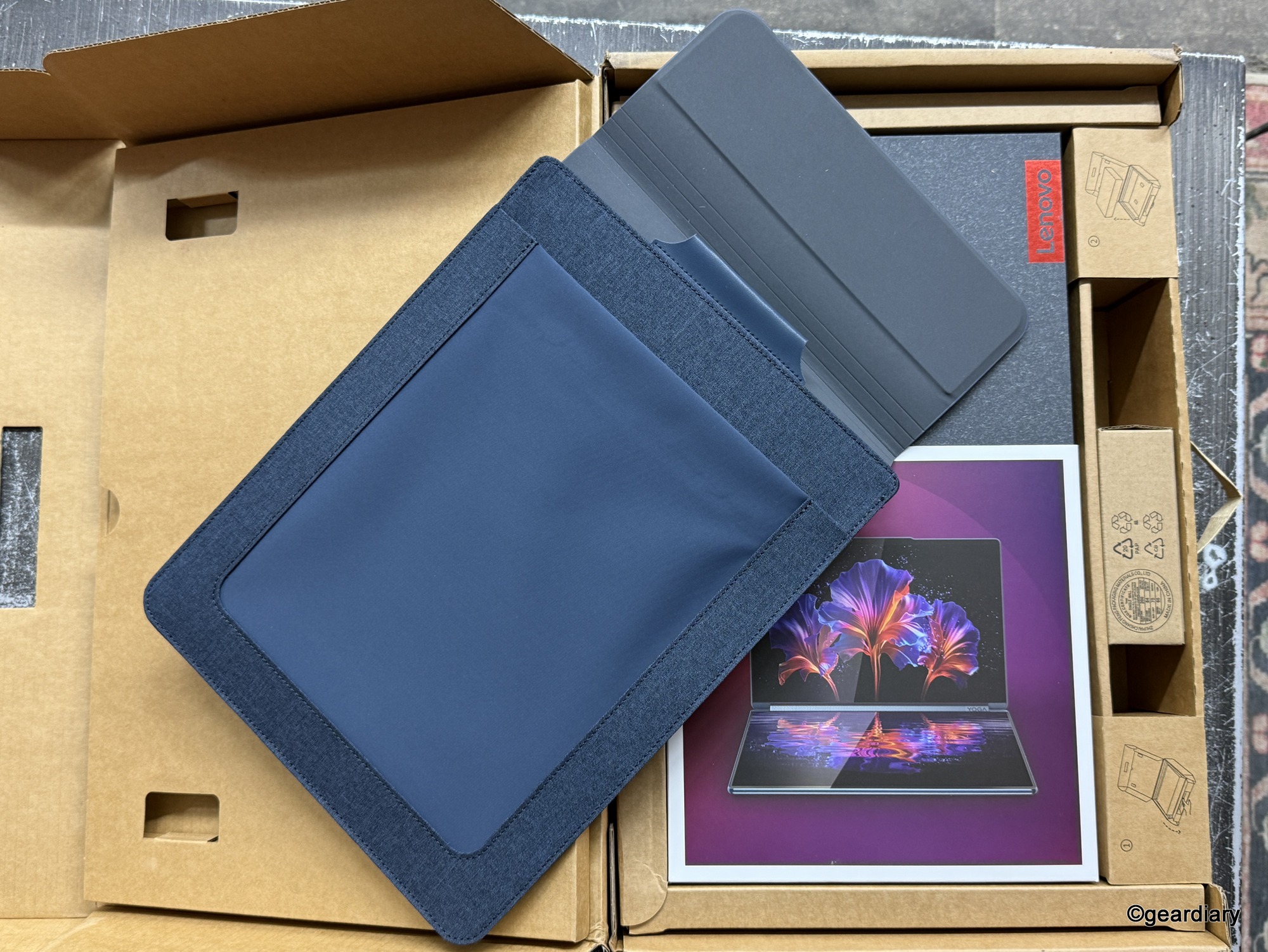

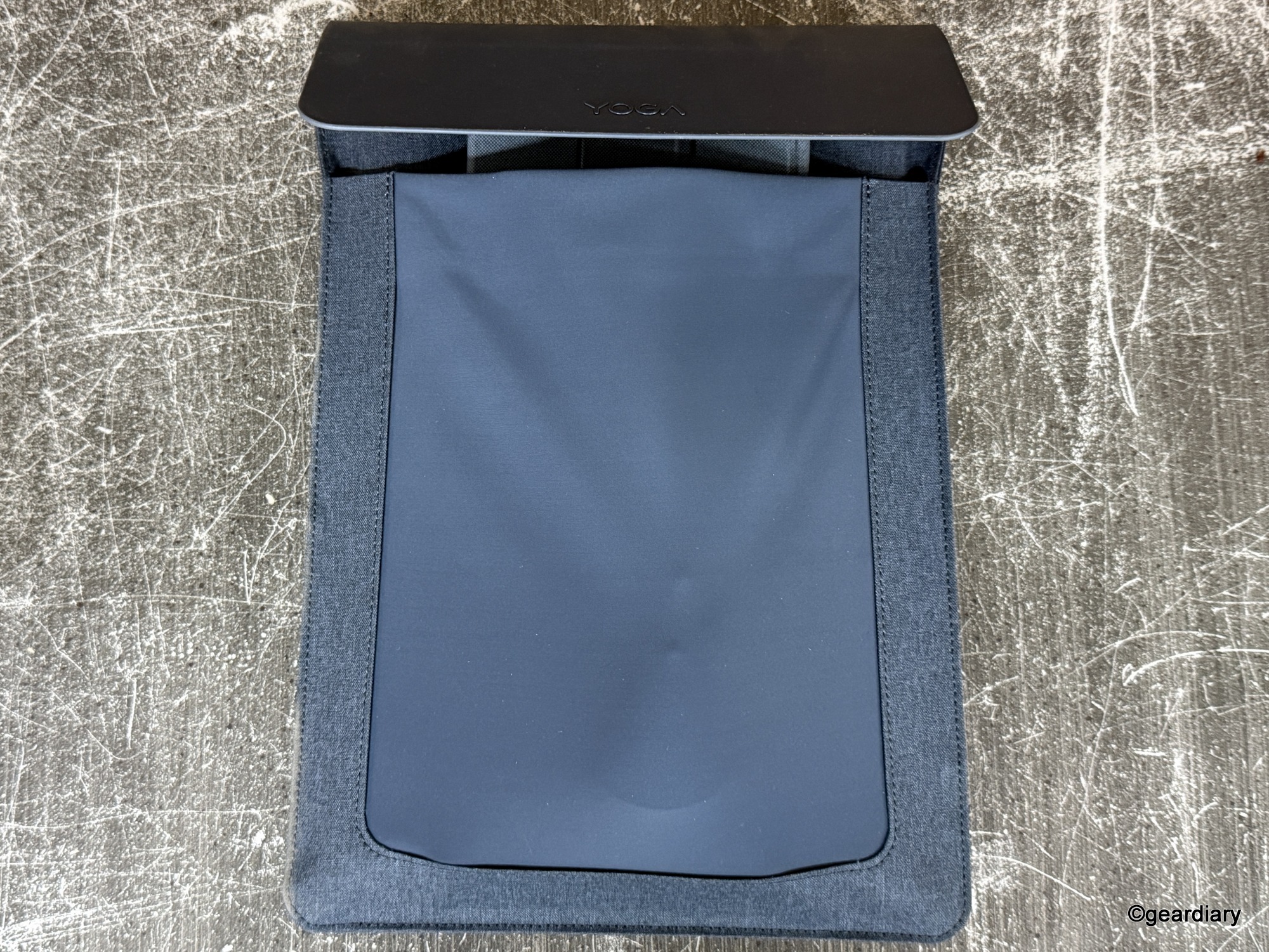
I find myself wishing Lenovo had designed the folio to be just a little bit longer, so I could keep all the accessories together without feeling like I’m lugging around a small office supply closet.
But I digress; let’s get back to the laptop!
Design & Build: The Laptop That Turns Heads
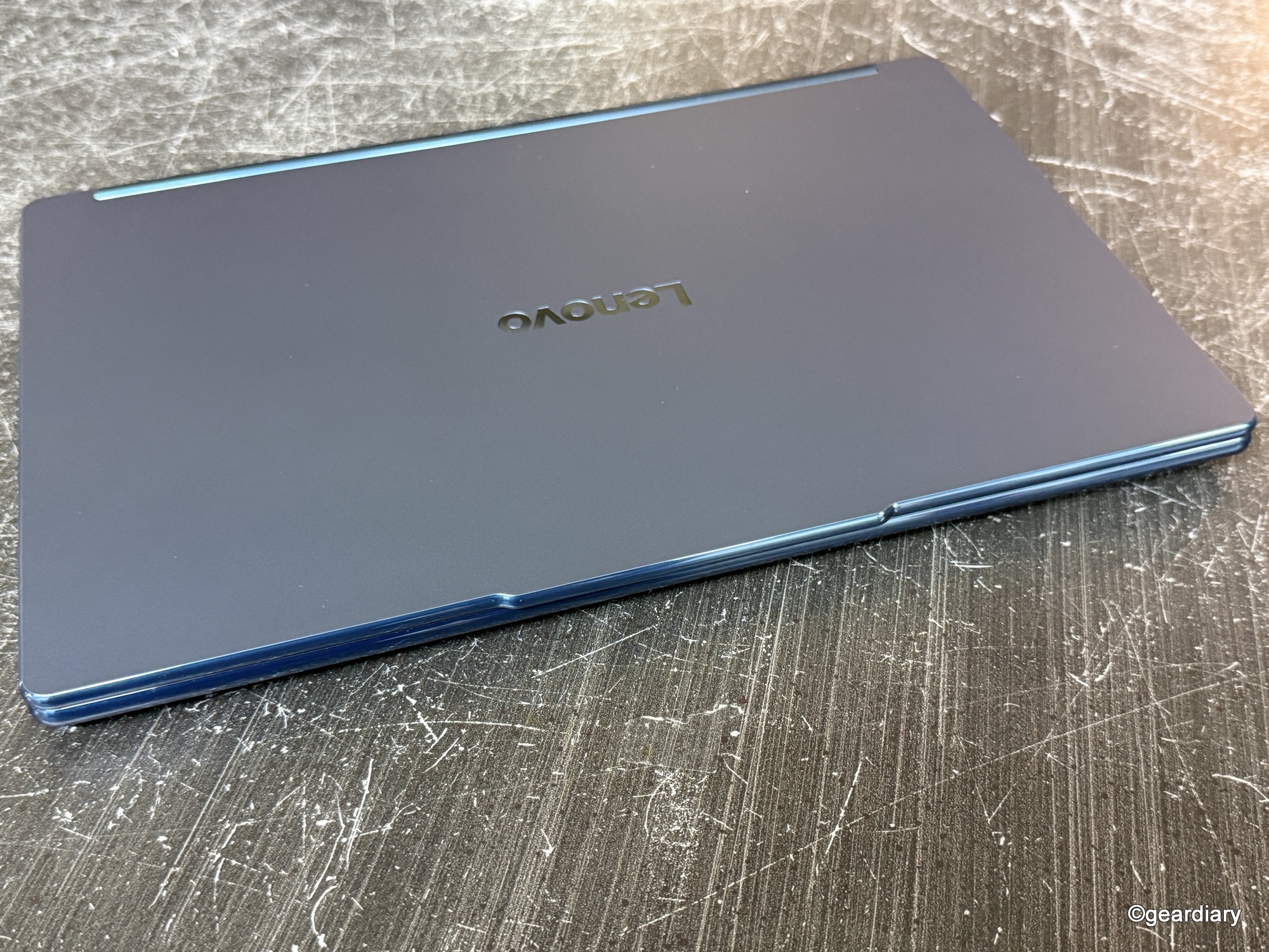
At just 2.69 pounds and measuring under 0.63″ thick, the Lenovo Yoga Book 9i Gen 10 is the thinnest and lightest dual-screen convertible laptop you can buy right now. The Tidal Teal finish is striking in person; it’s stylish without screaming for attention, and the Comfort Edge design makes it genuinely comfortable to hold and carry.
-

- The top edge of the Lenovo Yoga Book 9i Gen 10’s lid extends slightly for an easy lift.
-

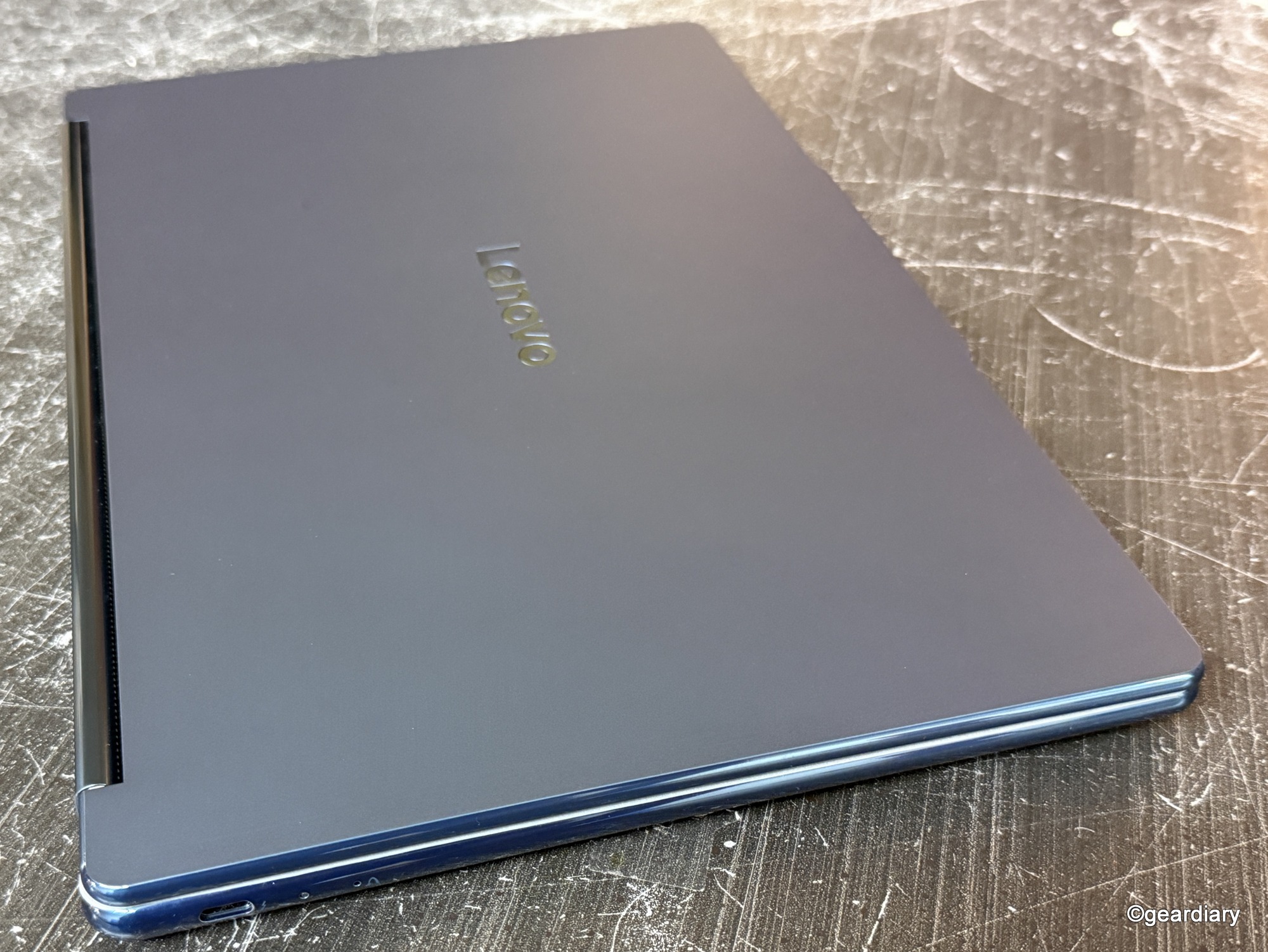
- The left side of the Lenovo Yoga Book 9i Gen 10 has a USB-C Thunderbolt port (40Gbps), an e-privacy shutter switch, a USB-C Thunderbolt port (40Gbps), and the power button.
-
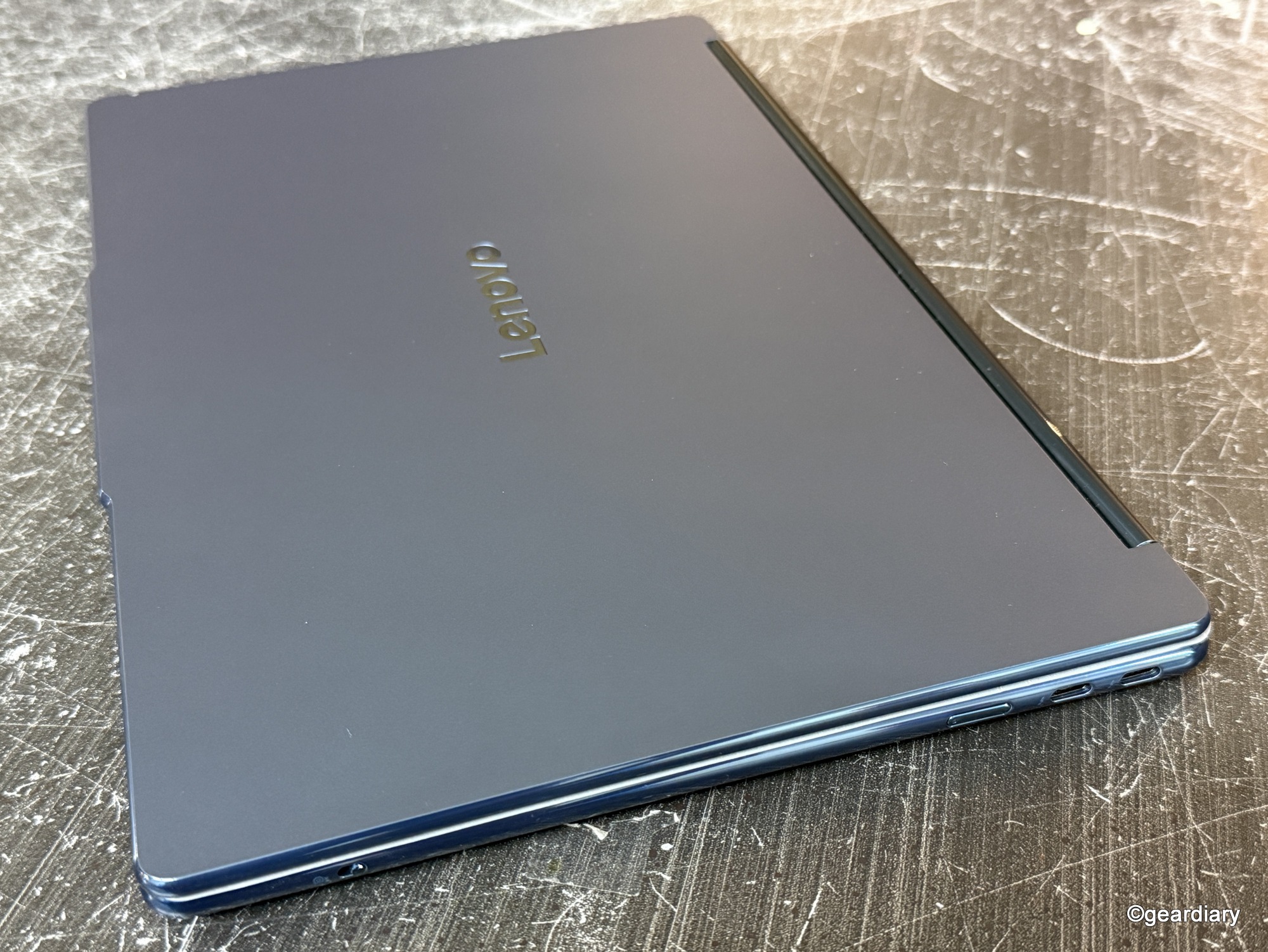
- The right side of the Lenovo Yoga Book 9i Gen 10 has USB-C Thunderbolt port (40Gbps) with LED charging indicator.
-
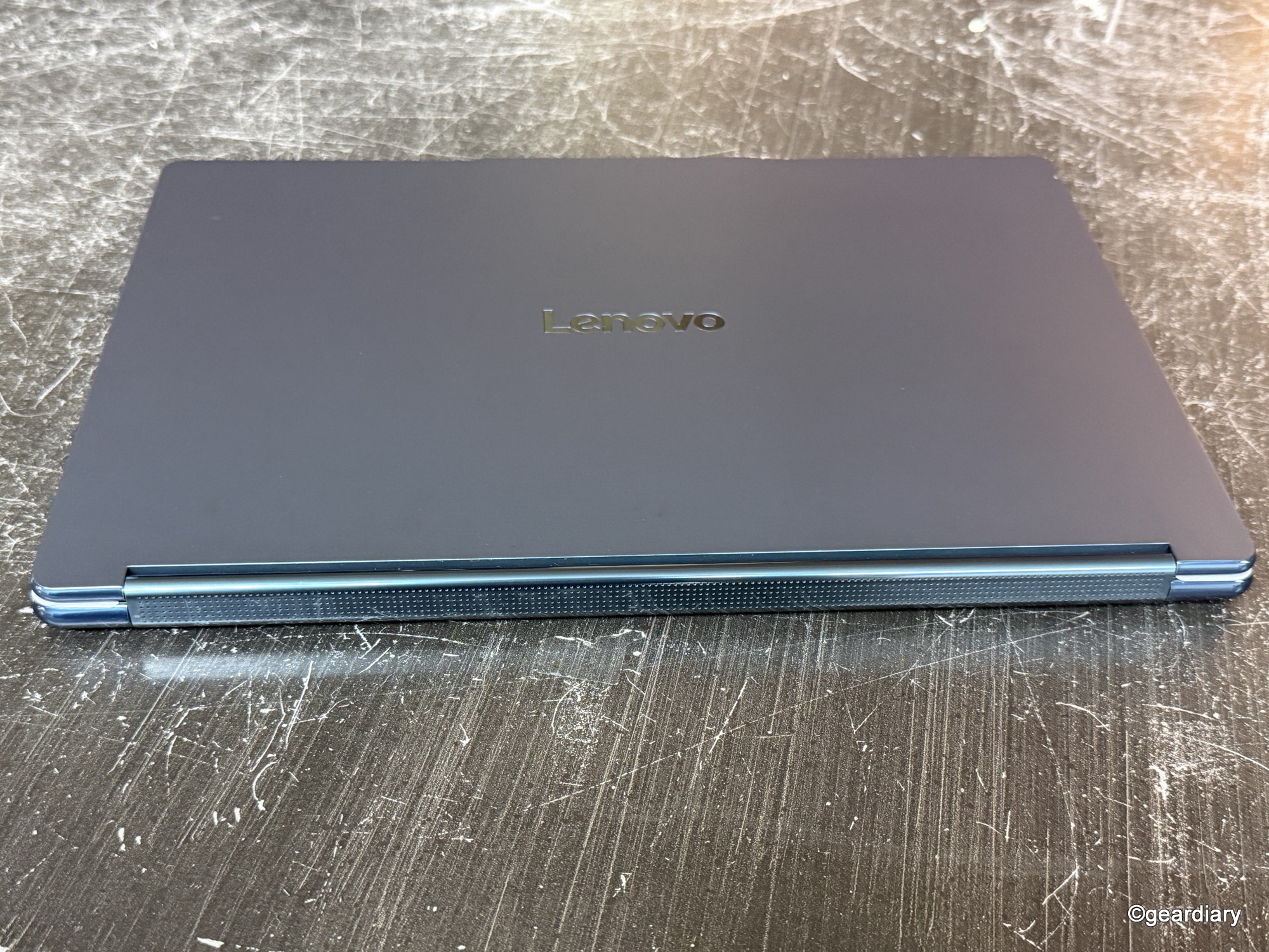
- The back edge of the closed Lenovo Yoga Book 9i Gen 10 features a rotating soundbar.
The two 14″ 2.8K OLED panels are the real showstoppers here. They’re bright, colorful, and support a buttery-smooth 120Hz refresh rate. That means scrolling feels natural, animations are fluid, and photo and video editing are a treat. Both screens support full DCI-P3 color, HDR, and inking, so whether you’re sketching or watching Netflix, you get vibrant, accurate colors.
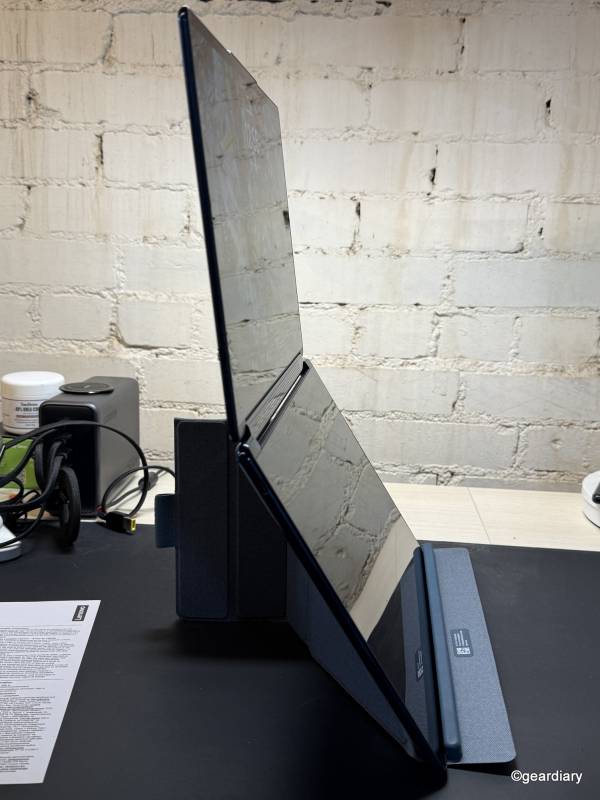
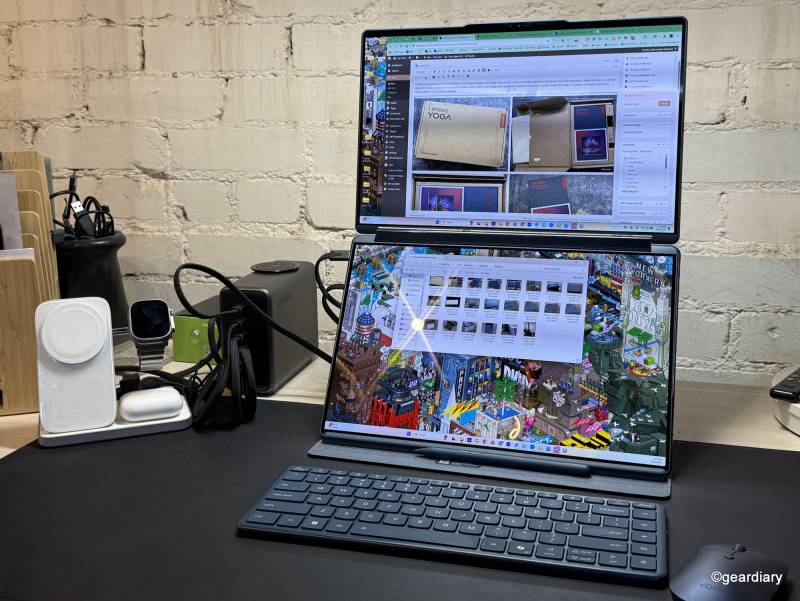
When stacked vertically on the origami stand, the Yoga Book 9i Gen 10 setup feels more like a tiny desktop workstation than a laptop. It’s perfect for writing on the top screen while keeping research or reference material open on the bottom, or having notes and other apps like email or files handy for reference during video conference calls. The 5-megapixel camera is conveniently located at the top of the screen, as it would be on a regular laptop, so calls aren’t off-center or at a weird angle, and Windows Hello works perfectly for a quick sign-in. The hinge also houses a rotating Dolby Atmos soundbar, which is a clever use of space and actually delivers very good audio for a machine this thin.
Setup & Use: A Multitasker’s Playground (Mostly)
The dual-screen setup is endlessly versatile. One minute you can be in “book mode,” holding it like a digital journal, and the next you can flip it upright, stack the screens, and power through spreadsheets, Slack chats, and photo editing tools all at once.
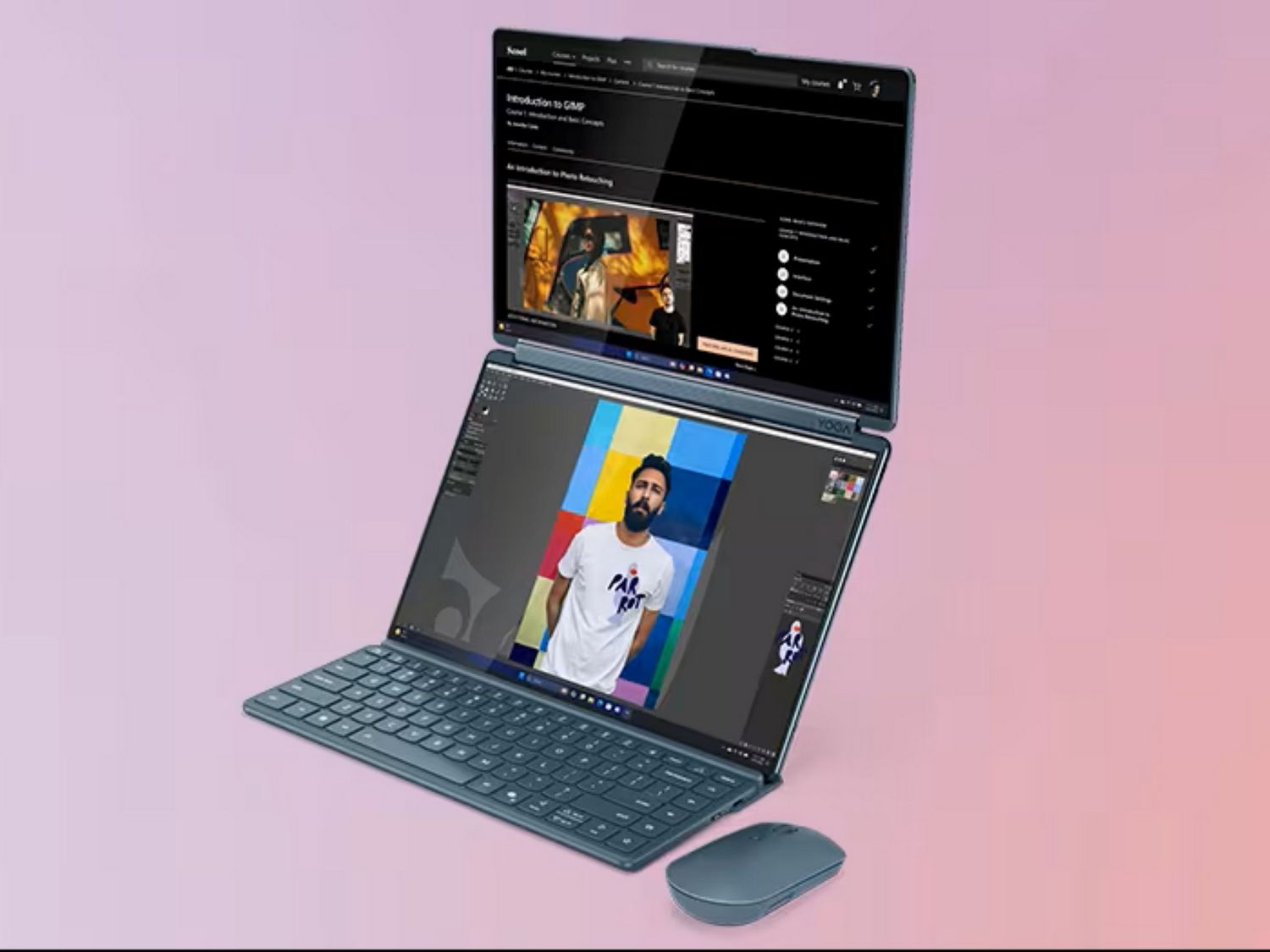
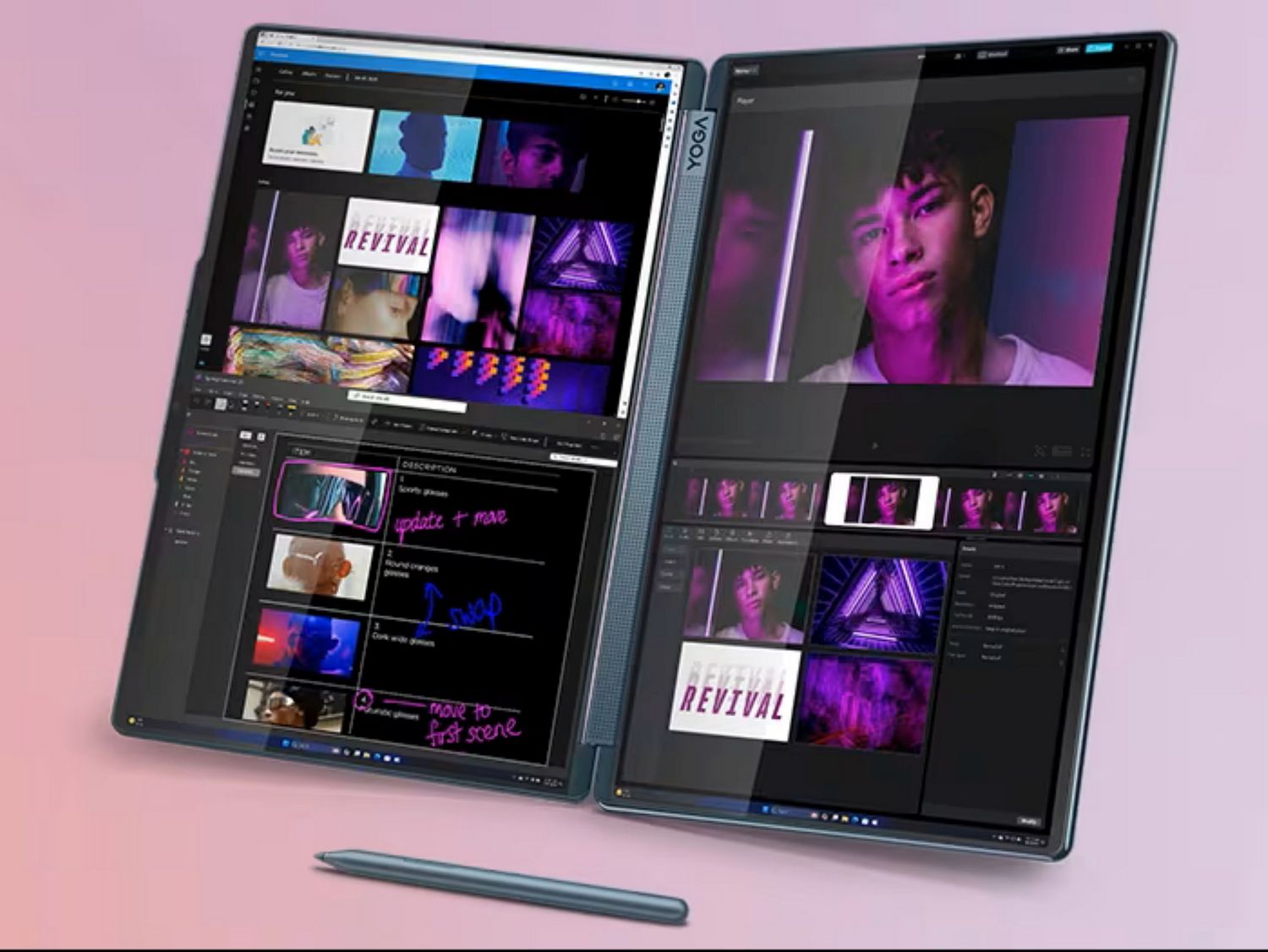
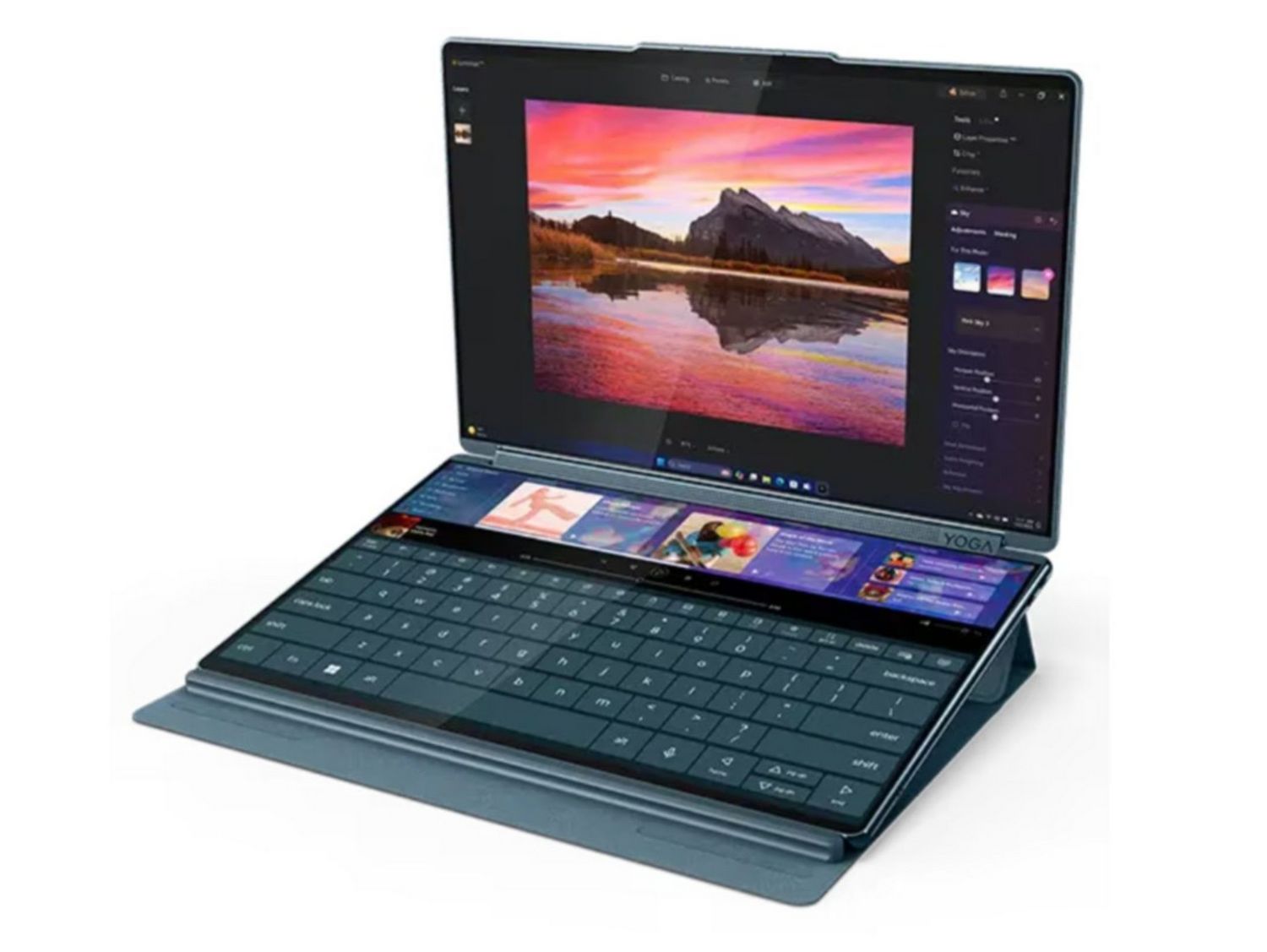
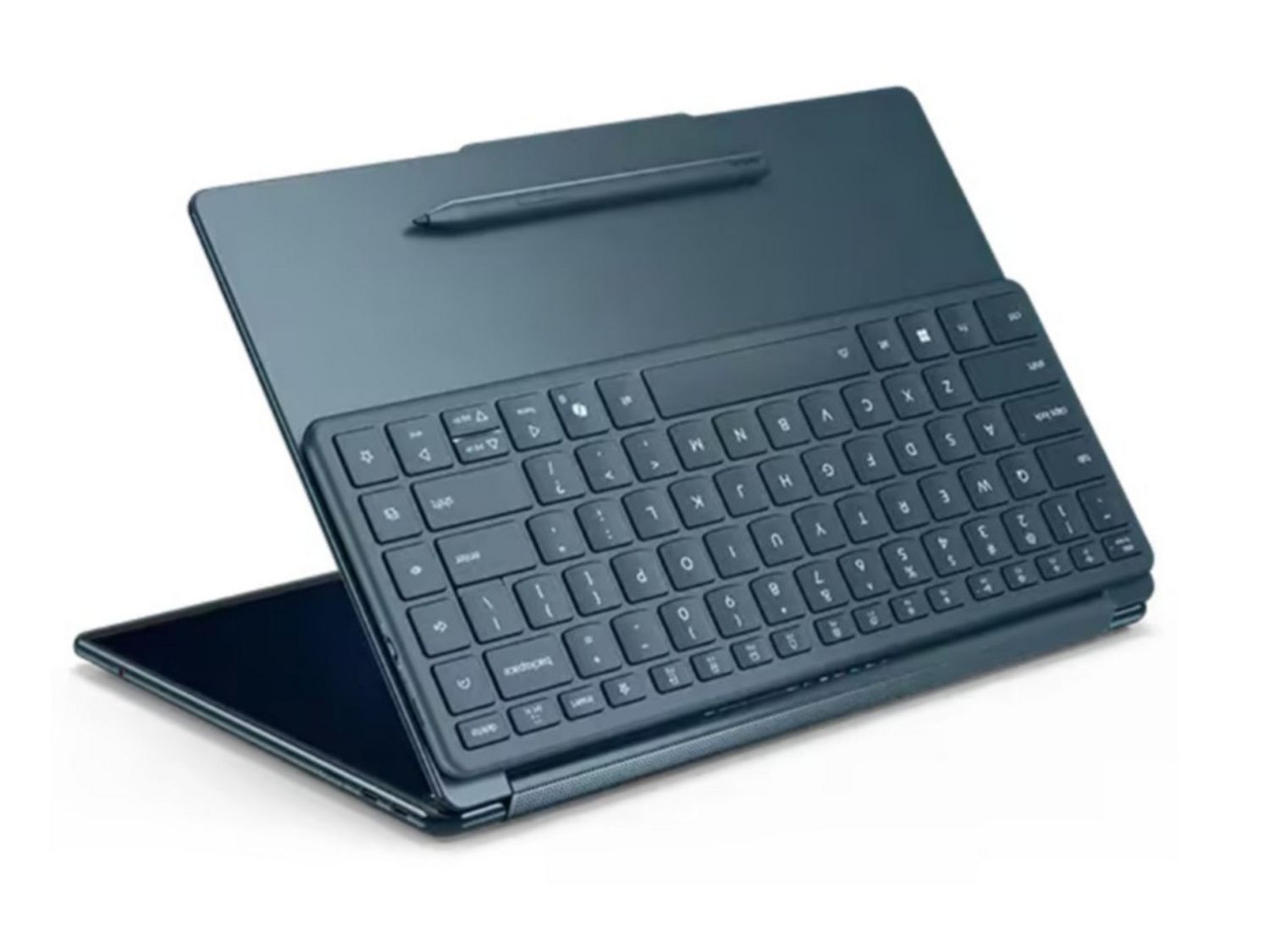

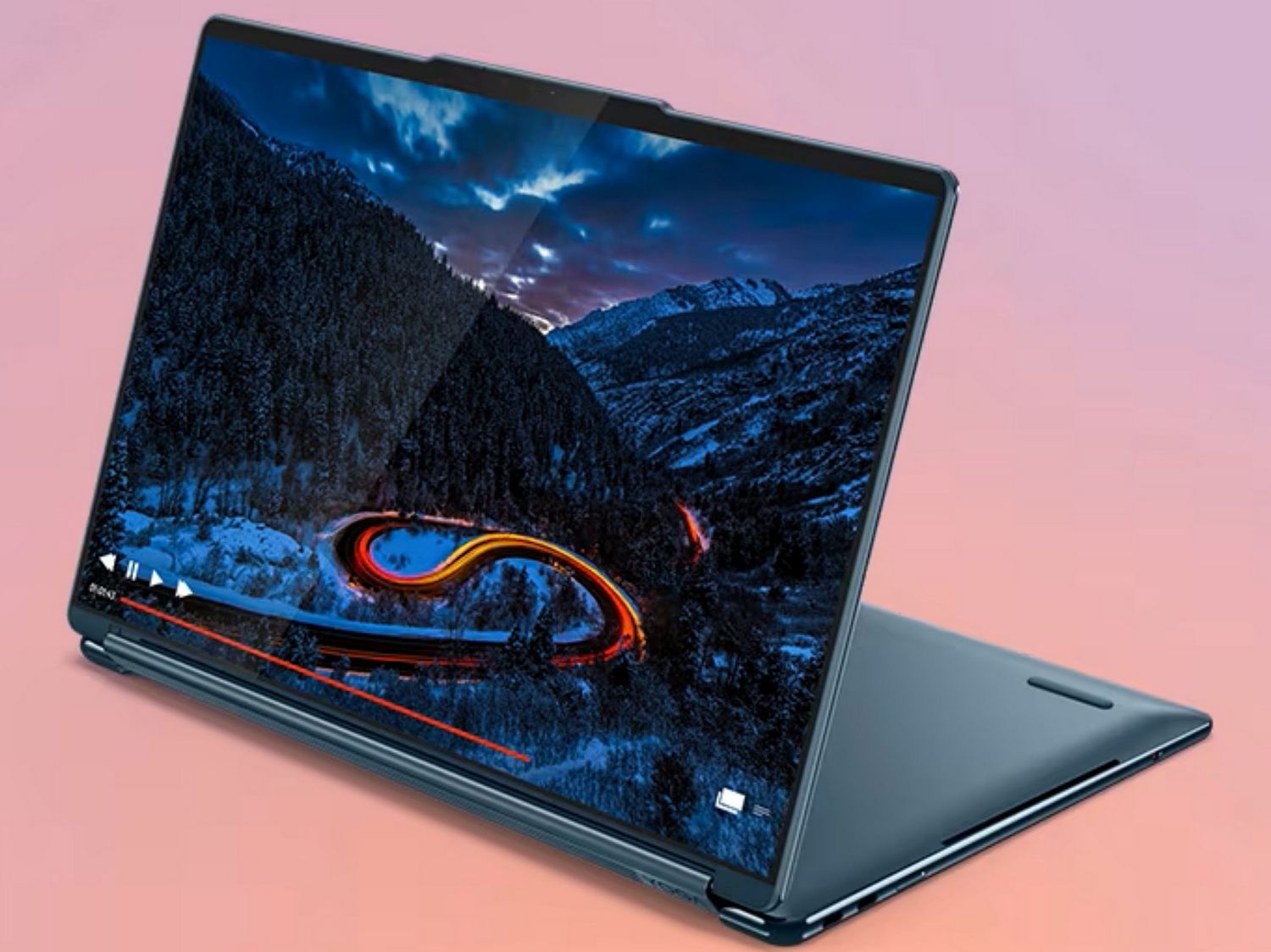
The included keyboard magnetically attaches to the bottom screen if you want a more traditional laptop feel when using the Lenovo Yoga Book 9i Gen 10 in laptop mode, or you can float it halfway up to create a “wonder bar” of space beneath it for widgets or quick shortcuts — well, you could until Lenovo removed the wonder bar feature with no warning. That one still stings, but the tradeoffs include larger, more capable displays, updated software gestures, advanced AI features, and improved hardware and accessories.
Software is where the Yoga Book 9i Gen 10 occasionally trips over its own ambition. The custom window manager mostly works well, but sometimes it fights with Windows. I’ve had it reset my carefully arranged layouts after sleep, and orientation can get confused if you move it too quickly between modes. Bluetooth connections were finicky at first, but have been more stable after updates. This isn’t the laptop to grab if you just want something simple and foolproof; it rewards tinkering, in a way.
Performance: A Real Upgrade Over the 2023 Version
If you tried 2023’s 13.3″ Yoga Book and found it underpowered, good news: the Yoga Book 9i Gen 10 fixes that. The Intel Core Ultra 7 processor, paired with up to 32GB of LPDDR5X RAM, is far more capable. Photo editing, light video work, and general productivity feel snappy. The integrated Intel Arc graphics can handle most casual creative work, but still aren’t ideal for heavy 3D rendering or gaming.
Battery life is solid thanks to the 88Whr cell, though how long it lasts will depend on how hard you push those two OLED screens. I tend to use mine plugged in most of the time, partly to avoid deep discharge cycles and protect battery health, but even on battery power, it handles a few hours of serious multitasking without complaint.
Thermals are another pleasant surprise; it runs cool and quiet most of the time, even under load.
Daily Experience: Love at First Sight with an Occasional Side-Eye
The Lenovo Yoga Book 9i Gen 10 is a lot of fun to use. Being able to drag a document to the second screen while keeping your main workspace uncluttered feels like magic. It’s a productivity dream if you’re the type who thrives with multiple windows open.
But yes, it has quirks. The keyboard is excellent, but the extra column of function keys on the far right constantly tricks my fingers into hitting the wrong thing — cue me accidentally switching power modes when I just wanted Backspace.

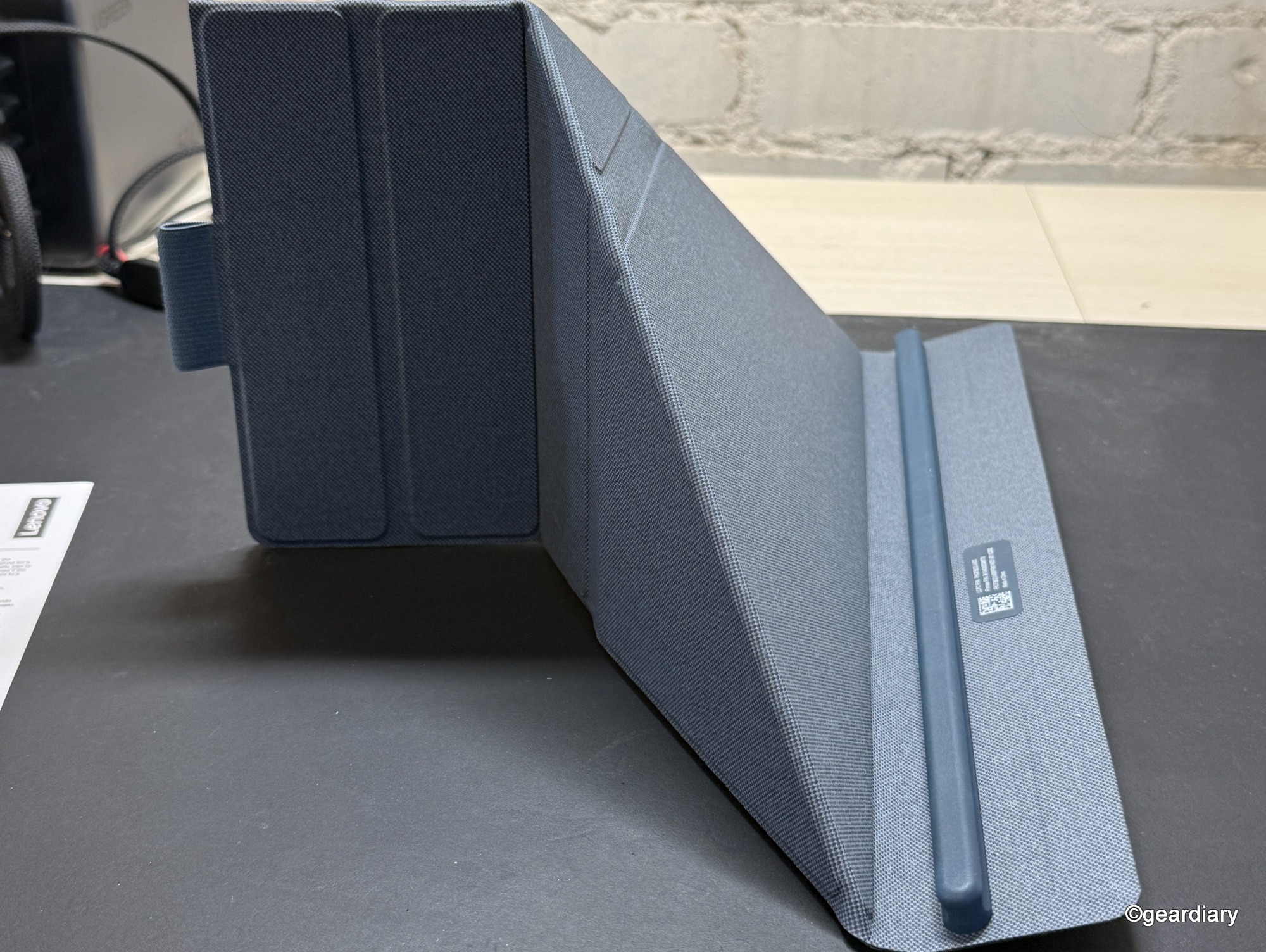
The origami stand is clever but too shallow for my taste; I end up propping it up to get the right angle. And no, this is not a “use it on your lap on an airplane tray table” kind of laptop unless you enjoy chaos.
Comparisons: How It Stacks Up Against the Competition
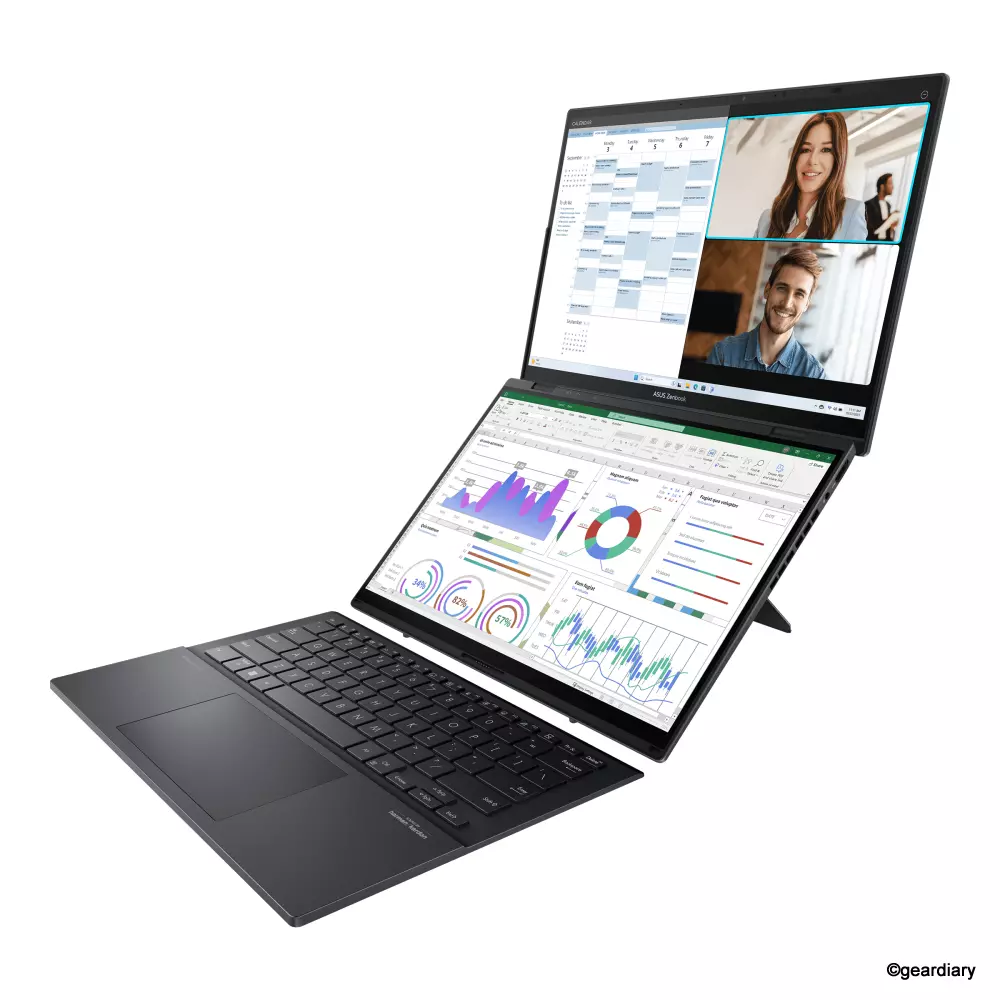
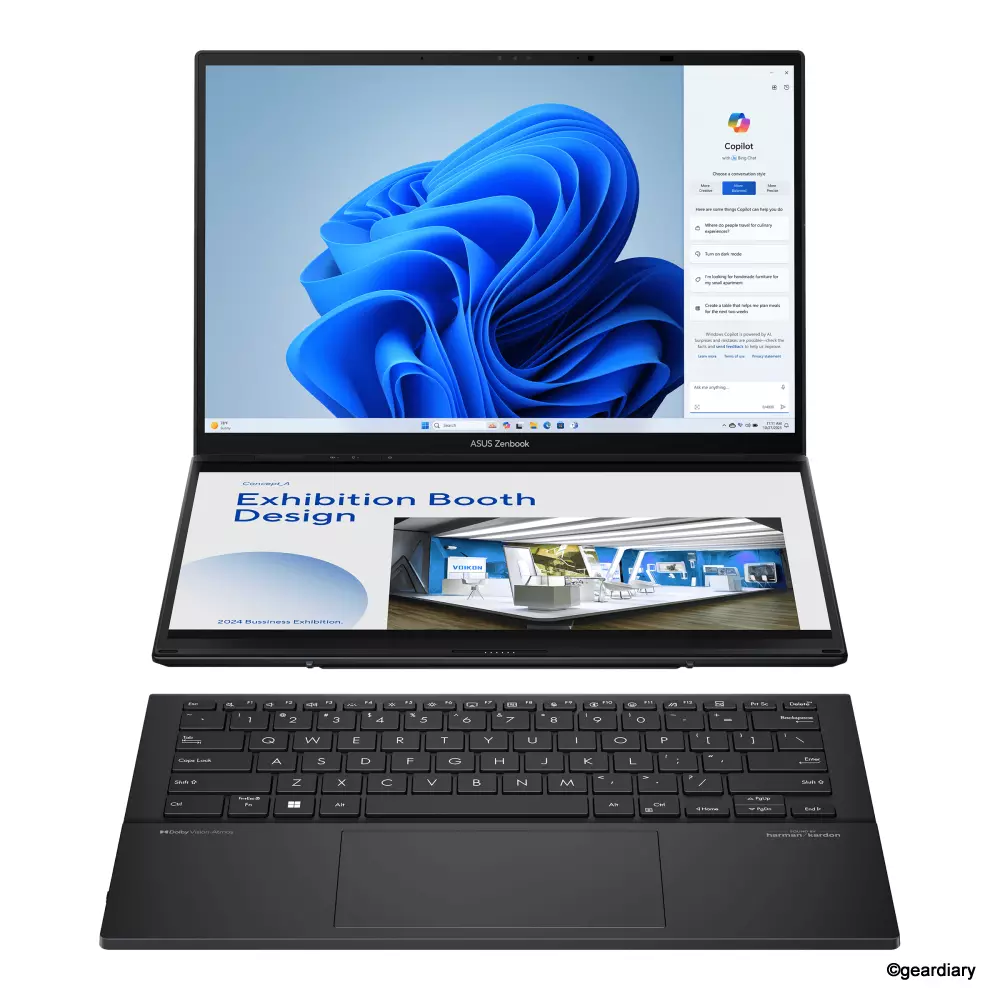
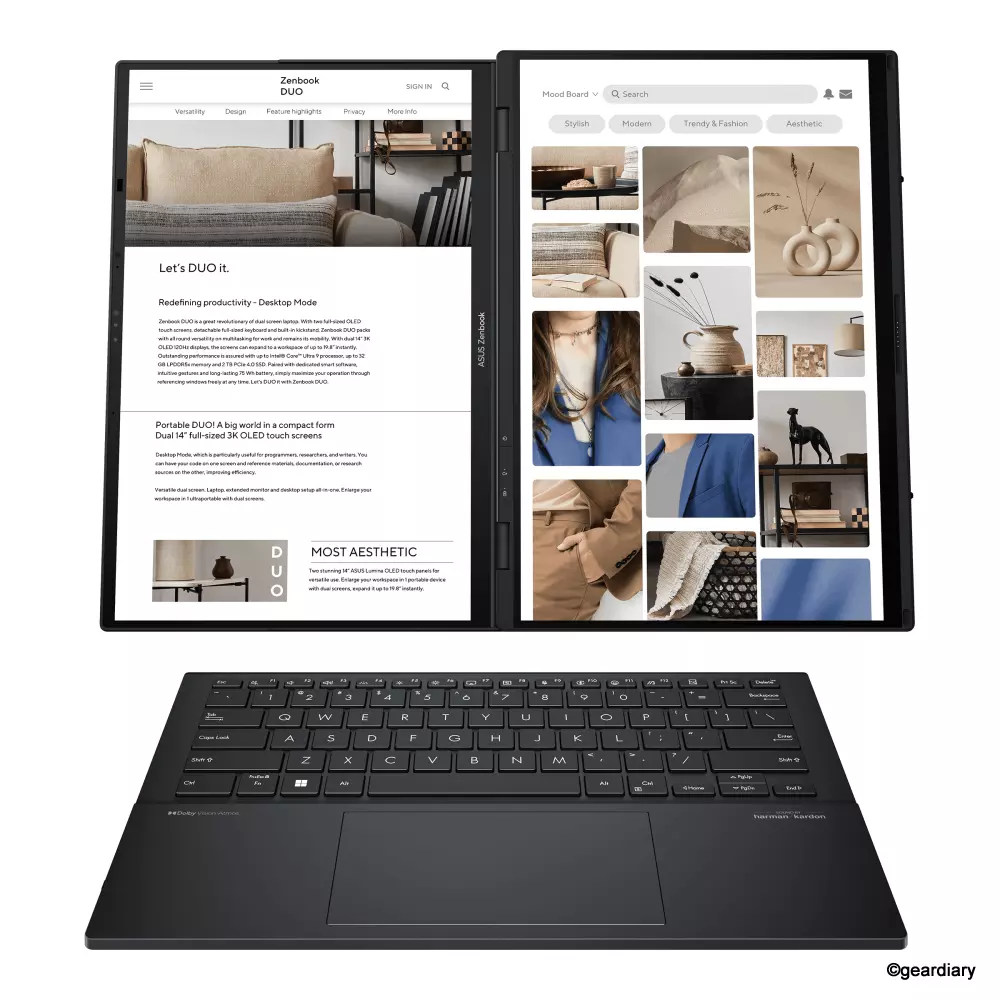
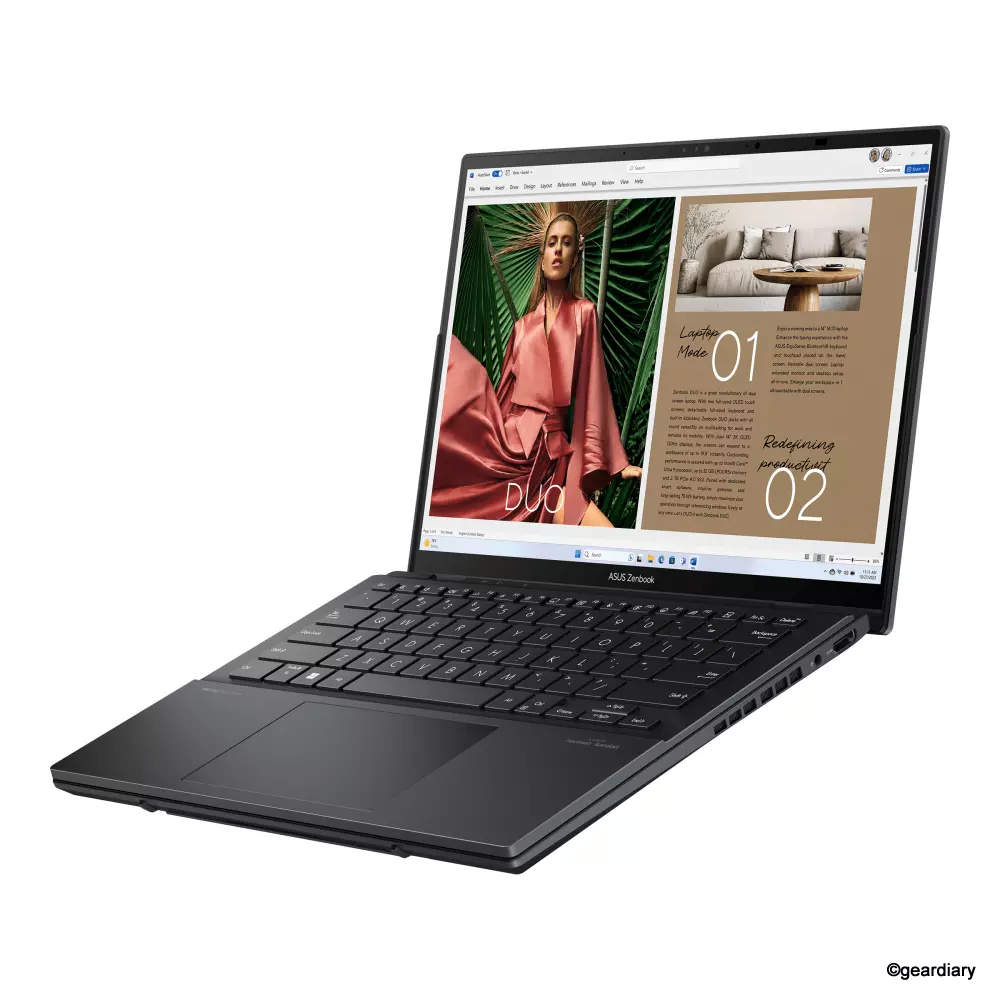
The Lenovo Yoga Book 9i Gen 10 and ASUS Zenbook Duo UX8406 both offer dual OLED displays that can be used horizontally or vertically, but the experience feels different depending on which you choose.
The Yoga Book 9i Gen 10 leans into vertical stacking, with two 14″ 2.8K OLED panels that create a natural top-to-bottom workflow. This layout works beautifully for reading, writing, coding, and keeping reference material open while working on the main screen. The displays are bright — up to 750 nits peak — support touch and pen input, run at a smooth 120Hz, and cover 100% of the DCI-P3 color gamut for accurate, HDR-ready visuals.
ASUS’s Zenbook Duo’s dual 14″ 3K Lumina OLED panels deliver 500 nits of brightness, 120Hz refresh rates, and Pantone-validated color for precise, color-critical work. The built-in kickstand also allows you to flip the Duo into a vertical configuration, so you can stack the screens when working with documents or research-heavy tasks.
Performance favors ASUS, with its Intel Core Ultra 9 285H CPU, while Lenovo tops out at an Ultra 7. Both feature Intel Arc graphics, up to 32GB LPDDR5X RAM, and 1TB PCIe 4.0 SSDs, so everyday multitasking is quick on either machine. Lenovo has the larger 88Whr battery versus ASUS’s 75Whr, which may give it a slight edge for endurance.
-

- ASUS Zenbook Duo UX8406
-
- ASUS Zenbook Duo UX8406
-
- ASUS Zenbook Duo UX8406
-
- ASUS Zenbook Duo UX8406
Lenovo wins on portability at just 2.69 pounds compared to ASUS’s 3.64 pounds, though ASUS is slightly thinner and meets MIL-STD 810H durability standards, making it more rugged for travel.
Both ship with detachable Bluetooth keyboards and stylus pens, but Lenovo’s bundle includes a mouse, sleeve, and folio stand, making it more “ready out of the box.” Lenovo also edges out ASUS on audio thanks to its rotating Dolby Atmos soundbar, which is a real upgrade for movies and video calls.
Software may seem more polished on ASUS, with ScreenXpert providing seamless window snapping and layout control, while Lenovo’s custom window manager sometimes resets layouts or misreads orientation after sleep.
Bottom line: the Lenovo Yoga Book 9i Gen 10 is lighter, looks more refined, and comes with a better accessory kit, while ASUS offers more raw power, tougher construction, and a slightly more refined software experience. The choice will come down to which device works better for your needs.
Who Should Buy This (and Who Shouldn’t)
If you’re a creative professional, multitasker, or just someone who thinks having two screens in a laptop sounds cool, the Yoga Book 9i Gen 10 delivers an experience unlike anything else on the market. It’s for people who enjoy experimenting with their workflow and aren’t afraid of the occasional software hiccup.
If you want something dead simple, mostly for email and Netflix, there are easier and much cheaper options. The dual-screen setup only makes sense if you’ll actually use it. Otherwise, you’re just paying for bragging rights and a very fancy second monitor you won’t take advantage of.
Final Thoughts
The Lenovo Yoga Book 9i Gen 10 is one of the most interesting laptops you can buy today. It’s beautiful, light, powerful, and versatile enough to replace a small desktop setup for many people. It’s also slightly frustrating at times, especially when the software decides to ignore your carefully arranged windows.
Despite its quirks, I’d have a hard time going back to a traditional laptop now that I’ve had this much screen real estate in such a portable package. It’s not perfect, but it’s compelling, and if Lenovo can keep improving the software experience, this could become the gold standard for dual-screen productivity laptops.
Pricing for the 14″ Lenovo Yoga Book 9i Gen 10 starts at $1709.99; it is available directly from the manufacturer and other retailers, including Amazon.
Source: Manufacturer-supplied review sample
What I Like: Dual 14″ OLED 120Hz screens with HDR and full DCI-P3 color; Vertical stacking = portable dual-monitor setup; Light (2.69 pounds) and thin for easy carry; Big 88Wh battery for longer use; Full accessory kit with keyboard, pen, mouse, stand, sleeve; Rotating Dolby Atmos soundbar for rich audio; Cool, quiet performance with strong CPU
What Needs Improvement: Occasional software glitches causing layout resets, orientation quirks; The keyboard’s extra key column can cause mispresses; The stand angle is a bit too shallow and not lap-friendly; The battery drains fast at high brightness; The included sleeve doesn’t quite fit all the included accessories




Be the first to comment on "Lenovo Yoga Book 9i Gen 10 Review: A Lightweight Dual-Screen Laptop with Serious Multitasking Skills"