
The Lowdown
The HP FilmScan 5” Touch Screen Film Scanner is one of those rare gadgets that doesn’t just promise utility; it delivers meaning. It let me digitize decades-old slides of my family’s ranch and uncover photos of loved ones I’d never seen before. It’s not flawless, but it doesn’t need to be.
Overall
Pros
- Compact, lightweight, easy setup
- Can be powered by a battery pack for extra portability
- Simple 5″ touchscreen for previews
- Handles multiple film formats
- Quick slide loading with decent results
- Basic edits built in
- Files are easy to share
- Faster and more reliable than mail-in services
- Fair price for home digitizing
- You can use odd-sized negatives lying flat on the scanner, but it requires patience
Cons
- No SD card included
- Low-res touchscreen
- Image quality is only as good as your slides or negatives, and some further photo-editing may be needed
There are gadgets that make life easier, and then there are gadgets that make life meaningful. The HP FilmScan 5” Touch Screen Film Scanner falls somewhere in between. On the surface, it’s just a device that converts your old slides and negatives into digital files. But in practice, it has the potential to bring back people, places, and entire eras you thought were lost to a shoebox in the back of a closet.
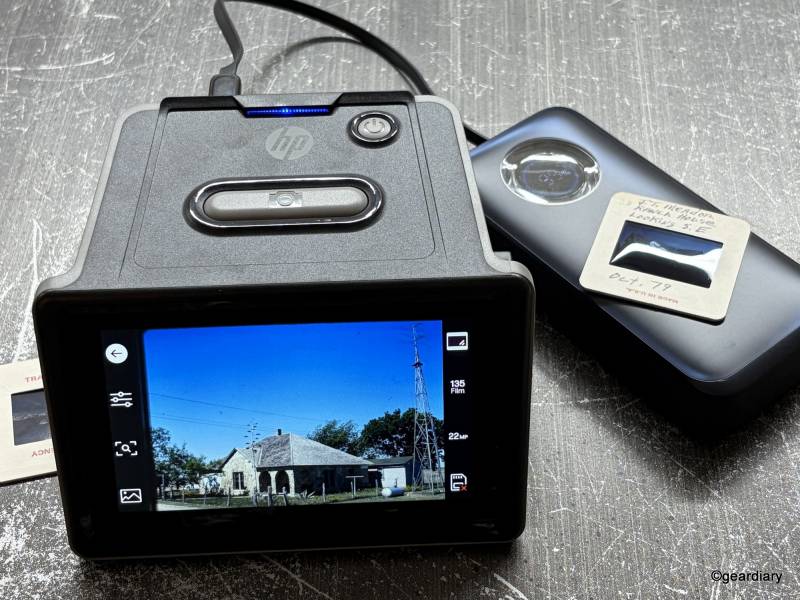
The HP FilmScan isn’t a turnkey solution; you do have to patiently load each slide or negative and snap a button to capture it, but when the payoff for a little bit of patience is finally seeing family memories on a crisp display instead of through the glow of a desk lamp, the effort feels worth it.
This is the kind of product that could be passed over in favor of sending your slides to a service, but as I found out the hard way, that option isn’t always as simple—or reliable—as it sounds.
The Backstory: Why The HP FilmScan Mattered to Me
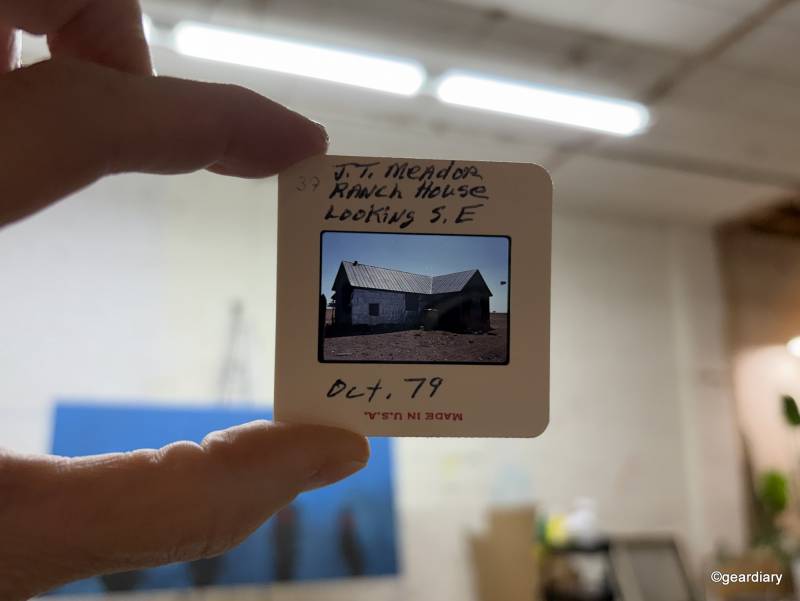
In 1986, my Uncle Tom passed away, leaving behind a binder full of slides he had taken of my family’s ranch. I didn’t receive them until 2017, when his widow passed the collection along to me. It felt like inheriting a sealed time capsule.
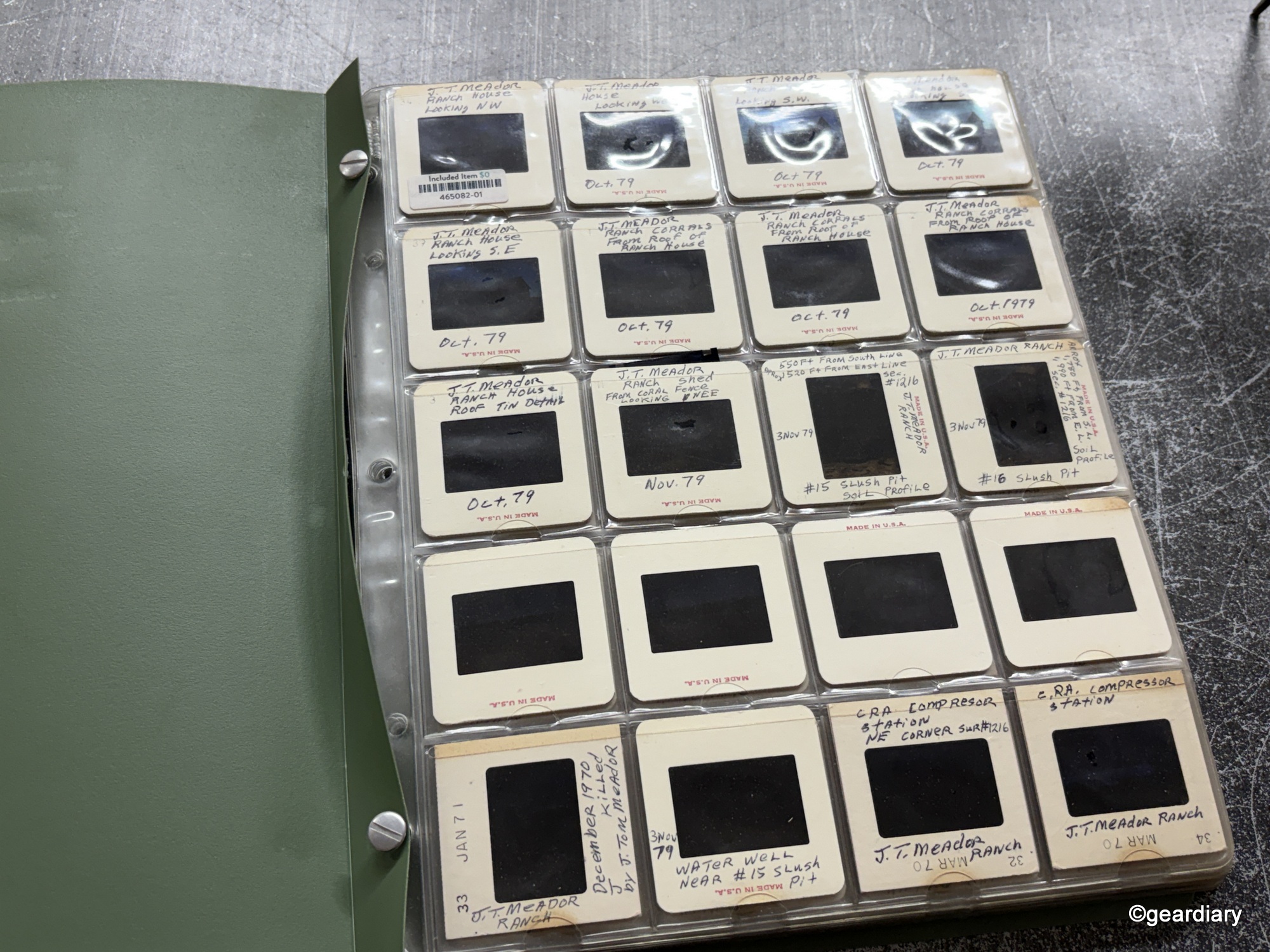
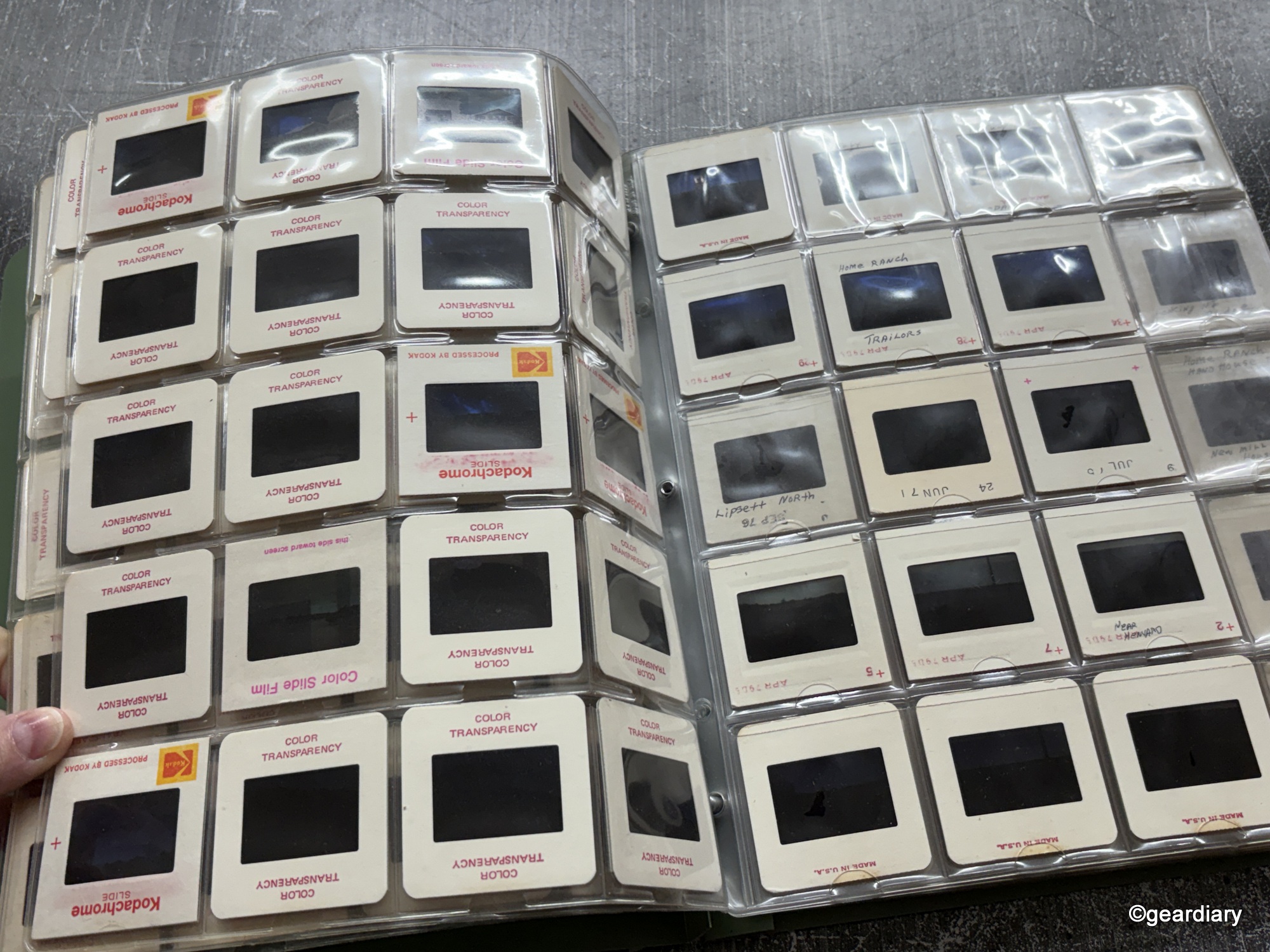
Naturally, I wanted to see them.
In January 2018, I boxed up the slides and sent them off to Legacybox, a service that promises to digitize just about anything you can throw at them. After paying nearly $200, after a 40% discount had been applied, I expected to receive a neat little USB stick of memories in return. Instead, what I got back was my same binder with a sticker slapped across the back reading: “This item is a format we are unable to digitize.” Cue the sad trombone.
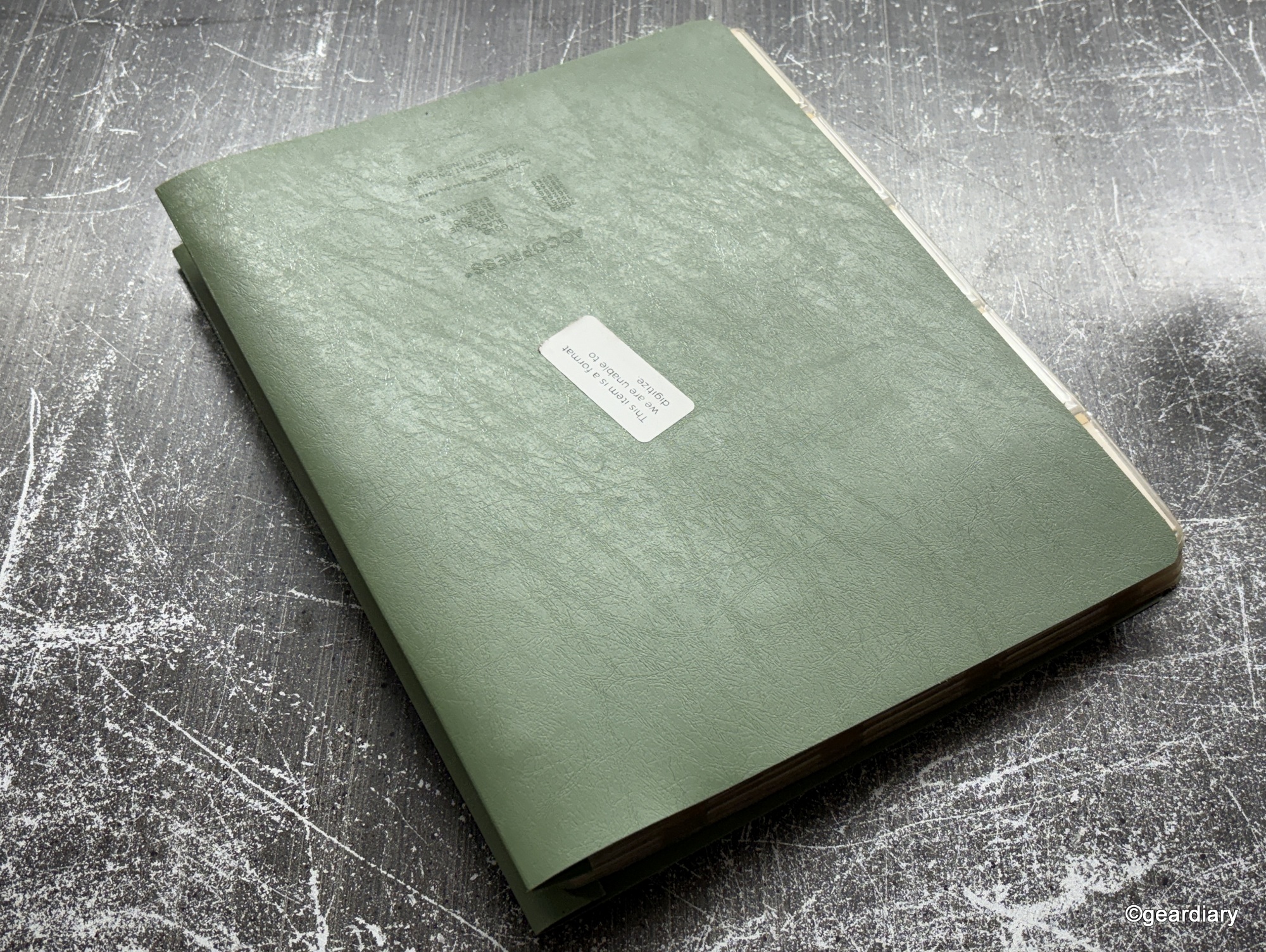
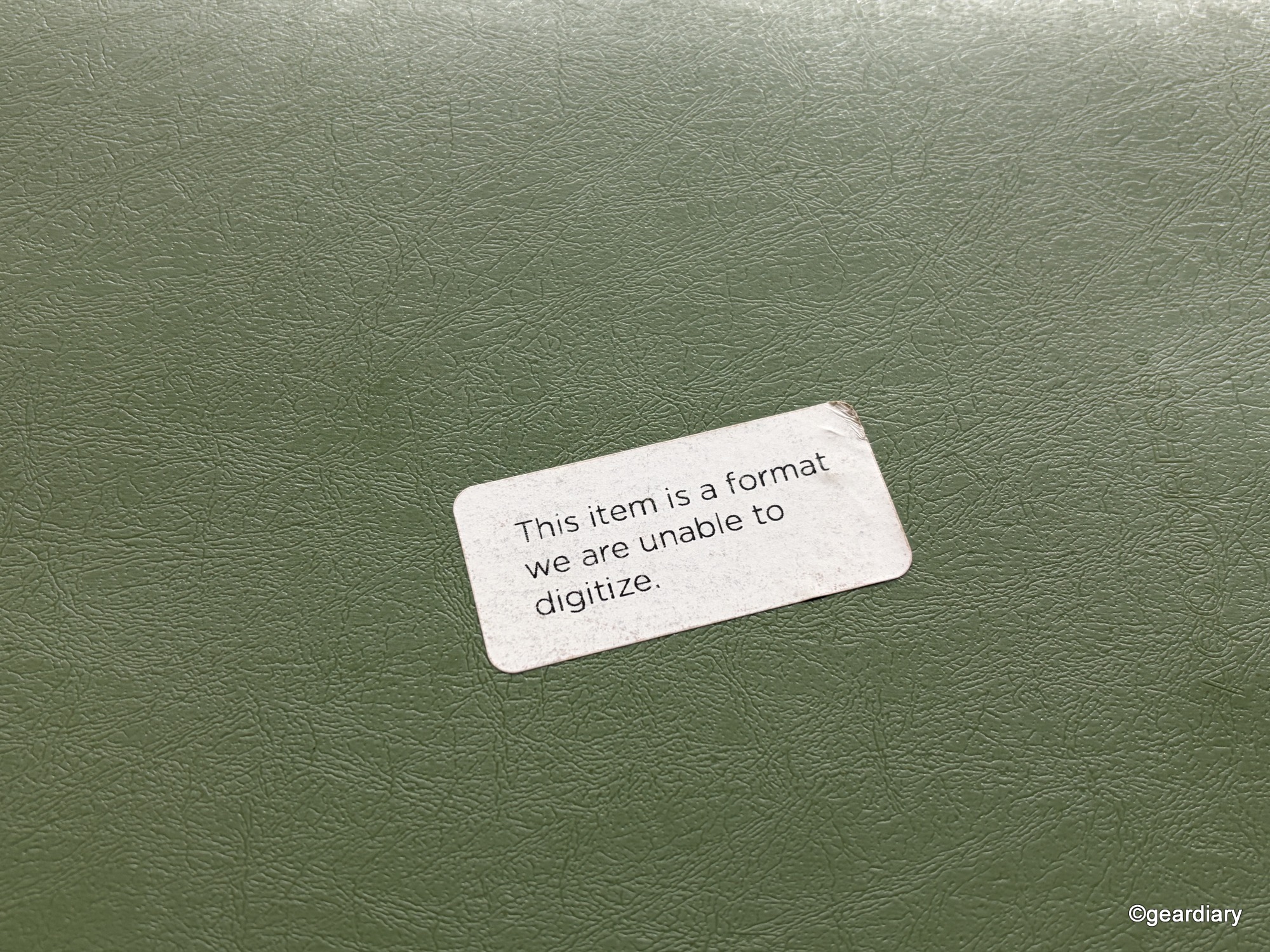
To the best of my knowledge, the issue was that I hadn’t removed the slides from their binder before shipping. Legacy Box was kind enough to give me a full refund and return my slides, though.
So, the binder went back into storage, where it stayed until this year, when I received the HP FilmScan 5” Touch Screen Film Scanner to review. With an SD card or microSD card (no larger than 128GB) and a couple of hours, those once-forgotten images were finally freed.
What’s in the Box?
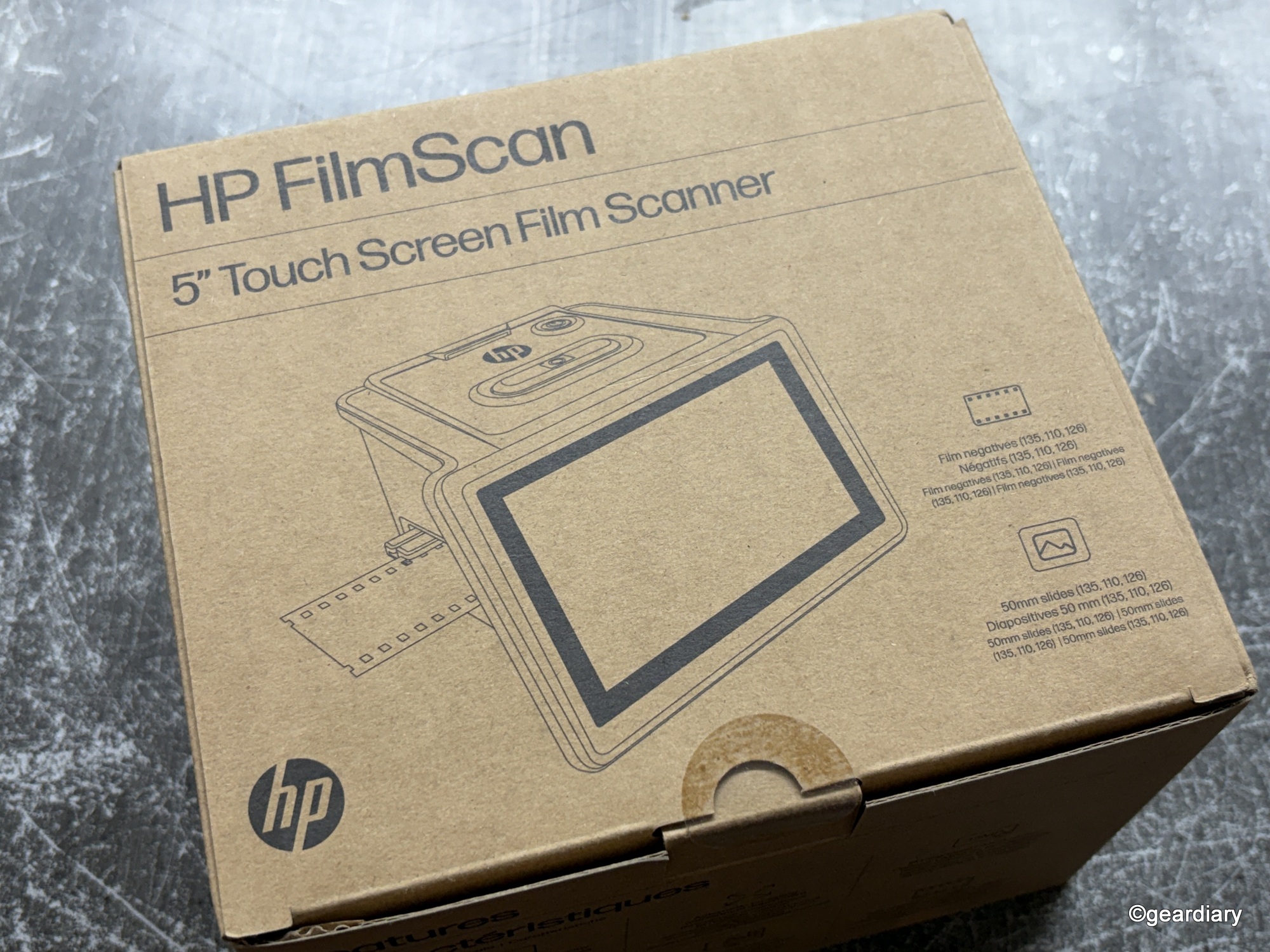
Out of the box, the HP FilmScan is refreshingly straightforward. You get the scanner itself, which is about the size of a large mug laid on its side, along with several film adapters, a slide holder, a cleaning brush, a USB cable, and a very slim manual.
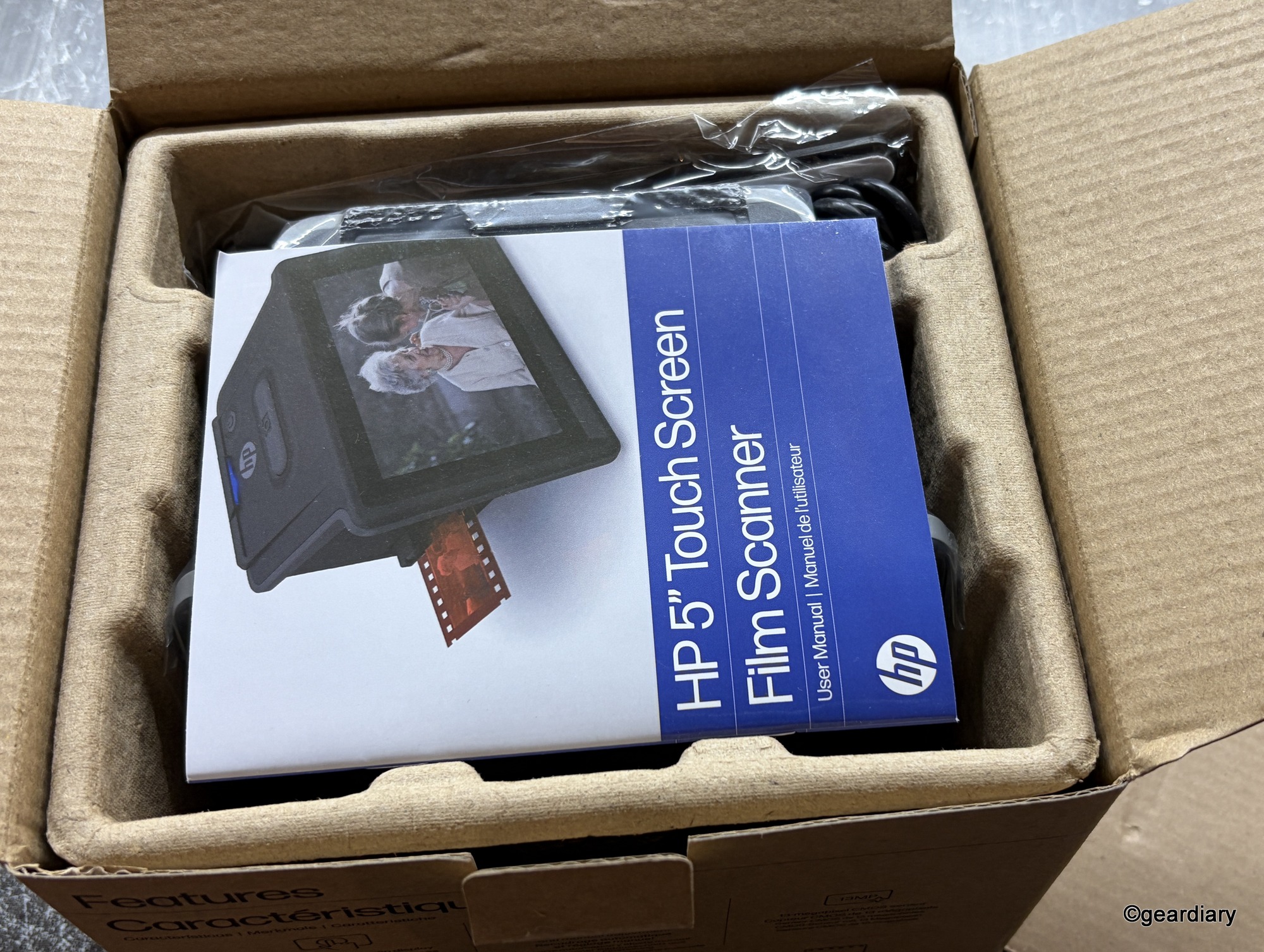
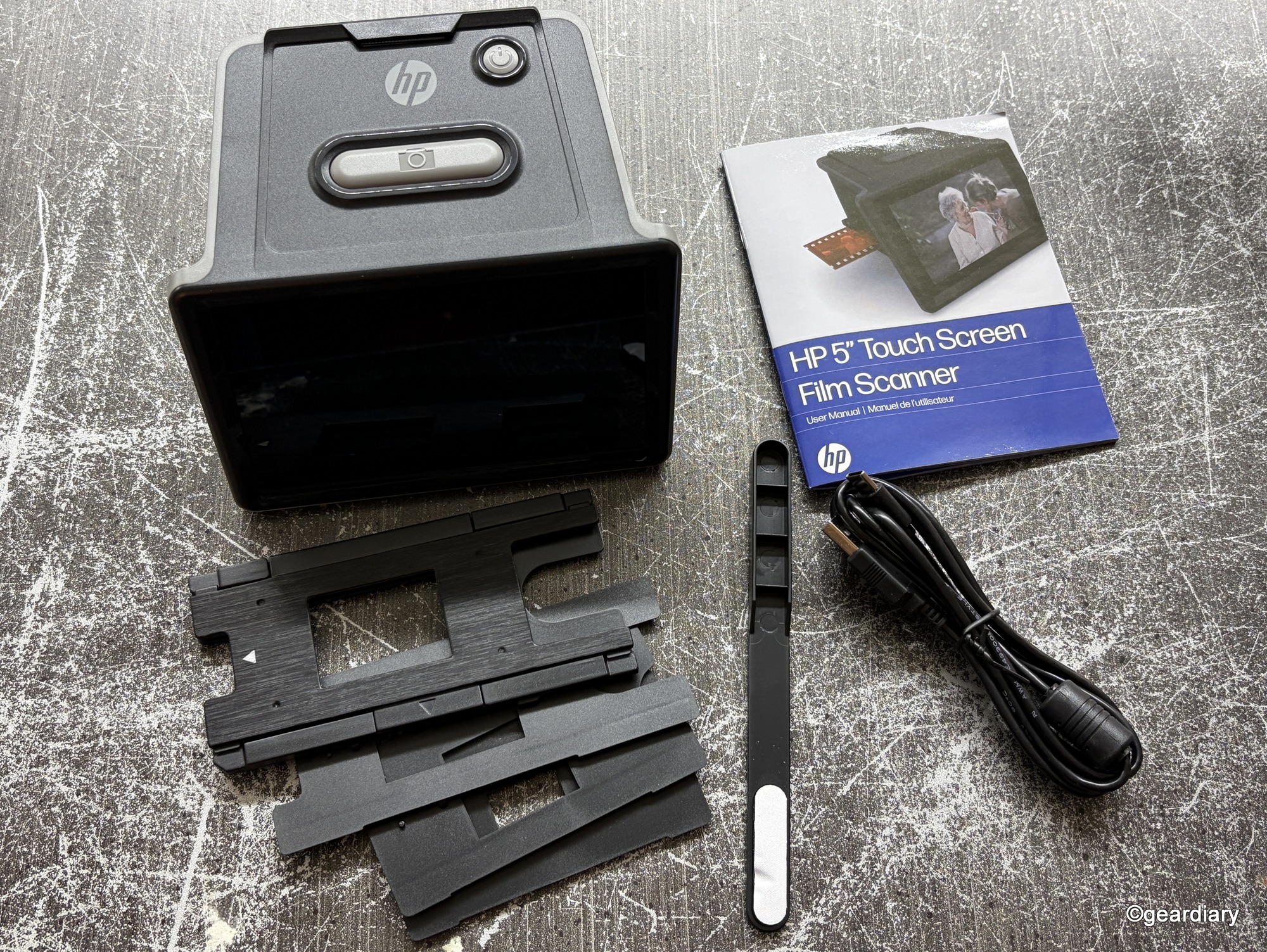
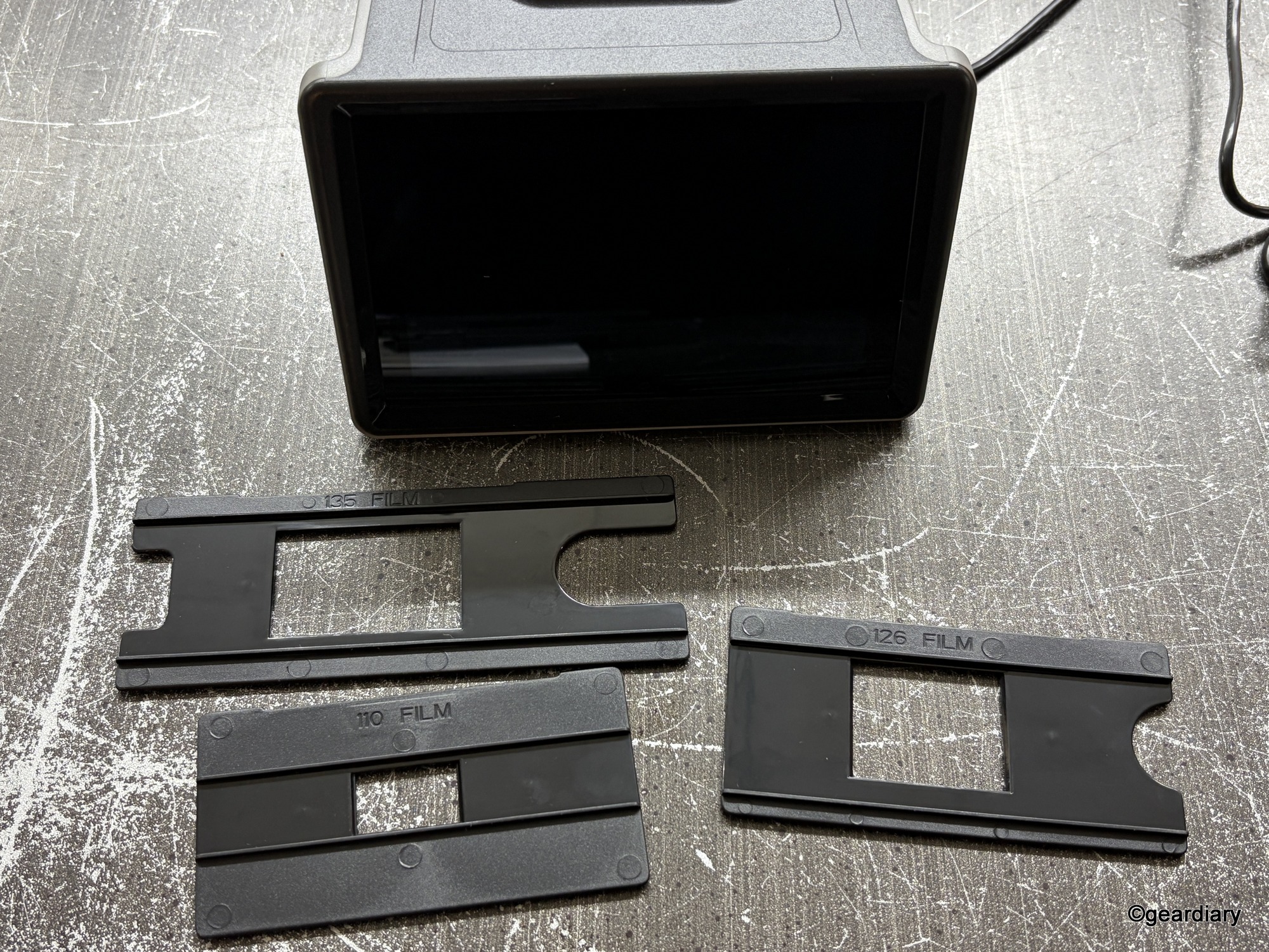
The included accessories cover most of the basics: mounted 50mm slides, strips of 35mm negatives, 110 film, and 126 film, both in color and black and white. If your collection fits neatly into those formats, you’re good to go. If not, well, you’ll be improvising. (I was, and more on that later.)
What you won’t find in the box is an SD card, which means before you can use this thing, you’ll need to provide your own. I had to order a new 128GB card because I didn’t have one of that size on hand. I had a 512GB microSD card and an SD adapter, but HP isn’t joking when they say not to use anything larger than a 128GB card.
Design and Build Quality
Physically, the scanner is compact at 4.66″ wide by 5.7″ long by 3.54″ high. It weighs 13.4 ounces, which is light enough to move around but heavy enough to feel substantial and not like cheap plastic. It’s a glossy, no-frills box with a 5″ LCD touchscreen taking up most of the real estate. HP also built in a simple “Gallery” mode, which lets you flip through your scans right on the screen or even run a slideshow if you want to use it as a digital photo frame.
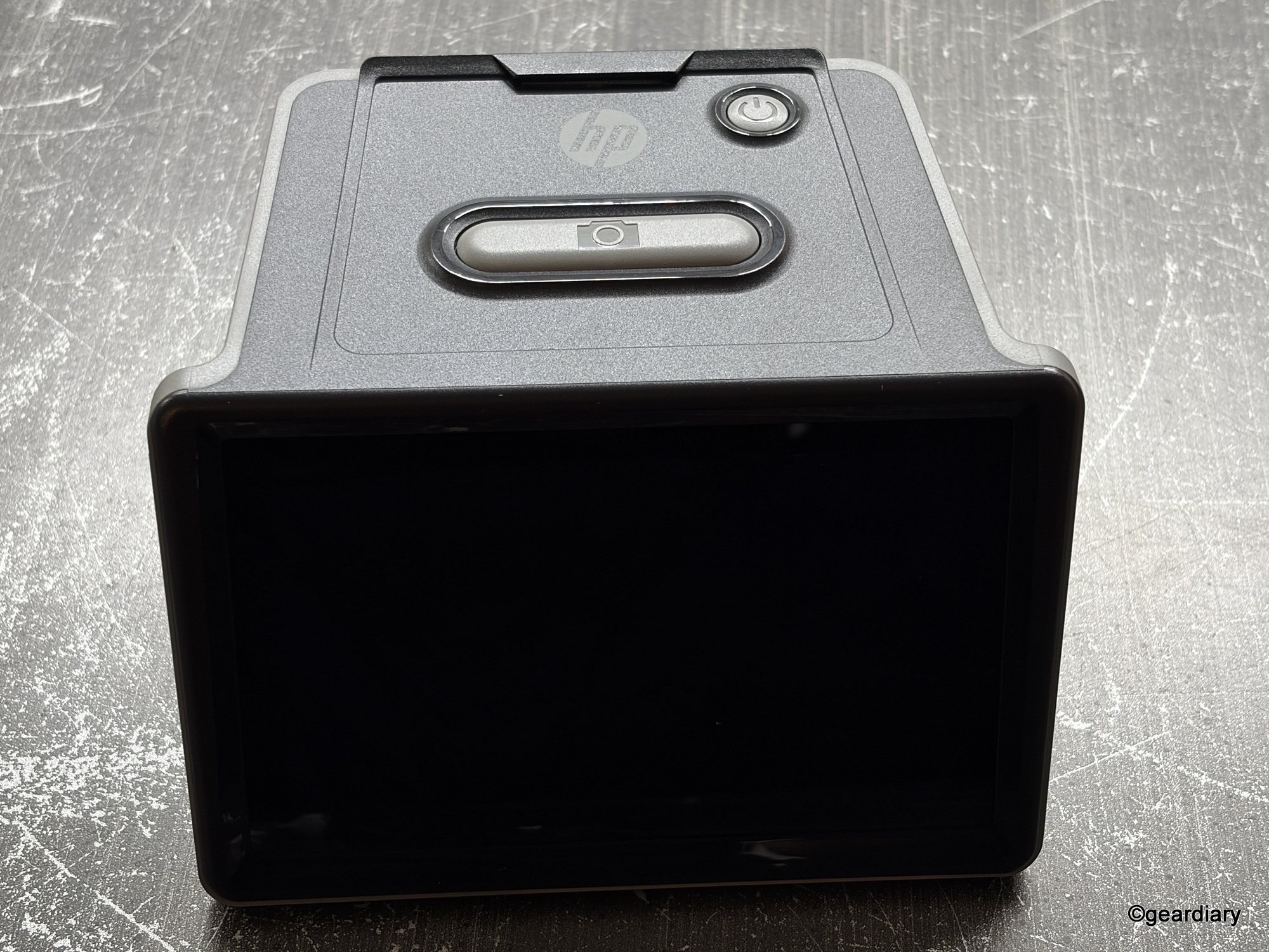
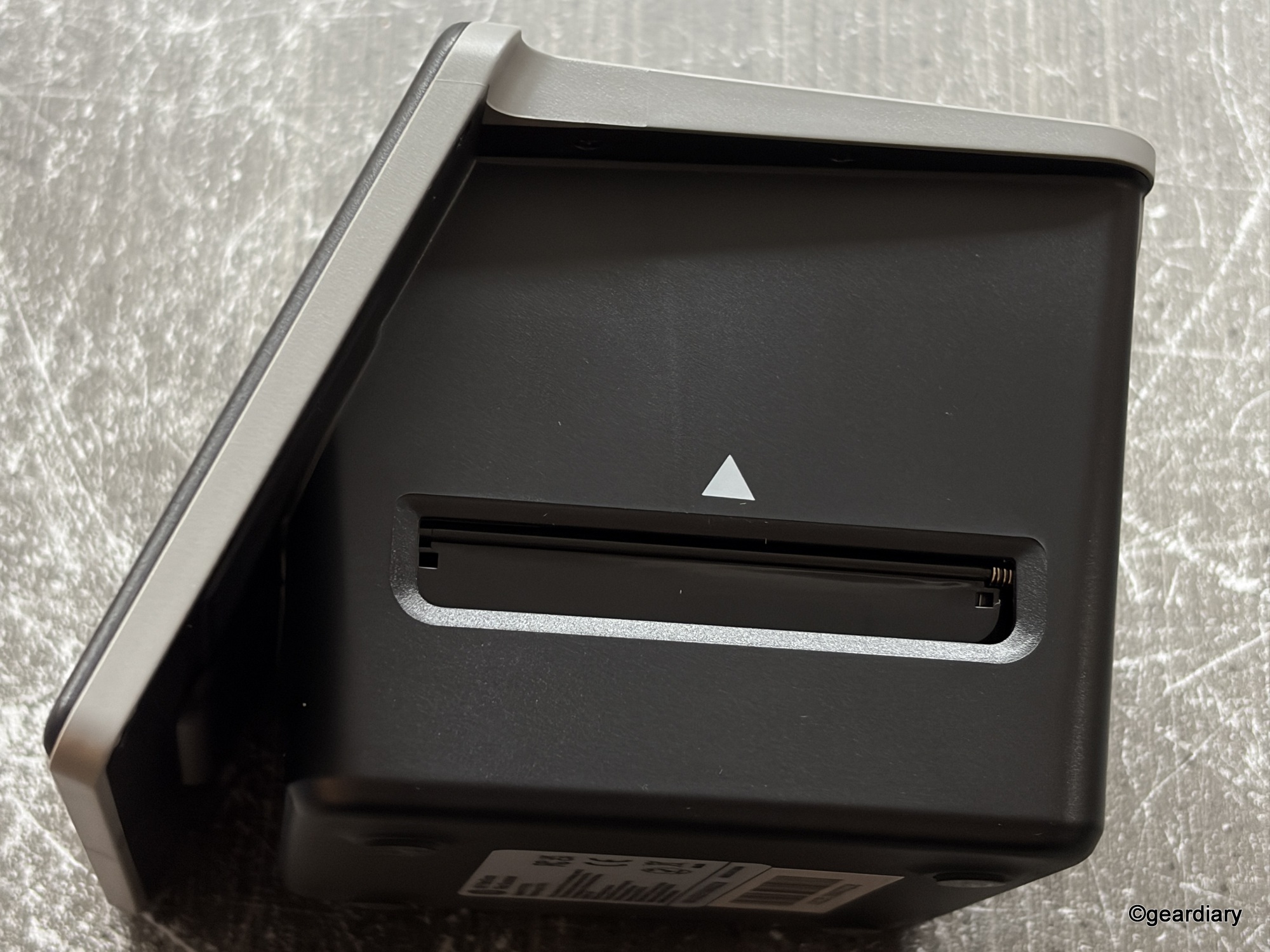
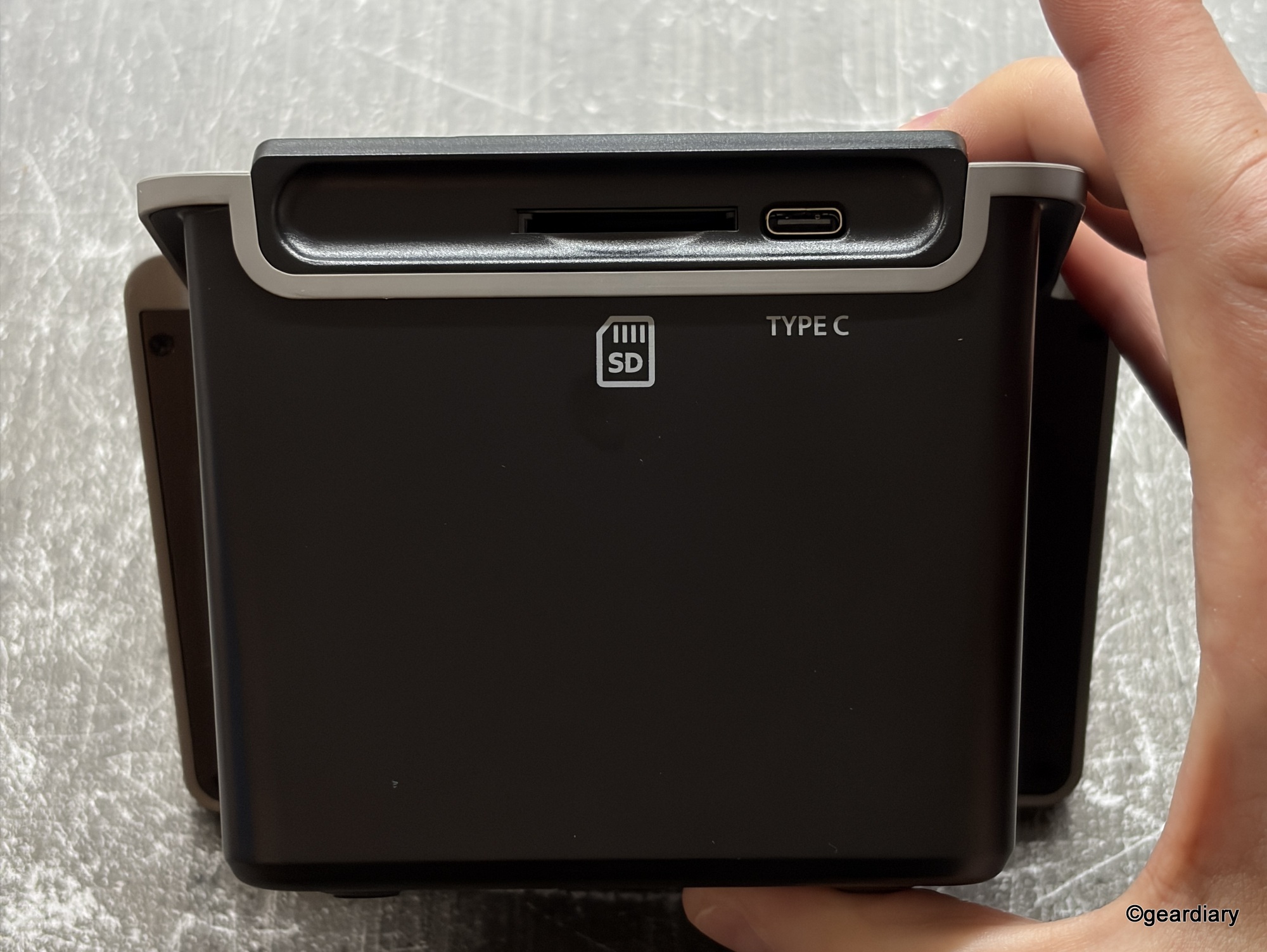
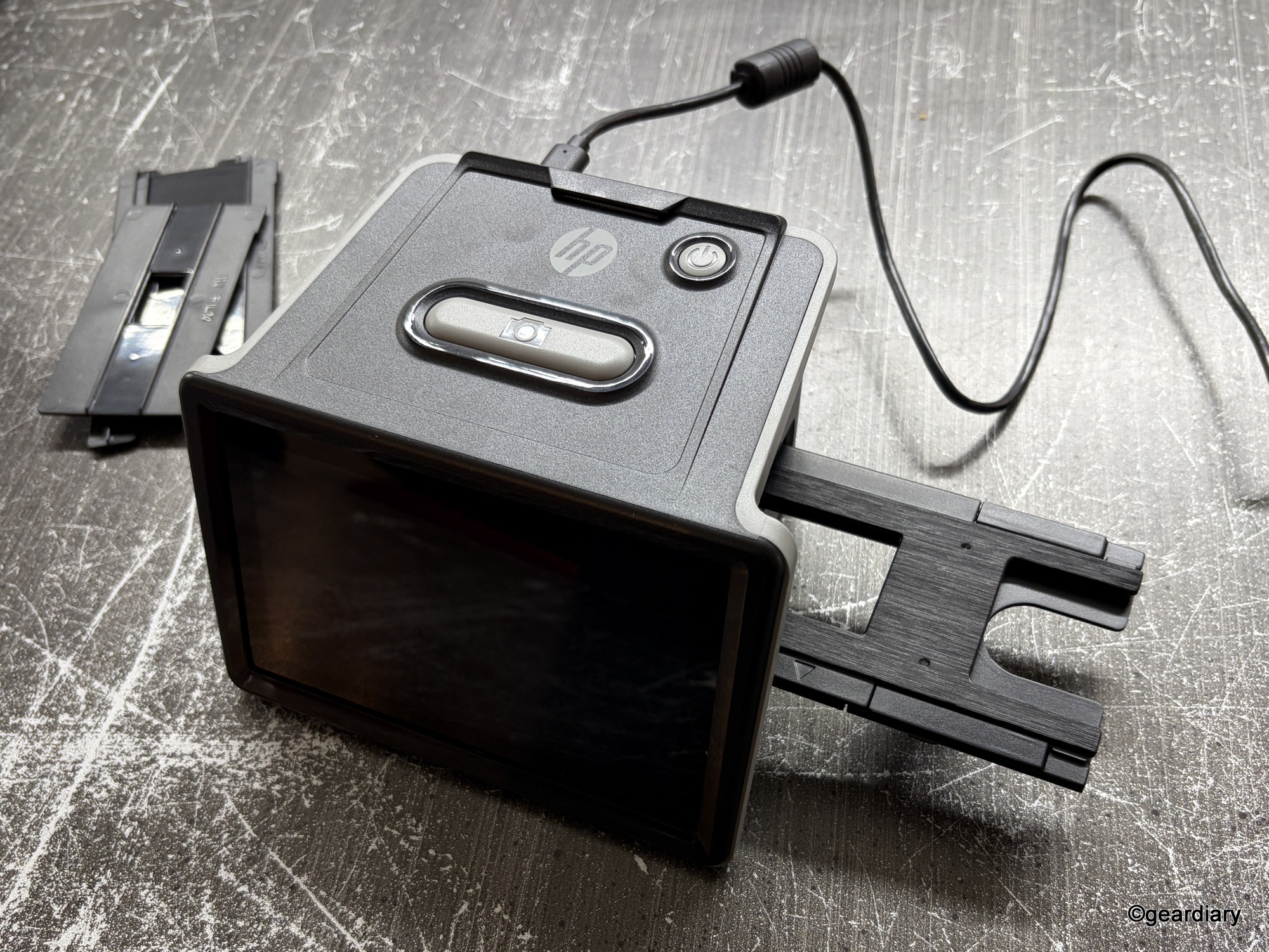
The touchscreen is surprisingly responsive, though it won’t win any beauty contests. This is not a Retina-grade display designed to impress you with color accuracy; it’s intended for basic previews and navigation. Think “photo kiosk at a drugstore,” not “iPad Pro.” I was delighted to find out that it could be powered from an external battery pack, which meant I could sit in a comfortable area that wasn’t near a plug to work on my scans.
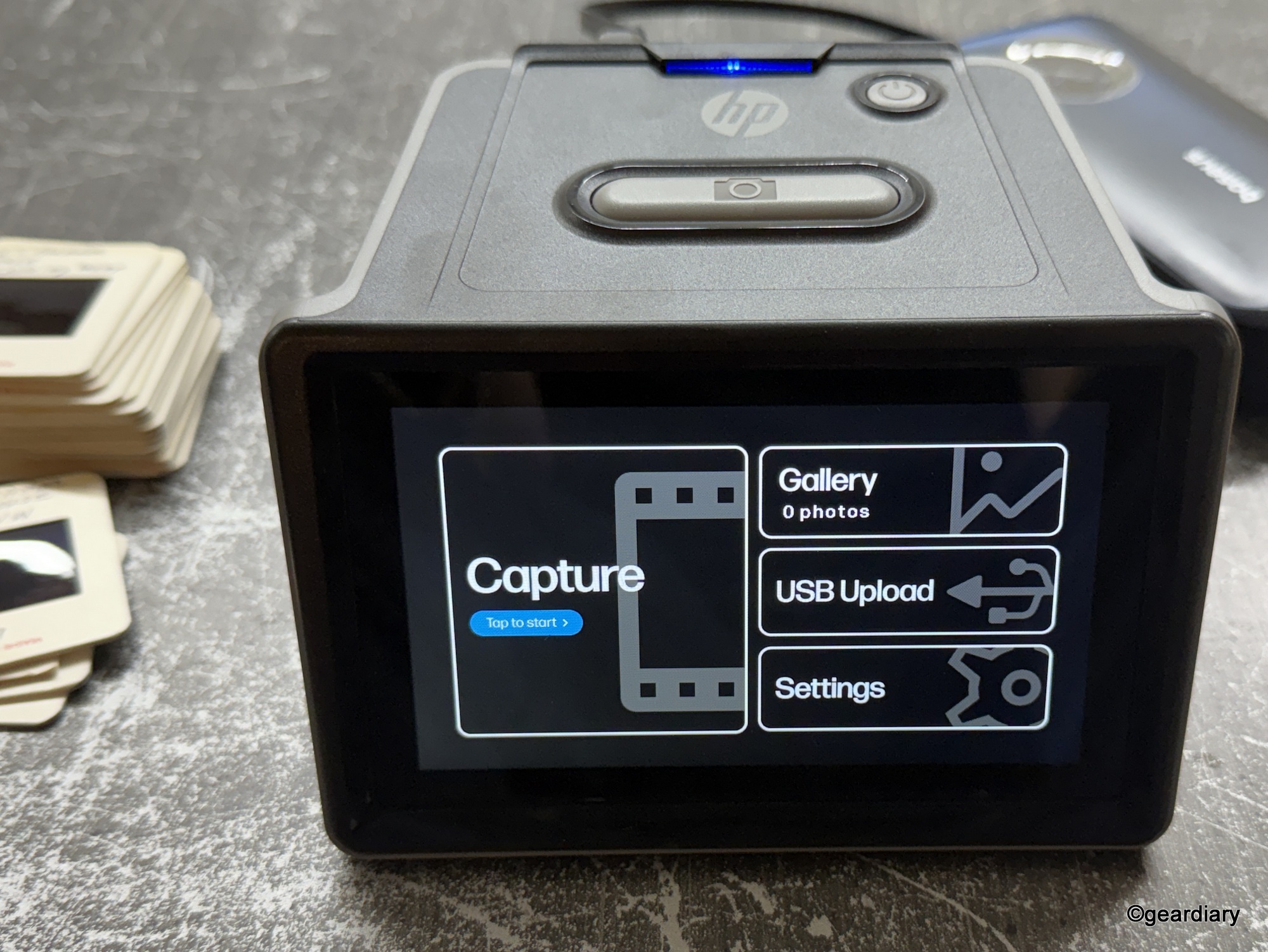
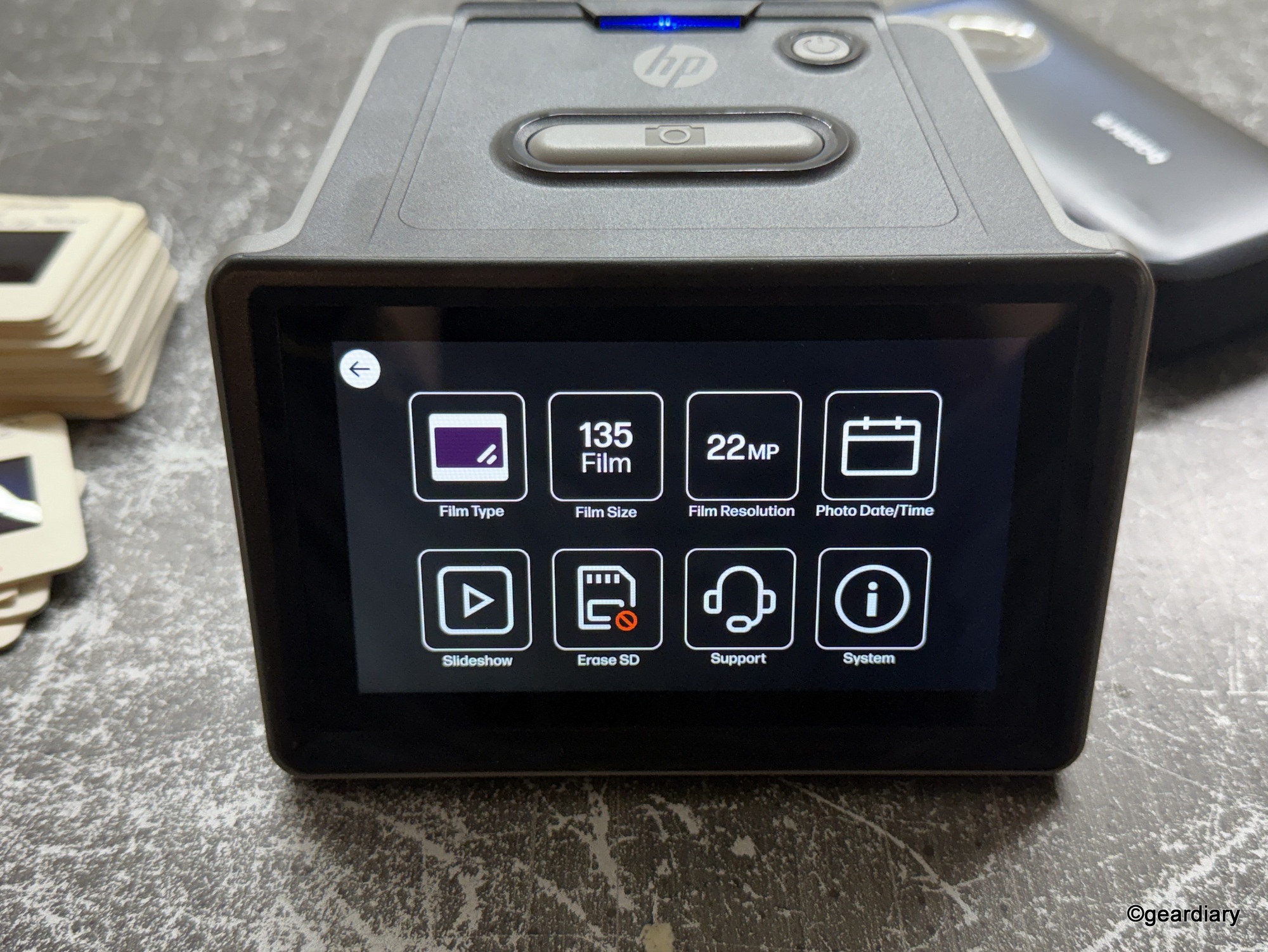
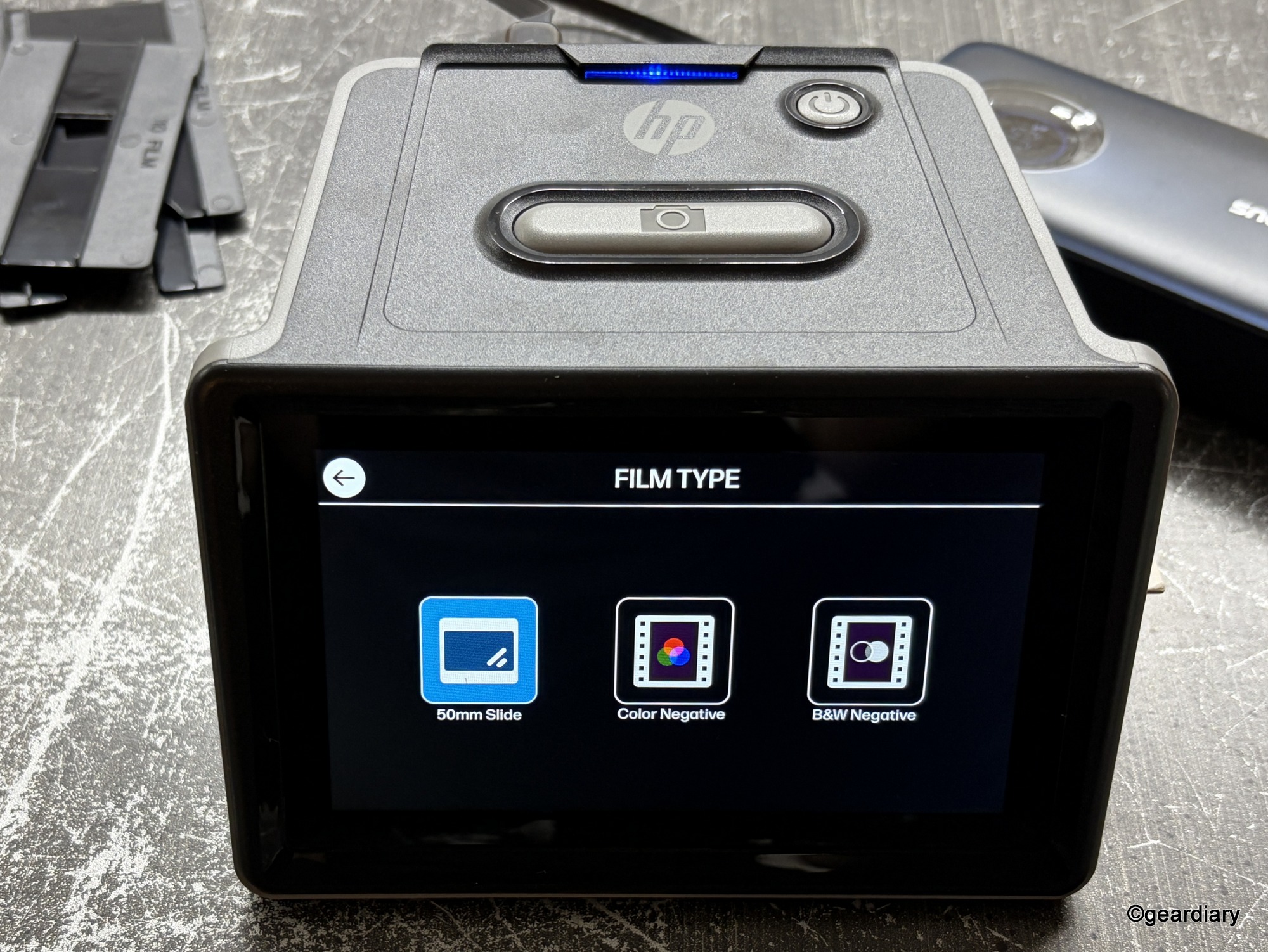
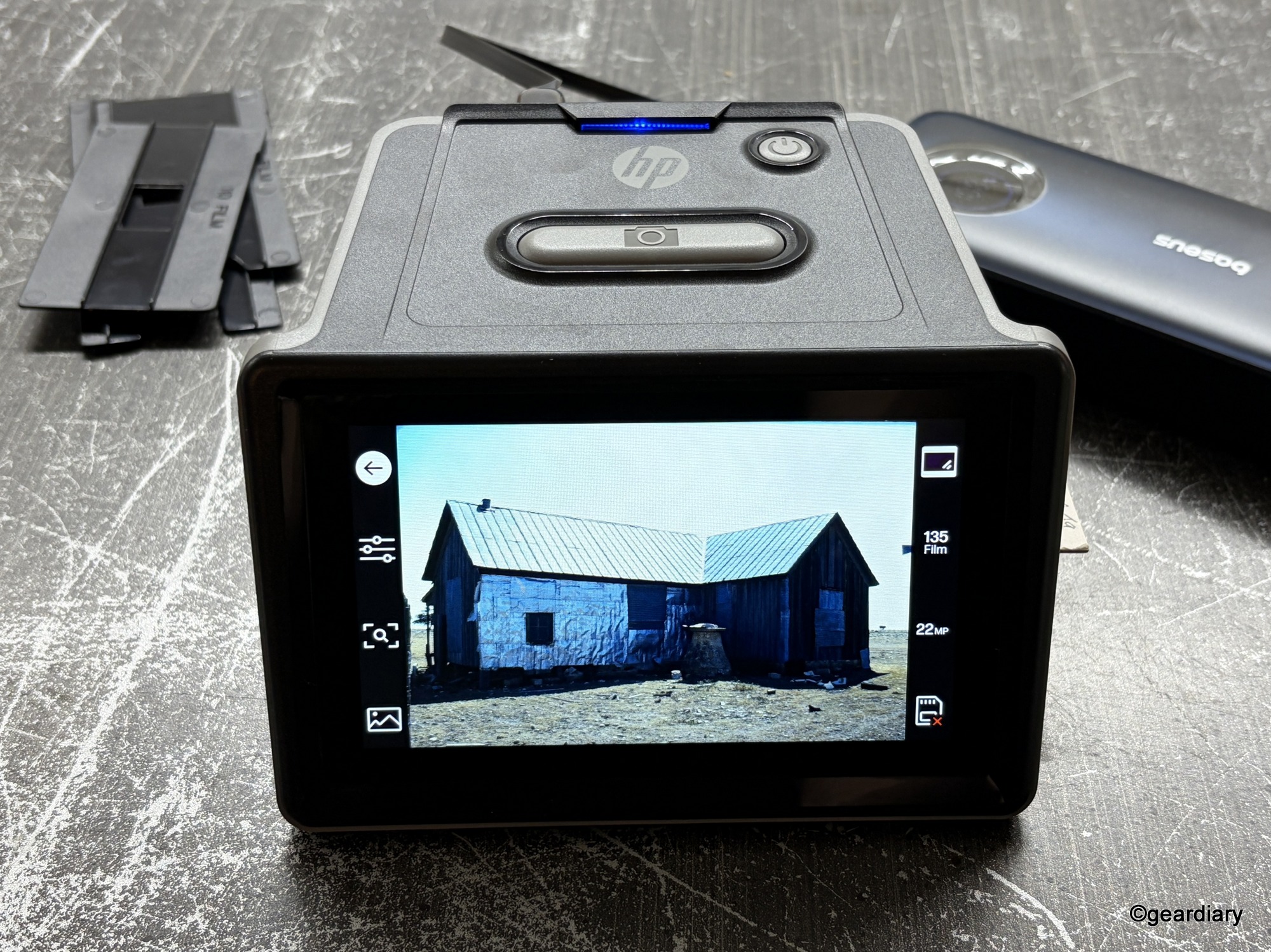
The adapters and loading trays are made of lightweight plastic. They don’t feel especially premium, but they get the job done. You’ll probably want to treat them gently, because if one breaks, you’ll be back to Googling replacement parts instead of digitizing memories.
How It Works
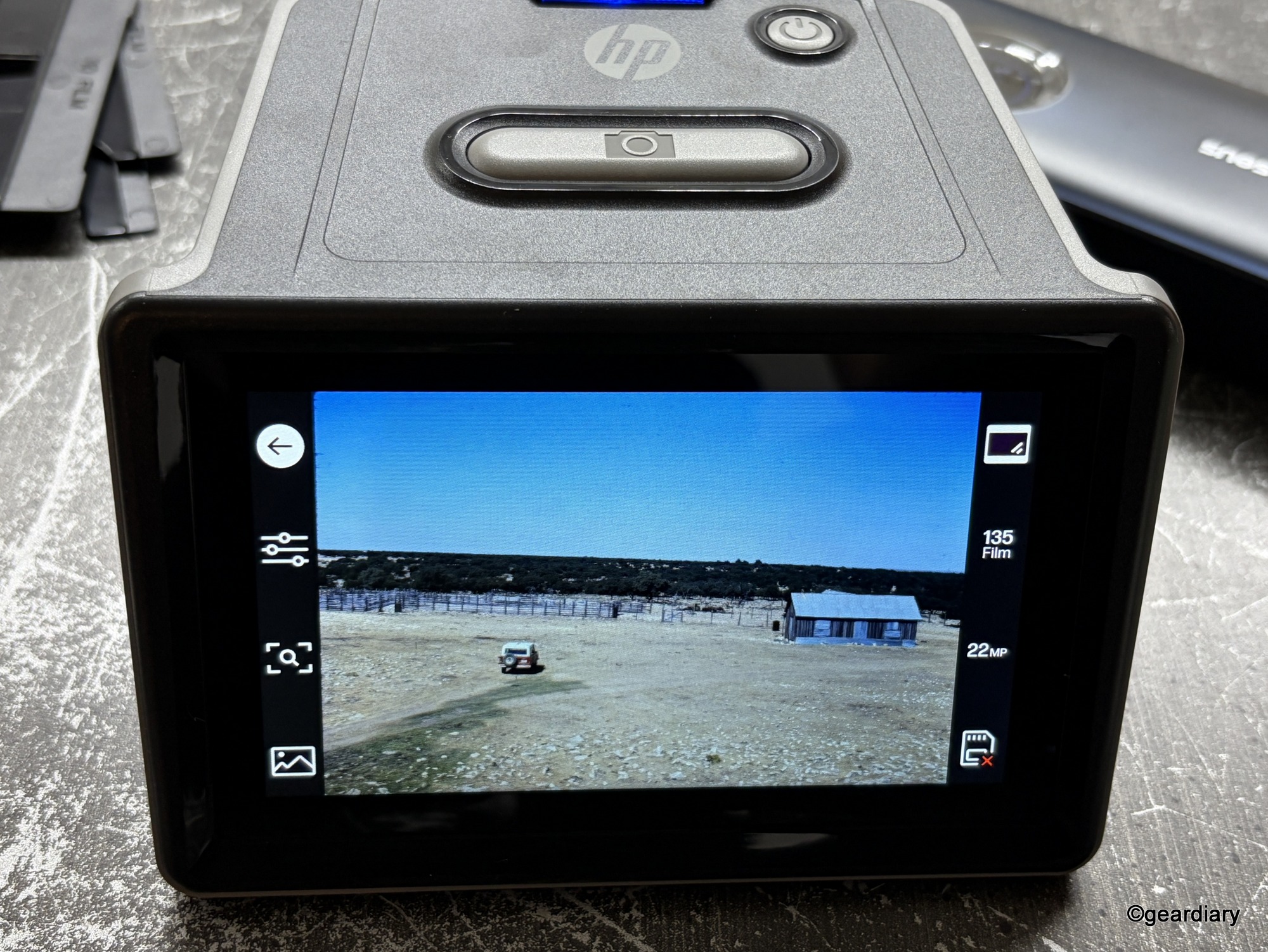
Using the HP FilmScan is simple in theory: load a slide or strip into the appropriate tray, feed it into the scanner, preview the image on the touchscreen, and save it to your SD card (inserted into the SD port face down). In practice, it requires patience, especially when dealing with older or fragile film. If you’d rather move files directly, there’s also a USB Upload option that allows you to connect the scanner to your computer and transfer images directly without removing the card.
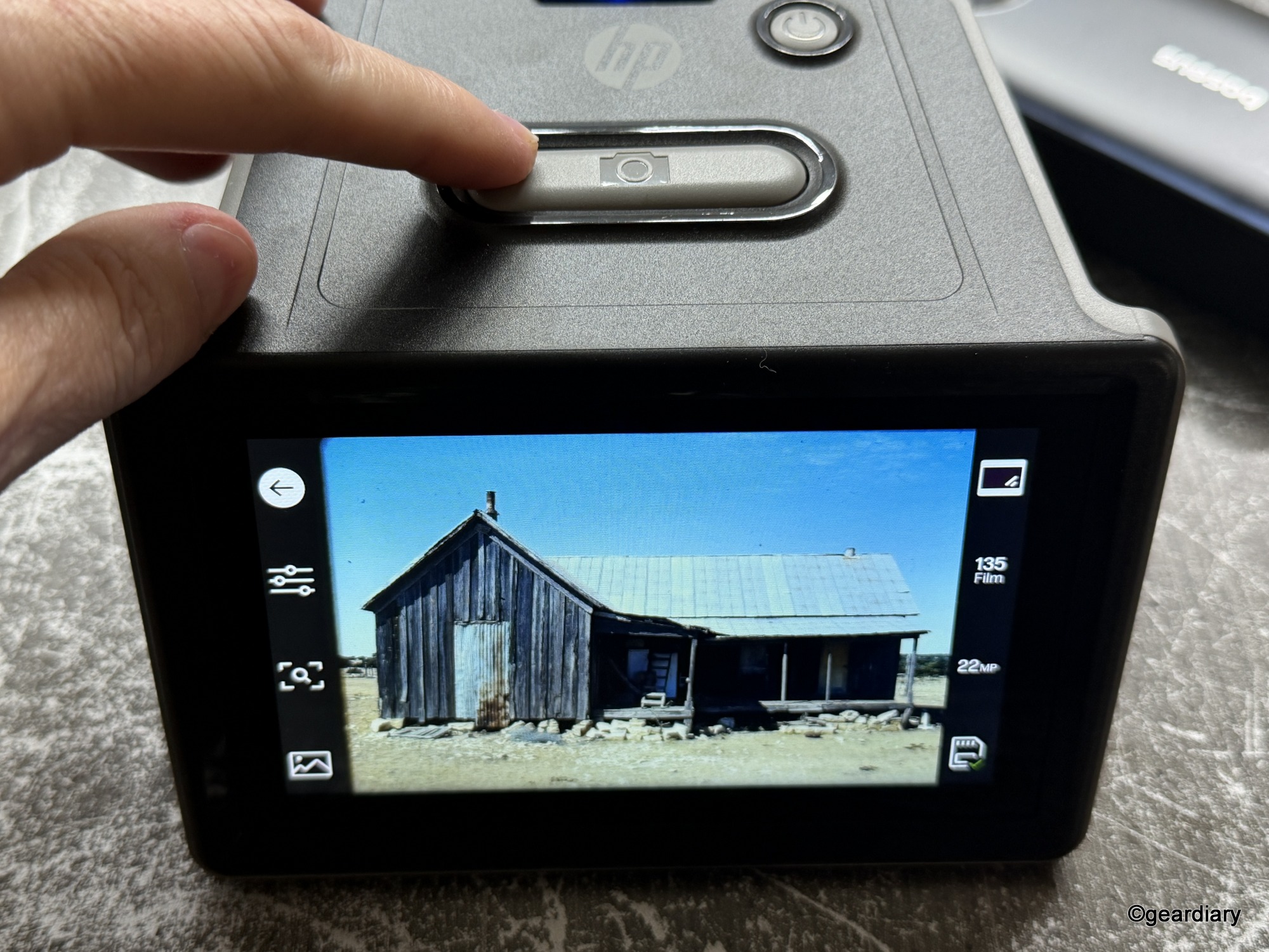
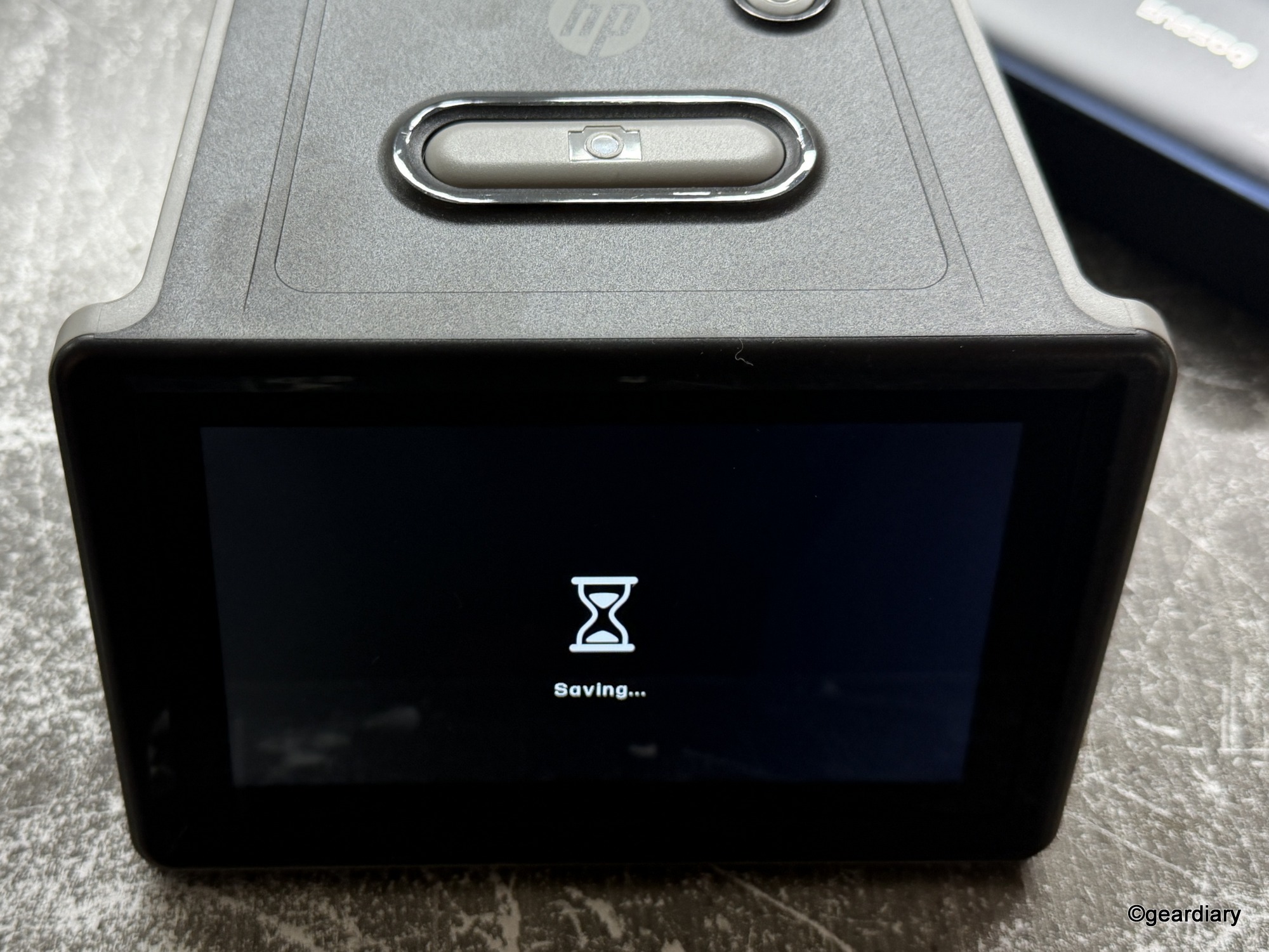
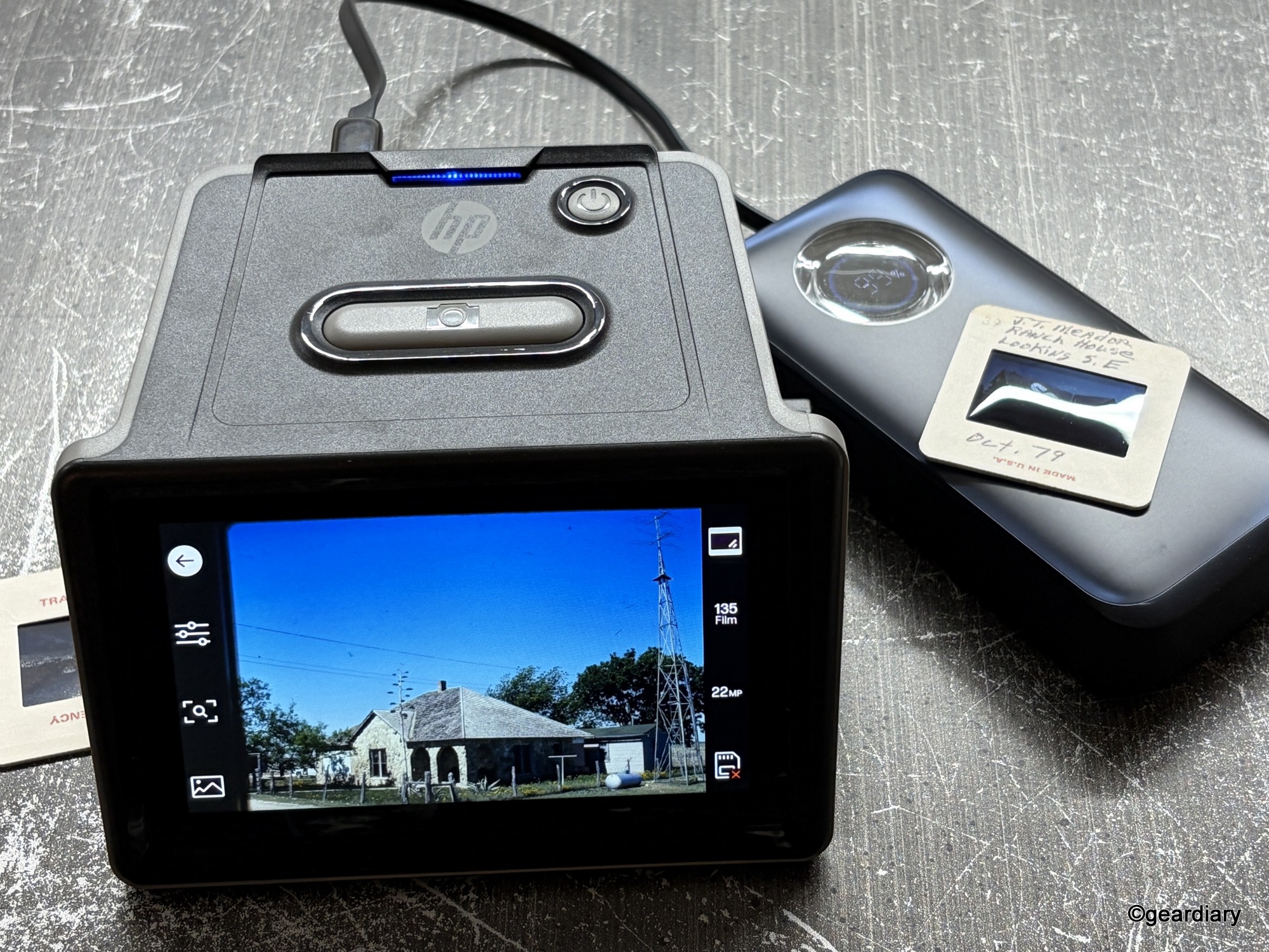
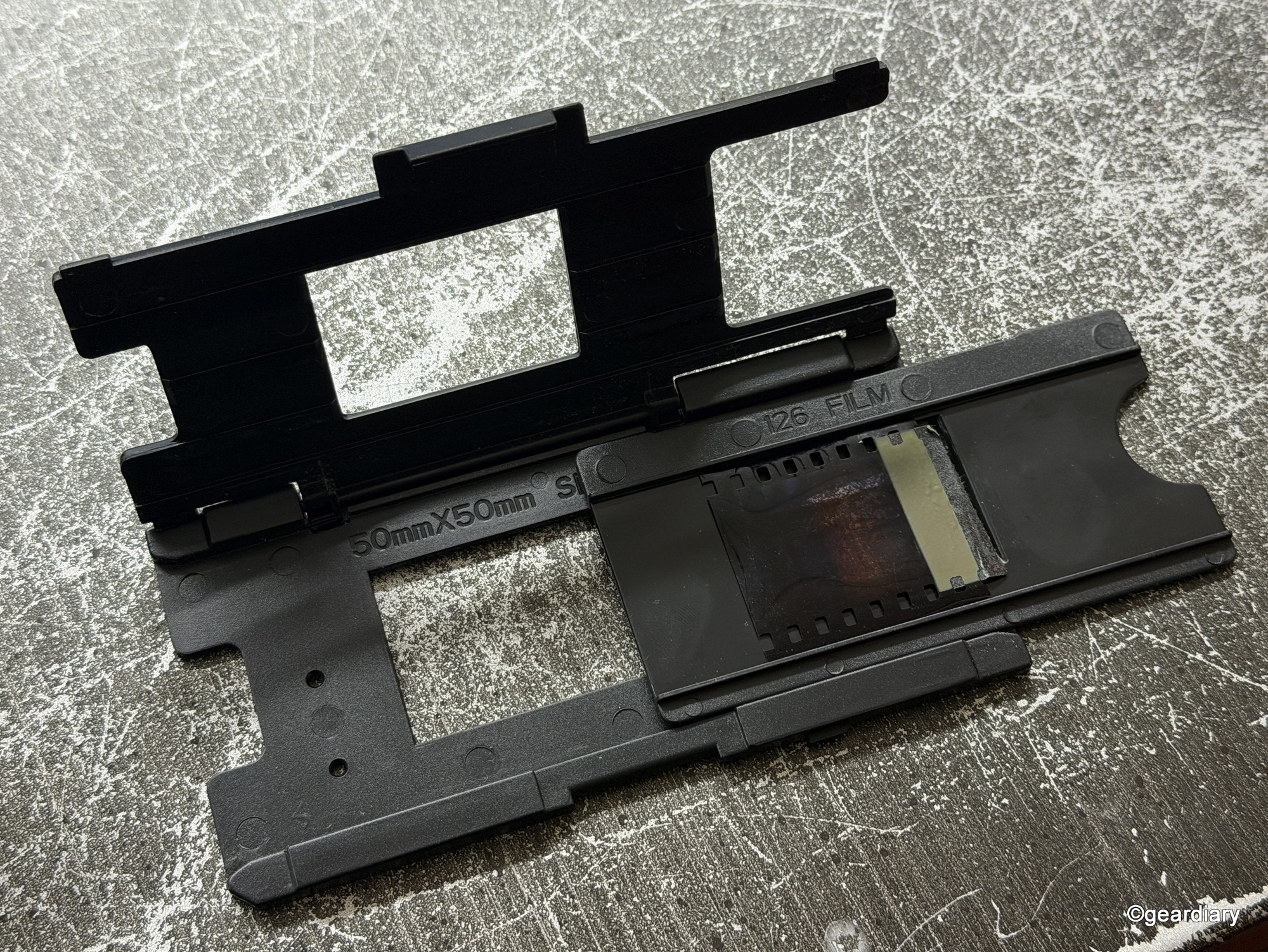
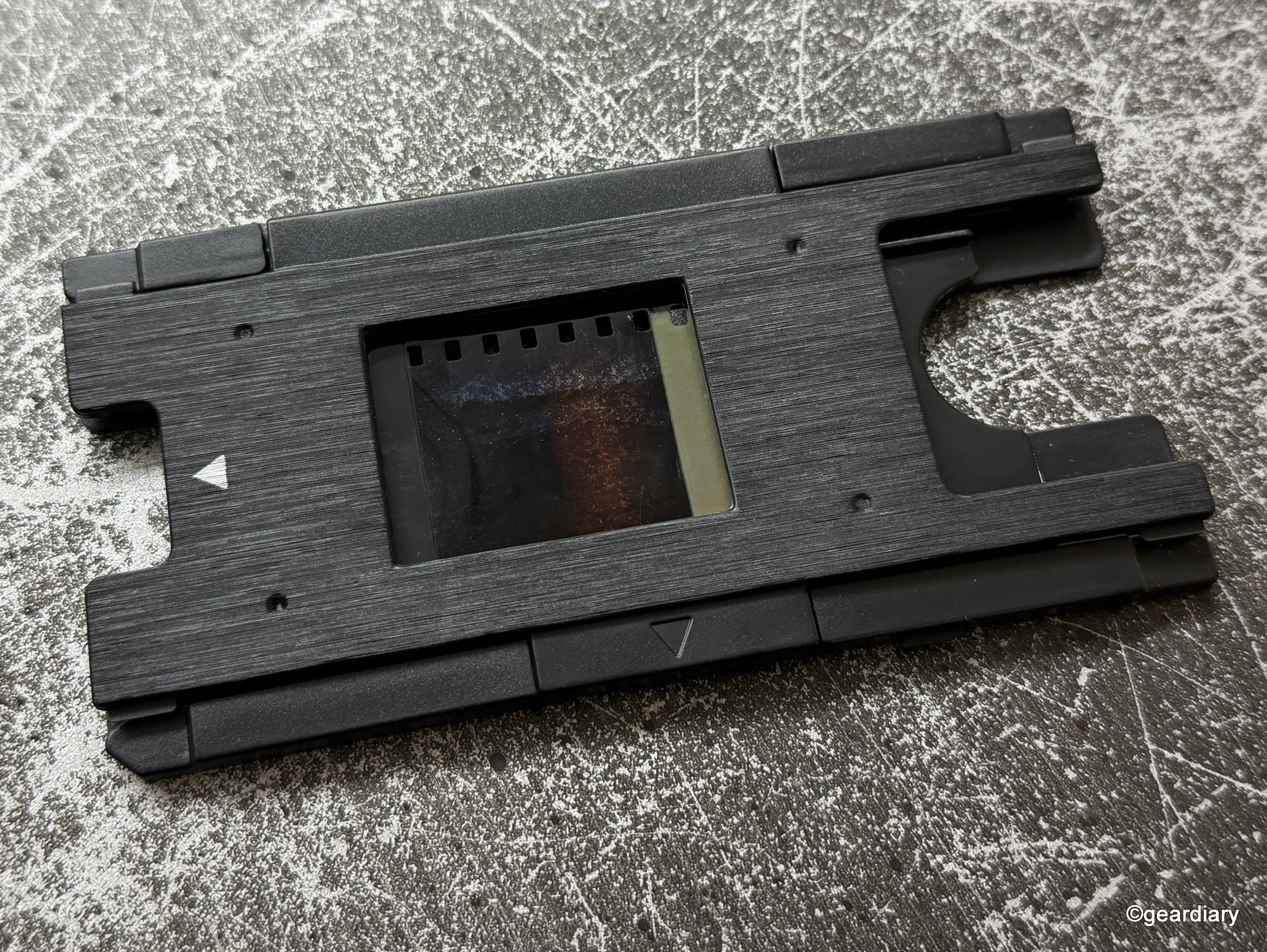
The quick-feed loading tray lets you slide through mounted 50mm frames fairly efficiently. Negatives are trickier; they require you to line up the strip carefully, and sometimes they slip just enough to throw off the crop. The scanner tries to auto-crop for you, but it doesn’t always get it right. Fortunately, you can override and adjust manually.
The HP FilmScan’s built-in edit mode is barebones but functional. You can adjust color, brightness, size, resolution, and contrast, and even add a date/time stamp if you want. You can also expand or crop the frame before saving. This isn’t Photoshop, but if you’re hoping for professional-grade restoration, you’ll still need to perform some cleanup on your computer later on. However, if you just want a decent copy to share or print, the onboard edits are sufficient.
One last thing — when you pull the SD card from the HP FilmScan, it will automatically turn off.
Performance: Nostalgia with a Side of Reality
Here’s the thing about digitizing old slides and negatives: you’re not going to get modern DSLR-level clarity, no matter what the box says. The 13-megapixel CMOS sensor inside the HP FilmScan is solid, [and while the sensor itself is 13MP, the scanner saves files at up to 22MP JPEGs, which is more than enough for archiving and printing]. Of course, it can only produce the film quality you provide. Scratches, dust, fading, and color shifts from decades of storage aren’t going to magically disappear.
That said, the HP FilmScan produces images that are clear enough to view on a large monitor, print in modest sizes, and most importantly, share with family. For me, seeing photos of my family’s ranch from almost 50 years ago and my mom, uncle, and grandmother in pictures from nearly 70 years ago was worth every small imperfection.
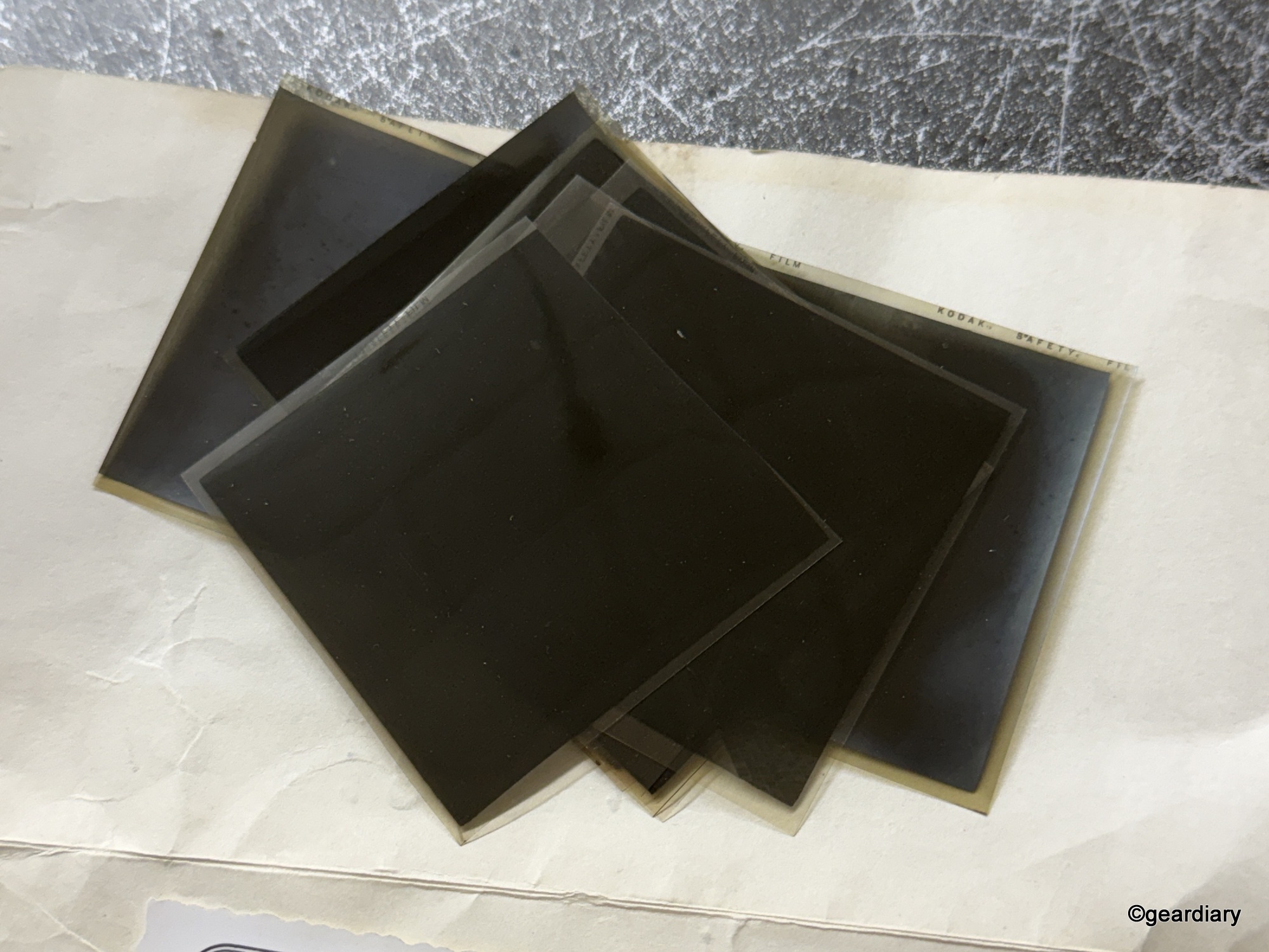
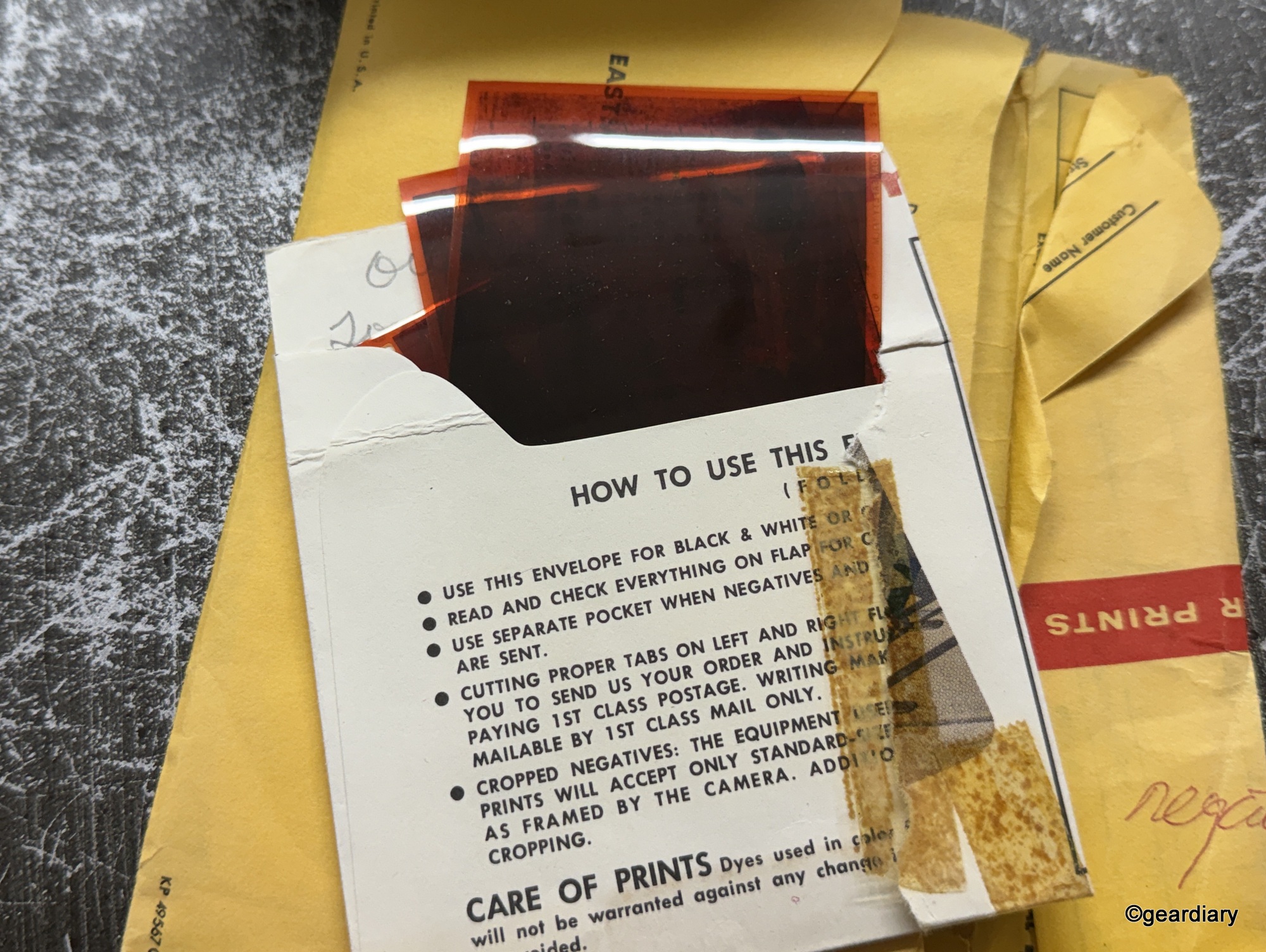
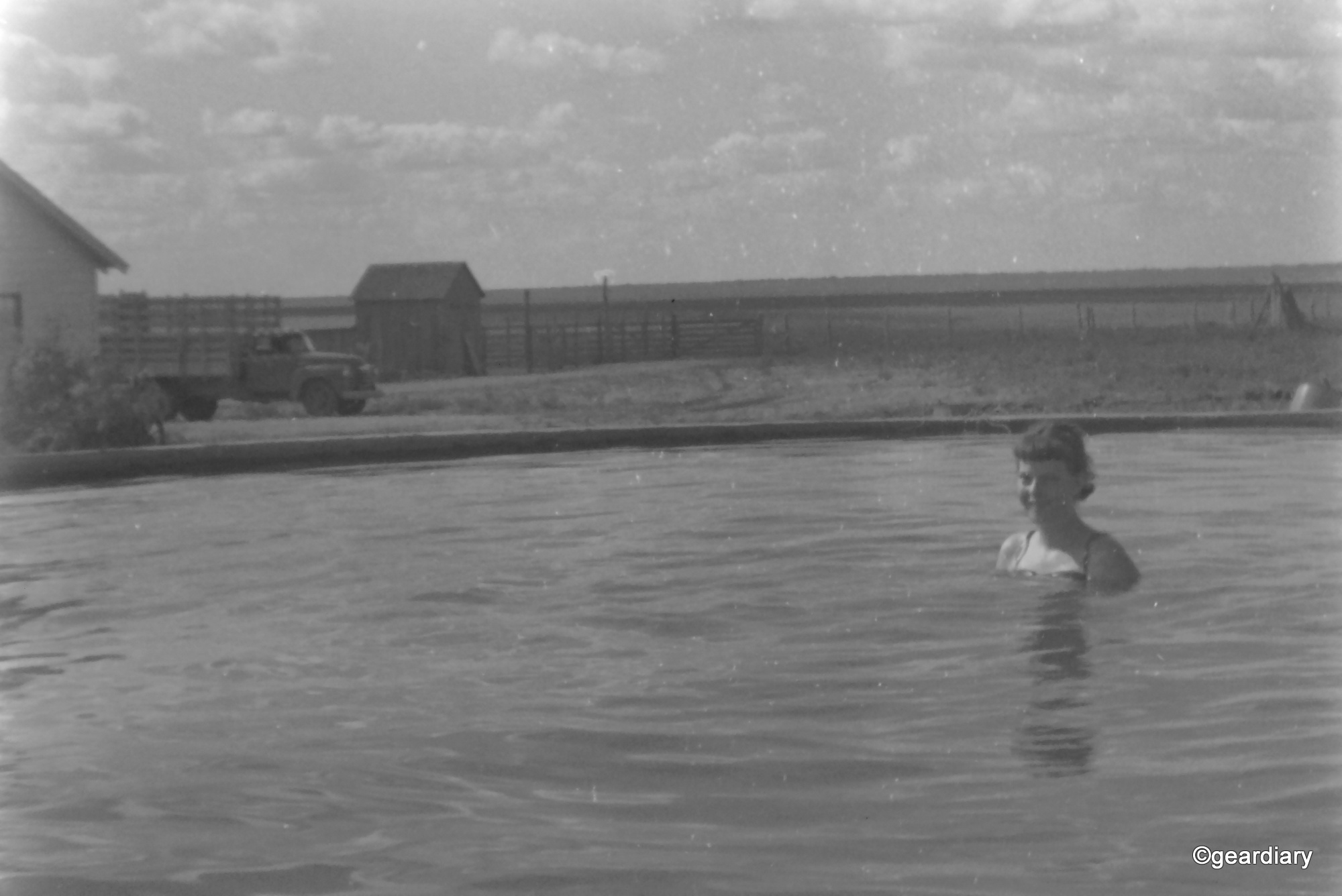
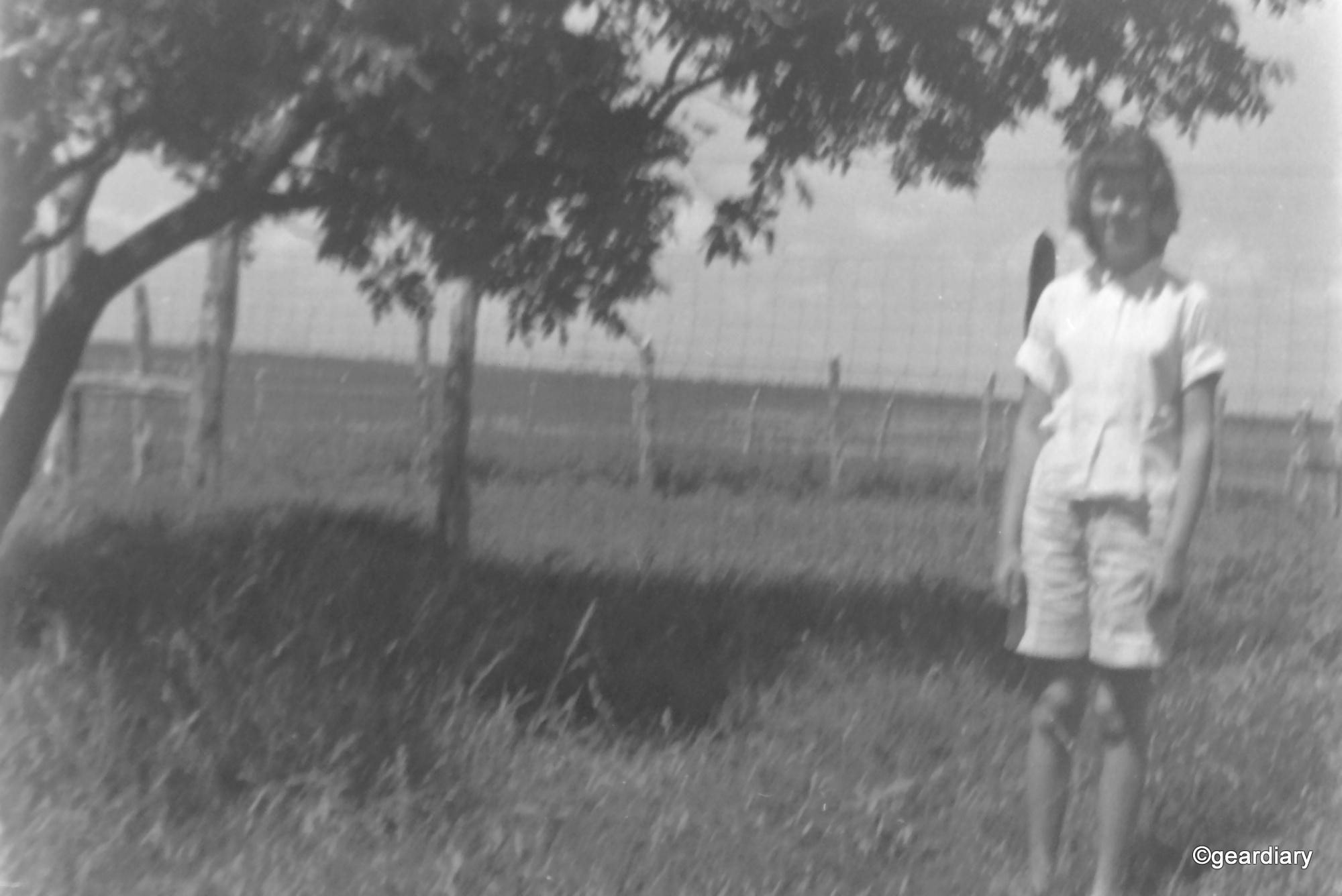
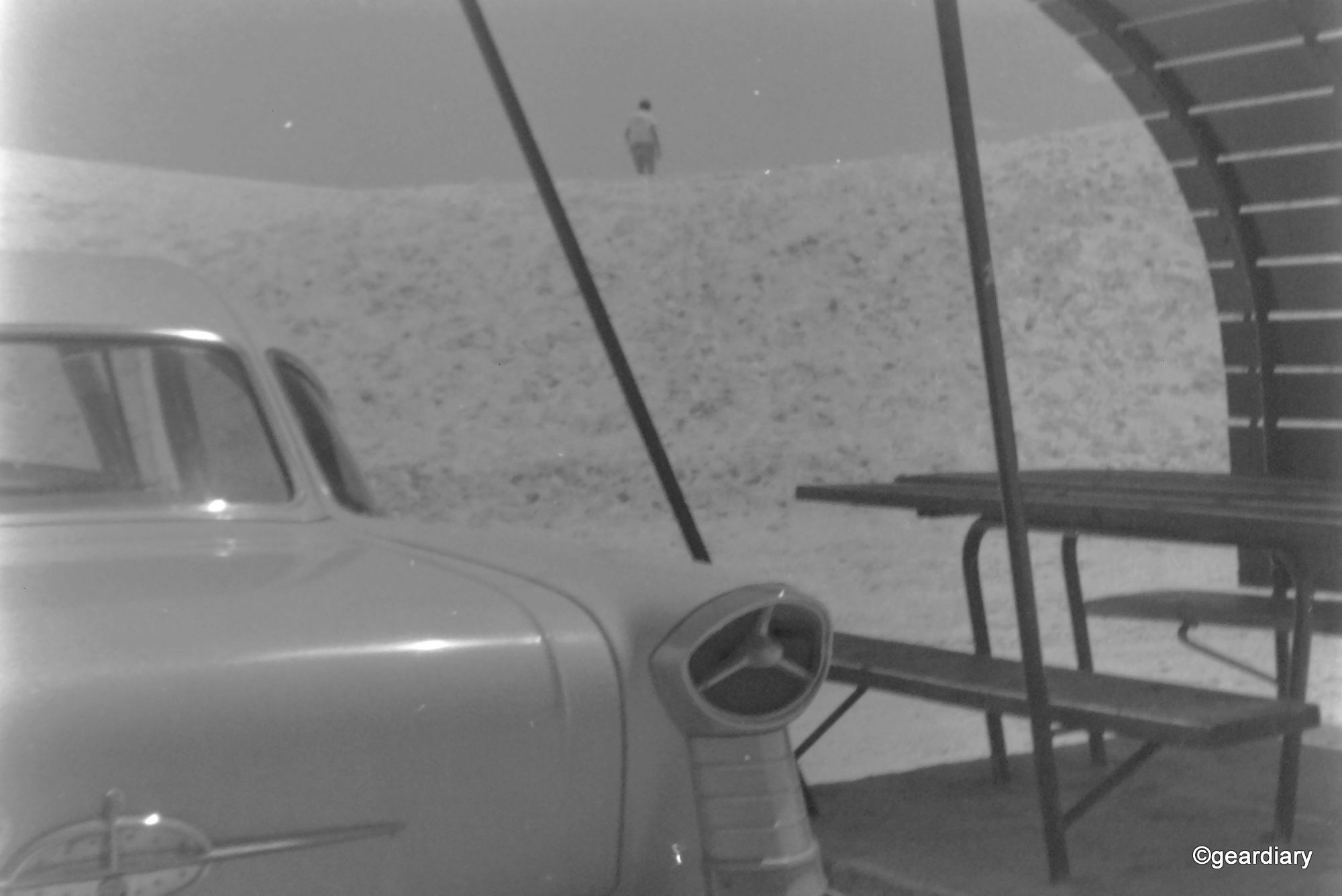
These are examples of photos from the 1950s negatives that I scanned. They could use a bit of editing, but they’re not bad considering the age of the negatives!
















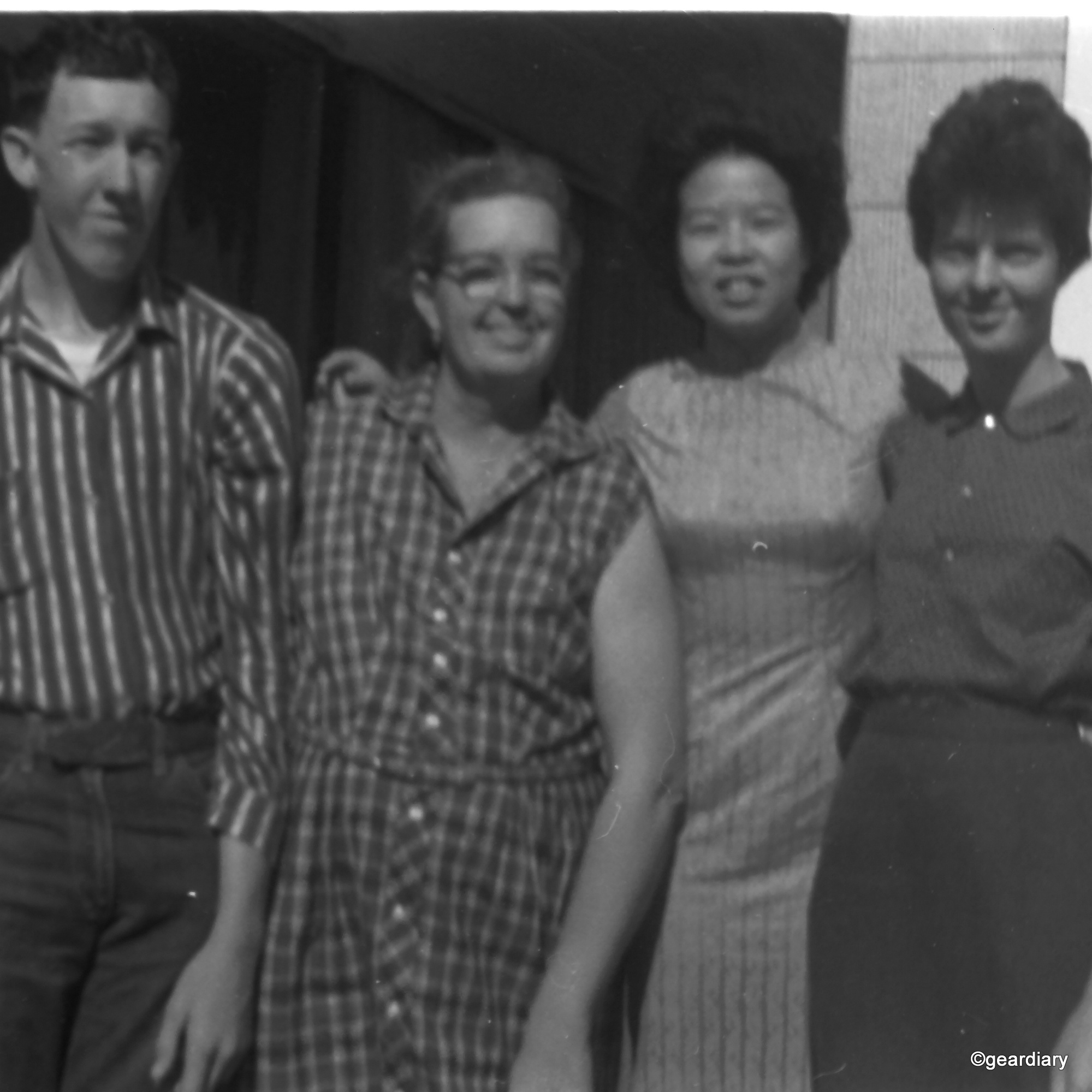


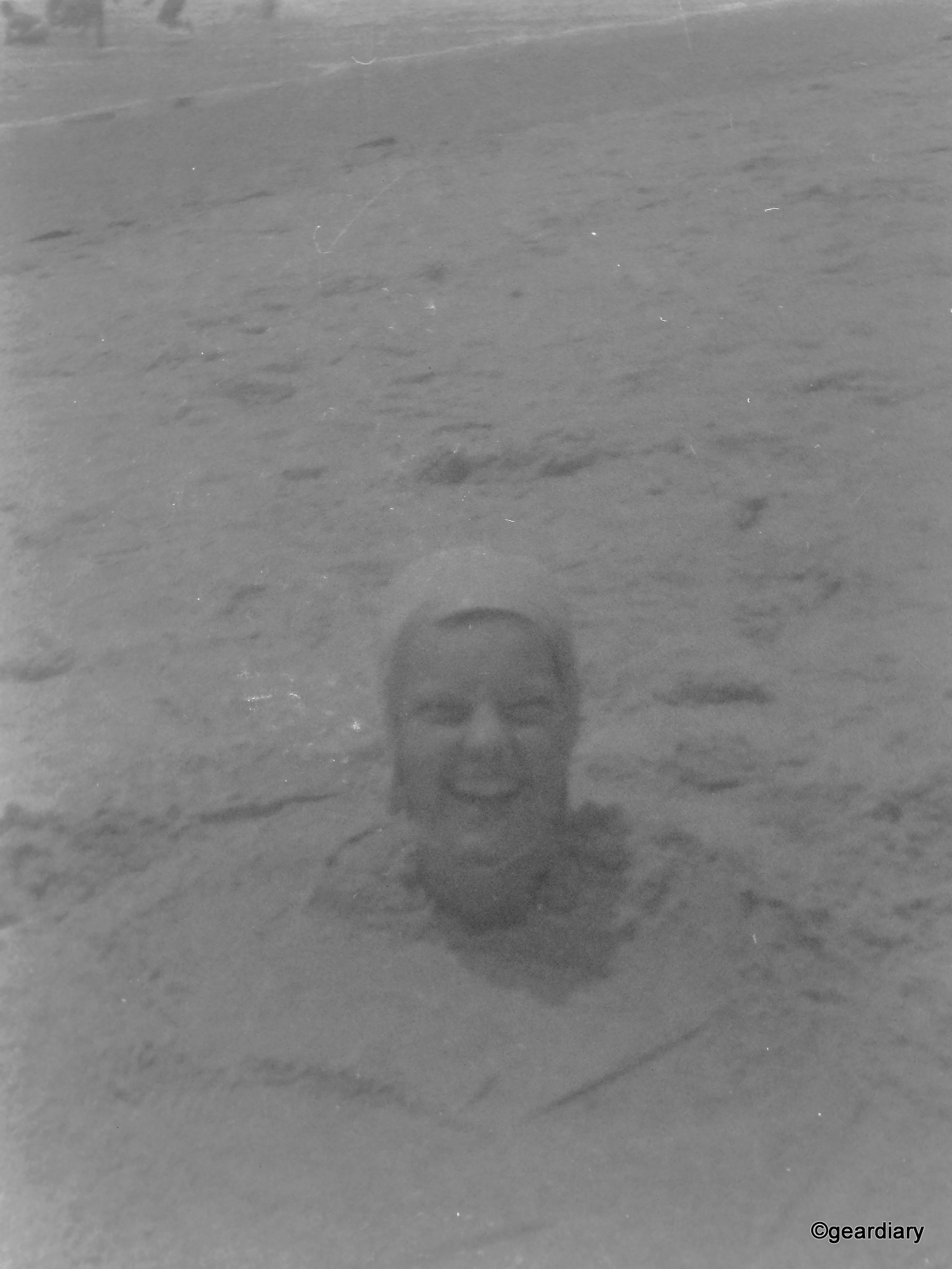
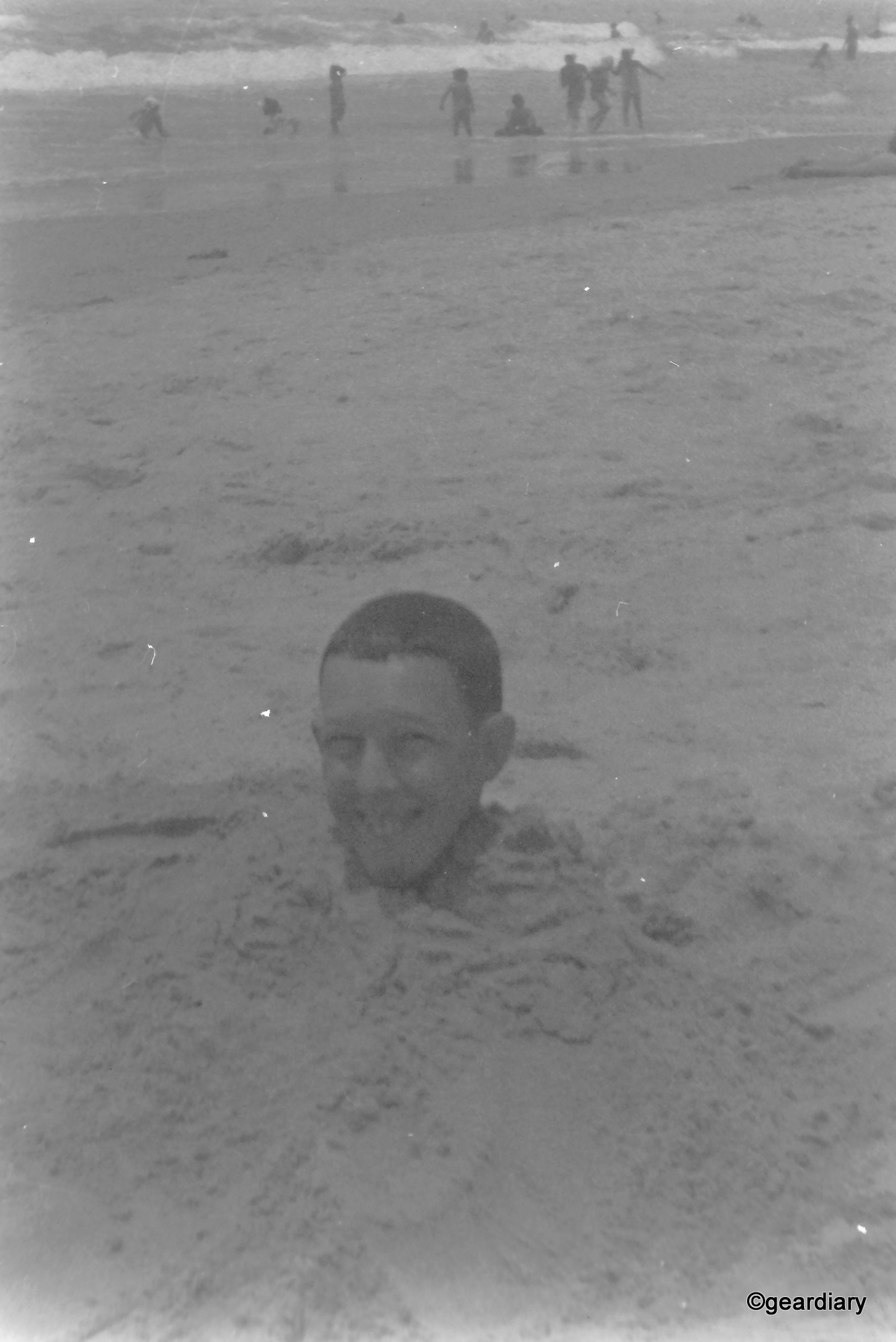

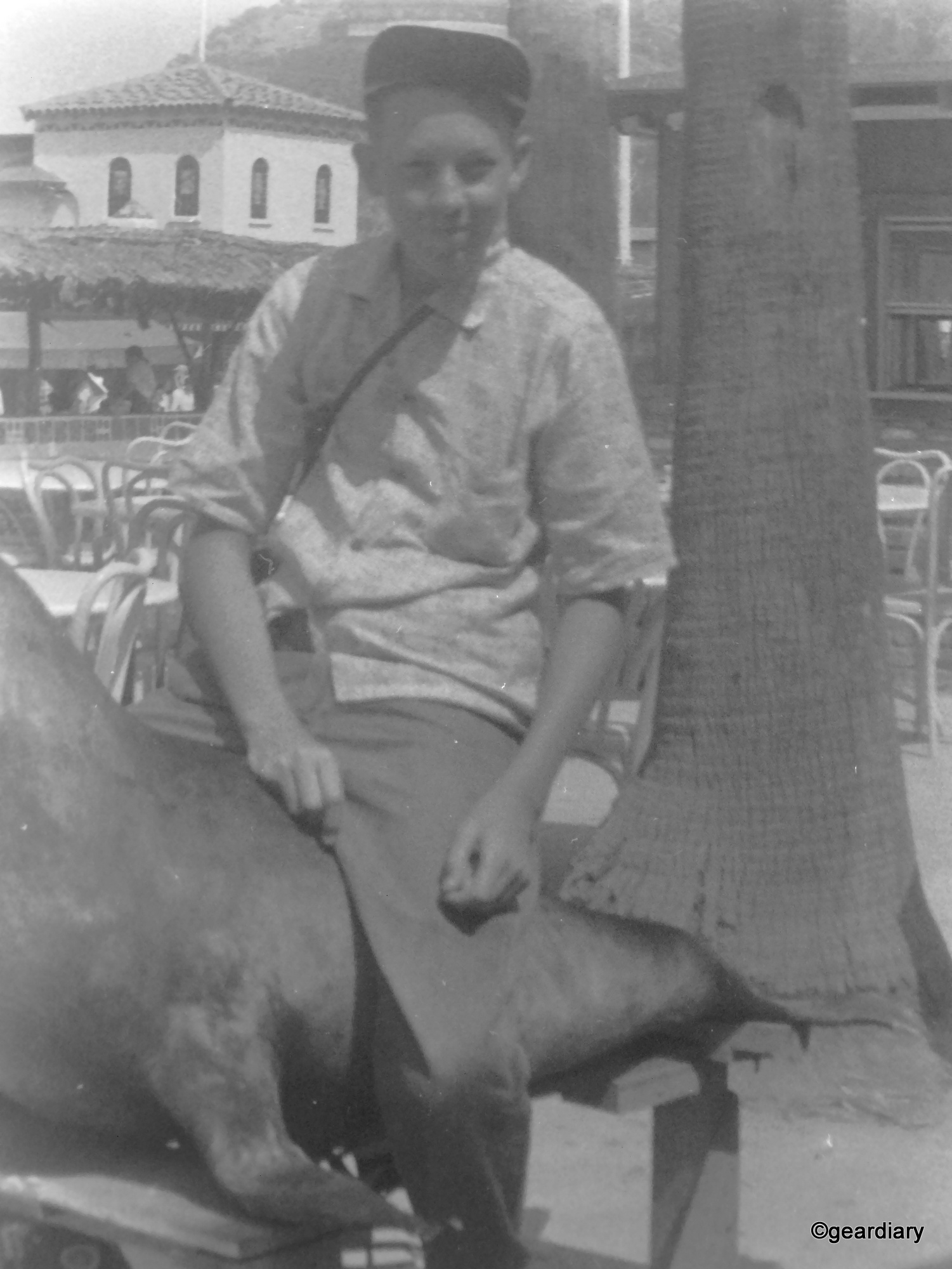


These are some of the photos scanned from the late 70s and early 80s slides in my uncle’s binder; you can see a huge leap in the scan quality:
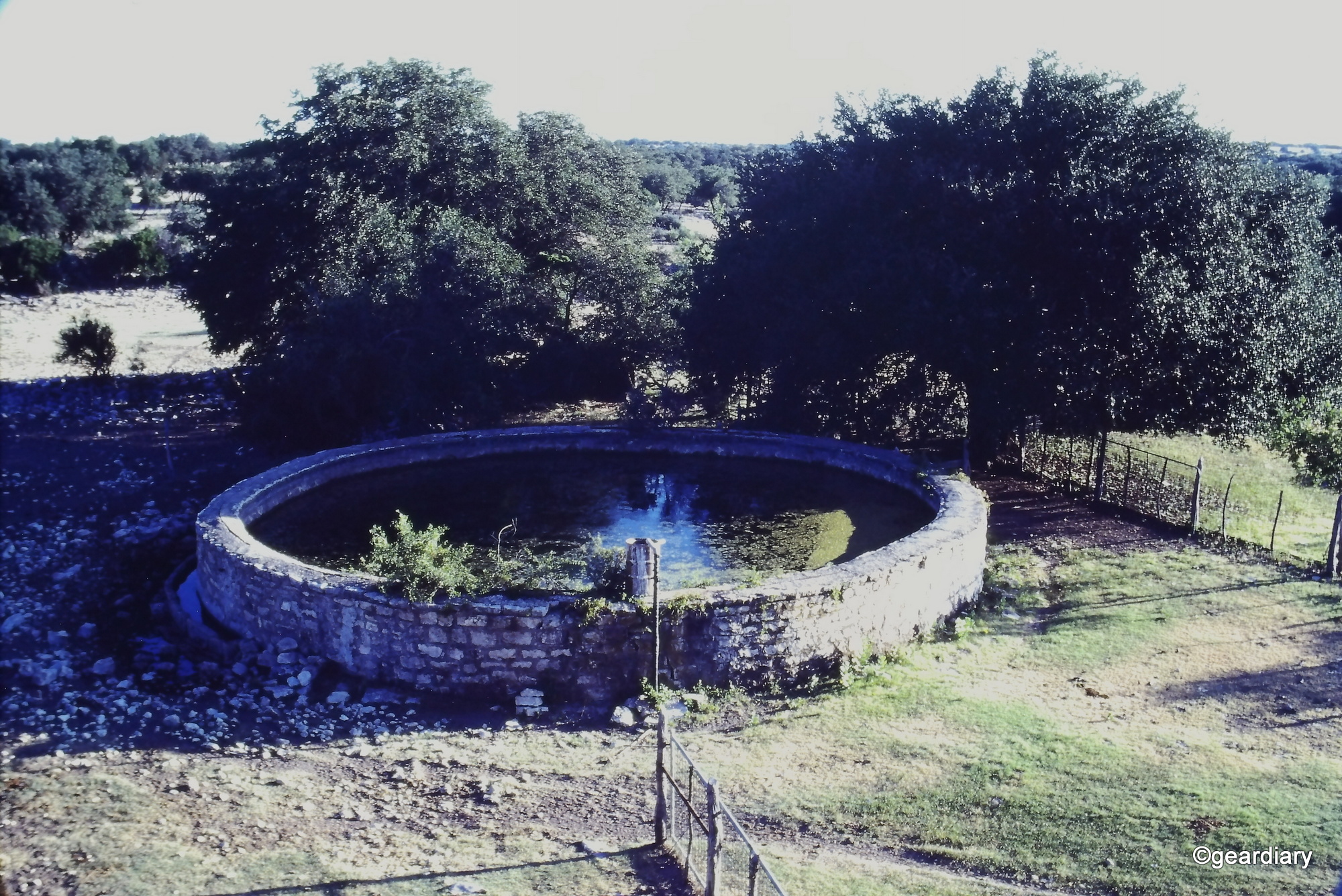

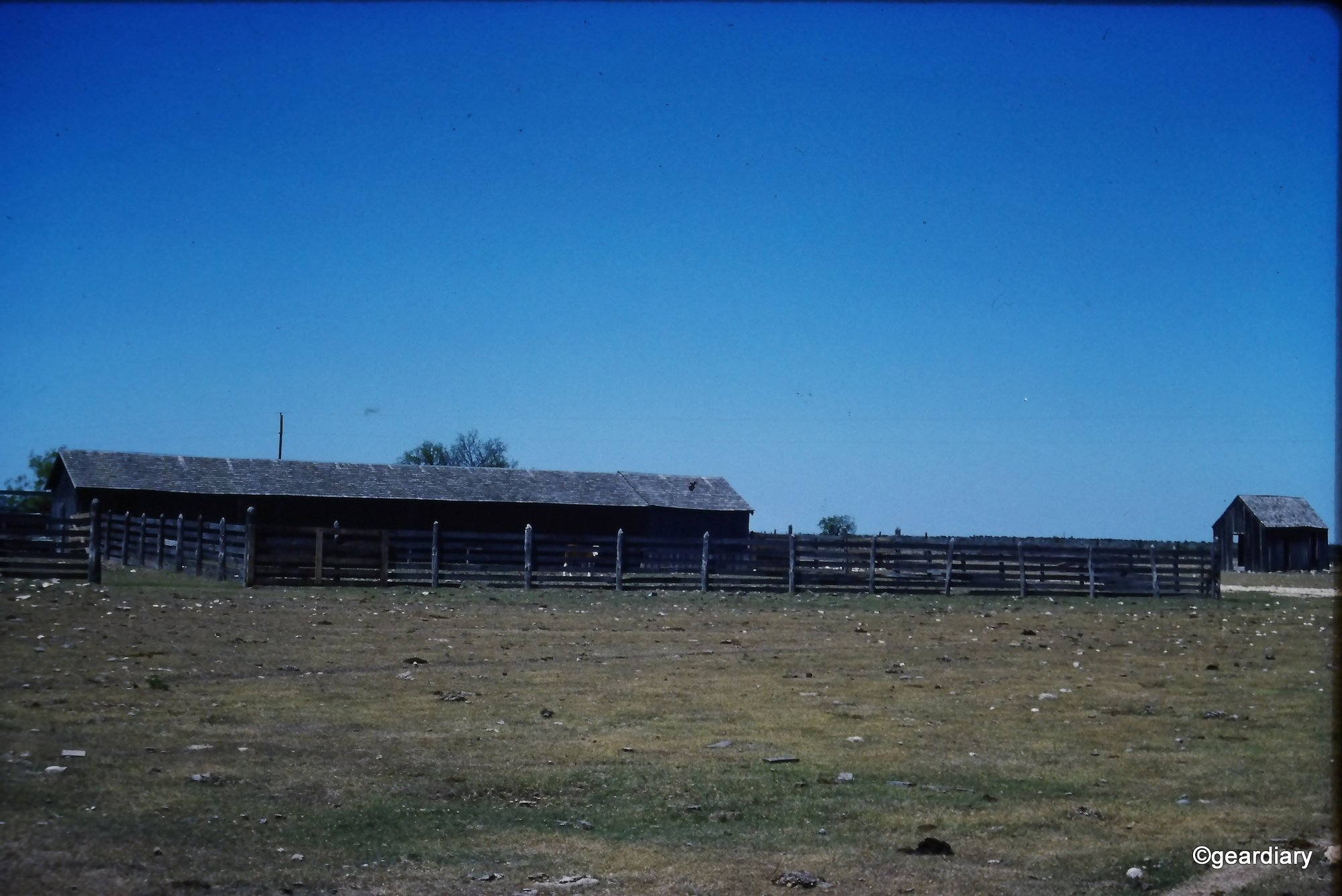





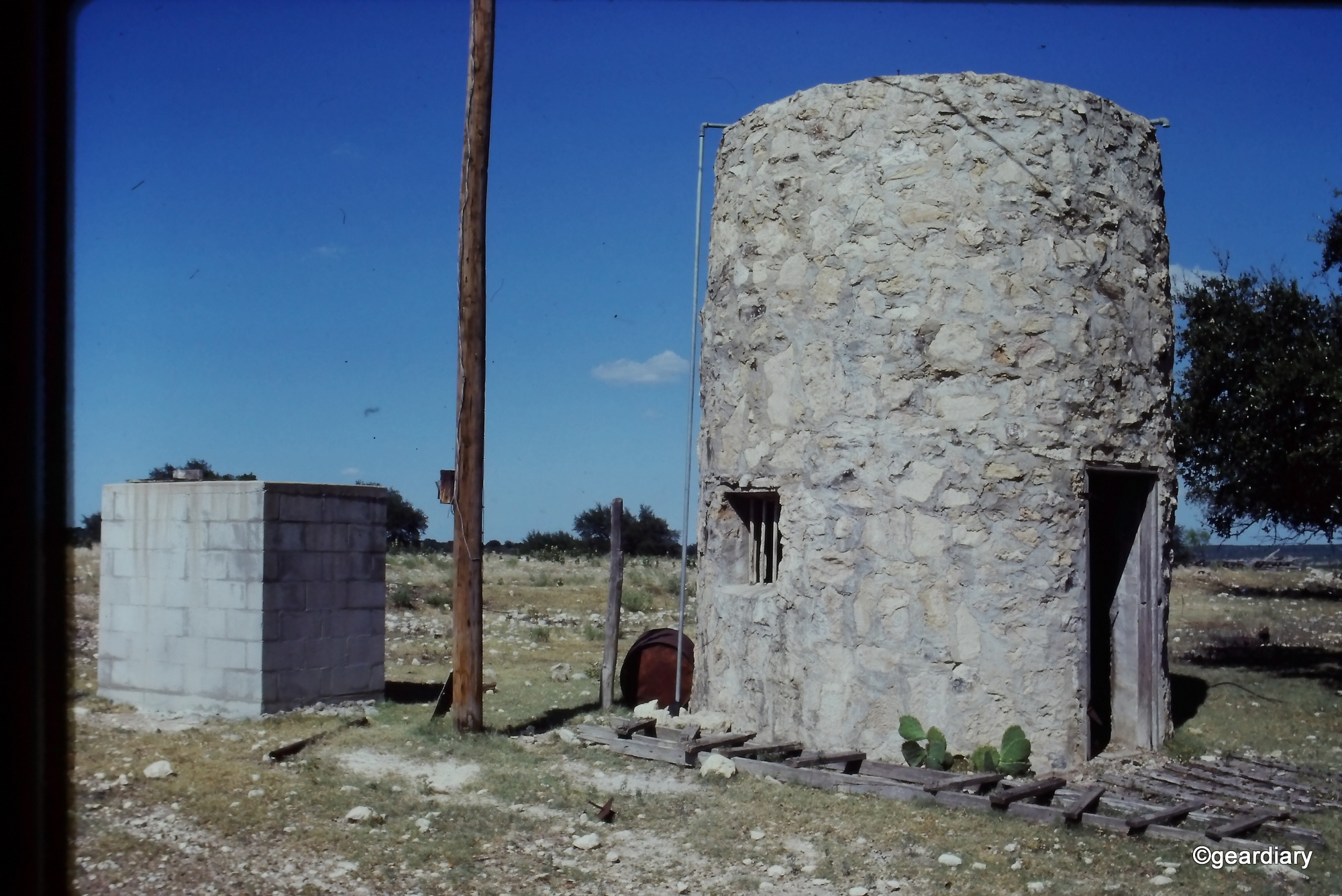
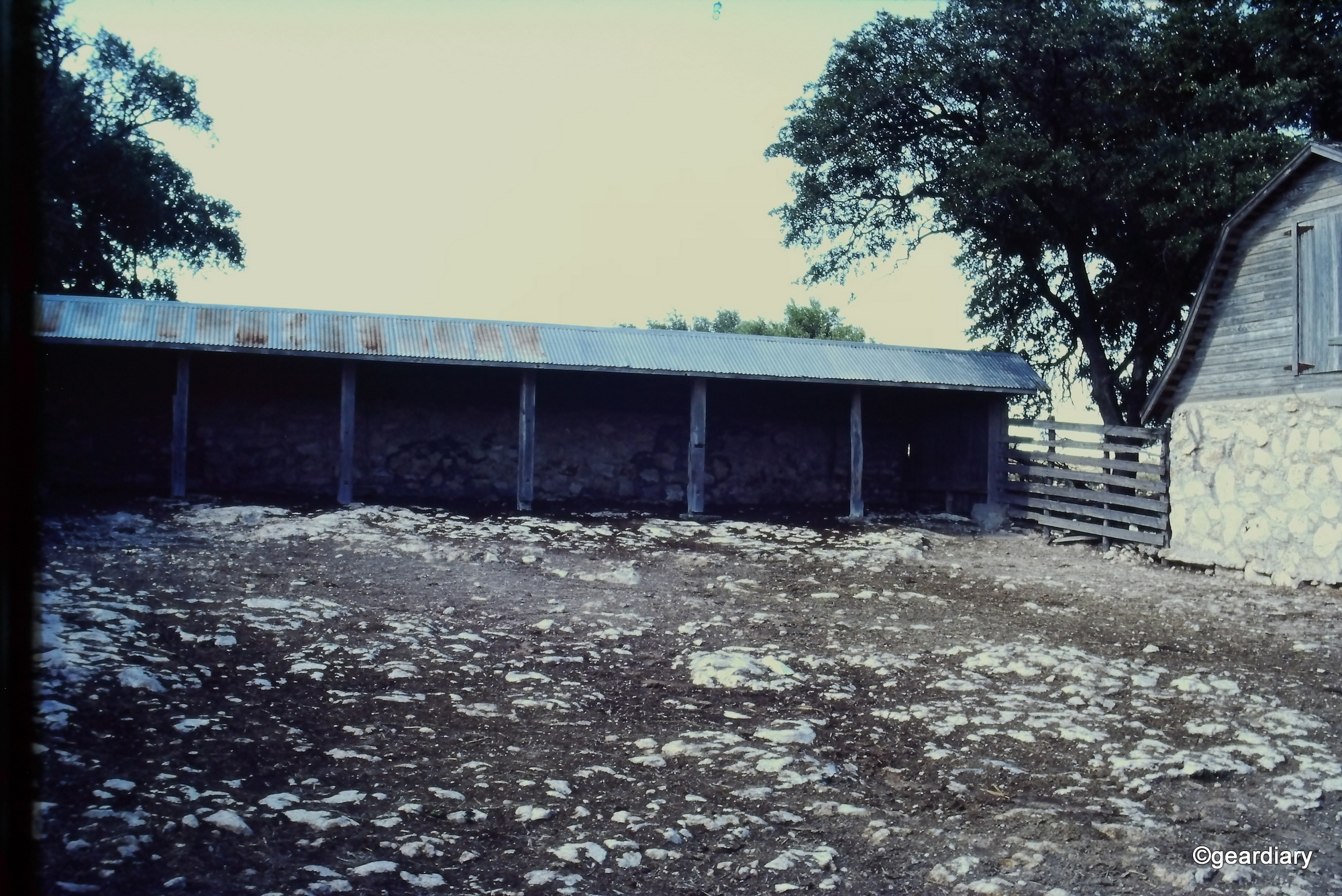
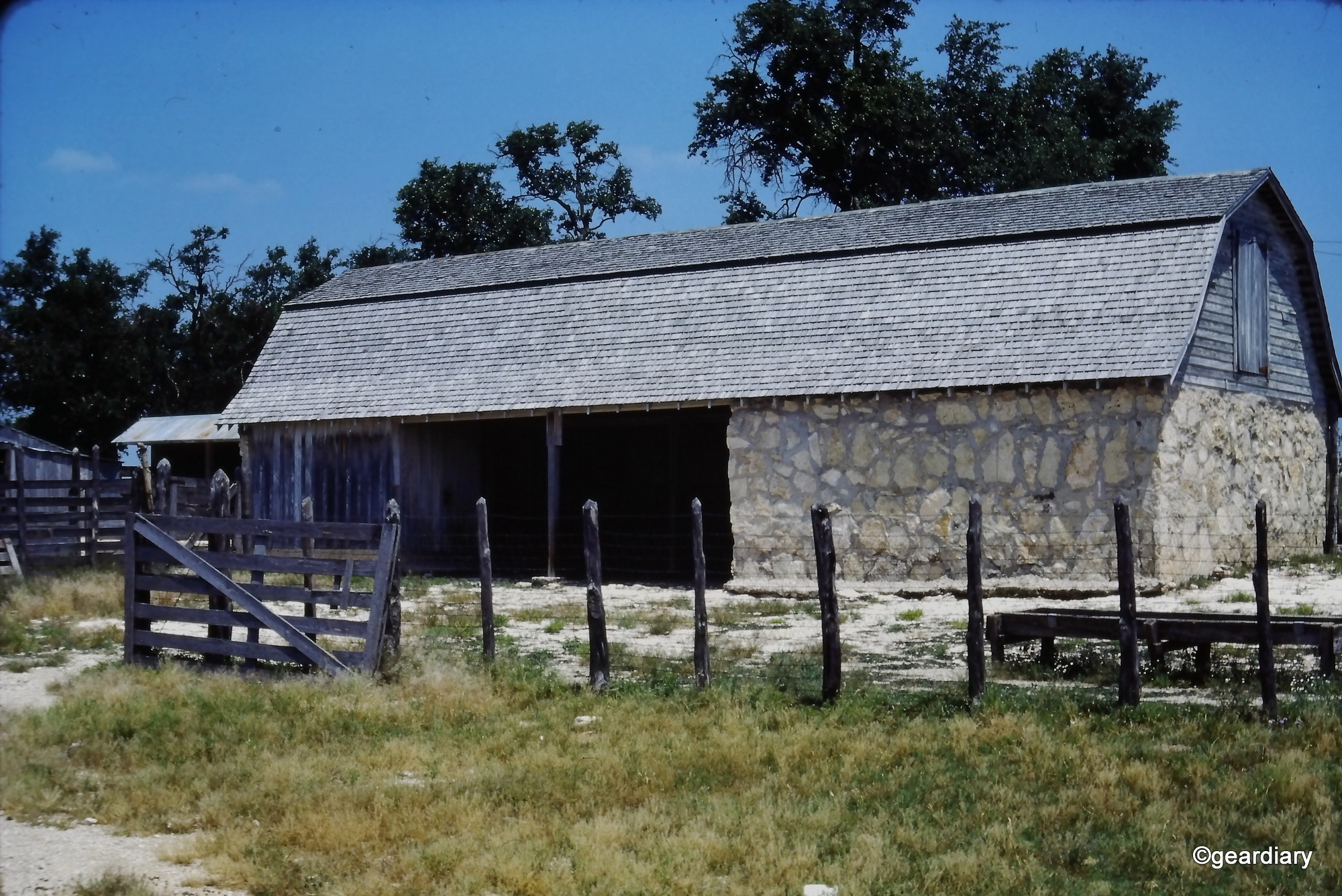





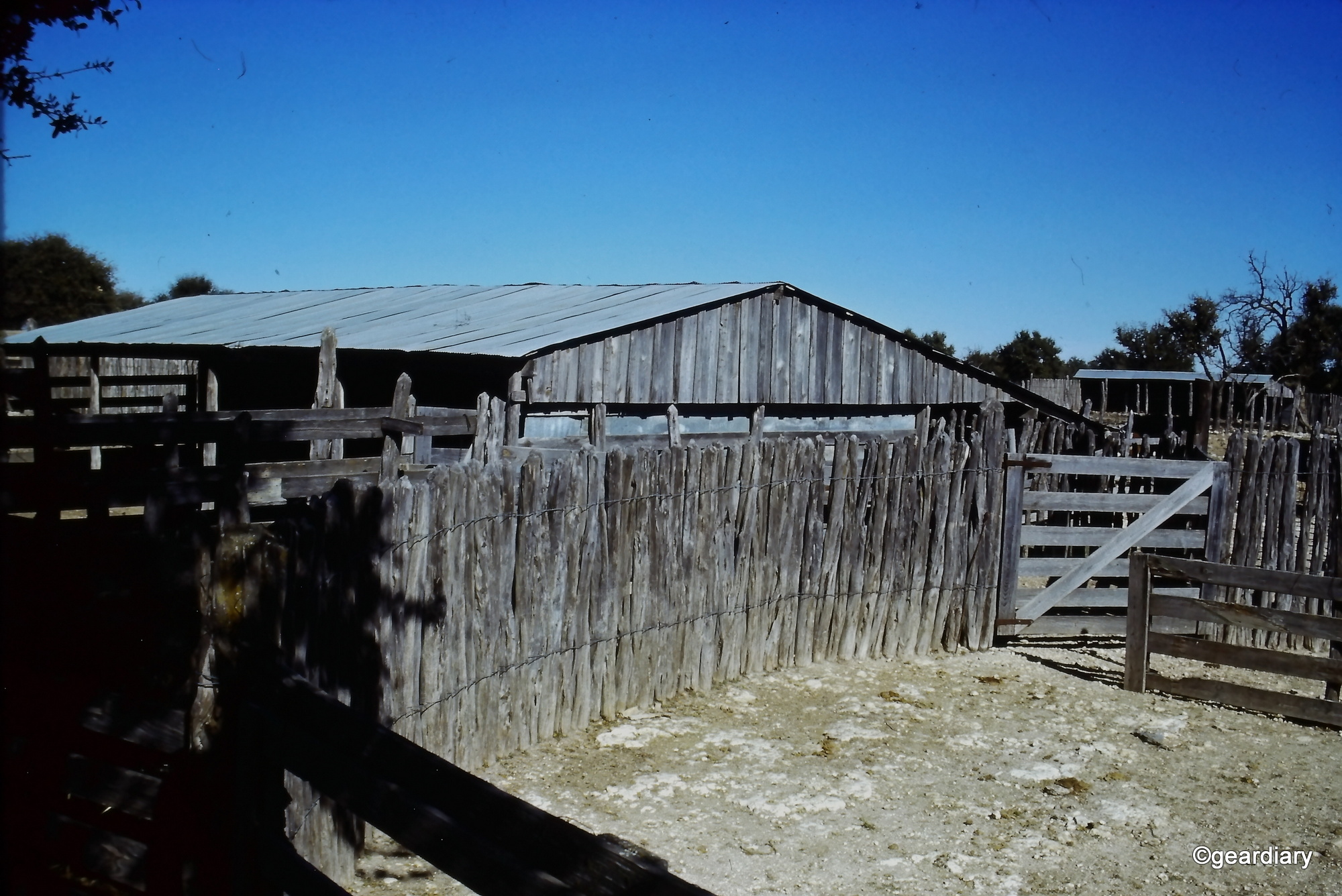


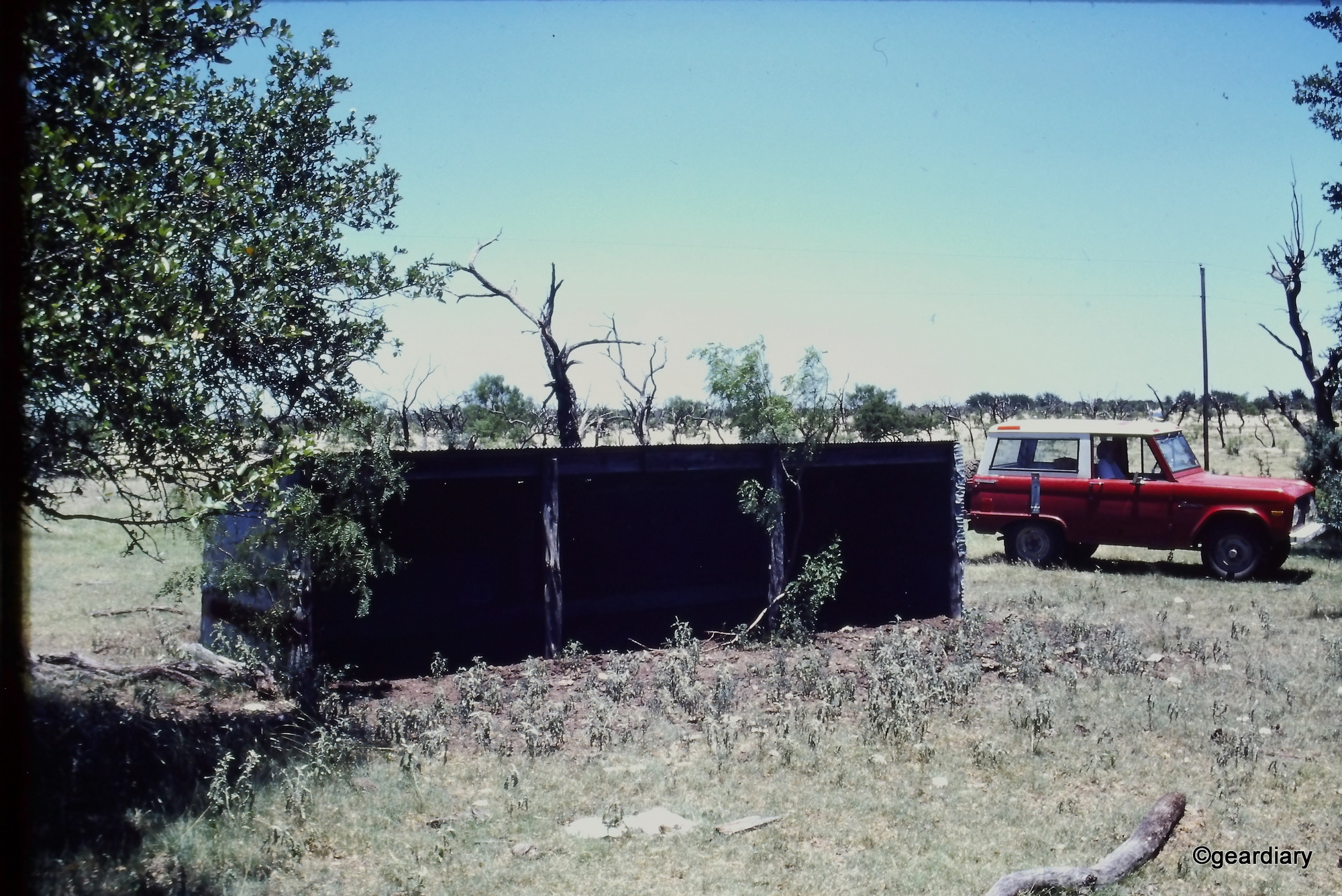


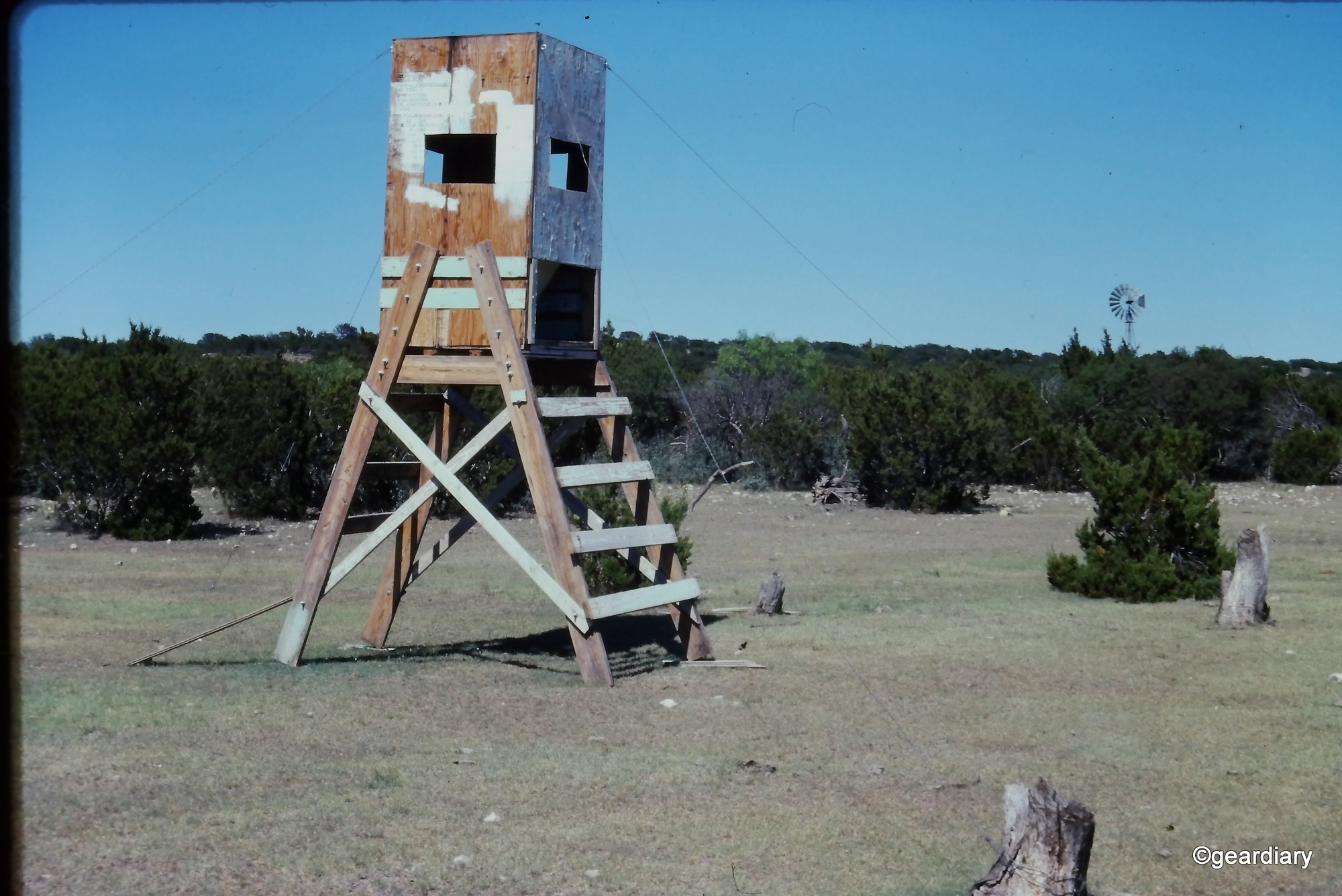

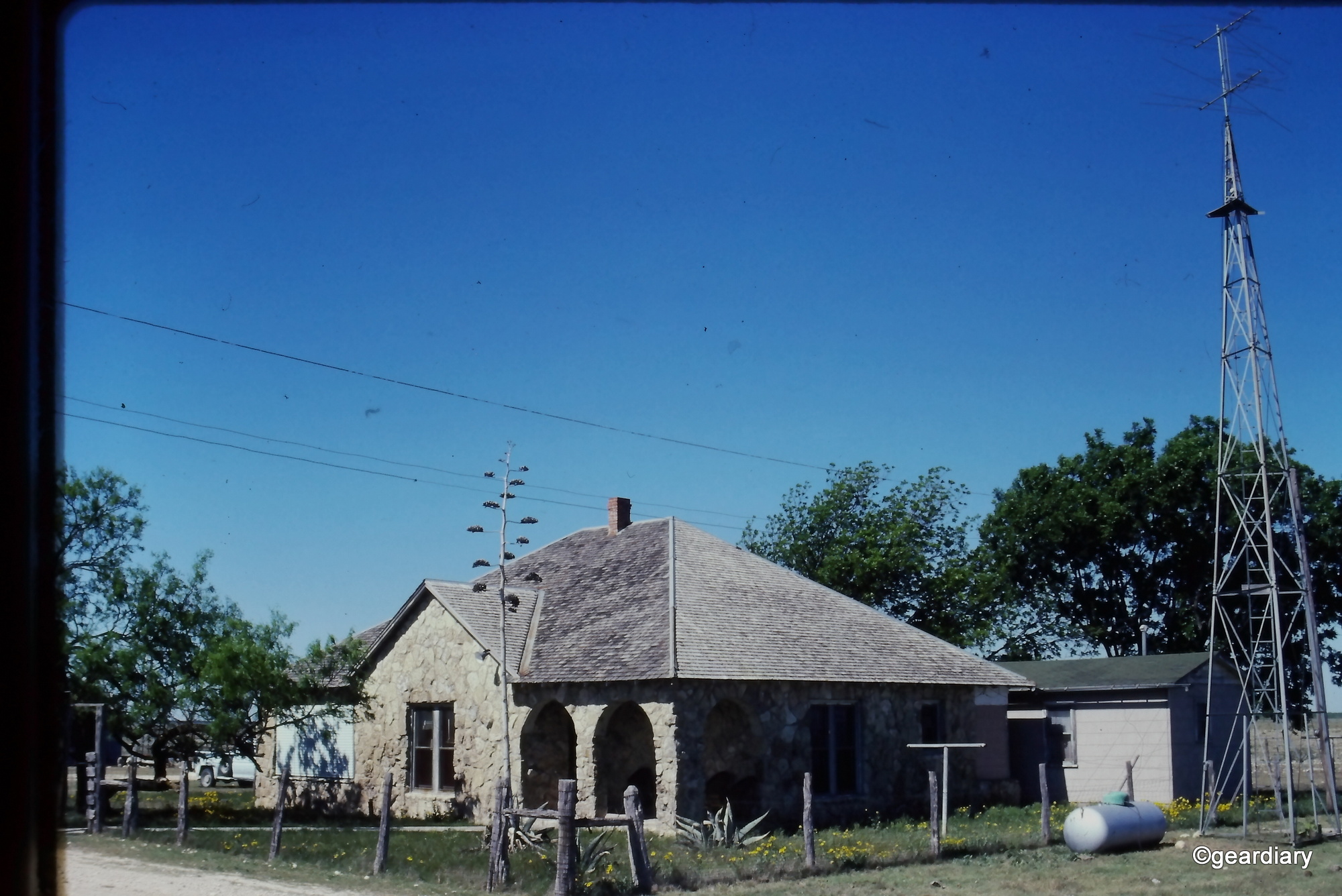




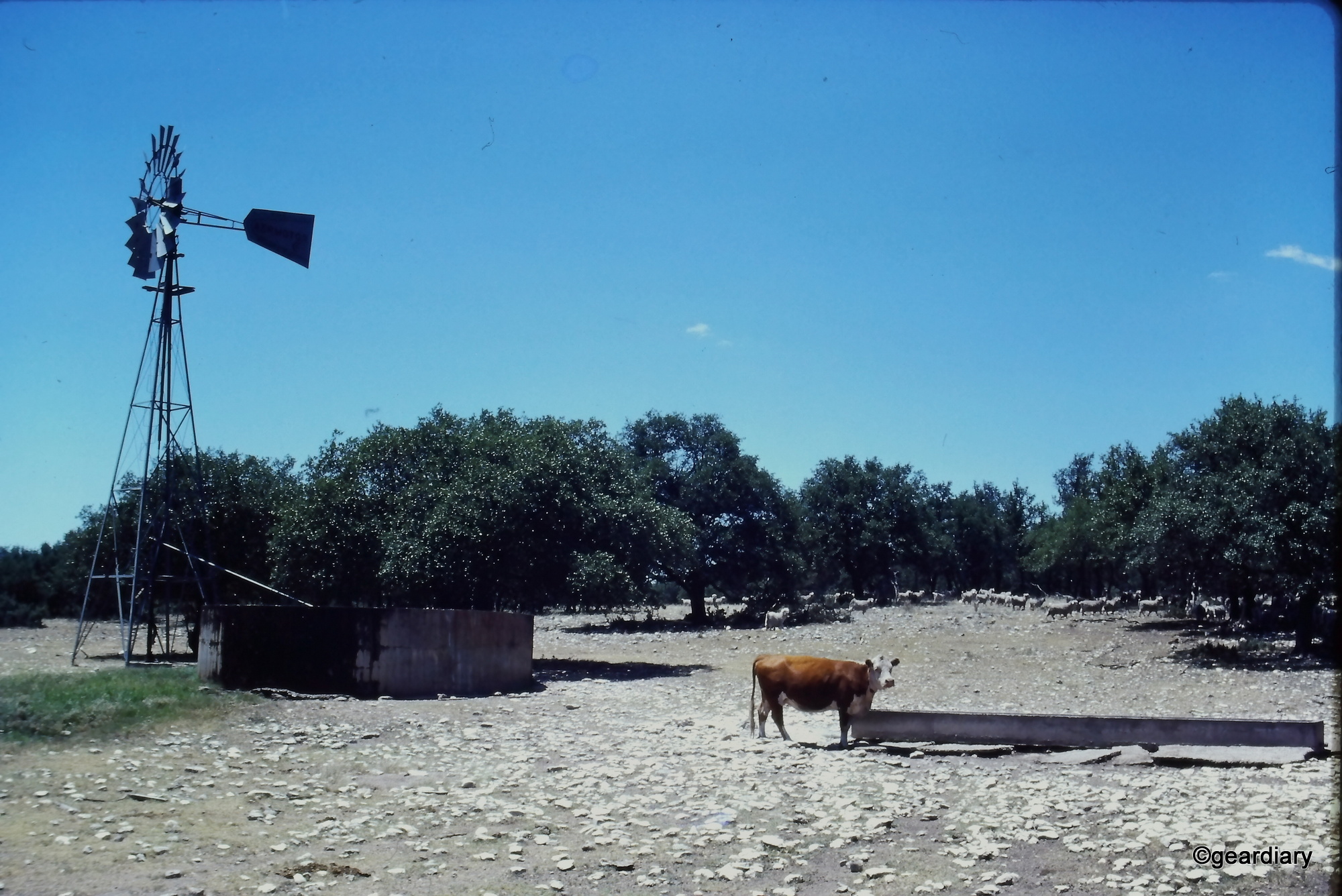







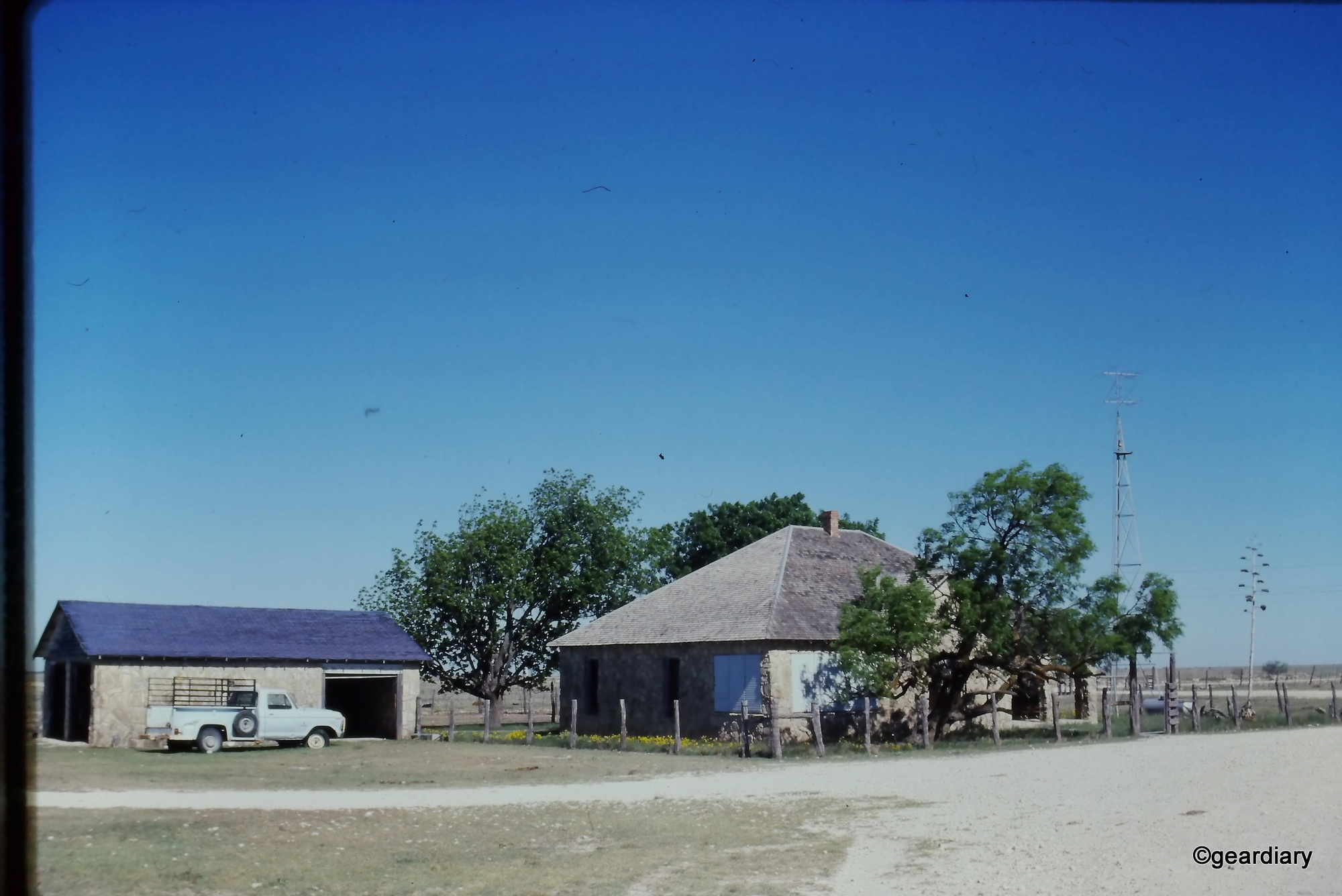

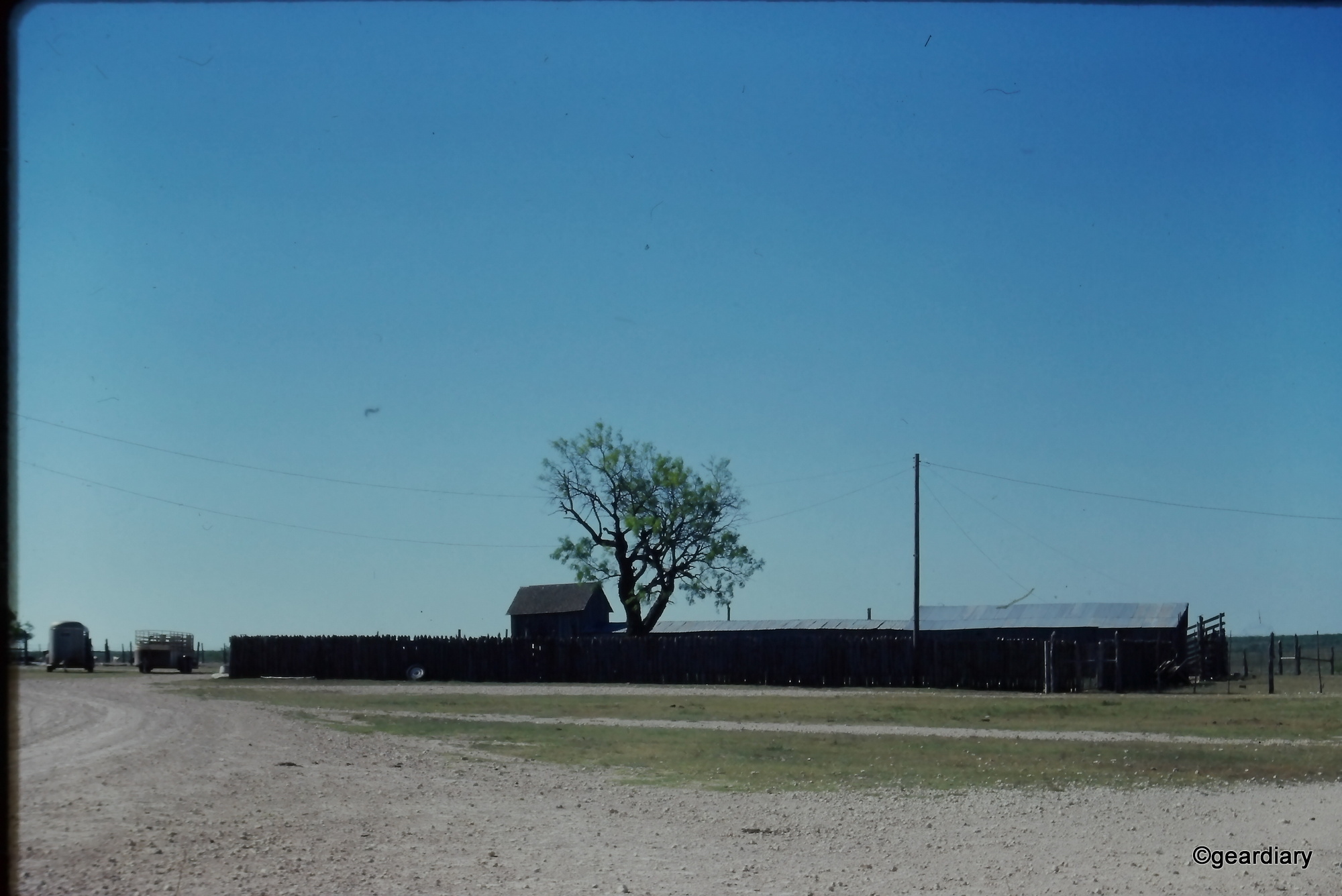
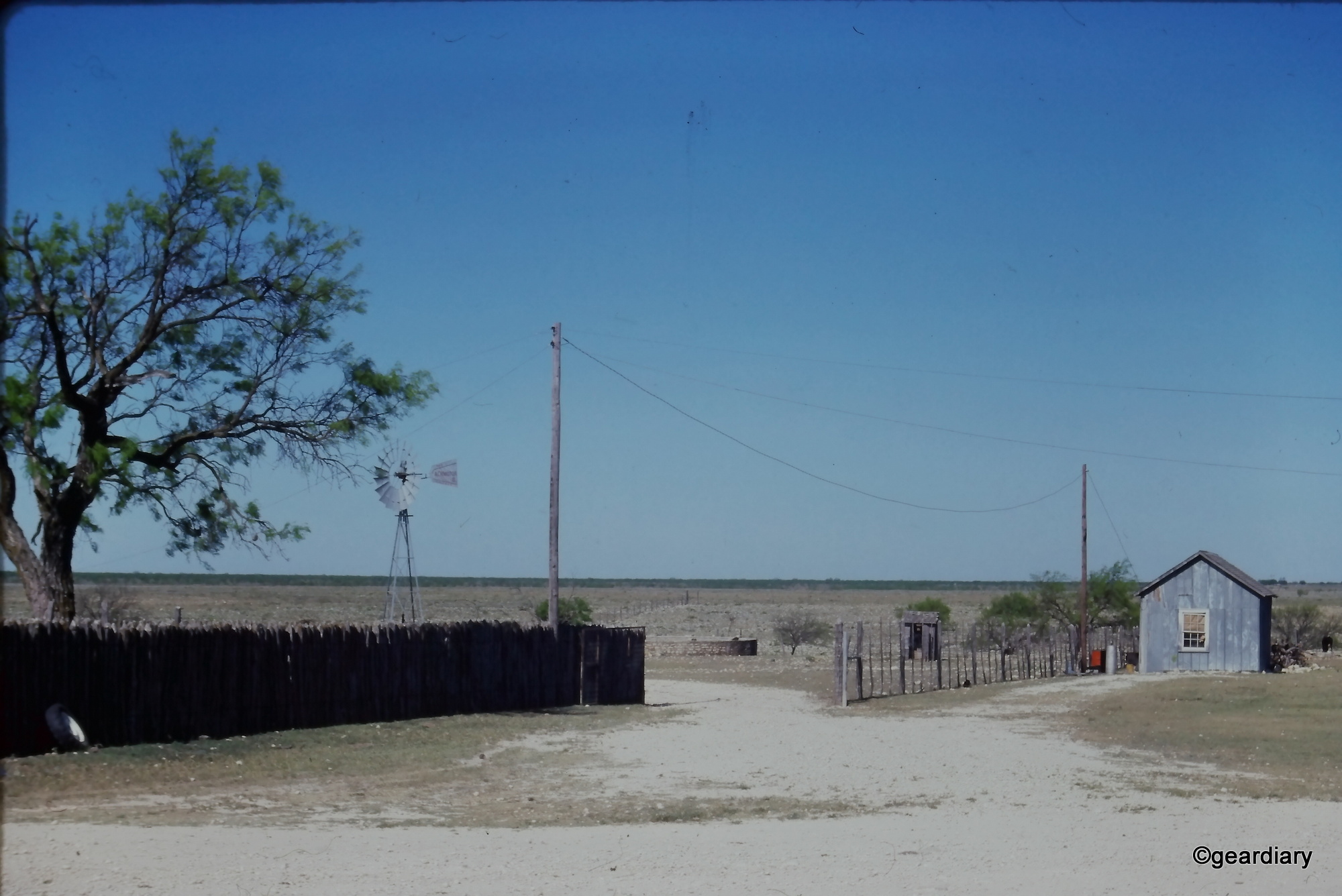


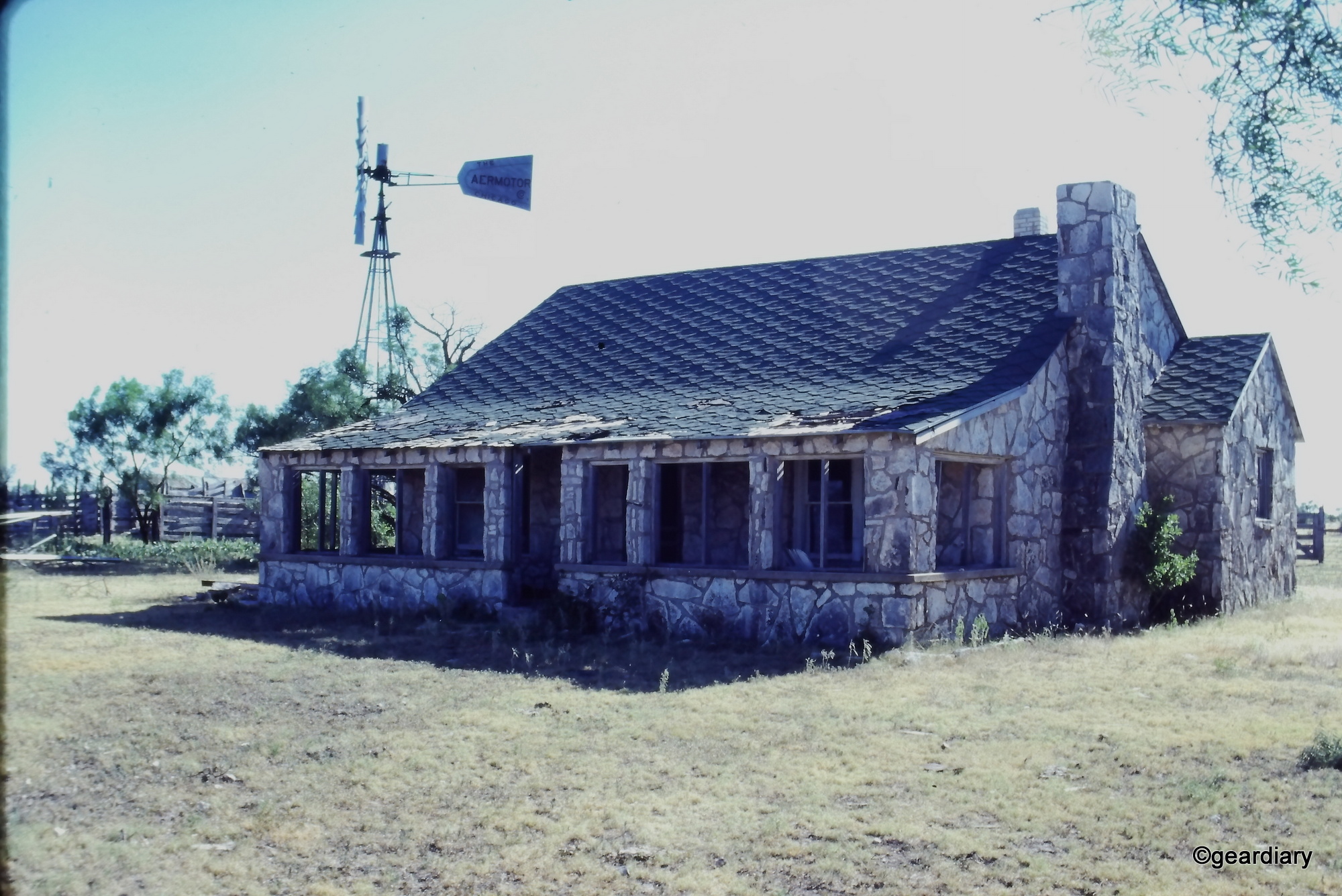
I also discovered that the scanner can handle film formats outside its official compatibility, though with caveats. Those random negatives I had from the 1950s? They weren’t the right size to fit in one of the scanning trays, but with a little patience and persistence, I managed to digitize them anyway. The results weren’t flawless, and they may require some editing or rotation after you’re done scanning, but they are infinitely better than nothing.
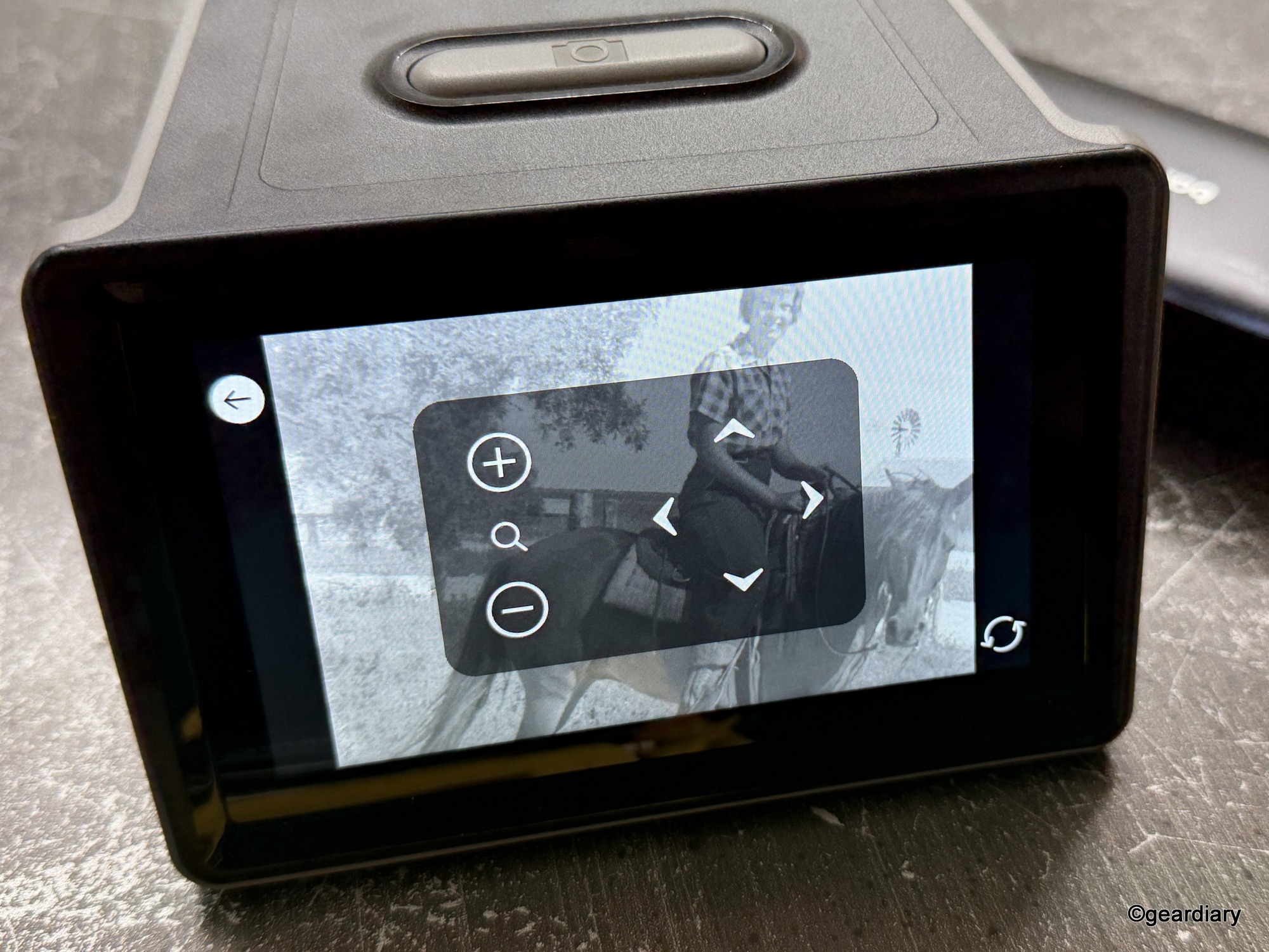
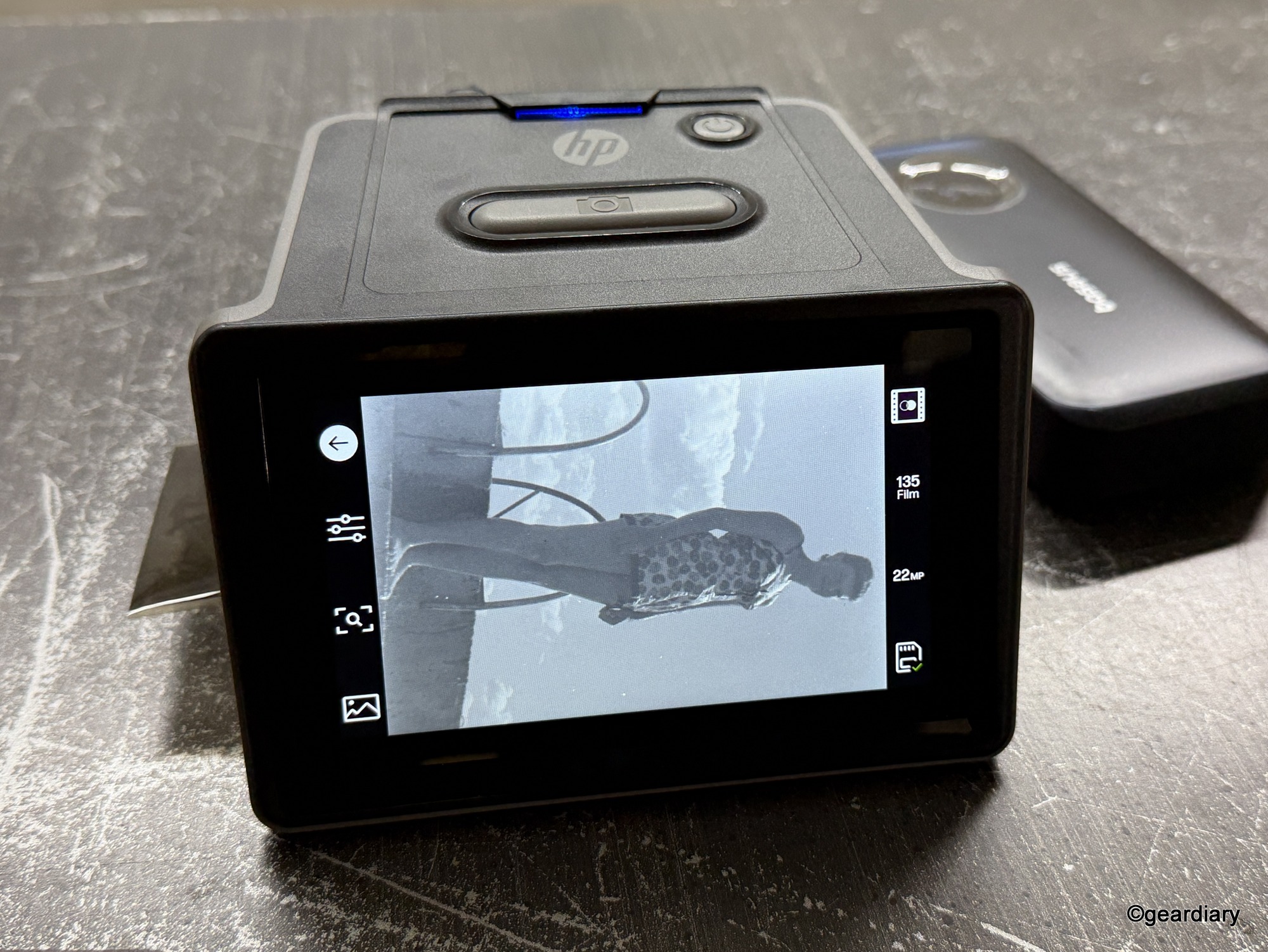
Compared to sending your slides off to a service like Legacybox, the HP FilmScan gives you full control — and instant gratification. No waiting weeks for a package to return, no surprise rejection sticker, and no wondering if your family memories are being handled with care.
If you’re someone like me — wanting to finally crack open a binder of family memories without drowning in settings — the HP FilmScan hits a sweet spot.
Why You Might Want One
If you have boxes of slides or negatives tucked away in a closet, the HP FilmScan makes it possible to bring them back to life without outsourcing. It’s not the cheapest gadget at $229.99, but when you compare it to the cost of sending film to a service (and the risk of them rejecting or even losing it), the price feels fair.
It’s also a great gift idea for anyone in your family who has old film collecting dust. Imagine scanning a box of forgotten slides and creating a slideshow for your next family gathering. It’s hard to beat the impact of rediscovering forgotten faces and places in real time.
The Drawbacks
Of course, the HP FilmScan isn’t perfect. The screen could be sharper, the trays could feel sturdier, and the onboard editing tools are limited. It also doesn’t come with an SD card, which feels like a stingy omission at this price.
Scanning isn’t always smooth either. Irregularly sized negatives can slip, auto-crops can be off, and you’ll occasionally find yourself muttering at the touchscreen when it doesn’t respond the way you want. But all of those annoyances pale in comparison to the reward of unlocking your past.
Should You Buy One?
The HP FilmScan 5” Touch Screen Film Scanner is one of those rare gadgets that doesn’t just promise utility; it delivers meaning. It let me digitize decades-old slides of my family’s ranch and uncover photos of loved ones I’d never seen before. It’s not flawless, but it doesn’t need to be.
If you’re sitting on a trove of slides or negatives, the HP FilmScan is a practical and relatively affordable way to reclaim them. Just be prepared to spend some time with it, because while the process isn’t instant, the memories you unlock will stay with you forever.
The HP FilmScan 5″ TouchScreen Film Scanner (HPFS500) retails for $229.99; it is available directly from the manufacturer and other retailers, including Amazon.
Source: Manufacturer-supplied review sample
What I Like: Compact, lightweight, easy setup; Can be powered by a battery pack for extra portability; Simple 5″ touchscreen for previews; Handles multiple film formats; Quick slide loading with decent results; Basic edits built in; Files are easy to share; Faster and more reliable than mail-in services; Fair price for home digitizing; You can use odd-sized negatives lying flat on the scanner, but it requires patience
What Needs Improvement: No SD card included; Low-res touchscreen; Image quality is only as good as your slides or negatives, and some further photo-editing may be needed



This would be very useful for digitizing our old family photos, if we can locate the negatives.