
The Lowdown
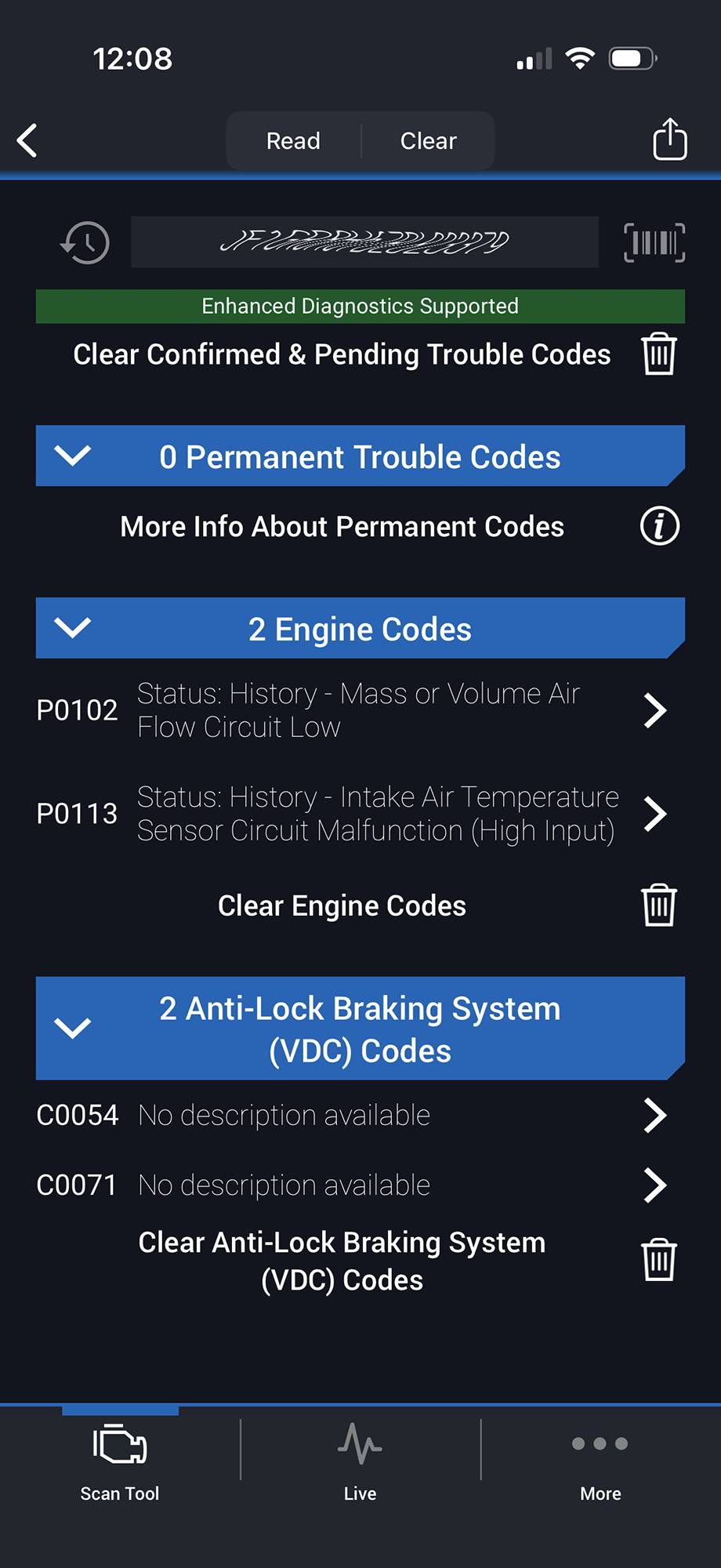
The BlueDriver Pro OBD2 Scanner is able to provide enhanced diagnostics for Check Engine, ABS, SRS, Airbag, TPMS, Transmission, and more on supported vehicles. The scan tool also features the ability to provide a freeze frame of all data, essentially a snapshot at the touch of a button. The tool can also read ‘Mode 6 data’, advanced test results such as misfire counts for onboard diagnostic system monitors.
Overall
Pros
- Plug and Play ease
- Near universal compatibility
- Live data monitoring
- Enhanced codes
- Tiny form factor
Cons
BlueDriver manufactures OBD2 scanners. Their product line currently consists of the BlueDriver Pro OBD2 Scanner, the BlueDriver Pro OBD2 Scanner (Next-Gen) and BlueDriver MAX. In this review, we look at the BlueDriver Pro OBD2 Scanner (Next-Gen).
What Is It?
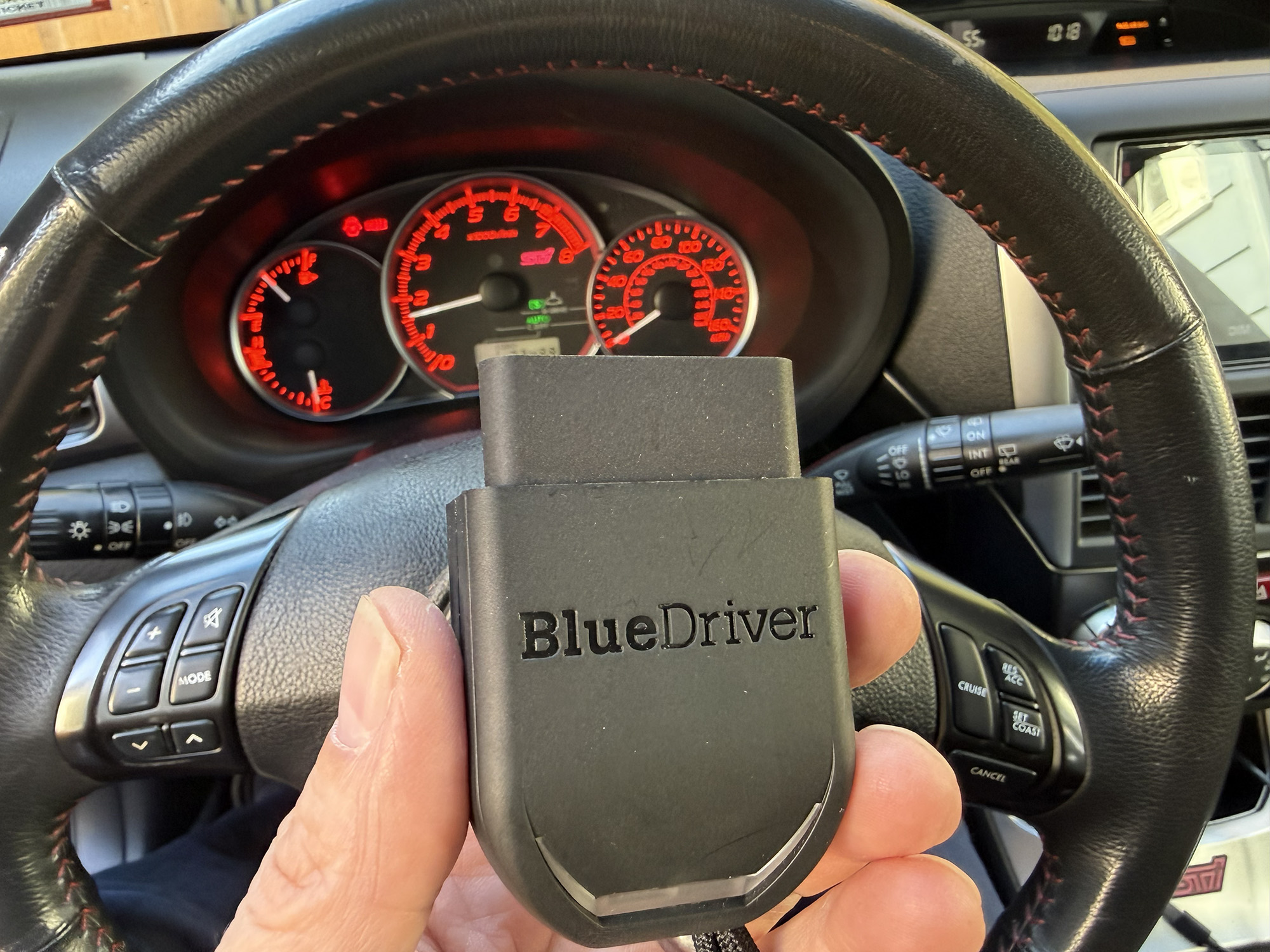
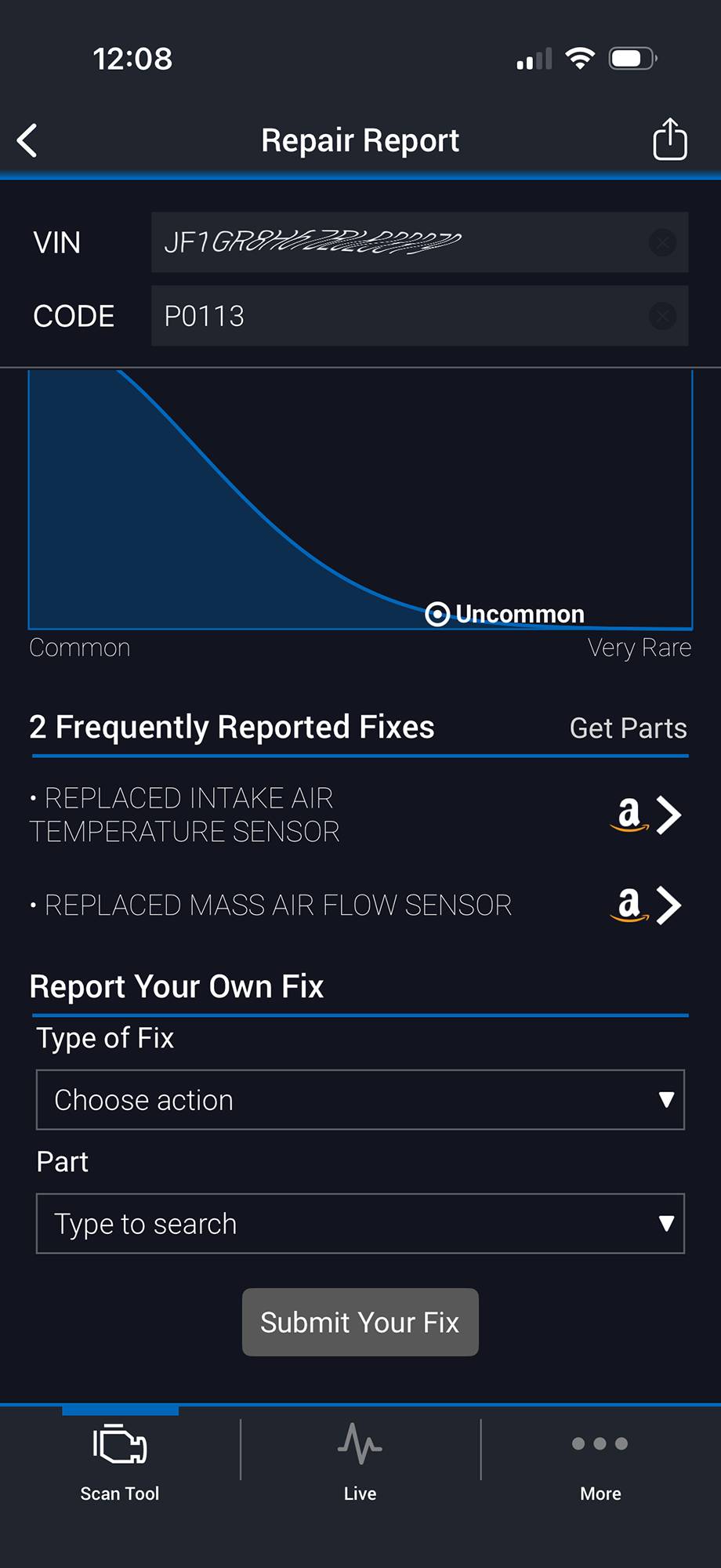
The BlueDriver Pro OBD2 Scanner (Next-Gen) is a wireless device that connects to your car via the industry standard OBD2 port and to your smartphone via Bluetooth. Using the free app, users can scan their vehicles for codes indicating current or past issues. Users can obtain details about any issues and reset any codes. The device can also be used to monitor real-time information as selected from a list of available options.
What is OBD2 (On Board Diagnostics)?
From CSS Electronics:
OBD2 is your vehicle’s built-in self-diagnostic system. It is a standardized protocol that allows extraction of diagnostic trouble codes (DTCs) and real-time data via the OBD2 connector.
What’s in the Box?
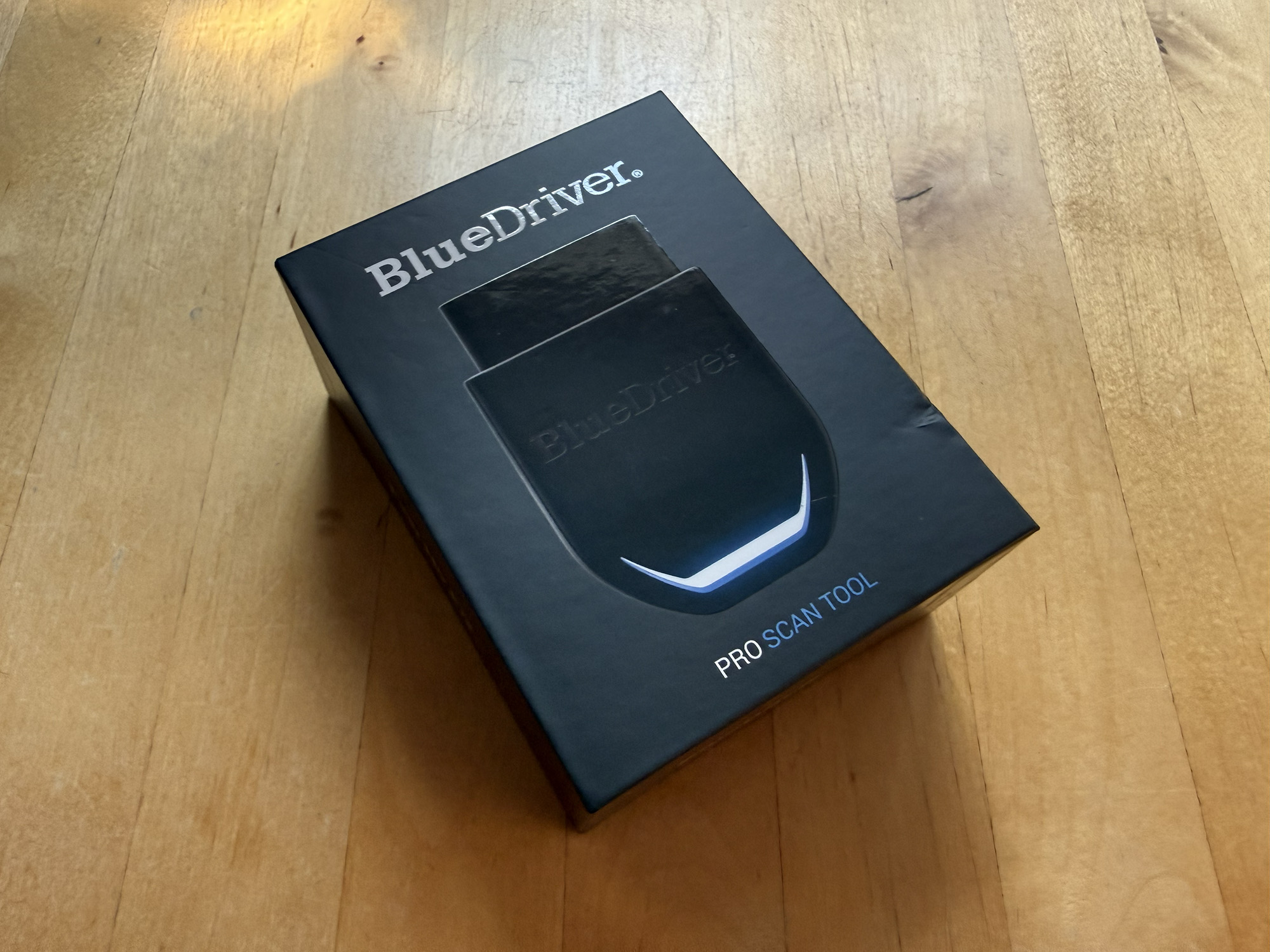
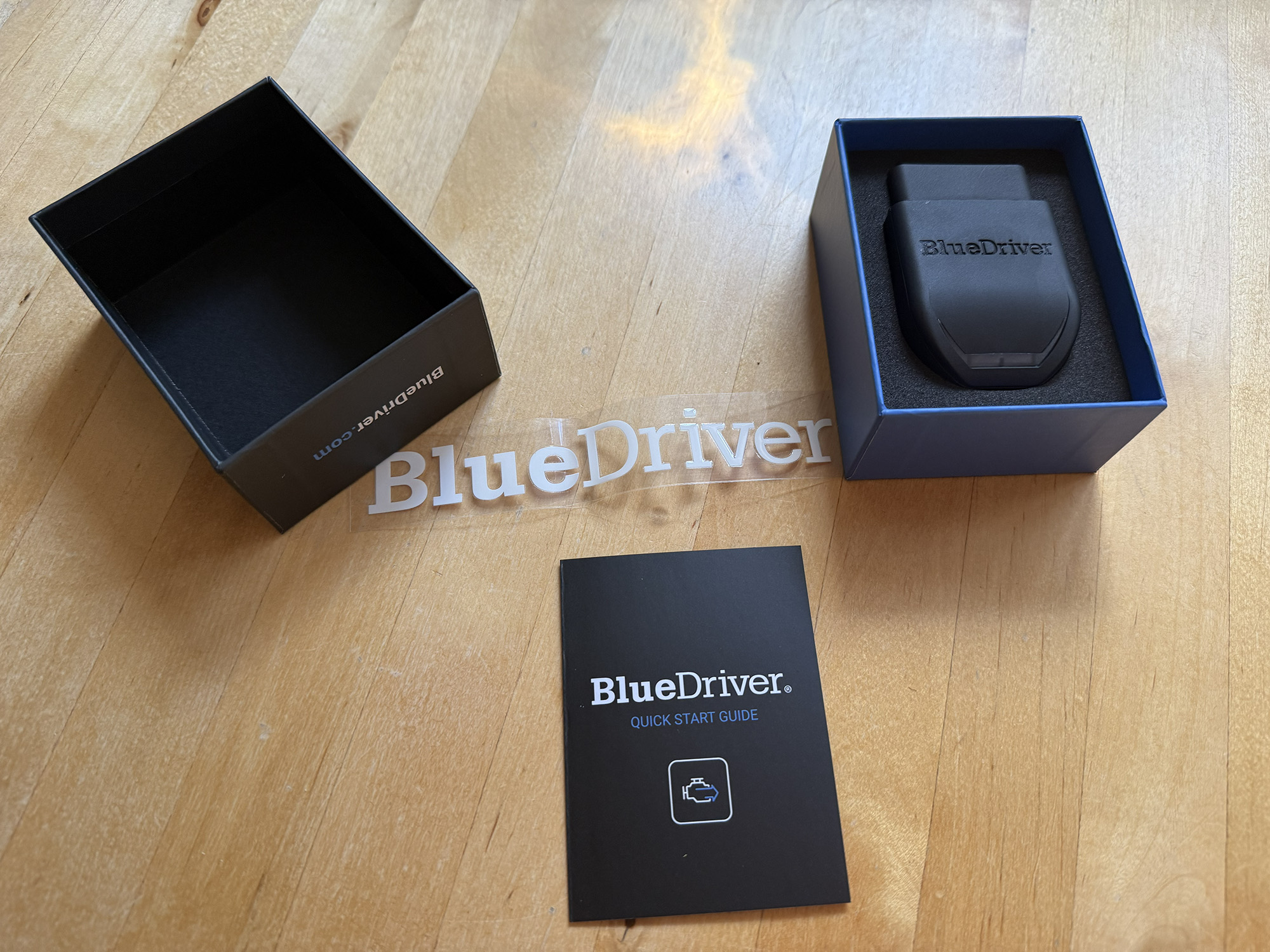
- BlueDriver Pro OBD2 Scanner (Next-Gen)
- BlueDriver Sticker
- Quick Start Guide
Design and Build Quality
The BlueDriver Pro OBD2 Scanner is a compact, lightweight, one-piece unit made of matte black plastic. On the back end is the OBD2 port that engages with your car and on the front end is an LED light that indicates the status of the device. The front of the unit is tapered for ease of grip for removal. There is also a strap connected to the bottom of the unit.
While the body of the scanner feels solid, what is most noticeable is how lightweight the unit is. I have little doubt that the construction is robust enough to withstand years of use.
Compatibility
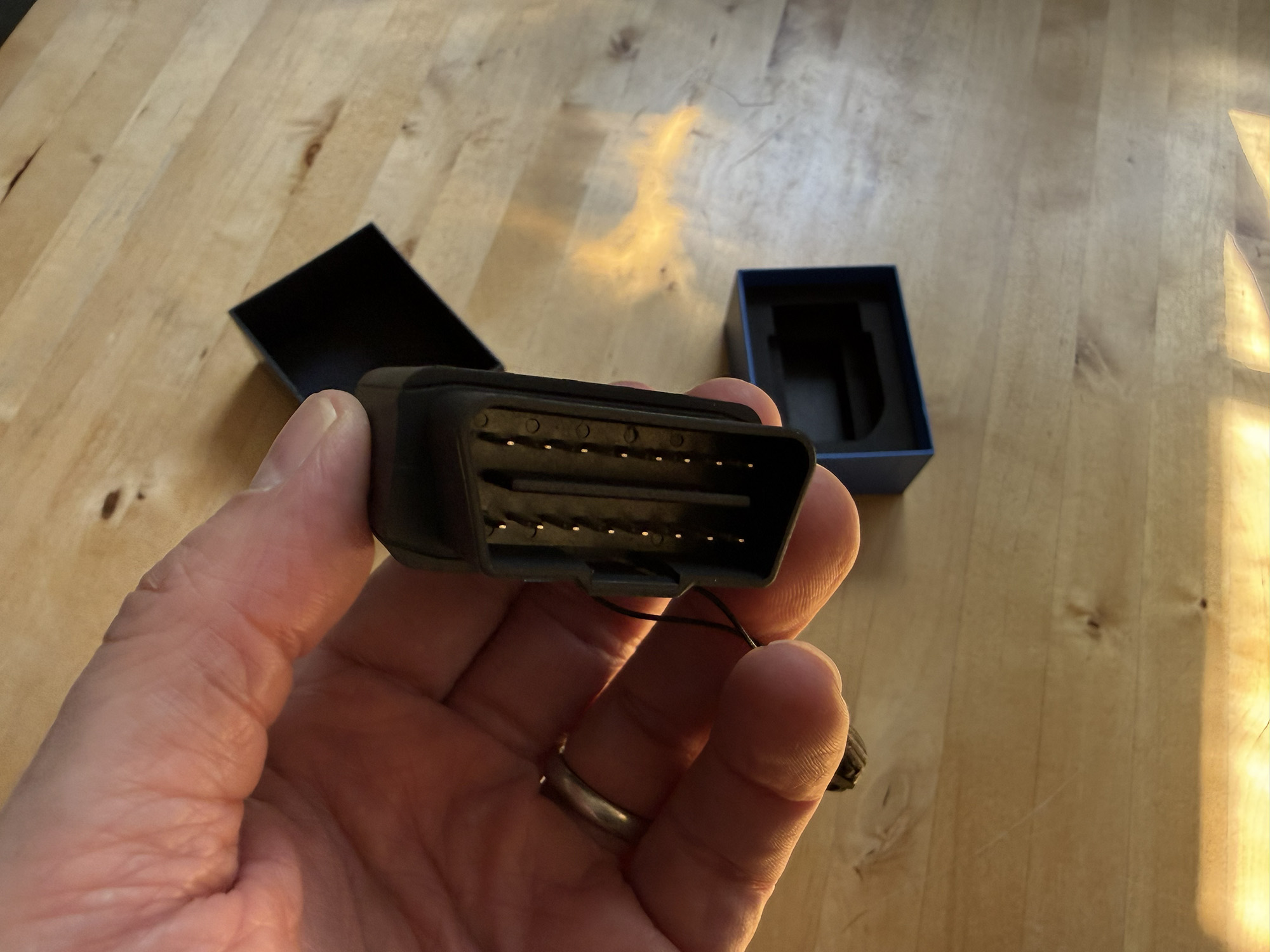
The BlueDriver Pro OBD2 Scanner Works with all gas vehicles from 1996 onward, but it is also compatible with many vehicles featuring enhanced diagnostics including ABS, Airbag, Climate Control, etc.
Advanced Diagnostics Available On:
| GM | Including Chevrolet, GMC, Cadillac, Buick, Saturn, Pontiac, etc. |
| Ford | Including Ford, Lincoln, & Mercury. |
| Chrysler | Including Ford, Lincoln, & Mercury. |
| Toyota | Including Toyota, Lexus, & Scion |
| Nissan | Including Nissan, Infiniti, & Renault |
| Mazda | All |
| Subaru | Sold in the US |
| Mitsubishi | 2008 models & newer |
| Hyundai | Including Hyundai & Kia (2011 models & newer) |
| Mercedes | Including Mercedes & Smart (2005 models & newer) |
| BMW | (Sold in North America) Including BMW & Mini (2005 models & newer) |
| Honda | (Sold in North America) Including Honda & Acura (2003 models & newer) |
| Volkswagen | (Sold in North America) Including VW, Audi, Lamborghini & Bentley |
If you are interested in learning what specific features of your car are compatible with the scan tool, you can visit their website and use their Vehicle Compatibility Checker at BlueDriver Pro Vehicle Compatibility.
Set Up
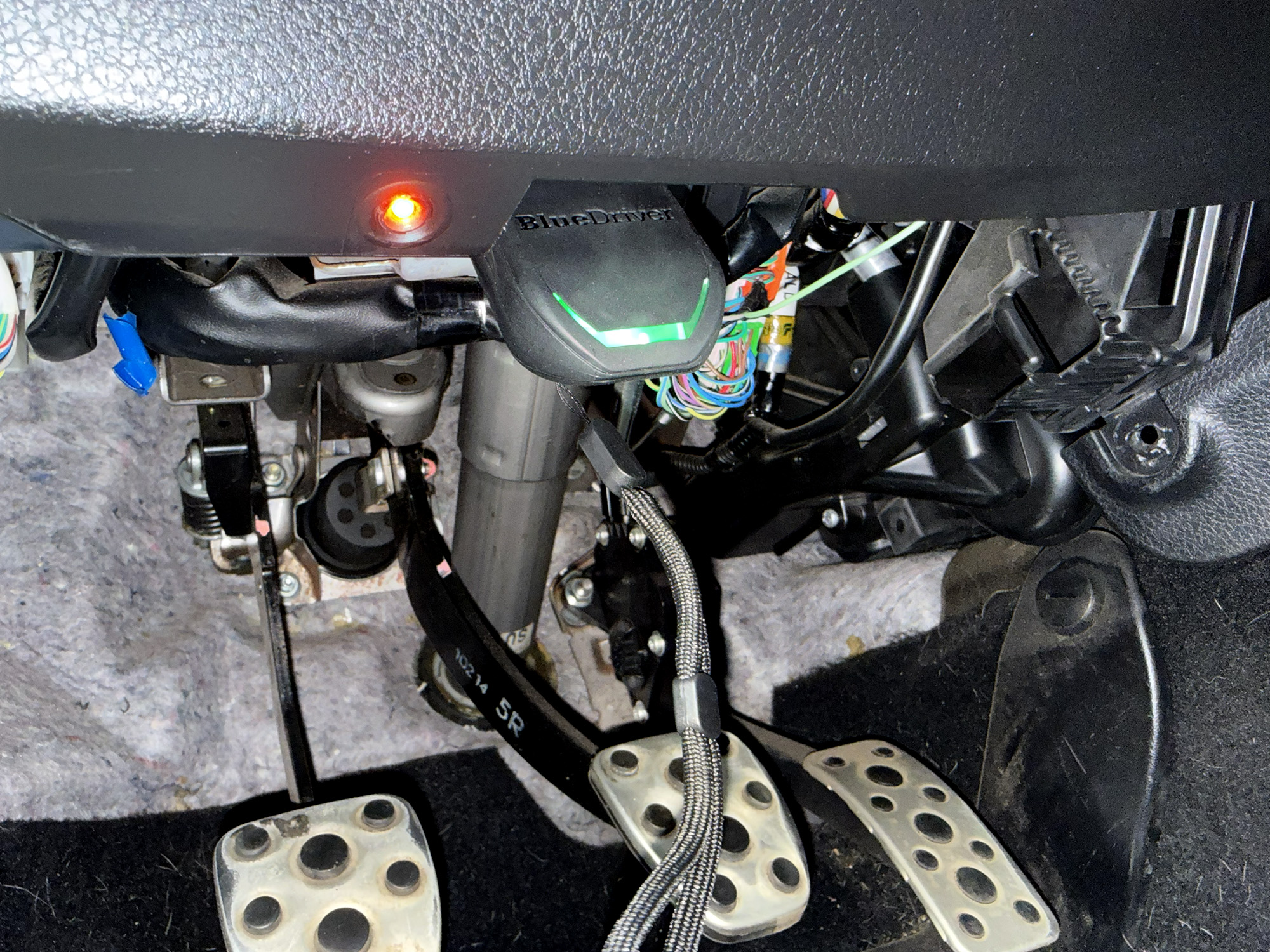
One of the best features of the BlueDriver Pro OBD2 Scanner is its ease of use. Down the free BlueDriver app and create an account. Start your car and plug the scan tool into the OBD2 port found on the underside of the driver’s side of the dashboard. Launch the app and follow the pairing instructions and you are ready to start scanning. It is that simple and takes a minute or two.
BlueDriver App
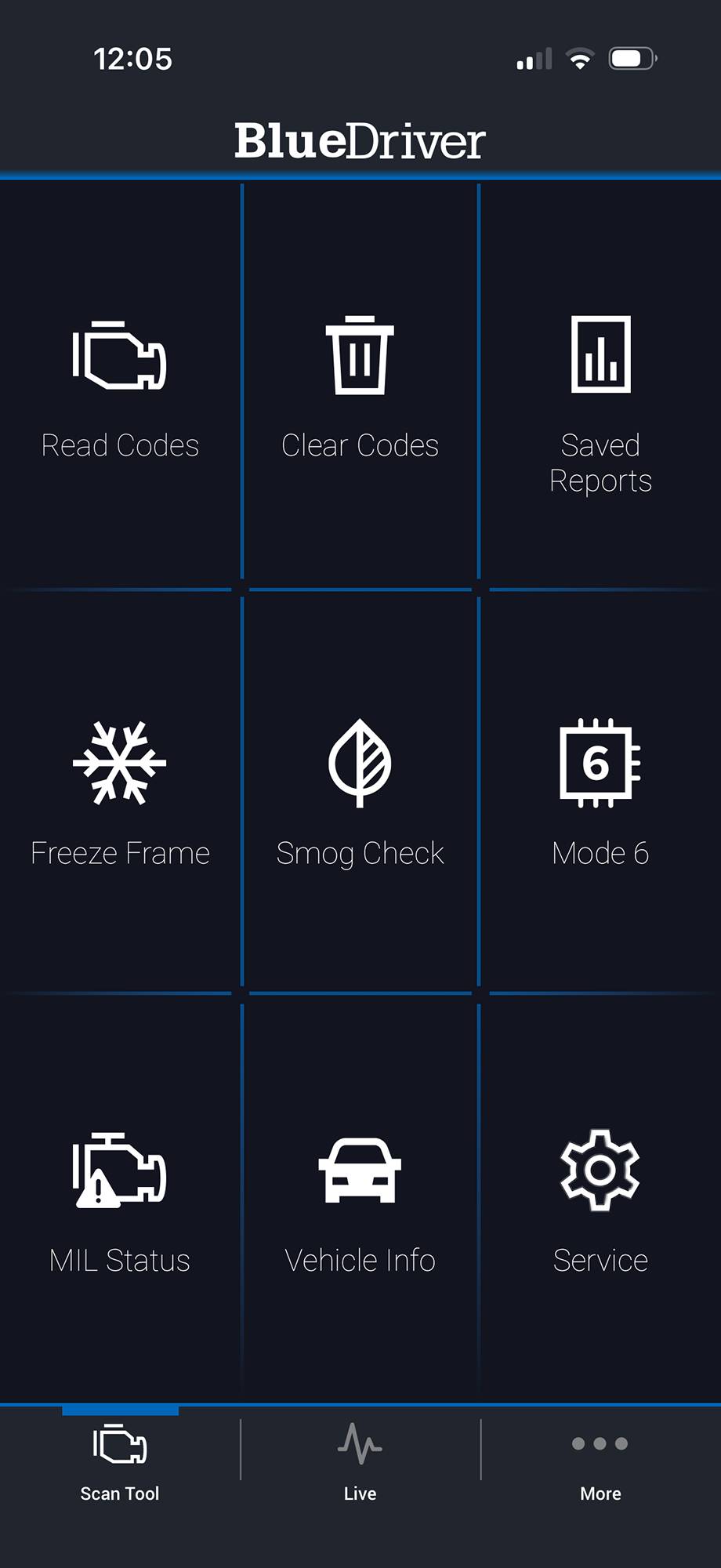
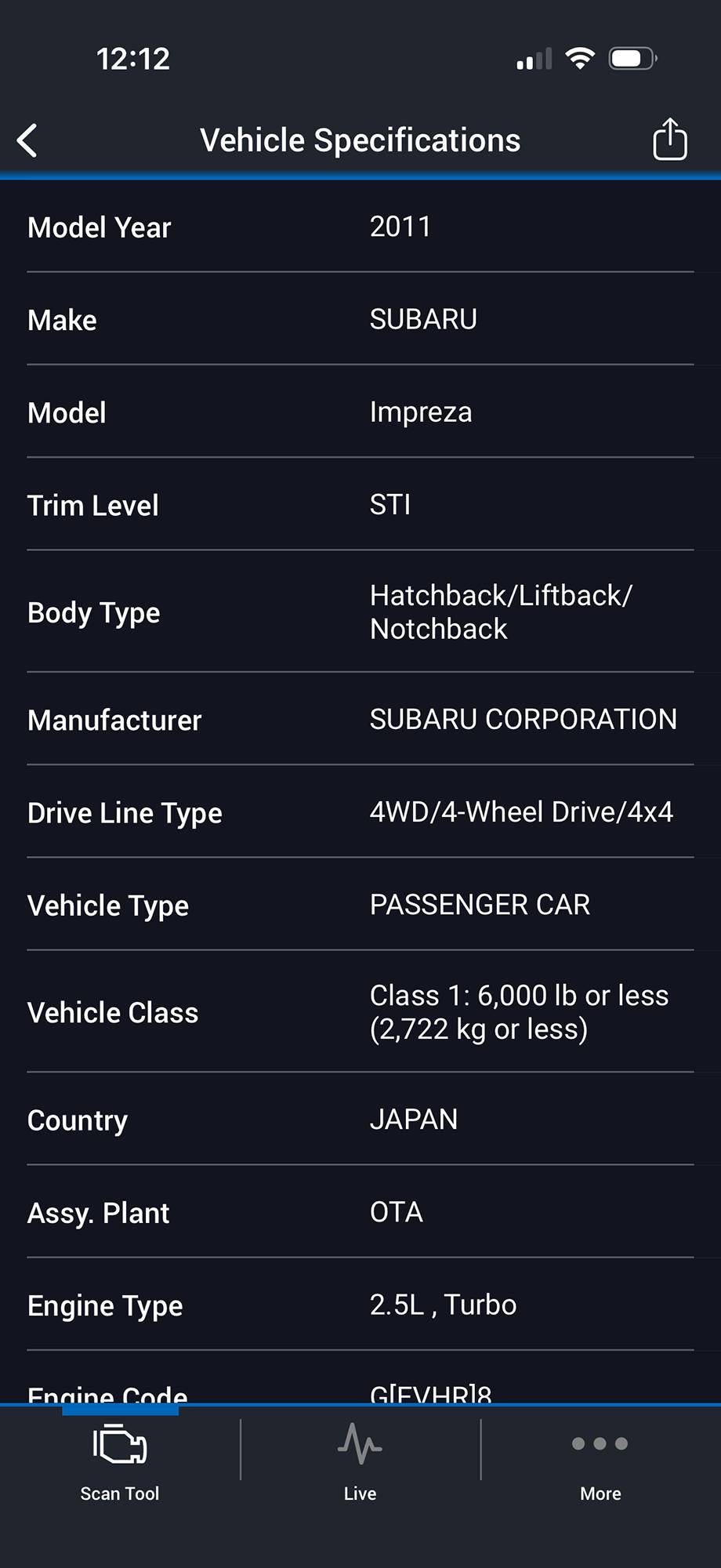
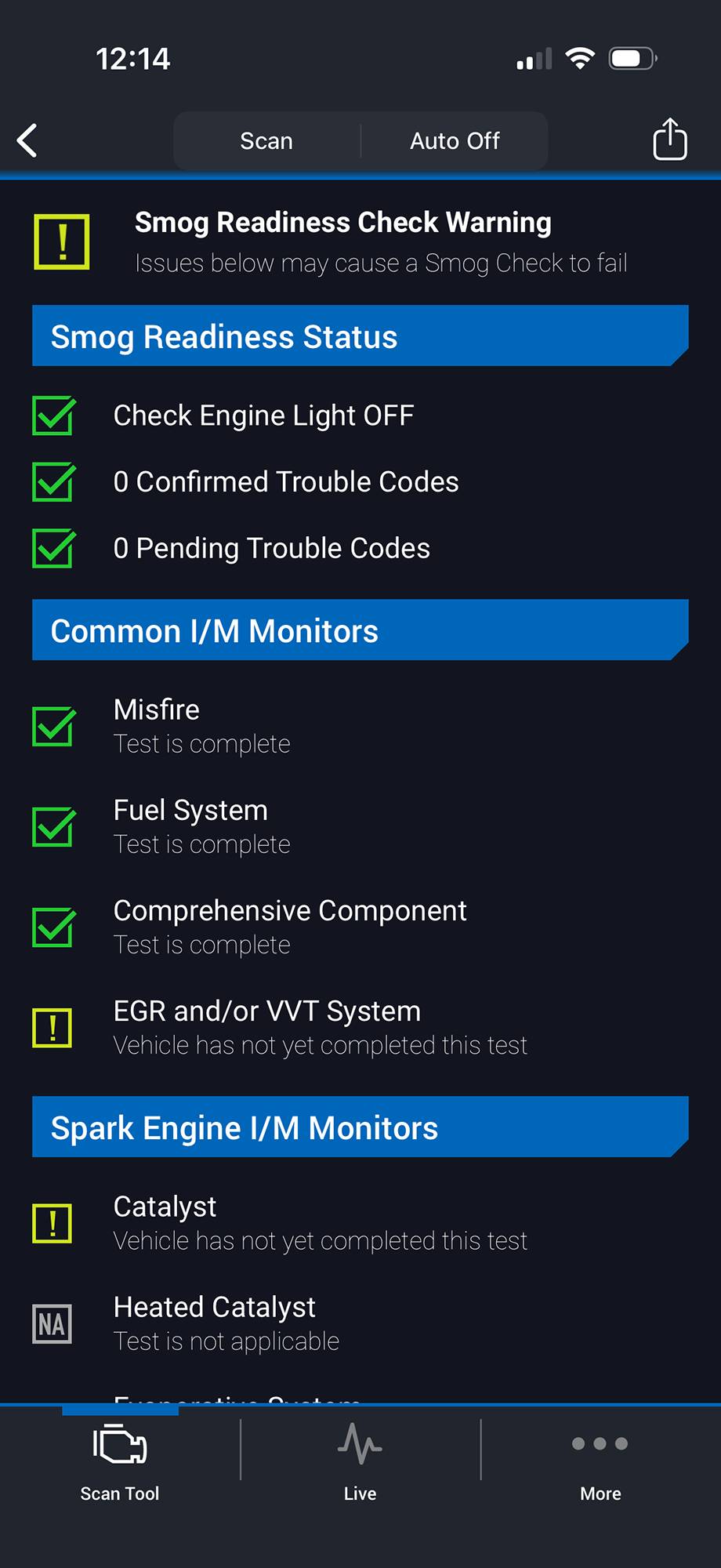
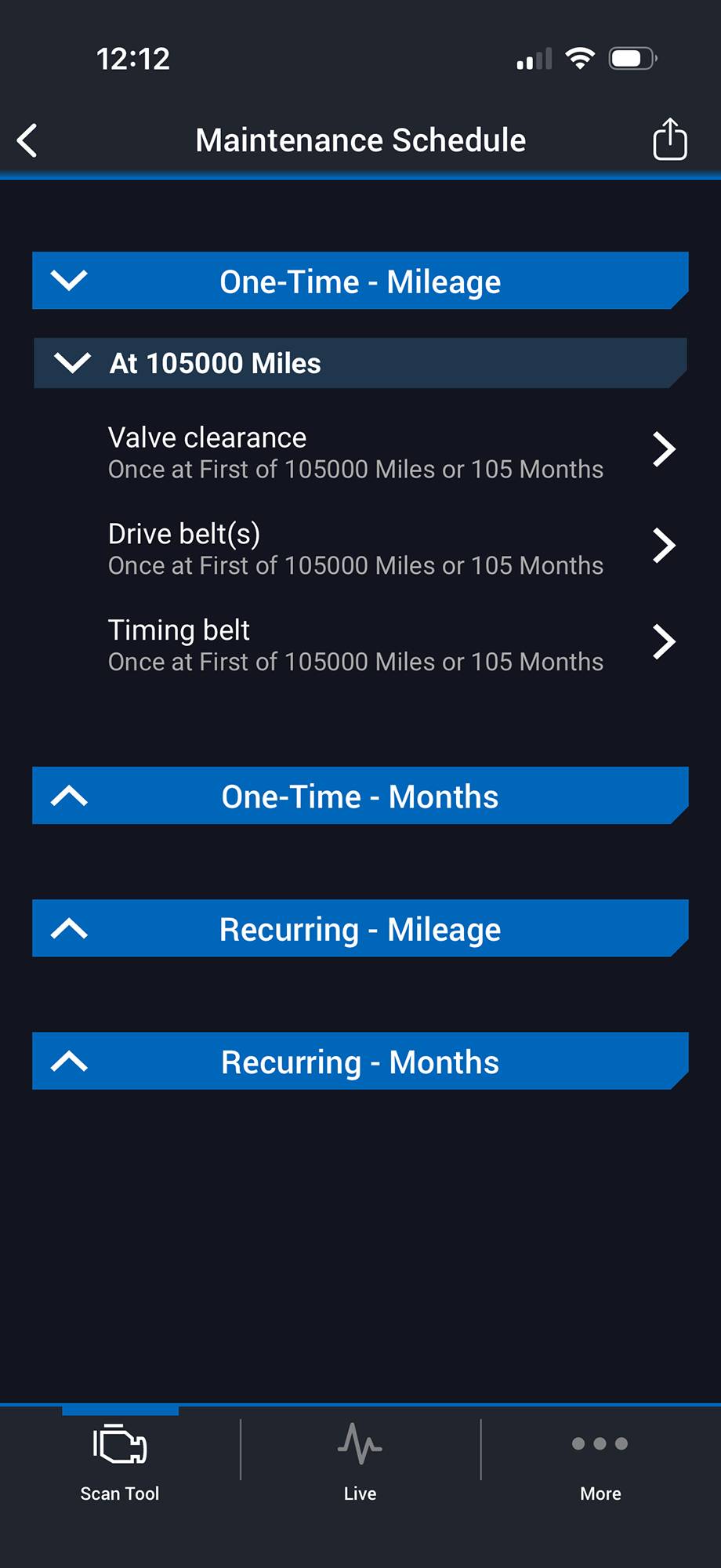
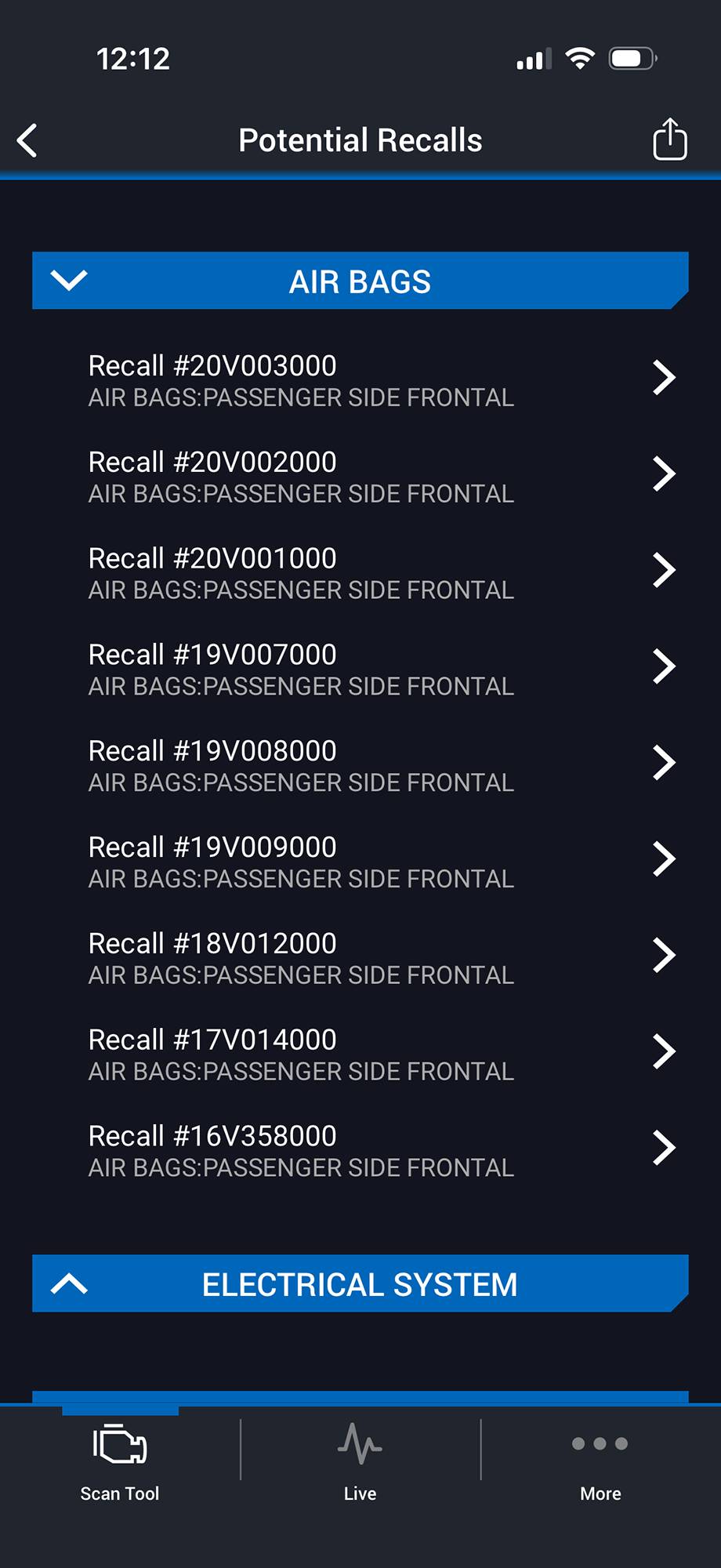
The related free app is available for iOS and Android provides access to a variety of features including the reading and clearing of error codes, performing smog checks and obtaining detailed information about your vehicle and its service history. All of the information obtained can be saved in reports for later review or sharing with mechanics.
The app is also able to provide live data for well over one hundred functions including Intake Manifold Absolute Pressure, Intake Air Temperature, Mass Flow Air Rate, Calculated Engine Load Value, Manifold Surface Temperature not to mention the ability to double check your gauges with values including the Odometer, Engine RPM, Engine Coolant Temperature and vehicle Speed.
Other functions of the app include the ability to update the sensor, order additional sensors, setup the sensor, access support and rate and review the product.
Performance
If you are new to the OBD2 scan tool market, you might be surprised to see how many products are offered and the wide range of their abilities and costs. I have reviewed high-end OBD scan tools such as the Xtool InPlus IP919, essentially a handheld computer that successfully addresses all of the needs of a professional mechanic and modern repair shop and quite a few additional functions including being a camera and music player. But, at over $1000, this product is not for everyone.
On the other end of the scale are units that can be purchased for less than $20. Many of these can handle the basic tasks of identifying and resetting error codes and perhaps a few additional functions.
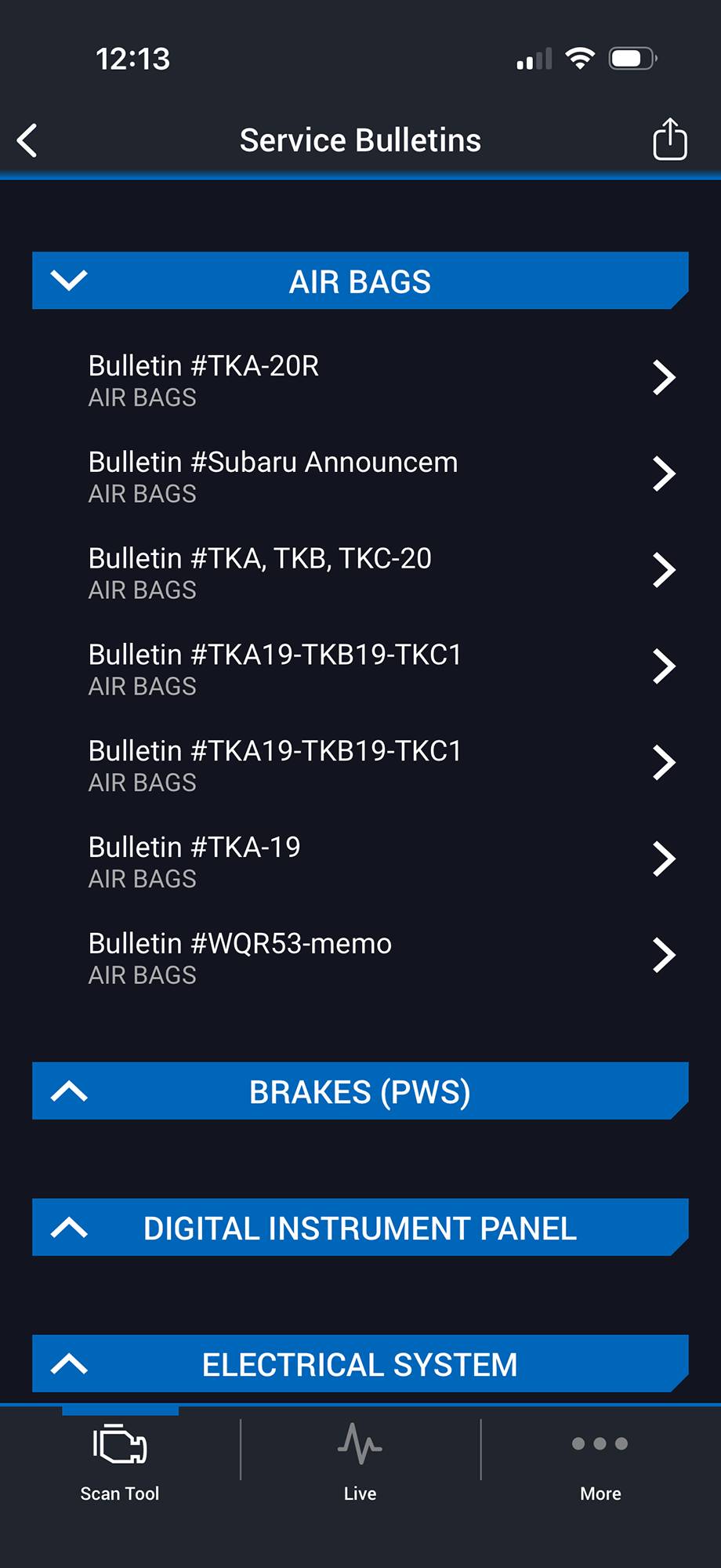
The BlueDriver Pro OBD2 Scanner slots into a well-though out sweet spot in the market. At less than $100, it is on the lower end of the market in terms of cost, but its features are carefully aligned with how OBD scanners are used.
The scan tool is wireless, able to update itself and provides live data to your smartphone. Best of all, it does all of this without a subscription of any kind. This live data can be extremely helpful in the monitoring of regular service and the detection and repair of various issues. It can also be very useful for those who modify and upgrade their vehicles with aftermarket products such as cold air intakes, performance exhausts and internal engine components allowing them the ability to monitor specific parameters while the car is in use.
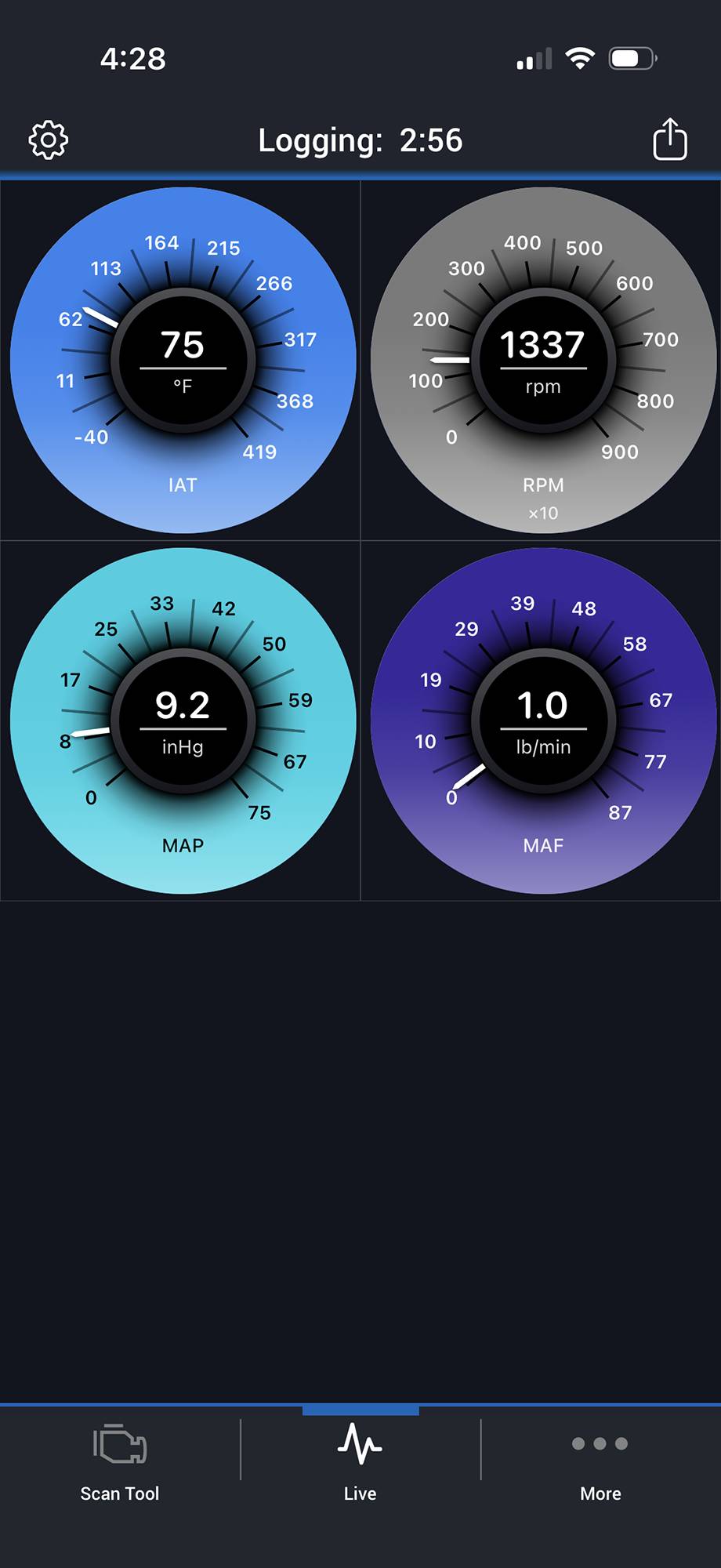
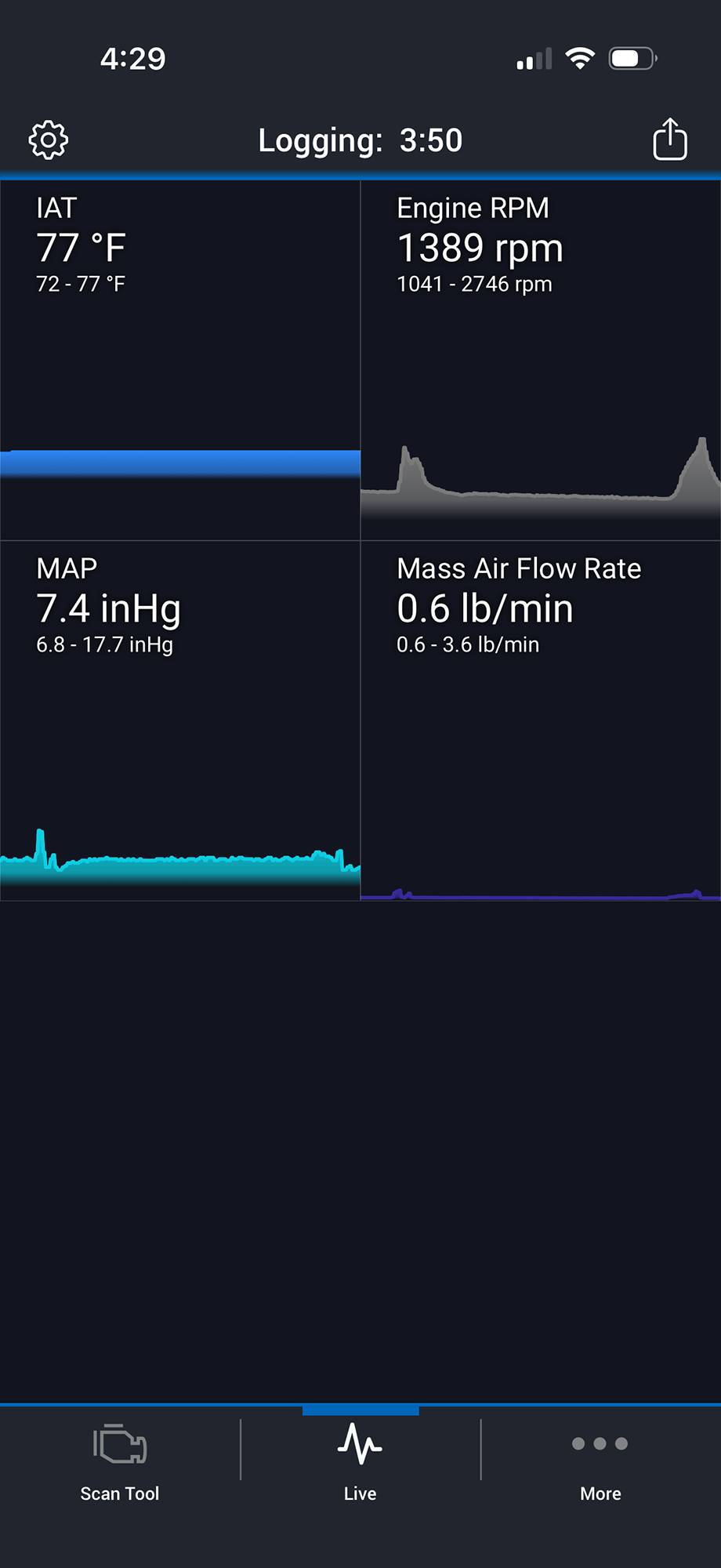
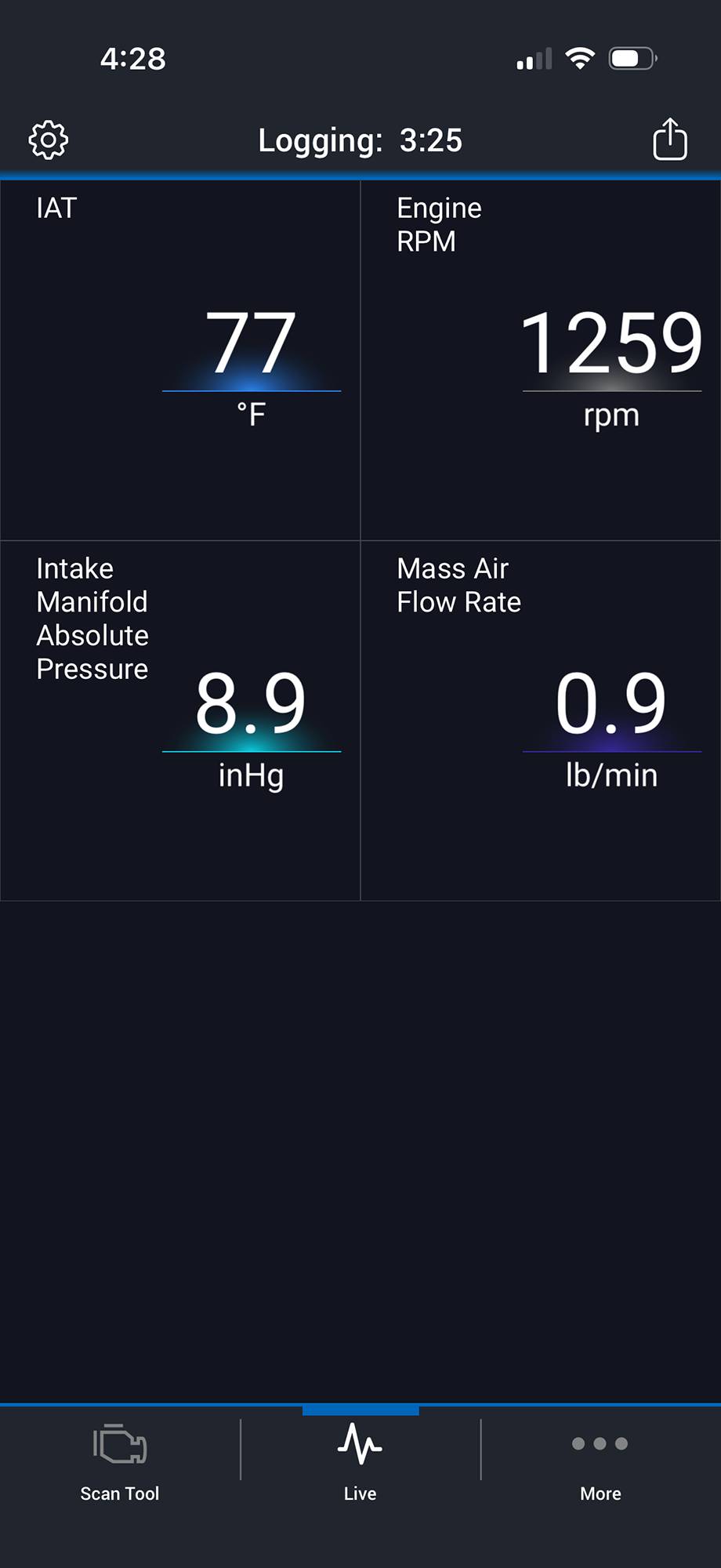
Furthermore, the BlueDriver Pro OBD2 Scanner is able to provide enhanced diagnostics for Check Engine, ABS, SRS, Airbag, TPMS, Transmission and more on supported vehicles. The scan tool also features the ability to provide a freeze frame of all data, essentially a snapshot at the touch of a button. The tool can also read ‘Mode 6 data’, advanced test results such as misfire counts for onboard diagnostic system monitors.
Significantly, the Pro OBD2 Scanner makes these processes easy and fun. The unit itself is so small that it can be left in place without being in the way of regular driving. The app is straightforward and easily configured to monitor whatever parameters are desired. The live data monitoring means that you can hang your smartphone from an adjustable arm and have a new set of adjustable gauges as needed.
Today’s vehicles are too complicated to evaluate without the correct tools. At a cost of less than $100, the BlueDriver Pro OBD2 Scanner is targeted for the average modern driver who would like a better idea of what is going on with their vehicle before deciding to bring it in for service.
The design of the tool makes it easy to use and compact enough to leave in place. The app allows for a wide variety of functionality, including updating and the ability to provide customizable live data makes it a great choice for a number of drivers including those wishing to evaluate their upgrades.
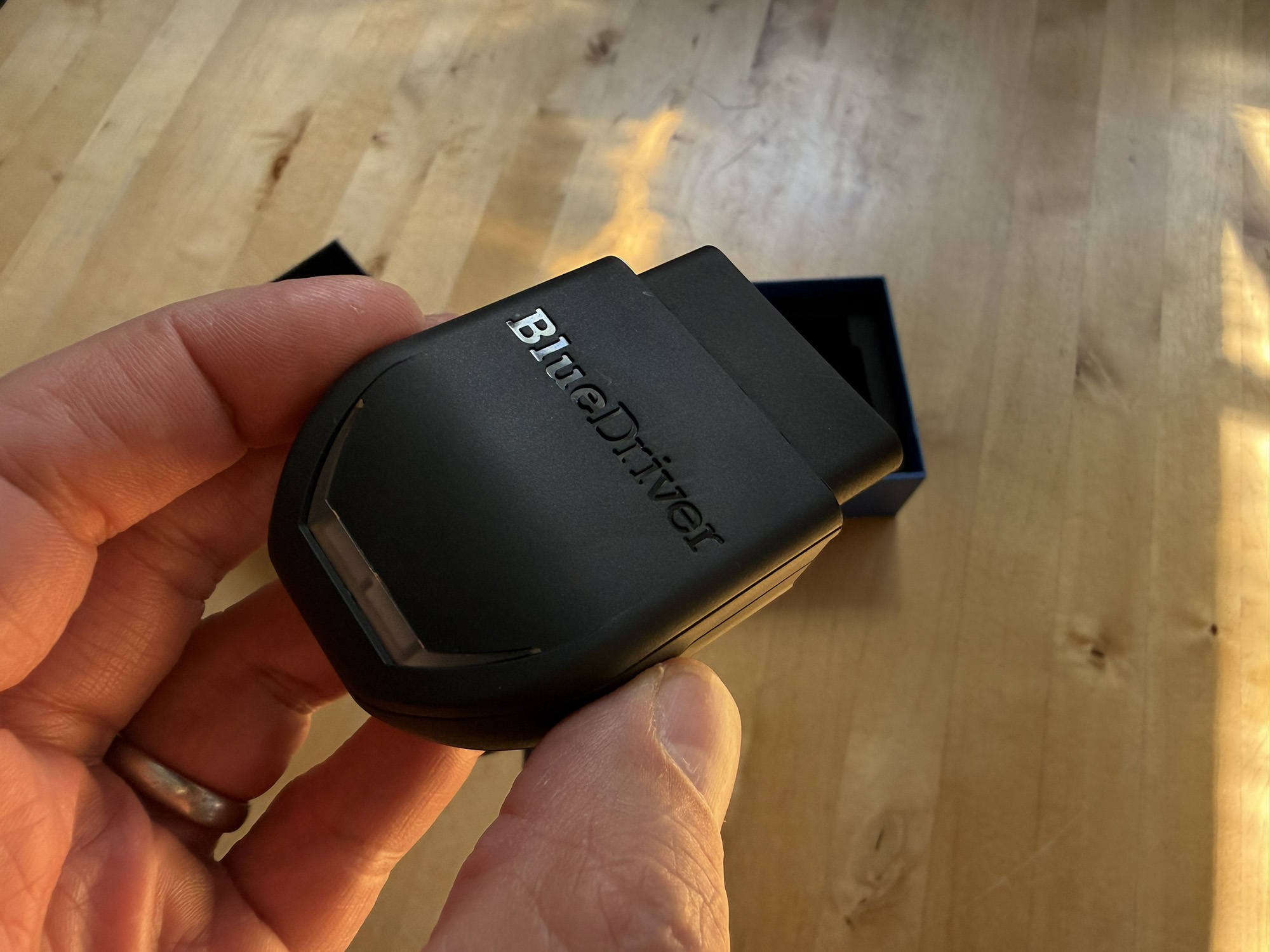
The BlueDriver Pro OBD2 Scanner sells for $94.95 and is available directly from the manufacturer and other retailers including Amazon.
Source: Manufacturer supplied review sample
What I Like: Plug and Play ease; Near universal compatibility; Live data monitoring; Enhanced codes; Tiny form factor
What Needs Improvement: Nothing




Be the first to comment on "BlueDriver Pro OBD2 Scanner Review: Wireless Ease, Nearly Universal Compatibility with Live Data Monitoring"