
If you’ve been wanting to upgrade your creative setup without splurging on a high-end pen display, Wacom’s new Cintiq generation might be the sweet spot. The Cintiq 16, Cintiq 24, and Cintiq 24 touch are designed to deliver professional-grade drawing and design tools at more accessible prices. Whether you’re a freelance illustrator in a small space, a student just starting out, or a seasoned pro using older gear, these new models offer flagship-level features without the flagship-level cost. It’s Wacom quality with a more attainable price tag, and that’s worth a second look.
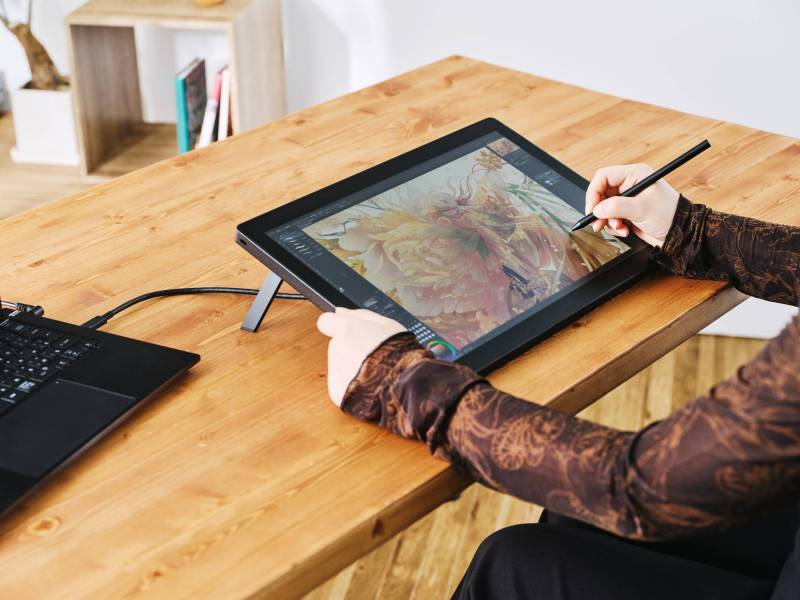
Wacom Cintiq 16
The Pro Pen 3 Comes Standard, and That’s a Big Deal
Let’s start with what makes these displays more than just screens. Each one comes with Wacom’s Pro Pen 3, the same stylus tech used in their high-end Wacom Cintiq Pro line. That means you’re getting a pen that’s finely tuned for control, comfort, and customization.
With improved sampling rates and pressure sensitivity, your lines flow more naturally, almost like the pen is reading your mind. If you tend to press harder when you’re deep in the zone or have a featherlight touch, the Pro Pen 3 picks it up and adjusts accordingly. There’s barely any lag, so the tip of your pen follows your hand like it’s tethered there.
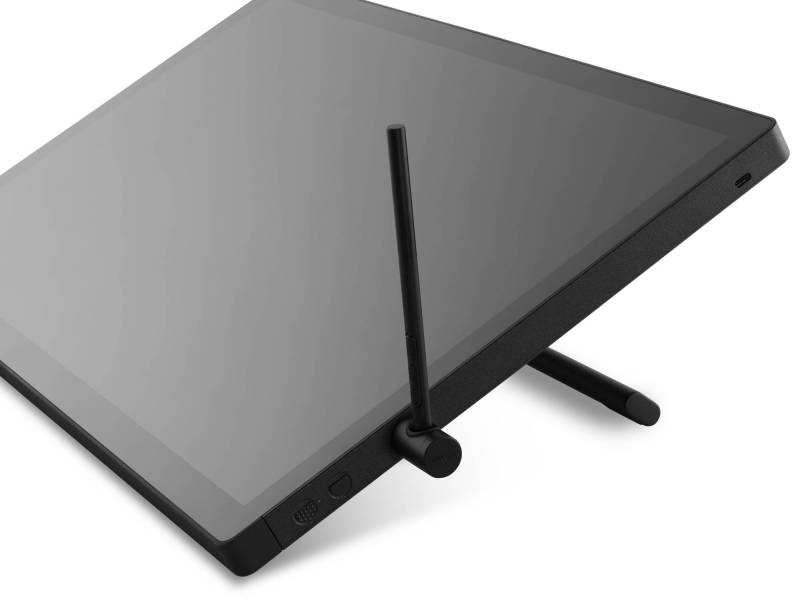
Wacom Cintiq 24
If you’re particular about how your tools feel (and let’s be honest, most creatives are), Wacom has made the Pro Pen 3 even more personal. You can tweak the grip thickness, shift the weight balance, and rearrange the side buttons. For anyone putting in marathon sketch sessions or grinding out edits for hours on end, this kind of flexibility can be the difference between staying in the flow and needing an ice pack for your wrist.
And if you prefer your tools with a touch of texture and personality, there’s the optional Wacom Pro Pen 3 Wood Grip. It’s not included with the displays, but it’s worth a look if you prefer a warmer, more organic feel in hand, especially during long sessions where slick plastic starts to feel a bit too clinical.
Size, Clarity, and That Satisfying Scratch of Etched Glass
Now, let’s talk screens. You’ve two sizes to choose from: the Cintiq 16, which features a 16″ screen with a sharp 2560 x 1600 resolution, and the Cintiq 24, which ups the ante with a 23.8″ display at 2560 x 1440. The larger version also comes in a touch model, allowing you to zoom, rotate, and navigate with your fingers.
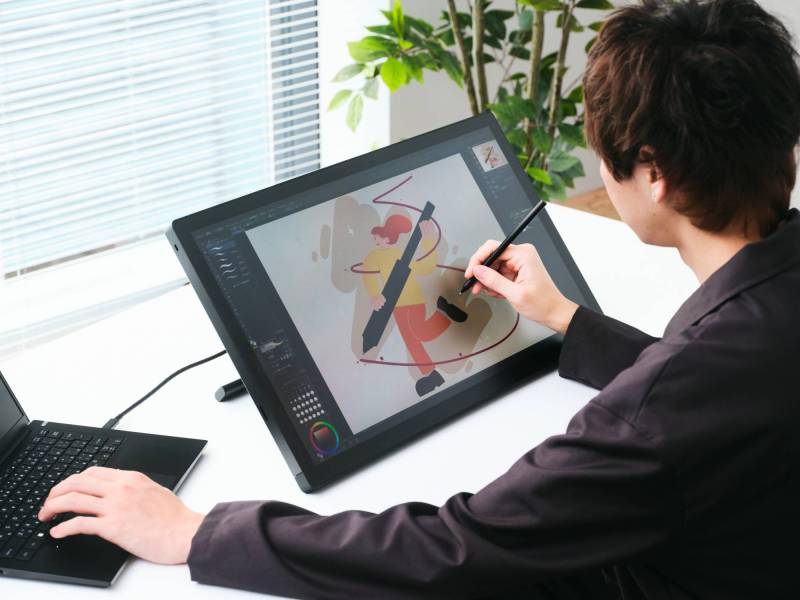
Wacom Cintiq 24
Regardless of which model you pick, the visual experience is clean and comfortable. Wacom utilizes direct bonding to minimize the gap between the pen tip and the cursor, providing a satisfying sensation of drawing directly on the image instead of through a layer of glass. Speaking of glass, these displays feature anti-glare etched surfaces that reduce reflections and provide a gentle, paper-like texture under your pen. It’s subtle, but it makes a big difference in both comfort and control.
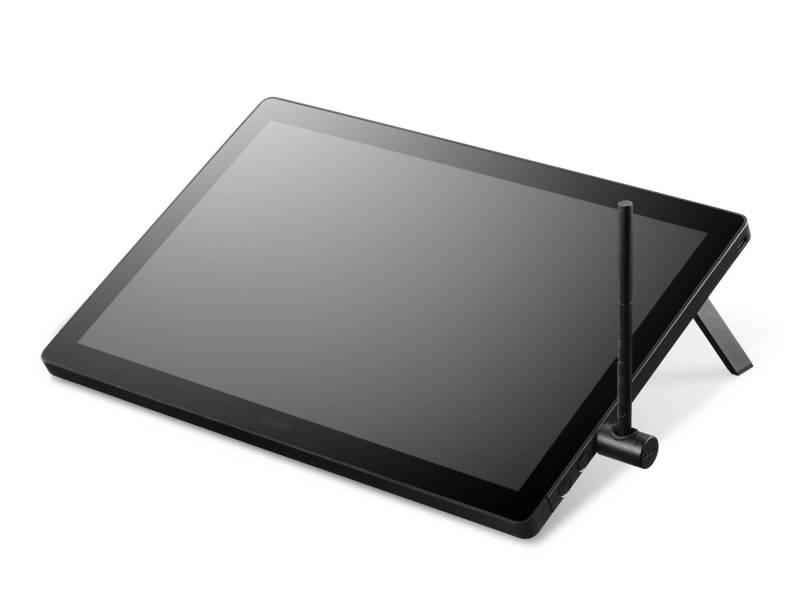
Wacom Cintiq 16
If you’re someone who stares at a screen for hours (and let’s be real, who isn’t?), reducing eye fatigue isn’t a luxury; it’s a must. The matte finish and reduced parallax make it easier to stay focused without squinting through glare or dealing with visual disconnect.
Slimmed Down, Quieted Up
The new Cintiqs aren’t just about what’s on screen. Wacom has trimmed down the physical footprint, so they’re easier to fit on your desk or a cluttered workspace. The Cintiq 24, for example, is just 21mm thick, which is almost half the thickness of Wacom’s previous 22″ model. That’s the kind of change that matters when you’re trying to juggle a tablet, keyboard, sketchpads, and the occasional coffee mug.
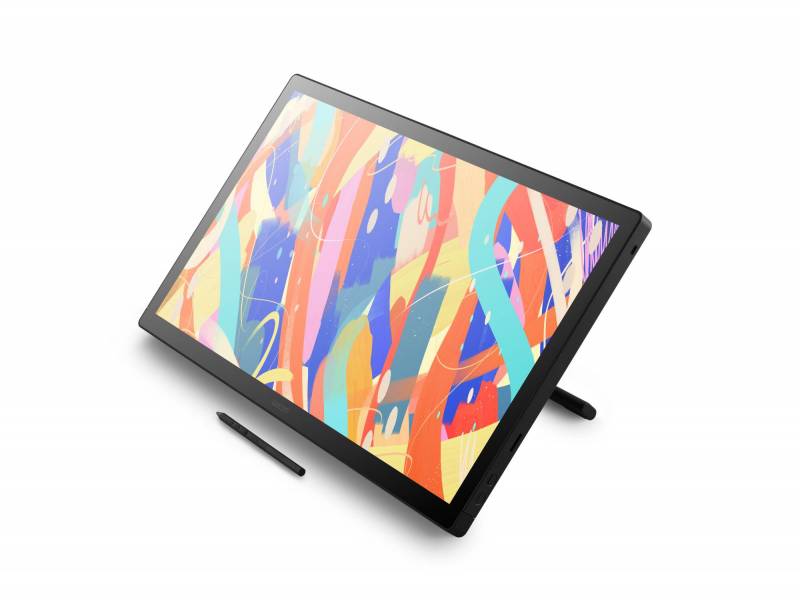
Wacom Cintiq 24
And perhaps best of all: no fans. The fanless design means quiet operation, which might not seem like a big deal until you realize how distracting a low hum or sudden whirr can be when you’re trying to focus on fine linework or color grading. The new Cintiqs keep things cool without making a sound.
Comfortable Angles and Thoughtful Setup Options
If you’re constantly adjusting your angle to avoid a neck cramp or you like switching between sitting and standing setups, the stands on these displays have you covered. The Wacom Cintiq 24 comes bundled with an adjustable stand that lets you tilt and move it quietly and smoothly. The Wacom Cintiq 16 has built-in fold-out legs, and if you want even more control, there’s an optional adjustable stand available.
-

- Wacom Cintiq 16
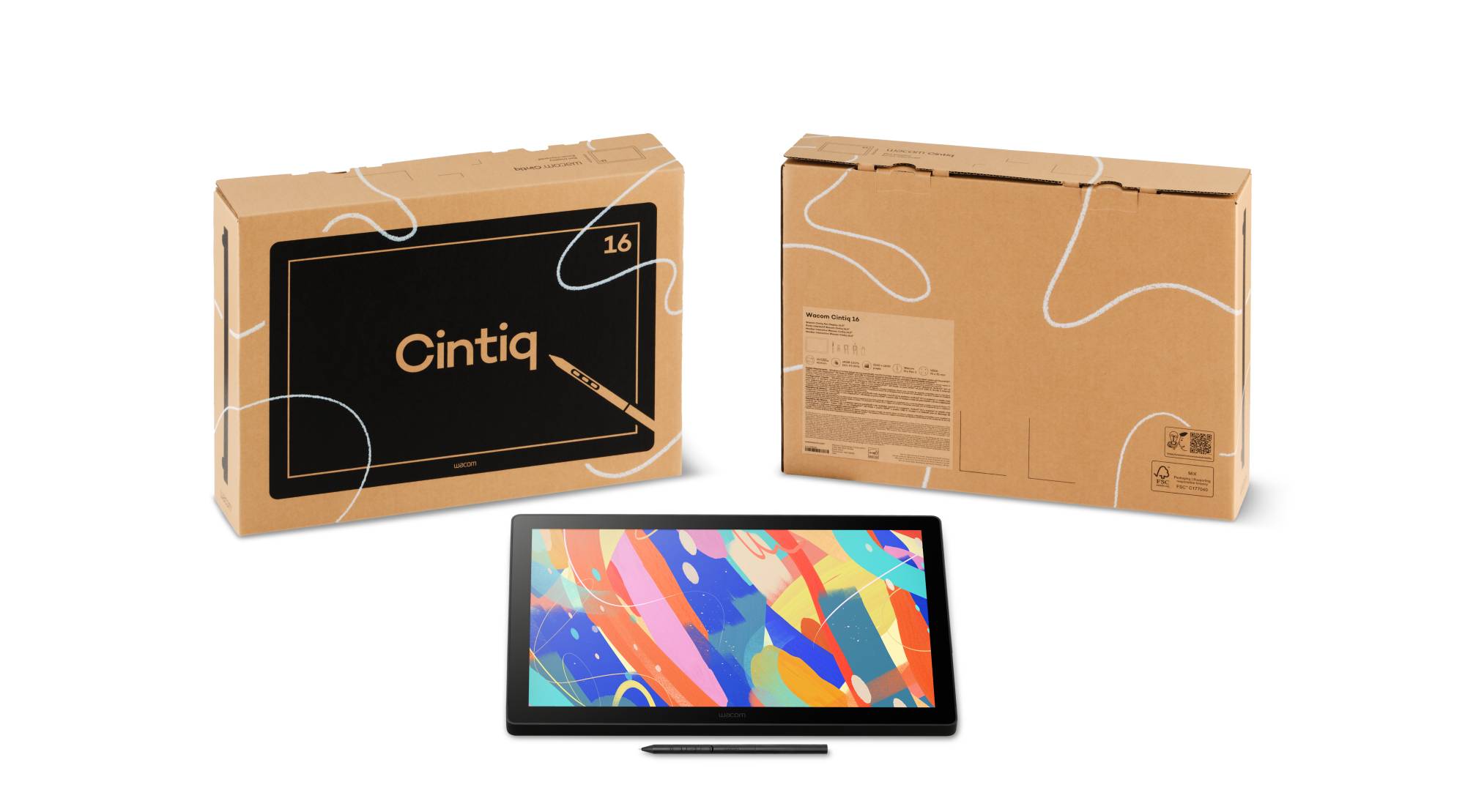
-
- Wacom Cintiq 24
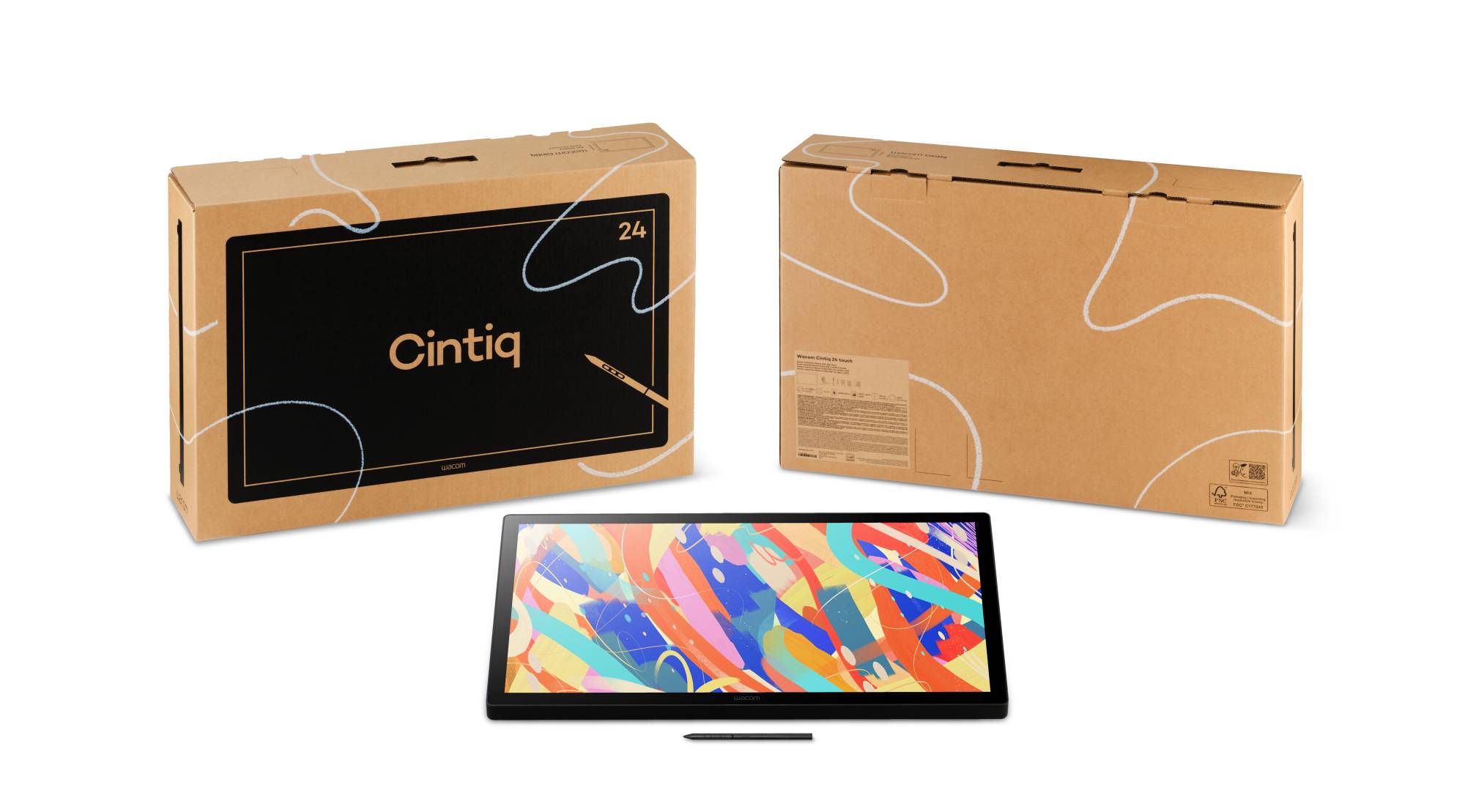
Both sizes also work with standard VESA mounts (75 x 75mm), so if you already have a monitor arm or a multi-display setup, it’s easy to add a Cintiq into the mix. And for those who hate cable chaos, the ports are neatly organized on the back. Each model supports USB-C, so you can plug in with a single cable that handles video, data, and power, especially handy on the 16″ model, which supports full USB-C power delivery. HDMI and USB-A ports are also included if you need alternatives.
Software Sweeteners That Actually Help
All the new models include time-limited access to a couple of creative software tools. There’s Clip Studio Paint EX, a favorite among comic artists and illustrators for its detailed pen and brush engine, and MASV, which is great for sending large files, like layered PSDs or high-resolution video clips, without watching a progress bar crawl across your screen. These aren’t permanent licenses, but they offer a convenient way to explore new workflows without committing to additional subscriptions right away.
Who Should Consider These Displays?
The updated Wacom Cintiqs are built for anyone who wants a more professional creative toolset without having to spend thousands of dollars to get started. They’re a great fit for creative students who are building portfolios and need something reliable and responsive for everyday use. Freelancers upgrading from entry-level tablets will appreciate the improved precision and comfort that help them meet tight client deadlines.
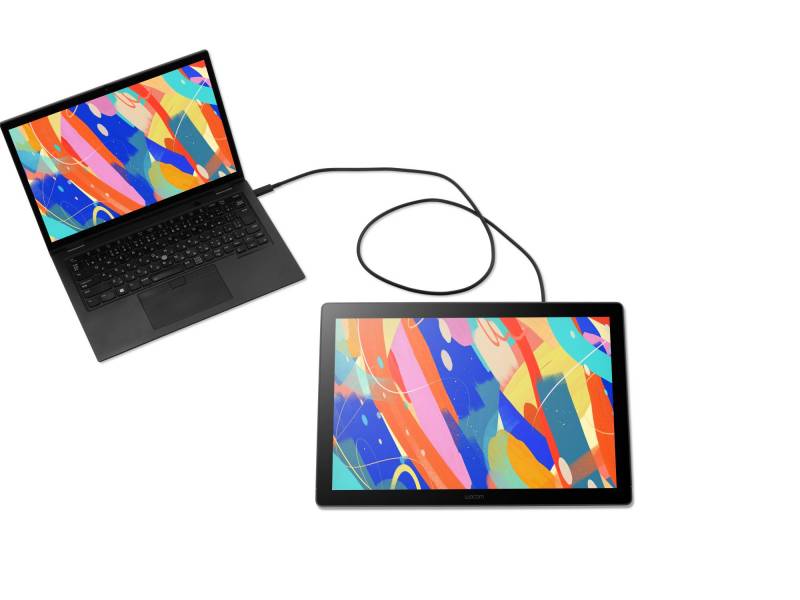
Wacom Cintiq 16
Professional illustrators and designers looking for a second, more portable display will find these models ideal for travel or hybrid work setups, all without sacrificing pen performance or pressure sensitivity. Even hobbyists who are ready to invest in a display that feels as natural as drawing on paper, but with all the benefits of working digitally, will find plenty to love here.
Pricing and Availability
Wacom hasn’t revealed the full pricing lineup yet, but the new Cintiq 16, Cintiq 24, and Cintiq 24 Touch will all be available later this summer. Given their feature set and the inclusion of the Pro Pen 3, they’ll likely land somewhere between Wacom’s entry-level models and the high-end Cintiq Pros. In other words, expect professional performance without the steep price tag typically associated with the flagship series.
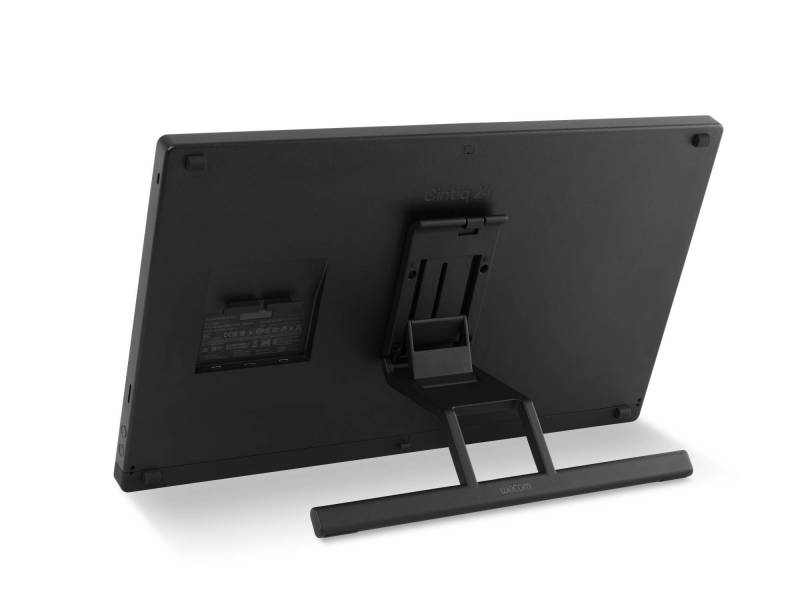
Wacom Cintiq 24
For those curious or ready to upgrade their creative space, more details can be found on Wacom’s website. But if you’ve been waiting for a sign to move beyond a basic tablet or outdated display, this might just be it.
The new Wacom Cintiq line looks and feels like it was made for the modern creative, the kind who sketches at cafés, edits animations late into the night, or juggles a side hustle between gigs. With serious pen performance, thoughtful design upgrades, and a price point that won’t make your wallet cry, Wacom’s latest offering might be the most approachable entry into pro-grade displays they’ve made in a while.




I’ve used earlier ones and these look even better. So much tech forces you into different ways of doing things, but these are perfect for meshing traditional style with tech benefits.
I think my Wacom is over 10 years old now – I’d definitely love to have a model with an actual screen – it would make such a difference!
It’s great to see more affordable, good quality Wacom pen displays.