
The Lowdown
The BOYA mini 2 Microphone system is intuitively designed, cleverly engineered, and could hardly be easier to use and get great results. The lavalier microphones are tiny and lightweight and deliver great sound. The AI noise cancellation, like with its sister product, lives up to its name, magic. This level of technology and performance for under $60? Nothing “mini” about it.
Overall
Pros
- Impressive sound
- Amazing AI noise cancellation
- Ease of use
- Intuitive design
Cons
Since 2012, BOYA has offered a range of audio products, including wired and wireless microphones, headphones, mixers, and accessories. In this review, we test the BOYA mini 2, an updated, AI-powered lavalier microphone system. A few months ago, we reviewed the BOYA Magic Microphone and gave it a 5 out of 5 rating. The Magic is a clever wireless mic system that can be configured in four different ways. The mini 2 is the upgraded version of the mini and shares many of the Magic’s advantages and performance in a simpler form.
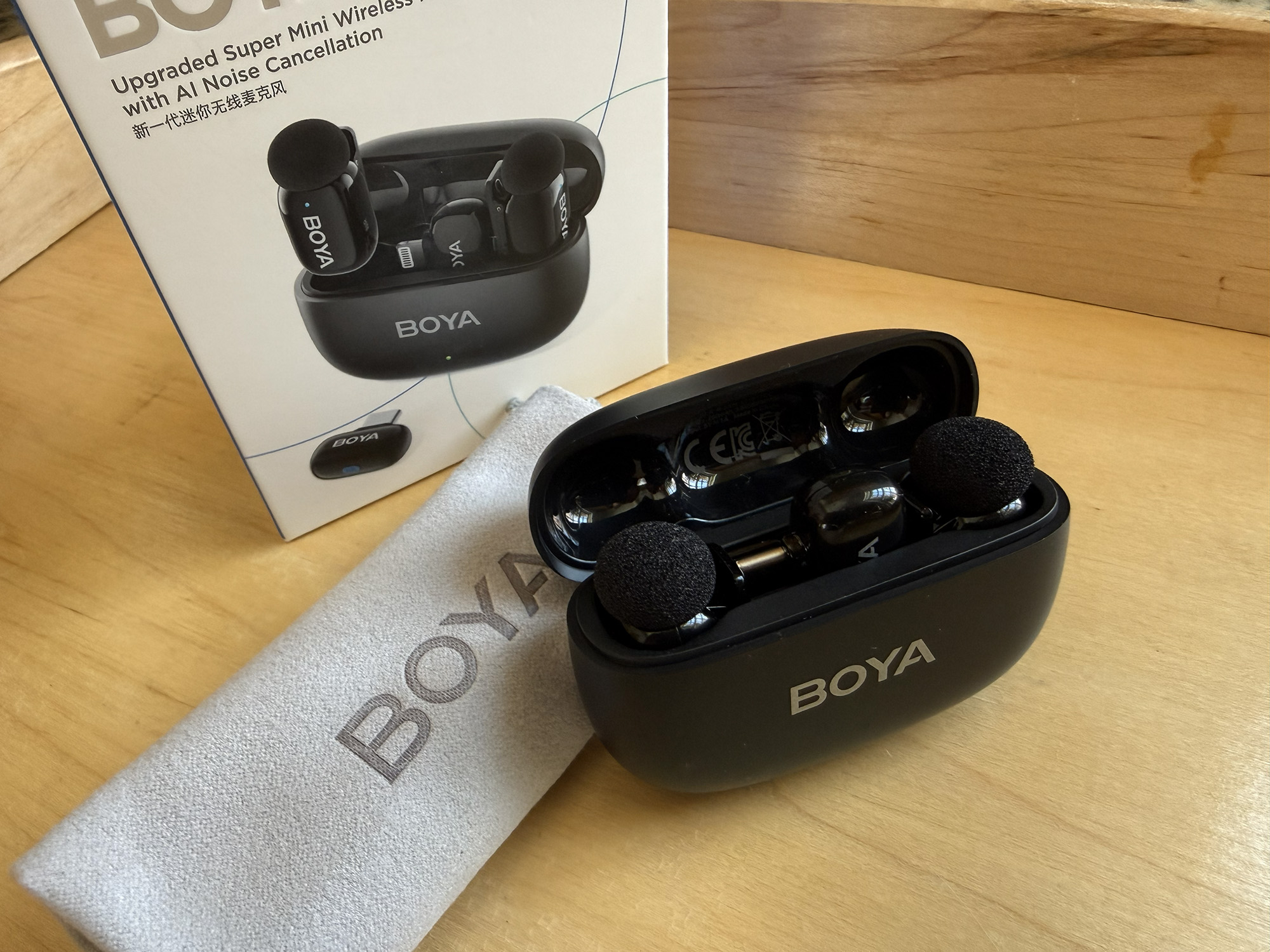
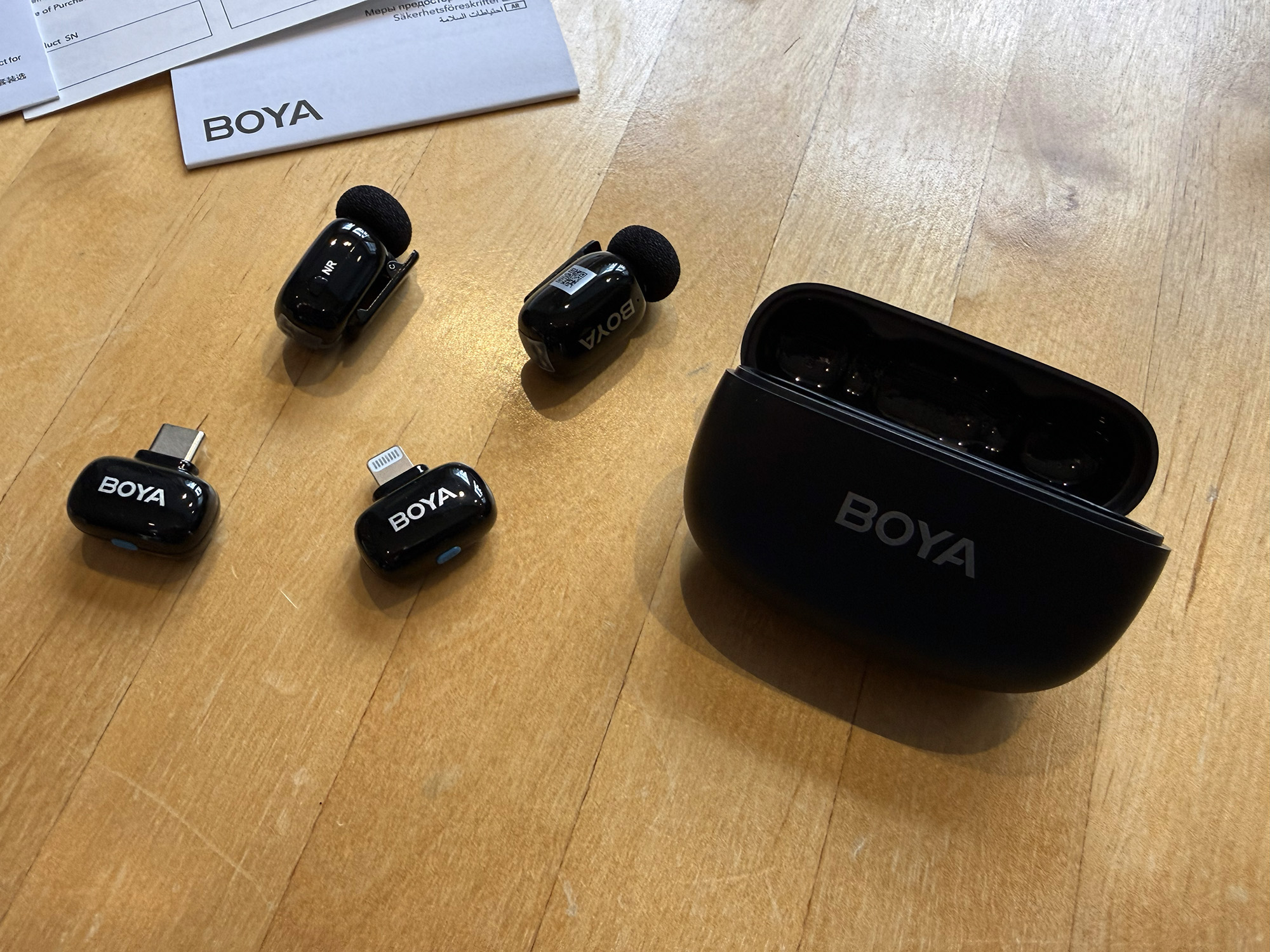
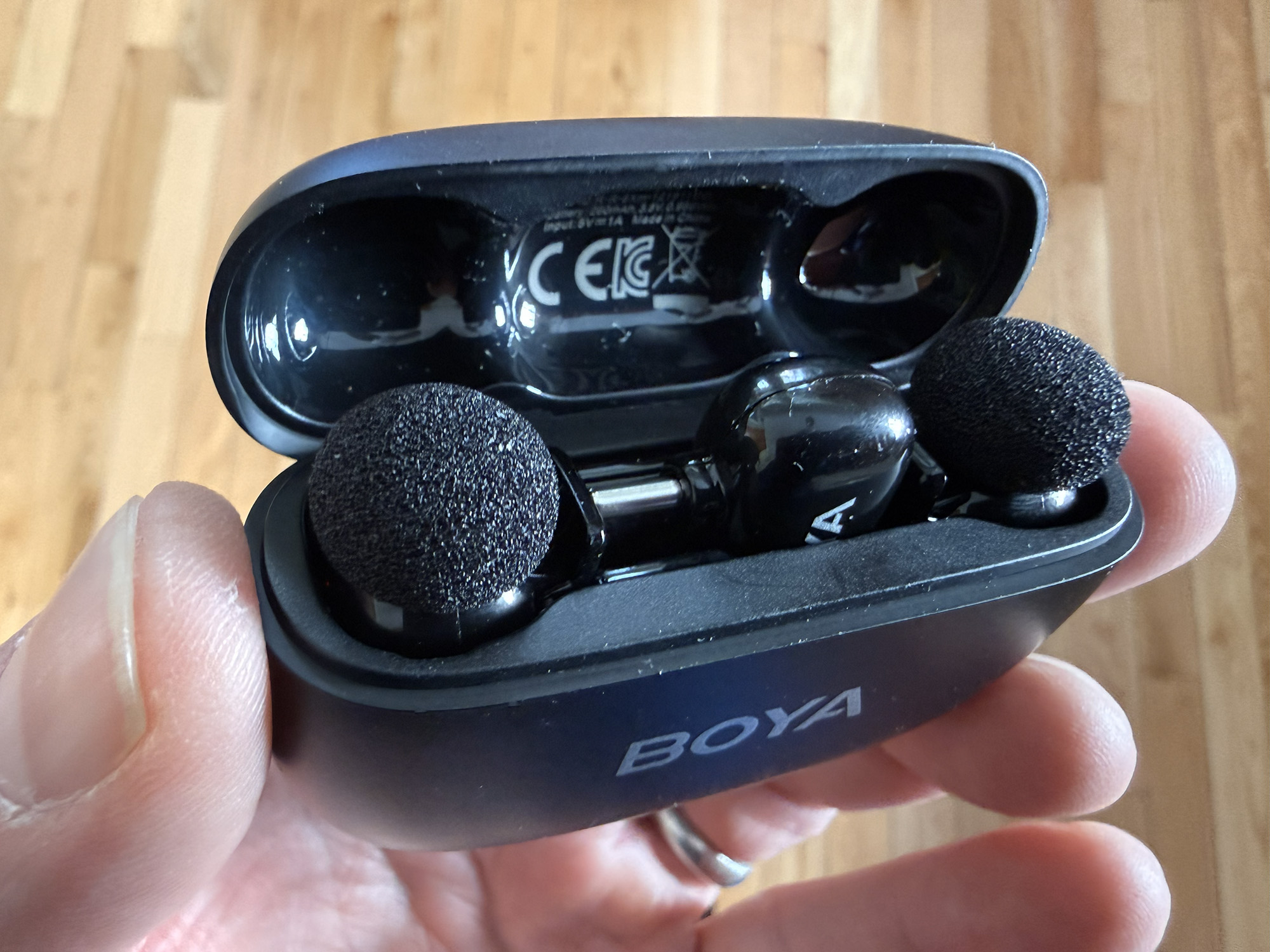
The BOYA mini 2 comes in a charging case about the size of Apple’s AirPods, only slightly wider. The case holds up to two wireless lavalier mic/transmitters and one of two receivers, either a USB Type-C or Lightning.
The mini 2 is available in two colors: Matte Black or Lunar Silver, the latter finish achieved via Aerospace-grade vacuum plating. Furthermore, the mini 2 is available in a number of configurations that can include one or two microphones/transmitters, one or both of the receivers, and can include the charging case or not. Depending on the desired configuration, the mini 2 can cost between $29.99 and $59.99.
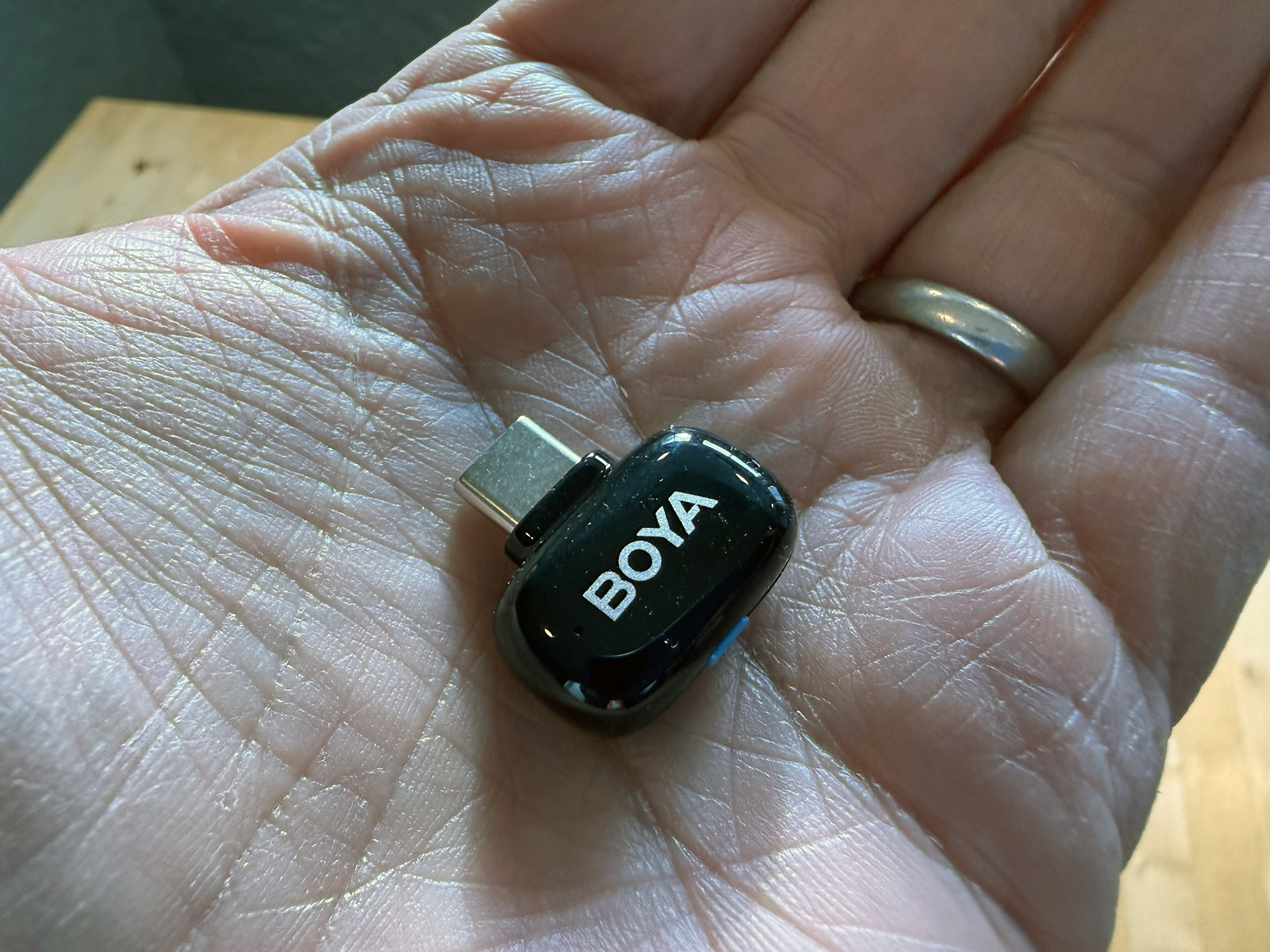
For this review, BOYA provided the full set with two mic/transmitters, the charging case, and both receivers, allowing use with both iPhones and iPads.
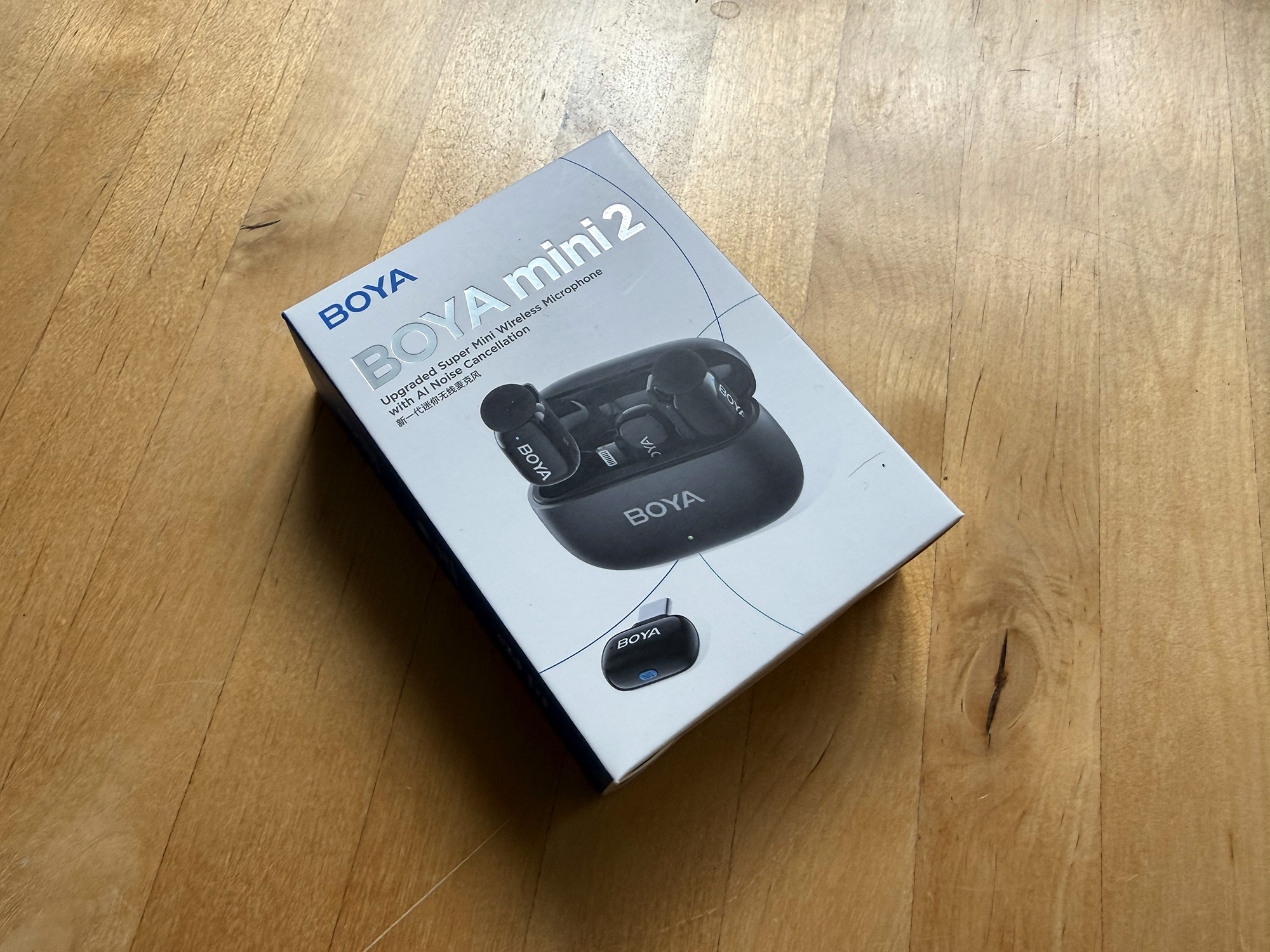
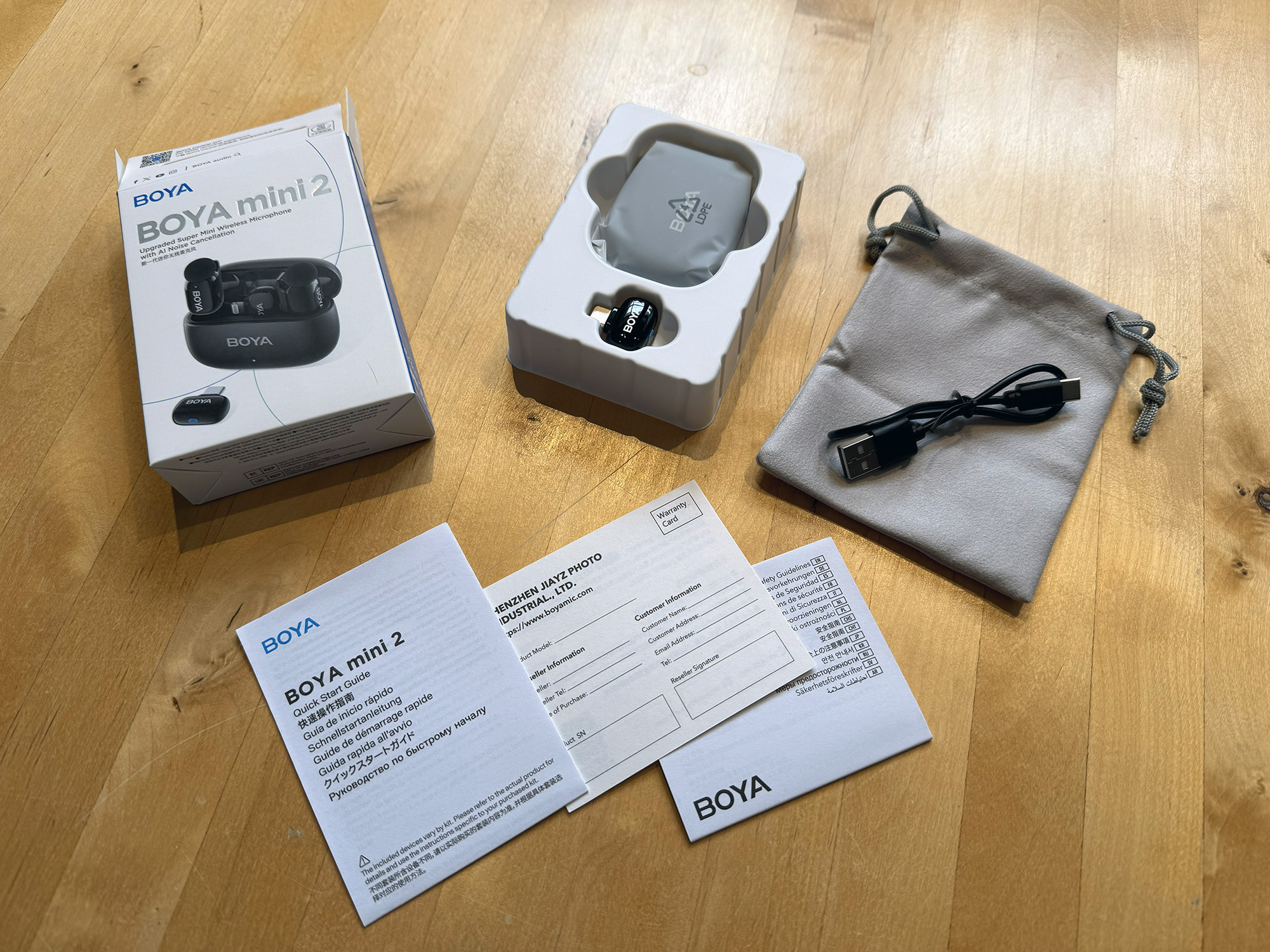
What’s in the box:
- Charging Case
- Transmitter (x2)
- Foam Microphone Windscreens (x2)
- USB-C Receiver
- Lightning Receiver
- USB Type-C to Type-A Cable
- Carrying Pouch
- Quick Start Guide
- Safety Guidelines
- Warranty Card
Set Up
Preparing the mini 2 for use is about as simple as it can get. The first step is to download and install the BOYA Central app (available for IOS and Android). Then select and insert the appropriate receiver for the device type that you wish to use, and attach one or both of the mic/transmitters to a speaker. That’s it. You are ready to roll. You can also use some of the app’s more advanced features, listed a bit later in this article.
Design and Build Quality
The BOYA mini 2’s case is made of matte black plastic, which hides fingerprints well. The opening and closing feel familiar and solid. Inside is space for the two mic/transmitters and one of the two included receivers. The other one has to be kept separately, perhaps in the included carrying pouch with the charging cord. The back of the case features a QR code, which I could not get to link to any URL.
The case has an LED indicator centered on the front that shows battery level and charging status. When the case is connected to power, it blinks red for low battery (30% or lower), blinks green during charging (31%~99%), and shows a solid green light when fully charged (100%). When the charging case is not connected to power and the transmitter(s) are placed in it for charging, this indicator will display the case’s remaining battery level: blinking red for 5% or lower, solid red for 6%~30%, and solid green for 31%~100%.
The mic/transmitters weigh less than 5g (.18 oz) or, as BOYA states, “less than two pennies.” BOYA claims that they are “thumb-sized.” Perhaps I have big thumbs, but these are more the size of the top of my pinky finger. In other words, they are very small and don’t draw much attention.
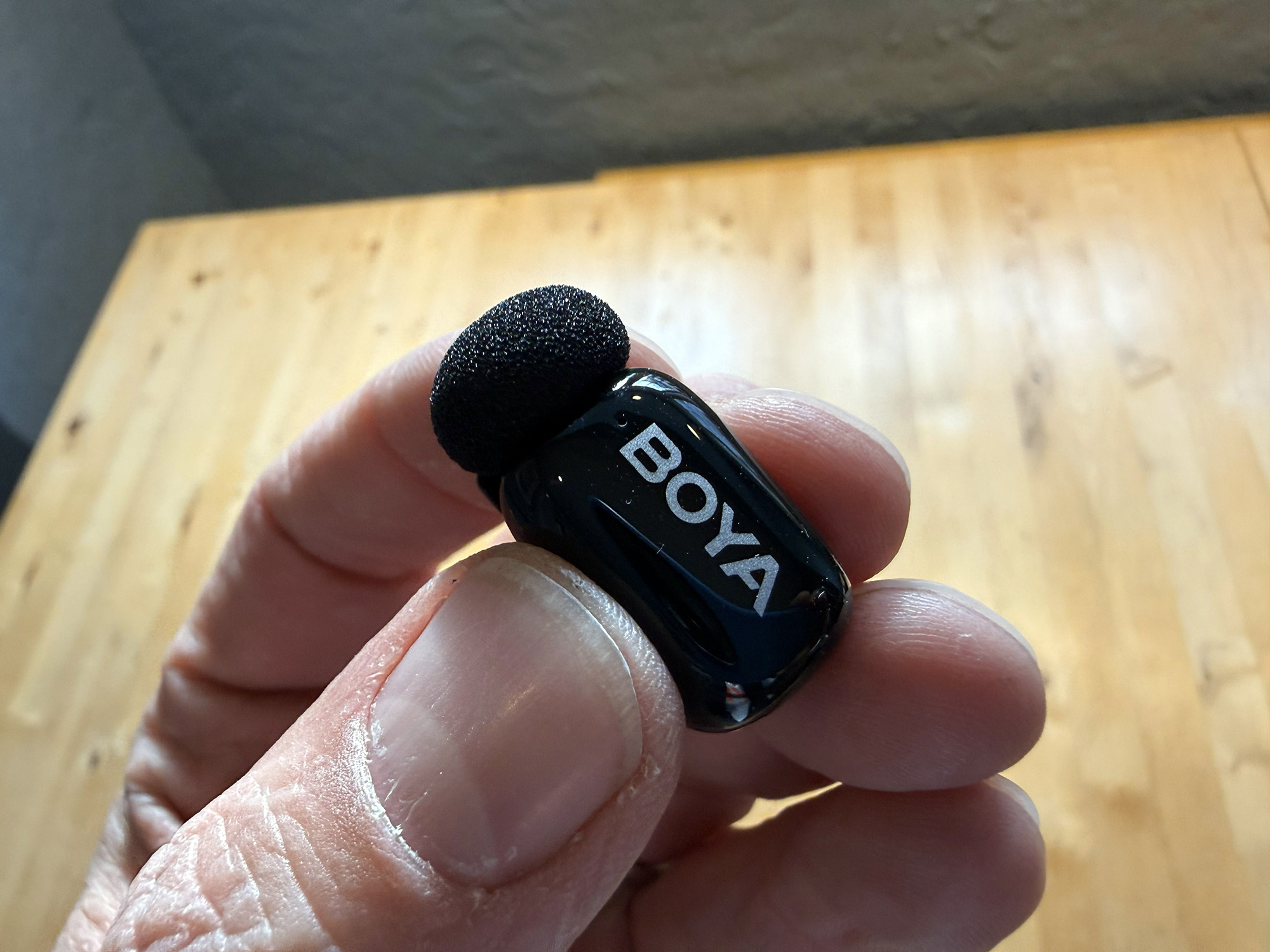
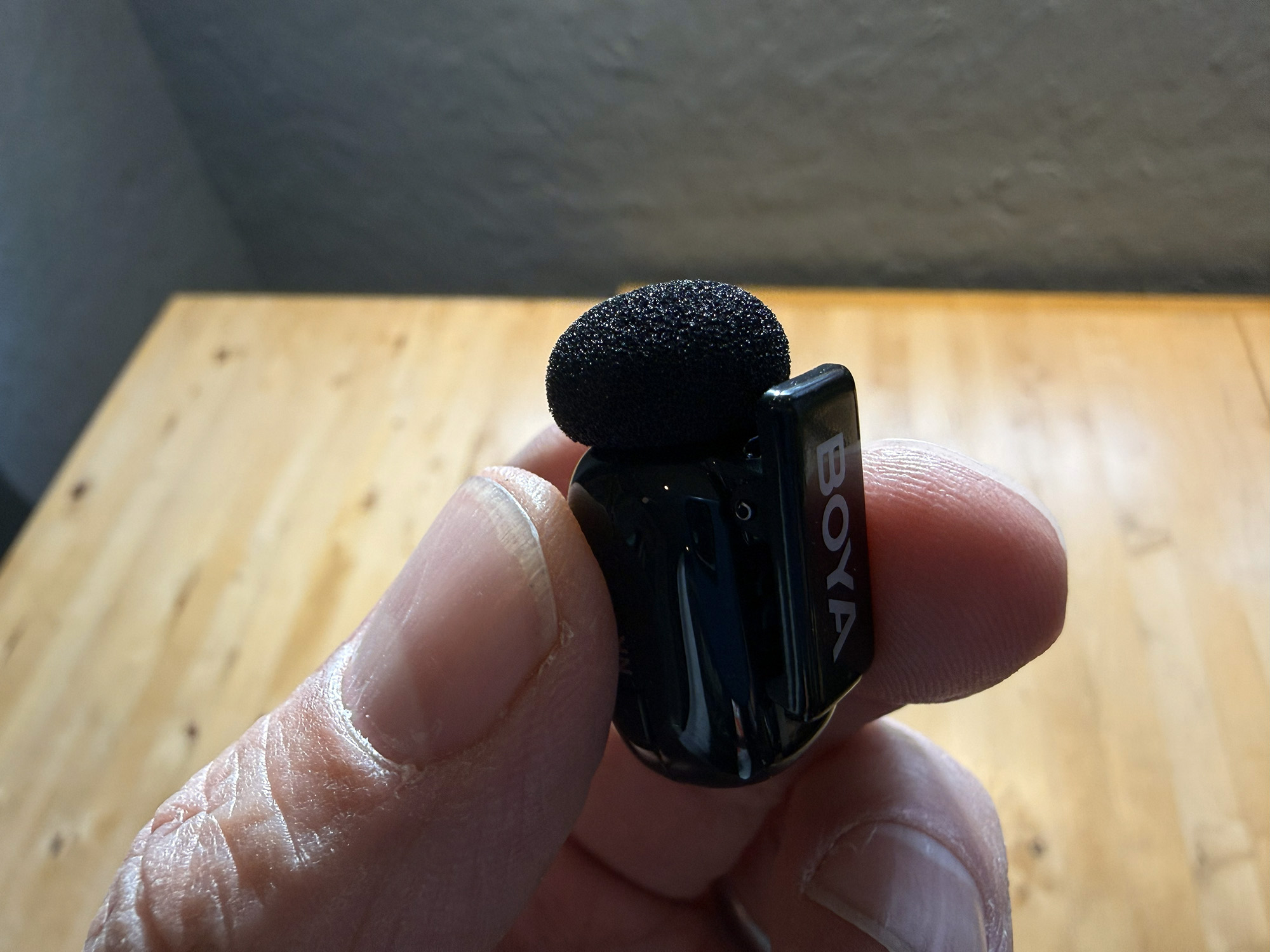
The mics/transmitters feature the mic element at the top, which comes covered with a removable foam screen. I think that the screen remains in place regardless of whether you are recording inside or outside. I must admit that, due to the unit’s small size, these foam covers can easily fall off, but I have yet to lose one.
The front of the mic has the BOYA logo and a small LED that, if unpaired, shows the transmitter’s status, including:
- Unpaired: Blinks blue slowly
- Pairing: Blinks blue quickly (For 5 minutes)
- Paired successfully: Solid blue
- Mute on: Blinks red slowly
- Firmware updating: Blinks red and green alternately
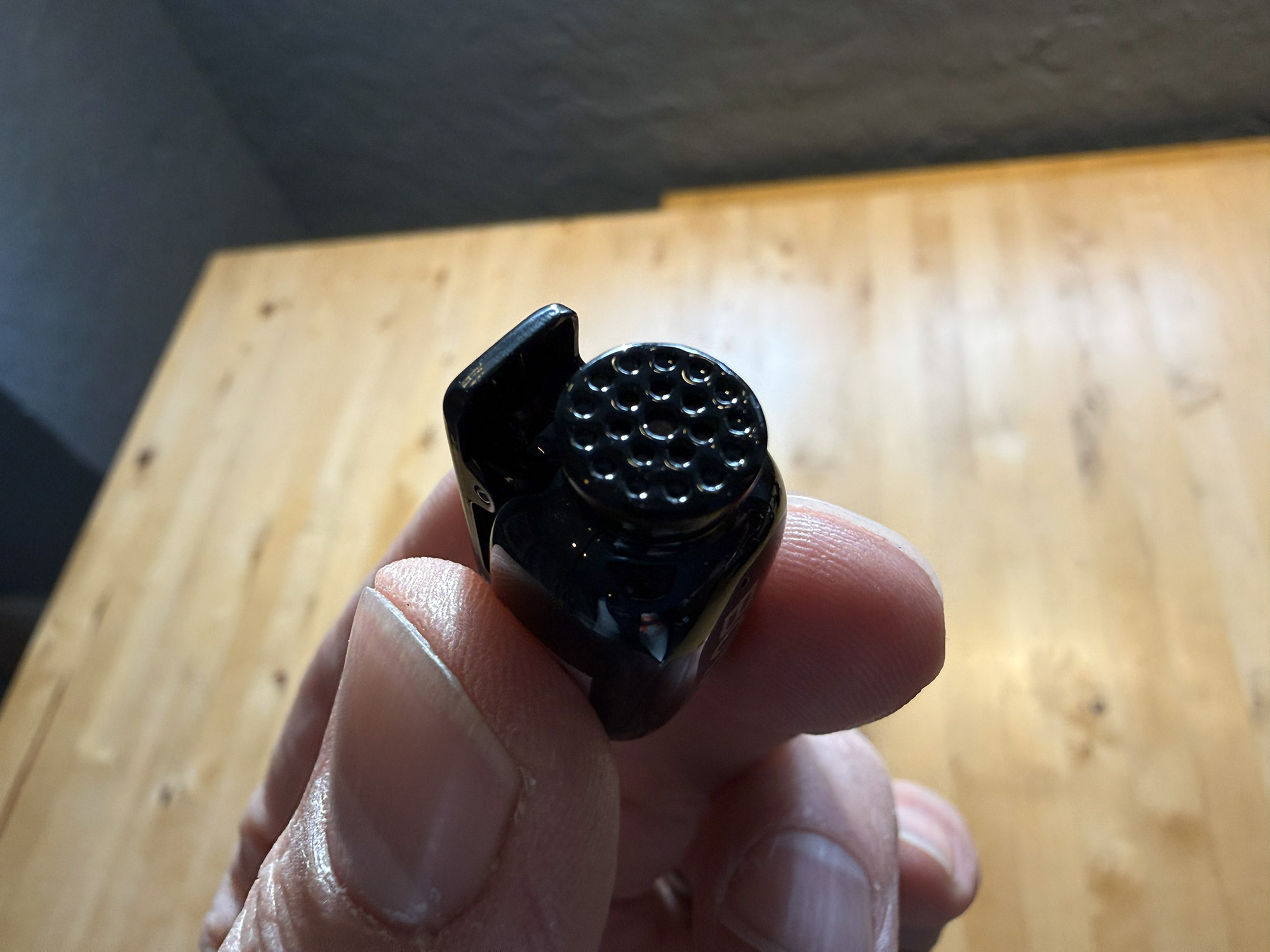
Once paired, the indicator shows either solid blue or green, indicating whether the AI noise cancellation is on (green) or off (blue). The noise cancellation is off by default. The bottom of the unit has the charging prongs; the back has a clip for mounting to clothes. One side of the lav has a single switch for turning the AI noise reduction on and off, and the other features the same nonfunctional QR code as the back of the case.
As for battery life, the mic/transmitters are expected to last 6 hours in use, with a total of 30 hours with the charging case. Charging time is approximately two hours.
Sound
As with the BOYA Magic’s sound quality, the BOYA mini 2s are impressive. There is a reason for that as they share nearly all specifications. The microphones have impressive specifications and offer the noise-free clarity of 48Khz/24-bit recording, a signal-to-noise ratio of 80 dB, a dynamic range of 20Hz to 20Khz, and a sound pressure level of 120 dB, 5 dB higher than the Magic. If these numbers mean nothing to you, don’t worry, just know that these are in the range of studio-quality microphones and can accommodate most situations.
I tested the sound recording in various environments and found that the microphones and receivers are very good. In my review of the Magic, I ran into an issue when I tried using my Apple AirPods to monitor the recordings. The wireless signal of the AirPods conflicted with that of the BOYA Magic, and as a result, the microphone recordings had dropouts. I assume that this is due to both devices operating through Bluetooth on the same iPhone and that other individuals using similar technologies would not affect the recordings, but I have not been able to confirm this. I am happy to report that this issue did not arise using the BOYA mini 2s.
The strength of the transmitters’ signals is very good, with BOYA claiming a range of 100 meters (328 feet). I have little doubt about this as I tested it to 100 feet, and the signal was solid. I can’t really think of many uses where I would be 328 feet away from the camera, but nevertheless, the system will allow users to record from that distance.
Like the Magic, the BOYA mini 2s also provides peace of mind with two built-in safety features: a safety track that records a backup track at -12dB to prevent clipping, and a smart limiter that prevents distortion from soul noises.
AI Noise Cancellation
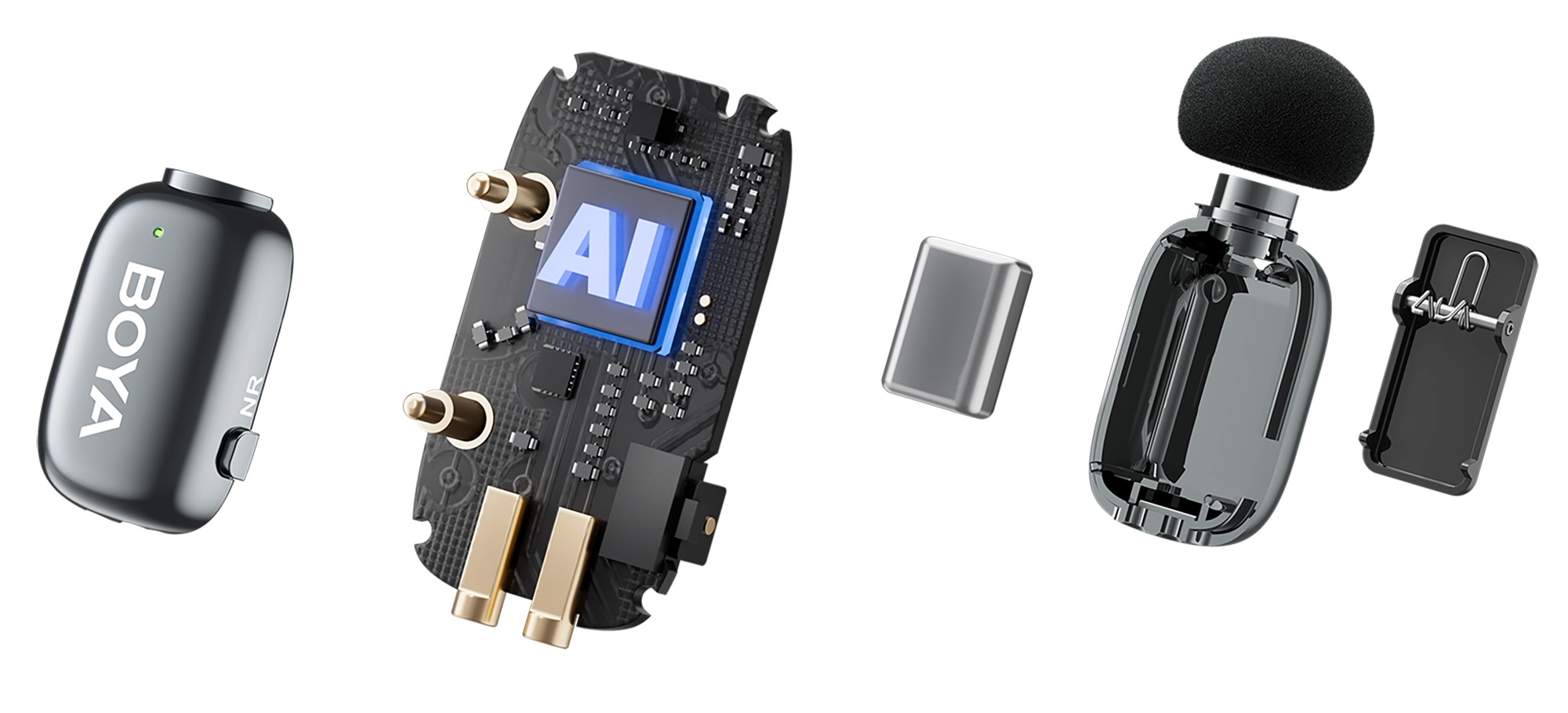
As stated by BOYA, “For the first time, BOYA mini 2 delivers uninterrupted, immersive sound, by dynamically optimizing noise cancellation to your surroundings through BOYA Intelligence. Your voice remains pure, down to the finest detail, even in a noisy environment. Developed through AI machine learning with over 700,000 real-world noise samples and 20,000+ hours of deep training, our algorithm precisely detects and suppresses everything from wind, keyboard clicks, and clothing rustle to the roar of excavators and airplane engines—at millisecond speed.”
I can attest that, like the Magic, the BOYA mini 2’s AI noise cancellation is nothing short of mind-blowing and akin to shutting undesired background noises off. Please listen to the short sound text video below for proof.
Sound Tests
BOYA Central App
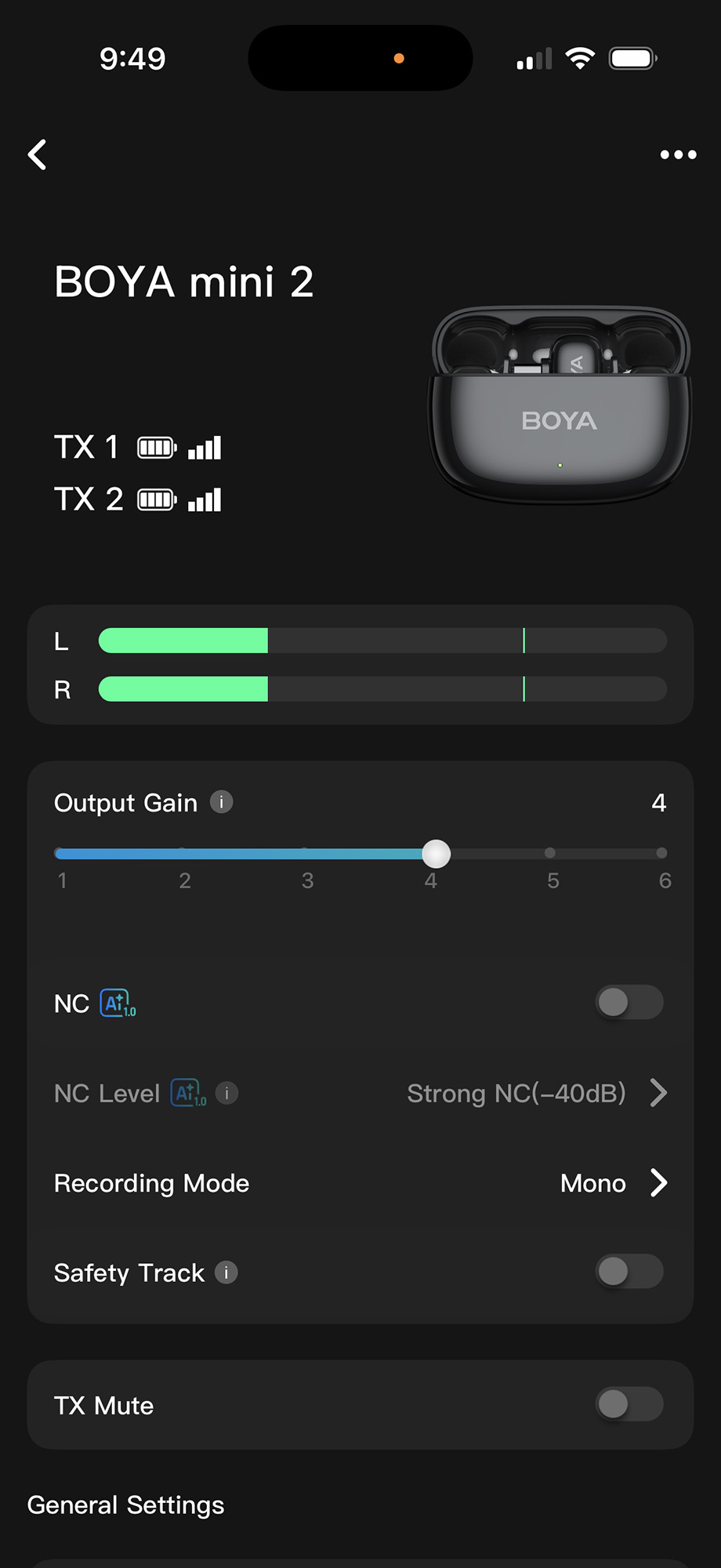
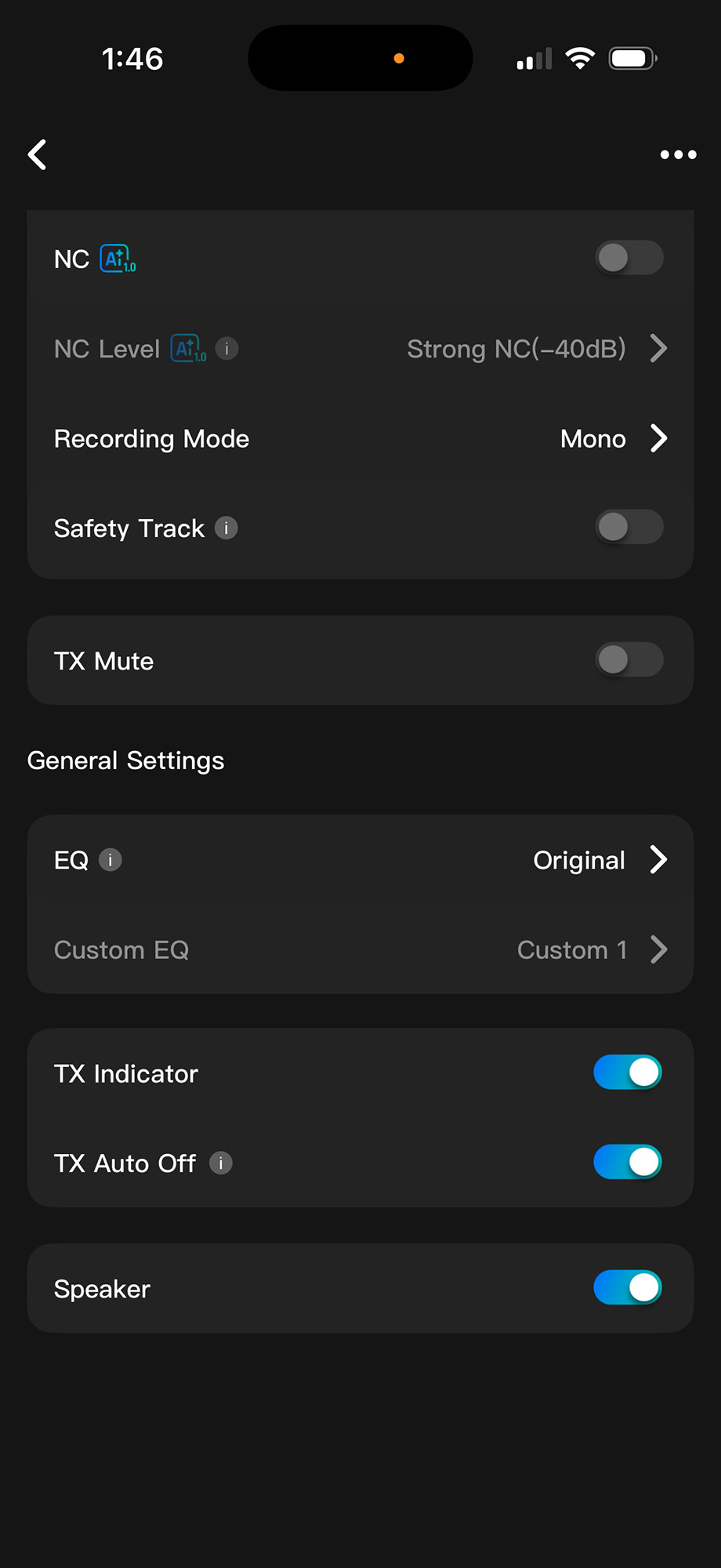
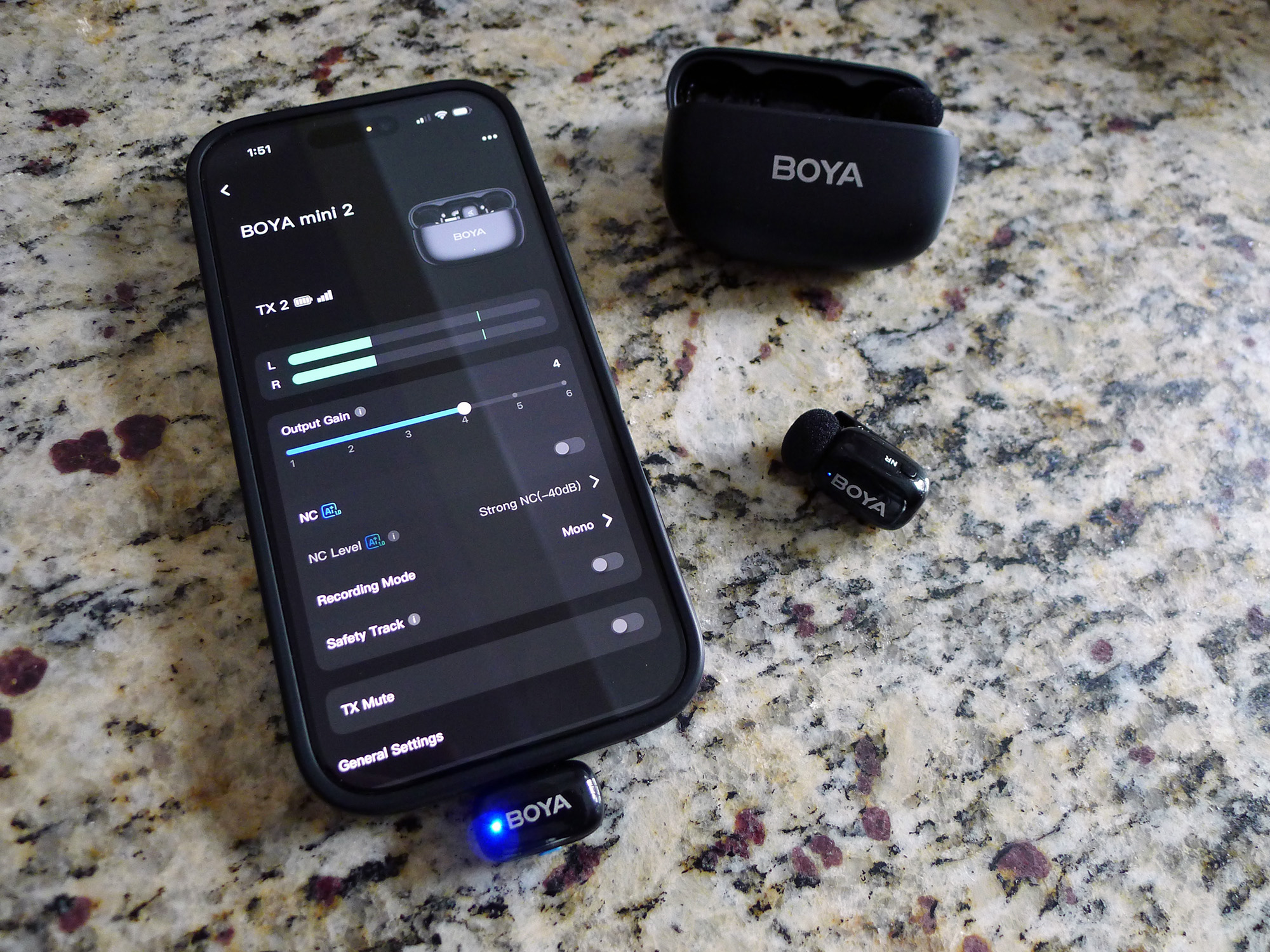
The BOYA Central App is a free download for iOS and Android devices and facilitates connection to mobile devices, as well as offering control over various functionalities. Except for the AI noise cancellation toggle button on the lavs and charging case, the app offers the only place to control most features.
The app displays which mics are connected, their battery level, and connectivity strength. It also displays their output level and provides access to control features such as the output gain, noise cancellation level, recording mode, and whether to employ the safety track.
The app also provides information about each system component and allows users to update the firmware.
Third Generation
| Timeline | 2025 – Future | 2020 – Now | 2010 – Now |
| Generation | 3rd | 2nd | 1st |
| Noise Cancellation Technology | AI-Powered | Environmental | Digital Signal Processing |
| Cancellation Depth: | -21 dB to -40 dB | -2 dB to -15 dB | -2 dB to -10 dB |
| How It Works | Uses deep learning models, such as DNNs, trained on massive amounts of noisy data to separate the voice with high precision. | Builds on the 1st gen with adjustable noise cancellation levels. | Applies adaptive filters to suppress background noise. |
| Limitation | High computational cost and complex model design. | Limited to common noise types; deeper cancellation may affect vocal clarity. | Poor response to transient noises. |
The BOYA mini 2 Microphone system is intuitively designed, cleverly engineered, and could hardly be easier to use and get great results. The lavalier microphones are tiny and lightweight and deliver great sound. The AI noise cancellation, like with its sister product, lives up to its name, magic. This level of technology and performance for under $60? Nothing “mini” about it.
The BOYA mini 2 Microphone (as tested) sells for $59.99 and for between $29.99 and $59.99, depending on color and configuration; it is available directly from the manufacturer and other retailers, including B&H Photo and Amazon.
Source: Manufacturer-supplied review sample
What I Like: Impressive sound; Amazing AI noise cancellation; Ease of use; Intuitive design
What Needs Improvement: Nothing


The BOYA Mini 2 looks awesome! I’ve been wanting a mic for a while now — with impressive sound and AI noise cancellation, it definitely seems worth it at that price.
Have a Boya mic and can confirm it’s a simple and effective tool for basic recording from the phone. Wish I had found the solution sooner