
The Lowdown
The GKU E200 4K+4K Dash Cam offers sharp front and rear video, built-in GPS, voice controls, and an easy-to-use app at a surprisingly reasonable price. Installation was simpler than expected, and once set up, the cameras delivered clear footage, quick downloads, and reliable performance. The E200 starts recording within about 14 seconds, can automatically lock footage after detecting an impact, and supports optional parking monitoring with a separate hardwire kit. After testing it in a Ford Maverick, I came away impressed by its video quality, useful features, and overall value for drivers wanting extra peace of mind on the road.
Overall
Pros
- It starts recording within 14 seconds, and voice control is super useful
- Built-in GPS and bump detection work great
- The app is easy to use, and downloads are quick
Cons
The GKU E200 Dash Cam gives you peace of mind for a very reasonable price. After I turn on my truck, the GKU E200 starts up and begins recording within 14 seconds. The 4K resolution is super clear, even through glass. The app is easy to use, and a hardwire kit is available separately for constant monitoring when parked. I hope never to need it, but I’m glad I finally got a dash cam for that extra peace of mind.
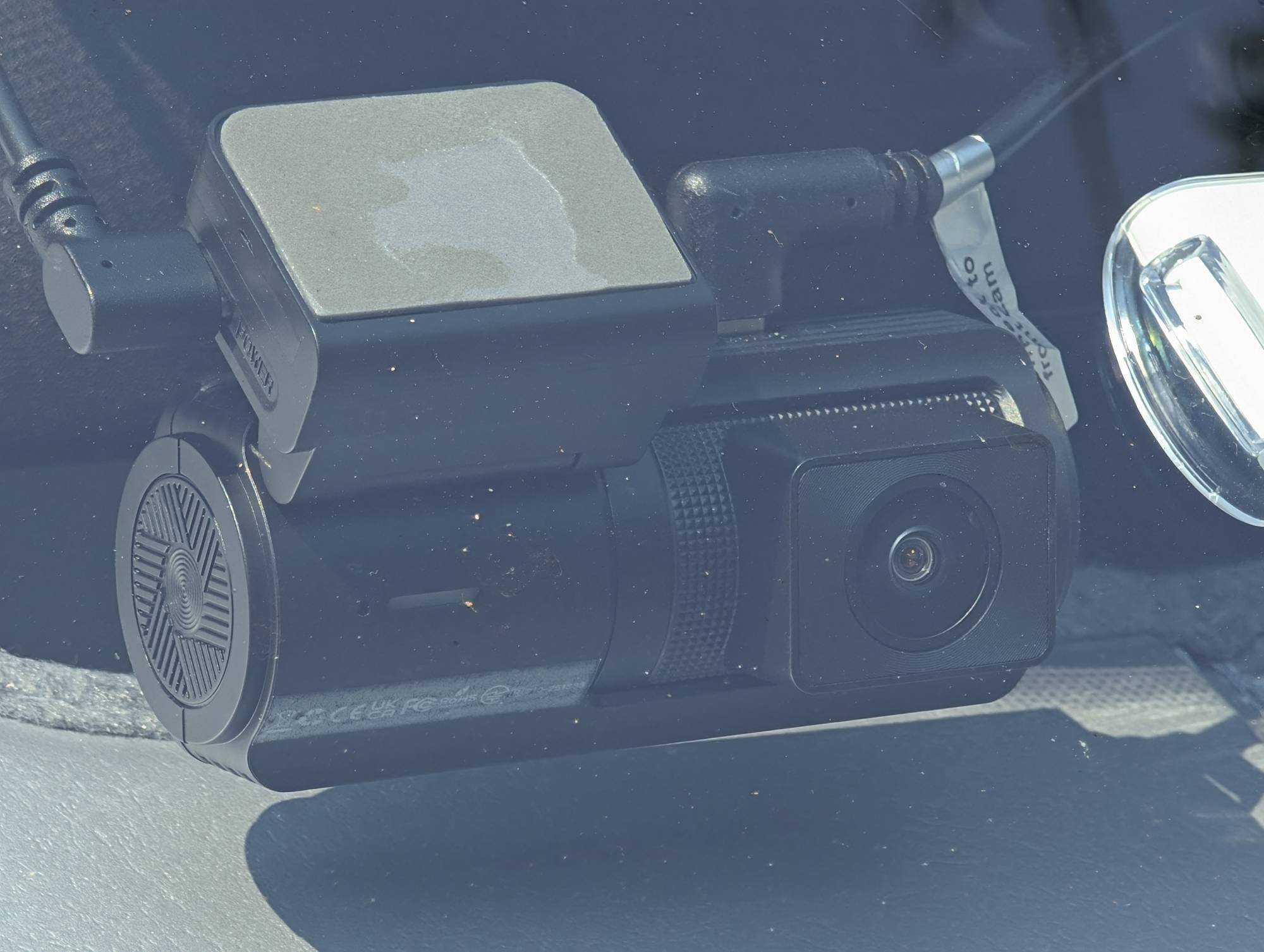
What Is It?
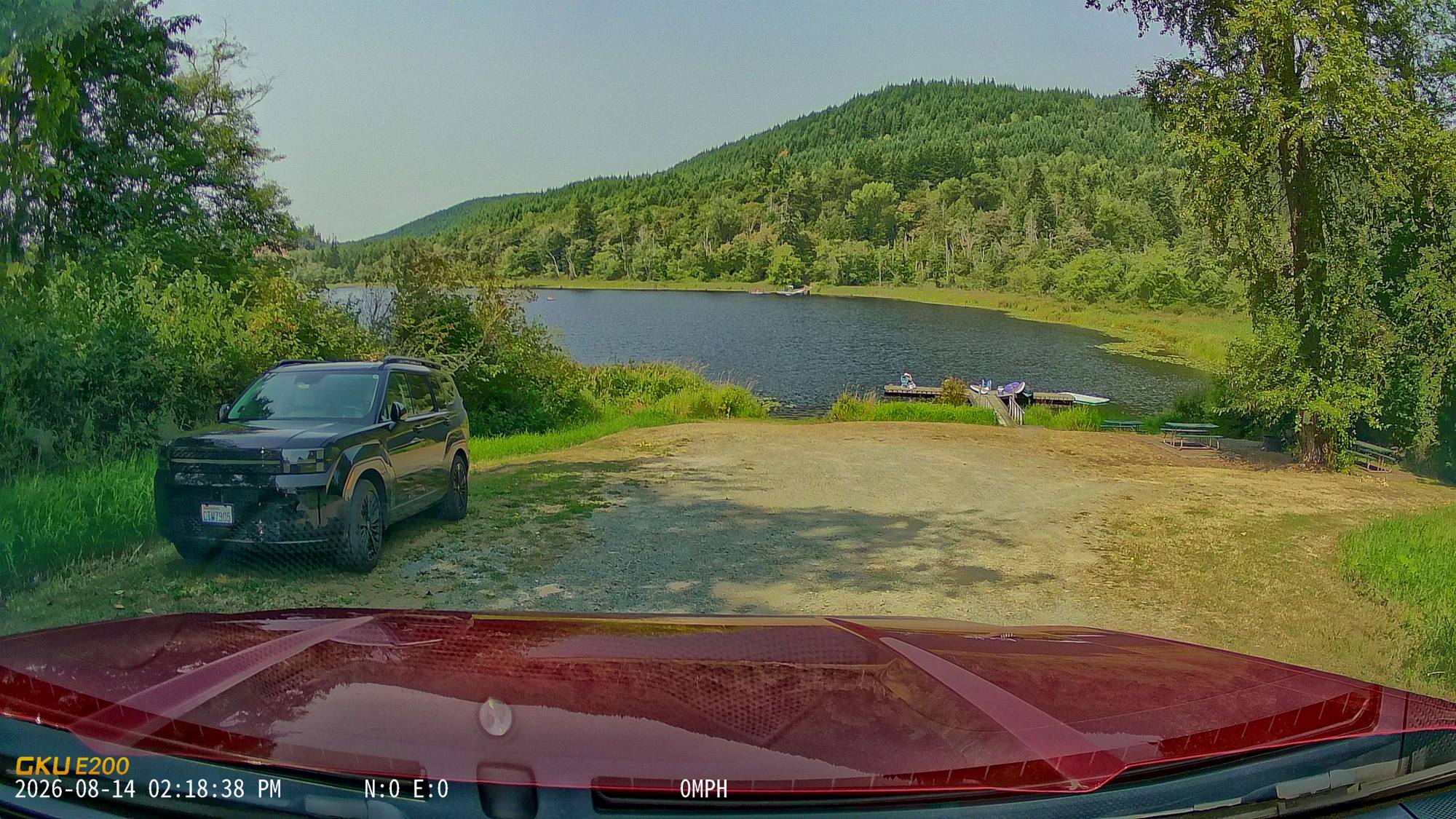
The GKU E200 is a true 4K front and rear dash cam set that uses Sony Starvis 2 sensors. The E200 records front and rear simultaneously, capturing critical driving moments in sharp detail. The front camera records at 3200×1800P with a 170° wide angle, while the rear camera captures at 3840×2160P with a 150° view. Designed to clearly capture number plates, road conditions, and surrounding traffic to ensure you get the evidence when it matters most.
What’s in the Box and Specifications
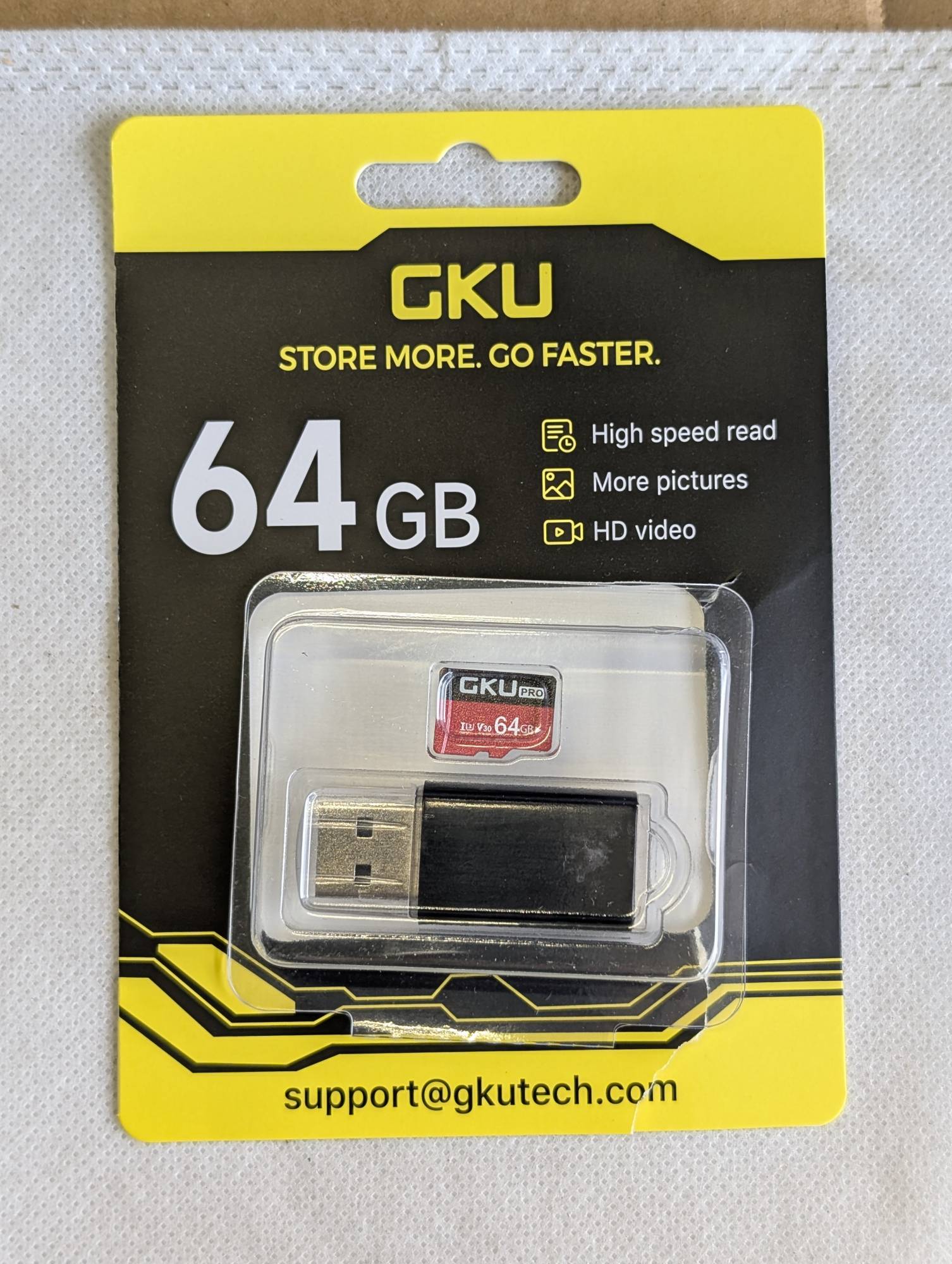
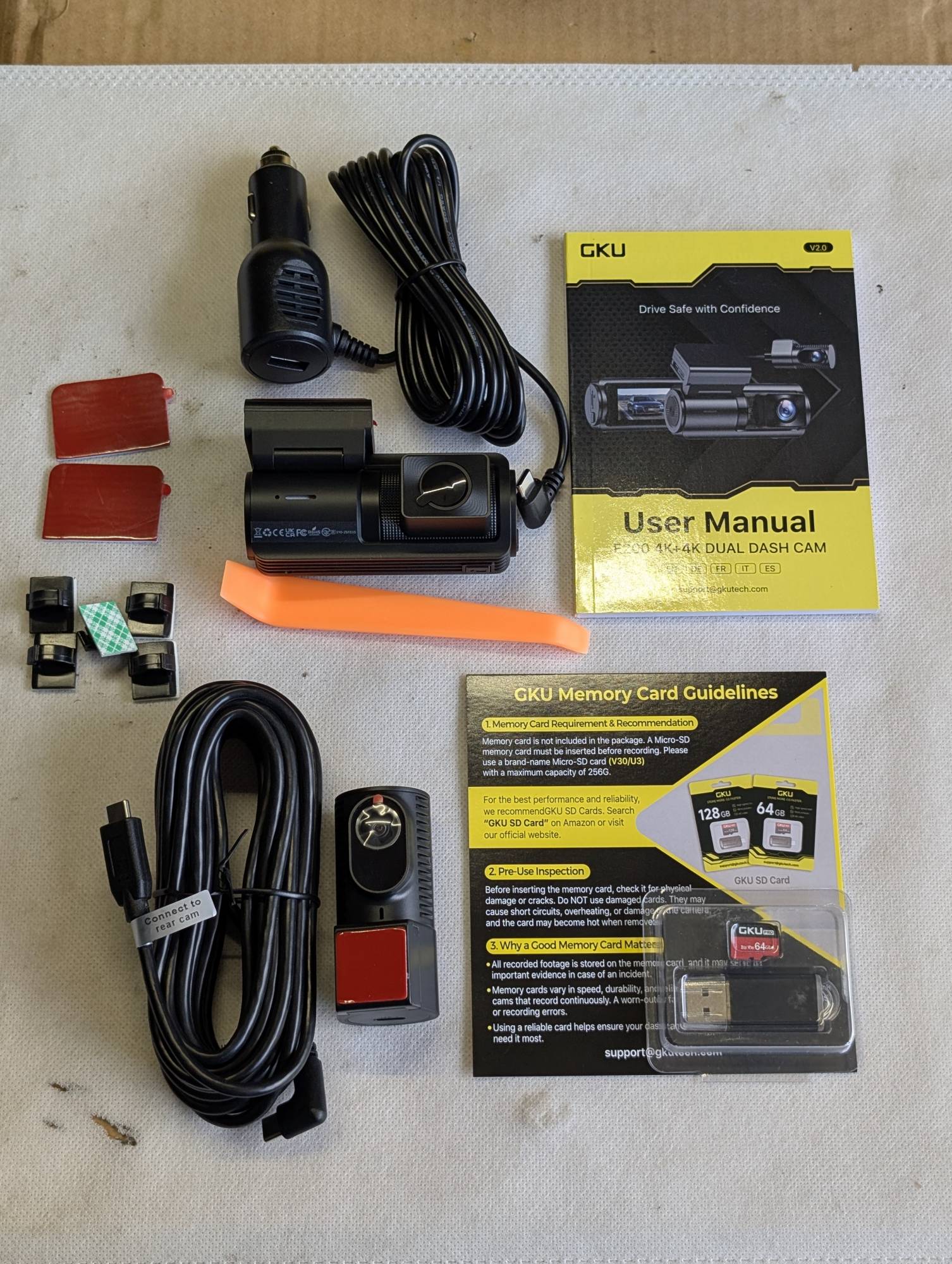
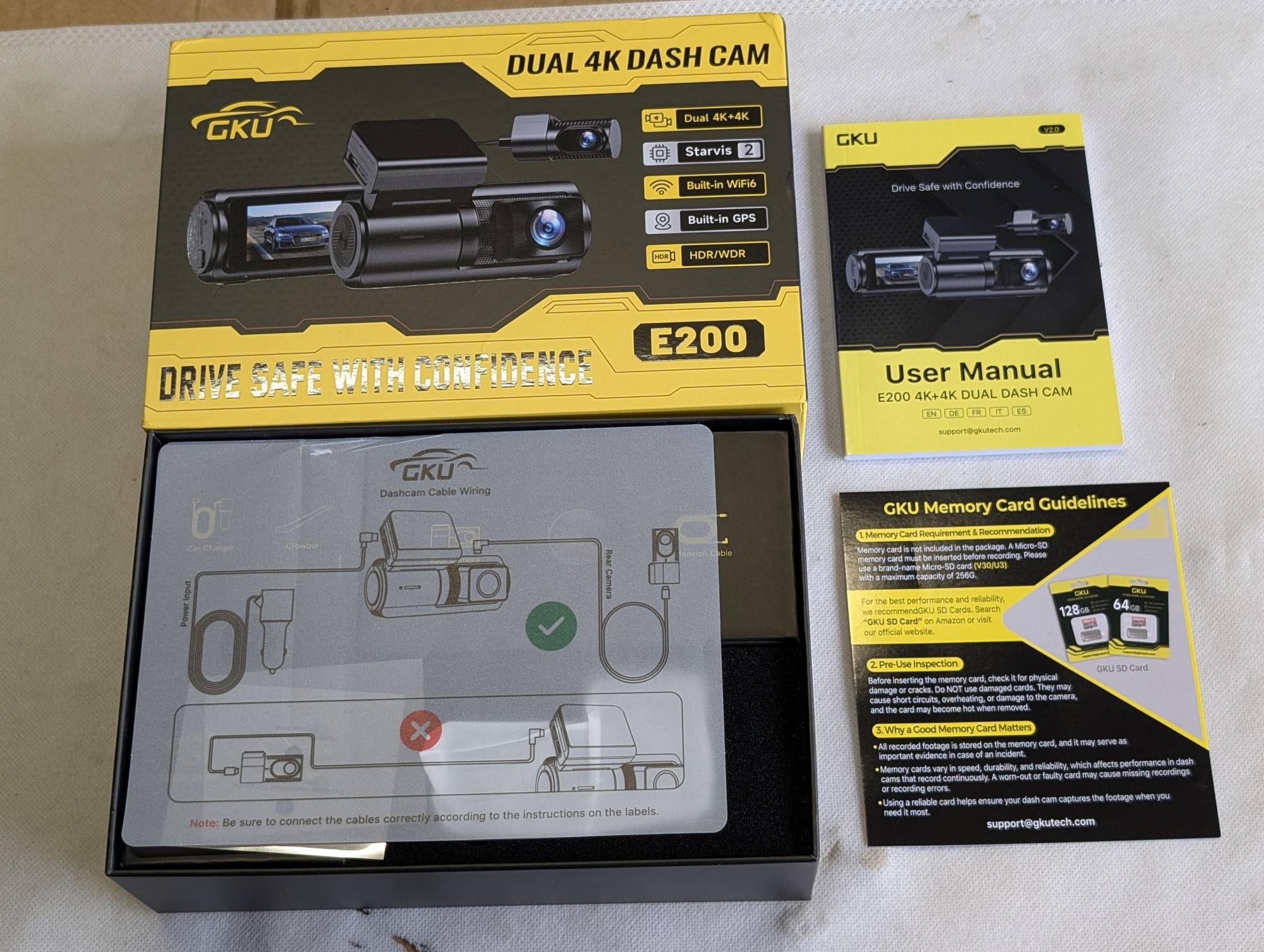
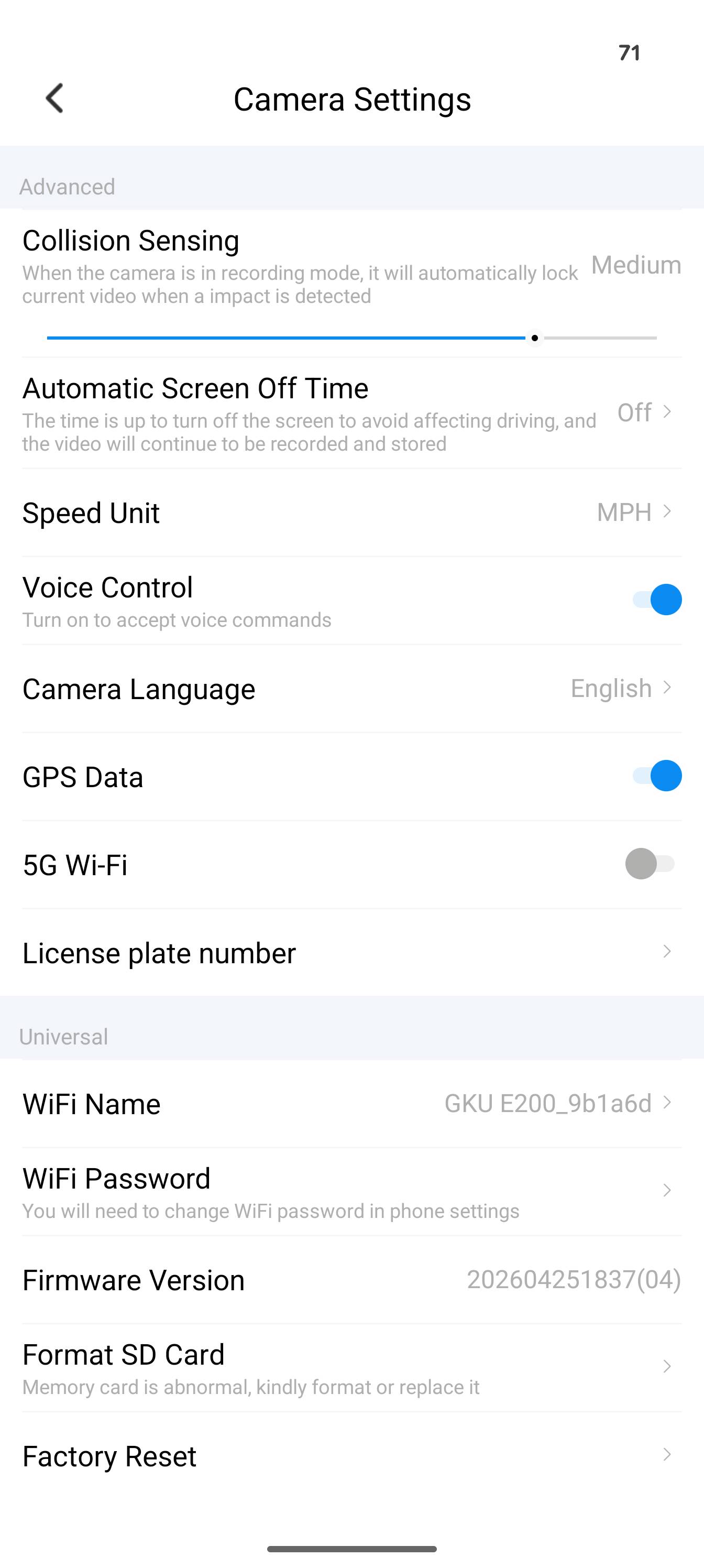
I have never had a dash cam before, so I chose the GKU E200 mainly because the front and rear cameras record at 3200 × 1800P (front) and 3840 × 2160P (rear). I also liked the faster 5GHz WiFi connection that can download at up to 20MB/S and Sony STARVIS sensors. It has built-in GPS so you can see where the video was taken, and a really nice feature is the nine speech commands. I used it quite a few times to take a picture of a funny license plate.
Best For: Best Front & Rear Clarity
Camera Channels: Front + Rear
Video Resolution: 3200 × 1800P Front + 4K (3840×2160P) Rear
Image Sensor: Sony STARVIS 2 IMX675
Night Vision: HDR + WDR
Field of View: 170° Front + 150° Rear
Wi-Fi: 5.8GHz + 2.4GHz Dual-Band Wi-Fi 6
Transfer Speed: Up to 20MB/s
GPS: Built-in
Voice Control: 9 Voice Commands
Display: 3-inch IPS
Parking Monitor: Time-Lapse + Collision Detection + Pre-Recording
Maximum Storage: Up to 512GB
Memory Card Option: No Card Included
Setup
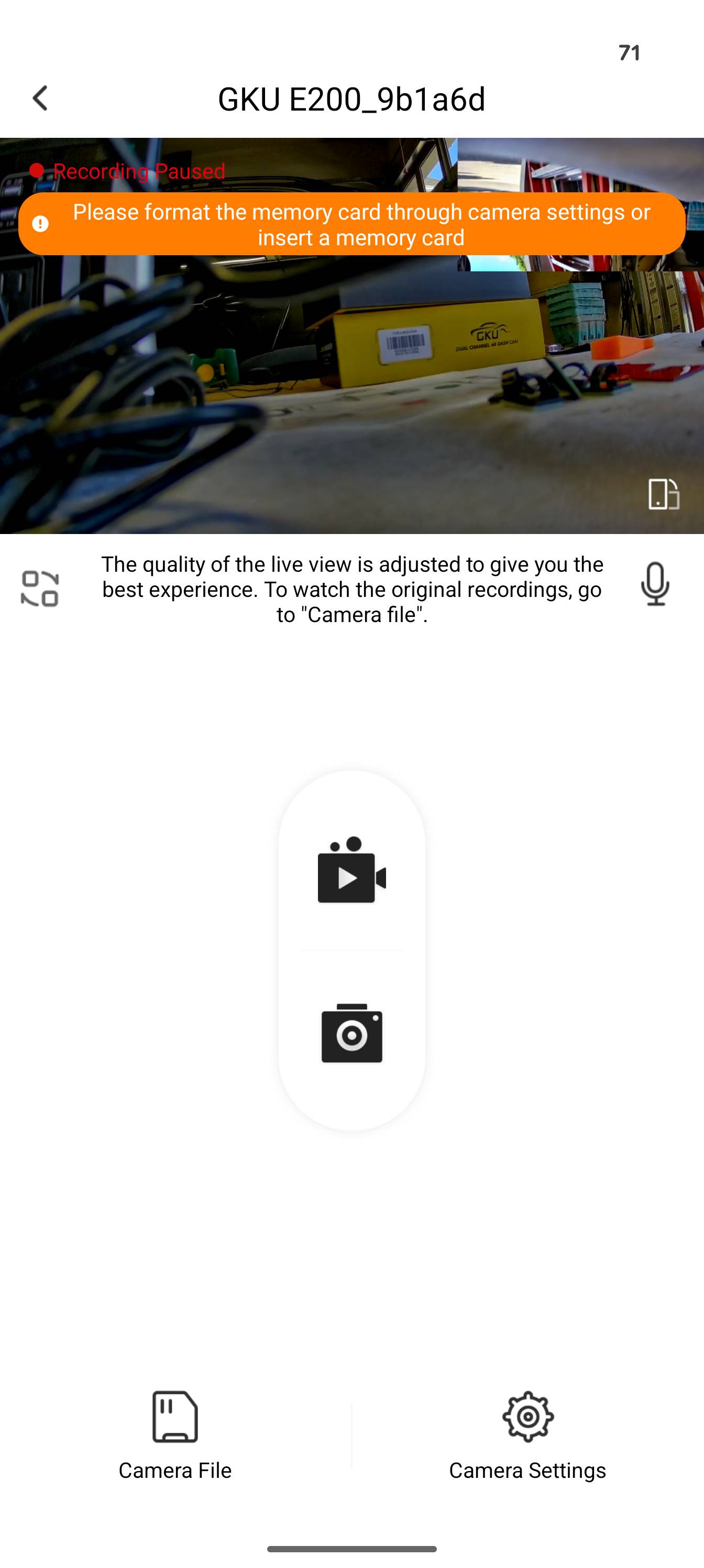
The GKU E200 assembly was a lot less daunting than I thought. You can see the full user manual here. The included plastic crowbar came in super handy for running the cables in my truck. When GKU sent me the E200, the 128GB SD card package wasn’t available, so they sent a 64GB card instead. If you already have your own SD card, GKU recommends a U3-rated card for longer service life.
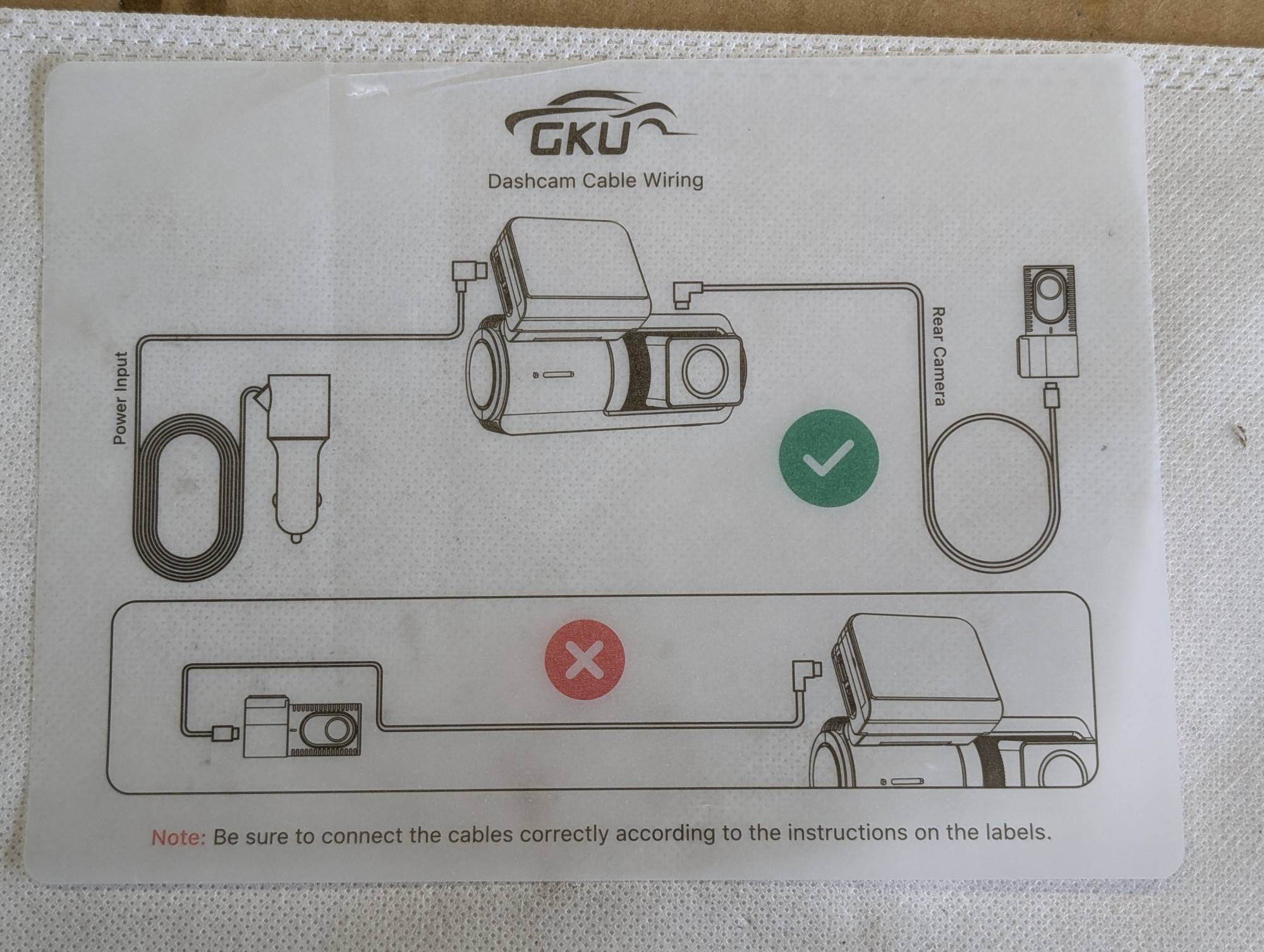
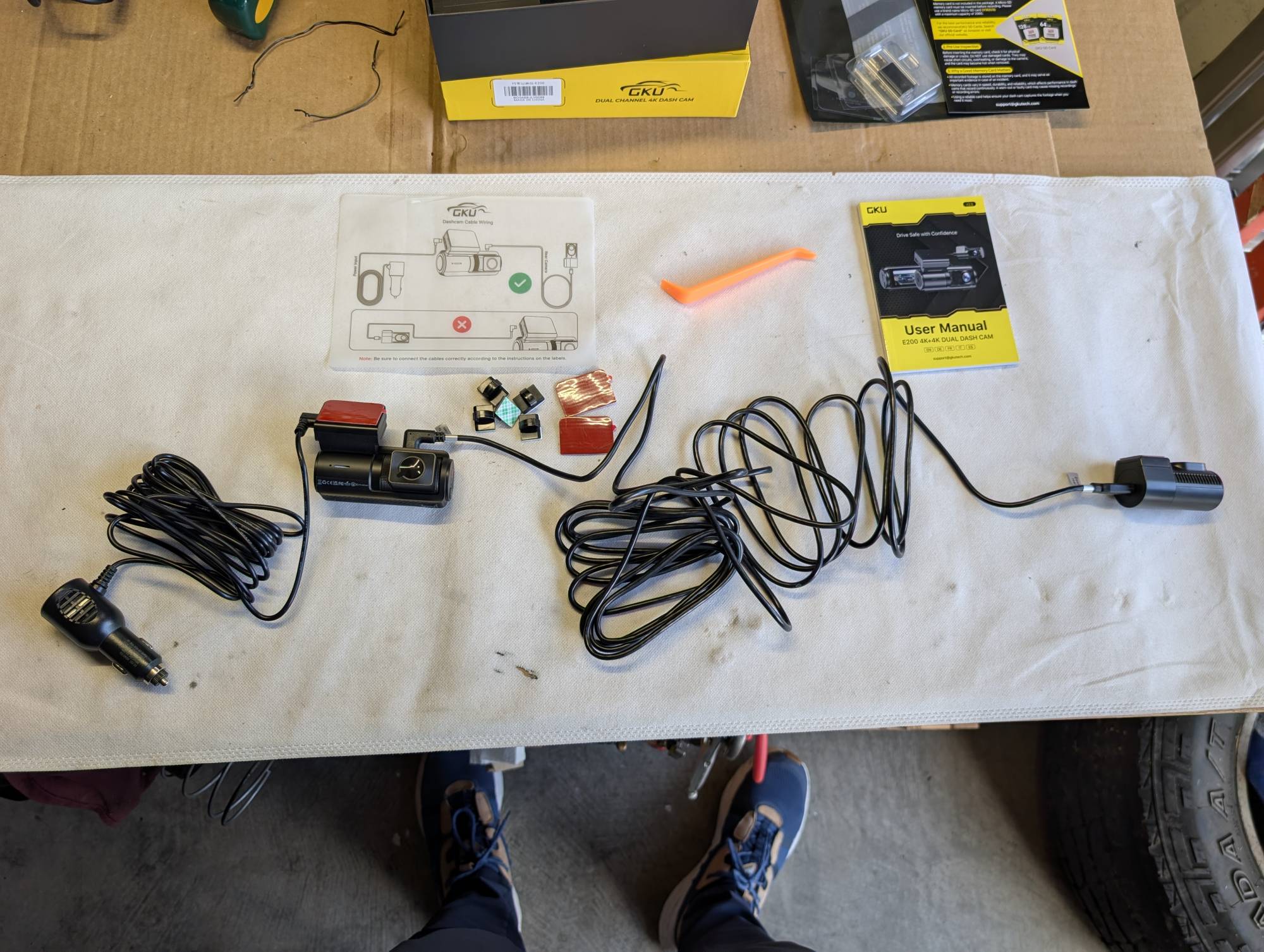
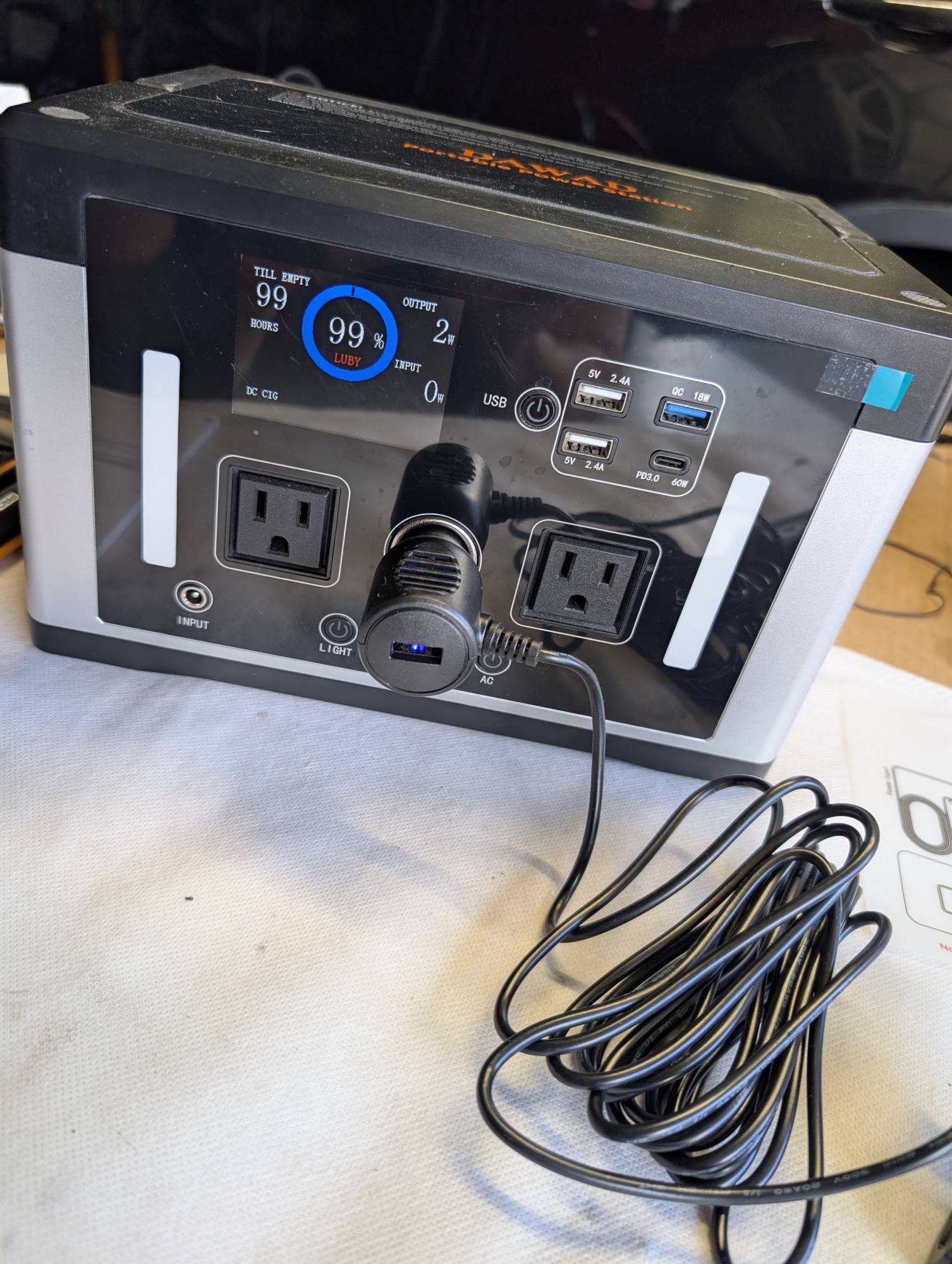
I plugged everything up and downloaded the GKU Go app outside of the car using my little power station. It draws about 1-2 Watts continuously. GKU did send me the hardwire kit, which is sold separately for $21.99, and this allows you to use the parking monitoring feature when the car is off.
It will continuously draw power even when parked, but it has low-voltage detection that shuts it off if your vehicle’s voltage falls below 11.8V (+/- 0.2). Overheating, overcurrent, and short-circuit protection add to the safety. I’m testing the GKU E200 in my 2022 Ford Maverick hybrid, but since I park mainly in my garage, I decided not to install the hardwire kit. Since I do have a little power station if I ever do want to use the park monitoring function, I can just use that to power the cameras instead of the truck.
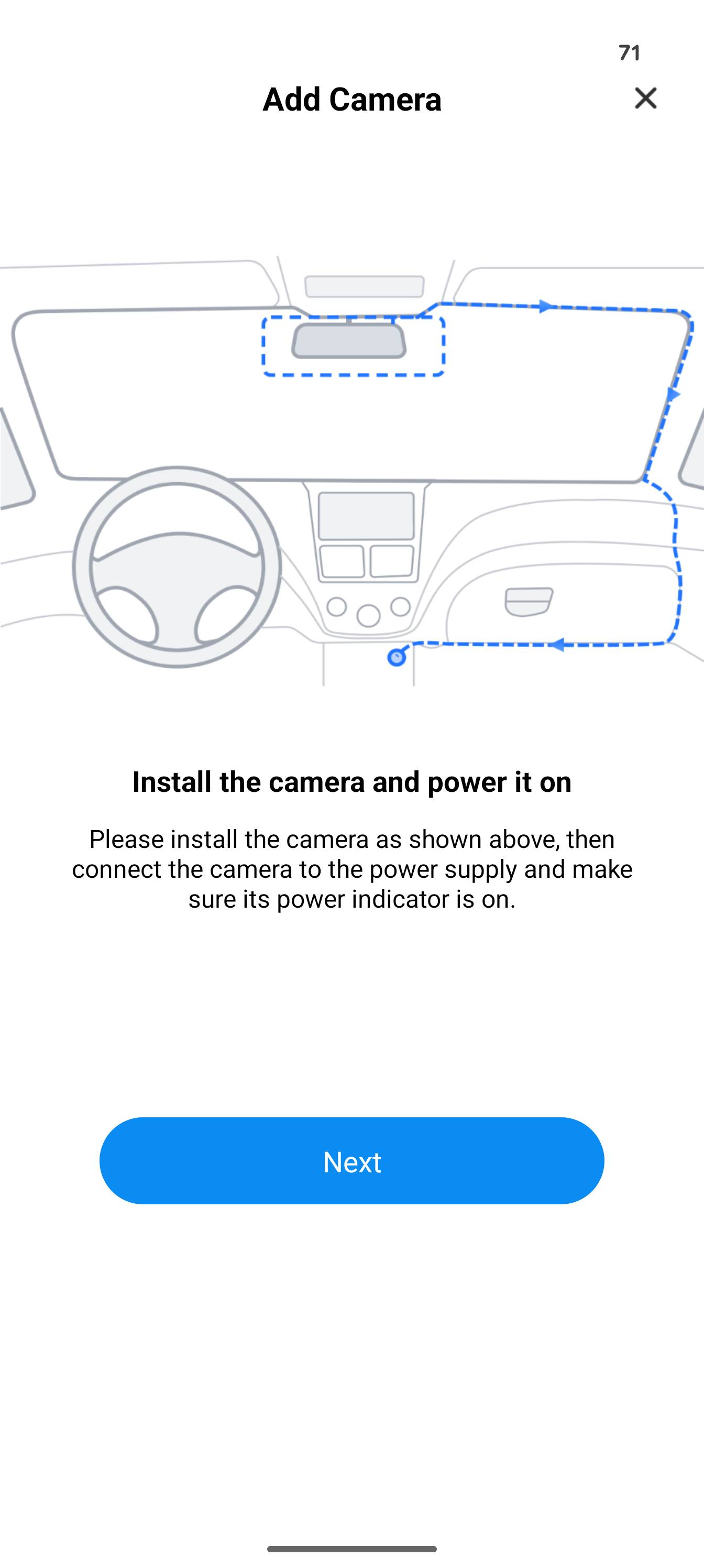
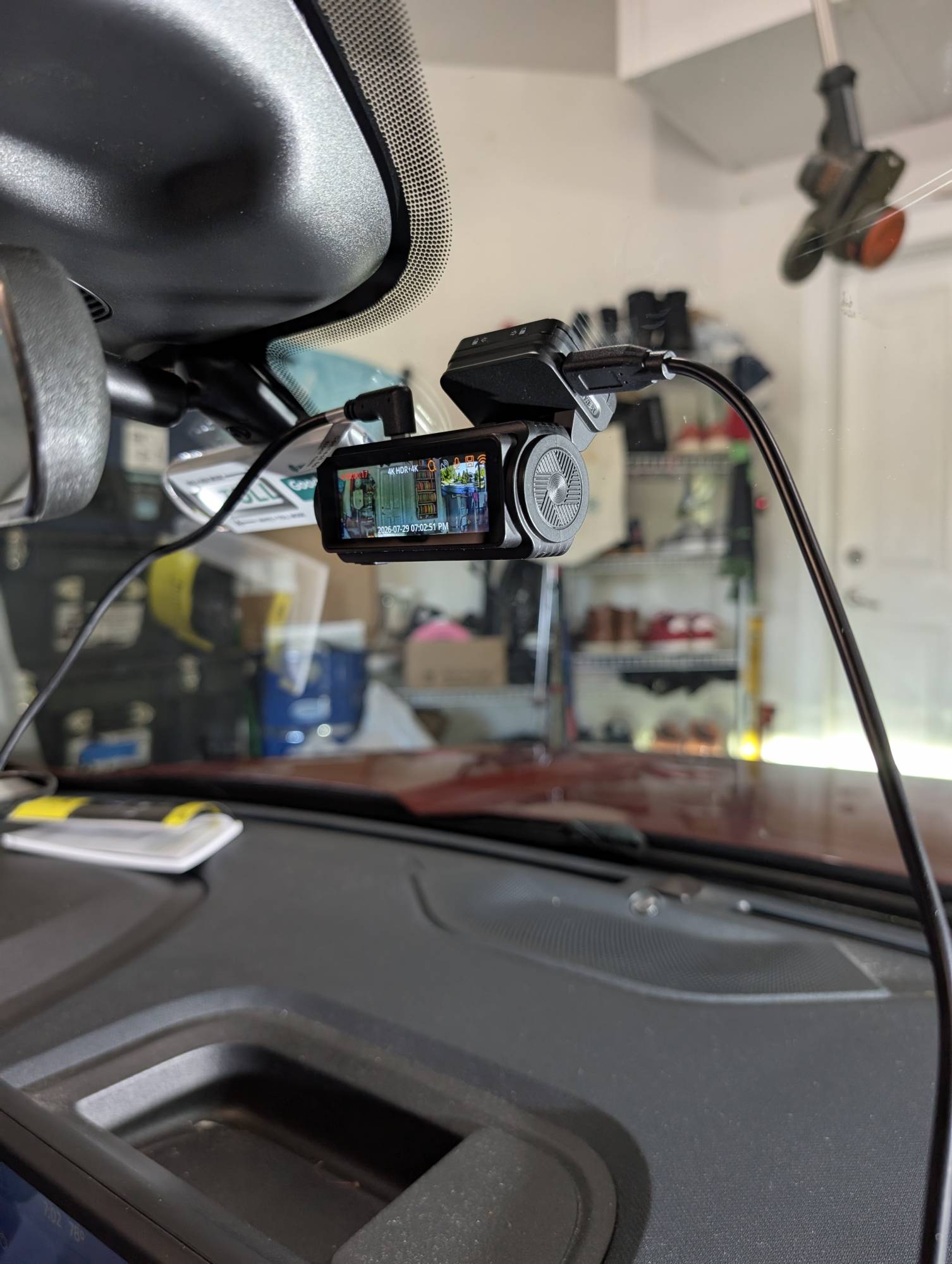
Once installed, the front camera is removable, but the rear is not. I also noticed both cameras can rotate up/down but not sideways, so make sure you have the cameras on while initially testing where to place them to confirm you have the angle you want before final installation. I prepped the surface by cleaning it with alcohol, so I didn’t have any adhesion issues as James did during his review of the 70mai A810 dash cam.
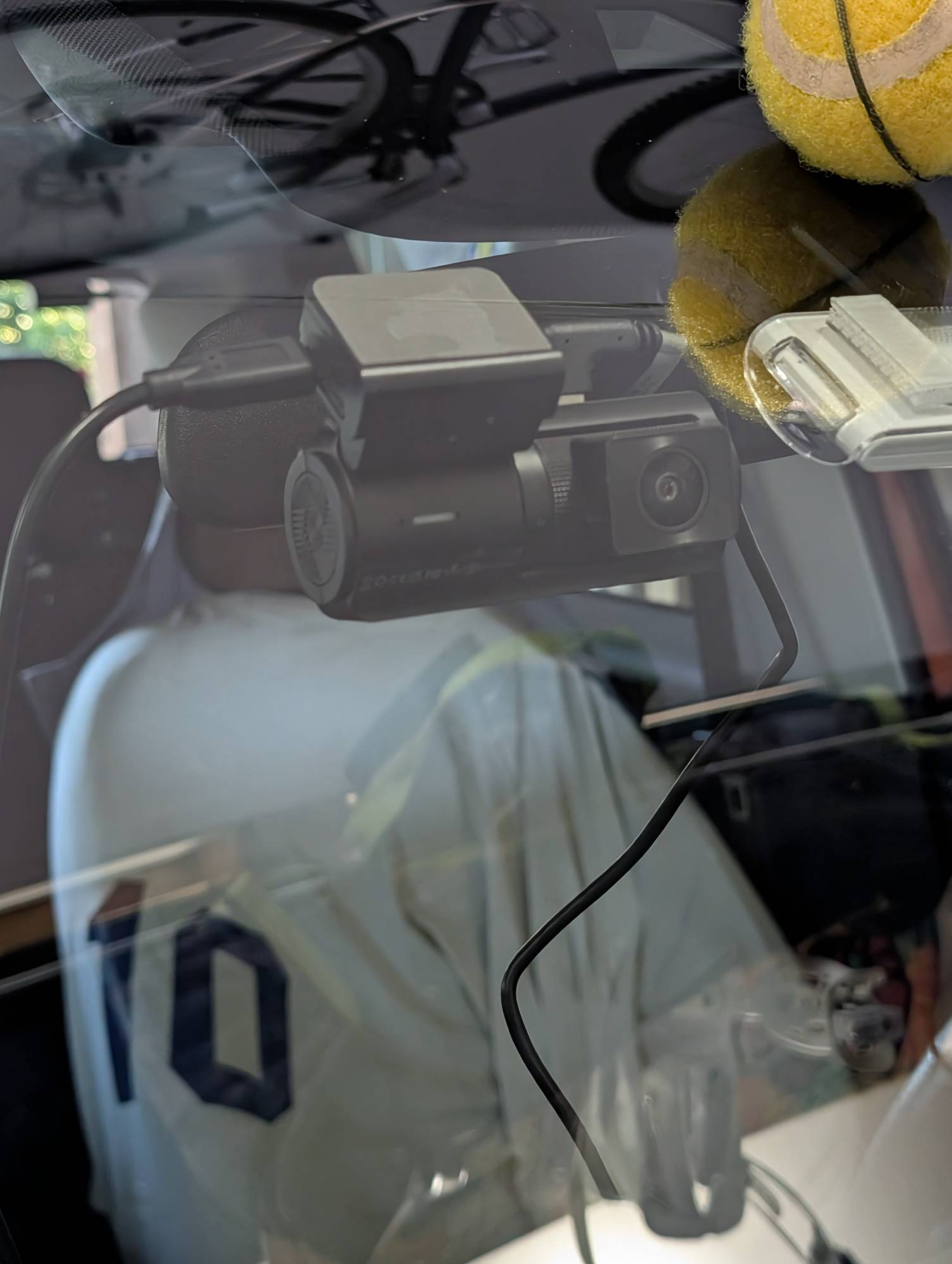
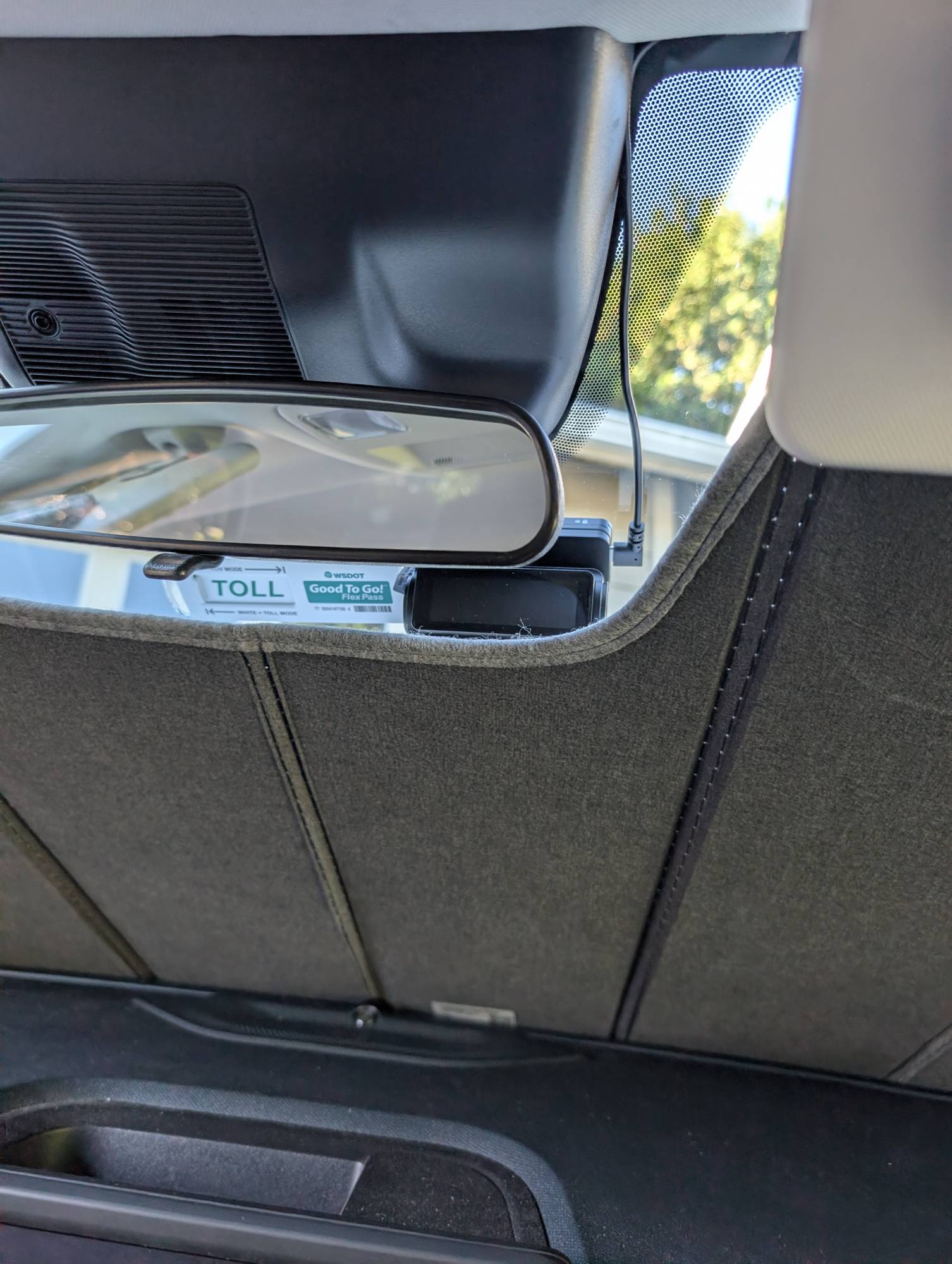
Once I committed, I was left with all the loose wires, and after thinking a bit, I decided to run the rear camera cable to the left and down. Please note I have a side airbag in the pillar, so I ran the cable behind it so it wouldn’t interfere with deployment. The included plastic prybar came in super handy here, and I was able to hide the cable pretty much all the way to the back. I used a couple of the included cable holders on the windshield, and you also get a couple extra electrostatic films if you want to swap it to another car later.
-

- Prep the surface with rubbing alcohol to ensure good adhesion.
-
- Where to run the cables will depend on your specific vehicle.
-
- With the wires tucked away the E200 doesn’t interfere with my sun shade.
-
- Ran the rear cable down the back seat and under the floor.
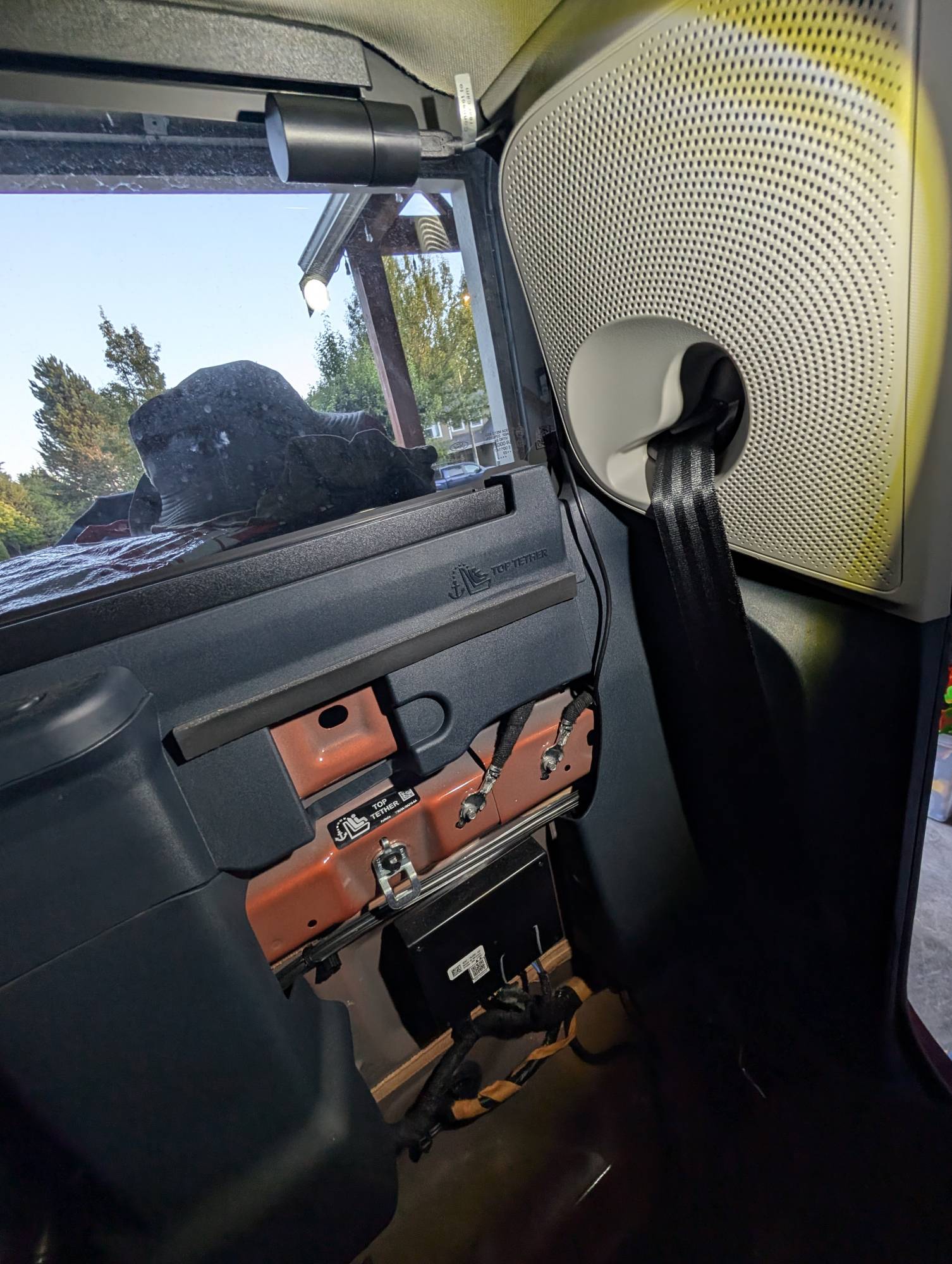
-
- Used a cable holder near the rear view mirror.
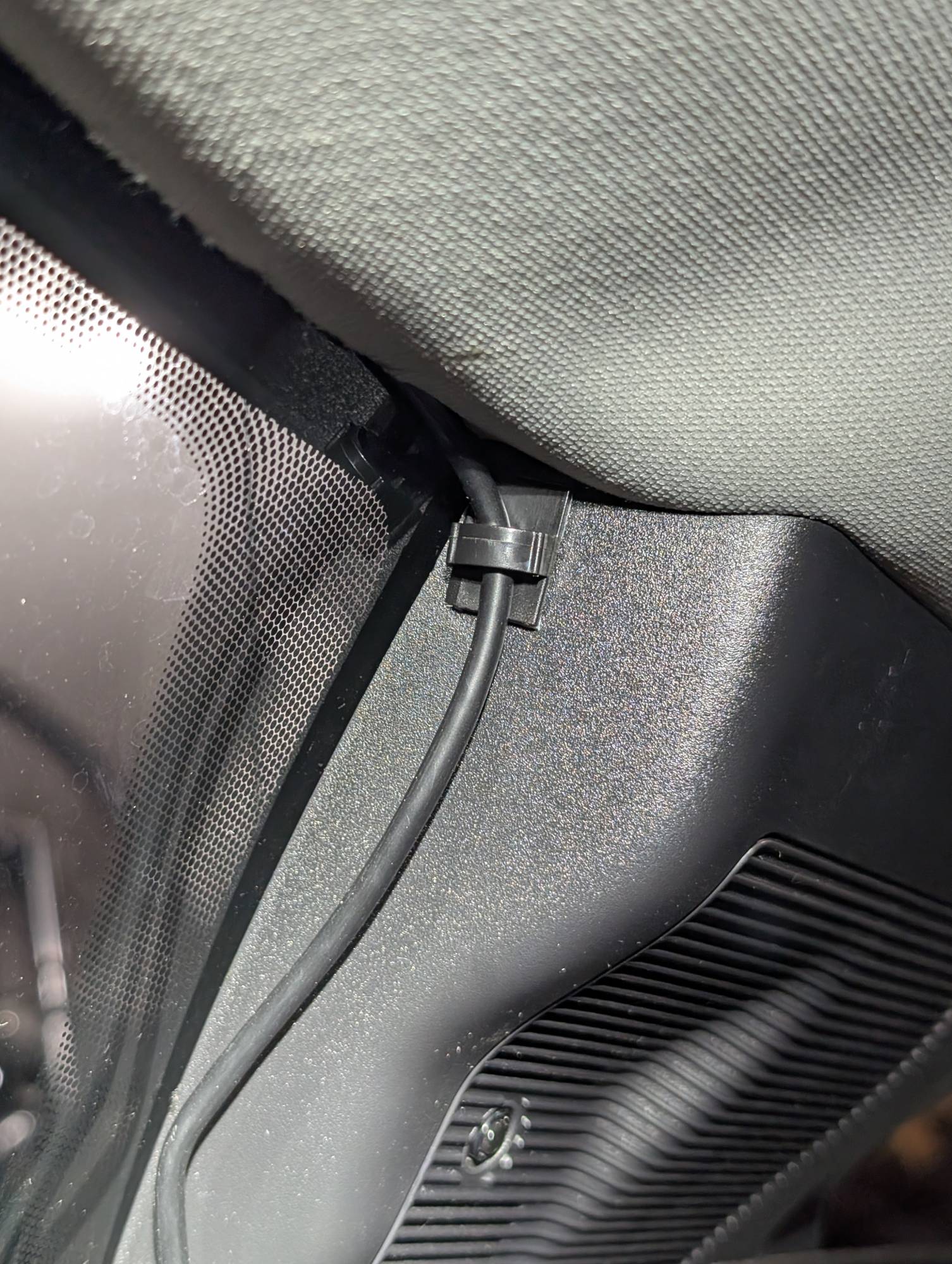
-

- Ran the power cable down the right side and behind the glove box.
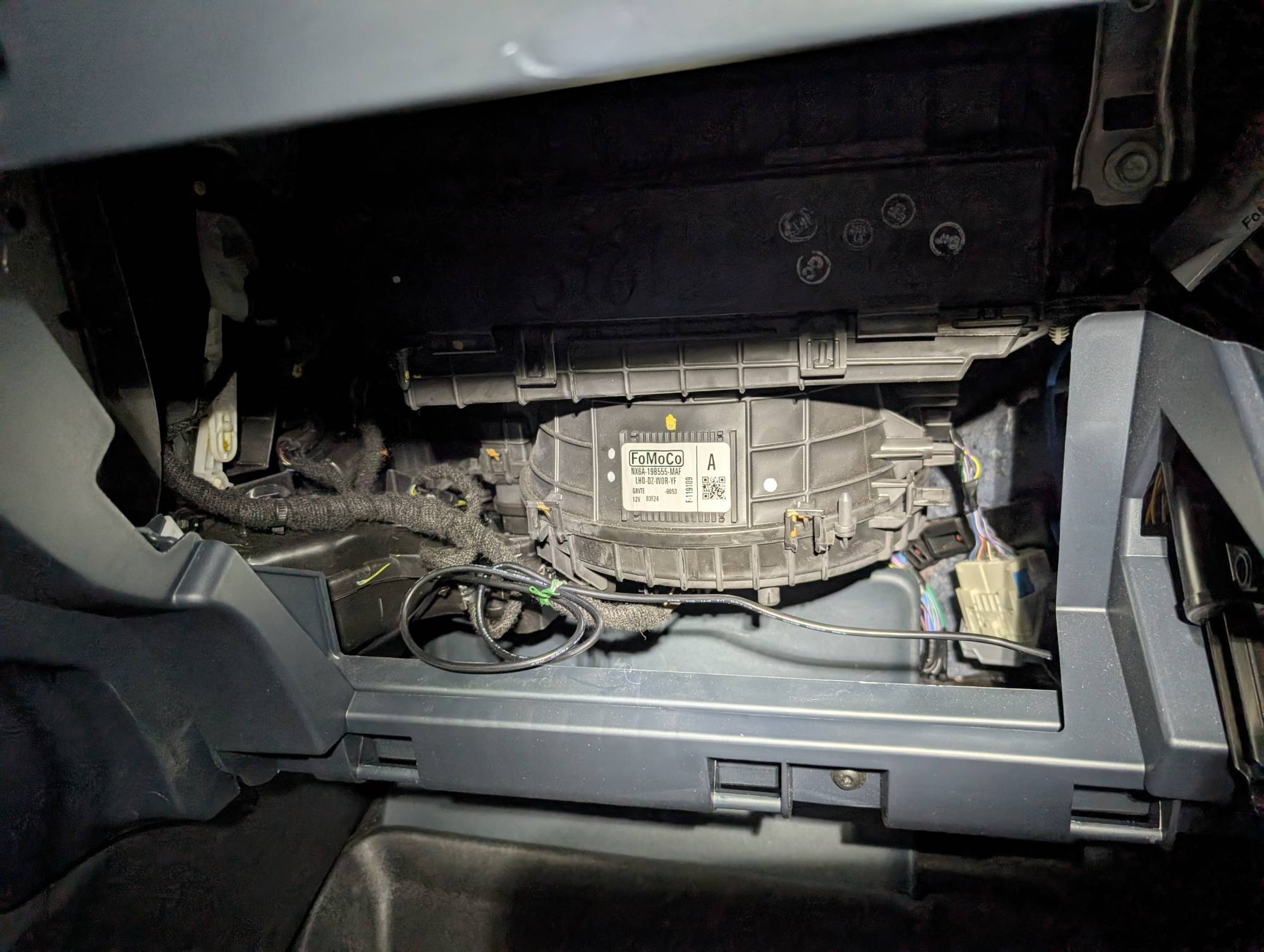
Performance
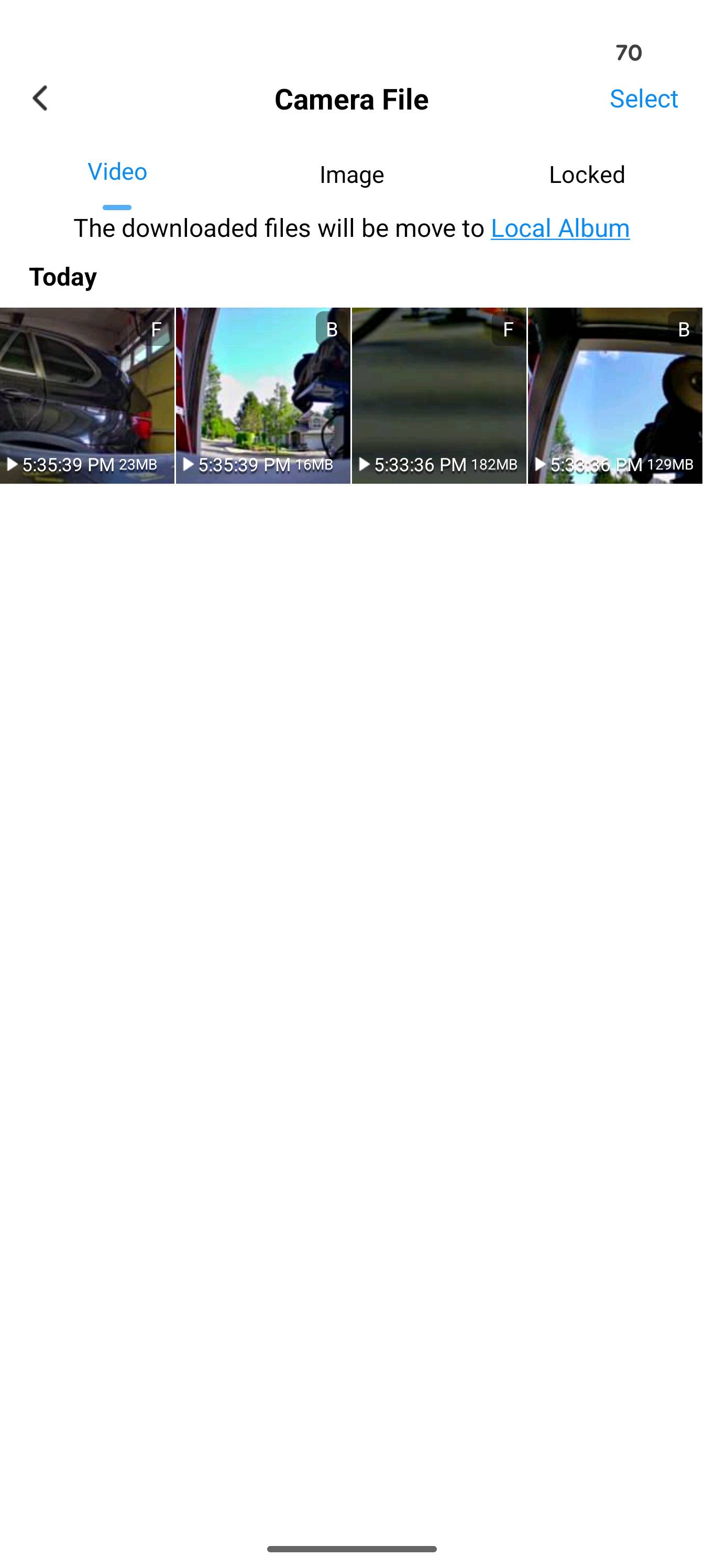
The GKU E200 performed perfectly the entire time. The app was super easy to use, and I had no issues with it. Video downloads were quick, and the quality is superb.
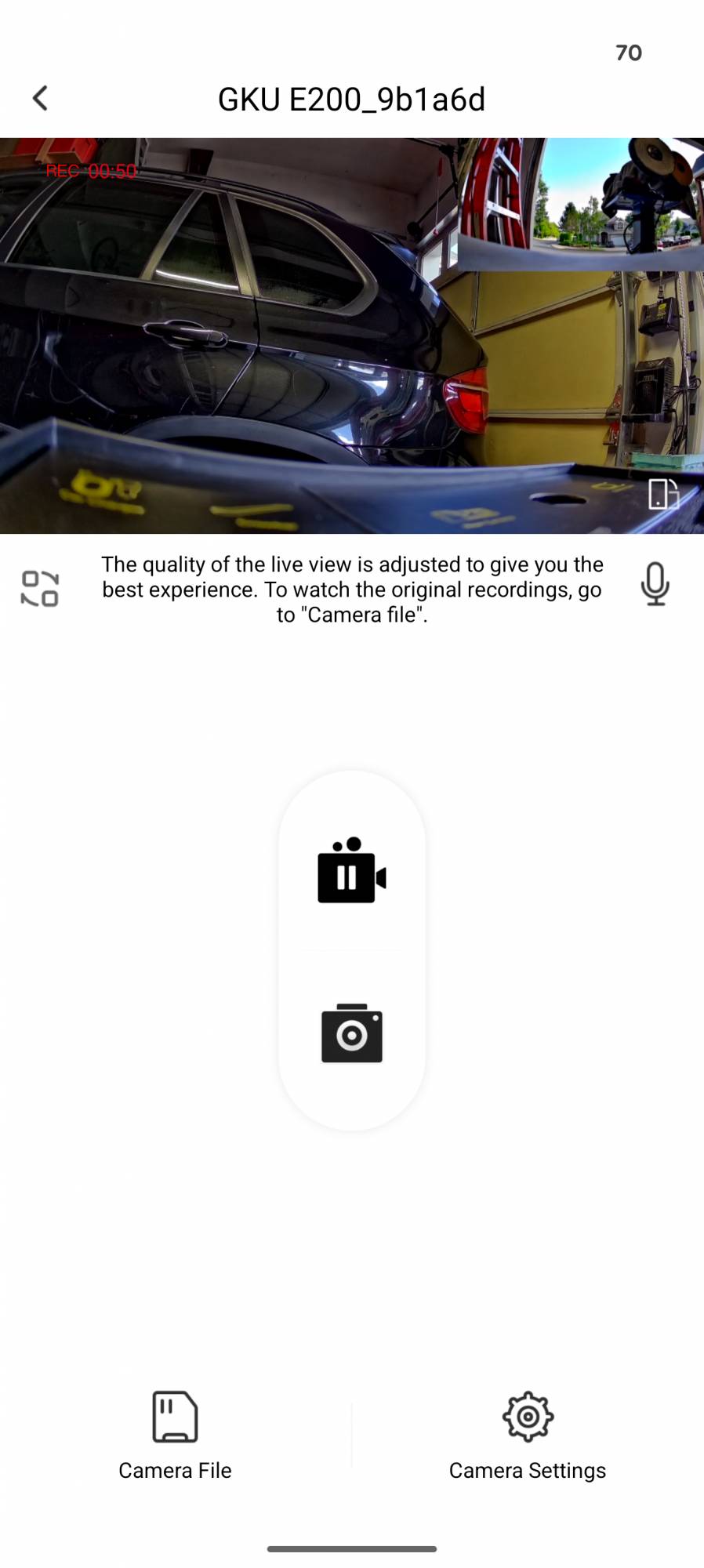
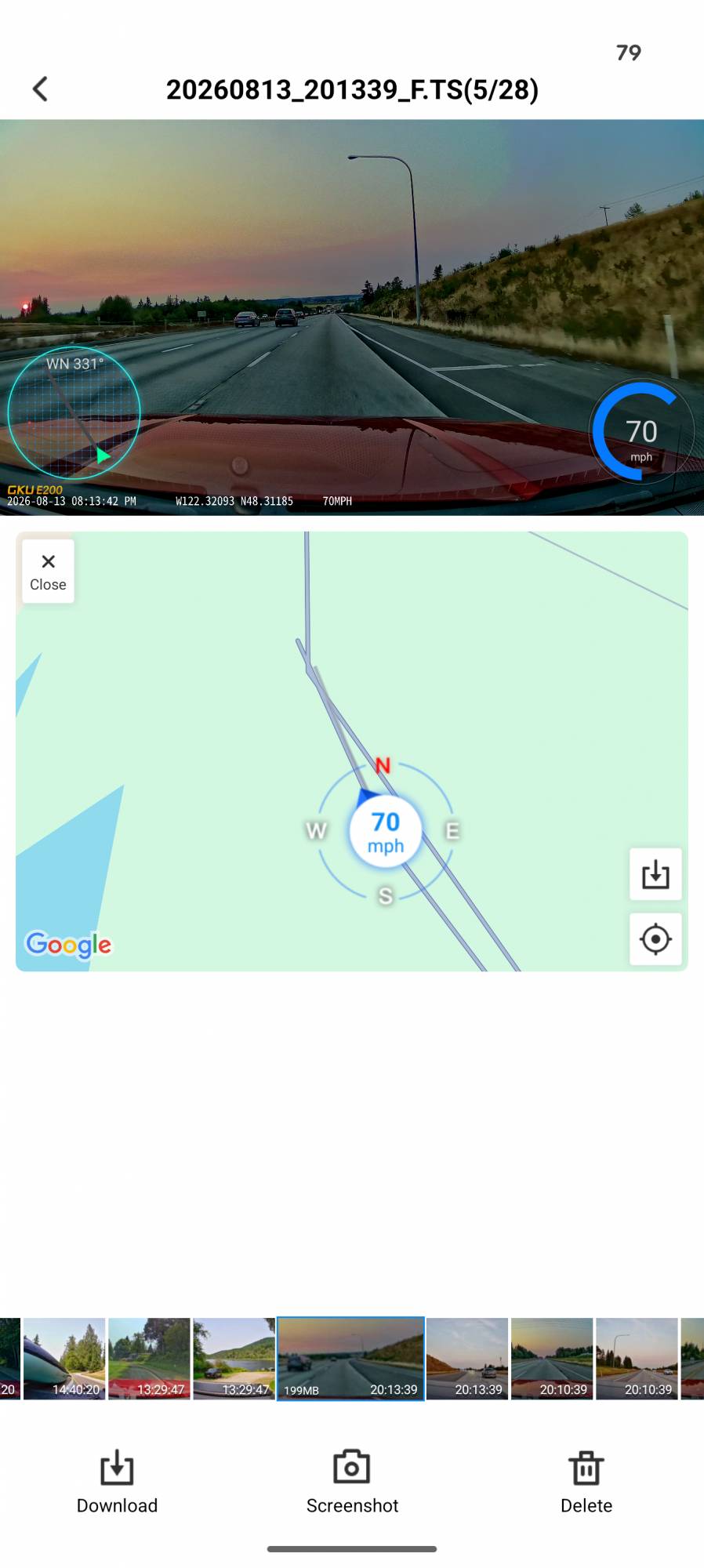
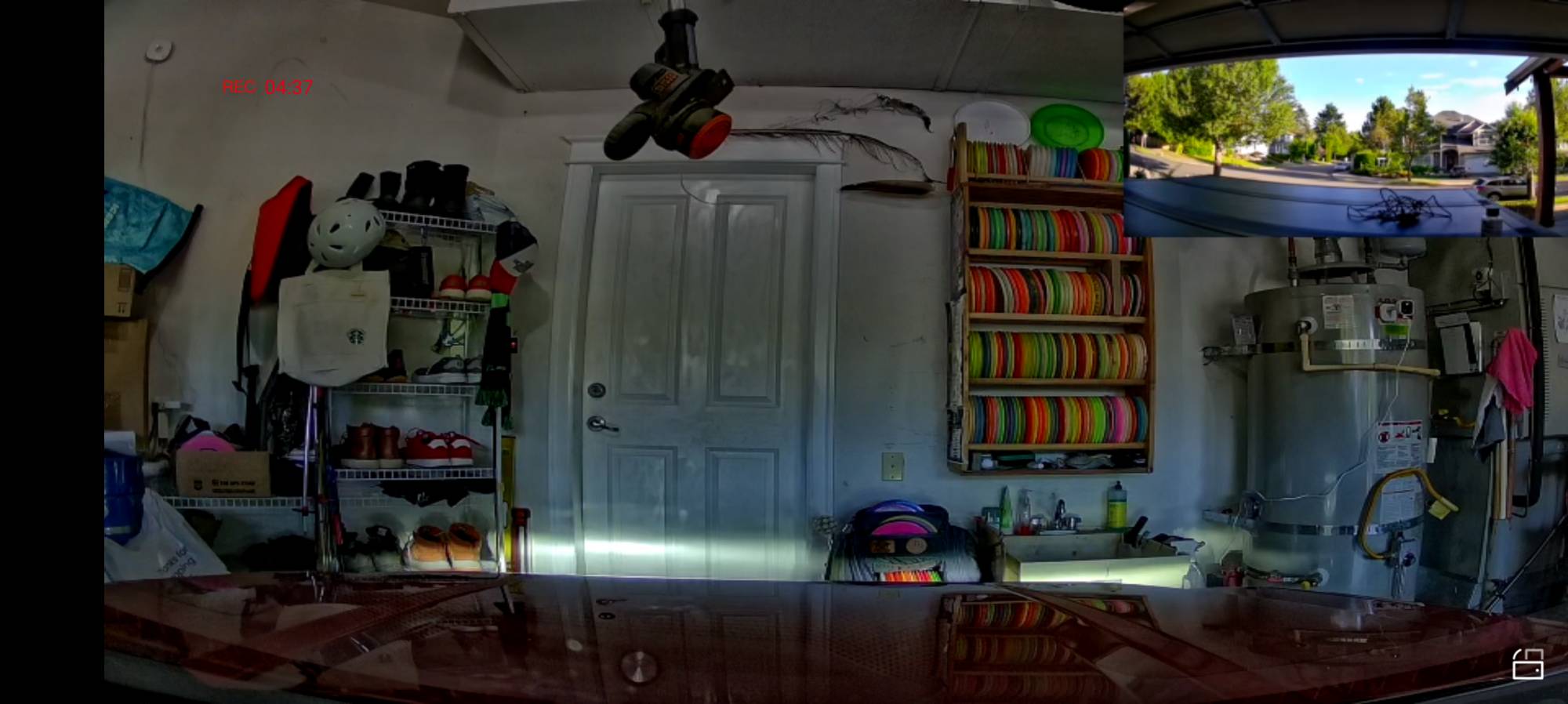
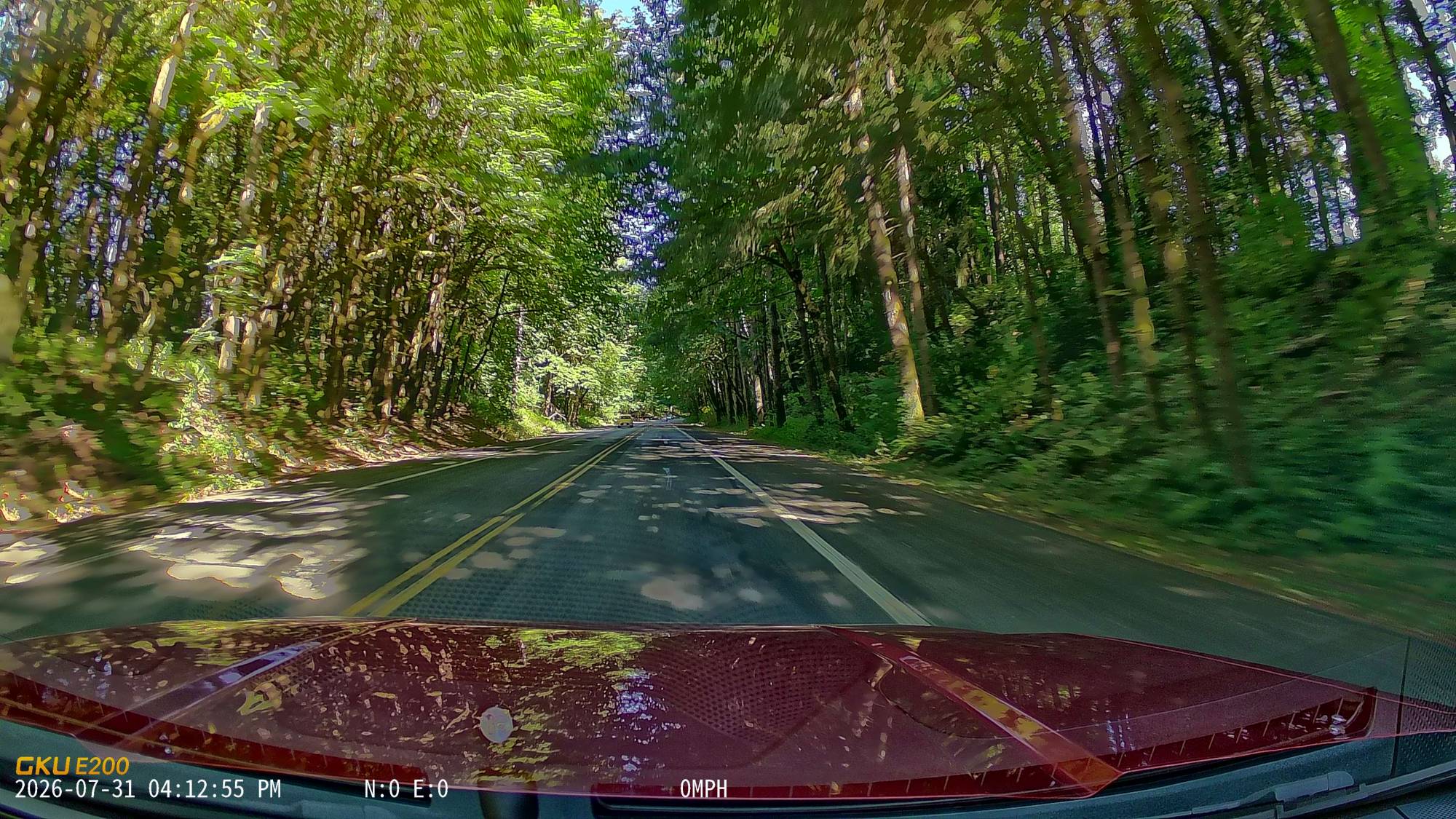
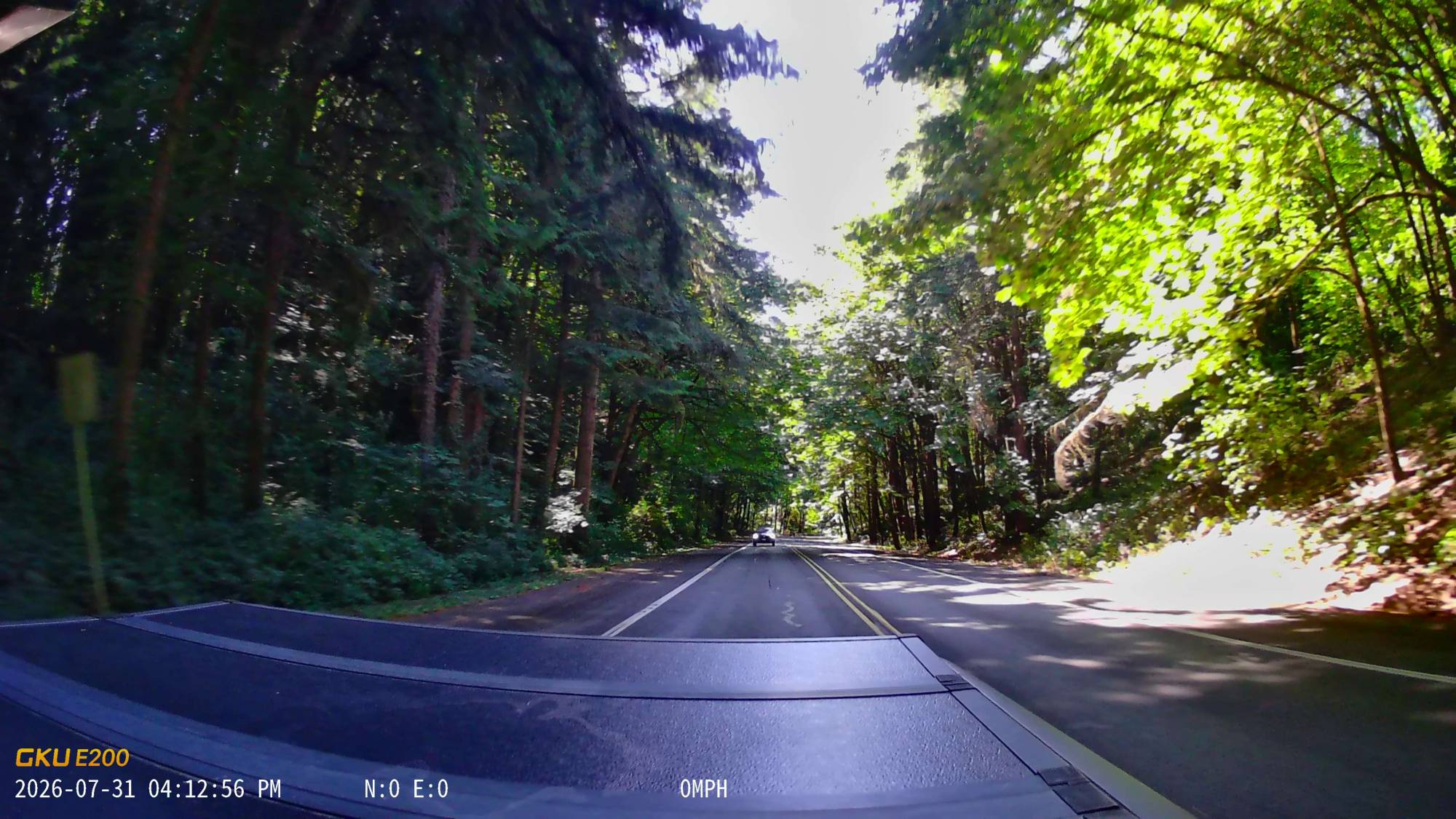
I really like the nine voice control functions (take photo, turn on audio, show rear camera, turn on screen, turn off audio, show both cameras, turn off screen, show front camera, lock the video), and I used “Take Photo” the most. Below is a video of my drive with the front view, then the rear. I asked it to “Take Photo” a couple times with those pictures below the video.
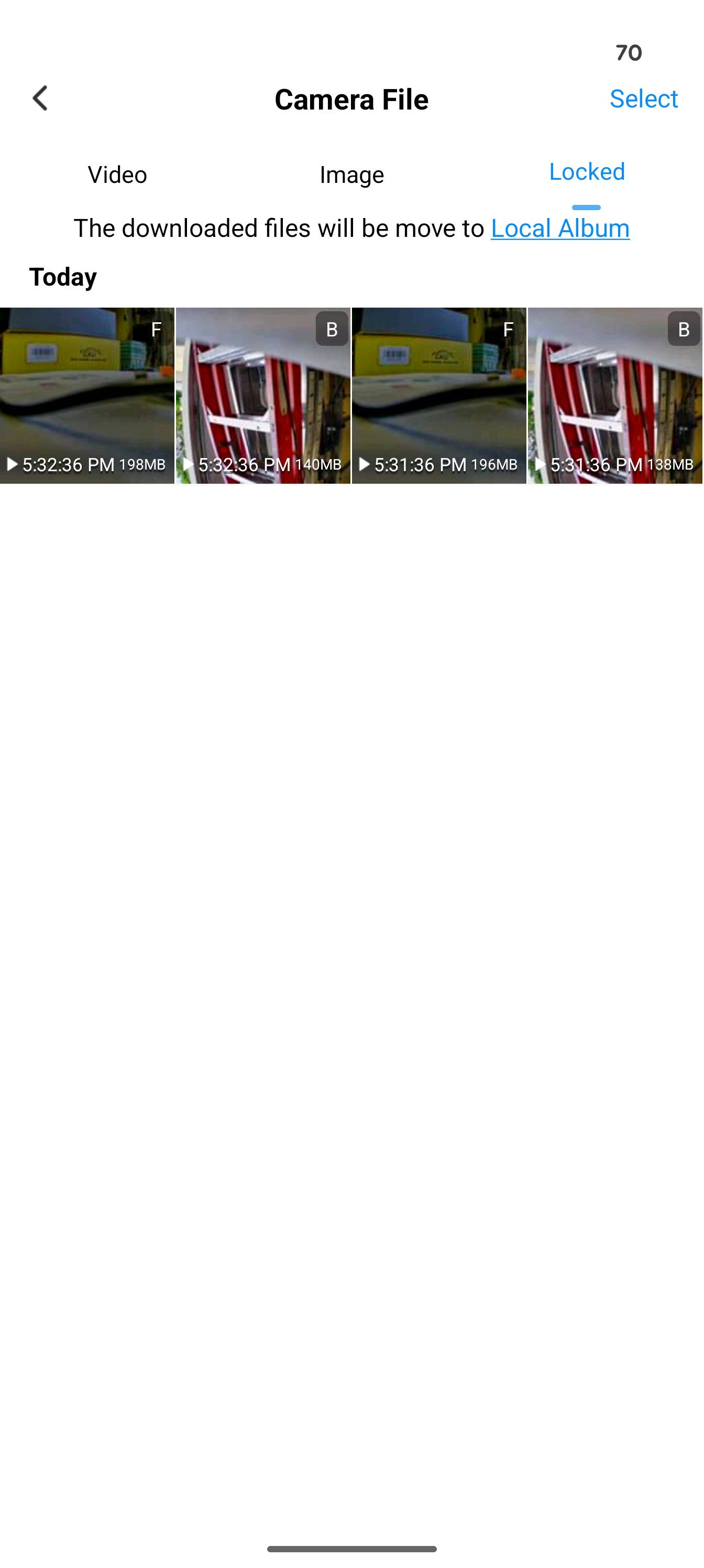
A couple times I hit a bump and the E200 would automatically lock the video to the saved folder. It’s nice that it has a speaker and lets you know when it happens. Even the lightest fender bender will save the video for future use.
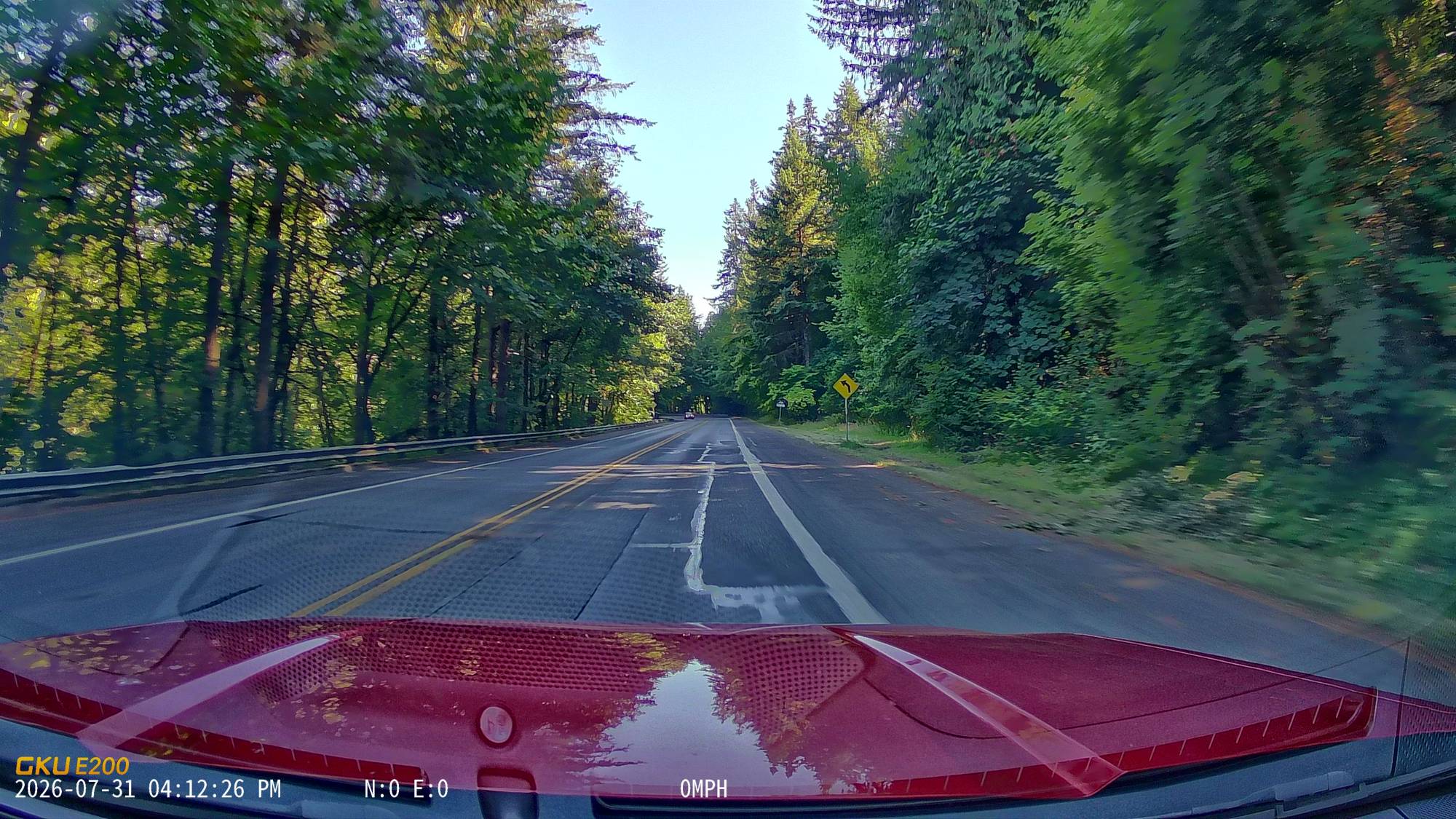
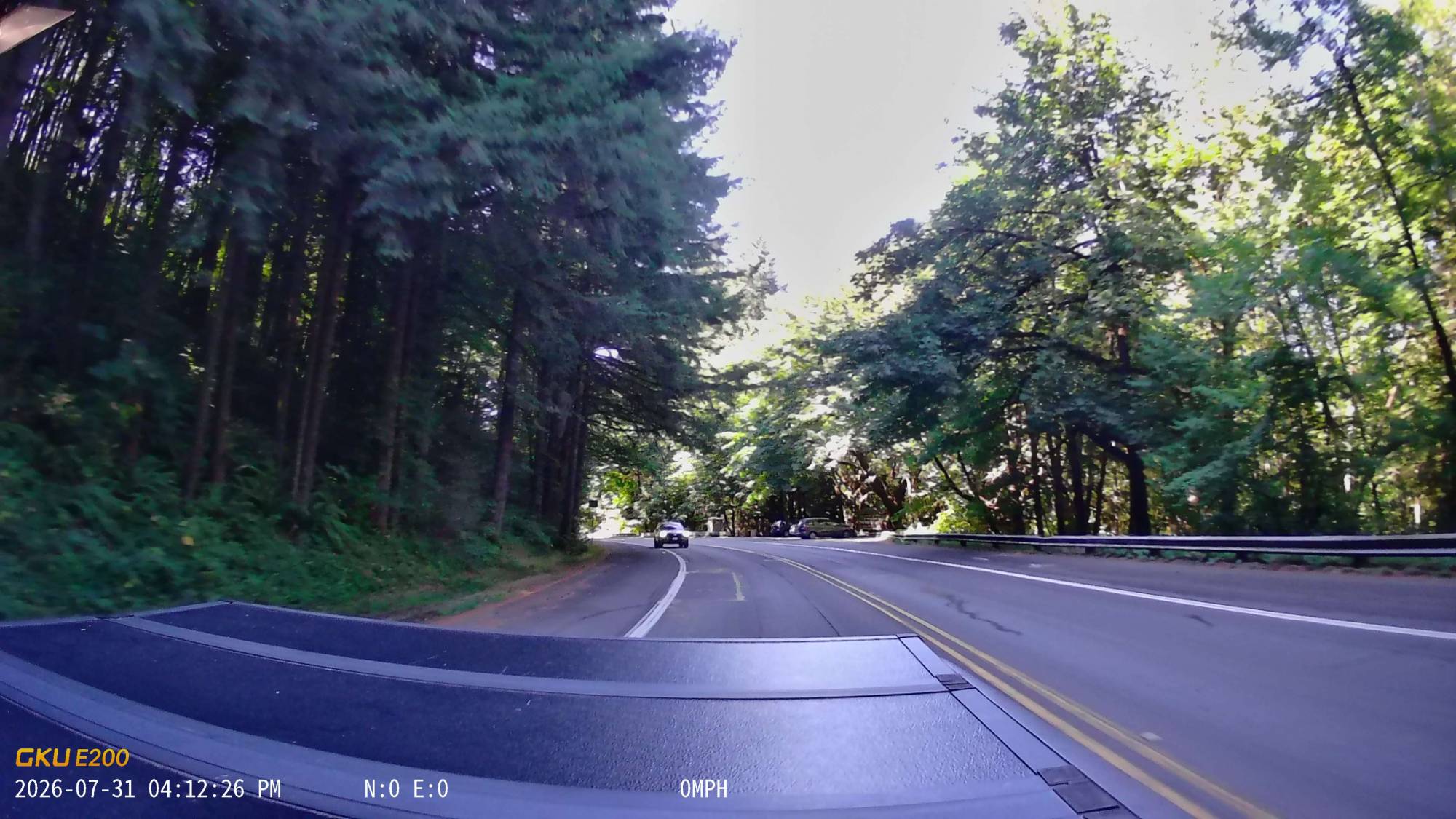
The Bottom Line
If you too have been considering getting a dash cam, then the GKU E200 is a perfect option, especially right now while the E200 has a 30% off coupon, making it an amazing deal.
The GKU E200 Dashcam retails for $169.99 without an SD card (currently on sale for 30% off at $119.00); it is available directly from the manufacturer and other retailers, including Amazon.
Source: Manufacturer-supplied review sample.
What I like: It starts recording within 14 seconds, and voice control is super useful; Built-in GPS and bump detection work great; The app is easy to use, and downloads are quick
What Needs Improvement: Nothing — the GKU E200 exceeded all my dash cam expectations and gives me peace of mind to finally have a dash cam setup


I would love to have one of these on my car.
Where I’m from, people drive so horribly you’d think I would’ve gotten a dash cam already! This one looks great though – I might have to pick it up.