Articles by Dan Cohen


Twelve South Does it Again with HoverBar for Mac and iPad 2

If you use a Mac and an iPad, then Twelve South’s new HoverBar is for you. It lets you use your iPad 2 an adjustable arm that floats iPad 2 next to an iMac or Apple display, allowing you to use iPad as a secondary, touchscreen computer. [It] turns iPad into the ultimate sidecar for an iMac or Apple display, presenting more ways to use iPad more often. Connect HoverBar to your Mac, snap iPad 2 into the secure clip and you now have one powerful dual-computer work setup. Having iPad floating next to your Mac allows you to monitor…


Gear Chat 2012- We’re Back!!

It has been over a year but Gear Chat is back and we’re talking tech. In this first episode Thomas and I talk about the Samsung Galaxy Note, the Series 7 Slate tablet and what configuration of Apple computing products is best. Future episodes will include Gaming and eBook segments and much more. We also want to hear from you! What content do you want covered? What questions do you have? Would you like us to do the podcast as a live, call-in conversation? We want to know. Happy listening and, as always, thanks for sharing via Twitter and Facebook.


Farewell Mr Gutenberg and Thanks for All the Books

Patchen Barss’ book The Erotic Engine has the subtitle “How Pornography Has Powered Mass Communication from Gutenberg to Google”. An article on it highlights ten technologies that “secretly owe debts to the pornography business” Among them, E-commerce, Streaming video, Webcams and Bandwidth; you can read the fascinating post here. But if the Pornography industry drove forward electronic communication, it was an entirely different arena that drove the print world it is replacing. What was it? Religion.


Quick Tip: Transcribe Audio and Video for FREE

Have you ever had a YouTube video or audio segment you wanted to transcribe but didn’t have the patience to sit and manually type out what the speaker/s said? I ran into just such a situation yesterday and, instead of it taking hours for me to listen, pause, type, listen, pause, type etc I was able to transcribe the two YouTube videos I needed in under ten minutes. Here’s how…


Adonit JotStudio App Designed With Hardware in Mind

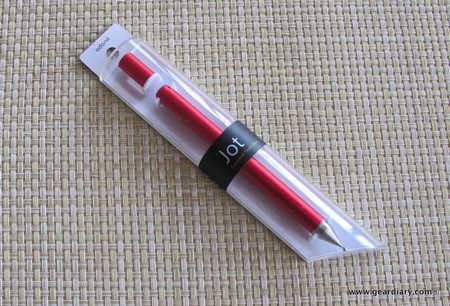
Adonit’s Jot and Jot Pro Stylus for the iPad is an unusual animal. We reviewed it here and had this to say What sets the Jot and the Jot Pro apart from the crowd is the disk at the top. Rather than having a relatively wide rubber tip for darting or writing the Jot and Jot Pro have a ballpoint tip that then attaches to a clear disk. The ball-point tip gives you accuracy while the disk protects the screen from scratches. It looks rather odd and does take a few minutes of adjustment but, after that, it REALLY WORKS!!…


Evernote for Mac Updated With Improved Note Panel, Tables, Checklists, and More

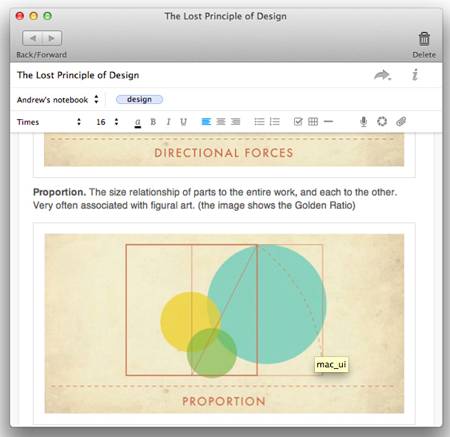
I was pretty critical of Evernote back in December when they released some iOS apps that just fell flat. I mean, a special app for food logs or exchanging personal information? They called it Evernote Hello, I called it Evernote NO! and I was pretty clear that Evernote needed to put their energies into their core business: the various Evernote apps and they way in which they can make note-taking easier. Well, thankfully, they have done just that and have released a new version of Evernote for Mac that offers some great improvements. What are they?


TripIt gets “iPadified” with New “On-Map” Interactions and Planning

Judie turned me on to TripIt about two years ago, and I have been a devoted user ever since. And today we got word that TripIt.com just got “iPadified”, and now “Travelers can interact with their trip plans on a map and create directions instantly online.” This is a new way for TripIt users to access trip maps and get directions and makes the service even more valuable than ever. As the news release we received explains, Now, when travelers log onto TripIt.com, they’ll have the option to view their itinerary alongside an interactive map, or select the traditional detailed…


JumpFromPaper Bags Really DO Make Real Life Feel Like a Cartoon

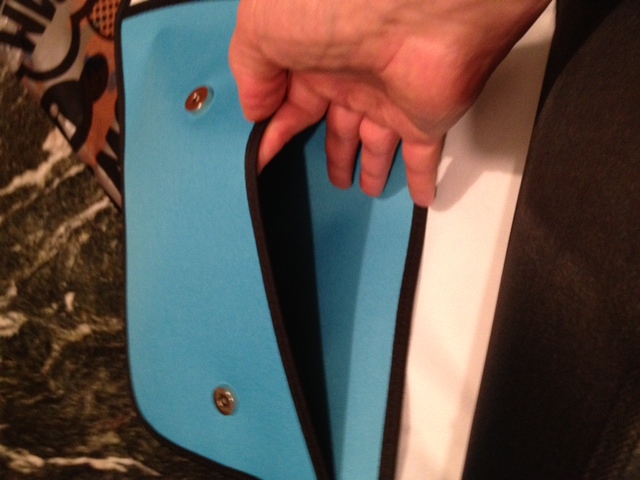
Judie posted on these über-cool JumpFromPaper bags the other day. As she wrote, I loved the way “Who Framed Roger Rabbit” (1988) and “Cool World” (1992) mixed cartoon elements into a real-world backdrop. I enjoyed the same effect as a kid, watching older Disney movies such as Mary Poppins, Bedknobs and Broomsticks, and Song of the South. There’s just something quirky and irresistible about imagining a world where cartoons can come to life; anything can happen! The bags are the creation of design duo, Chay Su and Rika Lin. They have produced a line of travel, camera, laptop and general gear…


Mental Case Mac and iOS, a Study Tool That’s Good for Everything from Tech to Bar Mitzvah!

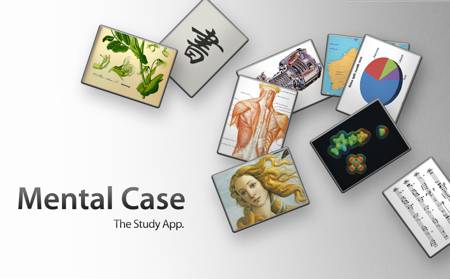
Last week Apple worked to make the iPad an even more important educational tool than it already is. The textbooks and their own publishing app Apple set the stage for some really huge increases in iPad-in-education adoption rates. The iPad as study tool is nothing new and one of the best educational apps for it has been around for some time. Mental Case is a flashcard creation and study tool for both Mac OS X and iOS. The Mac version of the app is $29.99 and can be found here. The iOS version is $4.99 and can be found here….


PDFpen for iPad is Powerful and Simple to Use, Review

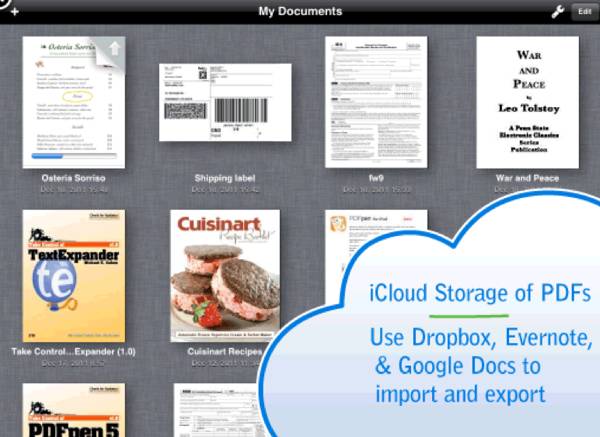
Smile software makes some of the mainstay apps I use on my Mac. Their PDFpenPro is an amazing application for working with PDFs and I’m honestly not sure what I would do without their TextExpander application. It lets me create shortcuts for terms, phrases and especially HTML code that I use all the time. Now, for example, if I want to put in the site’s URL instead of typing out the entire thing I simply type “ggd”. TextExpander sees it and replaces it with the address. There honestly isn’t a post or an email I writer where TE doesn’t jump…


How to Keep Up-to-Date and Share Information with Colleagues

The other day one of my Rabbinic colleagues asked what “system” I use in the synagogue to keep track of all of the various lifecycle “events” that take place in the community as well as make sure that all of my colleagues have as accurate and up-to-date information as possible. I wrote up my answers and then, after sending them to him, realized that while our uses for the services I mention are rather specific, the way in which we use them can easily be adapted to a host of different work-settings. Here’s what I told him.


OS X Moves Yet Another Step Closer to iOS

If you still weren’t convinced that Apple’s desktop/laptop Mac OS X operating system and their mobile operating system iOS were moving closer and closer to one another here’s yet one more example. If you have a Mac go to software update and download the Airport Utility update. Once you do you’ll be greeted with a utility that will be rather familiar if you have used the recently release iOS Airport Utility.


Shootout! Touchscreen-Friendly Gloves – iTouch Touchscreen Gloves vs. Agloves

Cold weather and touchscreen don’t go together. More accurately, they did not go together until now. Yes, if you use an iPhone, Android device, Windows Phone or tablet there are now a host of touchscreen-friendly glove options on the market. We take a look at two such offerings in this video. From iTouch Touchscreen 3 in 1 Gloves: Stay Warm and Stay Connected: iTouchTM Touchscreen Gloves with conductive yarn in the fingertips allow you to use your iPod, iPhone, iPad, Blackberry, eReader Touch and other touchscreen devices without having to take your gloves off in the cold weather. Witness the…


ZBoard, Like a Moped Only Way Cooler

  Remember that moped you thought was the coolest when you were 14? No? Well, pre-drivers license, the idea of motorized transportation in any form sounded way cool to a lot of us. That even went for mopeds, until we actually bought one. Well this is like the moped but is a whole lot cooler.


Swingline Stack and Shred 80X Handsfree Cross-Cut Shredder Review

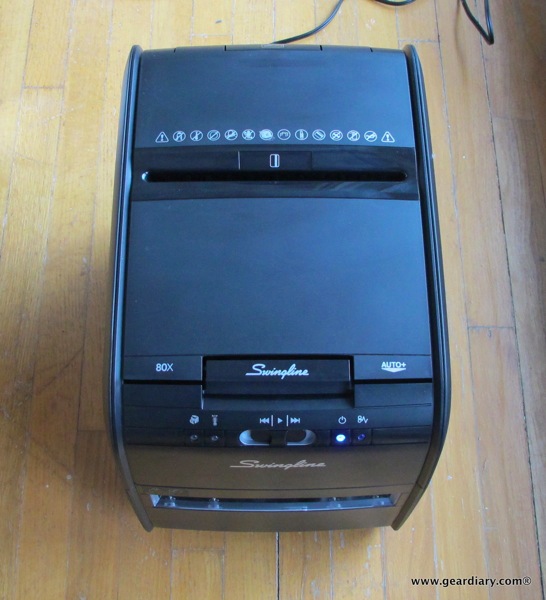
Who in the world would get excited about a shredder? ME, that’s who. So when Judie posted a review of the SwingLine Cross-Cut Shredder last year I took note. You see, as bad as Judie and Kevin’s stack of “waiting to be shredded documents” was, Elana’s and mine is worse. How much worse? Let me put it this way. In Judie’s review she began with the following, This is my husband’s and my pile of things that needed to be shredded. It started in a drawer, was moved to a shelf, and eventually ended up in a bag under our…


Incipio M&M’s feather Case for iPhone 4S Review

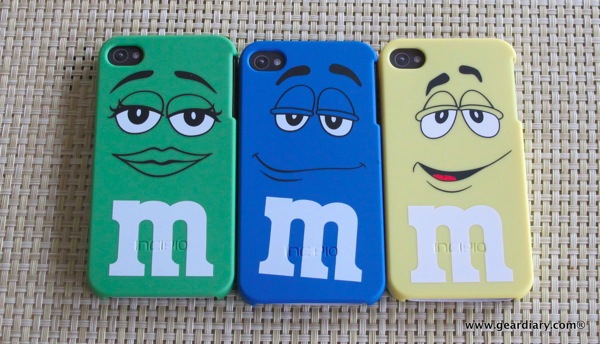
Aren’t these just the cutest iPhone 4S cases EVER!?!?! These are the Incipio M&M’s feather cases and they are more than just a tasty-looking way to protect your iPhone. The cases are based on Incipio’s popular feather line of cases. The feather is “Incipio’s answer for a low-profile protective cover. Measuring approximately 1mm in thickness, the feather is our slimmest case, offering sleek protection without the added bulk of traditional cases.” Read on for a closer look and a chance to win one!


Alaska Airlines, Your Mega-Church in the Sky

A few years ago I was on a plane that almost went down. The person next to me had spent the flight trying to convince me why I was wrong in my “choice” of religions, and when the wingtip almost hit the ground he looked at me and with all seriousness said, “At least I know where I’m going when I crash.” Some might have found his comment and attitude offensive. Others might have nodded in agreement. I saw it as proof of what is strong about this country. This is America, and he is entitled to his beliefs; my…


iTunes App Store App Review; PDF Forms Impresses!

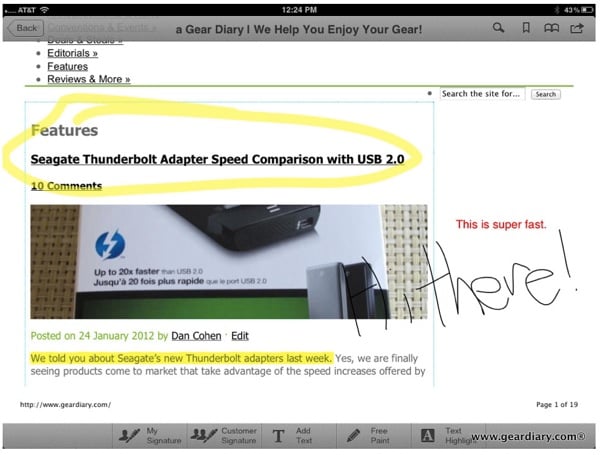
We’ve come a long way since Thomas published his amazing post How To View PDF Files on an iPad. Now you can’t just view them but you can edit and manipulate them too. There are a few options in the iTunes App Store for editing PDFs and a new one was just announced. PDF Forms lets you sign a document, add text, highlight text, surround text and images and more. This was just going to be a news post until I actually tried the app.


Make Your iPhone 4S Case mykase with Bodyguardz New Case Offering

Bodyguardz has come up with a great way to change-up and/or customize your iPhone 4 and iPhone 4S case in seconds. The mykase line offers a base case in black or white as well as interchangeable back plates that can reflect your mood or dress. They’ll even be rolling out an easy-to-use engine for making your own customized back plate. It is pretty ingenious and definitely worth a look. So here’s what Bodyguardz has to say about it. Three piece case with interchangeable sides, bottom and back. Base available in gloss white and matte black. Multiple colors and designs available…