Apple iPad Apps

Ford Using App for 2013 Fusion Unveil

Want to see the all-new 2013 Ford Fusion sedan? Ford has an app for that. The automaker has released iOS and Android smartphone and device apps to tease the eventual unveil of the vehicle that will occur in the app simultaneously as it does on stage at two stellar events. The 2013 Ford Fusion (which has been named the official car of CES 2012) will be unveiled at both the North American International Auto Show in Detroit next month as well as the Consumer Electronics Show in Las Vegas. These are two of the biggest shows held in the U.S….
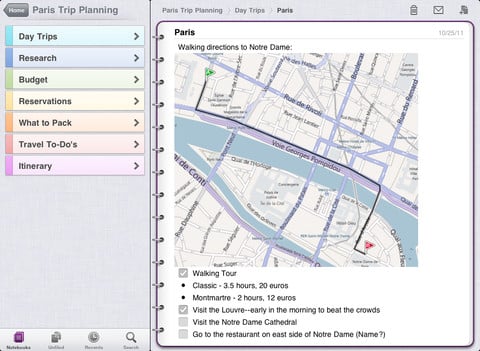

Microsoft Releases Free Limited Version of OneNote for iPad!

Way back in January Microsoft released OneNote for the iPhone, taking aim at EverNote and others. Now they have upped the ante, releasing an iPad version of the versatile note-taking app. As before, it is free – but limited to 500 notes, requiring an in-app purchase to unlock. Microsoft OneNote for iPad is a note-taking app for capturing all of your ideas and to-dos on the go, brought to you by Microsoft Office. Create searchable notes with text, pictures and bullets. Make and manage to-do lists with checkboxes. Then keep your notes in sync using free Microsoft SkyDrive® online storage…


iMenorah iOS App Review

When the iTunes App Store first opened I owned and ran one of, if not the, first iPhone app review sites. It was a fun gig although, I must admit, being here on Gear Diary with Judie and the rest of the crew far surpasses that experience. In December of 2008 I reviewed a number of apps that would be good for Hanukkah. This year I did a similar roundup for a local newspaper. (I’ll be sharing it as soon as the article is published later this week.) One of the apps I reviewed in 2008 was iMenorah, which is a…


iBooks Grows Up, Is It Enough to Make it Your eReading App?

The iBooks apps for iOS, that means iPad, iPhone and iPod touch, just made the leap to version 1.5. It is a nice update that includes a new arrangement of annotations, full screen reading mode, new fonts and an awesome new nighttime reading mode. I used the nighttime reading mode last night for a bit and it worked great. It is nice to see iBooks maturing but it also reminded me that, when it comes to something like eBooks, it isn’t the app that ultimately matters but rather the ecosystem one has decided to use. I decided some time back…


The World of Goo for iPad Game Review

> There are times when a simple description does little to convey the joy contained in a great game. For World of Goo, my one-line description ‘solve puzzles by building stuff by stringing together bunches of goo balls’ doesn’t begin to explain why you will be losing sleep playing ‘just one more level’. I am not sure that my description or conclusion will completely describe just how much fun this game is, but hopefully my full description will entire you enough to buy one of the best games available for the iPad. The Hype: Beautiful and surprising, the millions of…


Localscope For iOS 50% Off For 5 Days

Even though I rarely shop, I am an admitted Black Friday participant. I  usually have a playoff football game that Friday night but I almost always wake up early in the morning and head out. Why not hit a store or two, find a possible deal and watch people be crazy? The entertainment value alone is worth the loss of sleep. An area often overlooked on these big shopping days are deals in the iTunes App Store. Here’s a good one. One of my favorite location based applications, Localscope will be on sale for half price from Black Friday until Cyber Monday….


Zinio’s on Fire with $25 Shopping Perks and Availability on Amazon Fire

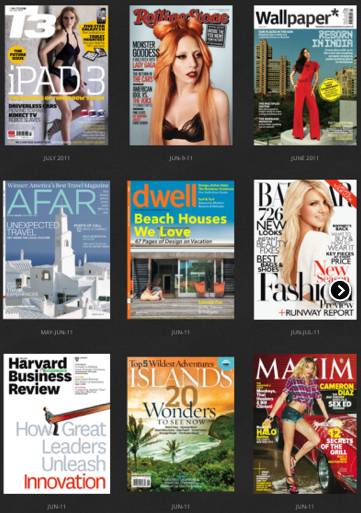
  Zinio isn’t about to let Apple and Amazon slow down their momentum. No way, no how. And to help make sure they remain the eMag service of choice they are introducing a shopping perk program that puts a $25 credit into the accounts of all new Zinio registrants from now until March 2012. Better still, this credit can be used to purchase magazines across the company’s entire global newsstand. In addition, the Zinio app is now available in the Amazon Appstore. The timing is key since many of us will be getting our net Kindle fire’s today. As Chris Wilkes, vice…


mSecure 3.0 Password Protection Review

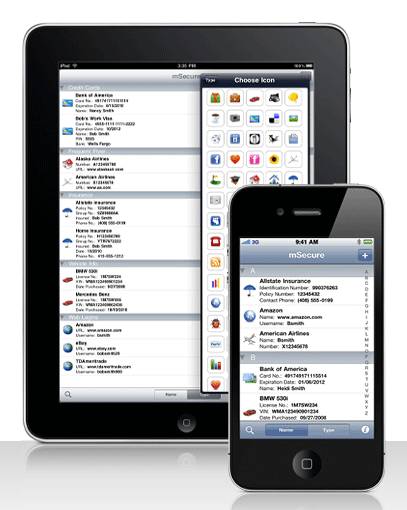
I have been using the same password protection program for quite a few years. I’ve thought about switching on a number of occasions, but it’s always is too much of a hassle, or the software that interests me isn’t available on enough platforms. So when I was recently offered an opportunity to review mSeven Software’s mSecure 3.0 I was at least a little ambivalent about it. However, I figured it certainly wouldn’t hurt to review the software; I would just create some dummy data, load it on a test device, put it through its paces, do a brief write up,…


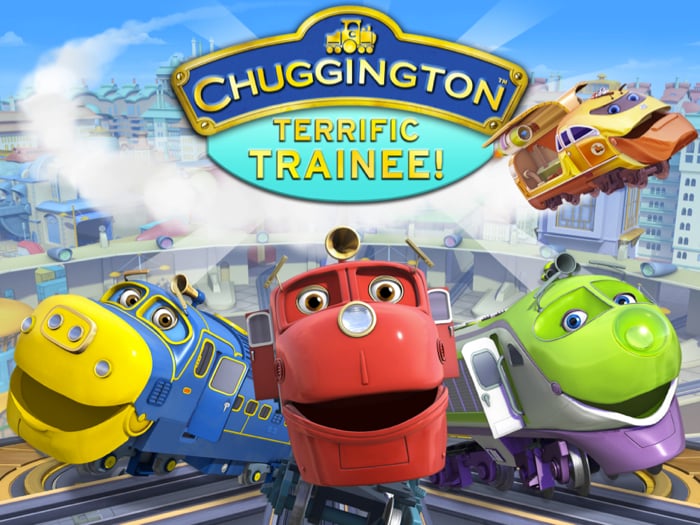
IOS App Release: Chuggington: Terrific Trainee

  If you follow any of my posts, you probably know, my two sons love gadgets and gear just like their dad. They come by this love honestly, but we are careful to limit their time with devices and closely watch how they use them. Anytime games or applications are developed specifically for their age group, we are happy to download. The boys get extra excited if the app can be based on a familiar subject or characters. When I let them know there was a Chuggington iPhone game, they were pumped. My youngest proceeded to give me a complete…


iPad on TV: Covert iAffairs

It’s been a while since we looked at the increasingly prevalent role the iPad plays in today’s media but tonight’s Covert Affairs put the iPad so very “front and center” that we had to post… Annie Walker is on a mission when her sister places a “call” to her. “Ring, Ring Ring” goes Annie’s iPad. She answers and the conversation ensues. But wait one second… they’re using Skype??? Say what? Seriously Annie? Skype? Sure it works well enough but for my money I’ll always take FaceTime over Skype. The connection FaceTime offers is no less than amazing and since both…


I’m Sticking with Zinio

  One of the features that iOS 5.0 brought to the table was their new Newsstand application. Newsstand is to magazines and newspapers what iBooks is to books. It collects your magazine and newspaper subscriptions purchased through the iTunes App Store and puts them into one simple place where all are accessible. It has a nice feature in that most of the periodicals can be set to automatically download when a new addition becomes available. That means that, for example, each day my New York Times is ready and waiting for me as soon as I open my iPad’s cover…


iCloud Workflow Update Thanks to the iOS App Elements

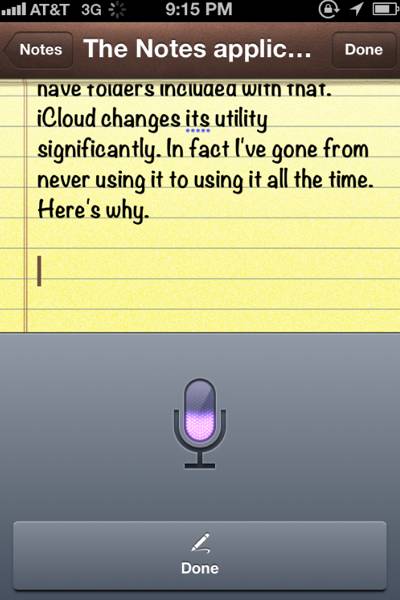
The other day I wrote a post talking about the fact that, thanks to, Siri and iCloud, the Notes application that ships on all iOS devices has suddenly become a full-fledged productivity tool. Thanks to Siri, I’m now able to write everything I need to write on my iPhone by voice and then, thanks to iCloud, the exact same text is immediately available onto my iPad in its Notes app or on my Mac in the Mail.app program. In other words, I’m able to write by voice on the go and then format and correct the text on a larger,…


iOS 5.0 QuickTip: It is Worth the Time to Set Up Keyboard Shortcuts

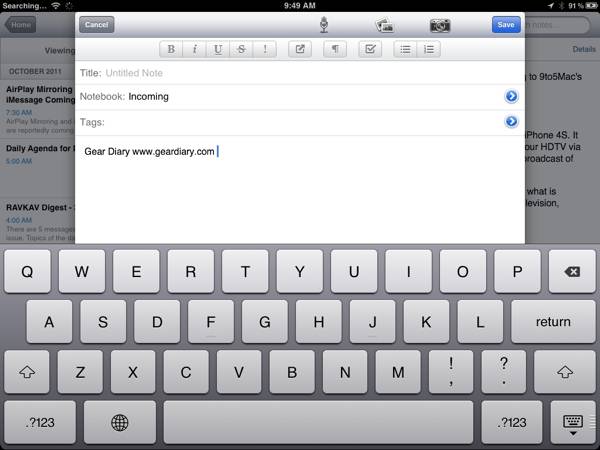
I’m a huge fan of the application TextExpander. It is, in fact, one of the key Mac utilities I cannot do without. TE offers a good deal of power but the primary reason I use it is that it allows me to create text shortcuts that have saved me a great deal of typing. For example, instead typing in Gear Diary’s URL constantly I simply type “ggear”. Less than a second later TE converts that combination into “www.geardiary.com”. That’s five characters instead of seventeen. It is even more helpful when using HTML code in a post. For example “llike” yields…


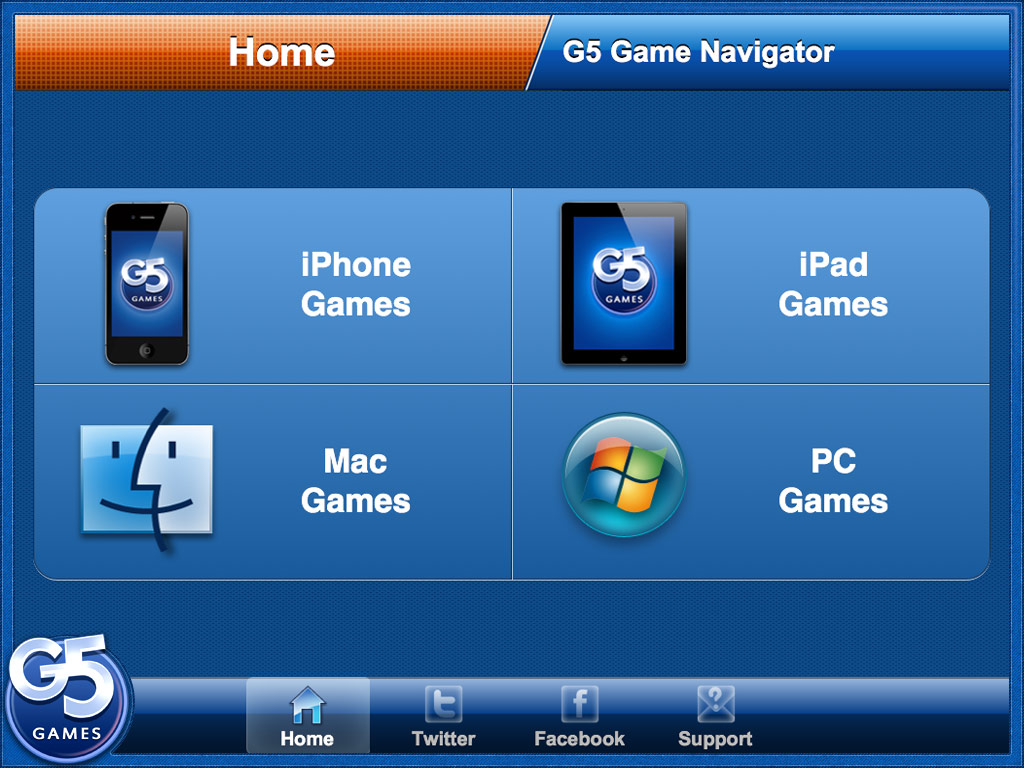
iPad/iPhone App Review: G5 Games Navigator

One thing most of us can agree on – finding games on the iTunes App Store (or Android Market or Amazon Appstore or Microsoft Marketplace for that matter) can be a daunting task: if you know the exact name you will have no problem … but if not, you are in for quite a challenge! Hoping to help navigate at least their own corner of the App Store as well as Mac and PC games, G5 introduces the G5 Games Navigator. Let’s take a quick look! The Hype: Find quality casual games in the App Store! Stay updated on G5’s…


Is Apple Inadvertently Making Piracy Easier Than Ever?

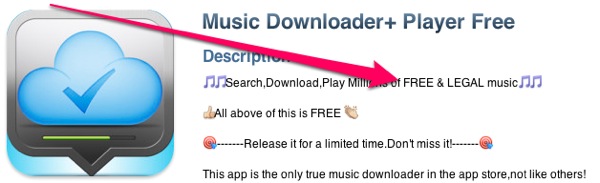
“Is Apple Inadvertently Making Piracy Easier than Ever?” That’s the question I posed to the rest of the GD Editors this morning. After all, I love my music, but Michael — well he is the music guy. Here was the full hypothetical I shared: Imagine there is a musical group whose songs you love. Now imagine they came out with an album, but it wasn’t released in the US. Problem is, none of the legal streaming music services seem to offer the album either. So what if, hypothetically speaking, you were to try the app MusicDownloader from the iTunes App…


Siri and iCloud Turn the iPhone’s Notes App into a Powerful Tool

The Notes app that is built into iOS has always struck me as a bit anemic. That’s hard for me to write, considering that my cousin works for Apple and is one of the key people involved in its development. Unfortunately… it’s kind of true. Sure, Notes is great for jotting down quick memos, but that is about it. There is very little you can actually do with it other than, well, take notes. Documents can’t be formatted. You can’t add pictures. The app doesn’t even have folders, so you can’t organize your notes. The message Apple is sending with…


iCloud Quick Tip: Manage Your Backups!

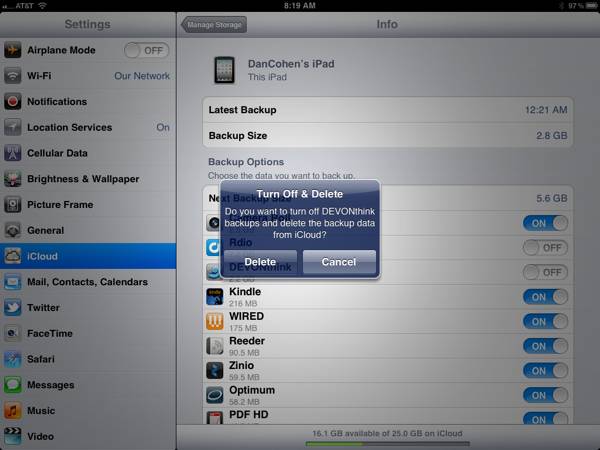
I’m already a big fan of iCloud and its ability to seamlessly back up your iDevices without your having to even think about it. I liked it so much that, even while still in Beta, I upgraded to a 25GB account (20GB paid, 5GB free). That should be plenty of space but, as it turns out, it wasn’t. Not by a long shot. In fact, when I checked this morning (Settings, iCloud, backup…) I had just 1.5GB of space left. I tapped “Manage Storage” and immediately saw the culprit. My iPad was using 12.8GB for backup and my iPhone was…


More iOS 5.0 Fun as Apple Releases New Apps

Today is shaping up to be a fun day for anyone who loves their iPhone, iPod touch or iPad. As you know iOS 5.0 should be released some time today. That also means iCloud is coming and, of course, the iPhone 4S arrives Friday (although reviews are already coming in, and it is awesome). The fun has already started with two new apps from Apple being released. The free Find My Friends app that was discussed last week is now live in the iTunes App Store. We will be trying it out and will bring a full review shortly. Grab…


After Months of iOS 5.0 Beta, Newsstand Finally Works

Since the very first beta of iOS 5.0, there has been a useless icon that simply sat there. Yes, the Newsstand icon was there … and there was absolutely nothing you could do with it. You could not delete it because it is an iOS app. You could not shove it into a folder because… Well, because you couldn’t. And there were no magazines or newspapers to populate it. Such is the reality of using Beta software. Well, just now that changed… An update to Wired magazine moved my subscription into Newsstand. Look, I love Zinio, but having all my magazines…


Let the iOS App Updates Begin!

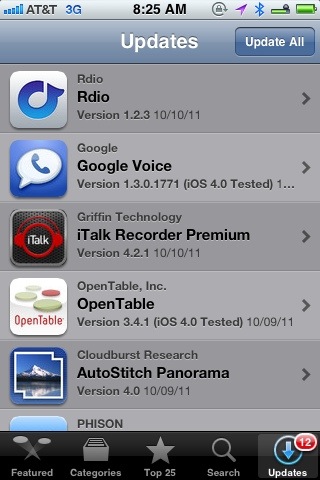
iOS 5.0 is on the way shortly. I’ve been using it since the first beta, and I can guarantee you will love the new features. The ability to edit pictures in the photo app, iMessenger, macro typing shortcuts (ala TextExpander), iCloud, notifications, reminders, improvements to the email app… The list of improvements goes on and on. If you have an iPhone 4 or an iPad 2 you will want to update immediately. If you are using an original iPad or an iPhone 3GS, then I suggest holding off a bit. I’m using the Gold Master on a 3GS and while it…


iPad Game Review: Fix It Up: Kate’s Adventure

The latest time-management casual game from G5 Entertainment is called Fix It Up: Kate’s Adventure. Centering around young Kate, who has just returned from college and needs to help bring her father’s auto-repair shop back up to standards after several employees have left, Kate’s Adventure continues as she moves on and seeks her own fortunes by expanding and branching out. How does it play? Let’s take a look! The Hype: Get ready for a time management adventure that will keep you on your toes! Kate comes home from college to find her dad’s auto repair shop grappling with financial difficulties….