
Judie Says: If you agreed with me that the Toshiba gigabeat U202 was a product comparable to the Apple Shuffle, then I think you’ll also agree that it would be hard for the Toshiba gigabeat T400 to avoid comparisons with the the 4GB Apple Nano. Both of them have a relatively intuitive interface, both have vivid color screens for picture and video, and both cost under $150.
The gigabeat has drag and drop features and plays perfectly with Windows Media Player, while the Nano has the full support of the well established iTunes audio and video download store. Which is better? I guess it just depends on what type of music and video you have in your collection, and whether or not you are tied to a particular brand.
For this review I enlisted Jerry’s help; I’ll cover the hardware portion, and he will cover the software…
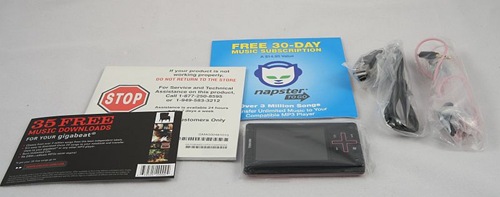
Included in box are the T400 gigabeat portable media player, a Mini USB cable, an installation CD, earbuds, a quick start guide, 30 days free from Napster, and 35 free music downloads from eMusic.
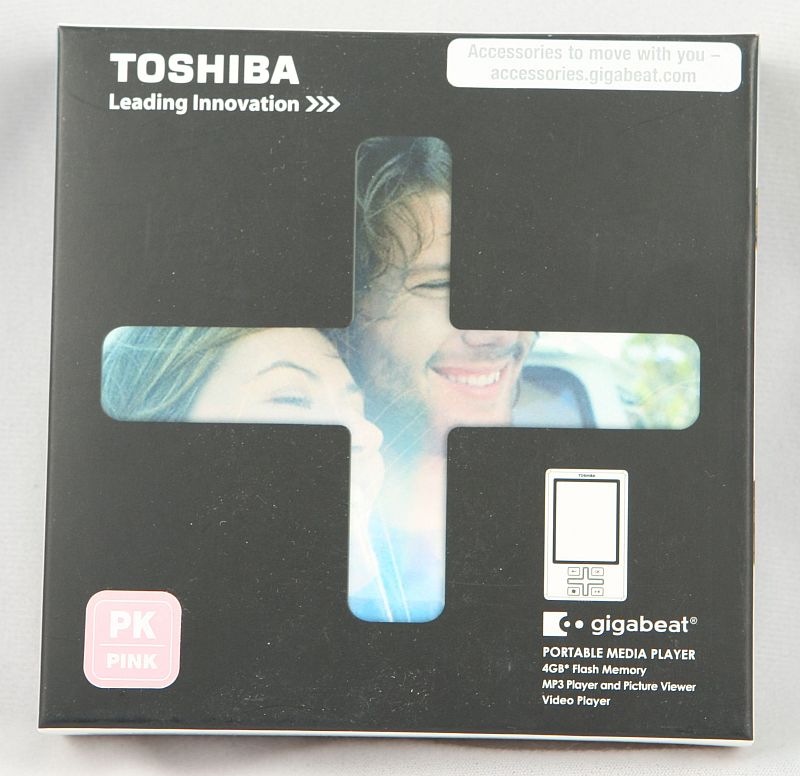
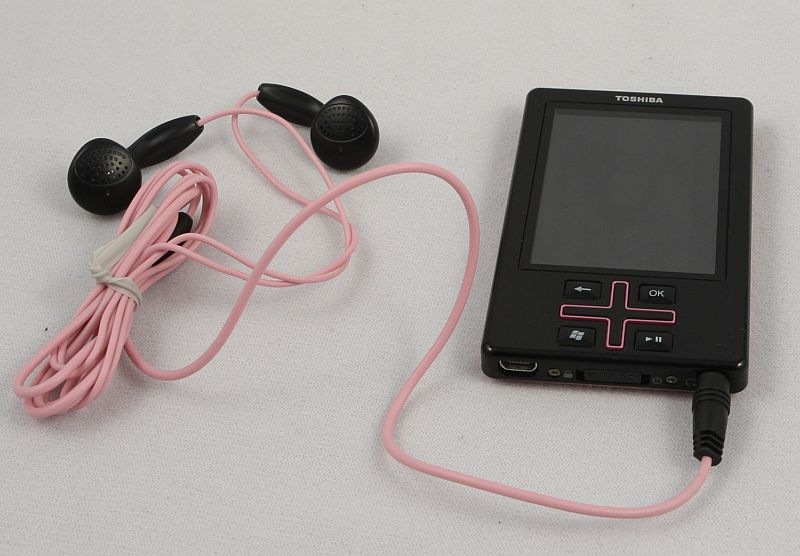
The T400 is available in black with pink, blue or orange PlusPad and case accents, and a matching set of earbuds are included. I was obviously sent the pink incarnation…
Specifications:
Audio Playback Format – MP3, WMA, WMA Lossless, WAV
Frequency Response – 22.05/44.1/48kHz
Bit Rate – MP3 STEREO: 32-320kbps, WMA LOSSLESS, WMA STEREO: 32-192kbps
Photo Format – JPG, 320 x 240
Battery Type – Built-in Rechargeable Li-Ion Battery
Battery Life – Up to 16 hours (audio), 5 hours (video)
Storage Media (Internal) – 4GB3 NAND Flash Memory
Maximum Song Storage – (Audio) (128kbps WMA), Up to 1000 Songs
Display – 2.4” Color LCD (QVGA), Up to 262,144 colors
Audio Output Levels – 16mW + 16 mW
Audio Frequency – 20-20,000Hz
Audio S/N Ratio – 95dB
USB – USB miniAB [USB 2.0]
OS Compatibility – Windows® XP SP2 or Higher
The T400 measures exactly 3.375? tall x 2.12? wide x 0.4? thick, and it weighs 1.9 ounces. Its body is composed of extremely shiny, and thus extremely fingerprint prone, black plastic. Although certainly lightweight, the T400 does not creak or flex when torqued, and it feels quite solid in hand.
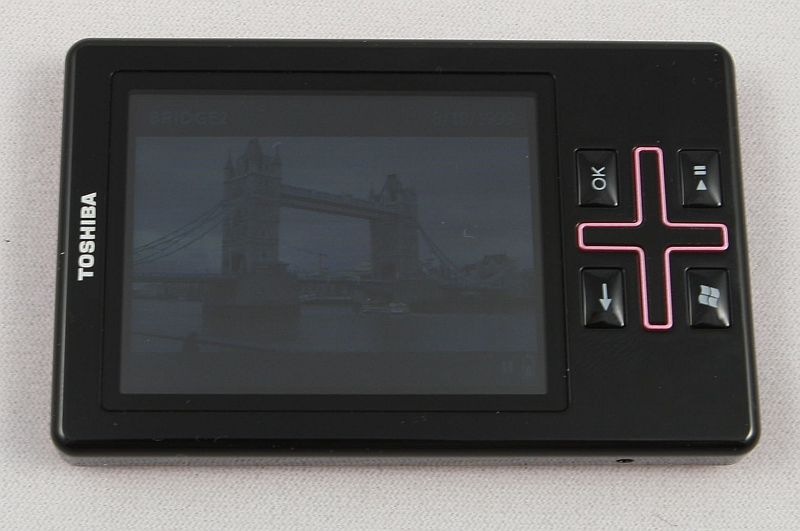
There are four buttons on the front which are labeled (going clockwise from bottom right of this picture) Back, OK, Play / Pause, and Start (the Windows* icon). There is also a four-way PlusPad, which allows up, down, and side to side navigation.
*Yes, that Windows…
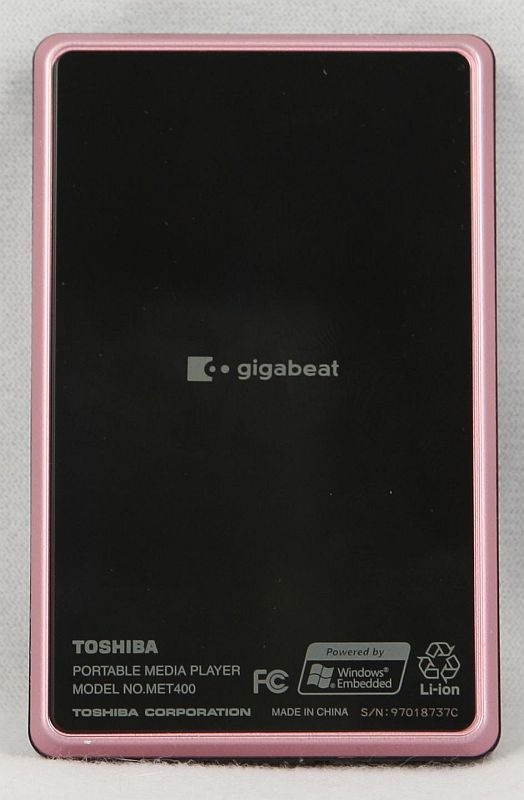
…because as you will see on the pink aluminum-ringed back, this gigabeat is Windows embedded. This becomes very evident when exploring the user interface, which is suspiciously Zune-like, for those of you that are familiar with that other digital music player.
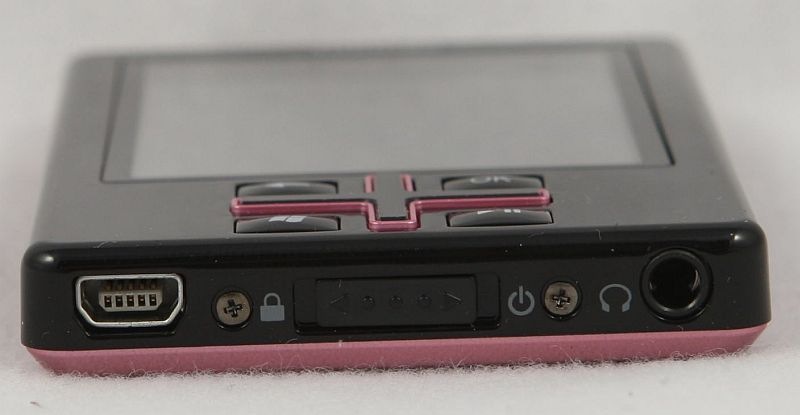
Doing a quick ring around the device reveals that the bottom of the T-400 is where all the action is.
From left to right are the mini USB sync & charge port, the combined power and hold switch, and the 3.5mm headphone jack. Due to the otherwise excellent construction of the gigabeat, I was a little bit mystified that there are two exposed Phillips screw heads. I mean, the iPod’s guts are locked up tighter than Fort Knox, and cracking an older one open to exchange the battery is enough to cause a non-gearhead to break out in hives. Perhaps because the battery in the Toshiba is also technically non-user replaceable, the Phillips head screws will make the future proposition of battery work seem less intimidating…maybe. That’s assuming a battery replacement will be available somewhere to purchase; but I digress.
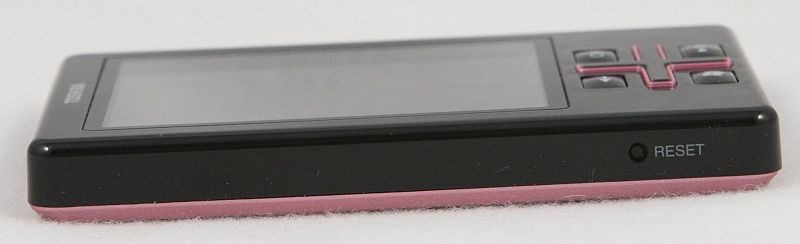
The right side of the gigabeat has nothing on it…

…neither does the top…

…and on the left, there is a lonely reset button.
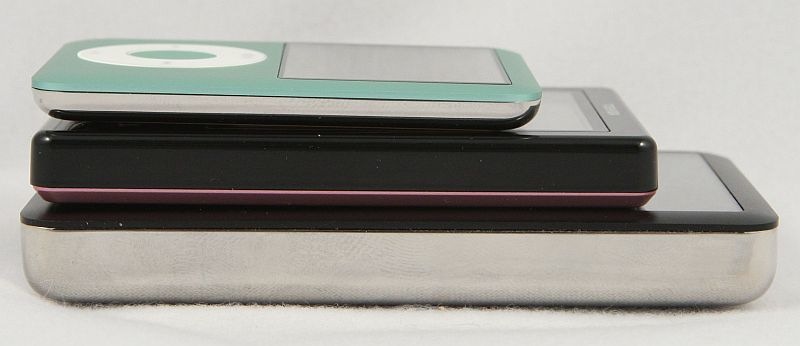
When laid next to the 3g iPod Nano and iPod Classic, the gigabeat T400 falls firmly in the middle. The Nano measures 2.75? tall x 2.06? wide x 0.265? thick, and just for comparison’s sake – the iPod Classic 160GB measures 4.08? tall x 2.44? wide x o.55? thick.
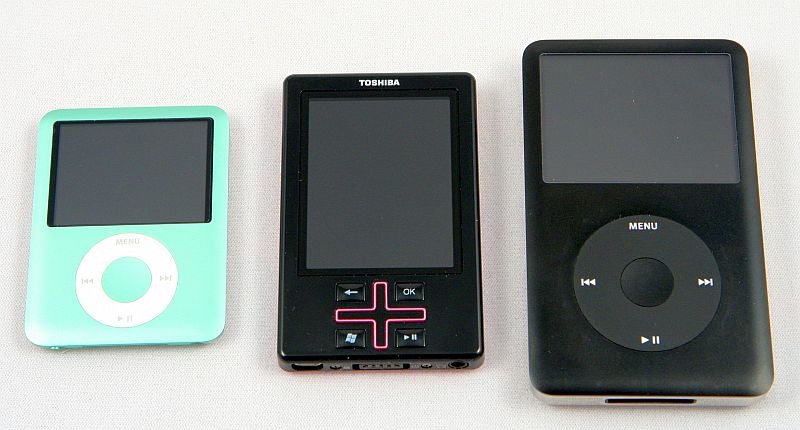
Here they are stacked one on top of each other.
Perhaps the most beautiful thing about the T400 is the fact that music played on it sounds incredibly, surprisingly, and yes…even awesomely good through the included headset.
And now, I will turn the review over to Jerry so he can tell you all about the interface and software….
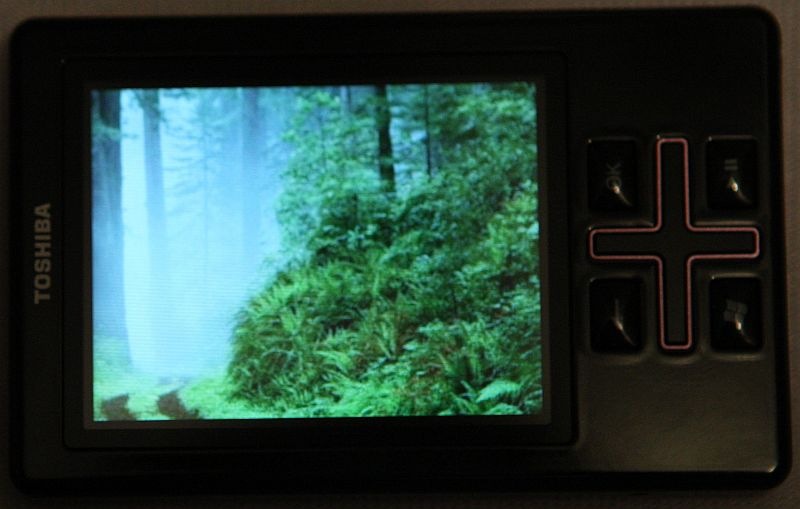
Jerry says: Well I have to say when I first saw this thing come out of the box I thought it was a toy of some sort. As I handled it while taking the pictures you see here, my opinion quickly changed. I found it to be well made, and it very much reminded me of the Zune. If you are familiar with the Zune you will immediately see how similar the interface is on the gigabeat.


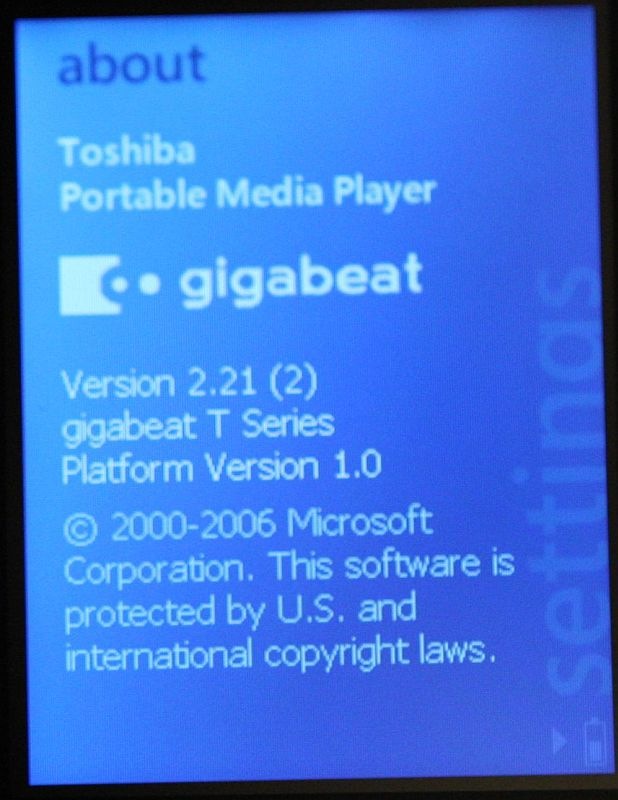
One setting you won’t find on the Zune is Harmonics. This was developed by Toshiba and another company, and what it does is compensate for the treble that is cut off when CD data is compressed to WMA or MP3 formats; I will spare you all the technical details. The Professional setting will compensate for treble only. The Dynamic setting in addition to the treble compensation will also emphasize the bass. According to the user manual, battery life is reduced when using either of these settings.
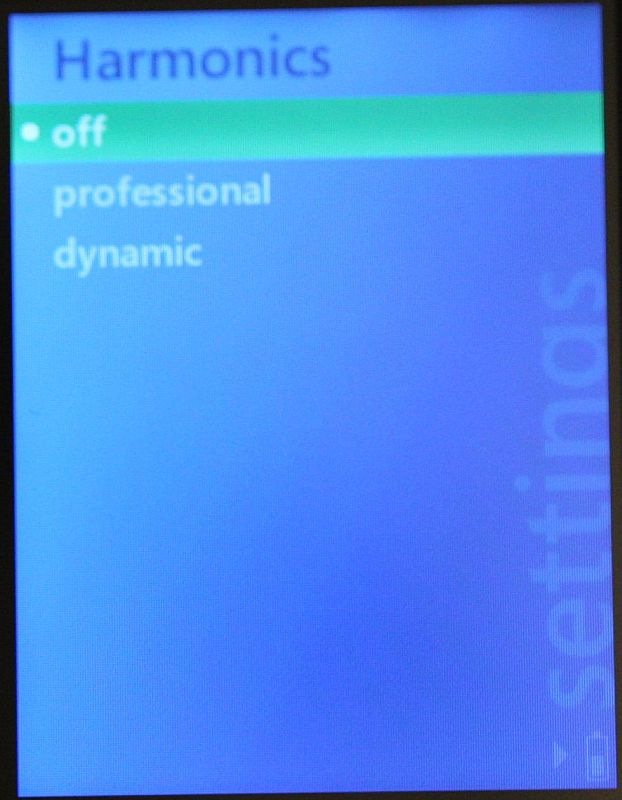
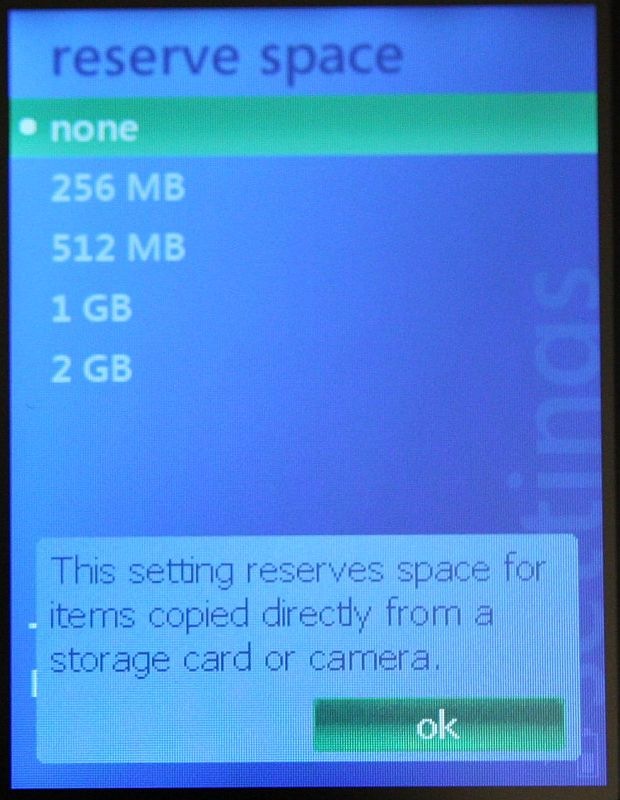
You can reserve space on the gigabeat to store images as you would a hard drive or USB drive. It basically prevents the gigabeat from using the reserved space for synchronized music.

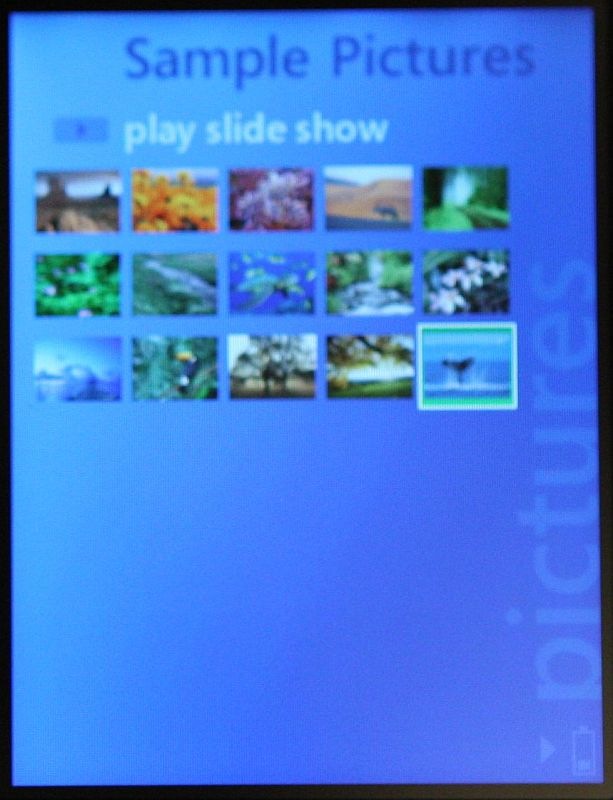
The gigbeat has a bright 2.4? screen that displays images quite nicely.
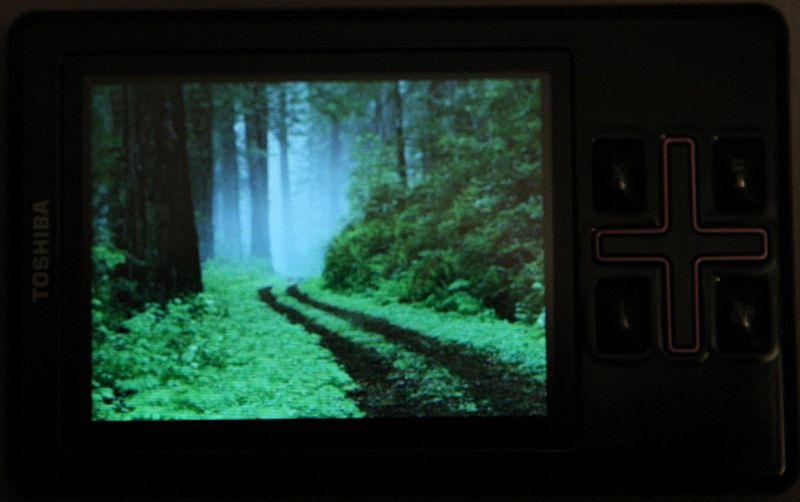
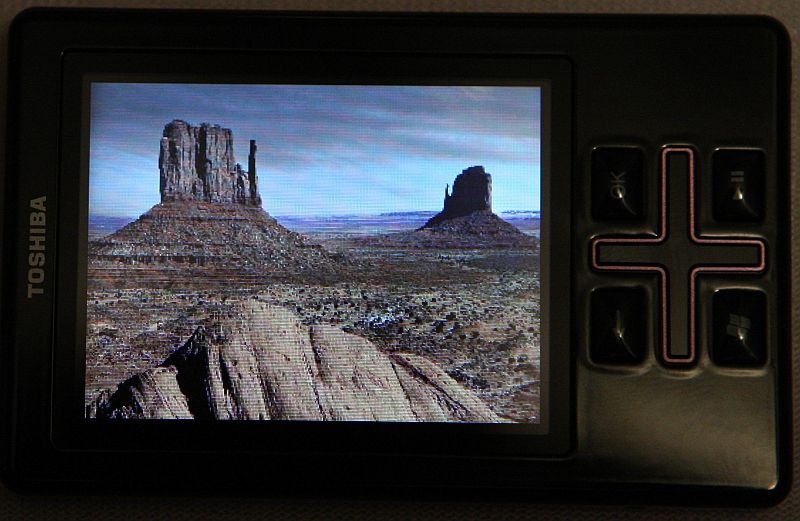
As I mentioned and from the pictures that follow you can see the gigabeat interface is very similar to the Zune.
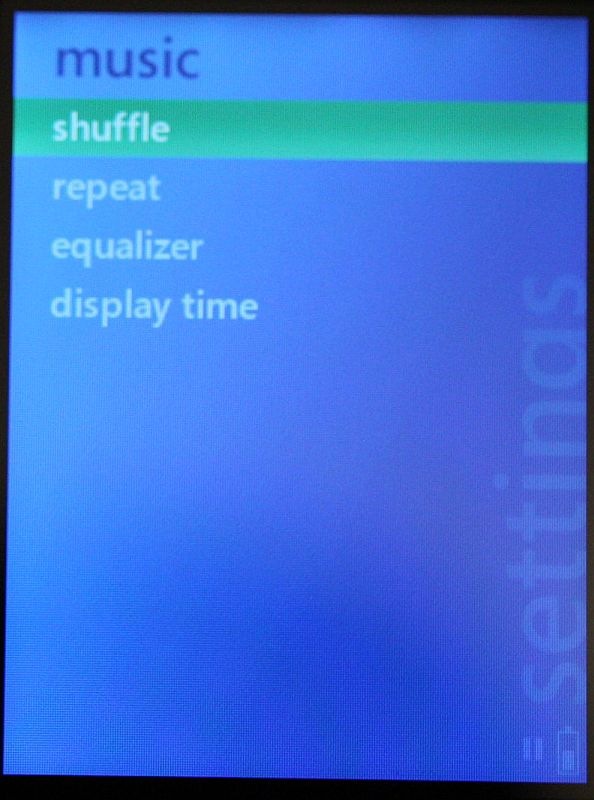


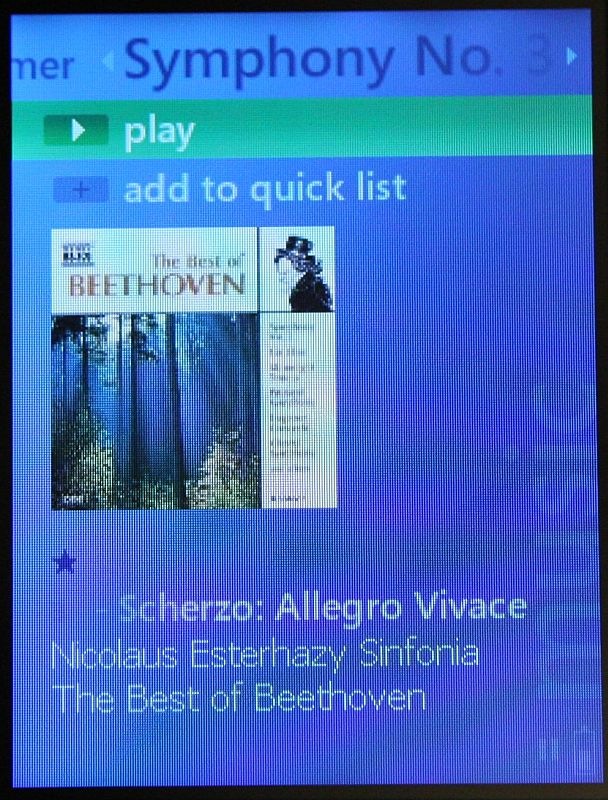
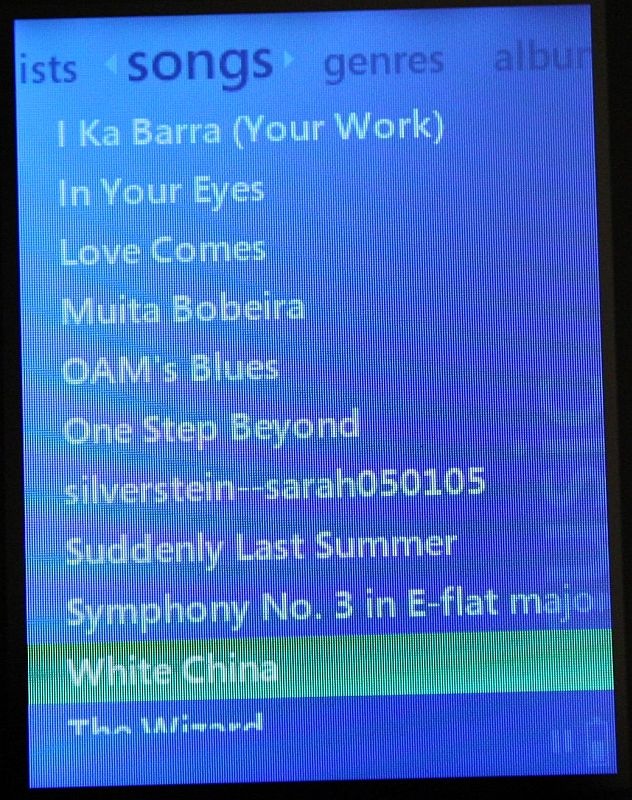
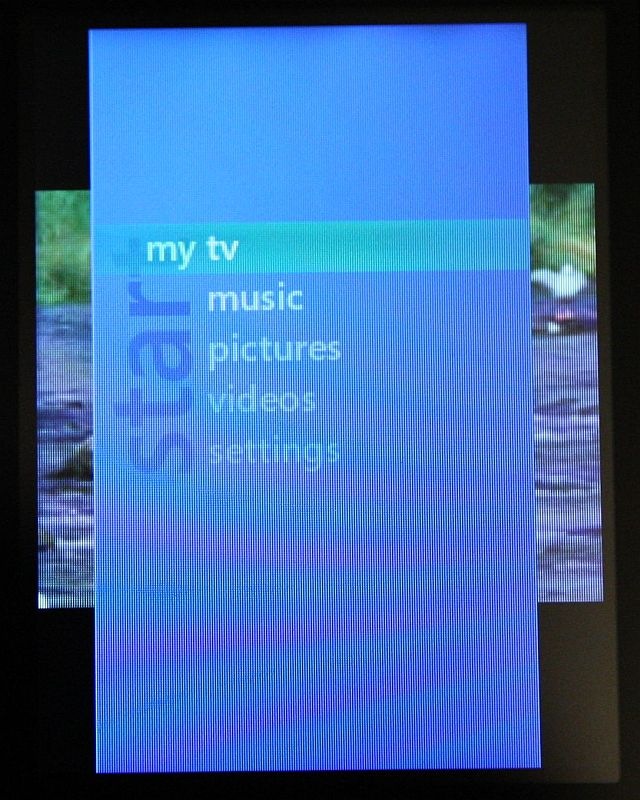
There is no special software needed to keep the gigabeat synced other than Windows Media Player. Again the similarity to the Zune software is apparent.
This was the first time I had actually used Windows Media Player with a device like the gigabeat, and I found it quite simple to work with. I like that the gigabeat T400 has such a high quality interface, excellent sound quality, and such a bright screen. The gigabeat would be a good digital music player for anyone that wants twice the storage space of the 2GB iPod Nano for less that $120.
The Toshiba gigabeat T400 is available directly from the manufacturer and from other retailers.
MSRP: $119.99
What We Like: high quality interface; excellent sound quality; bright screen; fashionable colors
What Needs Improvement: An option for a larger capacity player would be nice; the case is a fingerprint magnet
