
The Lowdown
If you’re someone who already enjoys documenting your life or wishes you did, the Looki L1 offers a uniquely creative and mostly effortless way to do it. It’s not a must-have gadget for everyone, but for the right person, it’s a genuinely fun little device that turns everyday moments into something worth revisiting.
Overall
Pros
- Automatically creates a comic strip of your days
- Automatically creates vlogs of your days
- Easy to wear
- Easy to use
- AI assistant provides insight, answers questions, provides reminders, and advice
- No subscriptions
- All-day battery life
Cons
- AI Assistant notifications and features can be a little annoying and are difficult to turn off
- AI notifications are not always accurate
I like recording the notable and not-so-notable moments of my life. I’ve done this in handwritten journals since I was a kid. In the past few years, I’ve realized that I would rather save daily memories digitally because I can include lots of photos, and I can type so much faster than I can write on pen and paper. I’ve used digital journaling apps and cool trip recording apps like Time Atlas, and now I am excited to tell you all about the Looki L1 Wearable Lifelogging camera. Yes, it uses AI, but what it can do with AI is insanely fun (and sometimes annoying). Let me tell you more.
What Is It?
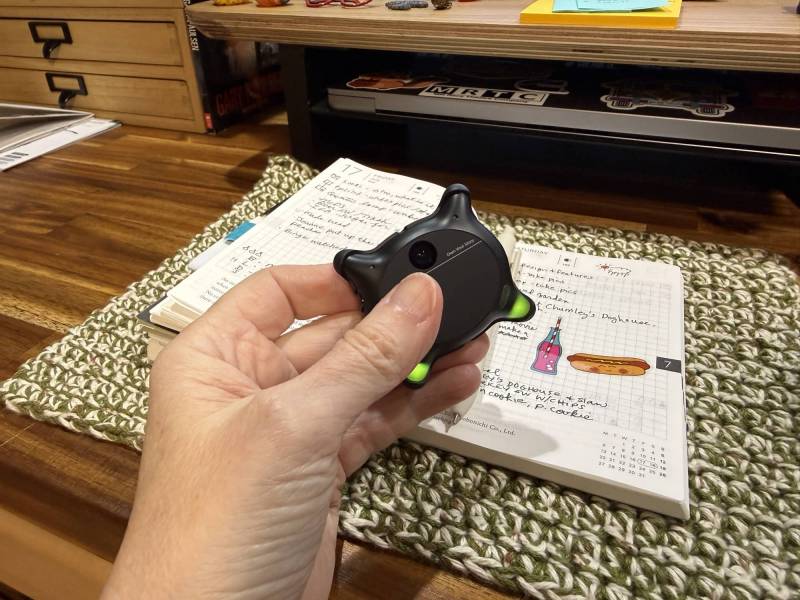
The Looki L1 is a small camera that you can clip to your shirt or wear around your neck to capture your day hands-free. It is designed to capture intermittent video clips during the day and then creates vlogs and multi-paneled comic-book-style stories of your adventures. It also lets you create little AI agents that can answer questions and provide advice throughout the day based on what it has seen.
What’s Included?
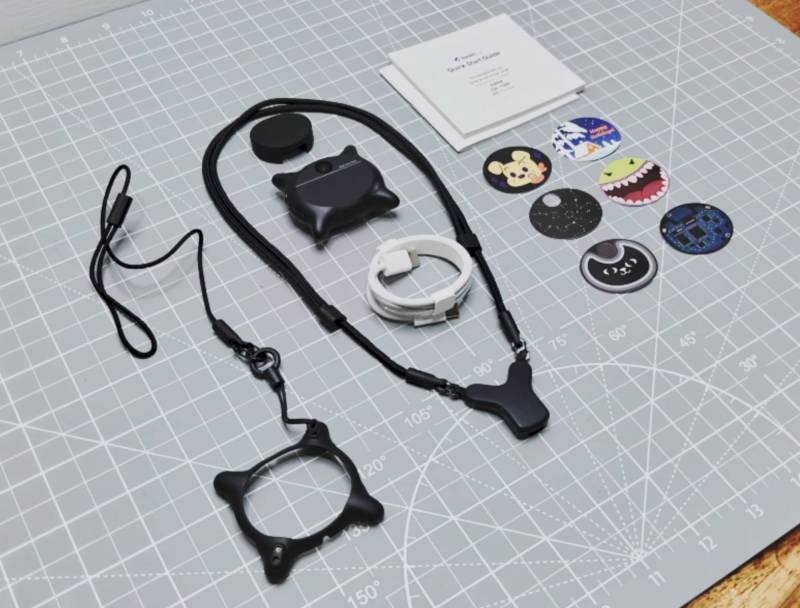
- Looki L1 Wearable Lifelogging Camera
- Magnetic lanyard/necklace charger
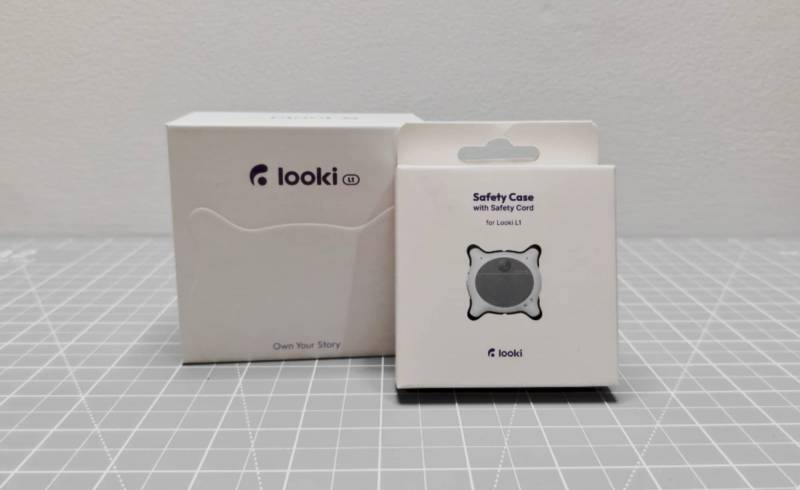
- Safety case
- Stickers for the front of the device
- Charging cable
- Quick start guide
Tech Specs
Weight – 32g (1.1 oz)
Waterproof – IP67
Battery Capacity – 375mAh
Charging Time – ~1.5 hours
Run Time –
5s clip for every 1 minute: ~9 hours
9s clip for every 2 minutes: ~11 hours
11s clip for every 3 minutes: ~13 hours
Camera Resolution – 4K
Video Recording – 1080p at 30fps
Focal Length – 16mm equivalent
Aperture – f/2.2
FOV – 109°
ISO Range – Auto 100 – 4800
Microphones – 3
Storage – 32 GB
Bluetooth – 5.0
Wi-Fi – Dual-band 2.4GHz / 5GHz (802.11 a/b/g/n/ac)
Design and Features
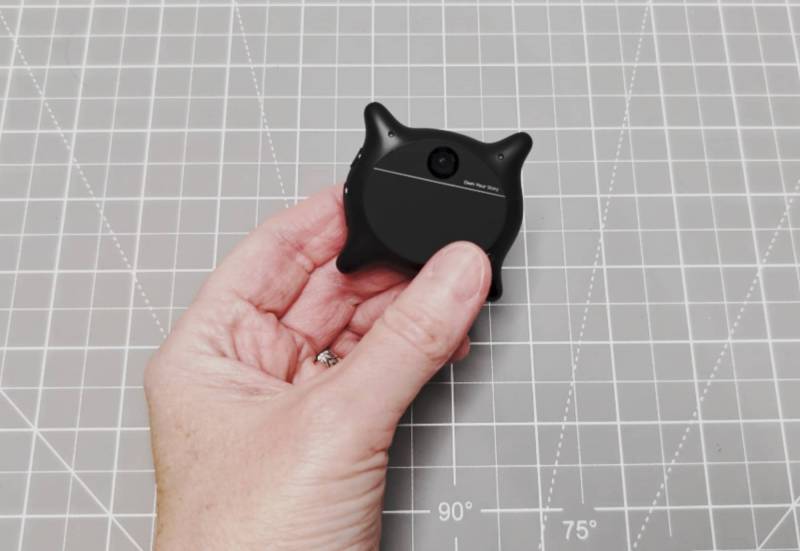
The Looki L1 comes in White, Green, and good old black, as you see here. It’s slightly oval-shaped with little “arms” in each corner with built-in LEDs. These corner lights glow in different colors while charging, when pairing with your phone, and when you activate the AI feature.
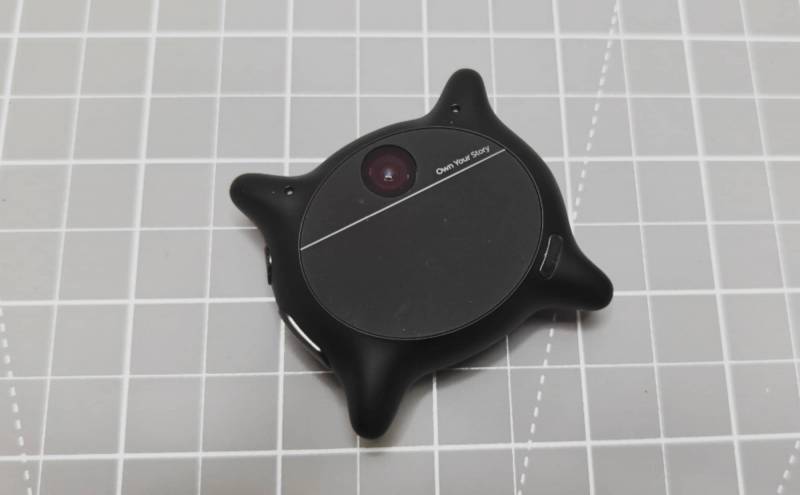
The front surface of the Looki is actually a touchpad. If you press and hold, the LEDs on the corners will light up, and the AI assistant will wait for you to talk. When you let go, it will answer you. You can also swipe left and right on the touchpad to adjust volume levels. Double-tapping will make the corner lights glow to indicate battery level: red (low), Yellow (medium), Green (high).
There are two other status LEDs on the Looki. There’s one next to the camera on the left. This is the privacy light that will light up when video is being captured and turn off when it’s not. On the top edge of the Looki, there’s another small blue LED on the top edge that blinks to let you know that the Looki is powered on. Both of these LEDs can be turned off in the settings.
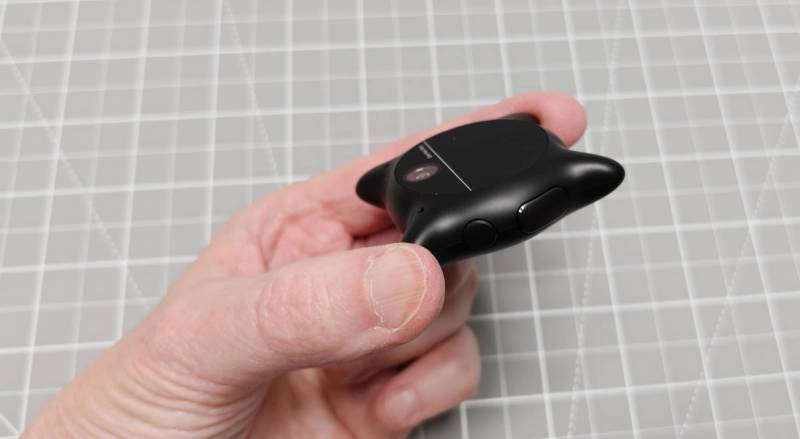
There are also buttons on the side. The smaller button will initiate a video recording when you press once. Pressing again will stop the video. Holding this button will initiate a voice recording, and pressing again will stop the recording.
The larger button will snap an image when you press once and will start/stop the main intermittent video capture when you hold it. If you hold both buttons at the same time, the Looki L1 will power off.
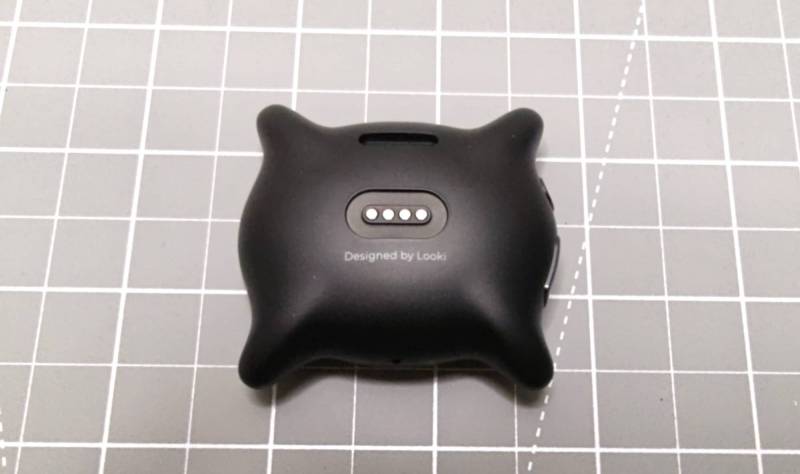
The back of the Looki has magnetic contacts for charging.
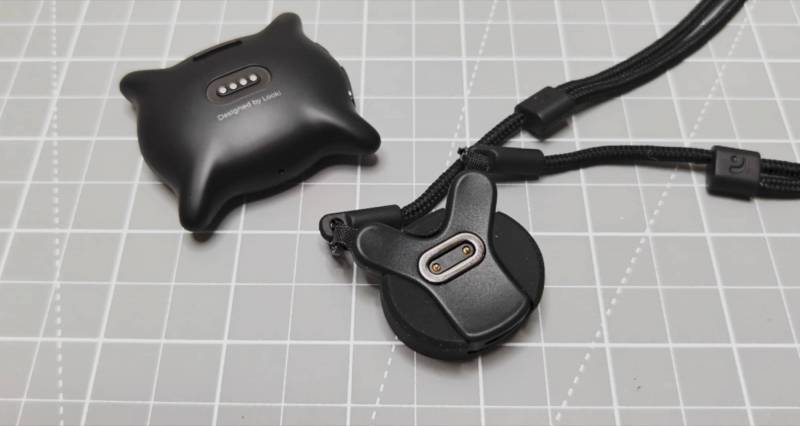
To charge, you just connect the Y-shaped adapter to the back of the camera.
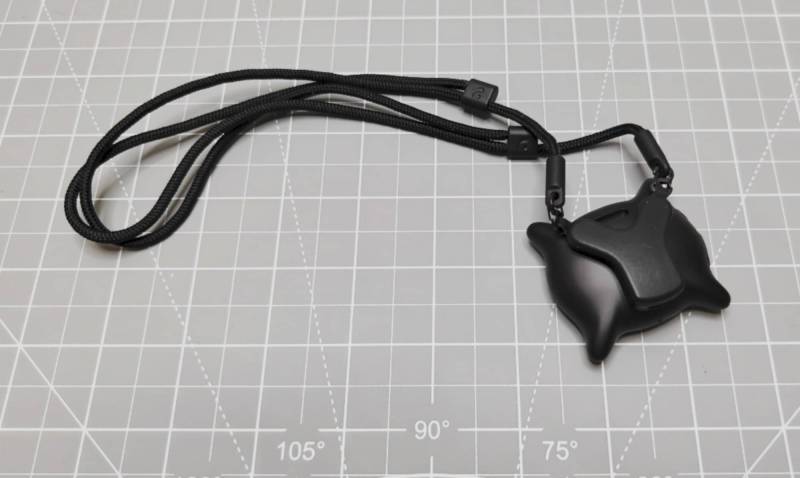
This adapter doubles as the necklace for wearing the Looki around your neck.
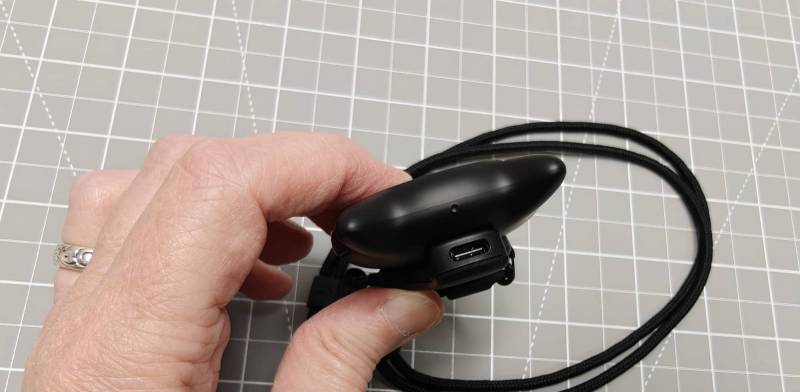
The adapter has a USB-C port on the bottom.
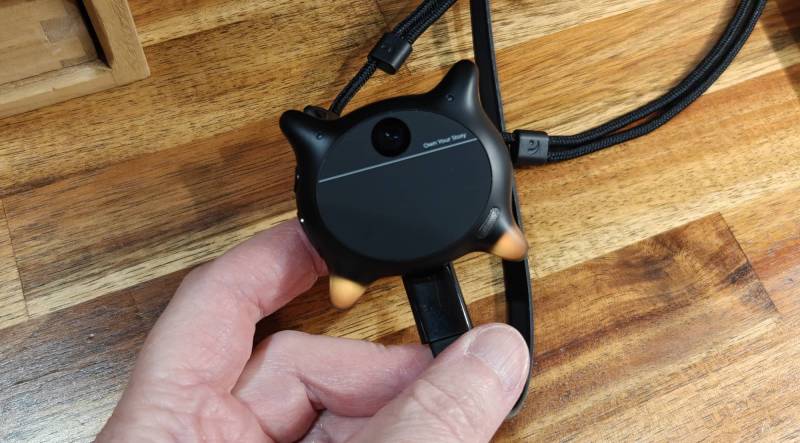
When the Looki is plugged into a USB charging adapter (not included) or your computer, the corner lights will “breathe”.
Wearing the Looki L1


You can use the included adjustable necklace cord to wear the Looki around your neck. You can have the cord on the outside of your shirt, or you can put it under your shirt and put the Looki on the outside. The magnets in the back of the Looki are strong enough to hold the camera in place. But I prefer to wear it on the outside so that I can also tether it to the cord using the included short tether.
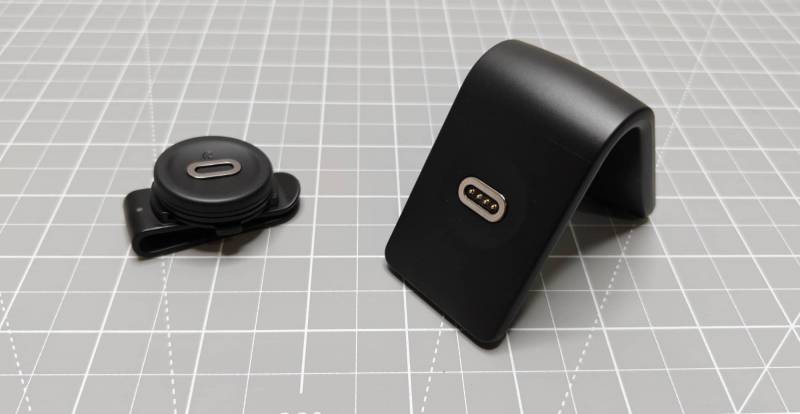
I also purchased two accessories for the Looki with my own funds. I got the clip and the charging dock. With the clip, I can attach the Looki to my bag when I’m running around town. It actually makes the Looki a bit more inconspicuous when I wear it that way.
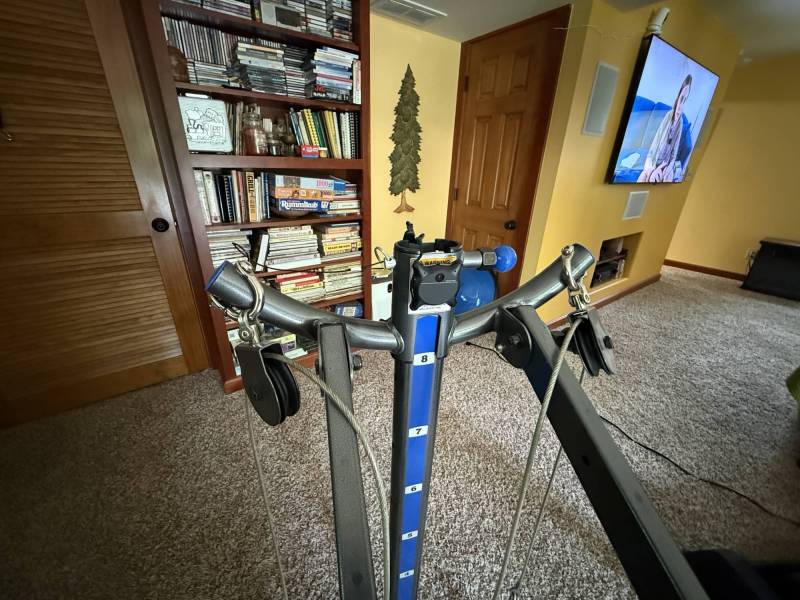
The magnets on the back of the Looki also let you mount it on a steel surface, like my Total Gym, so it can capture content while I’m working out.
Installation and Setup
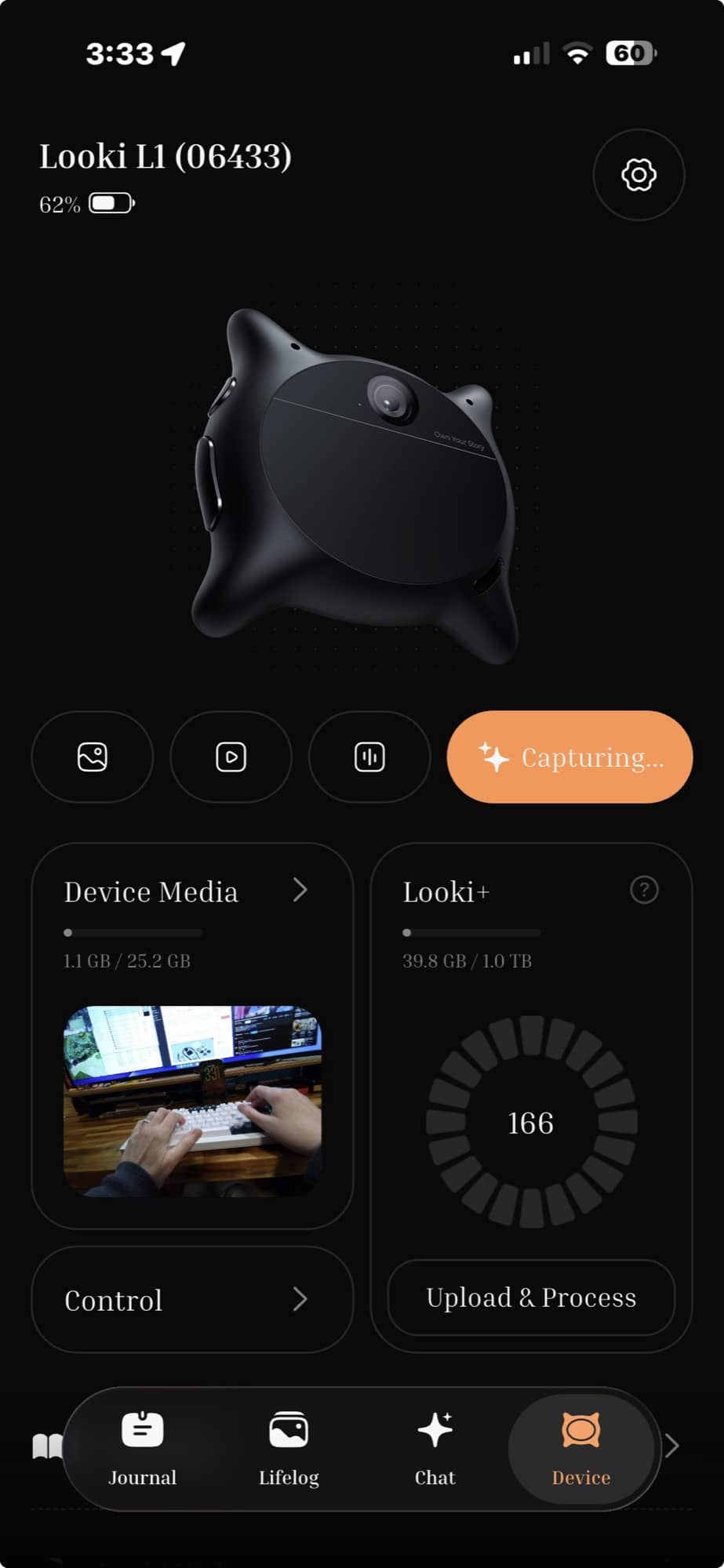
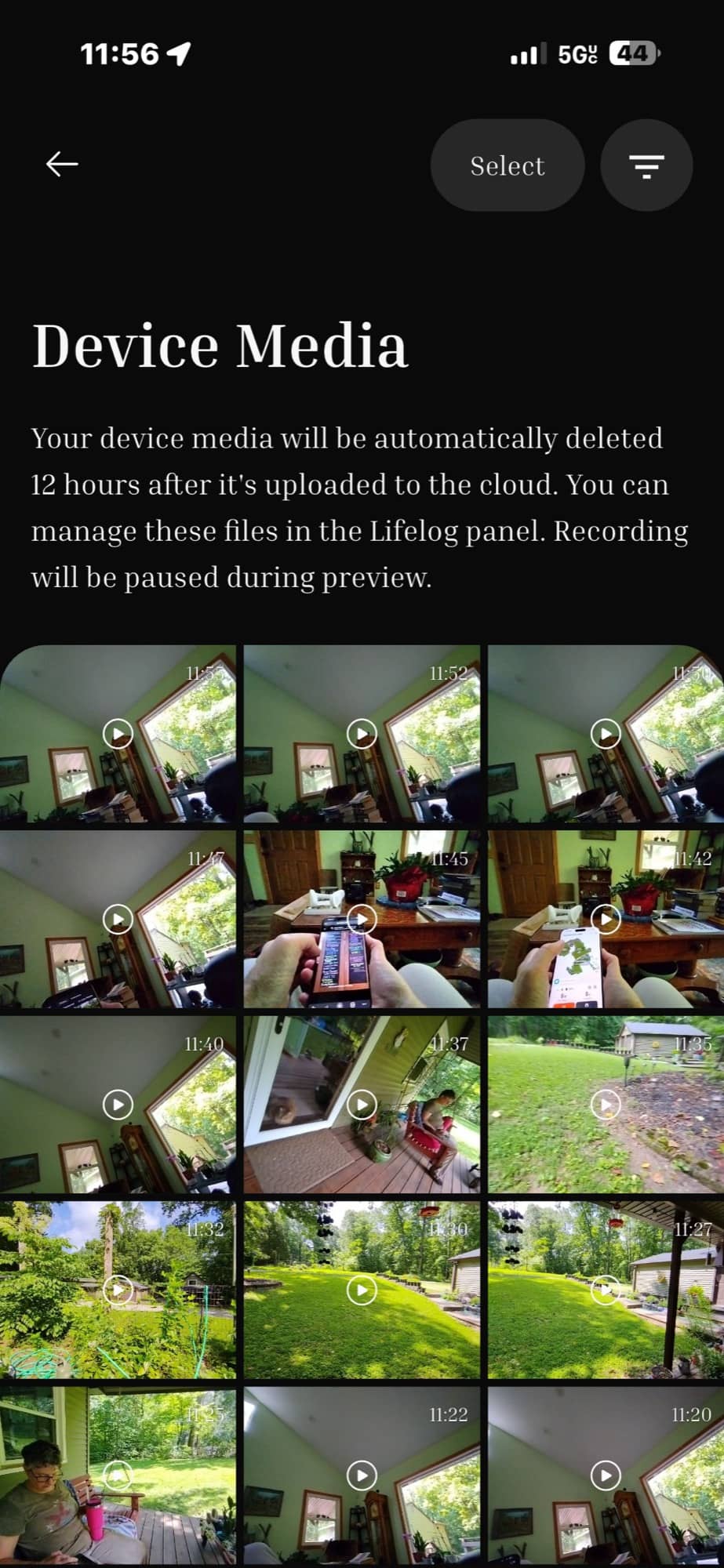
To get started with the Looki L1, you’ll need to charge it and then install the Looki app on your phone. The app shows the battery status and lets you start and stop video capture (which you can also do through the physical buttons on the L1), and view/delete the captured media before it’s uploaded to the cloud for processing.
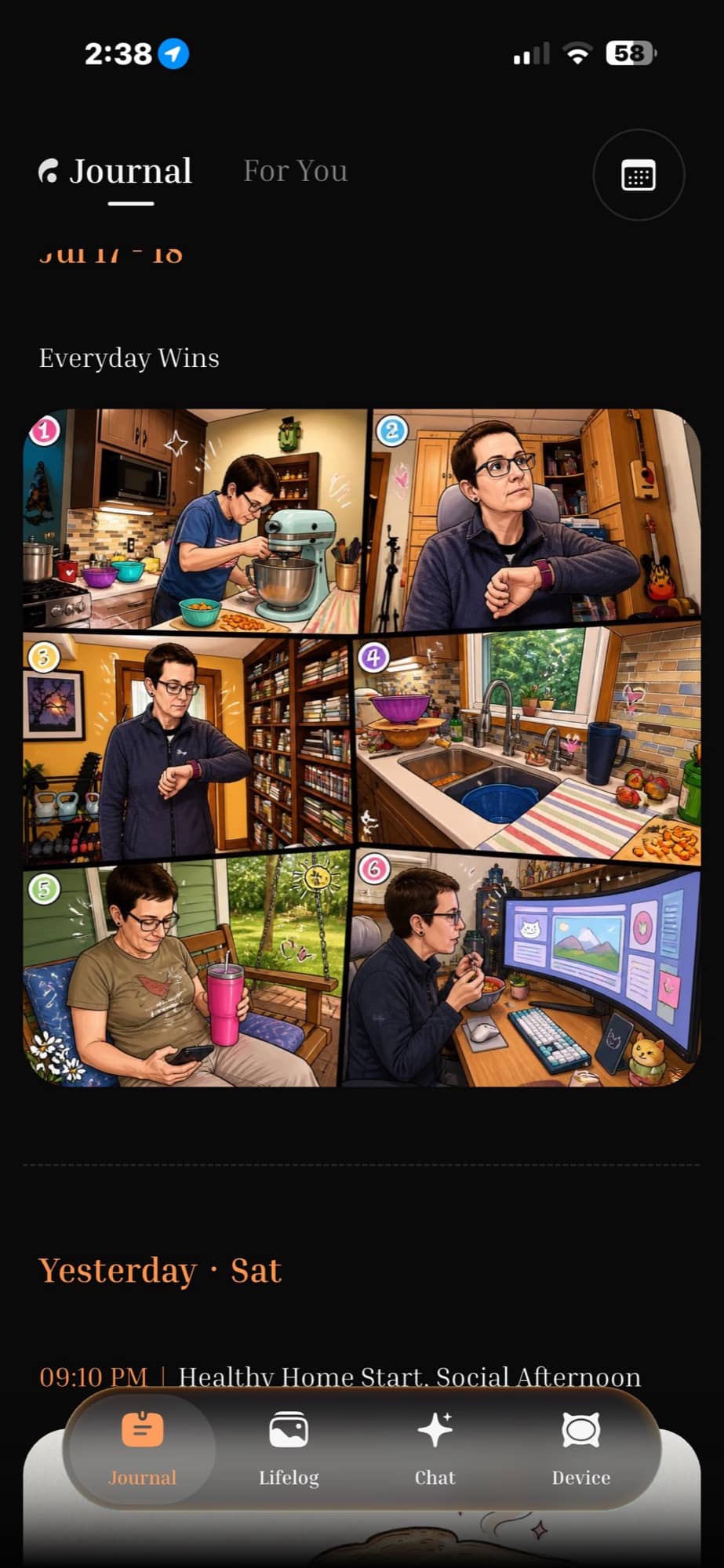
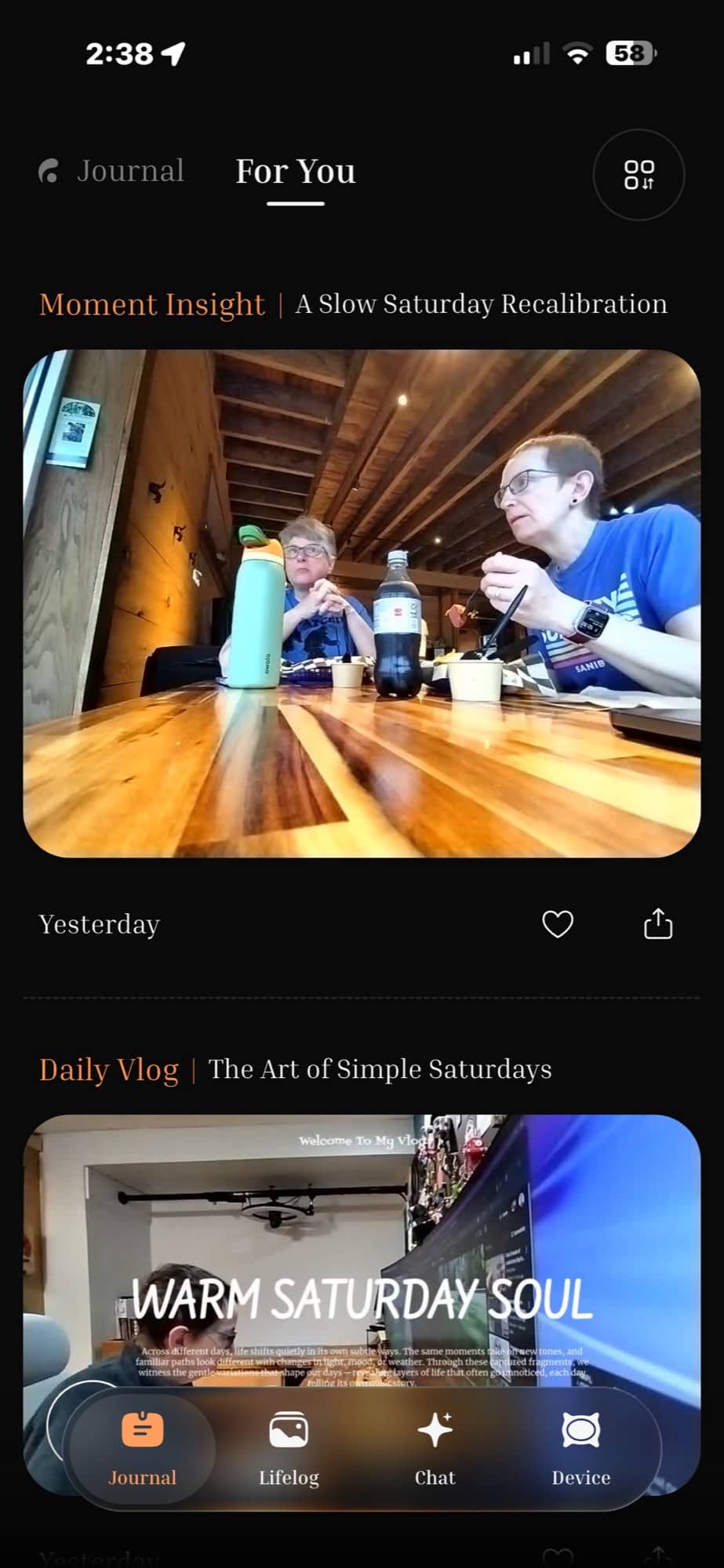
You’ll also use the app to view your AI-created comics and vlogs that are automatically created every 1-2 days. This is my favorite thing about the Looki L1. I have been sharing the Looki comics in my Day One Journal as an easy way to “journal” about my day without actually writing anything. Here are several more examples of the individual comics the software will create during the day and the multi-paneled comics that it will create every 1-2 days; I look forward to checking the app every morning to see yesterday’s comic.
Individual Comics:
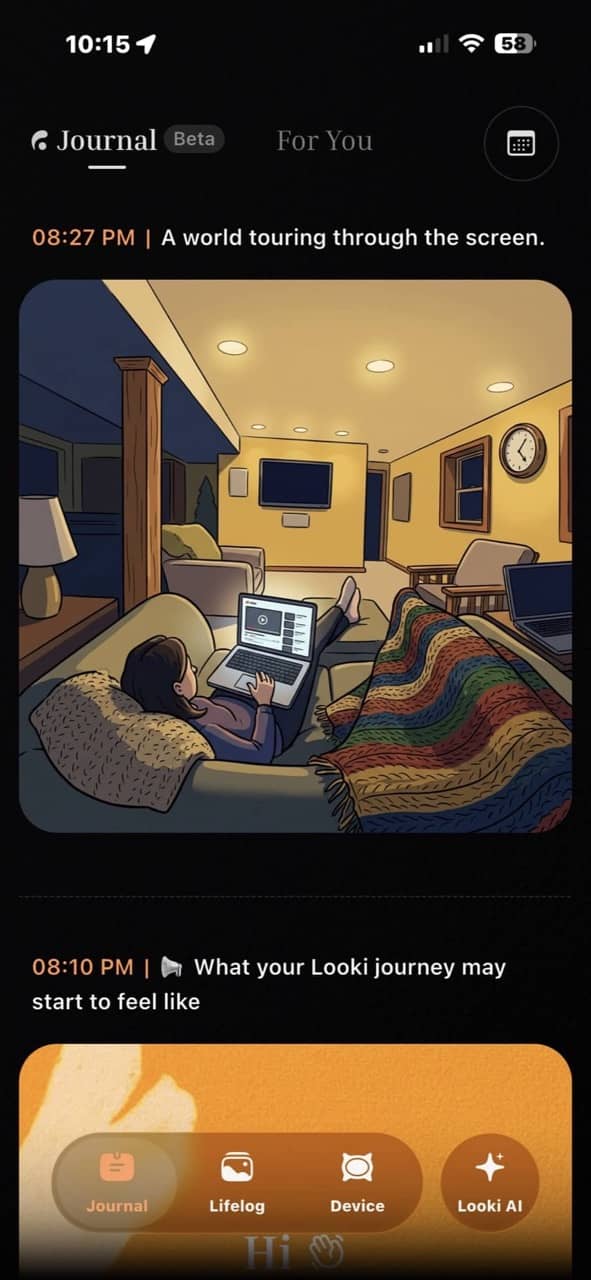
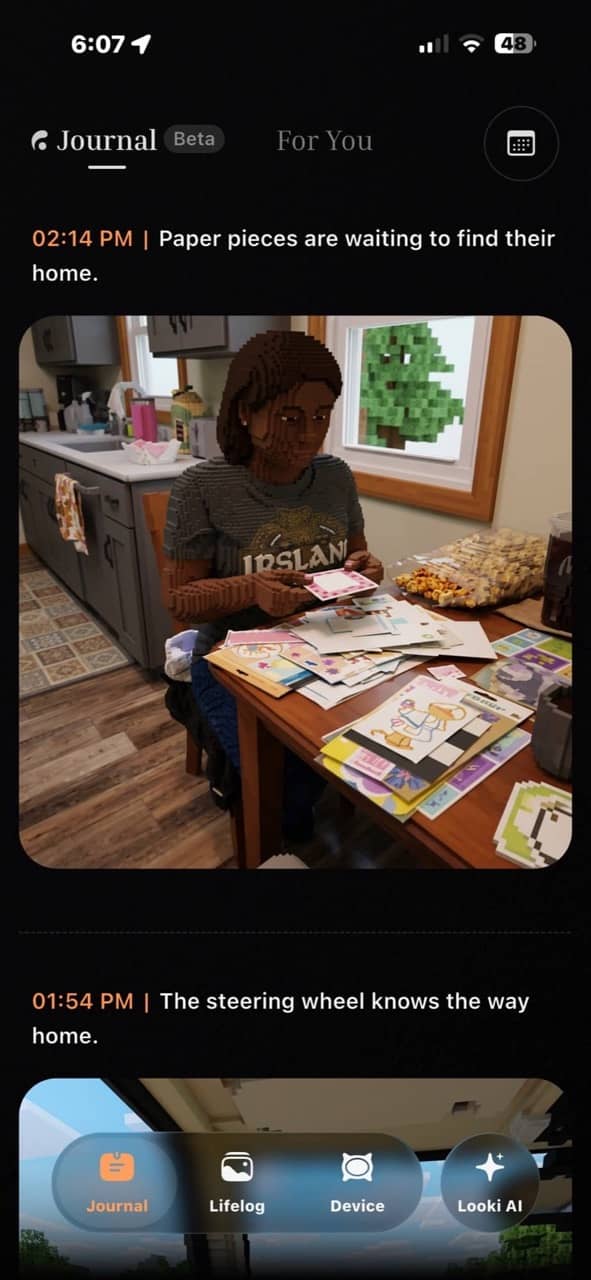
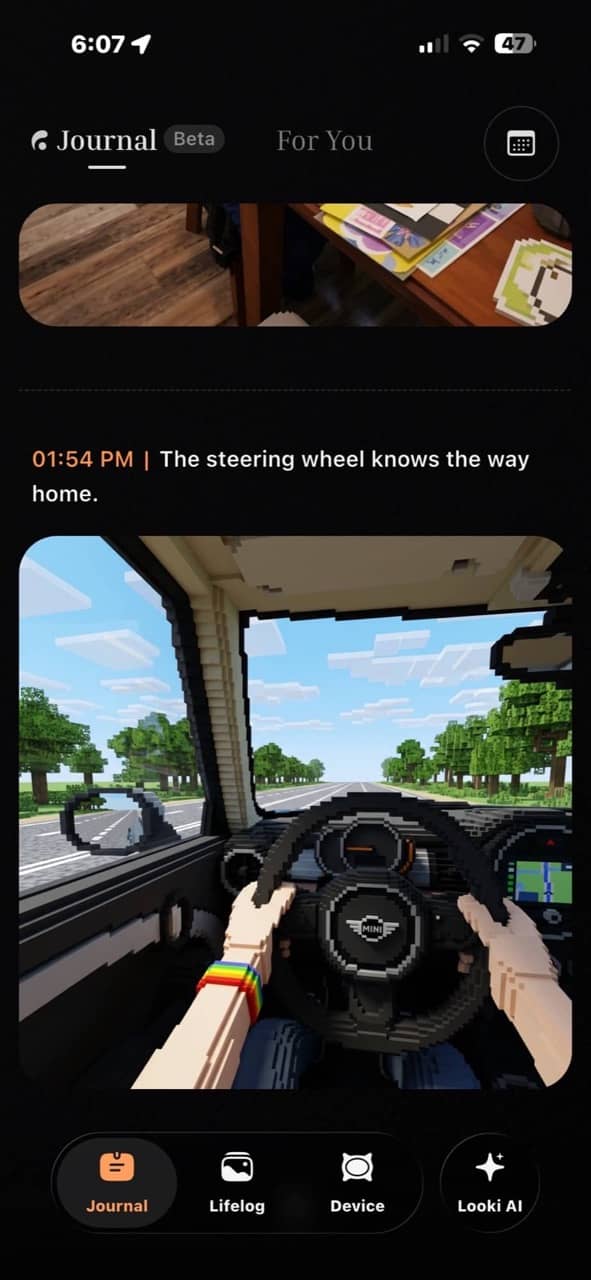
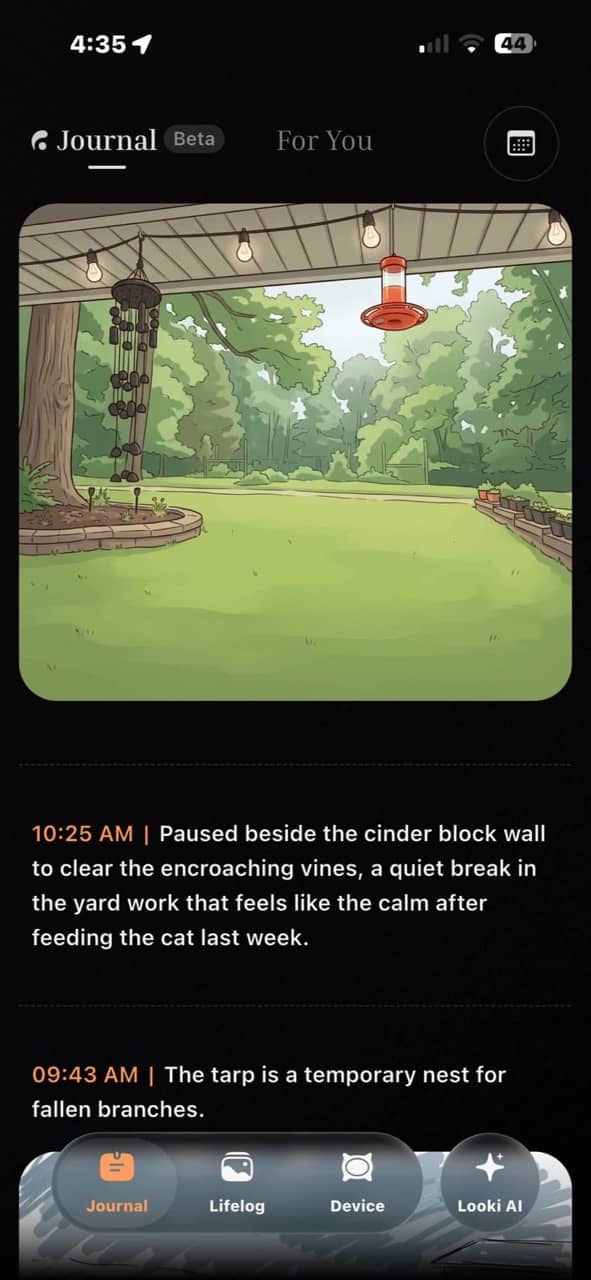
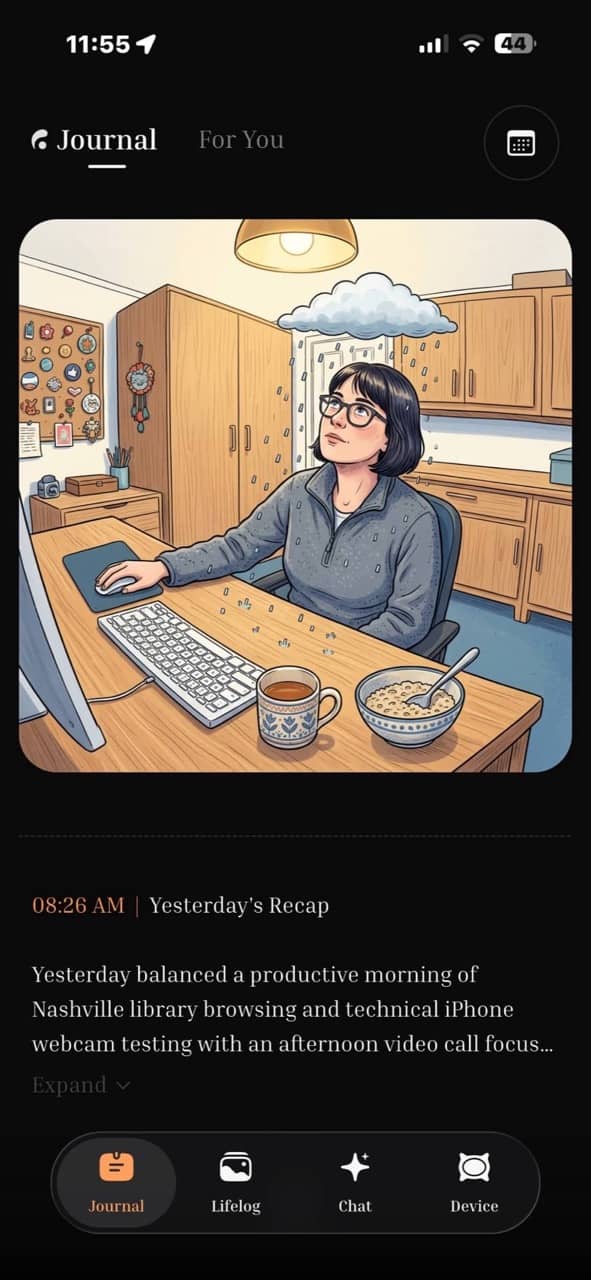
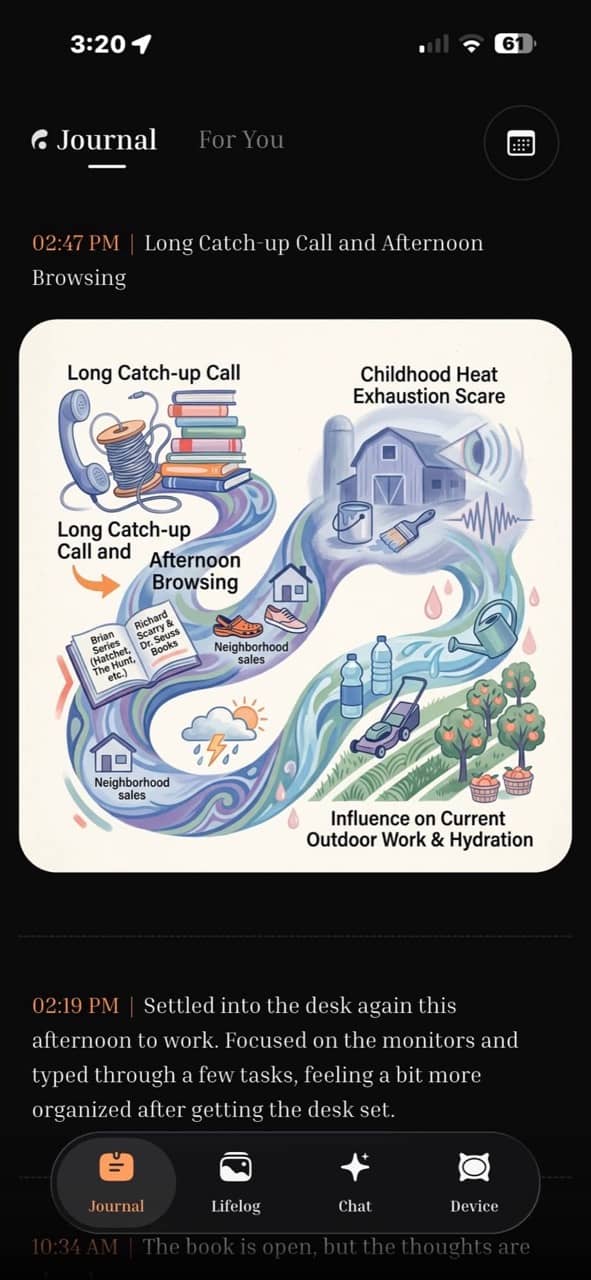
The style of the individual comics is a little hit and miss, as you can see above. Most look like cartoons, but then others can be Lego-fied versions of pics and also artsy-styled pics (bottom right). I also have no idea why the picture of me in the center bottom row has me with black shoulder-length hair, and I have no idea why there’s a rain cloud over my head. The caption under the picture doesn’t explain this either.
Daily Multi-Panel Comics:

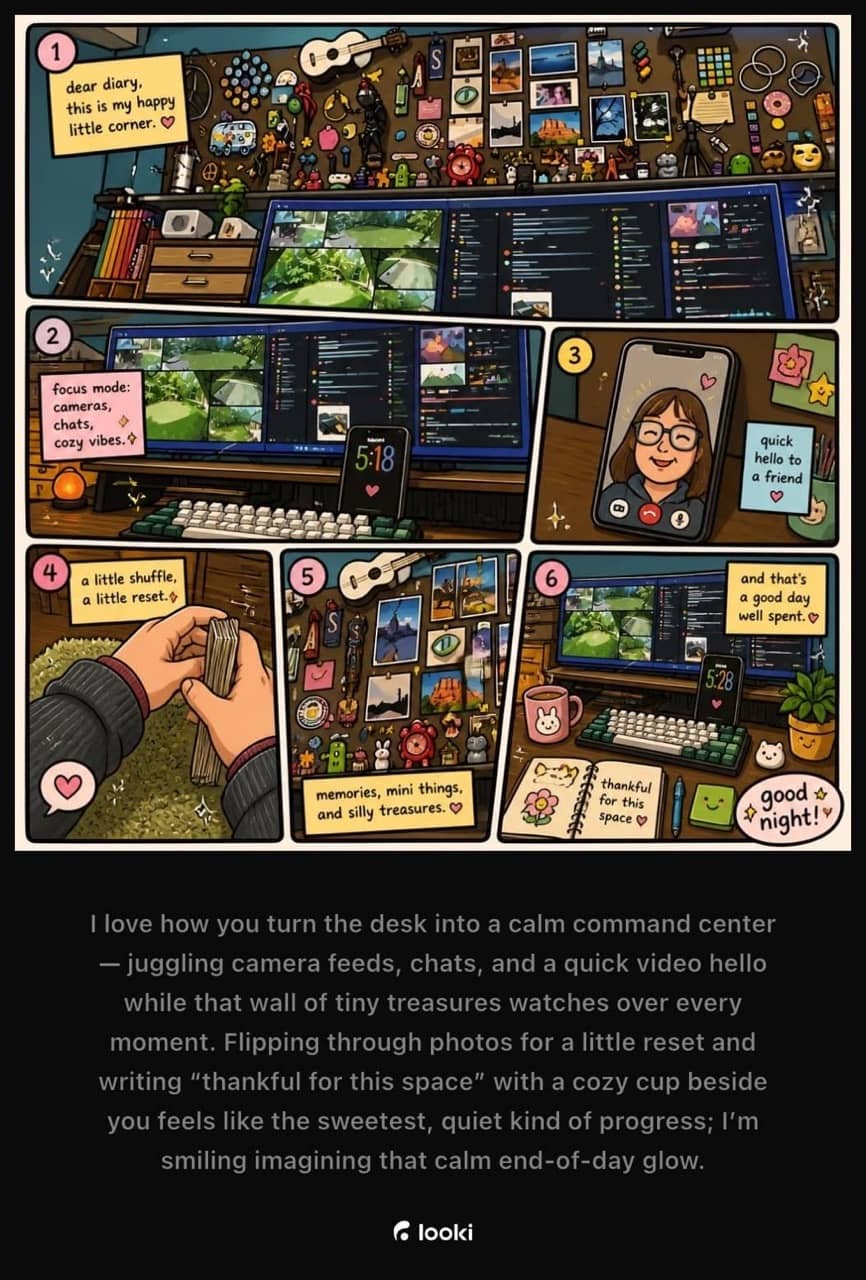

These multi-panel comics are my favorites, but again, the style can vary. I do wish that it could consistently show me in the same way each time.
Weekly comics:

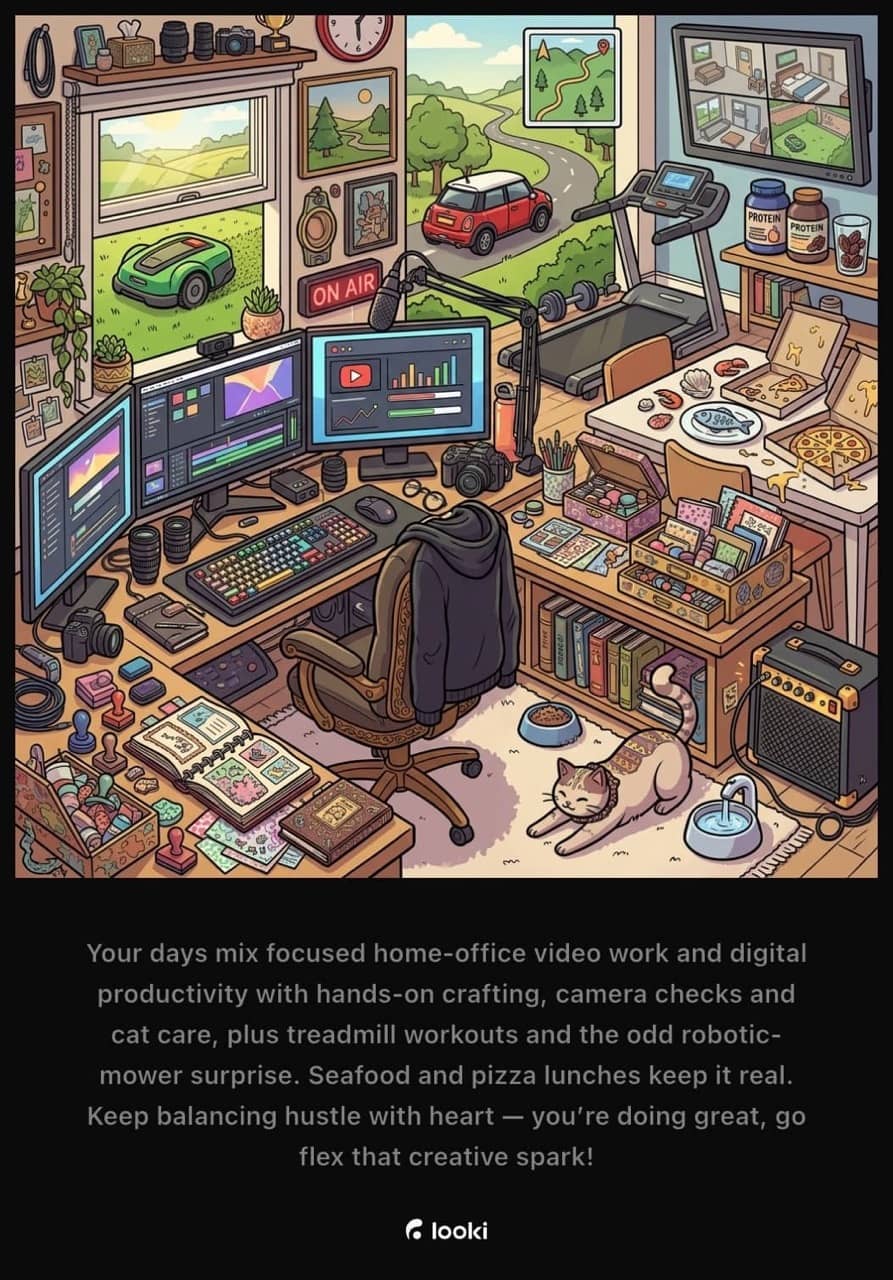
The software will also create a weekly comic that reminds me of Richard Scarry’s style of artwork. These images are a fun way to see everything that happened in a week. I love how it has my blue Mini Cooper in the left image and that I went to the eye doctor, worked out, was reading Anne of Green Gables, etc.
Then there are the vlogs. I personally don’t really care about the vlogs, but I can see how others might like to share these daily highlight reels with family or even on social media. The cool thing is that you don’t have to do any video editing, because the software decides what it thinks is notable and creates the short video with background music and captions, all by itself. Check the video below where I have strung together 3 separate one-minute vlogs.
Fun, right? Which is your favorite, the comics or the vlogs? Let me know in the comments below.
AI Assistant Features
The Looki L1 also has an AI assistant feature that lets you ask it questions directly on the device. You can do this by pressing and holding your finger on the front/face of the device, waiting for a tone, then asking a question, and letting go. A few seconds later, a voice will answer your question through the Looki device. You can adjust the volume by swiping left and right on the face of the Looki. If you don’t want people to hear the answers, you can customize the settings so that the answers will appear on your phone instead of being spoken aloud through the device itself.
I tested this feature quite a few times while reviewing the Looki, and it’s not really anything that I find personally useful. For example, I’ve tried several times to ask it questions like “Where did I eat yesterday?”, “What did I eat for breakfast yesterday?”, “Did I eat Chinese food last week?”, etc and it’s not able to accurately answer those types of questions. It doesn’t even attempt to answer the question, even though it has pictures of what I ate and even created individual images where it mentioned the foods.
It’s unfortunate that it can’t integrate with your calendar or task apps.
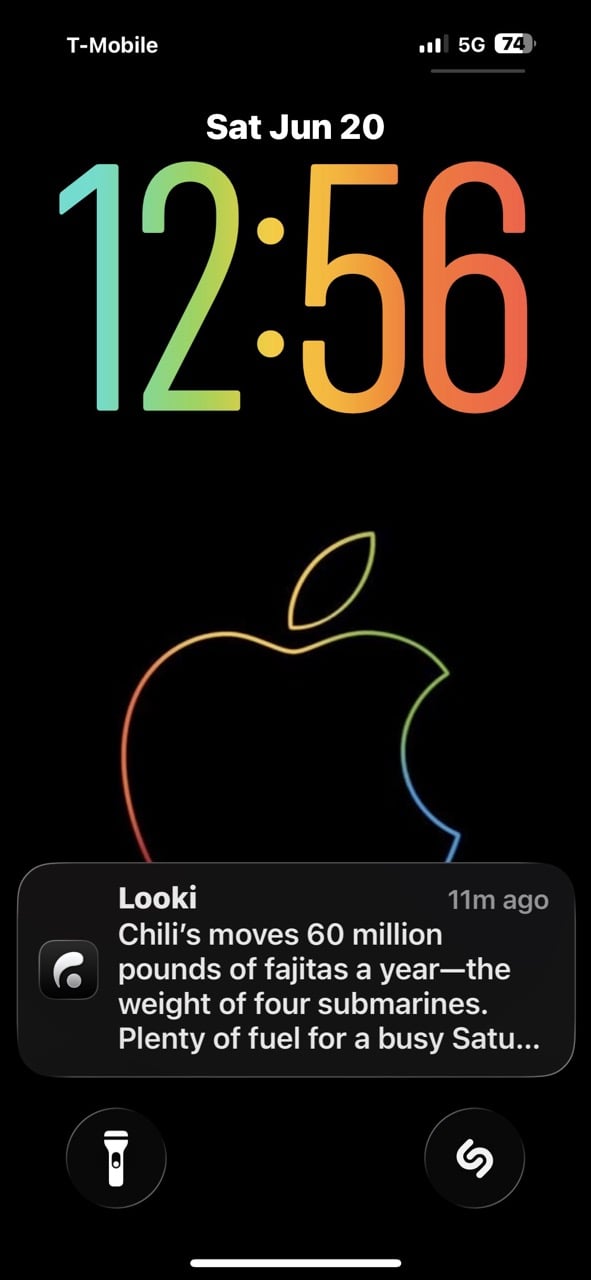
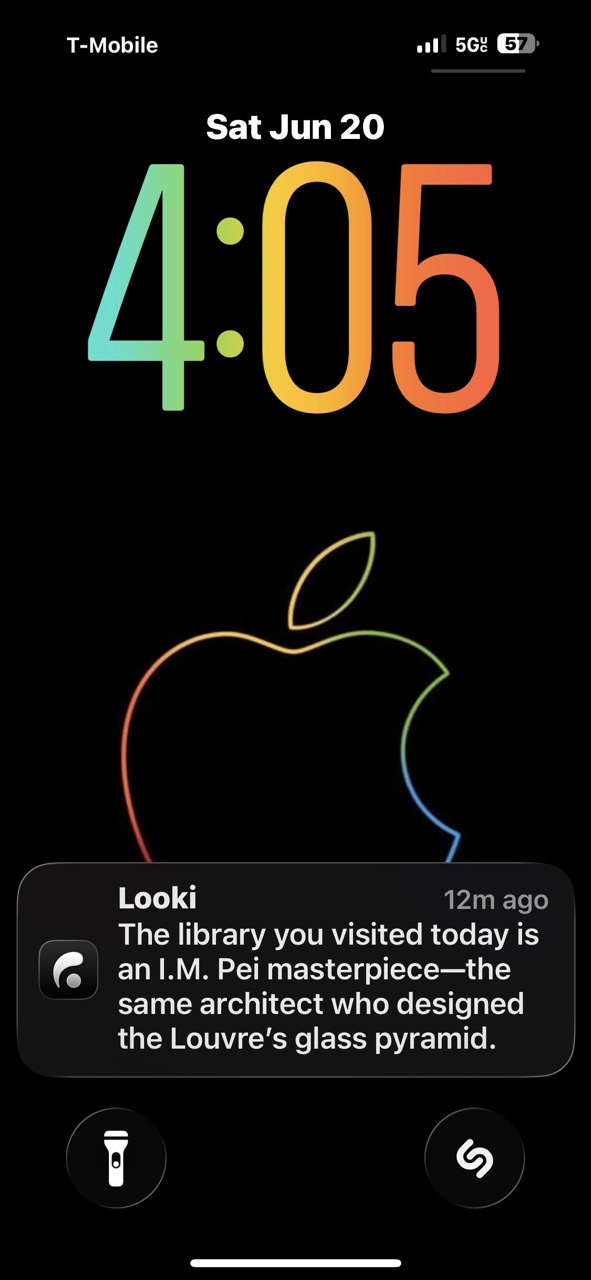
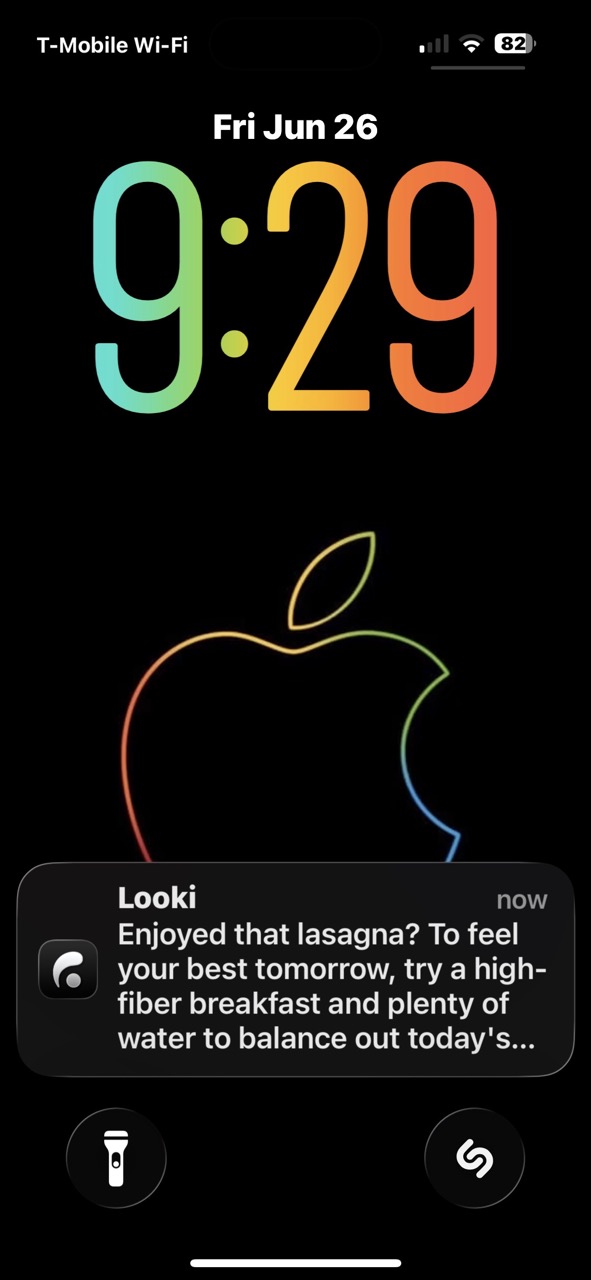
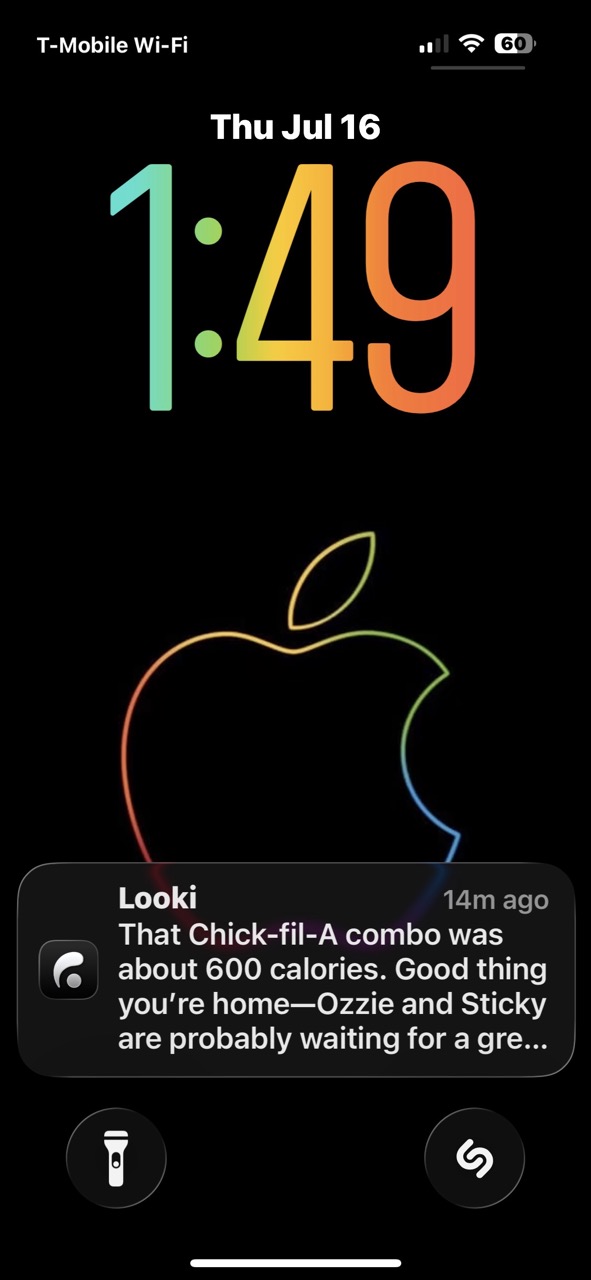
The Looki has a weird way of assuming things. For example, I talk to my sister almost every day through an app called Marco. It’s like FaceTime but not quite the same. We were talking about an upcoming appointment that her husband (my brother-in-law) has. Since that conversation, Looki has kept sending me notifications about my upcoming hospital appointment. Or it will talk about my pet “Sticky”. I have absolutely no idea where it came up with that. It has talked about my cat Ozzy, but it will say my “ginger cat.” Ozzy is not ginger; he’s brown.
For all my complaints about the AI feature, it can be useful too. You can ask it ordinary questions like “What will the weather be tomorrow”, or “What is 90F in Celsius?” etc. It can also comment on your location or what it sees or has seen in the past. One day last week, I bought a plant, and later that week it reminded me to water it. It has a tendency to talk about what I’ve eaten, which can start to feel like it’s judging me 😉
It’s also nice that you don’t have to pay a monthly subscription for the AI feature.
Data Security
Looki has end-to-end encryption and built-in cloud safeguards that are designed to help block restricted, explicit, and private material. That’s something to consider with a device like this because I found that I would forget that I was wearing it and end up having it on and active when I went to the bathroom or was standing talking to my significant other when they were stepping out of the shower. Oops! I have caught myself numerous times where potential things were captured that I would NOT want uploaded to the cloud even if there are built-in safeguards. Luckily, you can go into the saved media on the device and delete individual videos before they are uploaded.
I did receive an email letting me know that Looki is now SOC 2 Type I compliant. What is that? SOC 2 Type 2 compliance is an independent audit verifying that a service organization’s cybersecurity controls are designed correctly and operate effectively over a sustained period (typically 6 to 12 months) to protect customer data. It is a gold standard of data trust in the tech industry.
Battery Life
I was surprised that this little gadget could last all day (up to 12 hours) on a single charge. That’s with the recording interval setting set to the Adaptive mode. In this mode, Looki is optimized for all-day use. You can get even better battery life when you have the interval set to record a 15-second clip every 5 minutes (up to 15 hours). I just kept it set to Adaptive during my testing and was able to capture moments all day from morning until evening.
Final Thoughts
The Looki L1 is one of those rare gadgets that feels fun and unique. It doesn’t just capture your day; it interprets it, remixes it, and hands it back to you in a way that feels surprisingly personal. The auto-generated comics alone have changed how I think about journaling; they’re fun, fast, and honestly something I look forward to checking every day.
That said, it’s not perfect. The AI assistant can be inconsistent, occasionally inaccurate, and sometimes a little intrusive with its assumptions and notifications. If you’re expecting a reliable memory companion that can answer detailed questions about your life, the Looki is not quite there yet.
At $249, the Looki L1 is definitely an investment. But the fact that there’s no required subscription makes that price easier to justify over time, especially compared to other AI-driven gadgets that lock features behind monthly fees.
If you’re someone who already enjoys documenting your life or wishes you did, the Looki L1 offers a uniquely creative and mostly effortless way to do it. It’s not a must-have gadget for everyone, but for the right person, it’s a genuinely fun little device that turns everyday moments into something worth revisiting.
The Looki L1 retails for $249.00; it is available directly from the manufacturer and other retailers, including Amazon.
Source: Manufacturer-supplied review sample.
What I Like: Automatically creates a comic strip of your days; Automatically creates vlogs of your days; Easy to wear; Easy to use; AI assistant provides insight, answers questions, provides reminders, and advice; No subscriptions; All-day battery life
What Needs Improvement: AI Assistant notifications and features can be a little annoying and are difficult to turn off; AI notifications are not always accurate



Be the first to comment on "Looki L1 Wearable Lifelogging Camera Review: This AI Camera Turned My Everyday Life Into My Favorite Digital Journal"