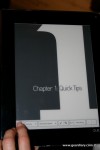
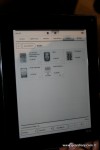
All photos by Kevin
In the Central Hall of CES they’ve set up an eReader Zone, and many eReaders and old and new are represented. One of the ones that I’ve been eager to spend some hands-on time with is the Plastic Logic QUE, and for about 30 minutes, that’s exactly what I did.
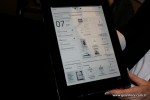
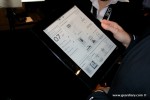
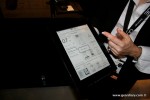
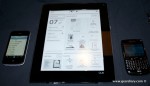
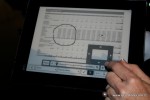
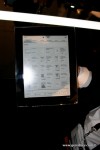
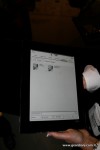
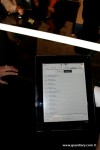
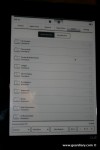
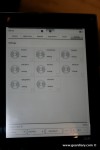
Carly posted some of the quick iPhone snaps that I took along with the latest press release; here are some better pictures along with a bit of video from Plastic Logic …
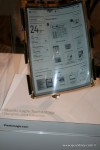
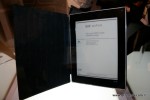
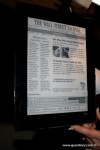
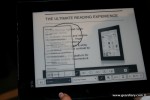
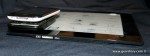
My first impression of the QUE was that it looked like a digital photo frame – but perhaps the thinnest one I had ever seen. Its glossy black plastic frame is a little wider than 1″ all the way around, and I learned that the eInk screen is a great size for reading magazines and newspaper content.

Plastic Logic has lined up many exclusive newspaper and magazine partners for the QUE, but the best news for many will be that the QUE is going to work perfectly with the Barnes & Noble eBook store.
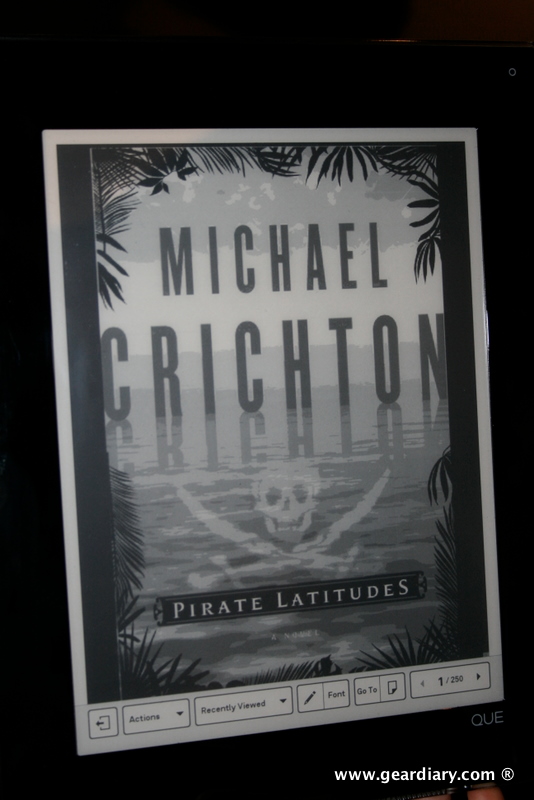
There’s still a slight lag when the eInk refreshes, but anyone with Kindle or nook experience should know to expect that.
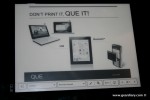
If you think that the QUE’s $649.00 for the 4GB model with WiFi or the $799.00 for the 8GB model with WiFi and 3G is pricey for an eBook reader, then I totally agree with you. But that’s not necessarily how we are supposed to view the QUE. Maureen, the Plastic Logic rep that I spoke with today said that the QUE is not being targeted to Digital Bibliophiles, but to business people – as evidenced by planned integration with Good Services and ability to basically “display anything you can print”.
QUE supports reading and annotating the documents business users need, including PDF files, Microsoft Office documents, including Word documents, Excel spreadsheets, and PowerPoint presentations, as well as ePub, GIF, JPEG, PNG, BMP, Text and HTML (e.g., Maps), RTF and Visio. With the QUE software, it’s easy to quickly transfer content from your PC, Mac® computer, or BlackBerry® smartphone to your QUE. Note: Microsoft Office must be installed on your computer to read Word, PowerPoint and Excel documents on your QUE.
The QUE is surprisingly light considering its size; The QUE made my iPhone in its Mophie Air extended battery case feel like a total brick.
QUE proReader by Plastic Logic Specifications
Size — 11 in x 8.5 in x 0.3 in 279 mm x 216 mm x 7.6 mm
Weight — 17.2 ounces 488 grams
Display Size — 8.53 in x 6.4 in 217 mm x 163 mm Diagonal: 10.7 in / 266.7 mm
Display Resolution — 960 x 1280 at 150 ppi 8 gray levels E Ink display
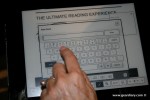
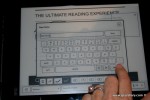
User Interface — Full-screen capacitive touchscreen Virtual keyboard
Storage — 4 GB (WiFi) stores up to 35,000 documents 8 GB (WiFi & 3G) stores up to 75,000 documents1
Power & Battery — Rechargeable Lithium-ion battery
Audio — For user feedback
Connectors & Input/Output — Micro-USB Bluetooth 2.0
Connectivity — 4GB – WiFi (802.11 b/g) 8GB- WiFi (802.11 b/g) and AT&T 3G (GSM)
QUE users can access free AT&T WiFi in Barnes & Noble stores.
I just don’t see how they are going to be able to keep the Digital Bibliophiles away. 😉
If you are ready to place your preorder, head to the QUE Store. The QUE will be available for shipping “beginning mid-April 2010.”