Computers

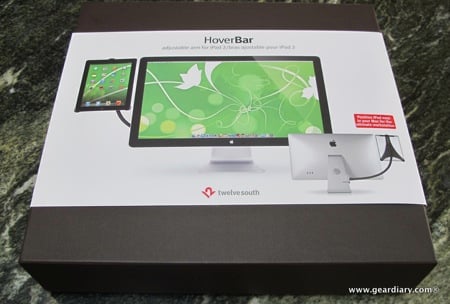
Twelve South HoverBar Is a Mac Accessory You are Going to Want

Impress friends and office mates with a jaw-dropping, super futuristic, straight out of Hollywood Mac setup. HoverBar hangs iPad 2 beside your Mac, letting you use iPad as a secondary, touchscreen computer. The flexible HoverBar arm positions iPad in a place where you can keep tabs on Twitter, stocks or partake in a FaceTime chat. As a bonus, you can use HoverBar separately to float iPad 2 as a micro workstation, a handy kitchen mount or as a tool that elevates iPad, creating a whole new way to interact with apps. That’s how Twelve South introduces their new HoverBar accessory….
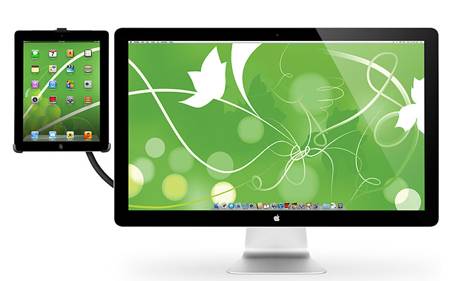

Twelve South Does it Again with HoverBar for Mac and iPad 2

If you use a Mac and an iPad, then Twelve South’s new HoverBar is for you. It lets you use your iPad 2 an adjustable arm that floats iPad 2 next to an iMac or Apple display, allowing you to use iPad as a secondary, touchscreen computer. [It] turns iPad into the ultimate sidecar for an iMac or Apple display, presenting more ways to use iPad more often. Connect HoverBar to your Mac, snap iPad 2 into the secure clip and you now have one powerful dual-computer work setup. Having iPad floating next to your Mac allows you to monitor…


Gear Chat 2012- We’re Back!!

It has been over a year but Gear Chat is back and we’re talking tech. In this first episode Thomas and I talk about the Samsung Galaxy Note, the Series 7 Slate tablet and what configuration of Apple computing products is best. Future episodes will include Gaming and eBook segments and much more. We also want to hear from you! What content do you want covered? What questions do you have? Would you like us to do the podcast as a live, call-in conversation? We want to know. Happy listening and, as always, thanks for sharing via Twitter and Facebook.


Replacing the Fan: How My MacBook Pro Avoided the Trash, Part 3

In part 2 of this series, I took the fan out of my 13″ MacBook Pro, cleaned it and lightly lubricated it. For about a day, the fan noise was almost non-existent and the heating issue was mildly approved. Unfortunately, the noise quickly returned along with the hot CPU. This problem had to be fixed one way or another or I was going to have to throw the computer out of the window since it had become painfully slow and buggy. The next plan was to buy a new fan and replace the loud, failing original. I also decided to…


Ubuntu’s HUD: A New Way to Use Your Linux Computer

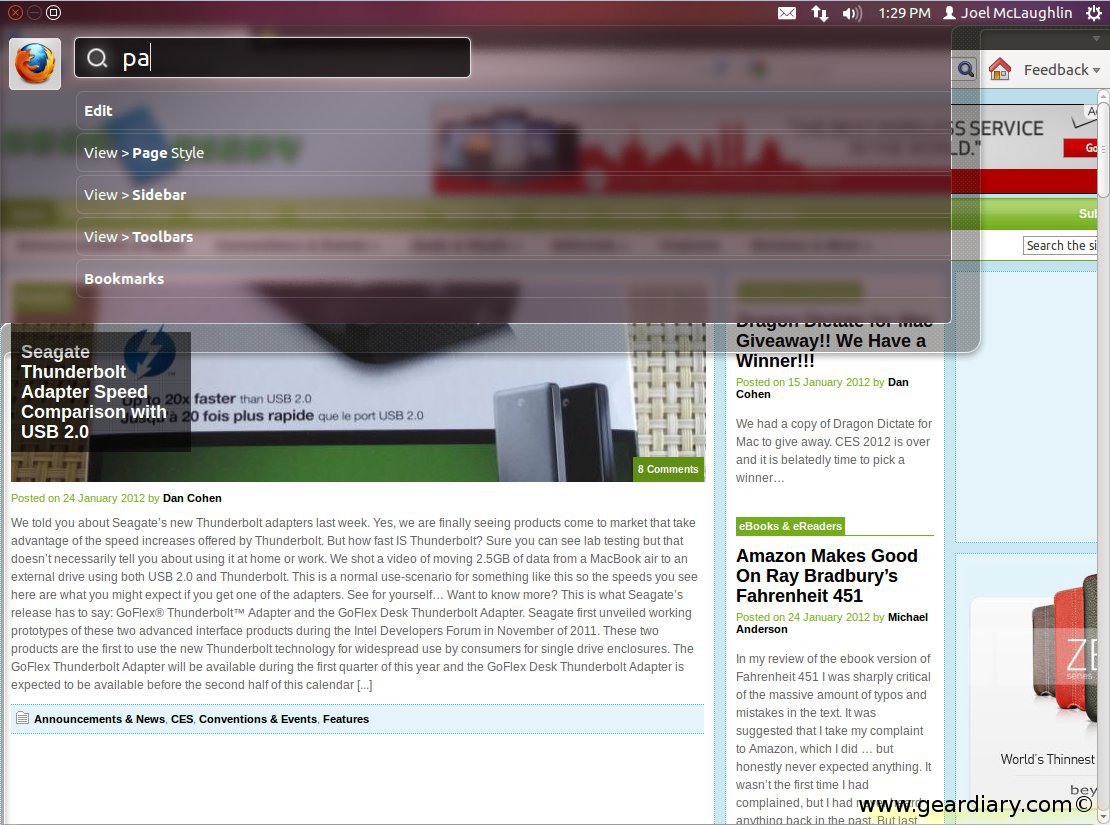
Yesterday Ubuntu’s community manager, Jono Bacon put up a post calling for people to test their brand new idea for the Unity interface they currently use.  They call it HUD.  HUD will be included in the next relse of Ubuntu, version 12.04, code named “Precise Pangolin”. With HUD, you can do many different things like post to Twitter, Search your web history or find a drop down menu in Firefox or any other app.  You can do some of this even if you don’t have that app loaded.  Above is a video that shows you just what you can do…


Cleaning the Fan: How My MacBook Pro Avoided the Trash, Part 2

In part 1 of this 3 part series, I discovered that my computer was not acting happy due to a fan issue. Catch up with the post here to follow my MacBook adventure. One goal of this project is to avoid the Apple Store and keep the cost down as low as possible. The fan noise is definitely out of control, the machine is running hot and it has become super slow. My next plan of action is to open up the case to clean and lubricate the fan. I took a few photos to explain how to open the…


The Drobo Data Storage System Review

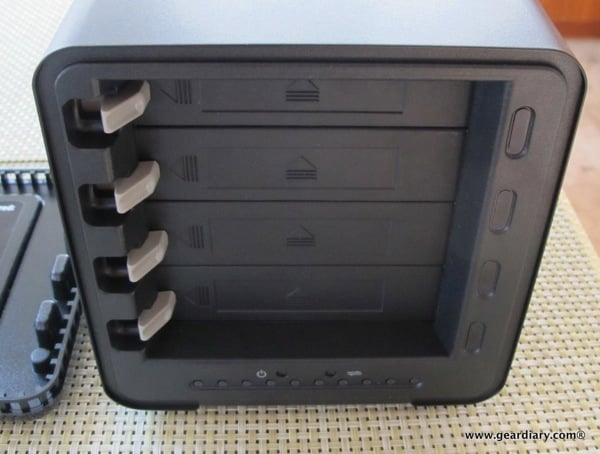
Last fall I applied for and received a grant that will allow my synagogue to build a new technology lab. Within the next few months we will have a number of iMac desktop computers and a host of iPads being used by our kids and adults alike. In fact, I’m working on a special tutorial program for students becoming bar and bat mitzvah that will run on the iPad. It uses the awesome iOS application MentalCase. More on that at a later date. When I found out we were getting the grant, I reached out to a number of companies…


The Diagnosis: How My MacBook Pro Avoided the Trash, Part 1

I pretty much live on my Mid 2009 13″ MacBook Pro. The computer literally goes everywhere I go, and it contains most everything I need for work and home life. The past few months, my amazing little machine has developed some annoying problems. First, the fan started making a loud noise. At first I thought that it was running too fast, but after adding iStat Pro to my Dashboard, I quickly found the fan to be running at normal speeds with extra noise. Soon after the loud fan issue came the heat. My CPU was regularly running a temperature up…


The GammaTech Durabook S15C2 Rugged Laptop Review

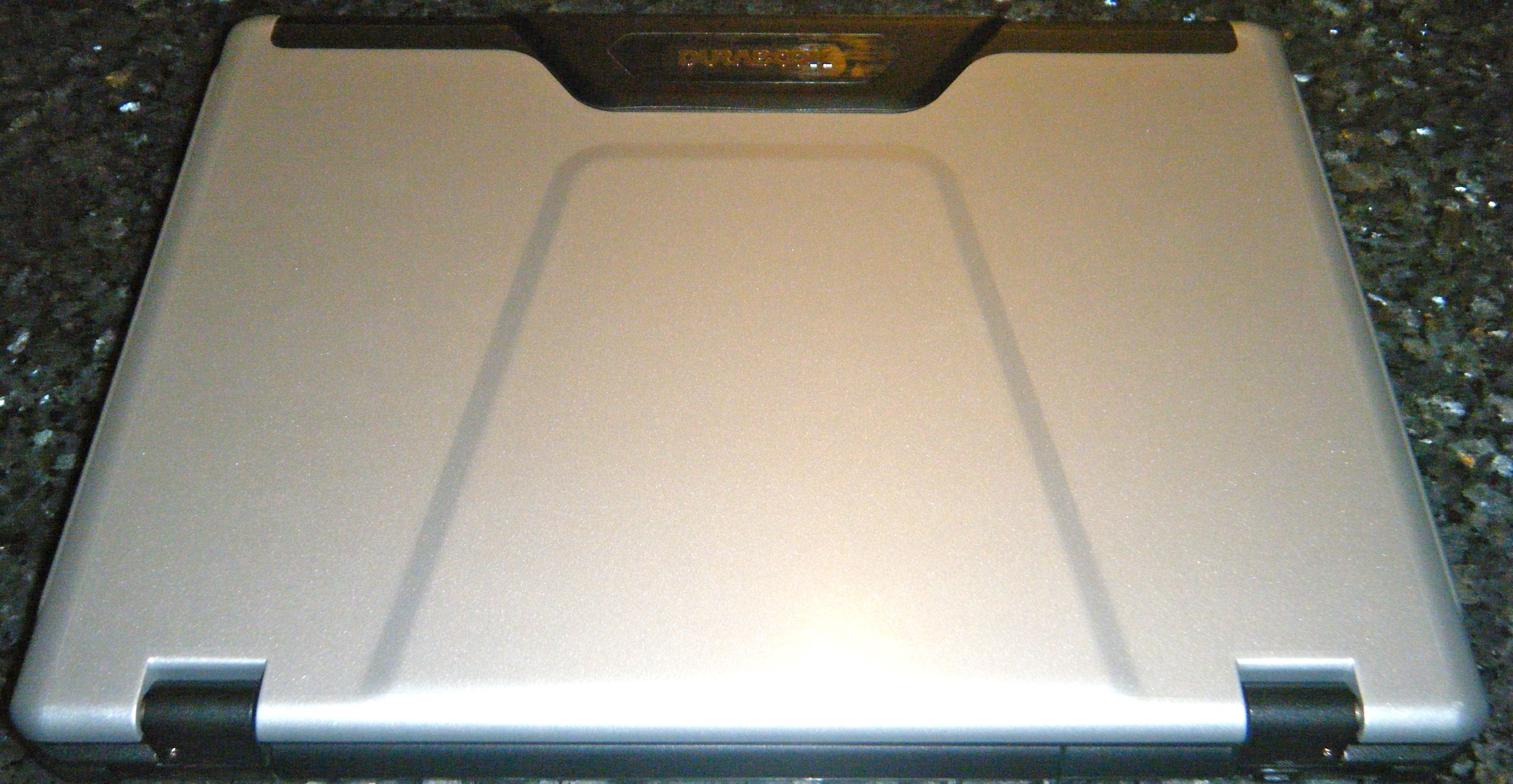
Have you ever knocked a laptop off the arm of a couch on to a carpeted floor and lost everything since your last backup? Or spilled just a tiny bit of water on the keyboard and were met with ‘that smell’ that told you the motherboard was cooked? If these are real concerns for you, then you need to check out the GammaTech Durabook S15C2 Rugged Laptop. The Durabook is meant to handle just about everything you can throw at it and live to boot up another day. The kind folks at GammaTech sent me one to review – let’s…


The Latest Cool Steve Jobs Video – NeXT Computer ‘Entrepreneurs’ Feature

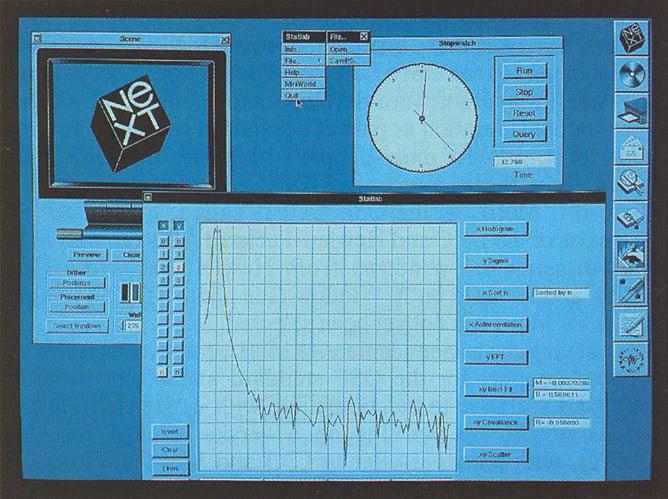
For most people, Steve Jobs is the iconic black-turtleneck & jeans wearing icon who led Apple from near bankruptcy to become the most valuable public company in the world before he passed away recently. But there are more and more historical views of him popping up all over the place – and this is one of the coolest I have seen. It is from a PBS series called ‘Entrepreneurs’, with an episode from late 1986 looking at NeXT Computer when it was merely 11 computers and a long road ahead before shipping their first computer. It is great to see…


iCloud Quick-Tip- Get Your Contacts Into iCloud

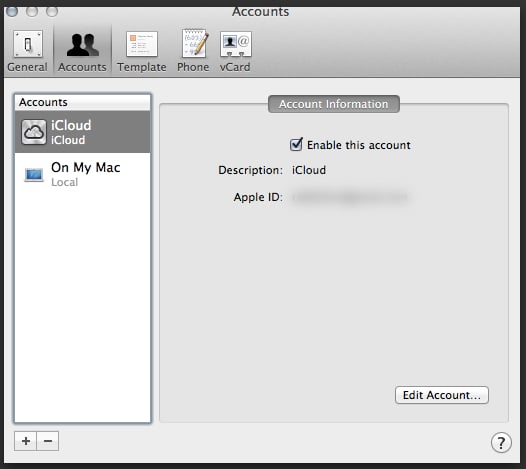
iOS 5.0 and iCloud go live later today. With them come a host of opportunities to have all of your Macs and iDevices works together flawlessly. (Or at least we hope flawlessly since the initial MobileMe rollout was a disaster.) One issue that came up for me was the desire to get away from using Gmail as my address book and move all my contacts to iCloud. The reason for this is rather simple — I want one set of address book data and I cannot stand the anemic way Google handles things in this regard. There are numerous way…


OS X Lion Quick Tip: Reorder Windows in Mission Control

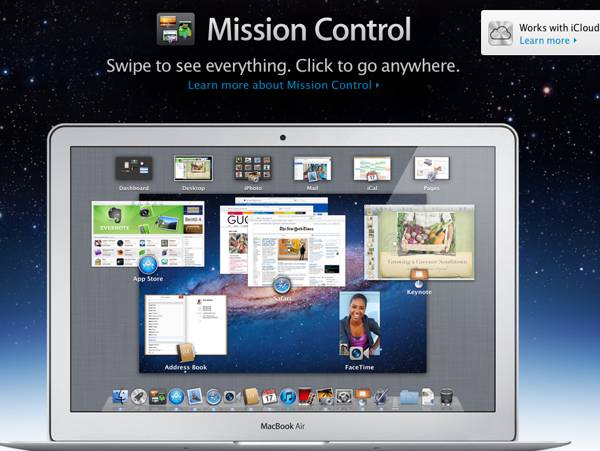
  UPDATE (With apologies): Turns out this is only in the current Lion Beta, something I never would have imagined. Thanks to Rodney for pointing it out. We’ll let you know when it makes its way into a full release since it is quite useful! The more I use OS X Lion the more I like the features it brought to the Mac and, although it can be a bit inconsistent, I am really learning to appreciate fullscreen apps. I’m liking Mission Control more and more too. The only issue I have had has been the fact that when I…


Notebook PC Review: Toshiba Satellite L755-S5258 Laptop

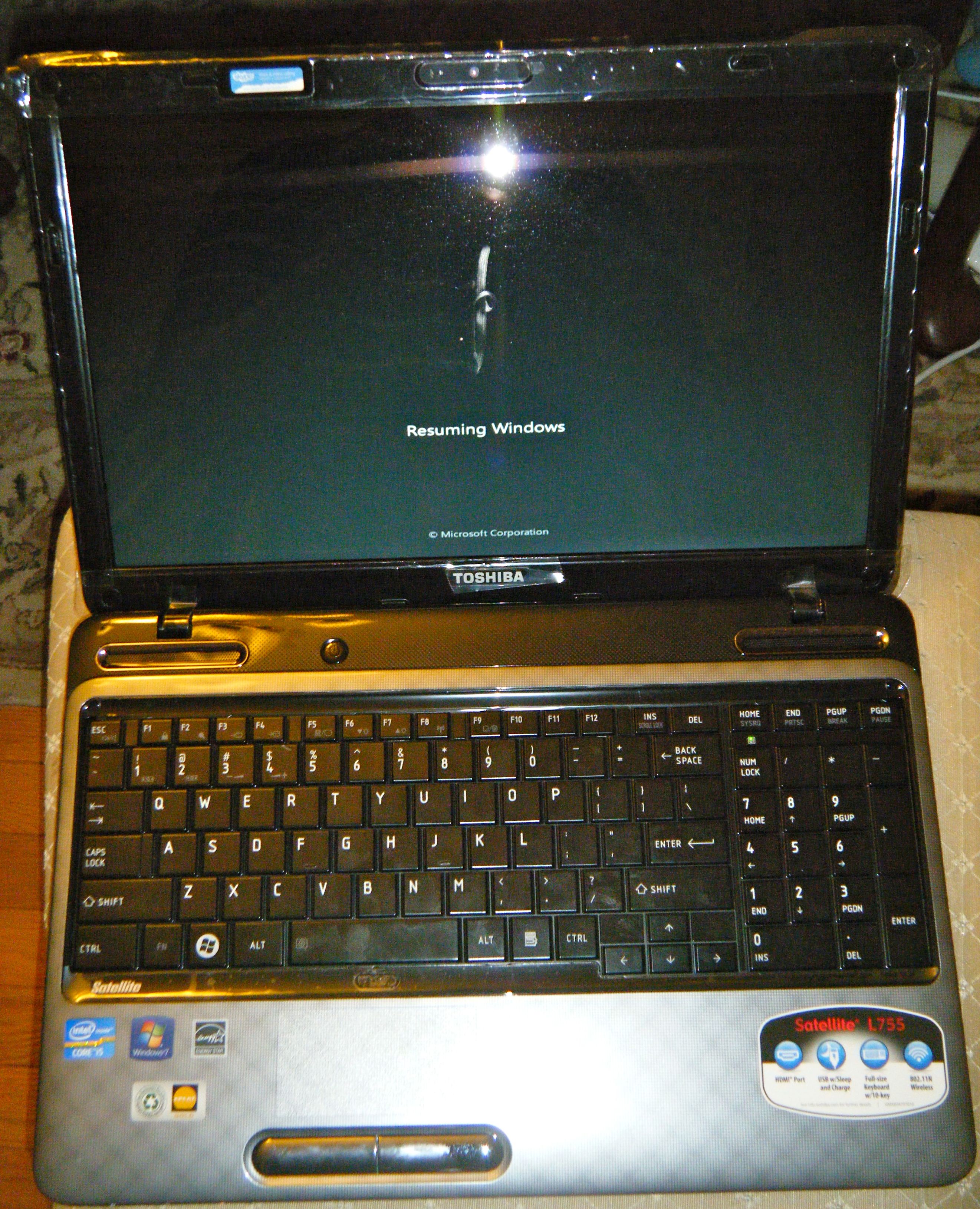
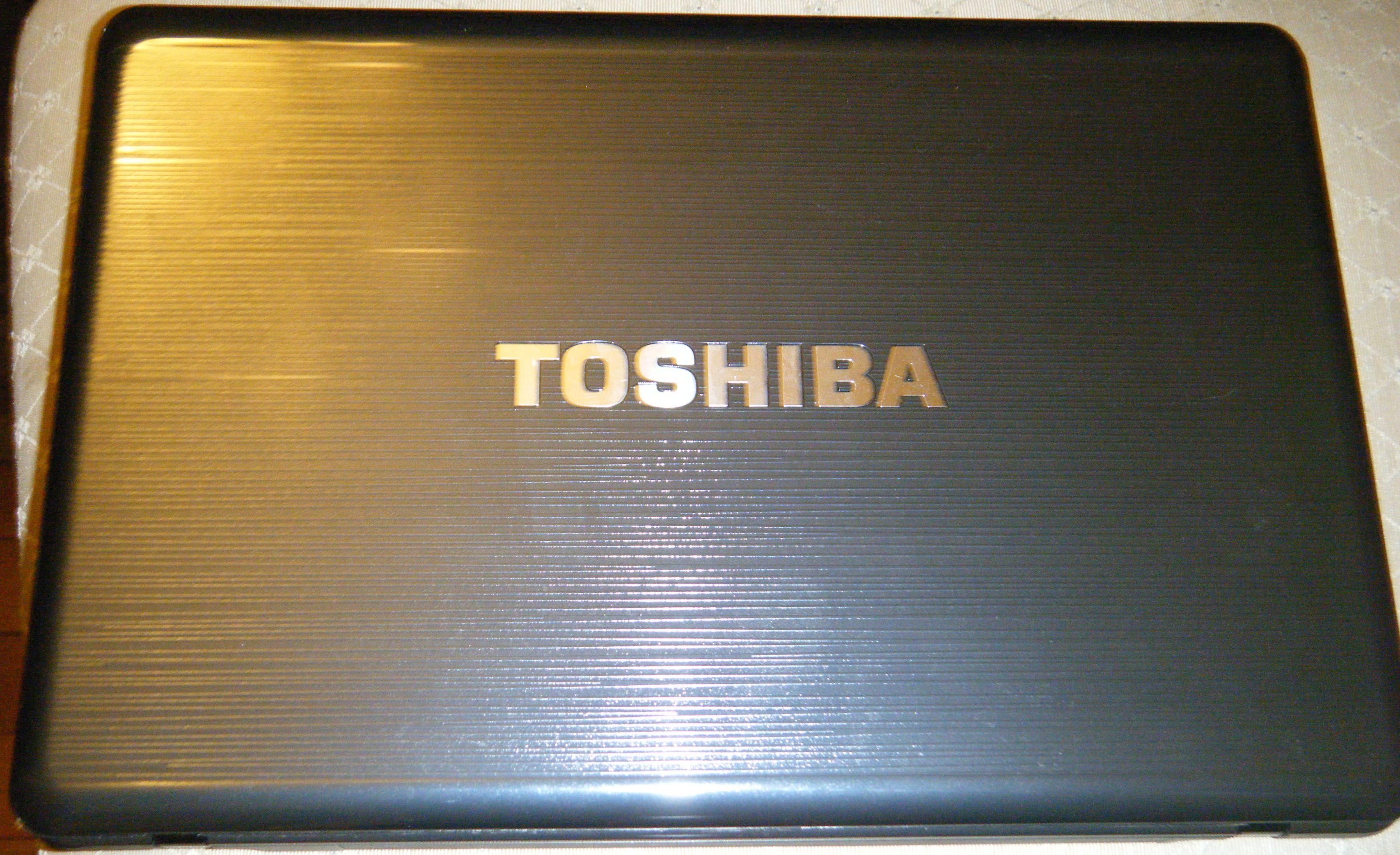
In my review of the Toshiba Satellite S4250, I highlighted the almost maniacal devotion to delivering serious audio performance. With the Satellite L755-S5258 (hereafter called the S5258), Toshiba is offering a larger (15.6″!) screen, full-featured numeric keypad, same processor, and a stylish design – for $100 less! So let’s take a look and see how the S5258 performs! The Hype: Generous High-Def Viewing Don’t compromise when it comes to watching movies, juggling tasks or building complex spreadsheets. The Satellite® L750 laptop comes with a broad and truly brilliant 15.6” diagonal TruBrite® HD display that brings out color and clarity you…


Notebook PC Review: Toshiba Satellite P745-S4250 Laptop

Normally in laptop reviews I try to apply some generic context about where the laptop falls in the market in terms of segmentation and price, then invite the reader into the main body of the review to find out how it fits in that segment and the value offered. For the Toshiba Satellite P745-S4250 (S4250 from now on), I will just come out and call the segment the HOLY-CRAP-DID-YOU-HEAR-THE-SOUND-ON-THIS-THING-IT-IS-UNBELIEVABLE-FOR-A-LAPTOP … and the price is just under $800 nicely equipped. With my hand fully tipped, come on along for a look at this wonderful 14″ laptop! The Hype: No-Nonsense Multimedia Performance…


Change is in the Air, and it is Not Just the Coming of Fall

  Let’s face it, the iPad is eating everyone else’s lunch and that not only goes for other tablets but for traditional computers as well. MG Siegler has a rather interesting and excellent post over on TechCrunch the other day that makes this point rather well. In it he argues that the iPad represents a Clear and Present Danger to the traditional PC market. The reason? Unlike those of us who write for a living (whether as bloggers or… say… clergy) and need something that we can use to write hundreds or thousands of words, the vast majority of people can…


Notebook PC Review: Hewlett Packard Pavilion dm1z Laptop

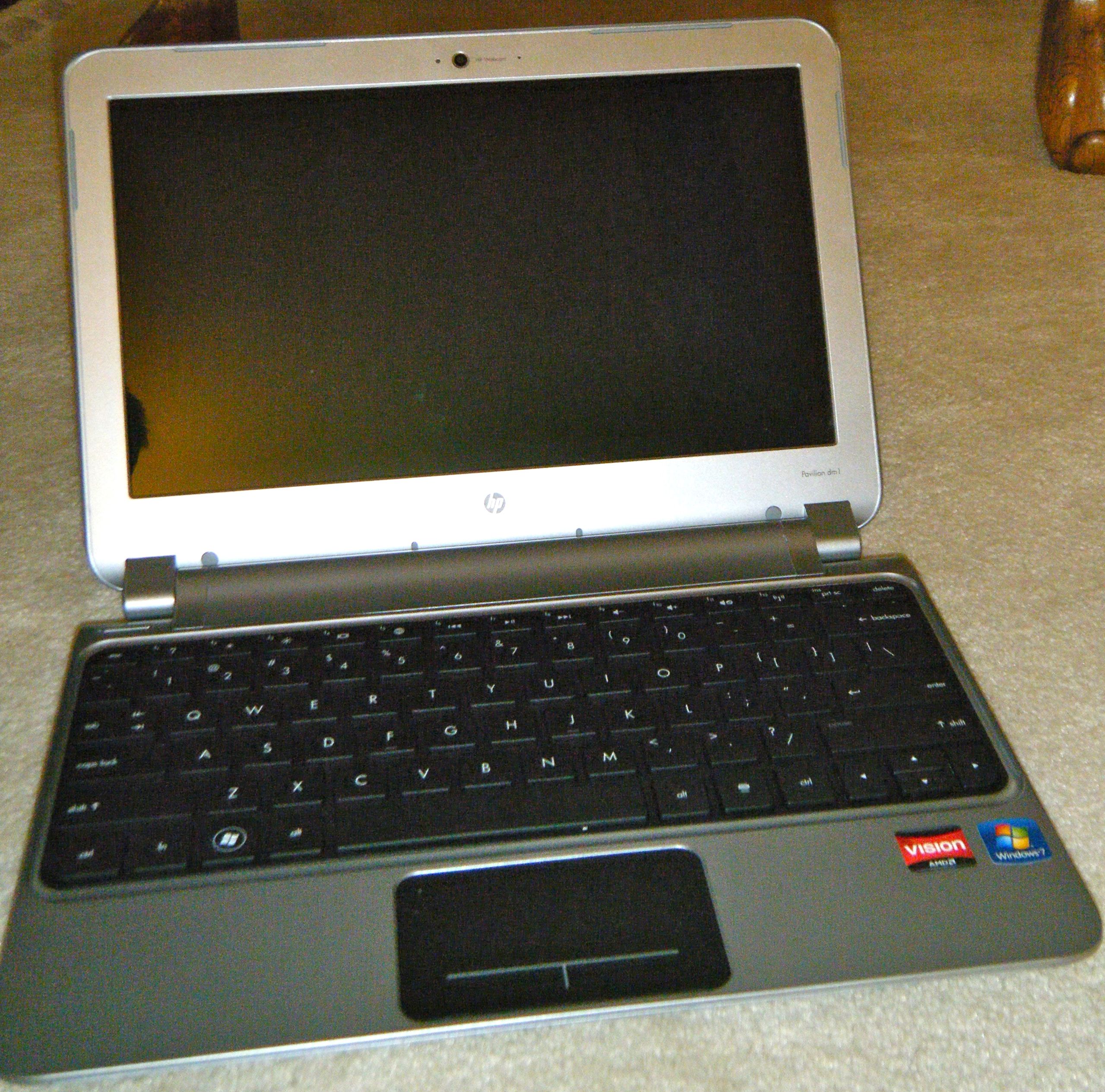
Last year I looked at the HP Mini 5103, which was a traditional netbook in many ways, but also came packing the nVidia ION chipset … and a $750 price tag. In many ways that system represented the death of the traditional netbook, which was followed by what many call ‘notbooks’ – computers that offer sub-12″ screens and easy portability with great battery life, but also with reasonably low-end notebook performance and a palatable price tag. The HP Pavilion dm1z laptop falls into that category, and I was thrilled with the opportunity to see what I could get from a…


Not Everyone is Ready to “Think Different” or Even to “Think Smart”

There’s an old story about three blind men. One grabbed an elephant’s trunk and thought it was a snake. One grabbed a leg and thought it was a tree trunk. Another grabbed… Oh you get the idea. The bottom line is, when you look at only one piece of anything you are not going to see clearly… Or correctly. Yet time and again decisions get made upon this small-picture limited-think. Here’s yet another example. A post over on Cult of Mac today offers the following.   Here’s an idea: let’s cut Apple in half. Sure, the company is the most profitable on the…


Big News From Evernote: Purchases Skitch, New Apps and More…

Evernote is in the midst of their “first-ever Evernote Trunk Conference” and had some big news to share. Skitch As the above “Skitched” image indicates Evernote bought the image app/service Skitch and is making the app completely free. As they explain We love Skitch so much that we decided to buy the company. Skitch is an amazing Mac application that’s changed the way people capture, annotate and share images. Chief Skitchers, Cris Pearson and Keith Lang are moving from Australia and joining Evernote to lead a significantly expanded Skitch team focused on supercharging the product. Evernote goes on to explain:…


Apple Moving into HDTV Market? Here’s a Great First Step

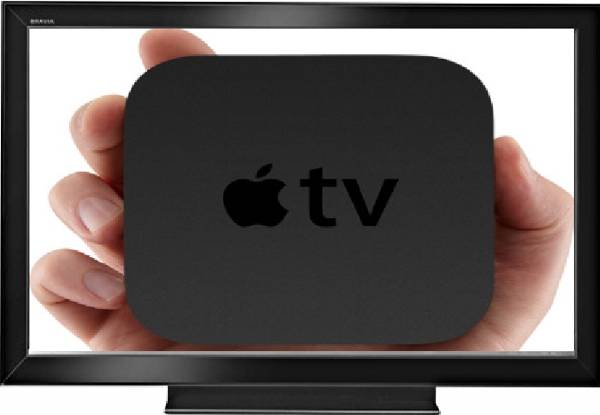
Last night I was a bit under the weather. I went in search of something to watch and came upon the new Starz/BBC series Strike Back on my iPad’s browser. A few taps of the screen and it was playing on my large Samsung HDTV. It was just another reminder of the way in which Apple’s technology can create a seamless ecosystem for work and entertainment. Then today Cult of Mac published a post entitled Could Apple Enter Sub-$1K Premium TV Market With A Real iTV? In it they write News that high-end TVs are nearing the sub $1,000 range…


Bongiovi Acoustics DPS (Digital Power Station) for iOS Rocks Your World

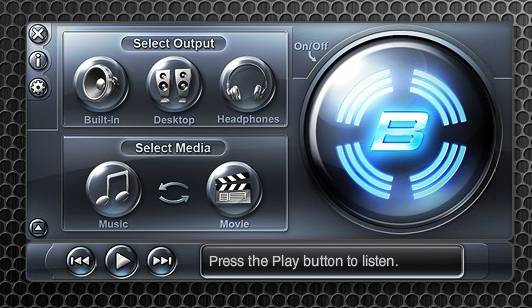
Want richer bass, higher clarity and an all around enhanced audio experience? Bongiovi Acoustics: Bongiovi DPS (Digital Power Station) technology has it. The technology is currently available in iHome dock stations and select Toyota models and, for the first time, Bongiovi’s technology is available as an iOS app. The technology “re-masters your compressed digital audio files at the source and then, using device specific profiles, optimizes the output for your listening device (headphone, speaker, earbud, etc).” I tried the iOS app and was rather impressed with the enhanced audio pumped out by my iPod touch and my iPad. As the company…


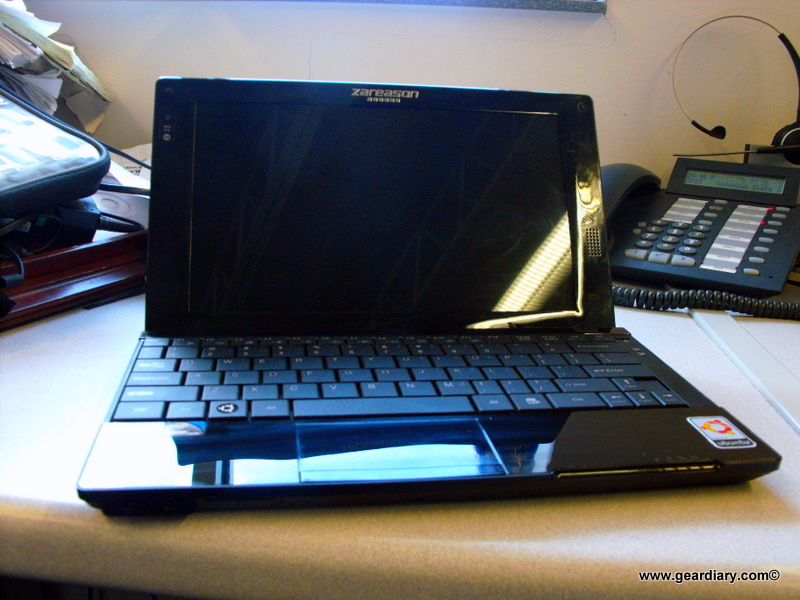
Linux Netbook Review: ZaReason Teo Pro Netbook

It has been a while since I looked at ZaReason’s Terra HD Netbook.  I liked that one, but the integrated Intel graphics still held it back from those netbooks that are now shipping Nvidia Ion or Ion 2 cards for graphics.  Today I am checking out one of ZaReason’s smaller netbooks, the Teo Pro. The Teo Pro is yet another netbook running Ubuntu Linux and equipped with the venerable Atom N450.  In fact, spec wise the Teo Pro is almost identical to the Terra HD except that the Teo Pro has a 10.1 inch 1024×600 LCD and one less USB…