Mac Software

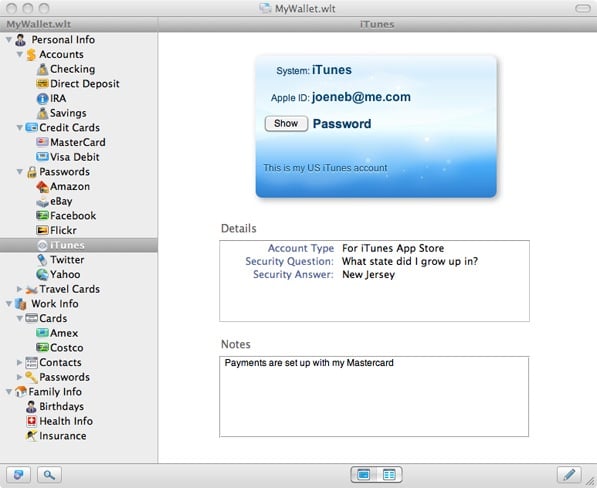
eWallet for Mac OS X Now Available

I am a huge fan of Ilium software’s eWallet for the iPhone and iPad. It is a great way to keep information on my handheld devices in a manner that is safe and secure but also quickly accessible. The only problem I have had with it is that the desktop version of eWallet was only in Beta and the sync functionality was highly limited. Since I use multiple devices that was a bit of an issue for me. Thankfully that is no longer the case. Ilium has just gone live with the news that eWallet for Mac OS X is…


Mac Utility “Jumpcut” Review: Remembers All Your Clipboard Items

I rely on my iMac’s “clipboard” a ton.  Between Twitter, the Internet, e-mail etc. it seems I’m constantly copying and pasting links and other information between one client to another.  Often times I copy more than one item too and that means I have to go back and forth between the applications to retrieve and re-copy each time.  An even larger problem occurs when I want to paste something I copied earlier in the day but have already copied something else thus over-writing the item I want. A nice little free utility I stumbled across the other day called Jumpcut…


All In For Web Based Apps: A Desktop Clean In Progress

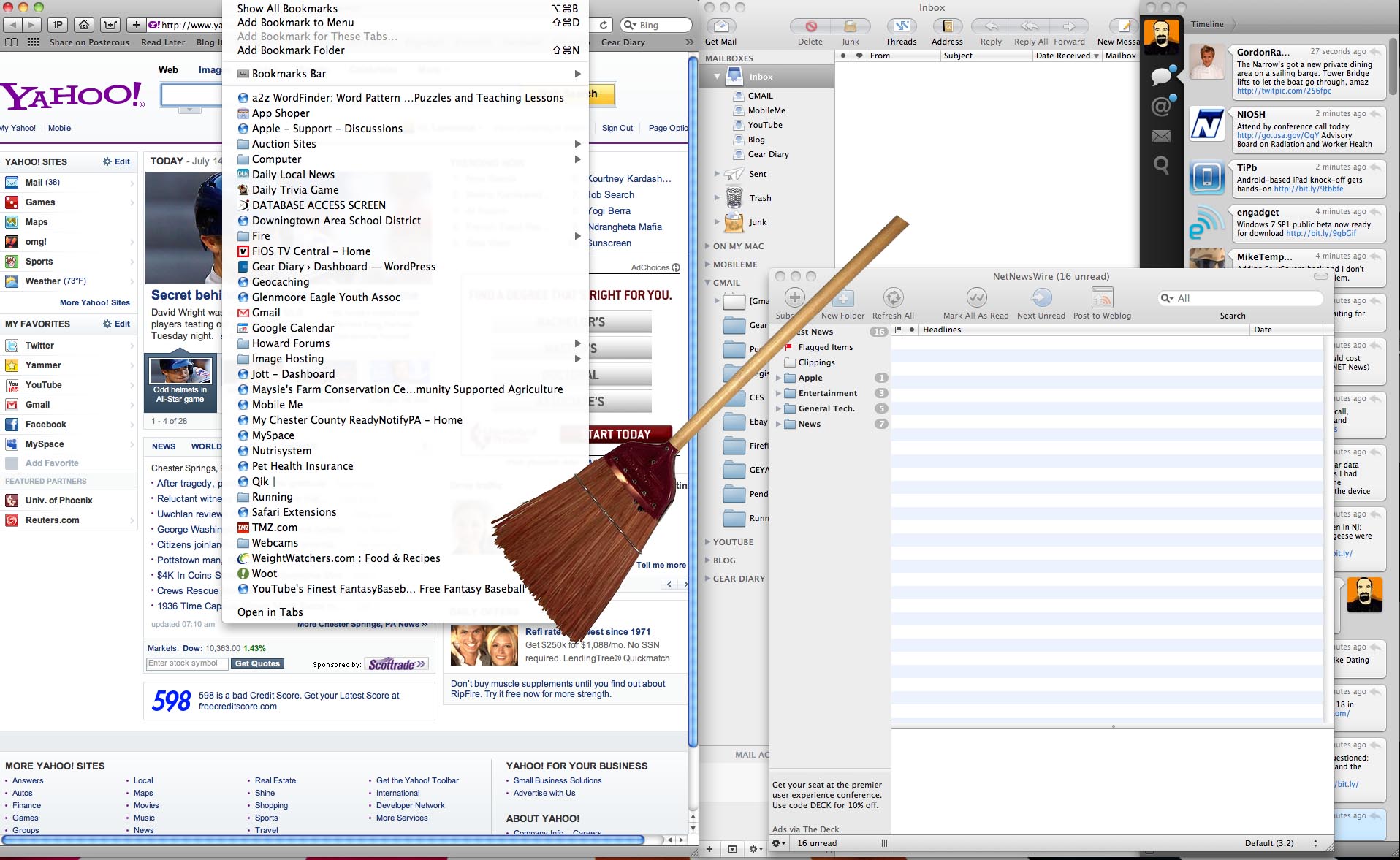
Simplifying one’s desktop. For me it’s an ongoing, ever-changing process.  I’m constantly tinkering with new applications for my iMac, trying for that seemingly unobtainable perfect set up.  One of the biggest issues I struggle with is managing multiple windows.  I generally use five or six “main” applications on a daily basis.  These usually consist of Safari, Apple Mail, Tweetie, Net News Wire, Skype and Adium.  I’ll use other things throughout the day such as Mars Edit or iTunes, but the “main” 6 are always open and running on my desktop. Managing six windows at once on a 24″ iMac is…


Something New Coming from Evernote Tomorrow… You’ll Know What It is When We Do…

I love Evernote. I live in Evernote. Evernote is killing me… Evernote has been teasing about something new coming for some time. They have blog posts up about it, are running a contest about it, and have reached out directly about it. But try as I might (and I HAVE TRIED) I can’t get a clue about what they are about to unveil. The only thing I do know is that it must be something pretty major. How do I know that? Simple… I’ve been following the company and using Evernote since the current iteration of the service was in…


Steam on Mac First Impressions (also Portal and Torchlight)

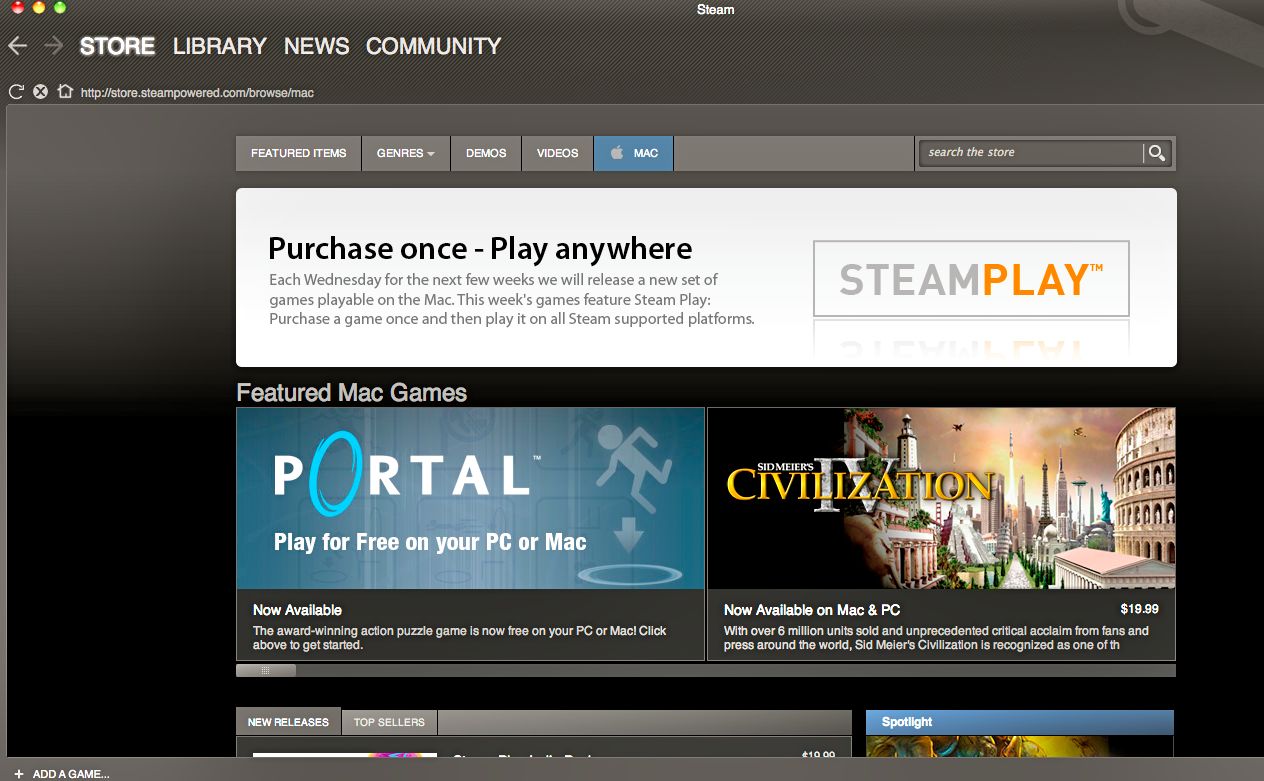
At long last Steam has officially arrived for the Mac – and rather than just announce it, I figured I’d give you some quick impressions after using it to download and play a few games. For those who are not aware, Steam is a digital download, automated patch management, and multiplayer matchmaking service … and more. From Valve’s ‘About Steam’: Steam, the world’s largest online gaming platform. Steam turns any PC (and soon any Mac) into a gaming powerhouse by providing instant access to a huge library of titles, and by automatically keeping a user’s games completely up to date….


Hearts of Iron III: Mac Game Review

Strategy games have become entrenched as a core genre for PC gamers in recent years, which has caused the genre to adapt to the expanding audience. For some this has allowed entry to the massive world of RTS games for the first time, but veterans of the genre sometimes feel that their hardcore grognard needs are being ignored – particularly those who choose to play games on a Mac. Don’t worry, guys, Paradox has your back – Hearts of Iron III is a game with a steep learning curve that will reward the investment of tons of hours learning the…


Zinio Poised to Bring eMags to the Mainstream

I discovered Zinio’s electronic magazines when I first started using Tablet PCs In the mid-00s. The company has been in existence for 10 years, so I was a fairly early user. I found that despite the Tablet PC’s relatively significant weight, short battery life and tendency to get hot, somethings VERY hot, the experience of using Zinio to read was a pleasant one. The magazines looked good on the relatively high resolution screens. The links in ads and some articles jumped you right to the product’s page. And I often got notice of my Zino downloads a day or two…


NeatDesk Review

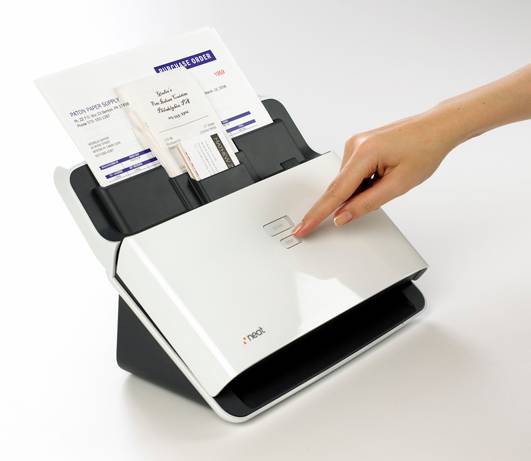
From The Neat Company….. “The NeatDesk is a high-speed desktop scanner and digital filing system that will quickly turn all the paper on your desk into organized, digital files. More than just a great scanner, NeatDesk also includes patented NeatWorks software to identify and extract key information from your paper files, then automatically organizes it in the easy to use database.” I’ve tried a bunch of systems to manage my receipts, business cards and paper but I just can’t seem to find one that works the way I want it to.  Previously I was using Evernote to manage my business cards but that meant…


MacSpeech Scribe Review

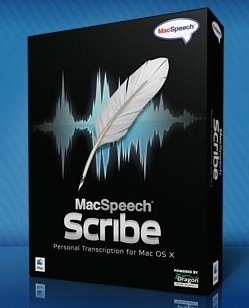
I use a number of different voice to text transcription methods in my daily life. When I’m on my iMac or my MacBook Pro I use MacSpeech Dictate. It works quite well. When I’m on my iPhone I will either use Nuance’s Dragon Dictation application or Jott. Both of them work well and there are advantages and disadvantages to both. (Like the 30 second limits on speech before it needs to be transcribed.) Today a new method of transcription came online– MacSpeech Scribe– and I’ve begun to use it. What do I think? I am impressed by the accuracy of…


TextExpander touch Expands App Intergration

It was a little over a week ago that I returned to using the iPhone of full-time. I’m pretty happy with the decision and I’m enjoying having it as the sole device I rely upon. I am still carrying my Blackberry Bold with me but haven’t really used it for more than a few seconds. One of the things I’ve discovered since returning to the iPhone full time is that typing on it seems to be far easier and more accurate than ever for me. I’m not sure why this is so, but it definitely is the case and I’m…


Mariner Paperless – Review

I am a huge user of Evernote for saving, storing and accessing my documents. I find that it works remarkably well. I especially love the fact that, thanks to the ability of it to apply OCR to documents and images that are put into the system, it lets me search for information using just a few keywords. I have a Fujitsu highspeed scanner and find that it works quite well in conjunction with Evernote. I have many friends however who are not all that comfortable with storing data “in the cloud”, even when local copies can be kept as well….


SplashNotes for iPhone and Desktop Review

I like lists.  Probably a little too much, actually.  I practically have lists to organize my lists.  So when someone offers to show me software that allows me to make more lists, I just can’t resist taking a look at it.  When SplashData asked if I’d like to take a look at SplashNotes, I was definitely interested. I have been using other programs from SplashData for quite a few years, starting with their password keeper program, SplashID, and find that their software tends to have a nice, consistent aesthetic. SplashNotes is a no-frills note taker with outline capabilities.  You can…


Evernote- My Discussion With CEO Phil Libin

Call me an Evernote evangelist if you like. It’s actually rather accurate. Evernote is probably the single most important productivity tool that I use. Looking back over my “relationship” with the service I realized that I’ve been involved with Evernote from early on. I joined the beta program within days of that initially rolling out. And I became one of their premium users every day it became available. There isn’t a single day that goes by that I don’t actually use Evernote numerous times and I never miss an opportunity to tell others about service and to encourage them to…


Do TONS more with your Magic Mouse

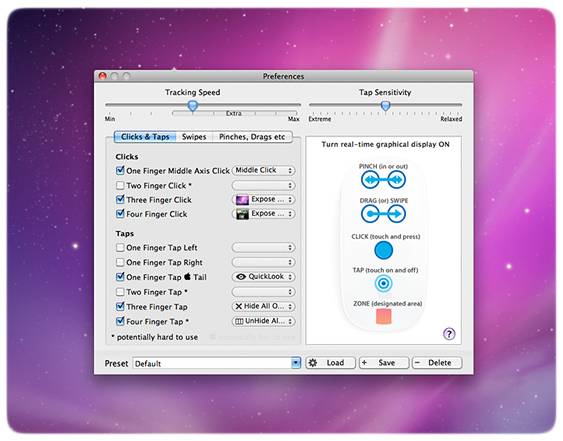
There’s no denying the “cool” factor of Apple’s Magic Mouse.  The sleek top, which allows for not only clicking but also swiping and pinching is a tremendous update to its previous version, the Mighty Mouse. But if you need even more out of your Magic Mouse, well then I’ve got the application for you. Magic Prefs is an add on for your Magic Mouse, which allows for a staggering amount of configurable add-ons.  “It features the ability to bind a variable number of finger clicks, taps, swipes, pinch and other gestures to functions like Middle Click , Hold Down Both…


Voice Recognition Technology Today

I’ve been using various voice to text solutions for a number of years. I began using Nuance’s Dragon NaturallySpeaking when it was back in version 7 or 8. Unfortunately, back then it was often more proof of concept than useful tool. The process of transcribing text was slow and the accuracy was not all that good. Over the years two things have changed. First, the power of our devices has grown exponentially. My iPhone is, on many levels, as powerful or more powerful than the computer I was using just a few years ago. And my iMac and my MacBook…


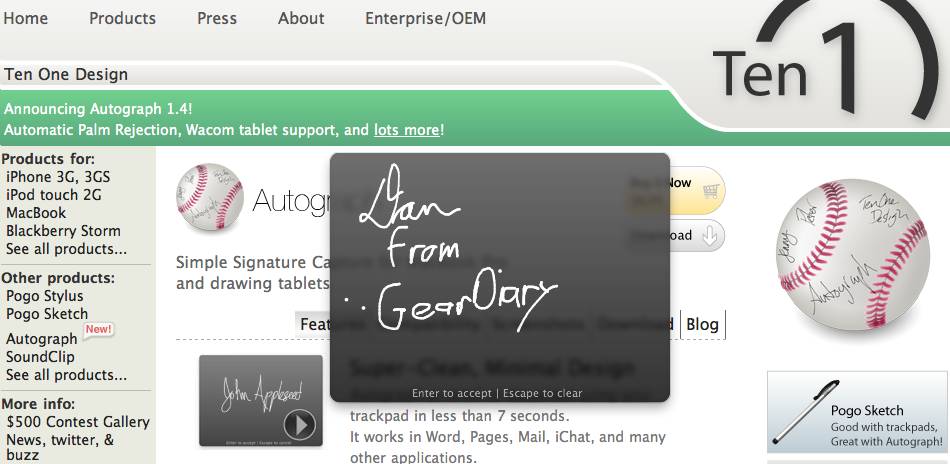
Autograph from Ten One Design – Quick Look

Autograph from Ten One Design is one of those Mac applications that you definitely don’t need but at just $6.95 it is definitely worth a look. For just a few dollars it adds some unique functionality to your MacBook Pro. Simply put, Autograph is a signature capture application for MacBook Pros and a variety of Waacom tablets. With it you can add a signature using one of the company’s Pogo Stylus or Sketch devices. While a finger will work, the Pogo “pens” allow you to actually add your initials or even a signature with a fair degree of accuracy. Let’s…


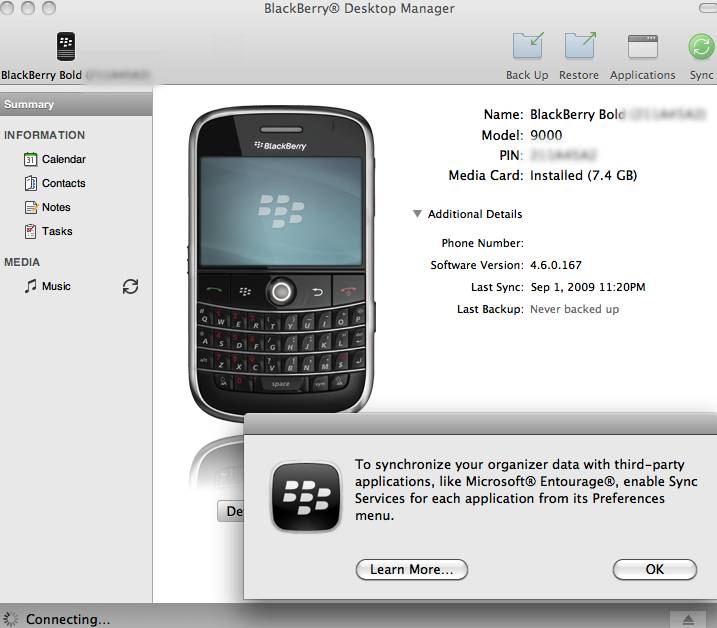
Blackberry Desktop Manager for Mac – First Look

I was excited to see the release of Blackberry Desktop Manager for Mac a few hours earlier than expected. Of course I immediately downloaded the application which is relatively small — the DMG file is just 28 MB. And they did a great job with it!


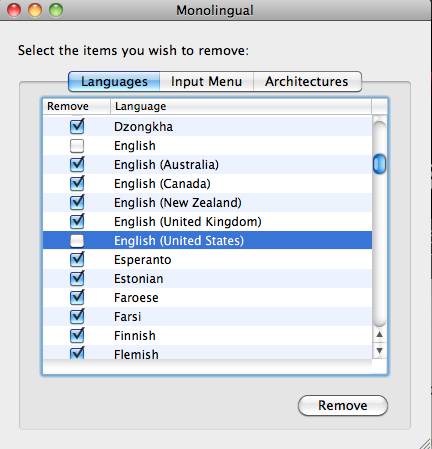
Monolingual: Delete unused language packs on your Mac.

I personally use only one language on my Mac computers, English.  Unless you’re multi-lingual or unless you’re like Judie and plan on taking up another language, chances are you only need one language on your computer as well. The Mac comes preinstalled with several language packs.  These packs includes fonts, and other things which all take up hard drive space. That’s where Monolingual comes in.  Monolingual is a free application (donations are accepted) which allows you to selectively remove any language pack from your Mac that you choose.


Fun Booth 2 for Mac Review

Fun Booth 2, from Spoonjuice software is an application for the Mac which lets you snap pictures or take video of yourself wearing all sorts of silly props. You can then e-mail the photos to friends or family, upload them to iPhoto, Twitter, Flickr, or burn them if they really embarrass you.  🙂 The application uses advanced face detection software to move the props into the right position no matter where you position yourself on the screen. If you’re really crazy you can even chat with your friends in iChat while wearing the props too.


Skitch – GD Must-Have Mac Applications

There are a host of applications that allow you to grab images from your computer’s screen. I’ve tried a number of them and many do a terrific job. For simple screenshots I use Evernote since those images are immediately synced with my online account. For those times when I want to do more with an image such as add text, highlight portions or more there is only one choice… Skitch. Here’s a look…


ScreenFlow Review – GD Must-Have Mac Applications

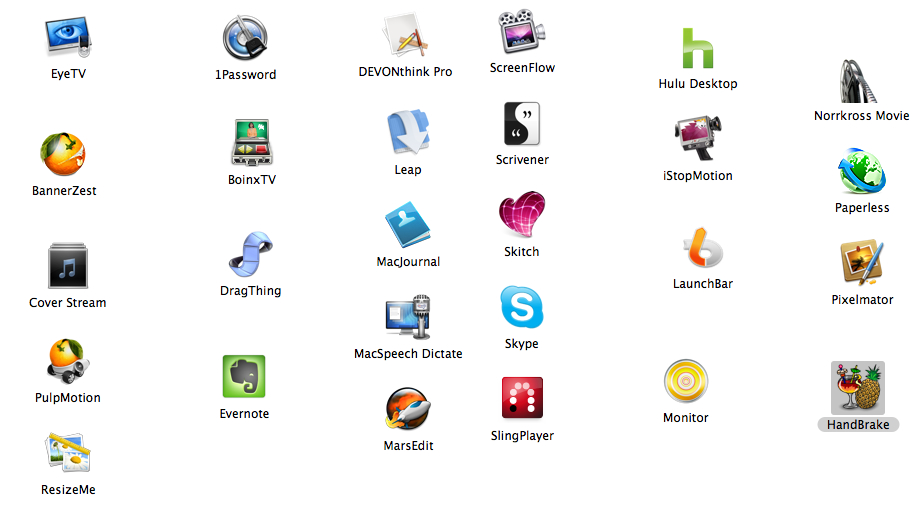
I made the leap to the Mac less than two years ago. When I first made the move I read a number of posts which describes some of the best Mac applications. Over the last 20 months I have found my collection of applications I swear by. Some are from those initial lists but most I stumbled upon along the way- often by accident. With so many of us here on the site using Macs these days I thought it would be worthwhile for us to begin sharing some of our favorite Mac applications. Hence our new “GD Must-Have Mac…